
RECIPE.md
Read this layout's recipe on GitHub →
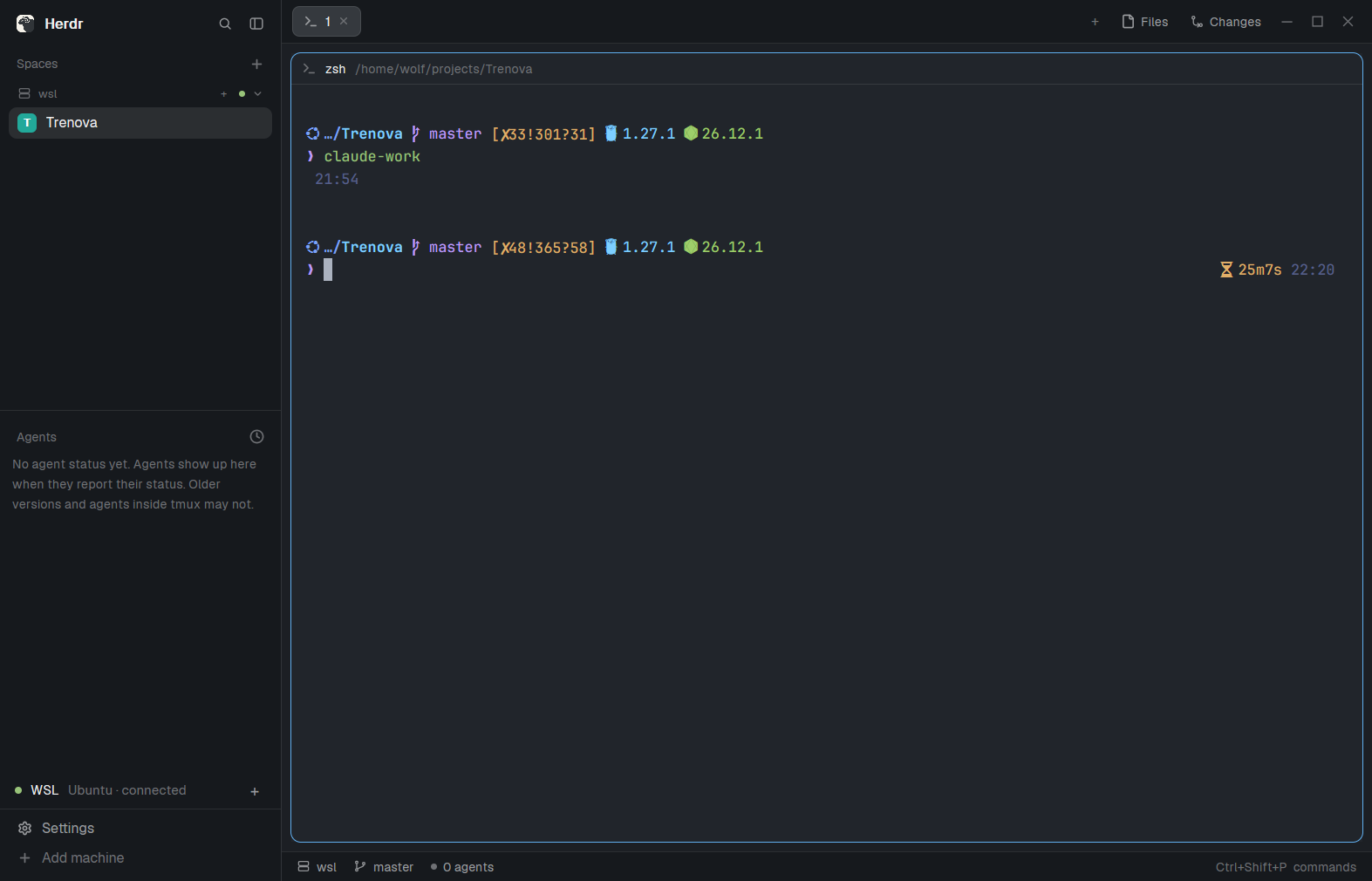
Herdr on Windows, working in Linux. Your WSL 2 distro becomes a Herdr machine and the place spaces go: a new space runs your Linux shell, git and agents natively, and Herdr follows its Linux folders (new tabs, the Files and Changes panels, git status). The sidebar's "This computer" group disappears while it has no spaces, the Spaces + and a WSL row open WSL spaces, and the row shows whether WSL is connected and reconnects it when it isn't.
Read ~/.config/herdr-app/AGENTS.md, then add this layout: herdr.dev/layouts/emoss08/herdr-wsl Read this layout's recipe on GitHub →