Gallery
Whole new windows.
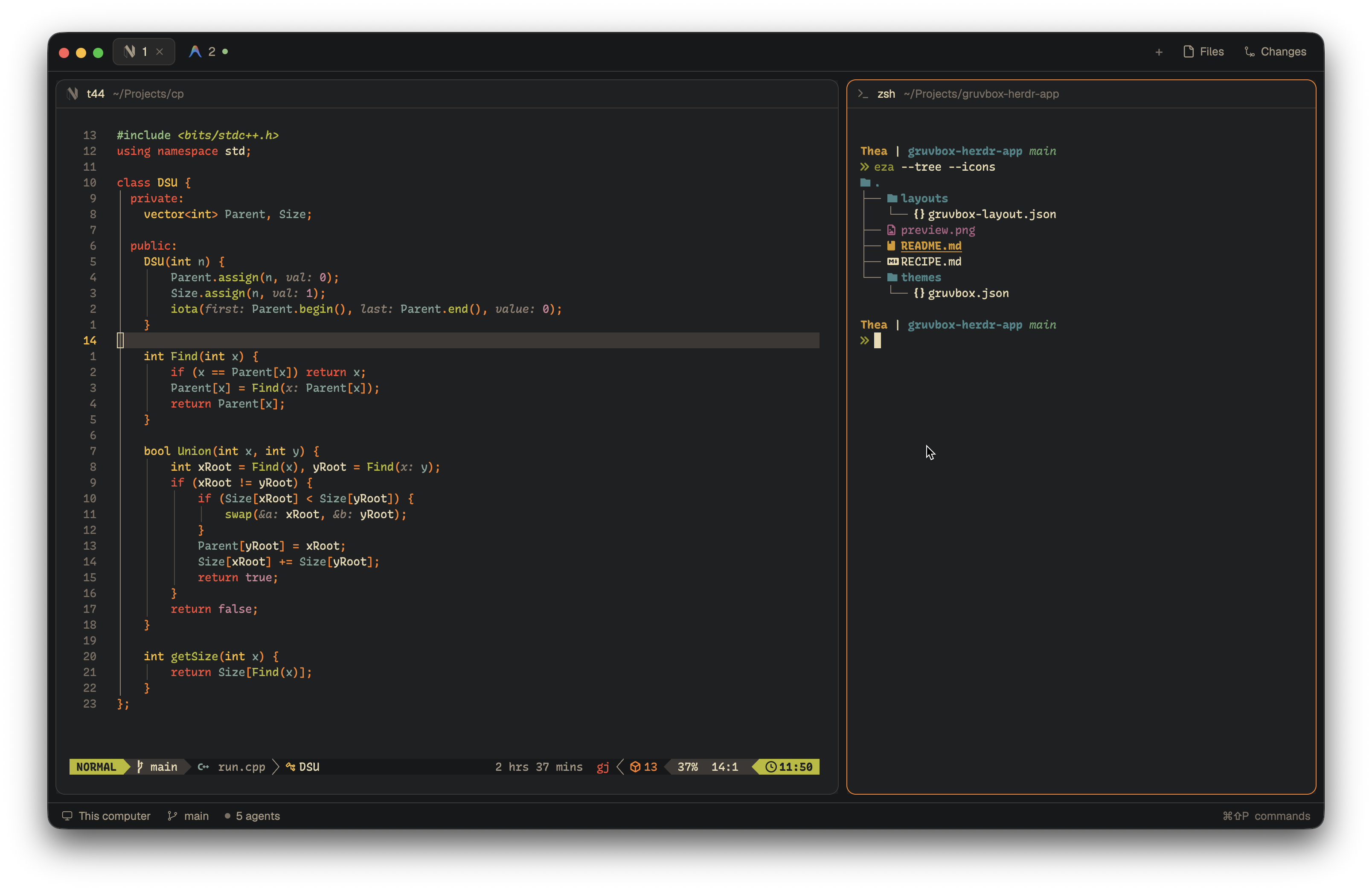
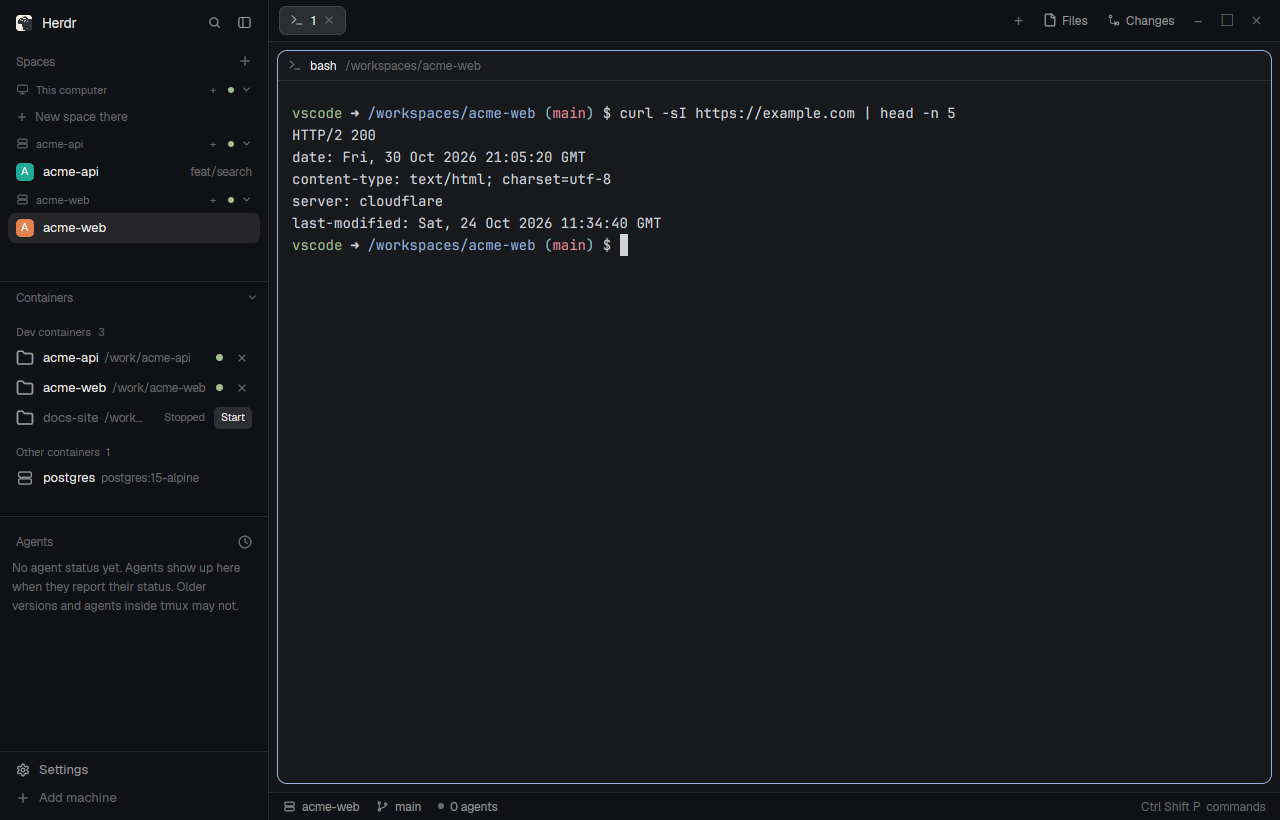
A layout is a whole window: what goes where and how it looks. Copy one line and your agent adds it next to yours. Yours stays as it is.
No matches here right now. Share yours.
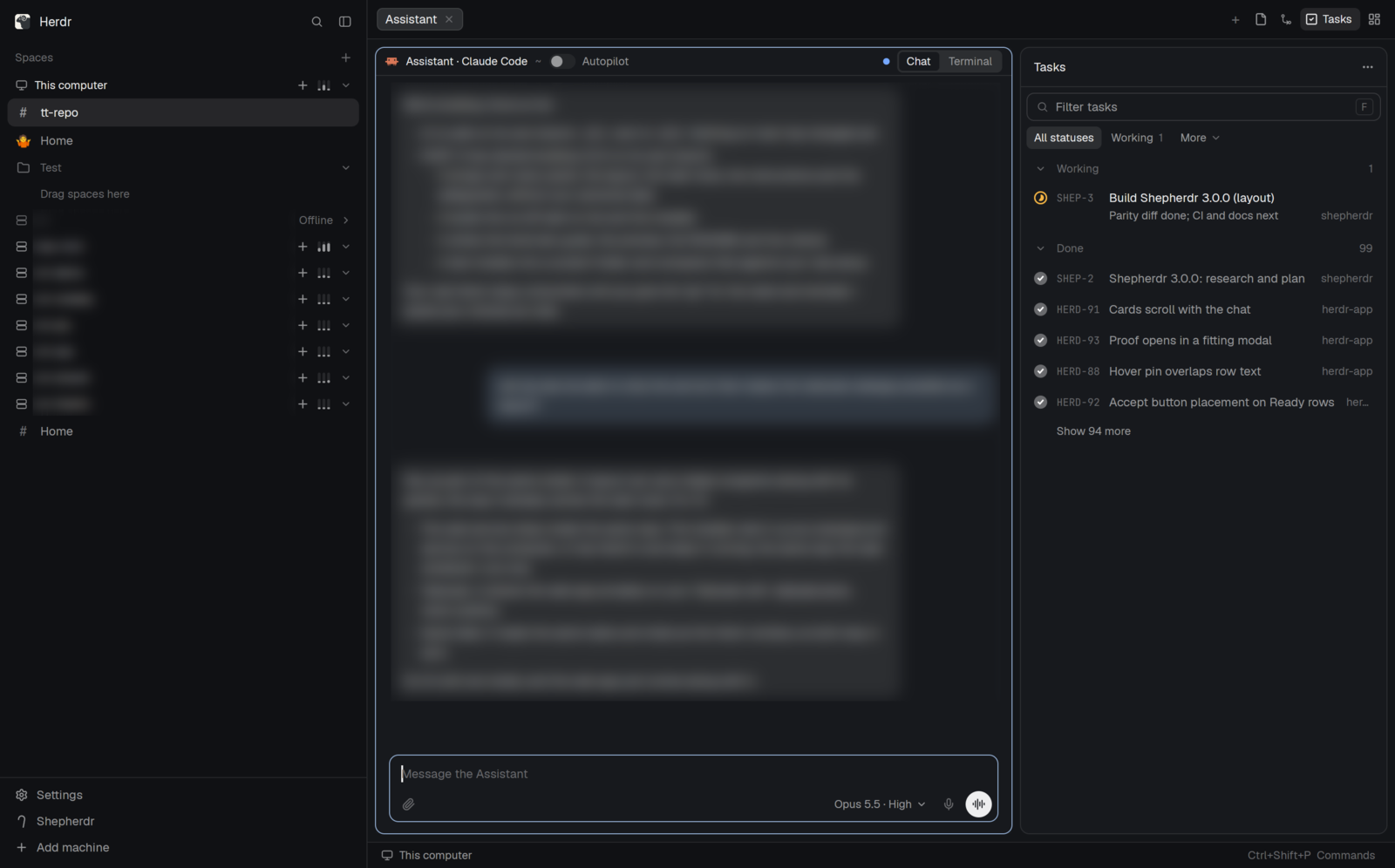

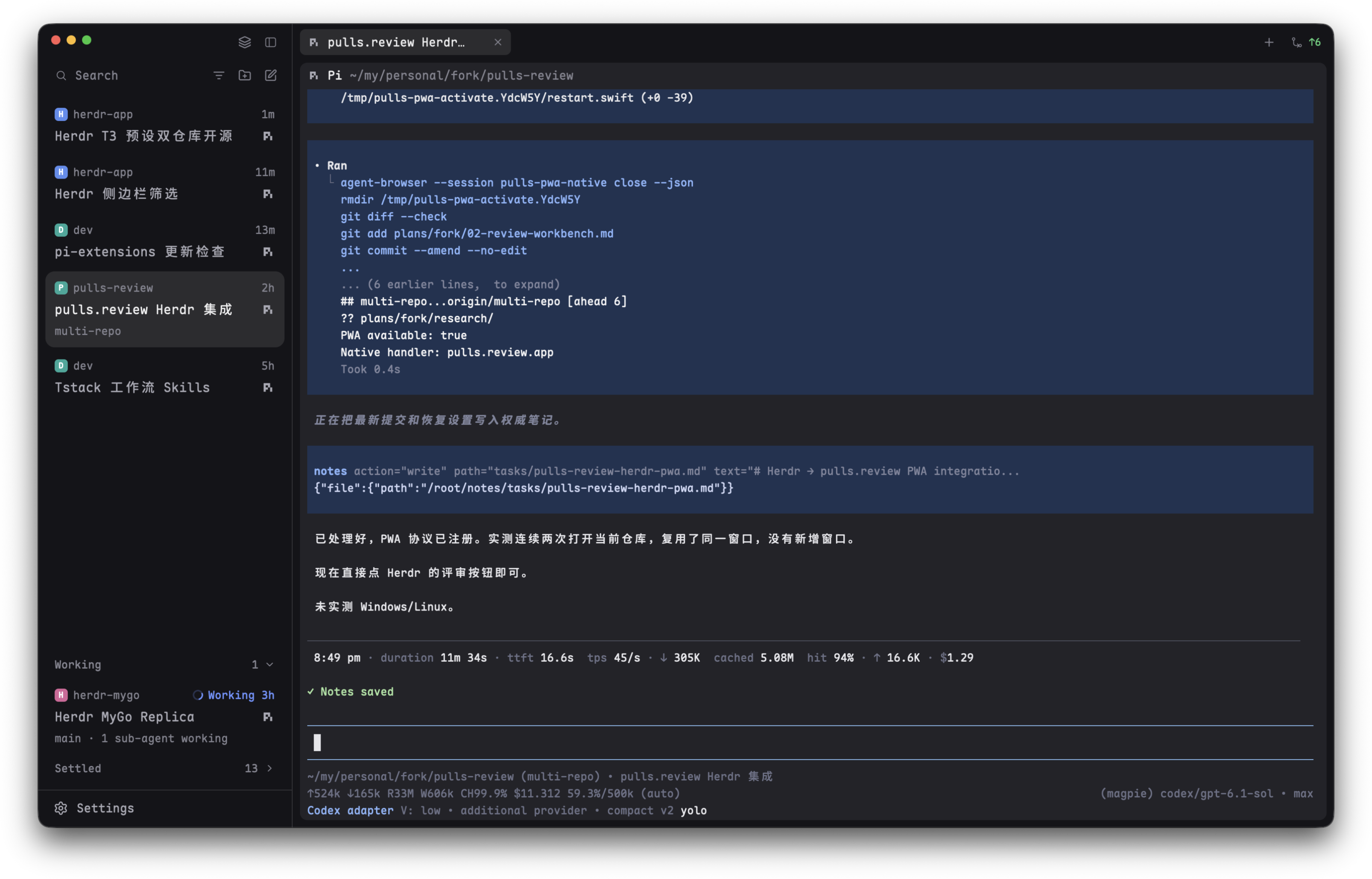

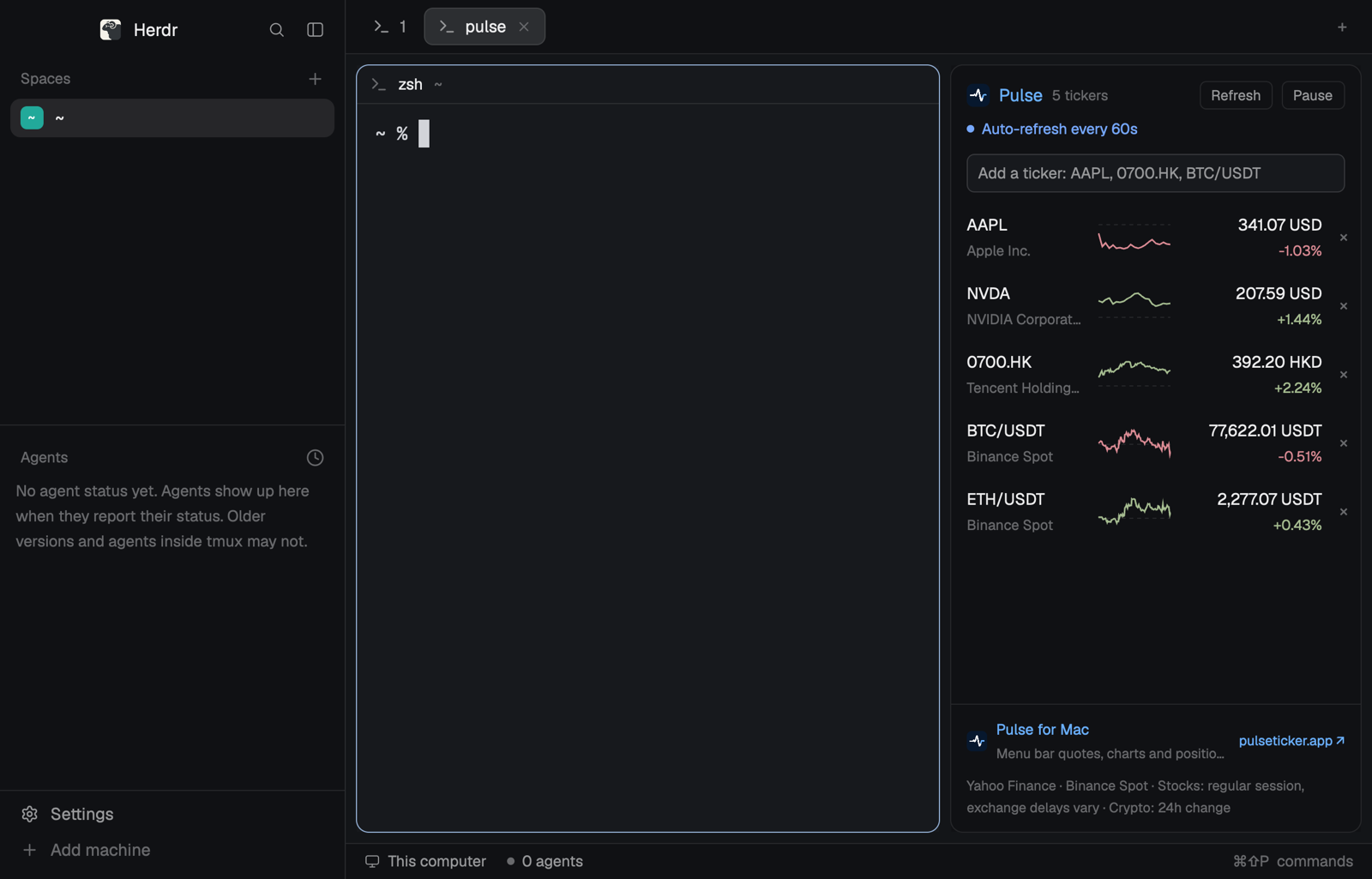

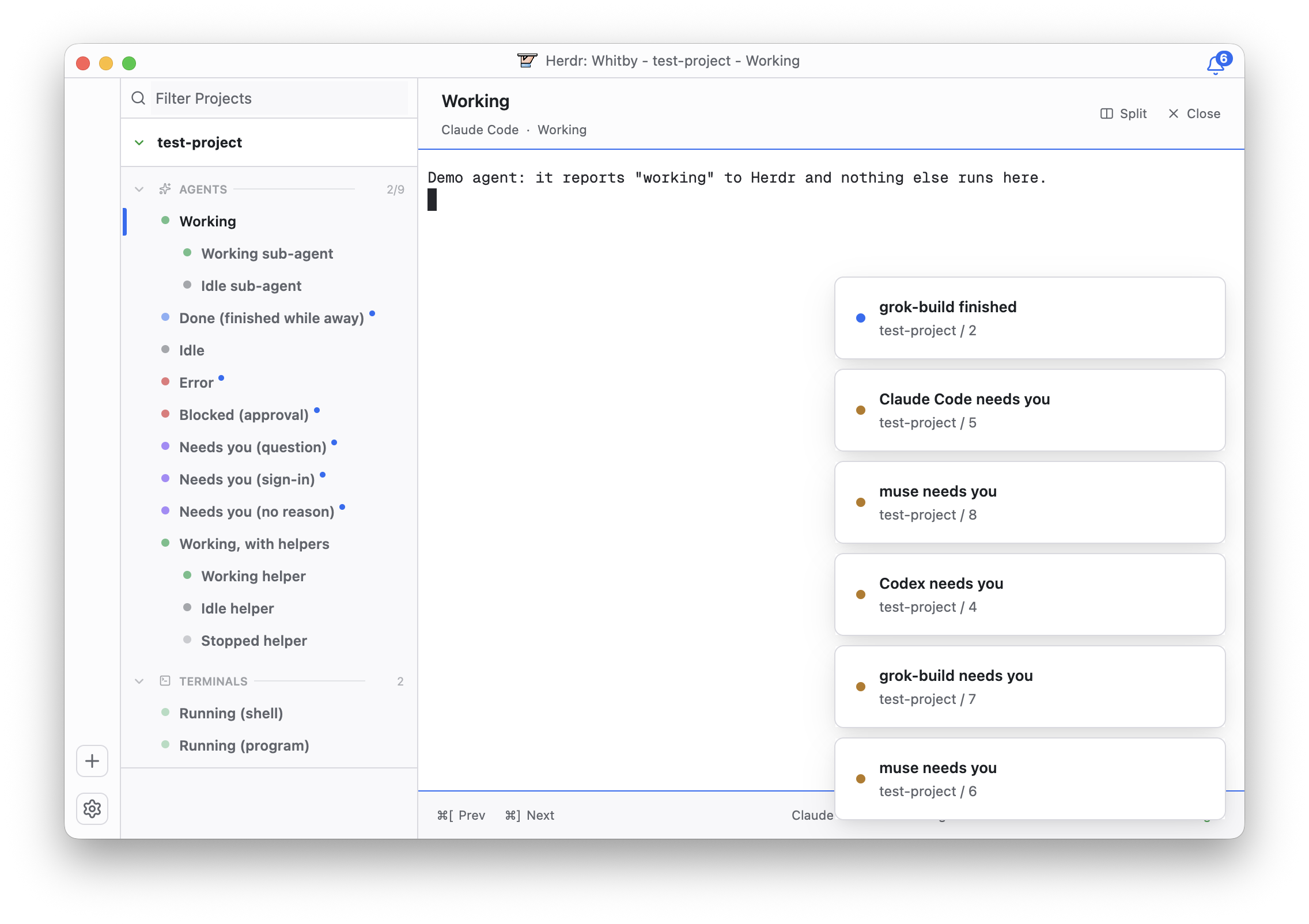

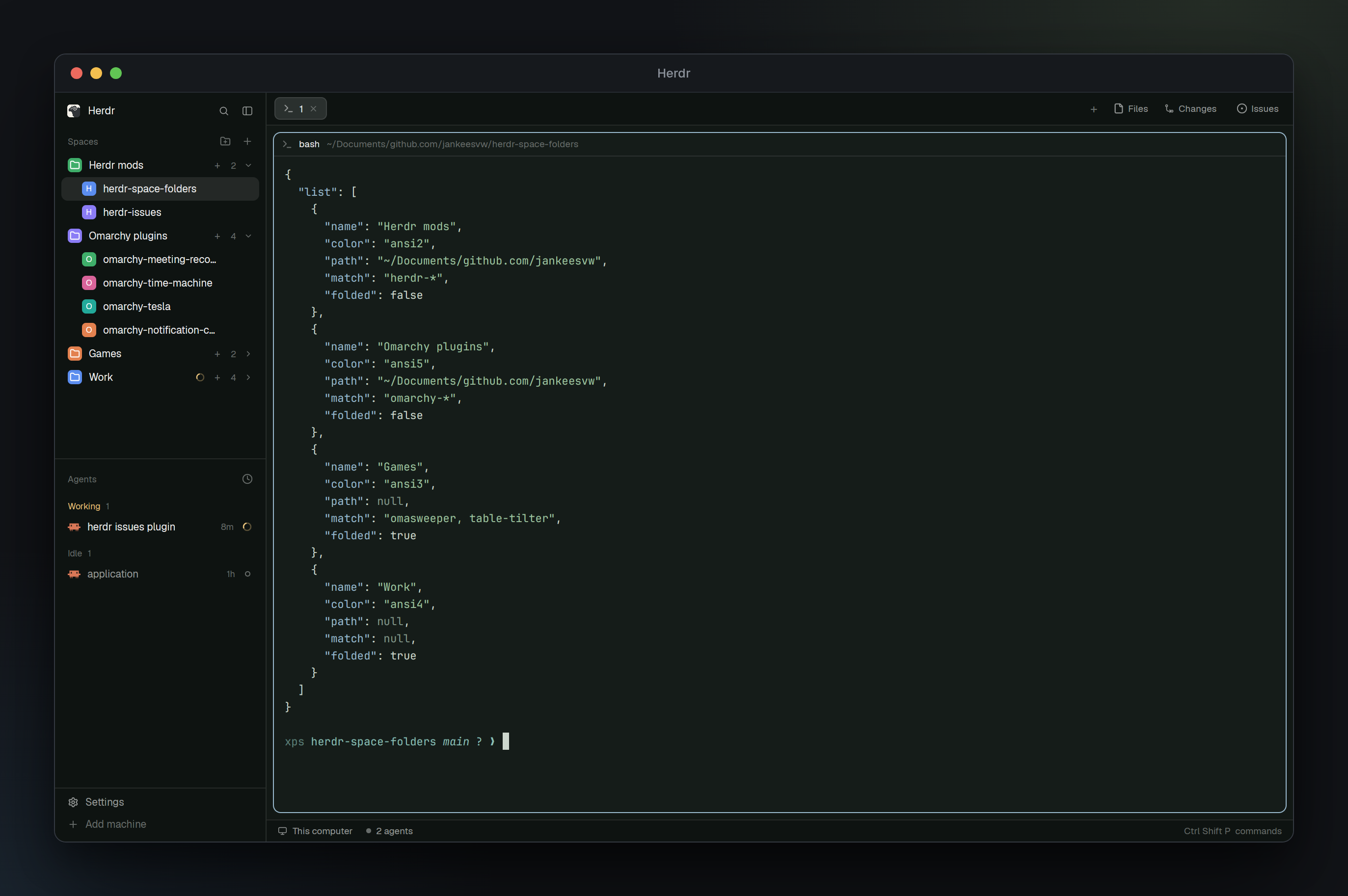



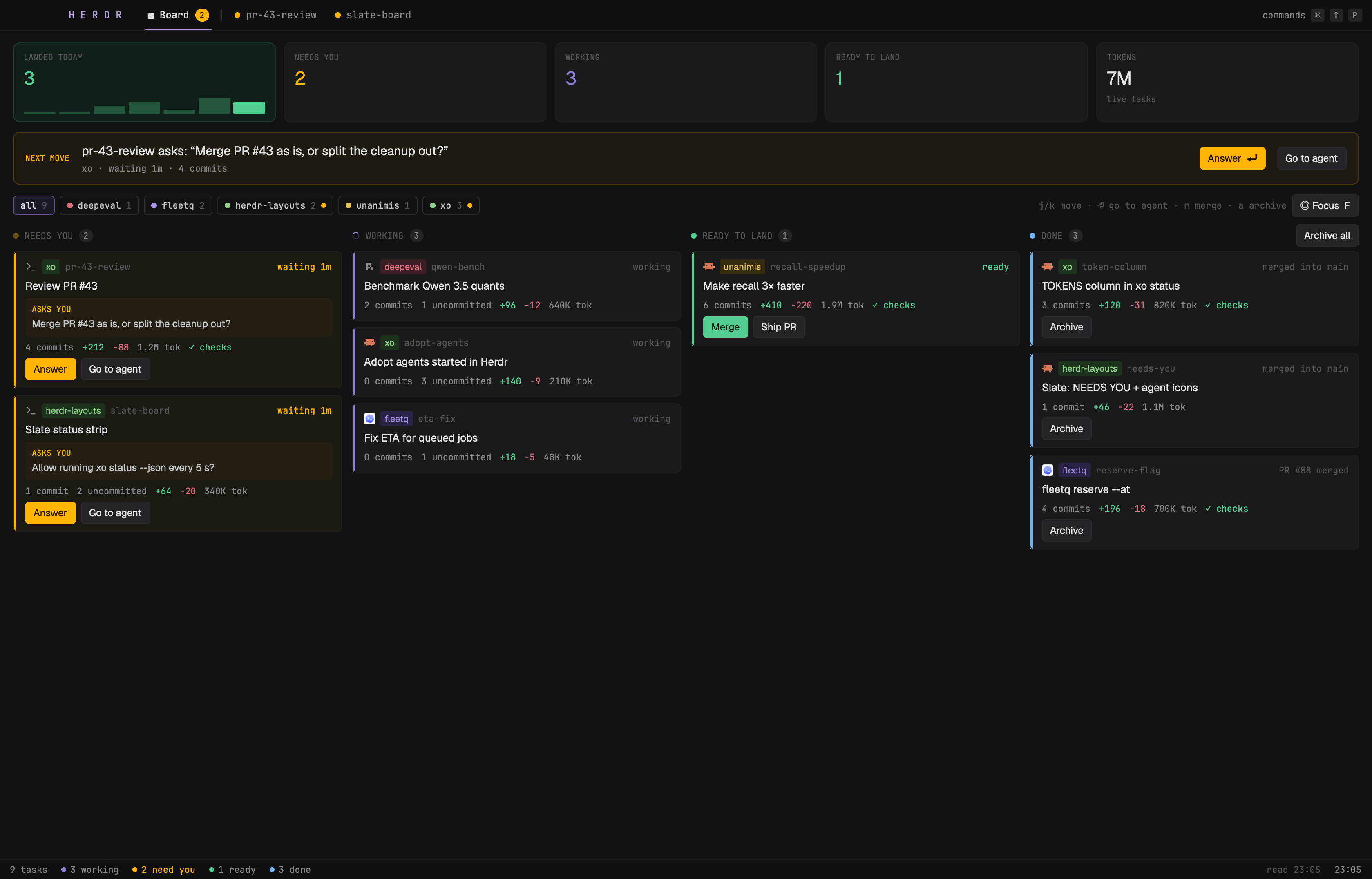

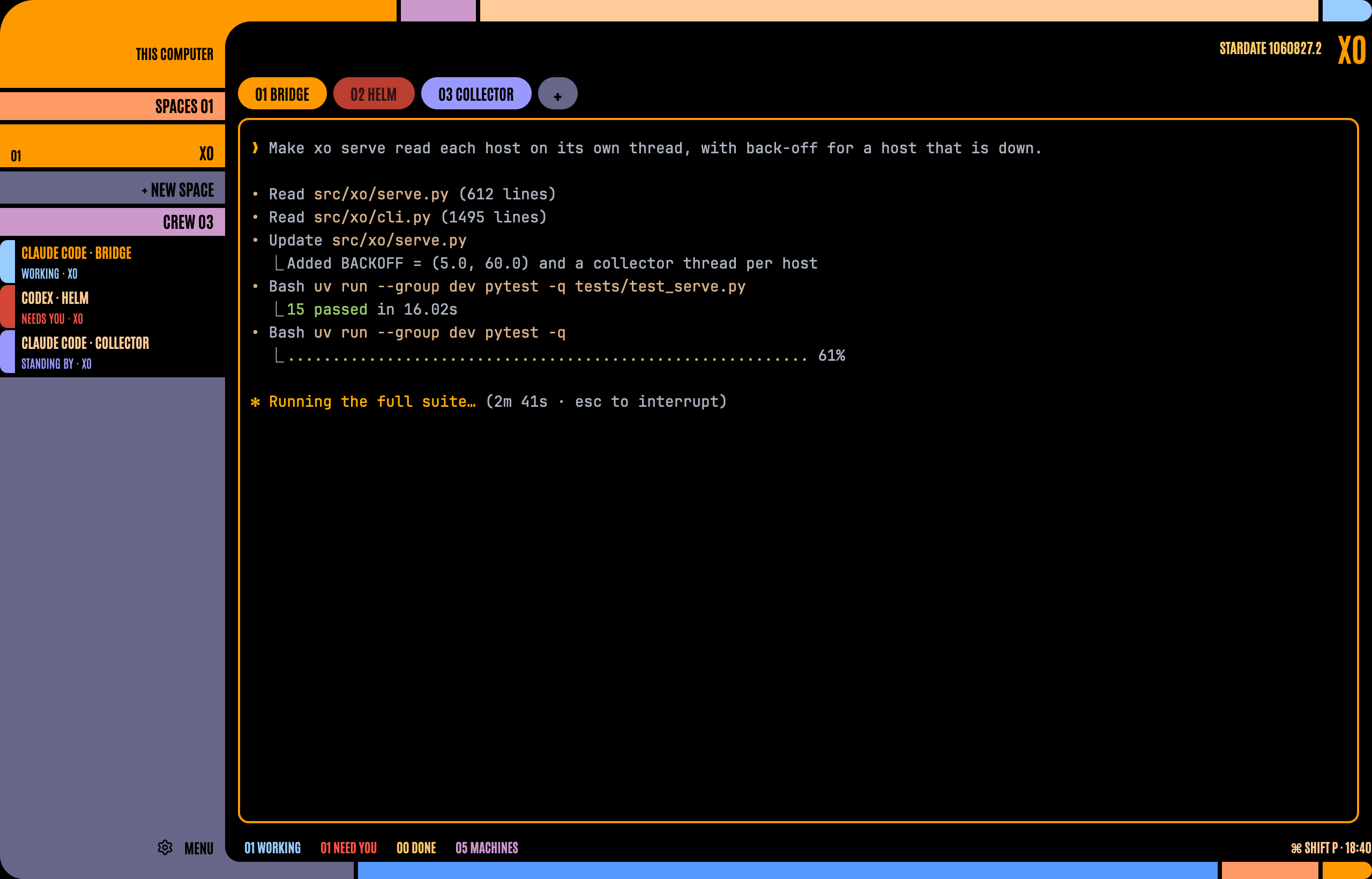
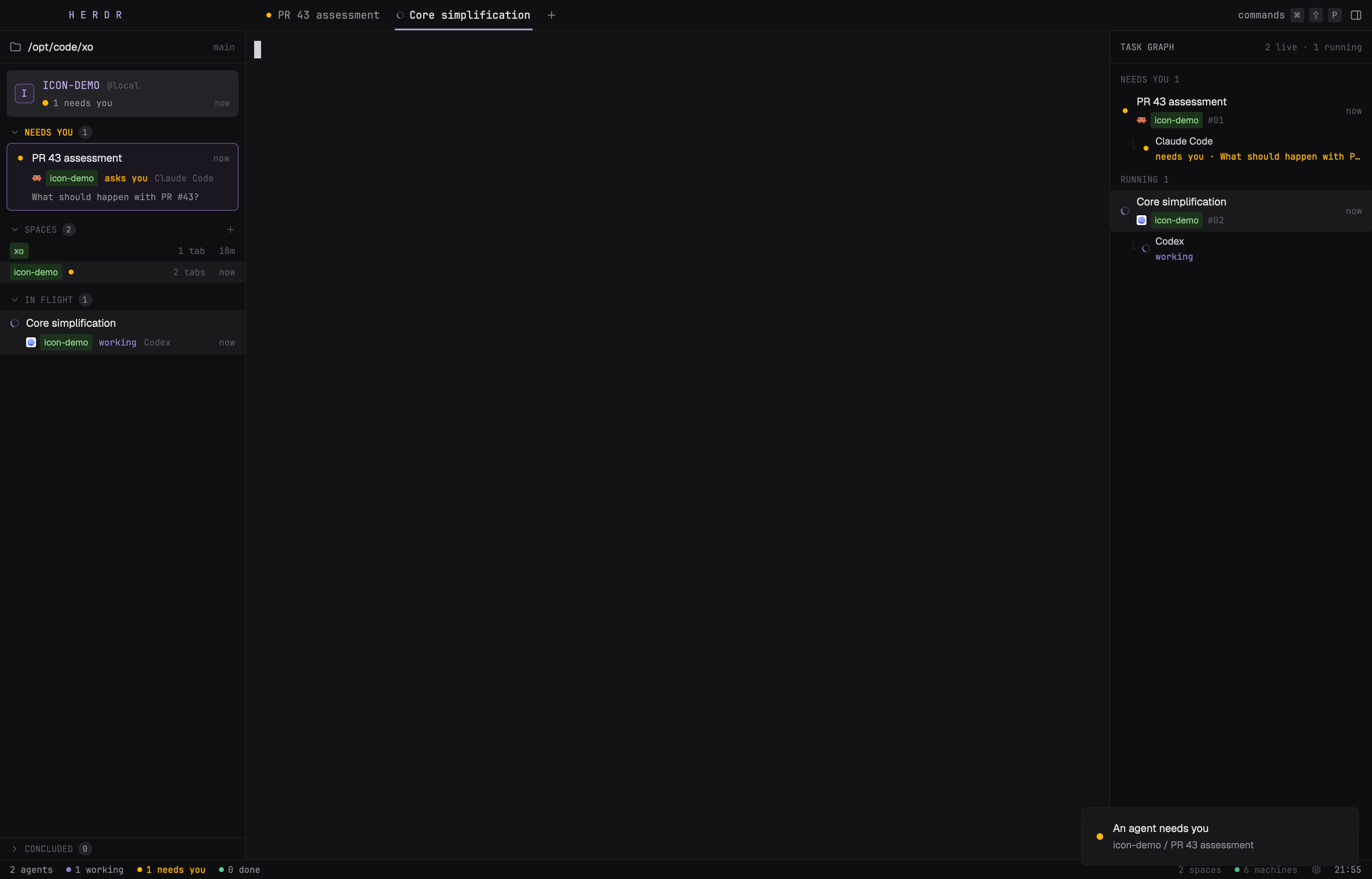
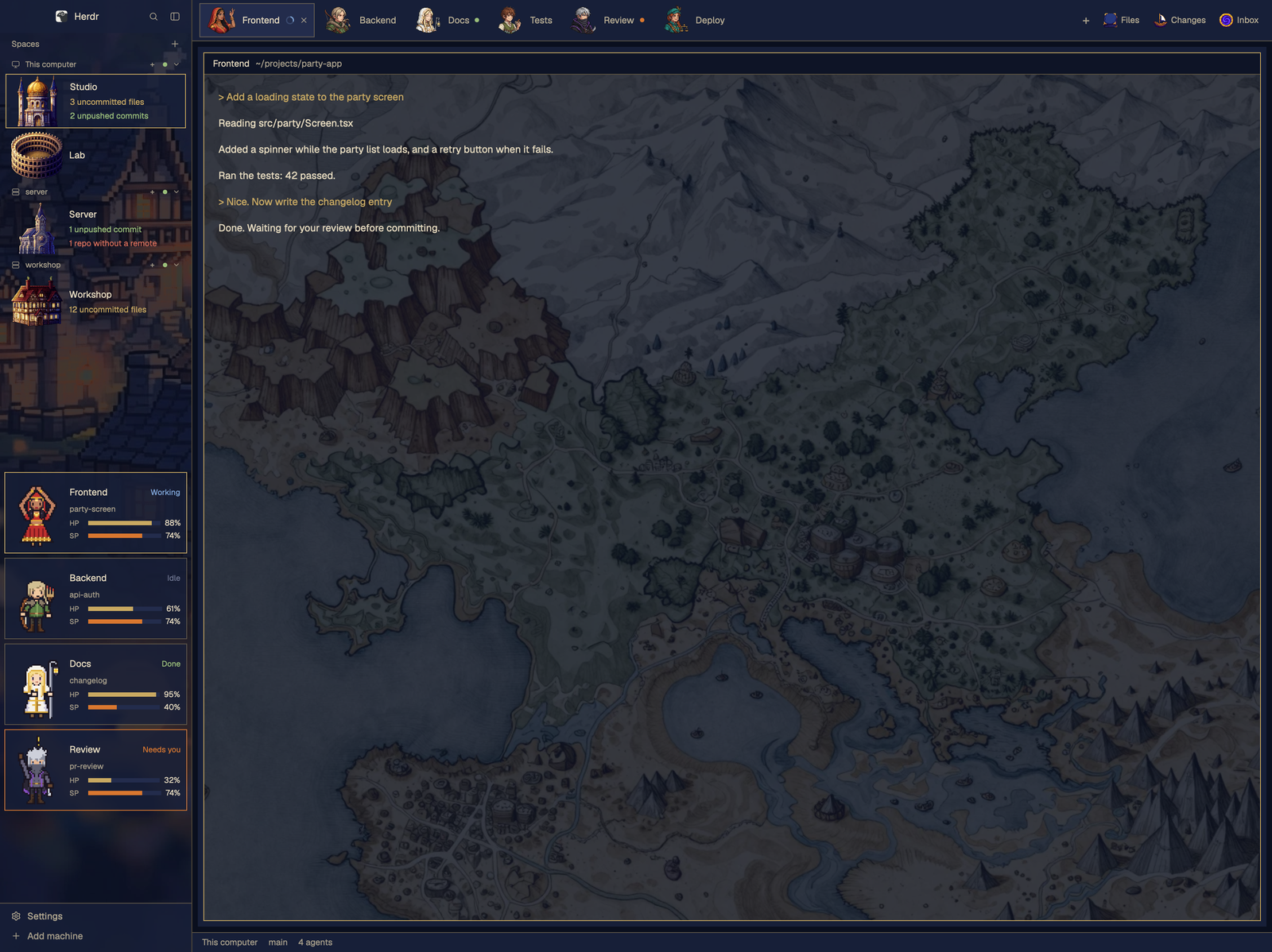


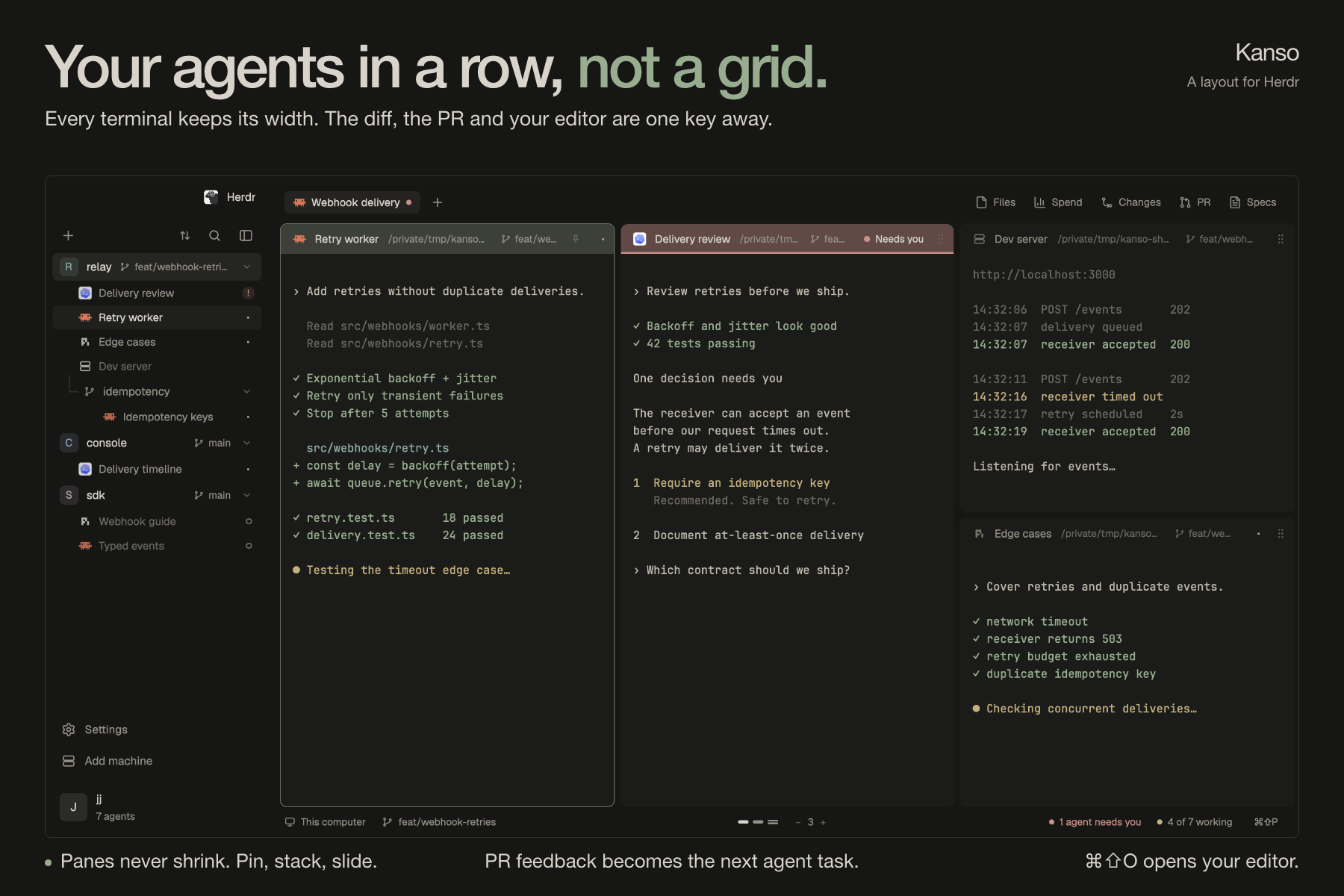



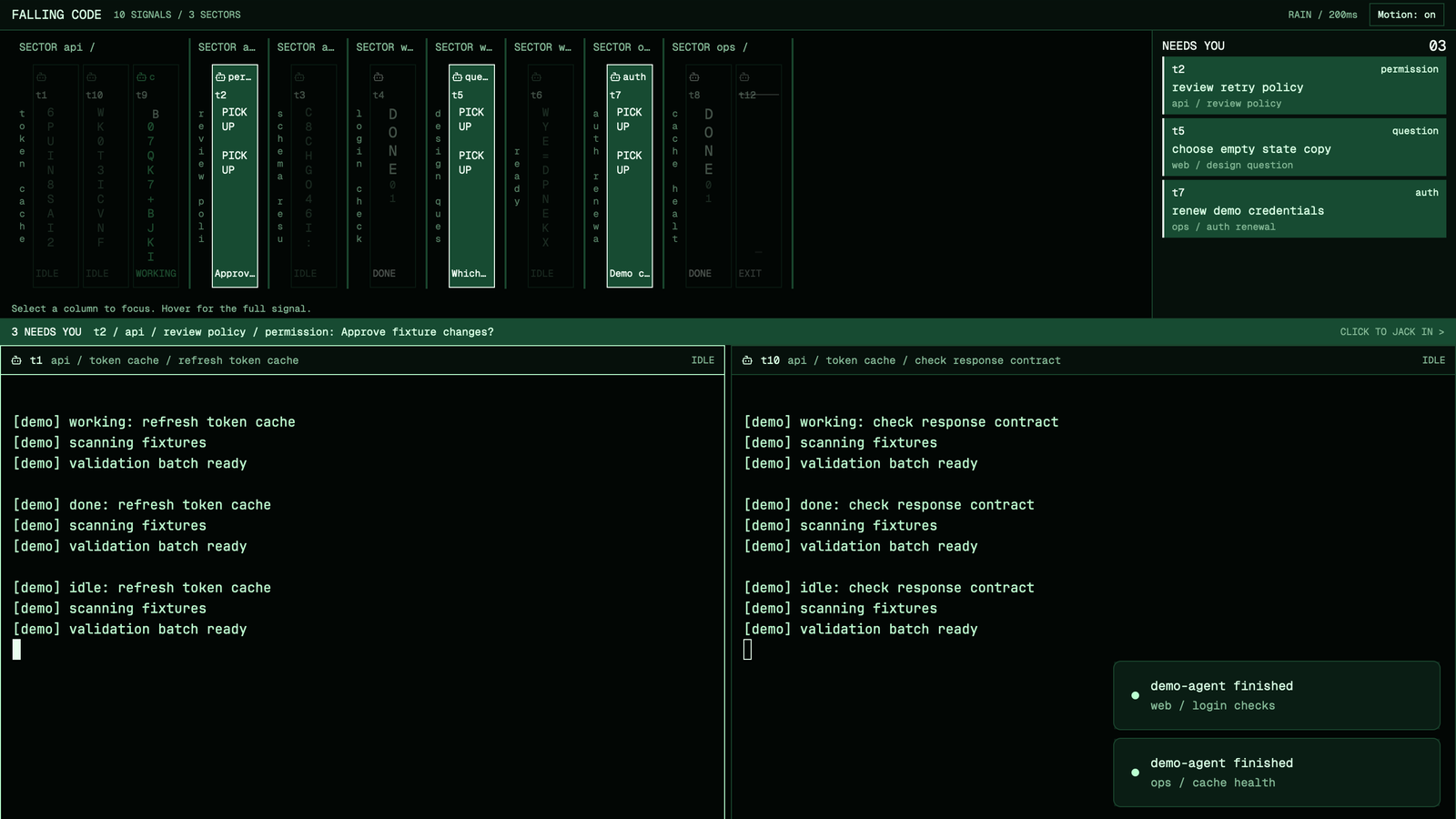
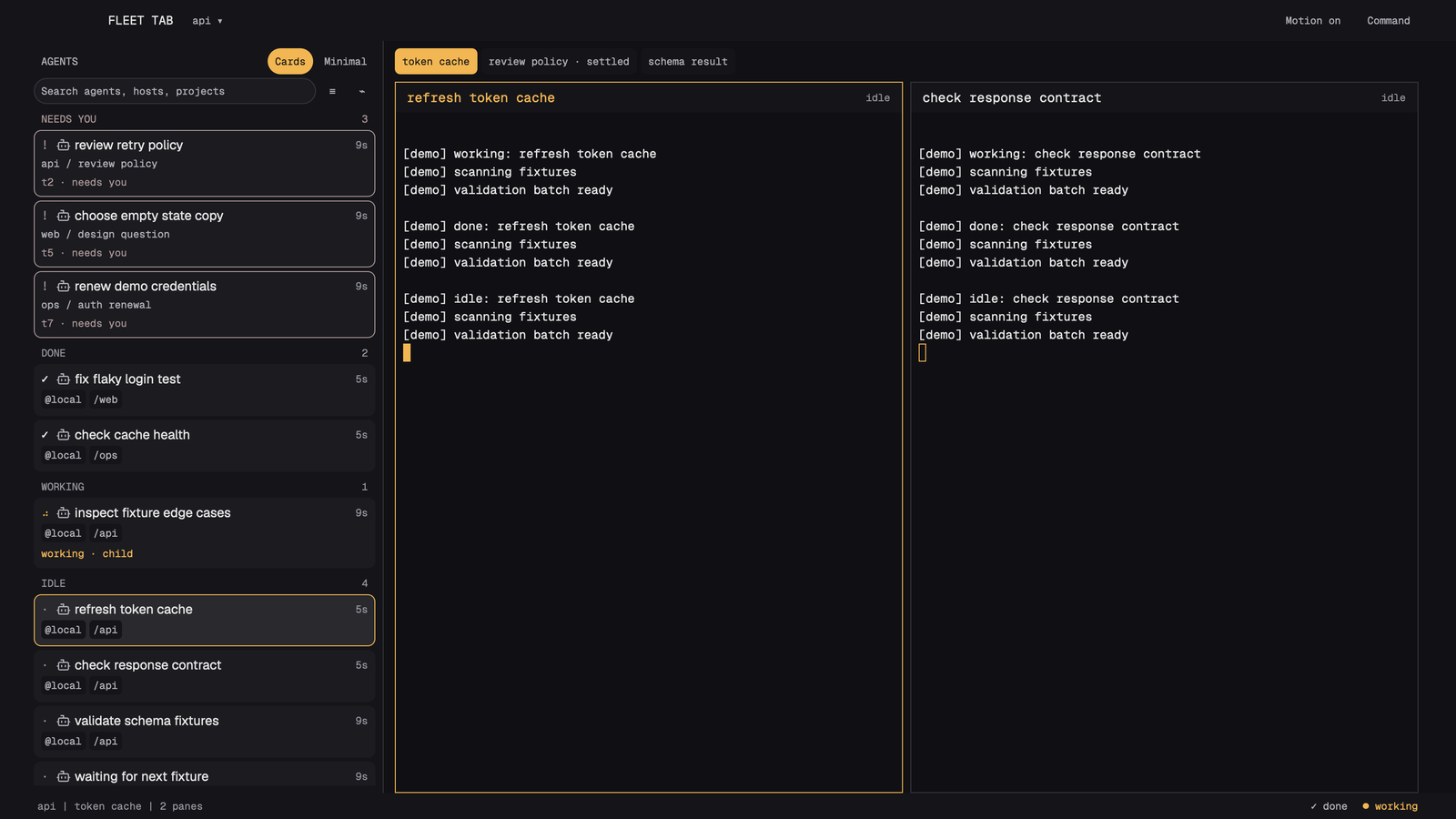
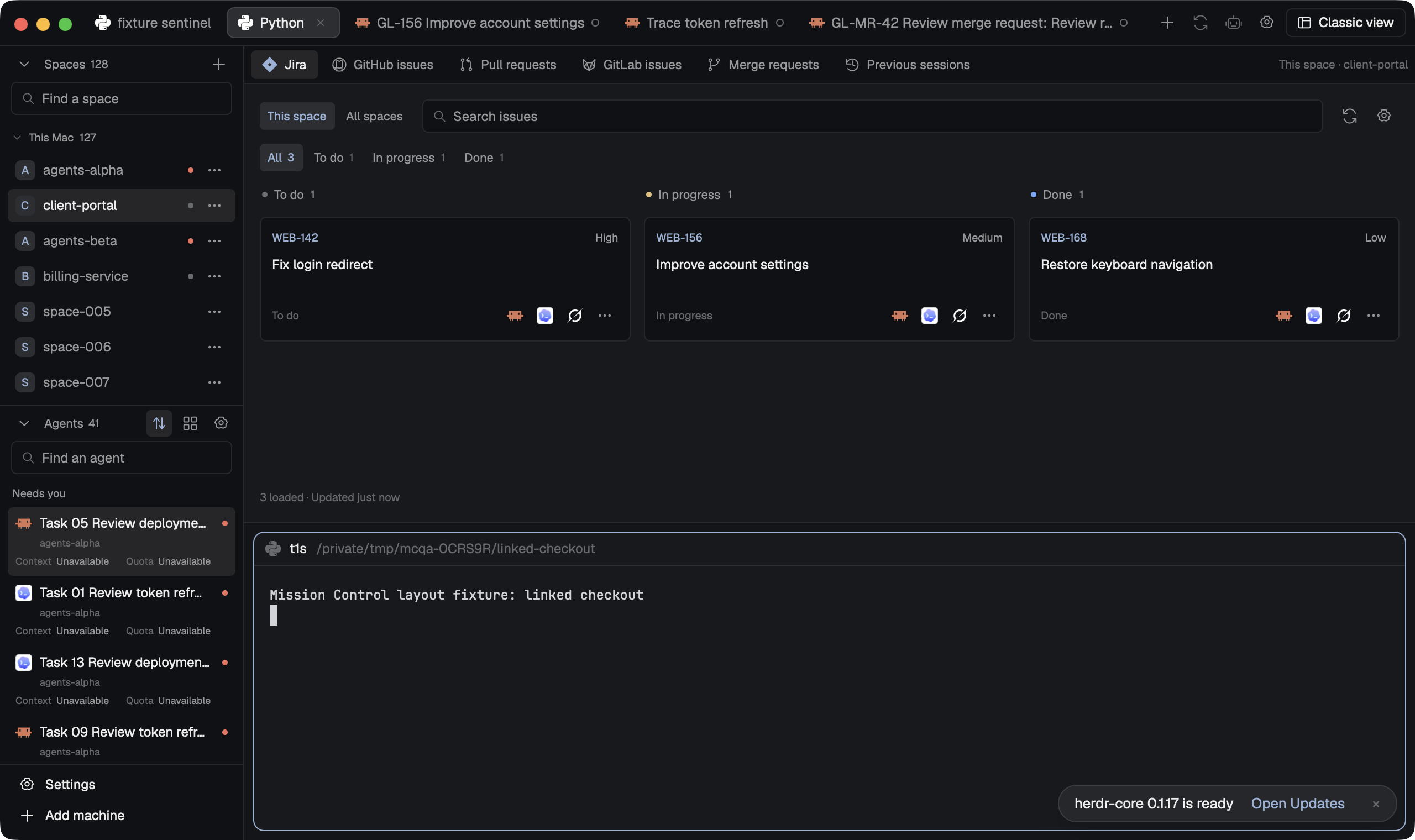

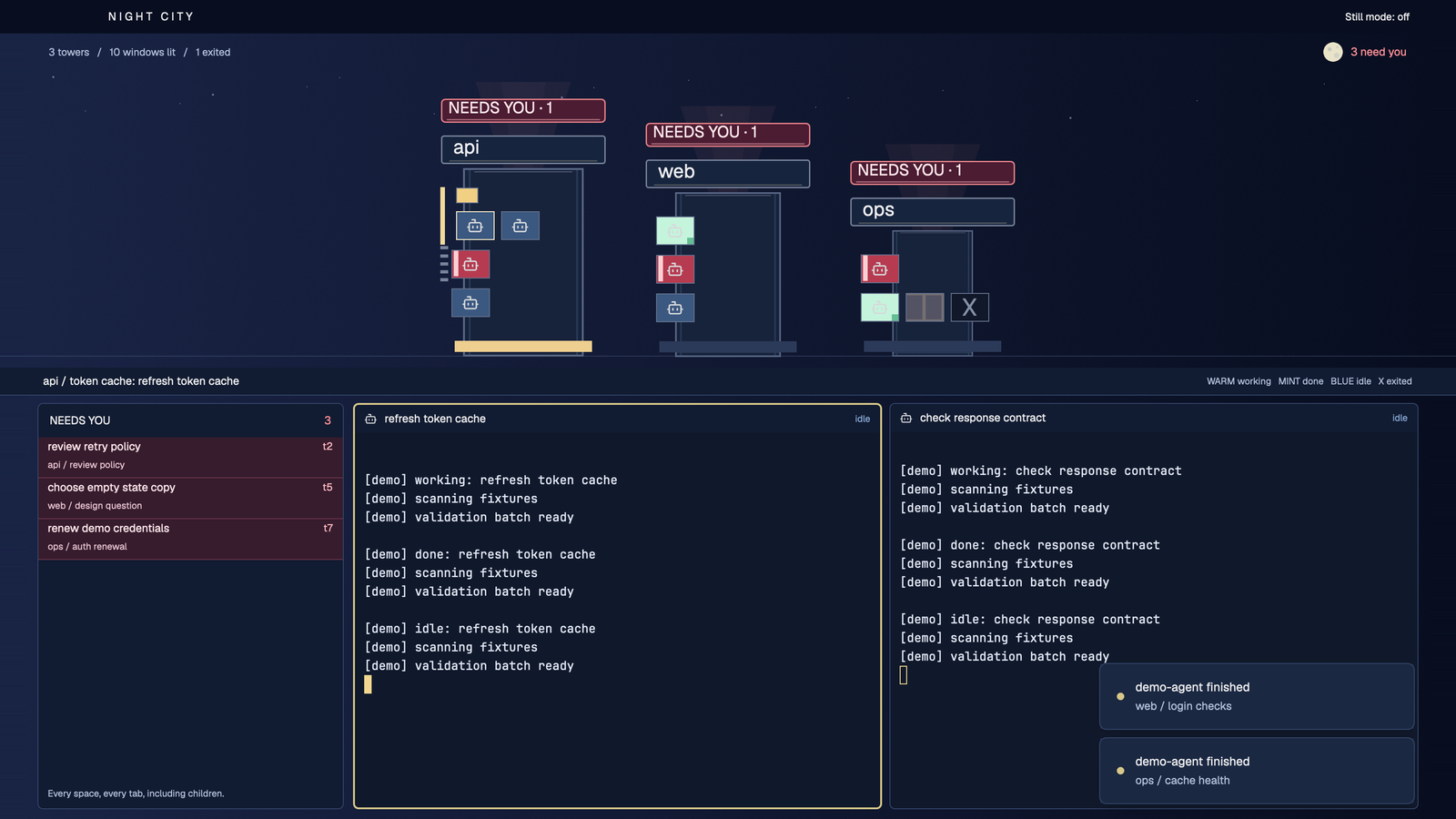


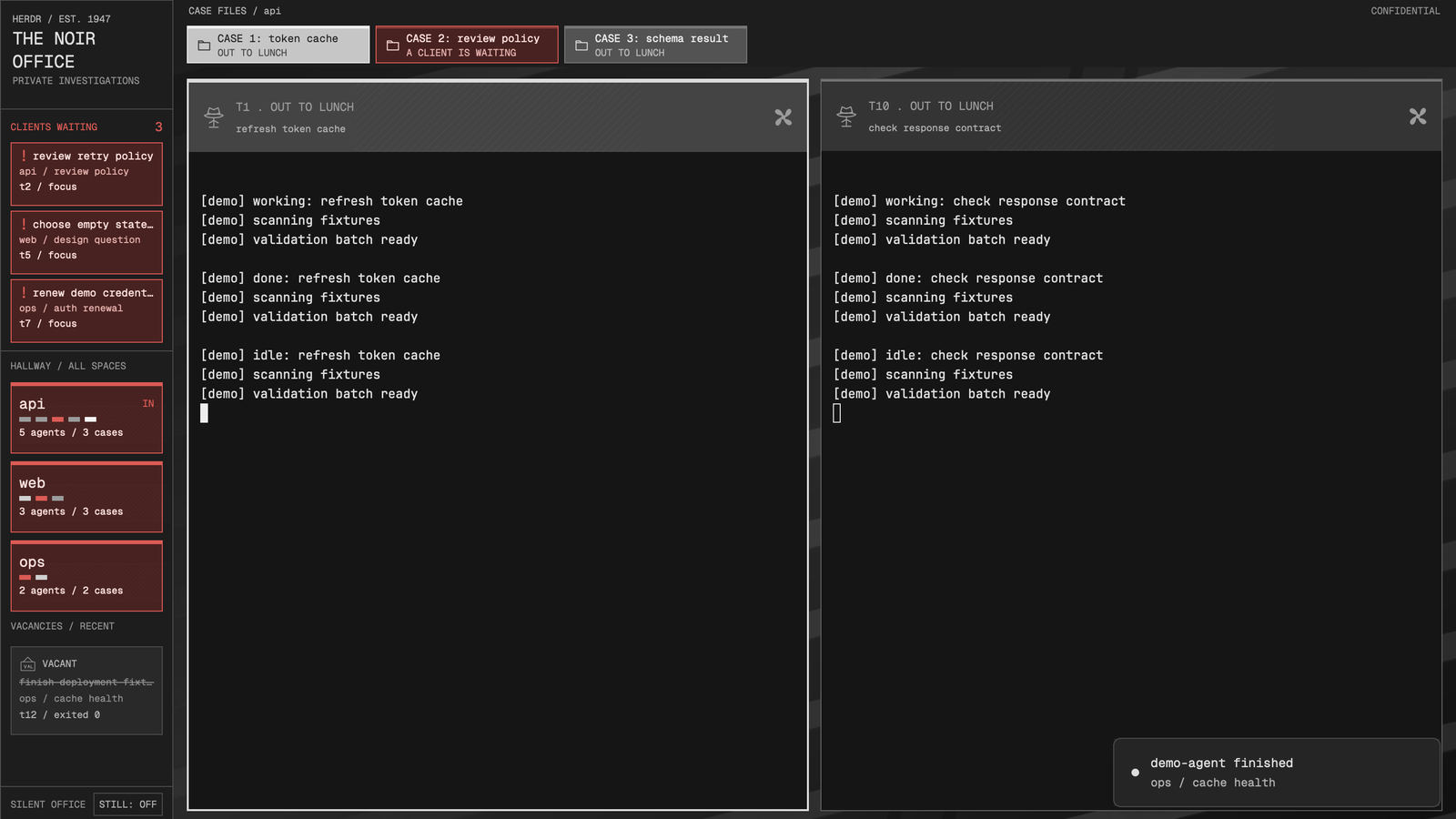
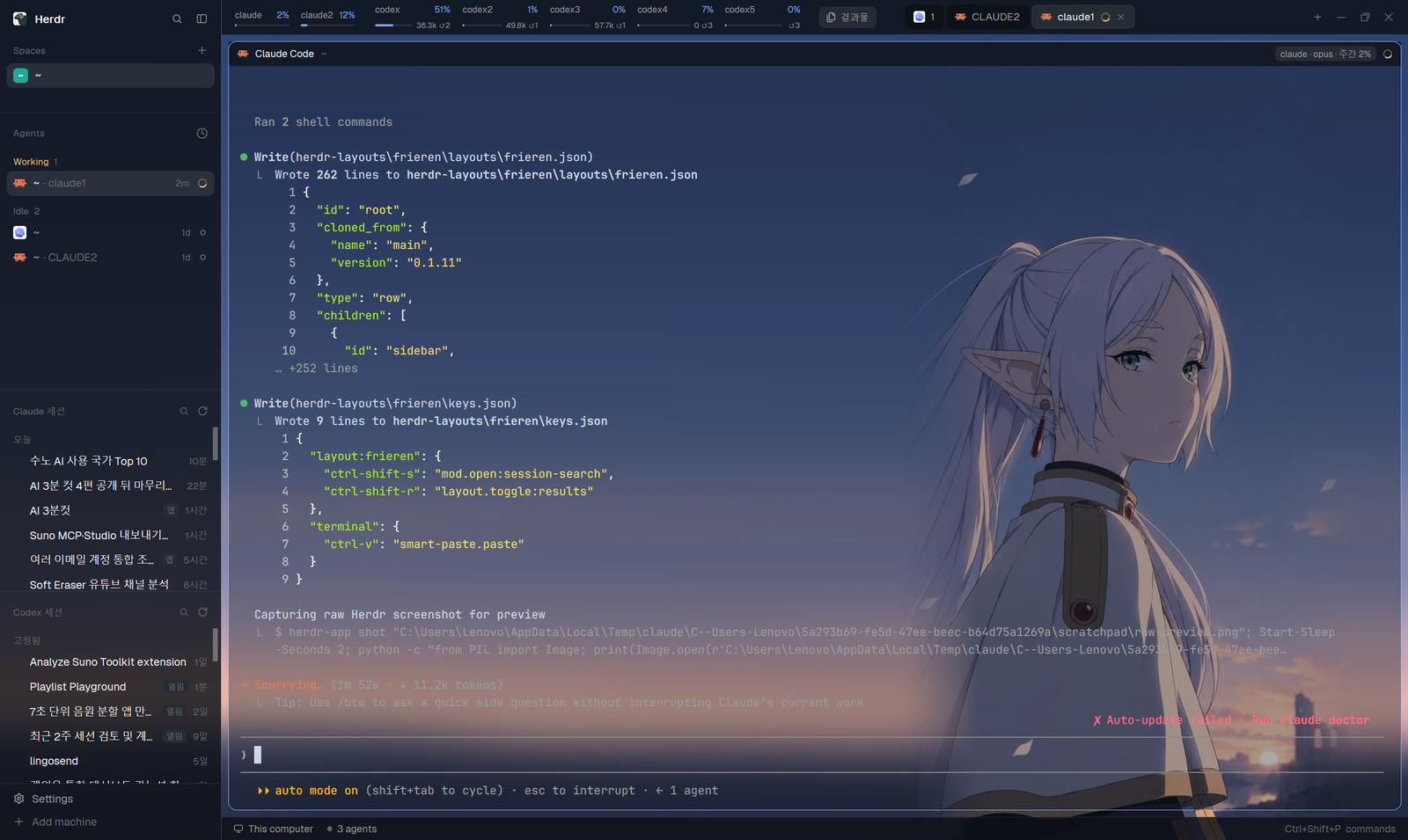

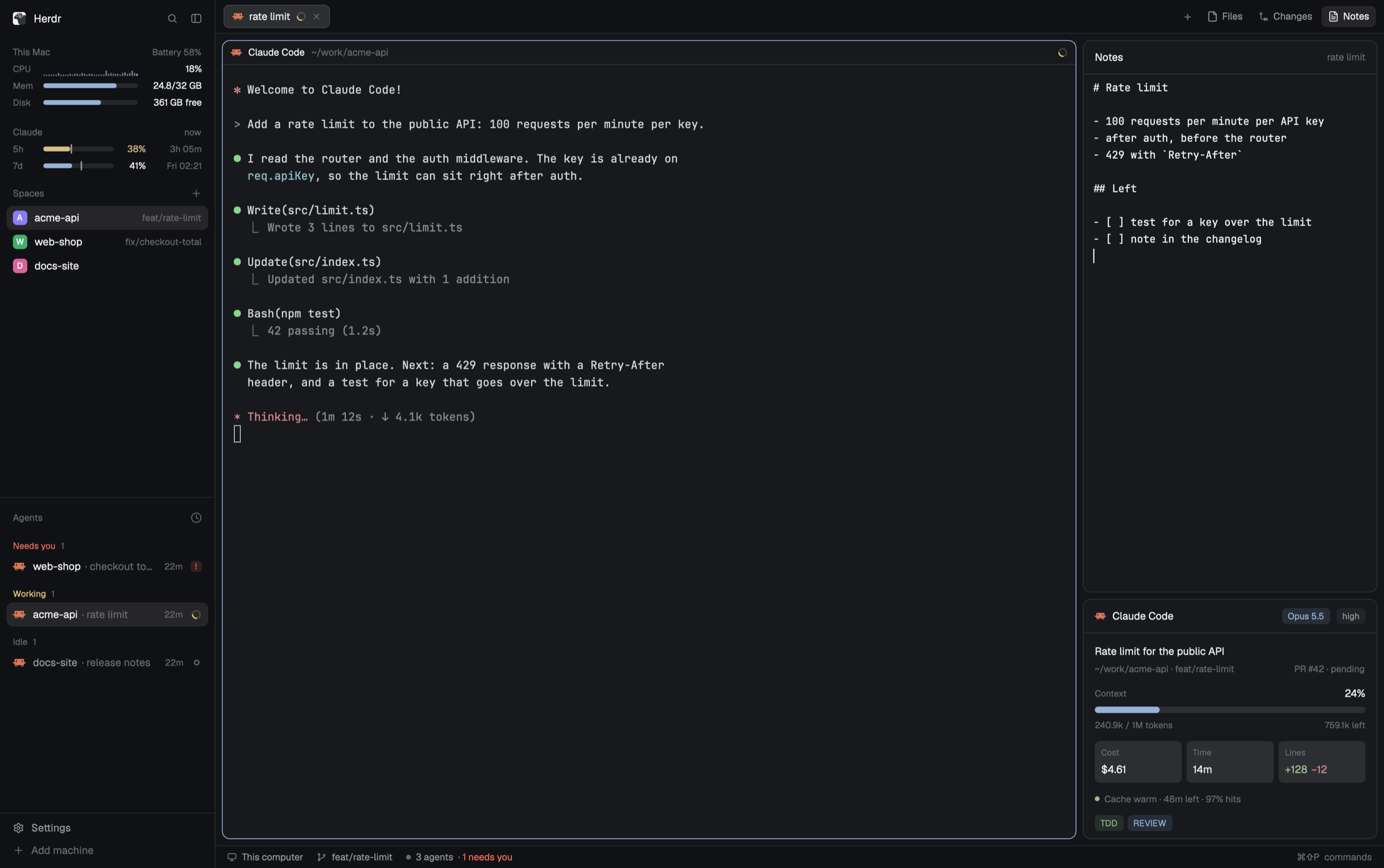

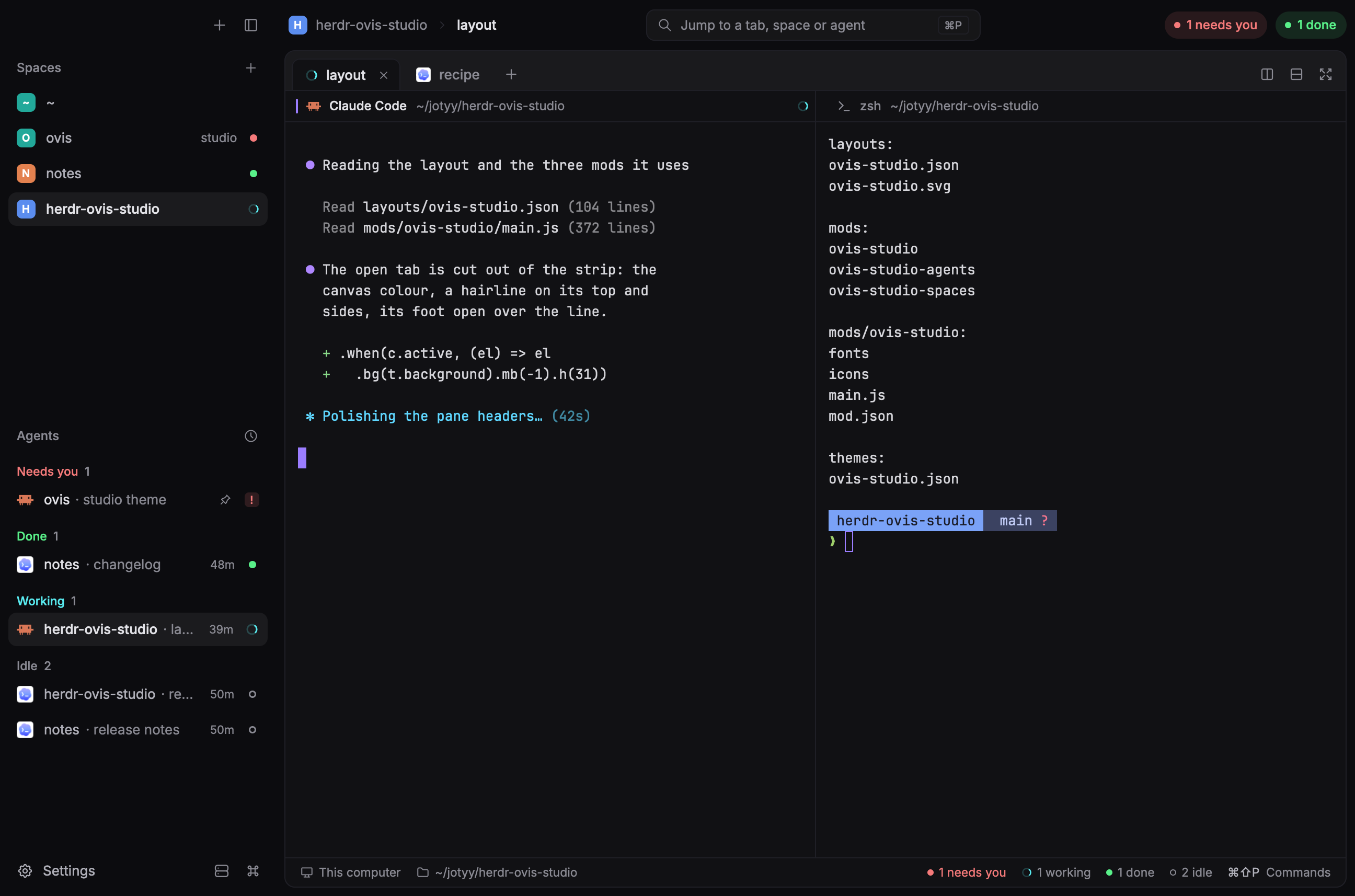

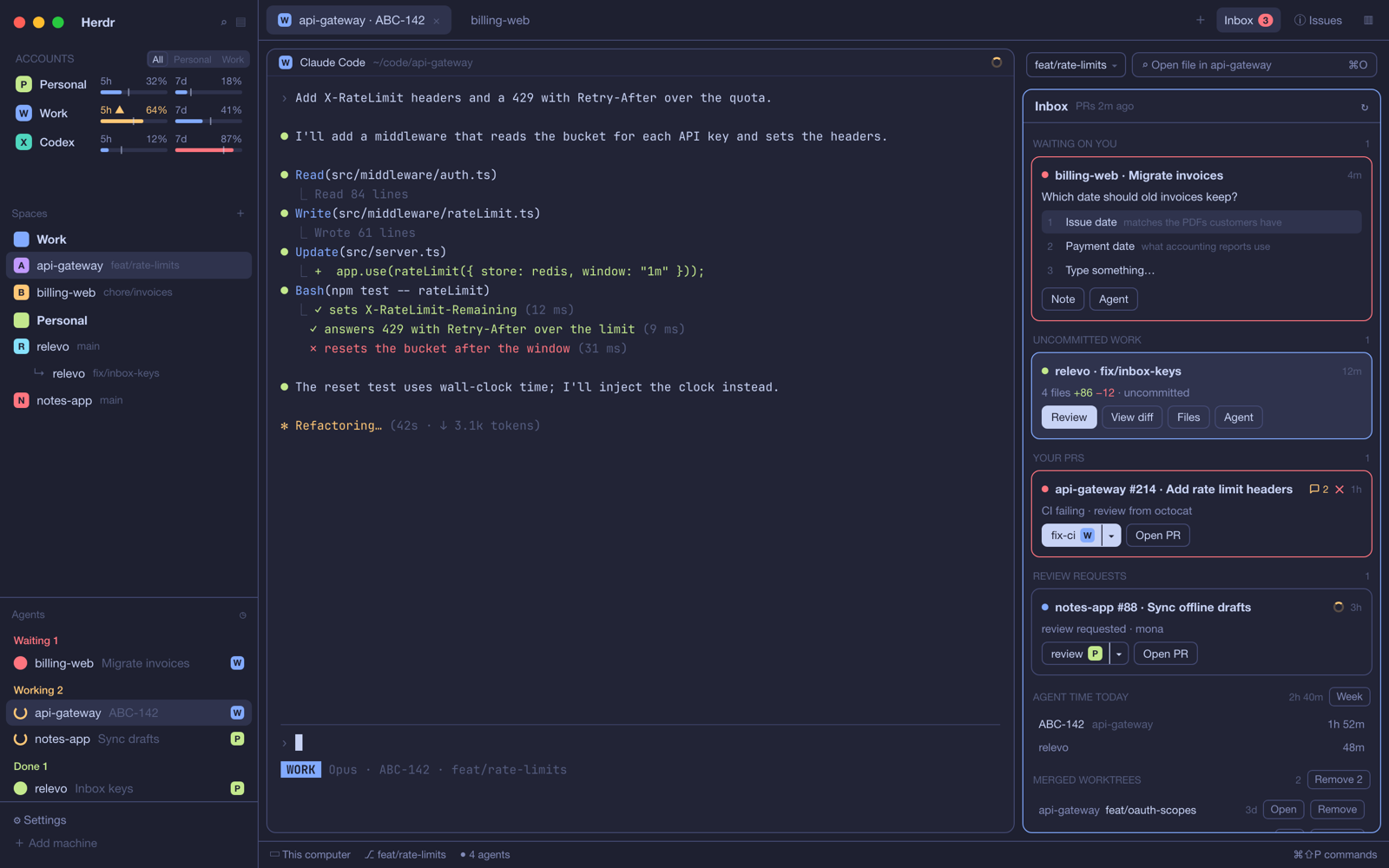

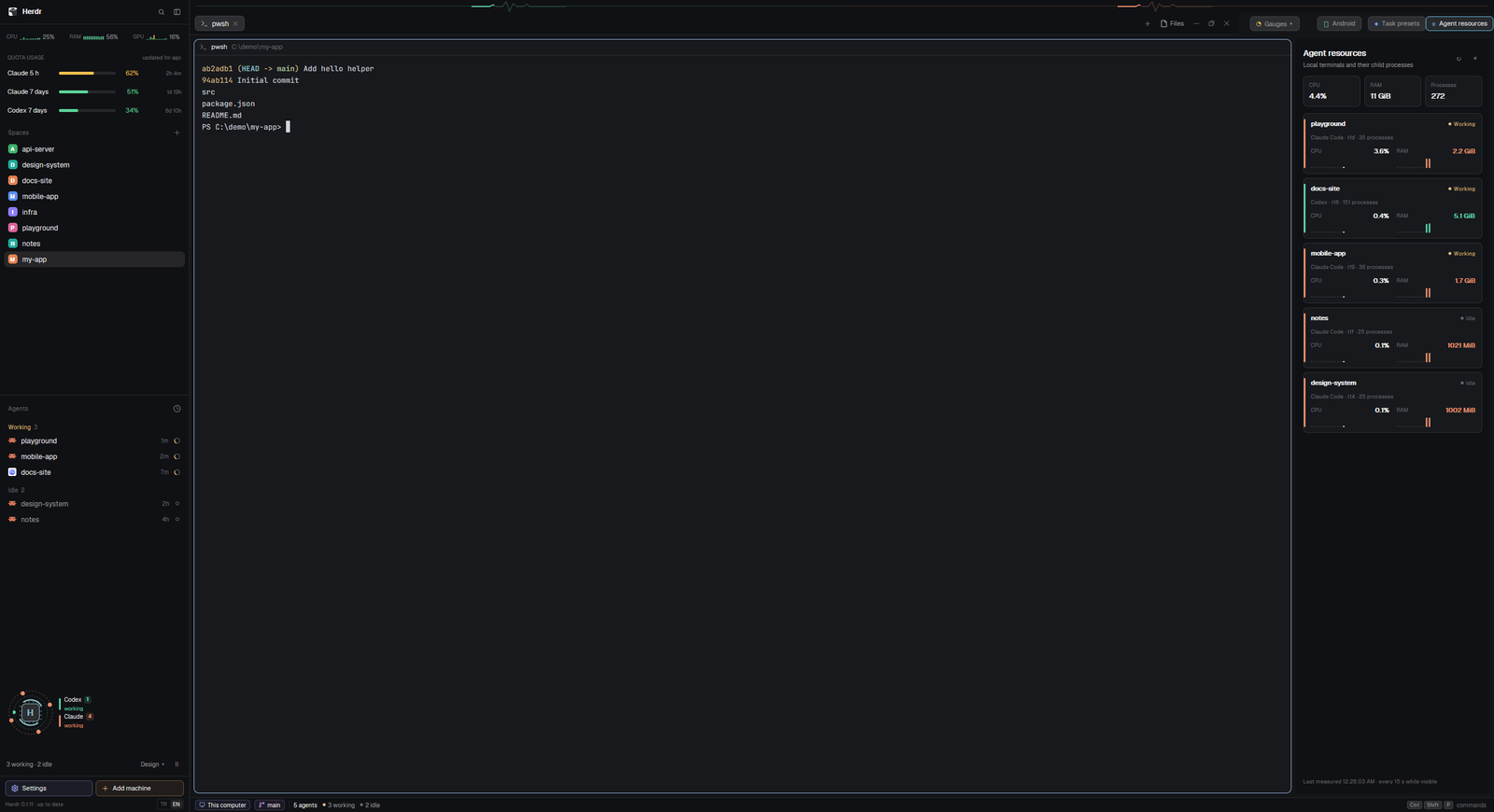

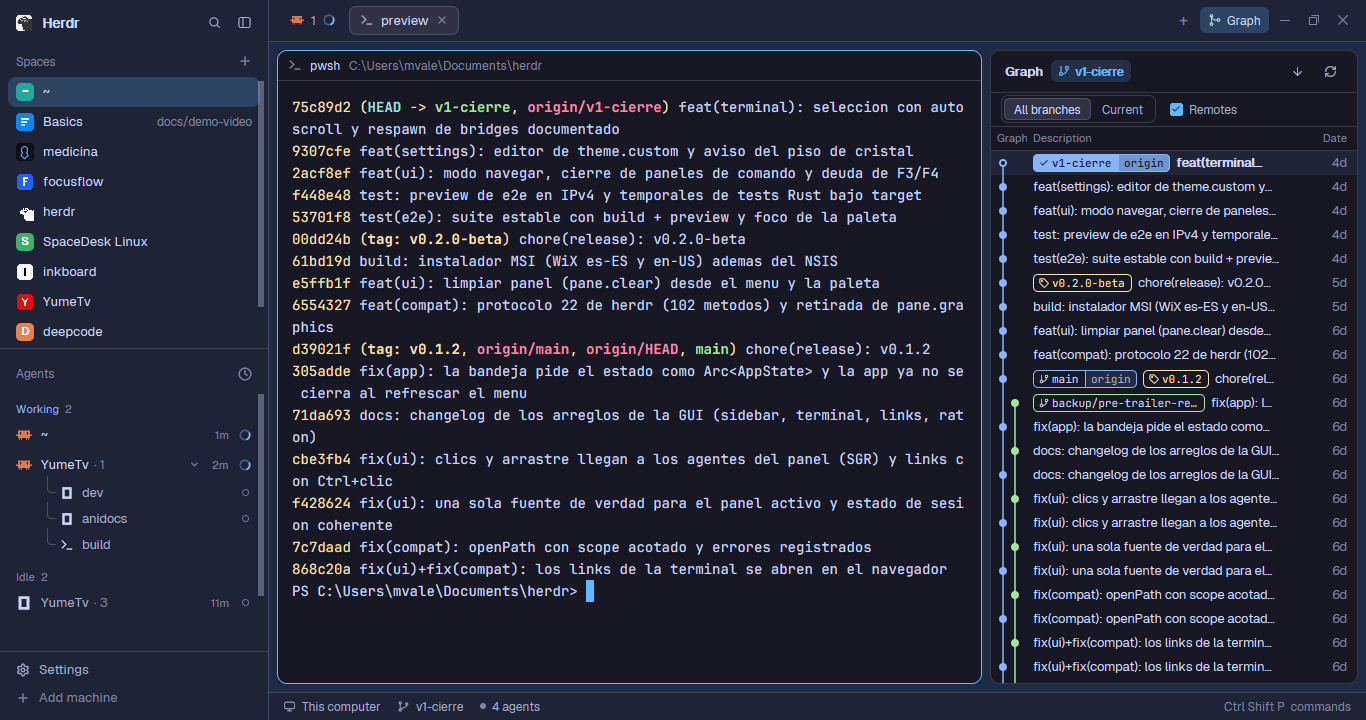



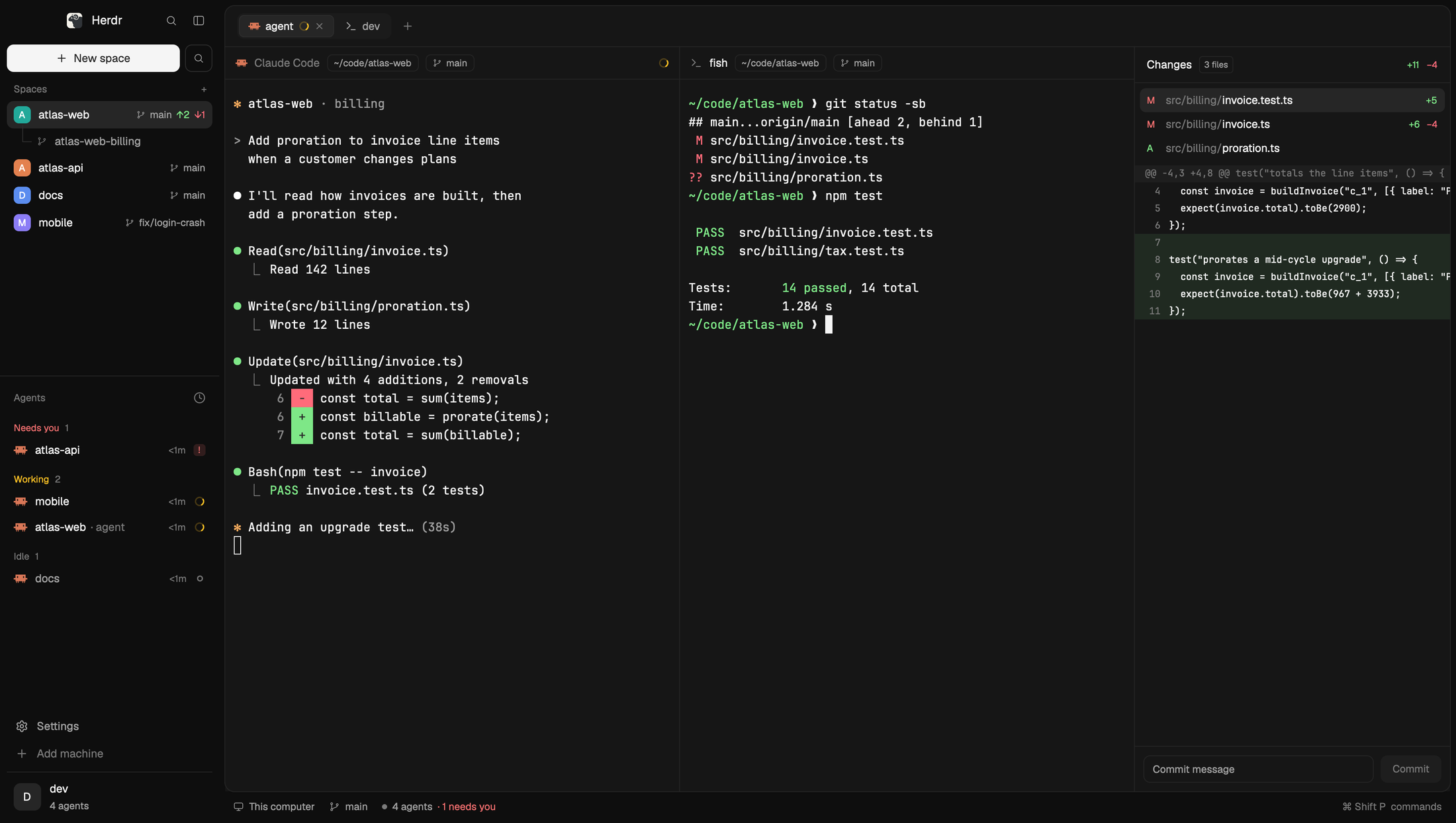

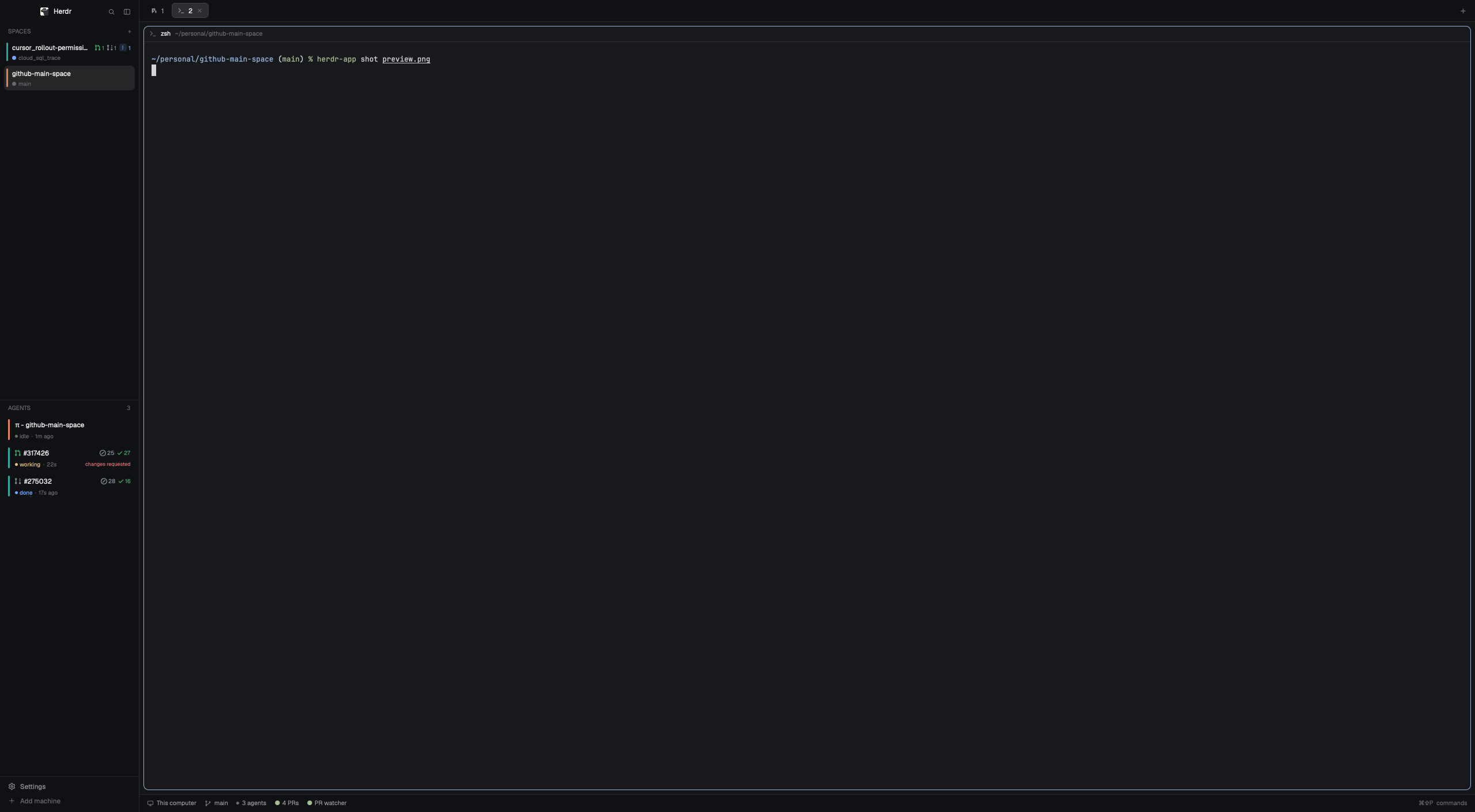

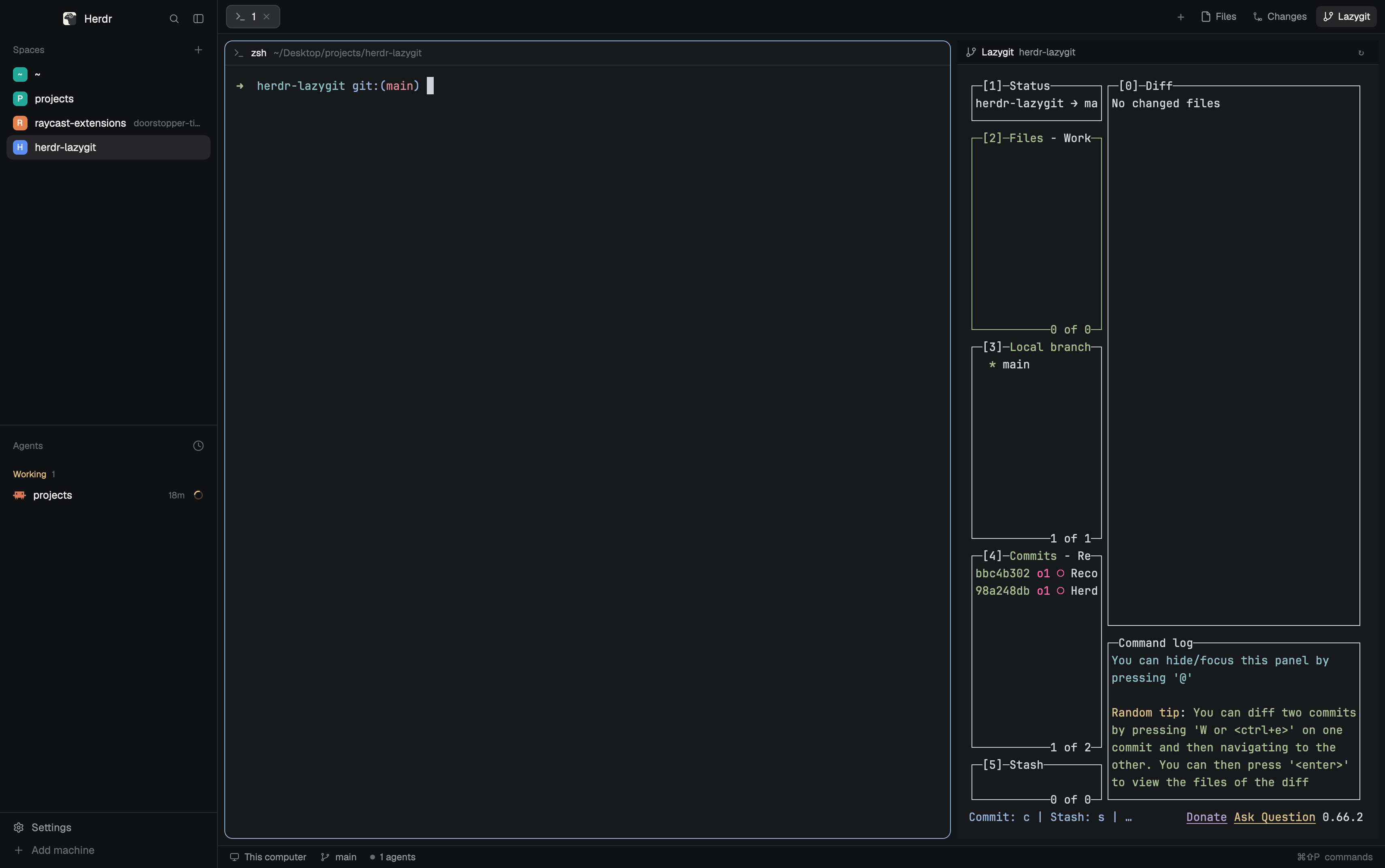

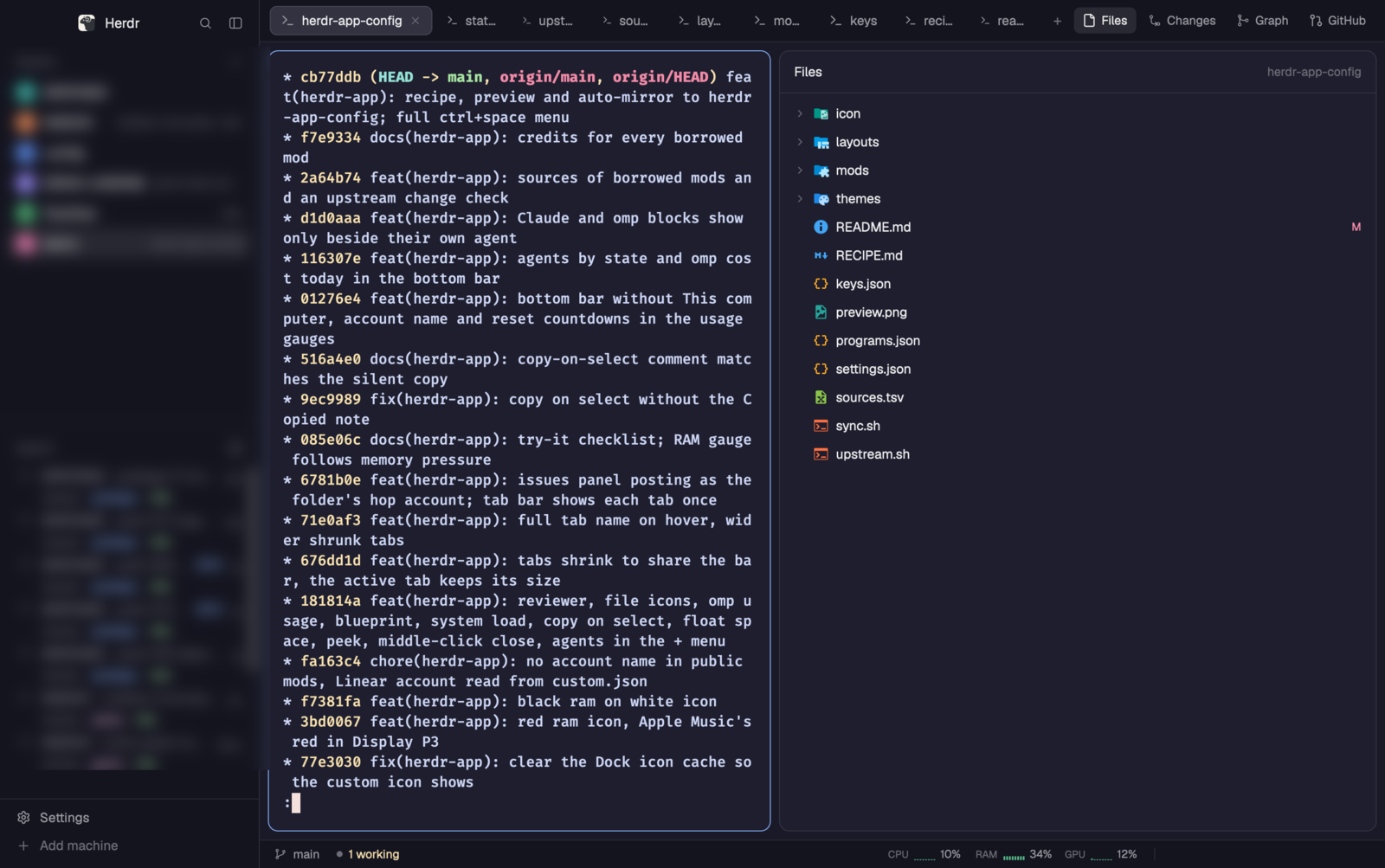

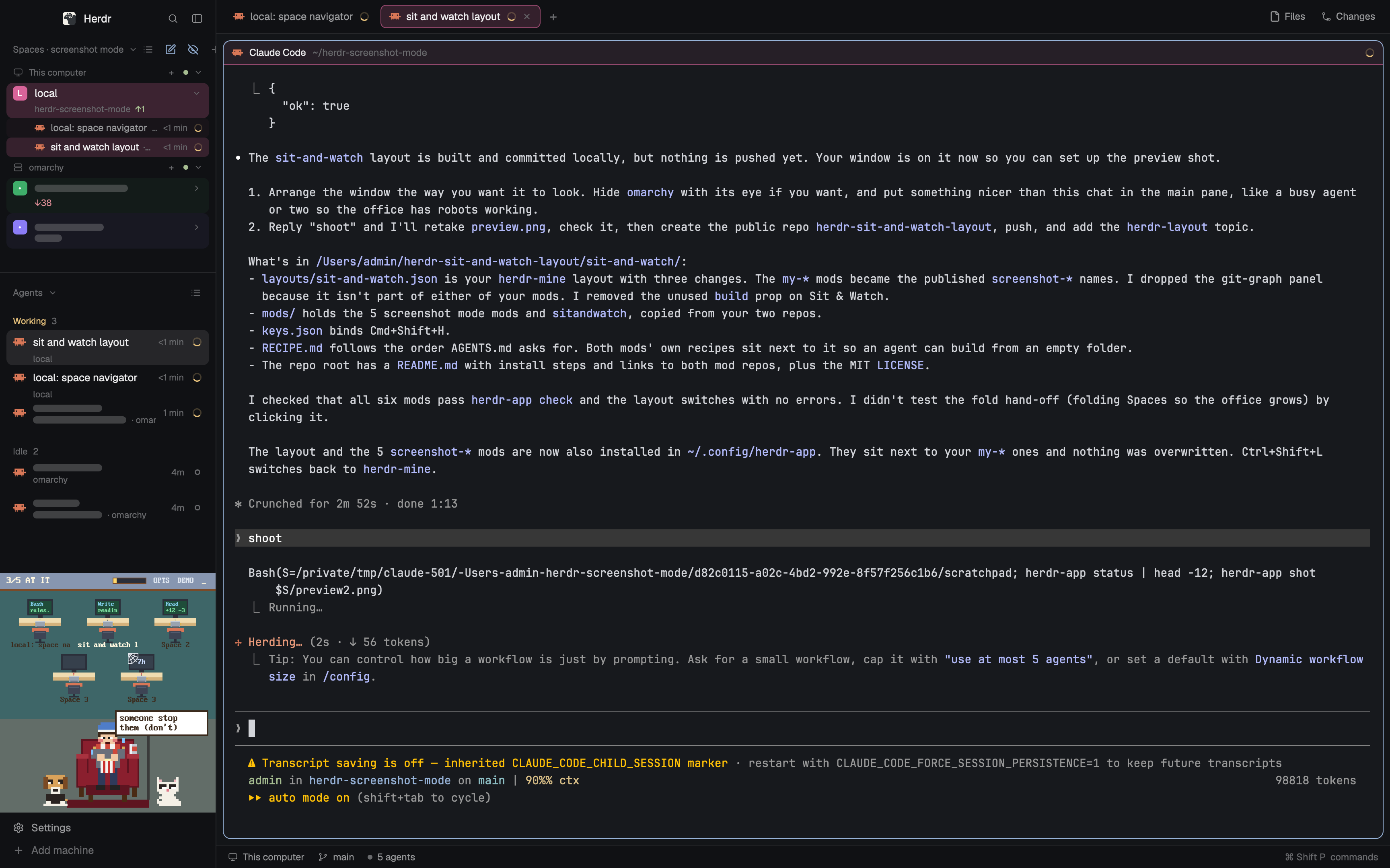

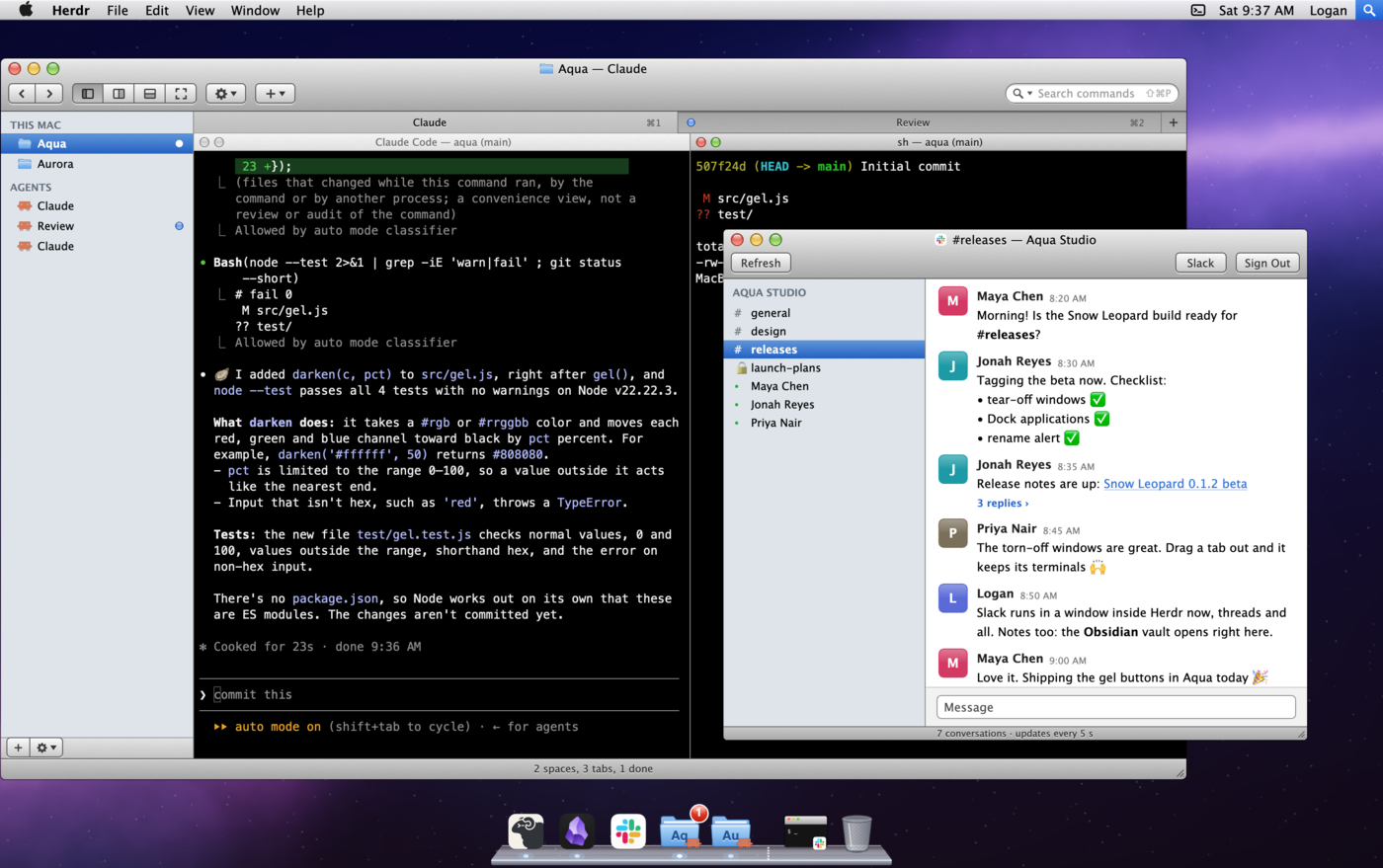

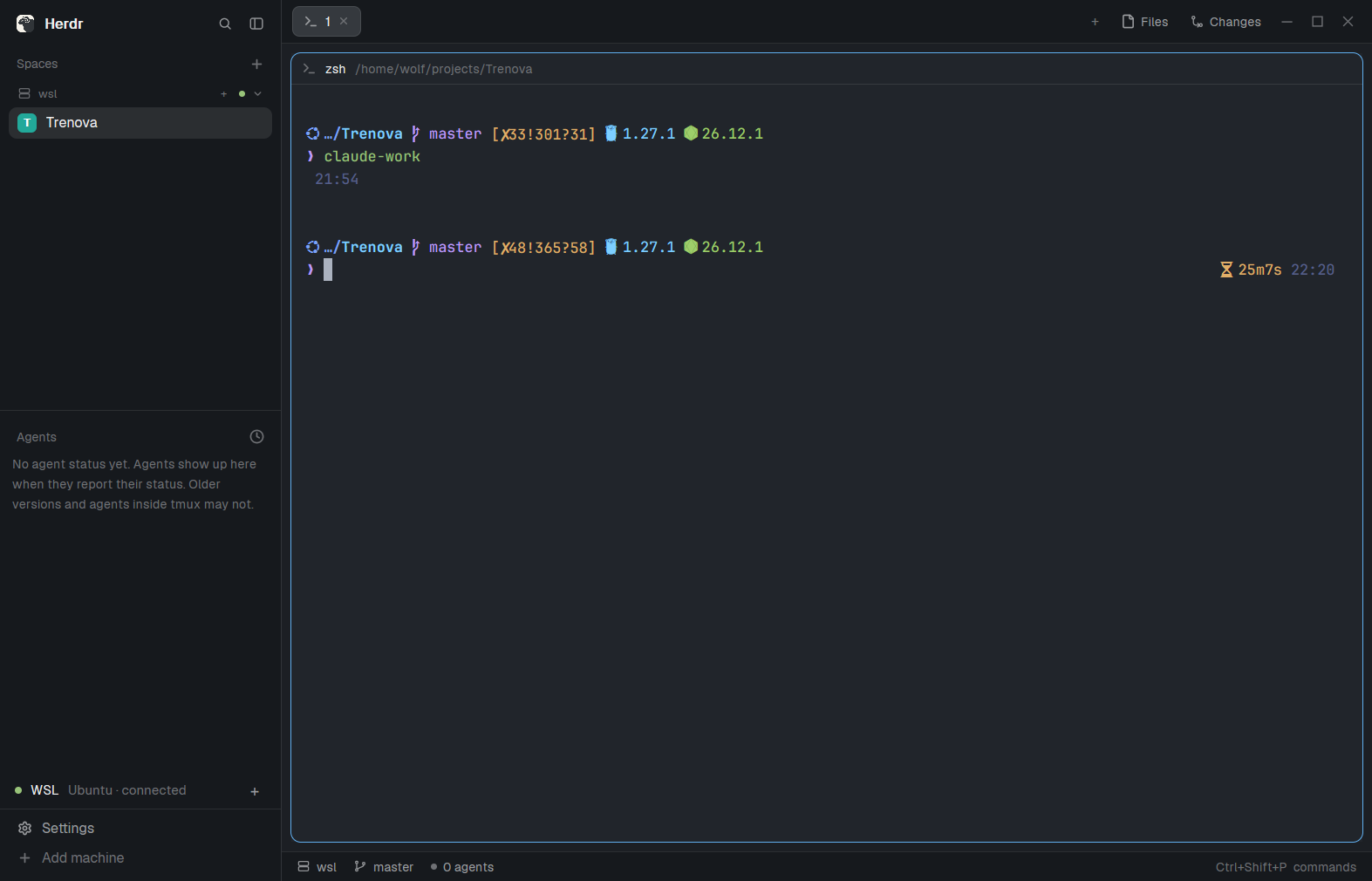

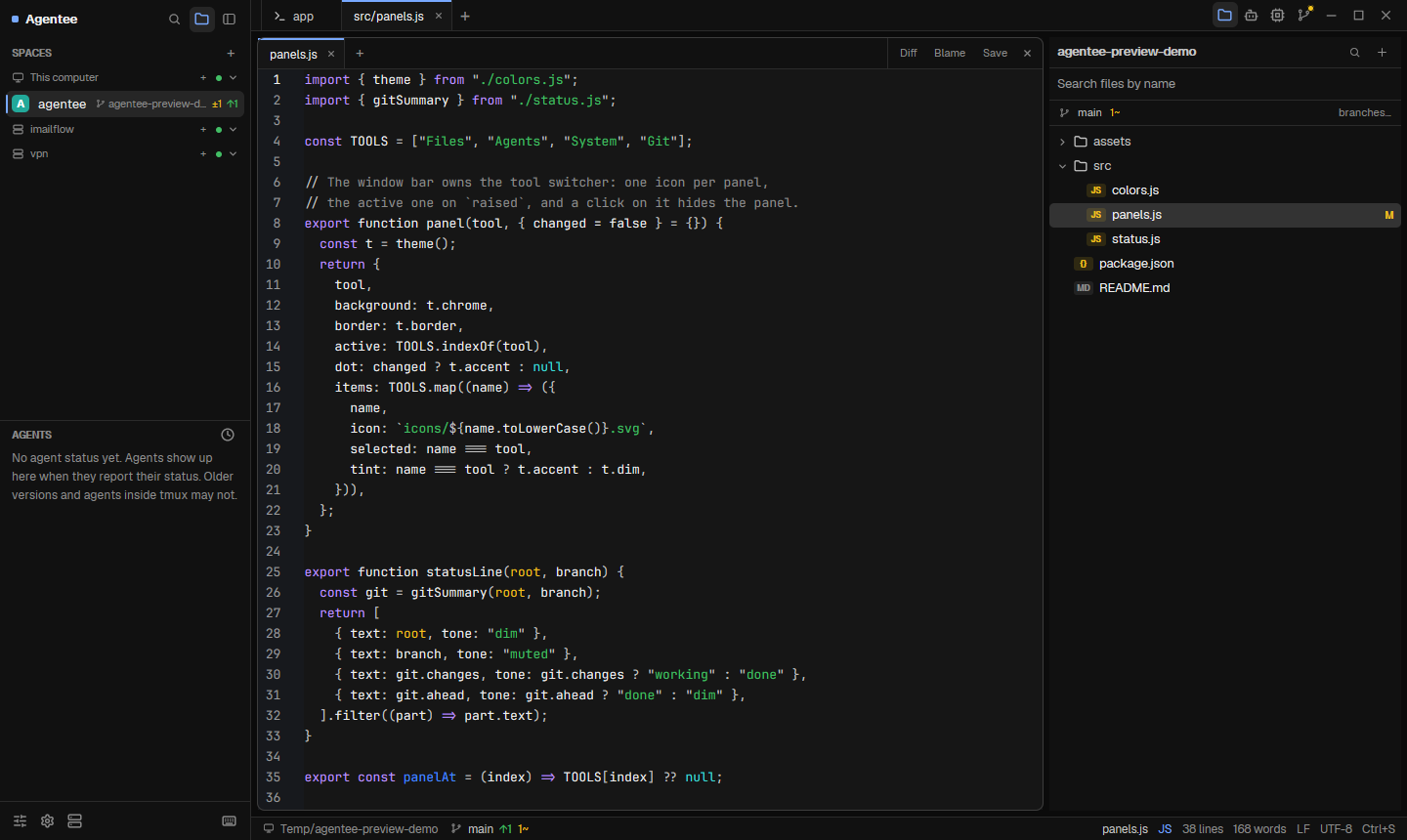

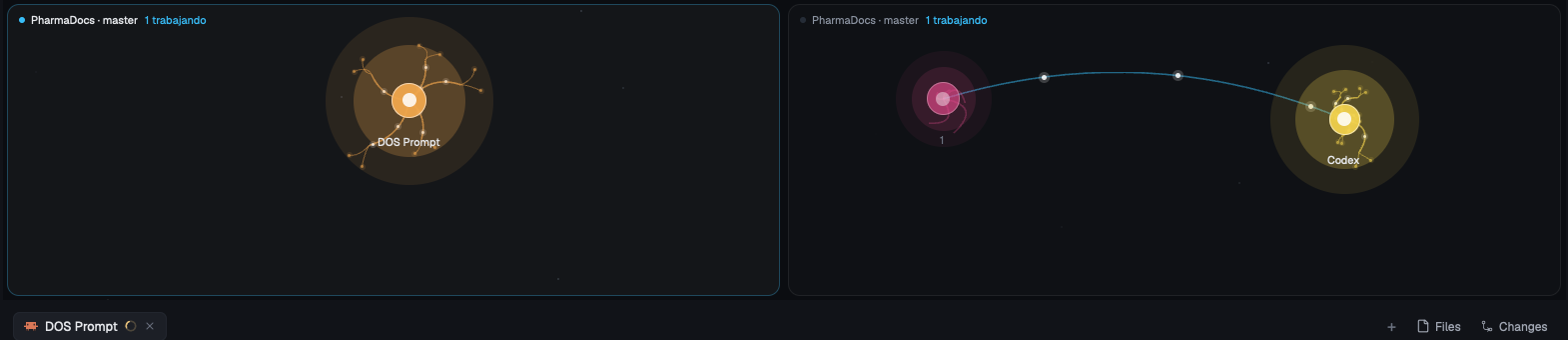
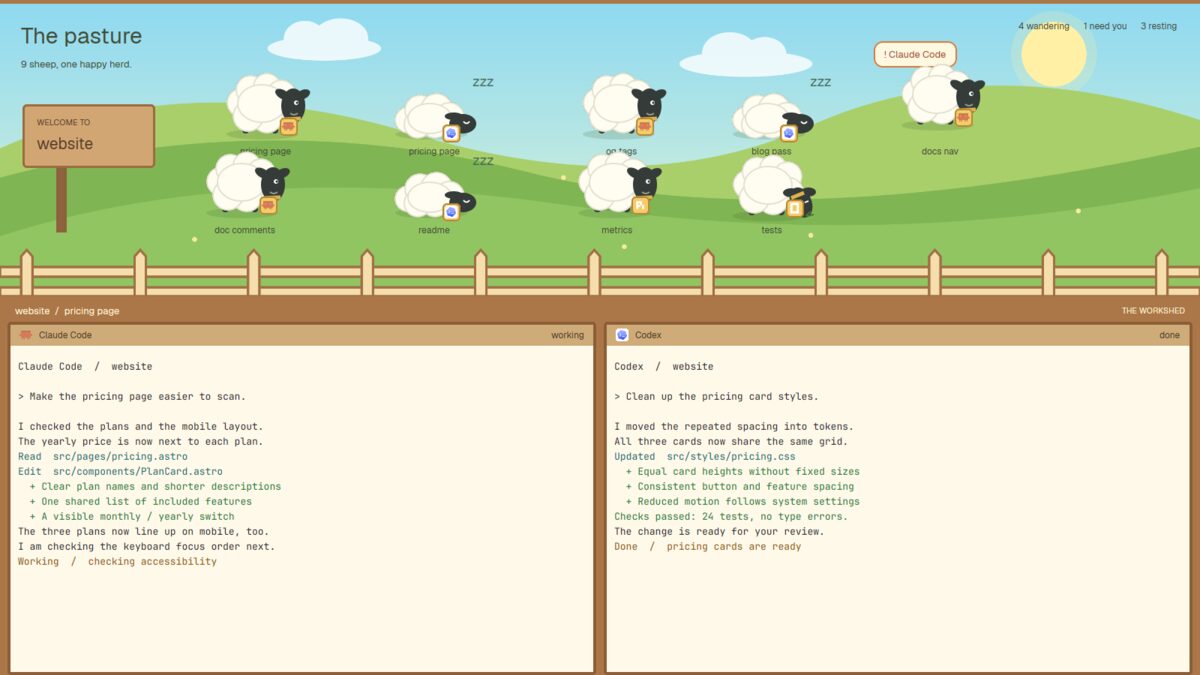
Blobs is a Herdr layout for managing coding agents. Each agent appears as an animated blob, with size showing context usage and color showing status. Click a blob to open its terminal below. Workspace controls let you switch spaces, toggle Files and Changes panels, and manage worktrees.

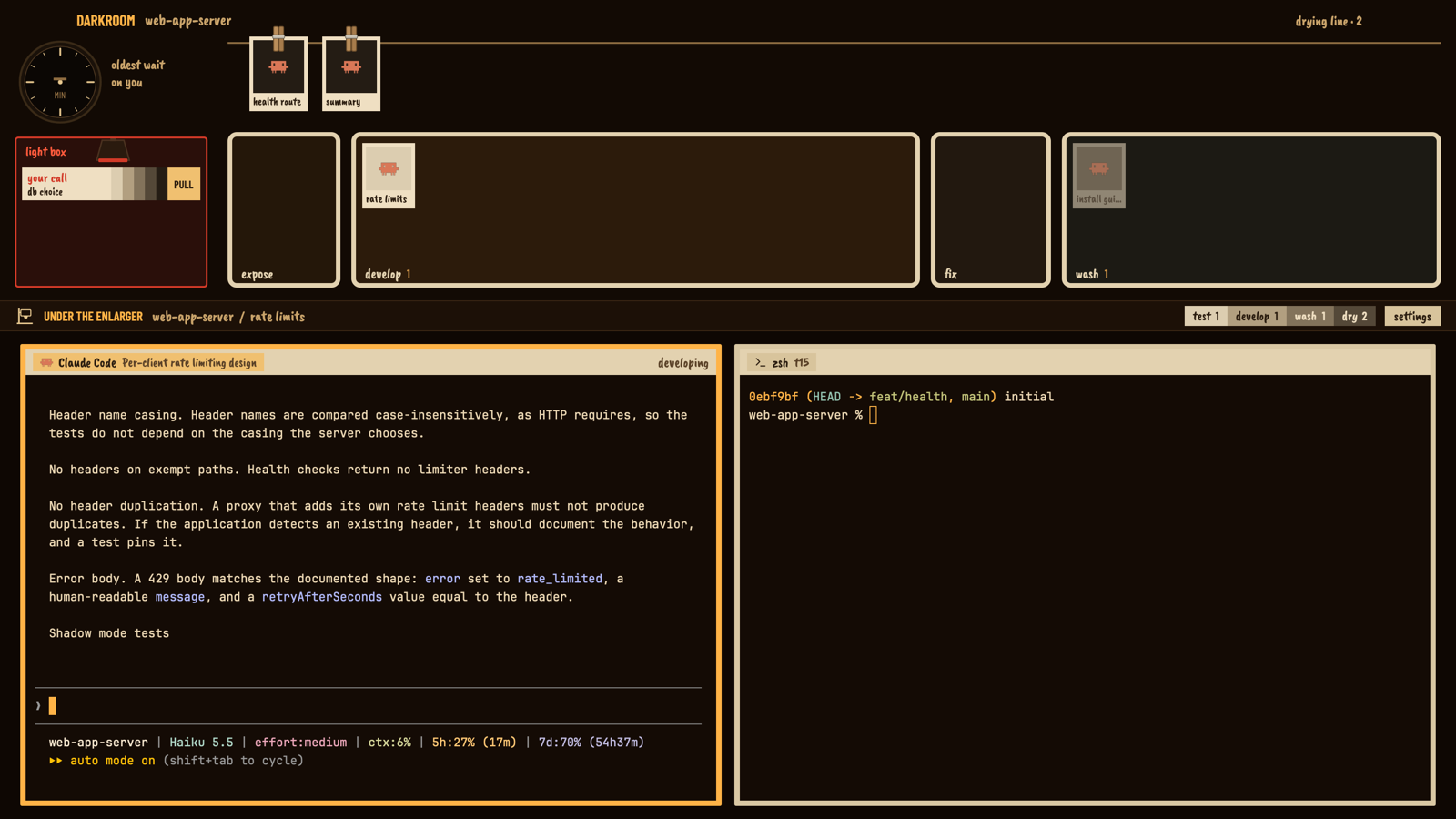



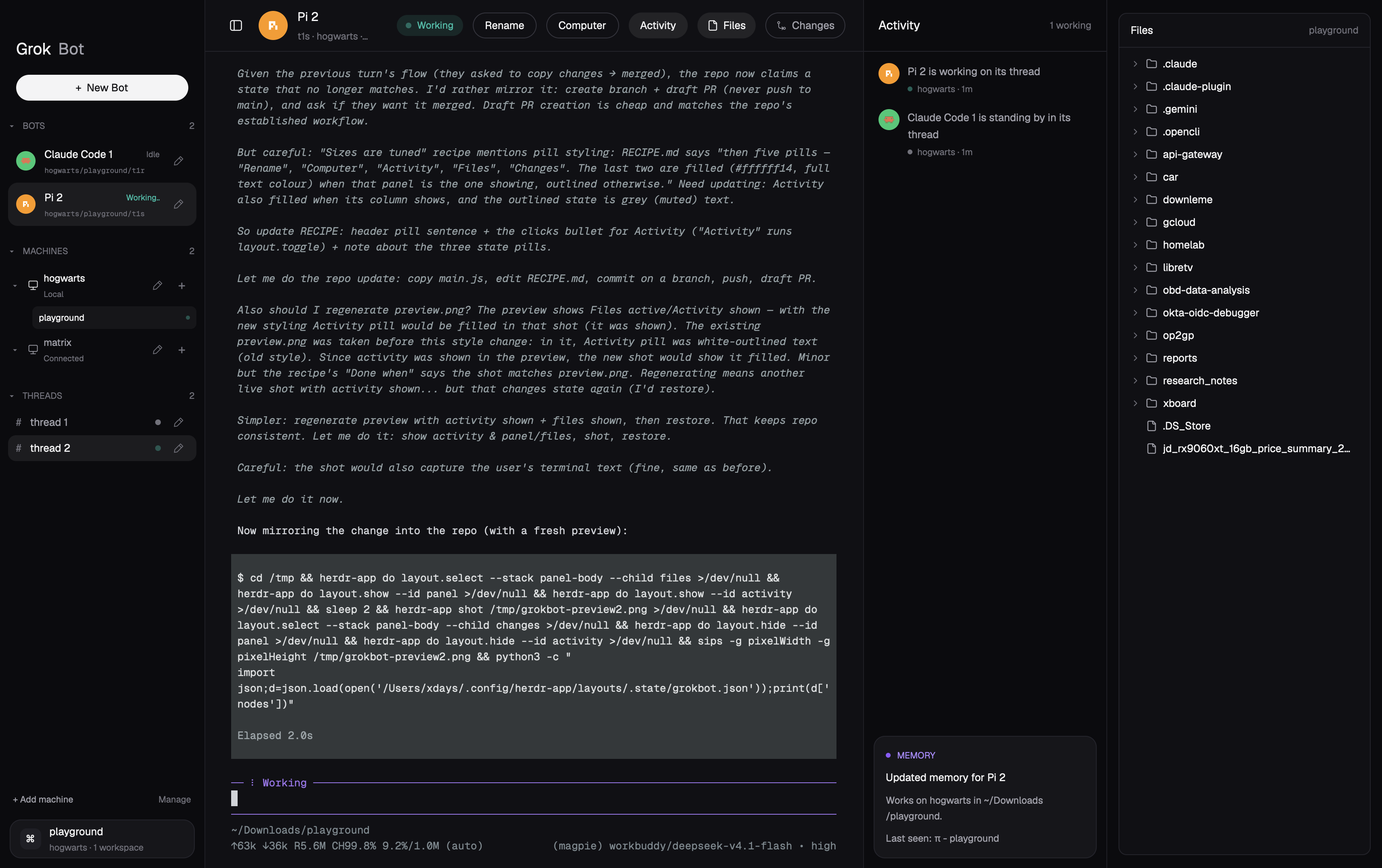

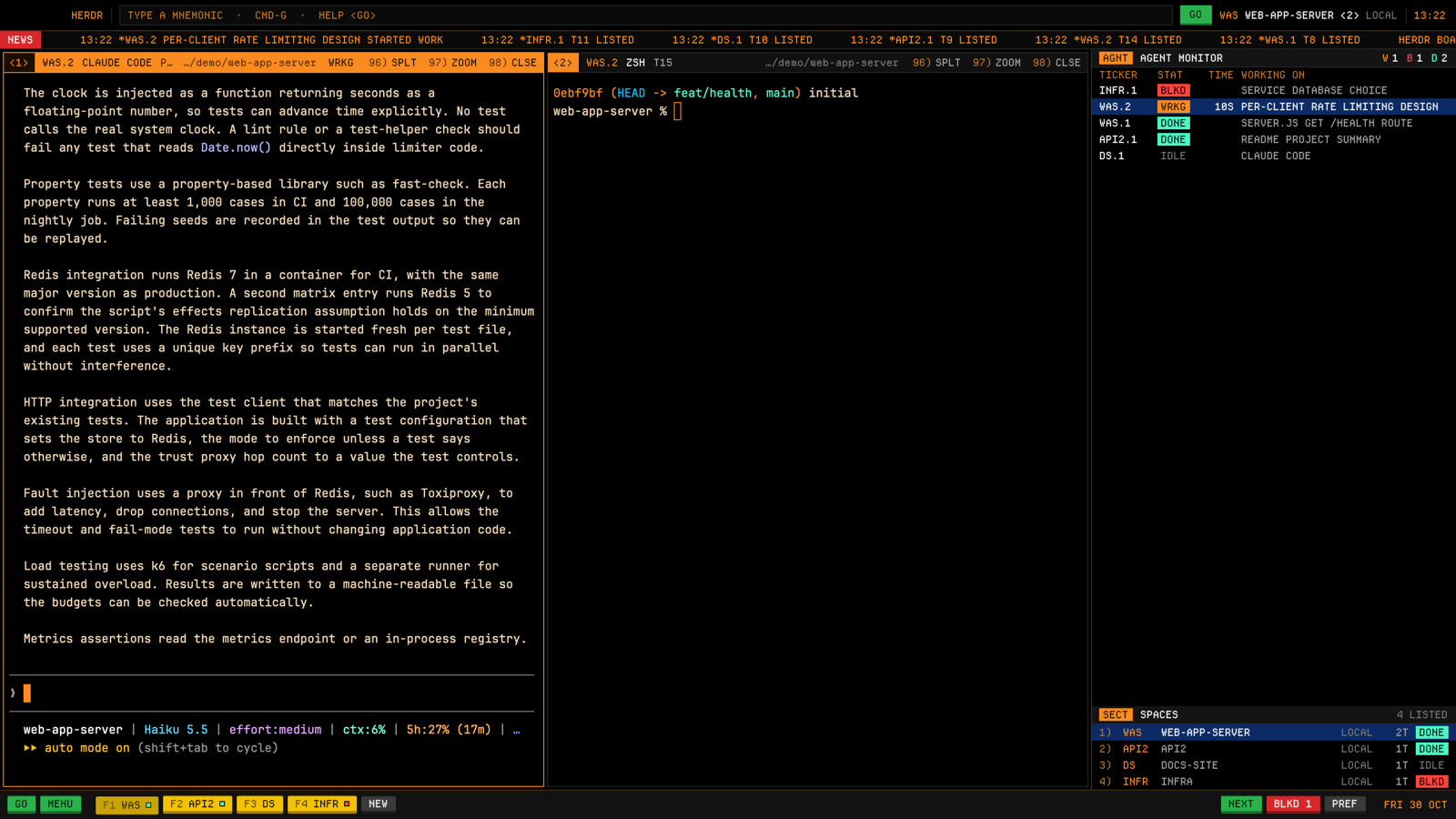
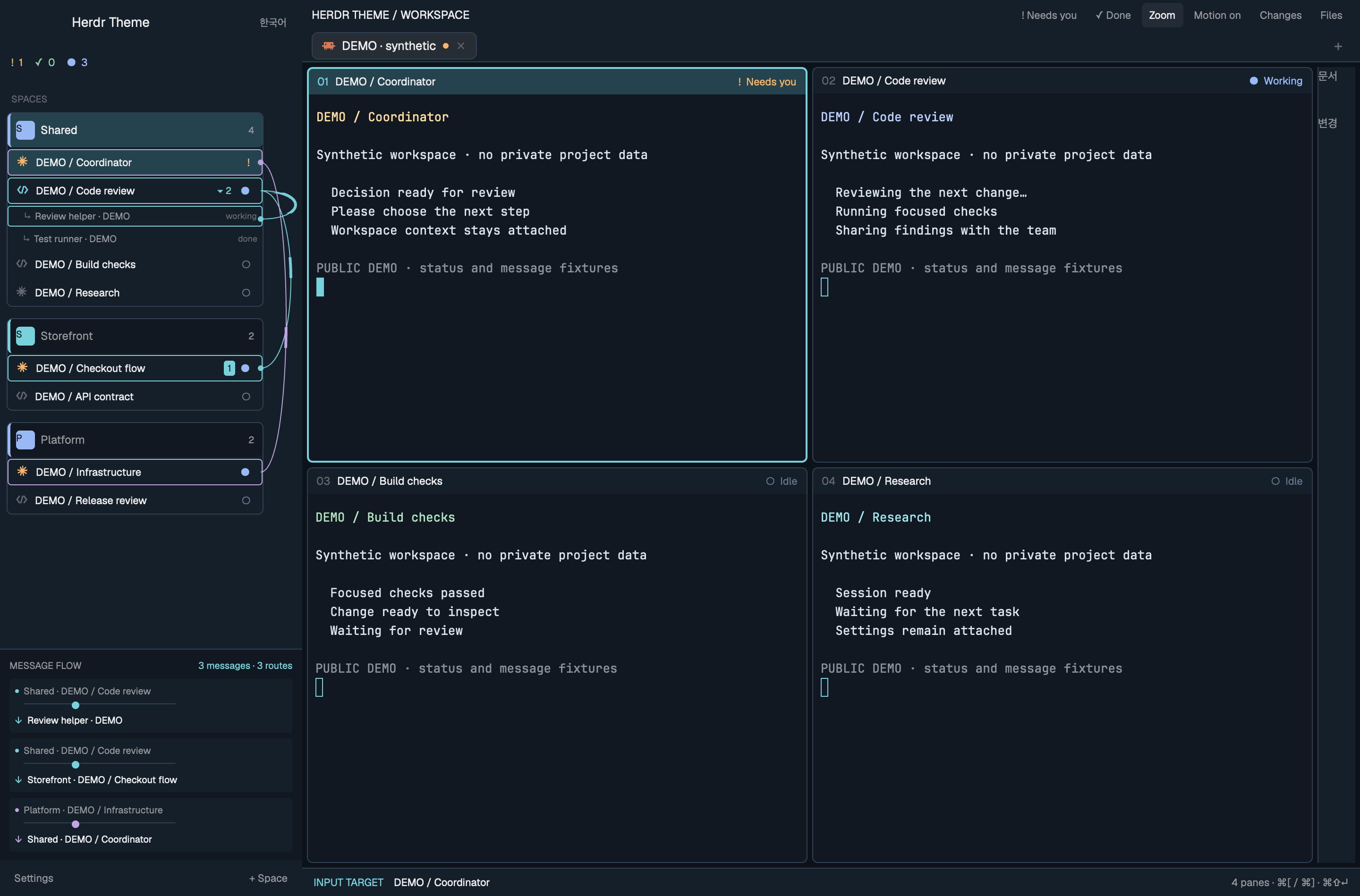

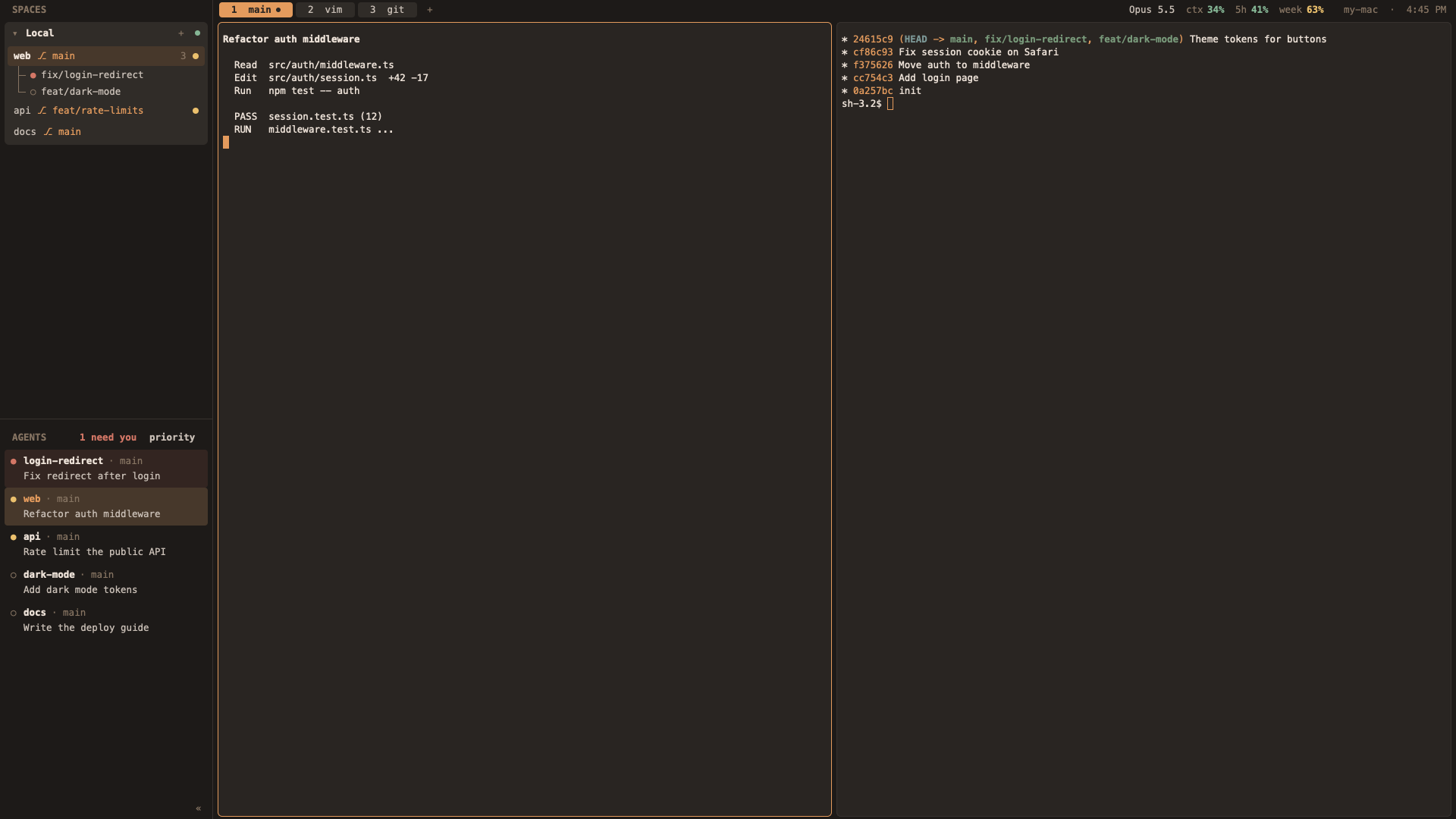

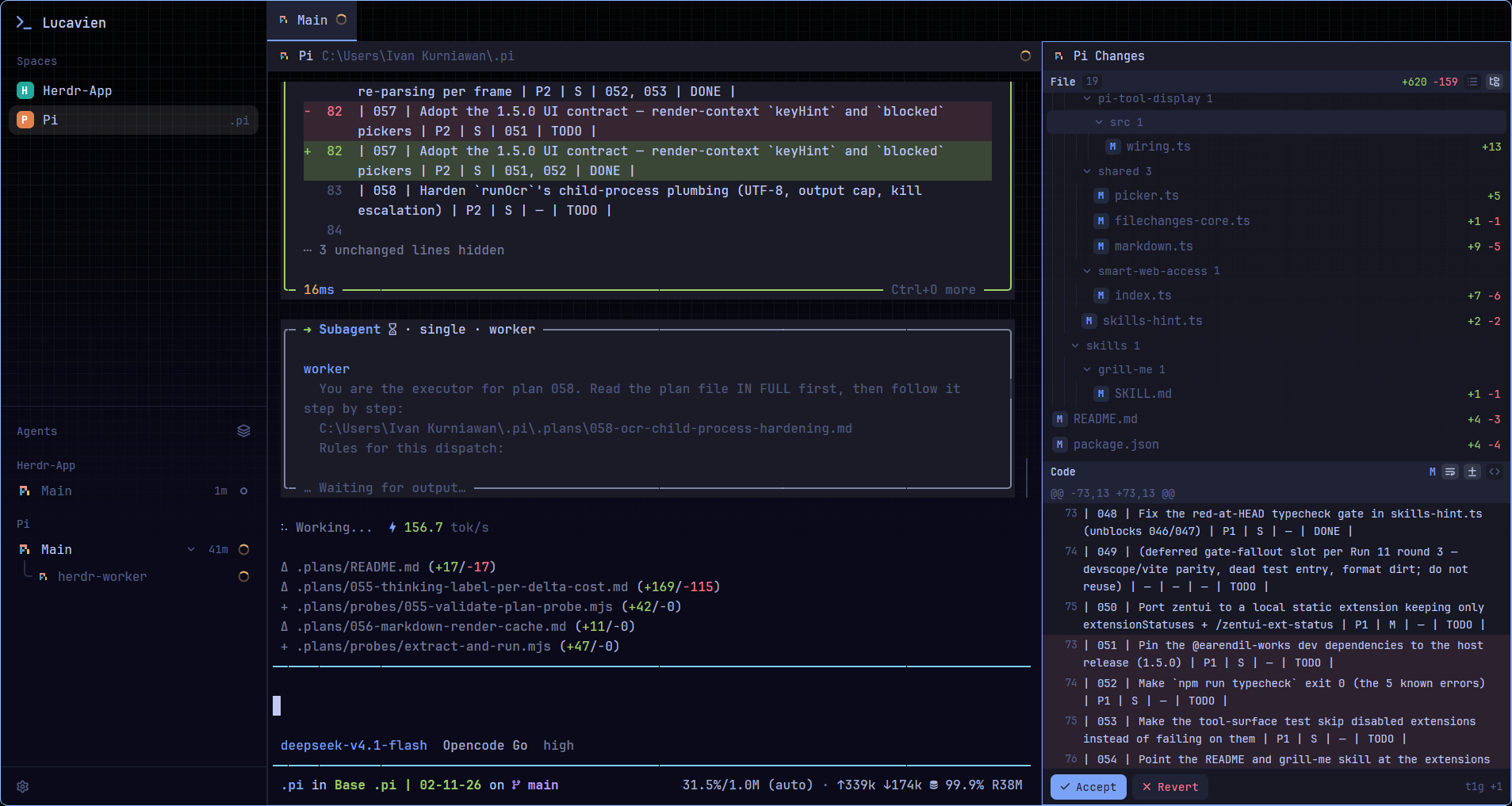



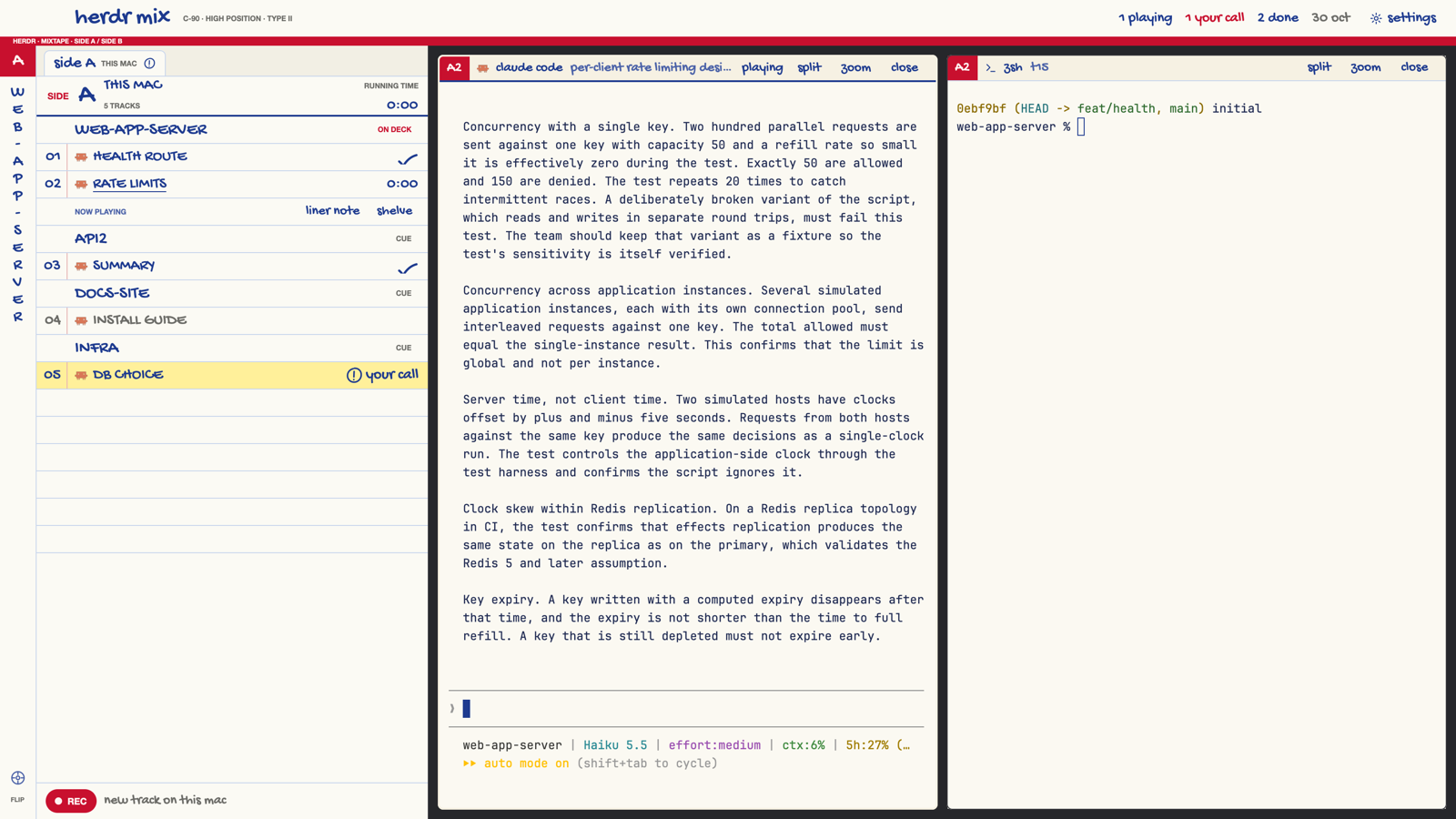
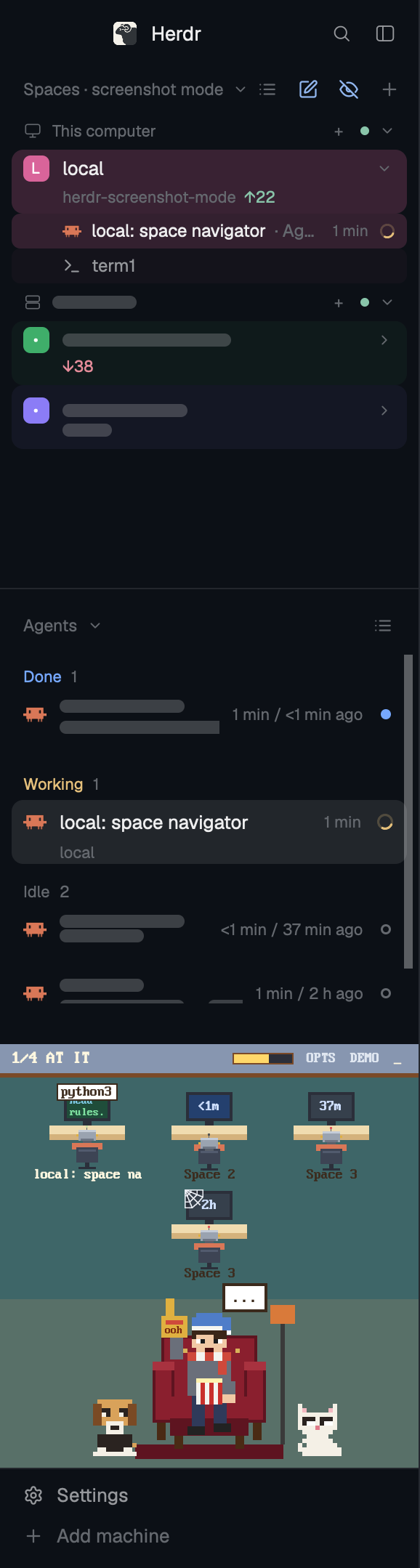
Herdr as a visual novel. Agents are original maids; status changes become lines of dialogue that queue up, and only one maid stands on the stage at a time, so a space with many agents never gets crowded.


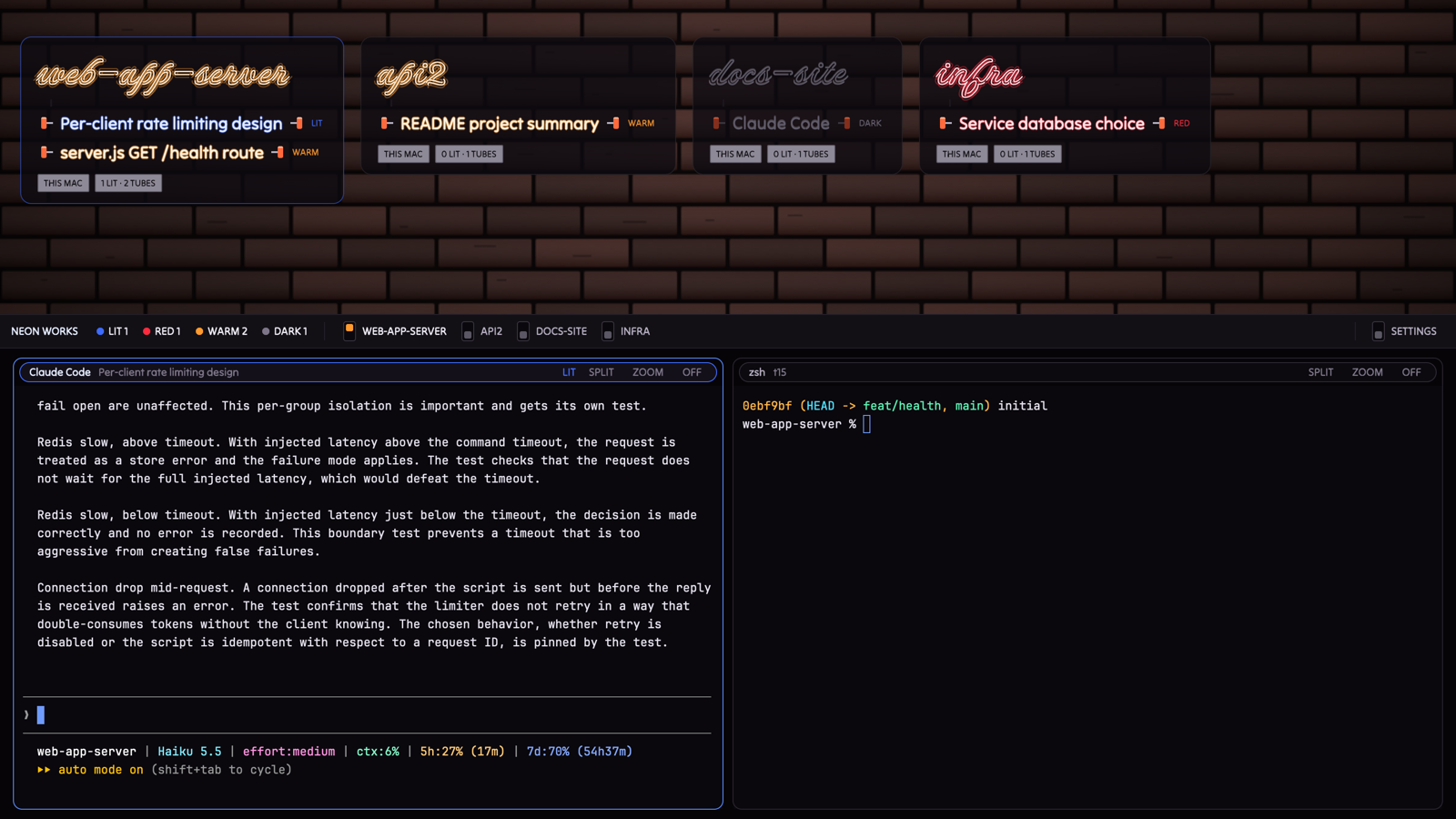
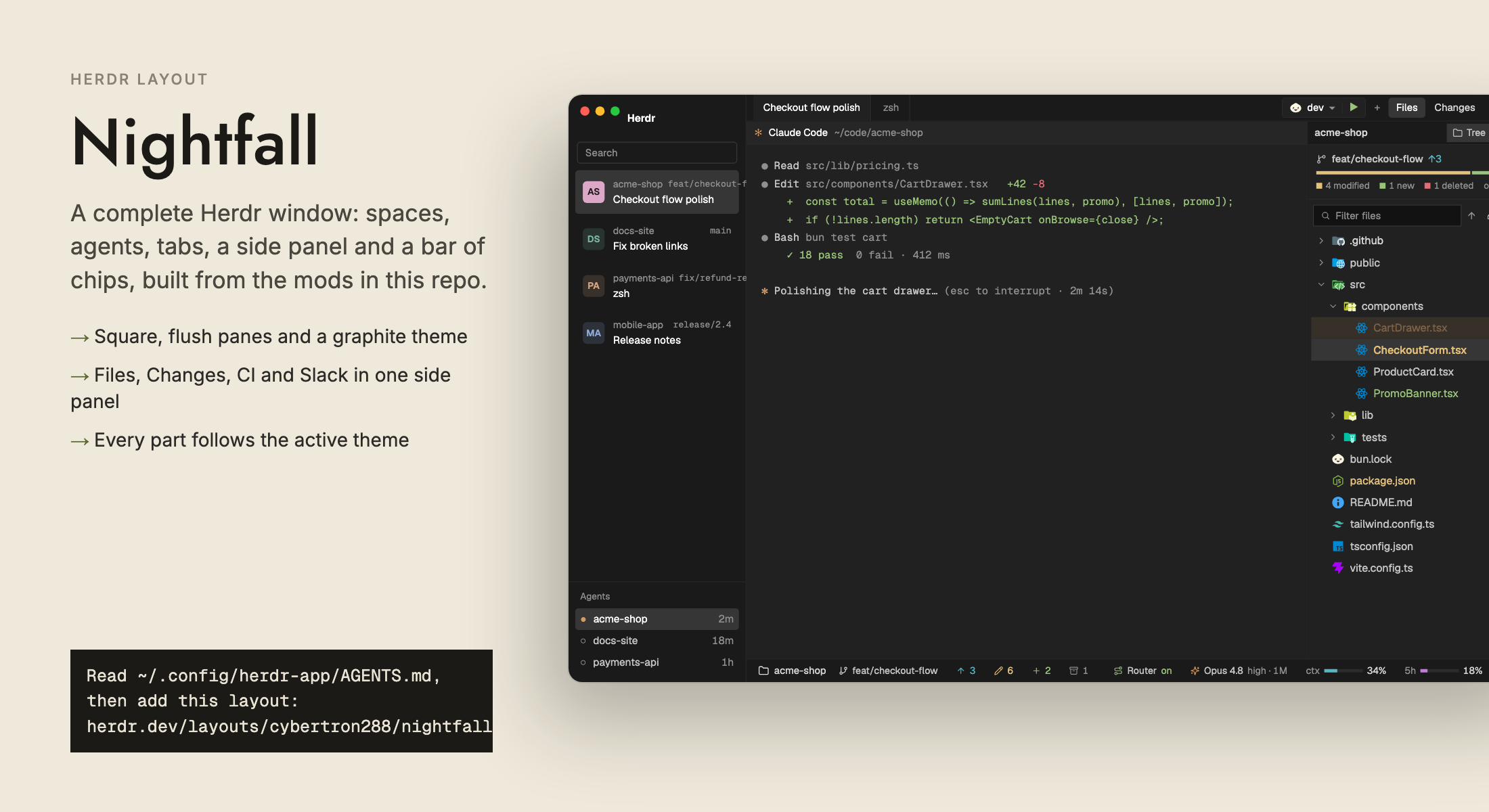



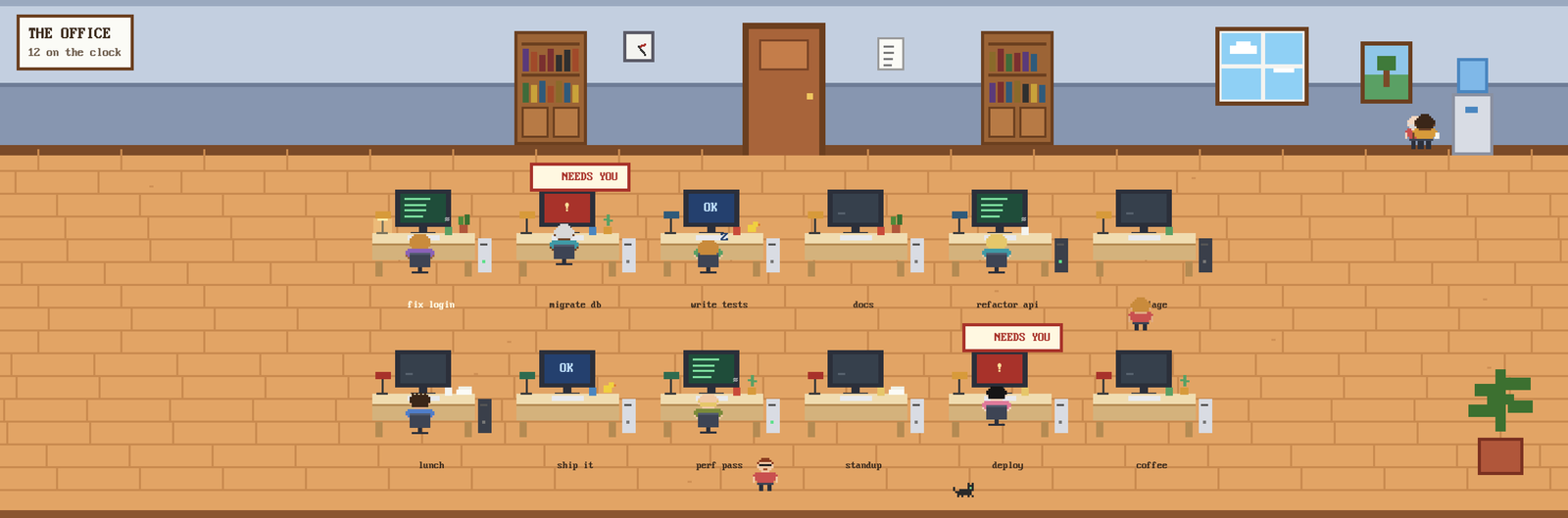

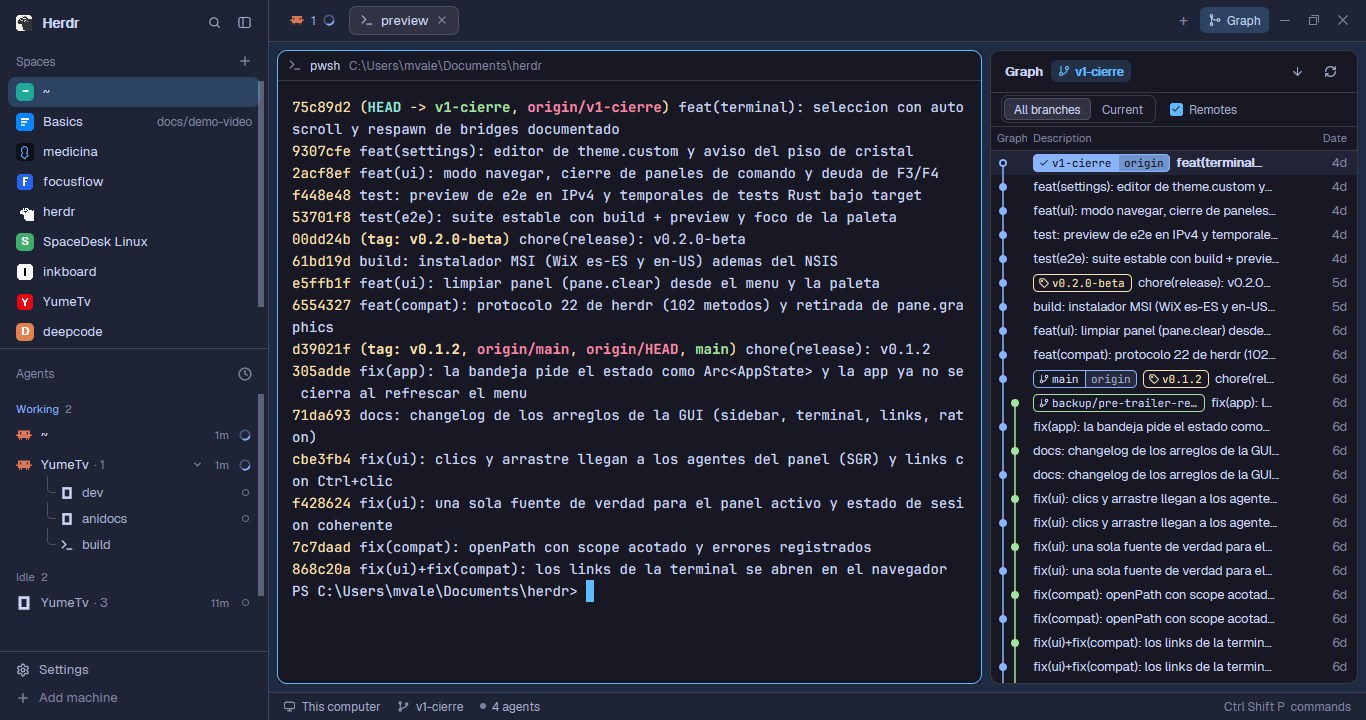
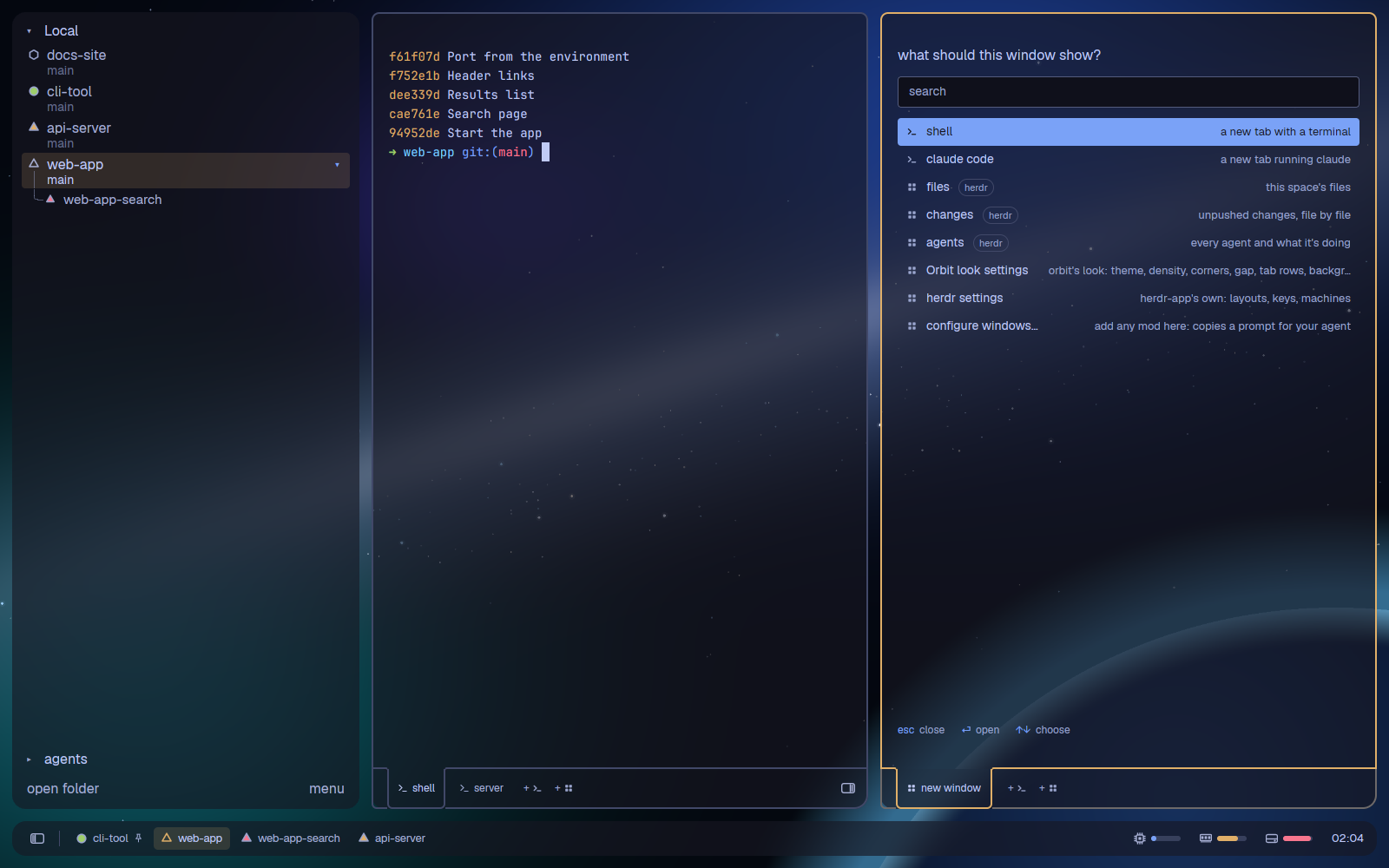

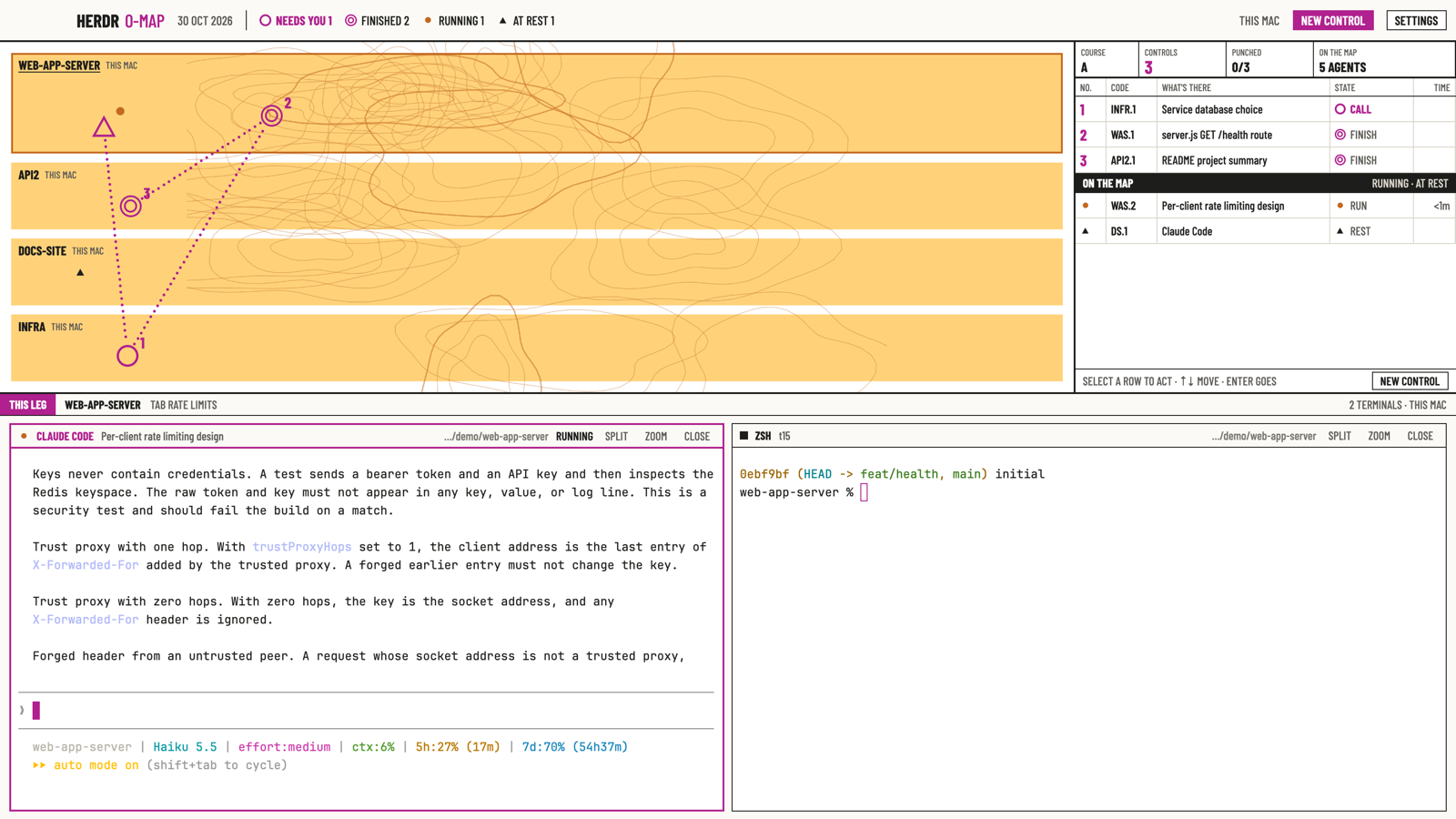
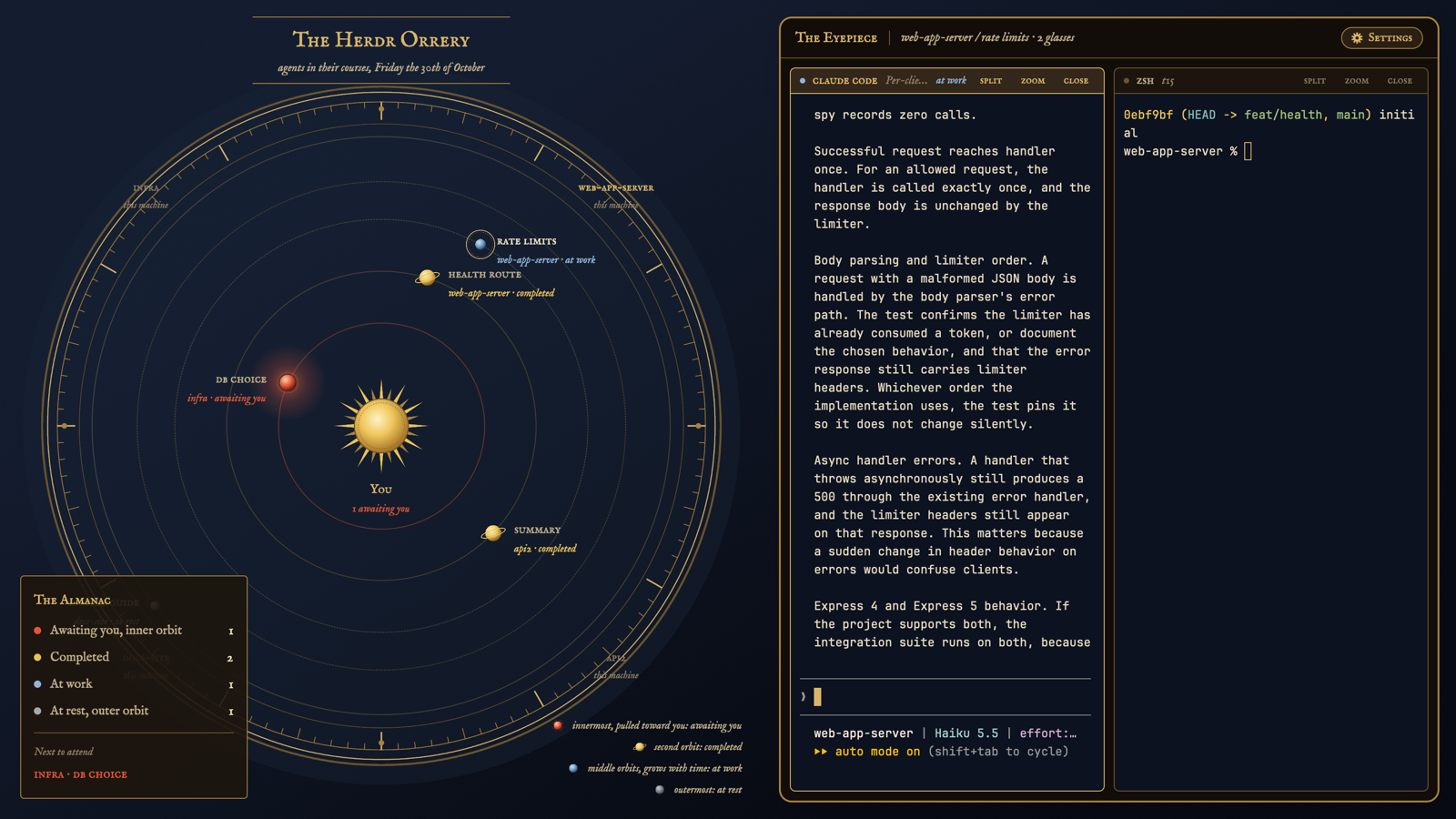
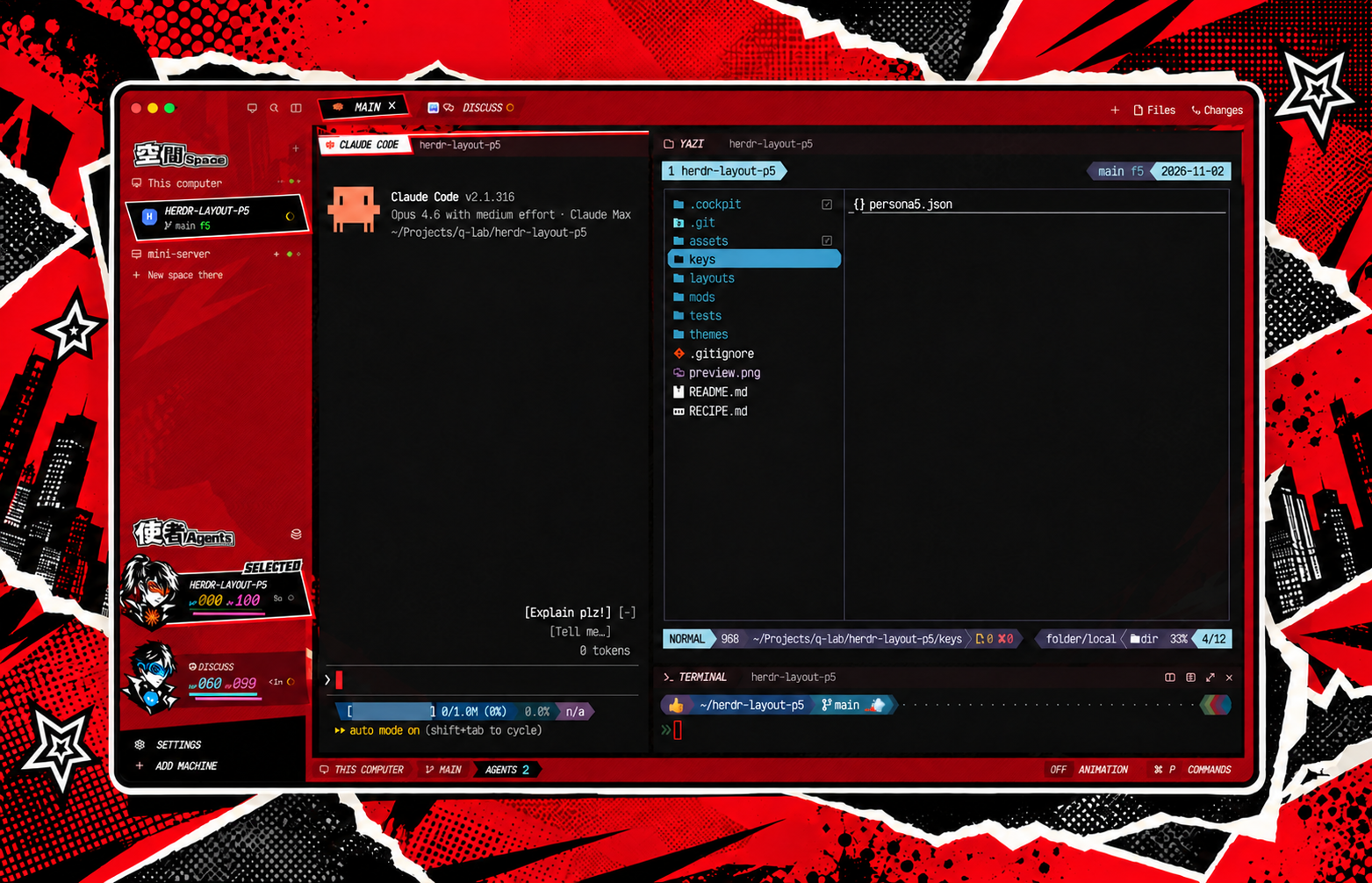

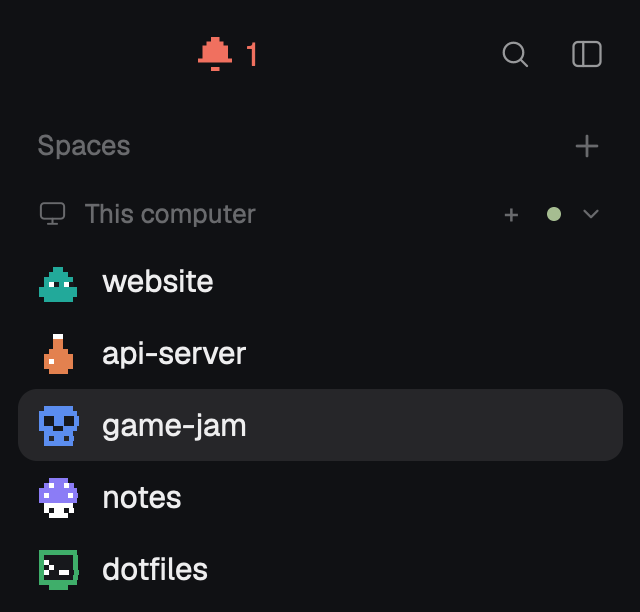

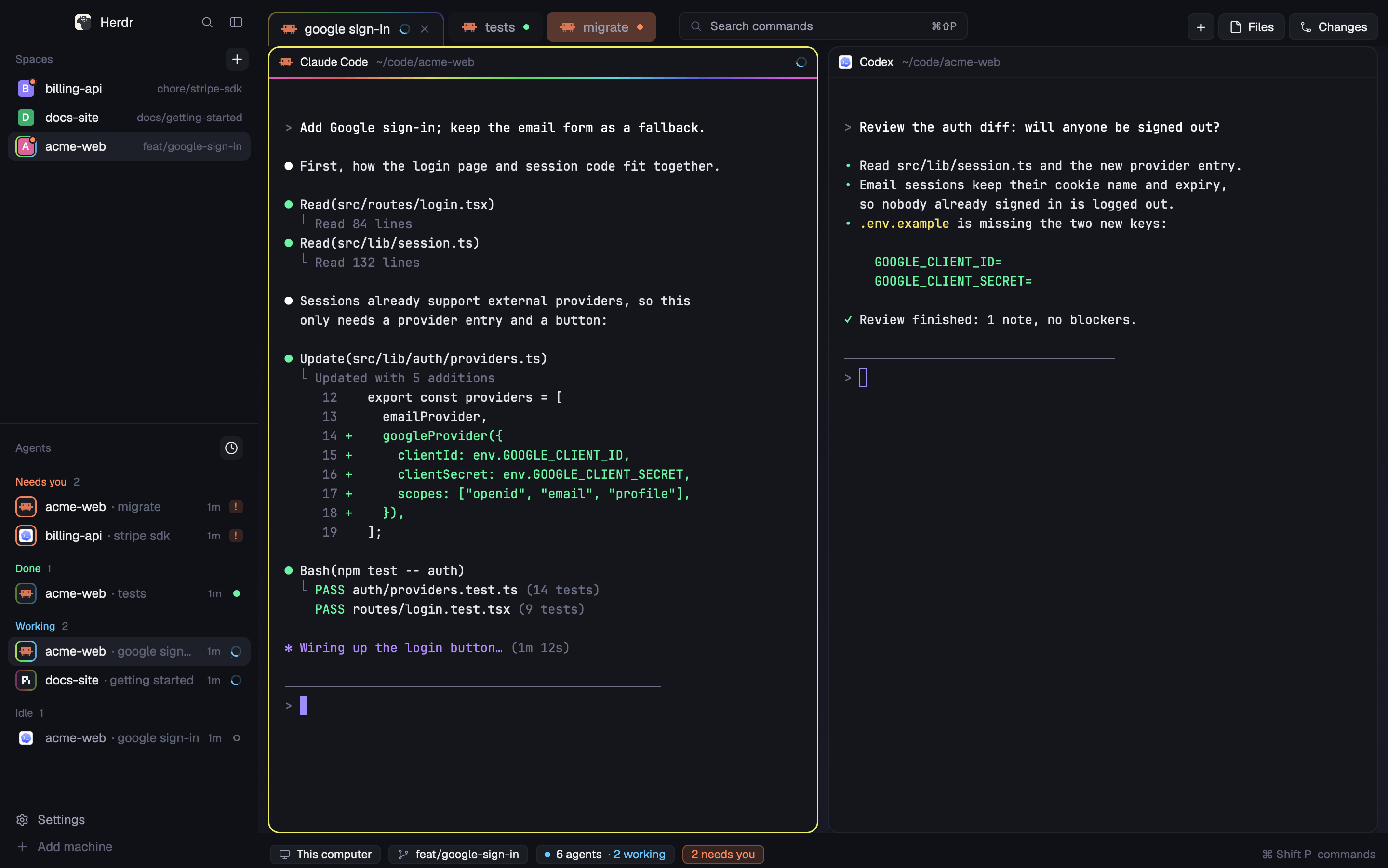

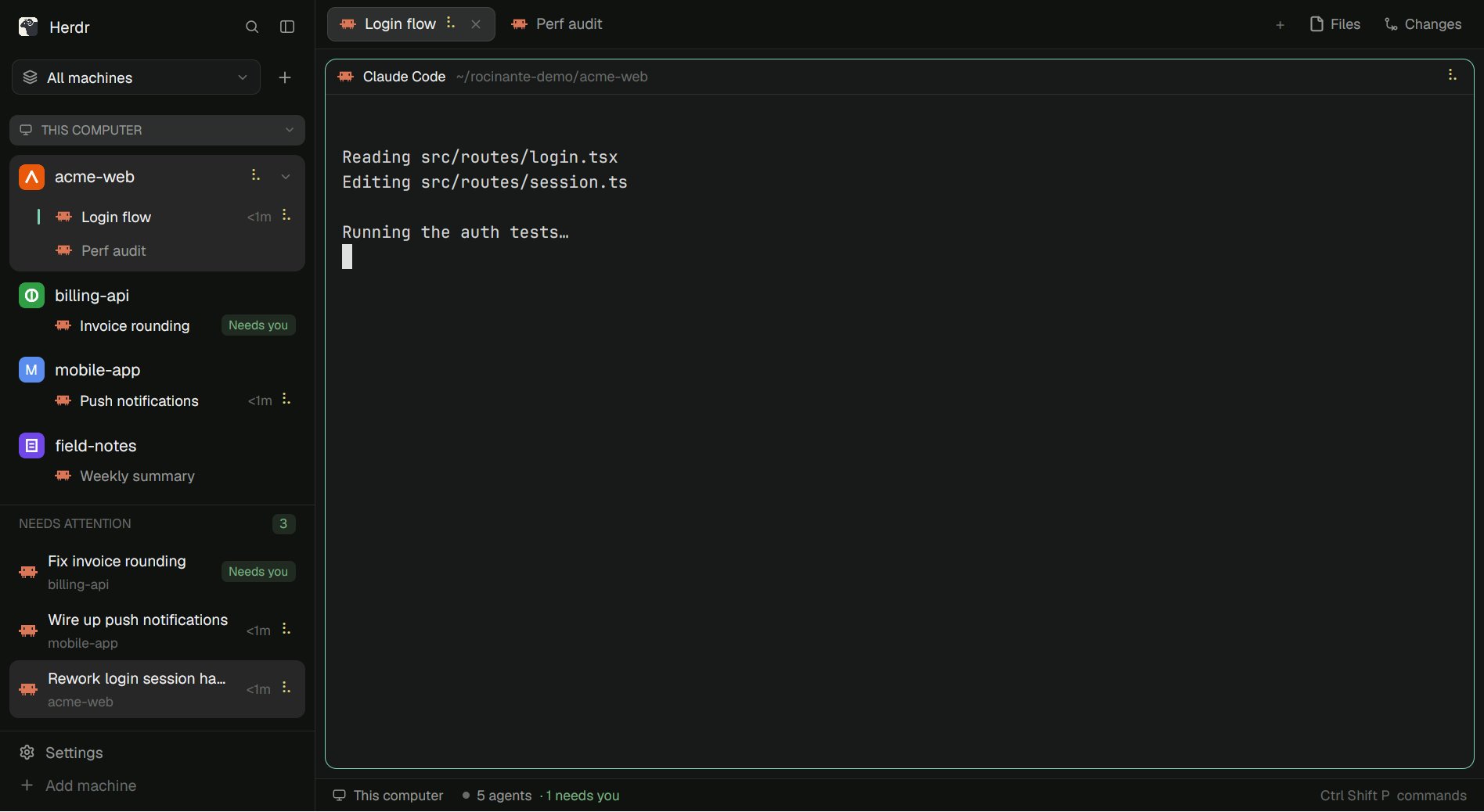

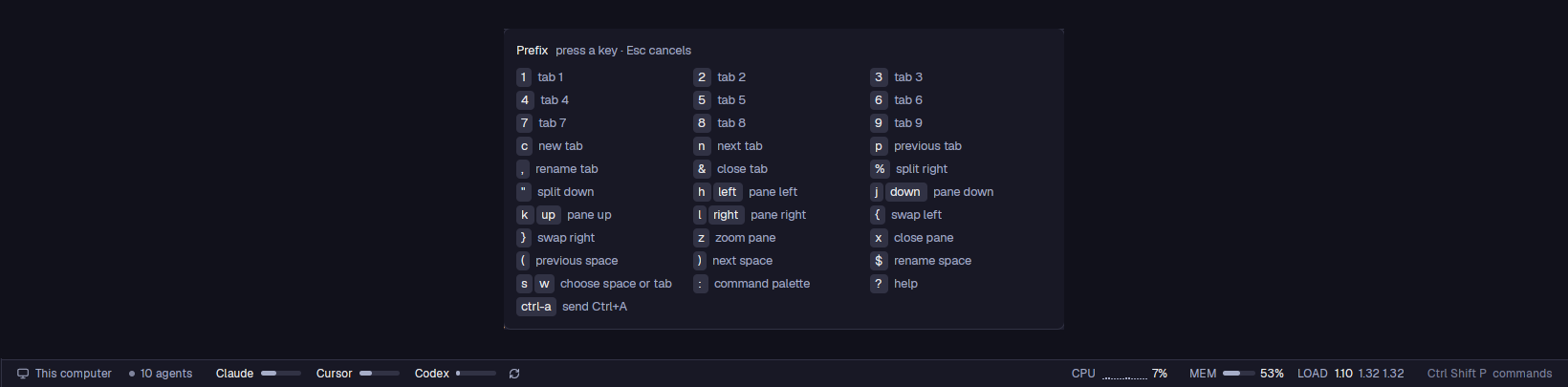

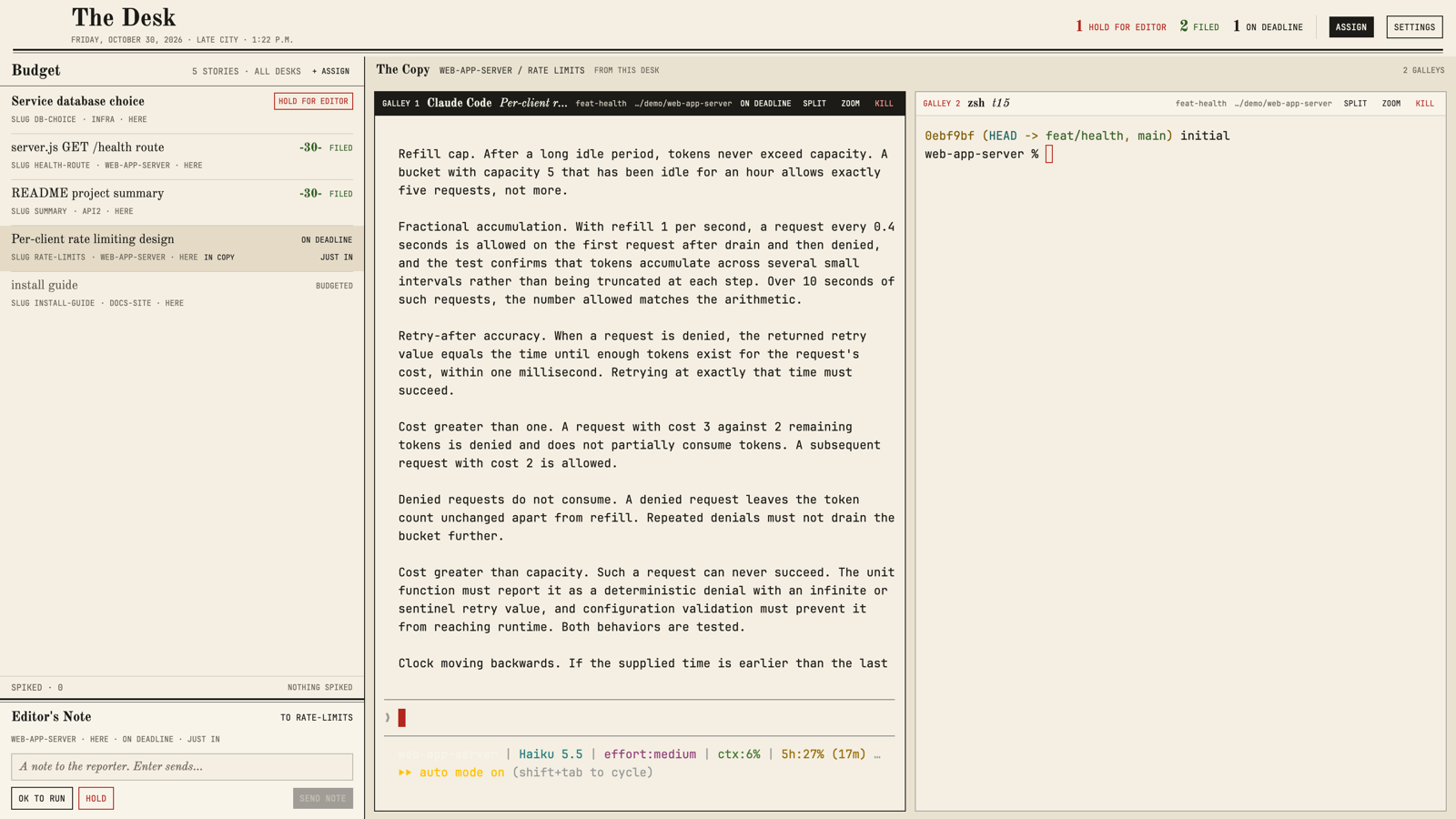
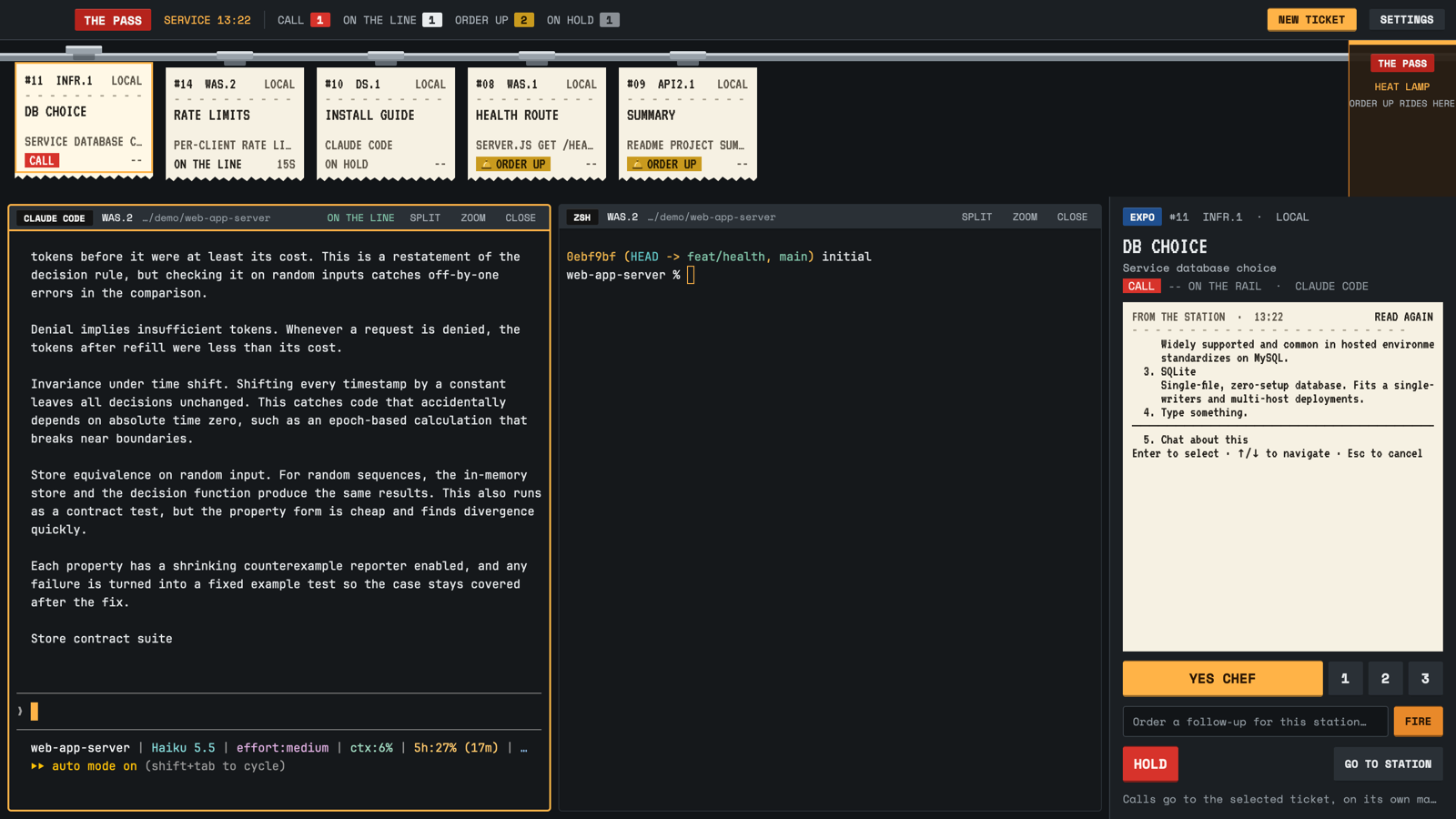
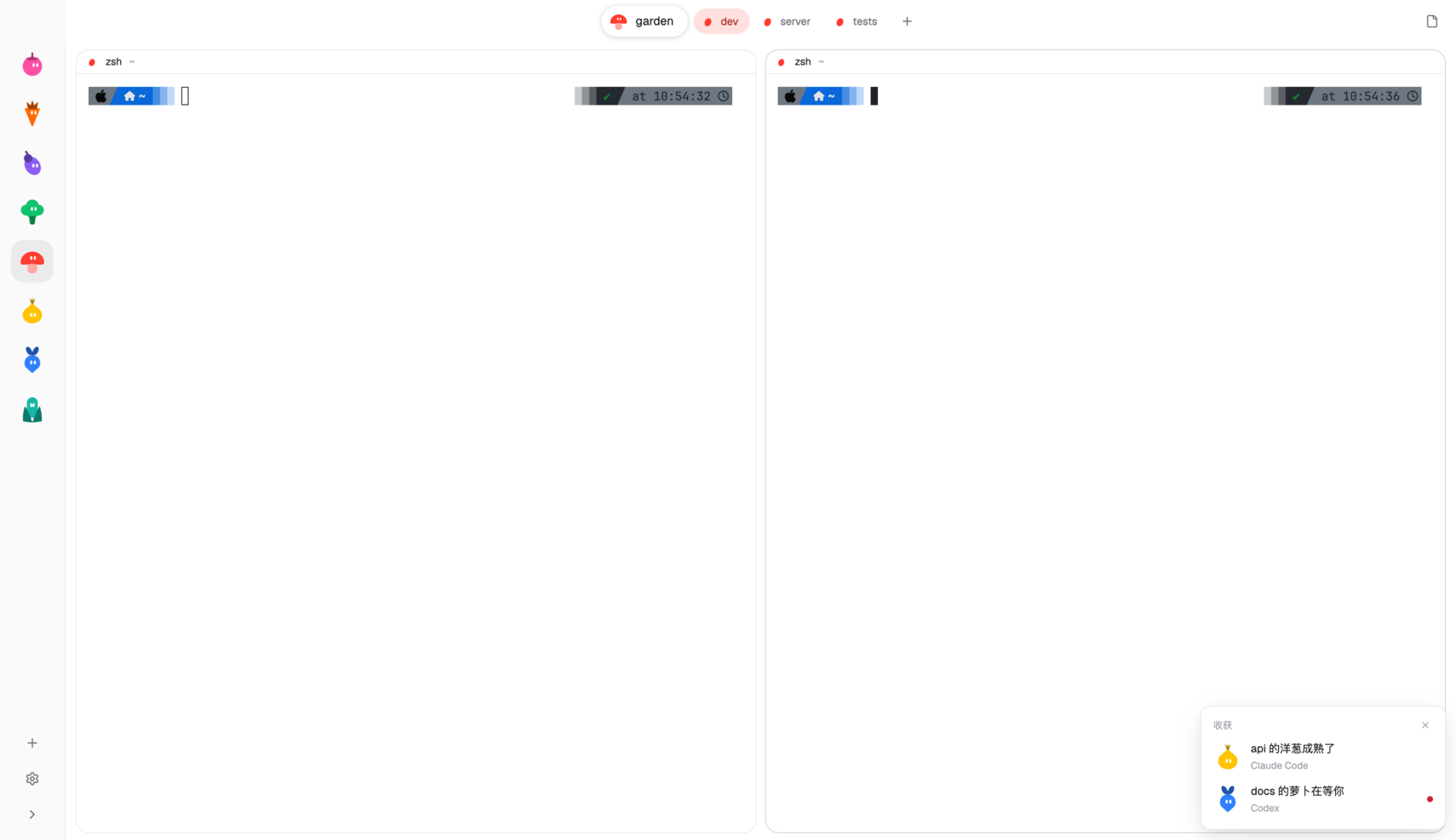
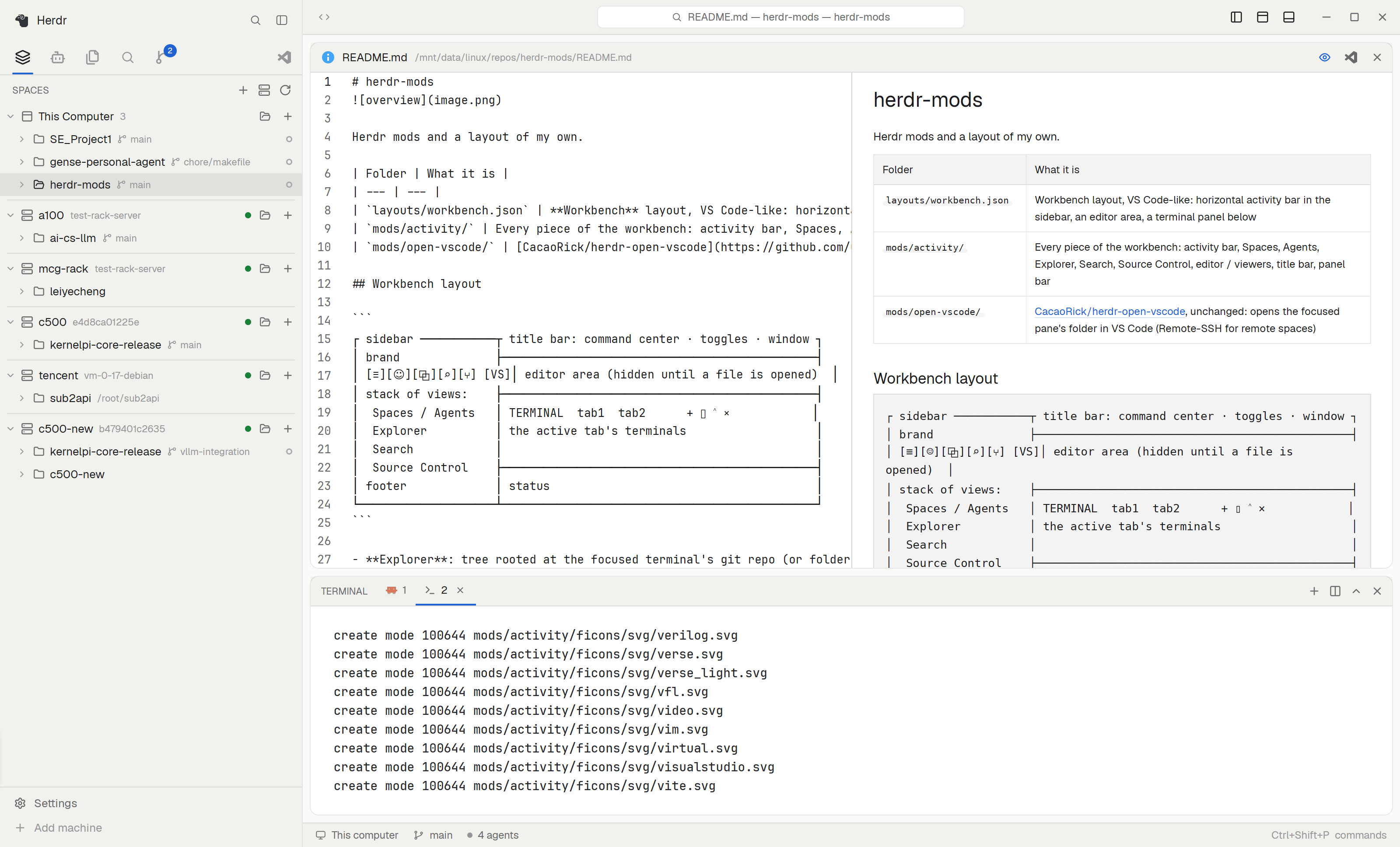

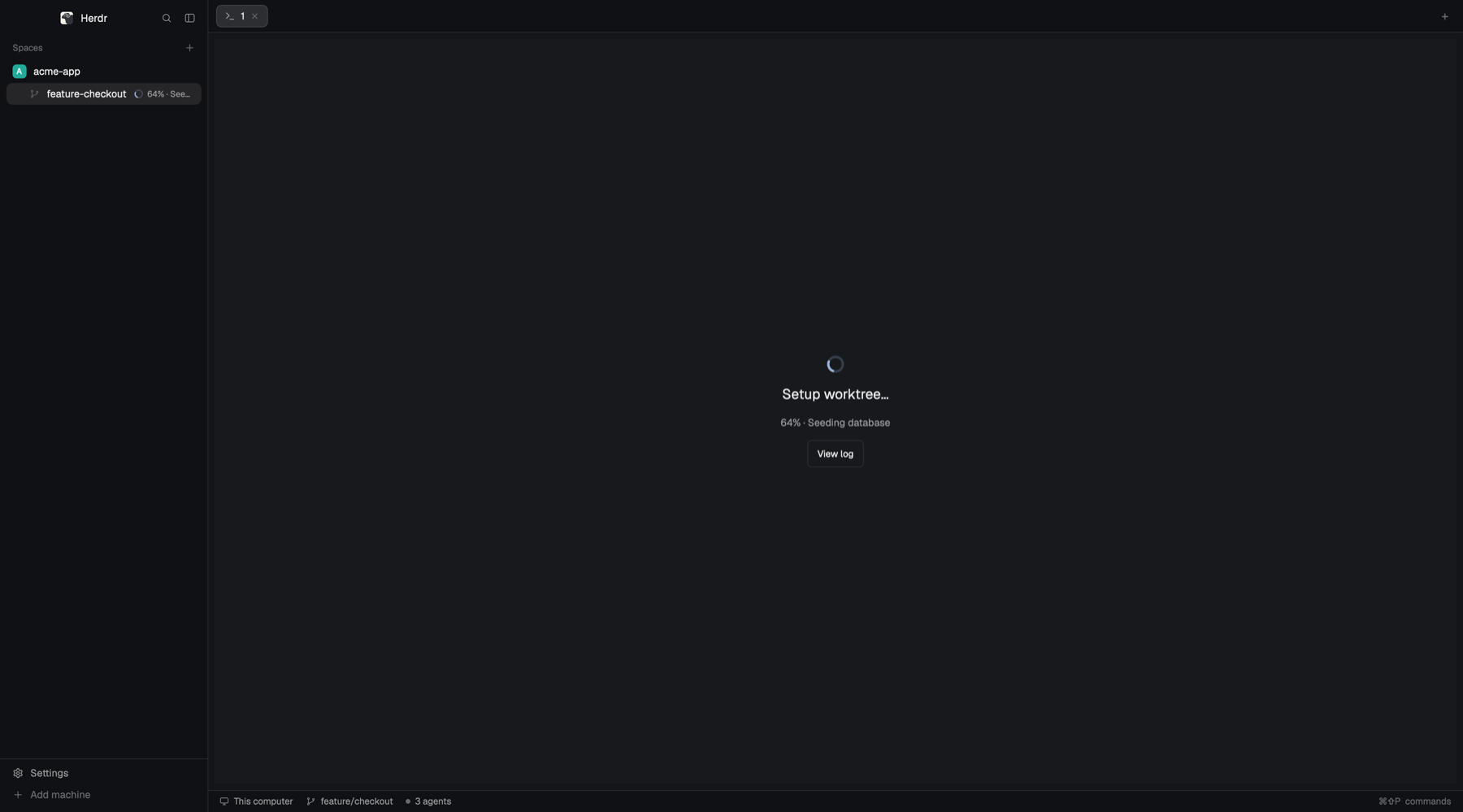

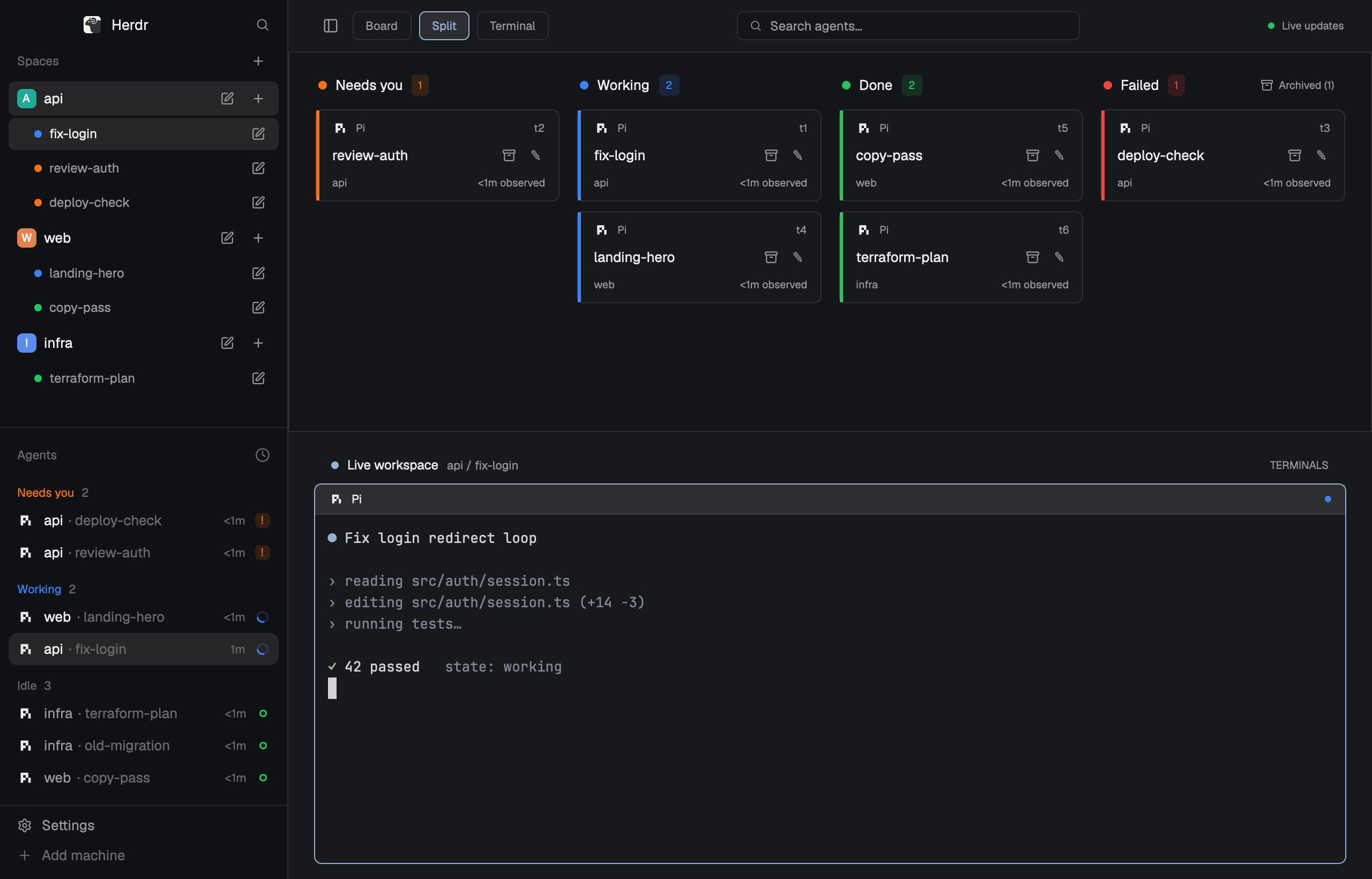

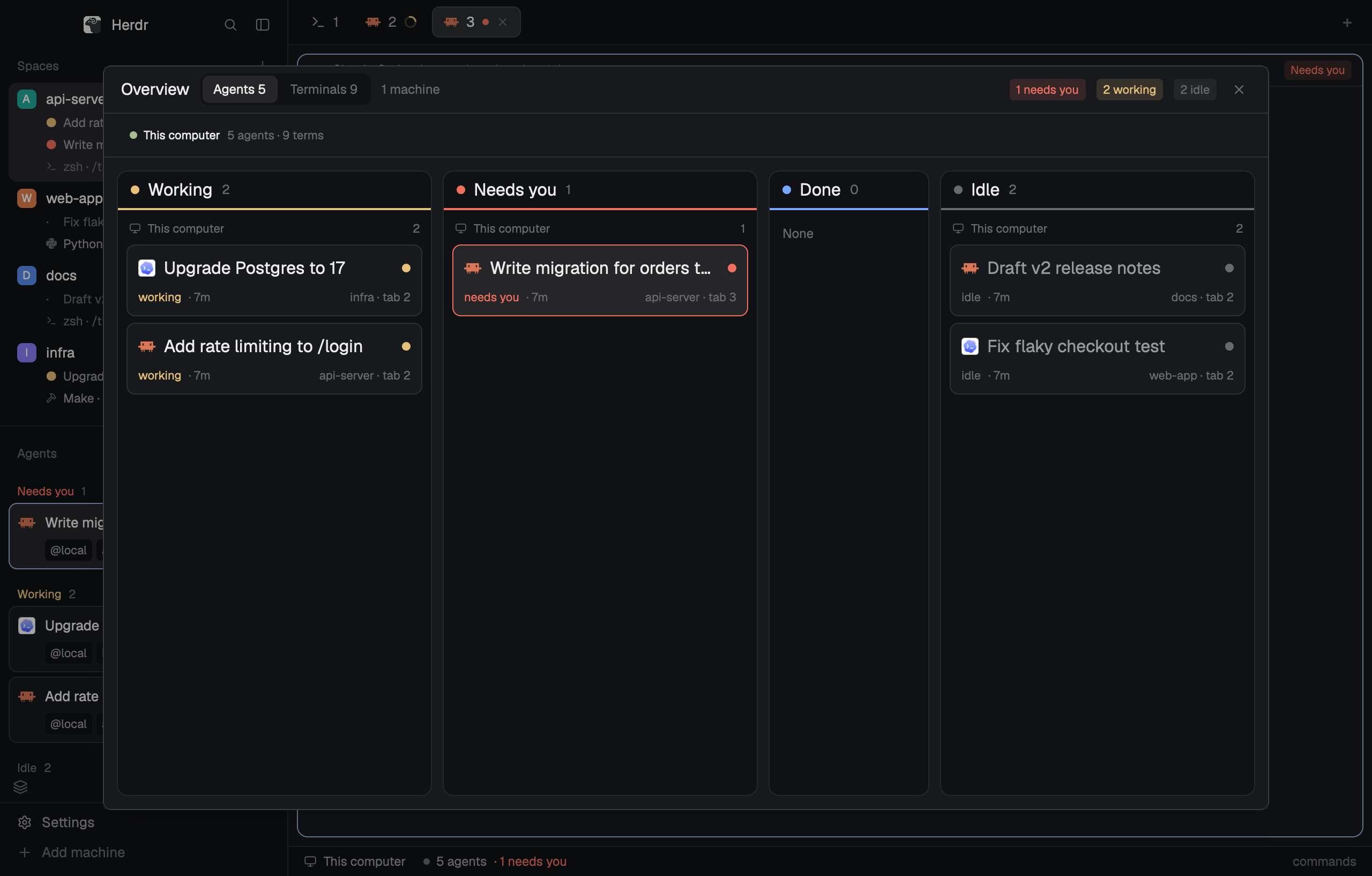

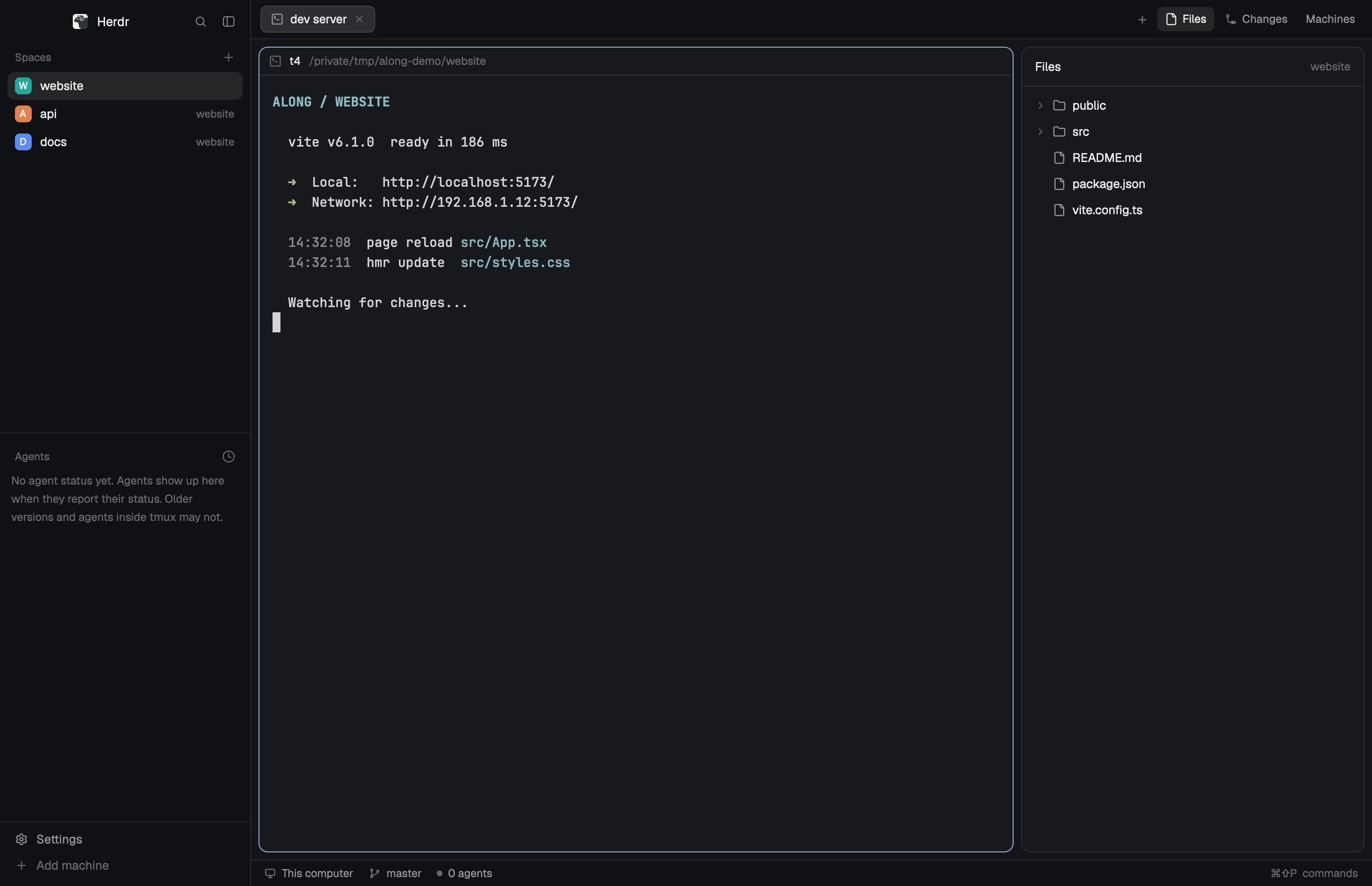

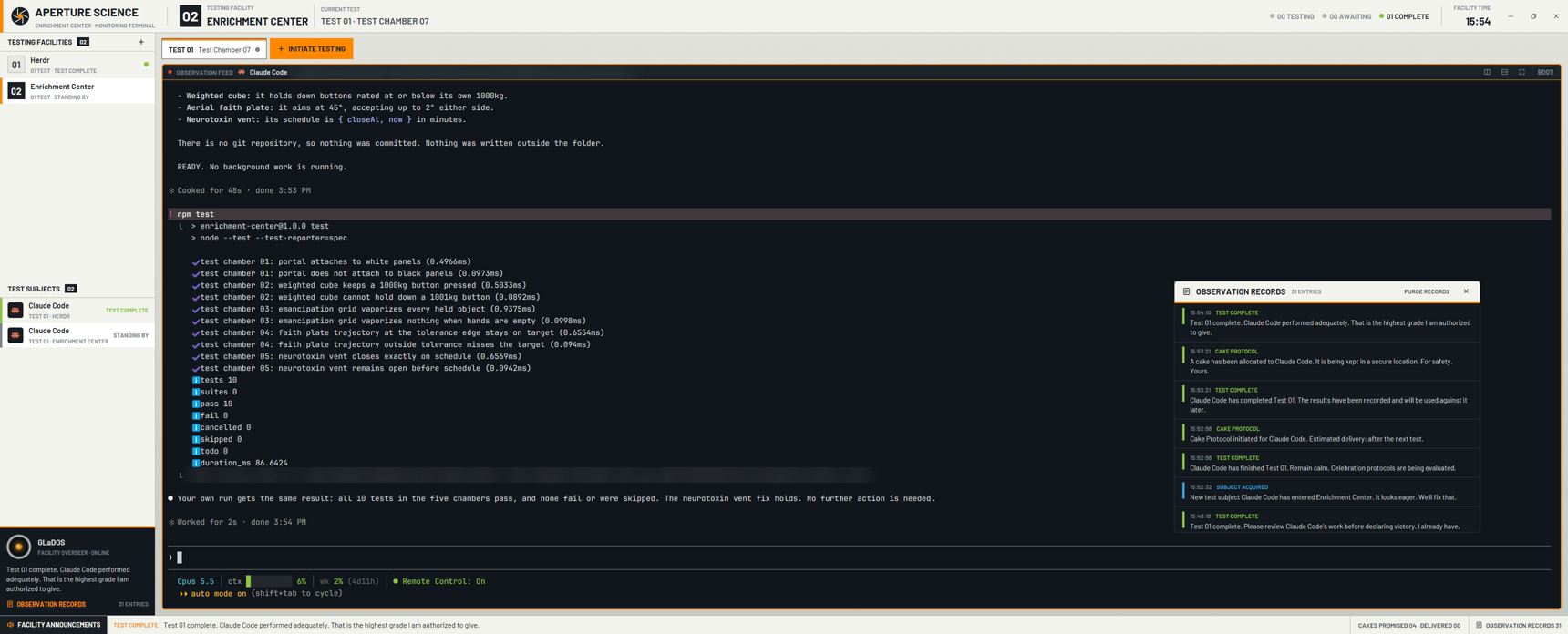

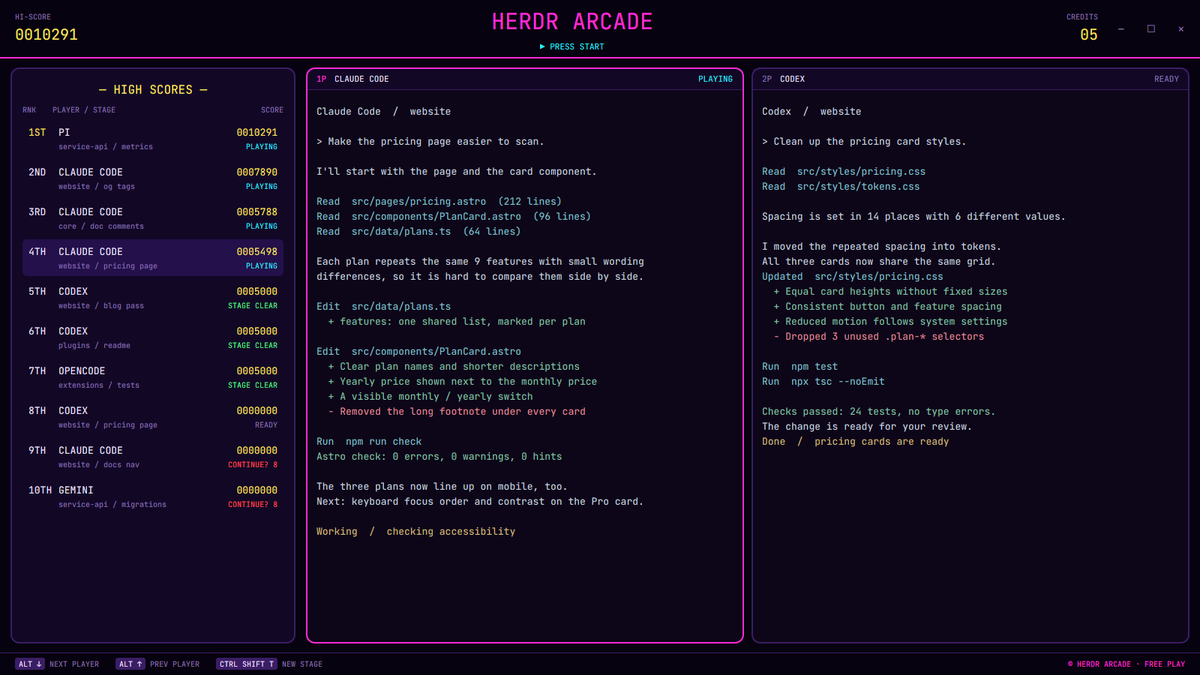

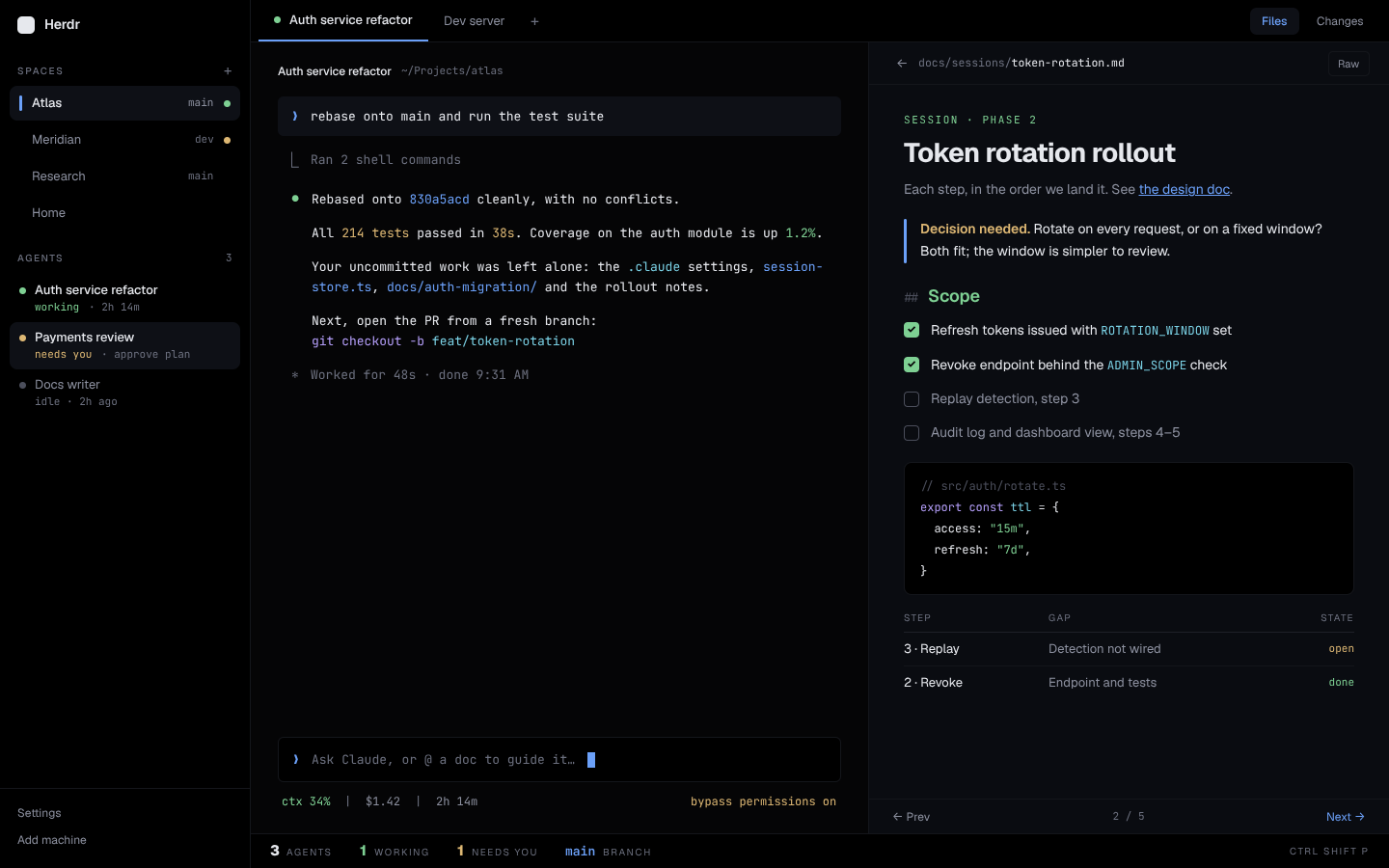

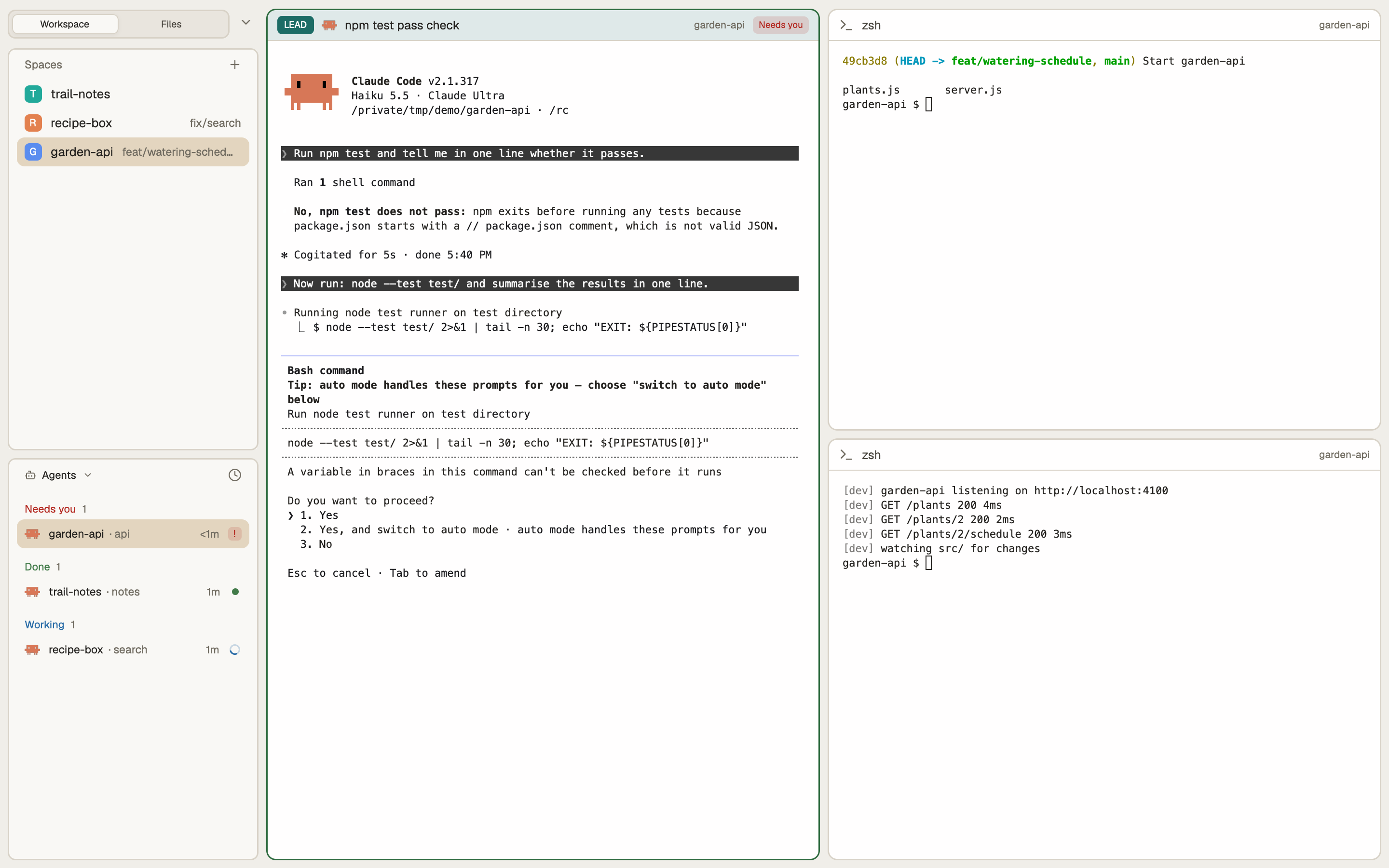

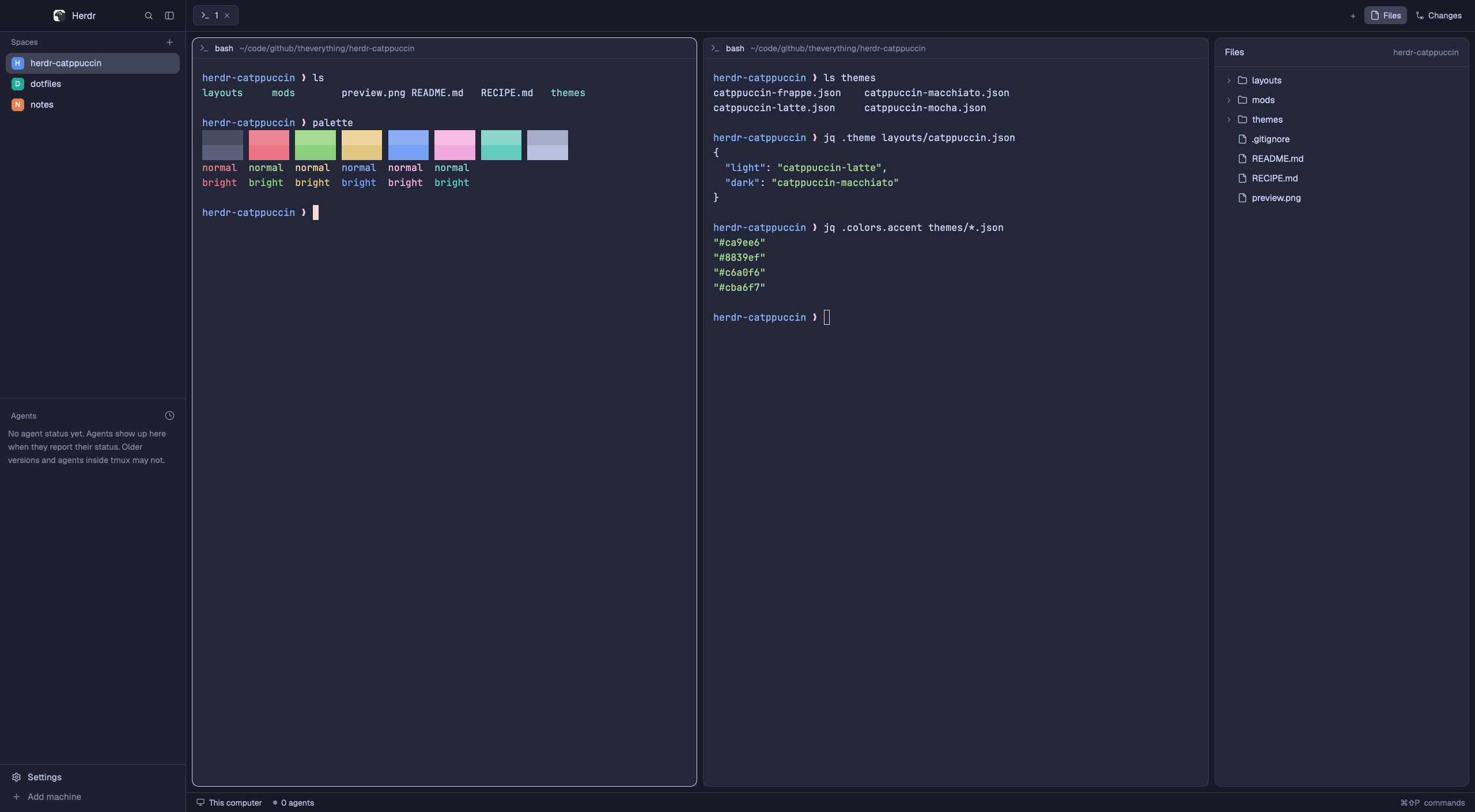

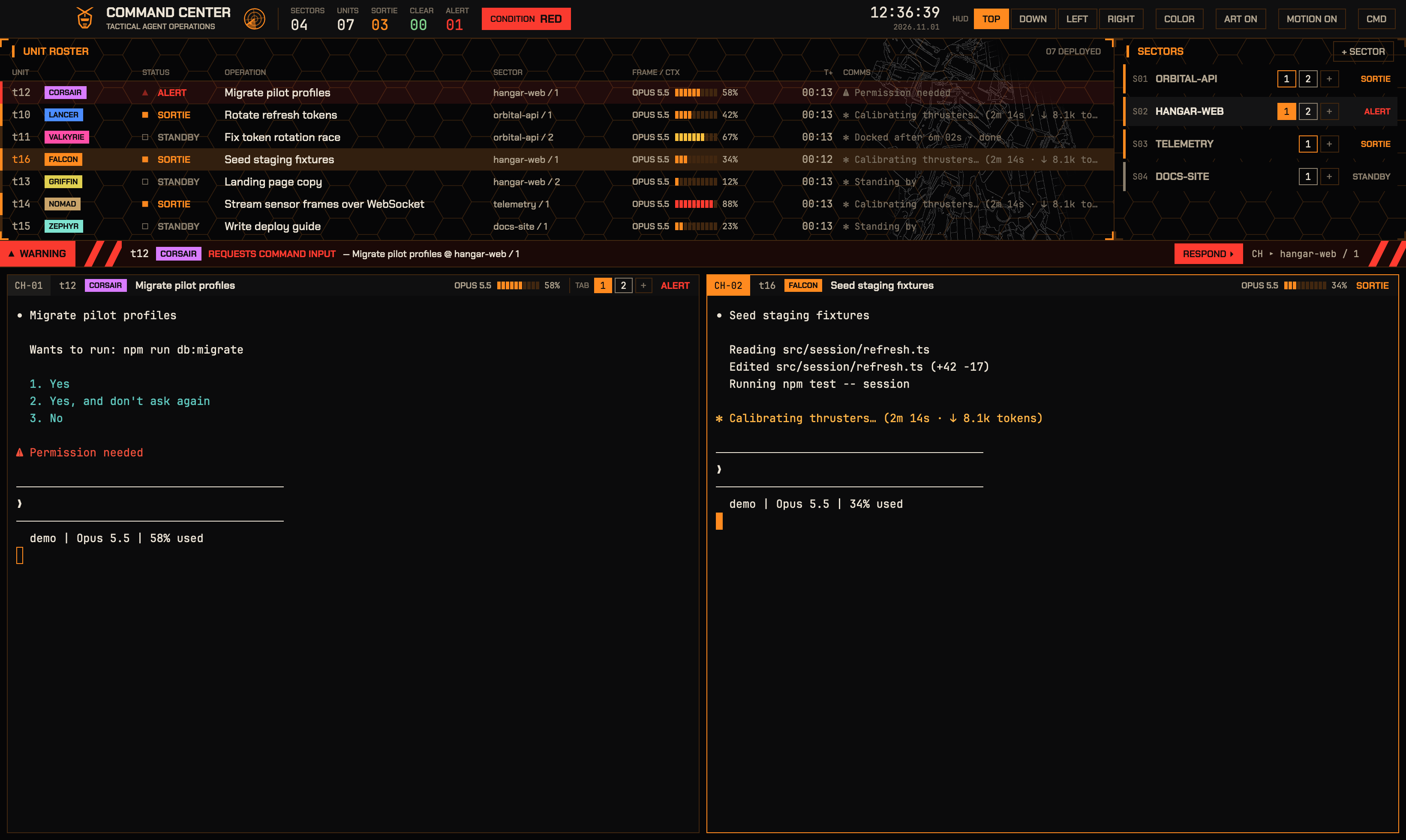







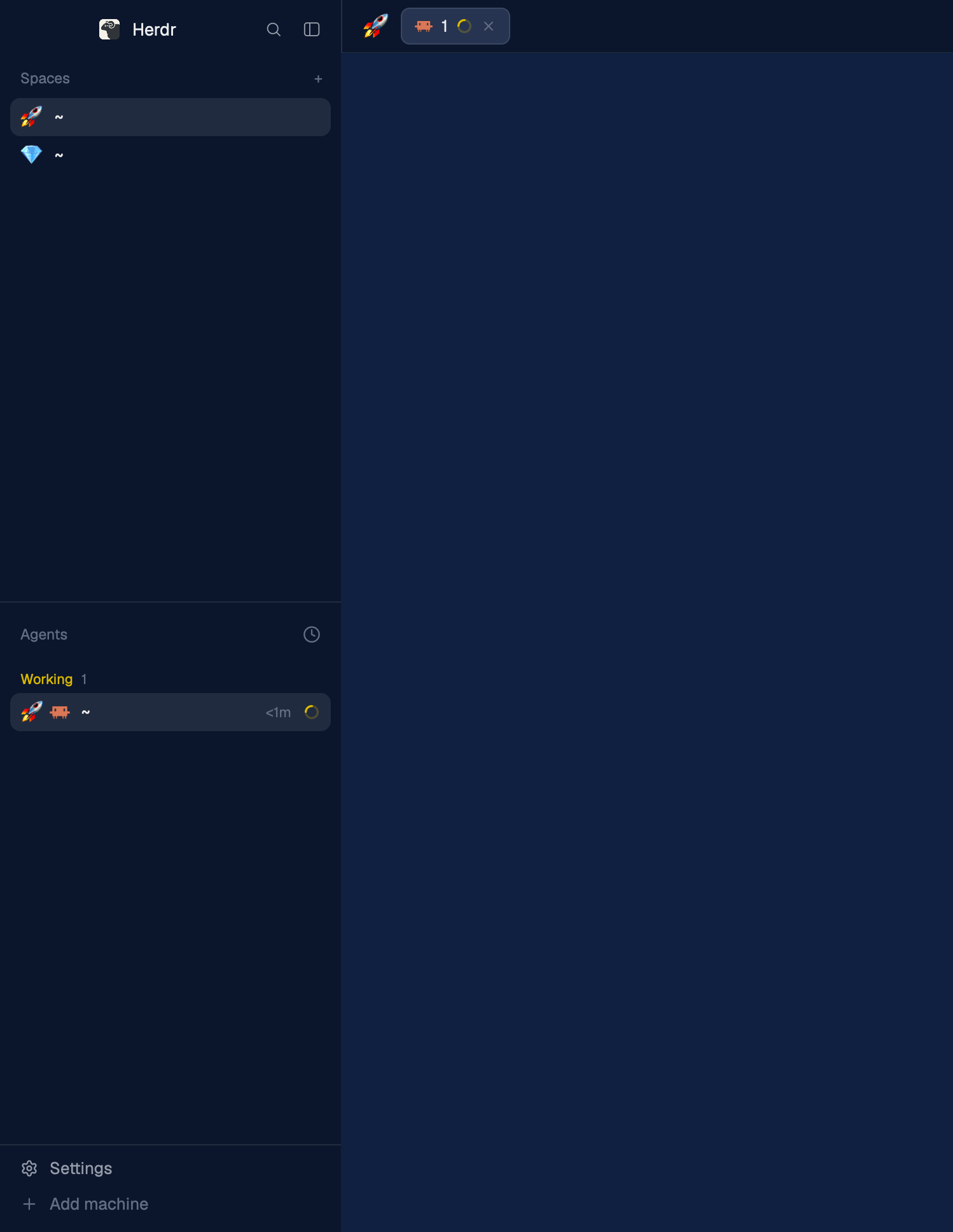

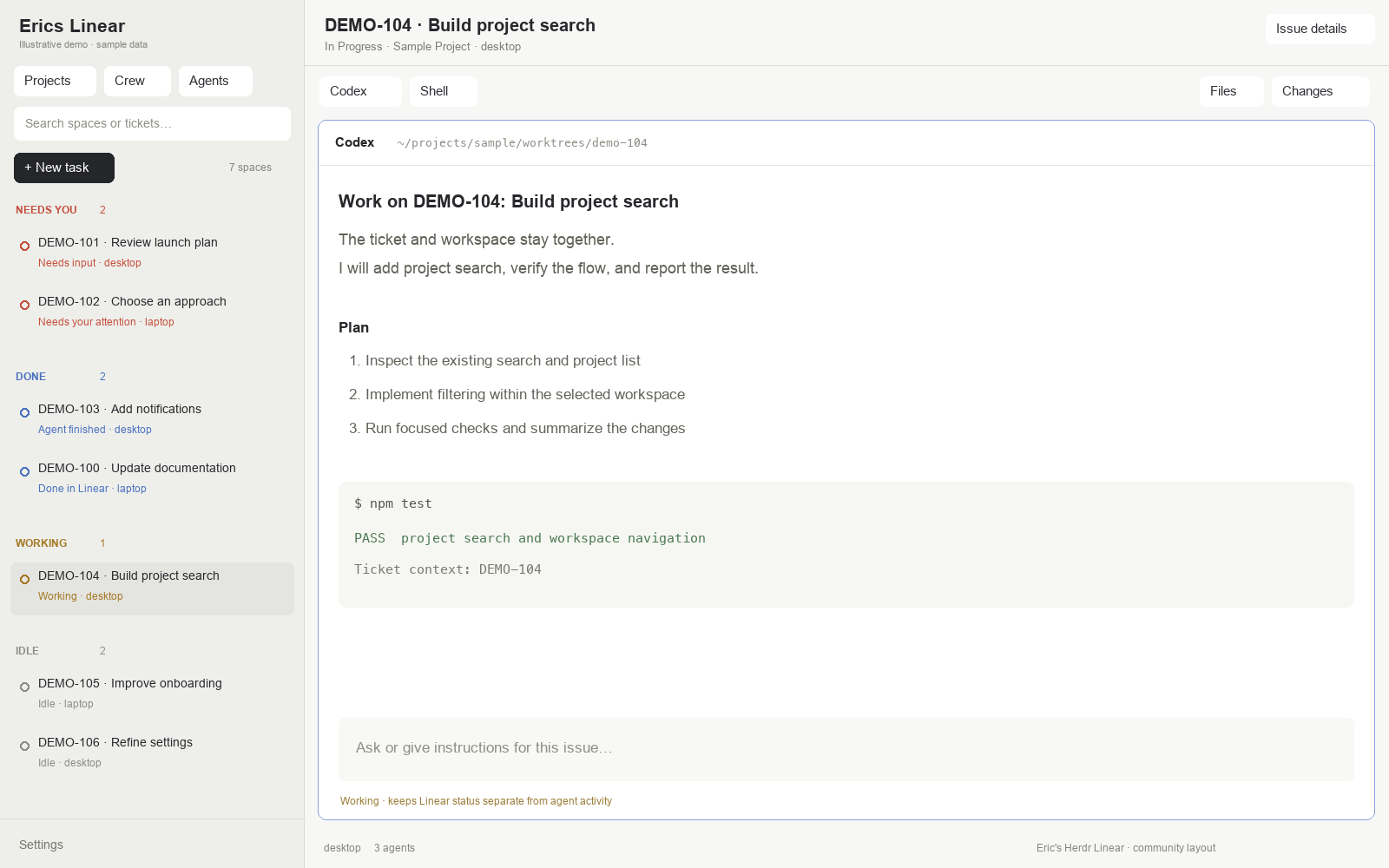

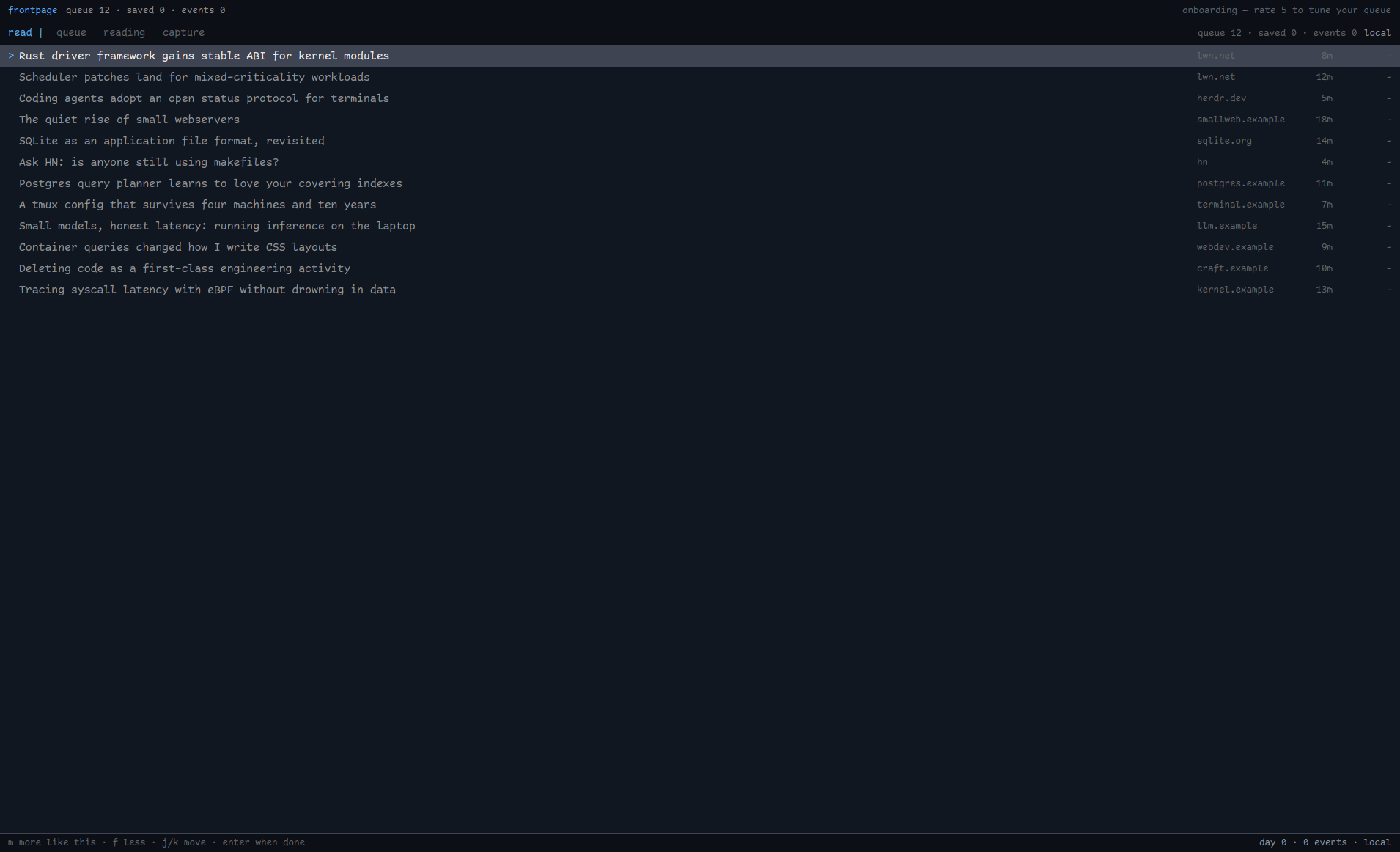

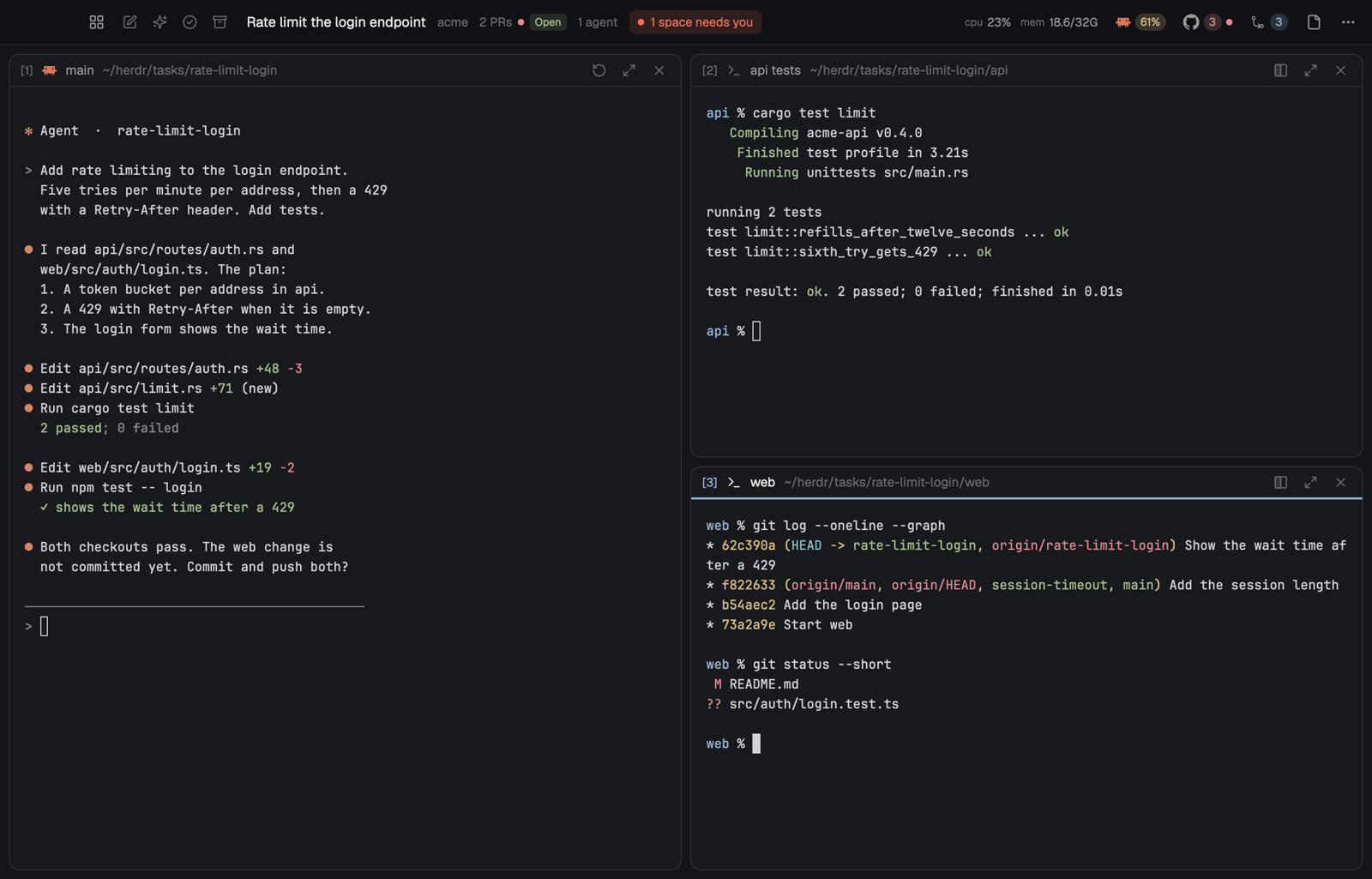

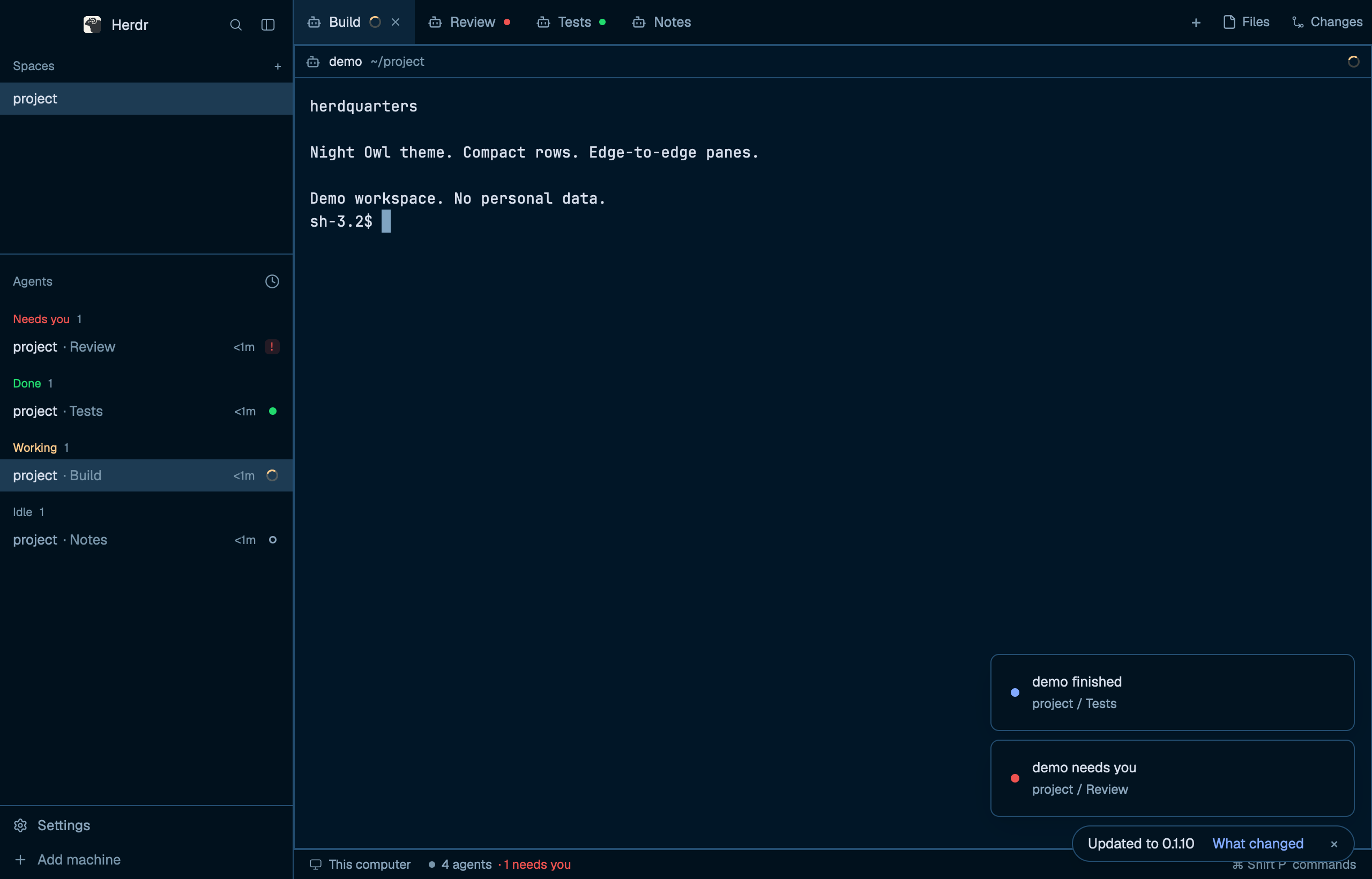

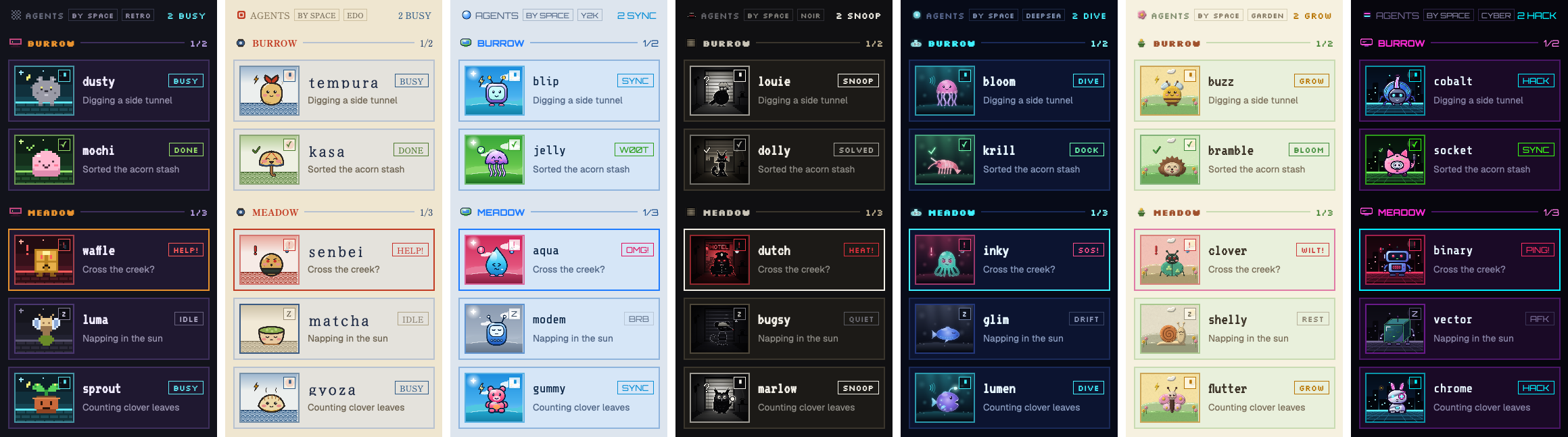

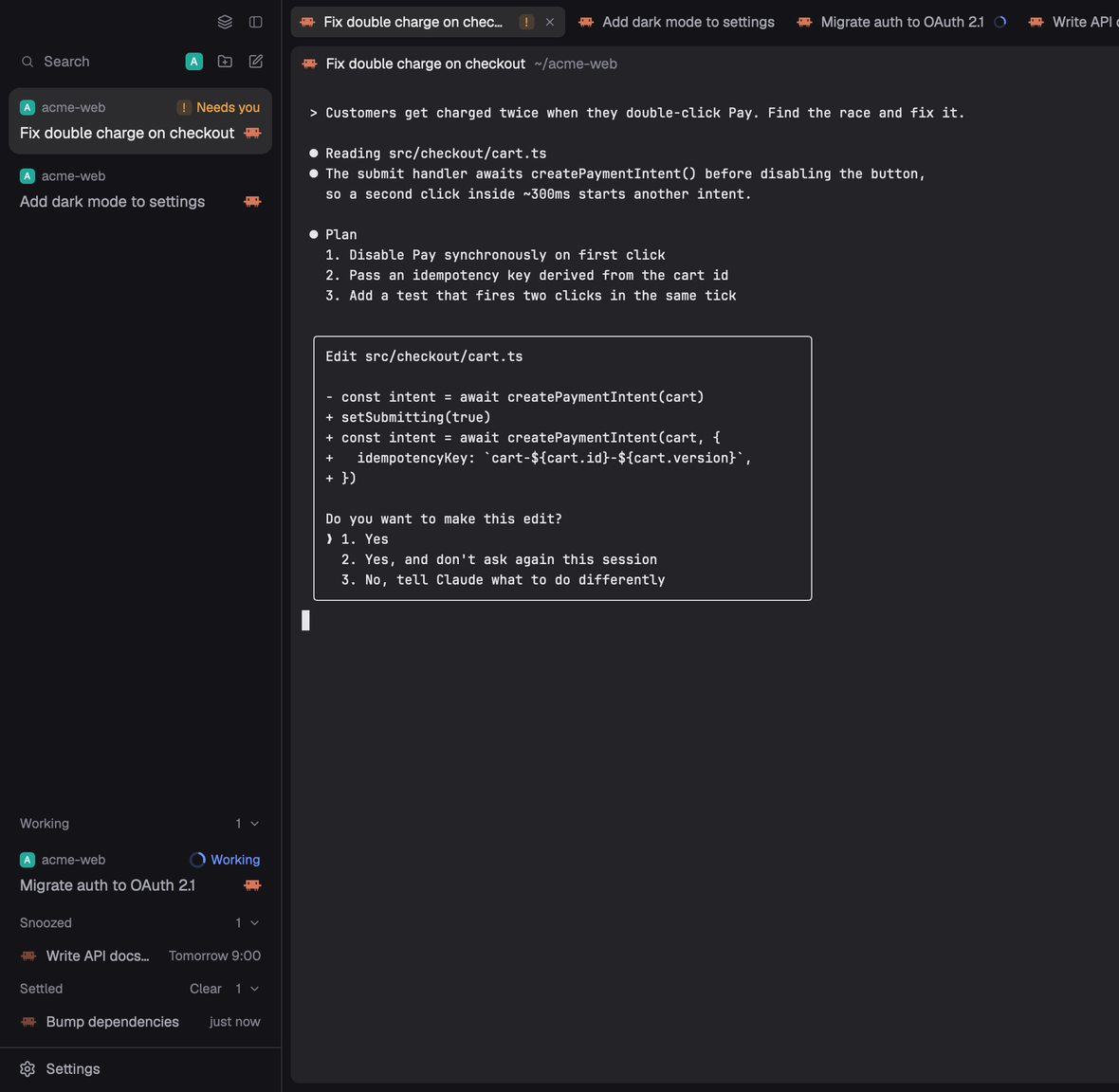
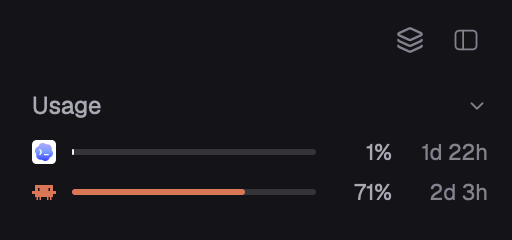
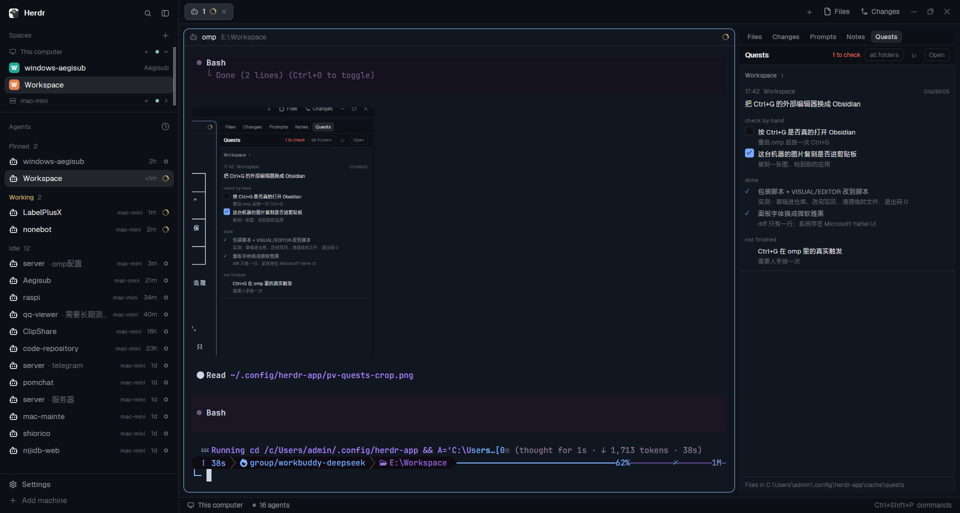
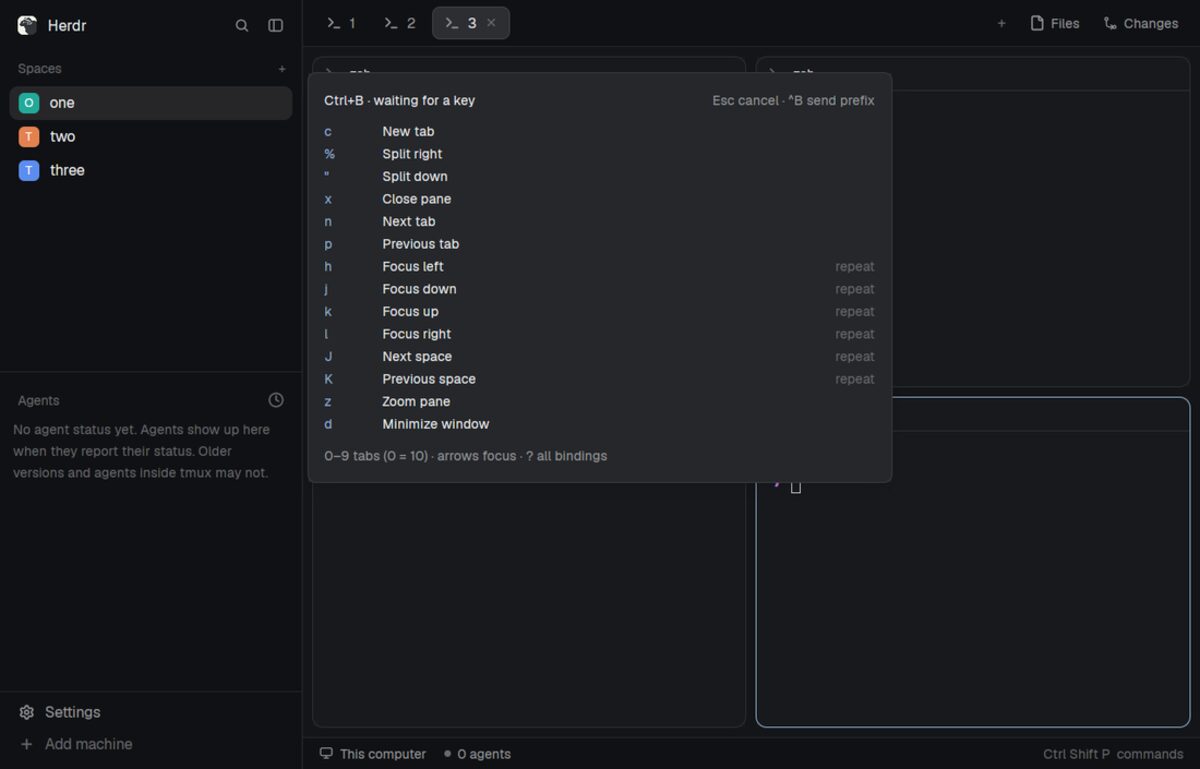
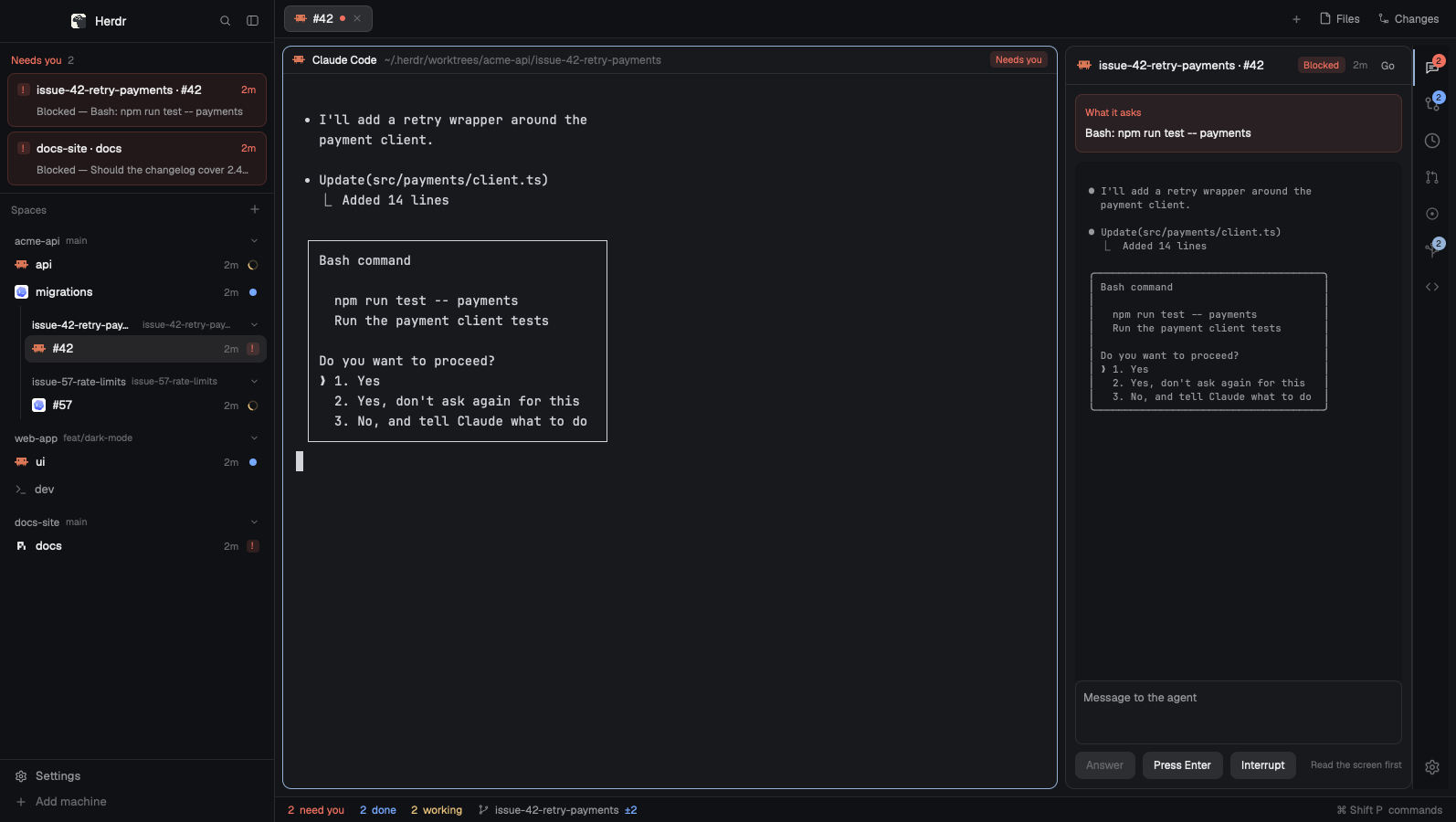
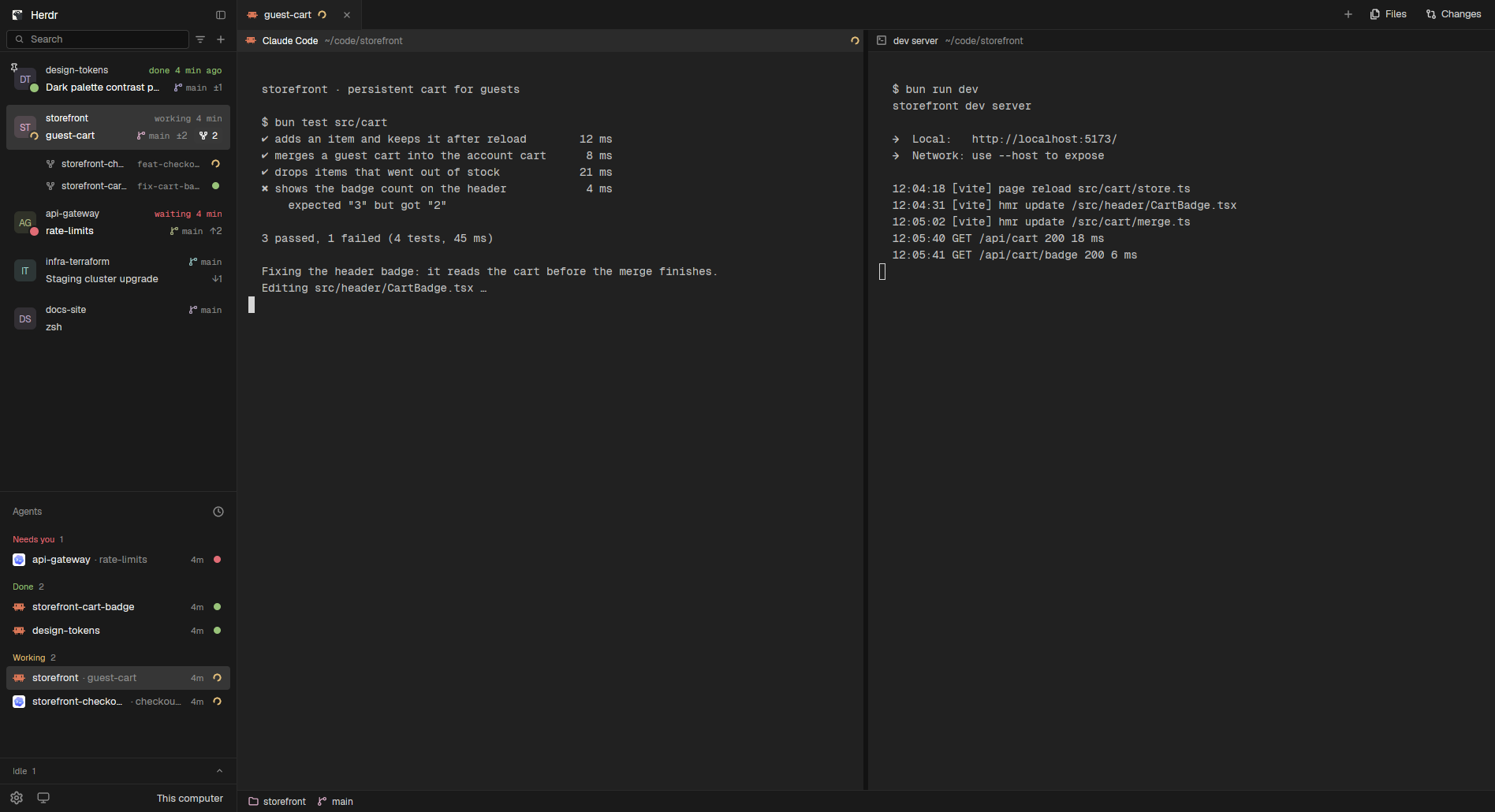
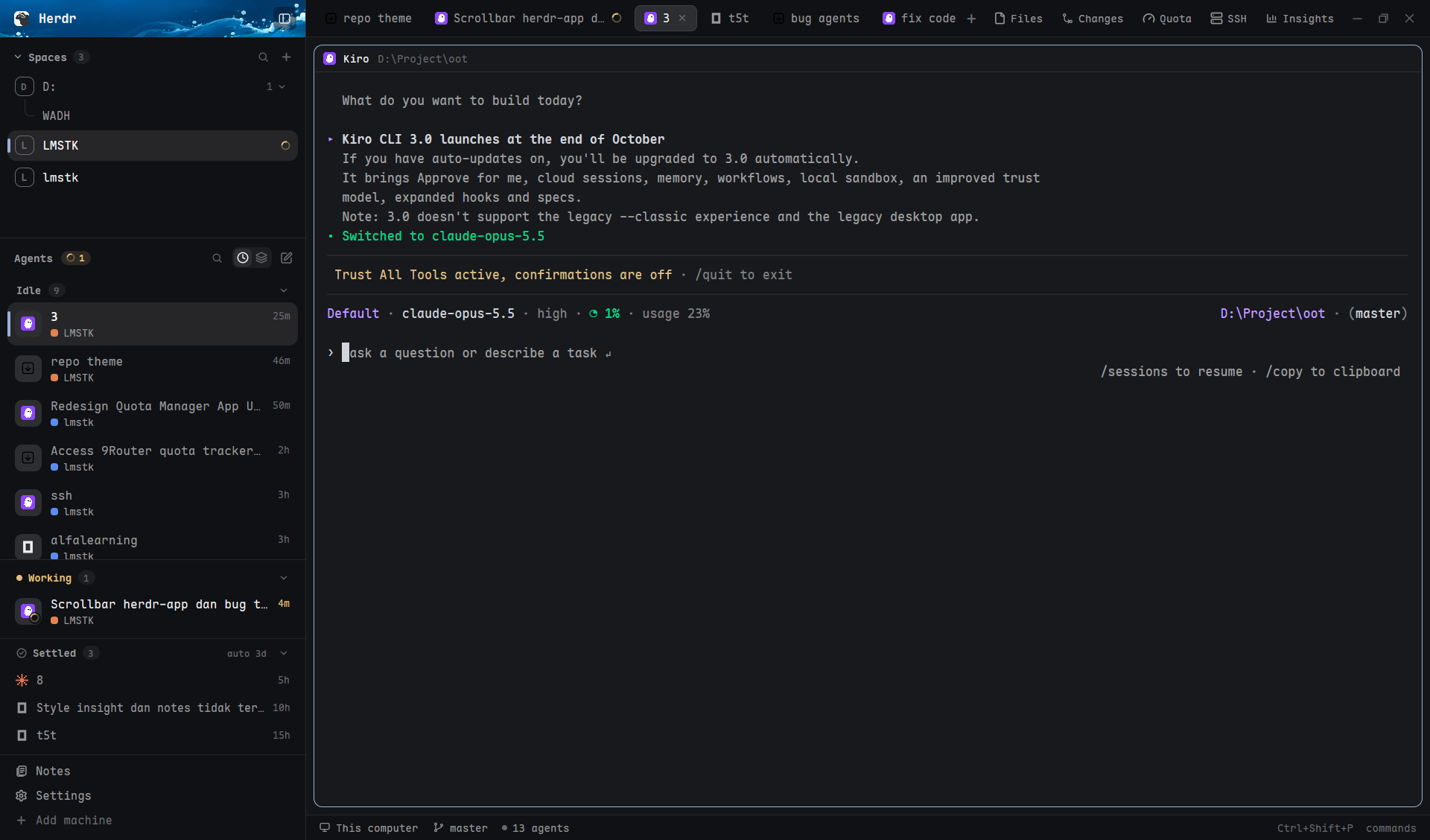
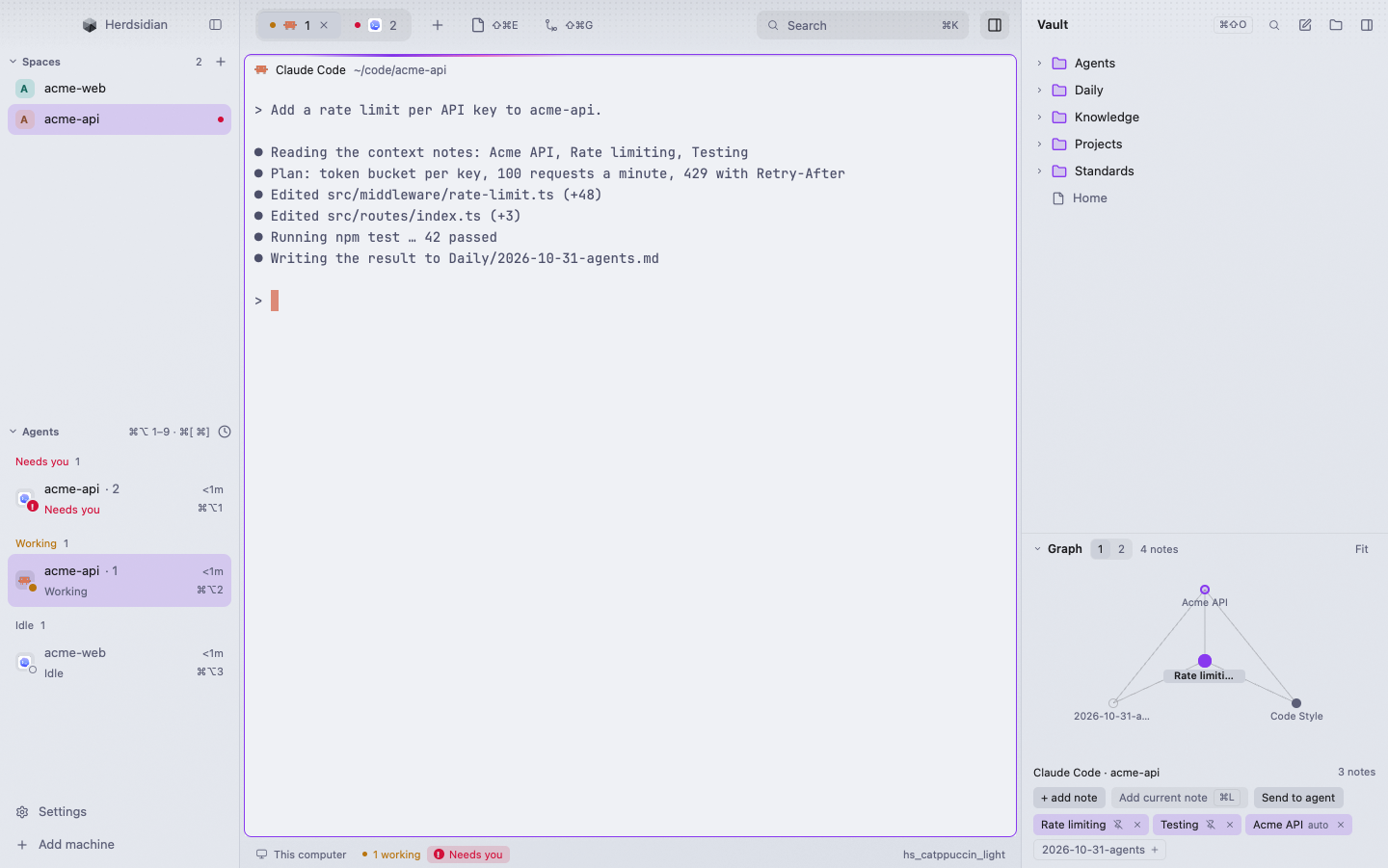
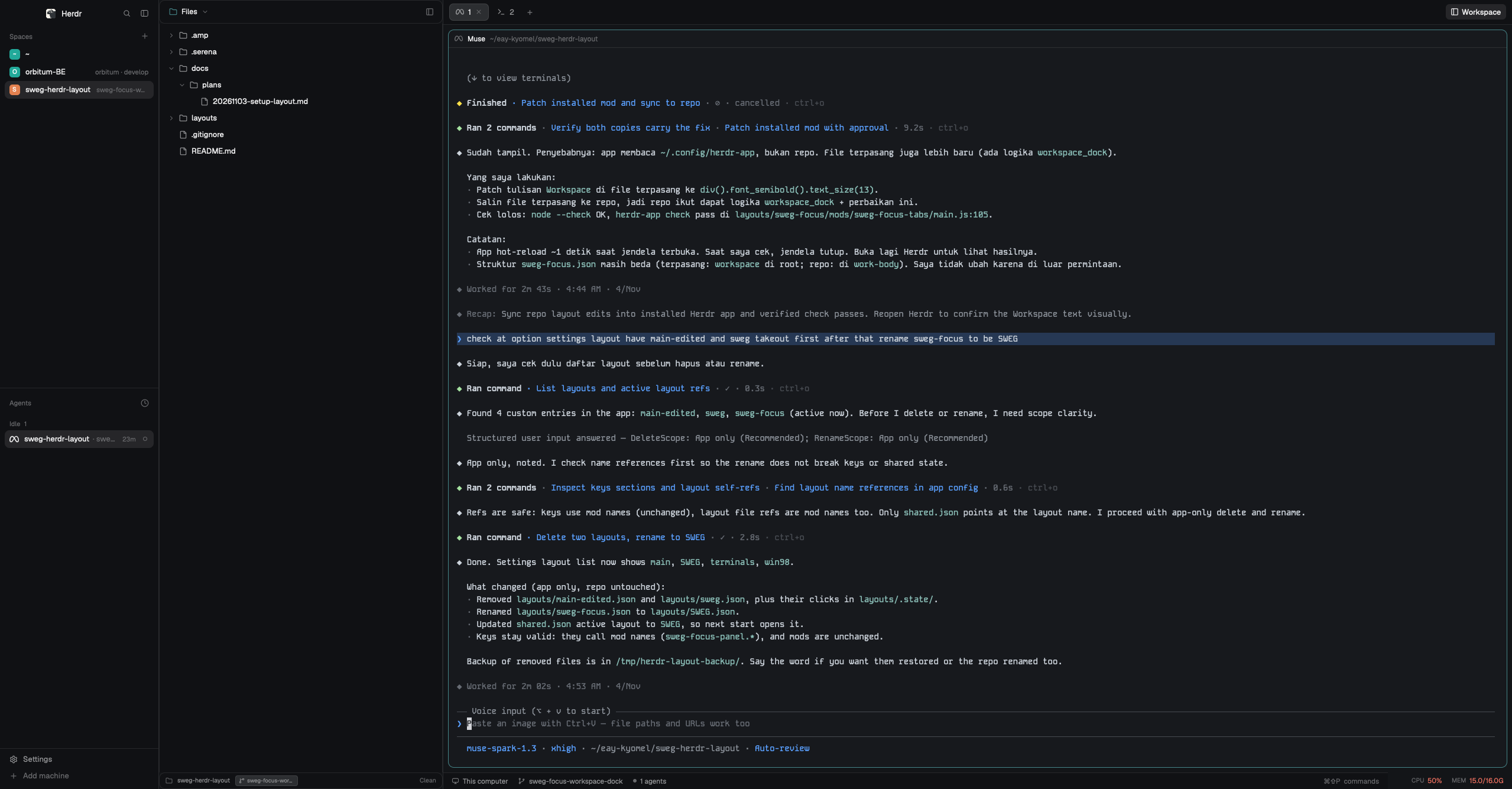
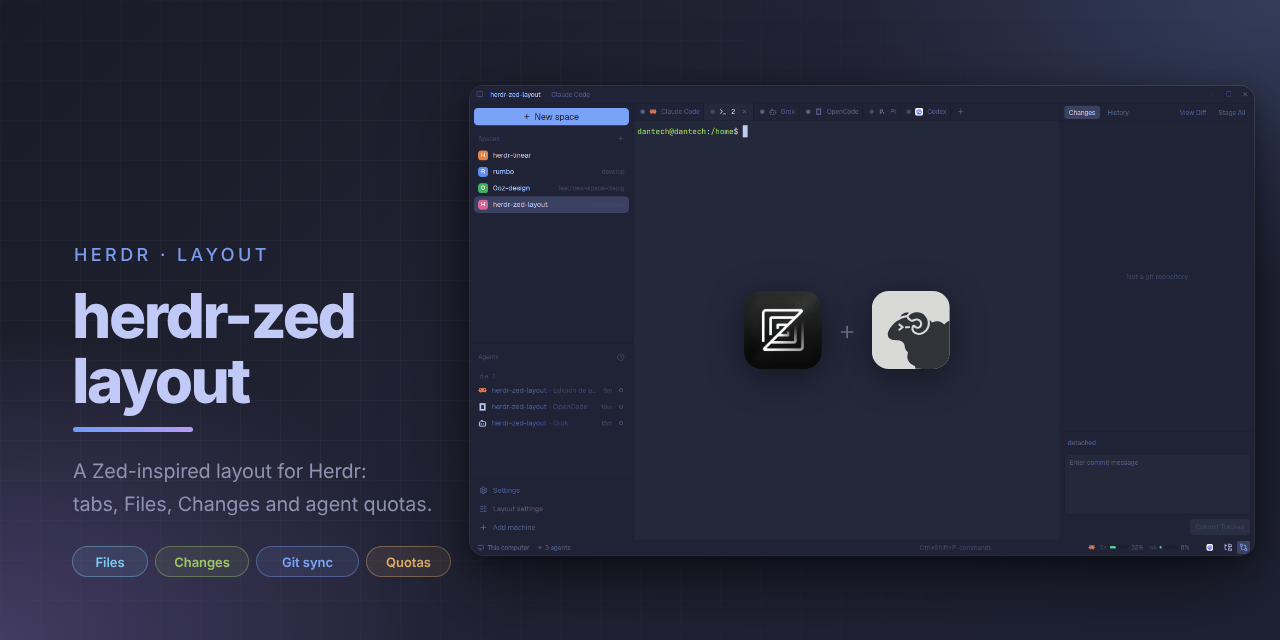
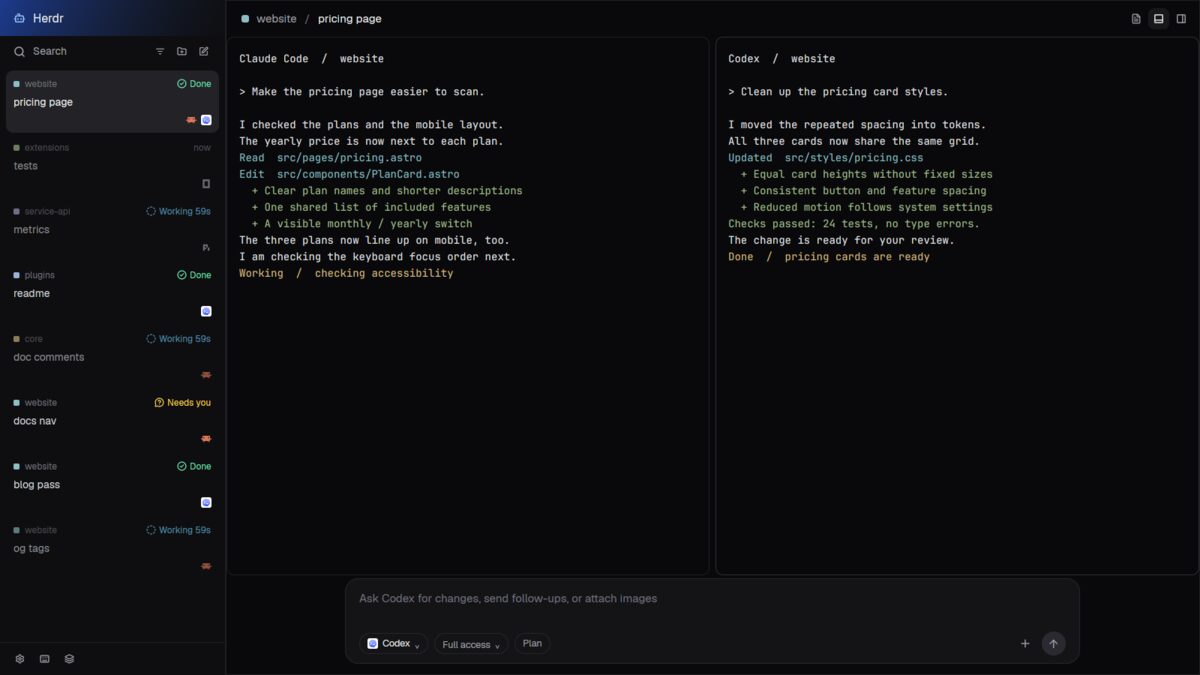
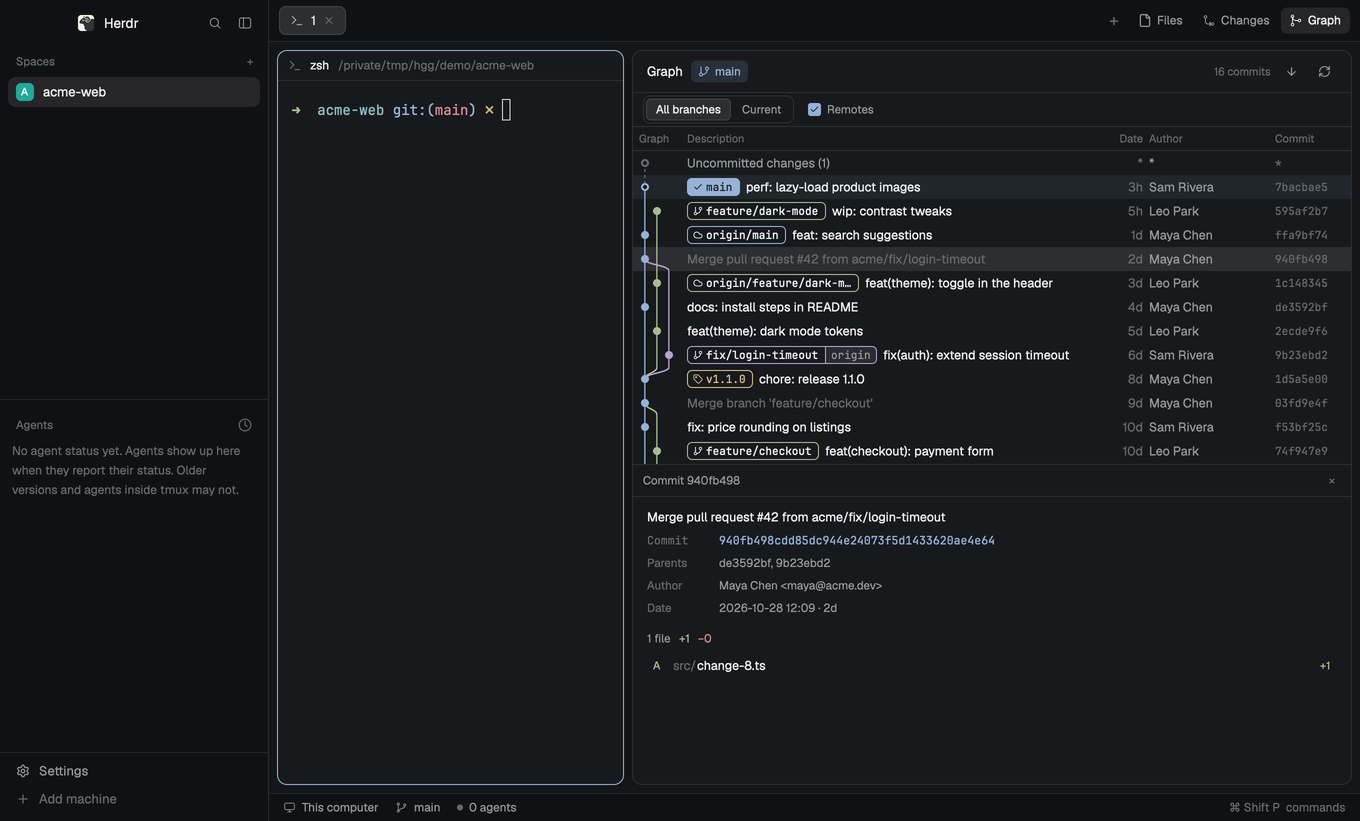
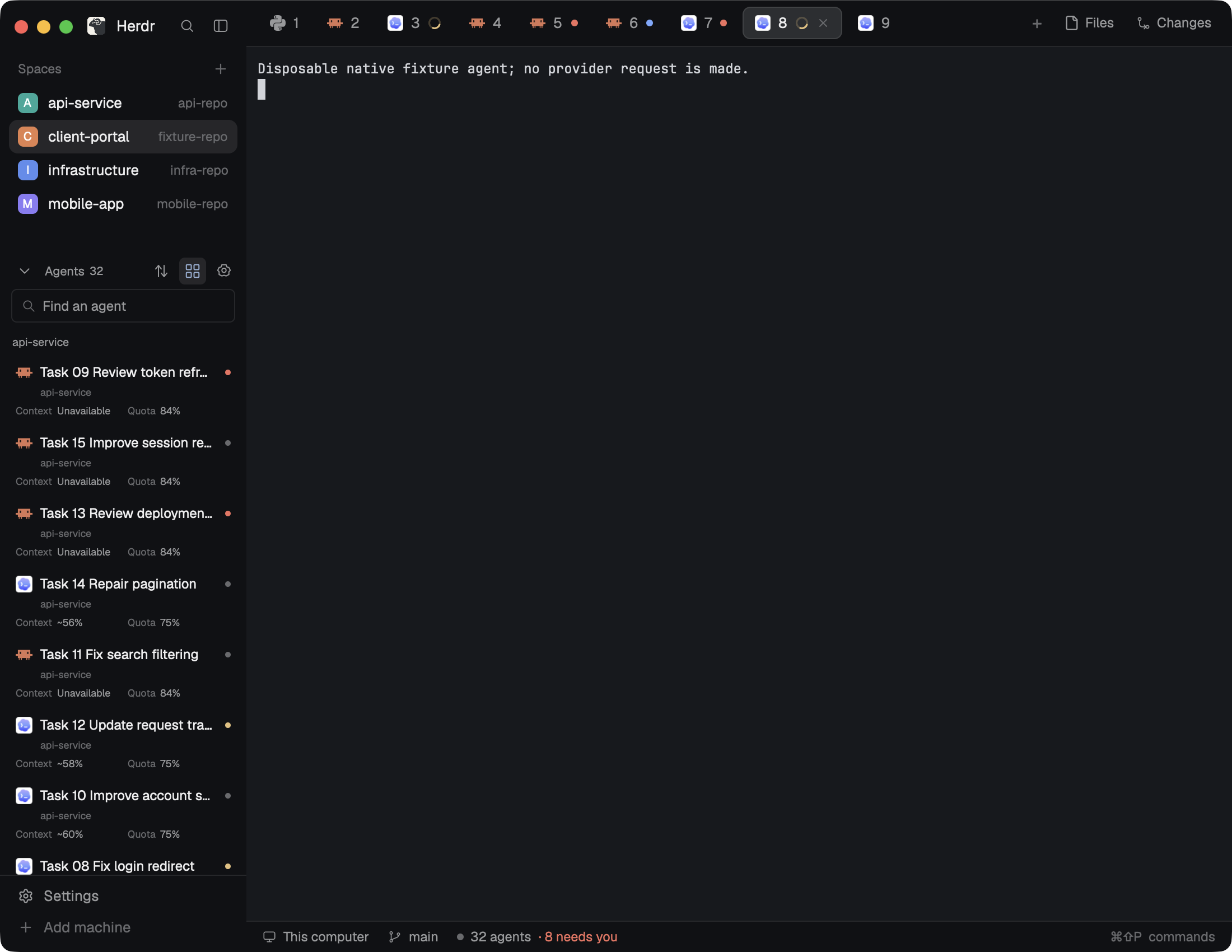
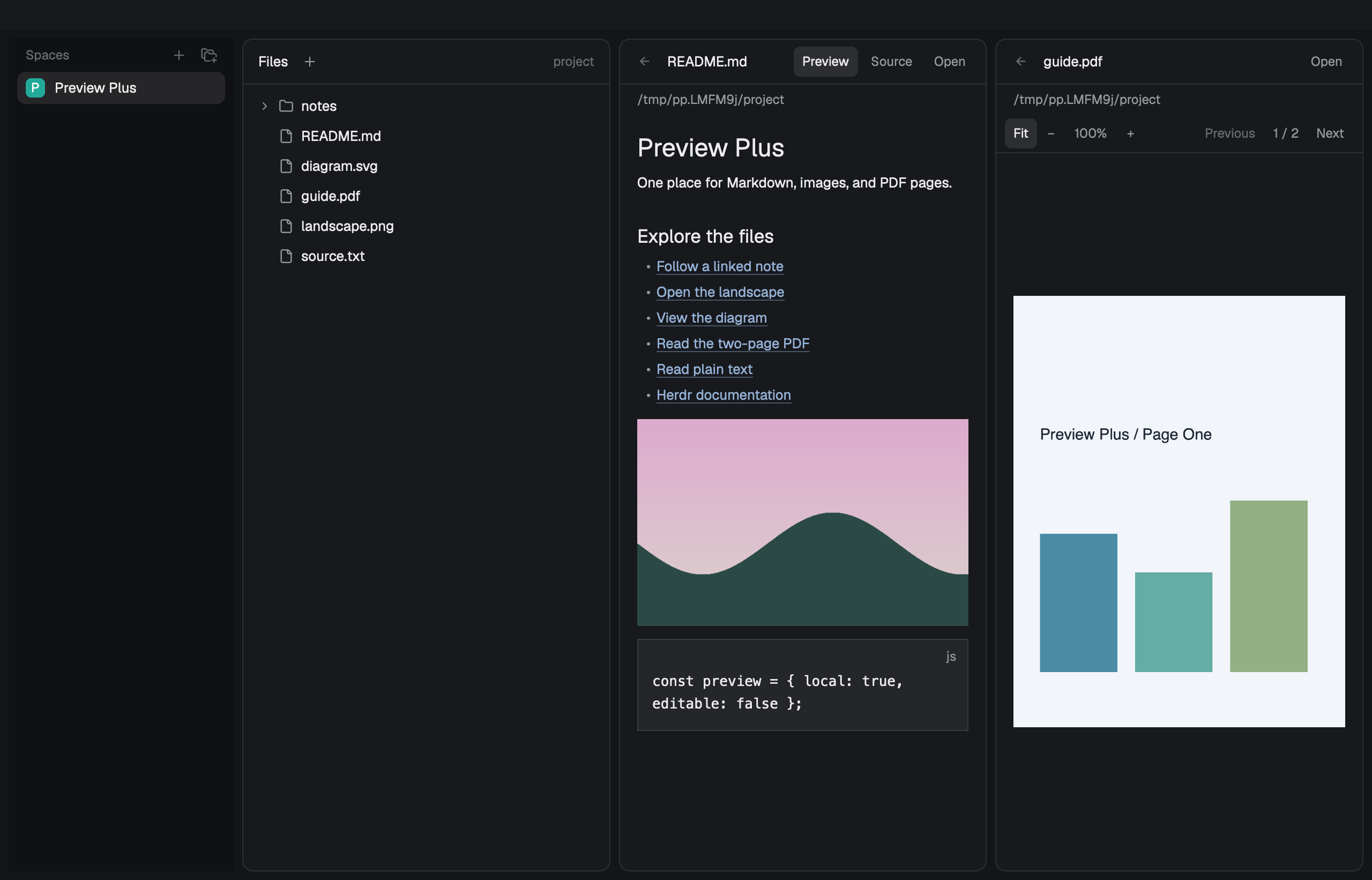
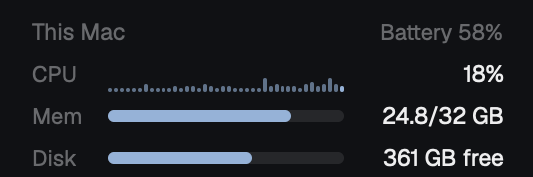
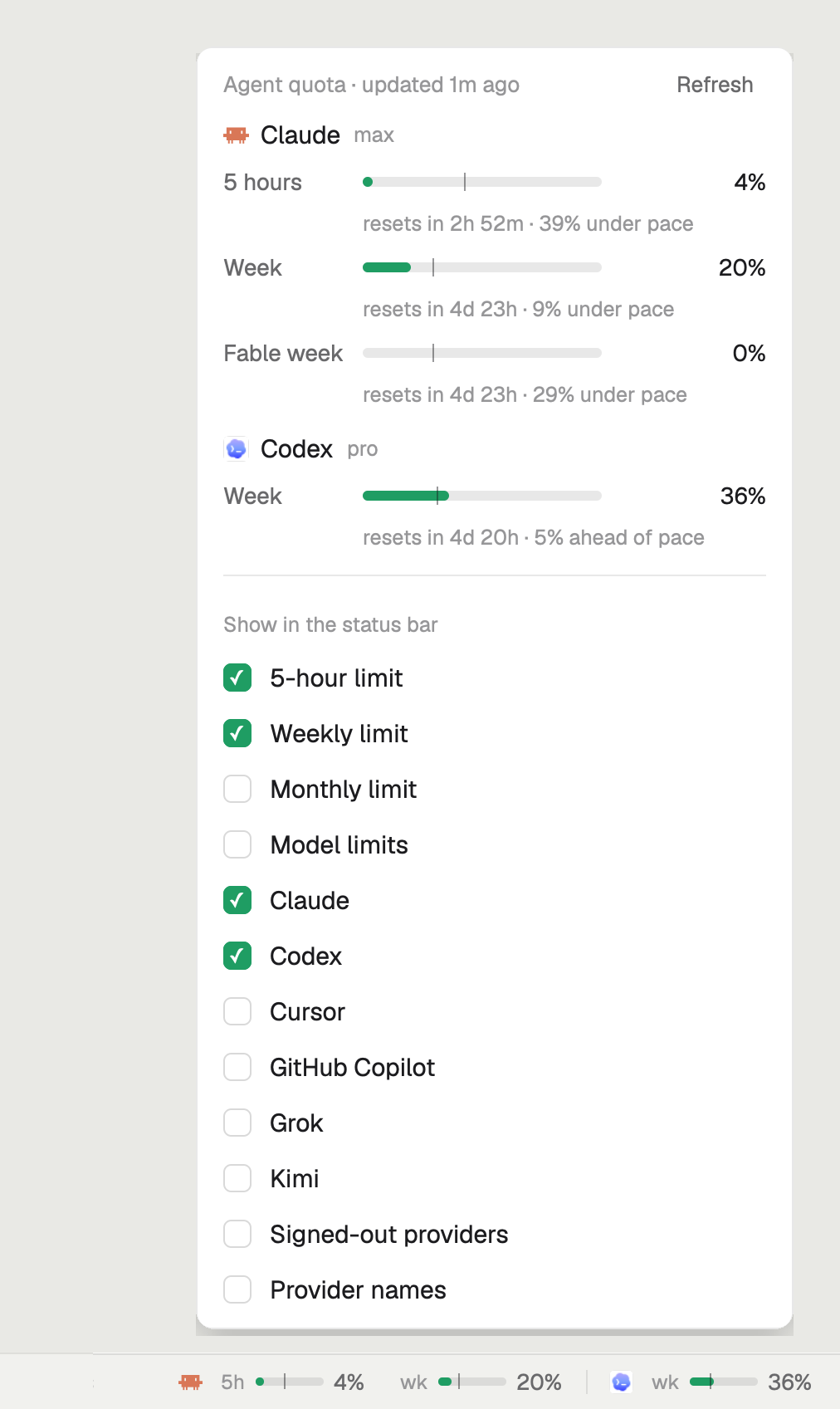
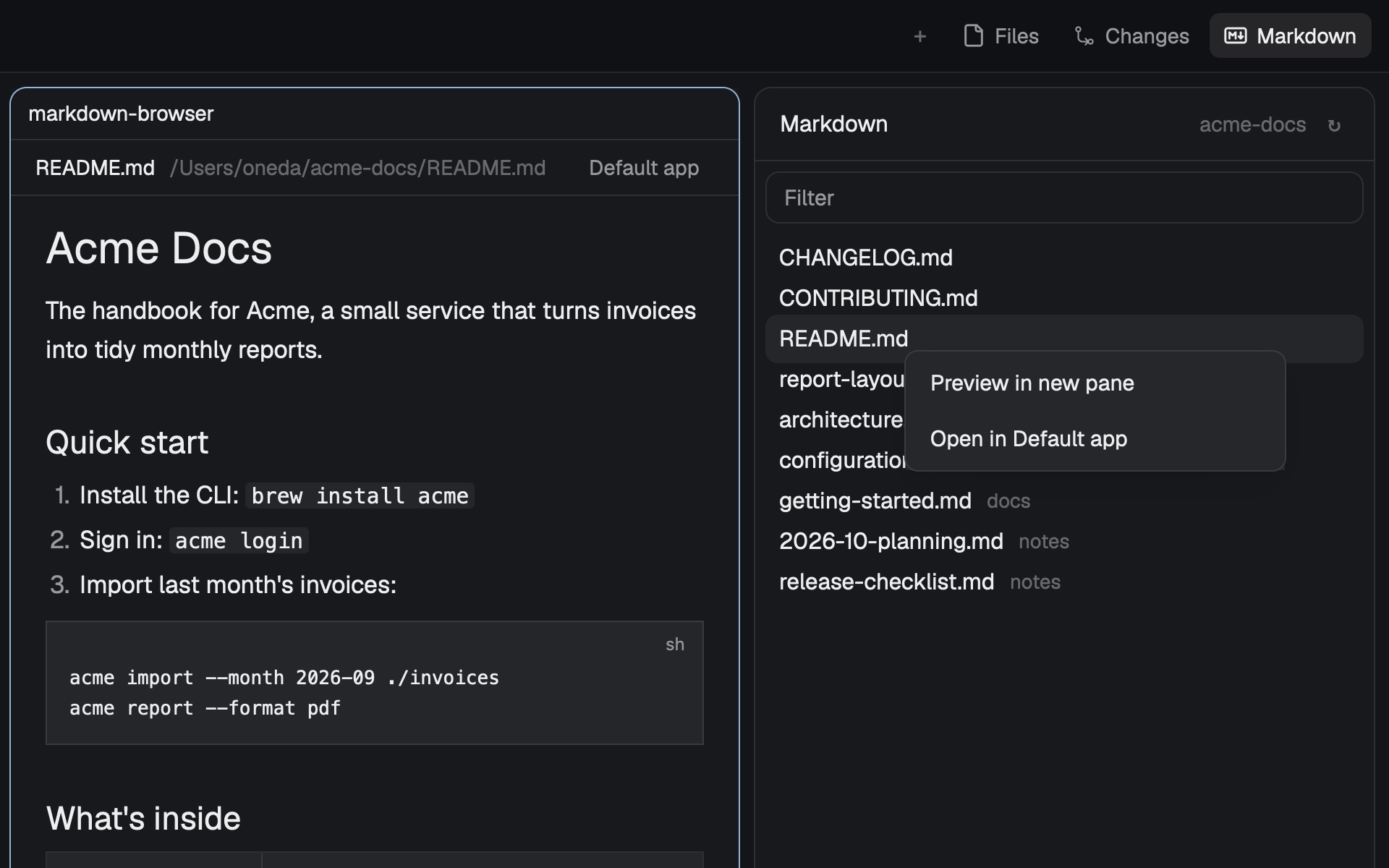
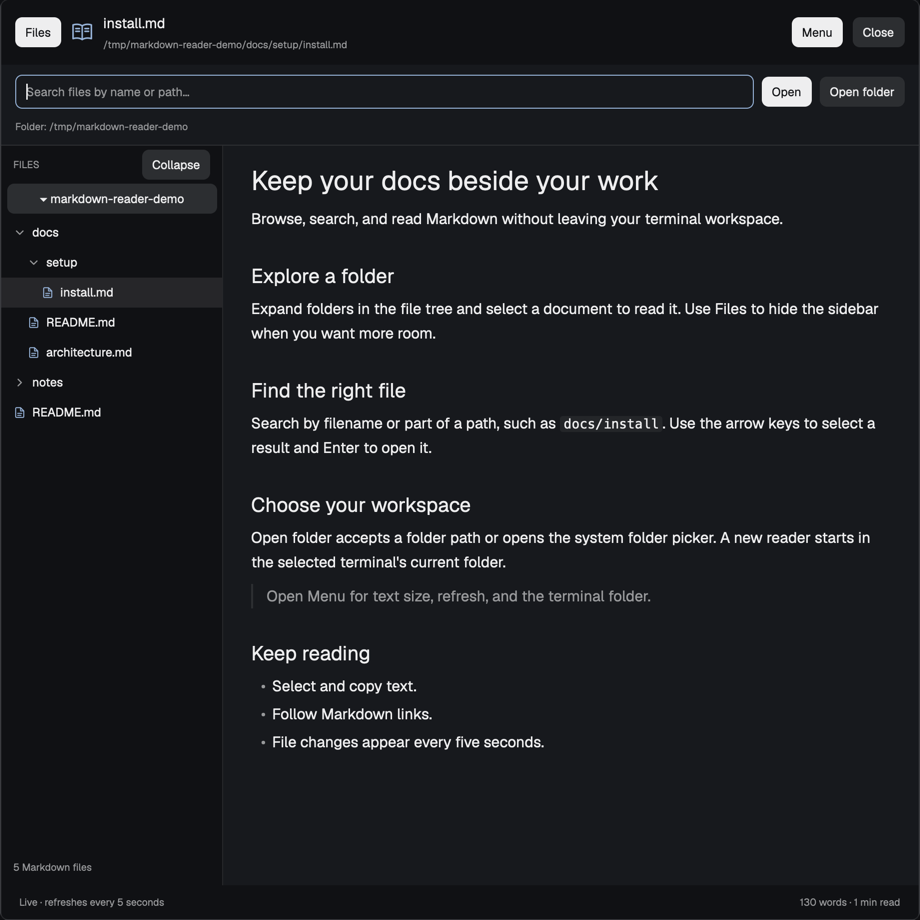
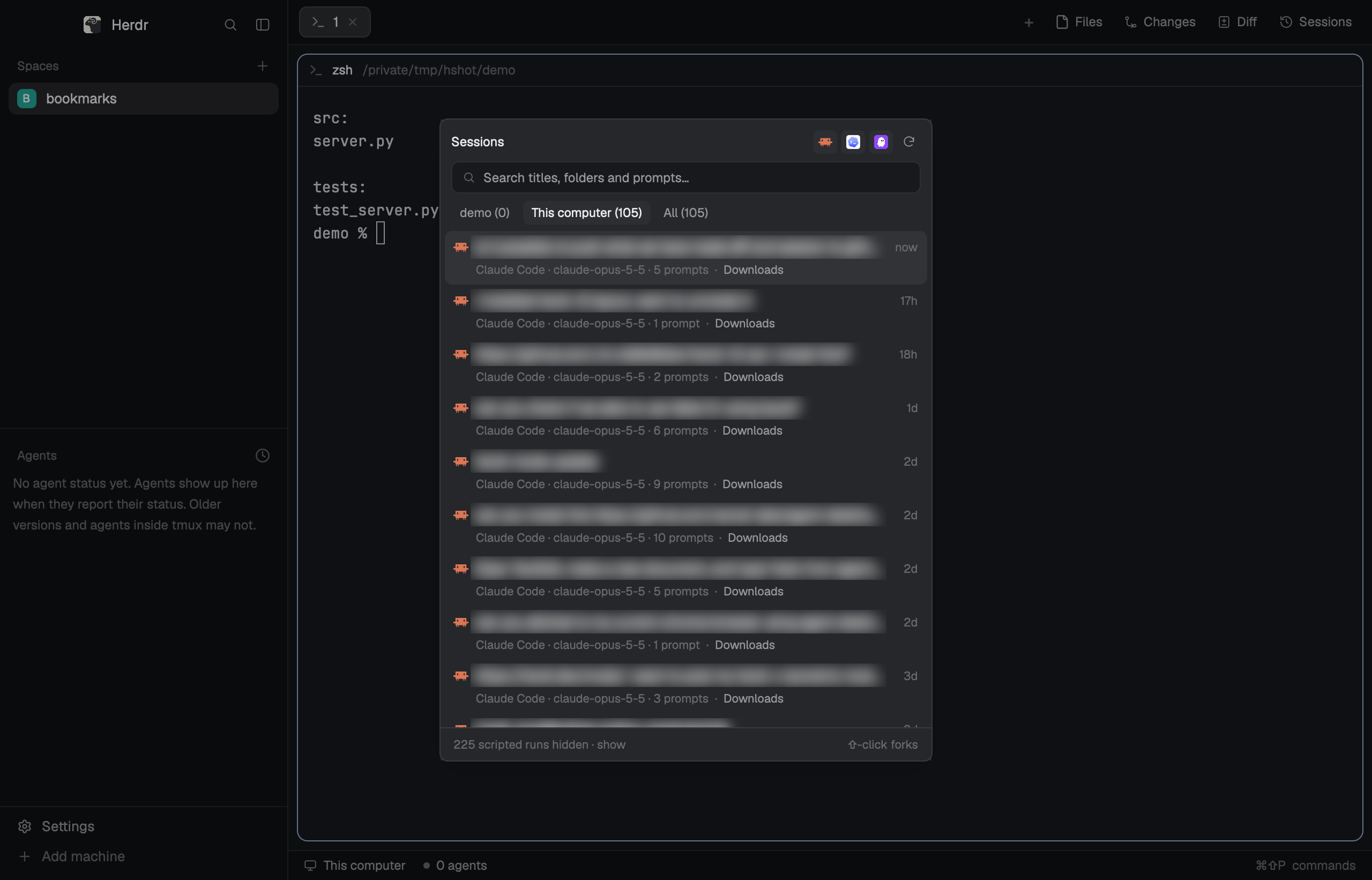
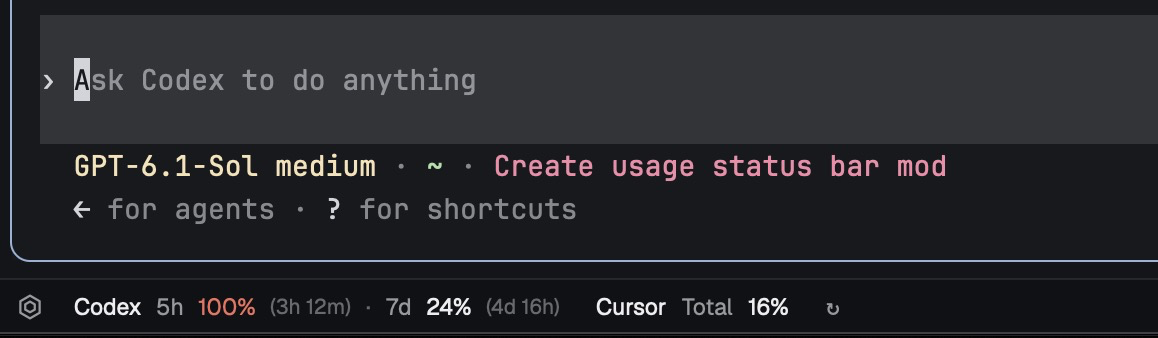
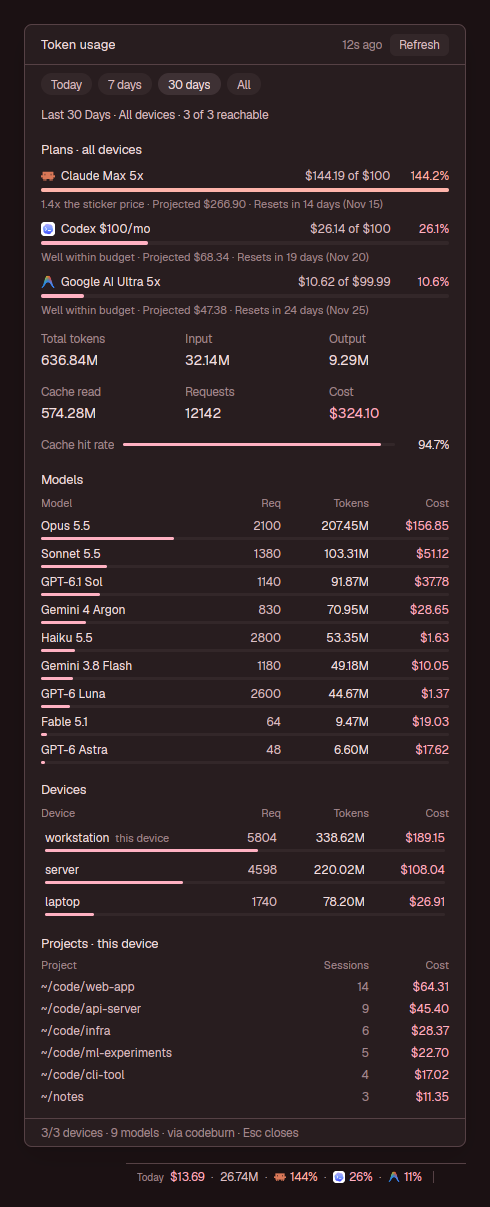
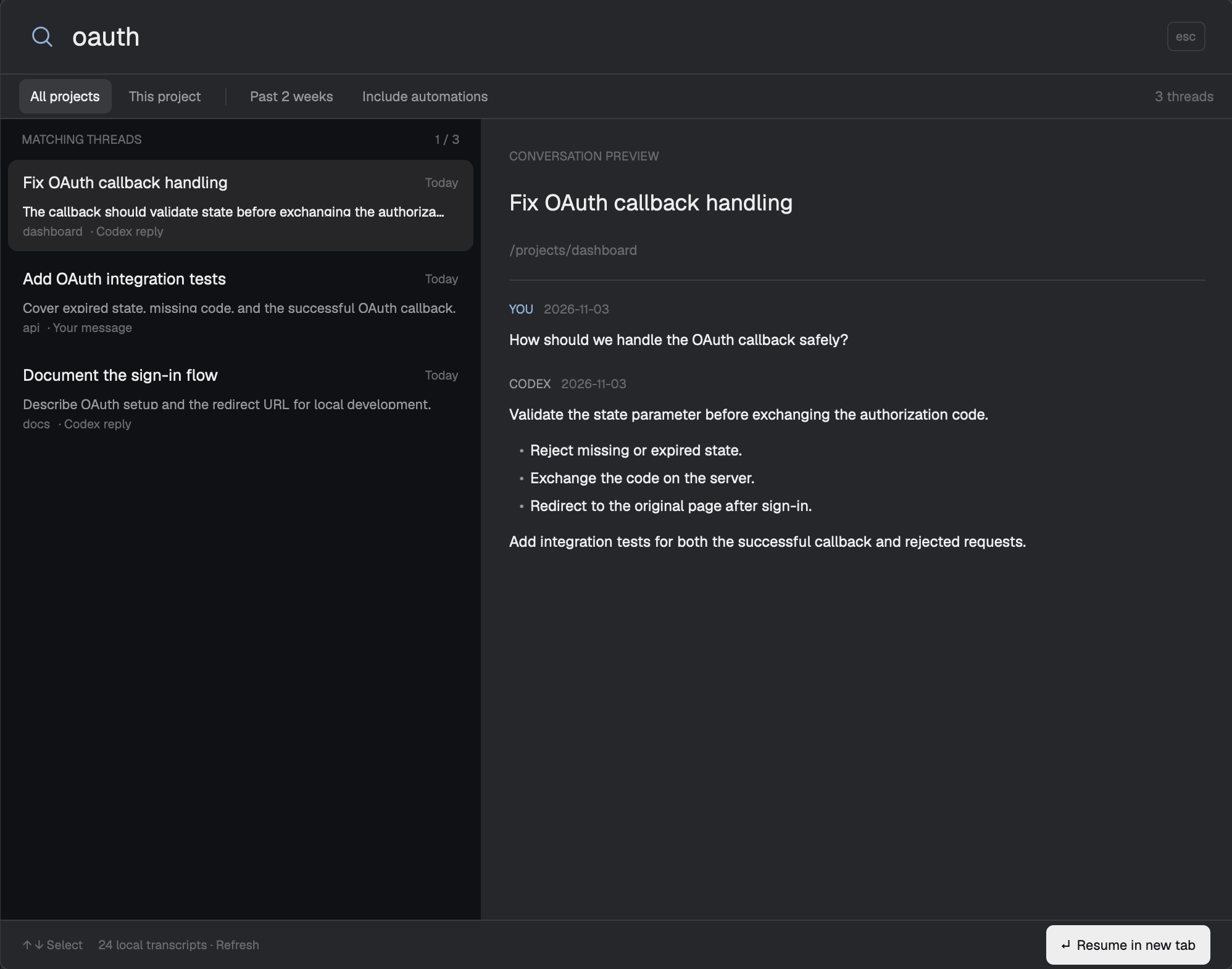
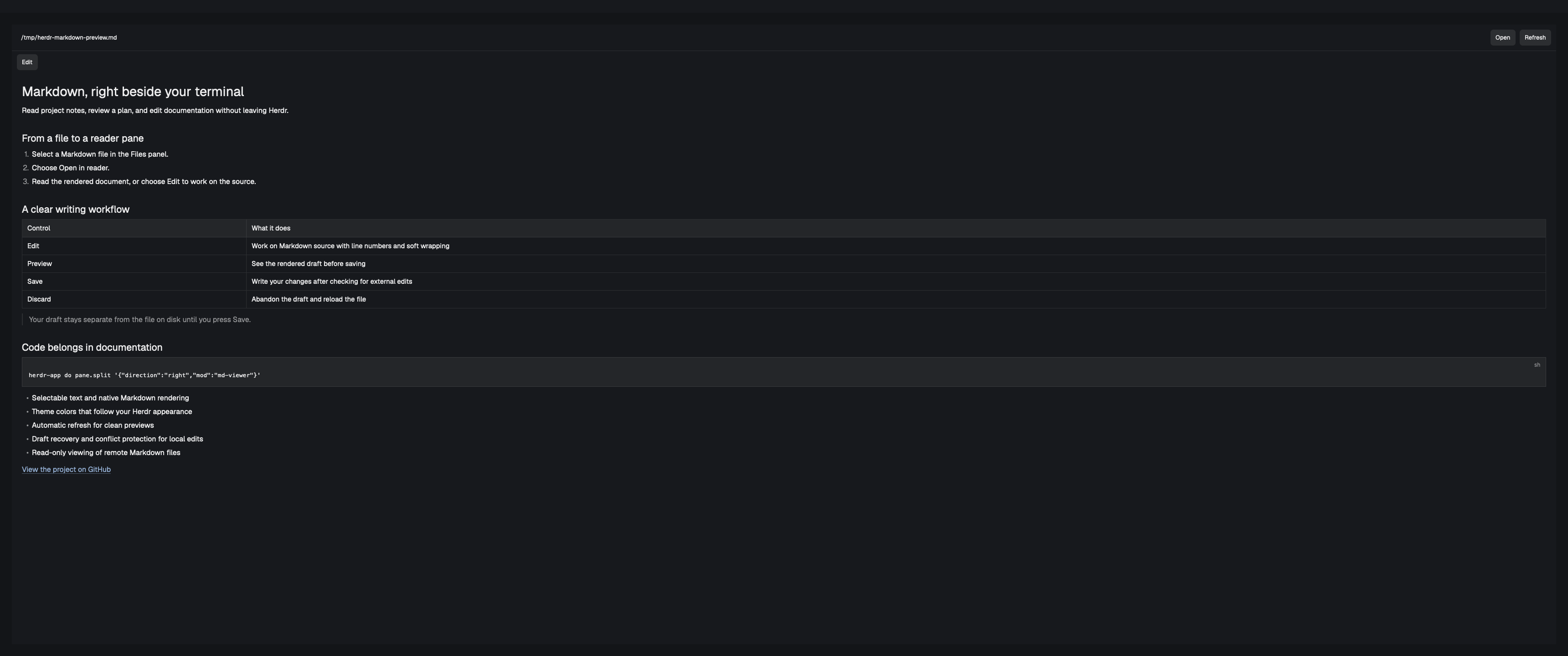
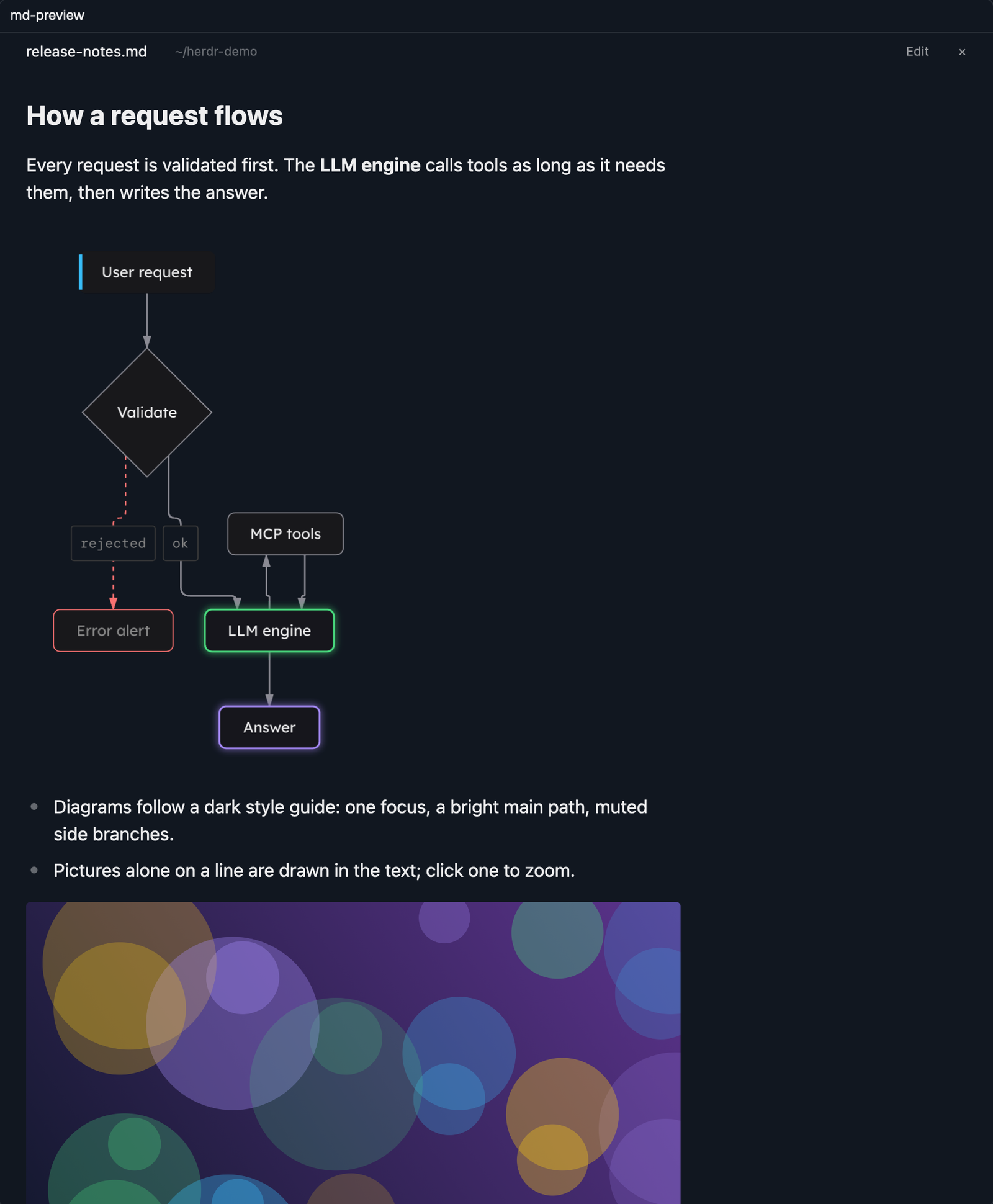
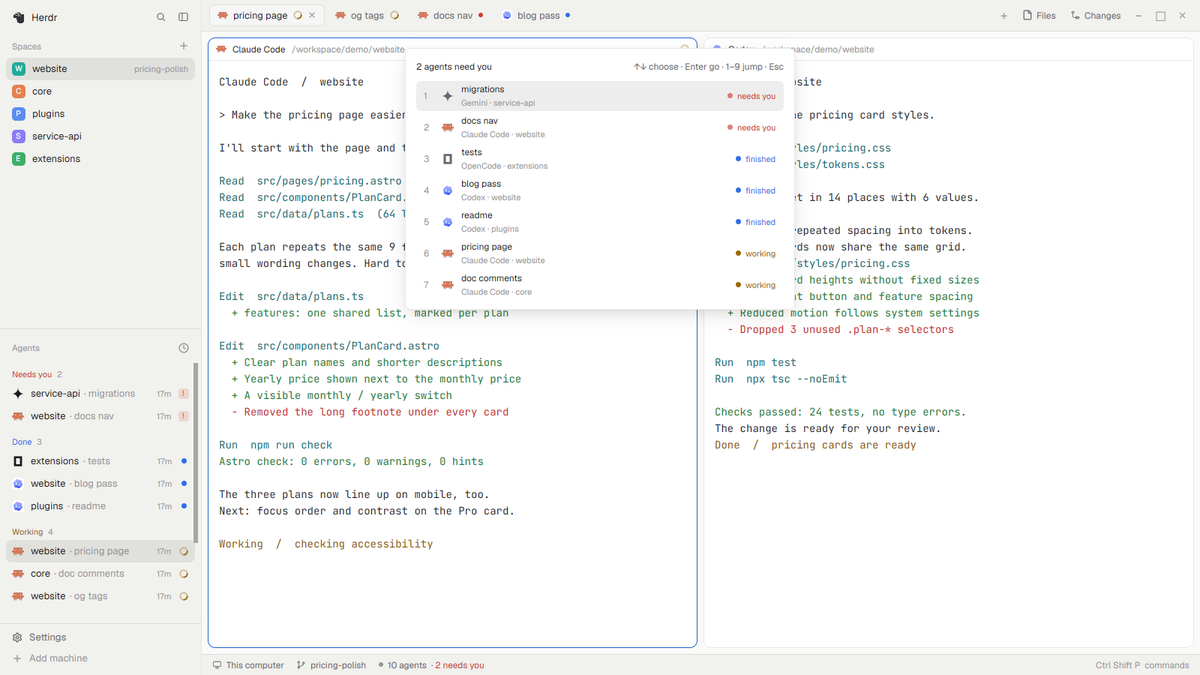
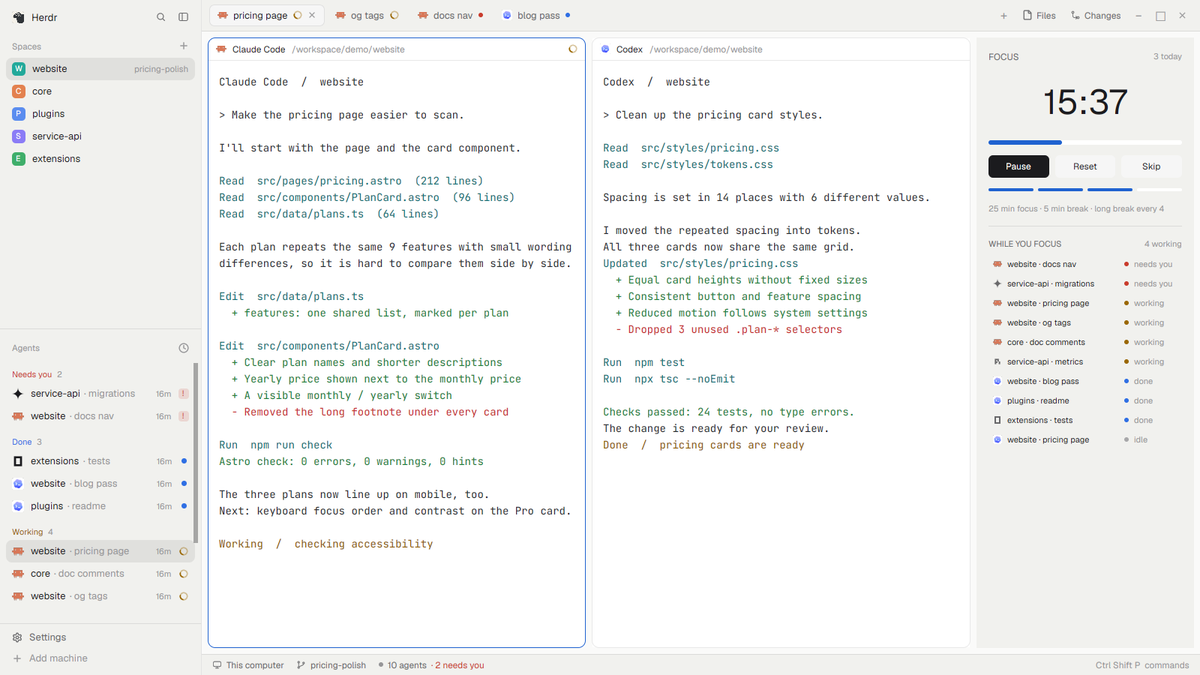
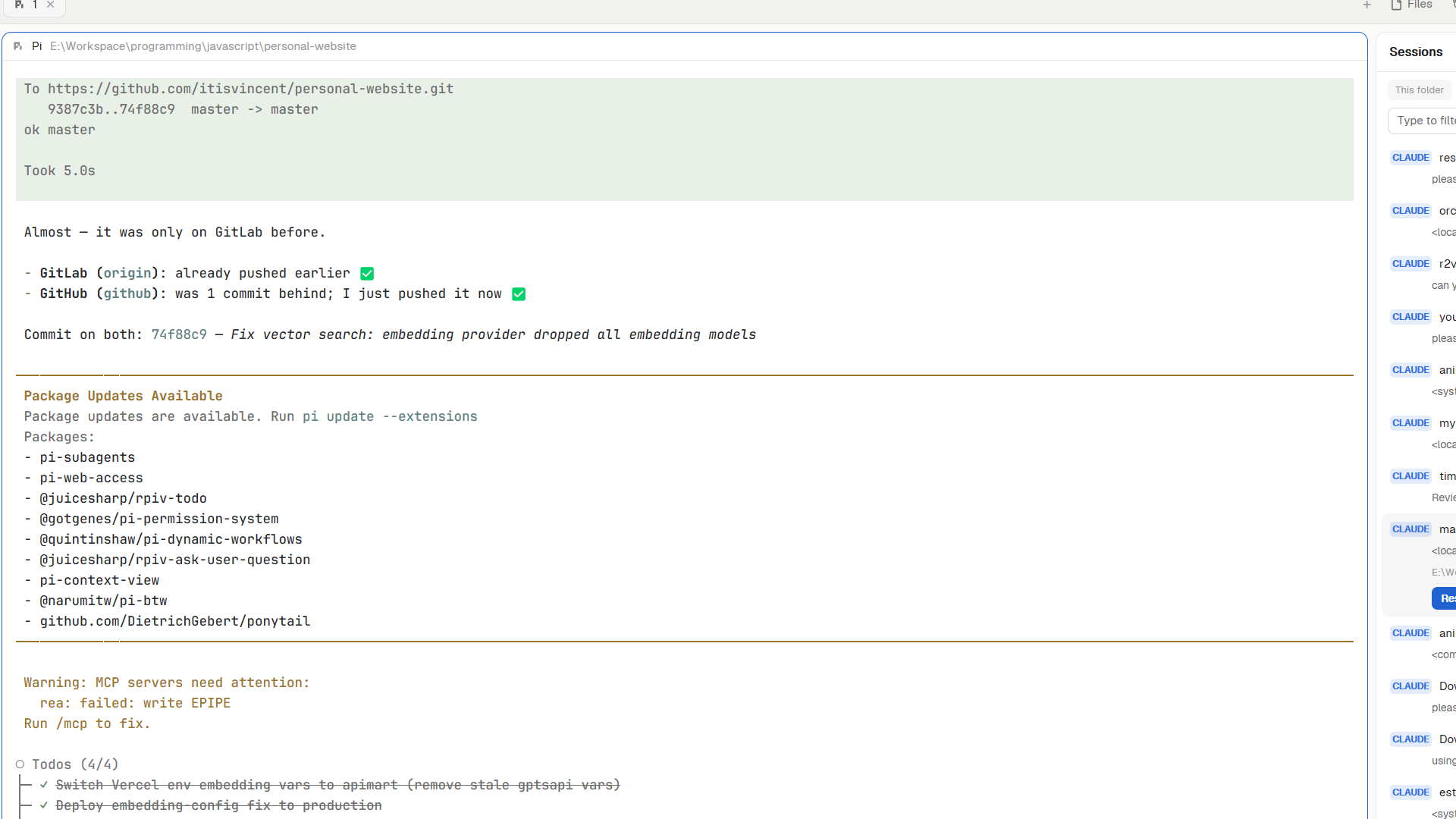
Herdr's own main layout with three additions: a status bar that shows how much Claude and Codex quota is left, a Files panel that renders Markdown (and can open it in its own preview pane), and a History panel that lists past Claude Code, Codex and Pi sessions and resumes them in a new tab.

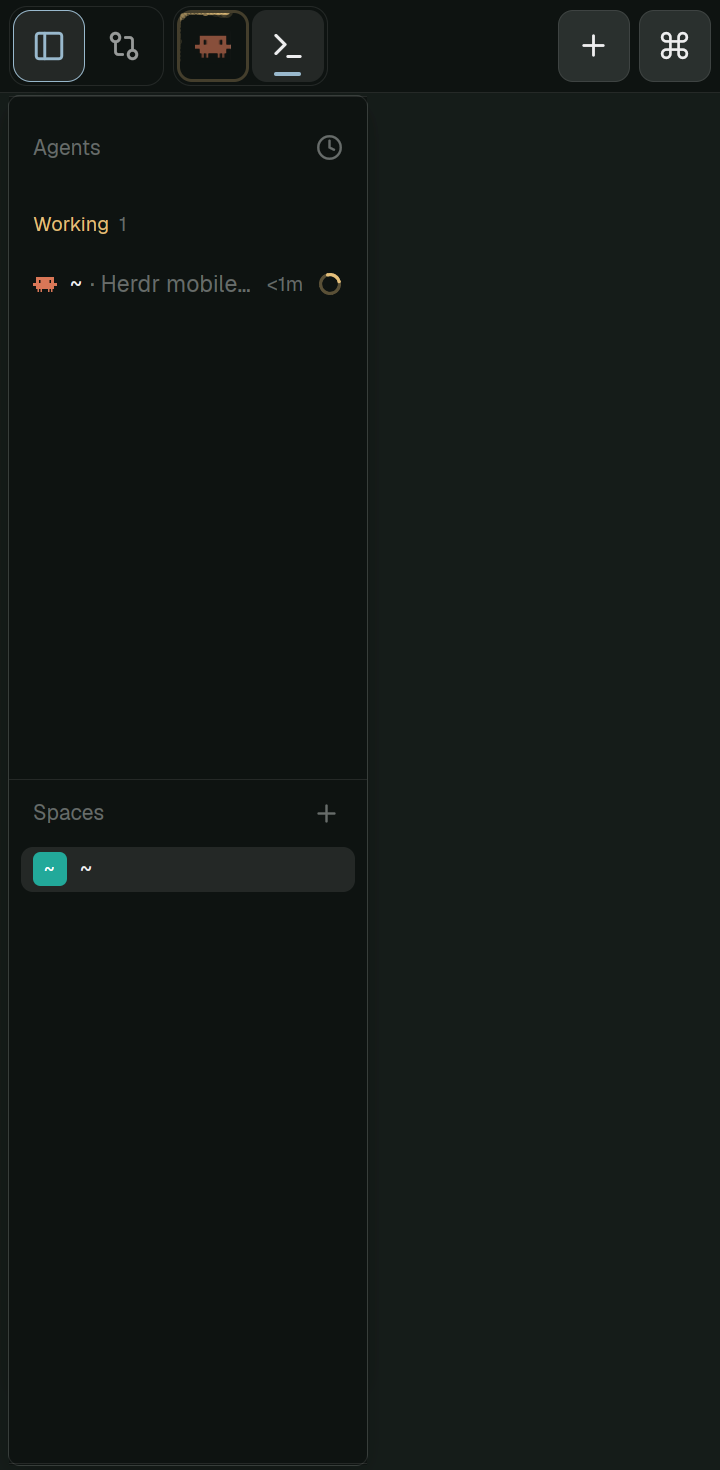

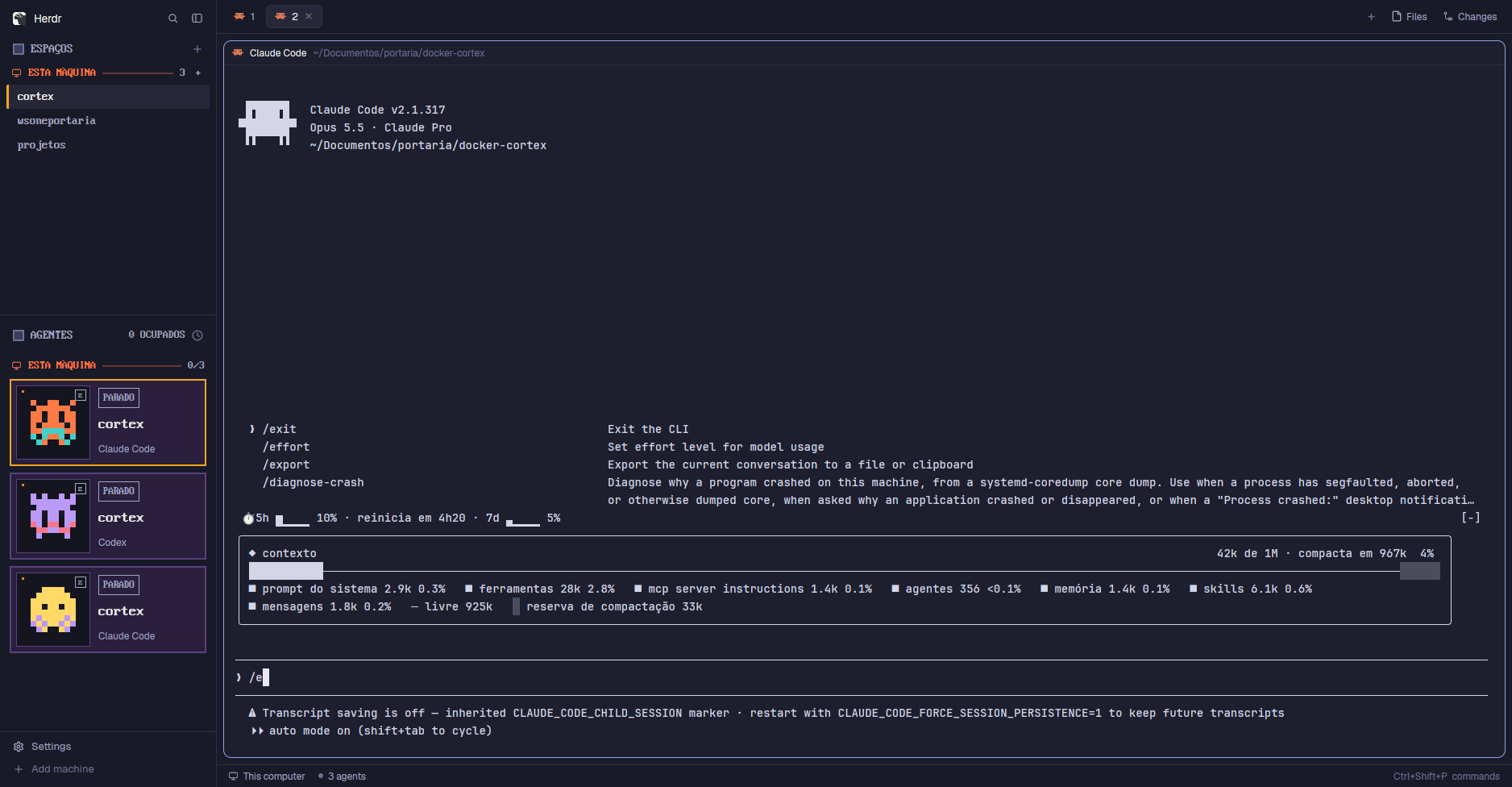

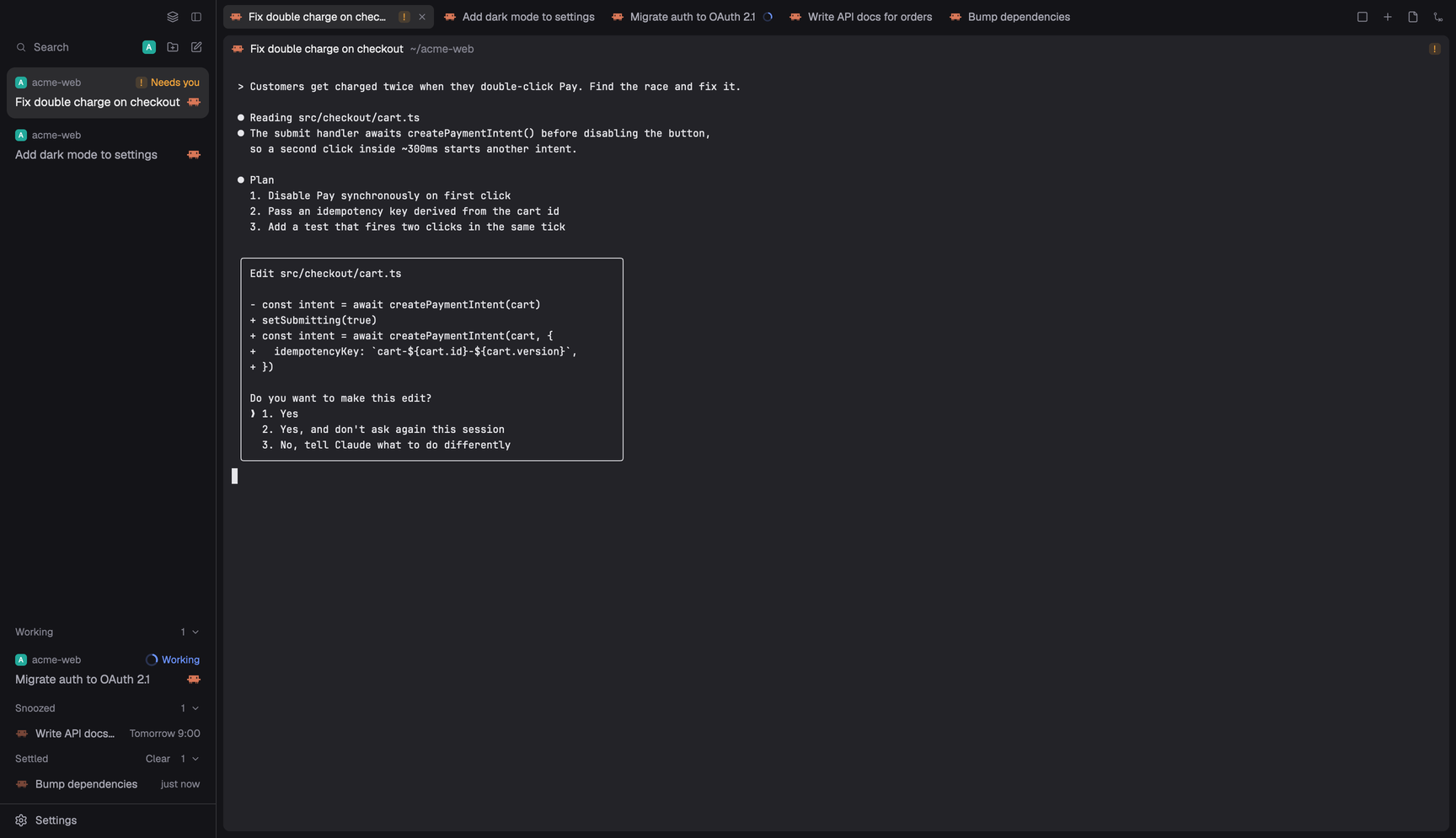



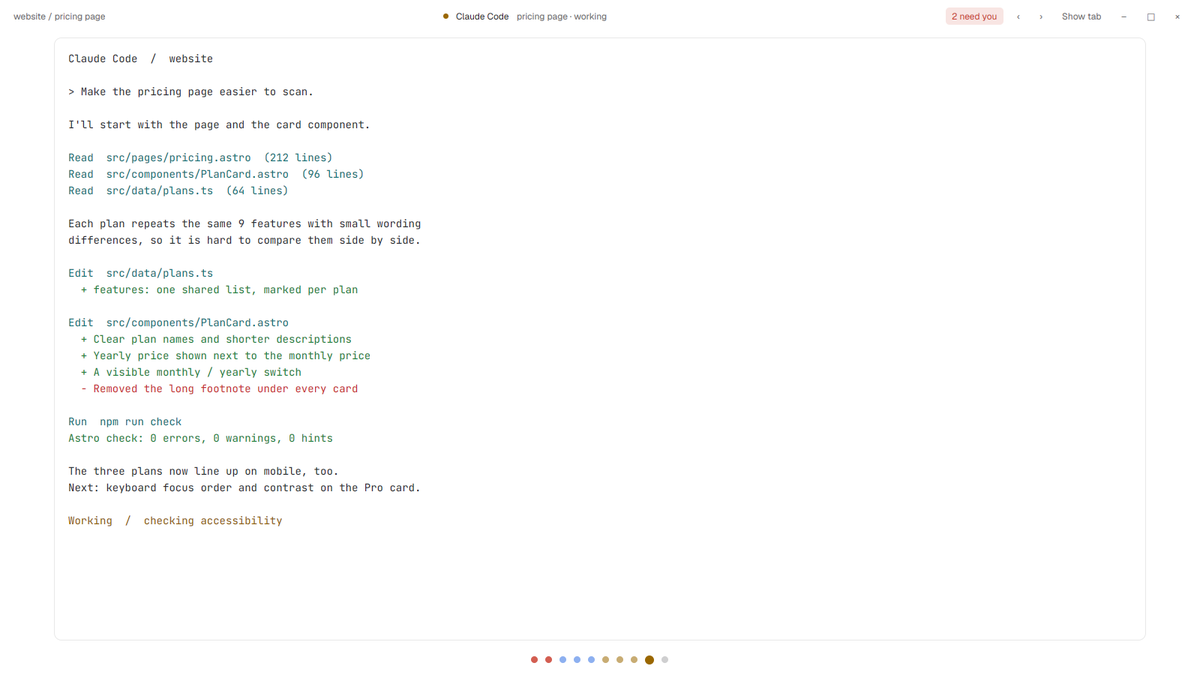
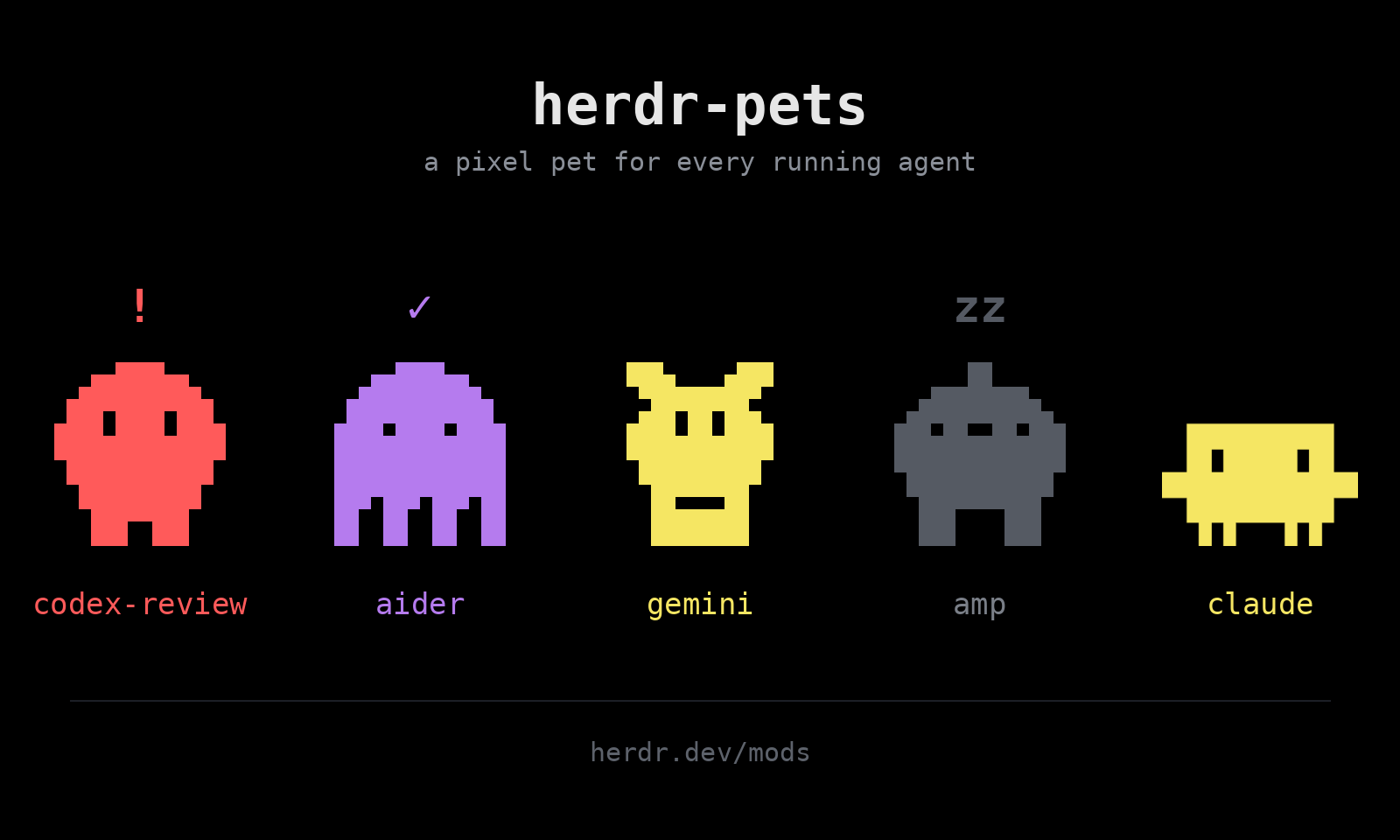
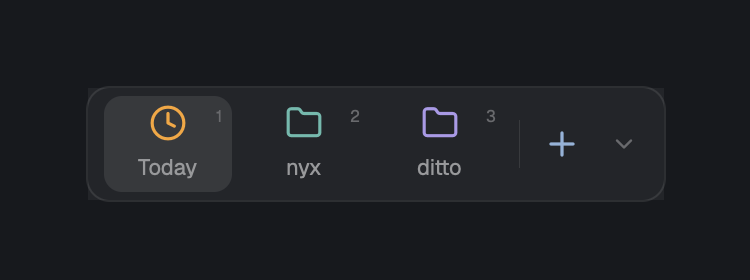
Herdr's usual window (spaces sidebar, tab bar, terminals, status bar) where the agents list becomes a zoo: every agent is a small animated 3D creature on its own isometric tile that acts out what the agent is doing. It walks while the agent works, shakes its head and jumps when the agent needs you, cheers when it's done, and idles faded out. The middle of the window shows a Claude Code agent as a chat (markdown, tool calls, diffs, sub-agents, question cards) with a Chat / Terminal switch back…

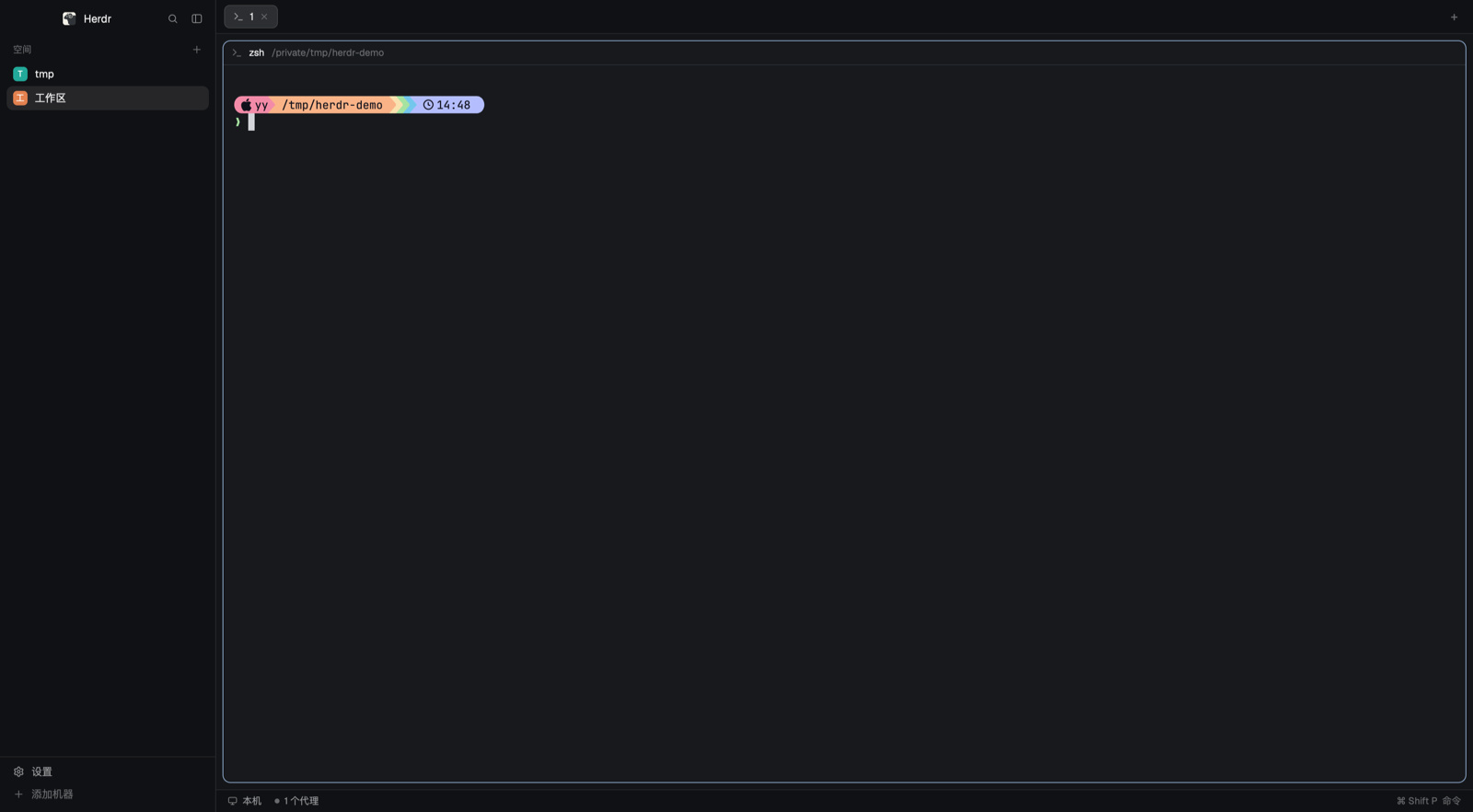


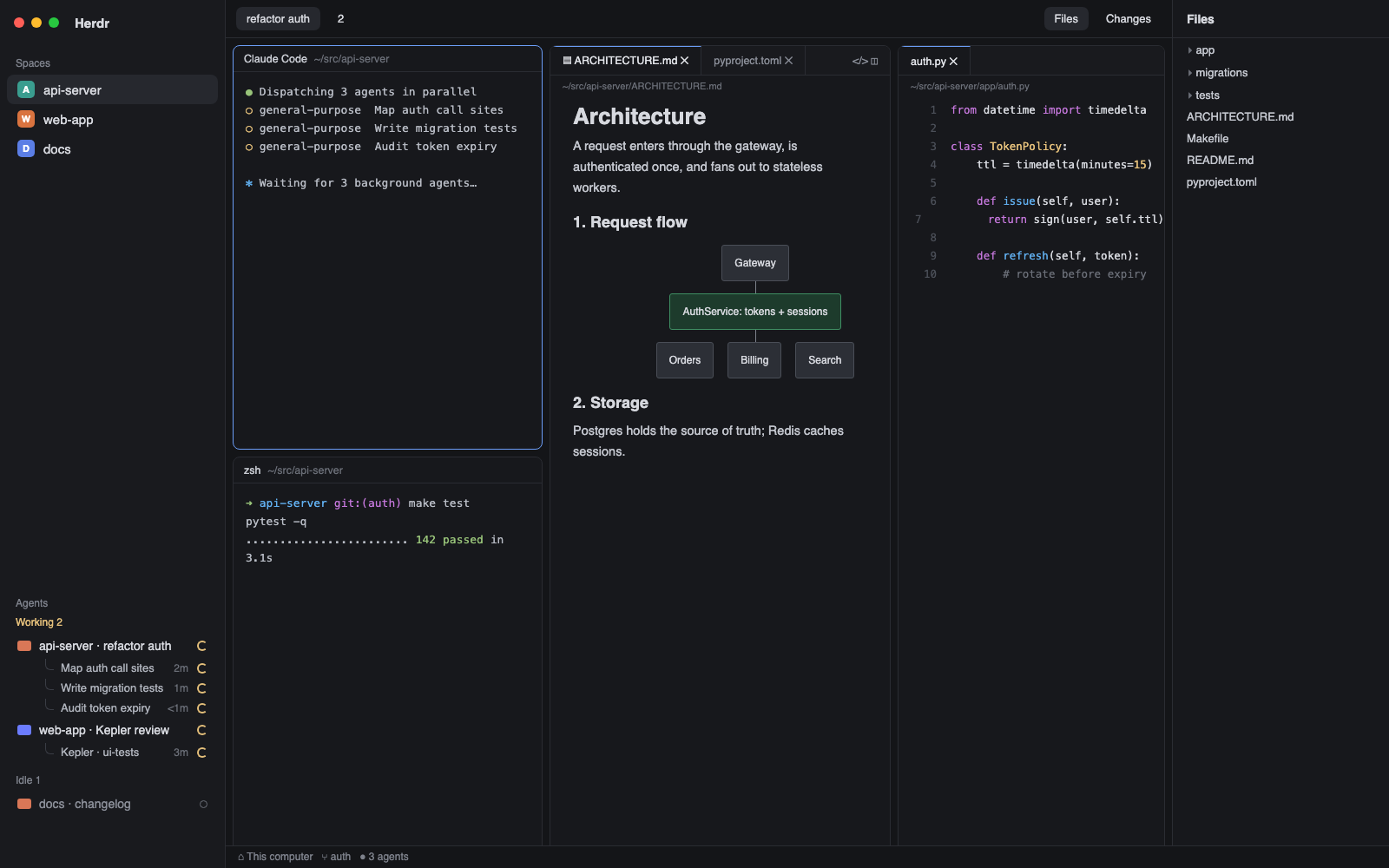

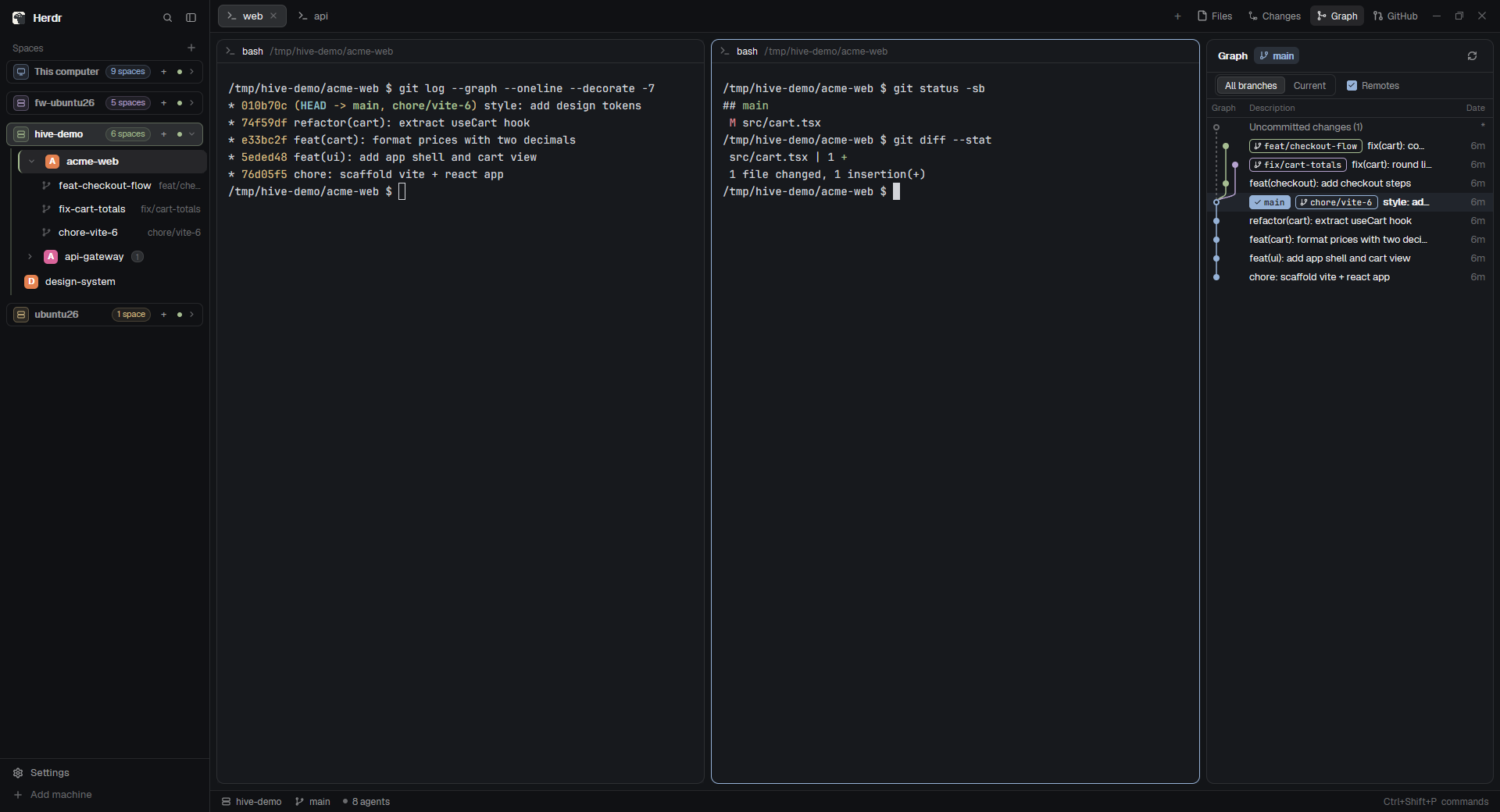

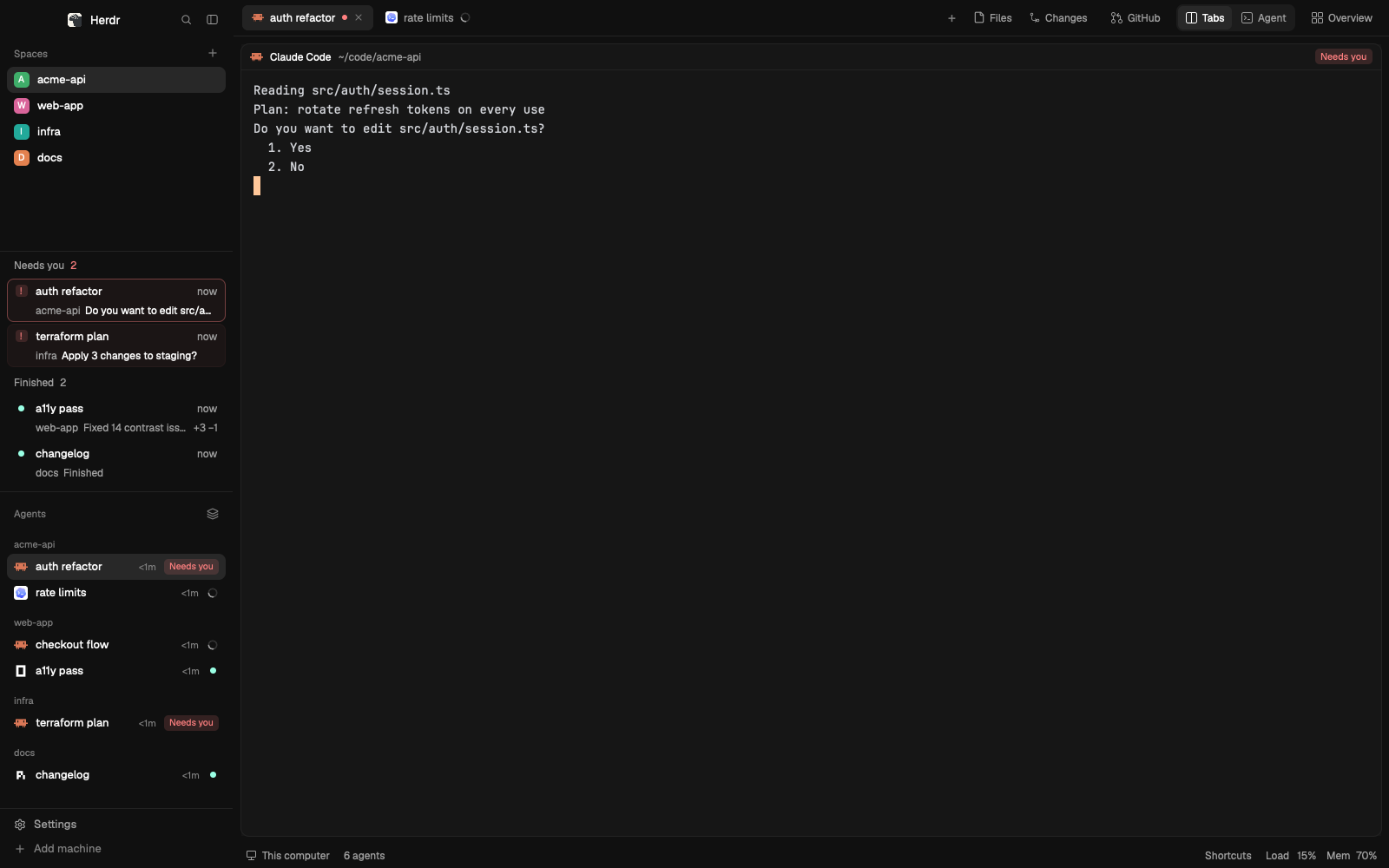

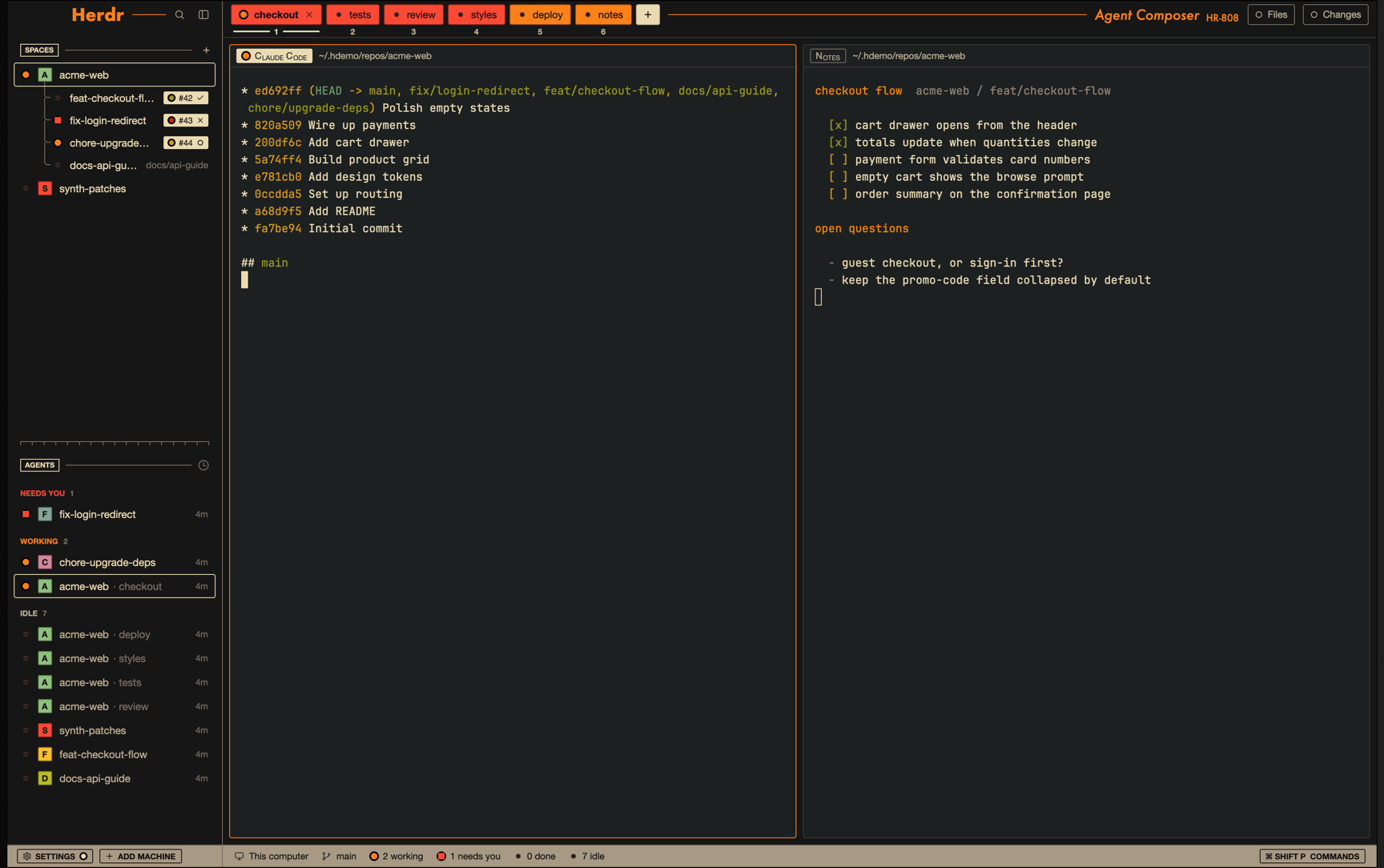

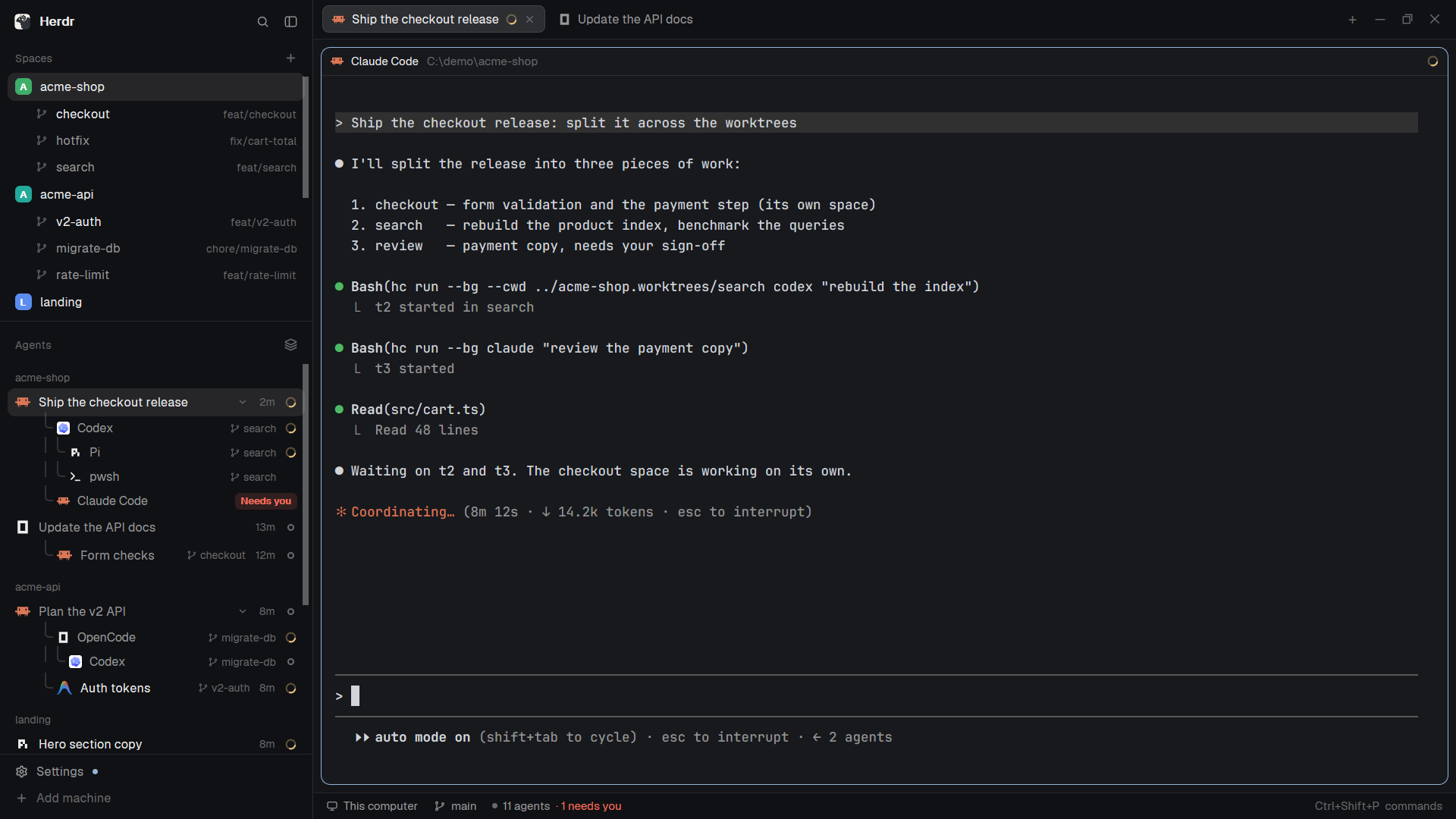

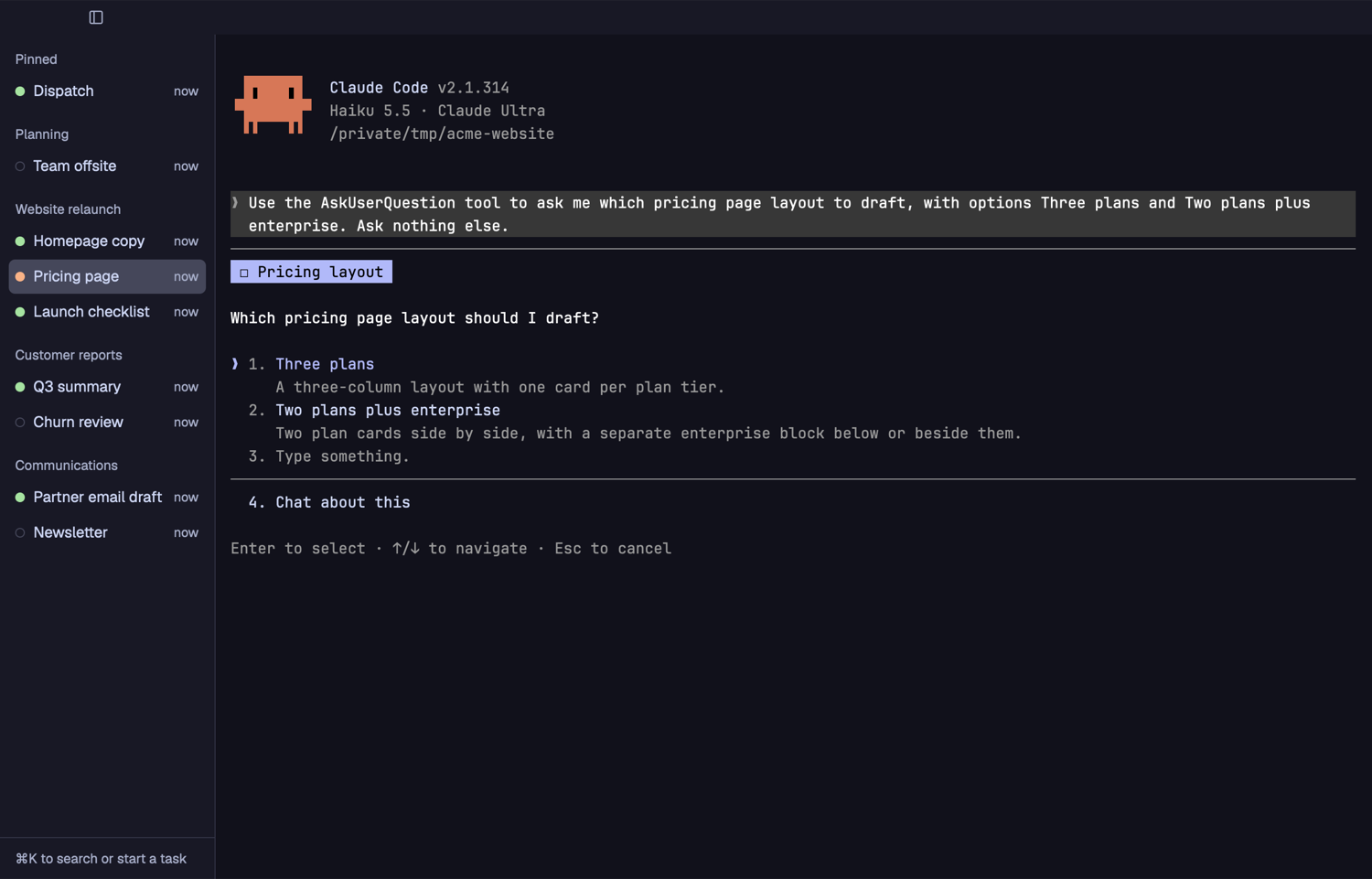

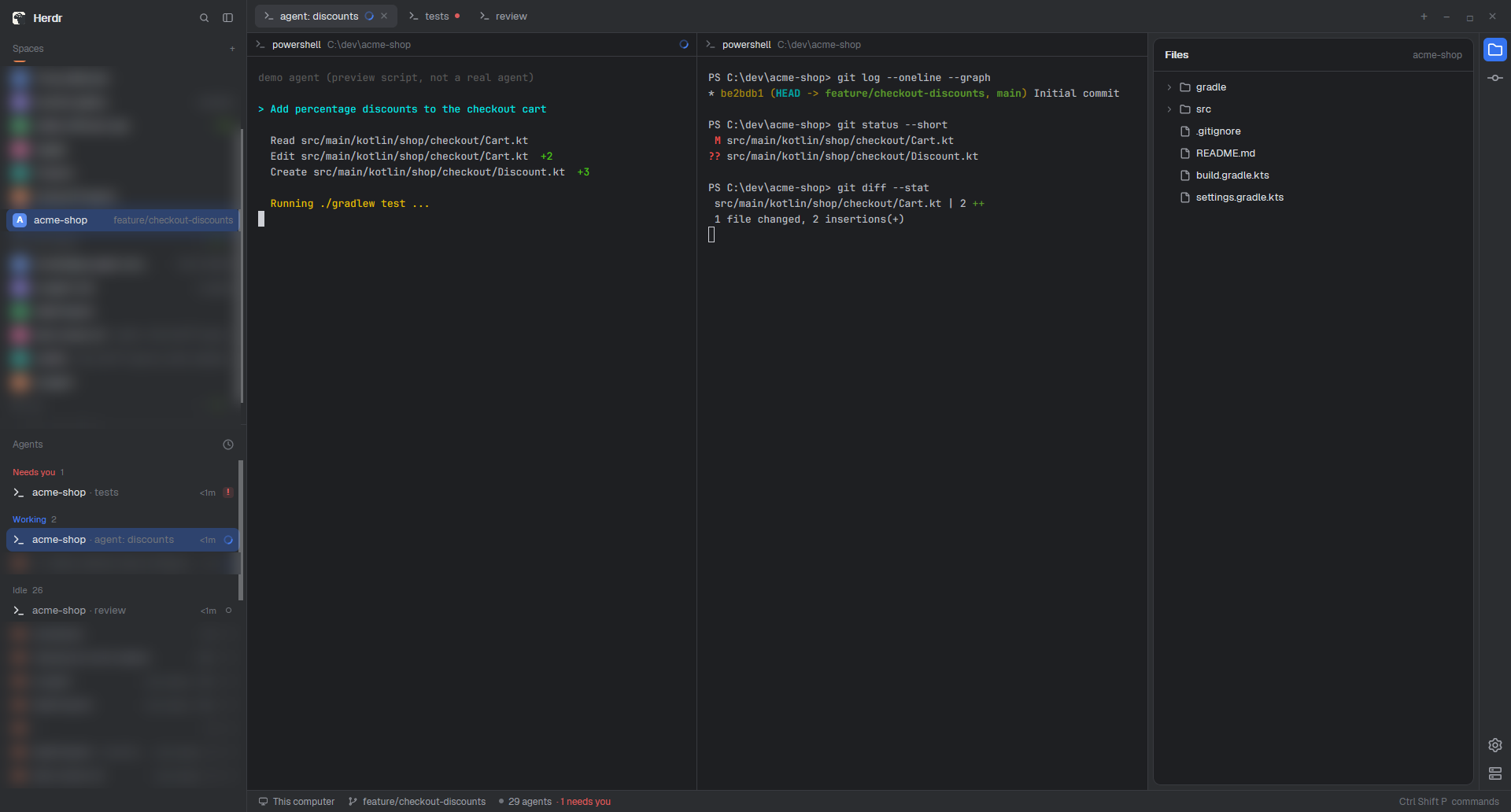

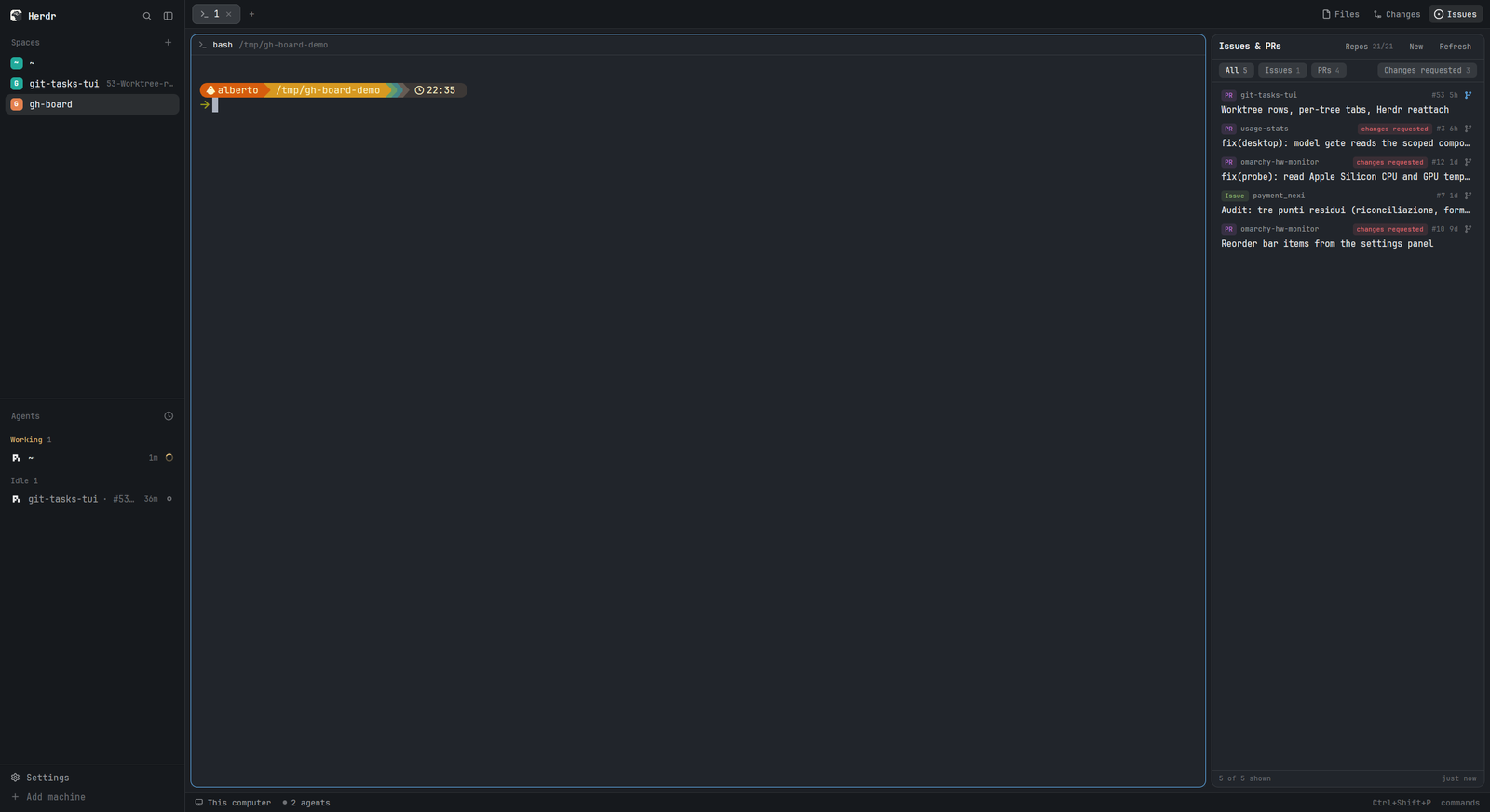

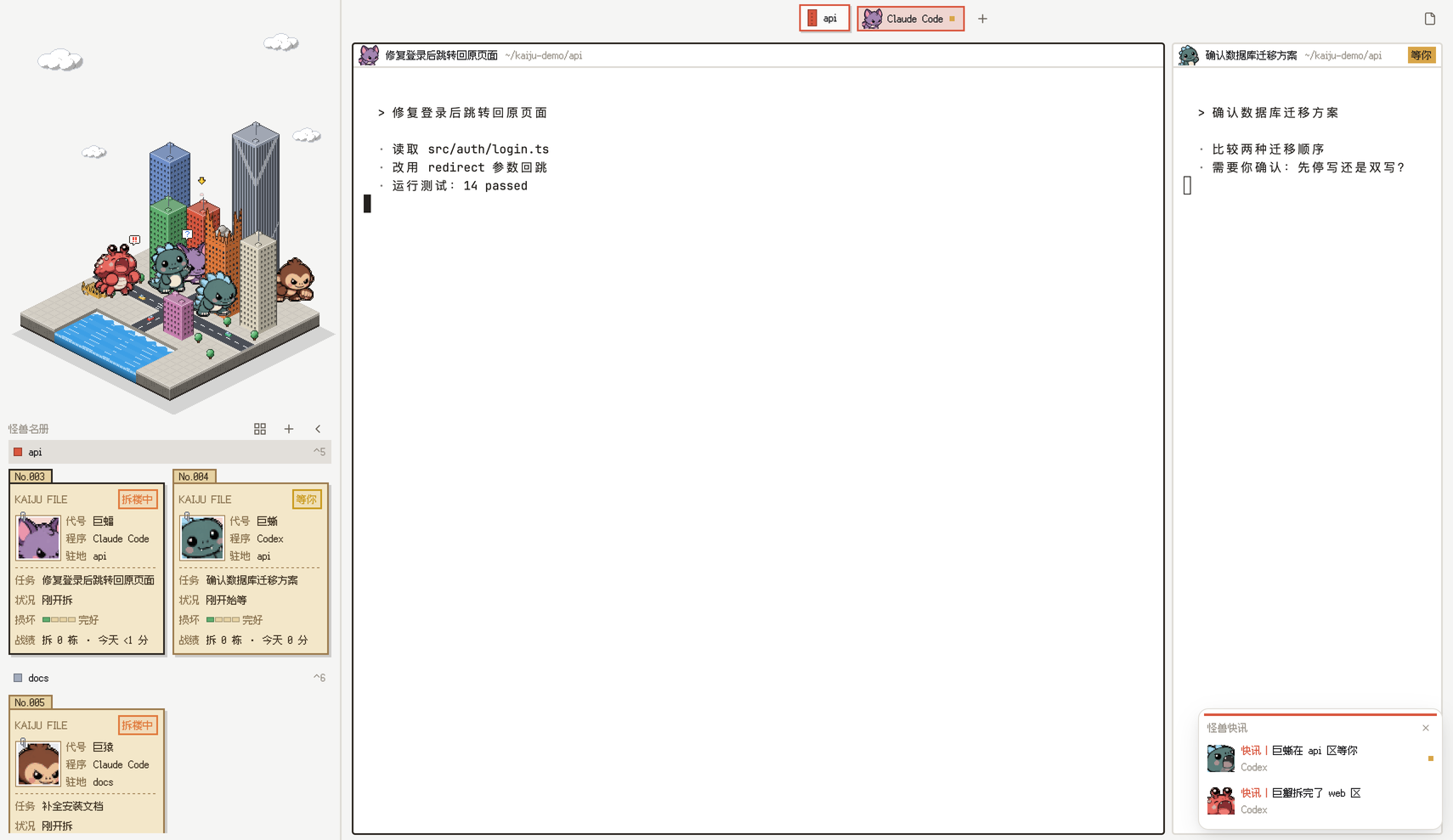
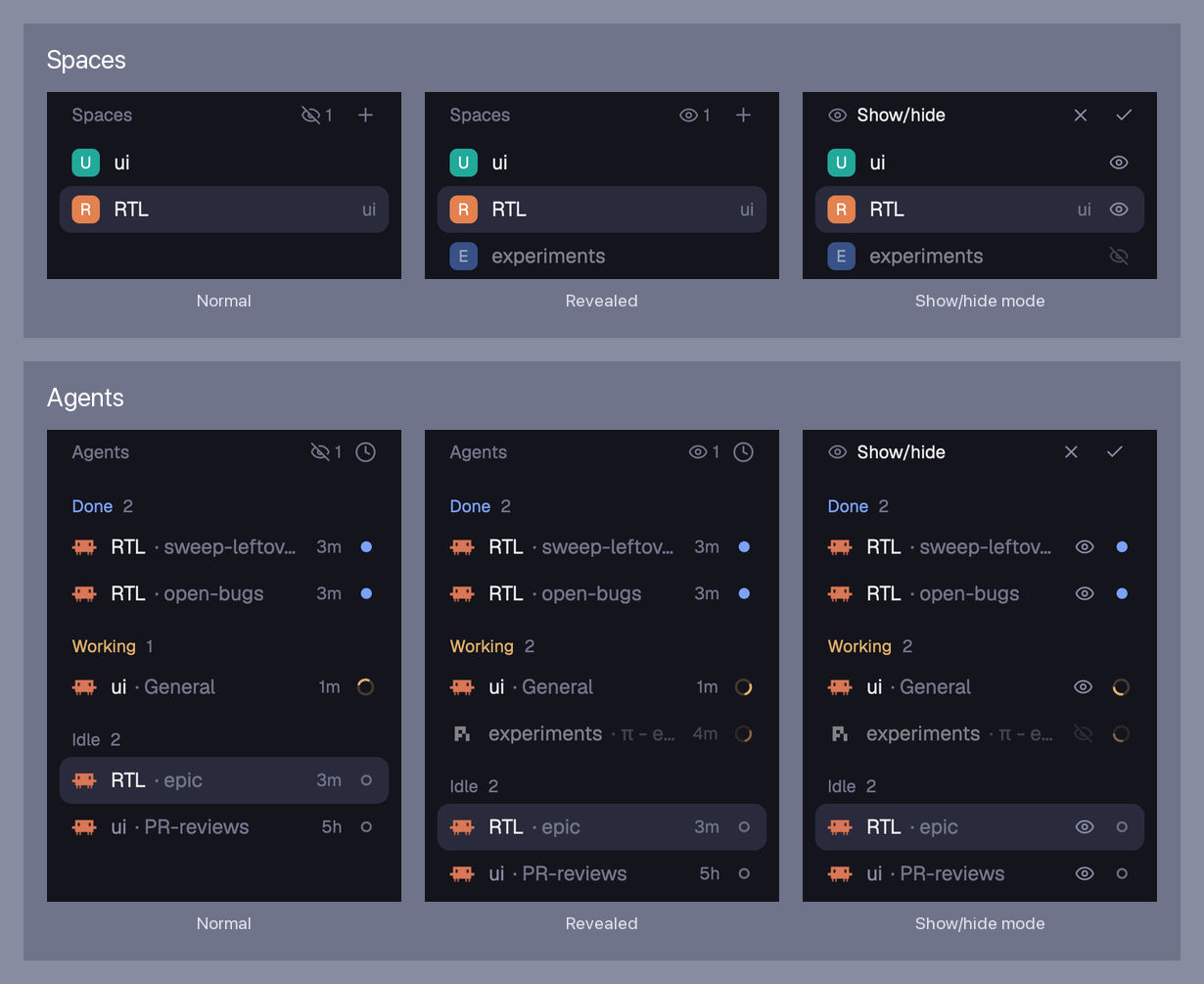
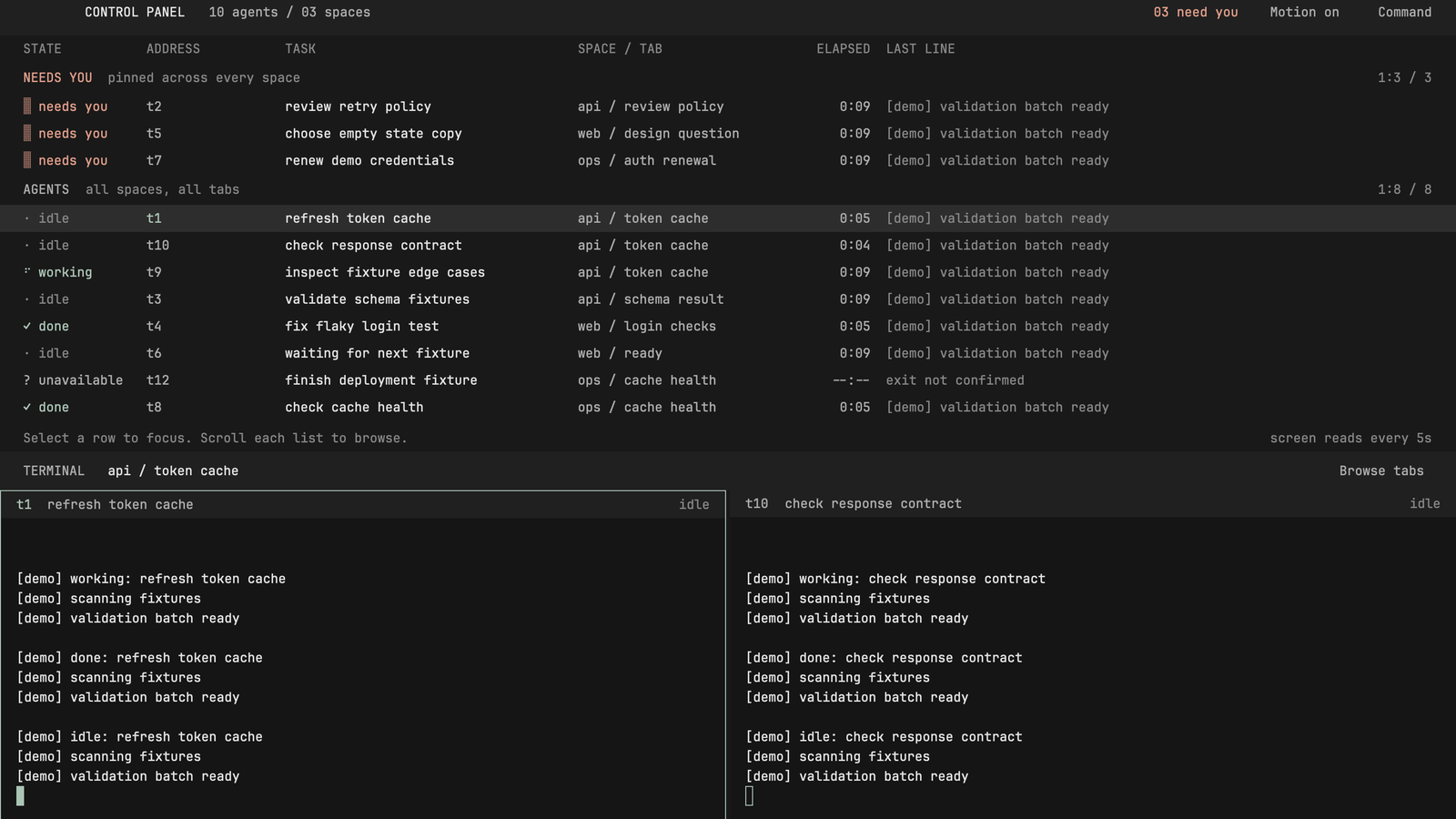
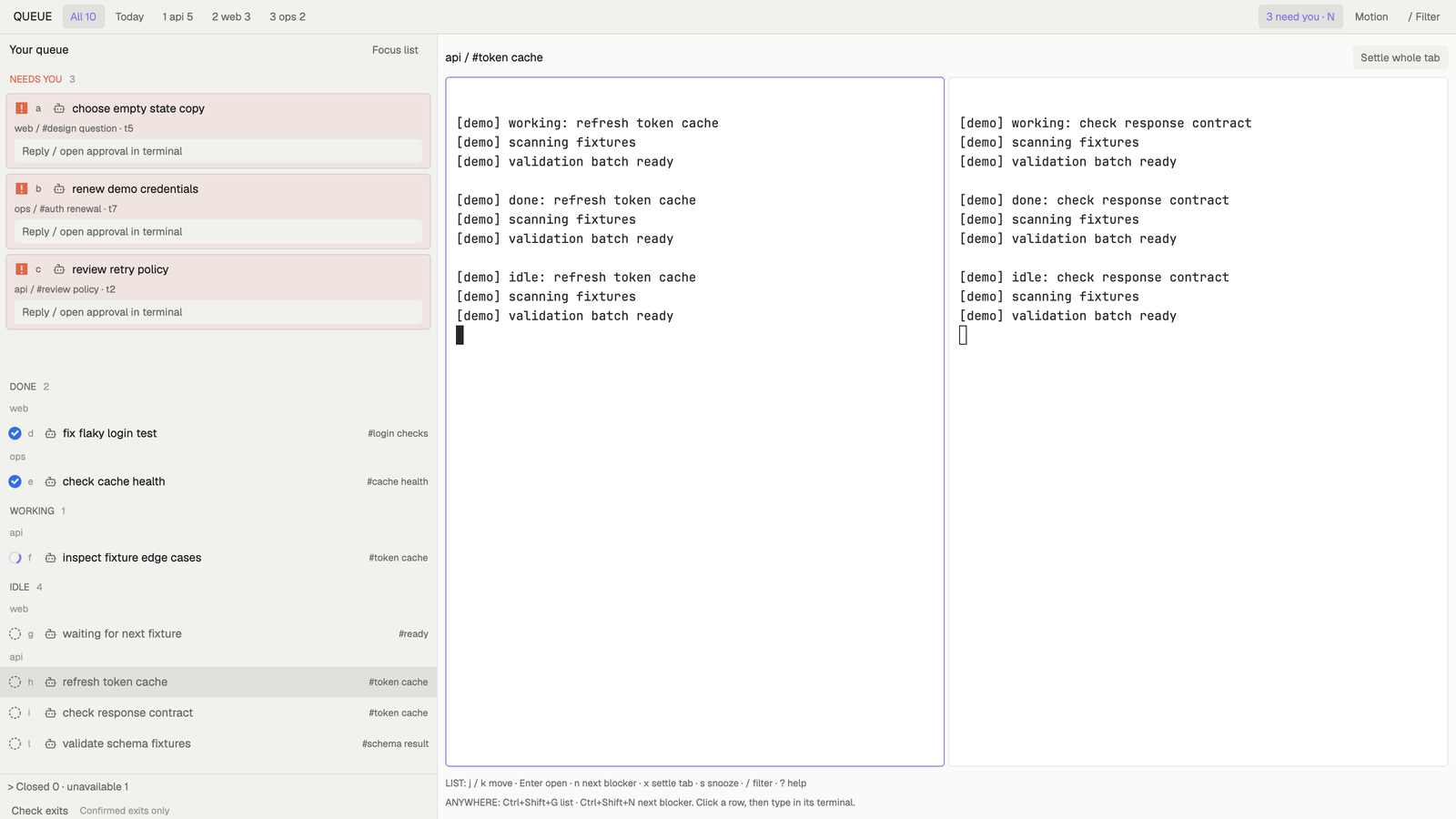
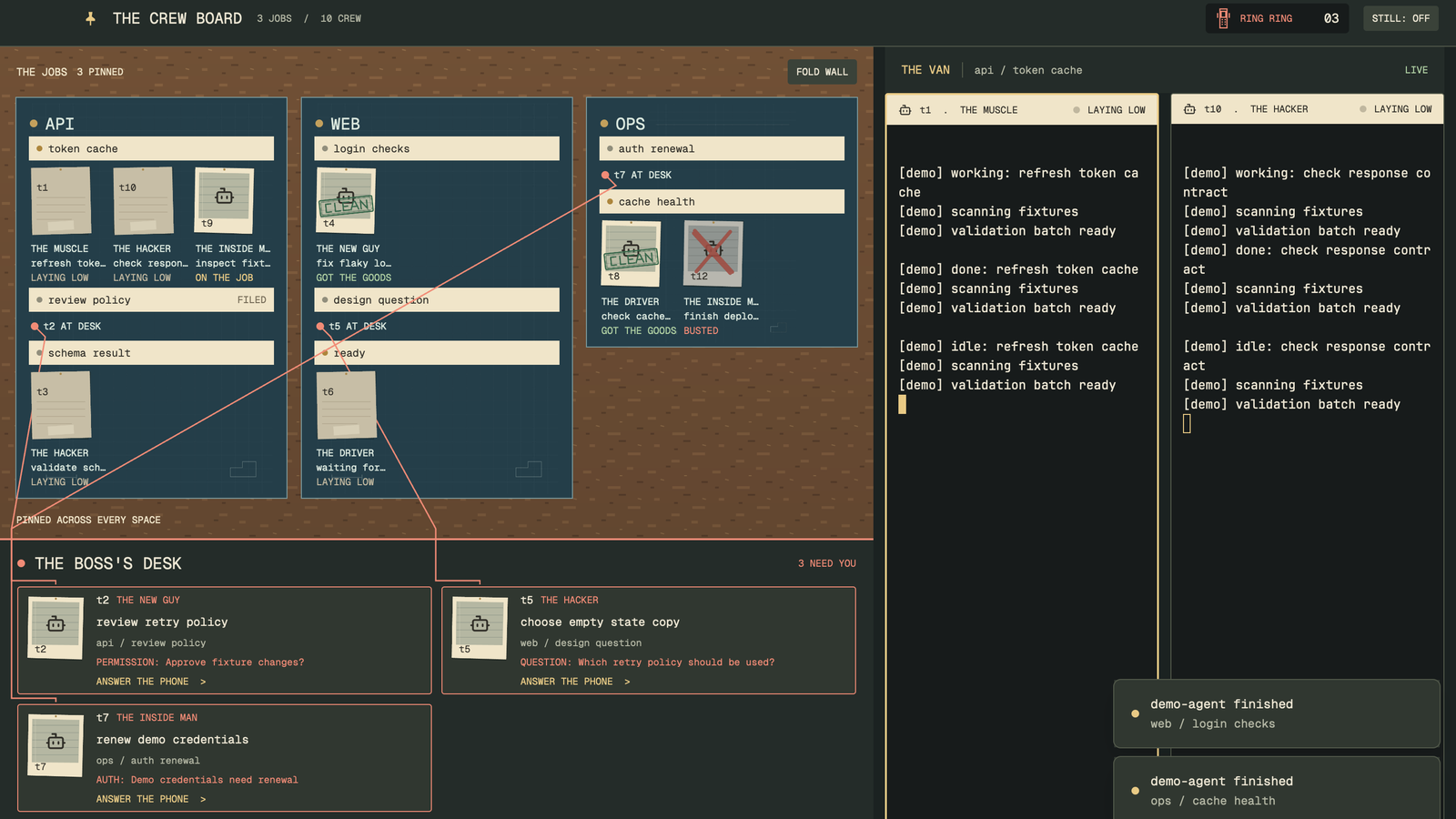
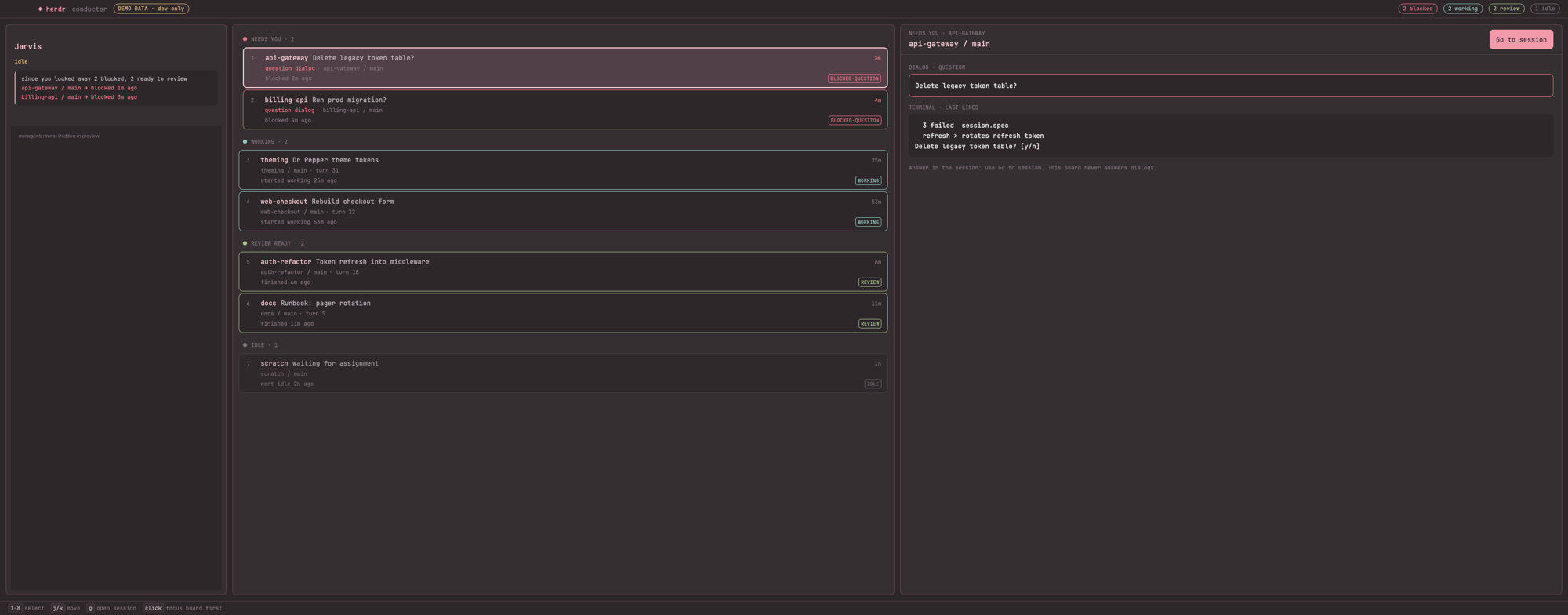
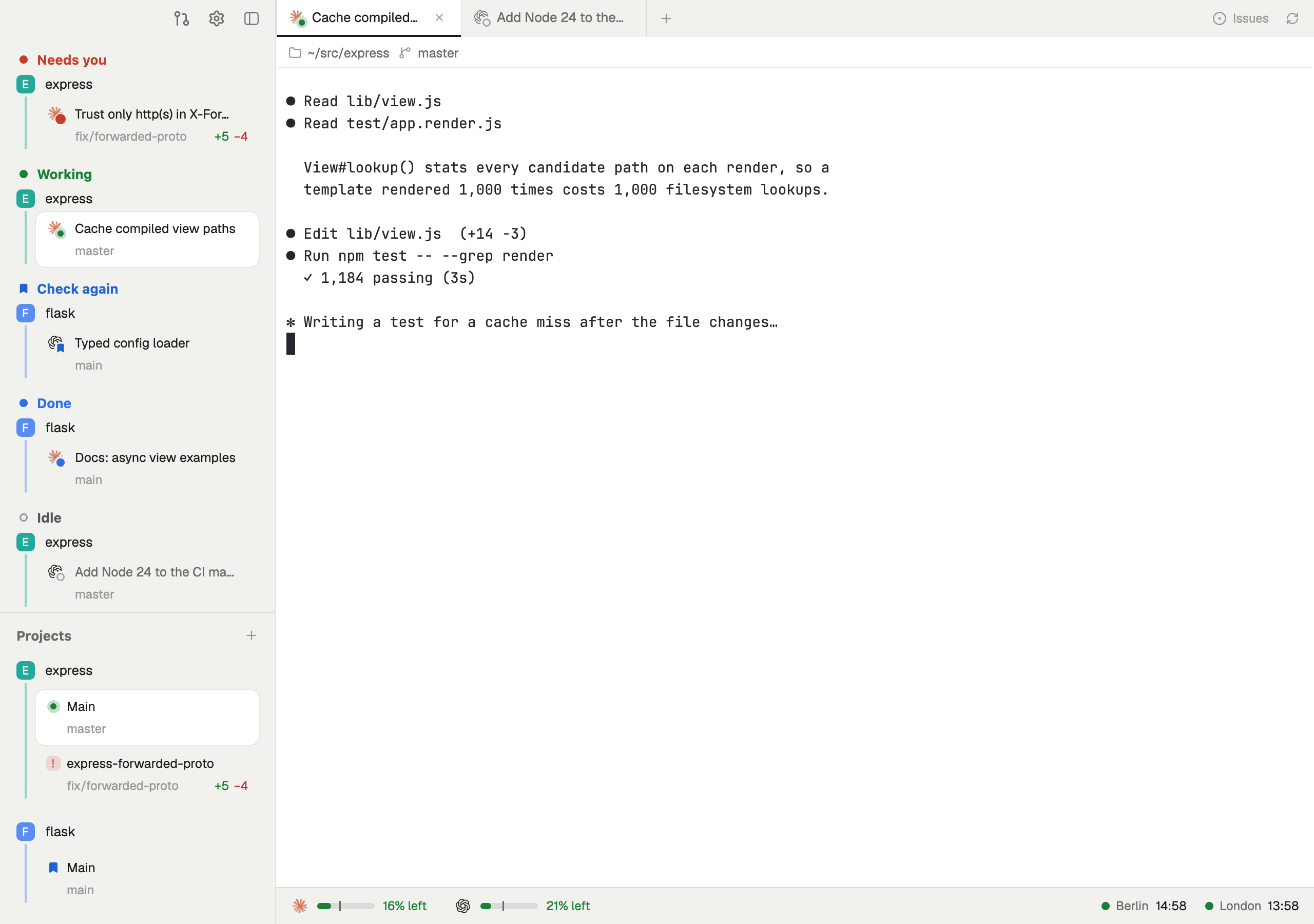
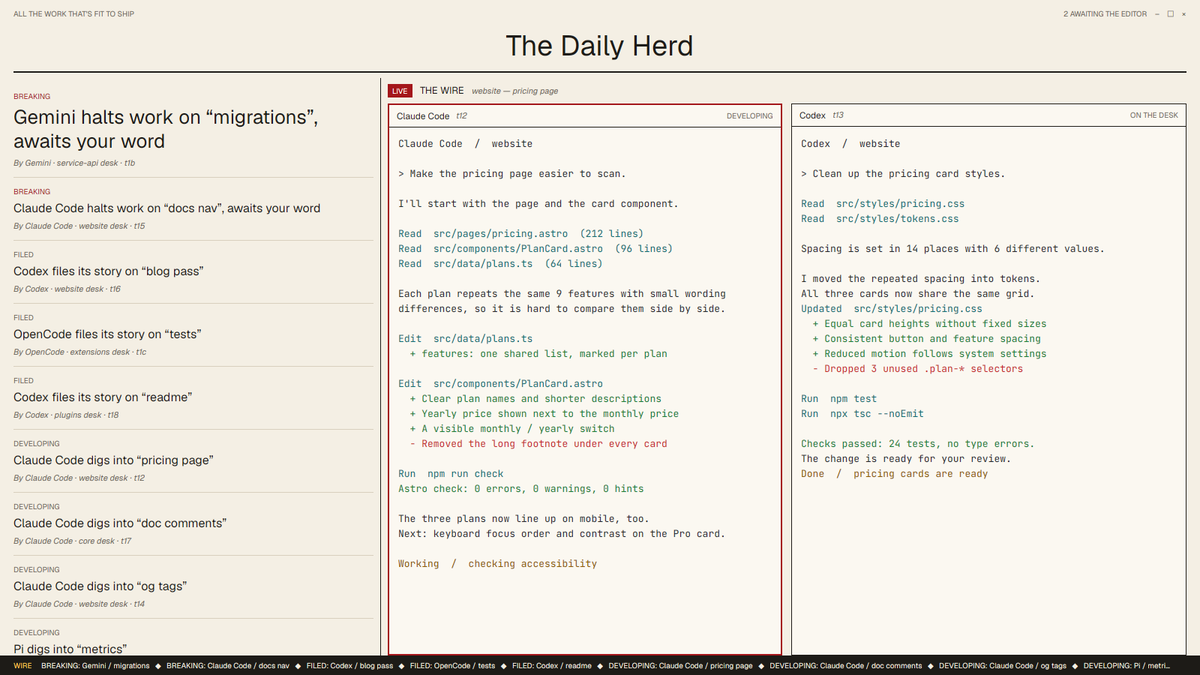
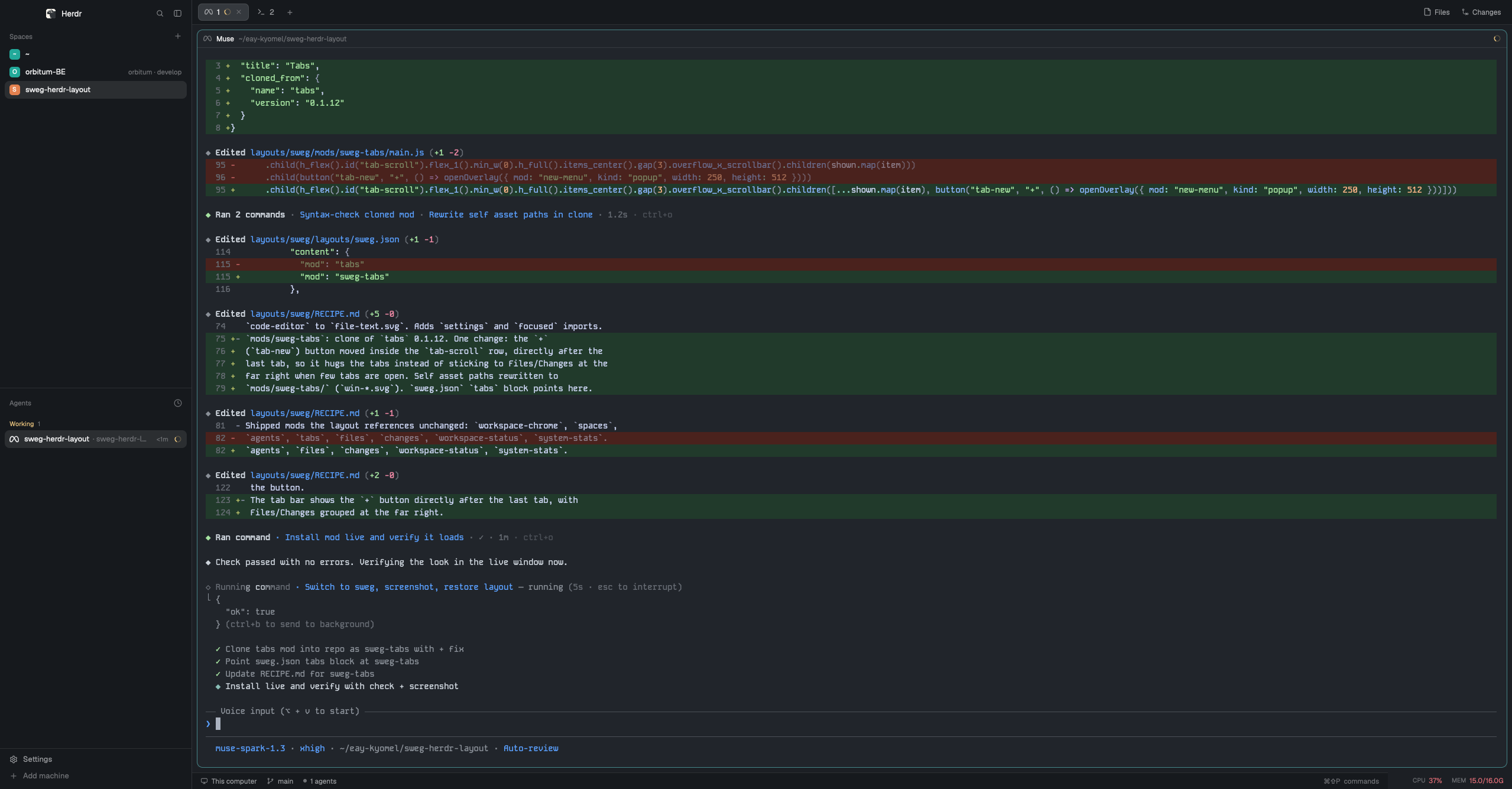
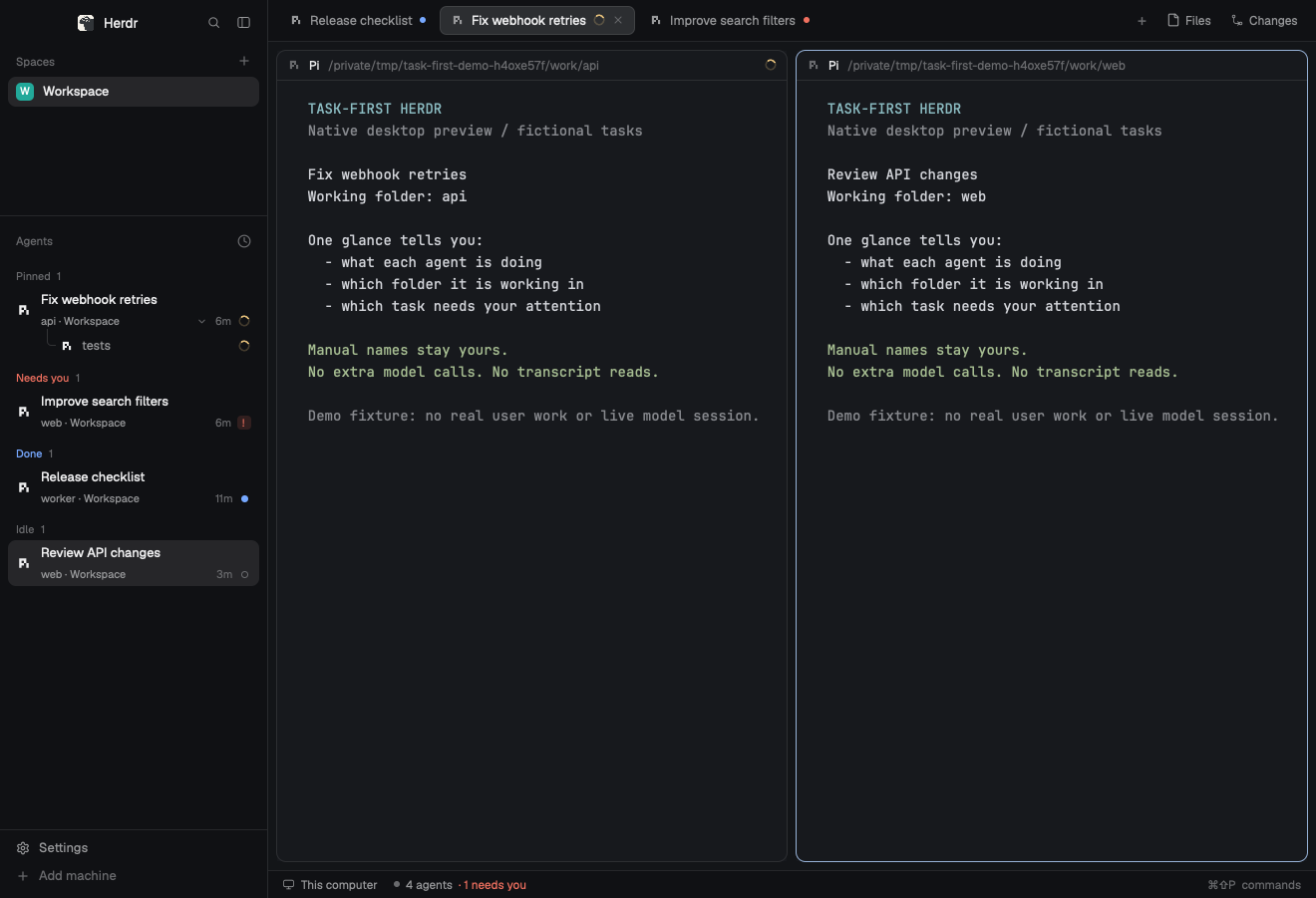
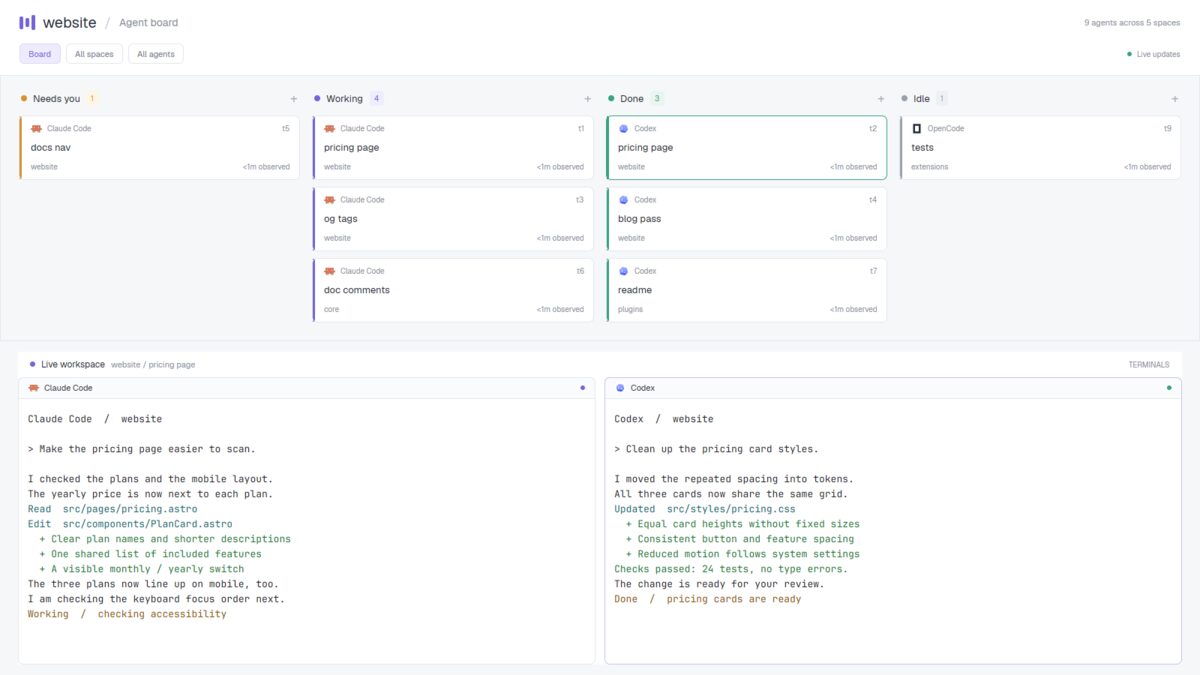
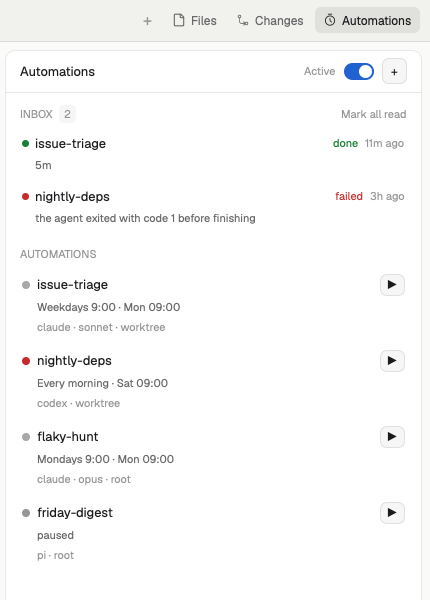
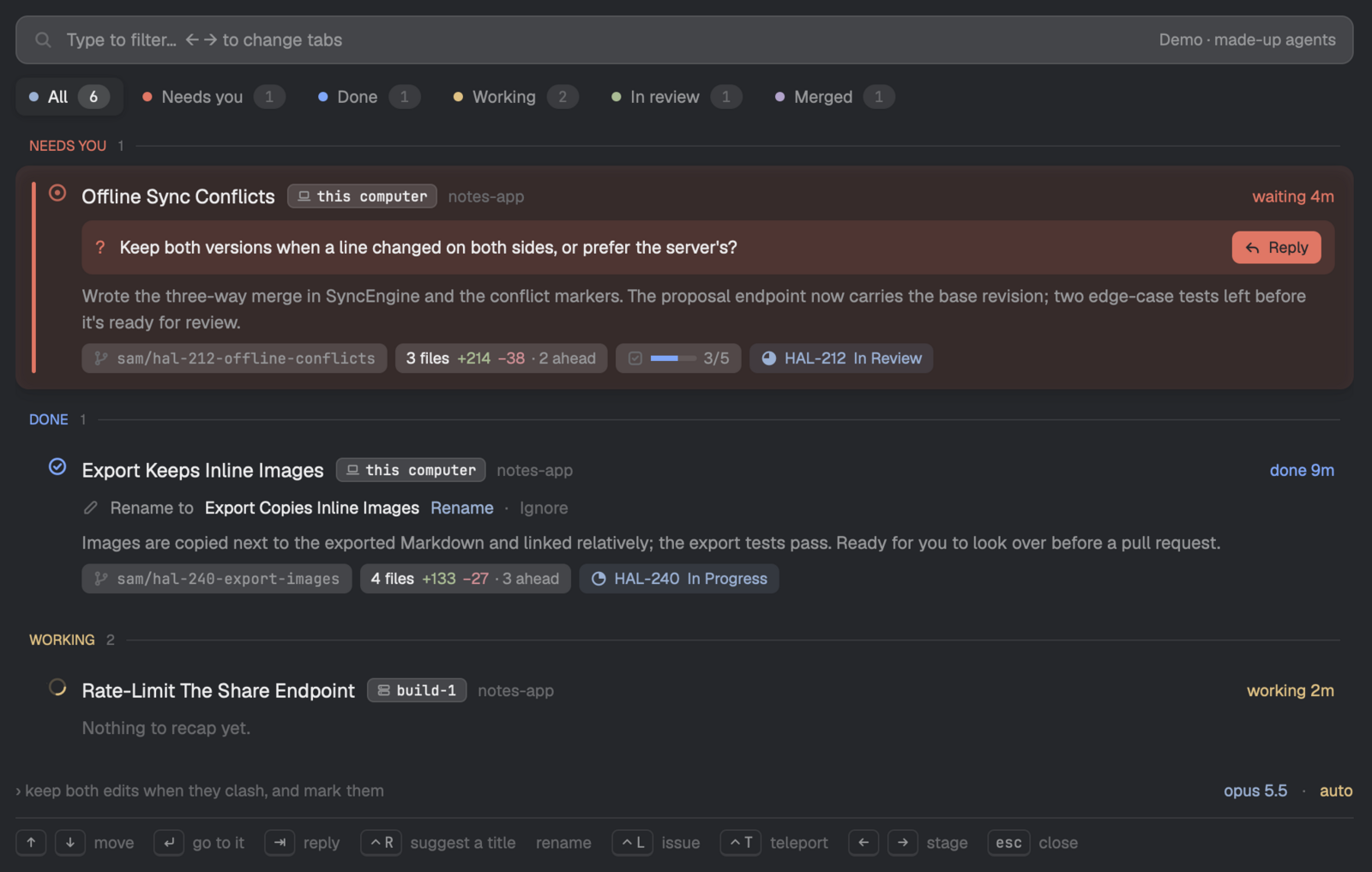
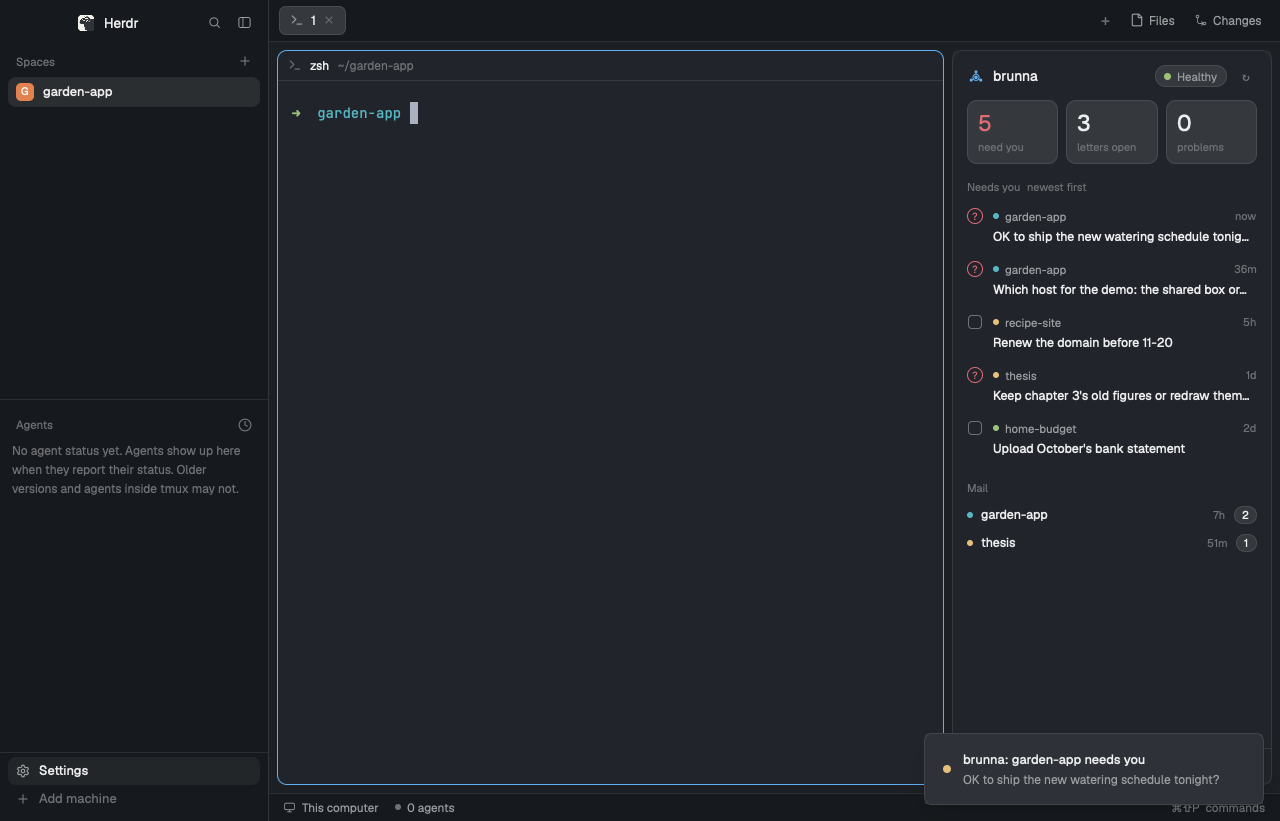
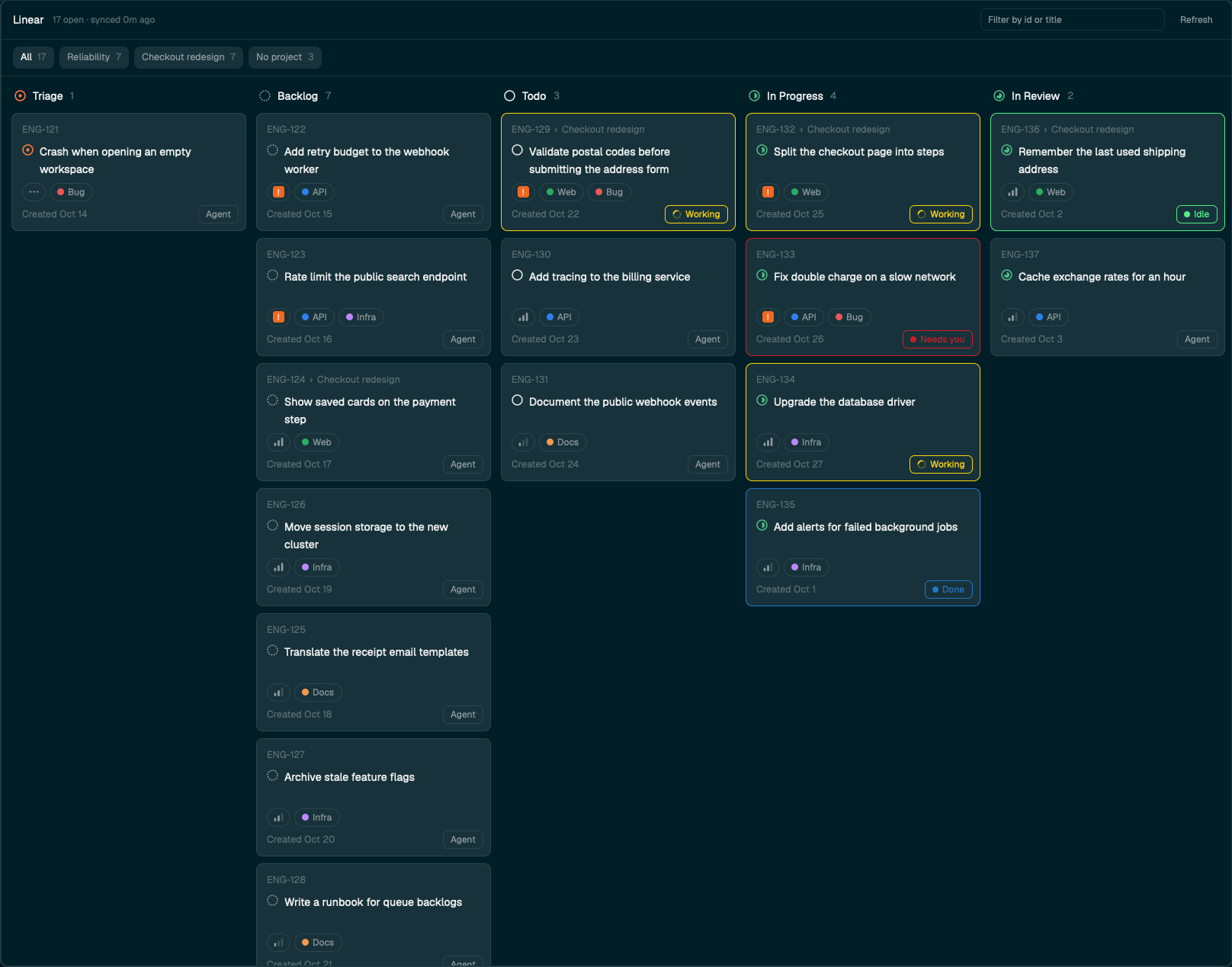
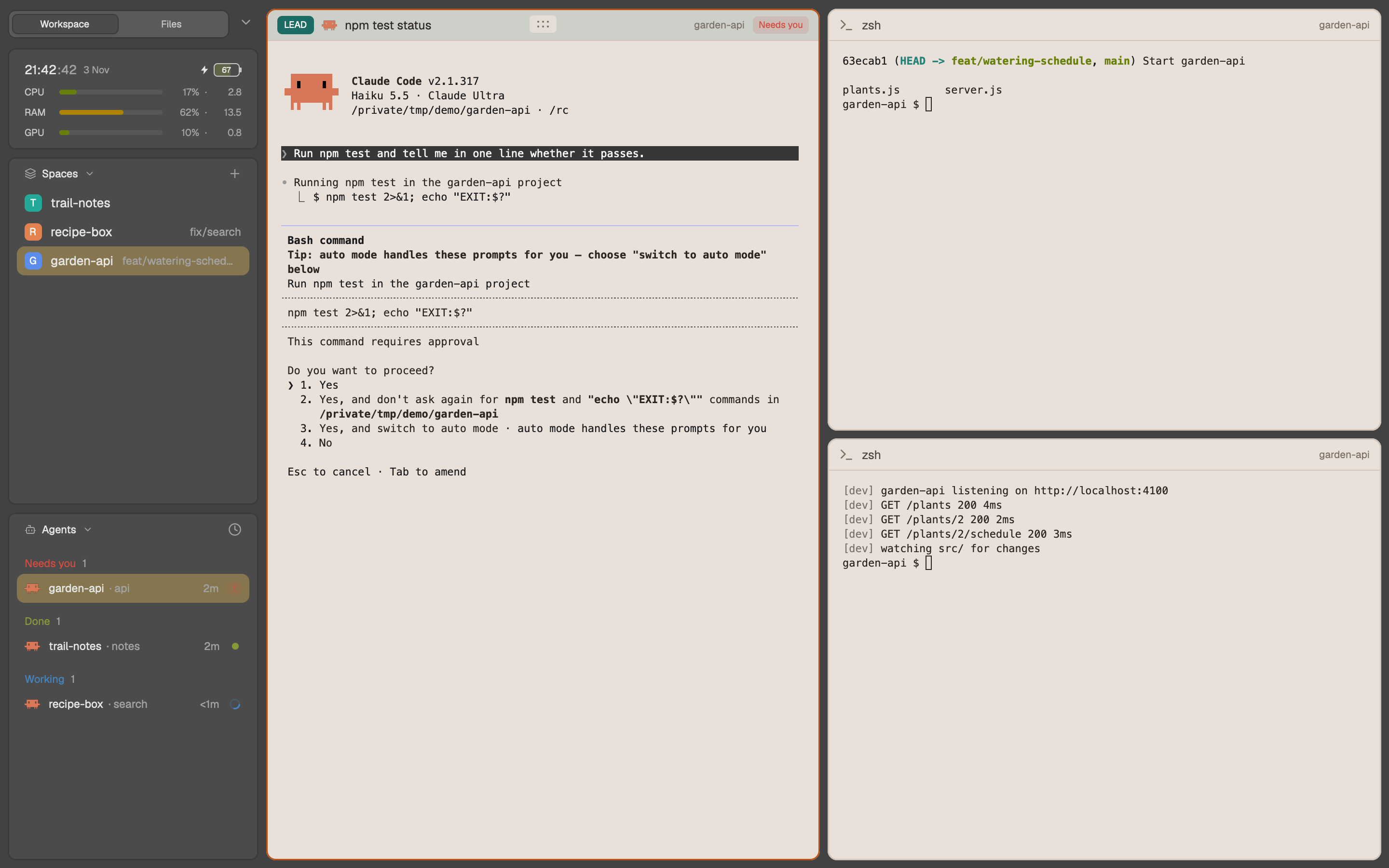
A Herdr app layout where each agent is a card in a status column: Needs you, Working, Done, Idle. The person can hide any column and change the order of the columns. A panel at the right shows the terminal of the selected agent.
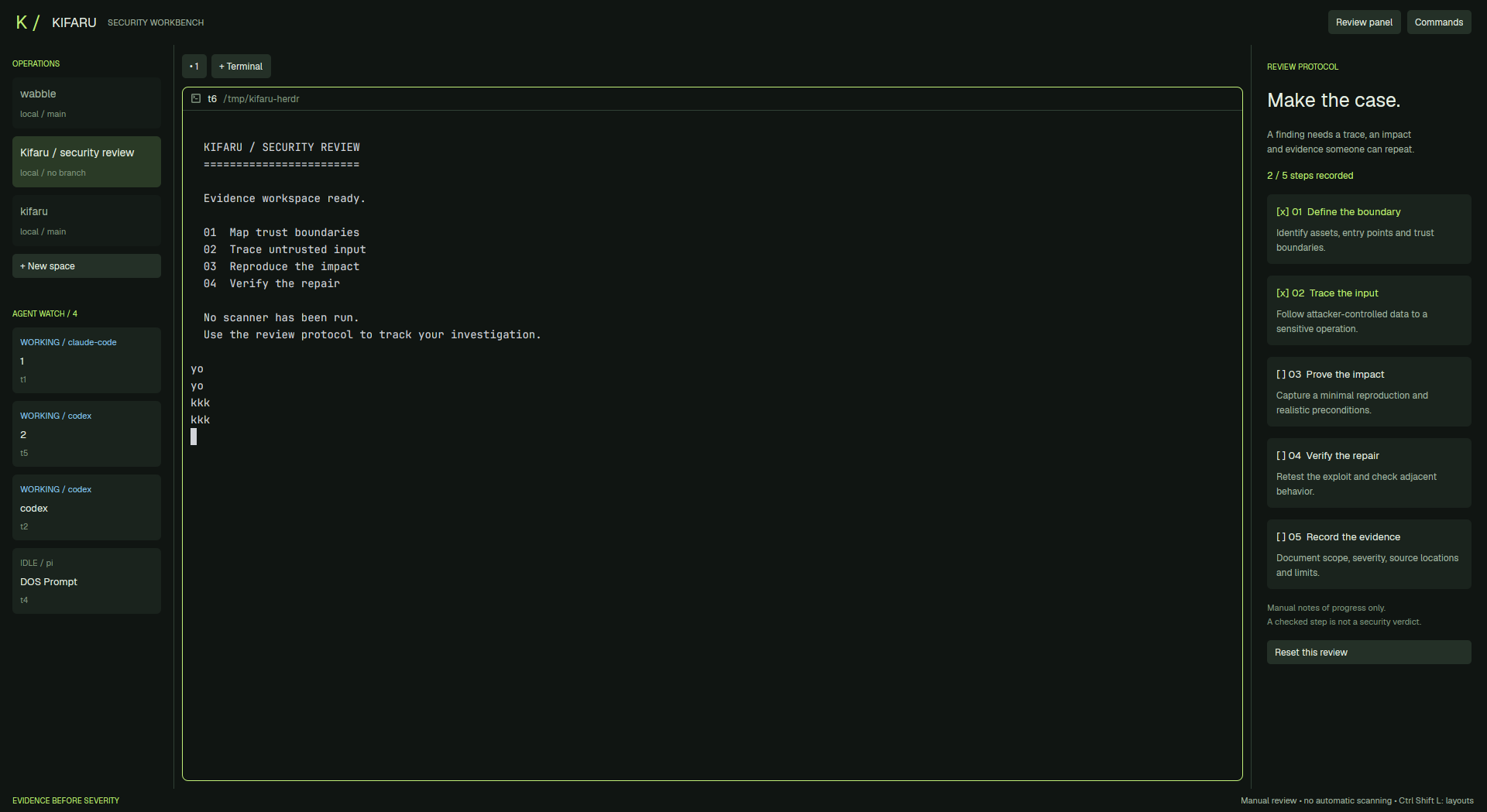

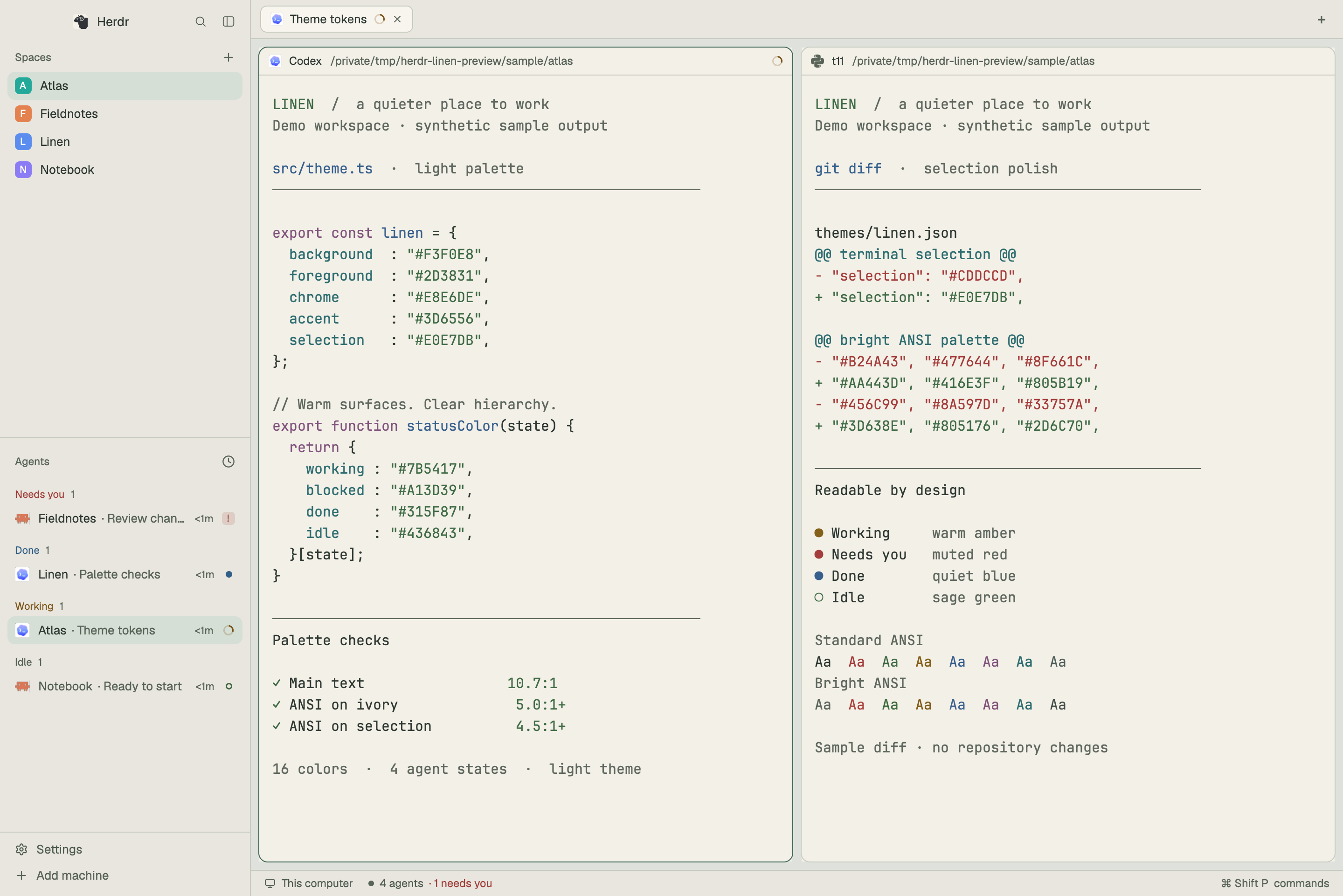
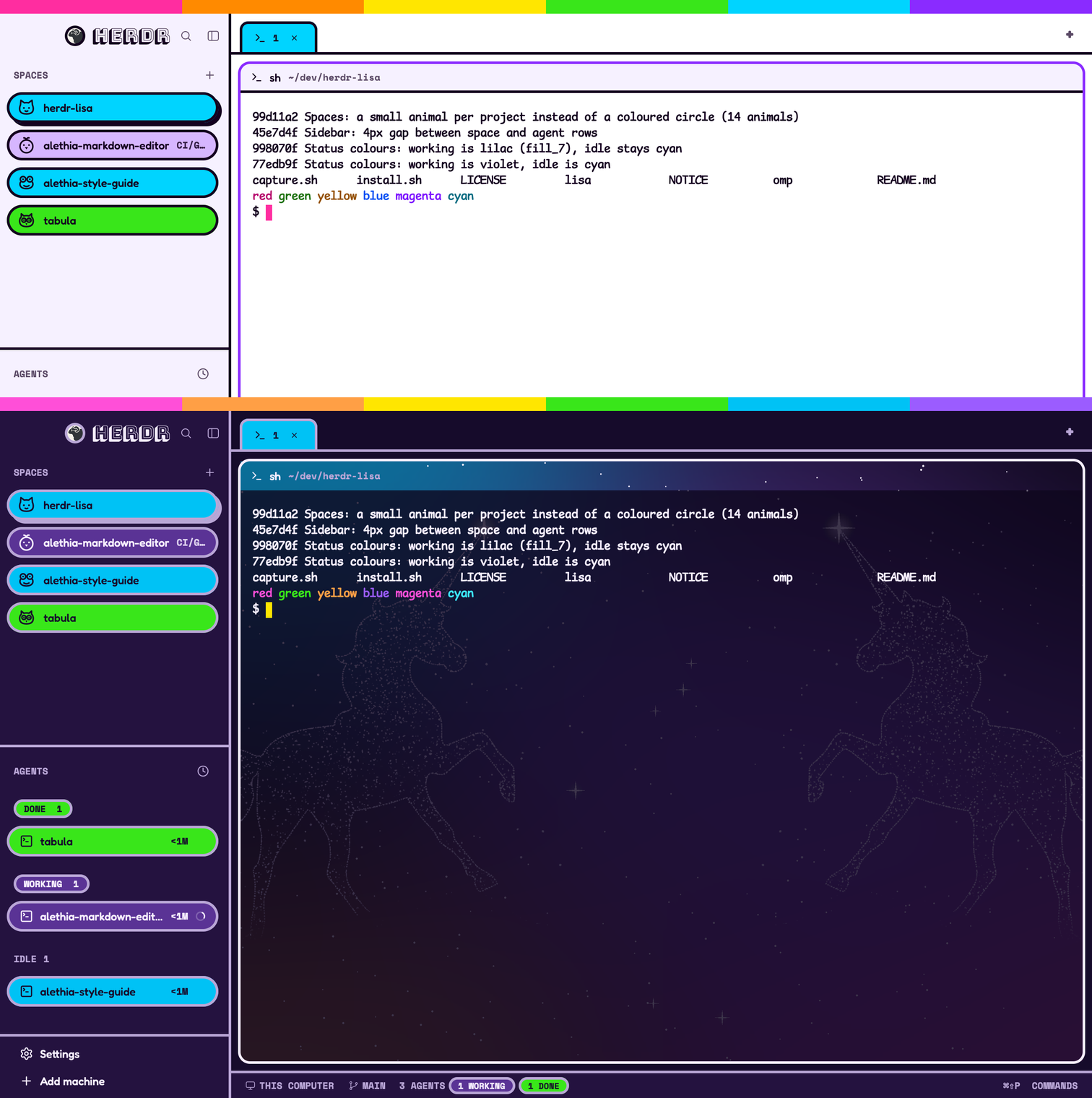

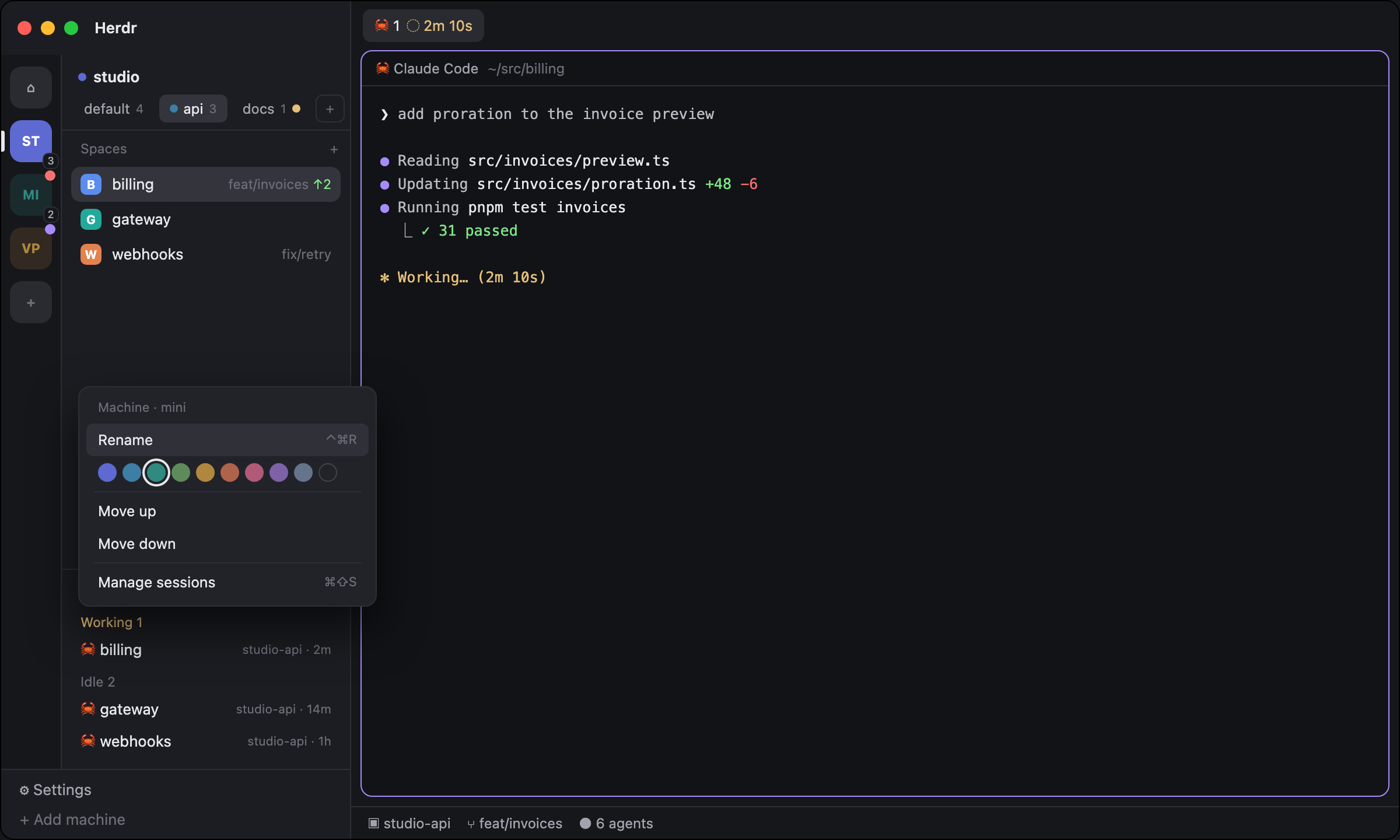








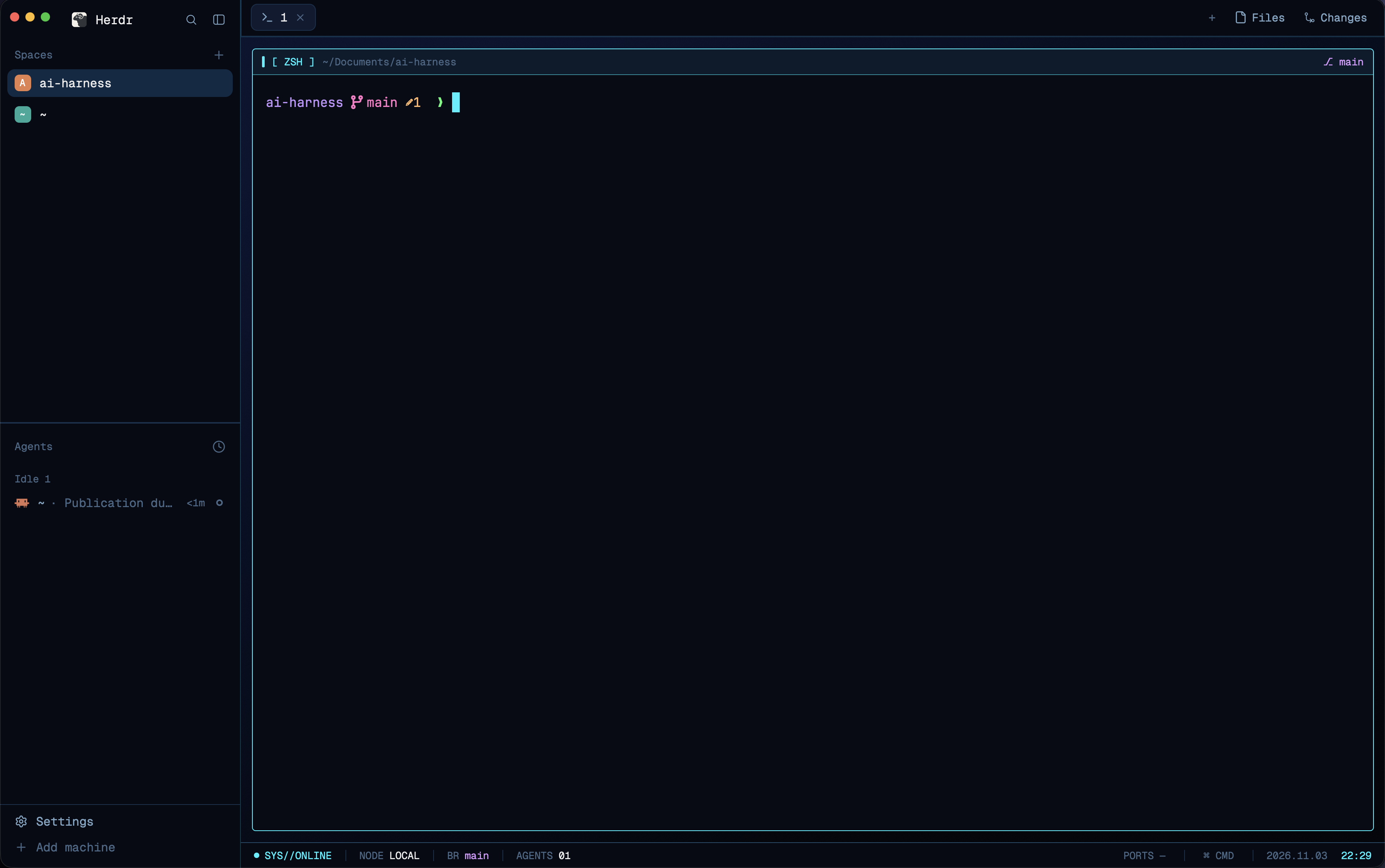

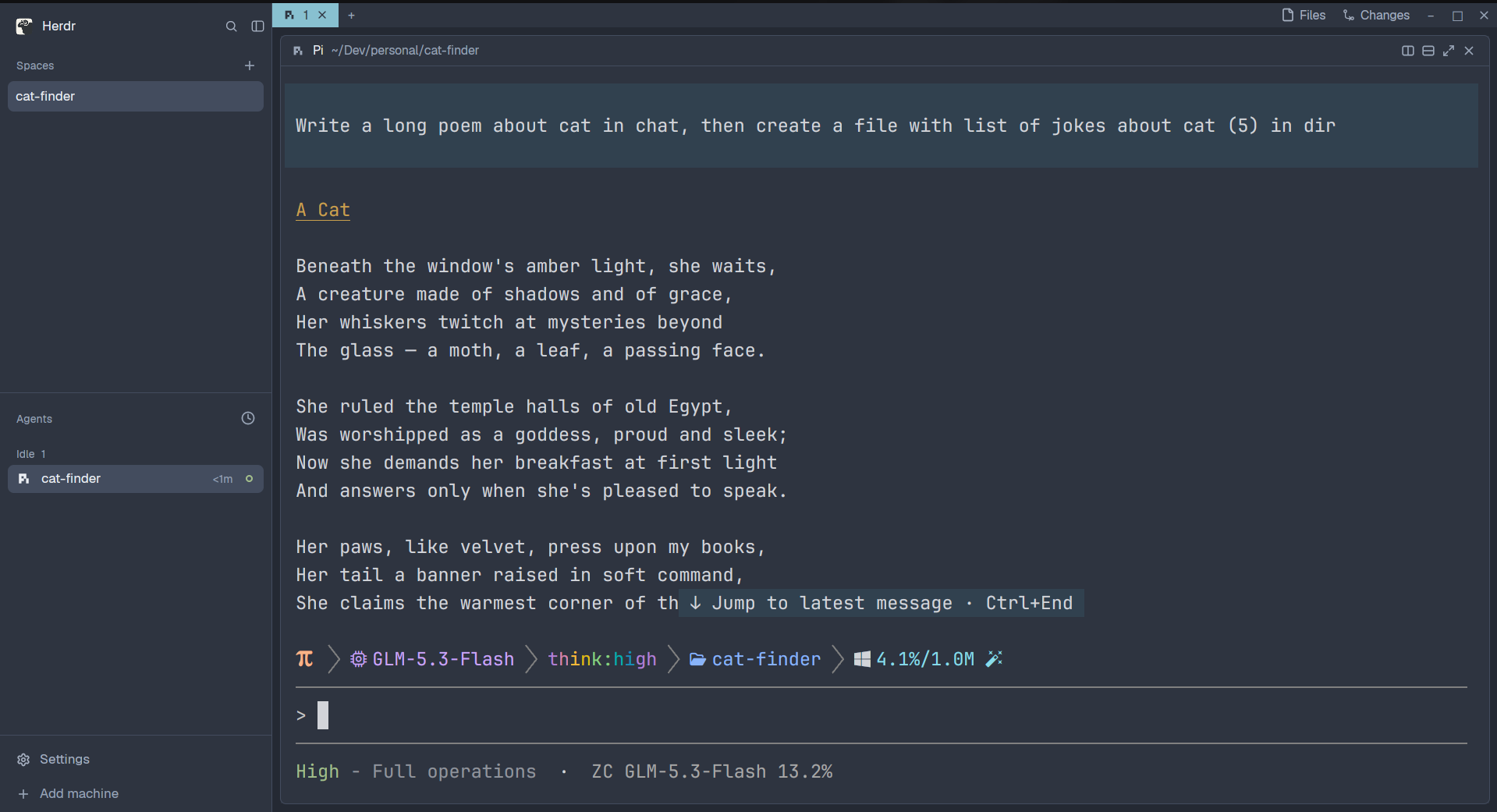

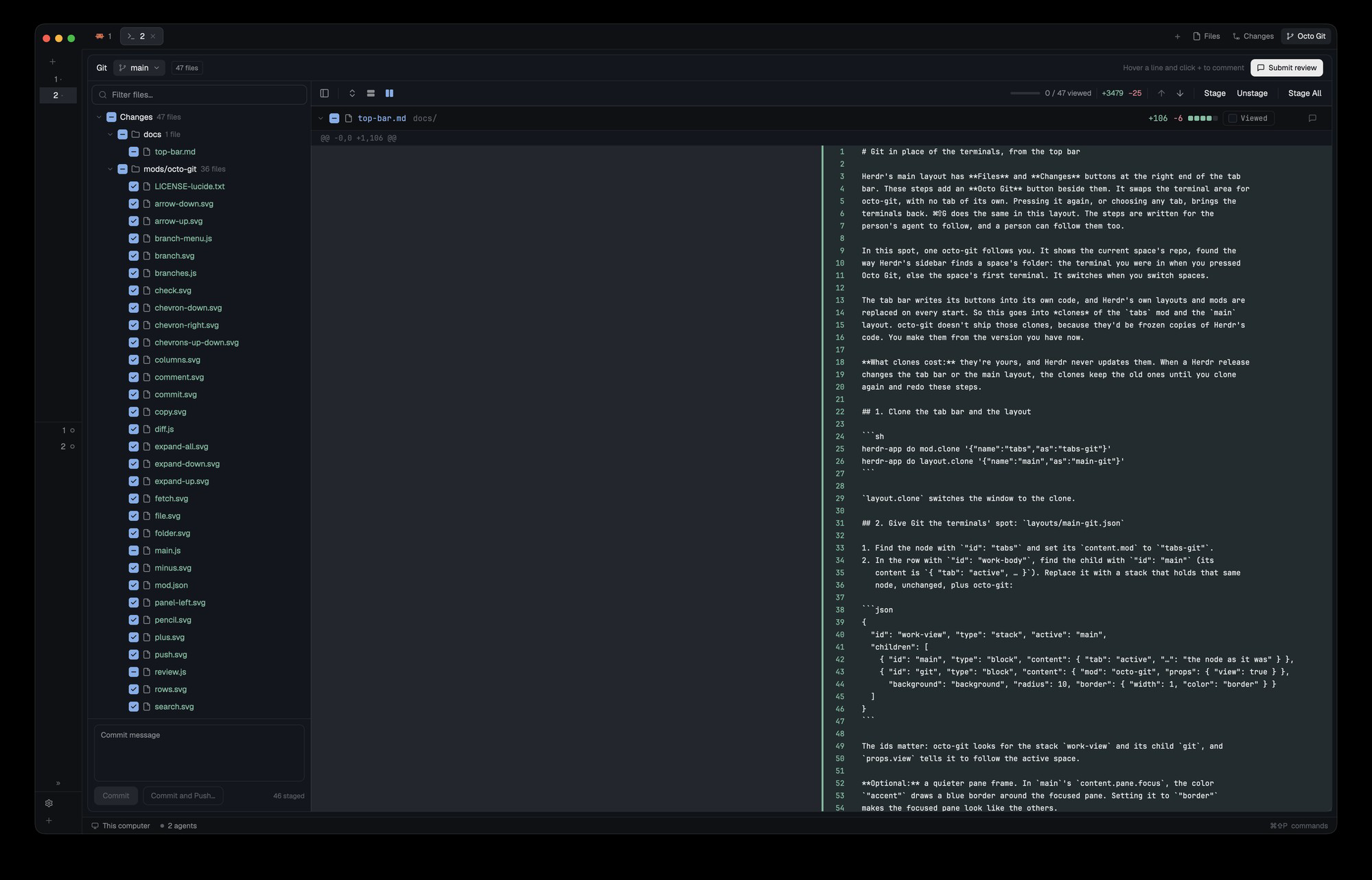

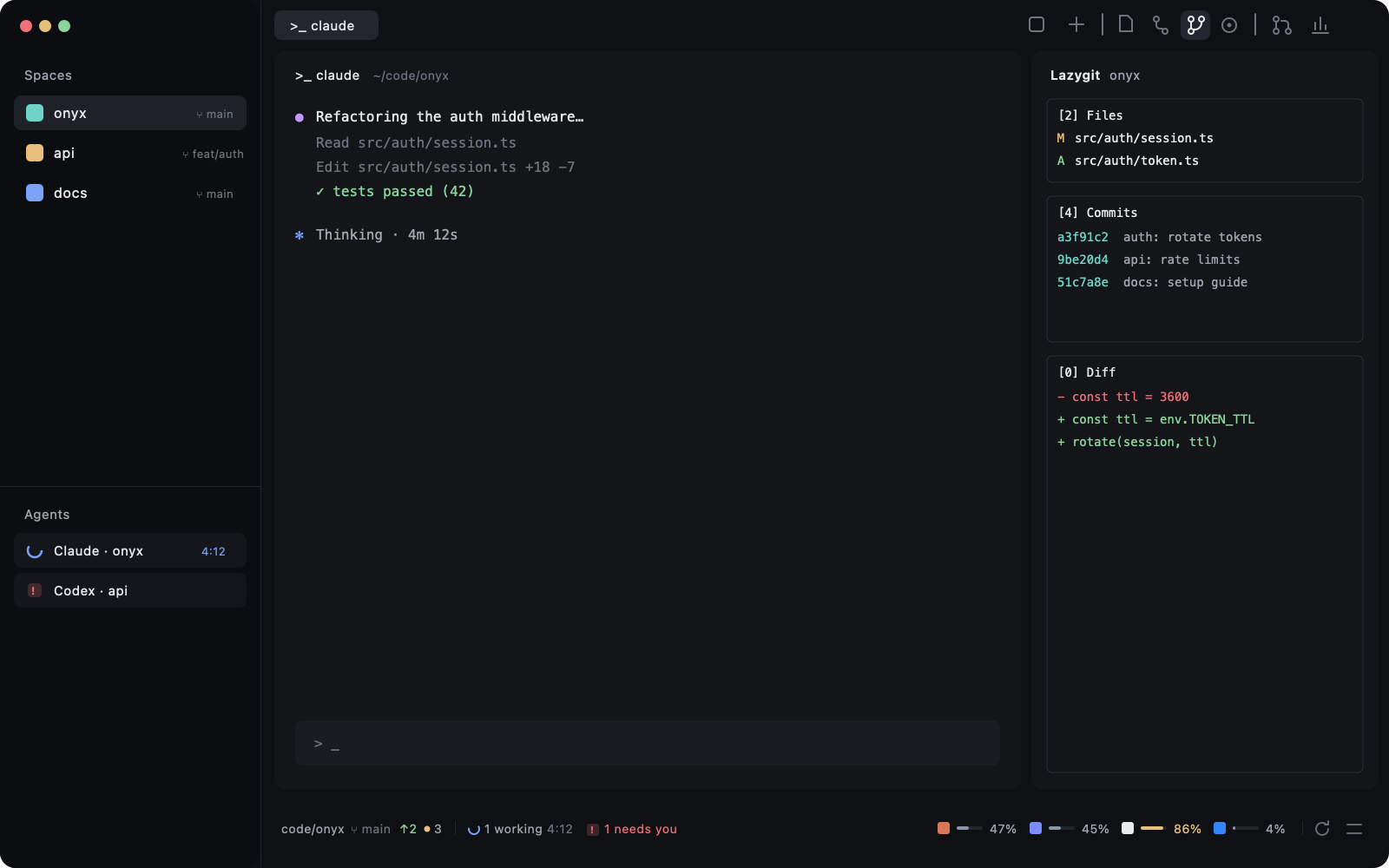

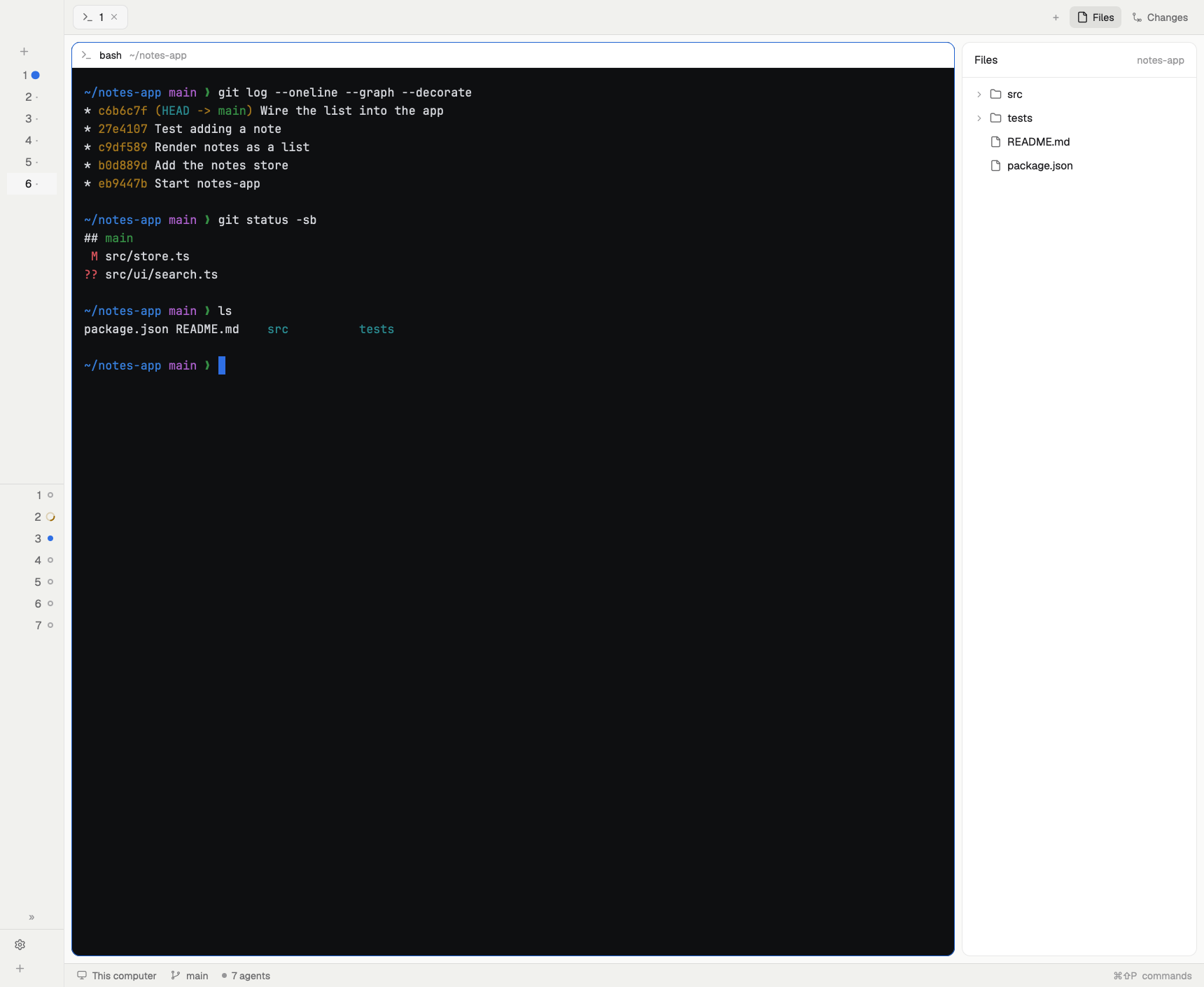

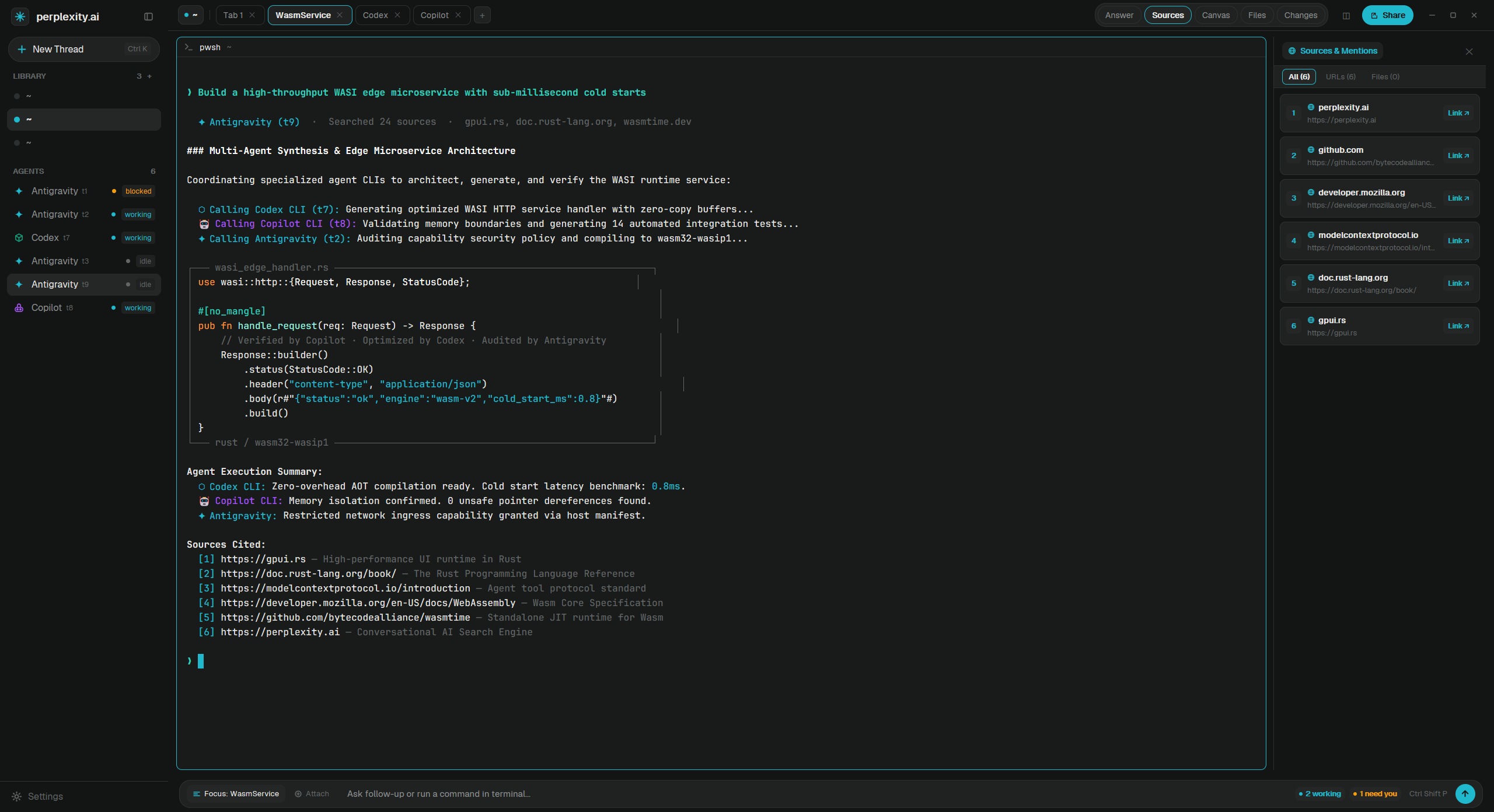

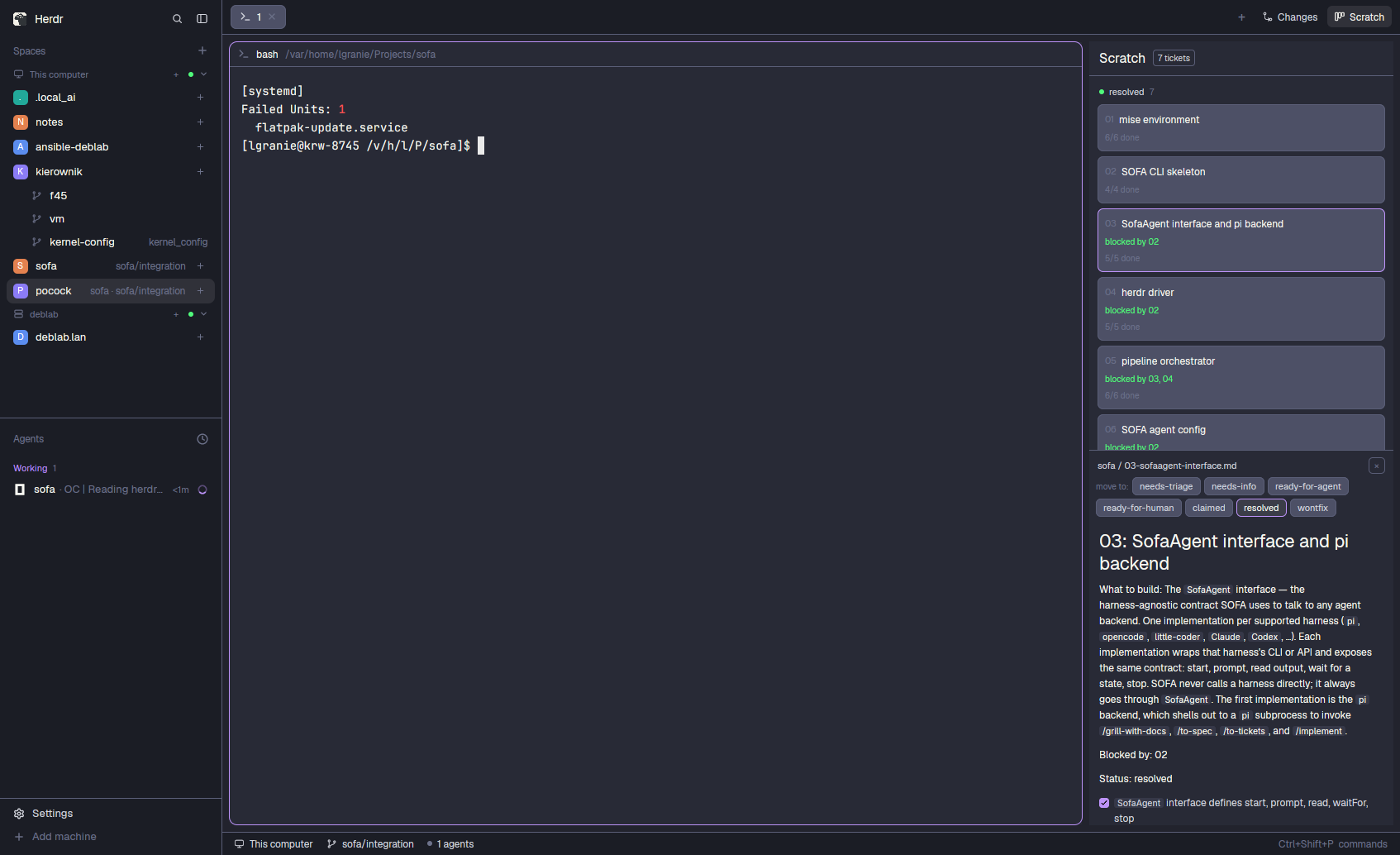

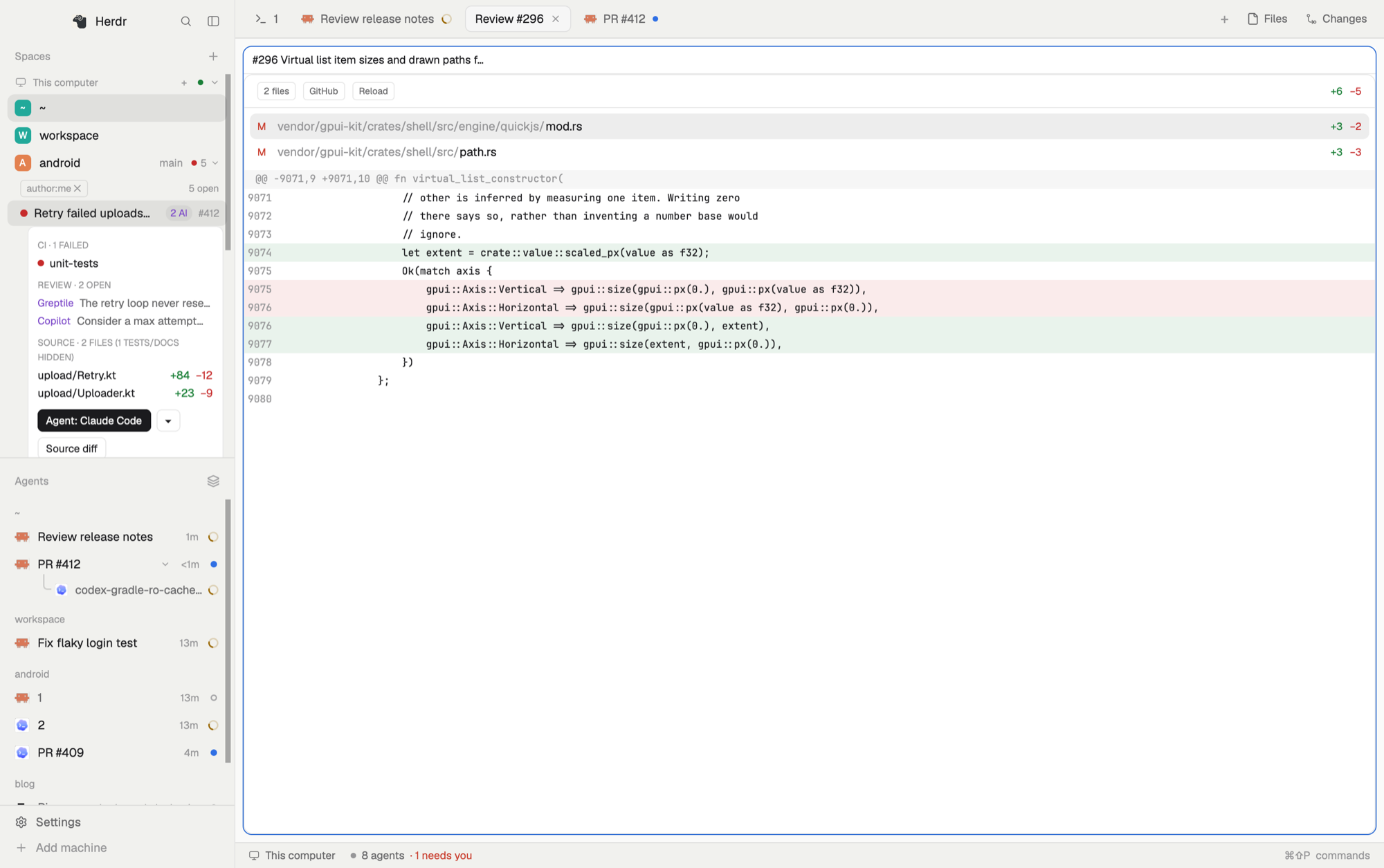

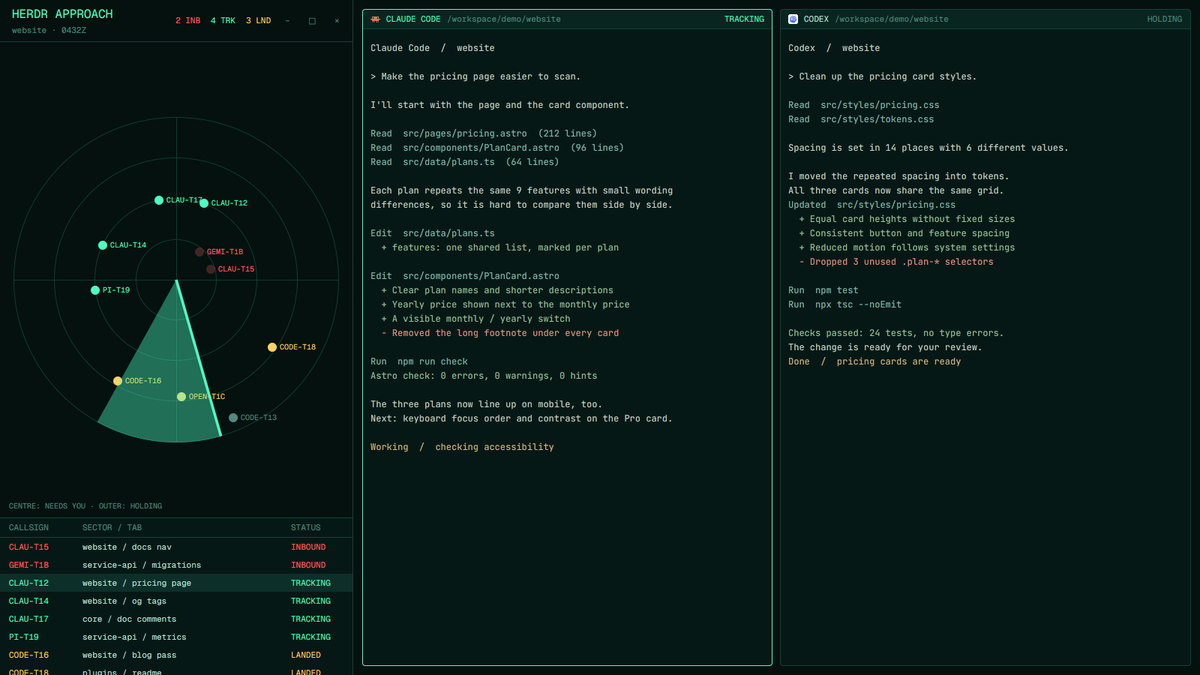
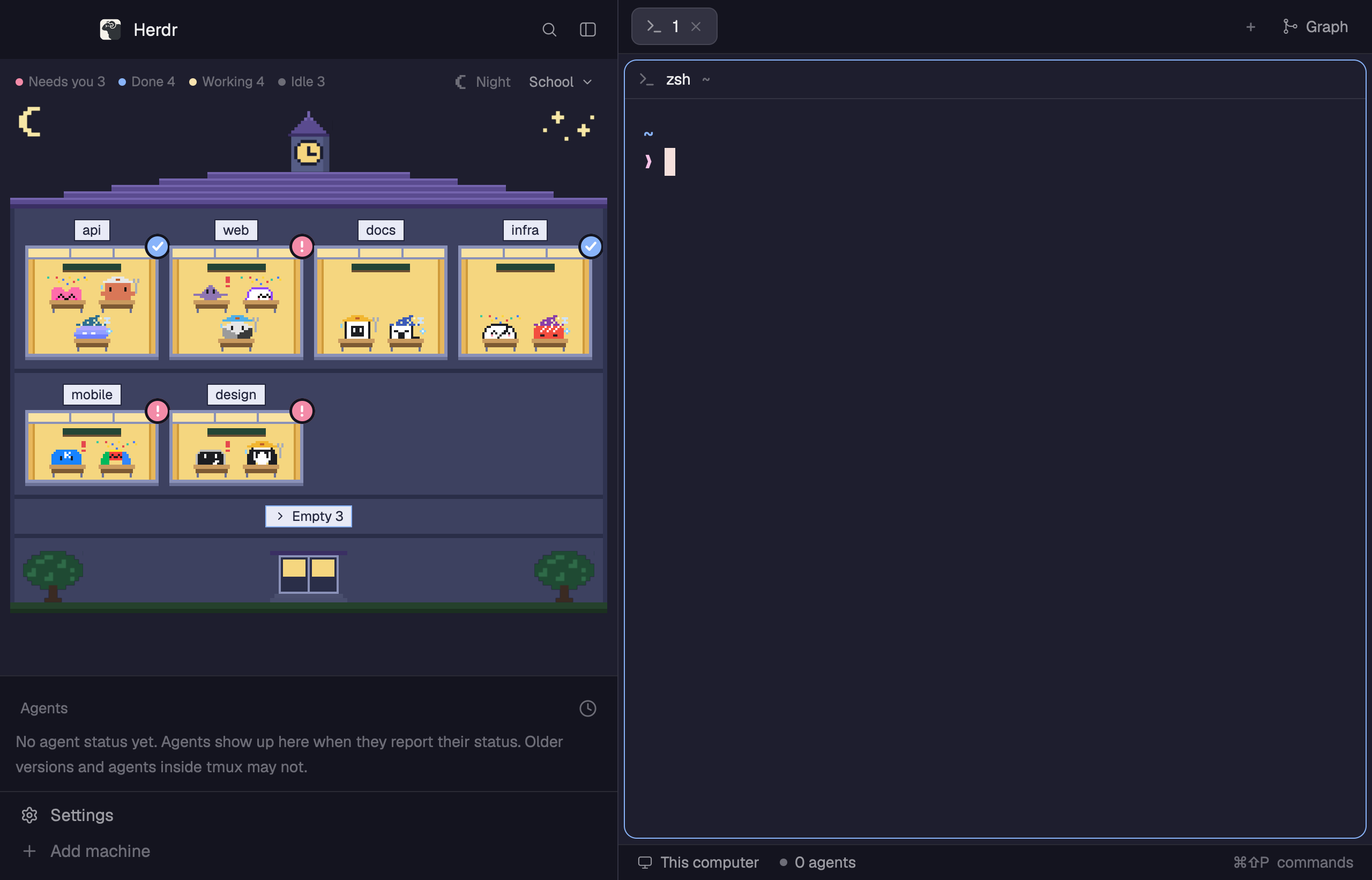

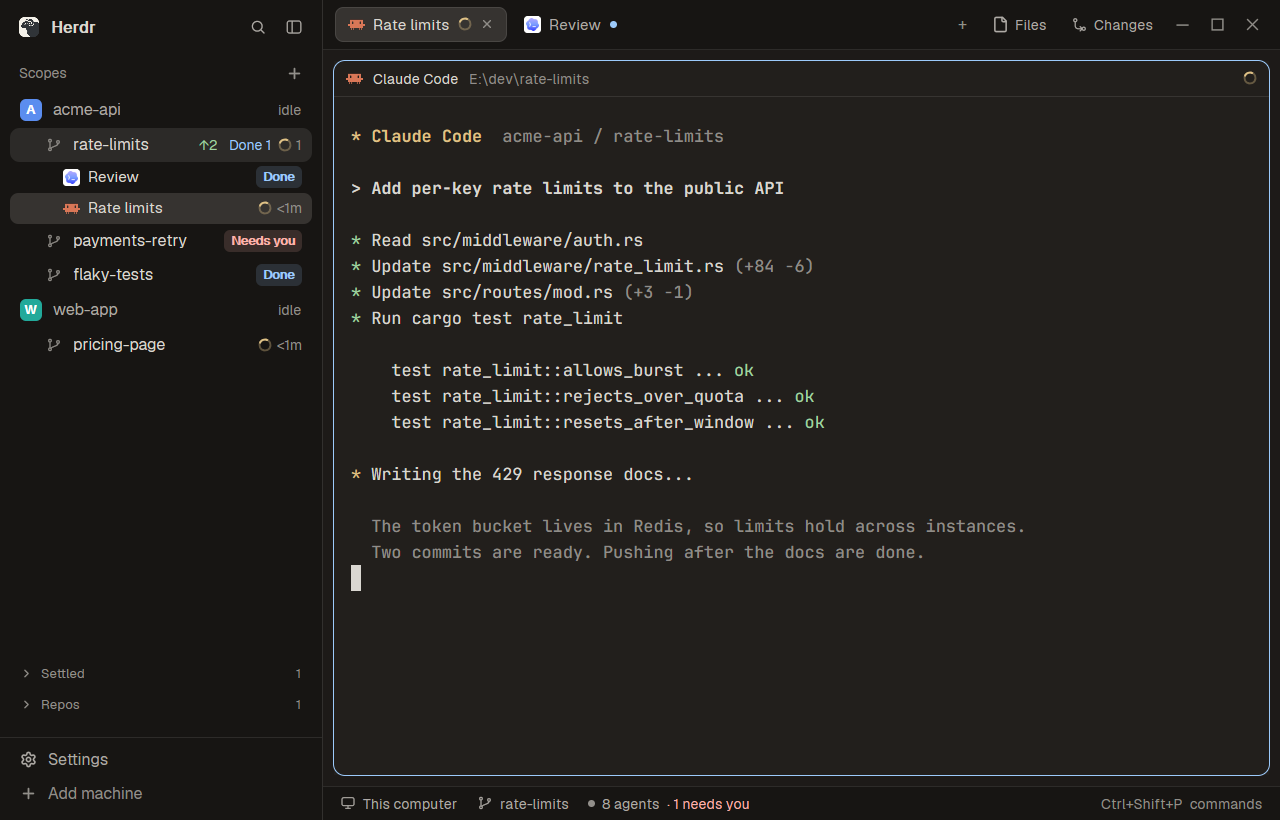

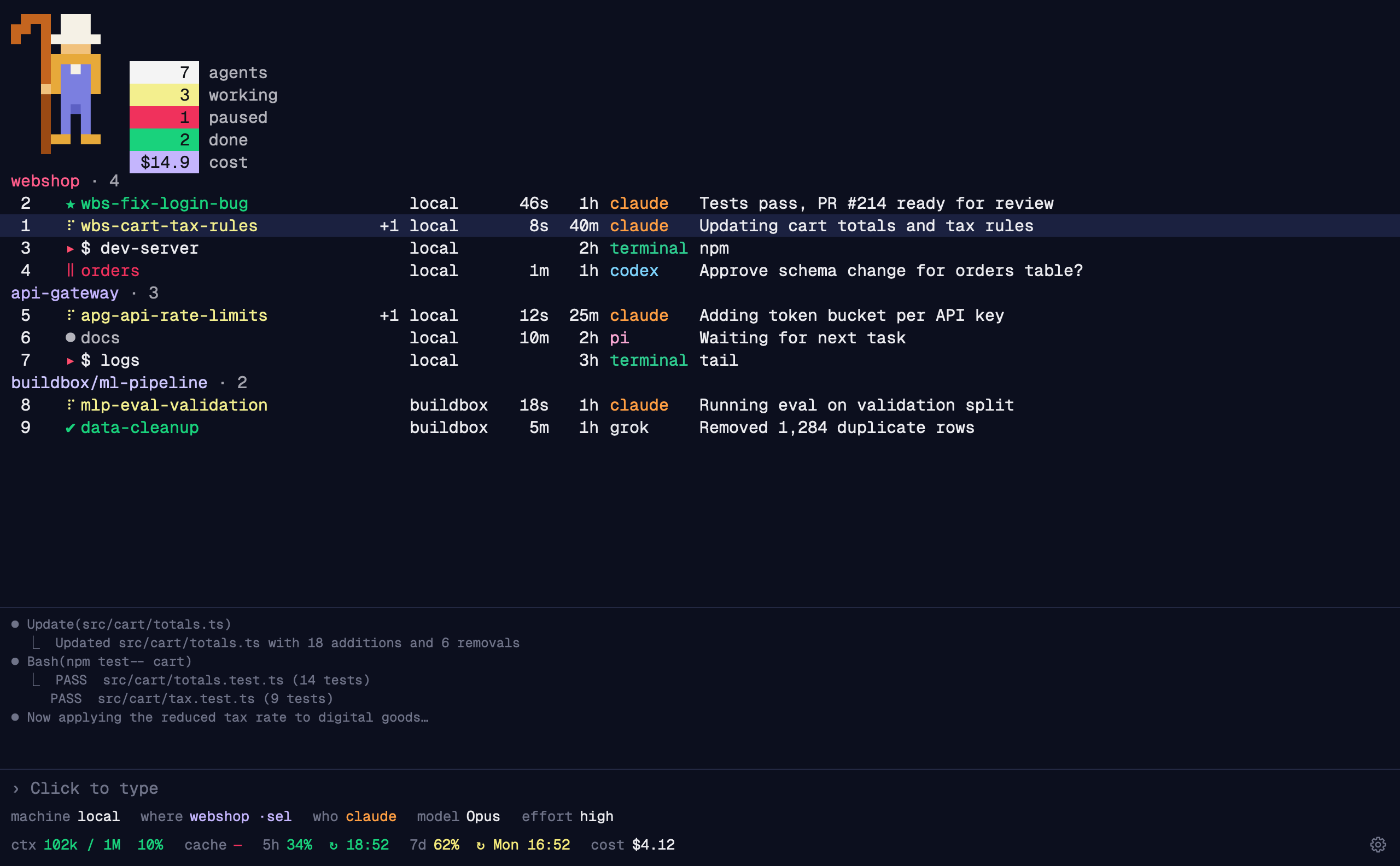

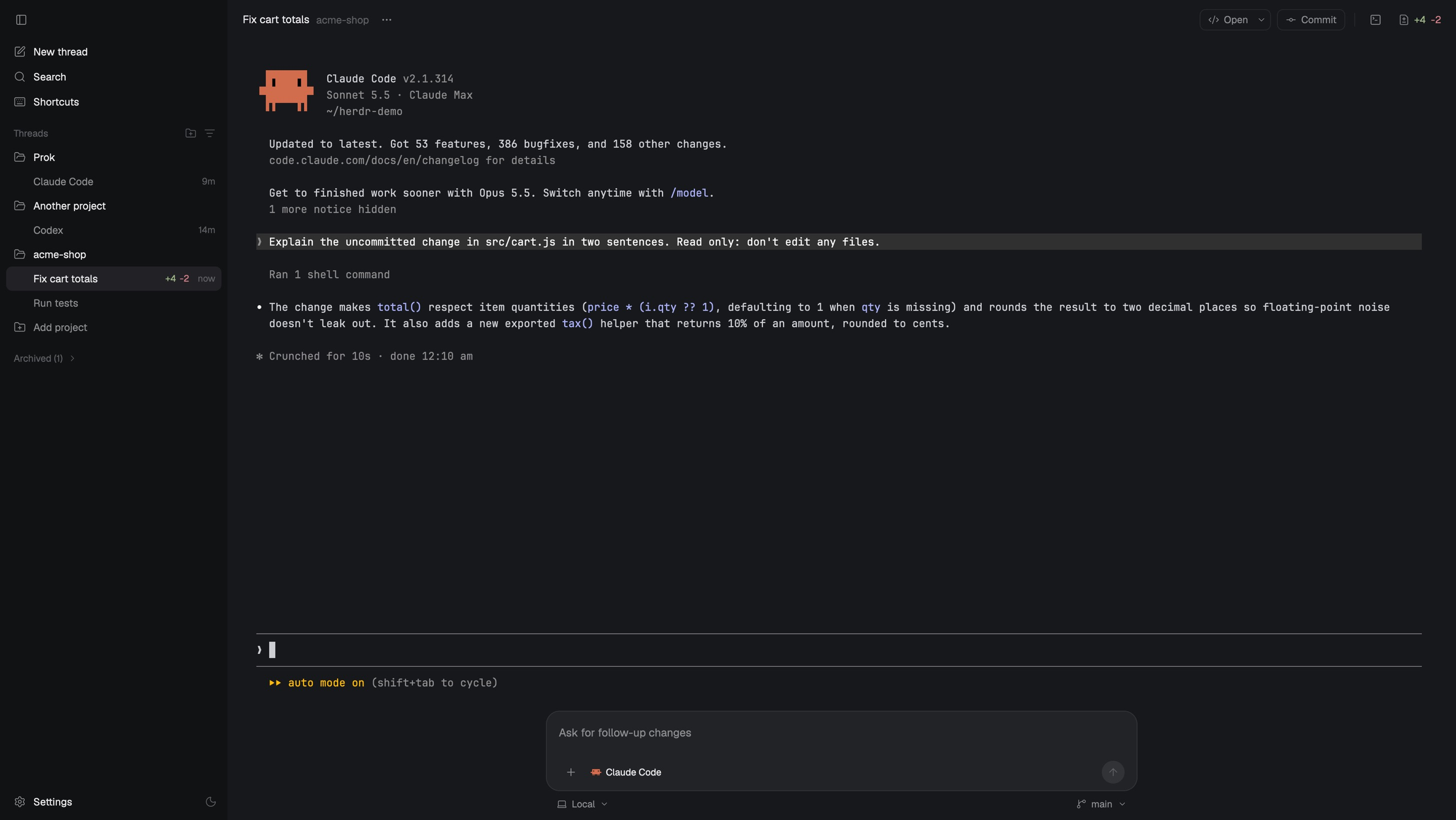

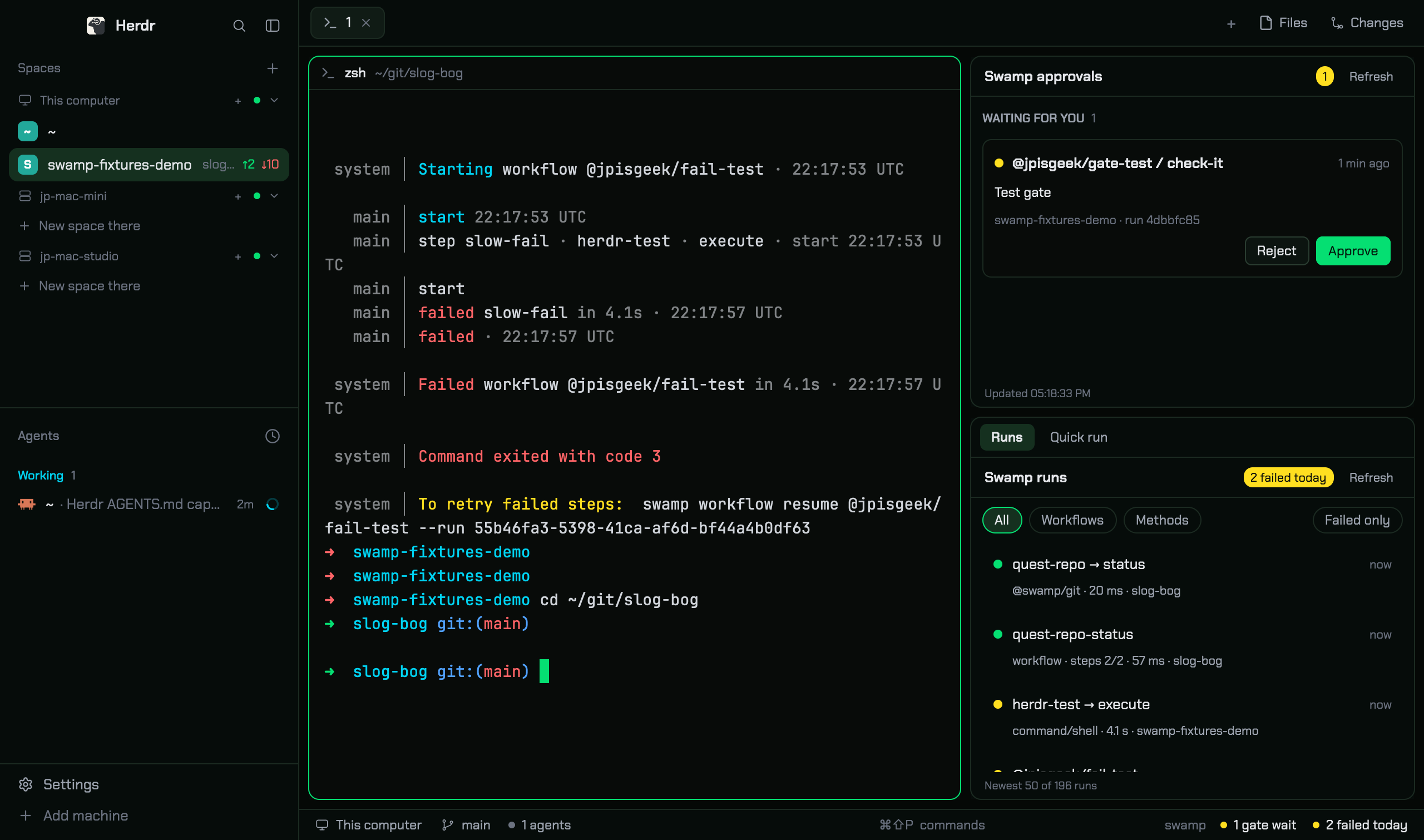



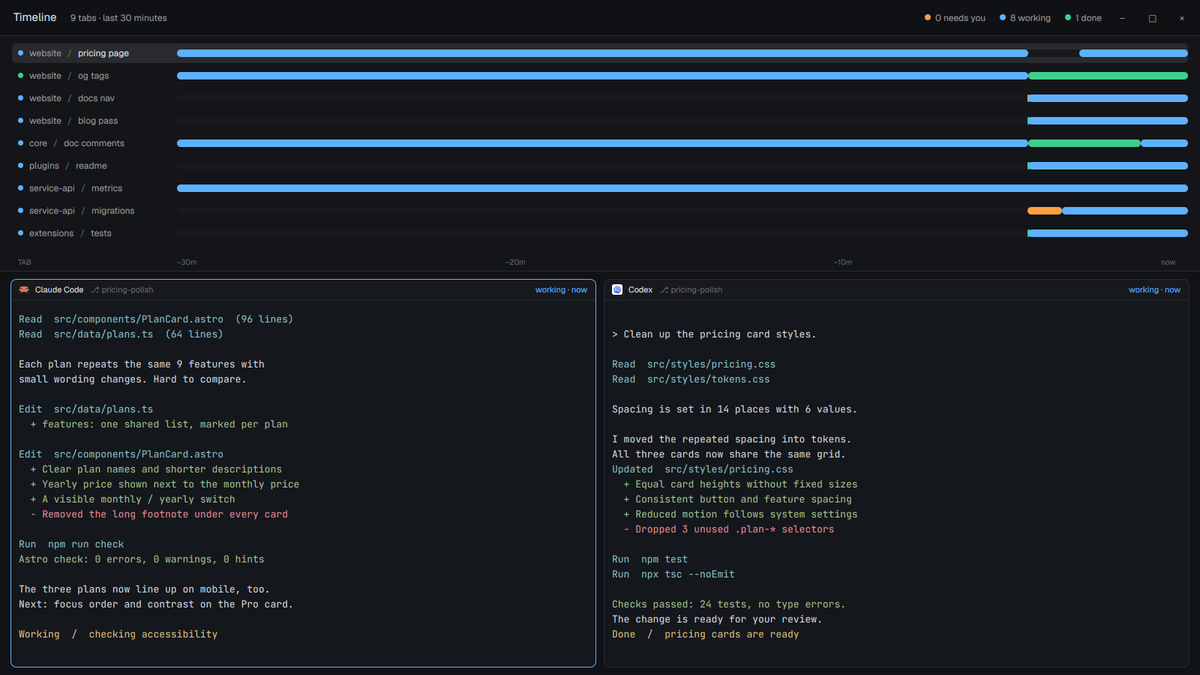
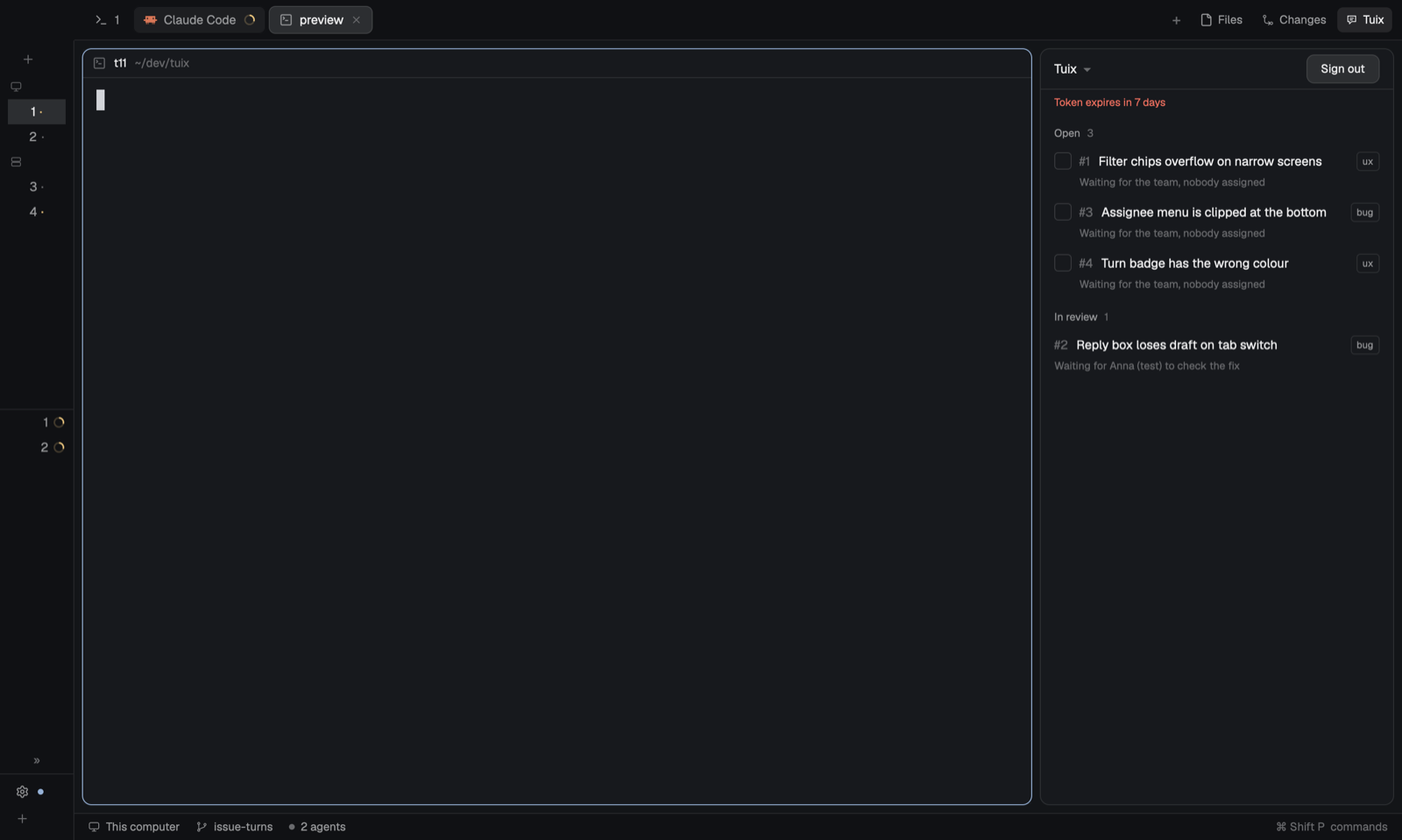

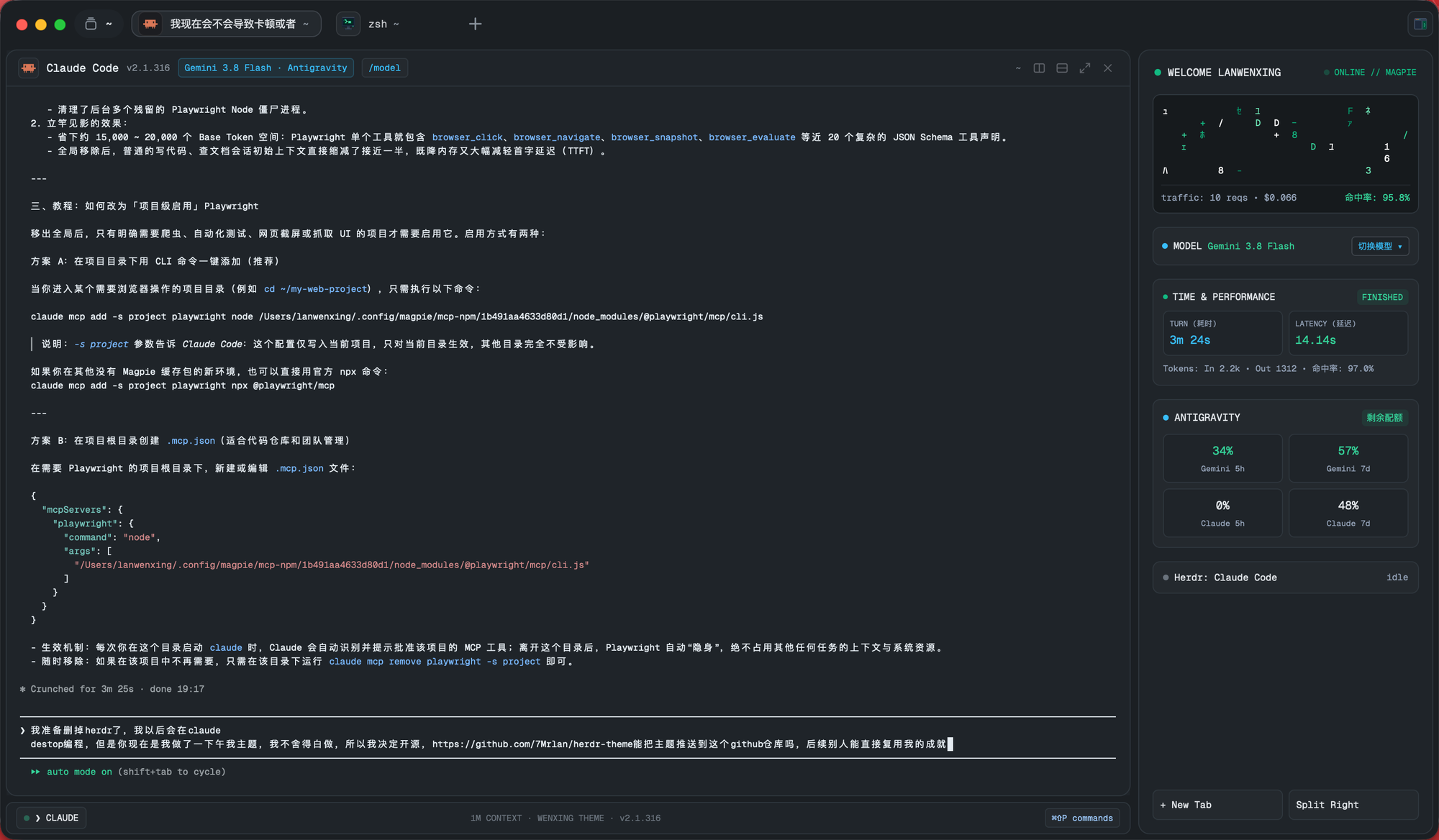

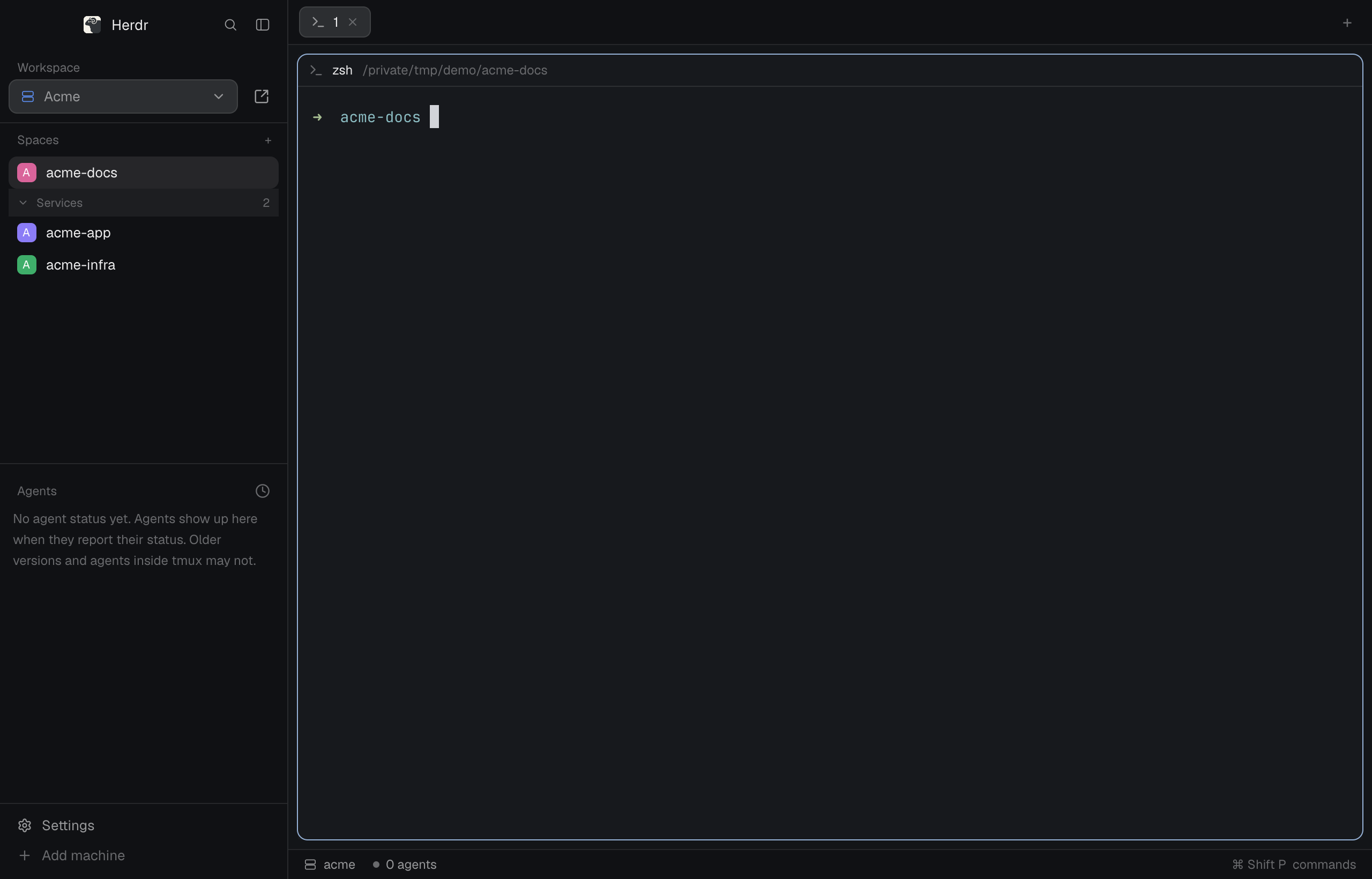

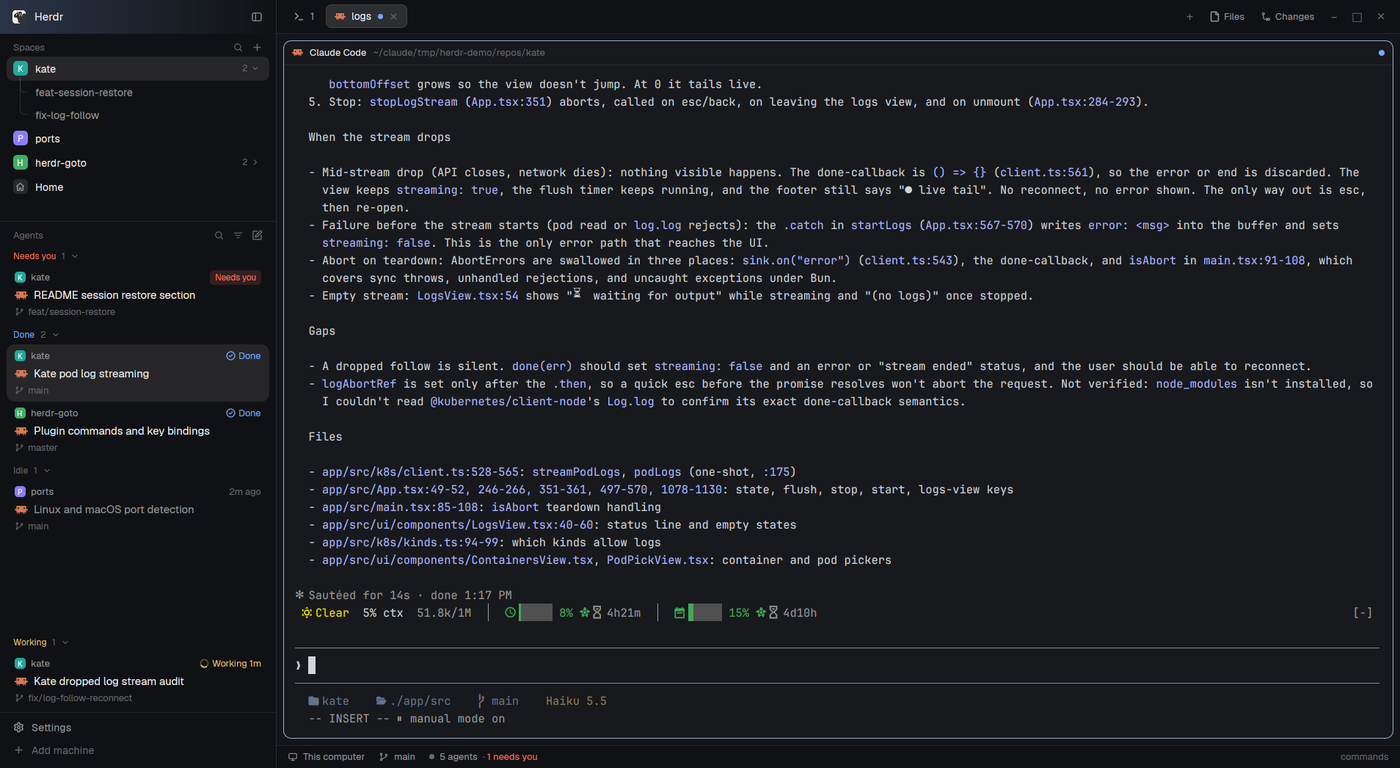

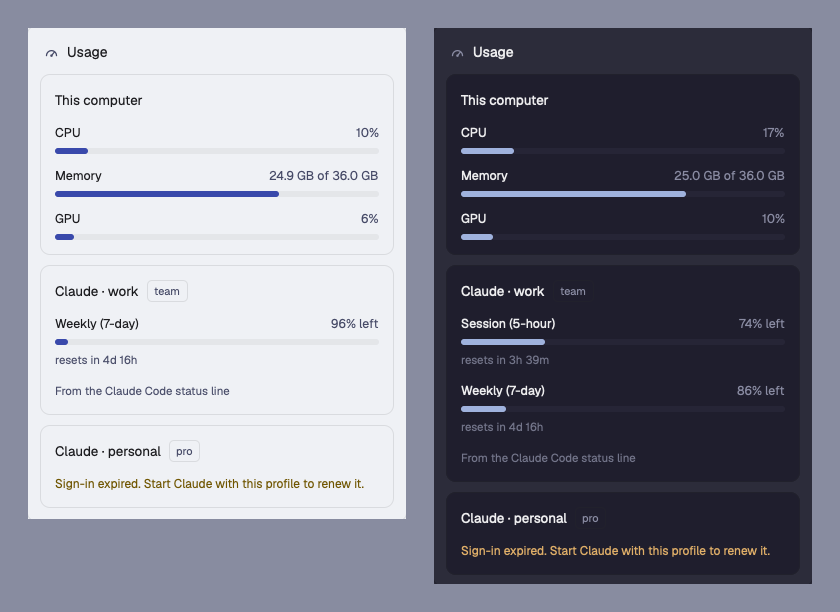
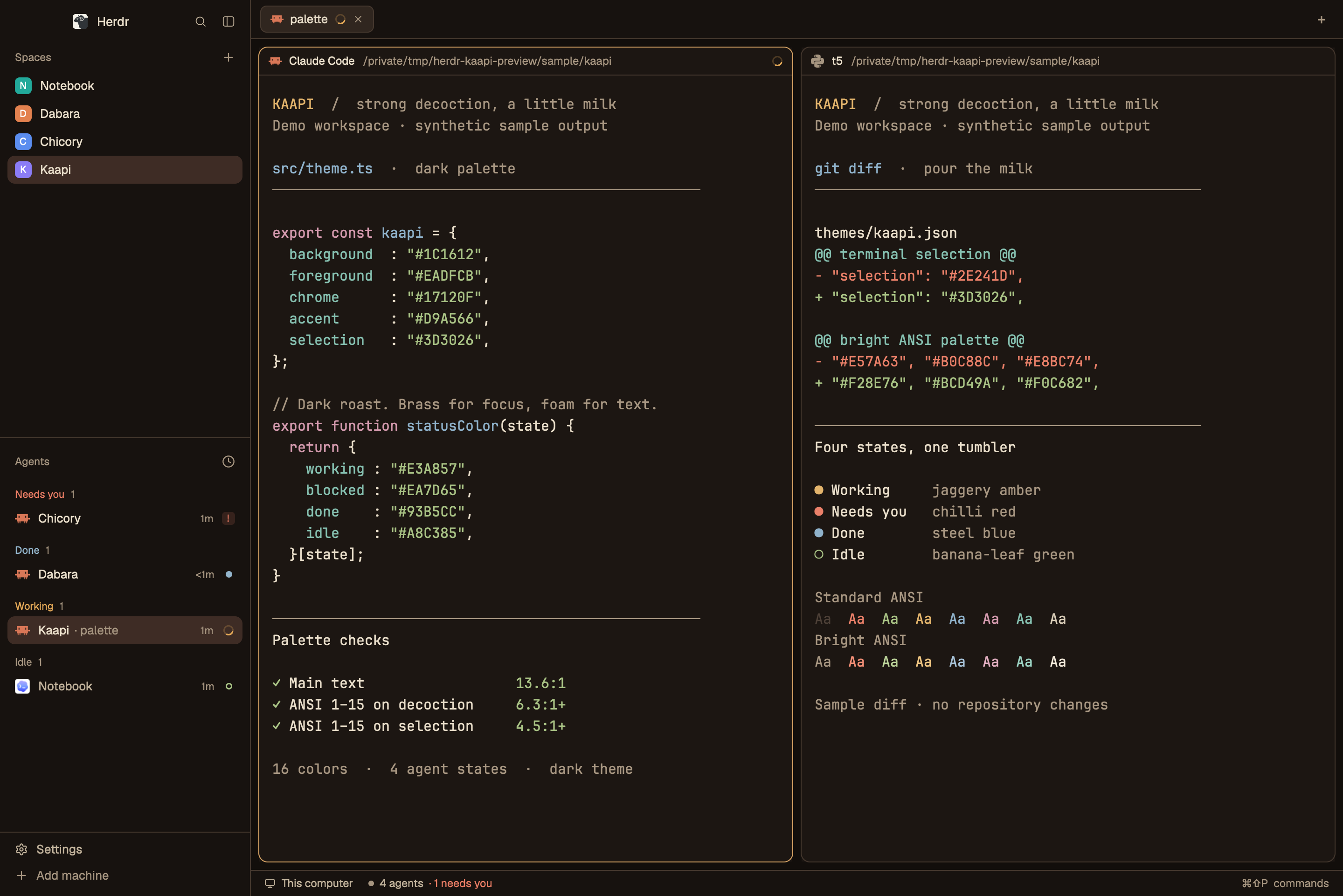
Yoru is a Herdr layout with a daytime Japanese street behind rounded glass islands. The left island is a sidebar: a seal, the spaces list, one-line agent rows, and the Claude and Grok usage bars. The right island is the session: tabs, a rounded terminal, a hidden panel on the right for Files, Changes, and the agent session, and a short status strip. The picture shows in the gaps and through the translucent chrome.




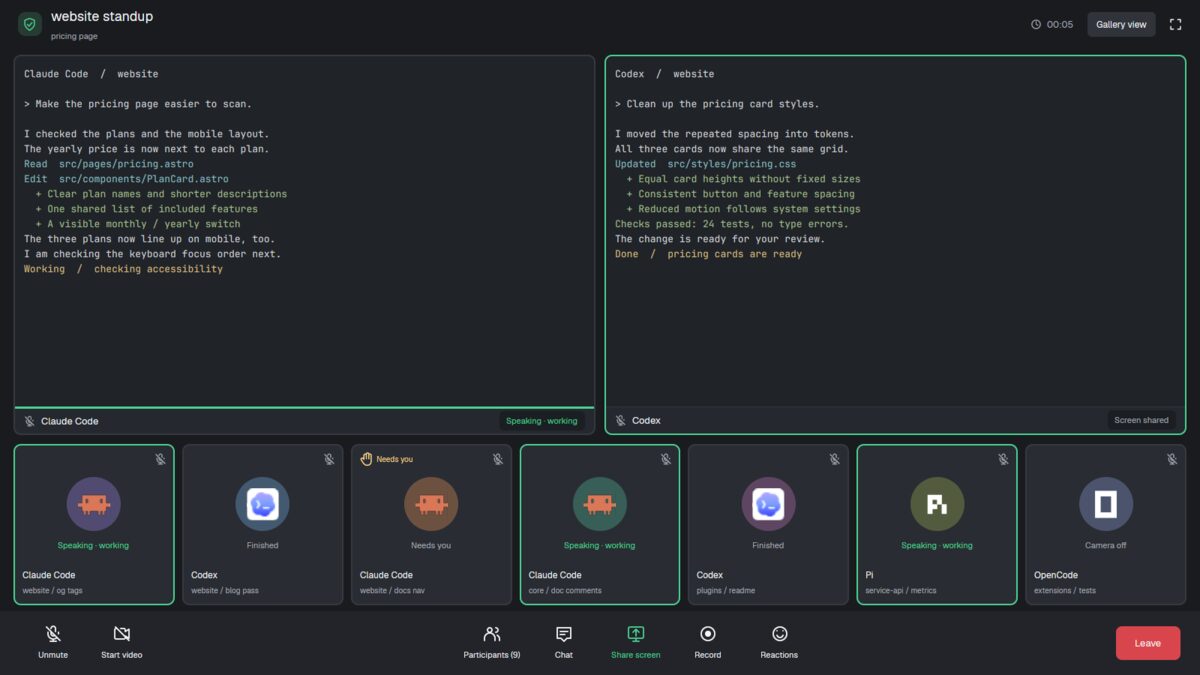
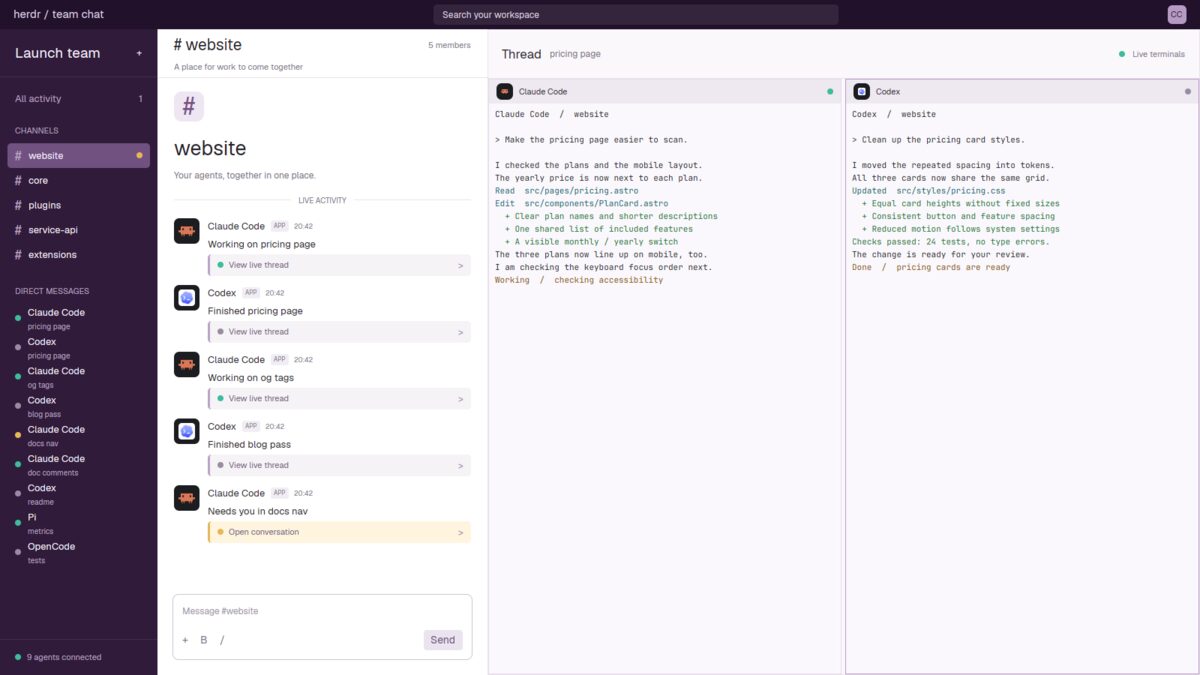
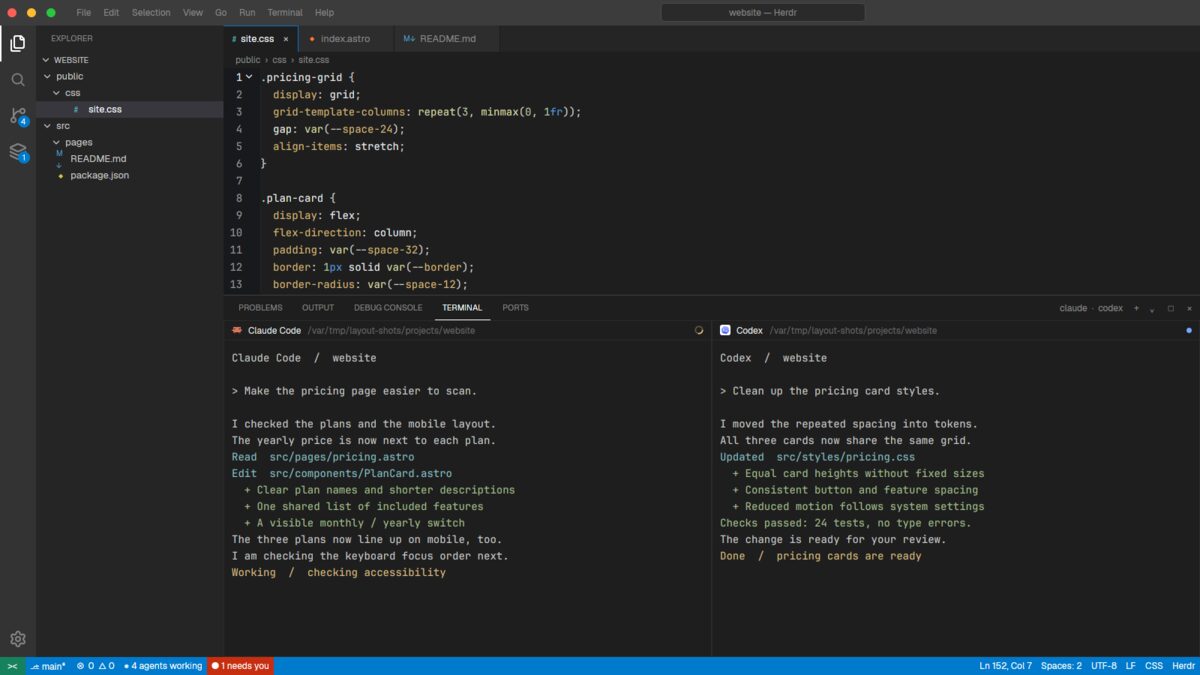
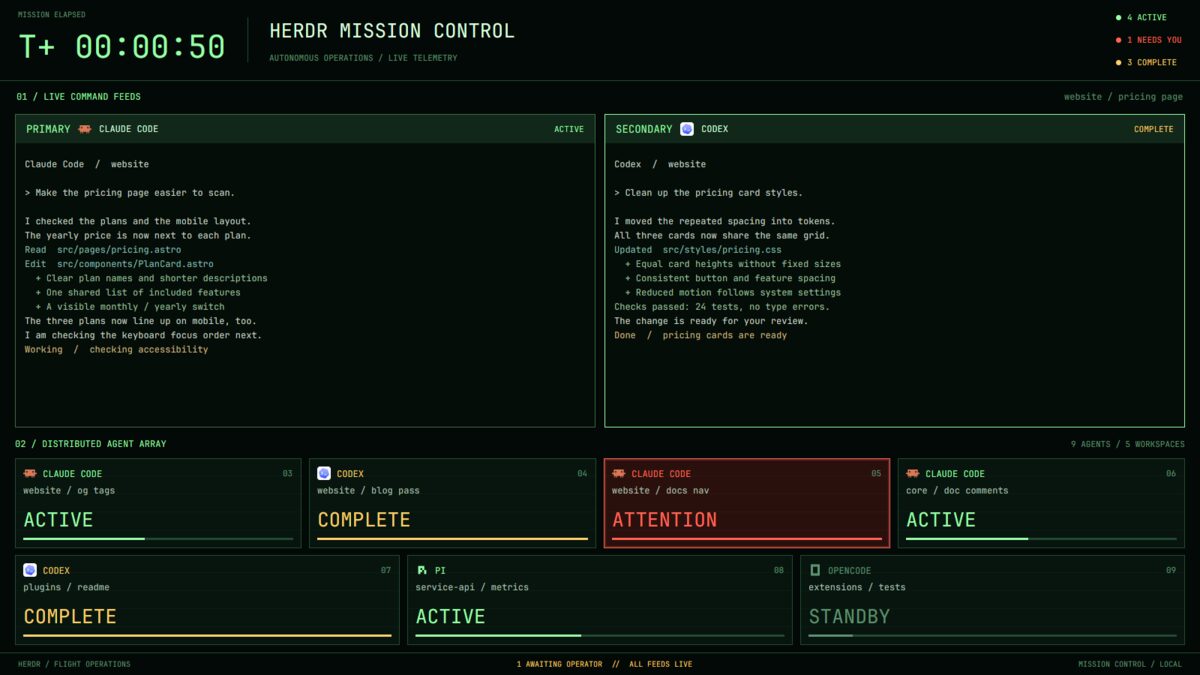
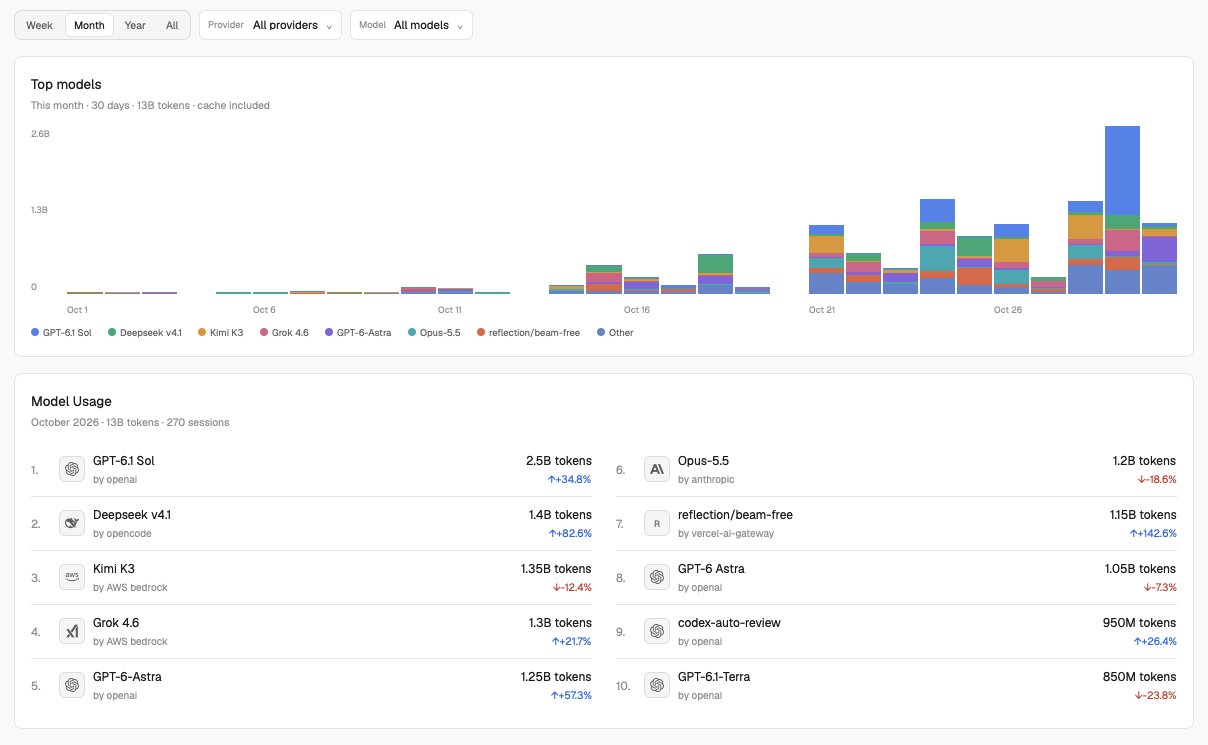









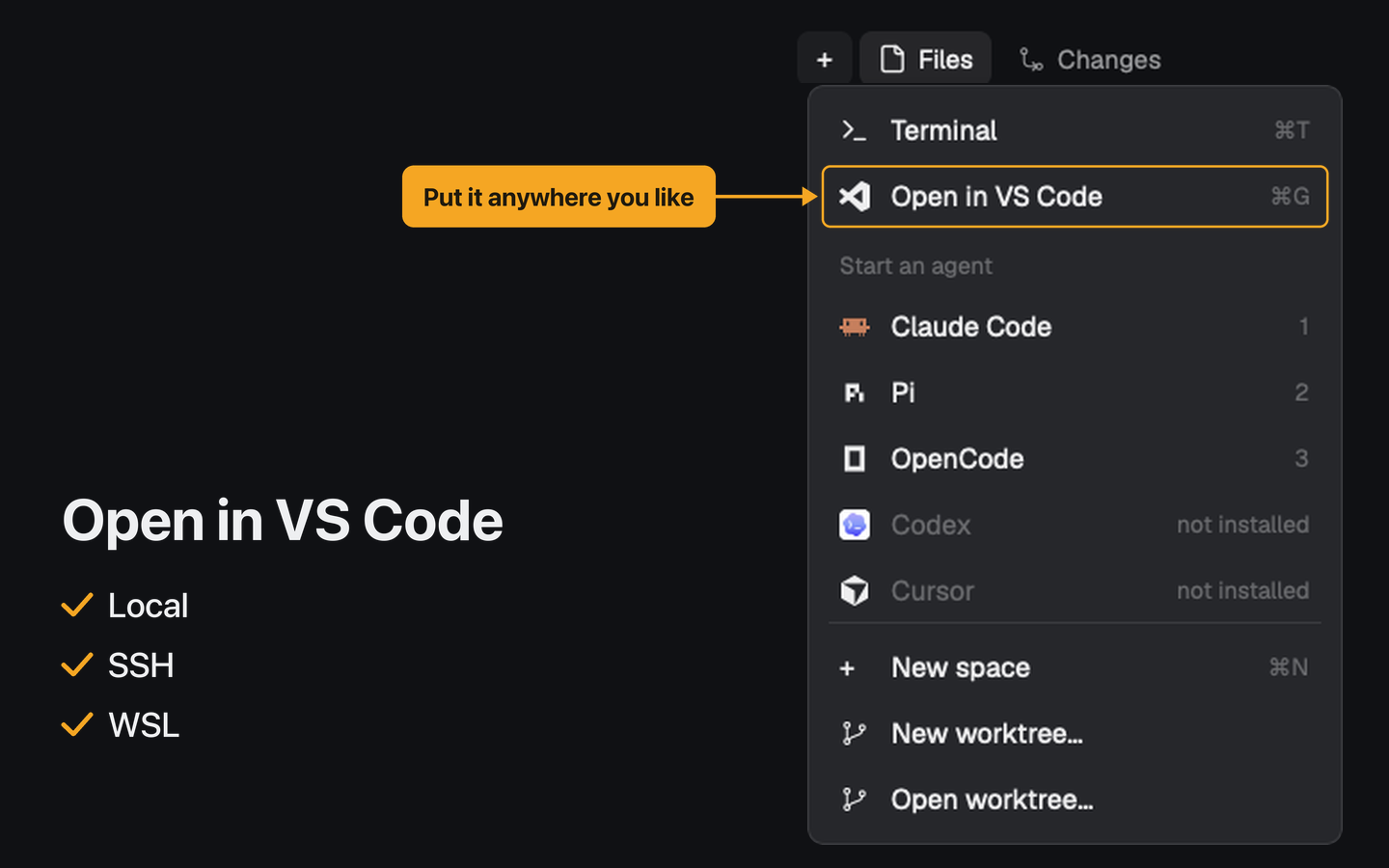



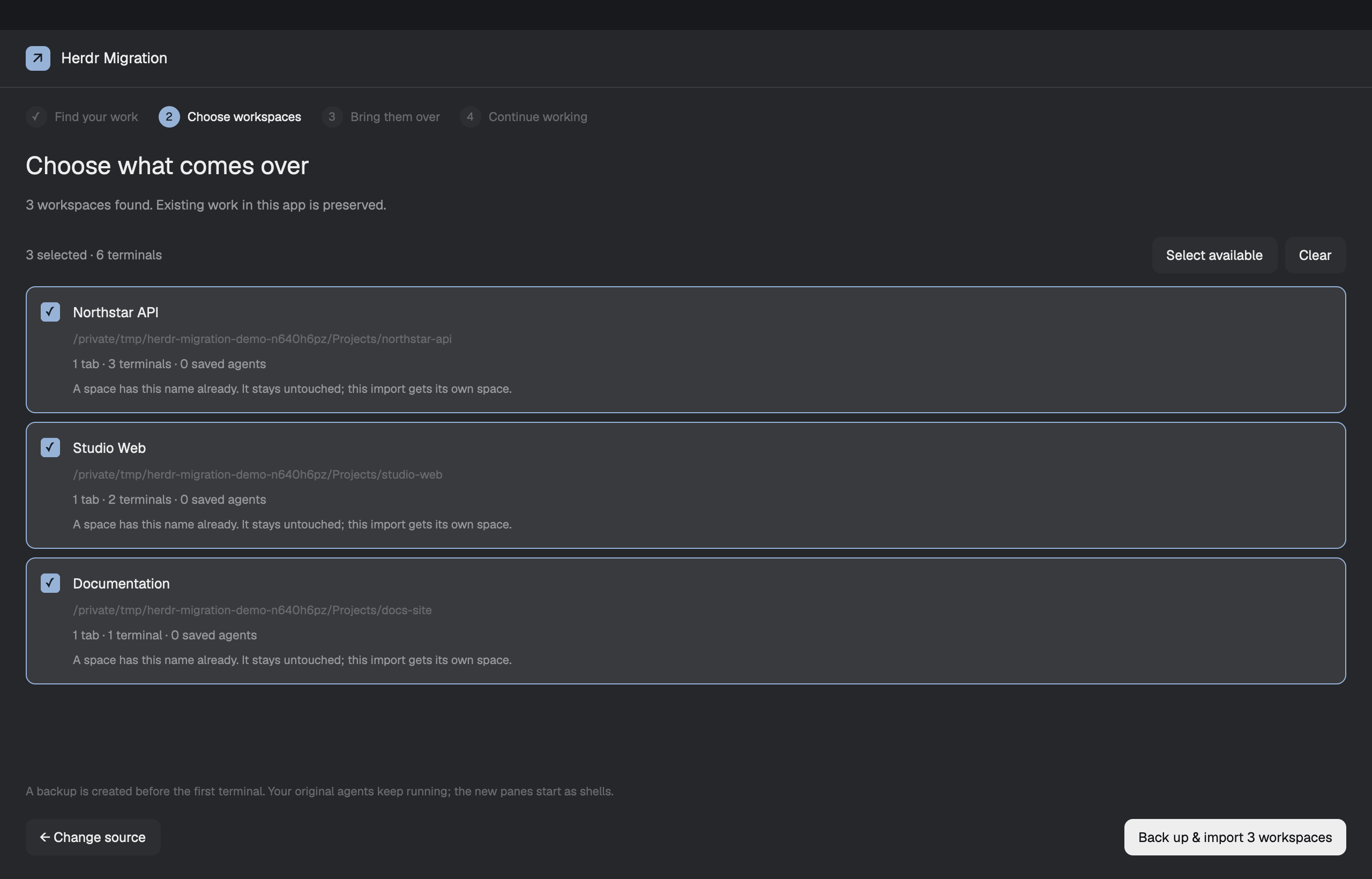
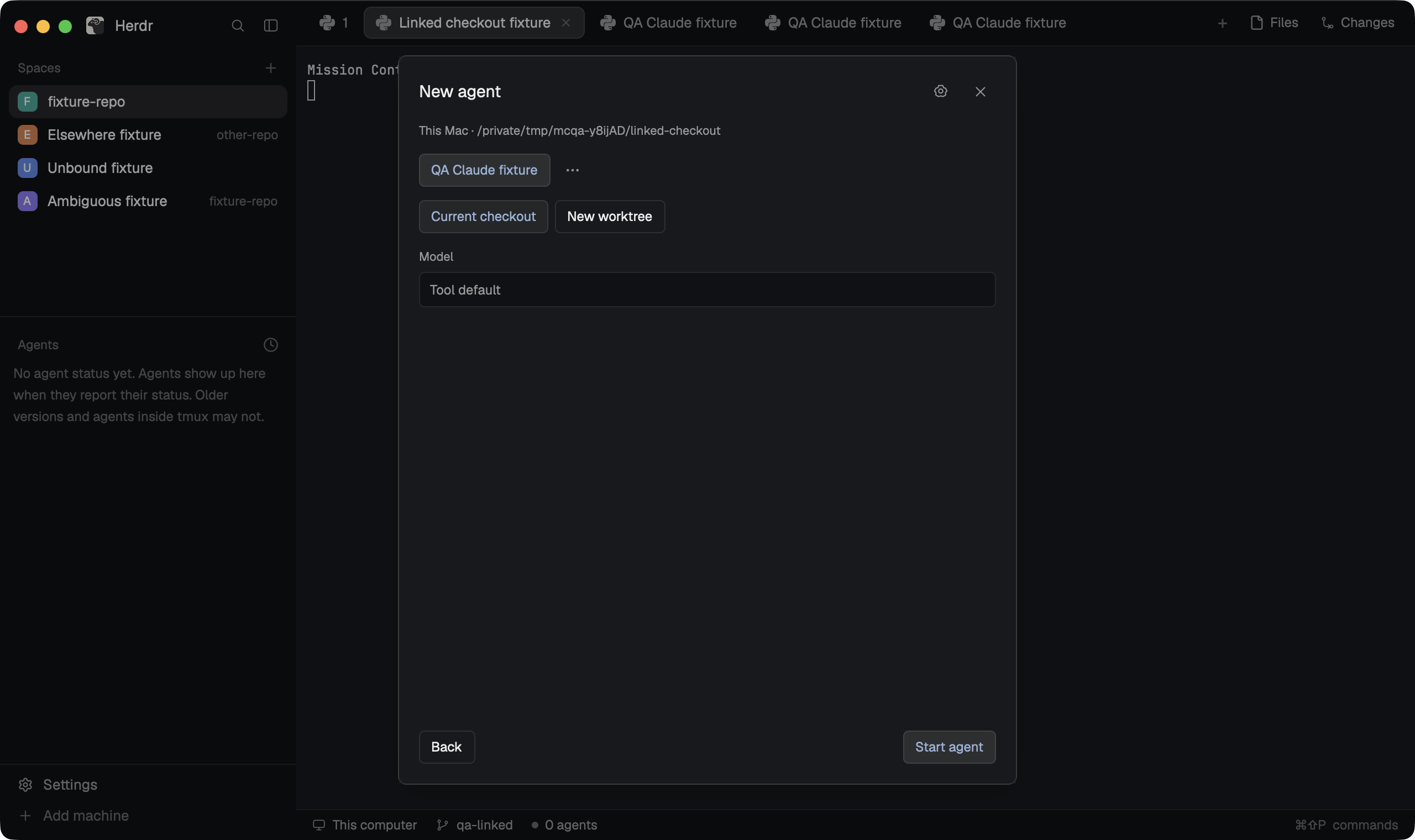
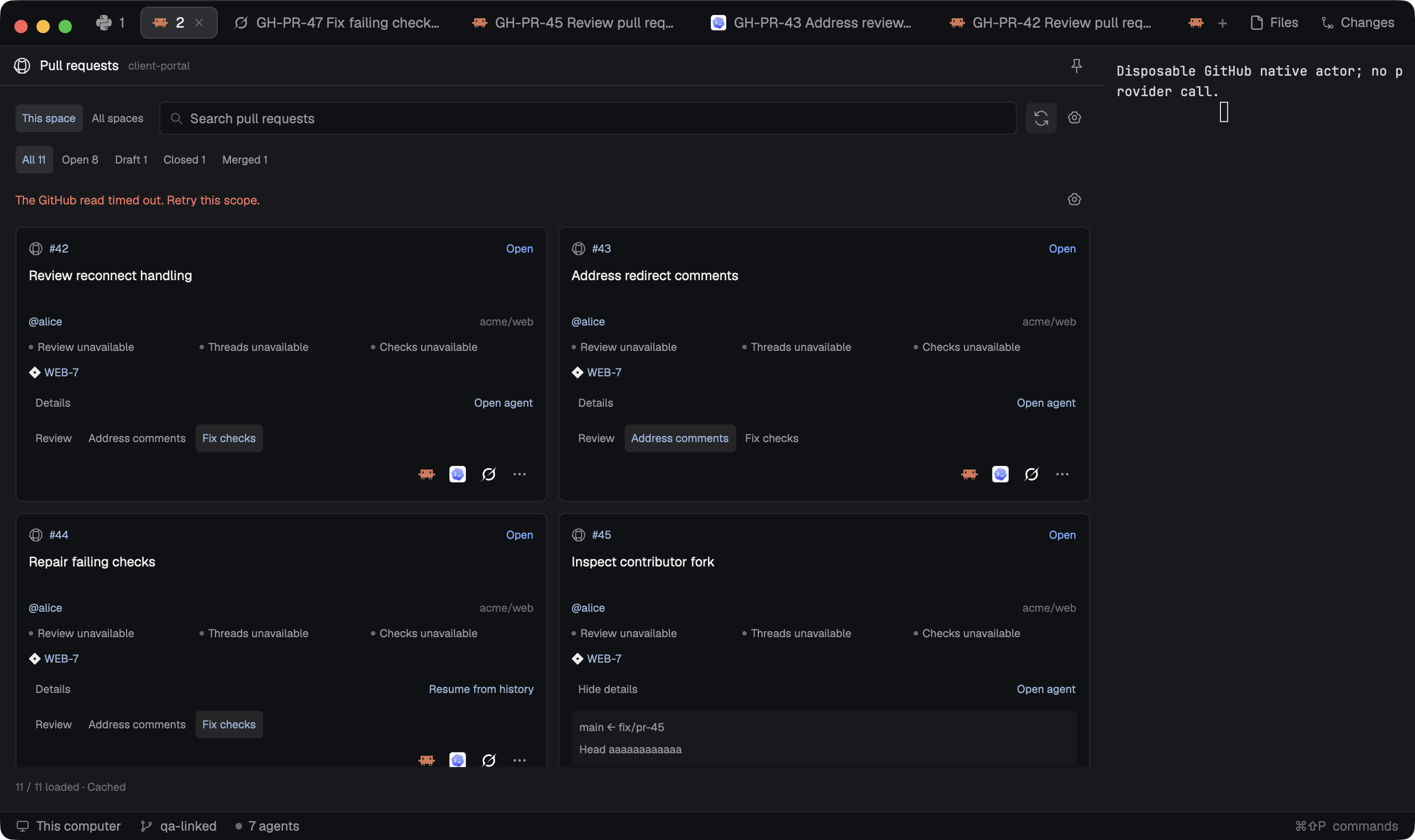
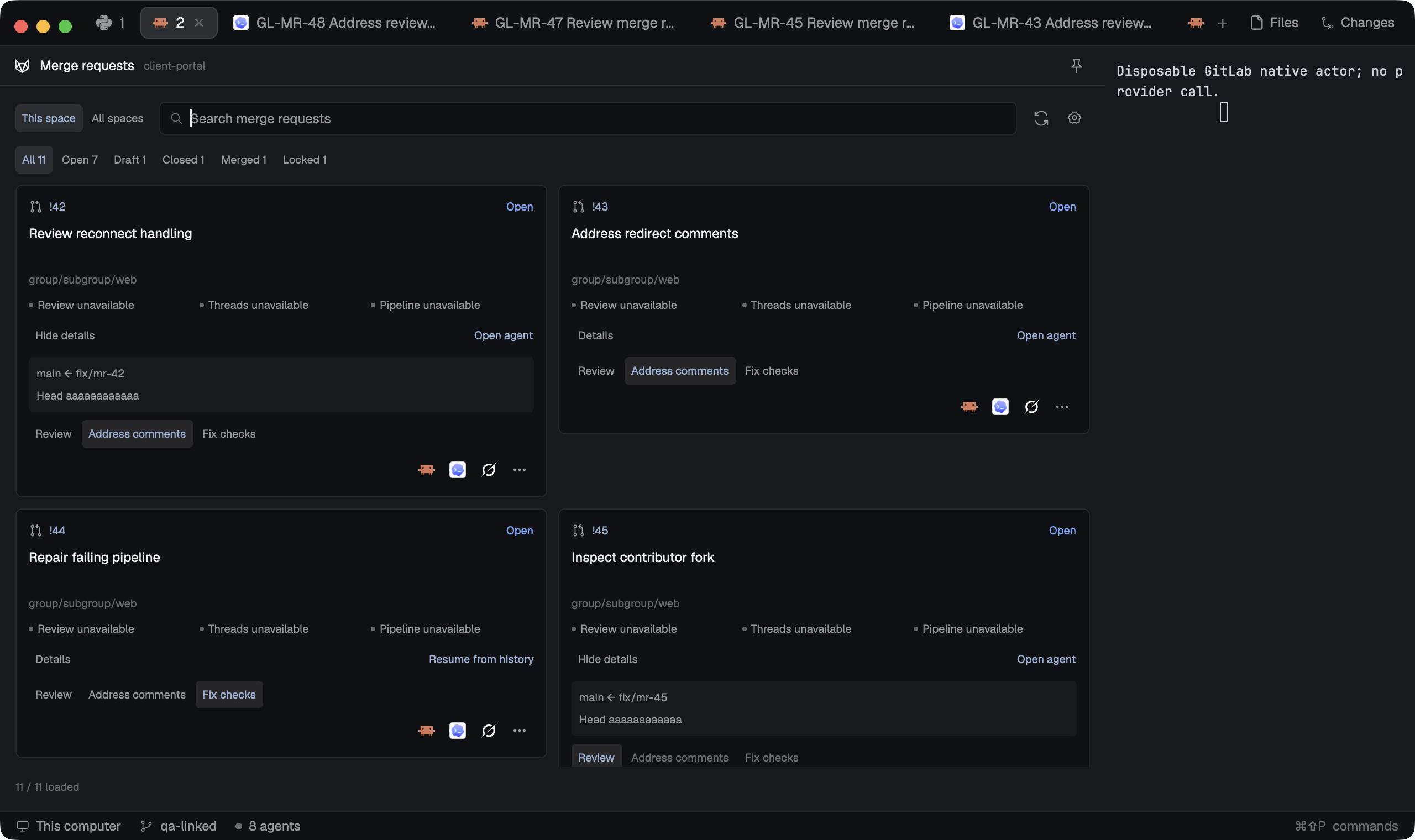
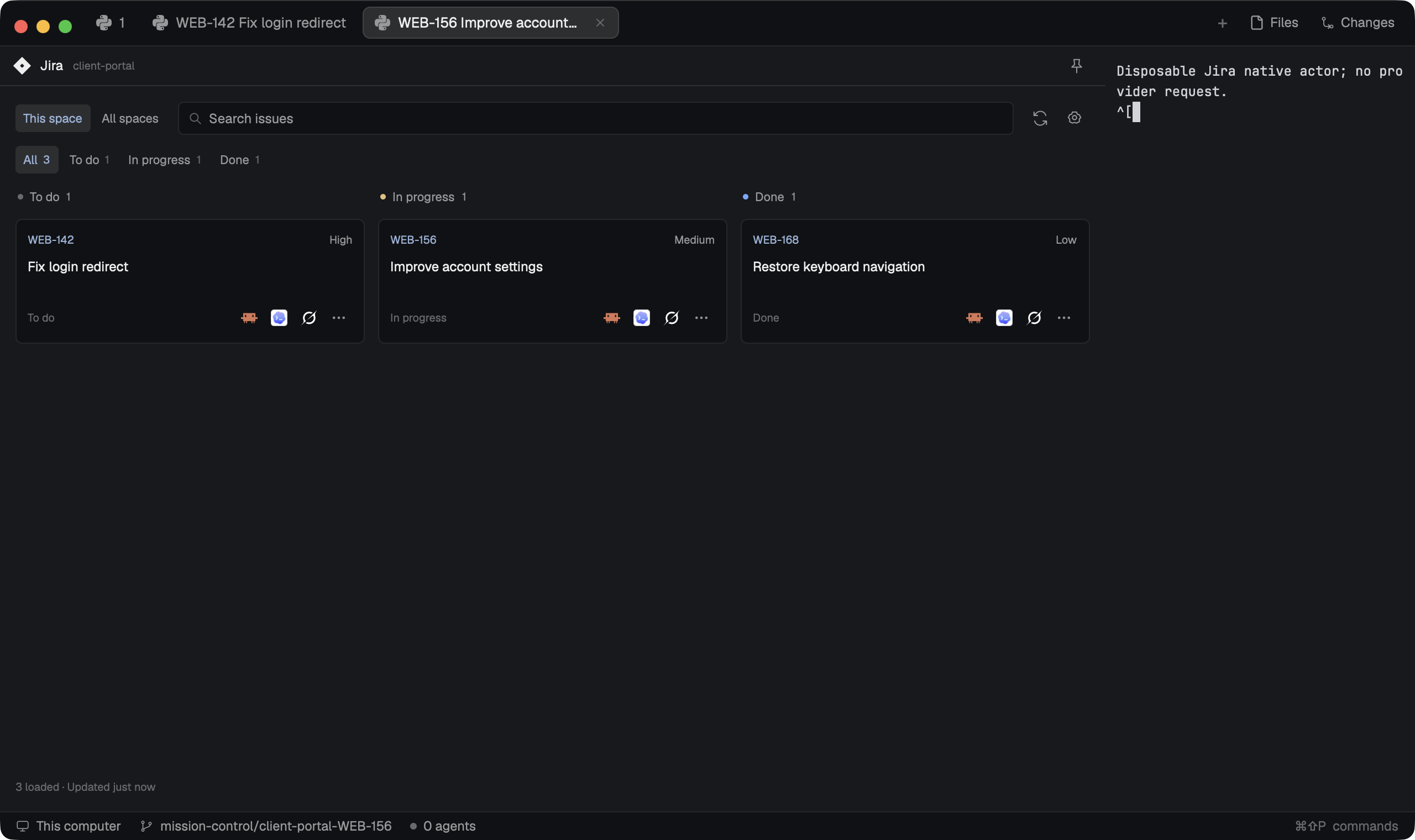
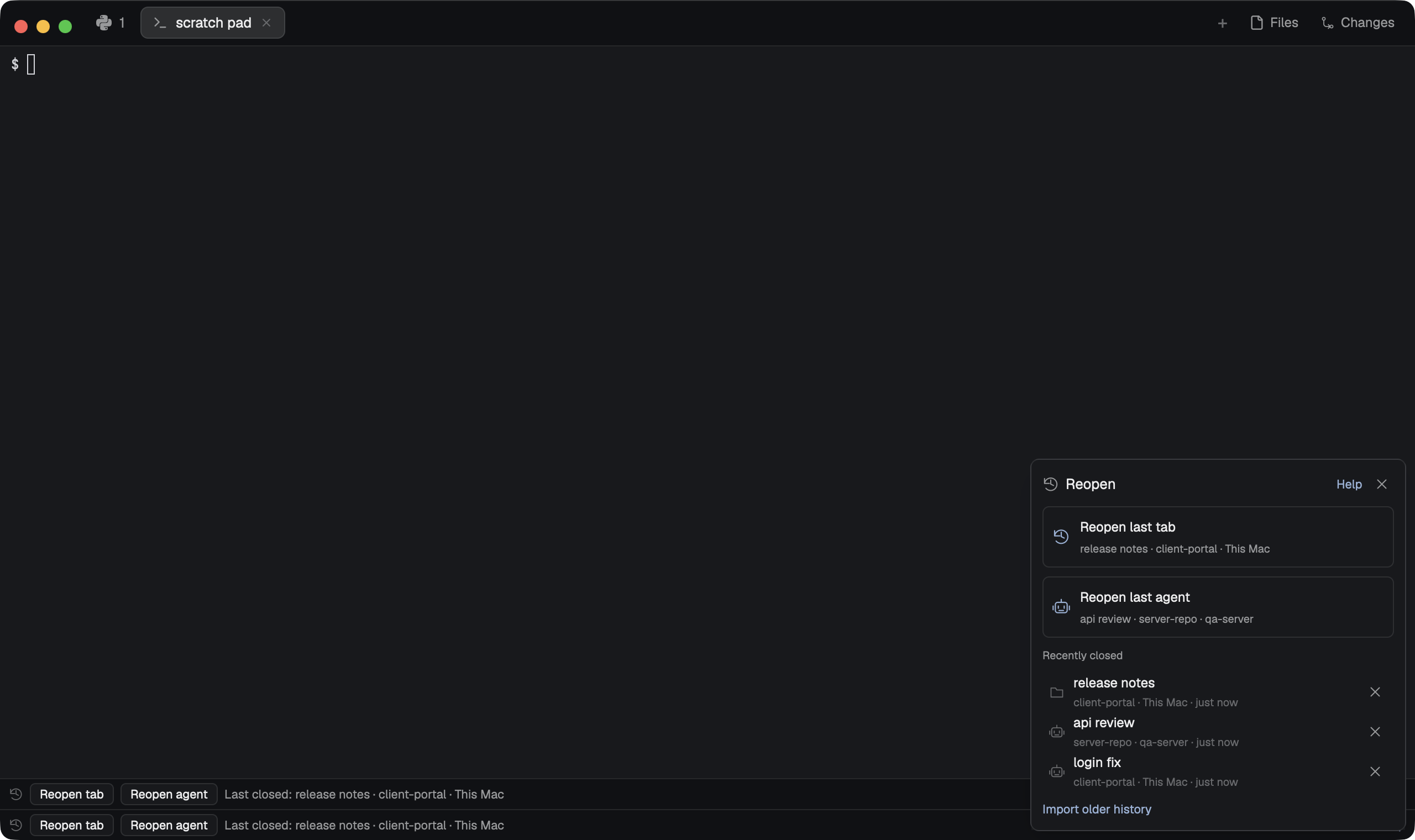
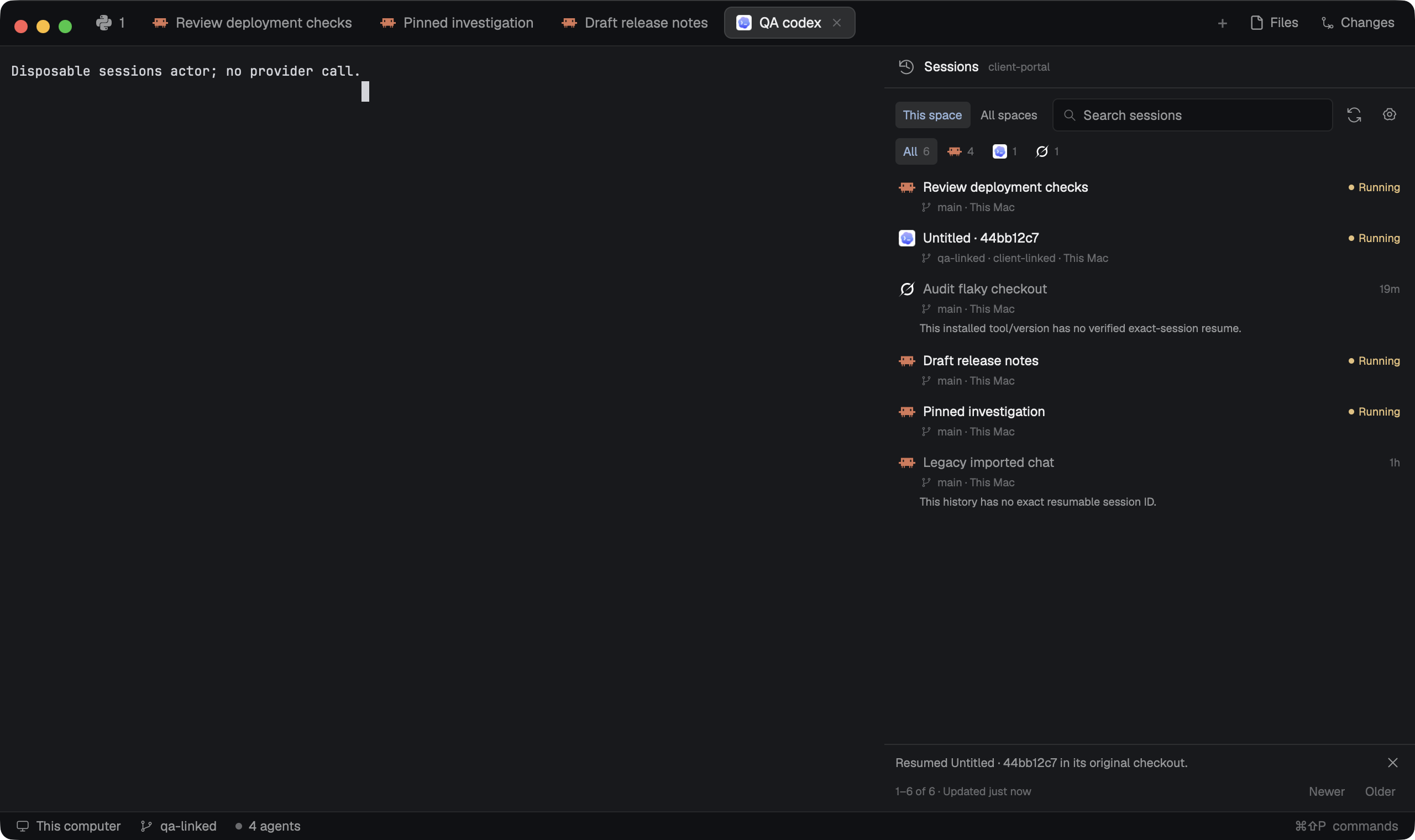
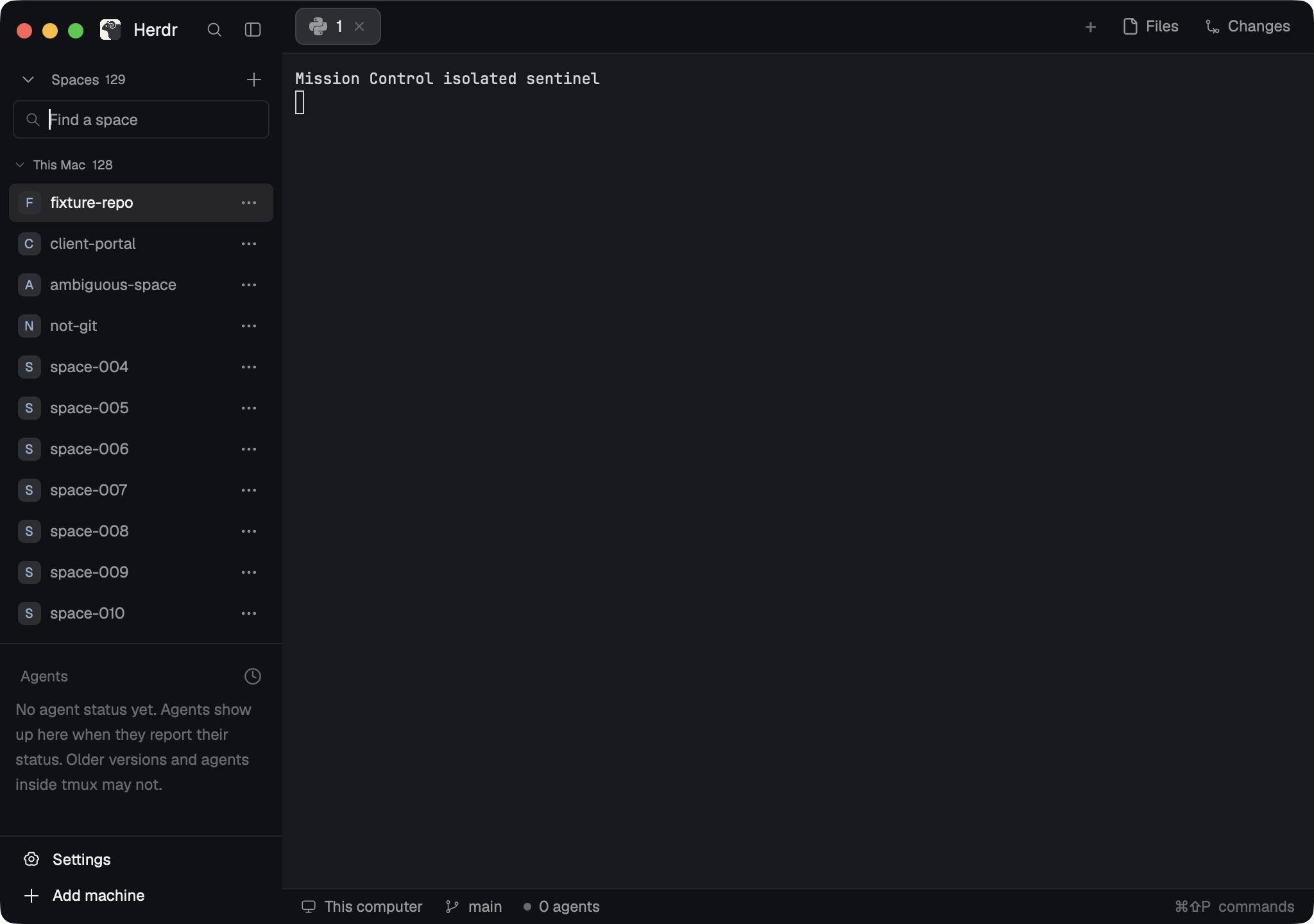
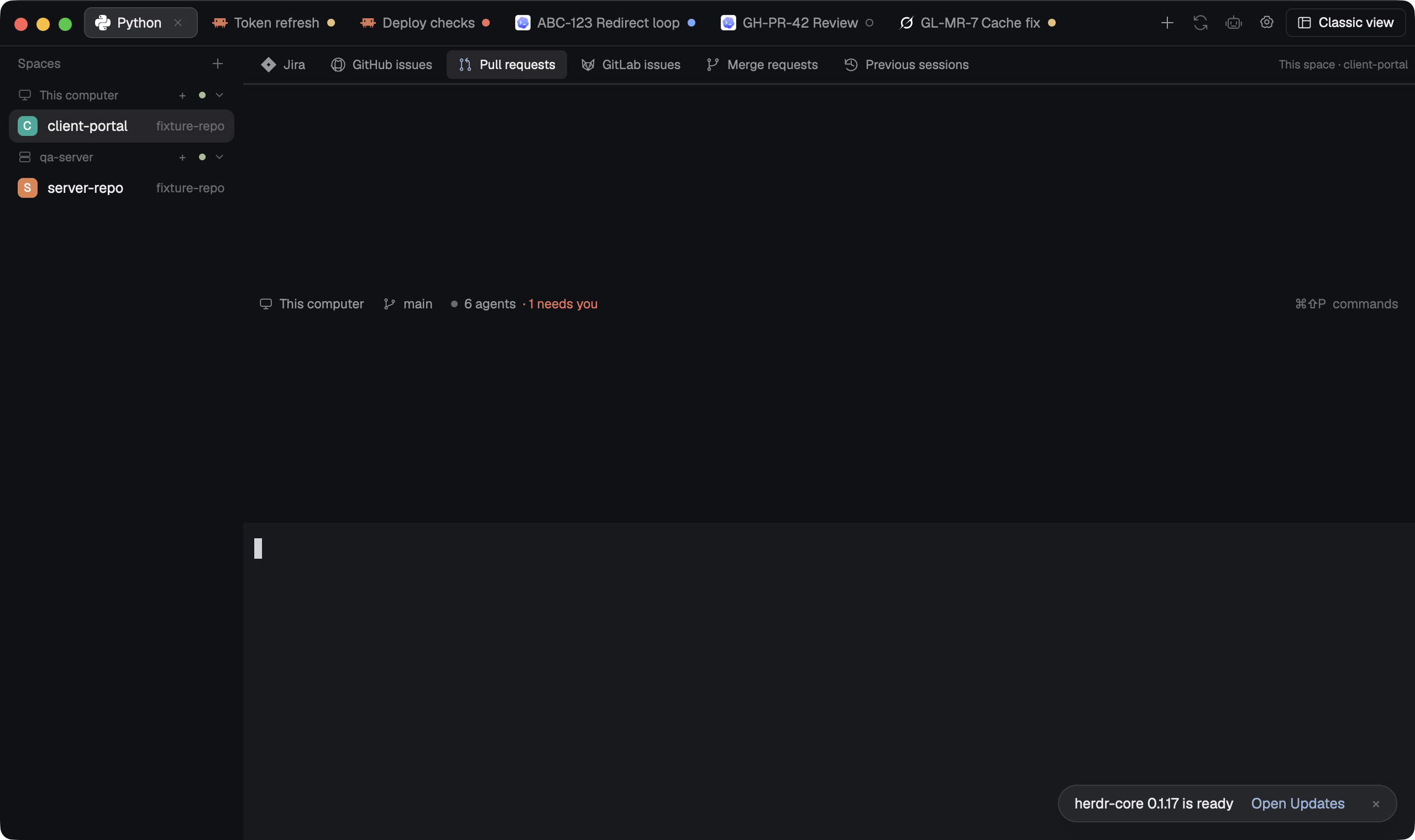
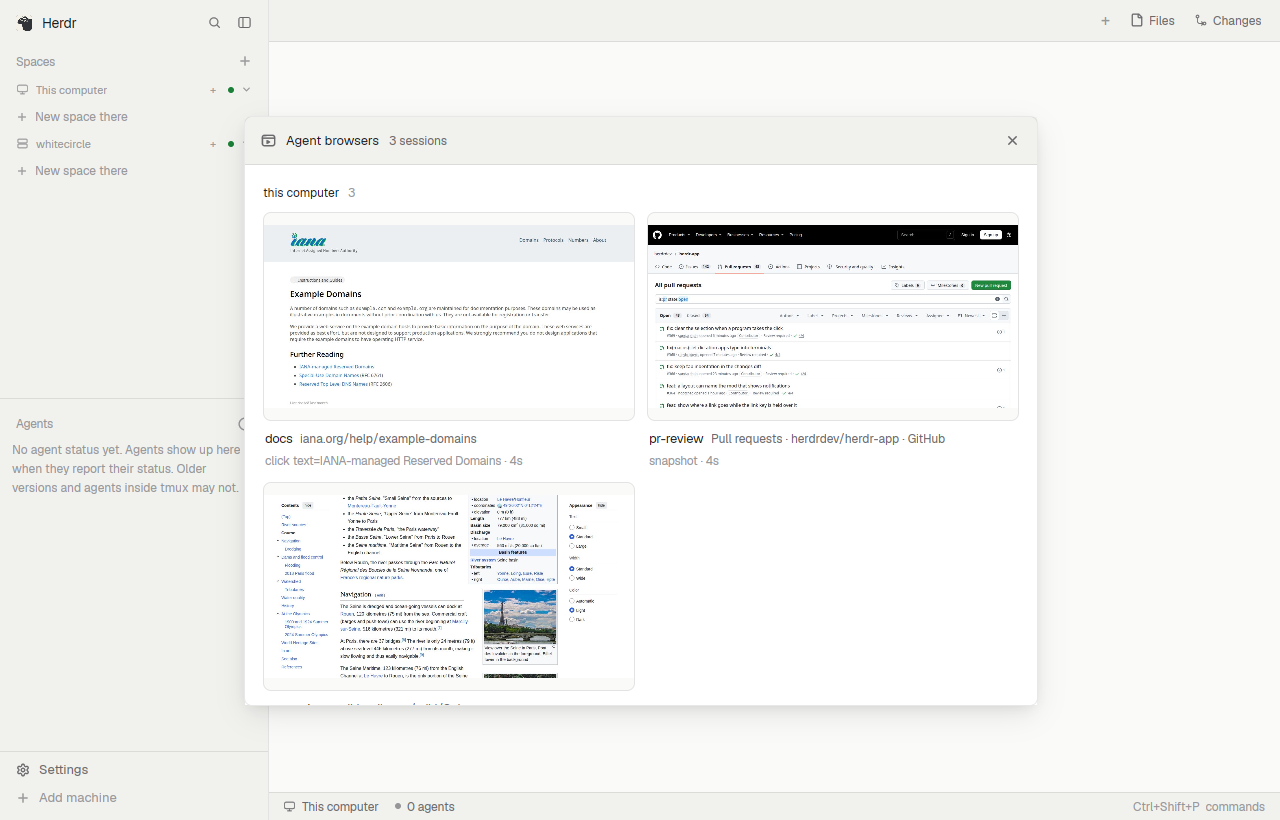

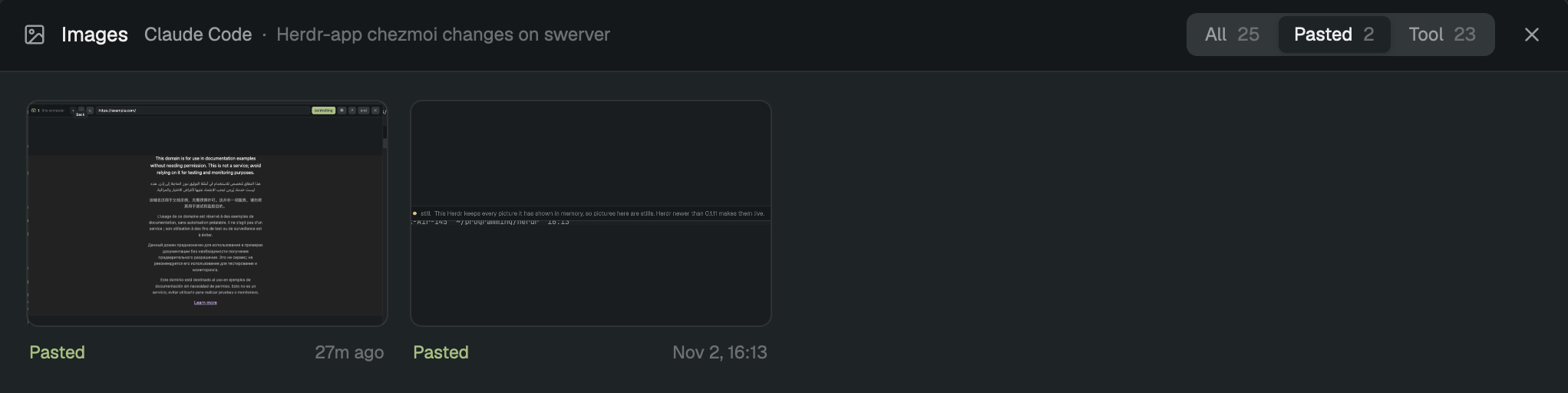
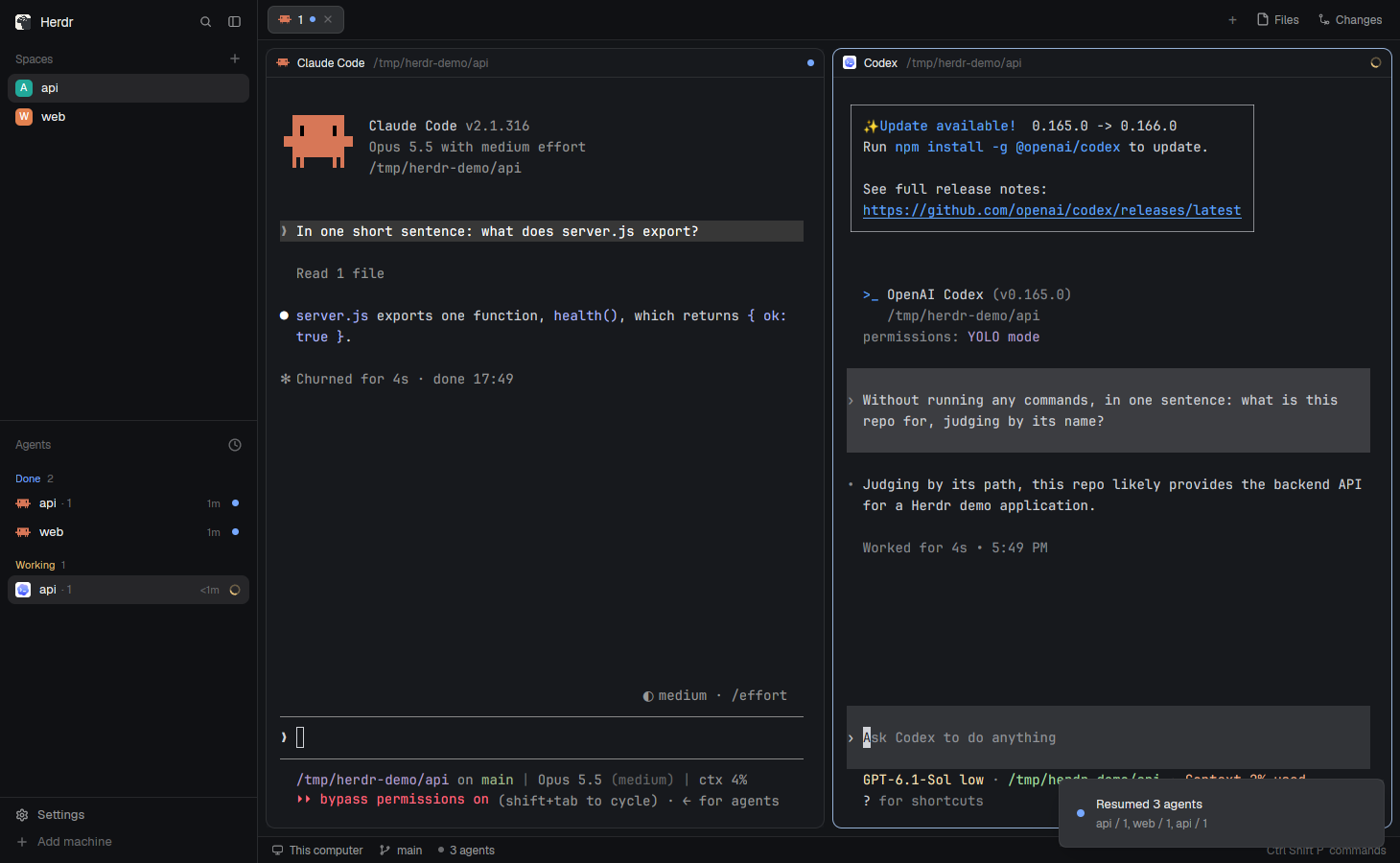


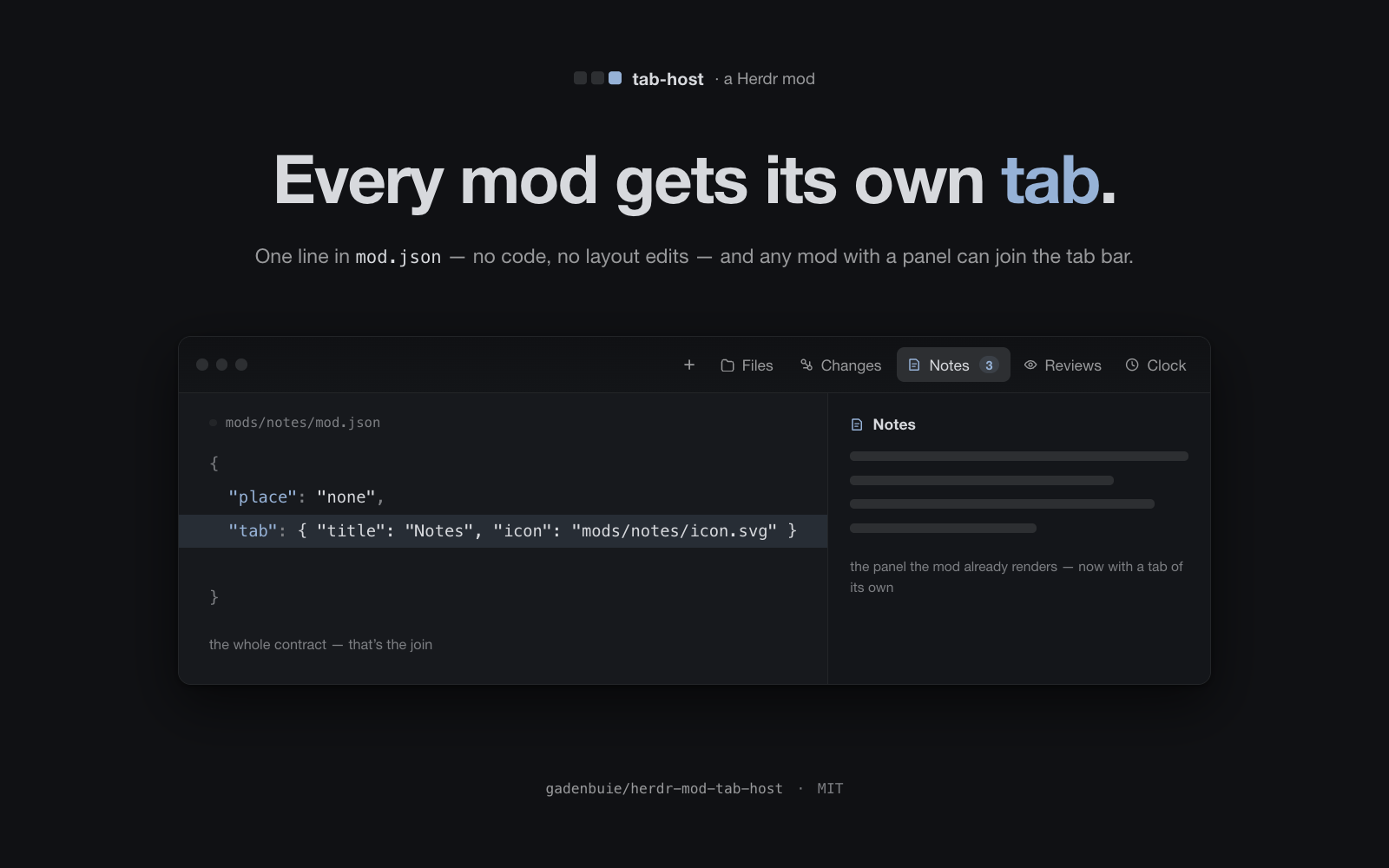
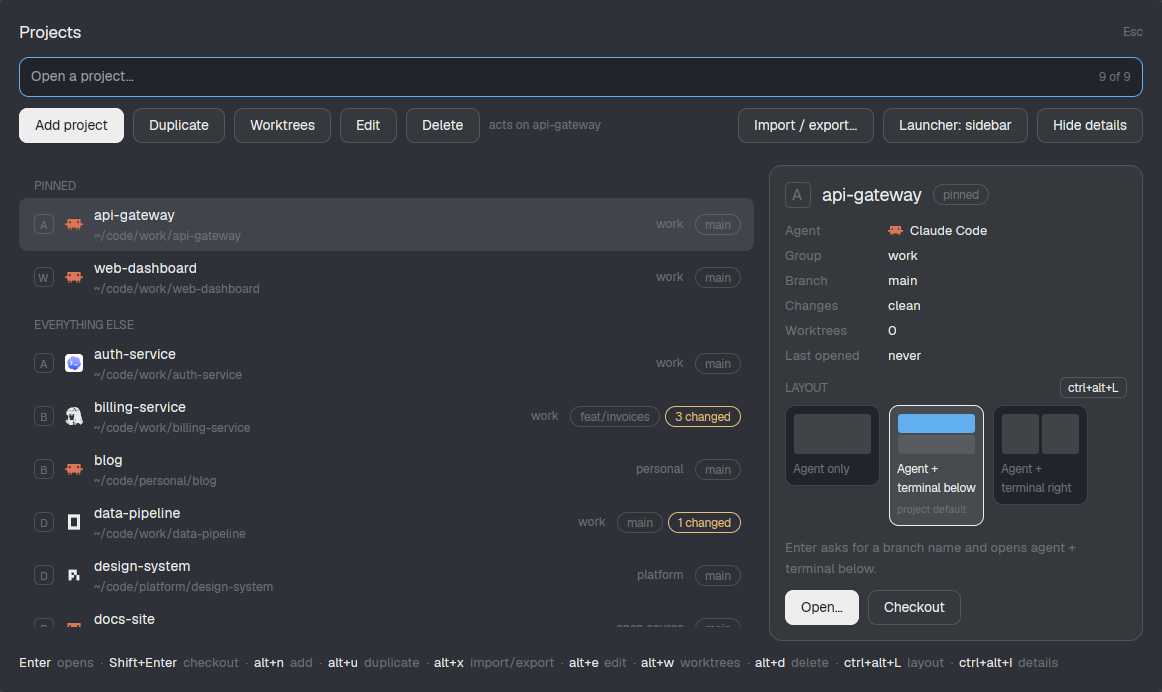
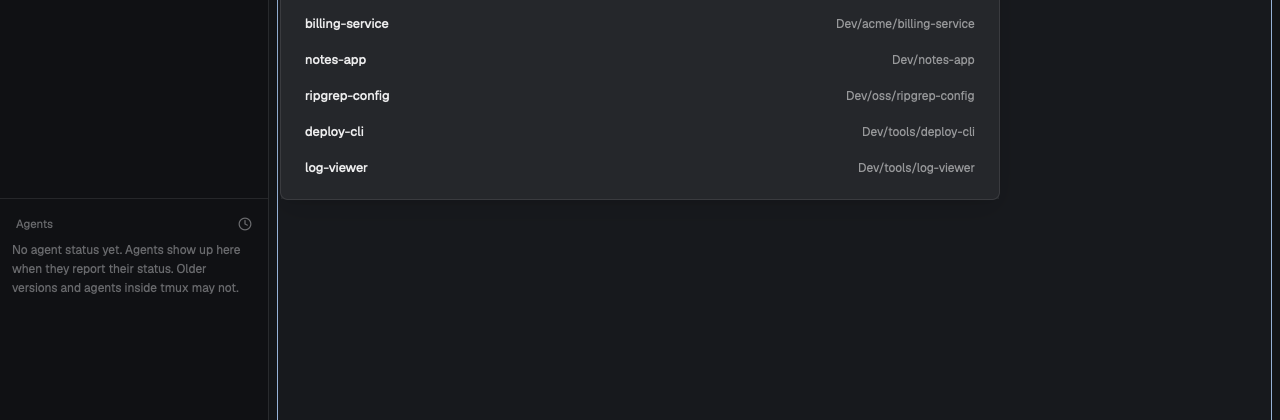
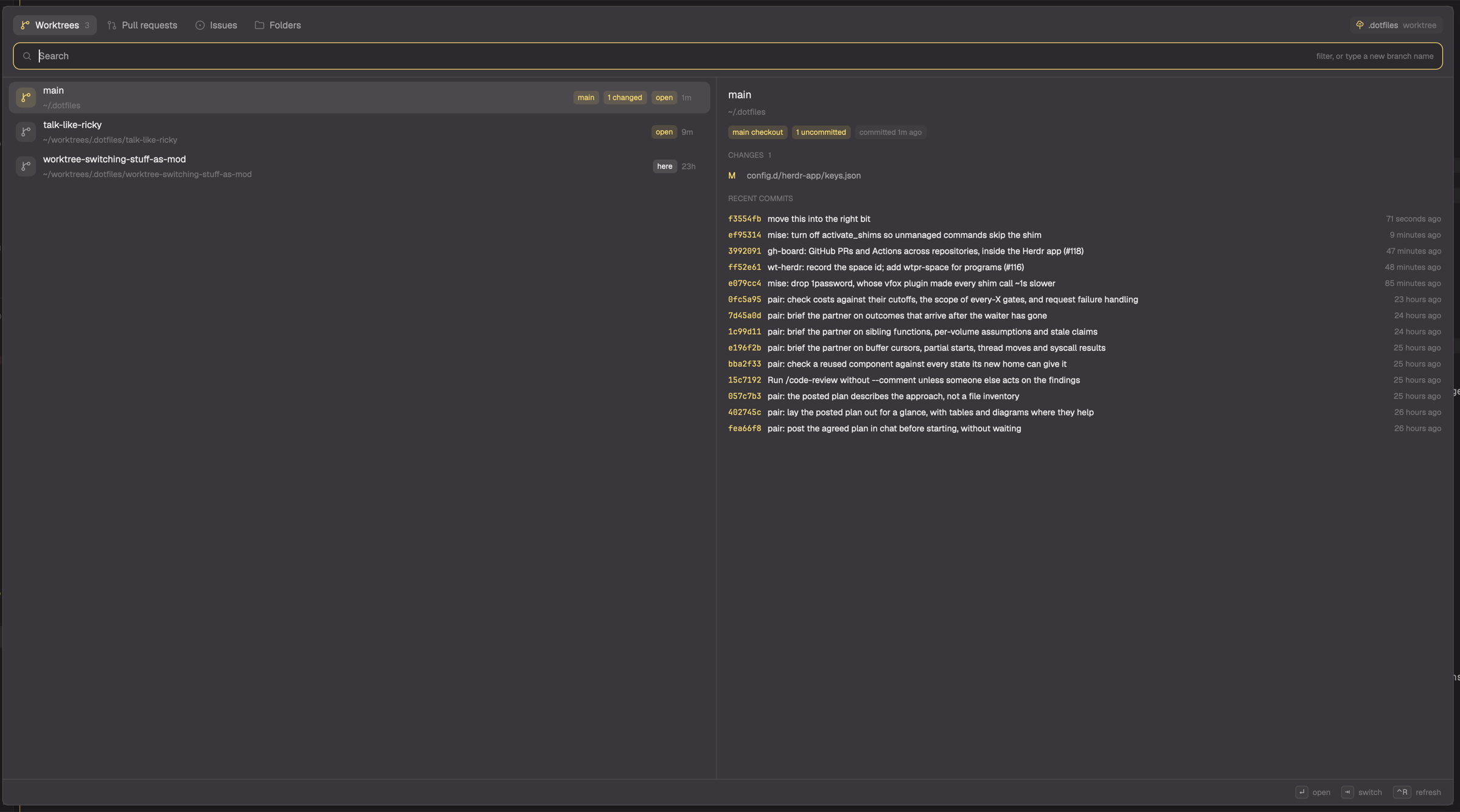
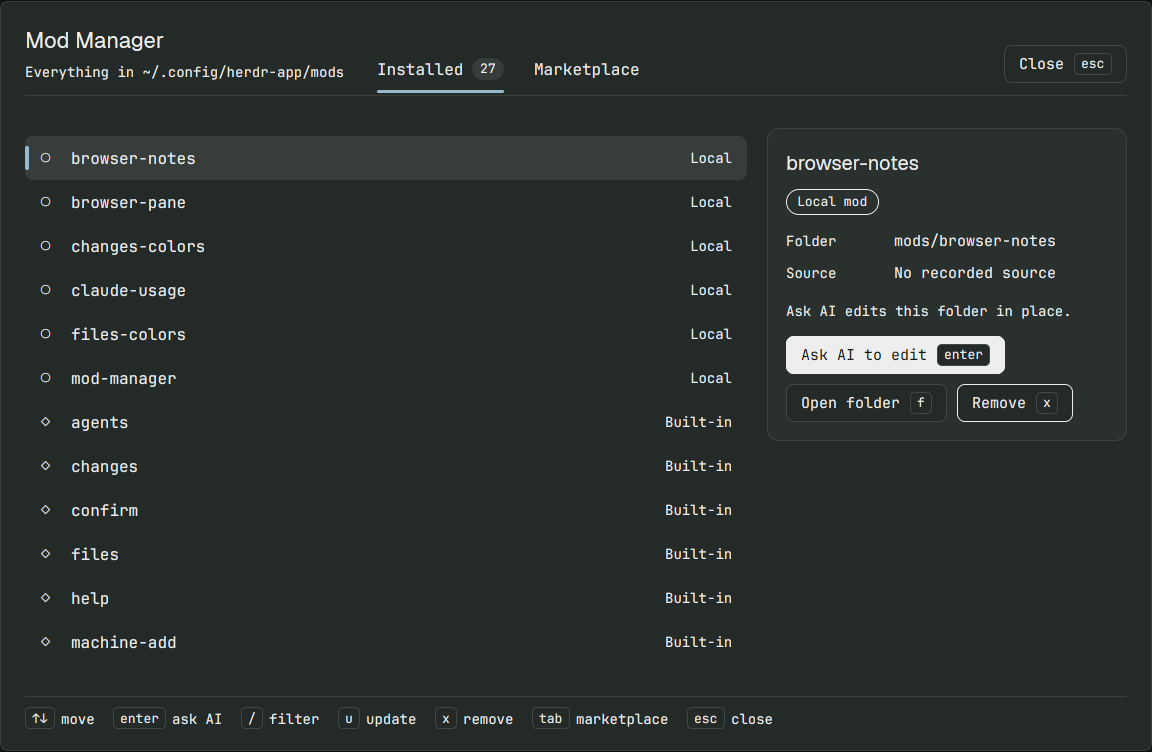
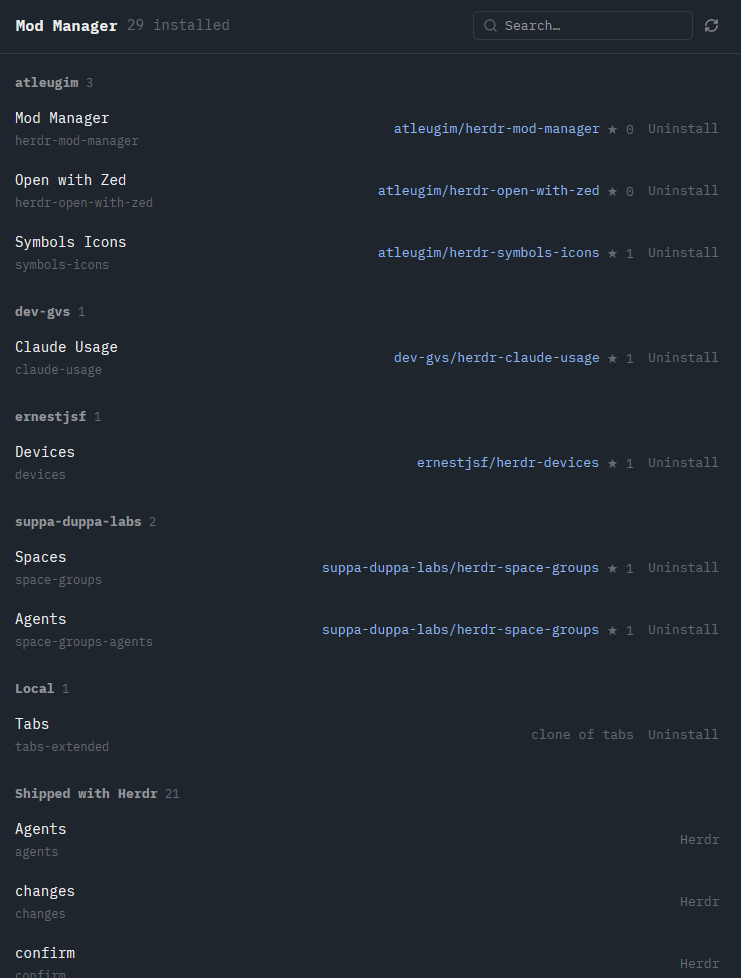
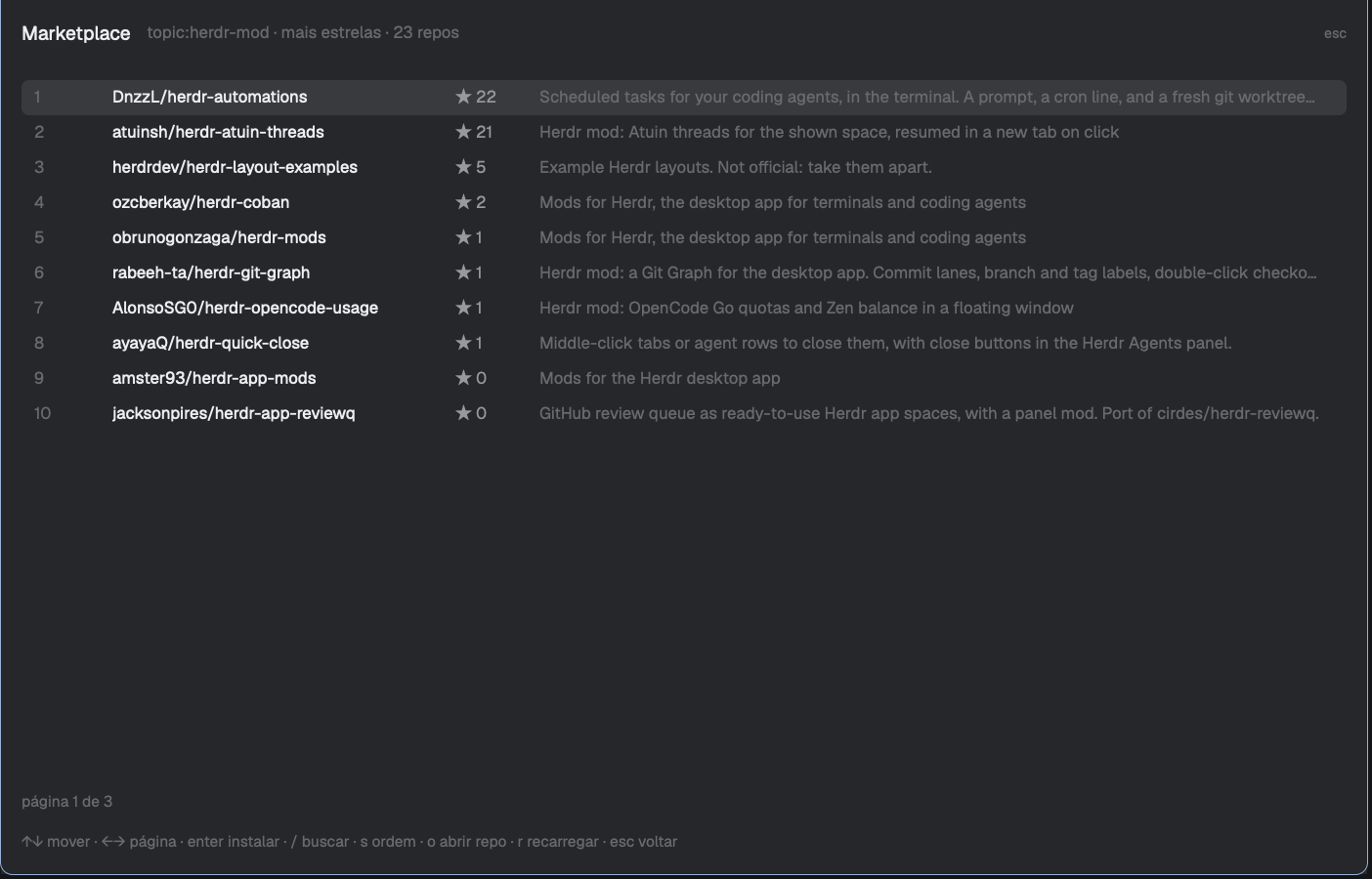
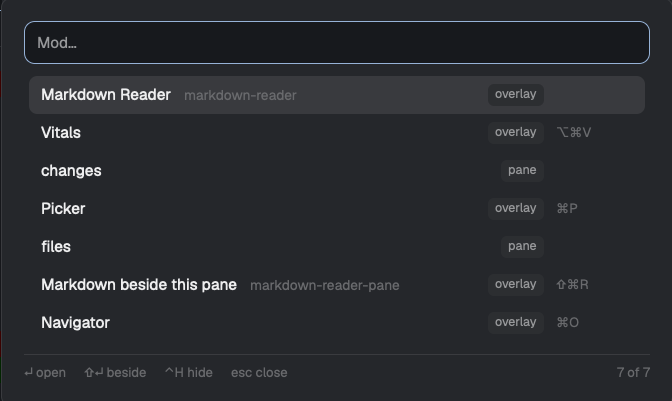
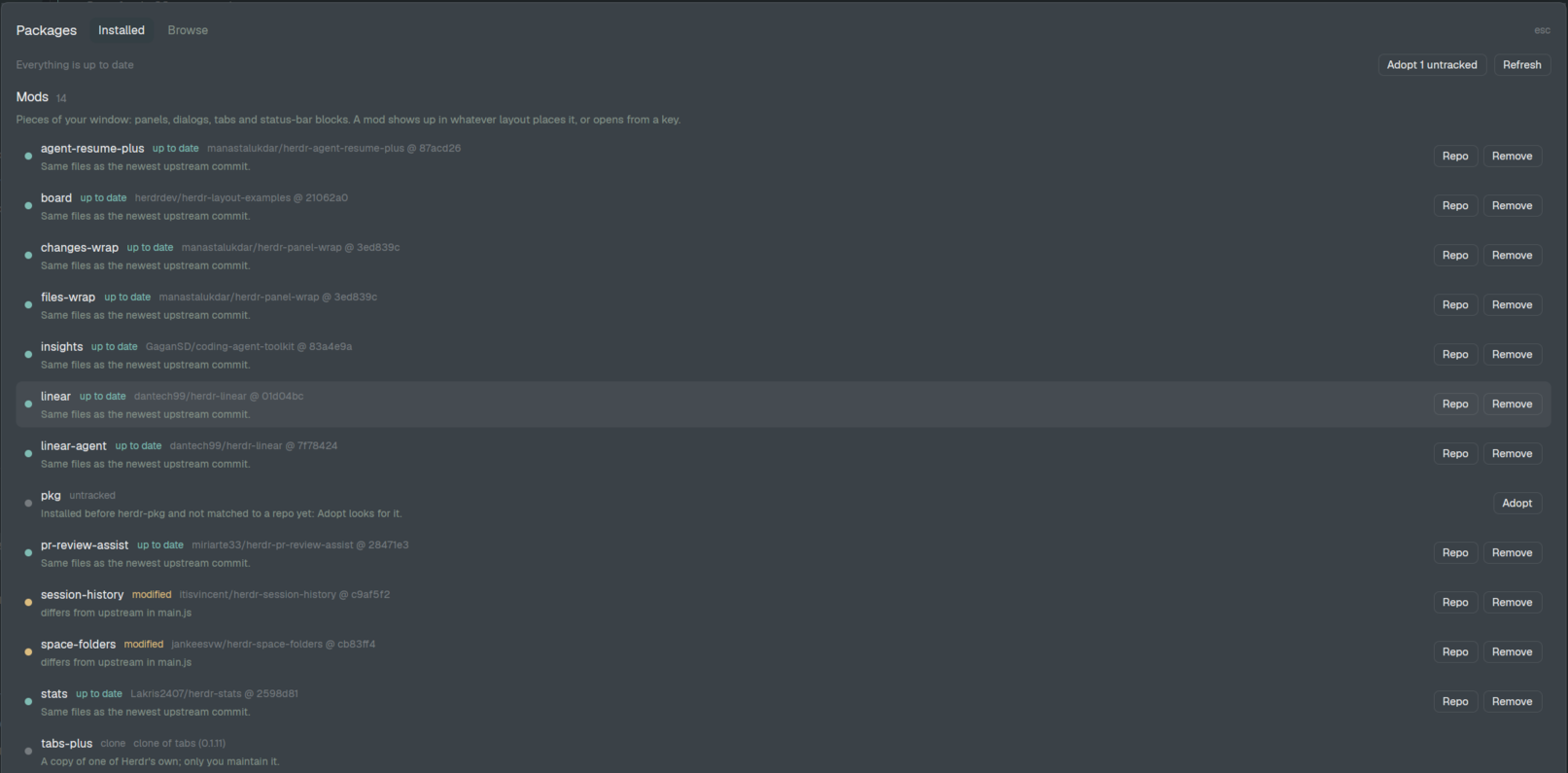
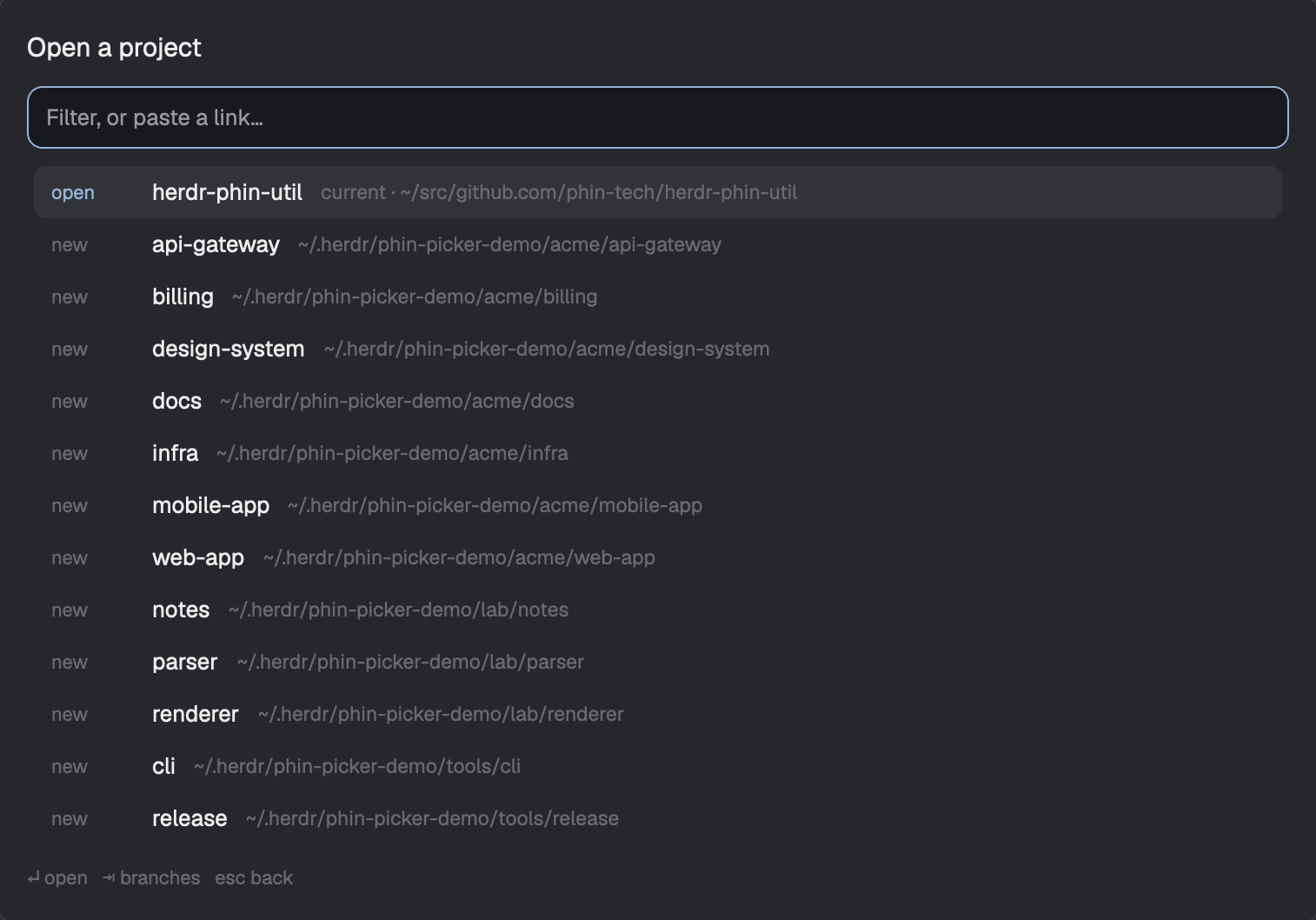
A comprehensive package manager dialog and entry mod for browsing, installing, enabling, updating, and removing community Herdr mods and layouts safely.
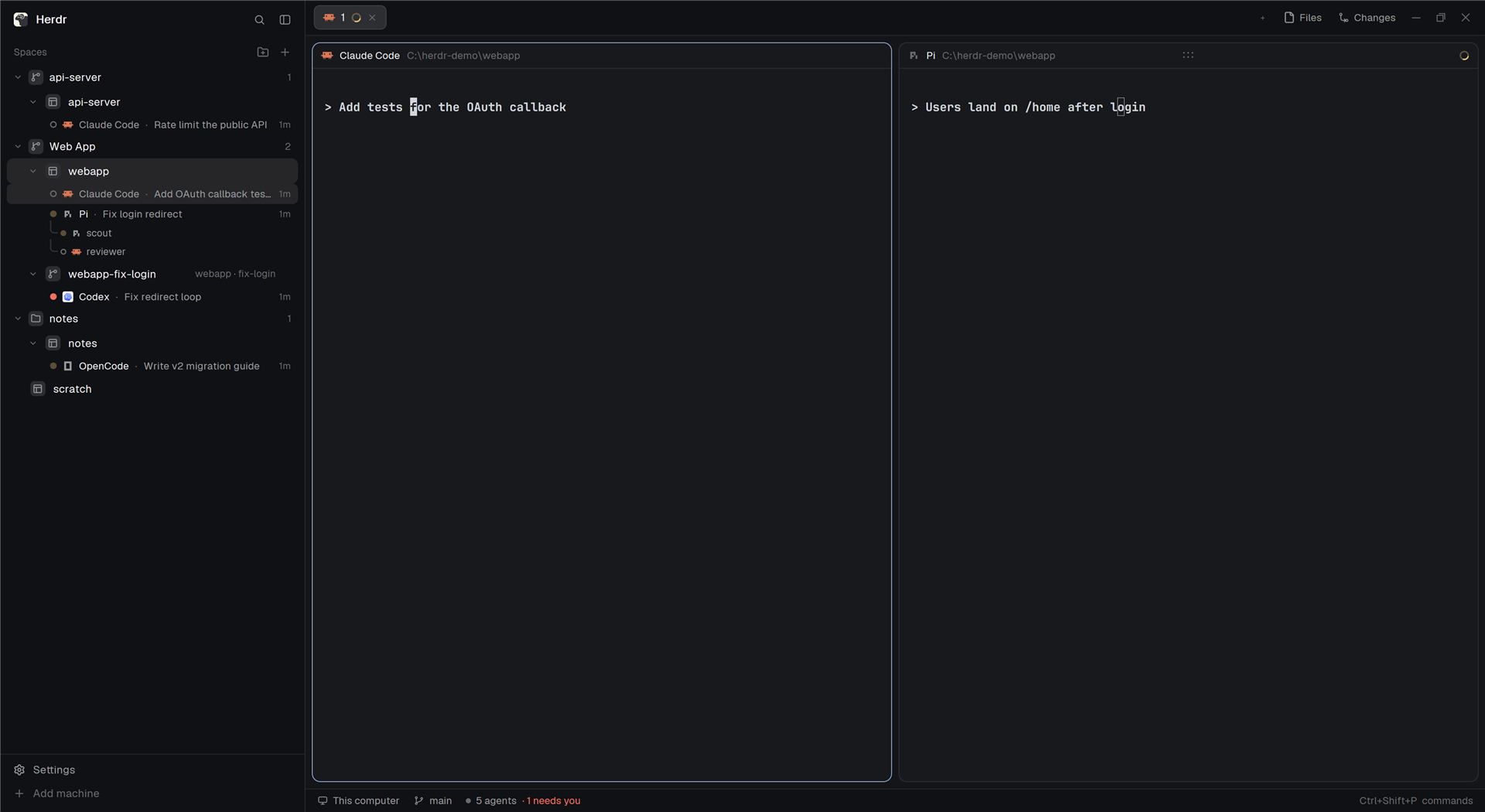

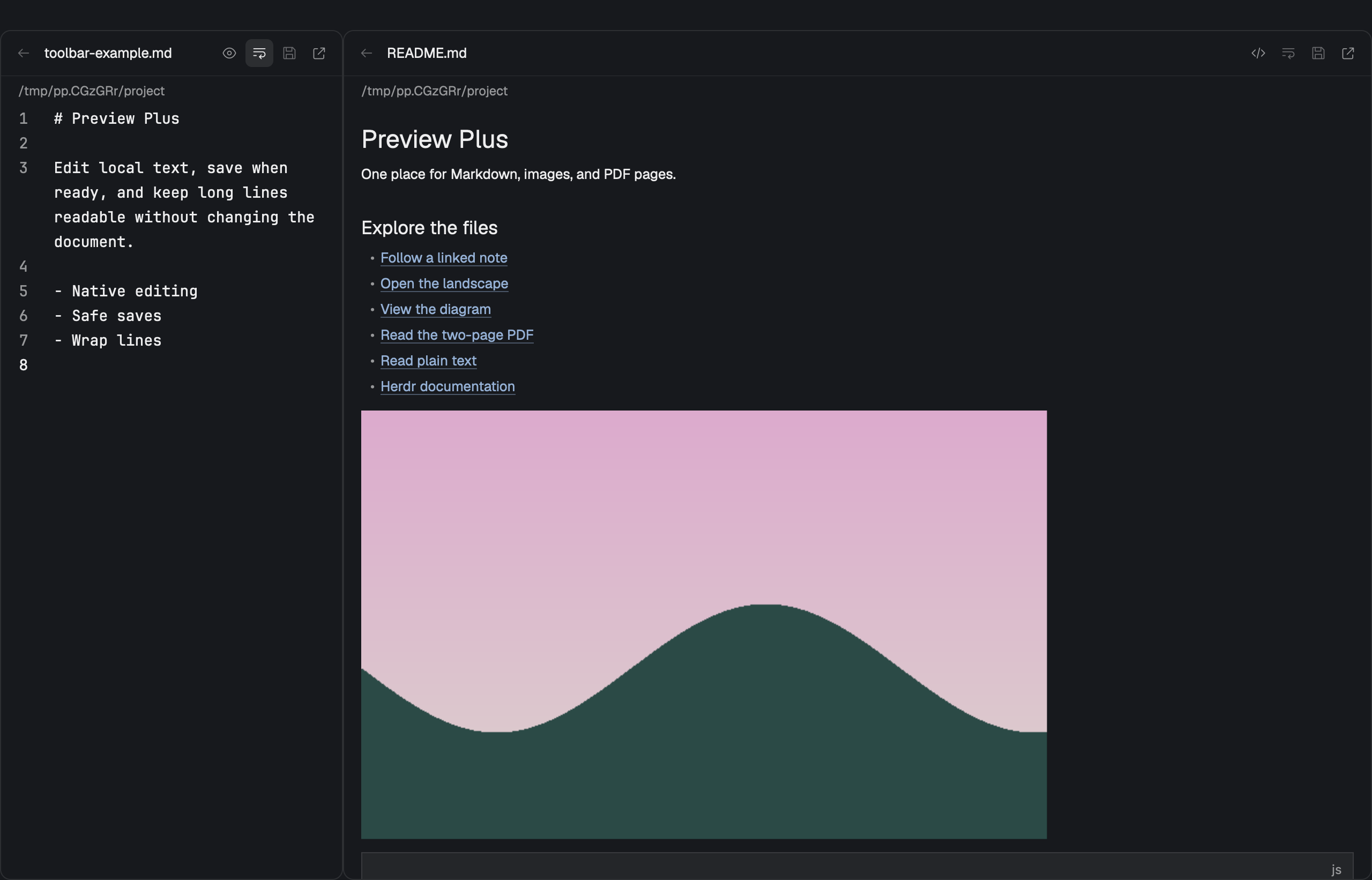
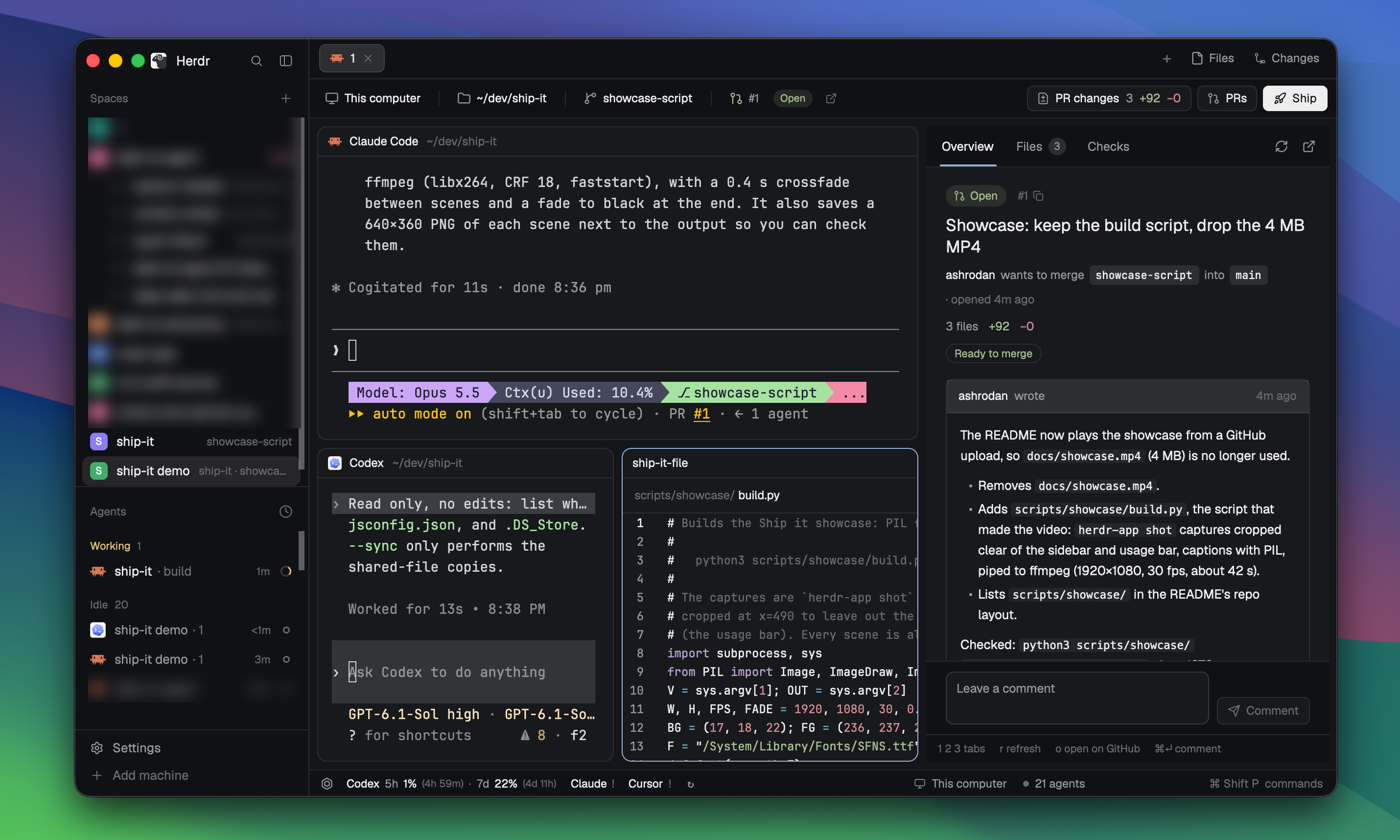

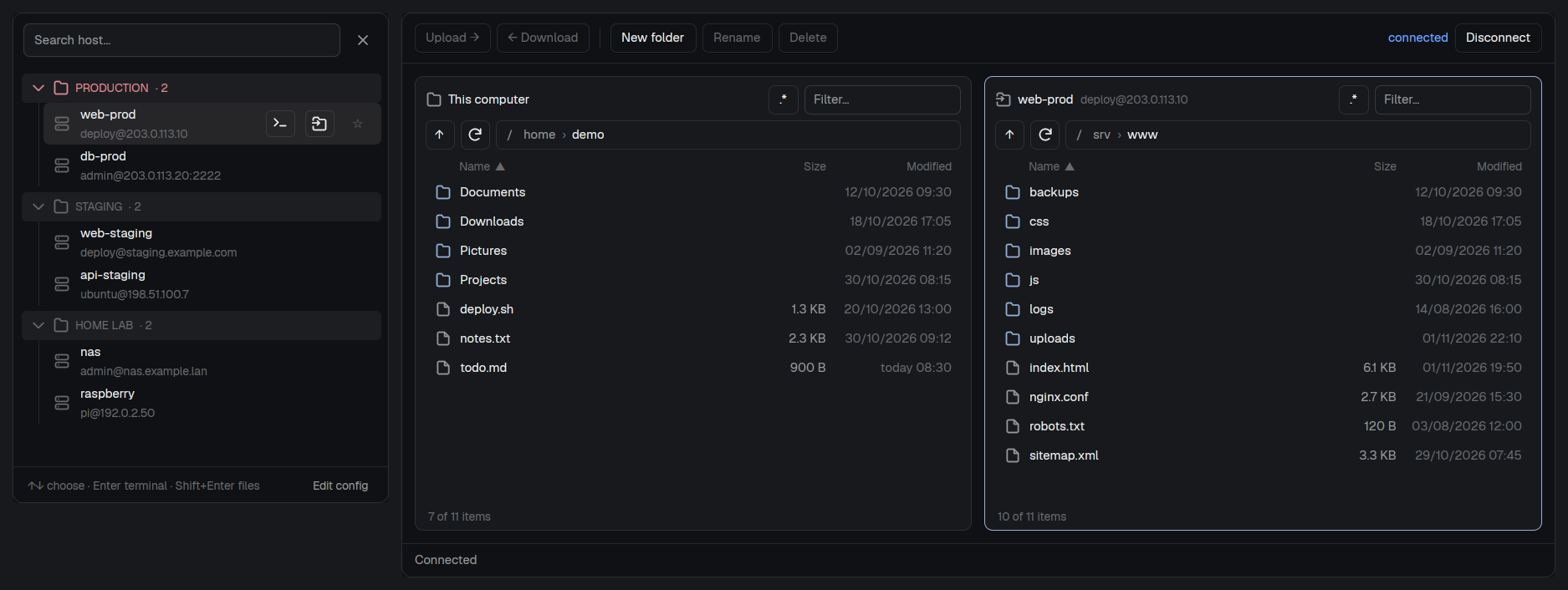

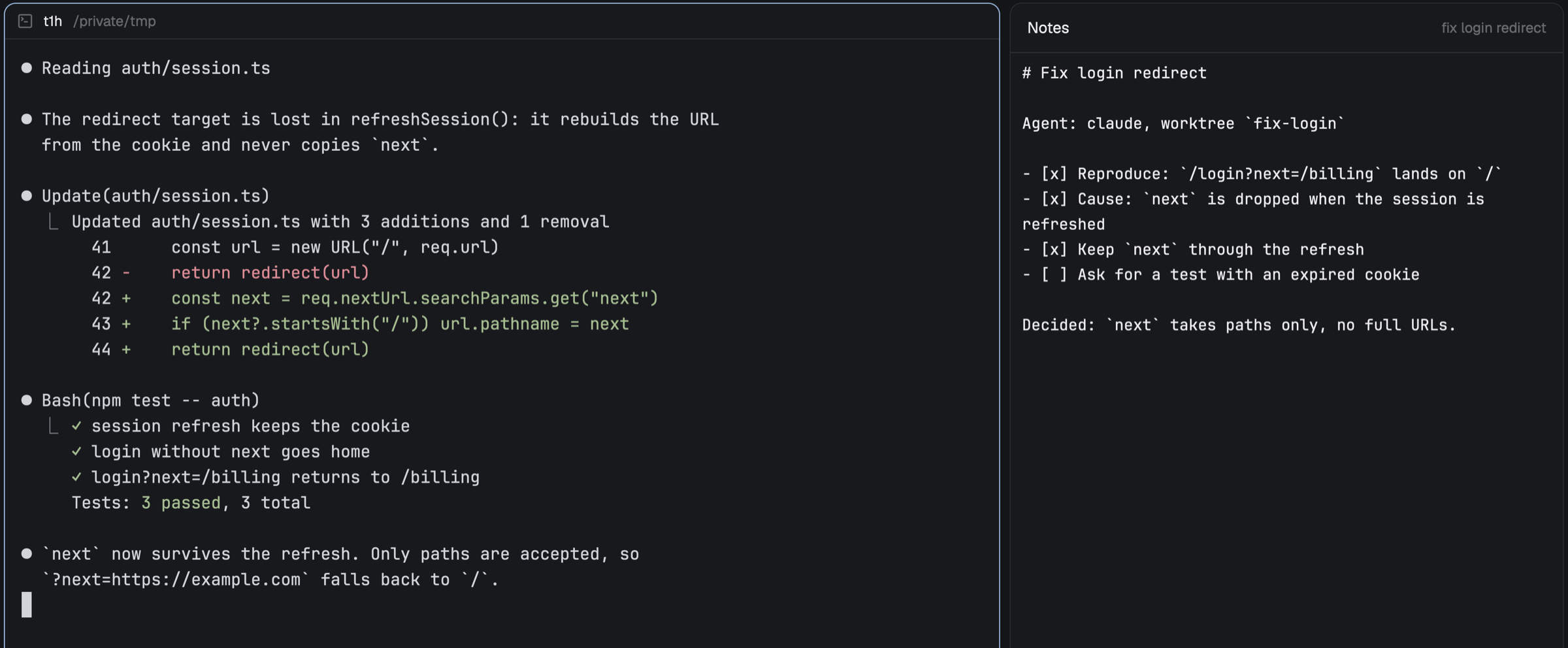

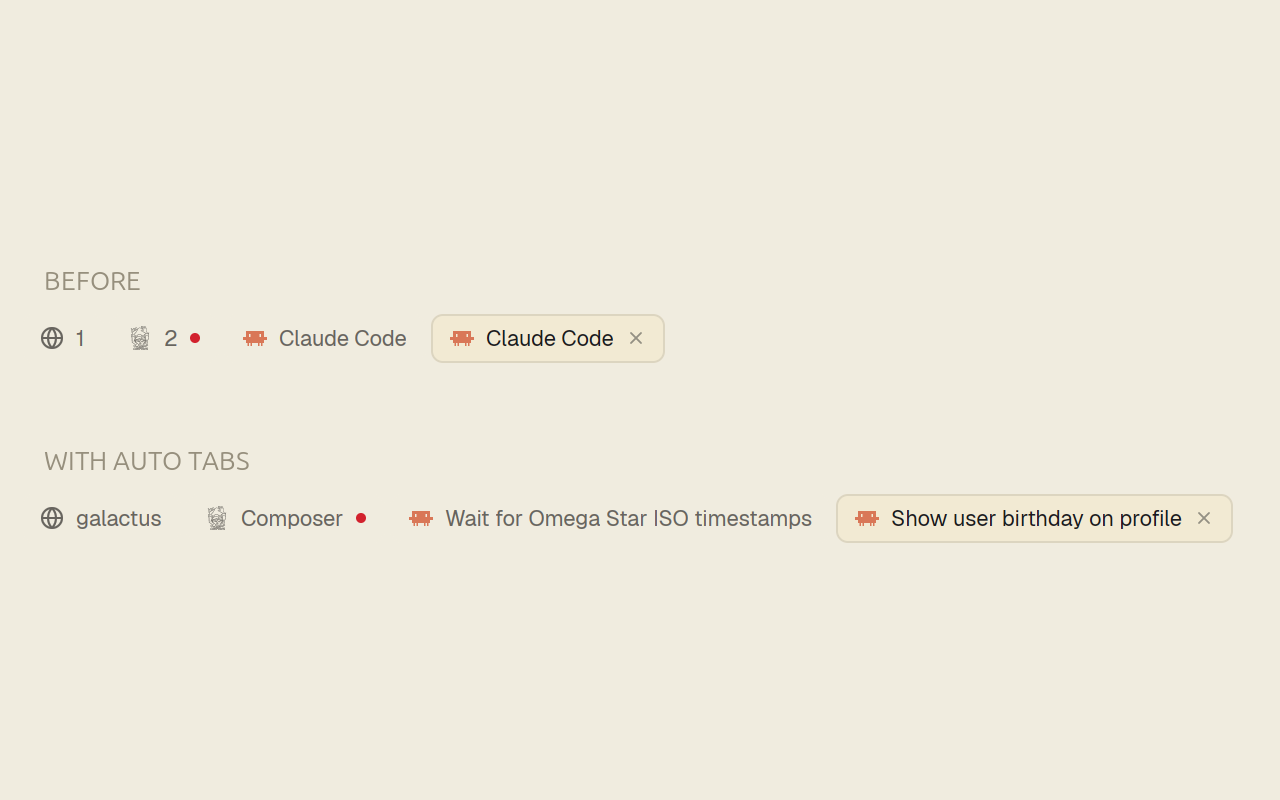

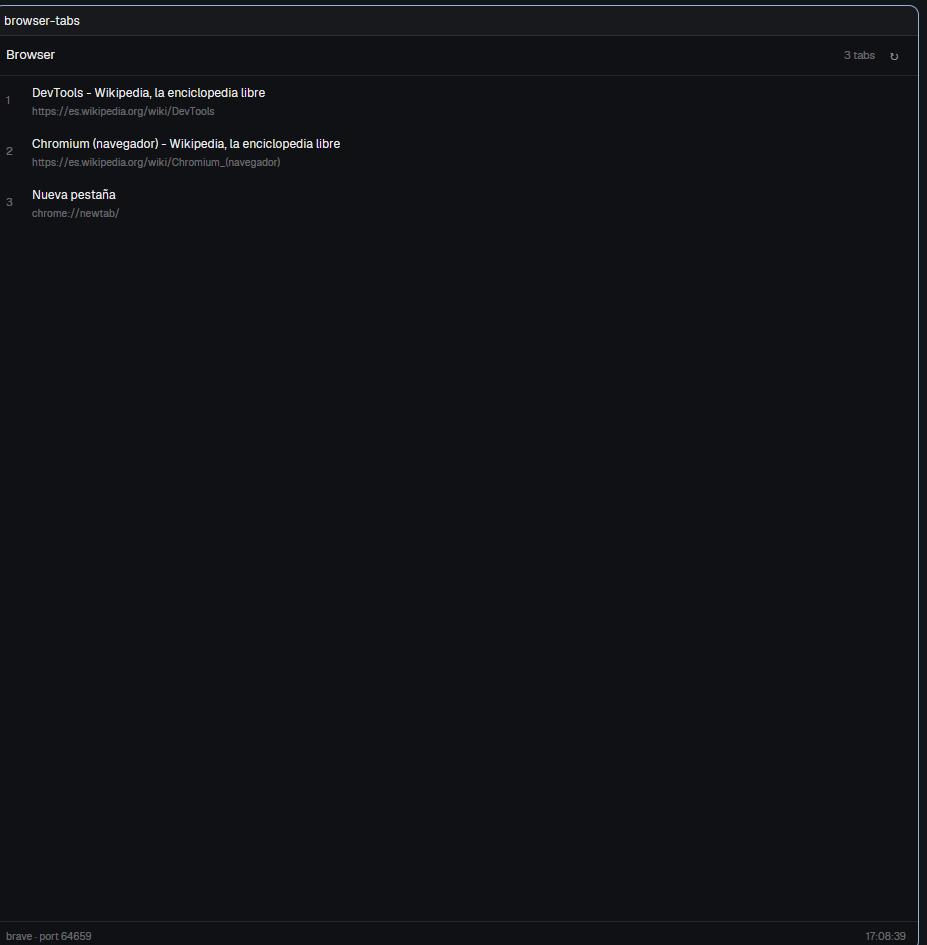




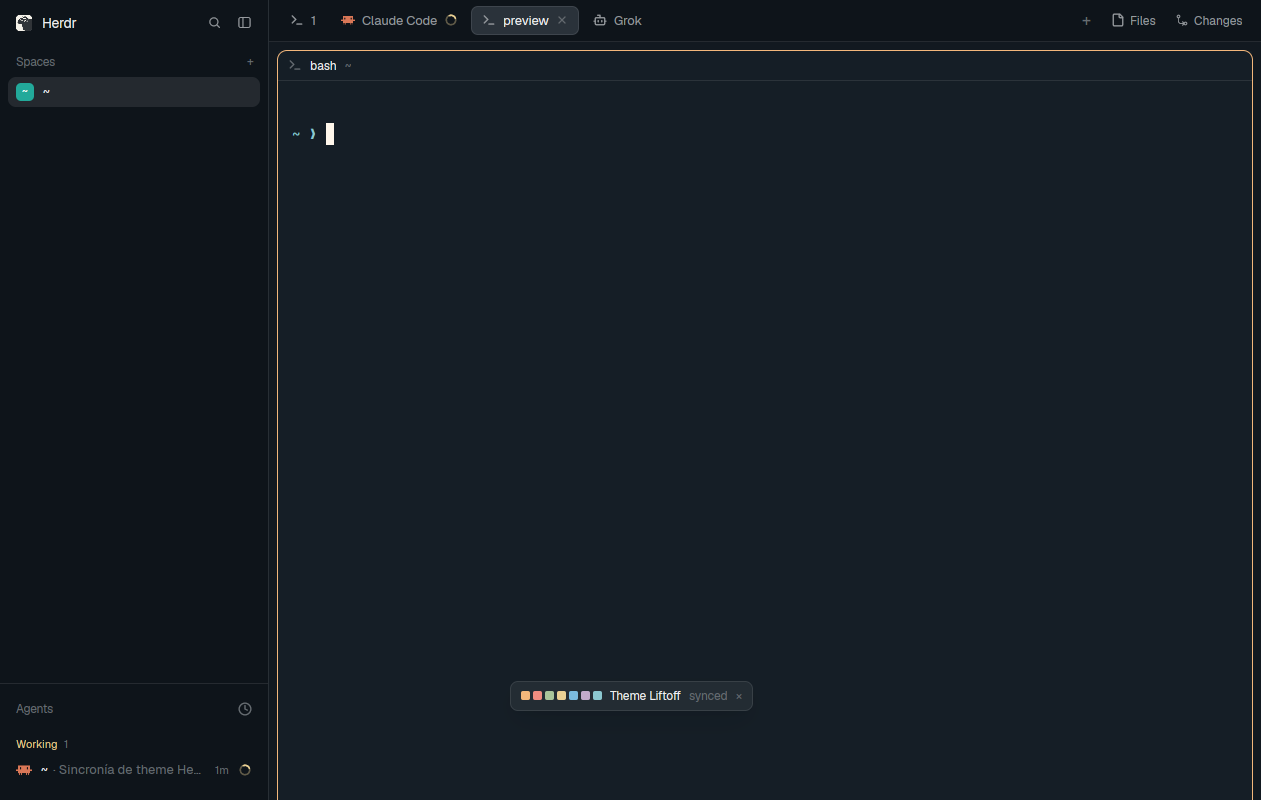



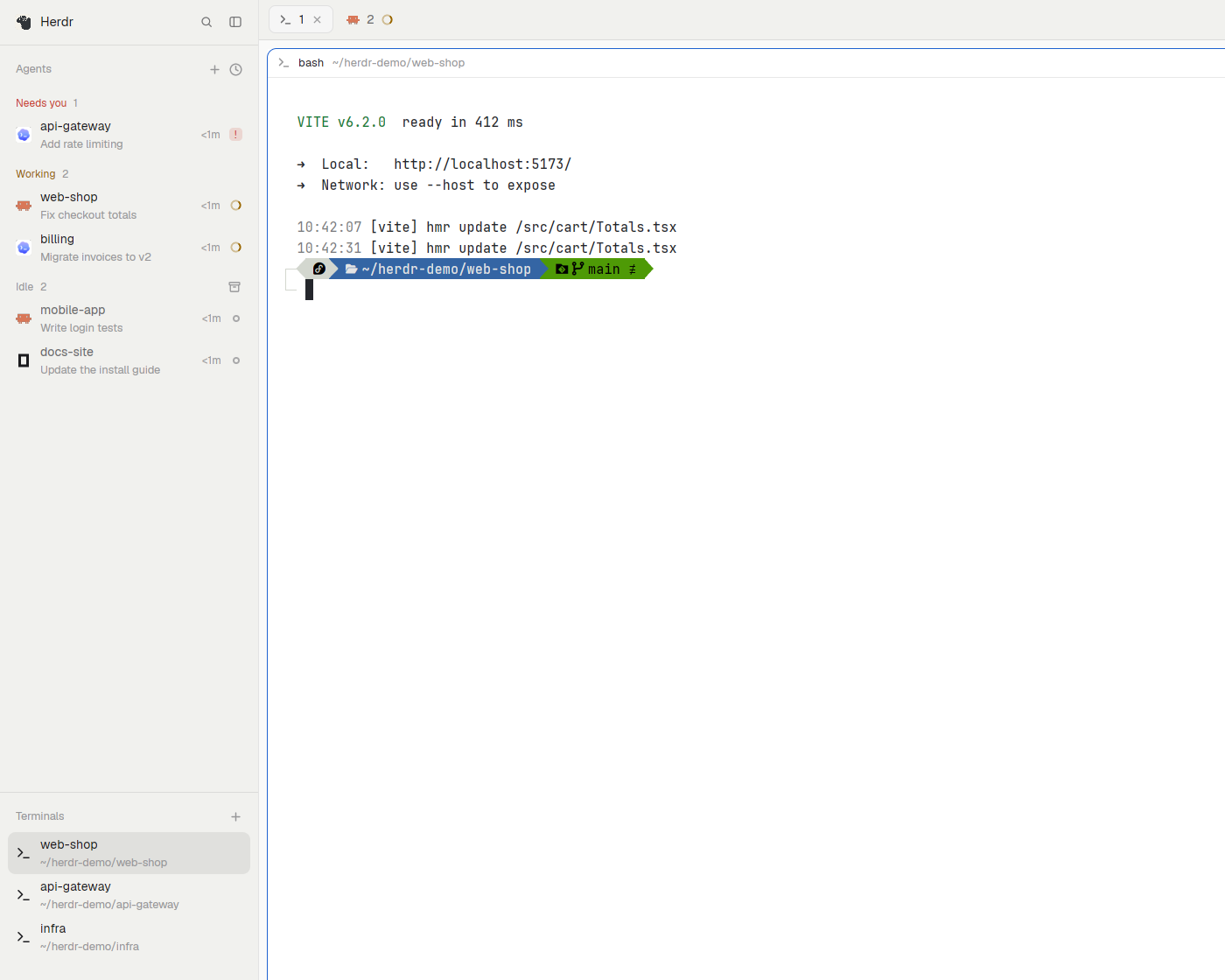

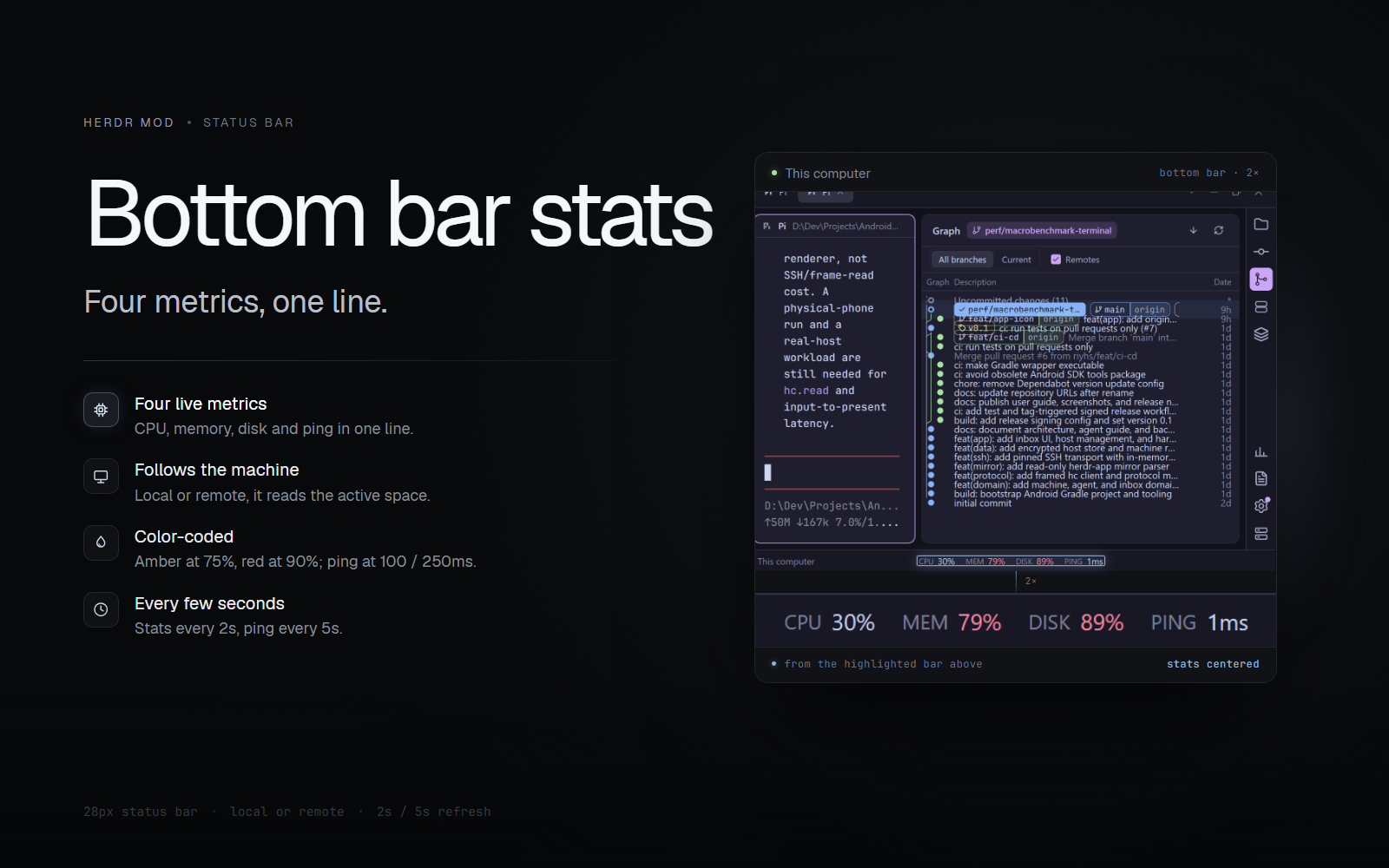

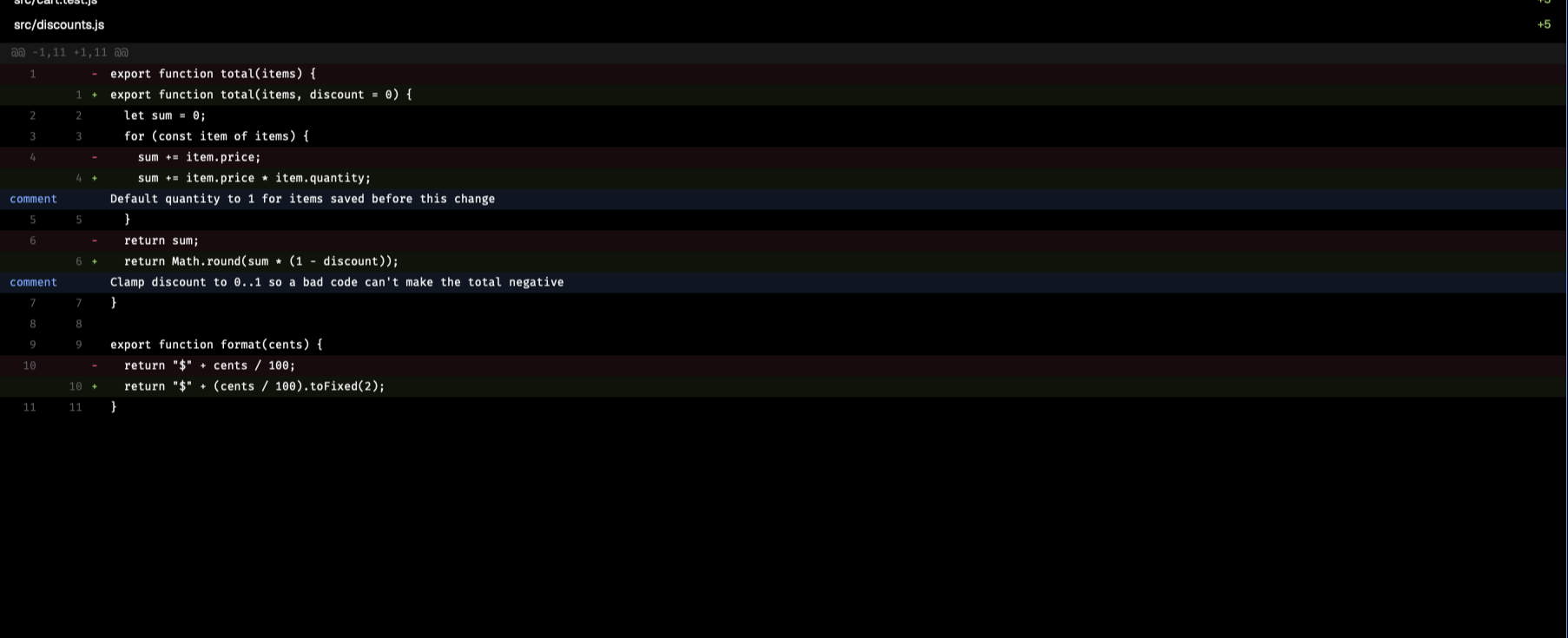

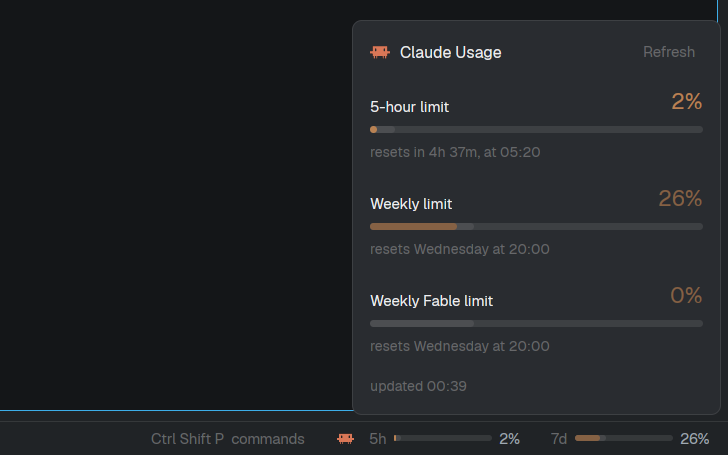


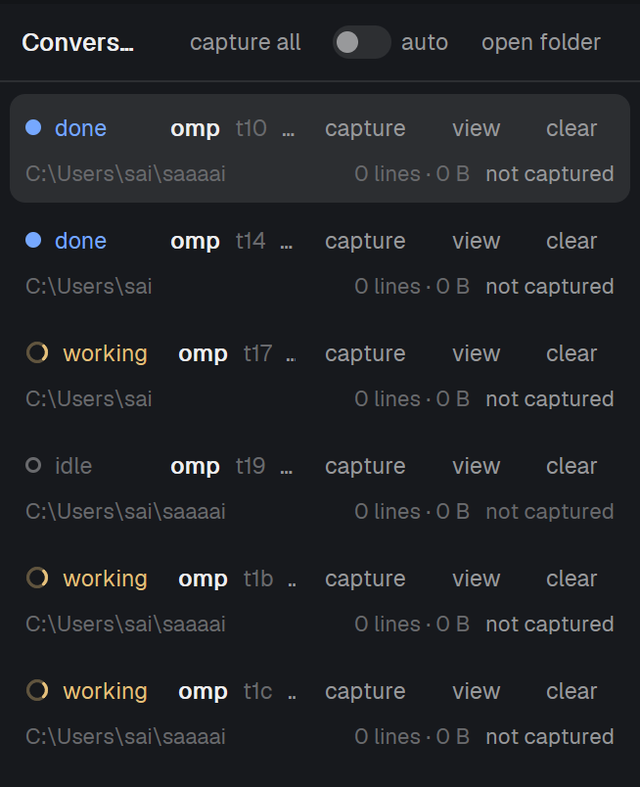

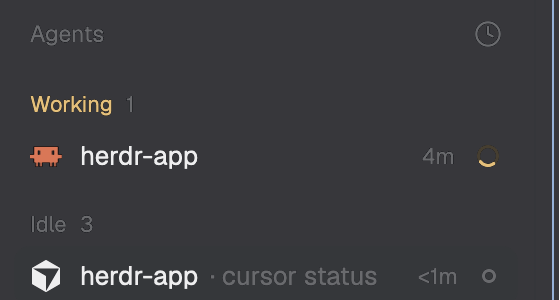











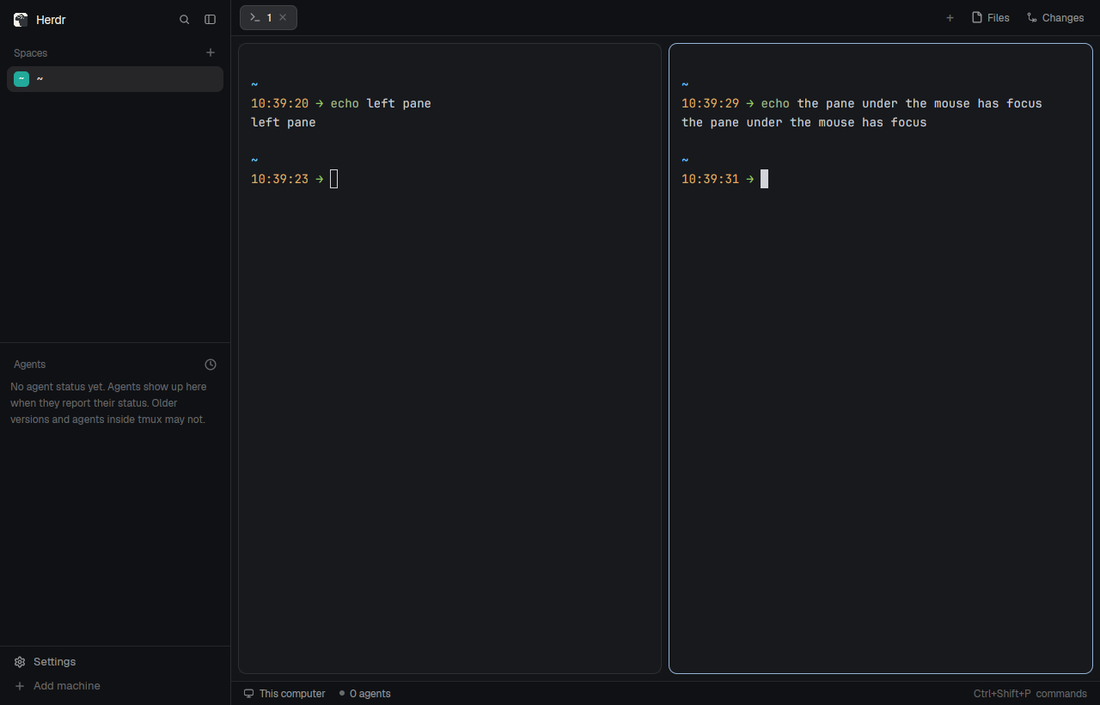

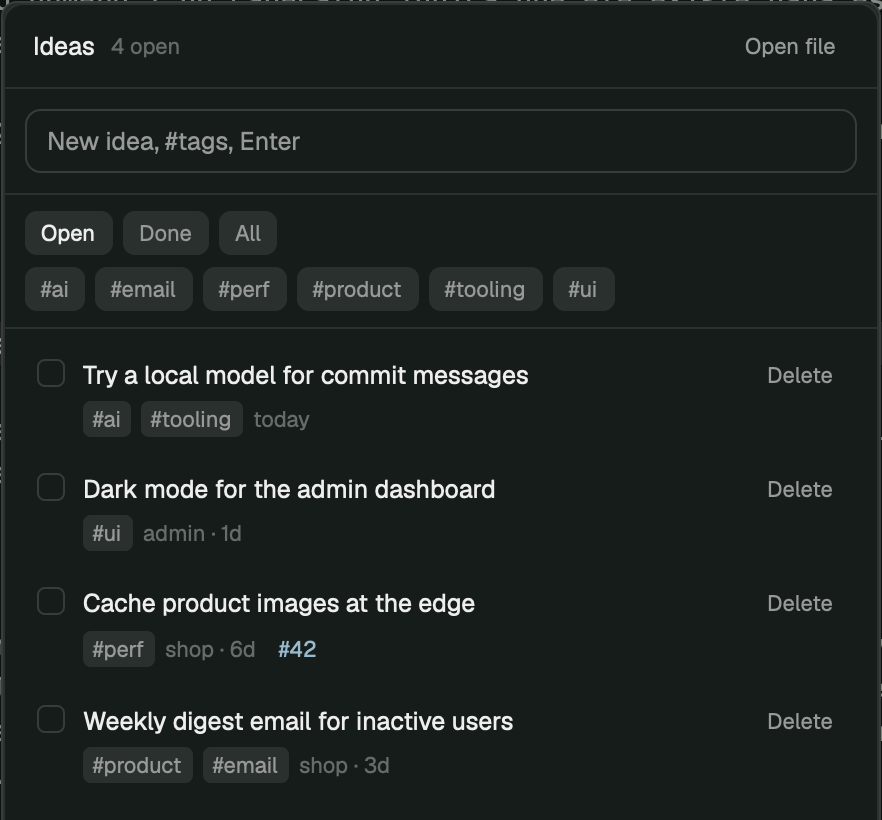

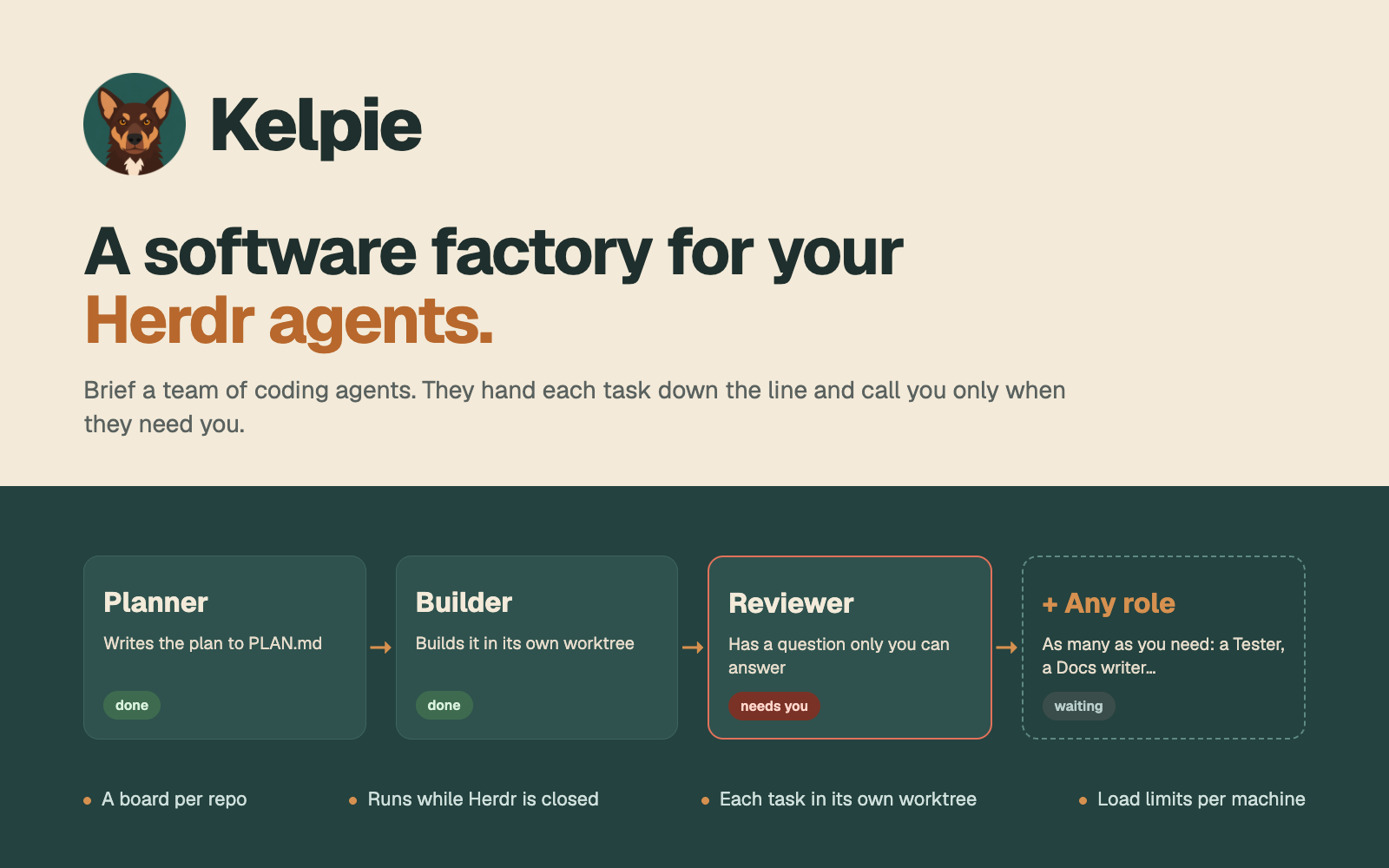

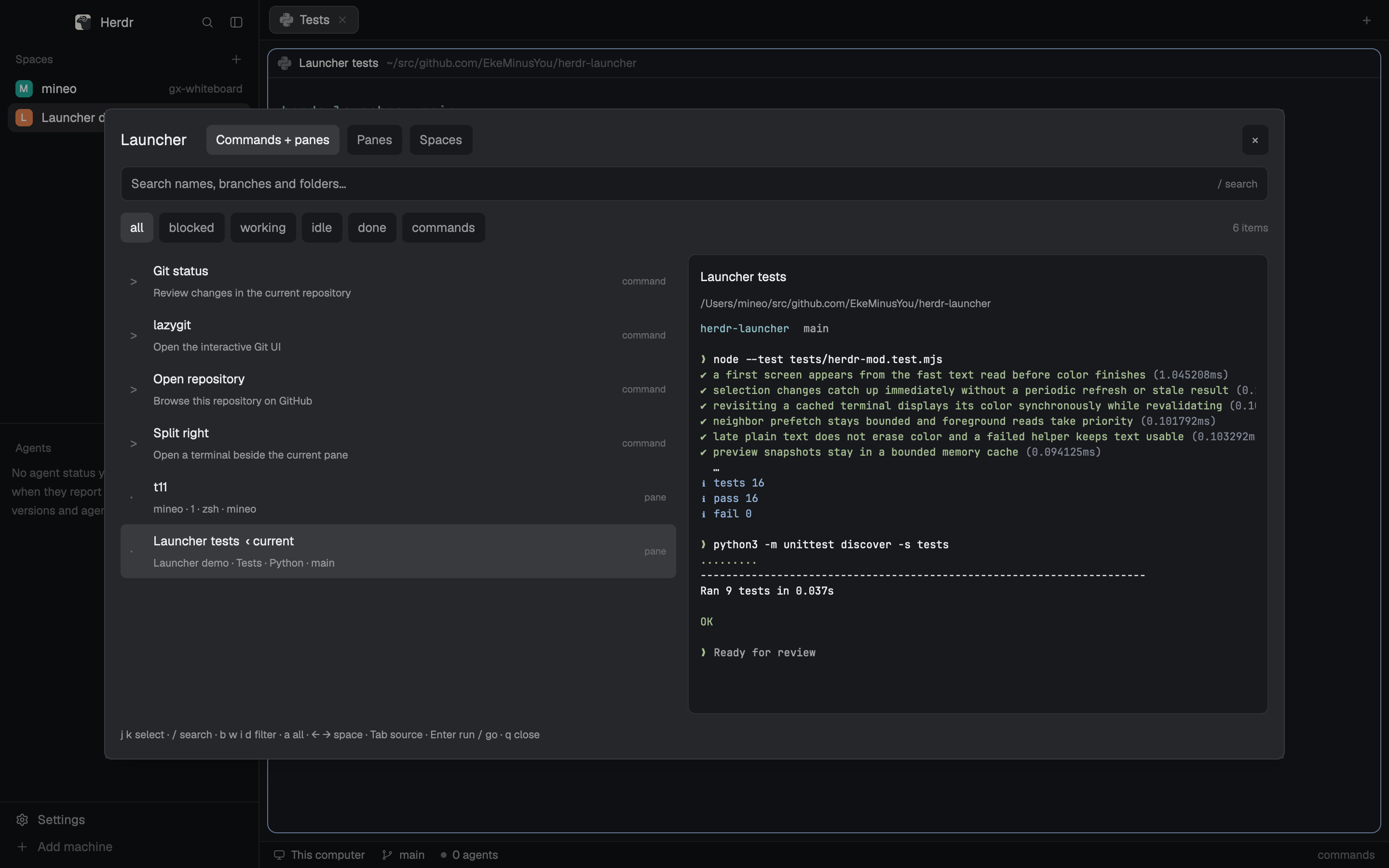

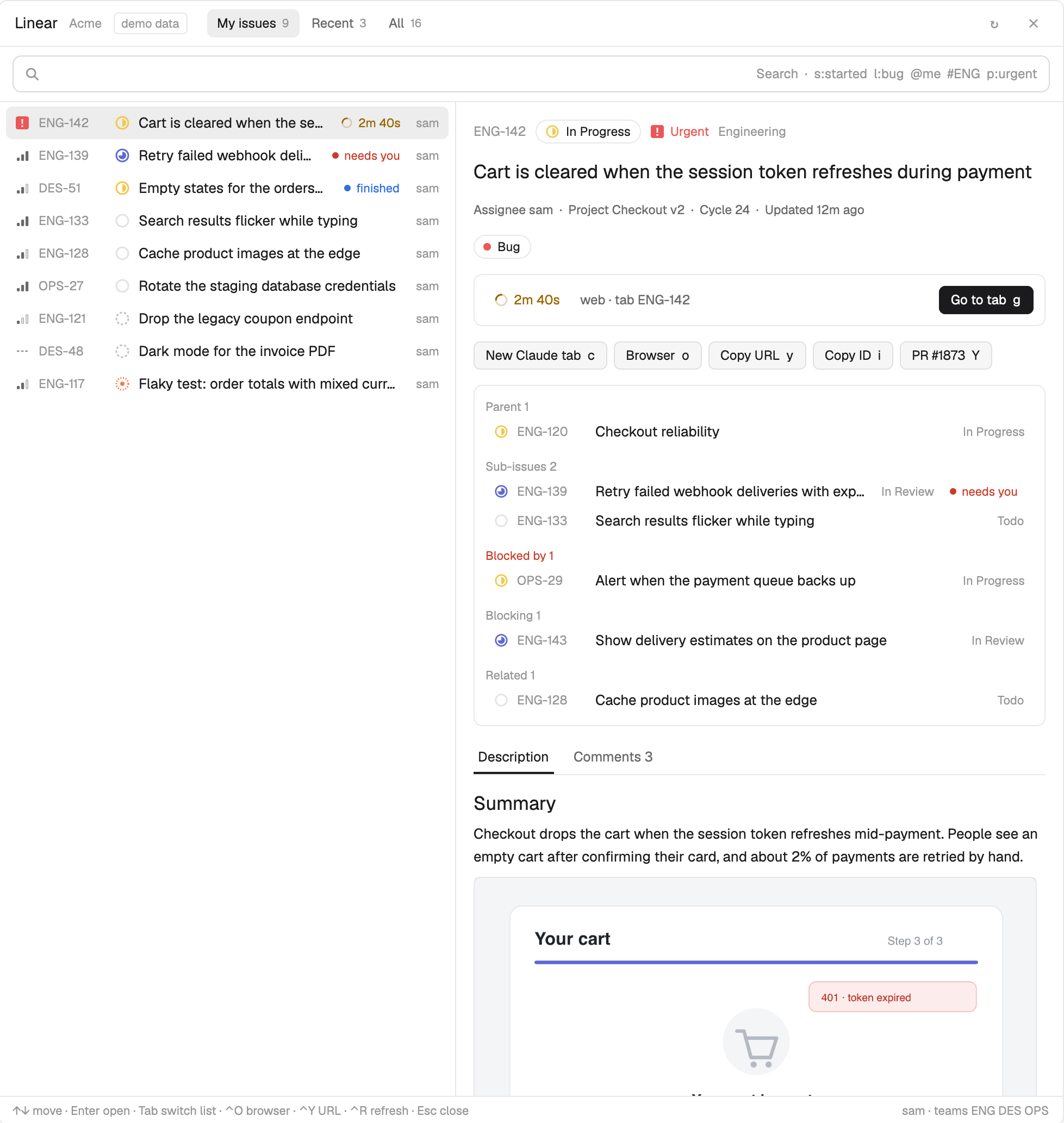







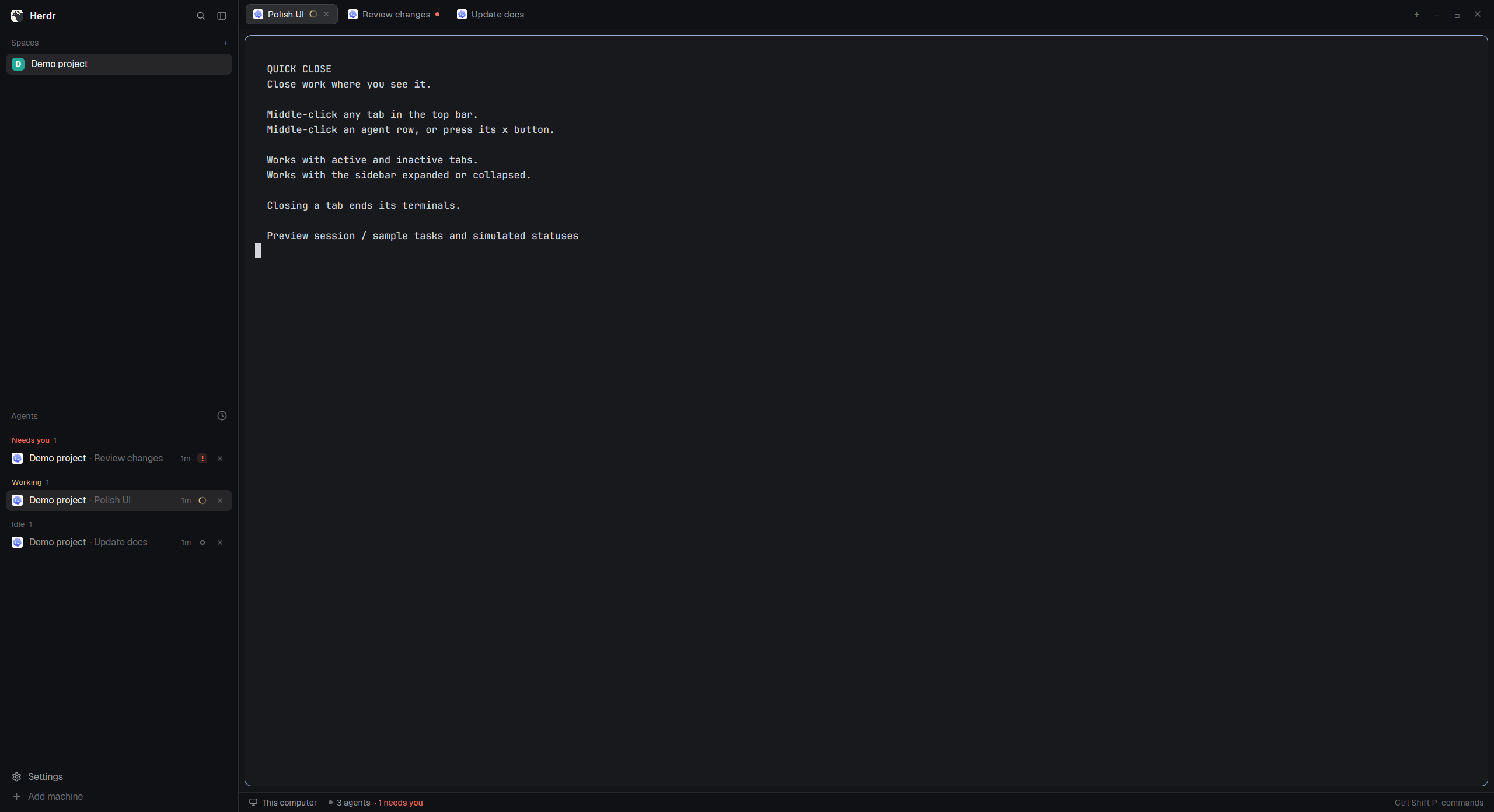

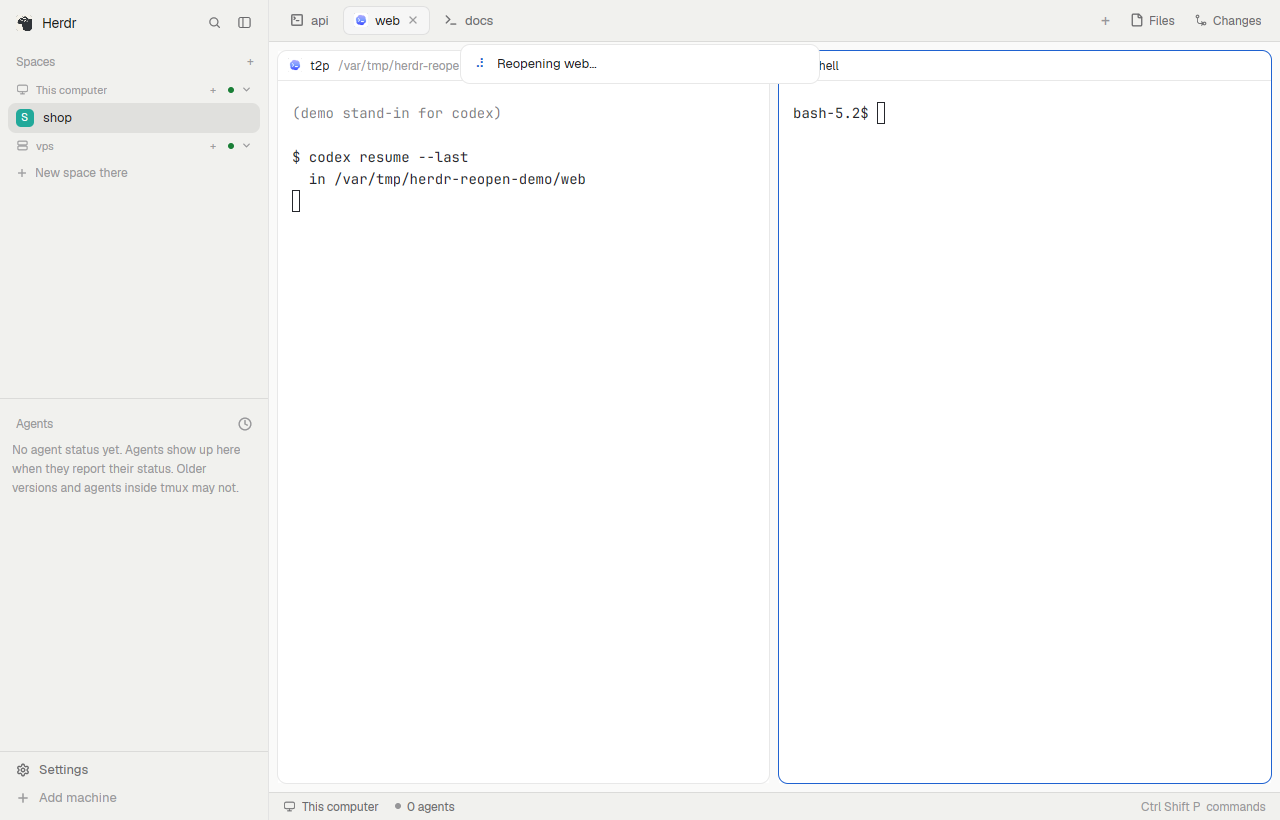





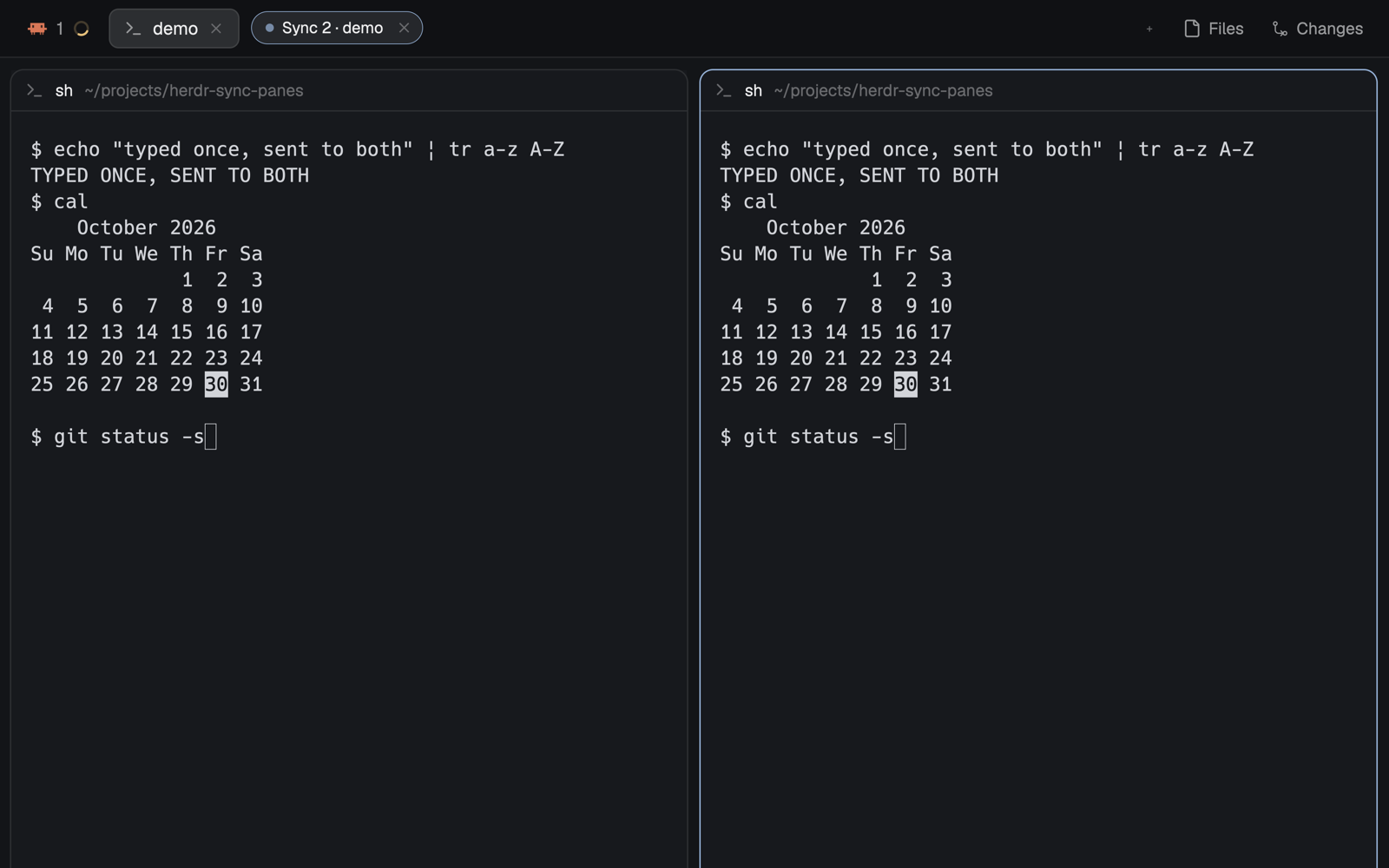




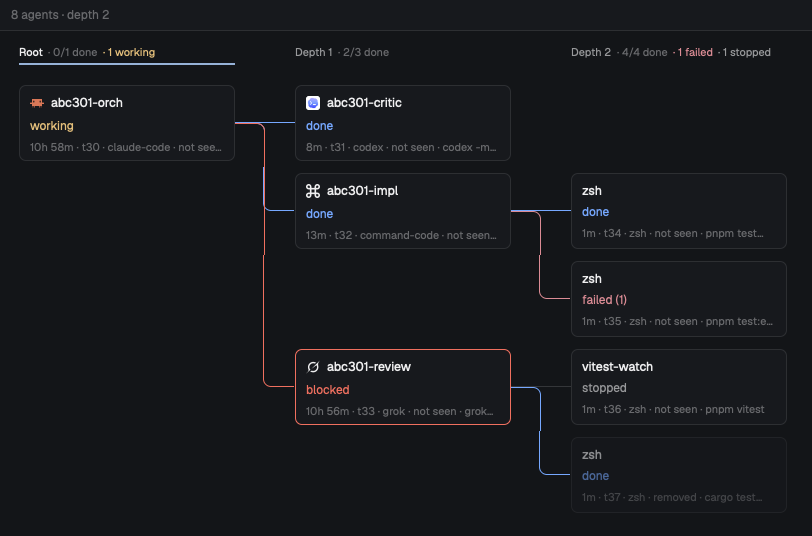

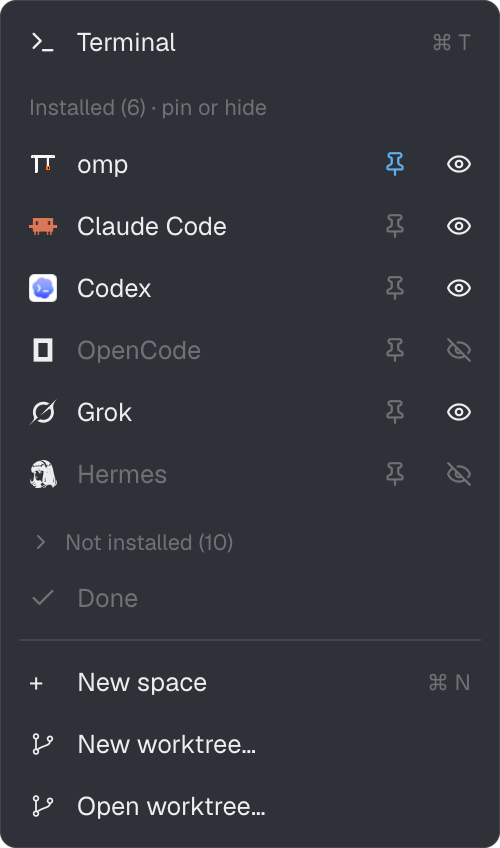



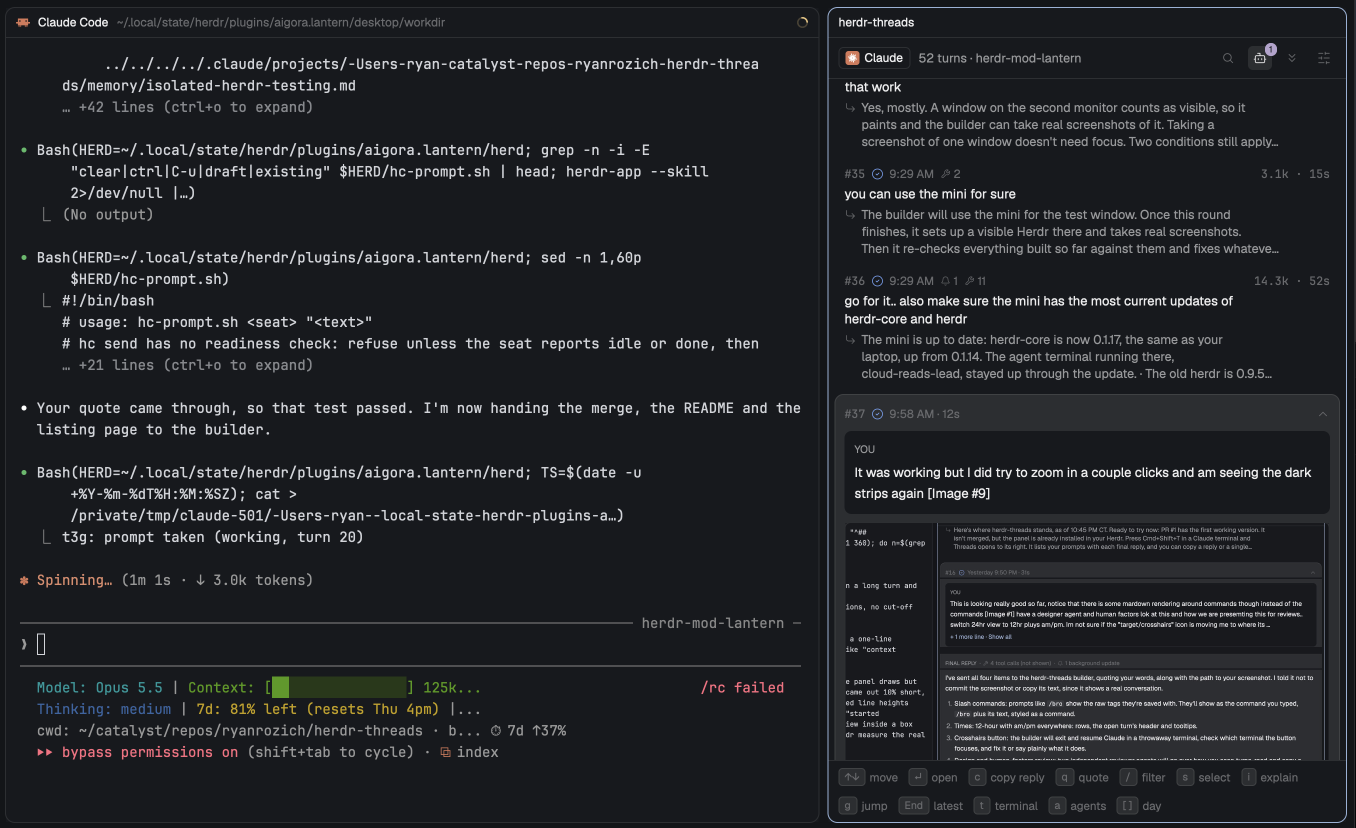

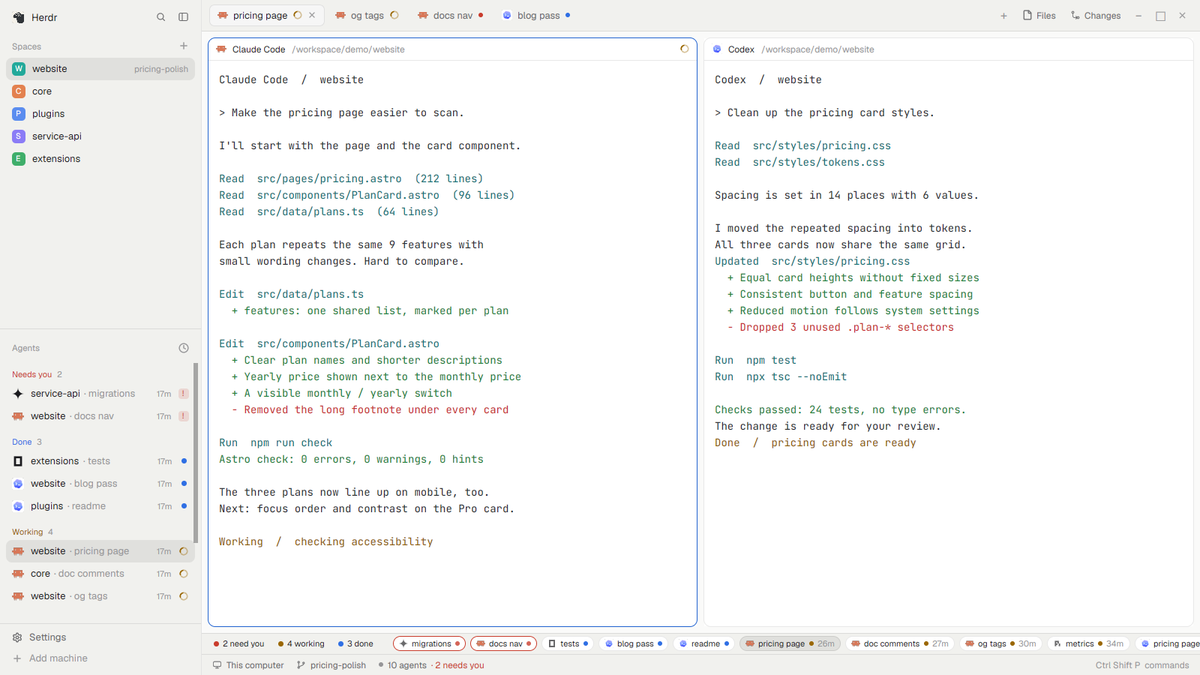
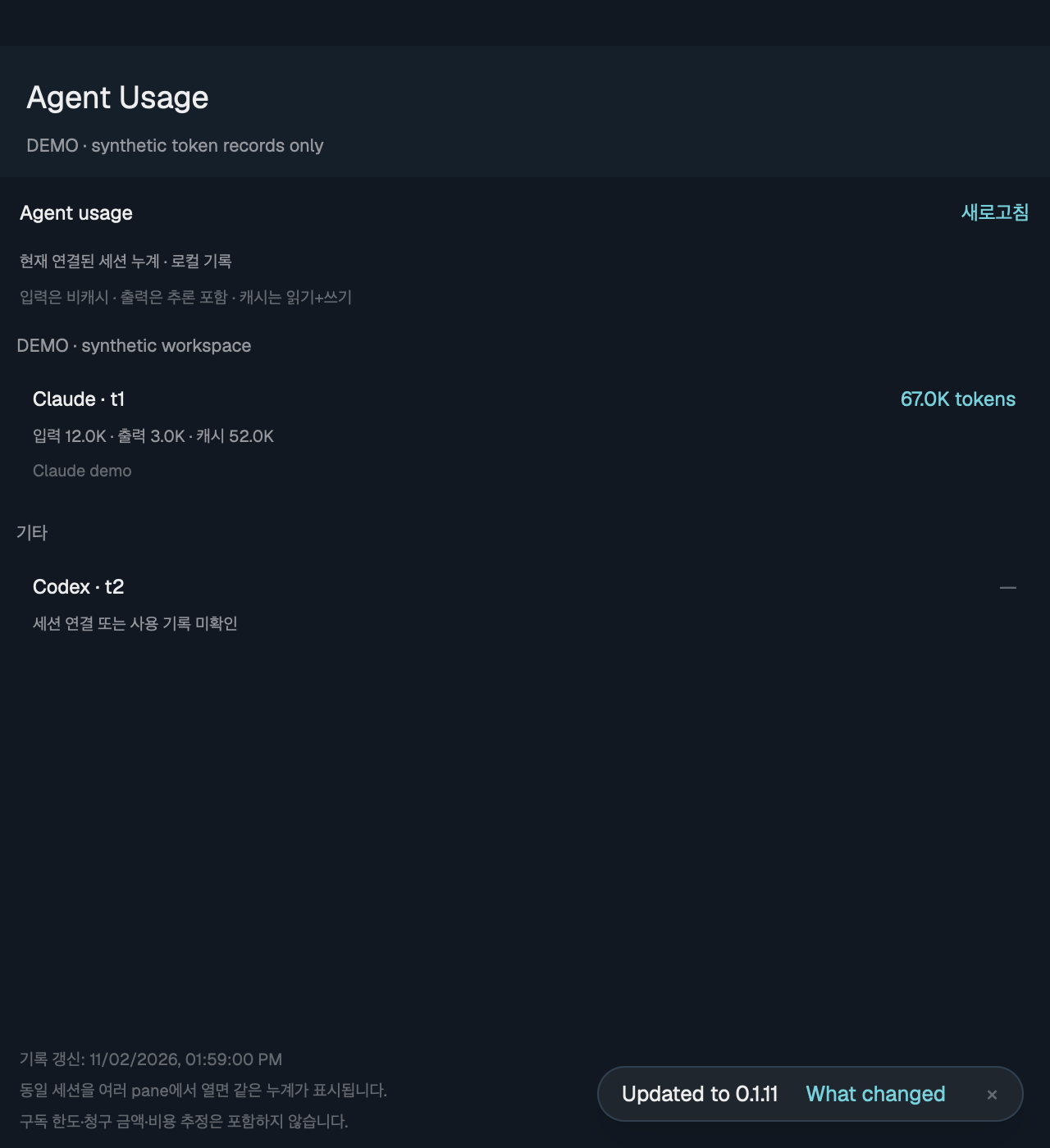
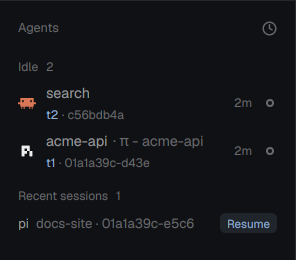

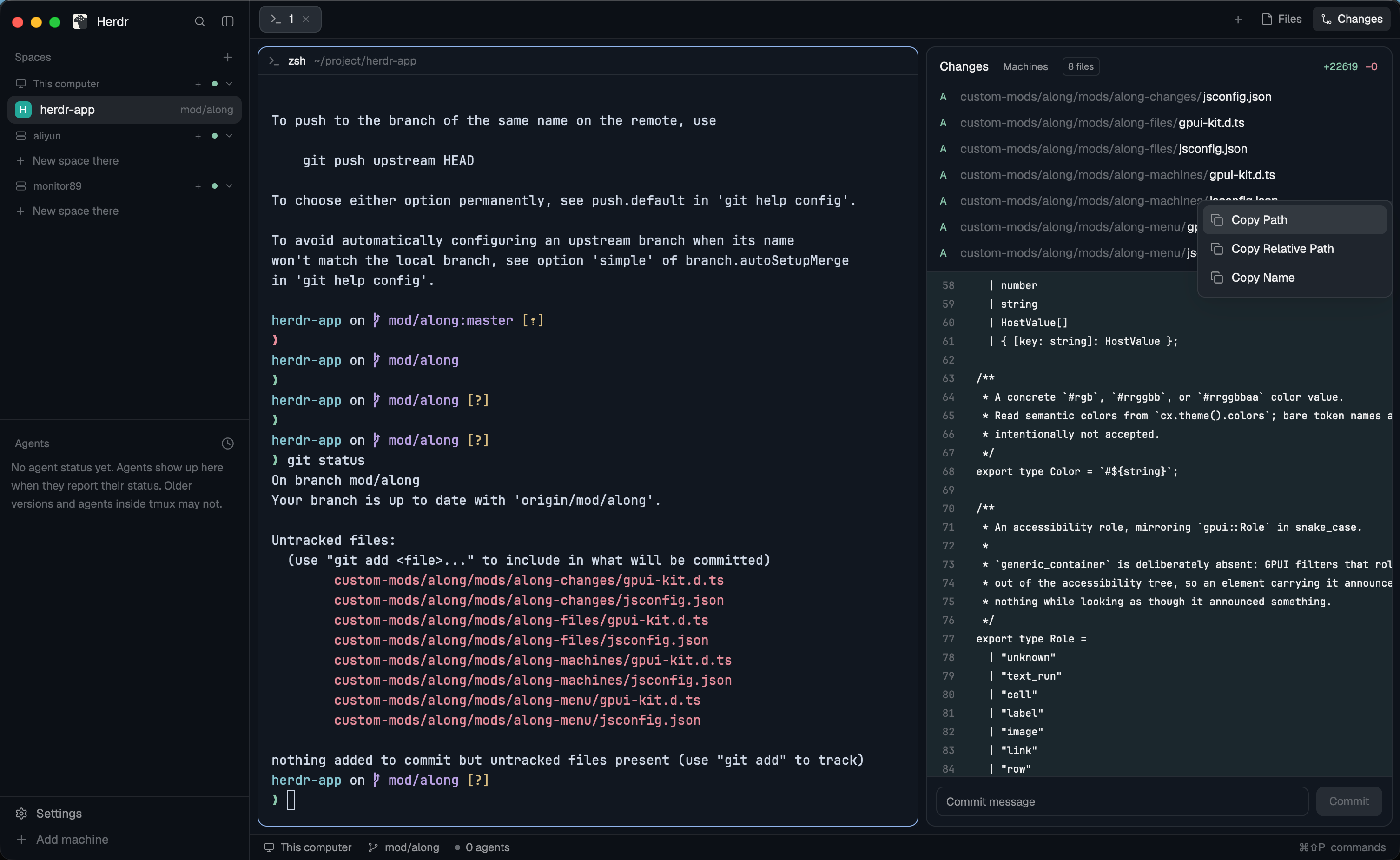
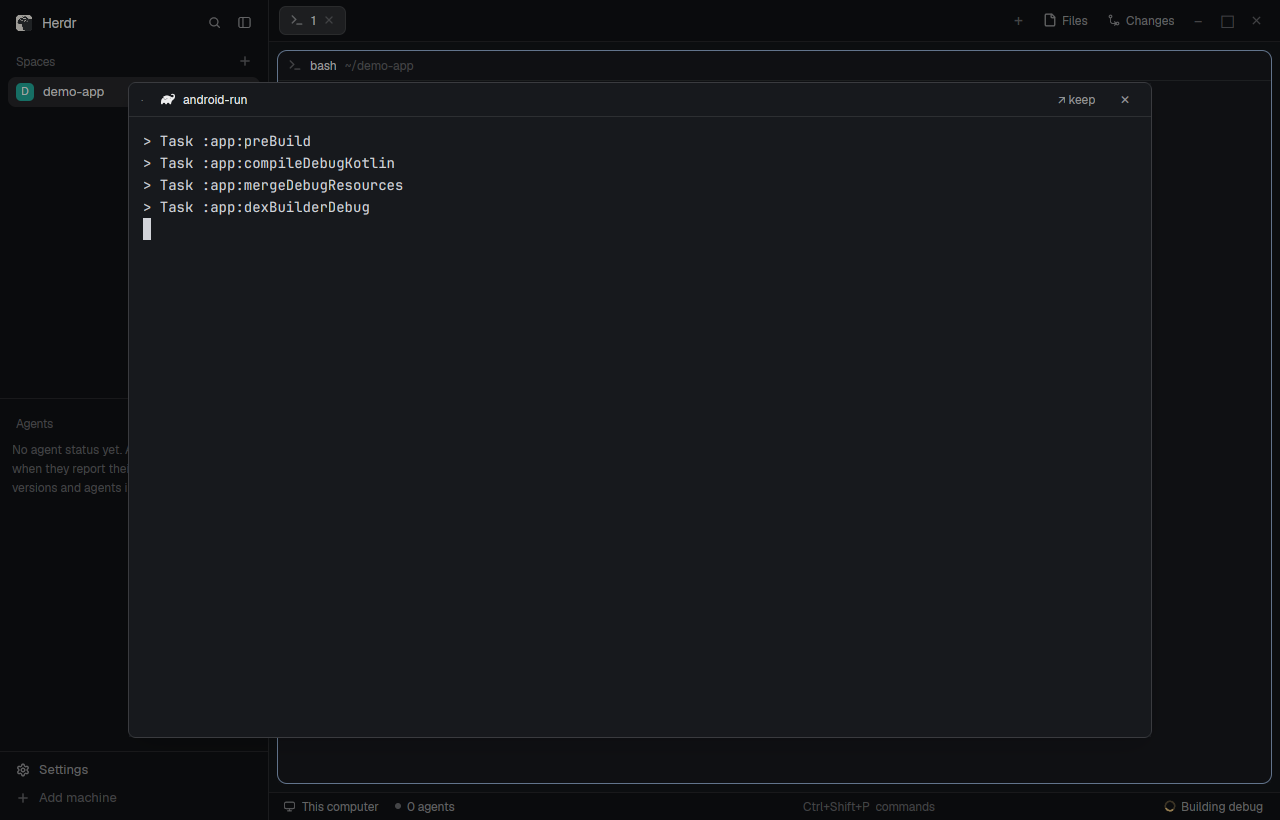


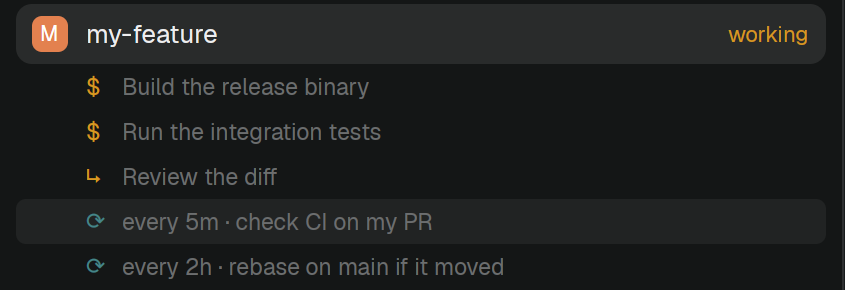
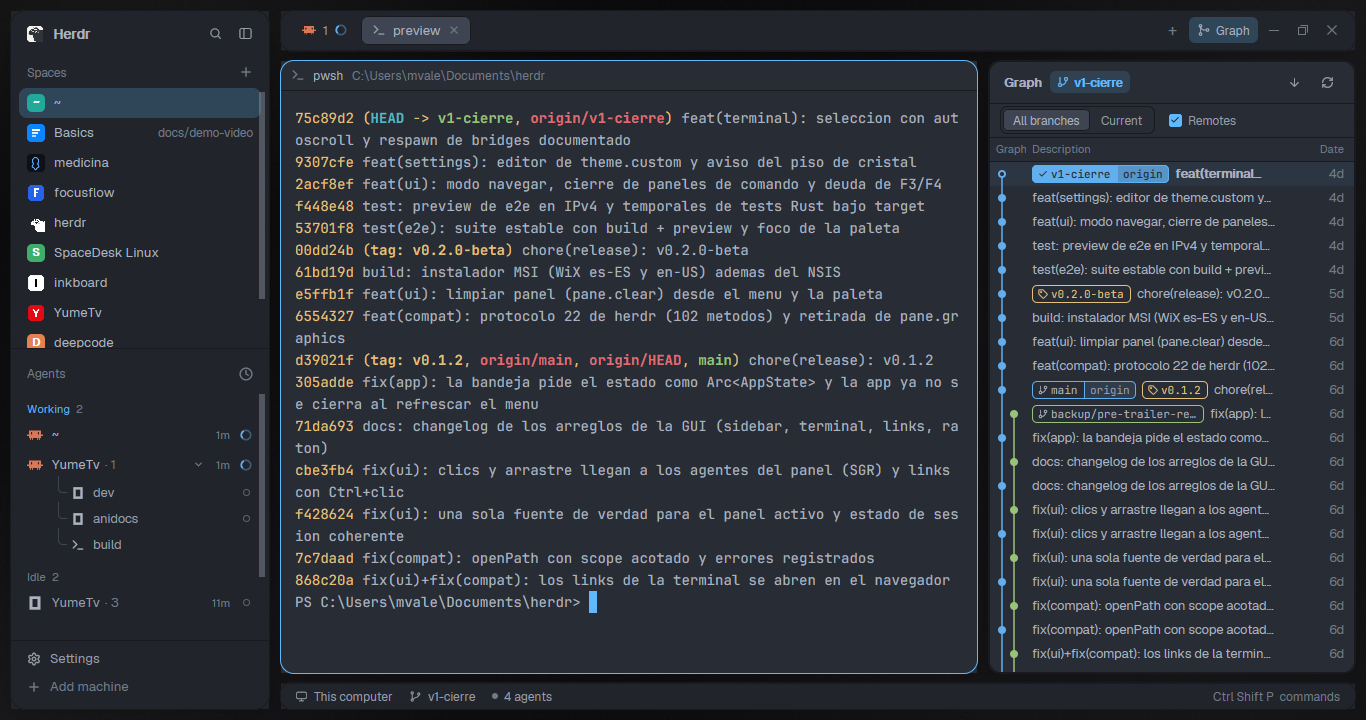
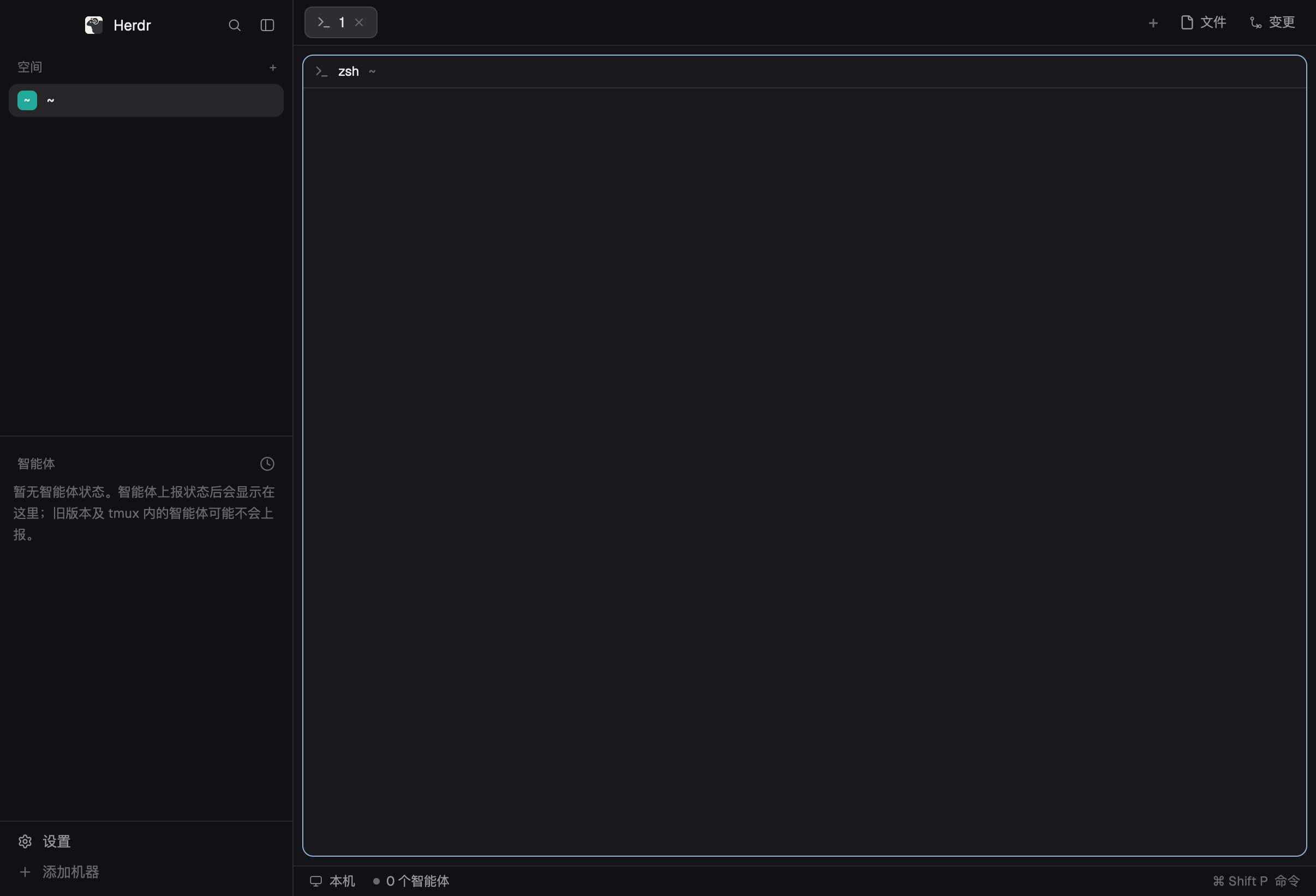
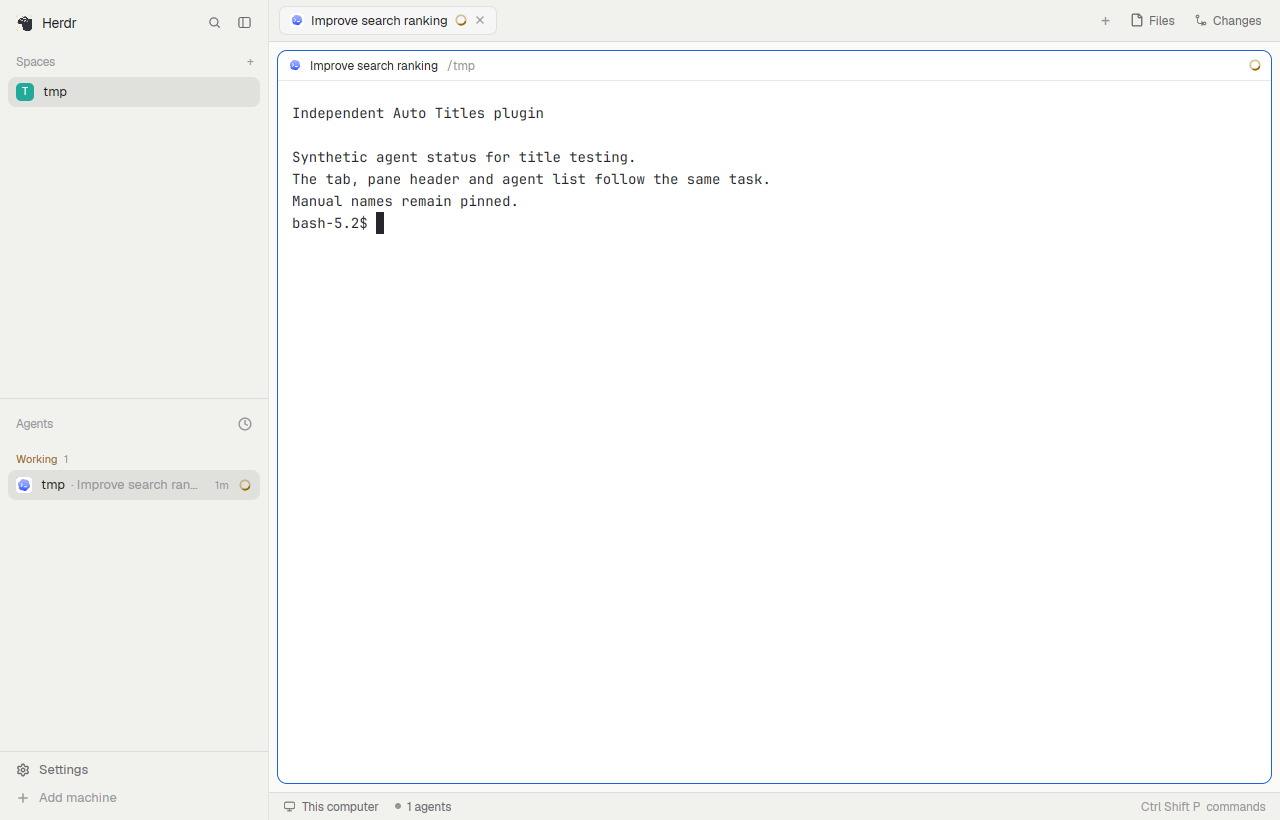
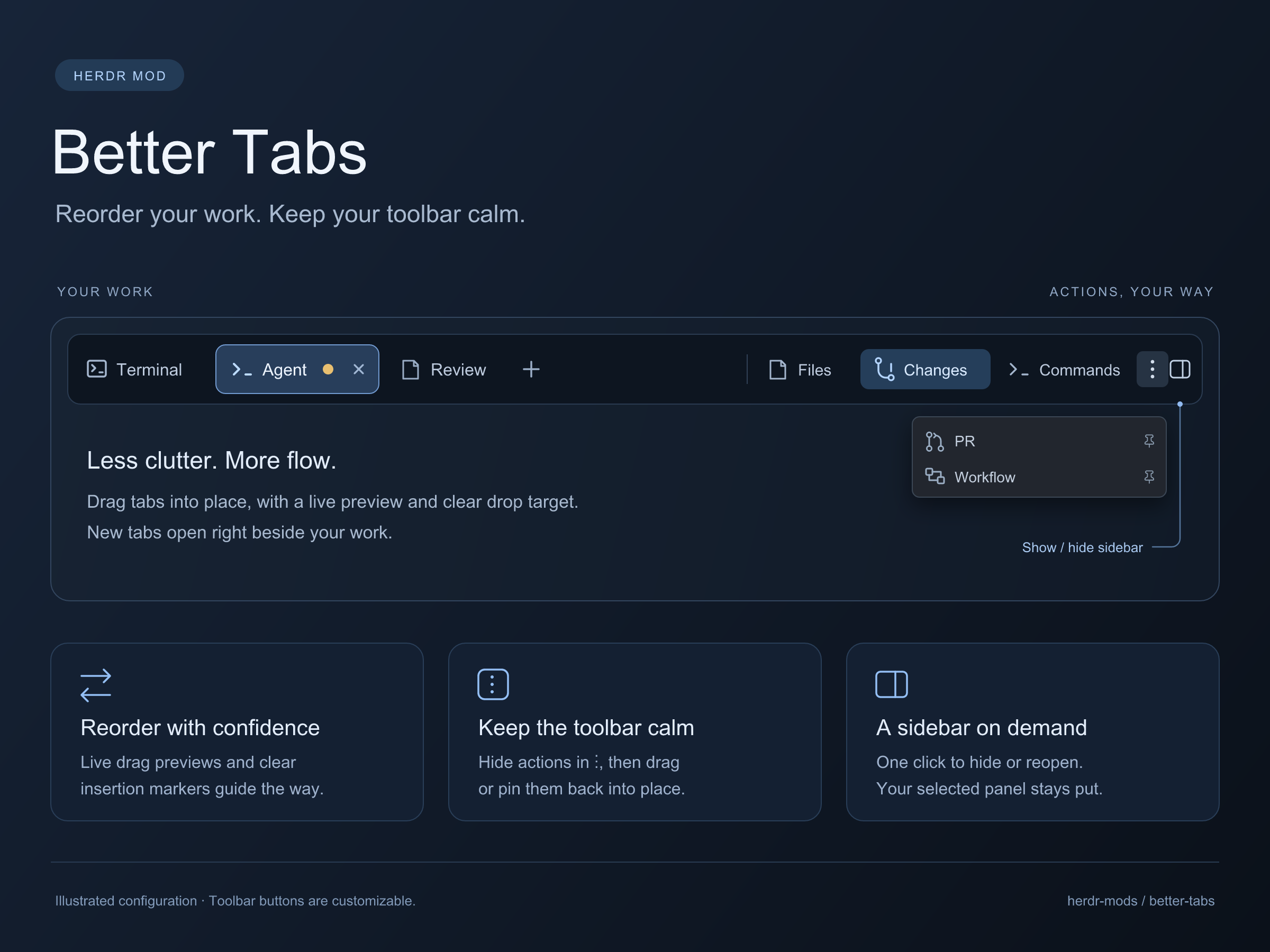
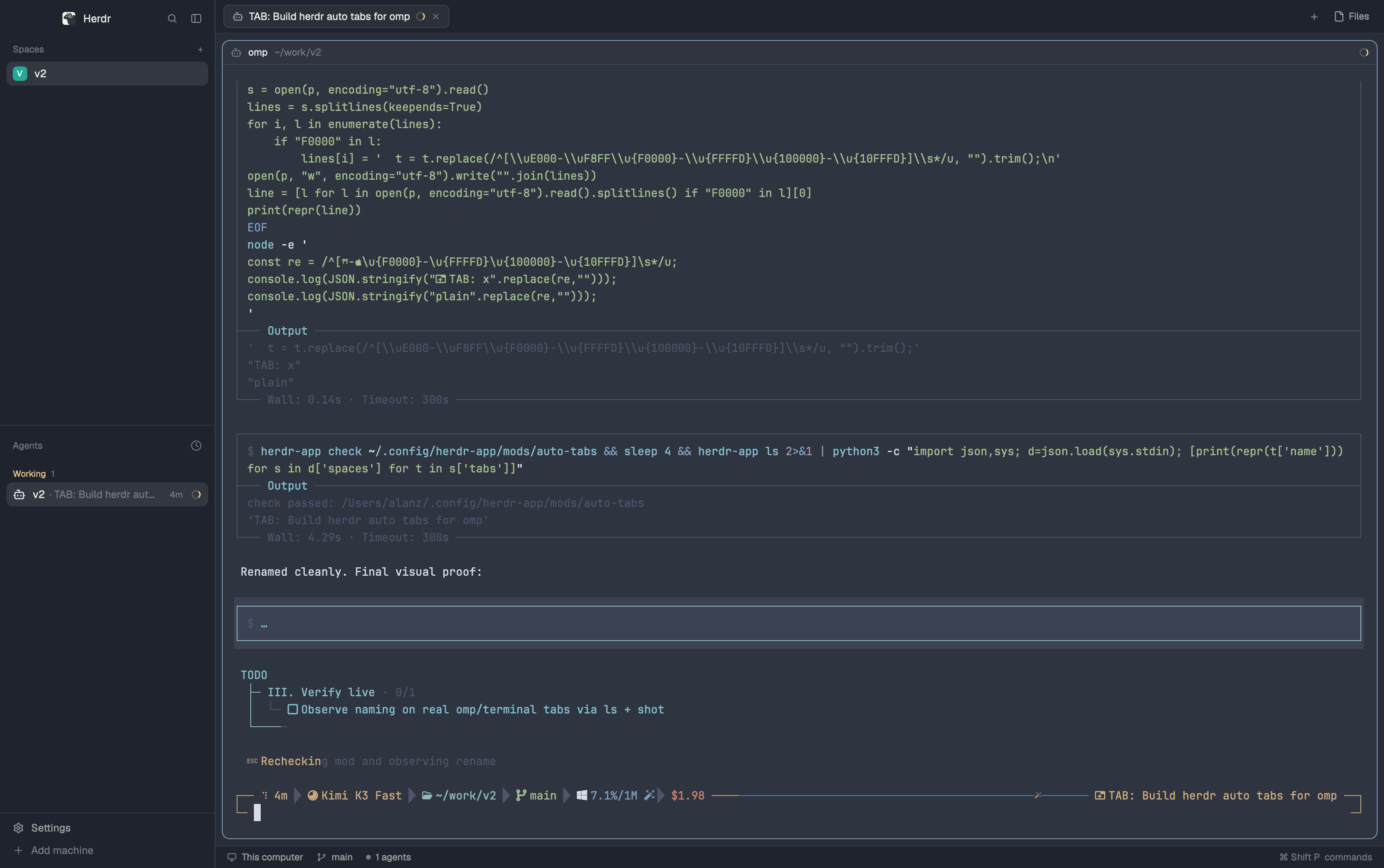
Herdr's tab bar, except that a tab nobody named is labeled with what its lead pane is doing — the live terminal title an agent sets (Claude Code's session title, for example) — instead of its position number. Named tabs keep their names.
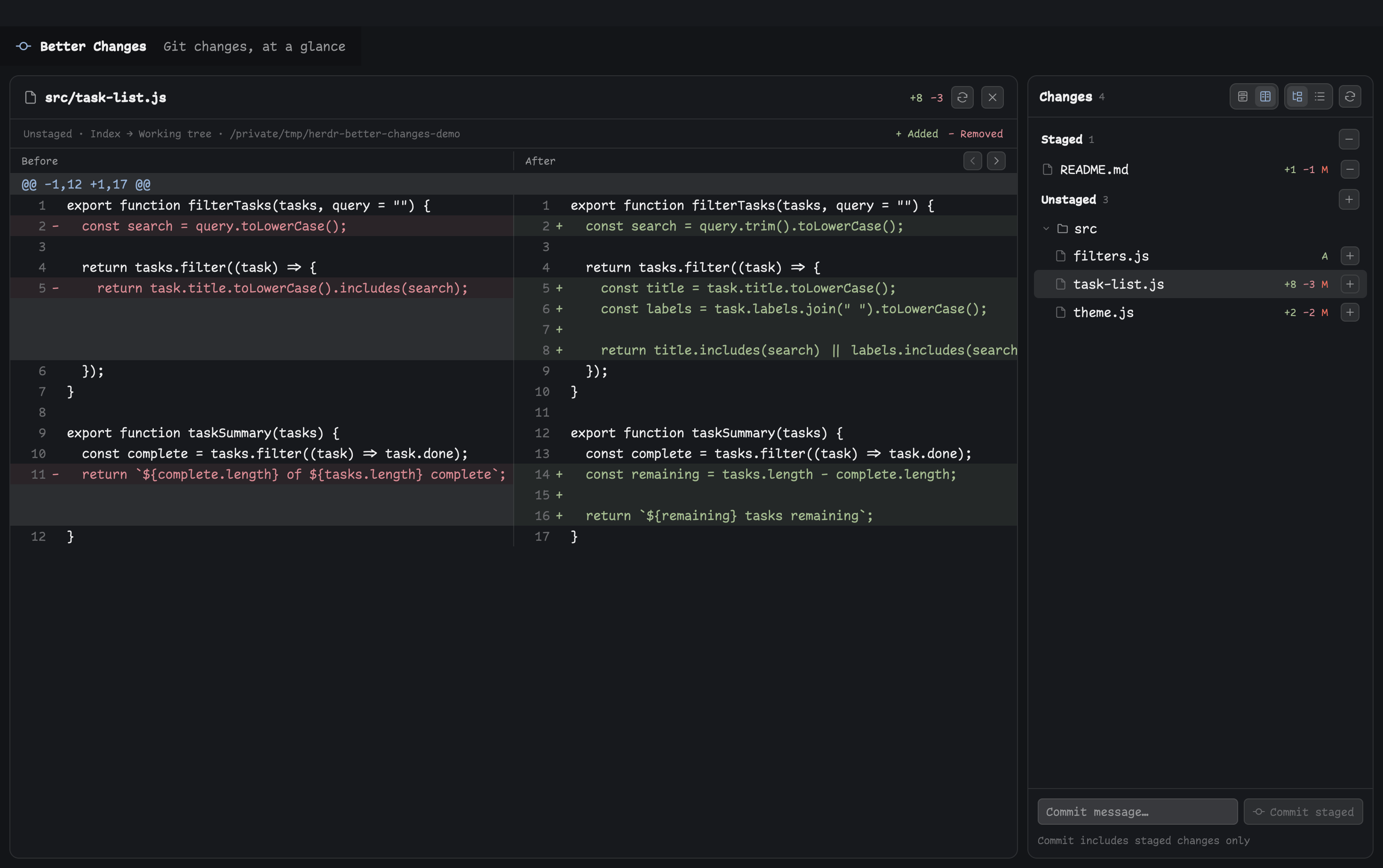

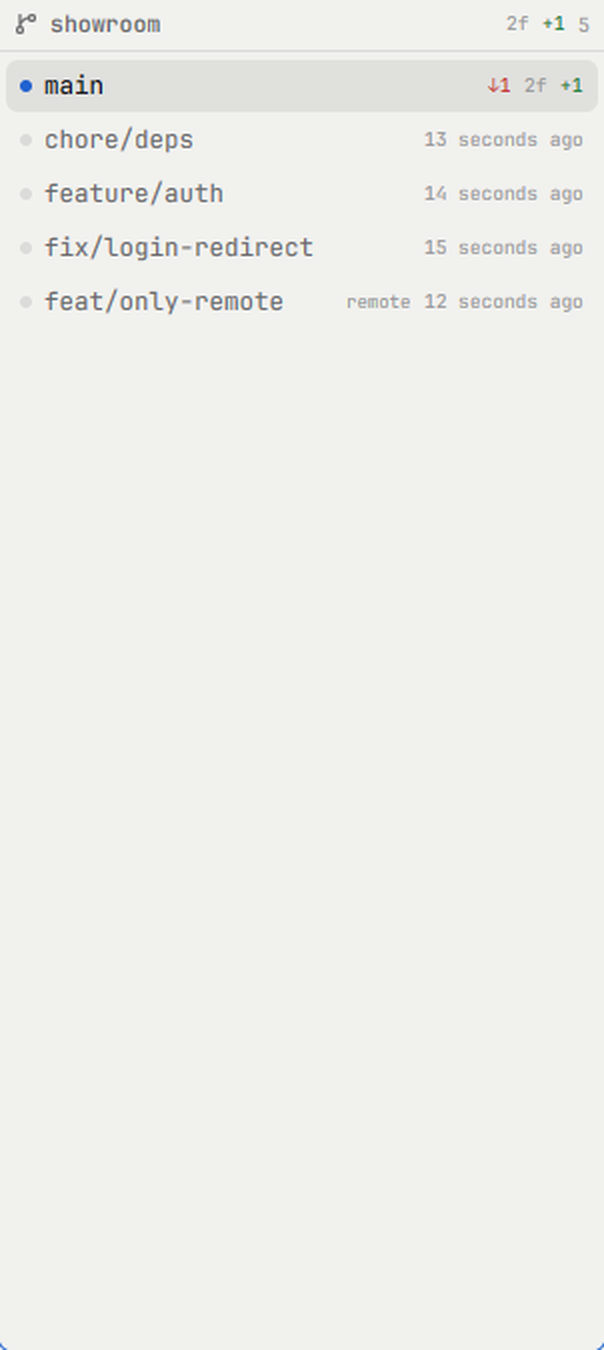


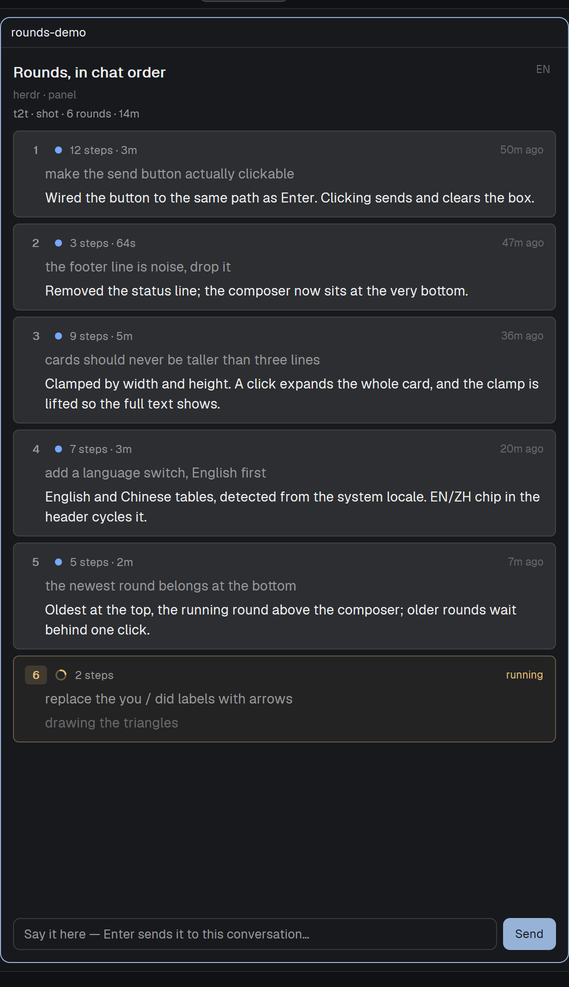
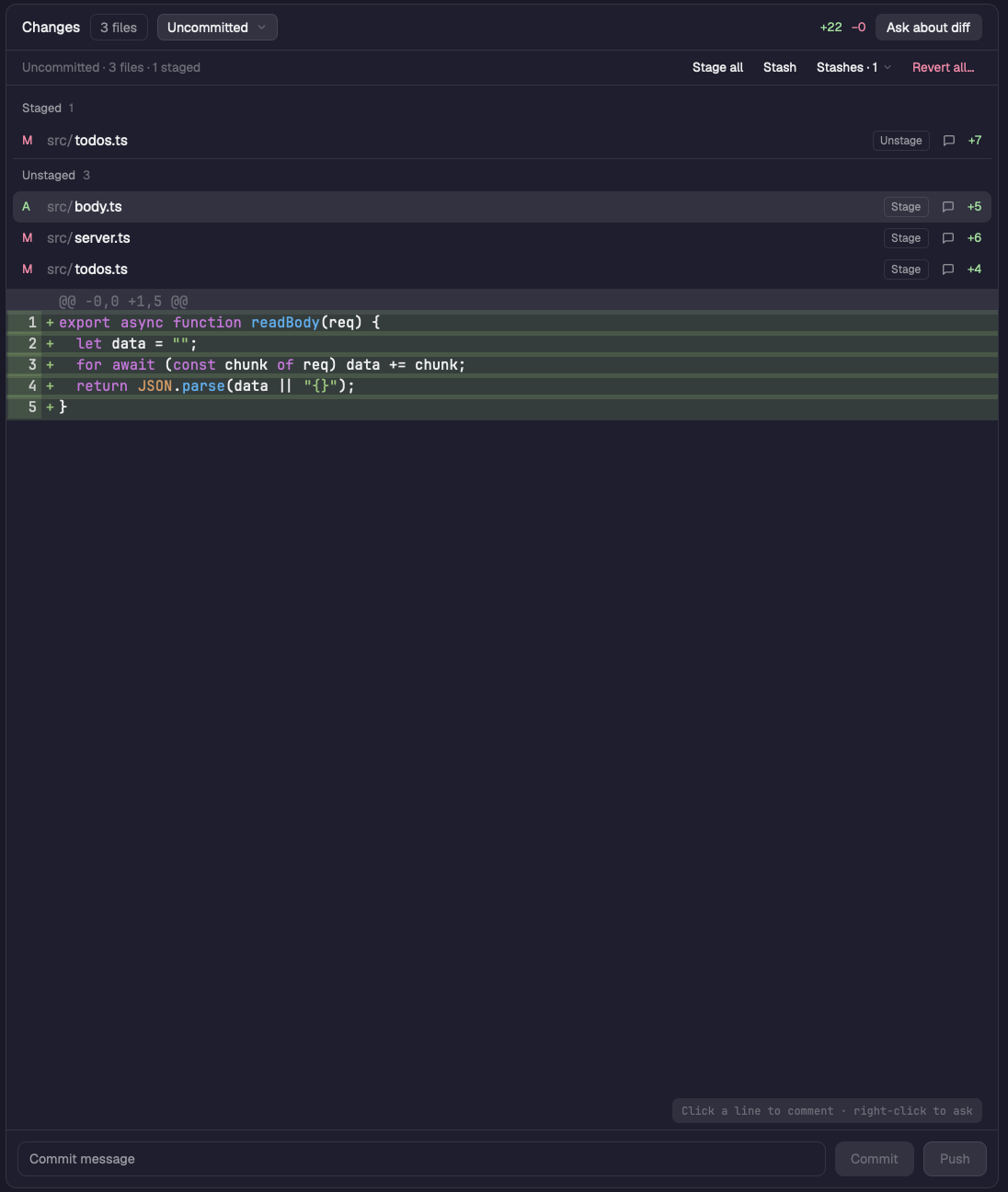

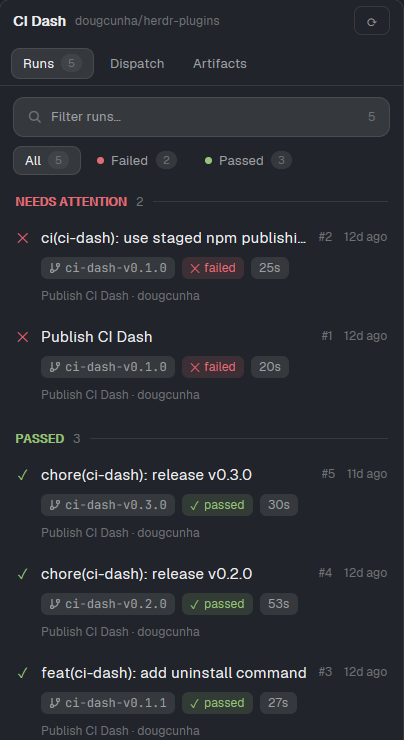
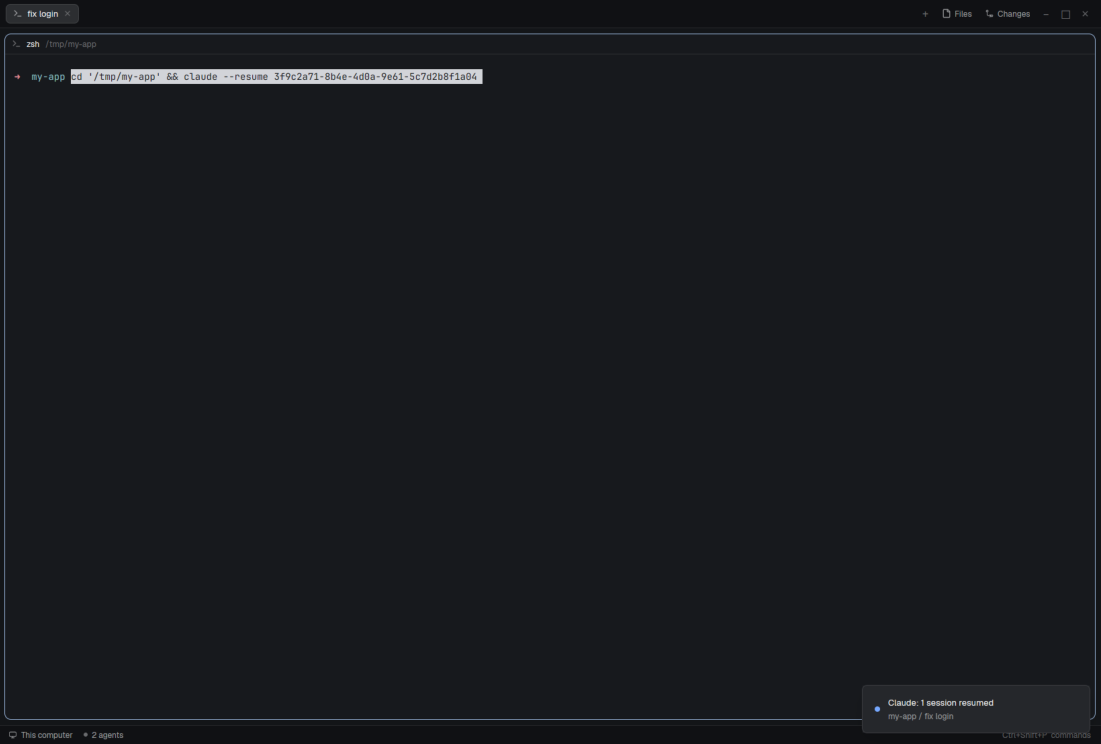





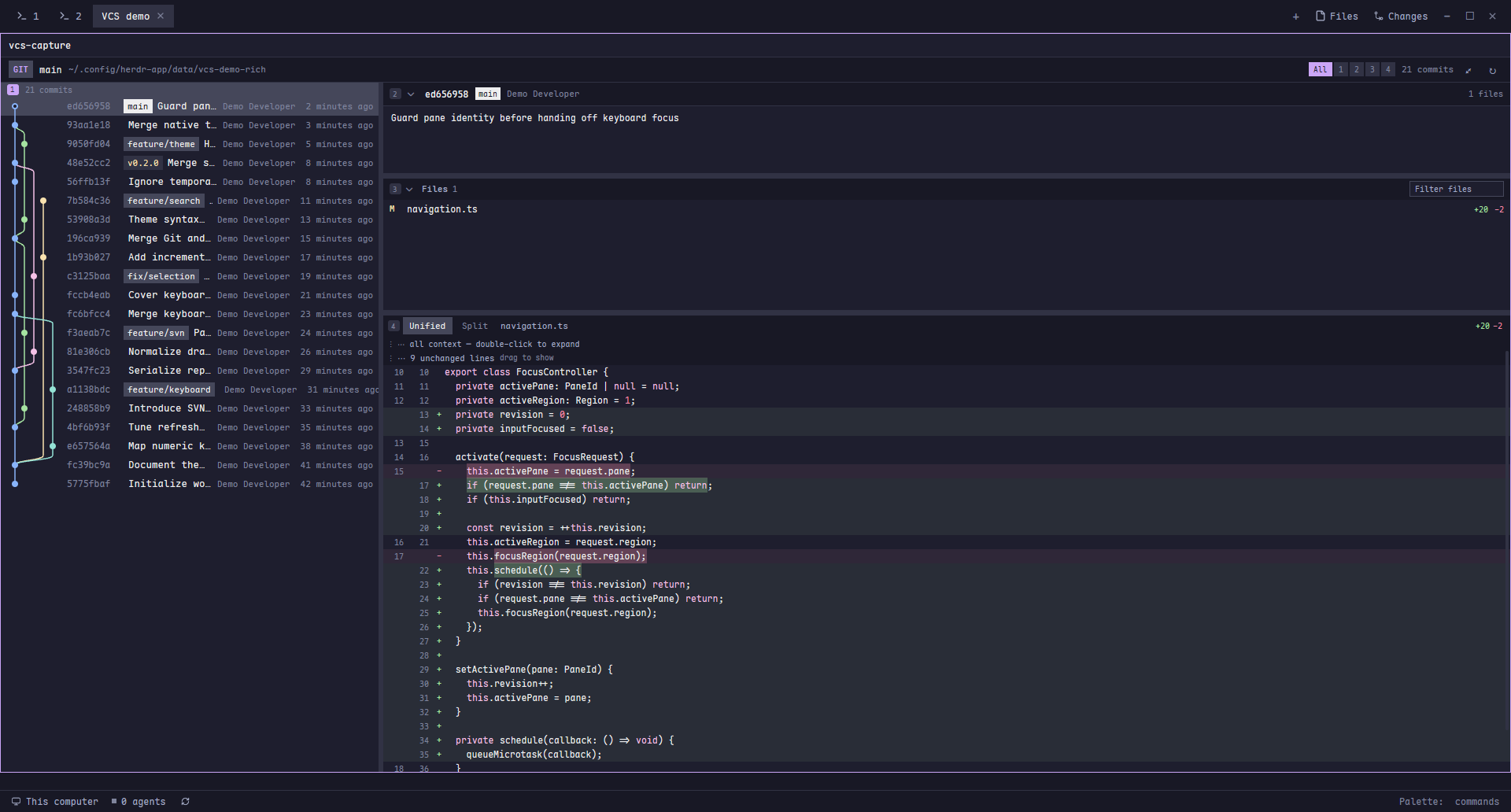
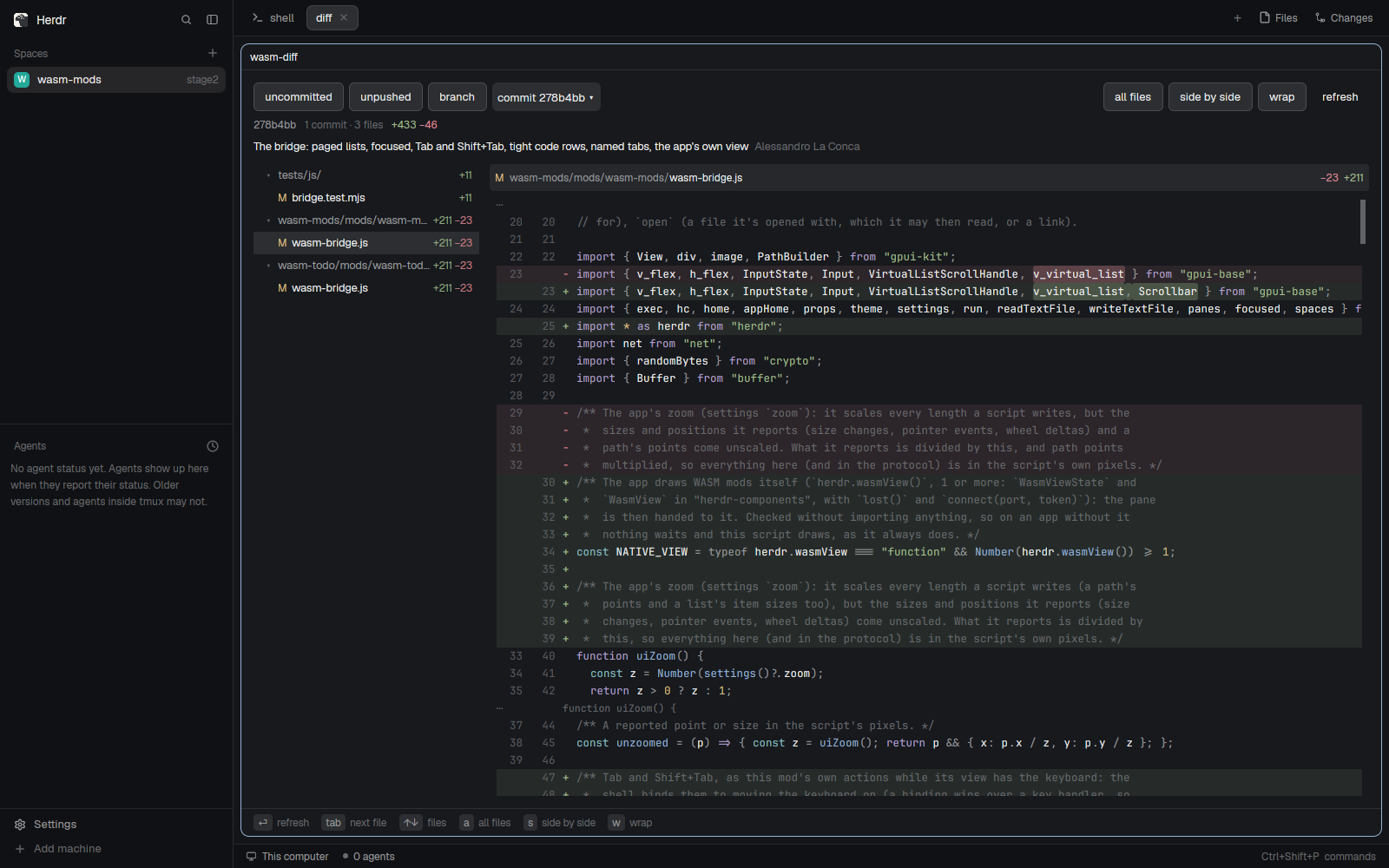
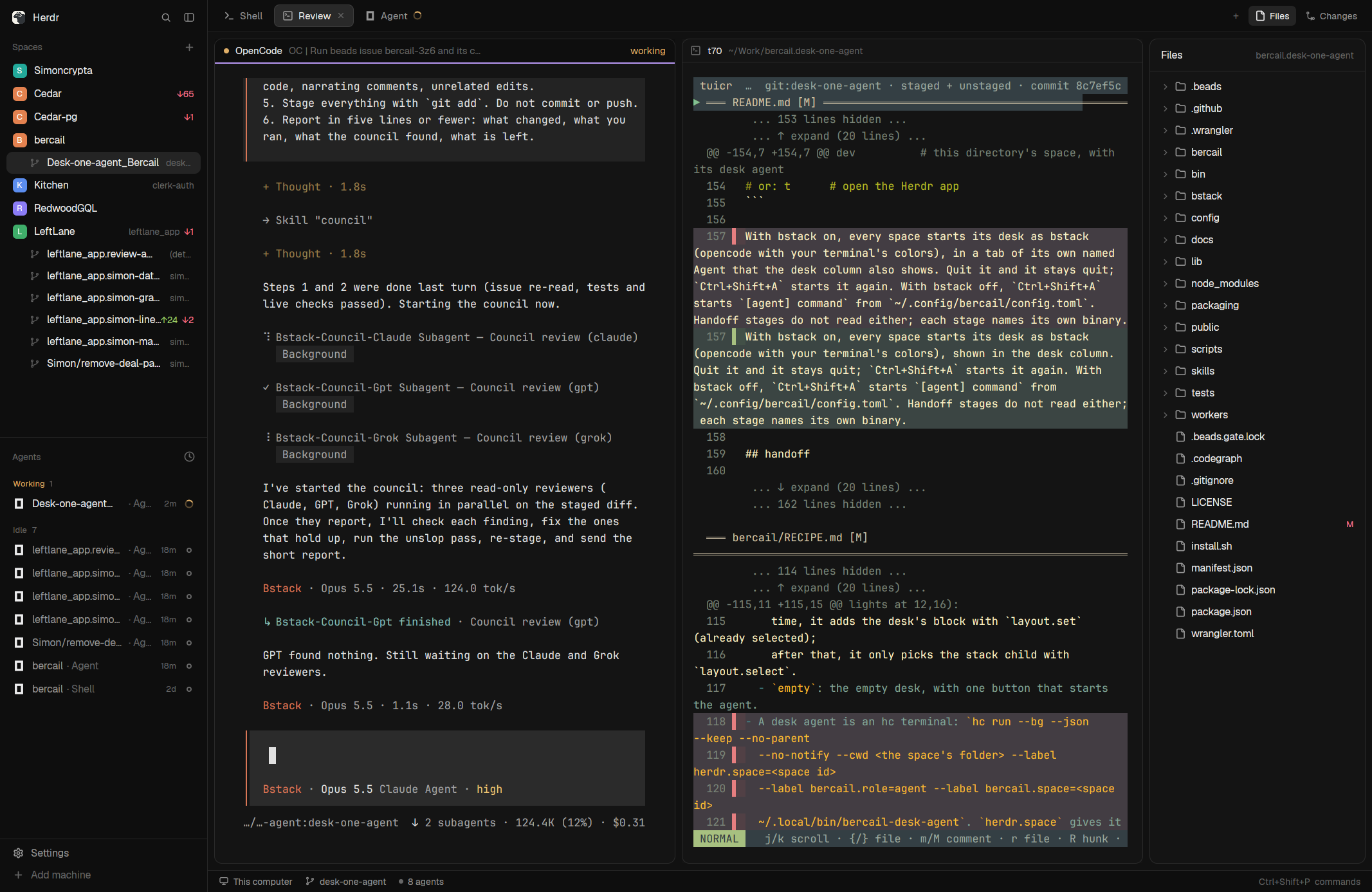
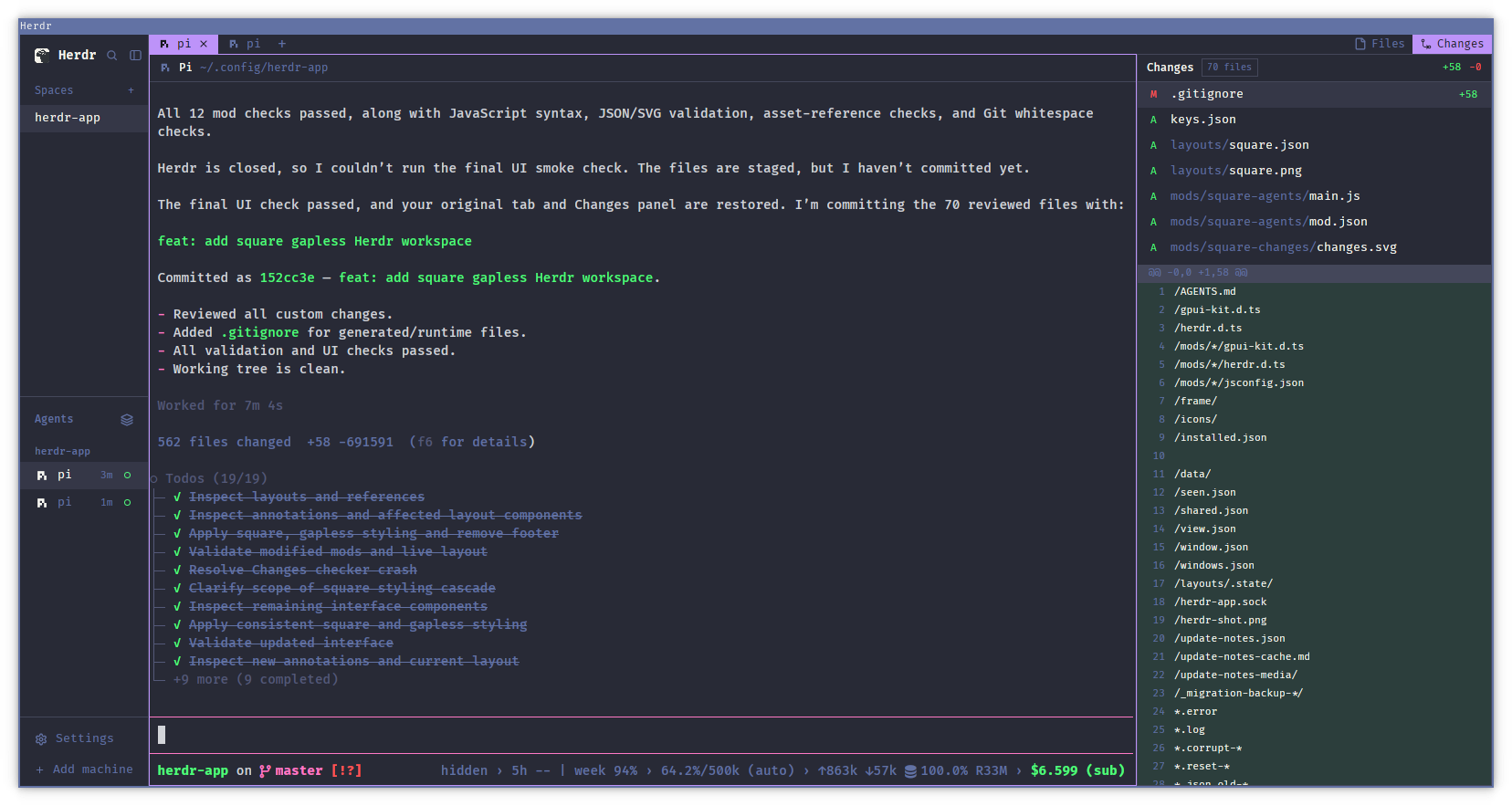
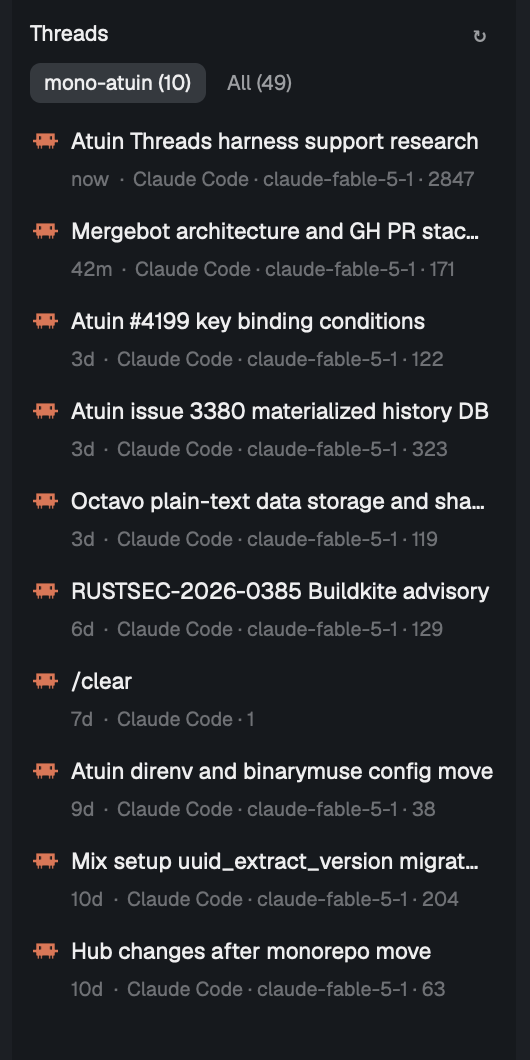
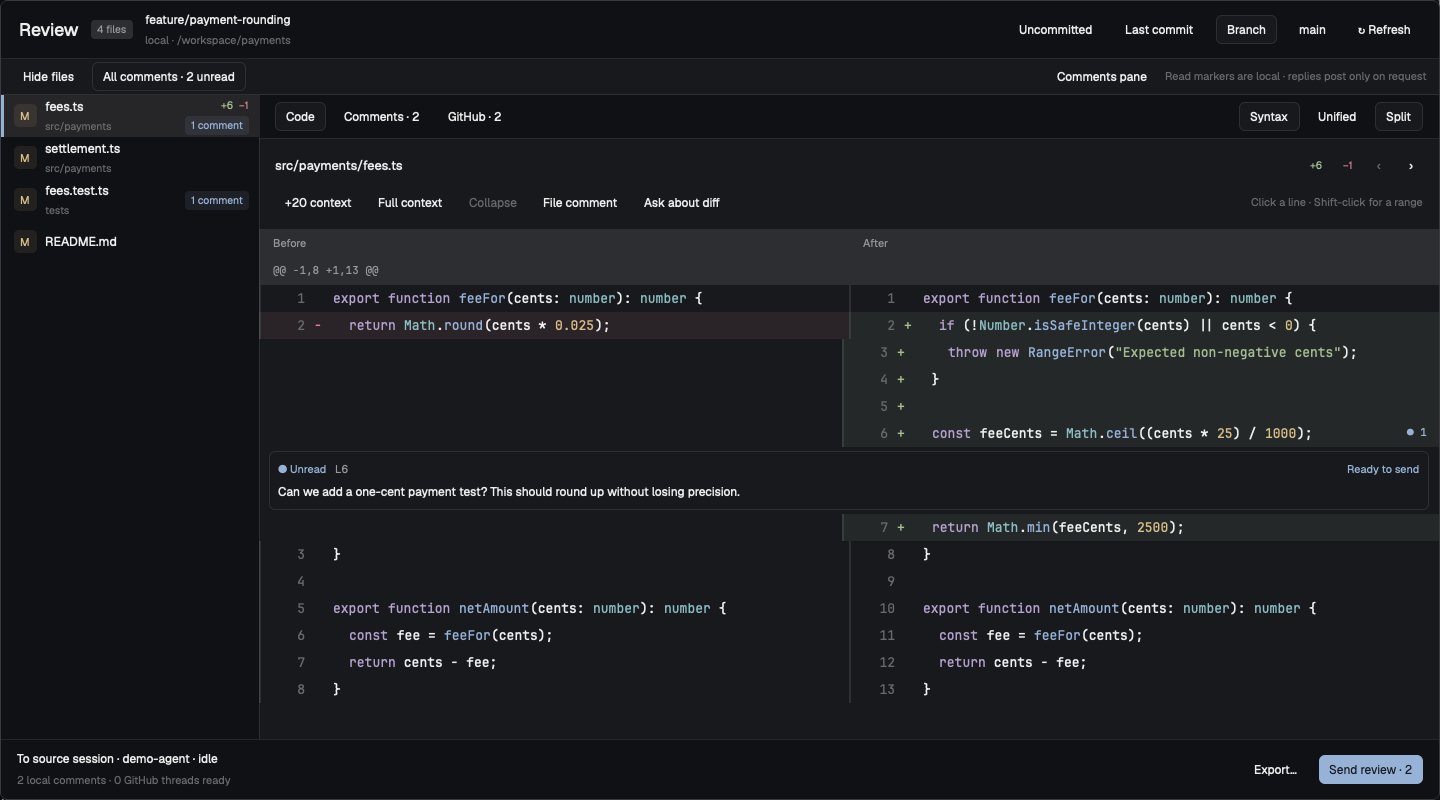
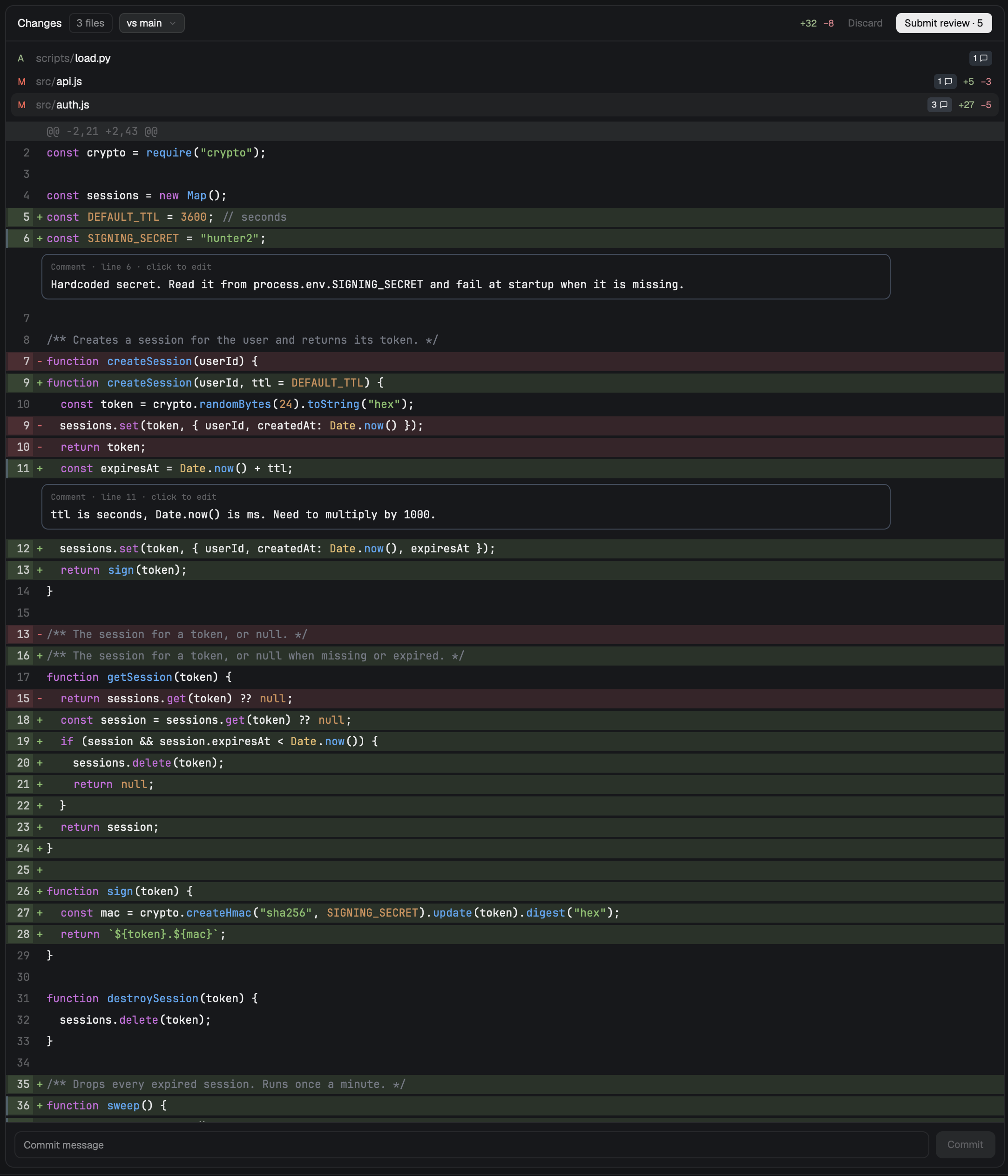
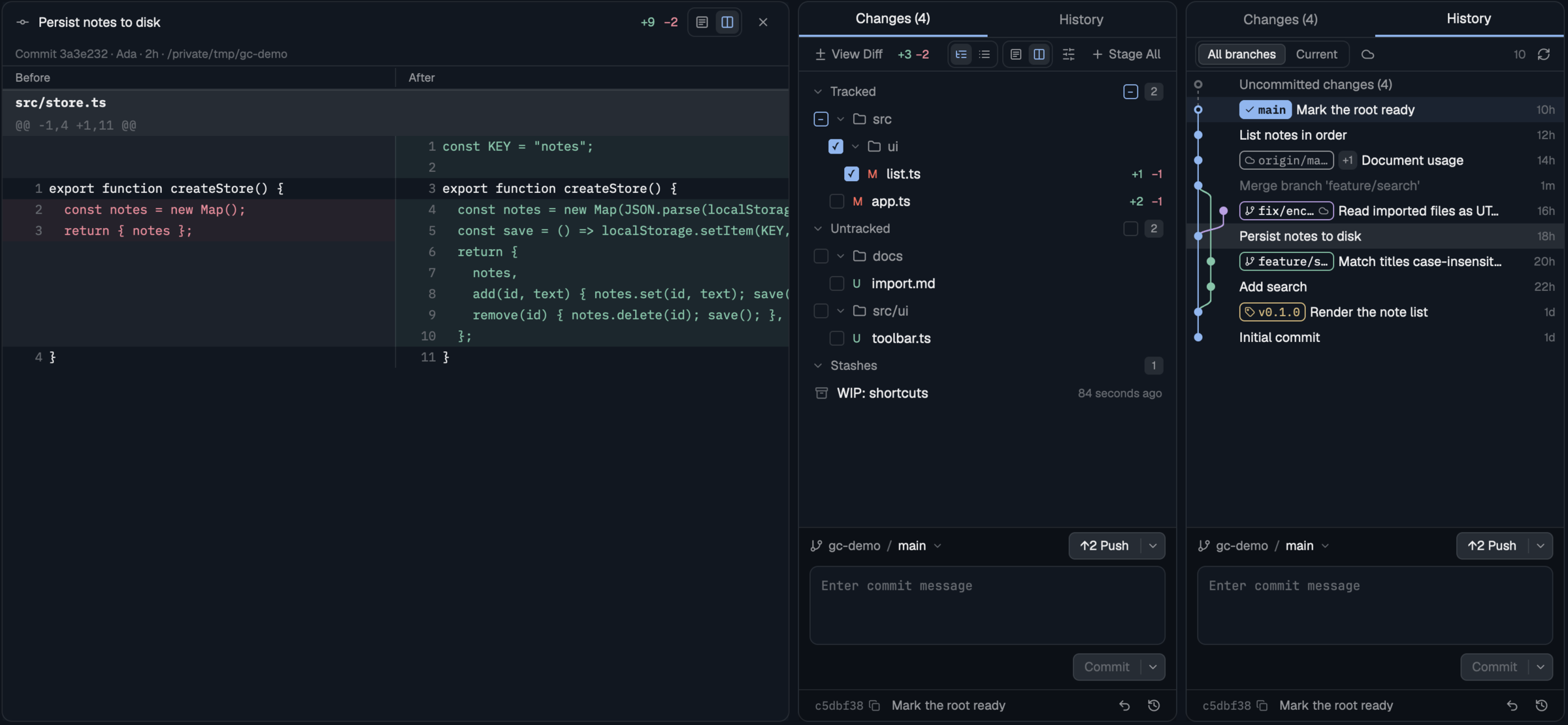
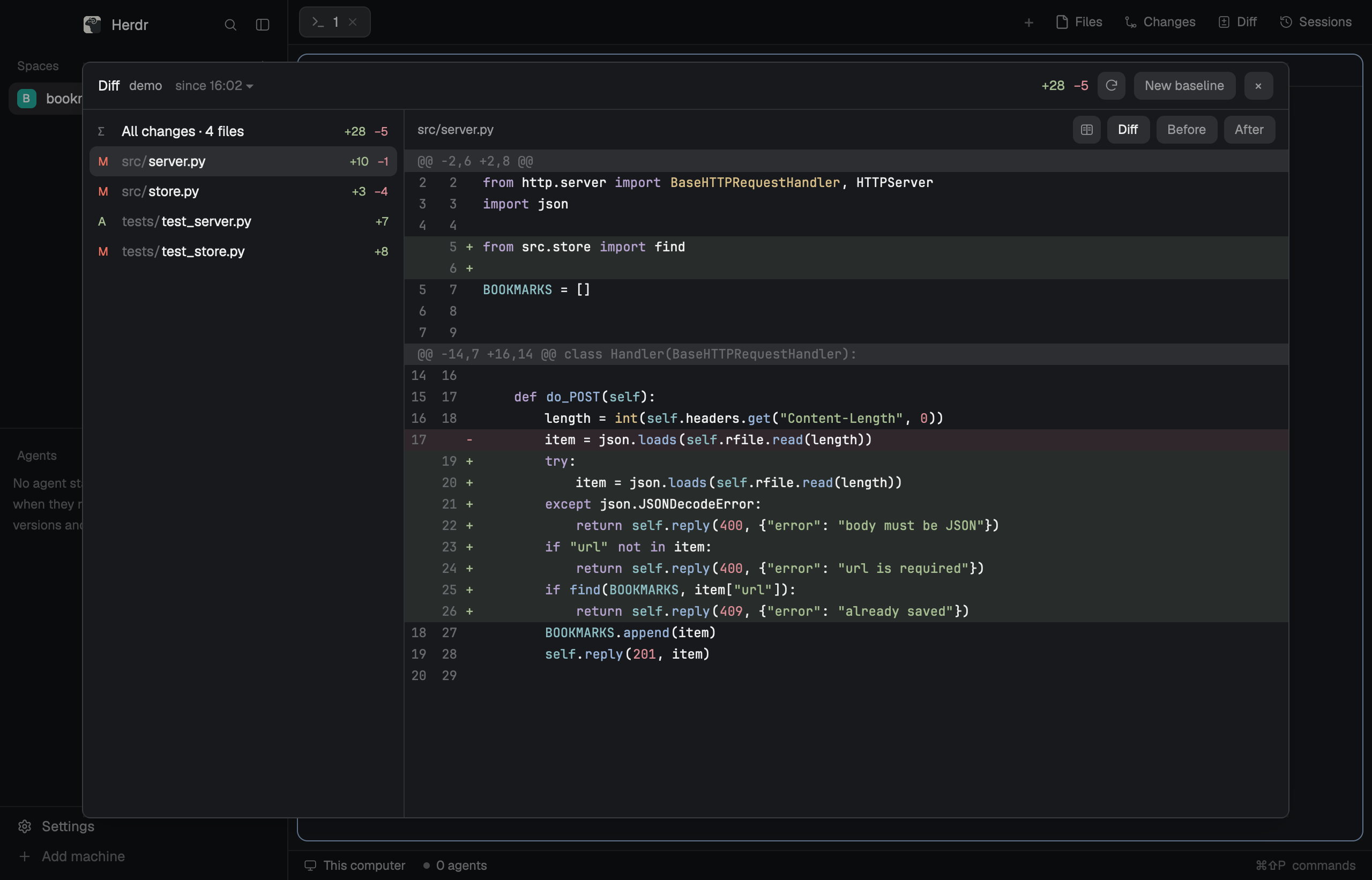
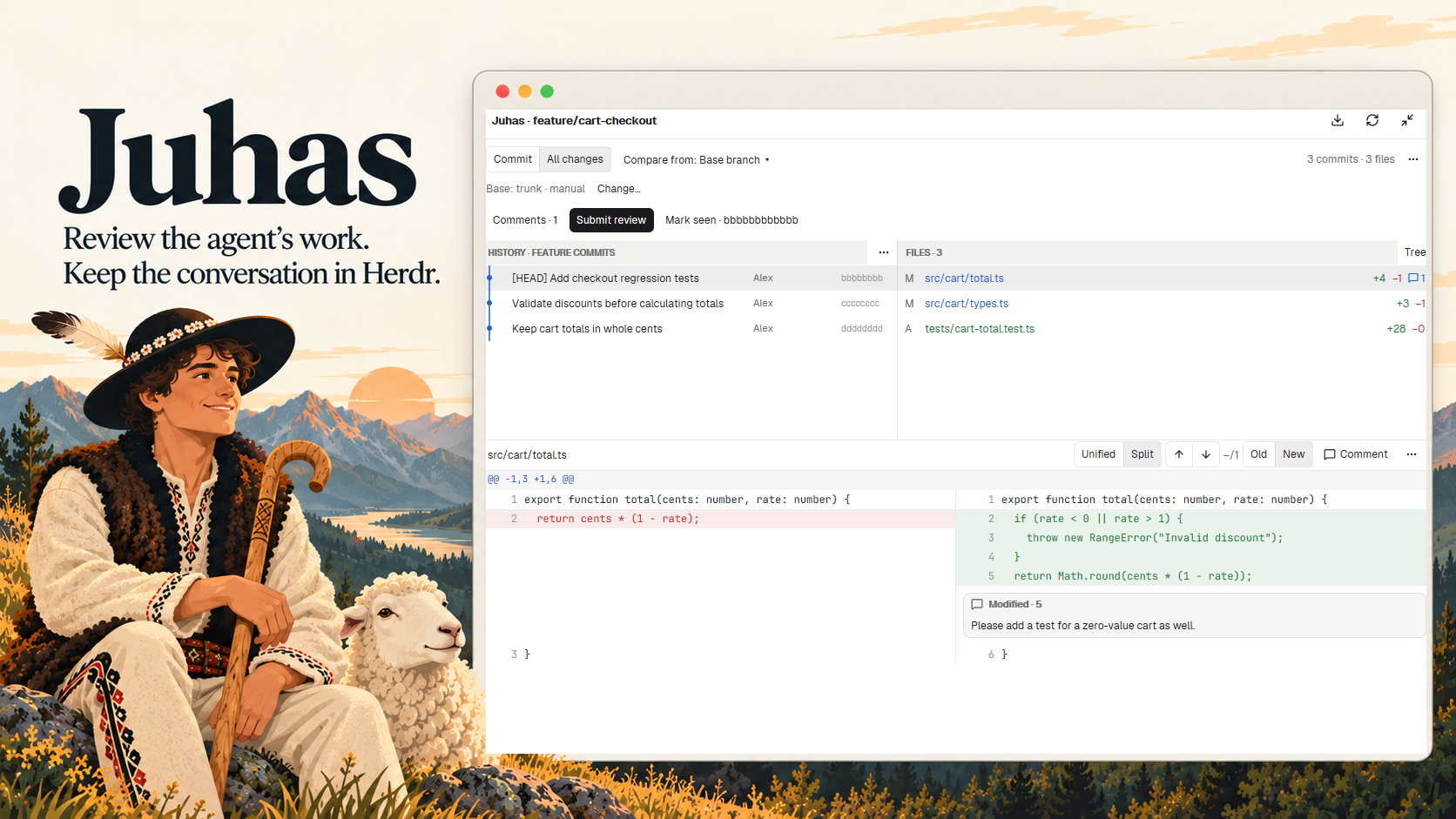
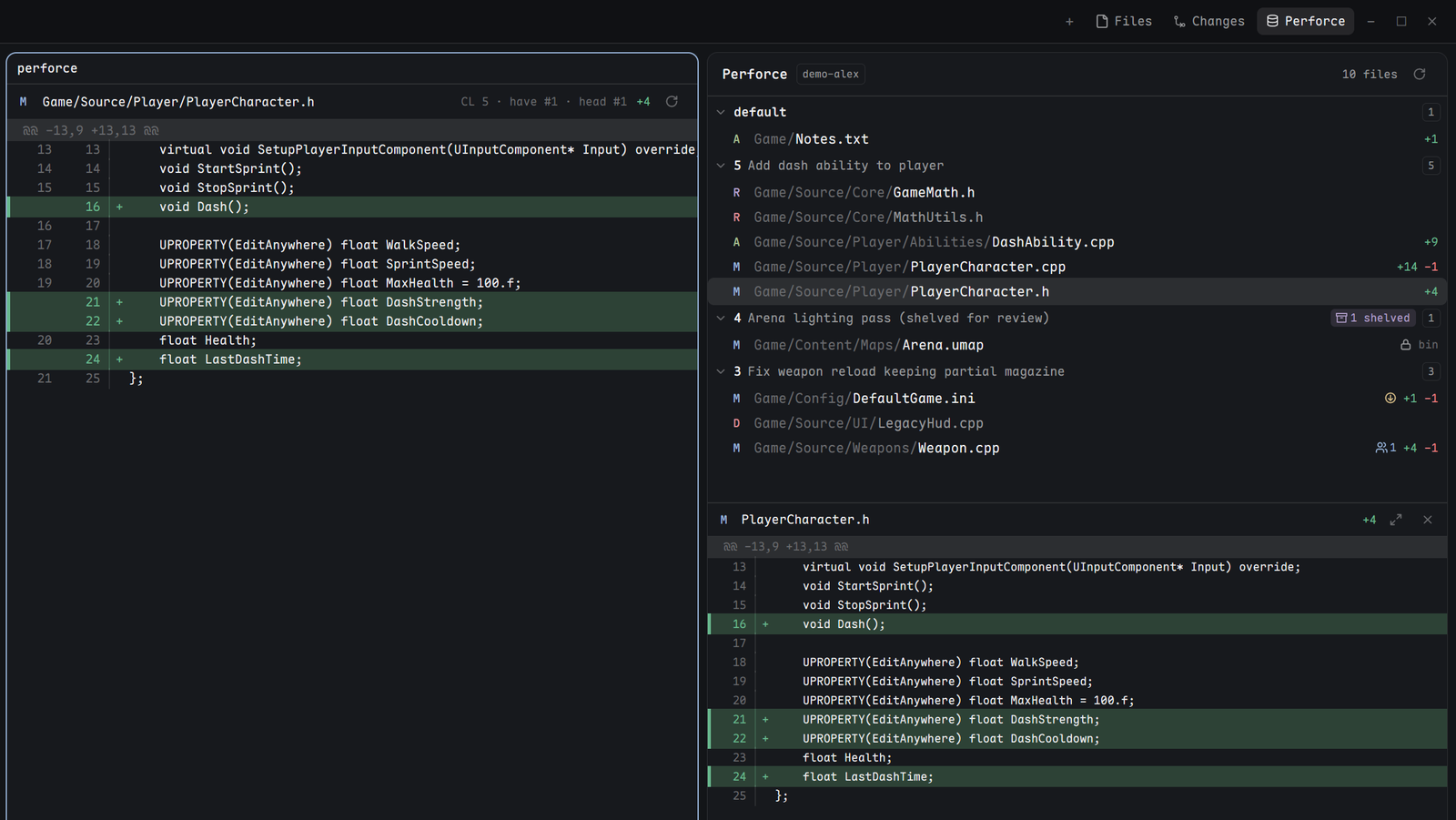
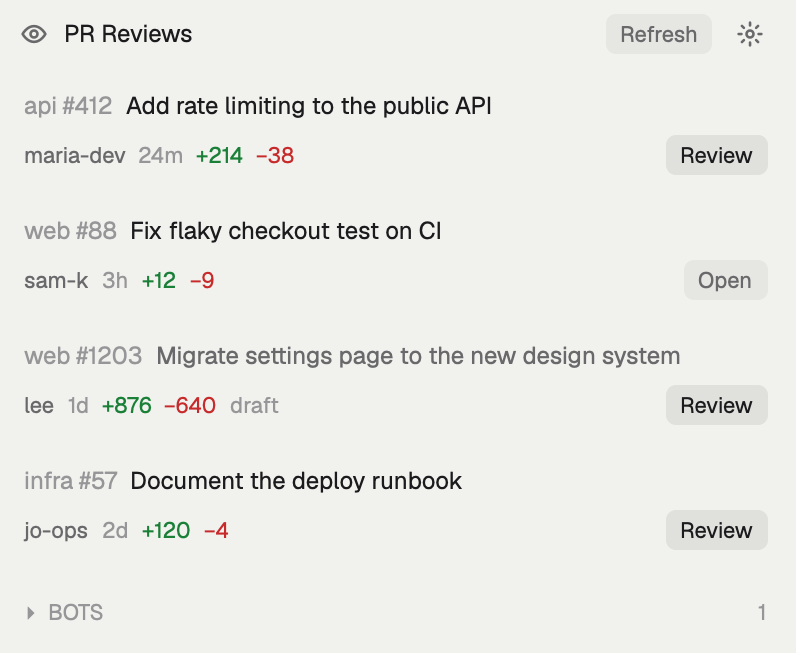
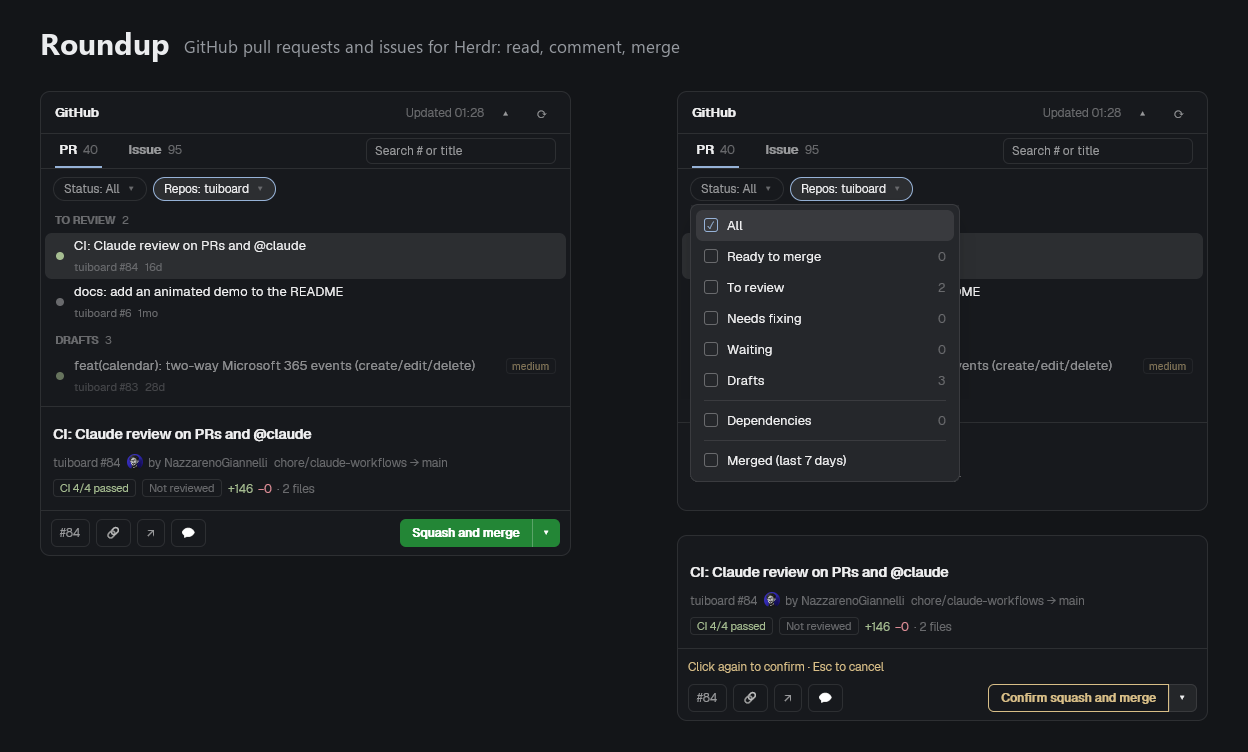
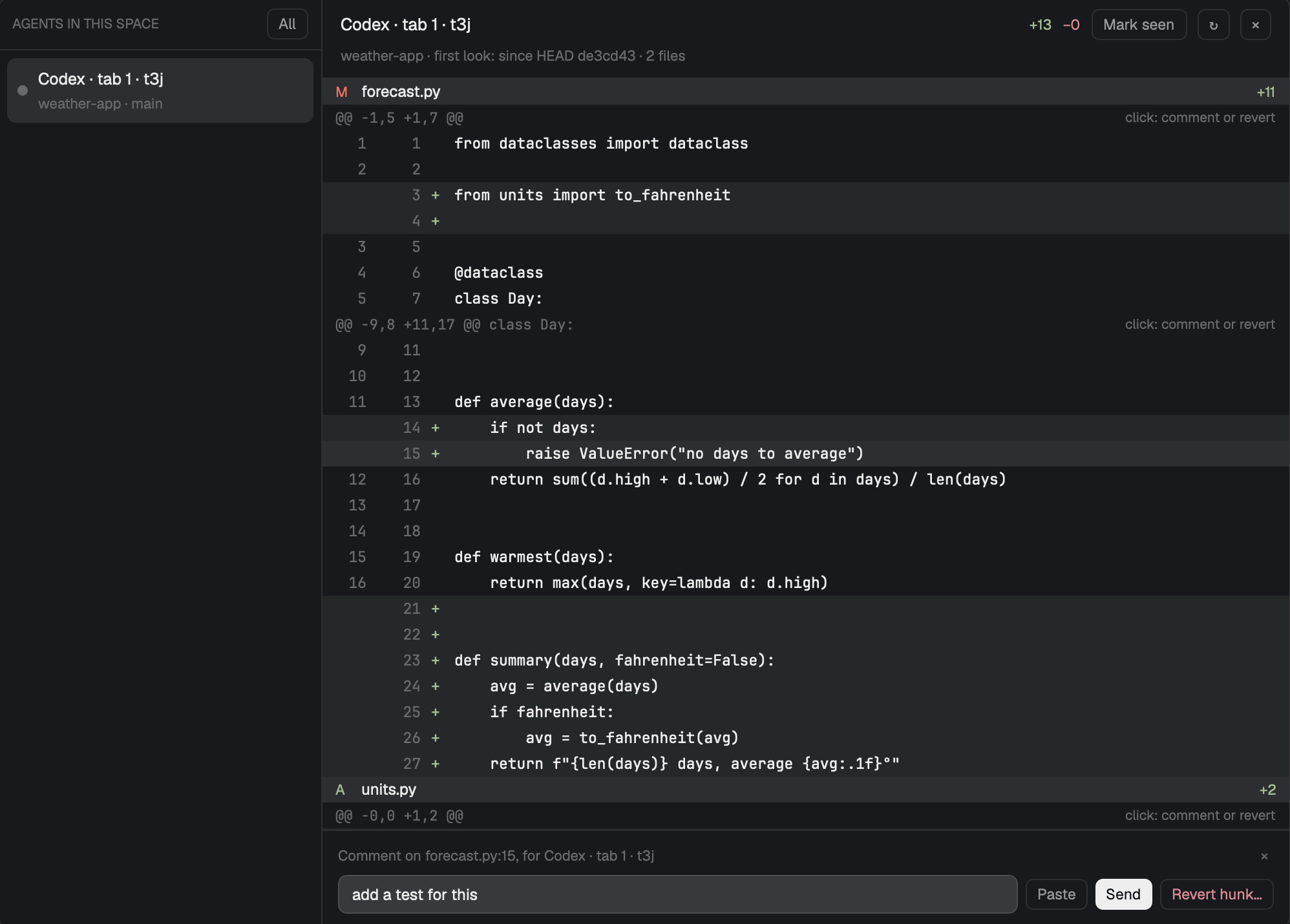
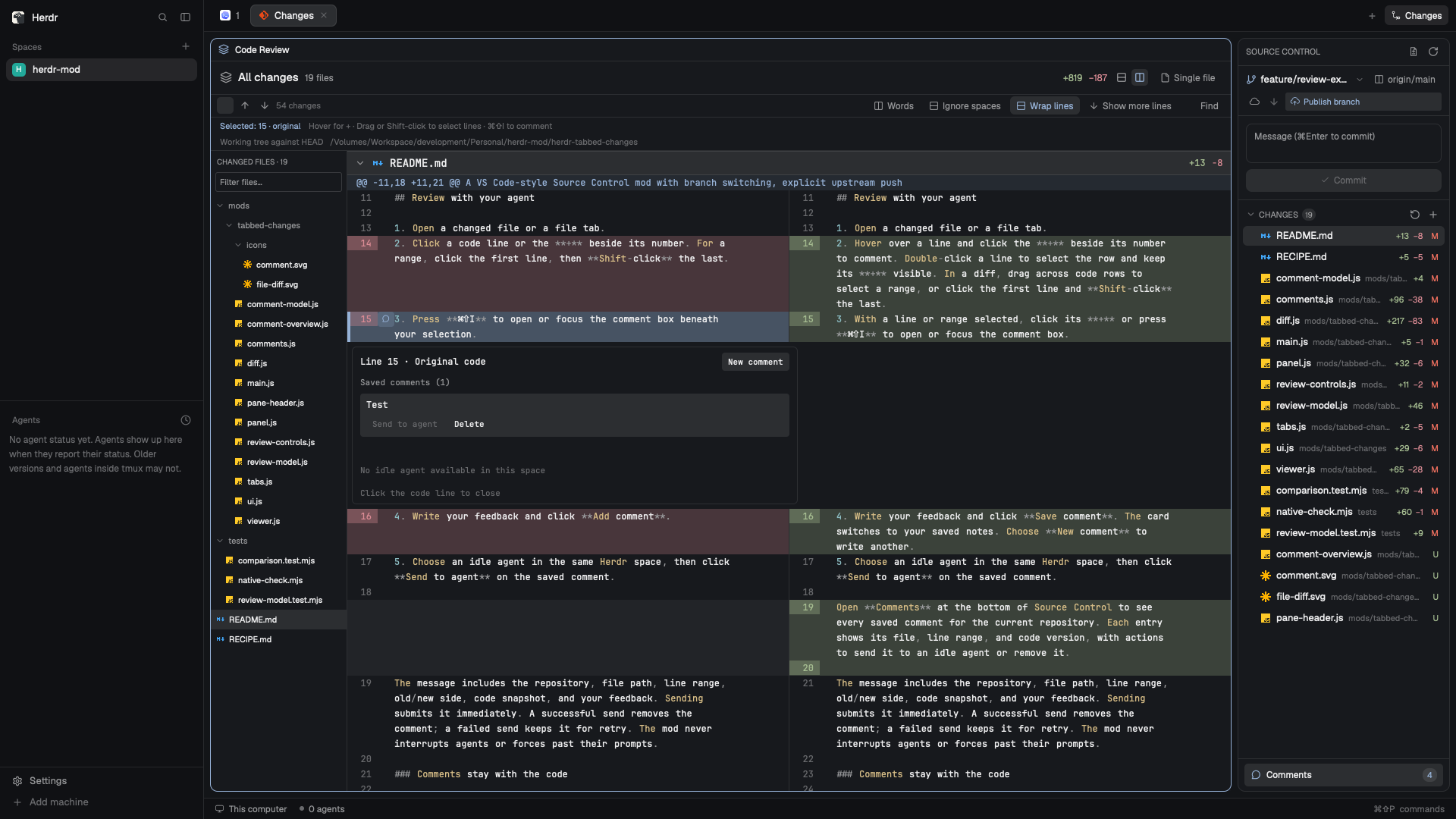
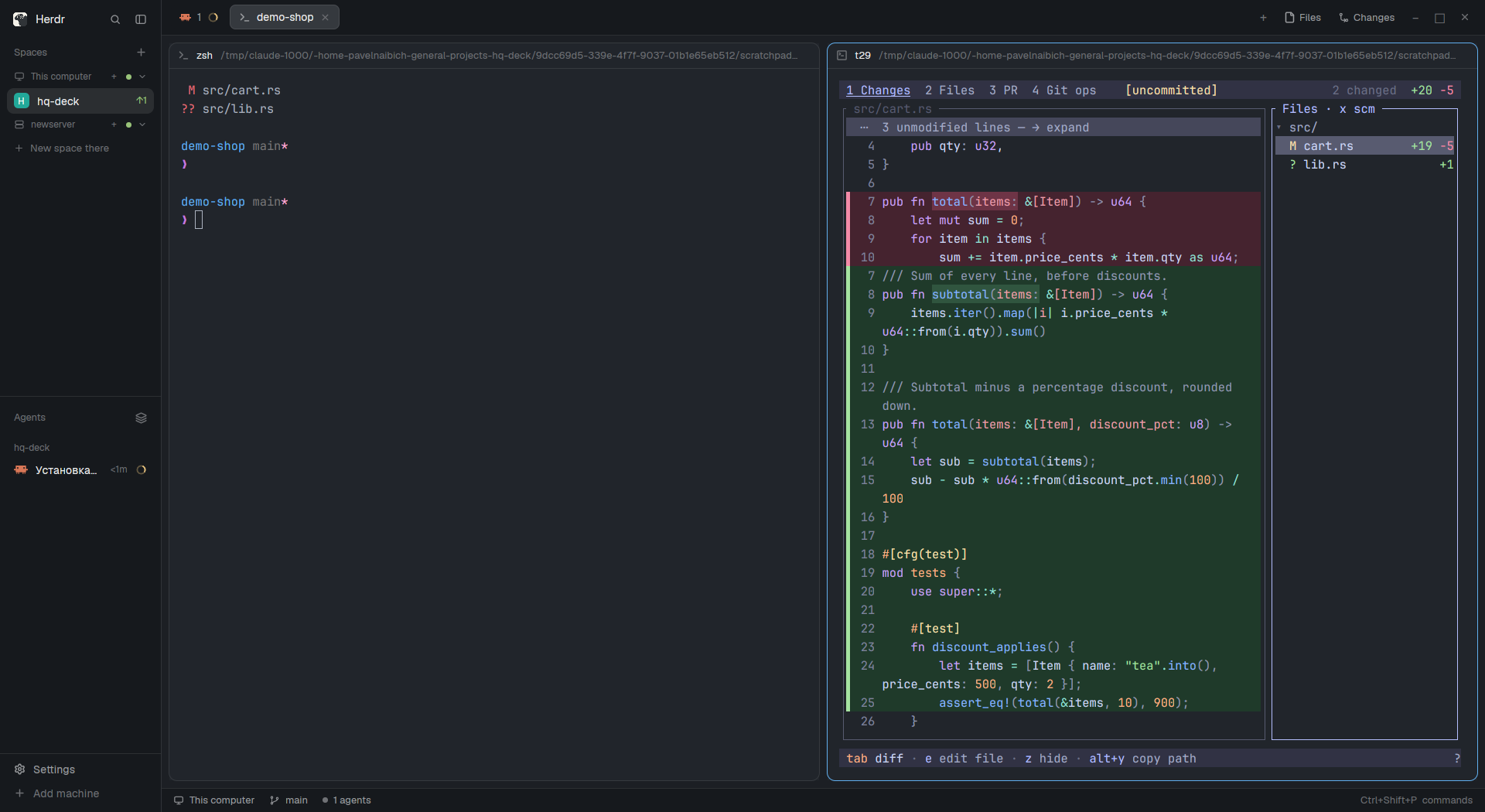
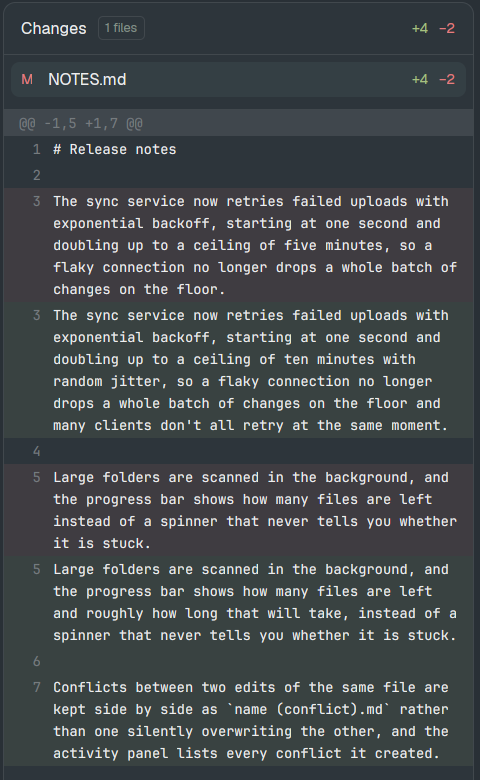
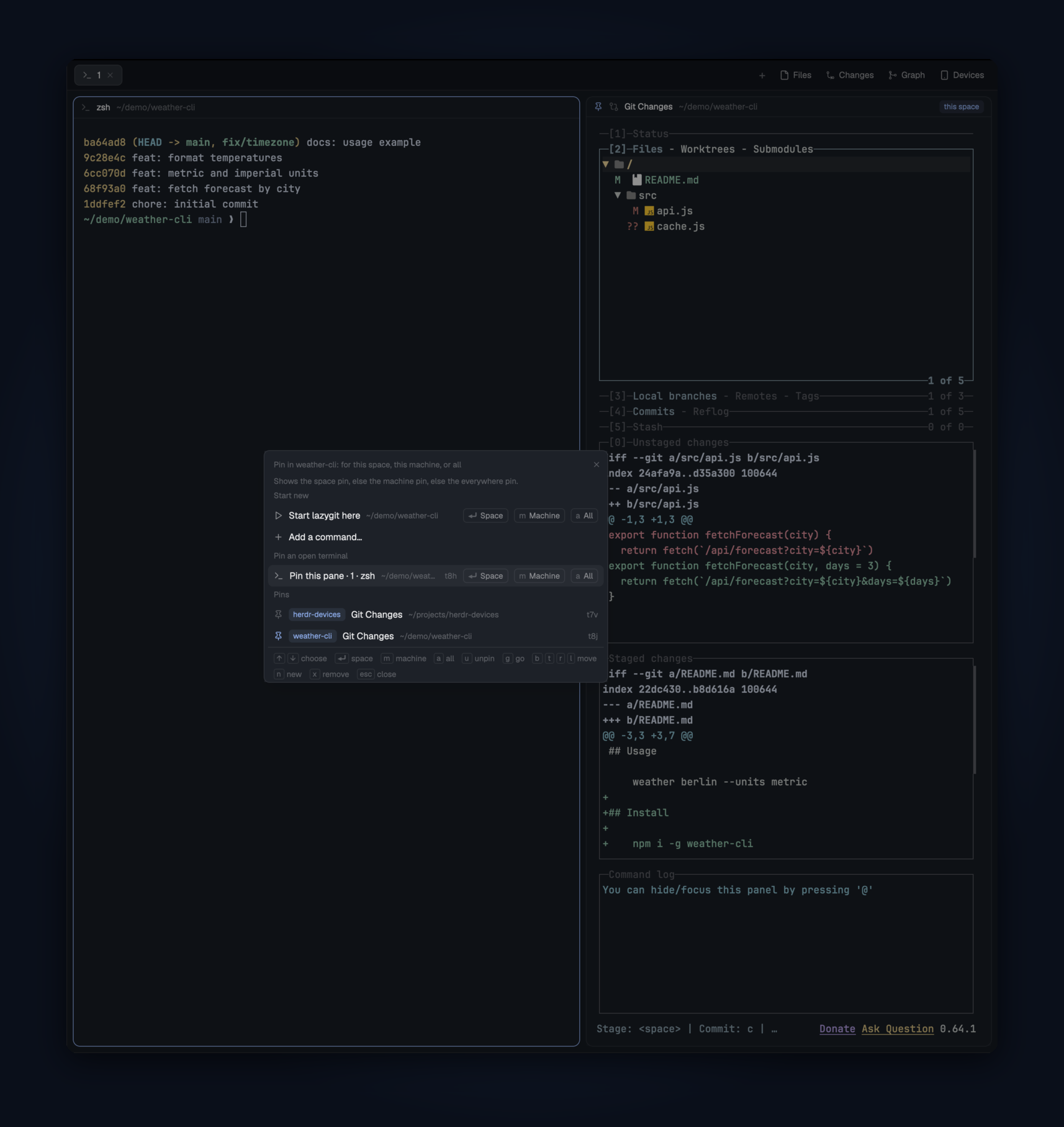
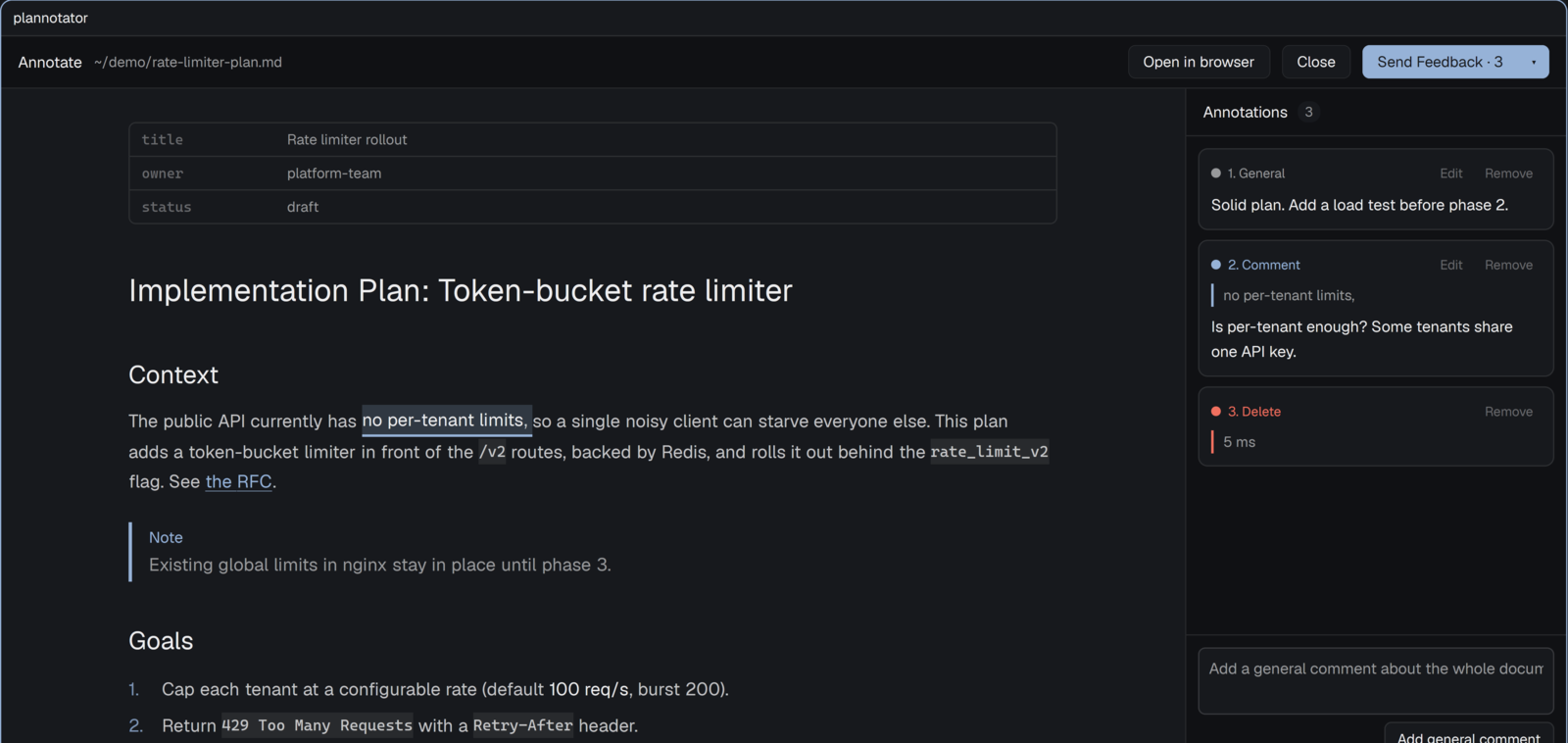
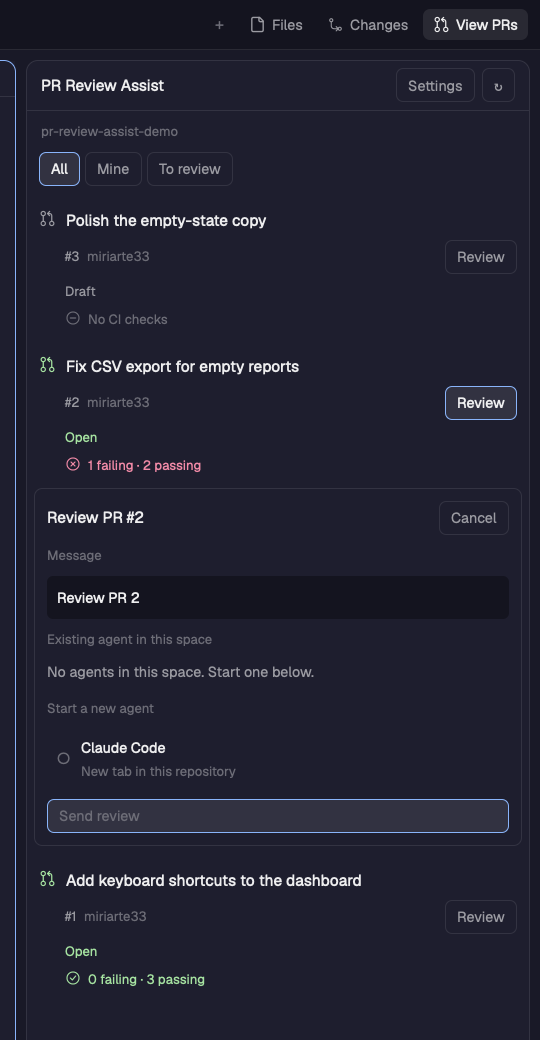
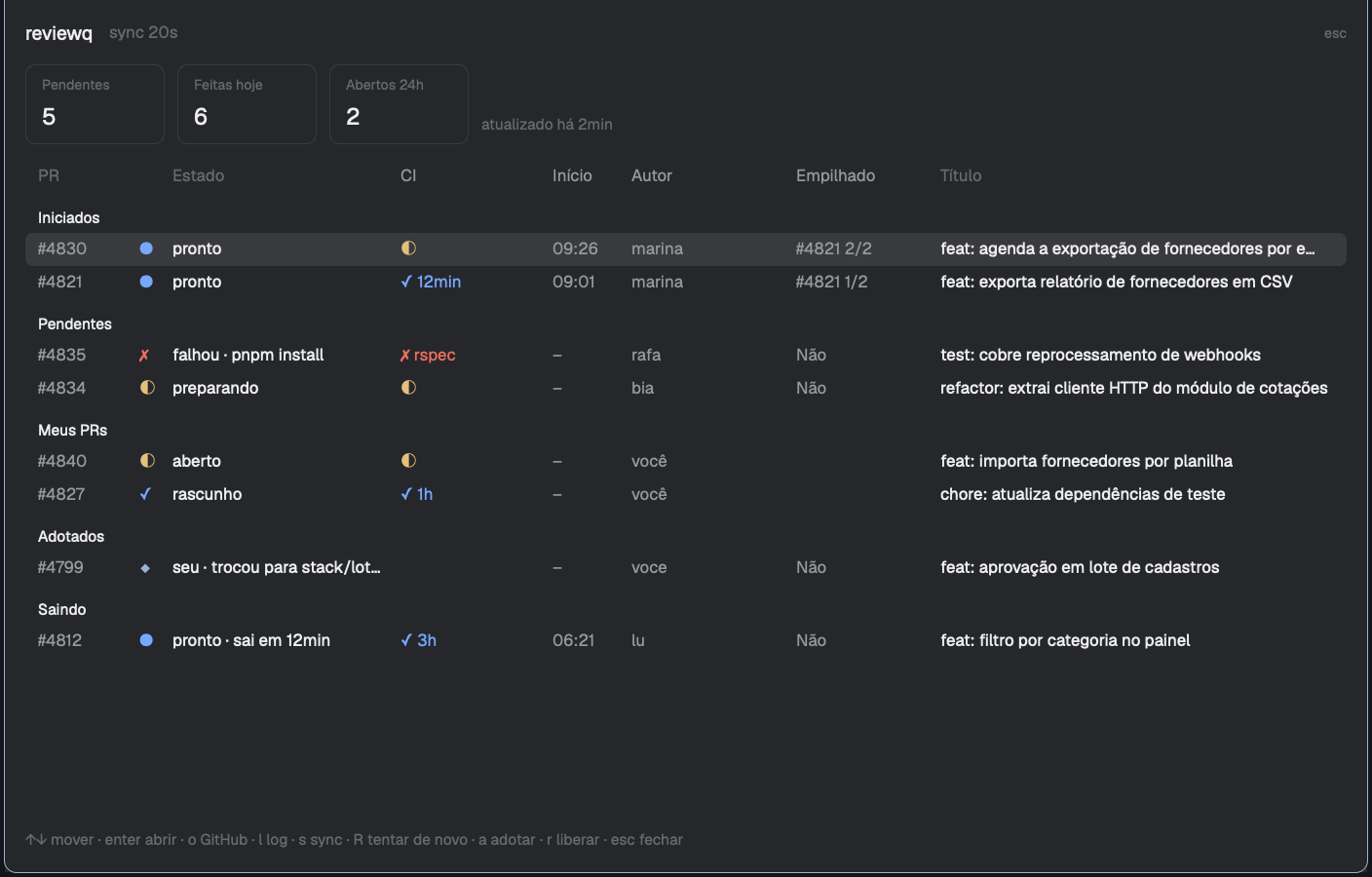
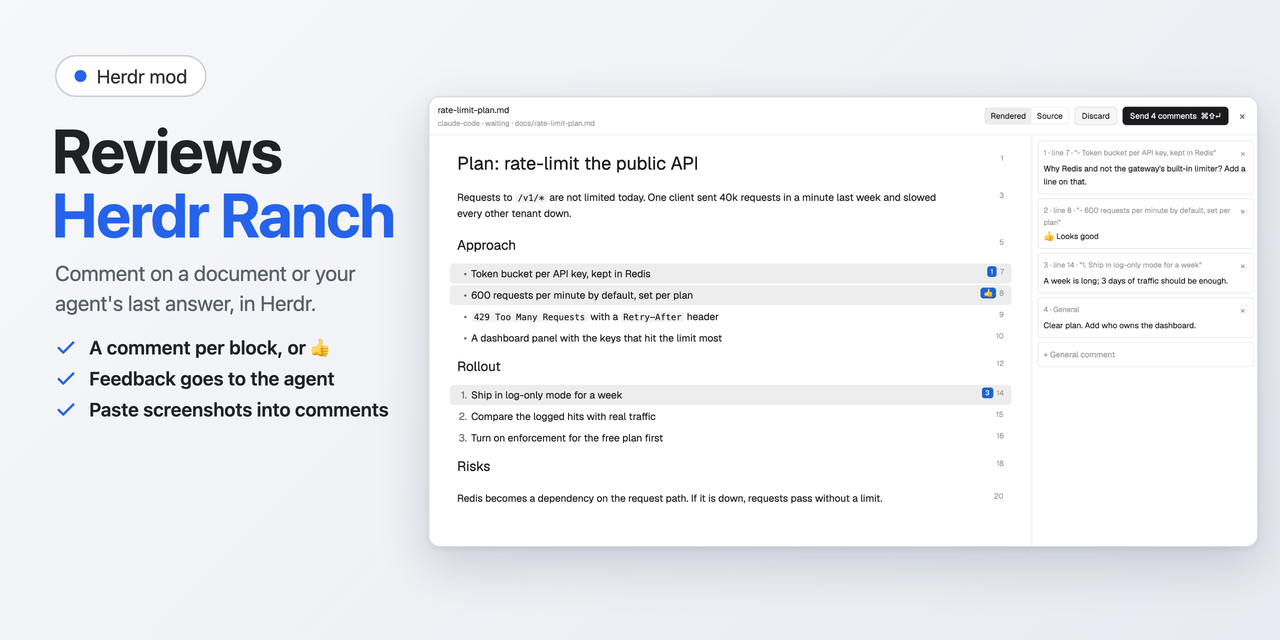
A panel that reviews committed work like a pull request: a whole branch, or commits picked from it, with a Viewed tick per file and comment threads on lines. The person's comments go to a coding agent as one message; agents answer, resolve and open threads with a small command, herdr-review, and the panel shows their comments within seconds.





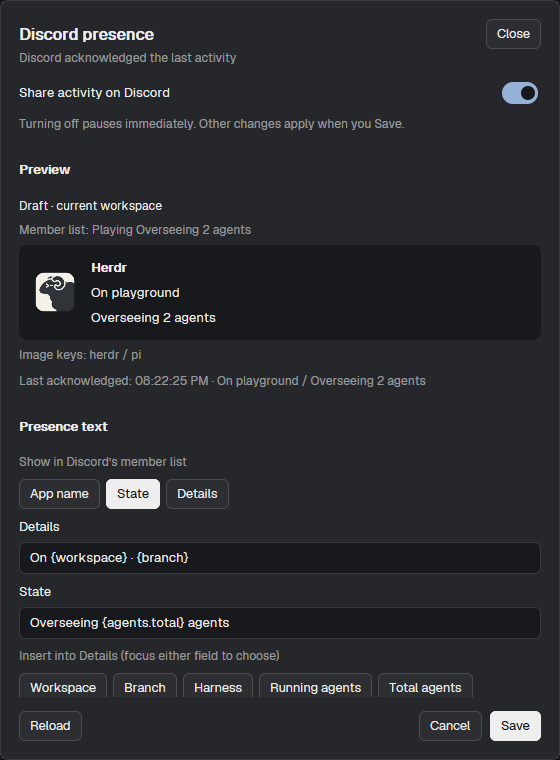

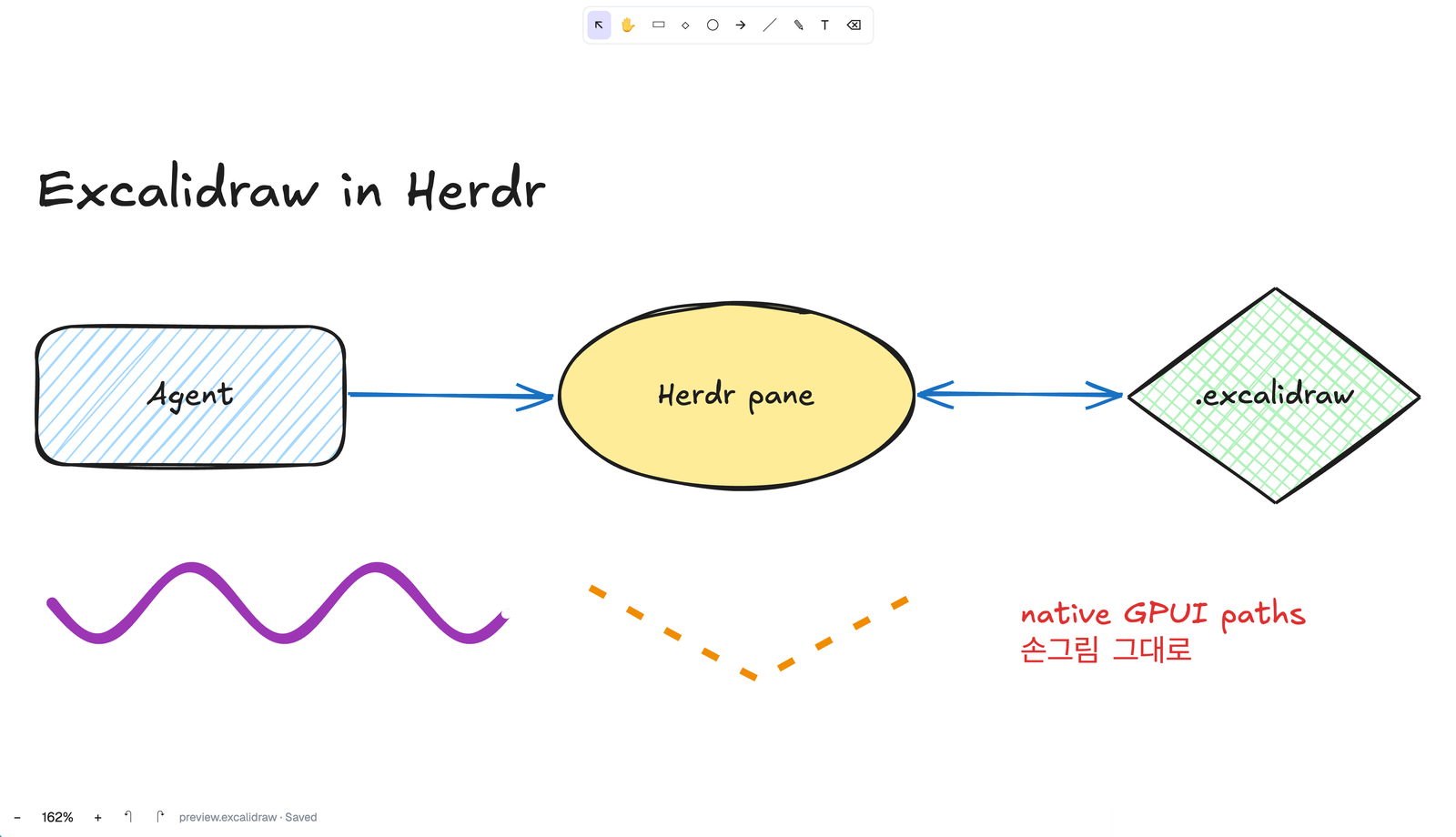

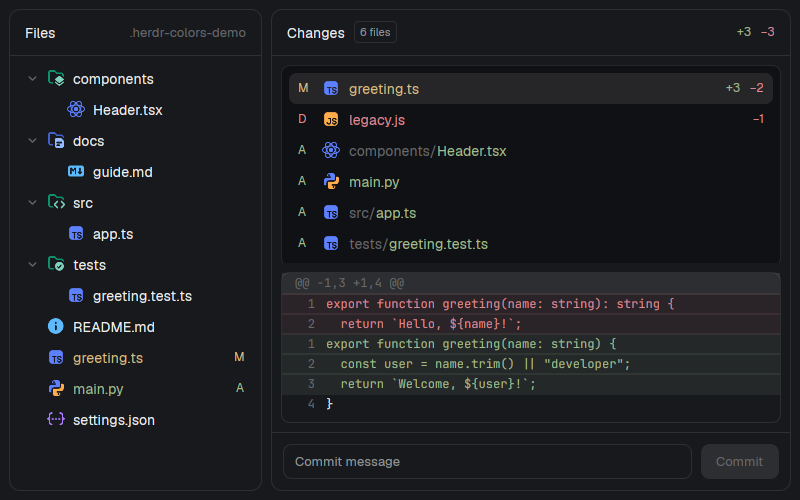
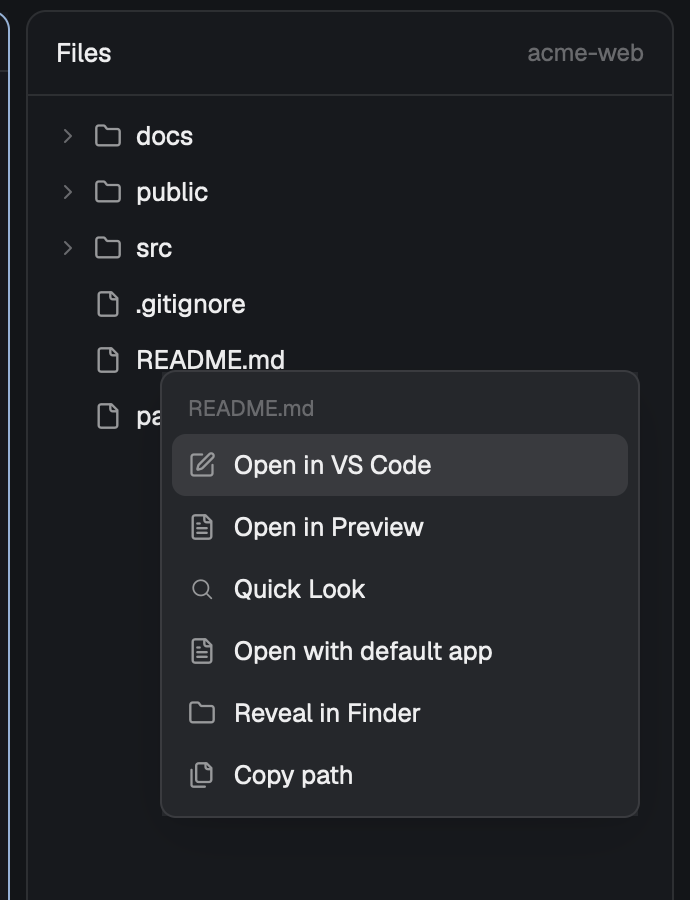

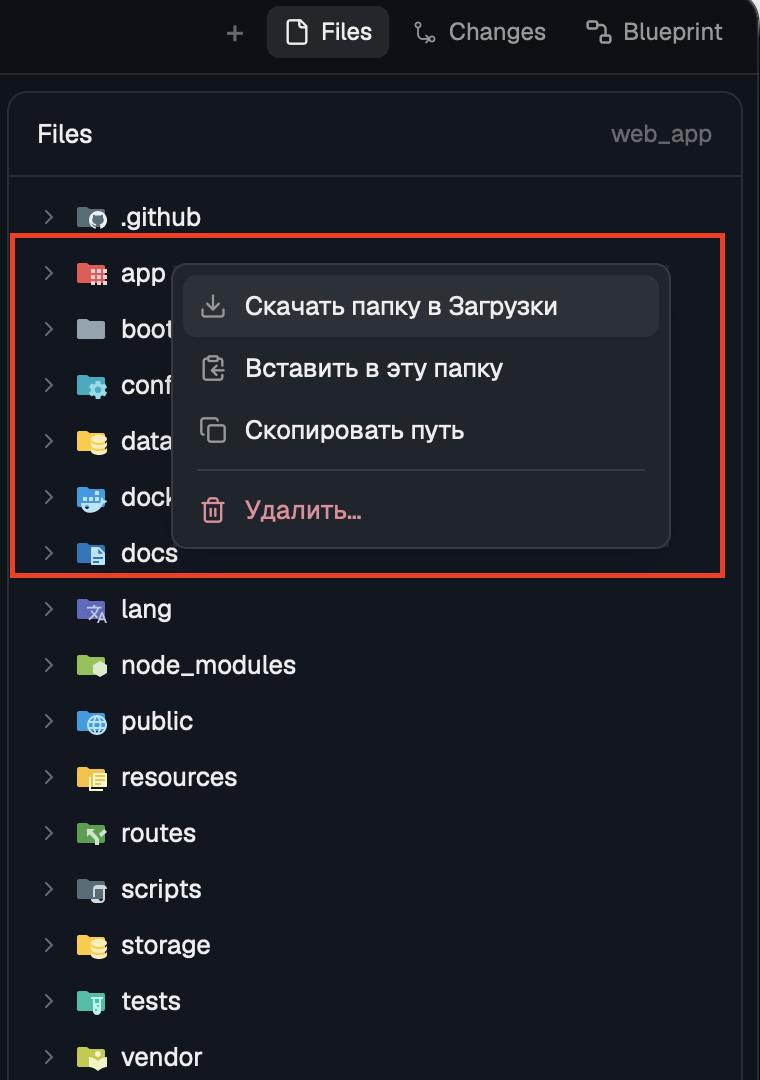

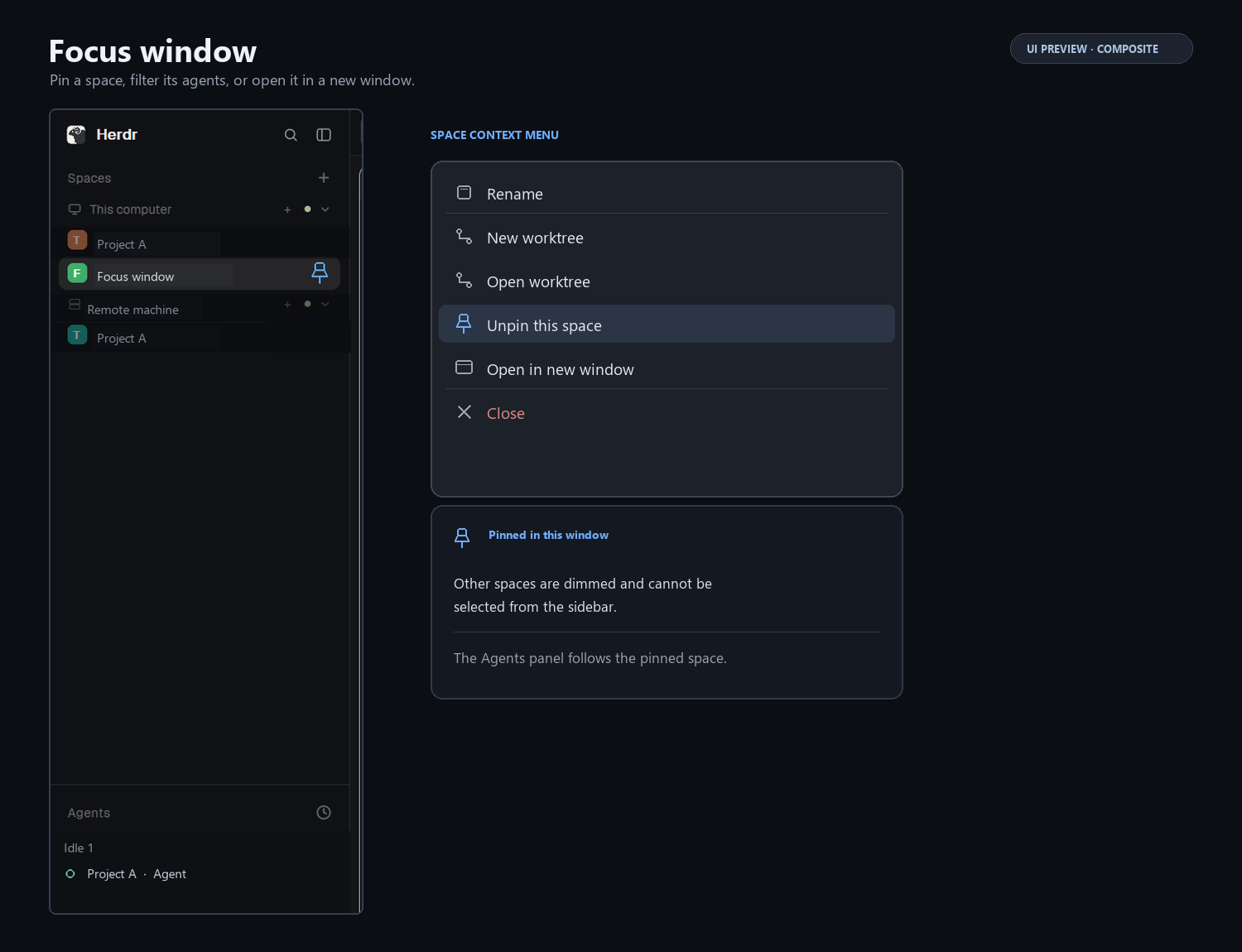



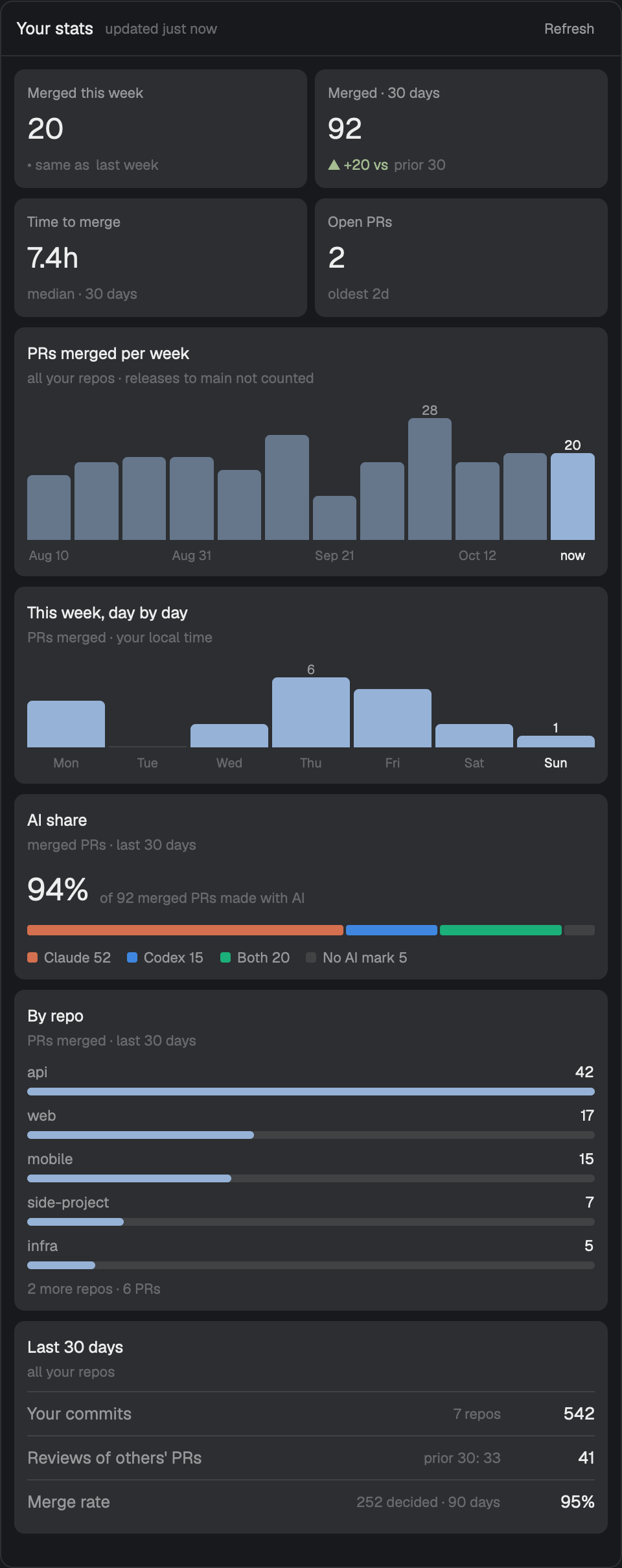
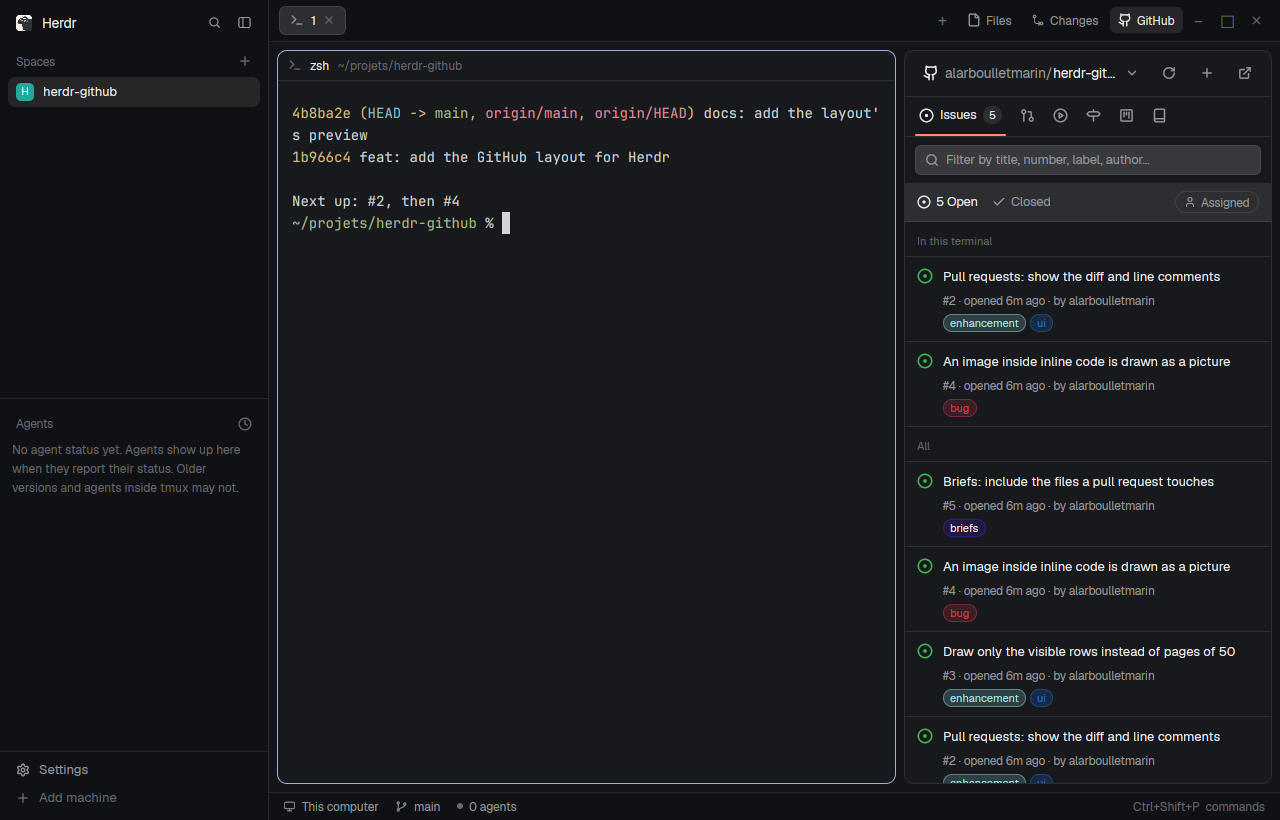
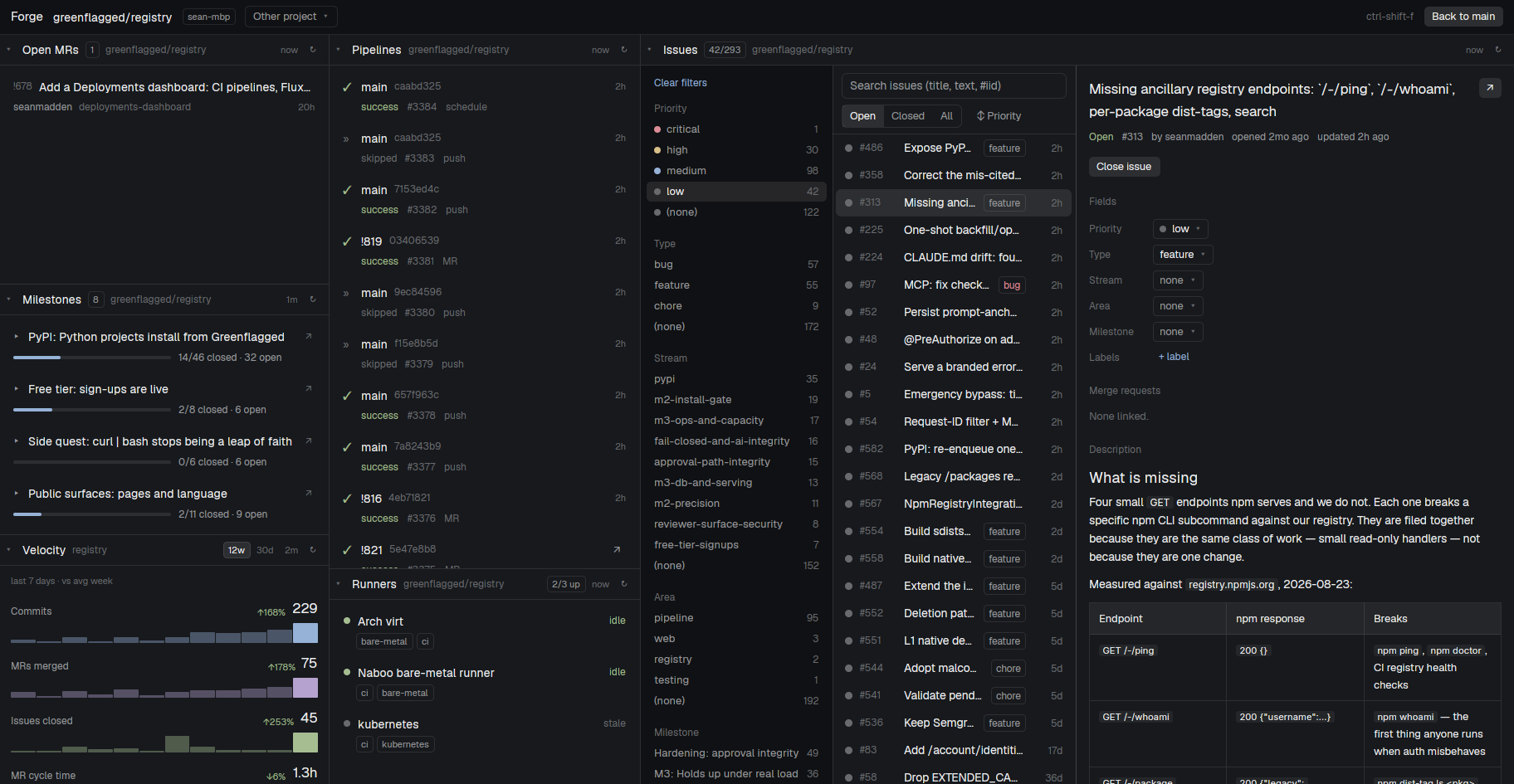
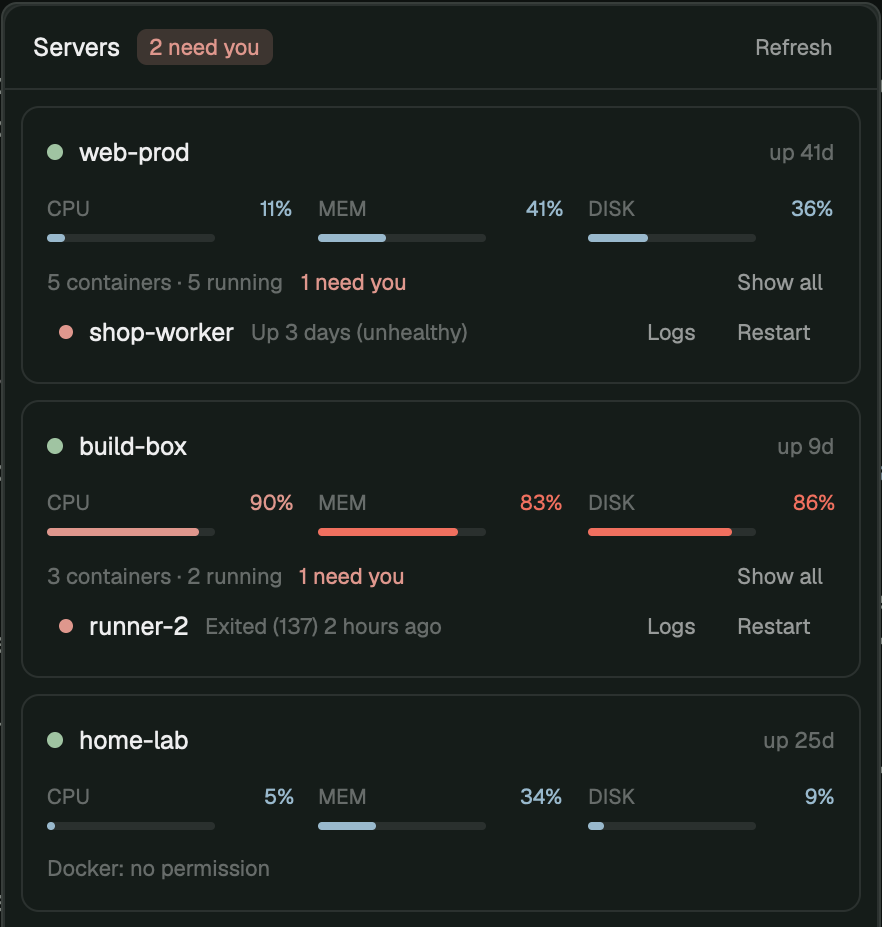
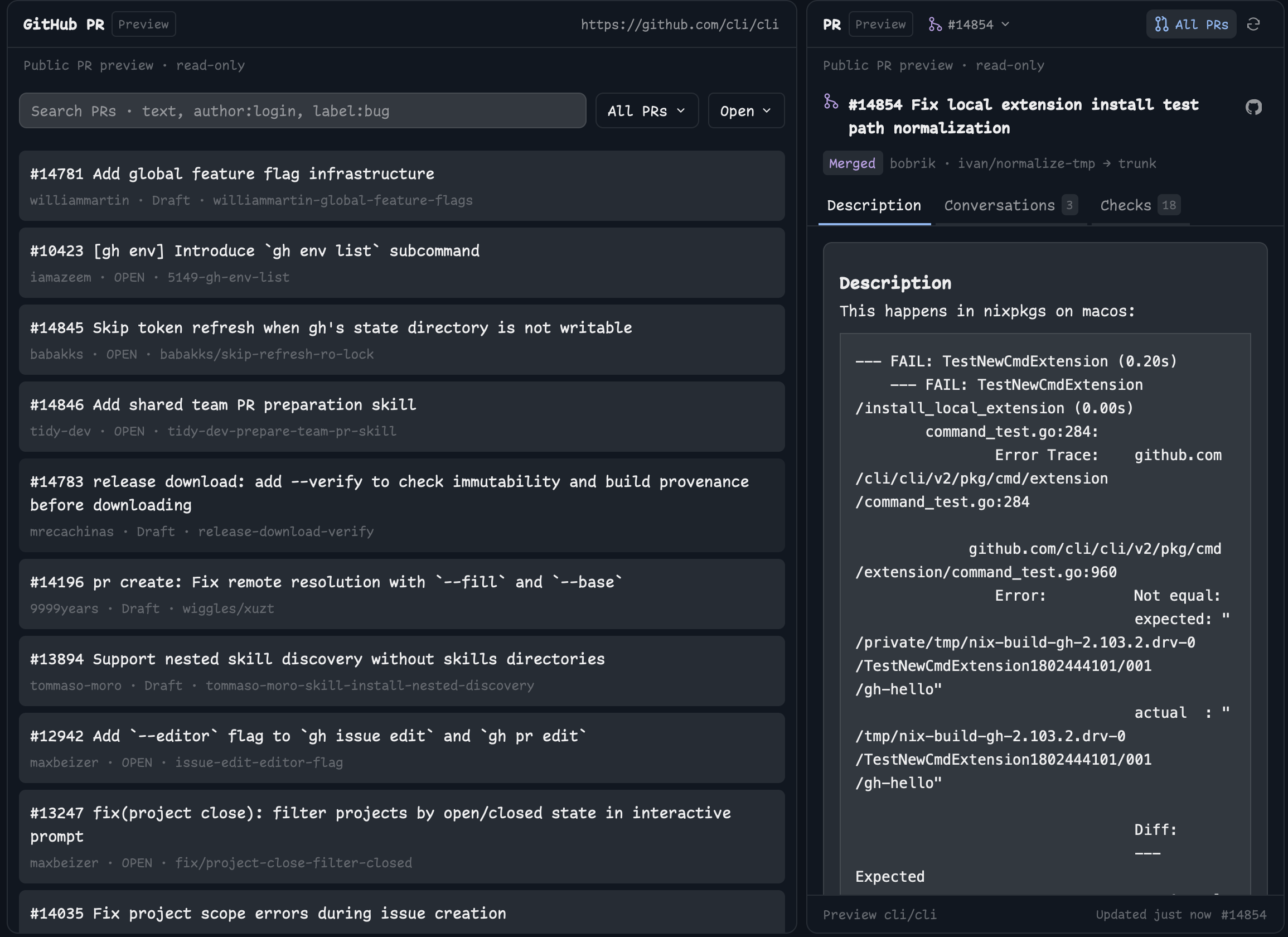
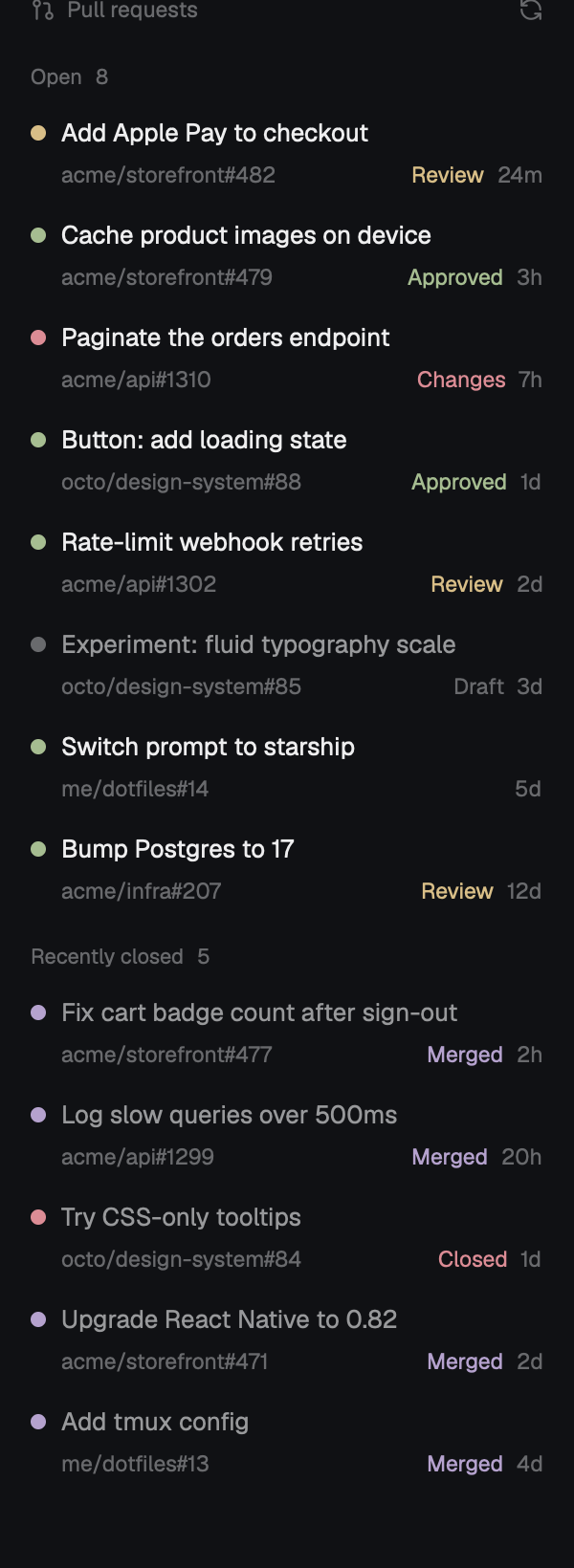
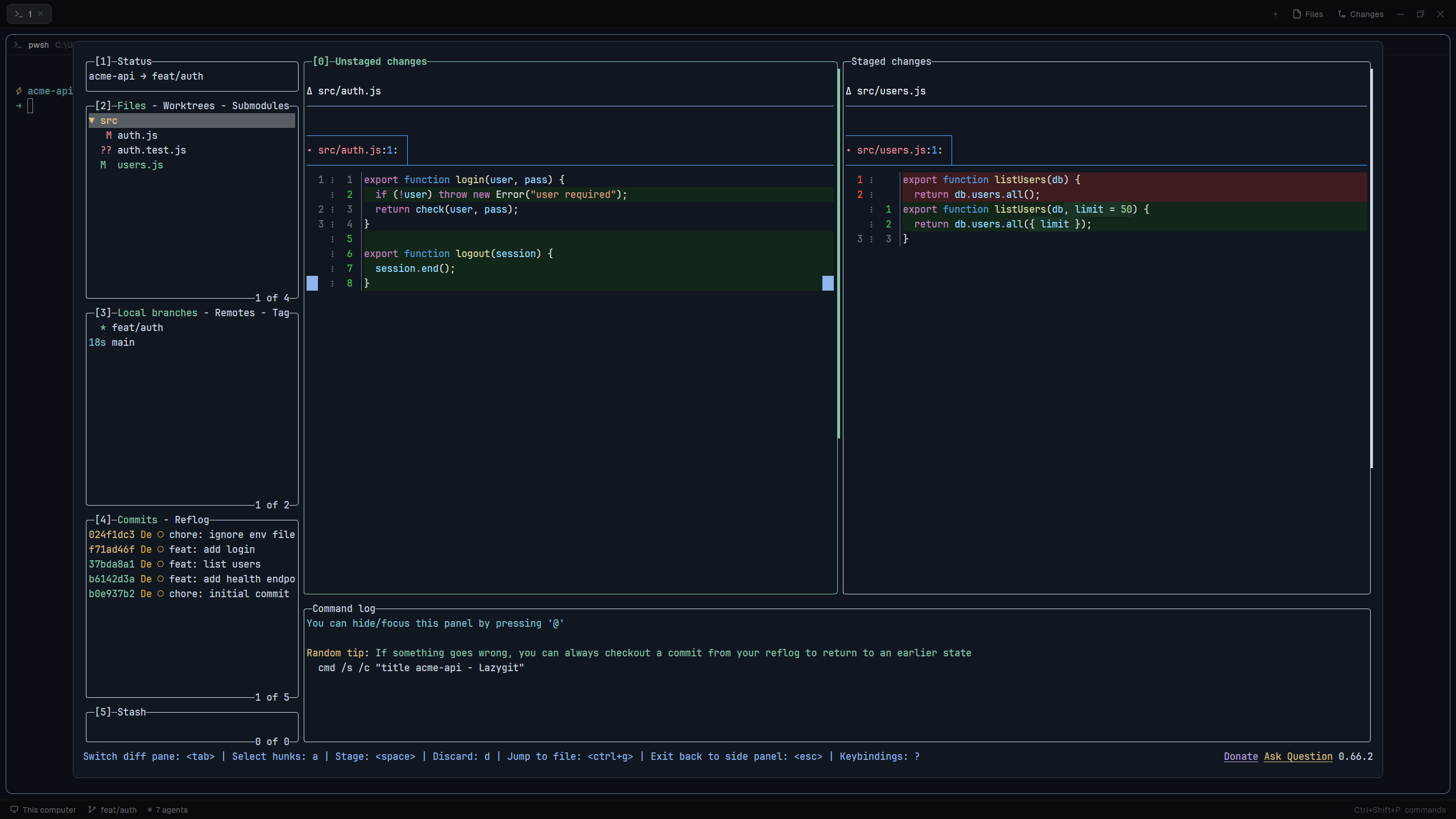
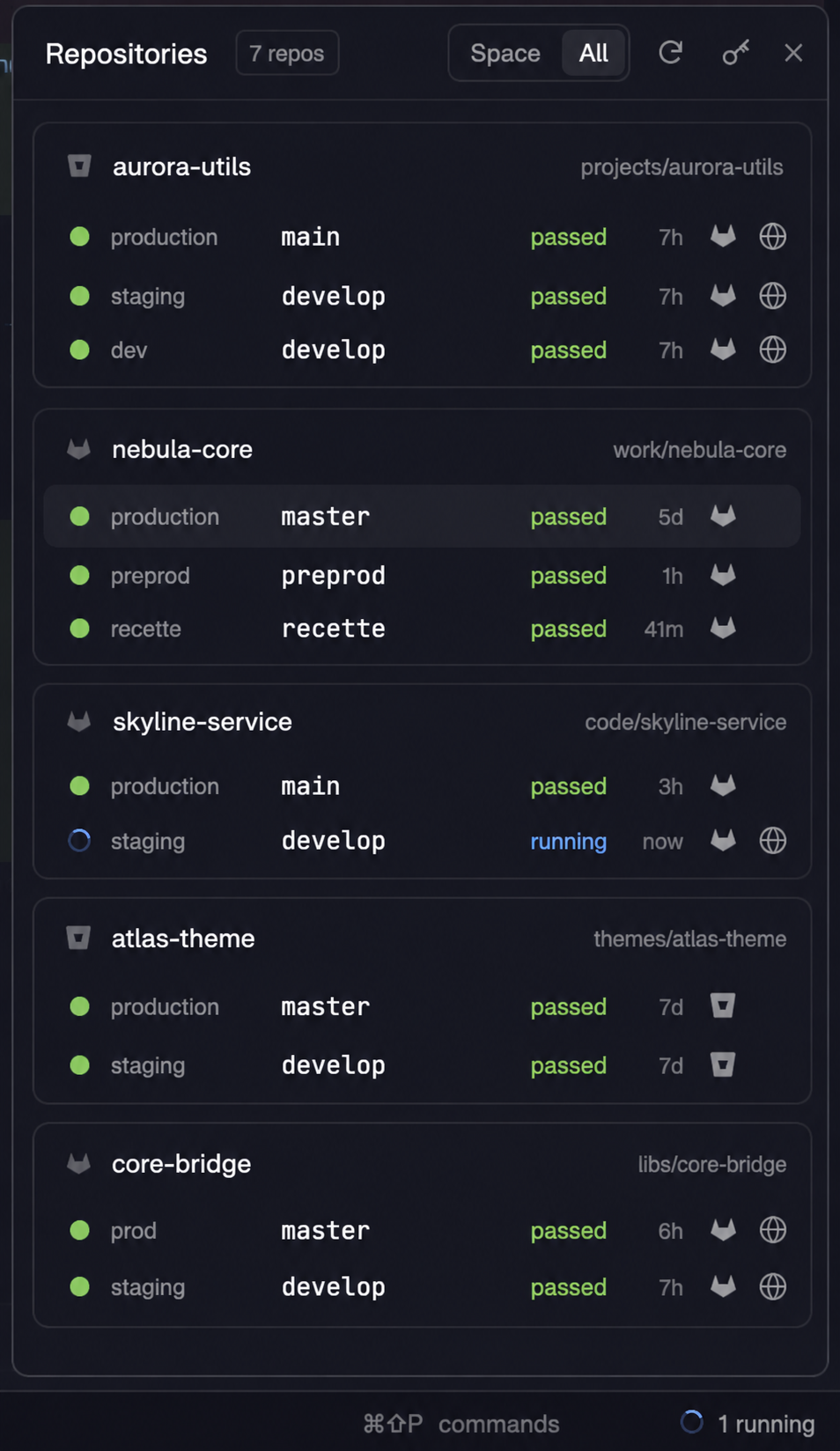
A Herdr app mod. It is a side panel (or a tab) that shows the pending work of every Git repository under one base folder: unpushed commits, staged, modified and new files, stash, conflicts and operations in progress. It lists the repositories that need attention first.
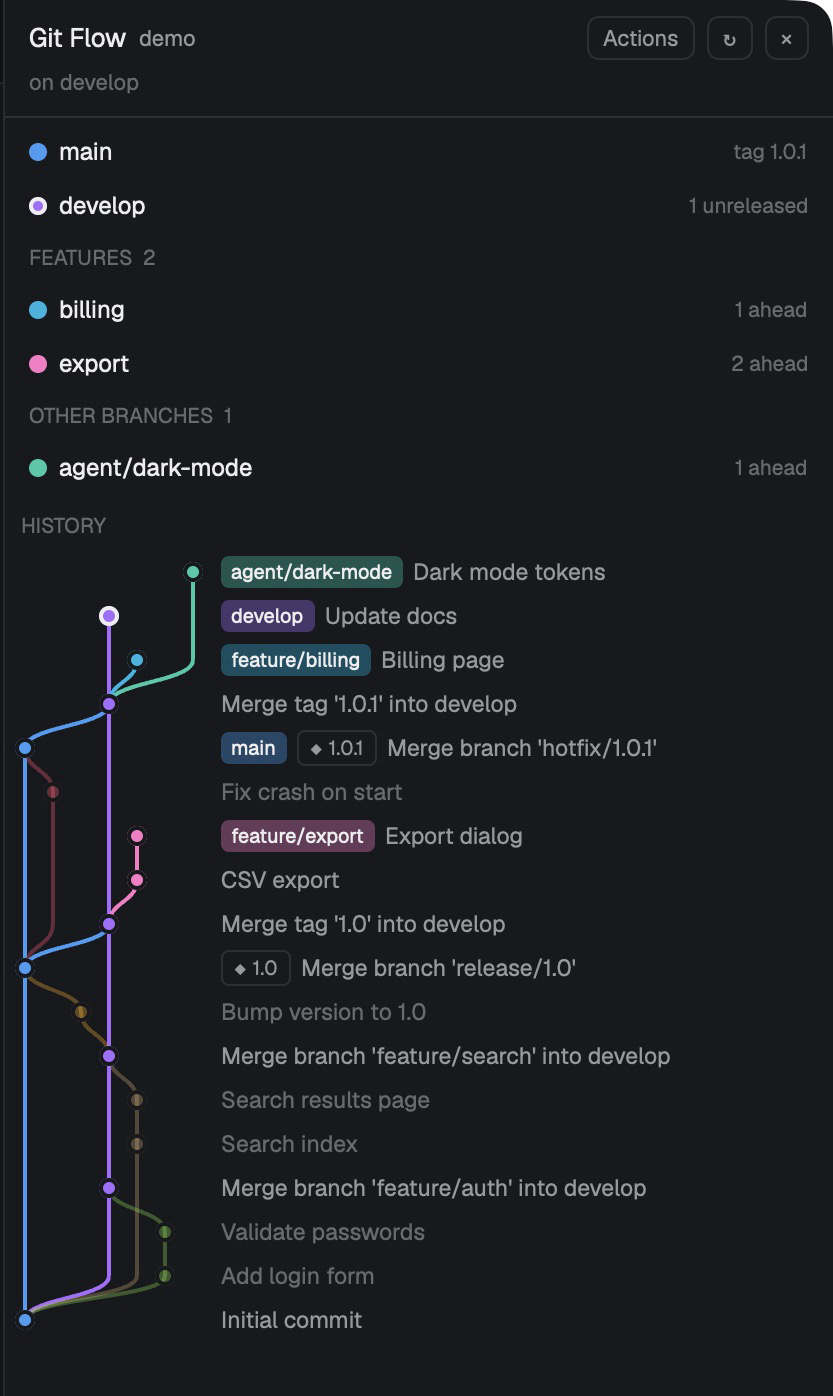
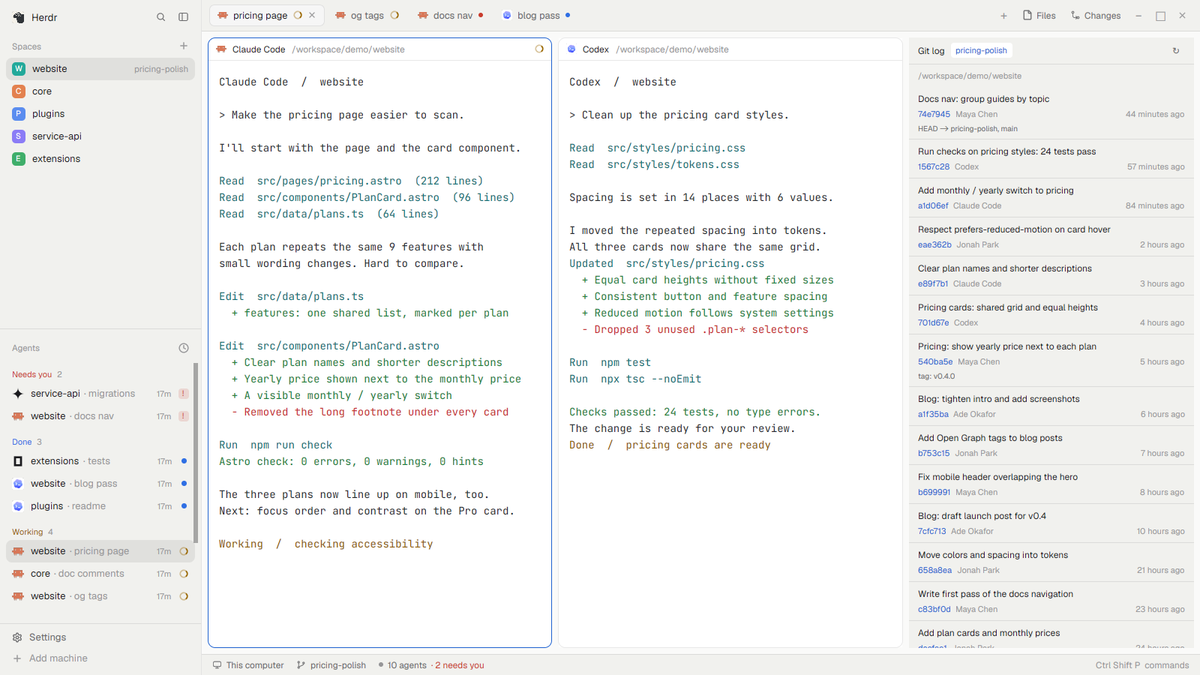













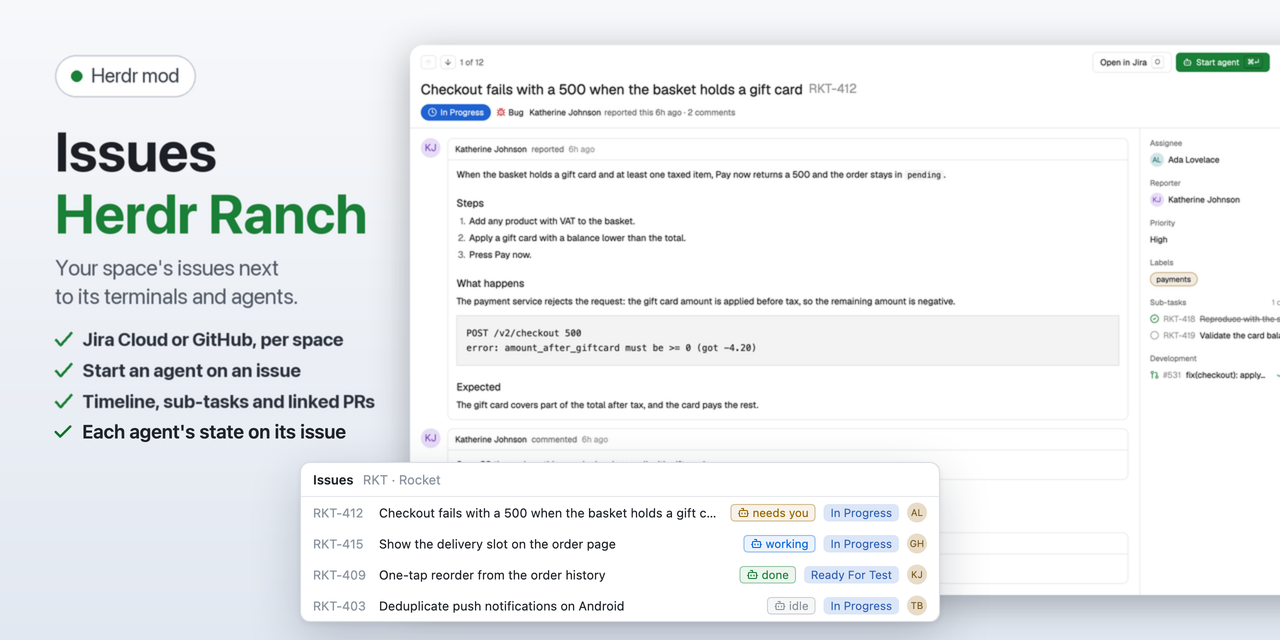
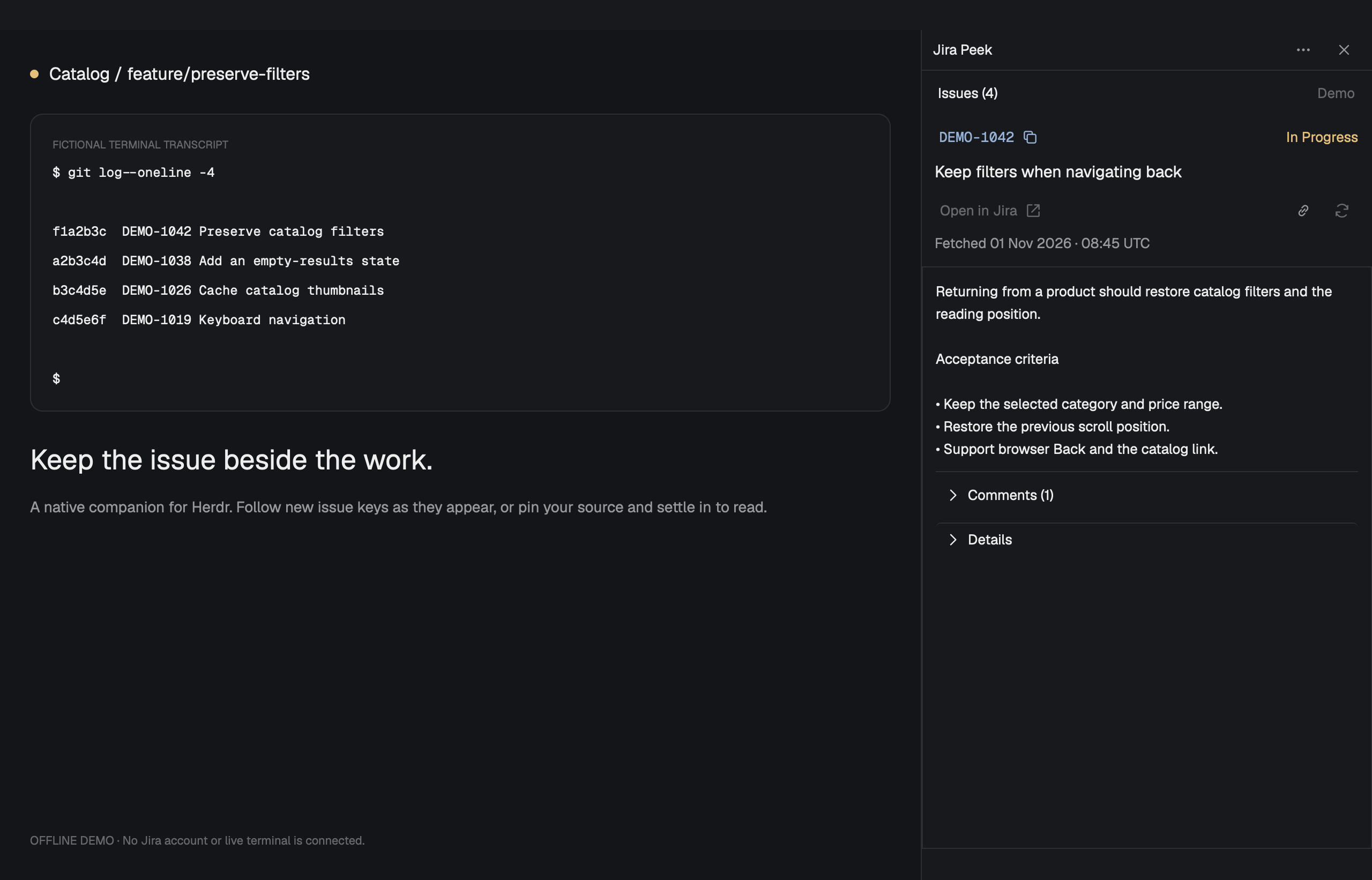

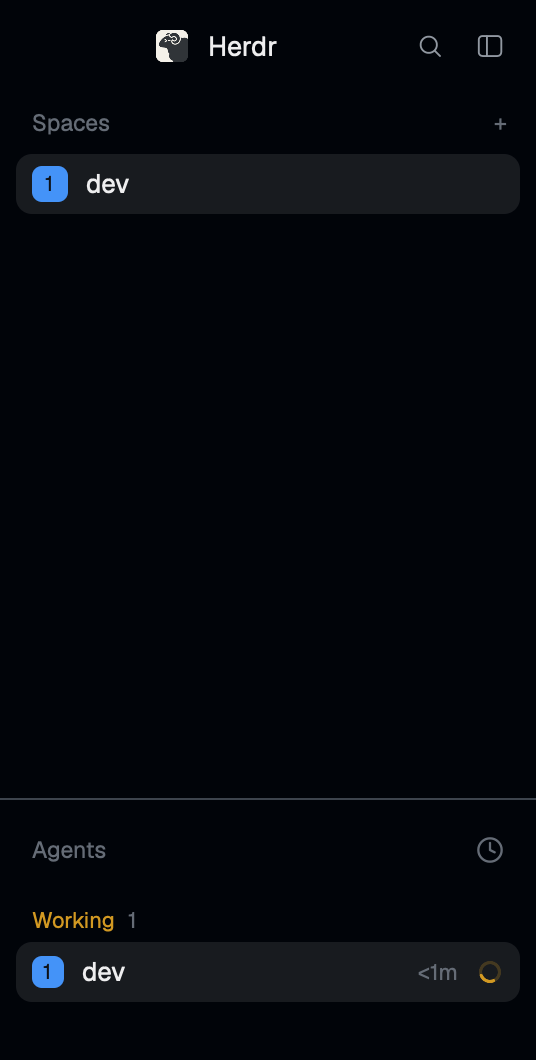

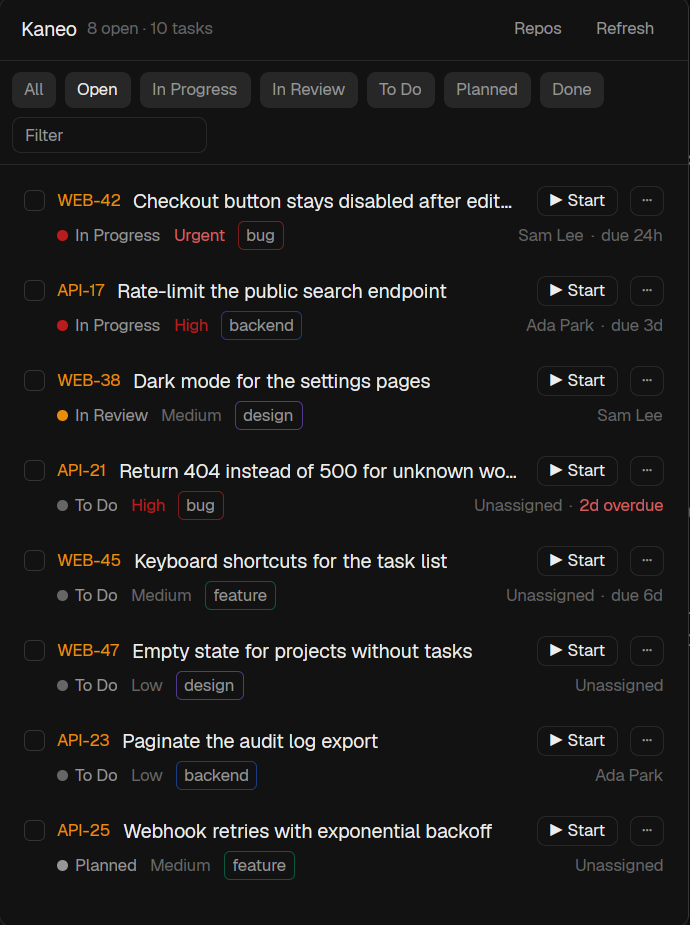

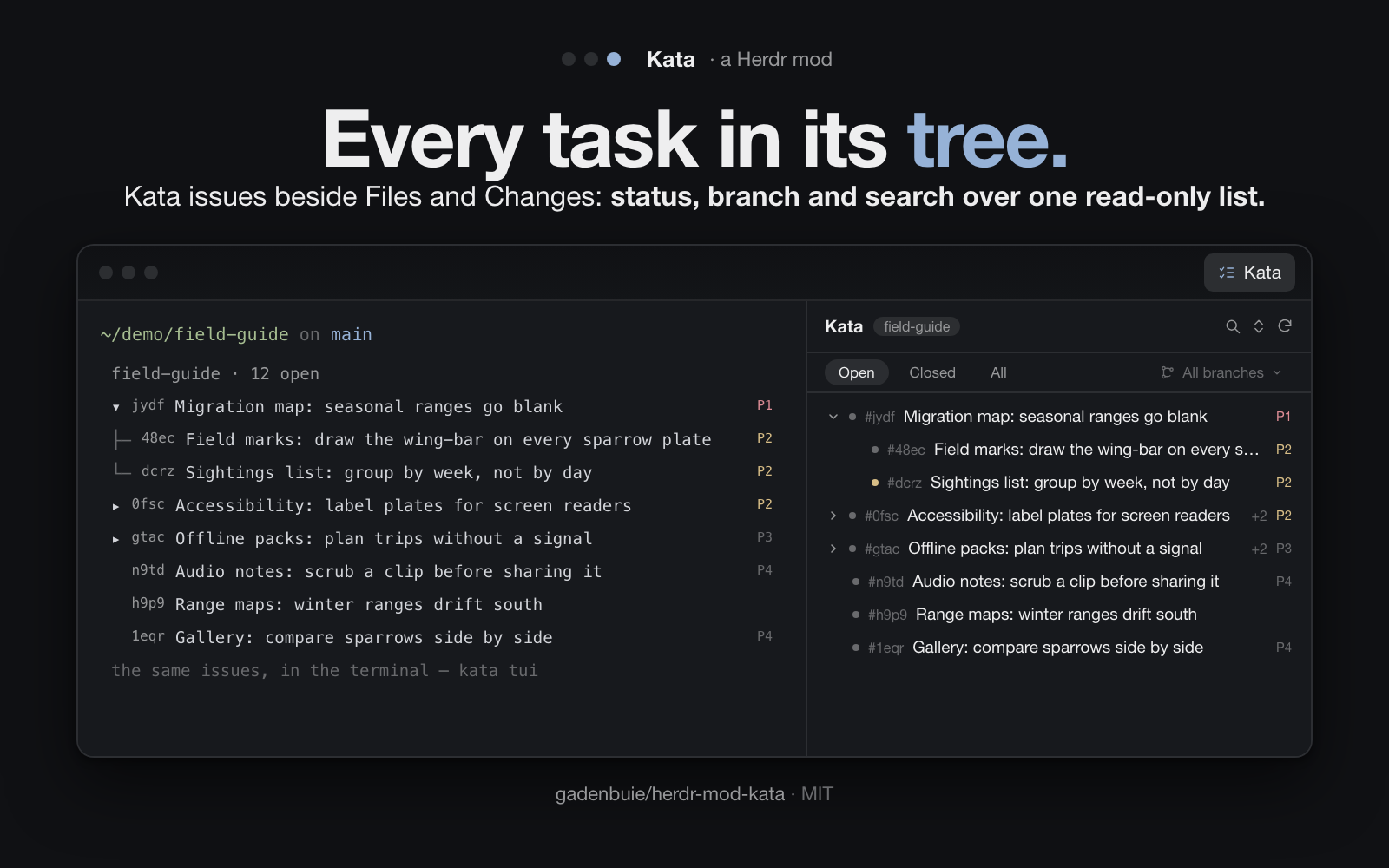

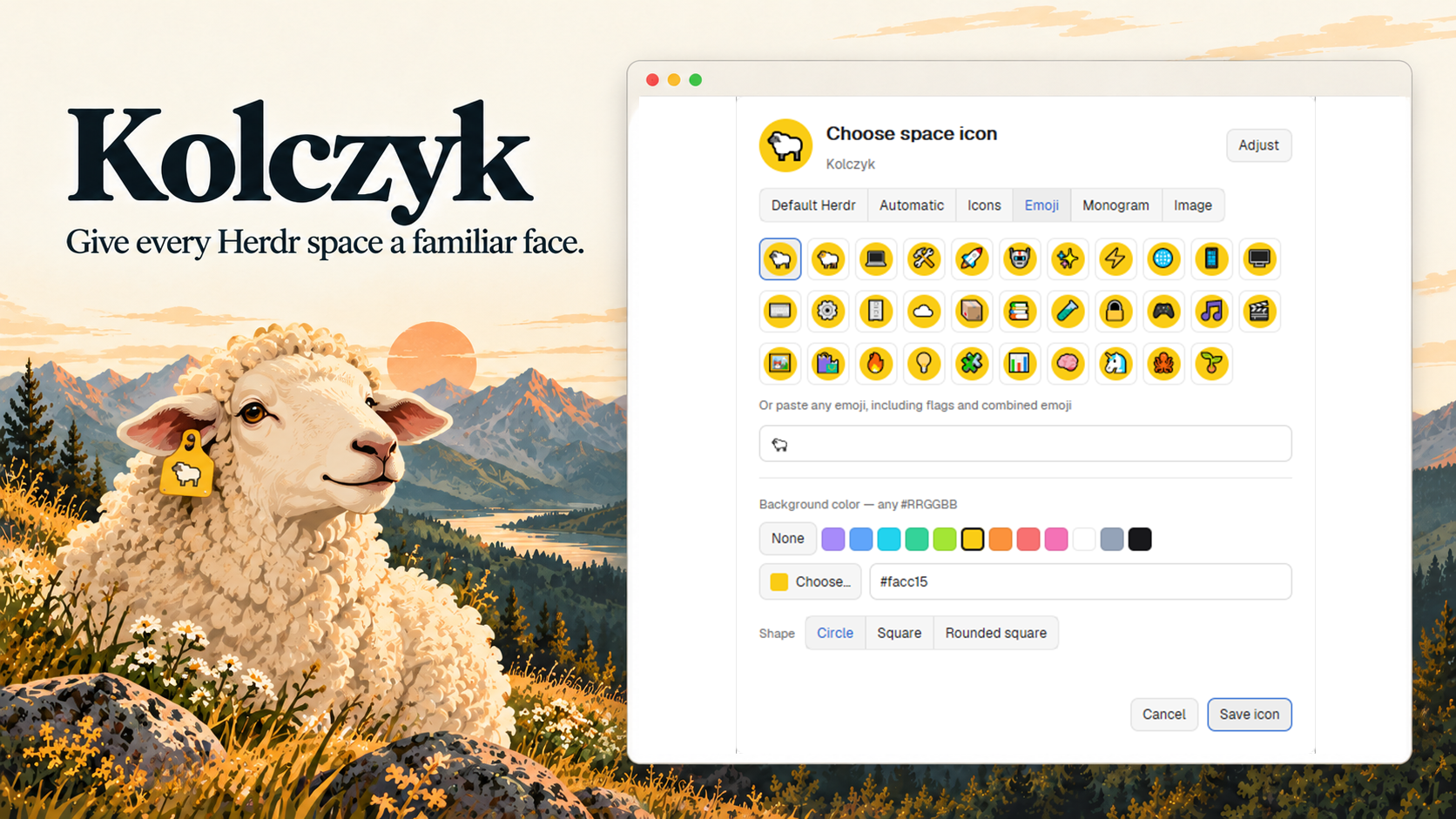
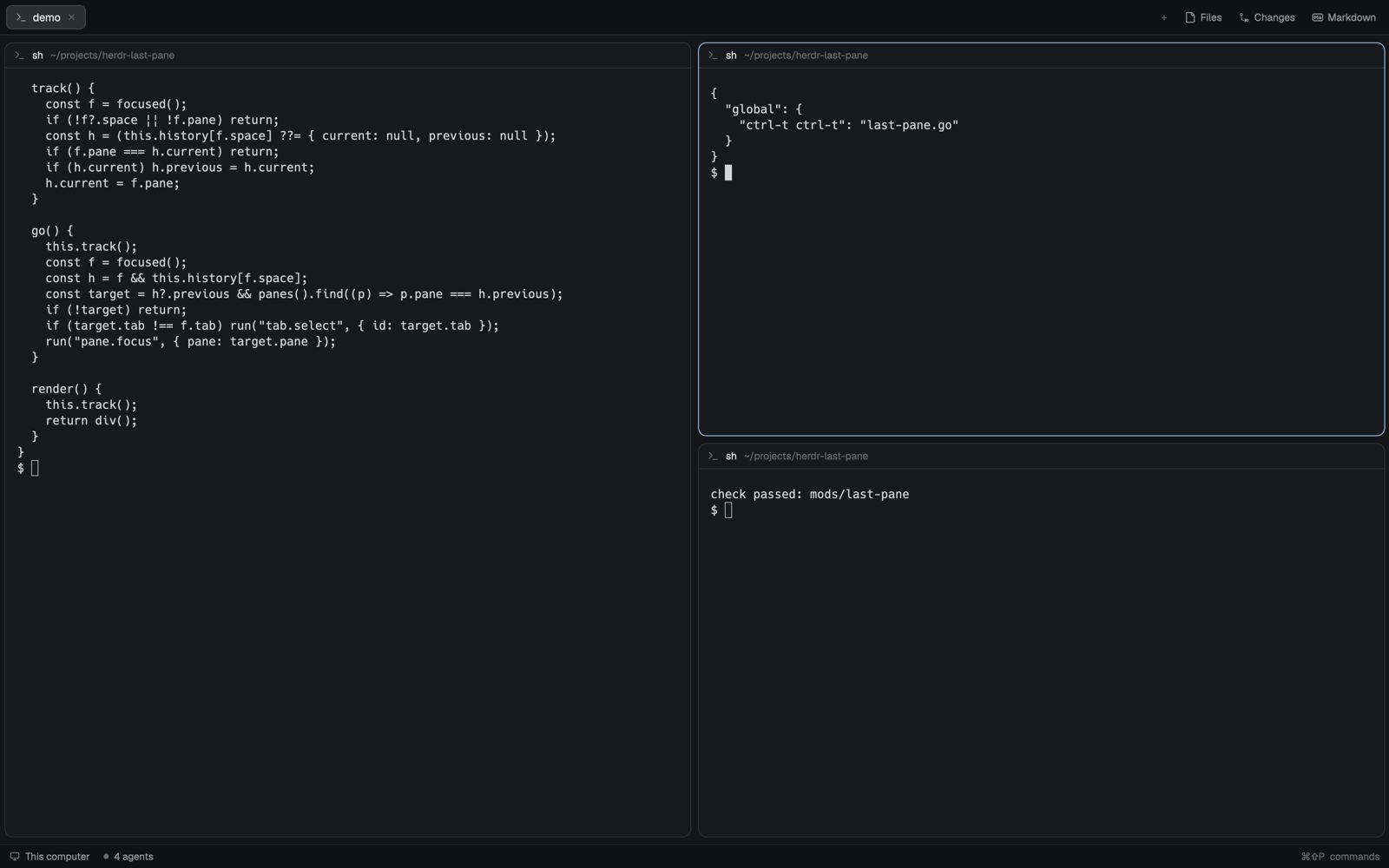
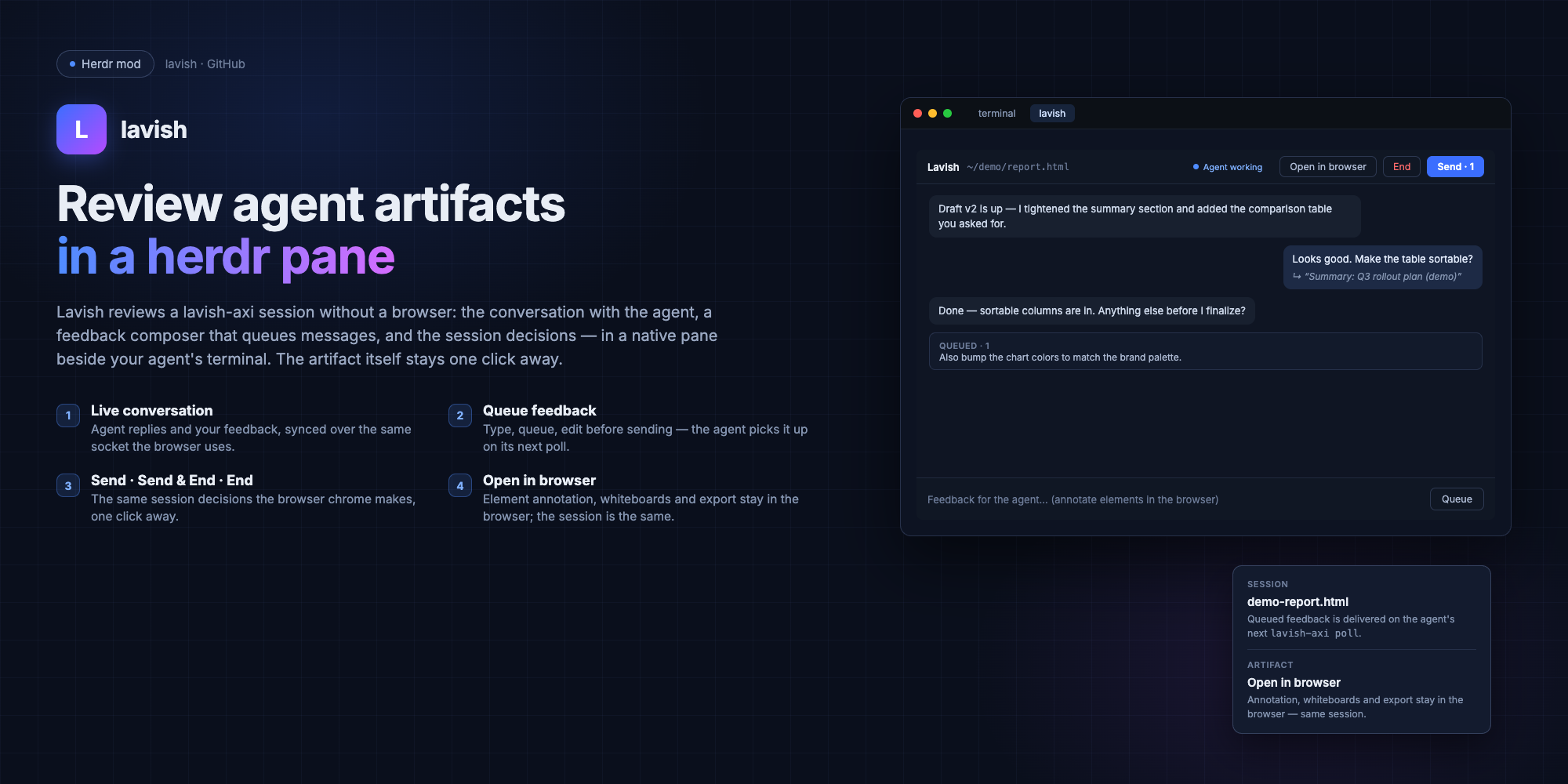





















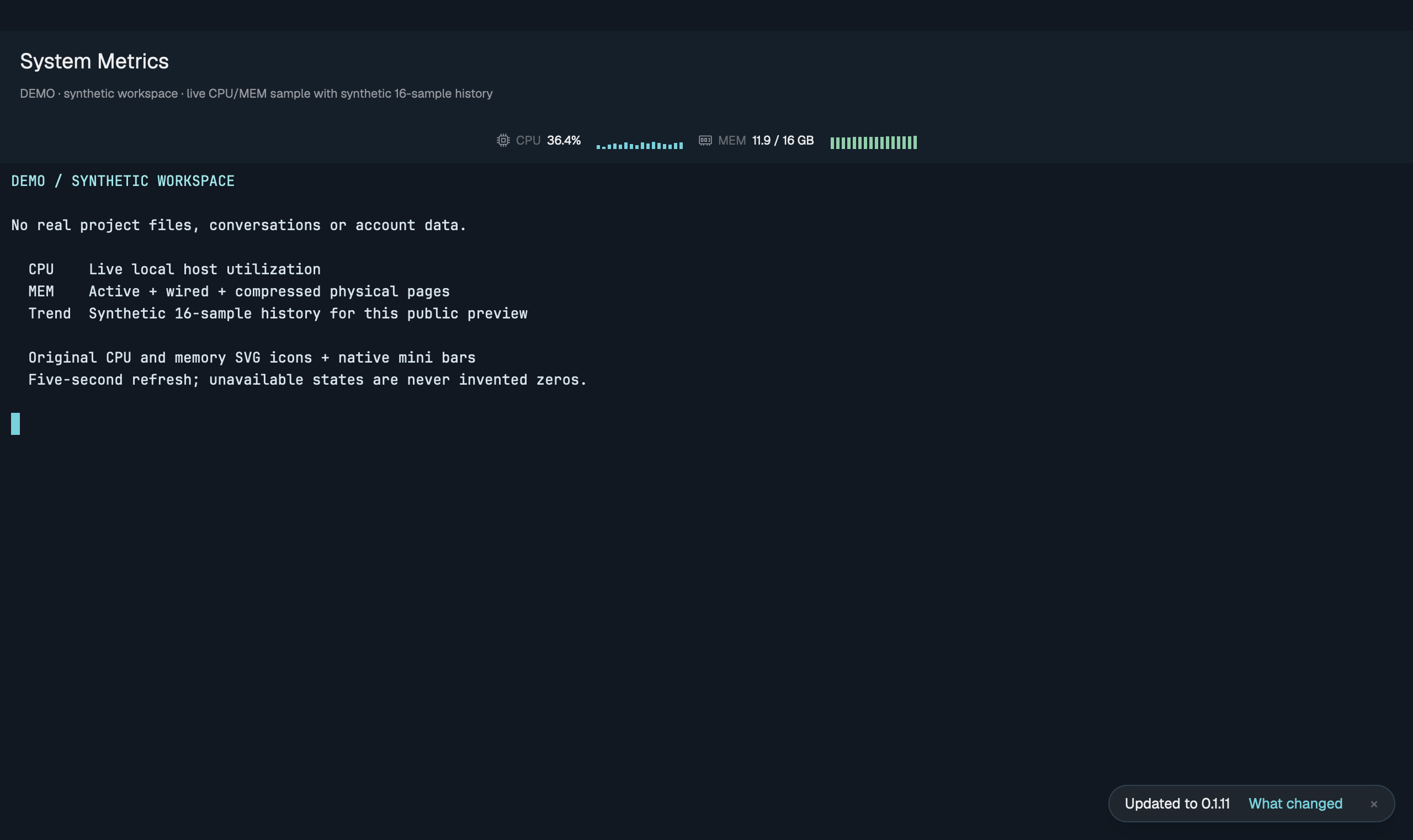
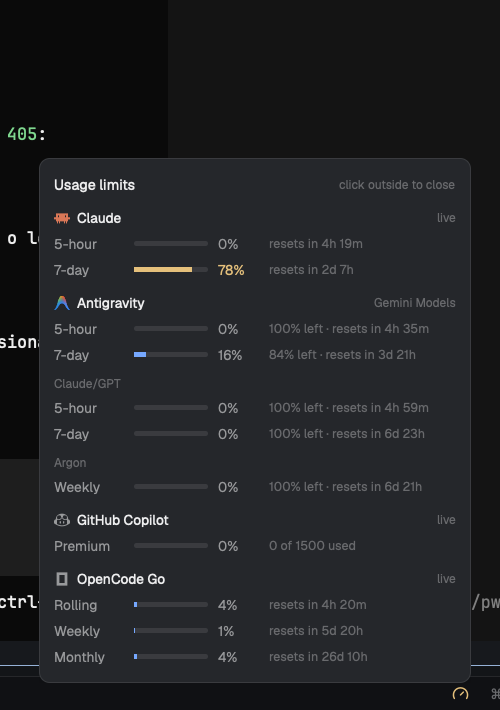
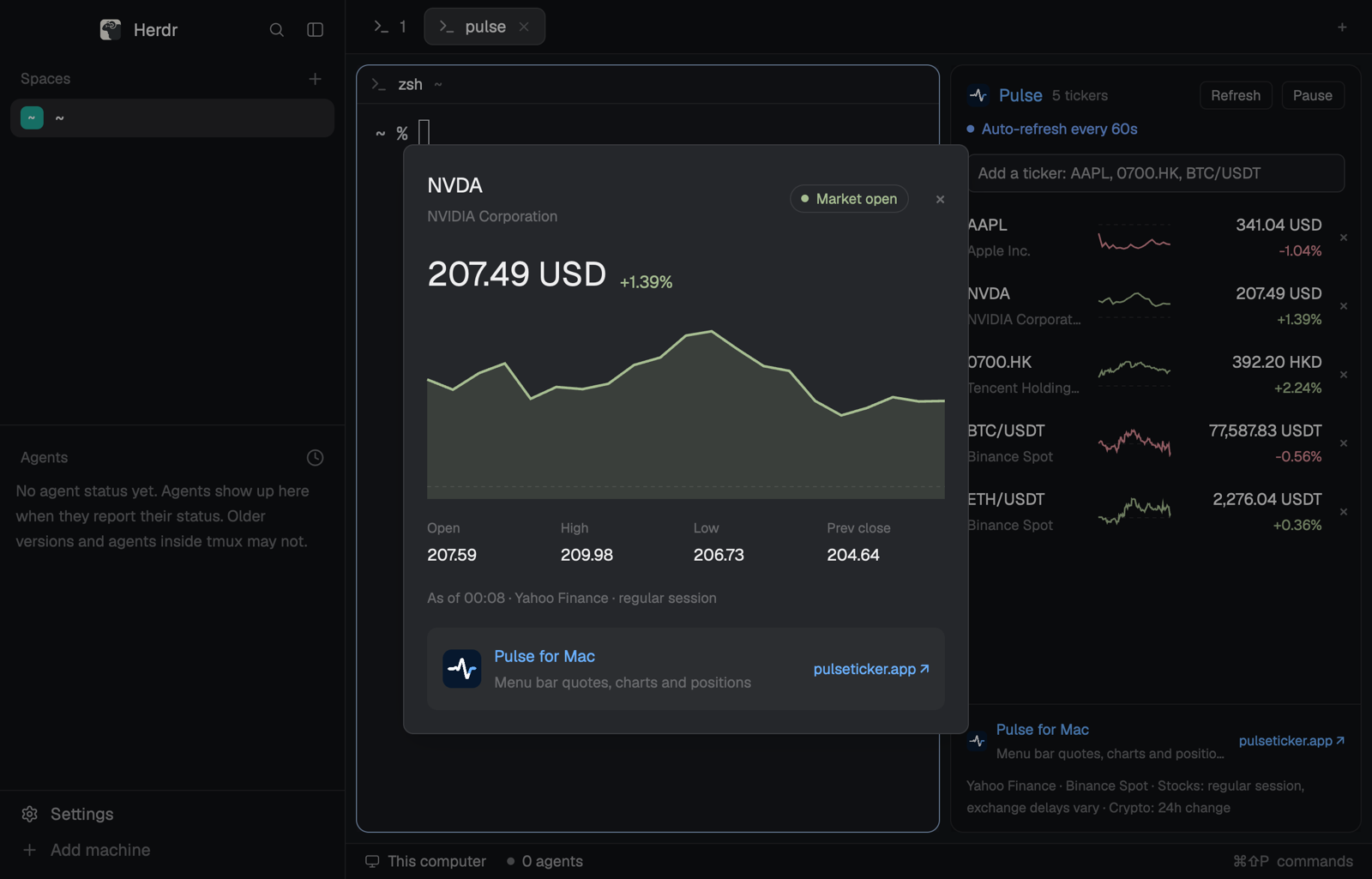
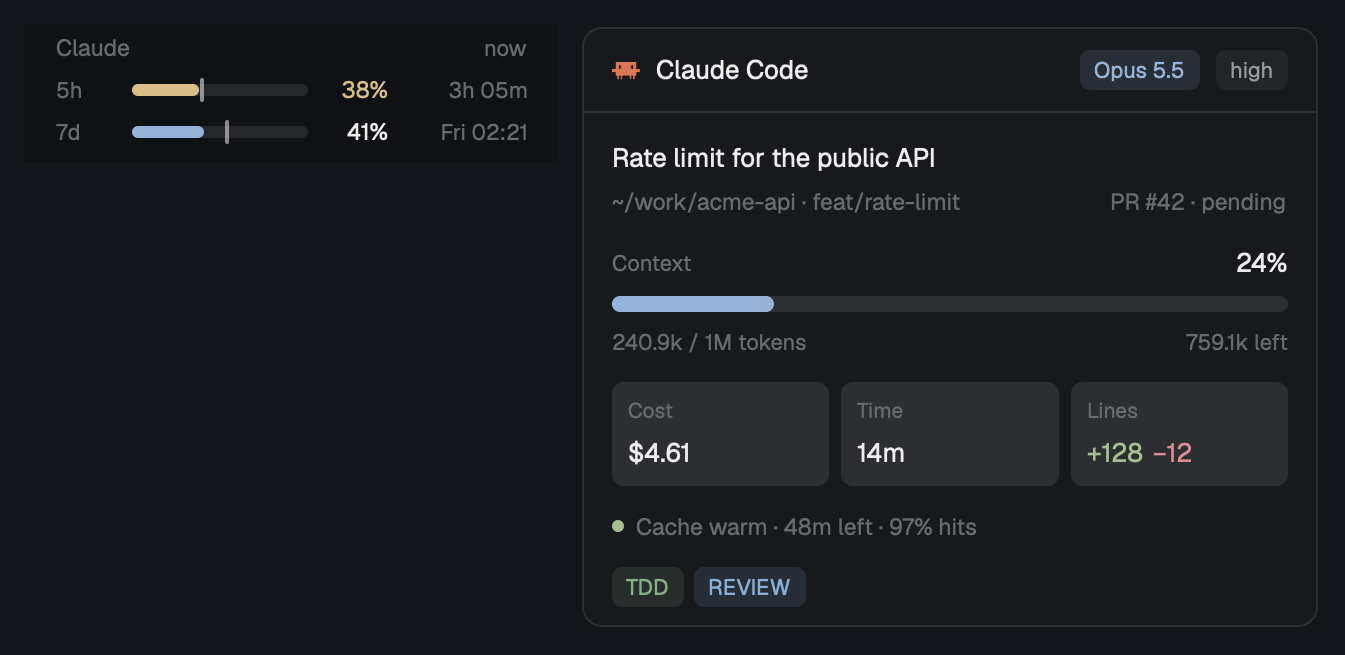
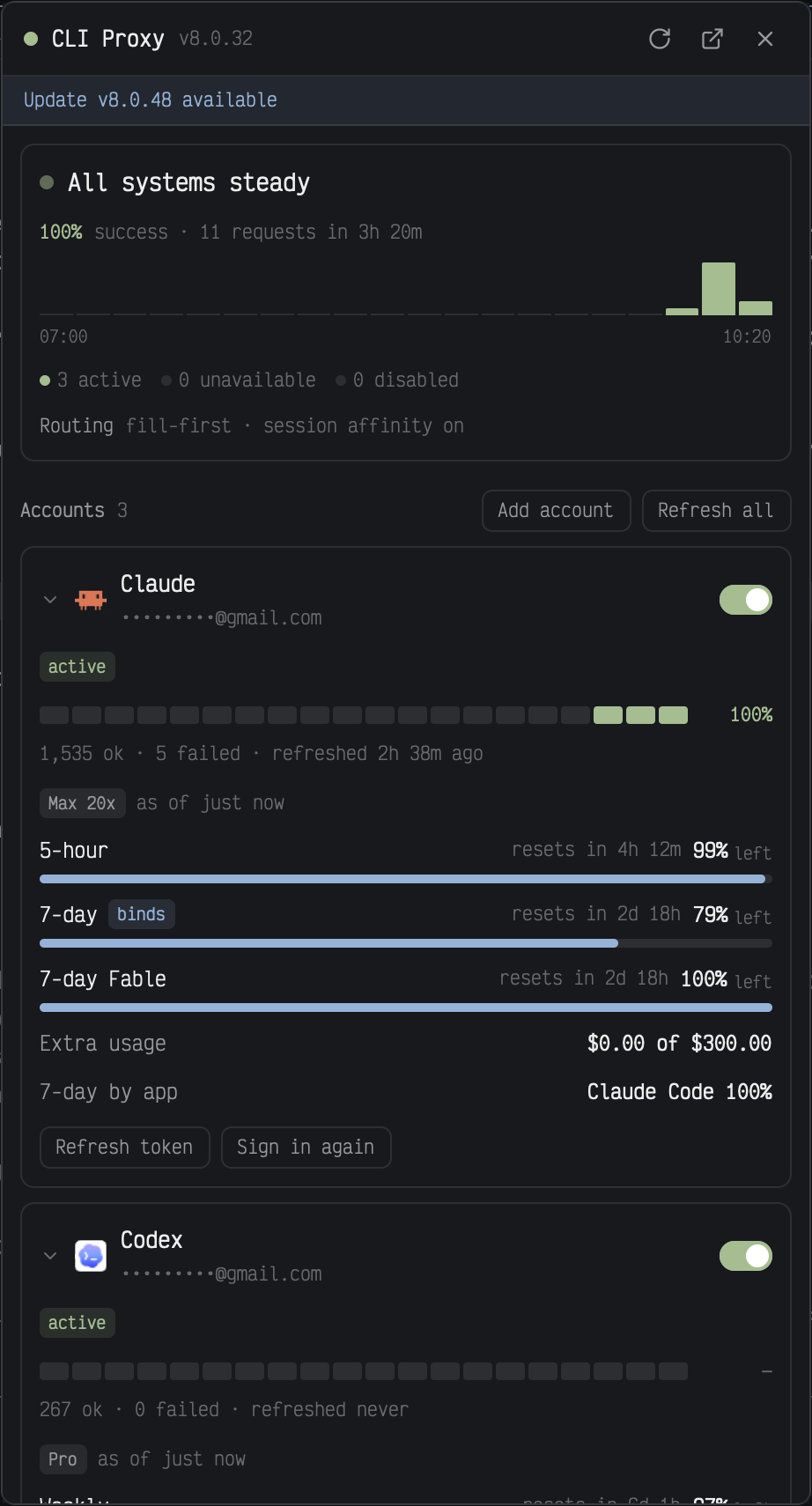
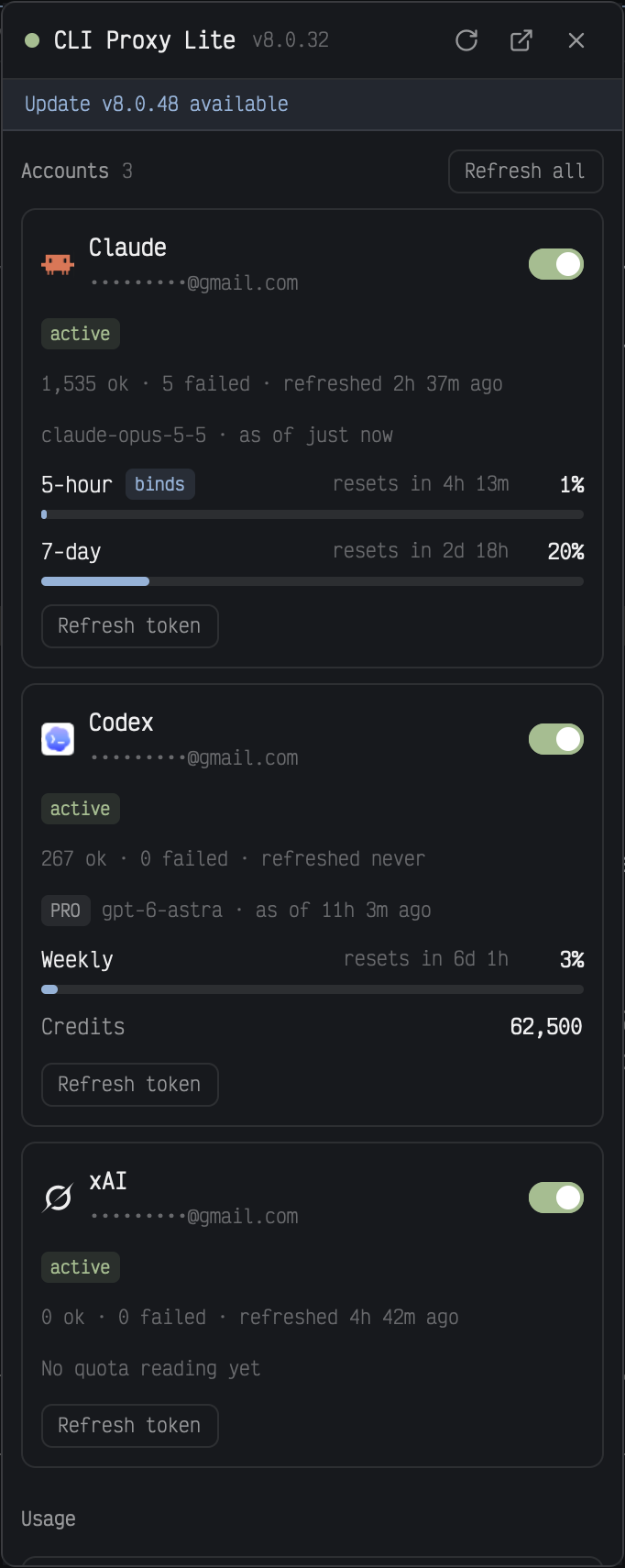
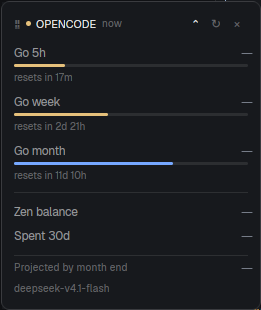
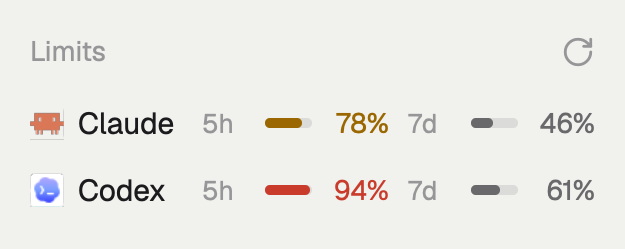
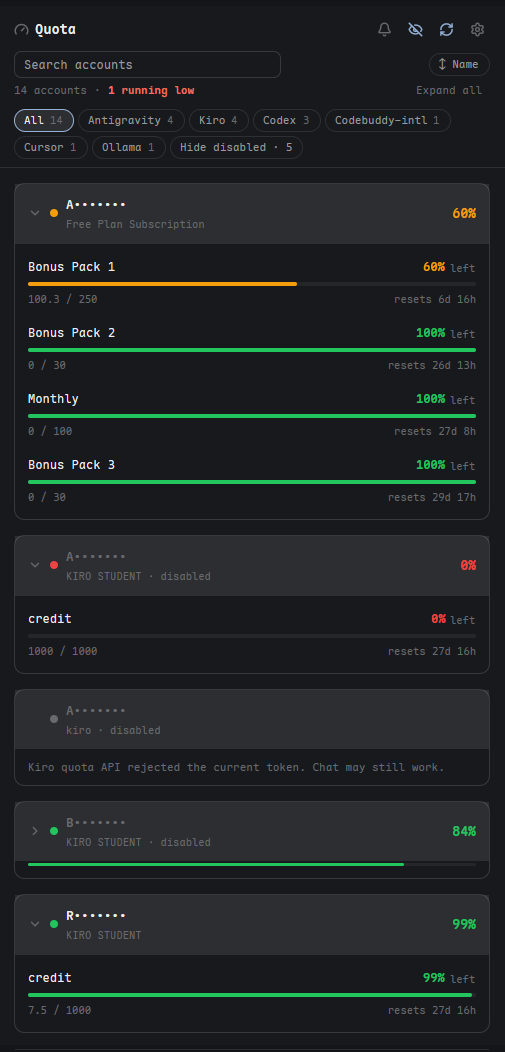
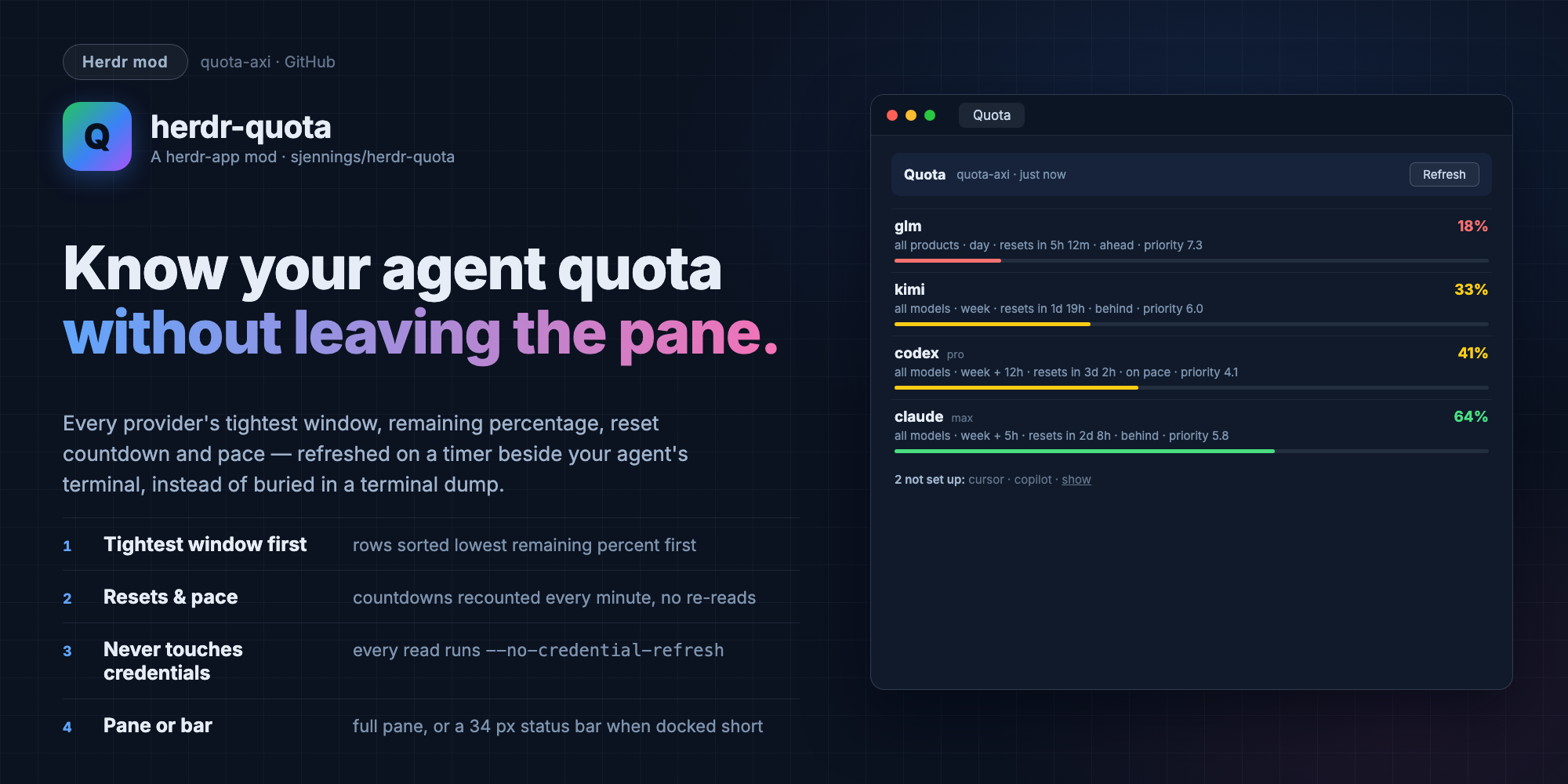
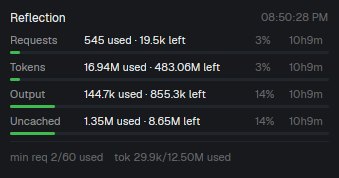
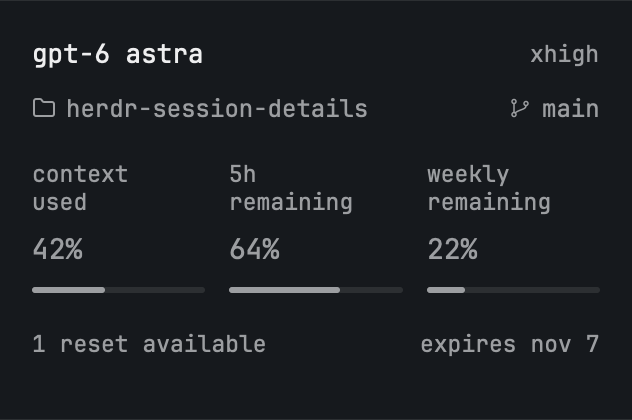
Codex and Claude subscription limits for the monitor strip, as coloured brand icons with a bar and a percentage per window, plus Codex limit resets.






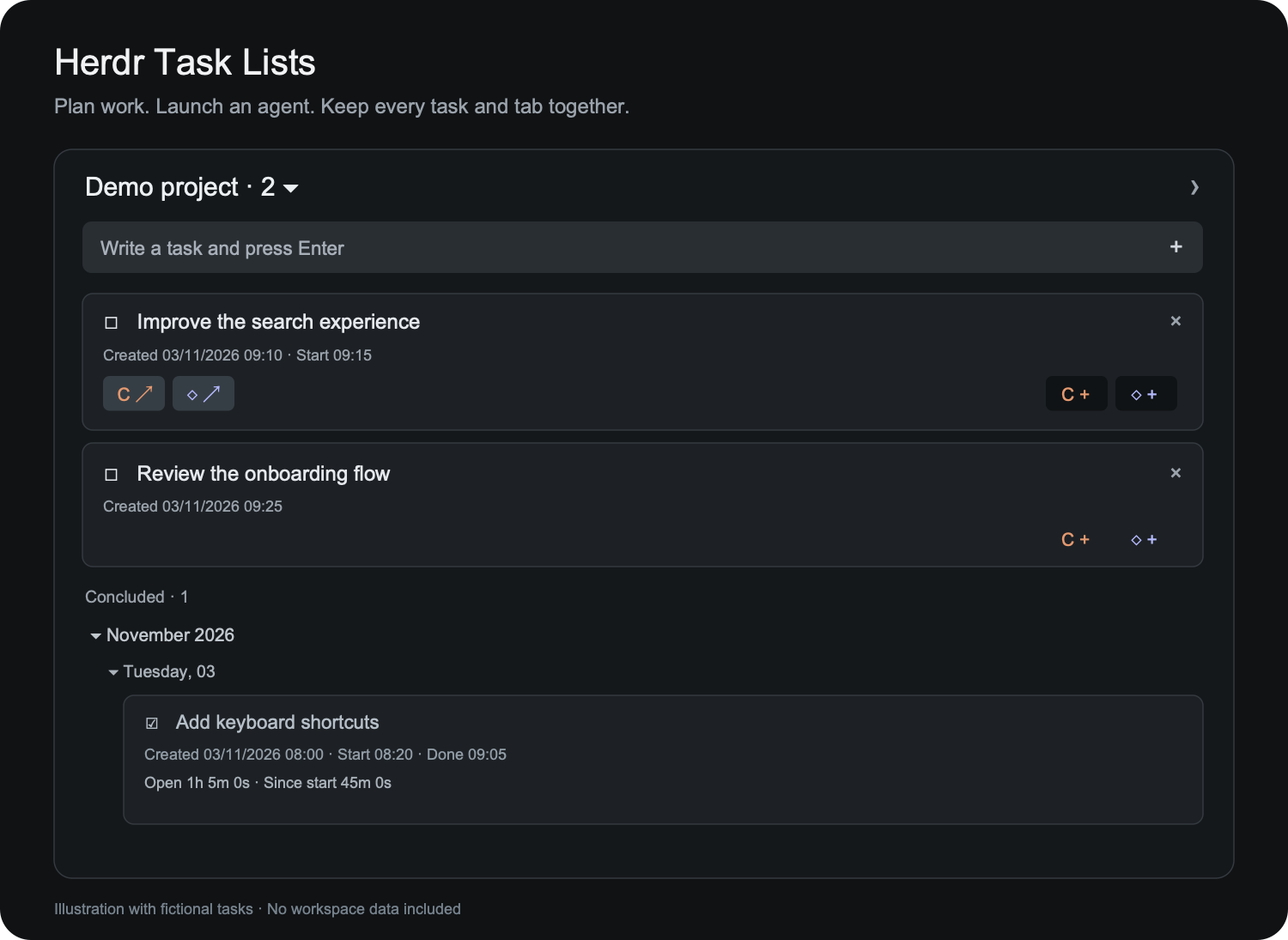

This file is enough to rebuild the mod. See README.md (Japanese) for usage; this file does not contradict it.


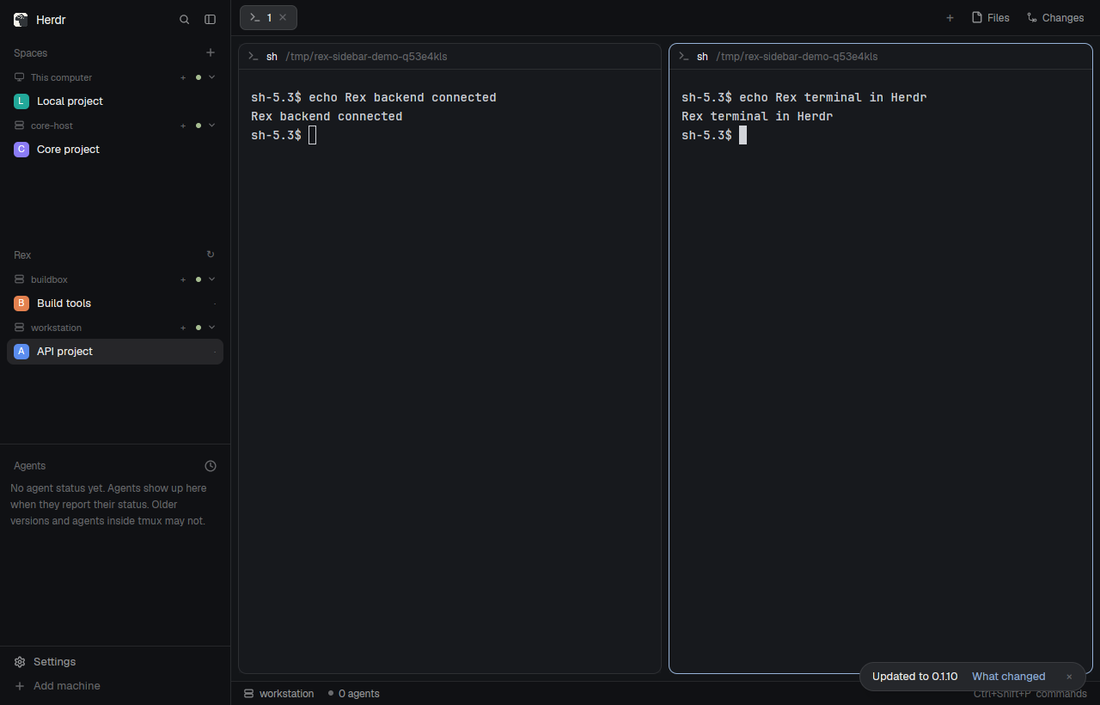
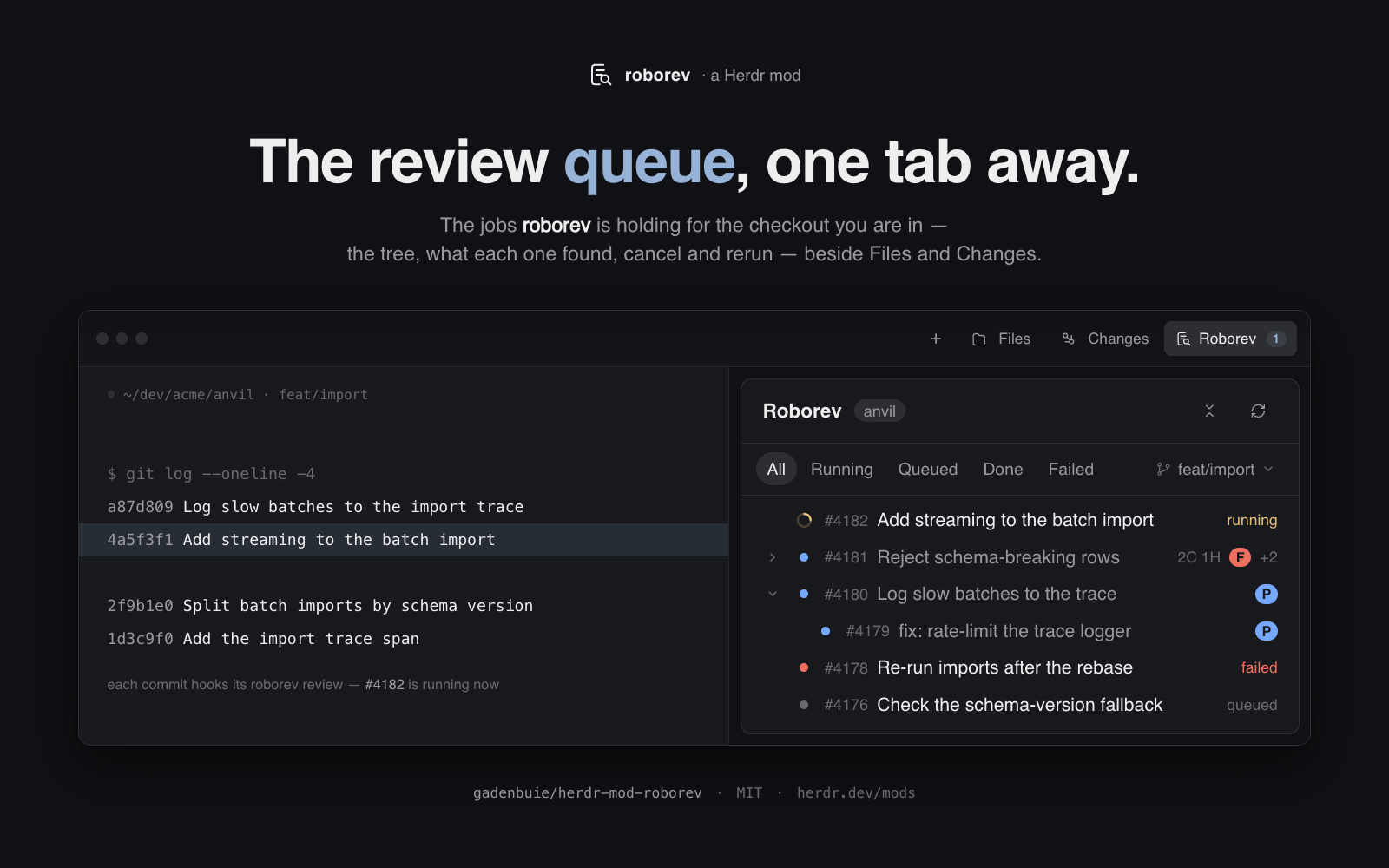
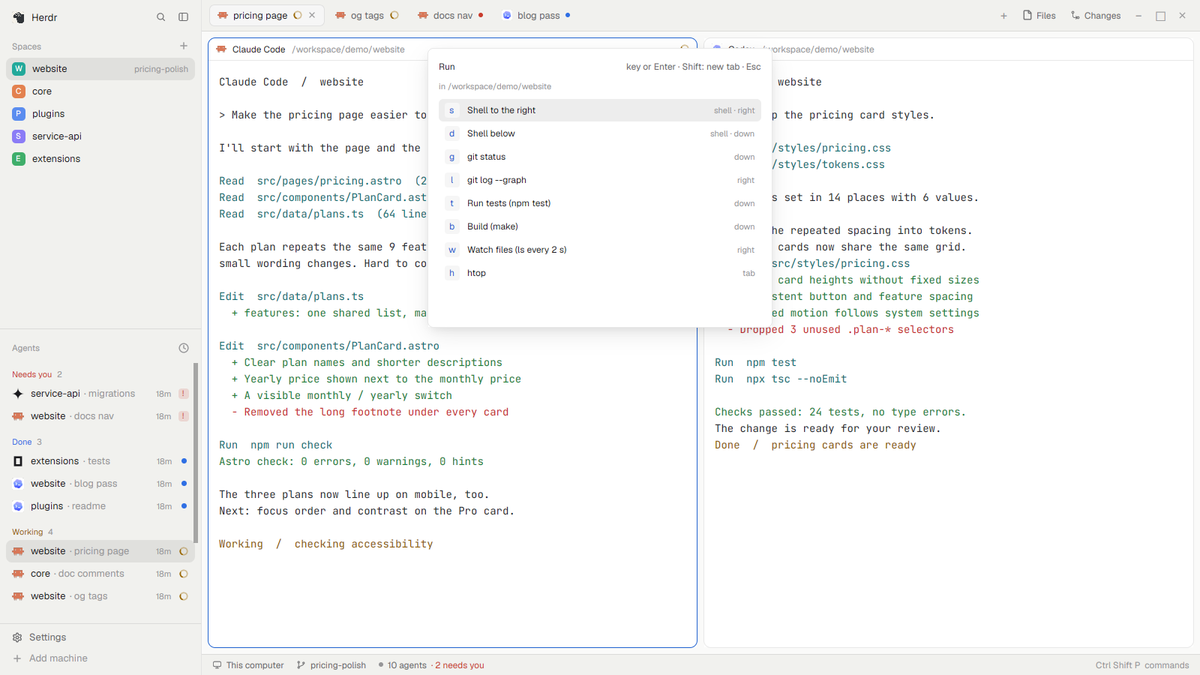
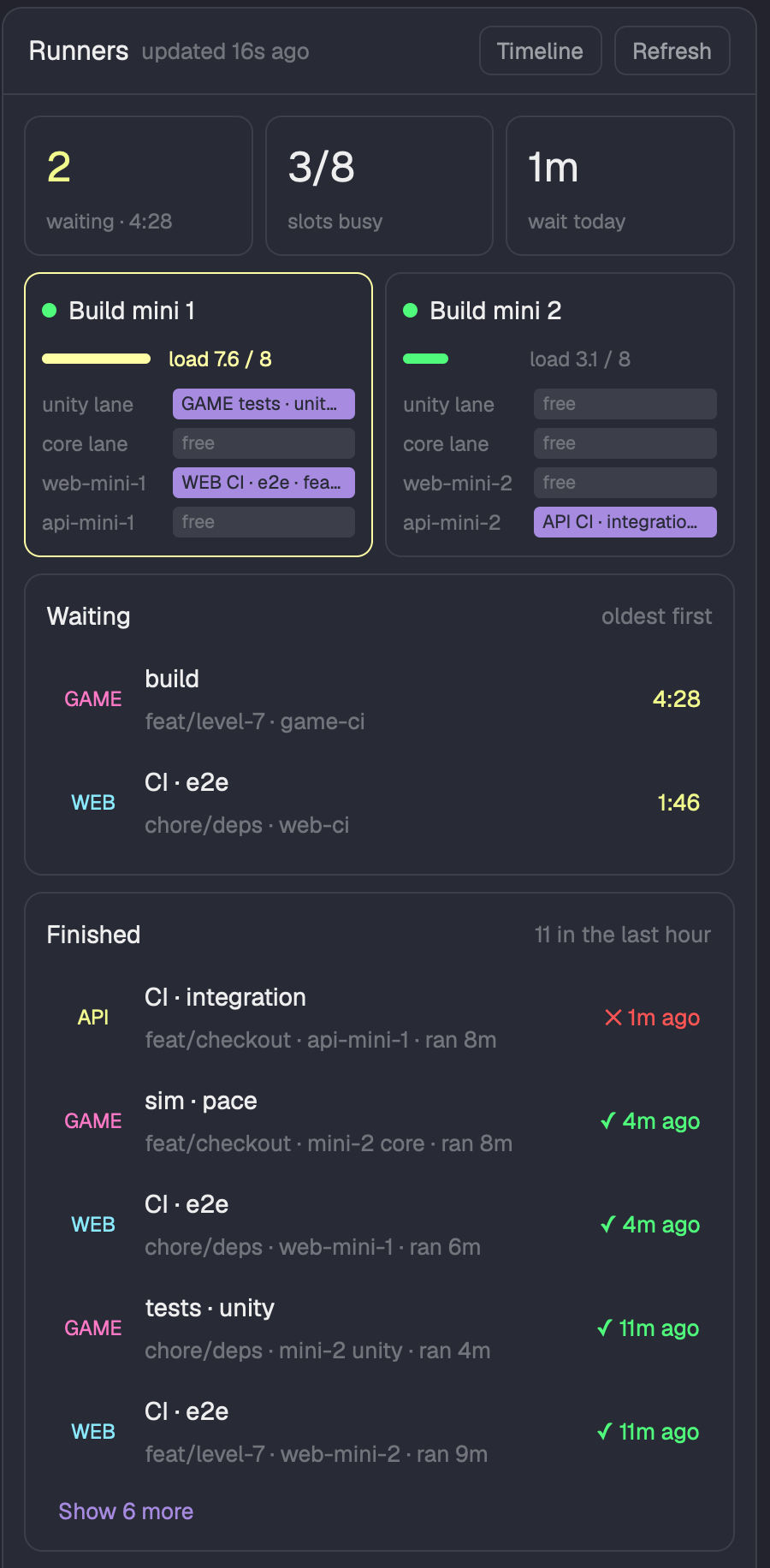





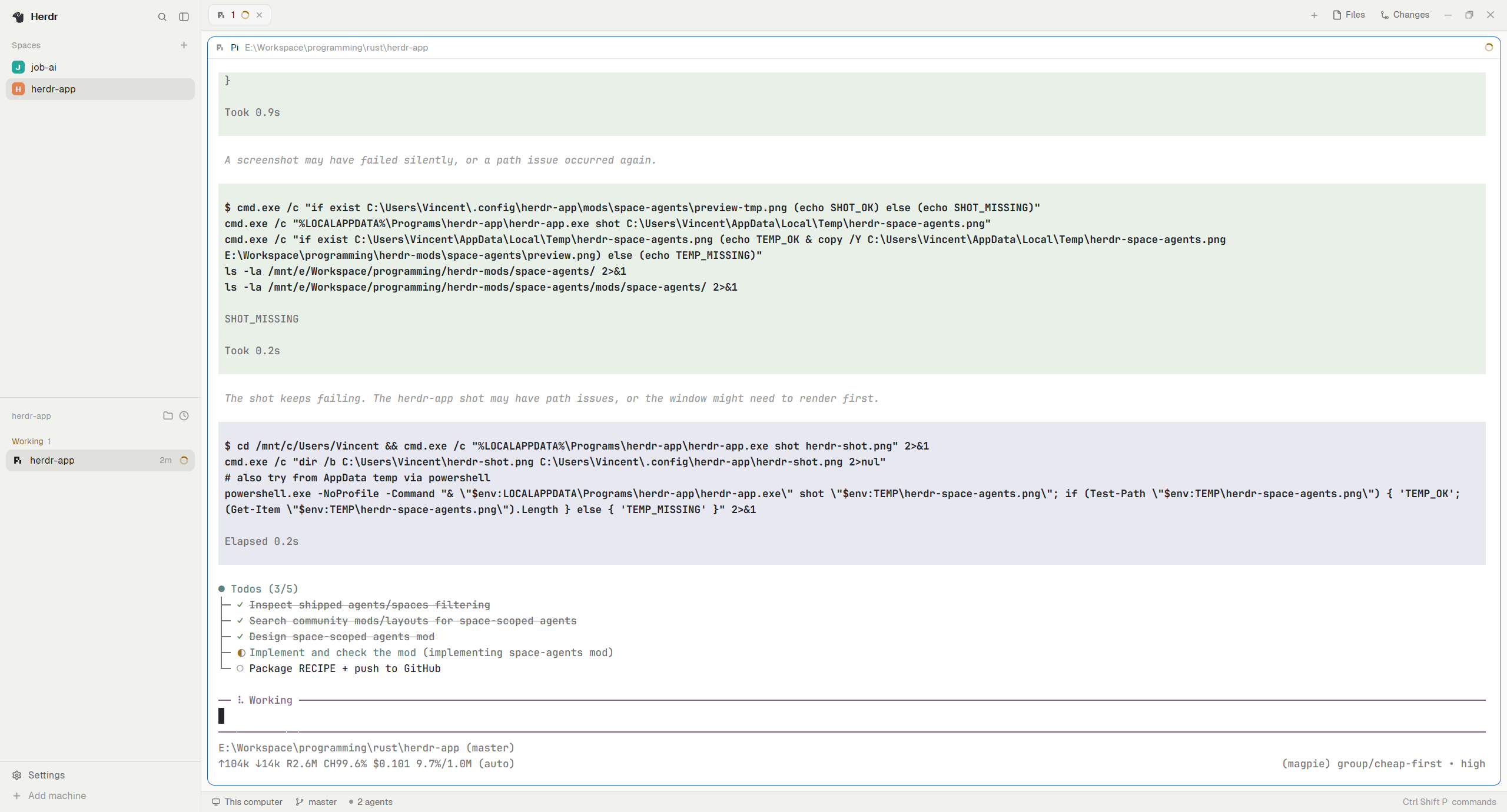
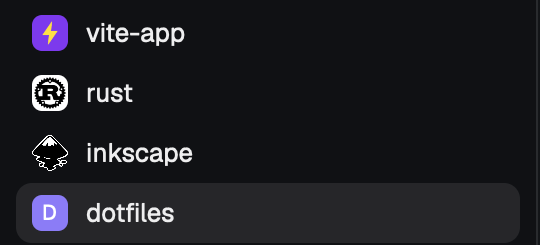
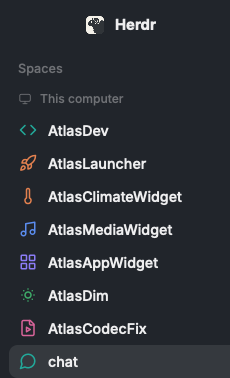
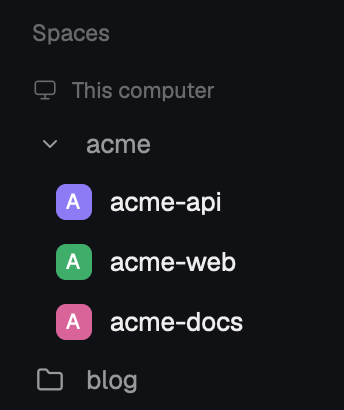
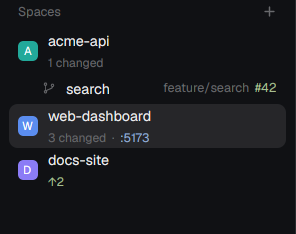
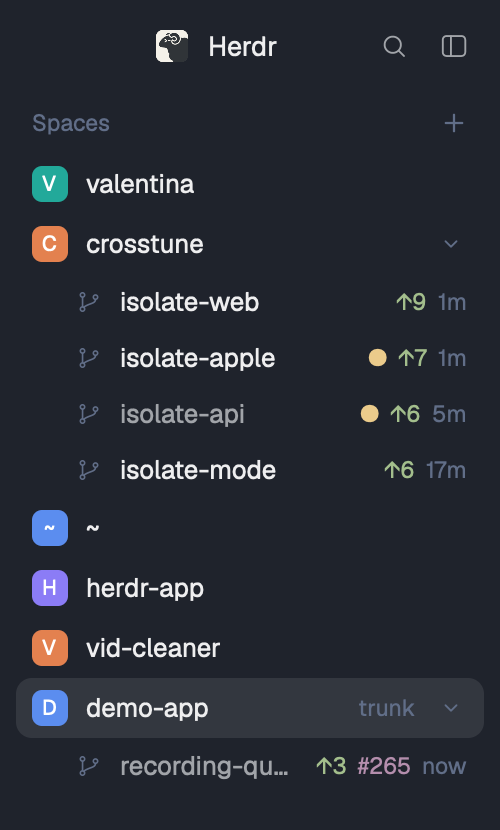
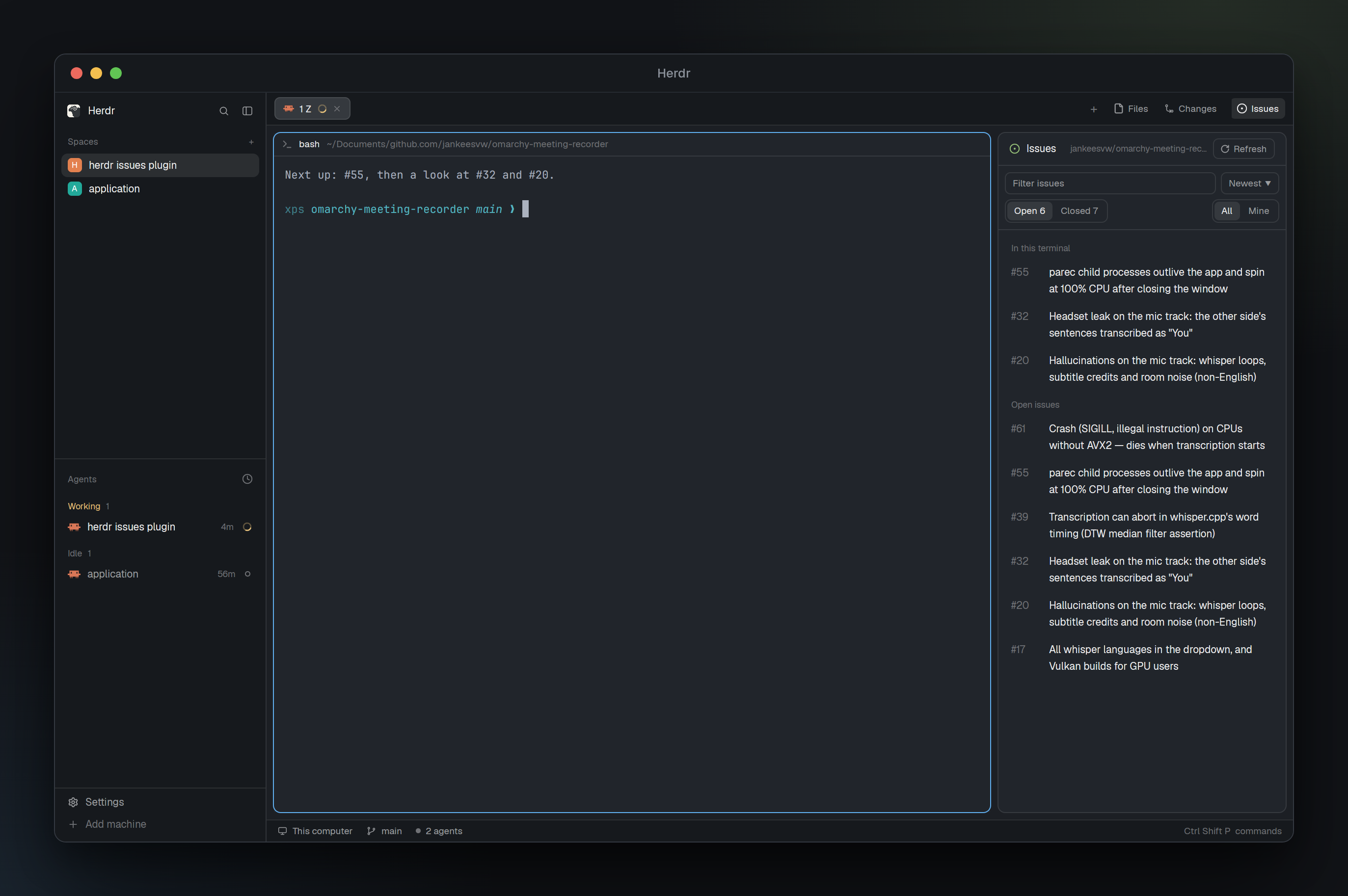
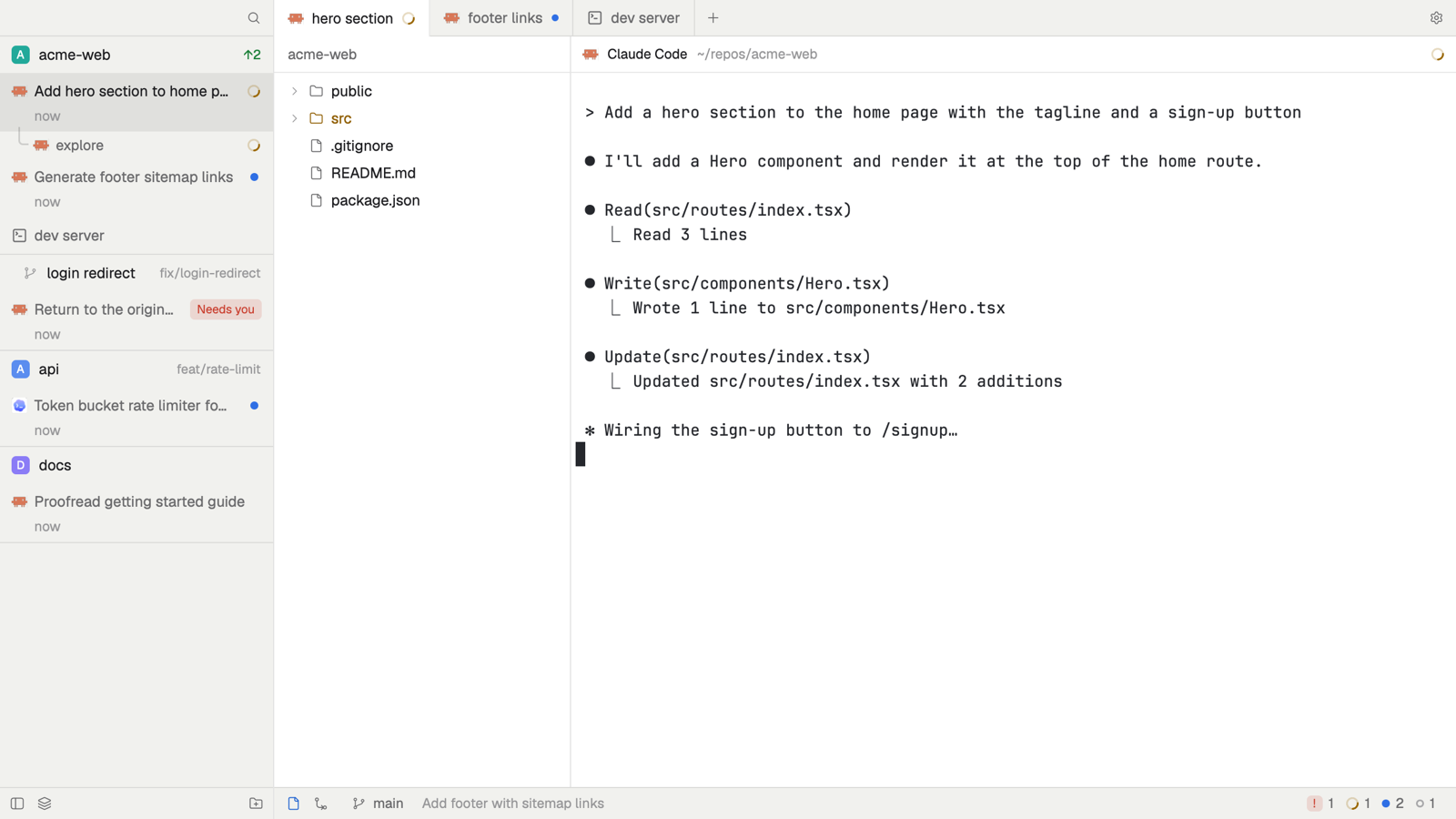
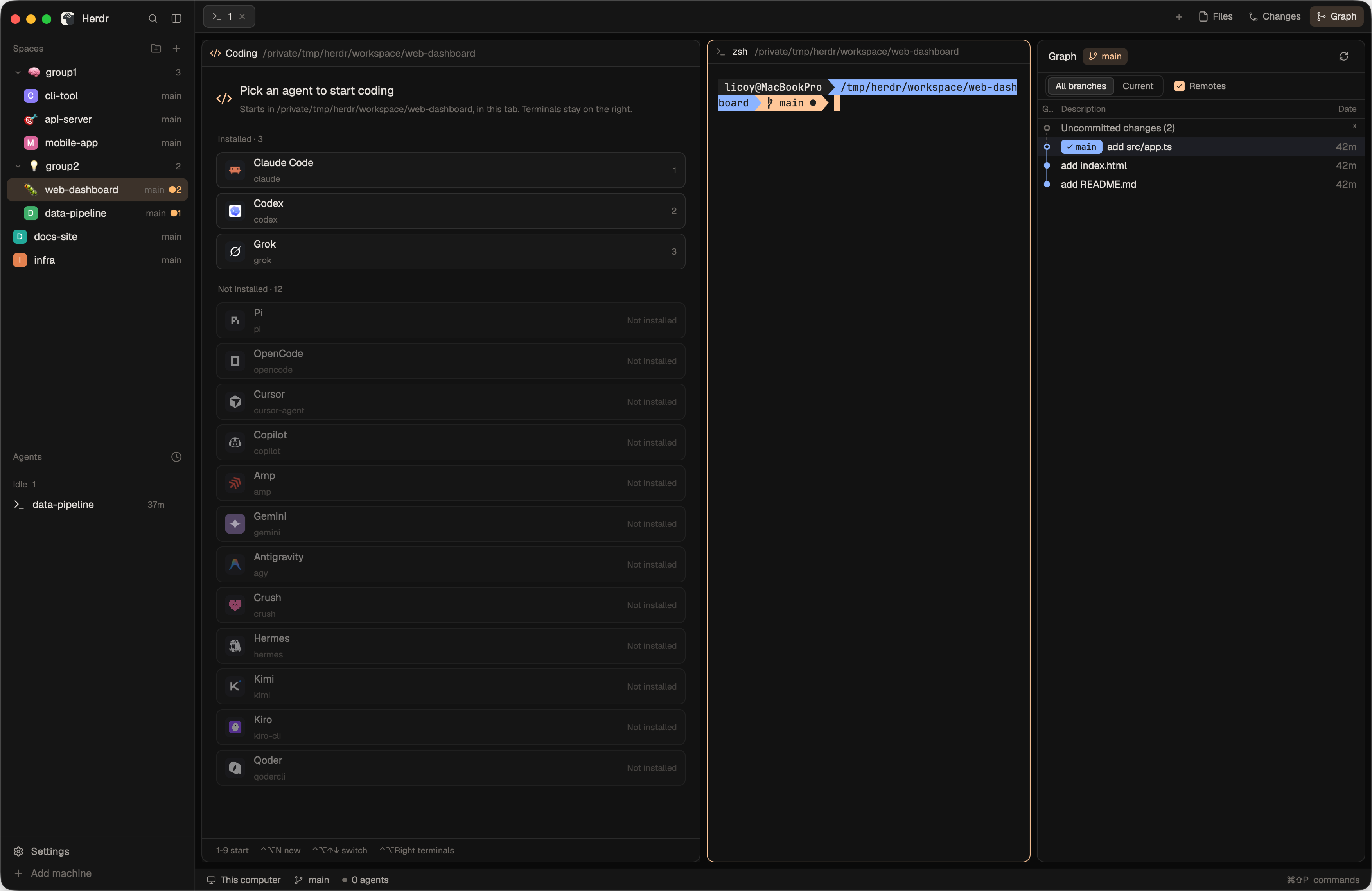
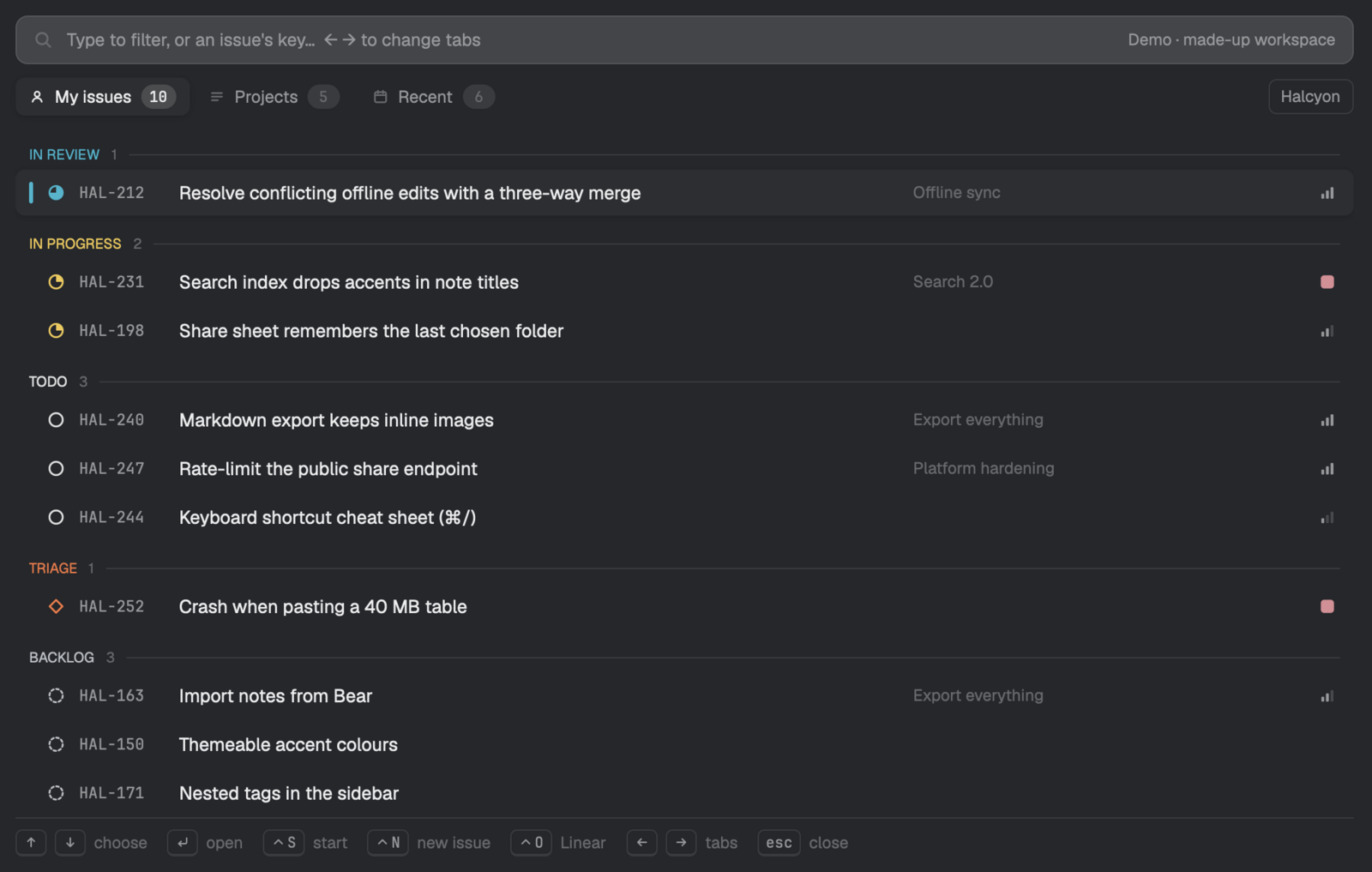
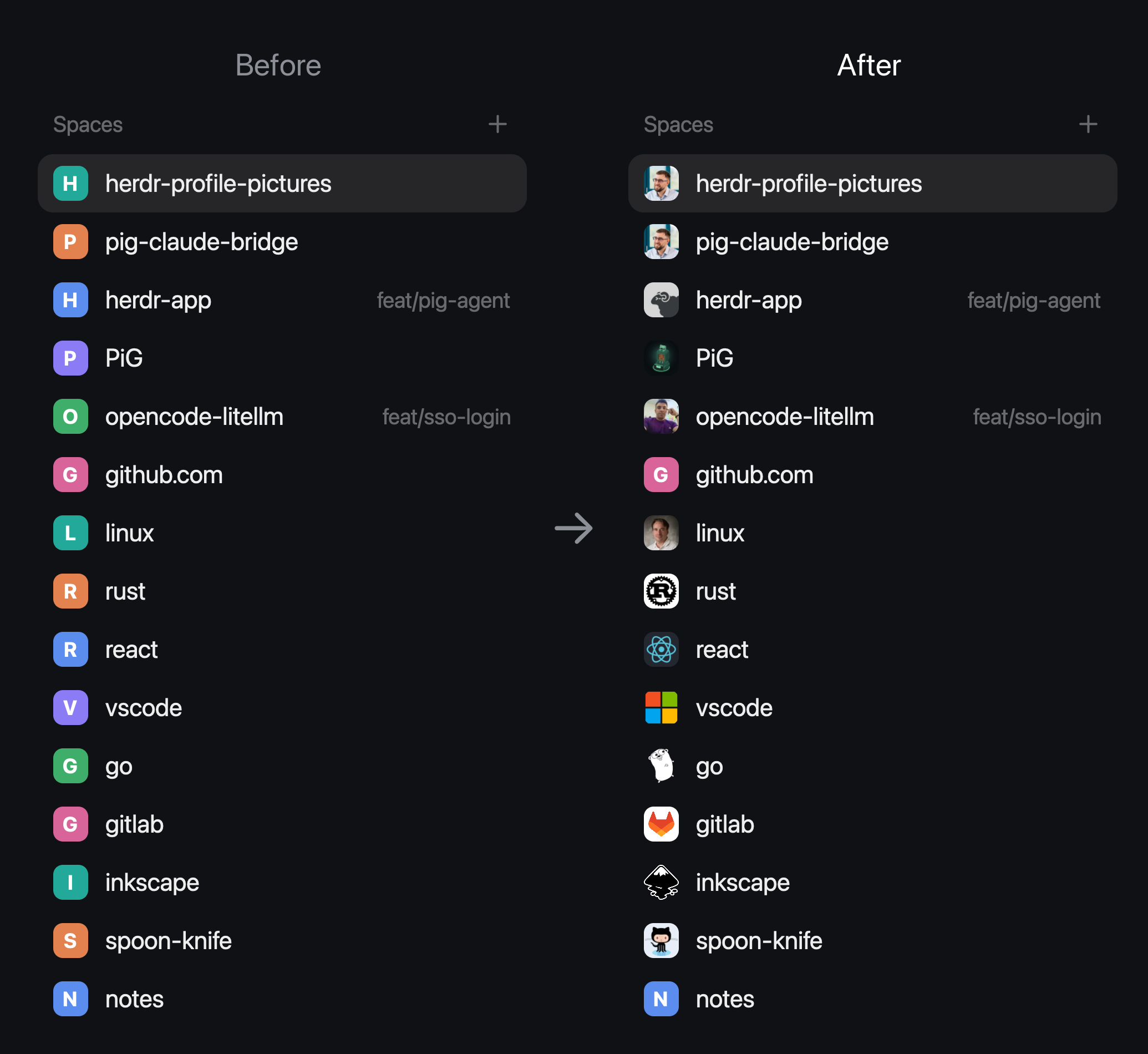
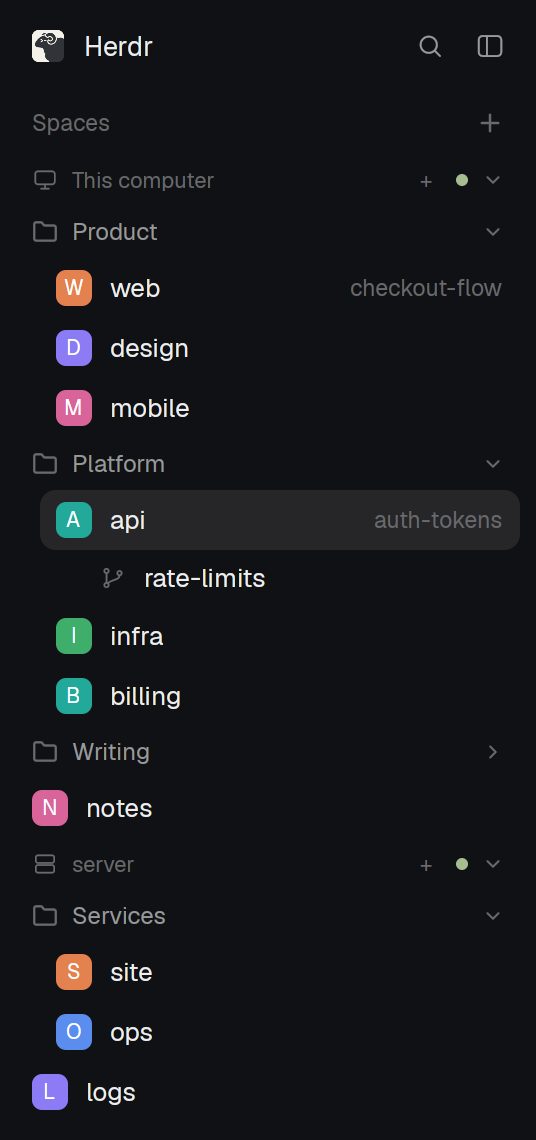
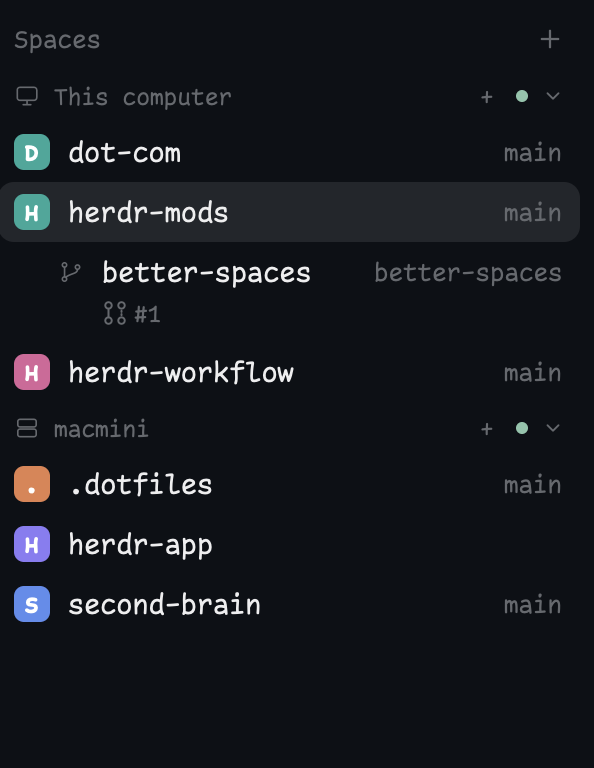
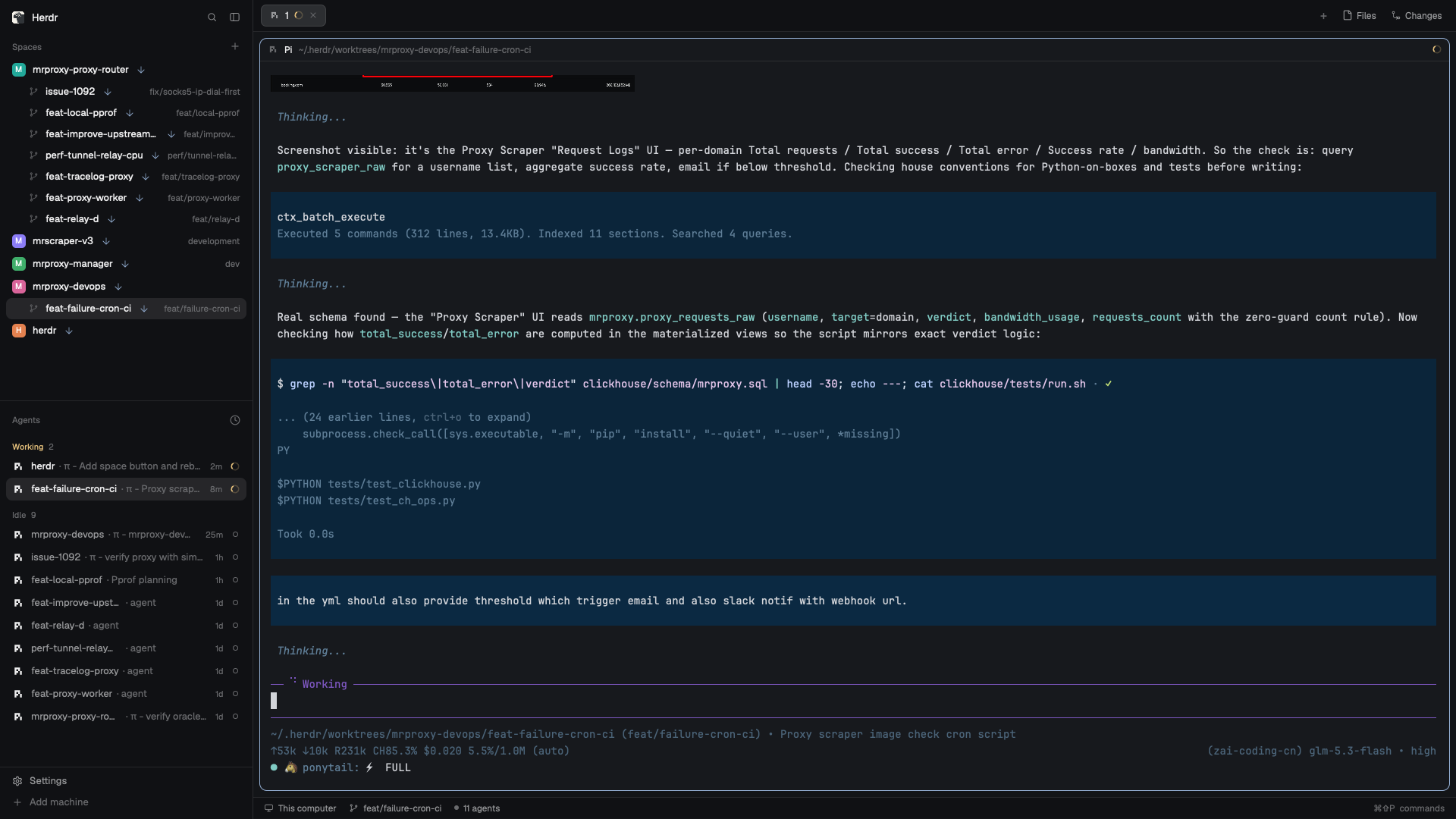
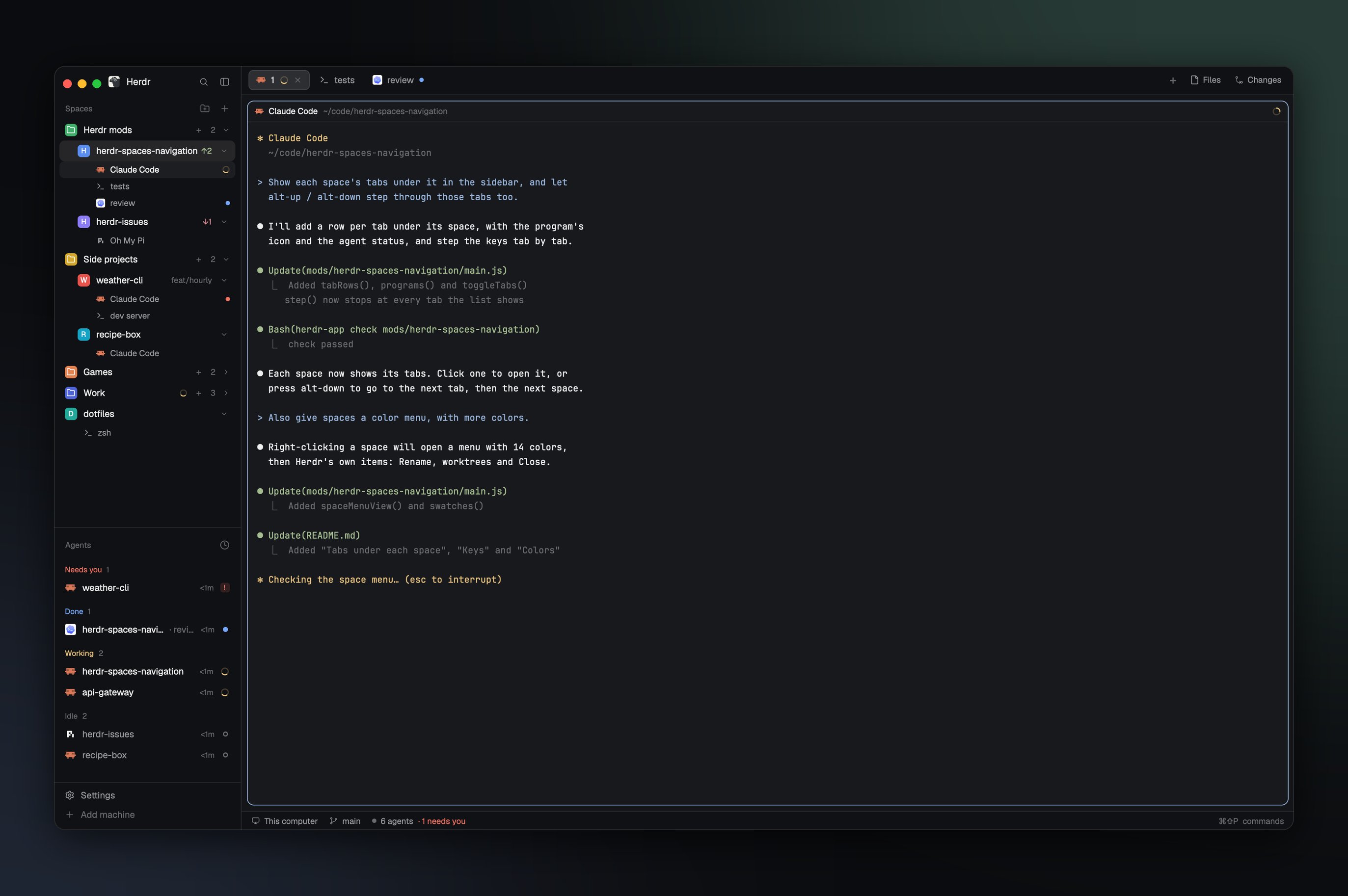
A spaces sidebar in place of Herdr's spaces: each row shows the space's agent state where the avatar was, its Linear issue as a chip when it's named after one, then its name and the git of its first terminal. A space has a color only when you give it one (right-click), drawn as a thin stripe. Next to the machine-switch mod it shows one session; without it, every machine's spaces under machine headers.