
RECIPE.md
Read this layout's recipe on GitHub →
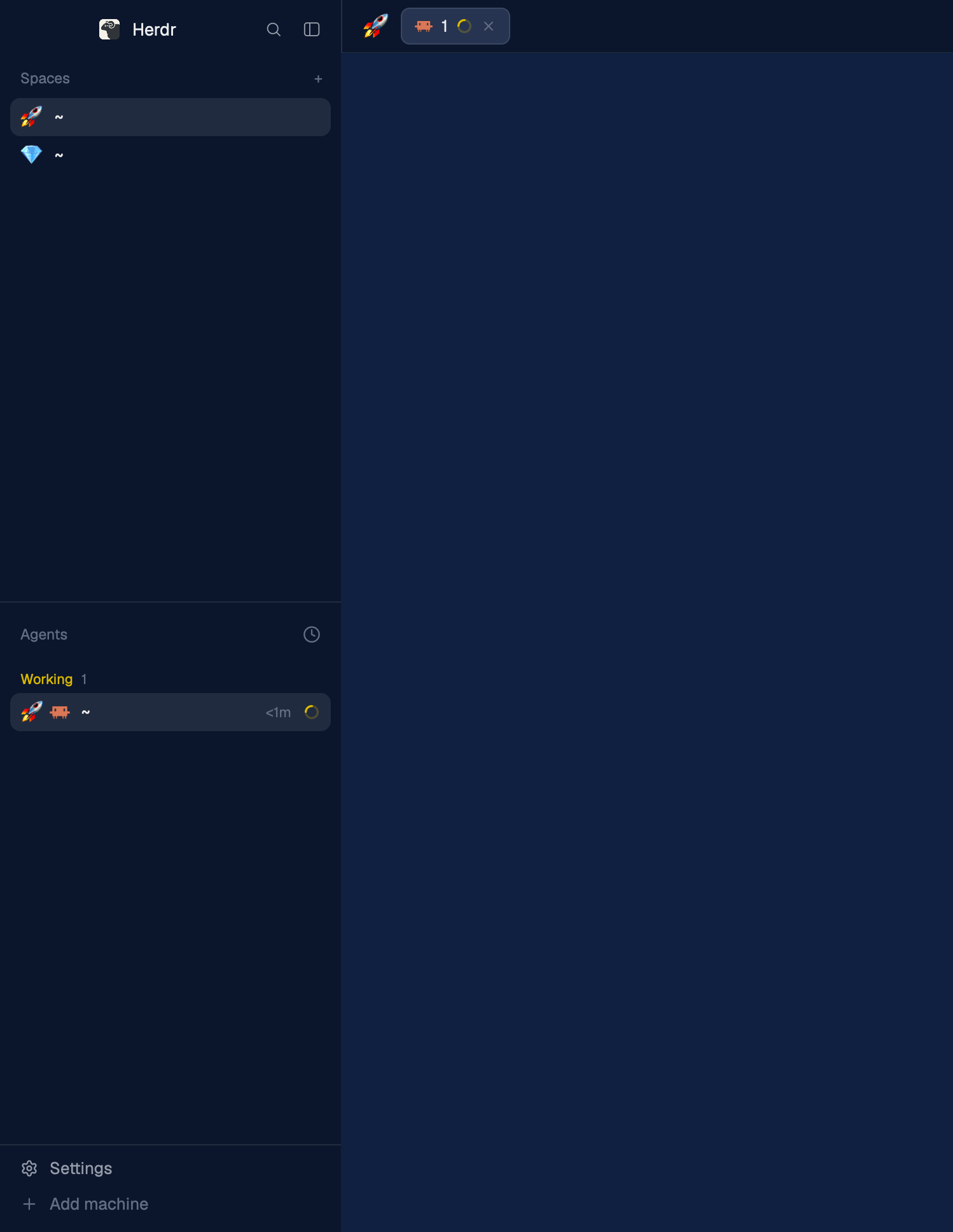
Herdr's main window, with an emoji and a theme for each space. Pick an emoji from the space's right-click menu or by clicking its letter tile. The emoji replaces the tile in the spaces sidebar. It also appears before the active space's tabs, and before each agent's logo in the agents list. Pick a theme from the same menu, from Herdr's themes or any installed Ghostty theme. The whole window switches to it while that space shows. Spaces without an emoji or a theme look the same as in Herdr's…
Read ~/.config/herdr-app/AGENTS.md, then add this layout: herdr.dev/layouts/kennyg/herdr-mods--main-emoji Read this layout's recipe on GitHub →