
RECIPE.md
Read this mod's recipe on GitHub →
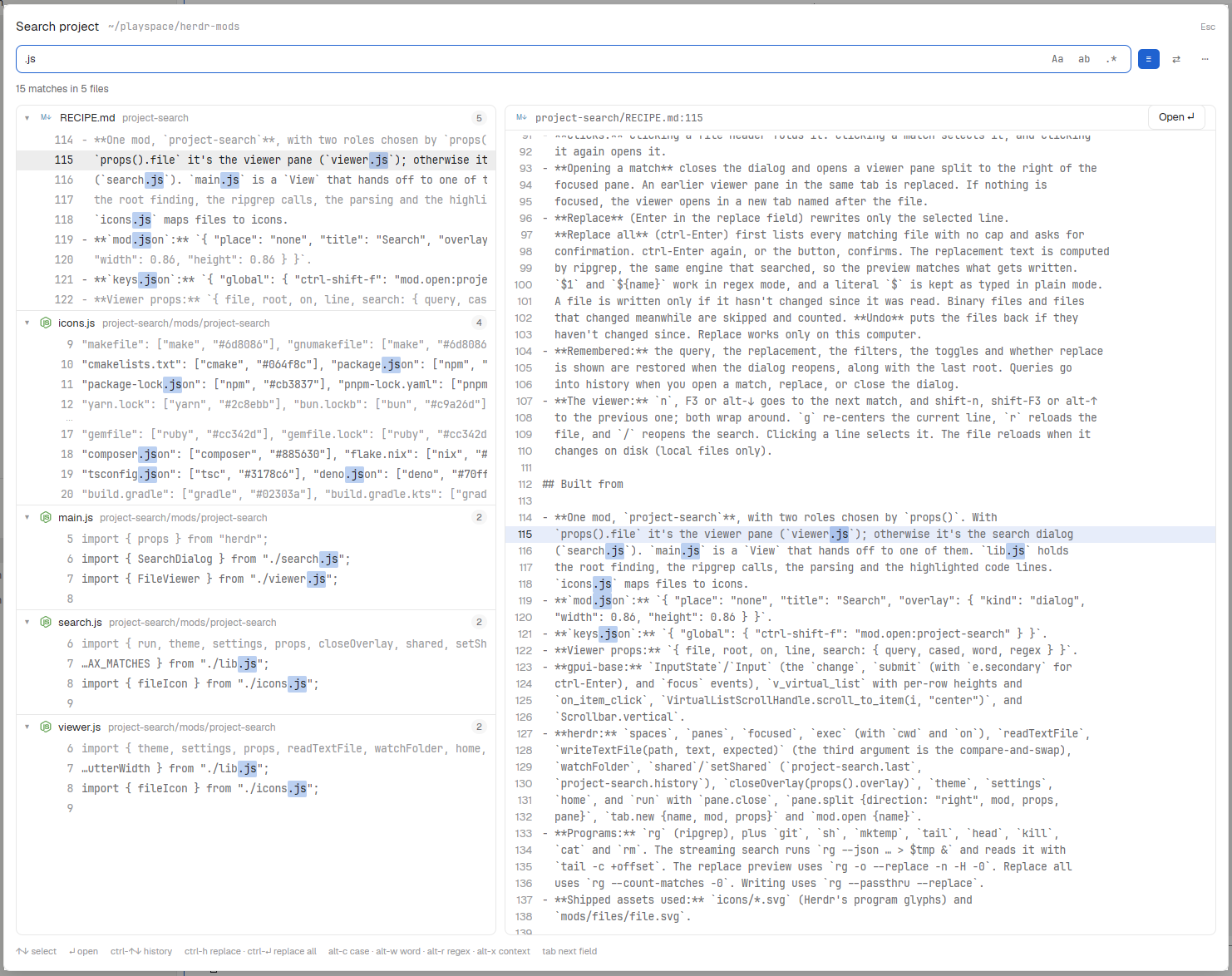
Zed-style search and replace across the whole project. ctrl-shift-f opens a large dialog: type a query and every match in the focused terminal's git repo streams in on the left, grouped by file with a line of context around each match. On the right is the selected match's file, scrolled to the match. Enter opens the match in a viewer pane beside your shell. Replace mode shows each change inline before you make it, and you can undo it.
Read ~/.config/herdr-app/AGENTS.md, then add this mod: herdr.dev/mods/andre0xFF/herdr-mods--project-search Read this mod's recipe on GitHub →