
RECIPE.md
Read this mod's recipe on GitHub →
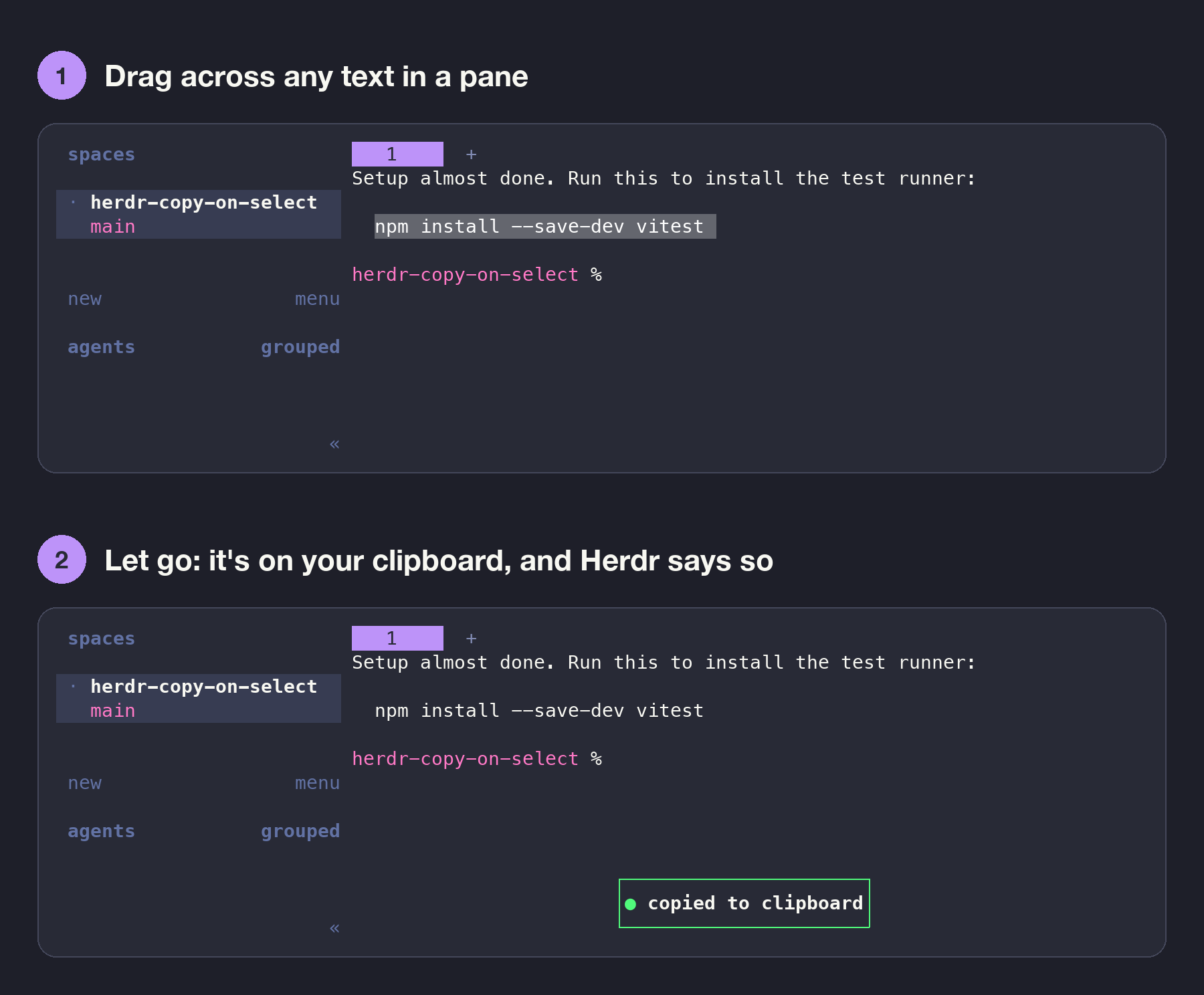
Highlight text in any Herdr terminal and it's copied the moment you let go of the mouse. No ⌘C, no right-click menu. Drag across a command, a path, an error or an agent's answer, release, and paste it anywhere. Double-click copies a word and triple-click copies a line. This is how the Herdr TUI already works (pictured: its "copied to clipboard" popup), and this mod brings the same behavior to the Herdr app. Each copy shows a short "Copied" notification so you know it worked, and nothing else…
Read ~/.config/herdr-app/AGENTS.md, then add this mod: herdr.dev/mods/jspoynor/herdr-copy-on-select Read this mod's recipe on GitHub →