
RECIPE.md
Read this mod's recipe on GitHub →
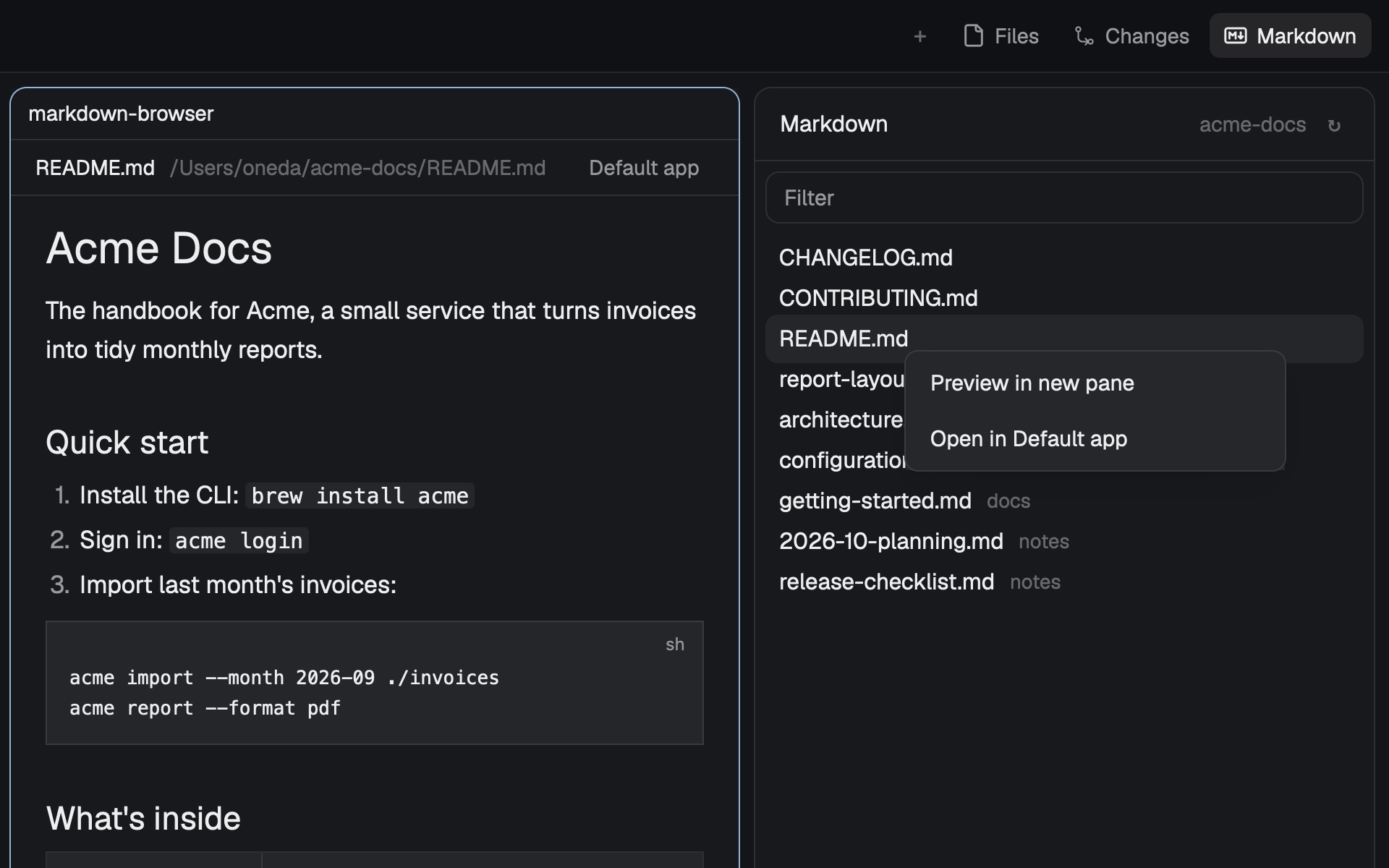
A panel at the right edge of the window lists the Markdown files of the project the focused terminal is in. Click one and it renders in a preview pane beside your terminals; click another and the same preview switches to it. Right-click a file to preview it in a new pane or open it in the system's default app for Markdown. Works on macOS, Windows and Linux, and lists and previews files on other machines too. The panel can also sit beside Files and Changes in the top bar's side panel, through…
Read ~/.config/herdr-app/AGENTS.md, then add this mod: herdr.dev/mods/ohneda/herdr-markdown-browser Read this mod's recipe on GitHub →