Gallery
Whole new windows.
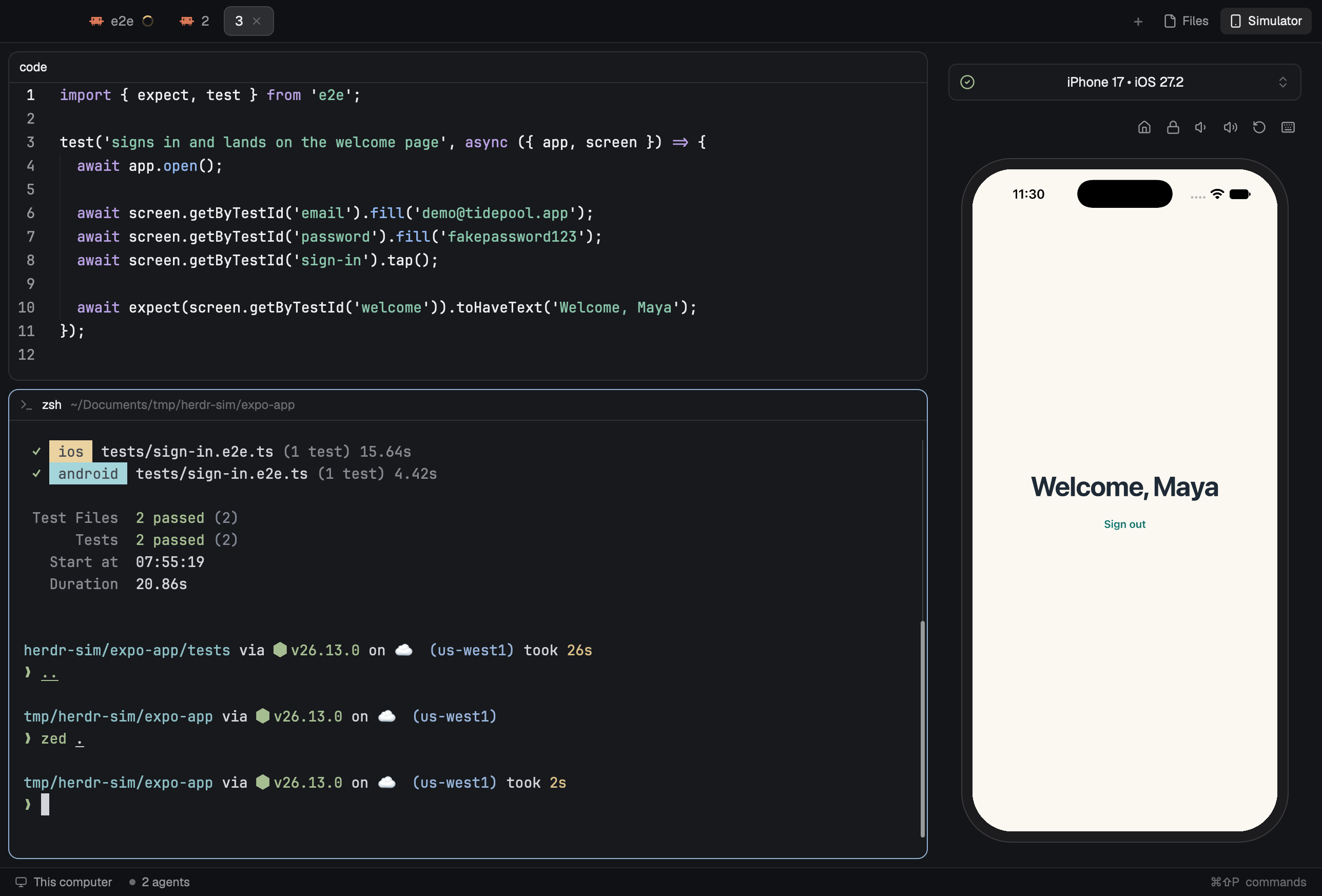
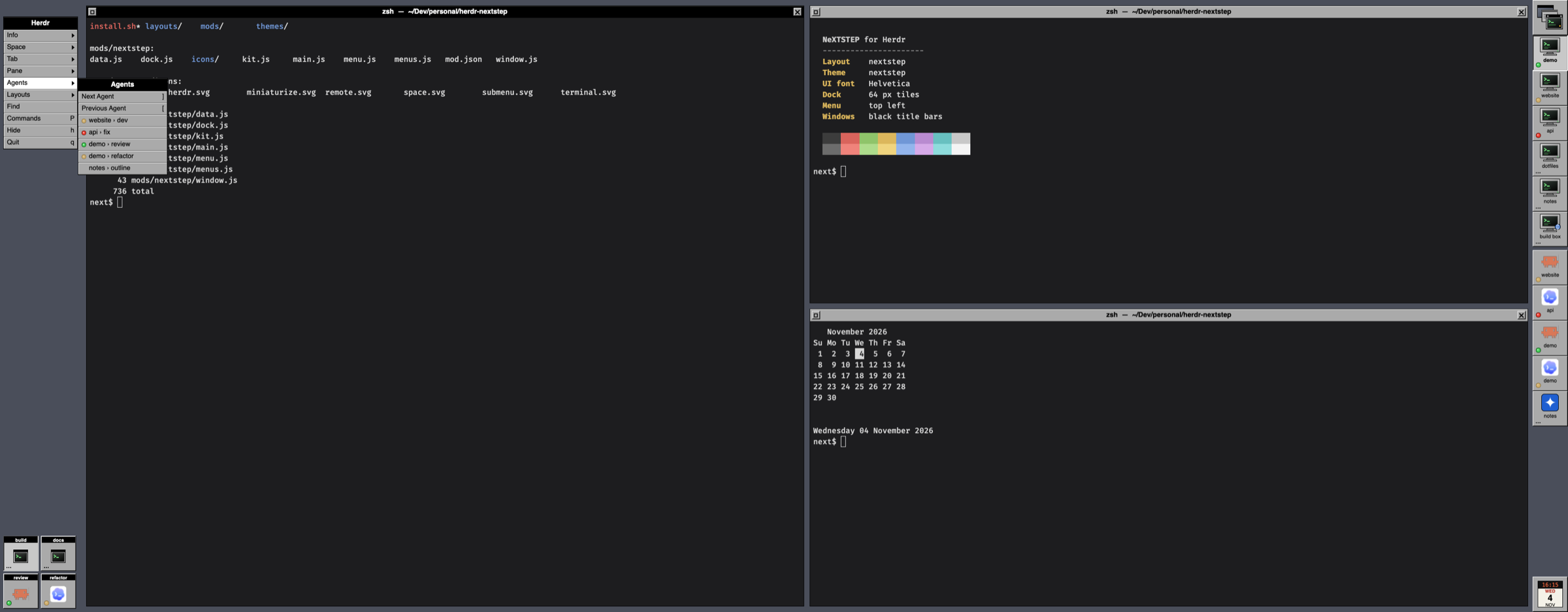
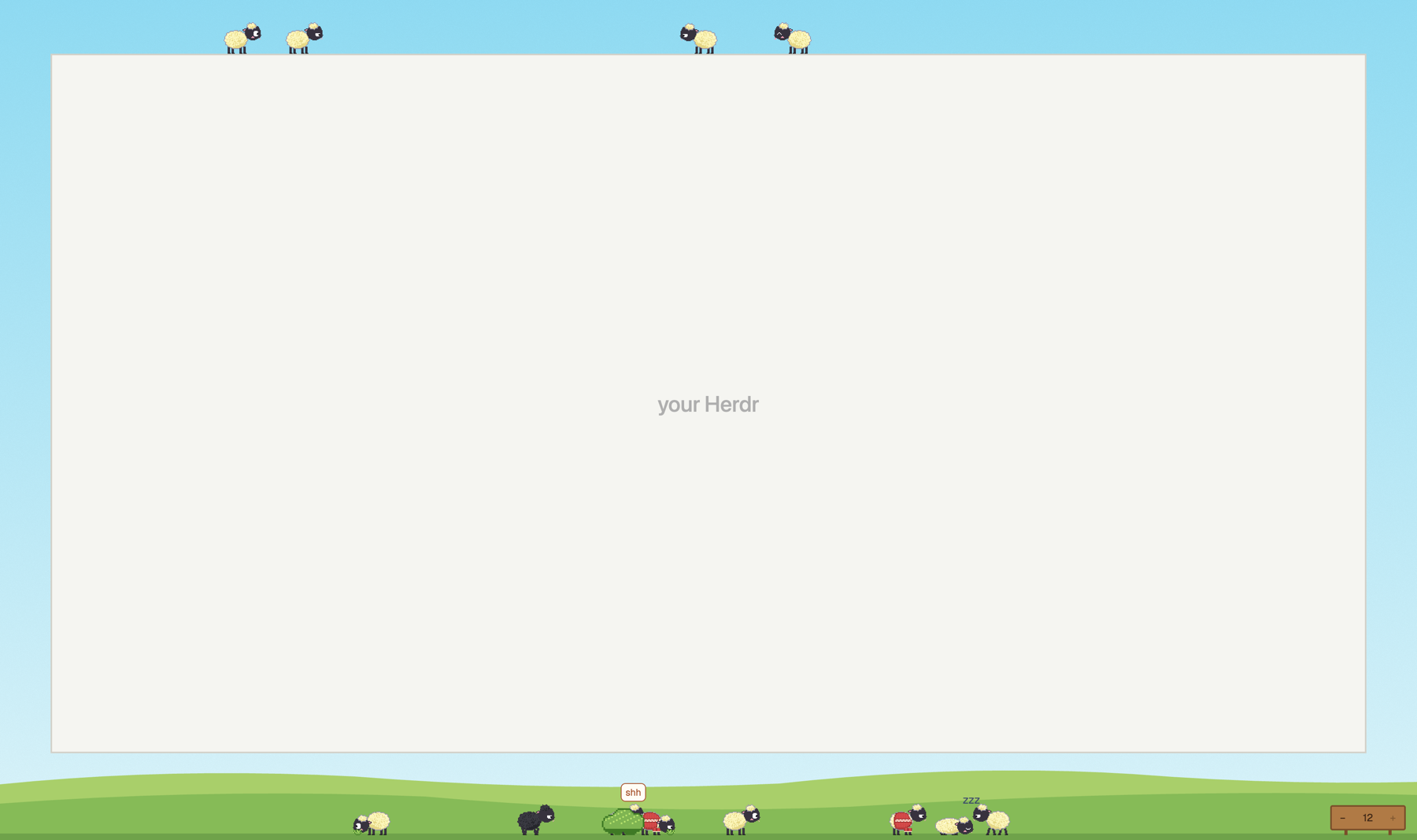
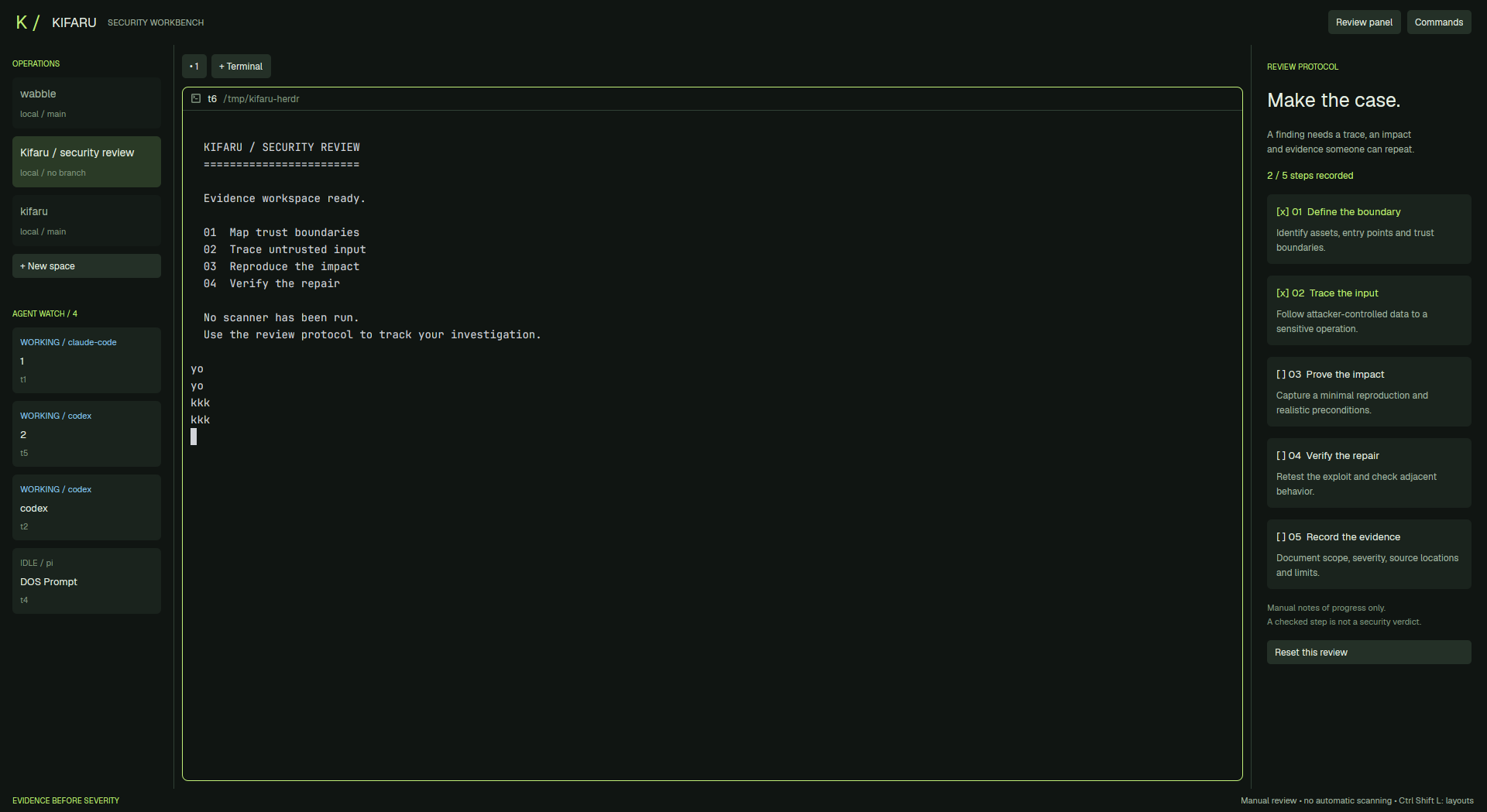
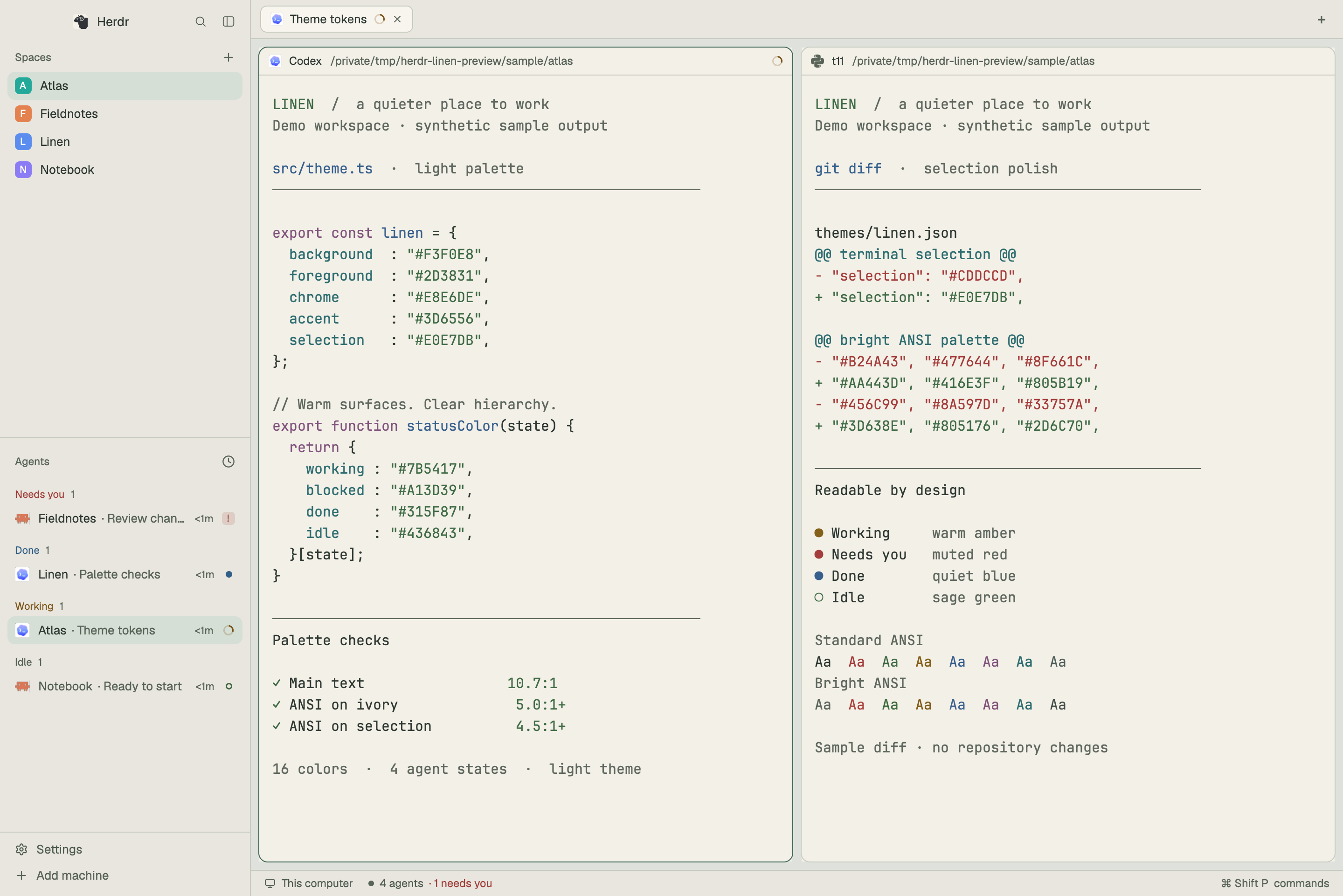
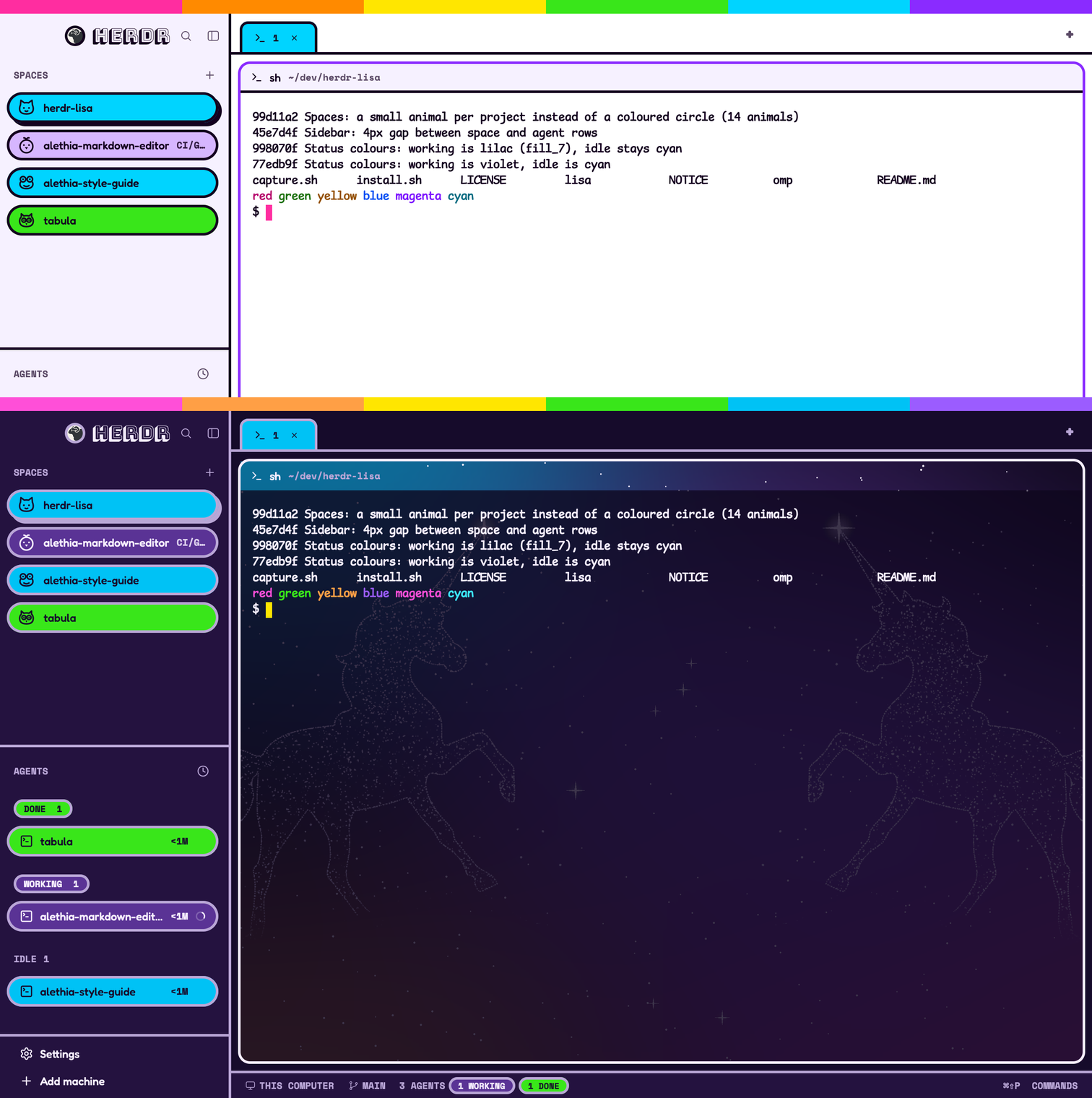
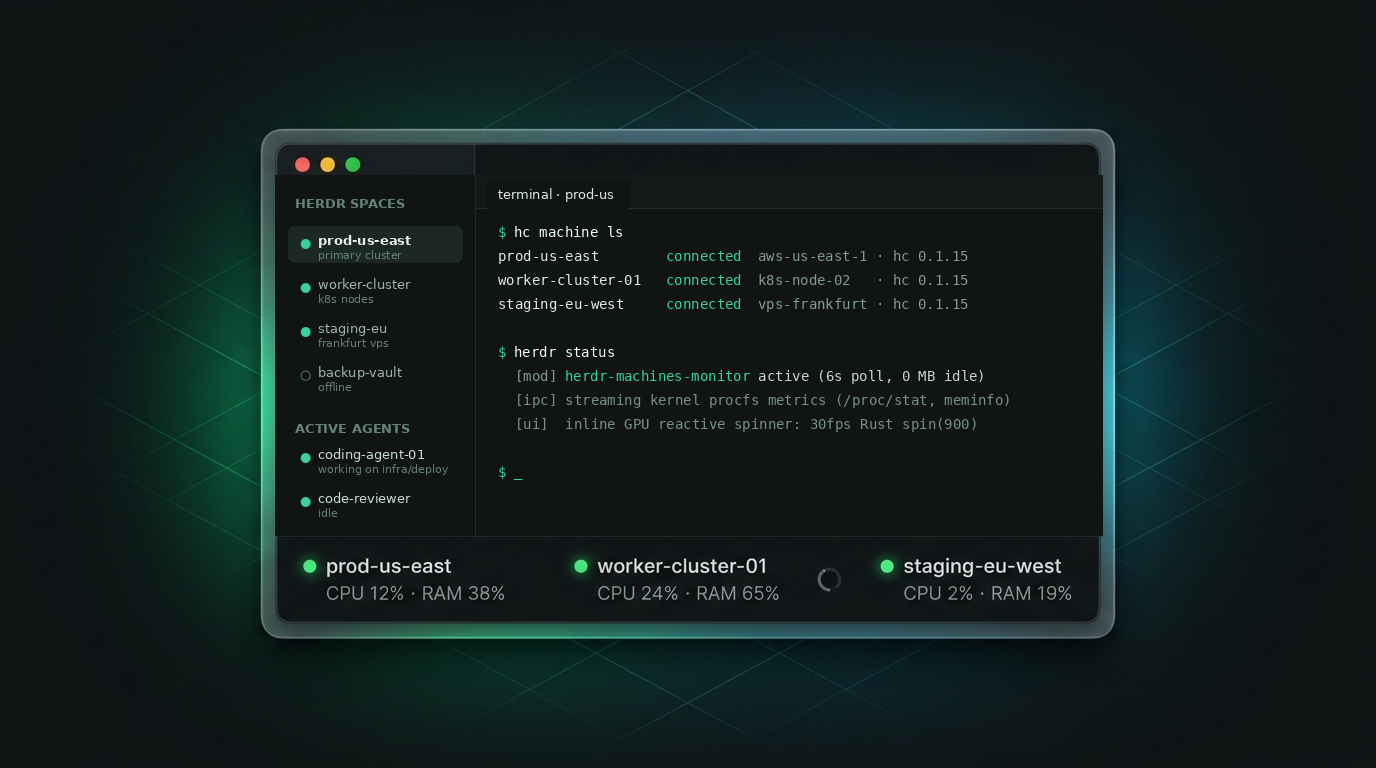
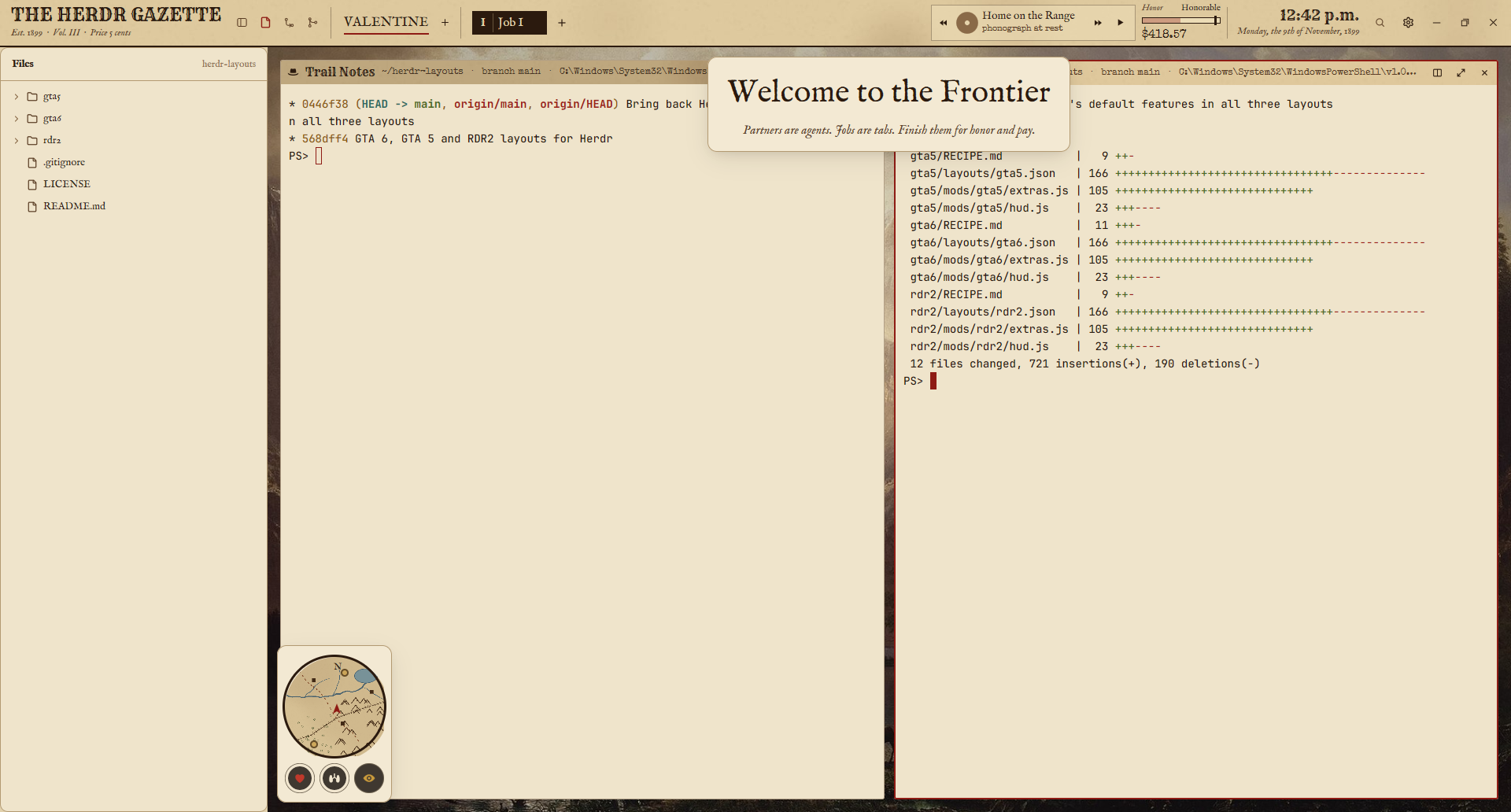
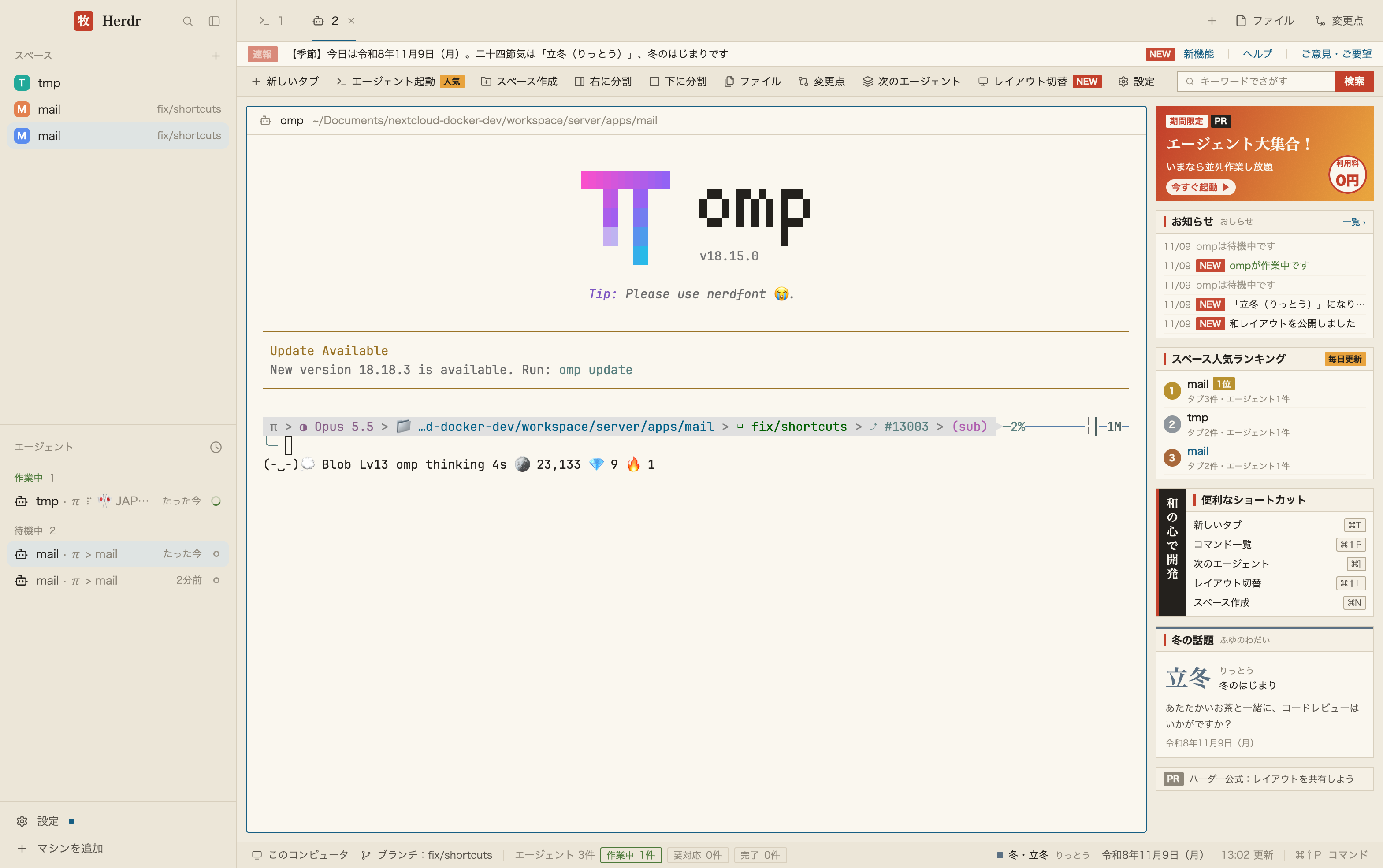
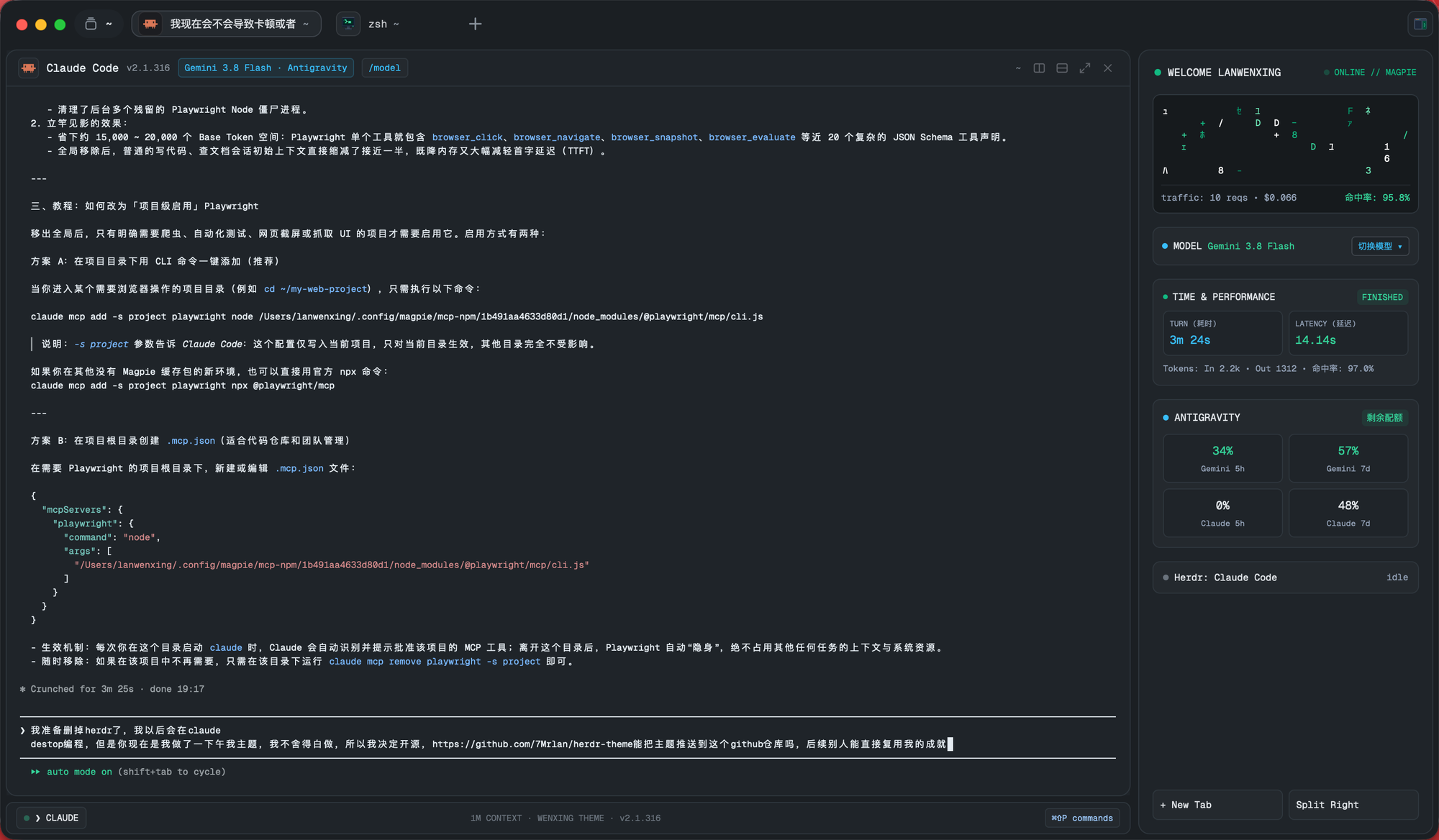
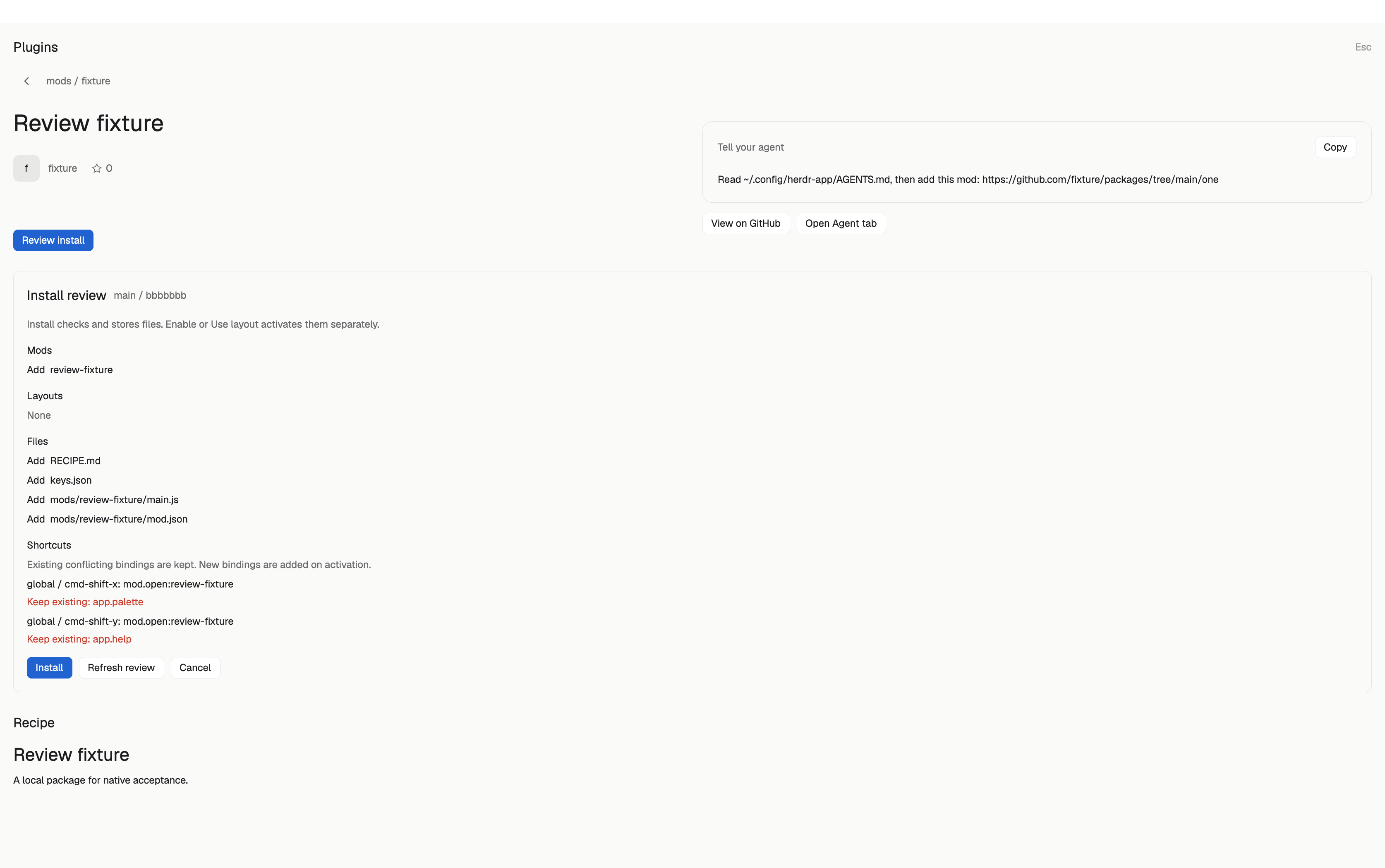
A layout is a whole window: what goes where and how it looks. Copy one line and your agent adds it next to yours. Yours stays as it is.
No matches here right now. Share yours.
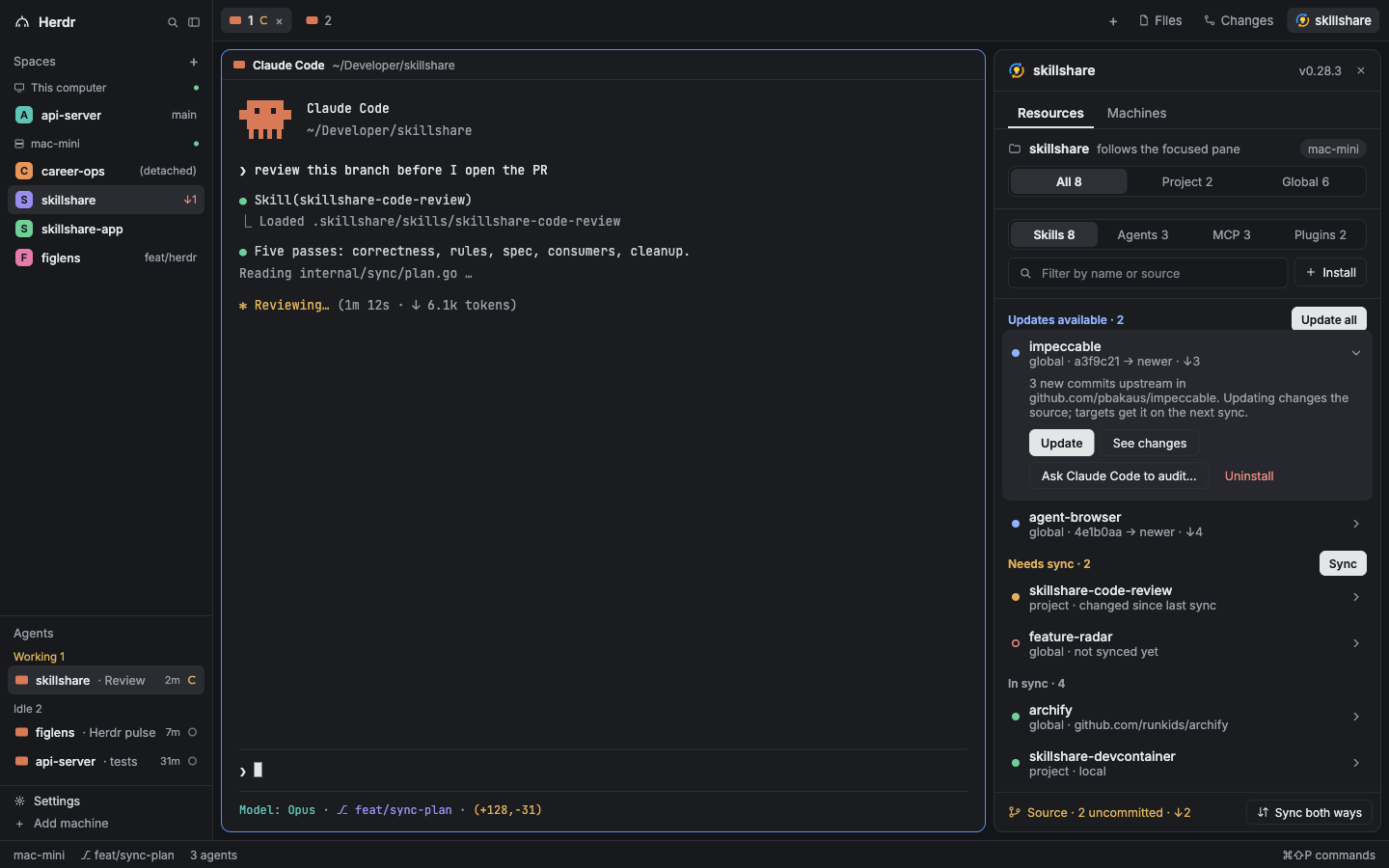






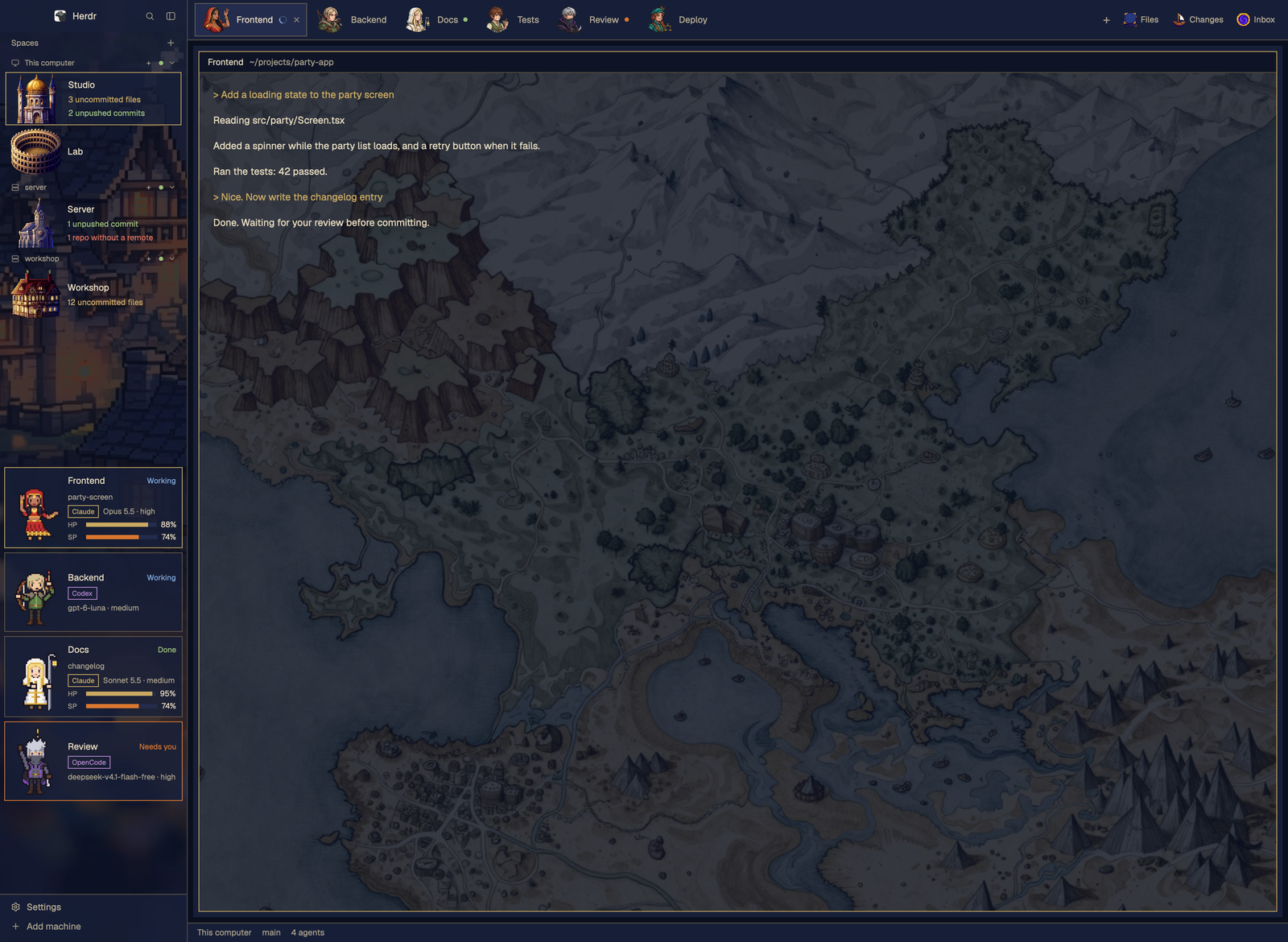



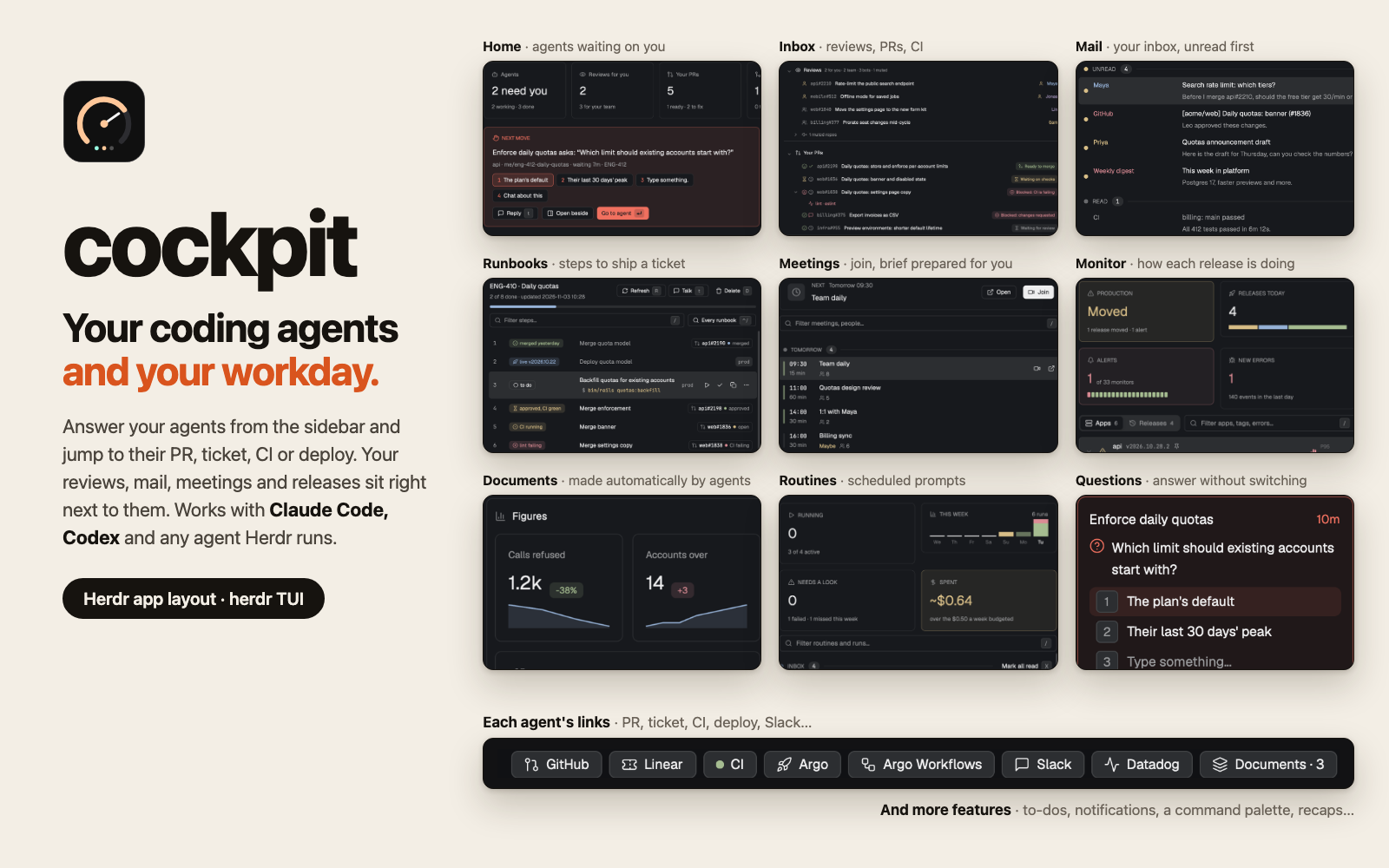


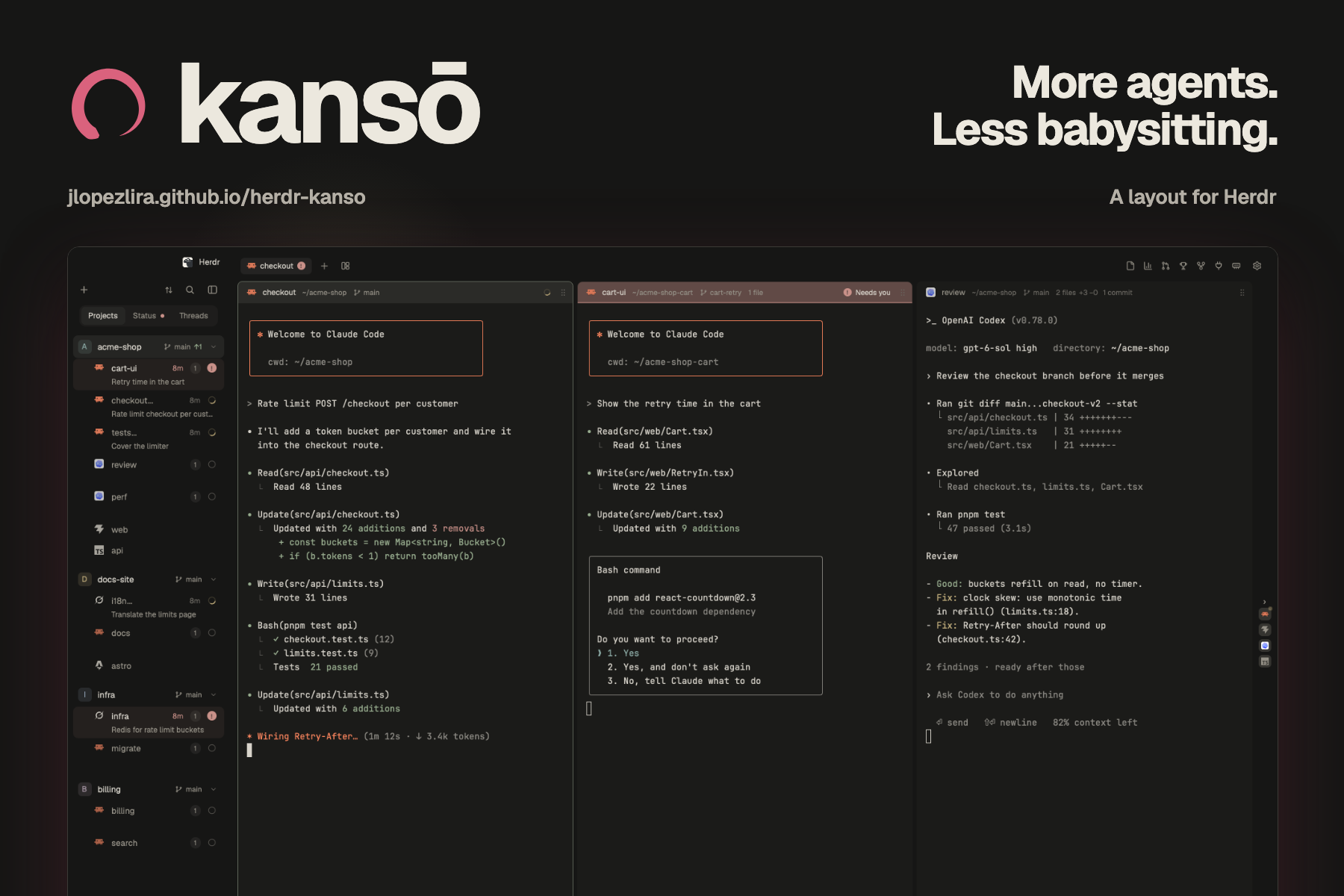

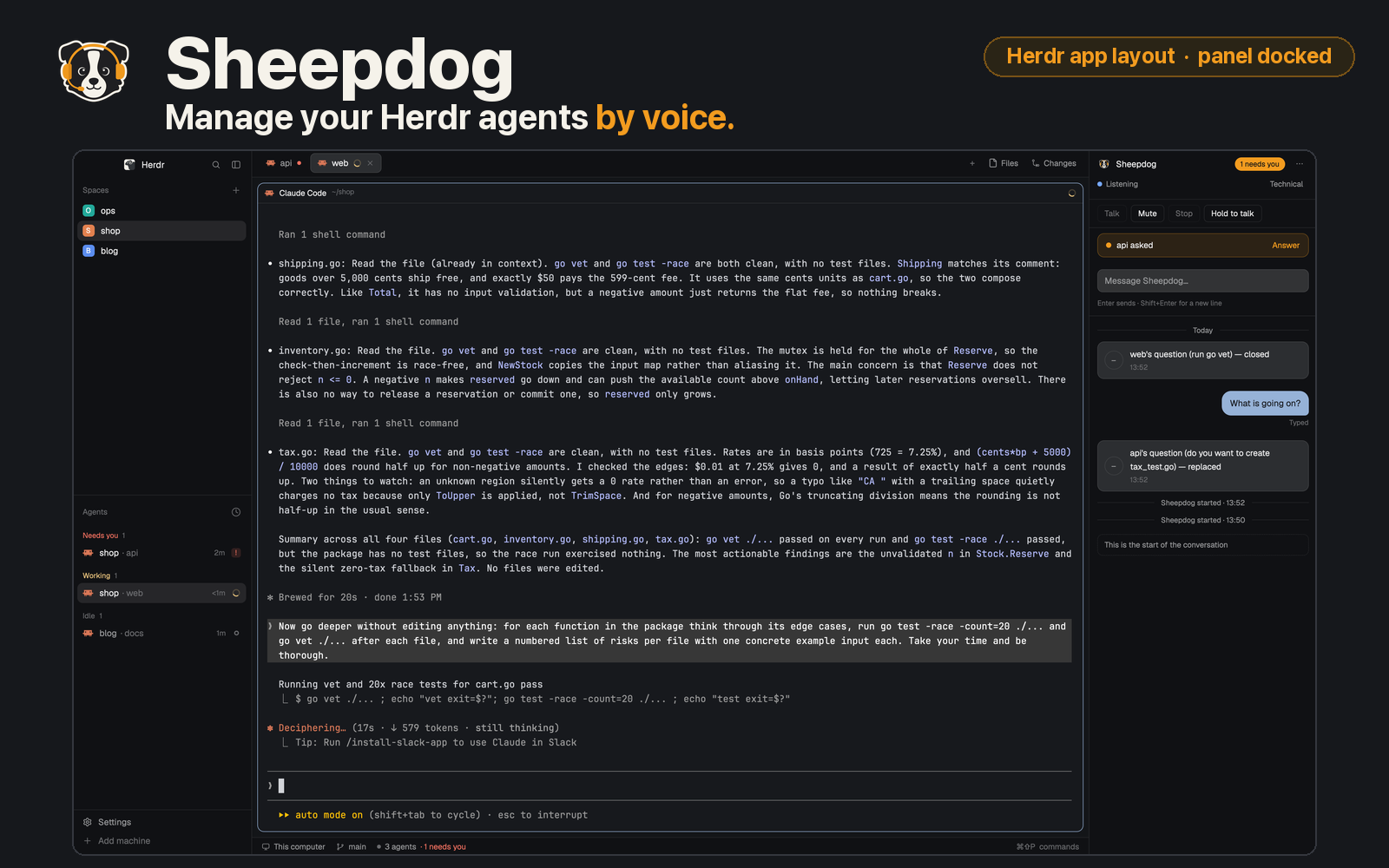

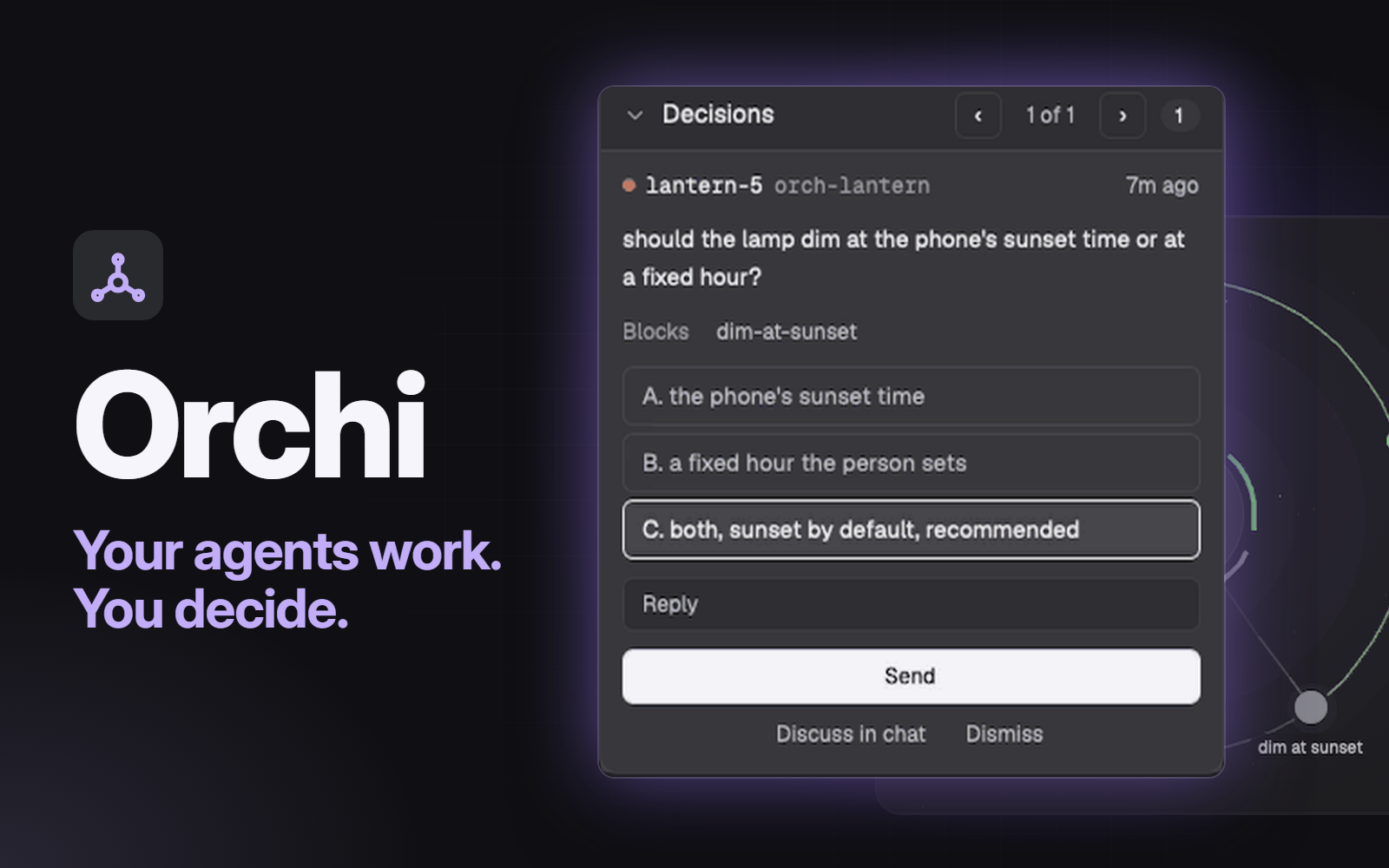



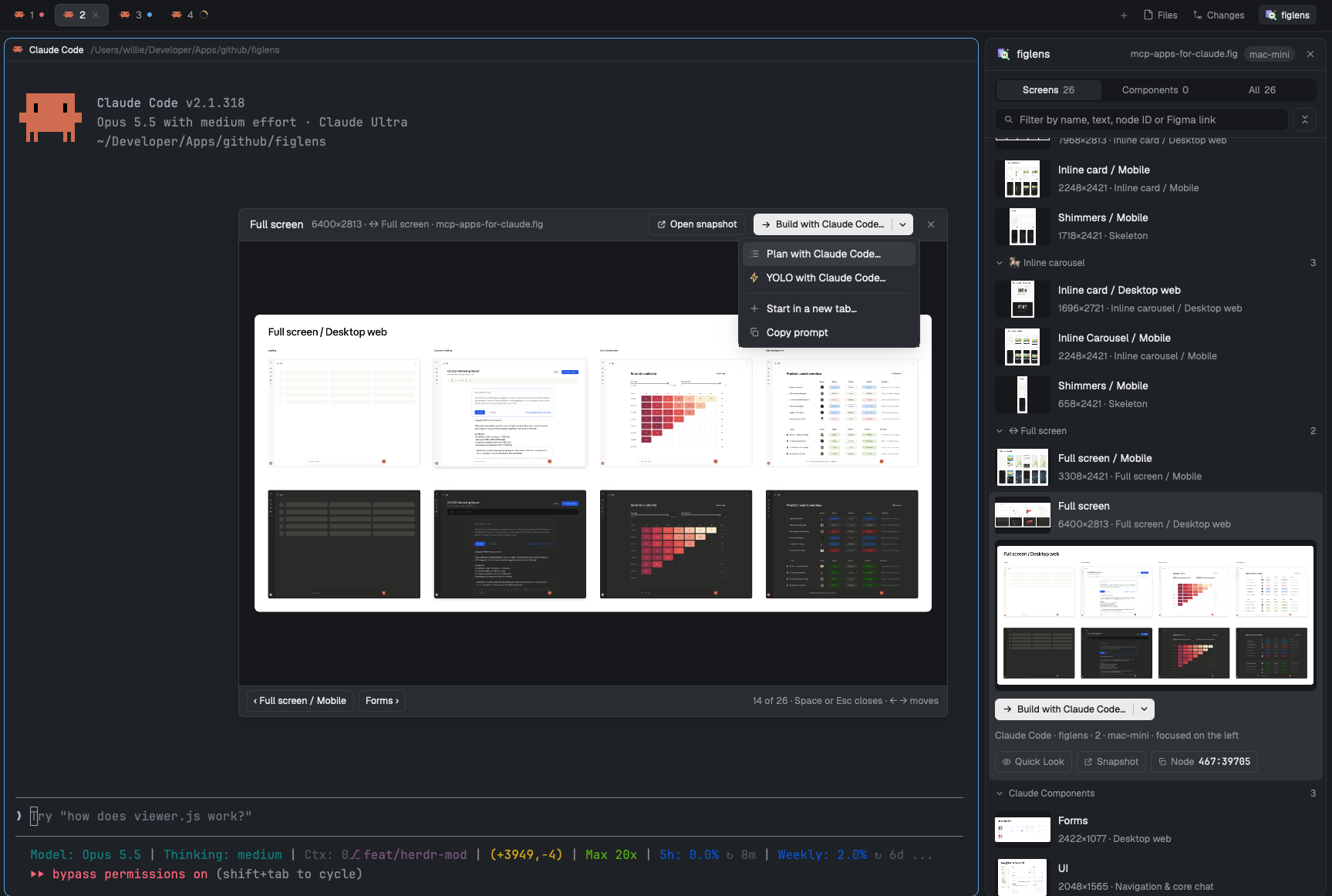
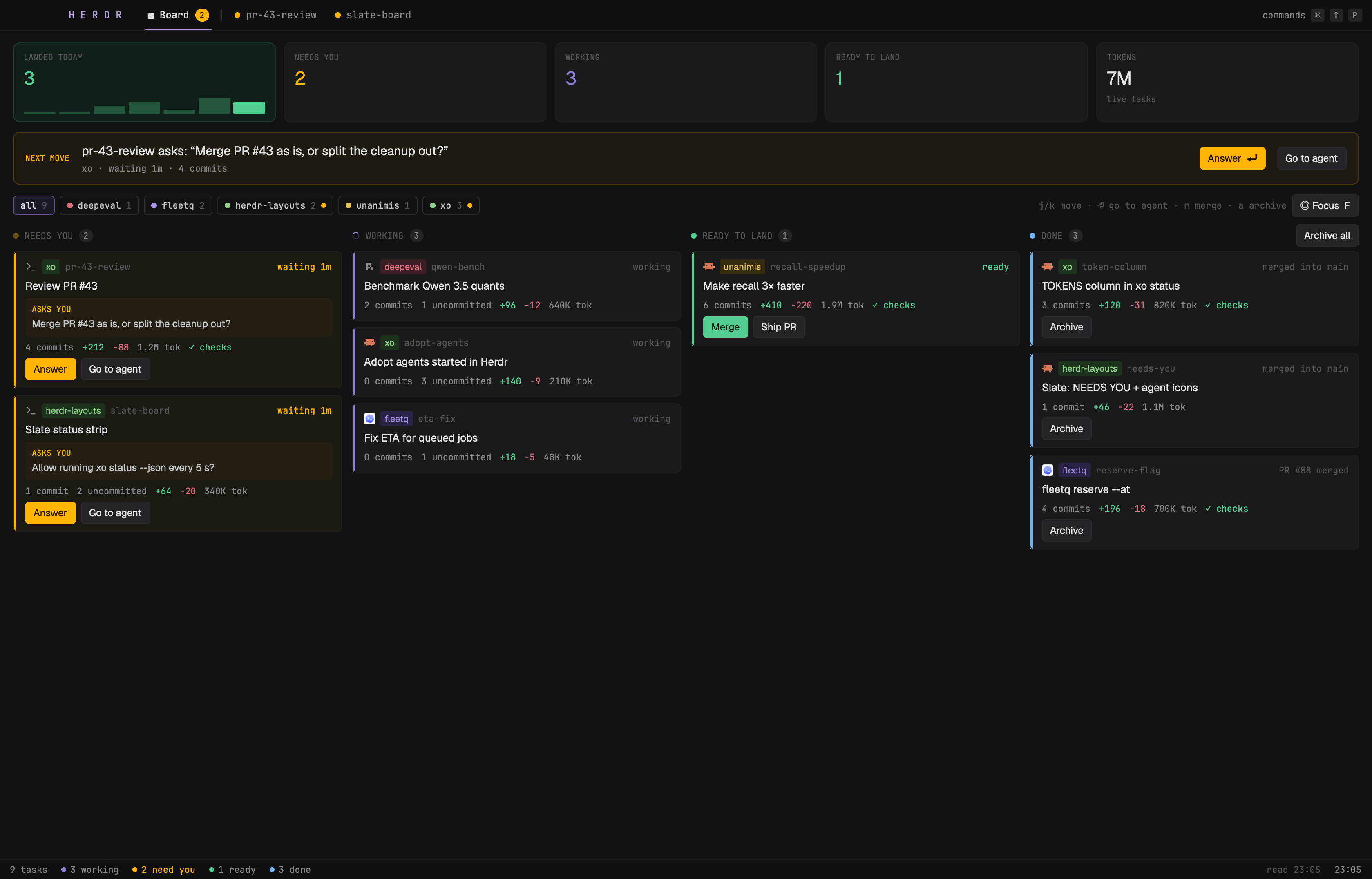

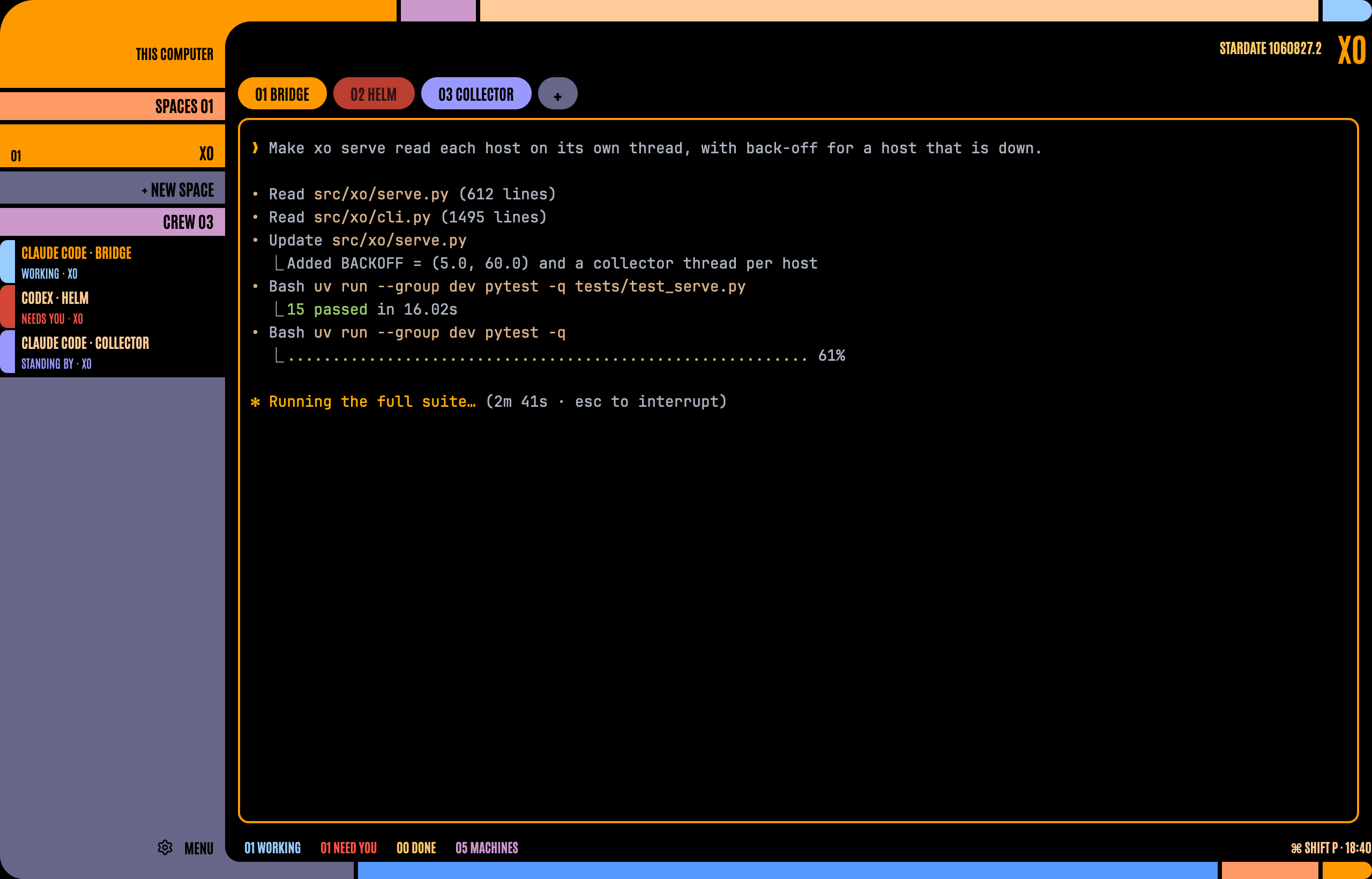
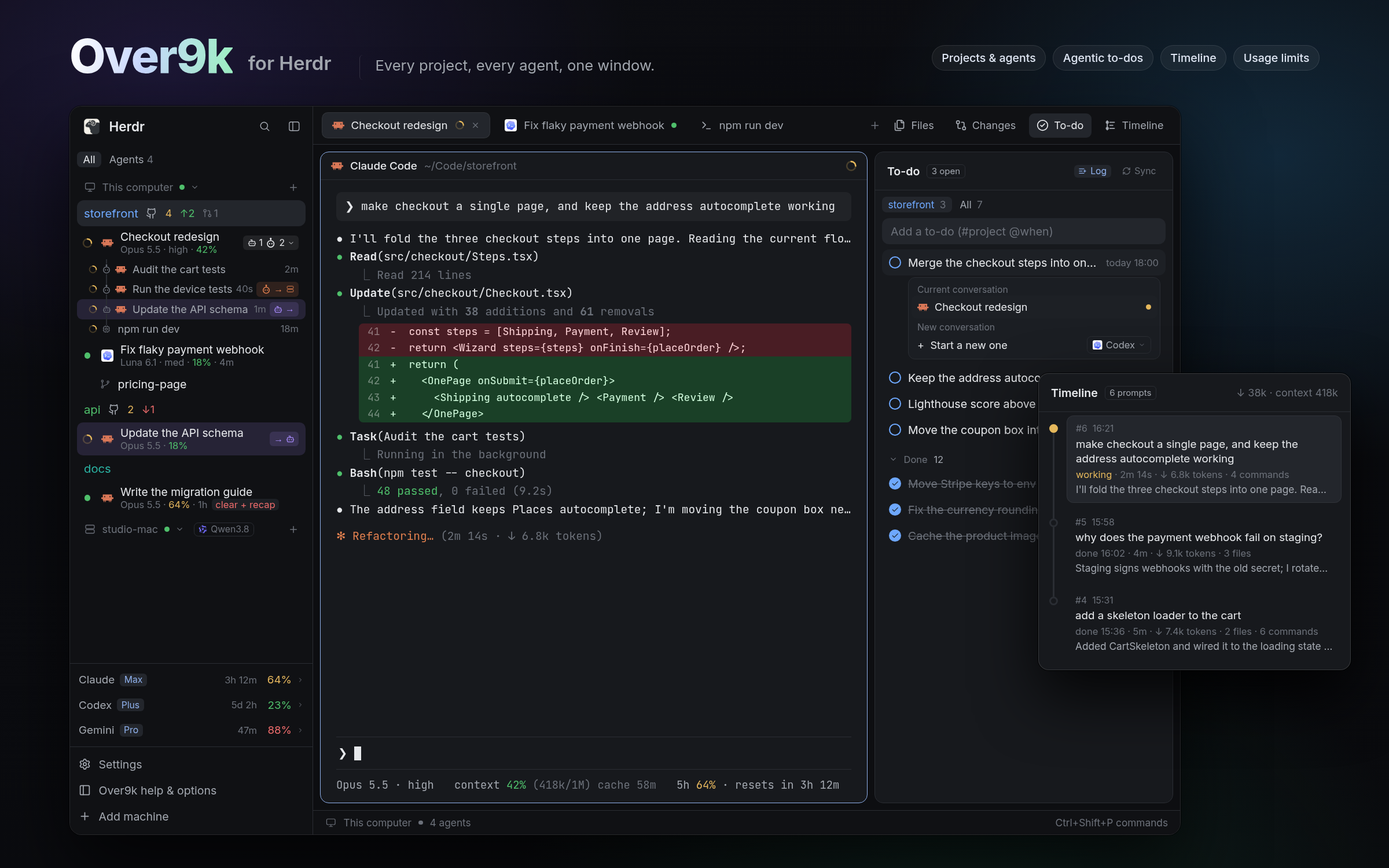

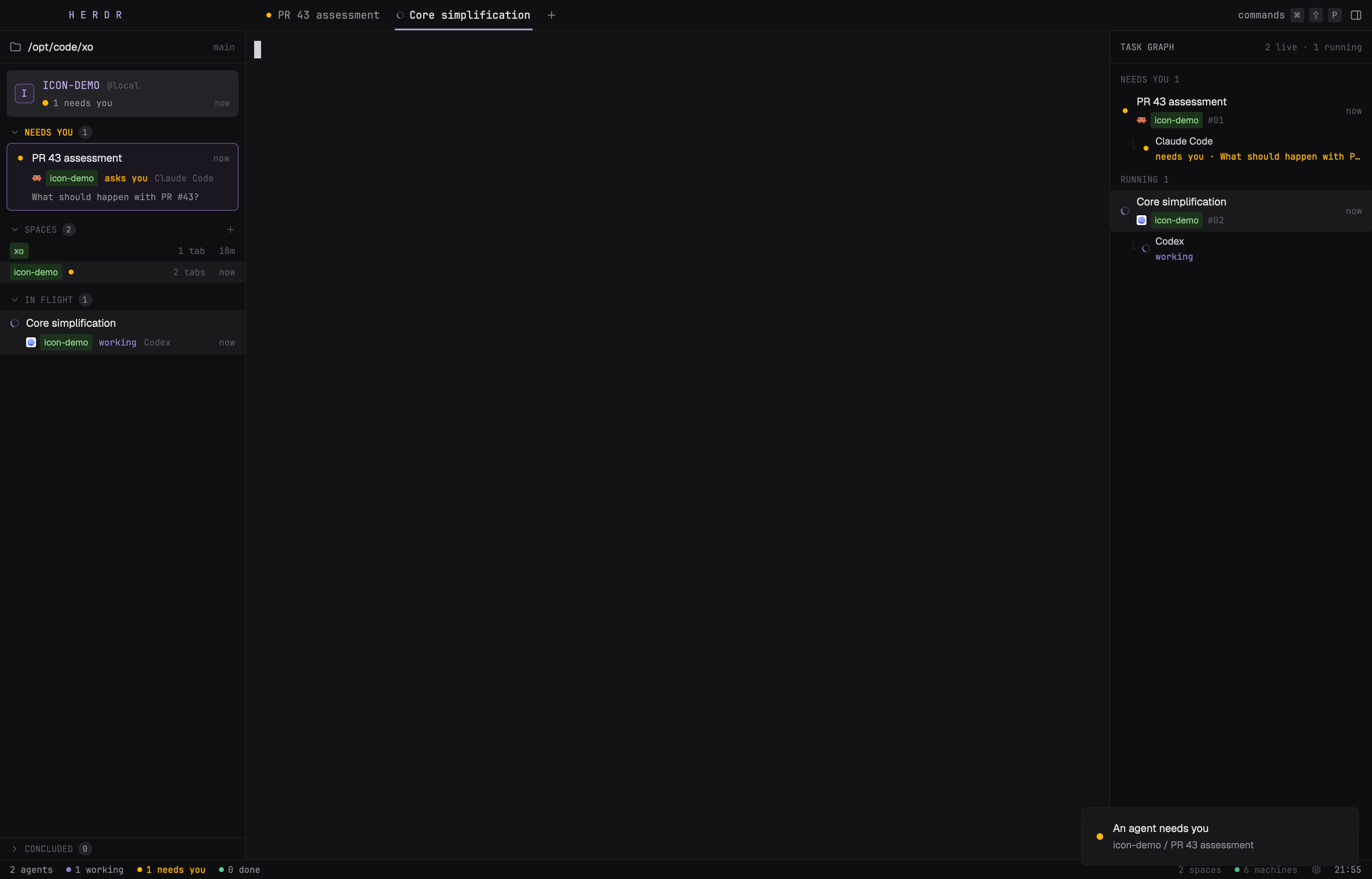
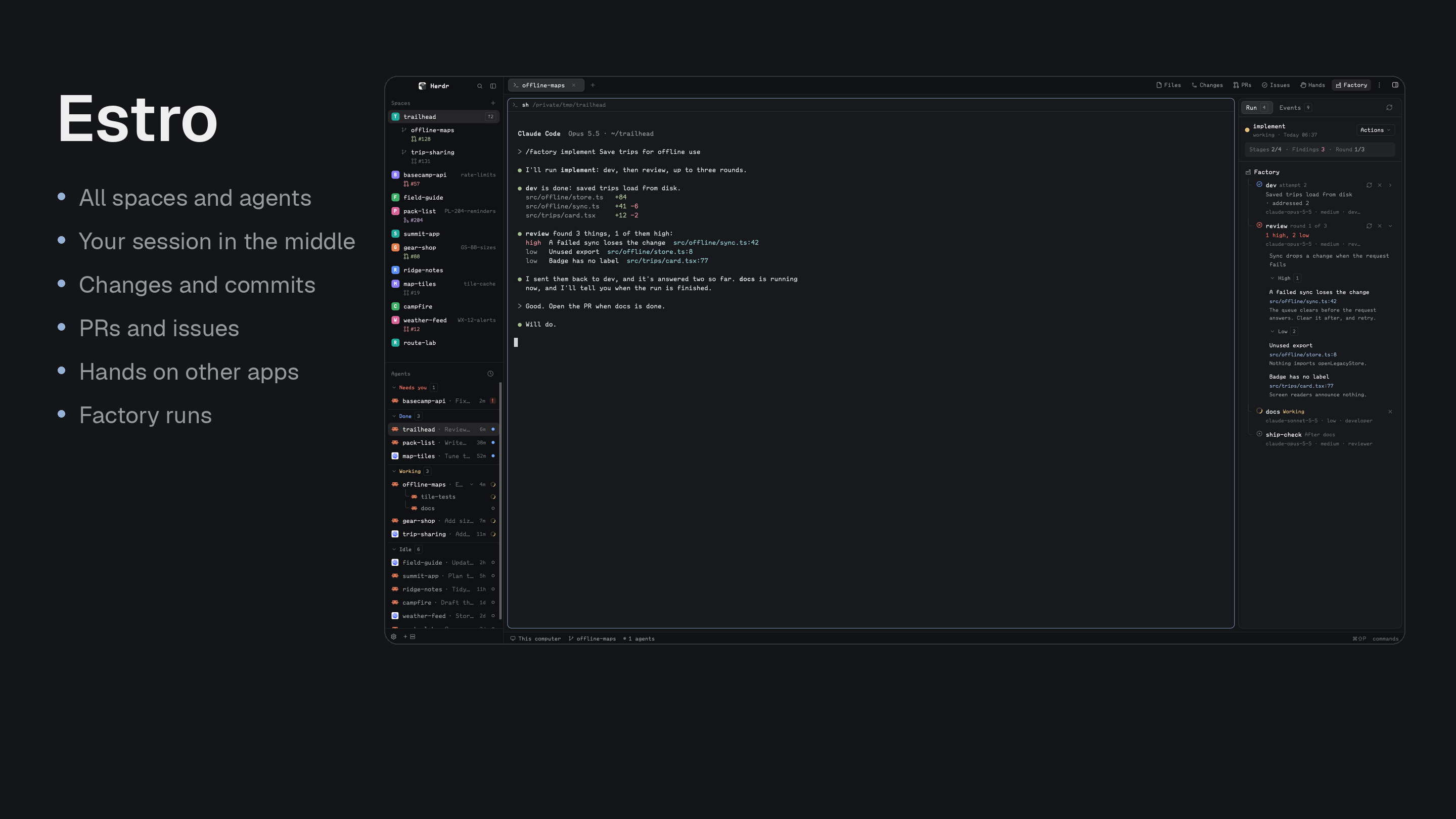

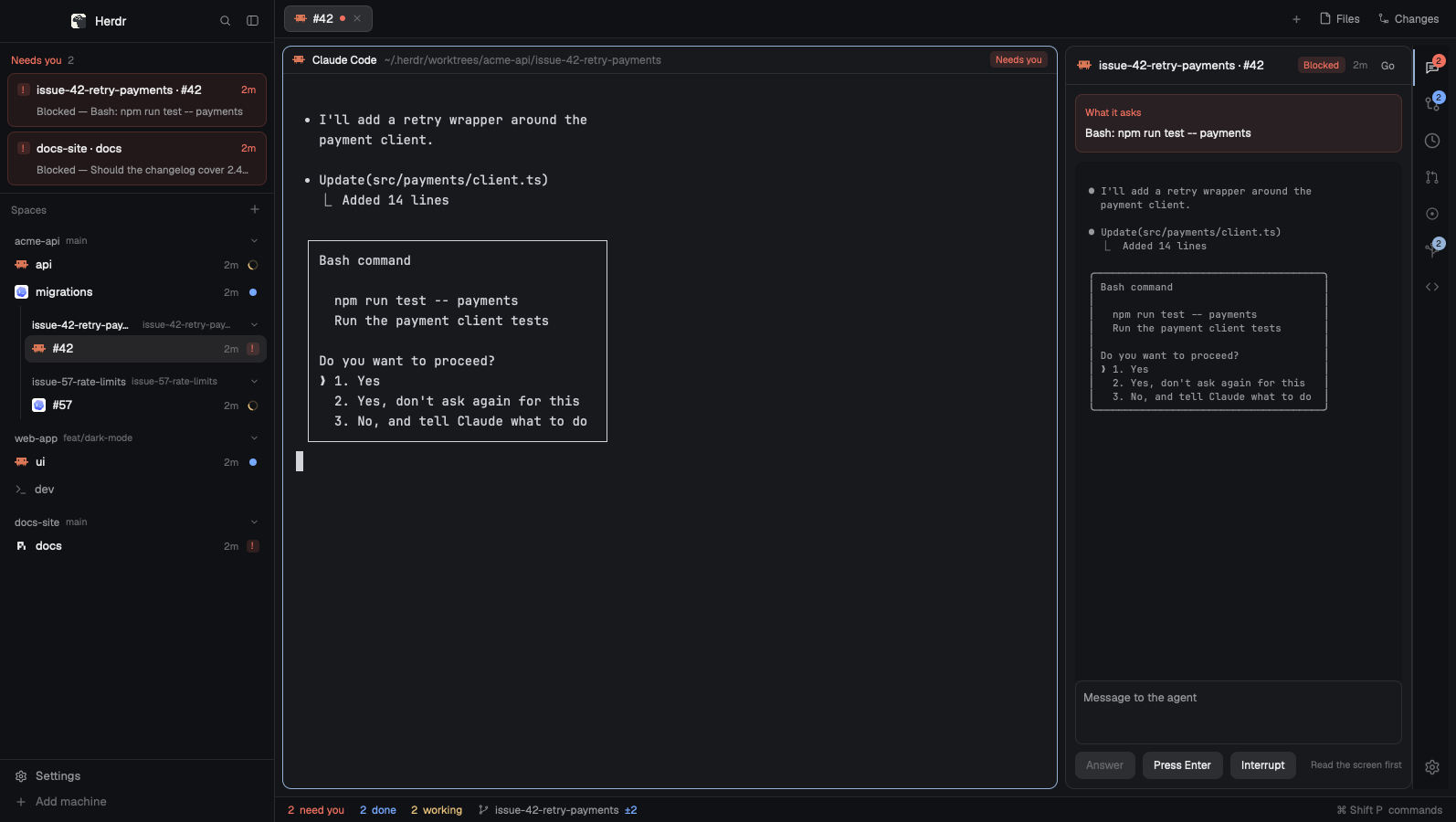

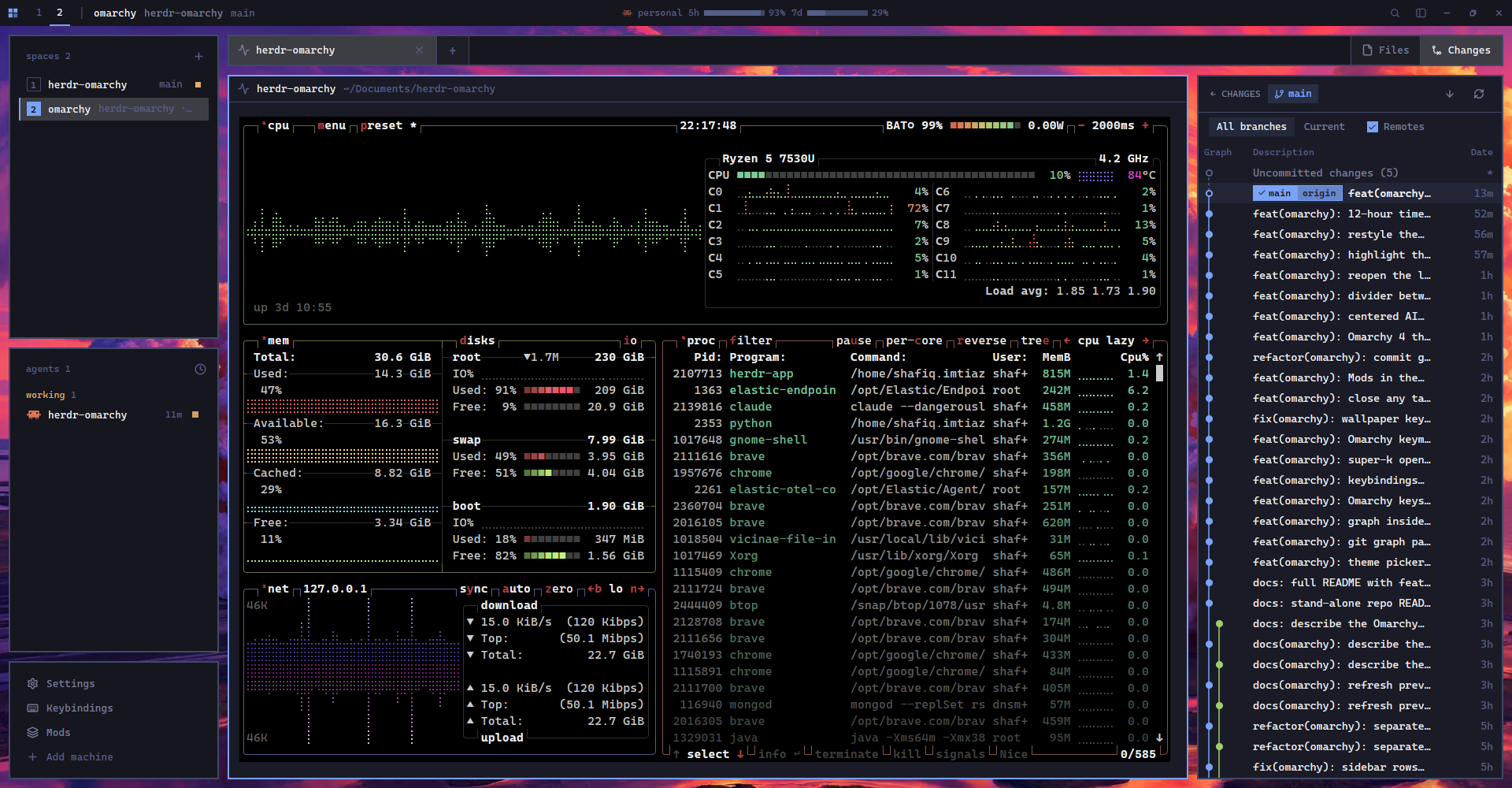

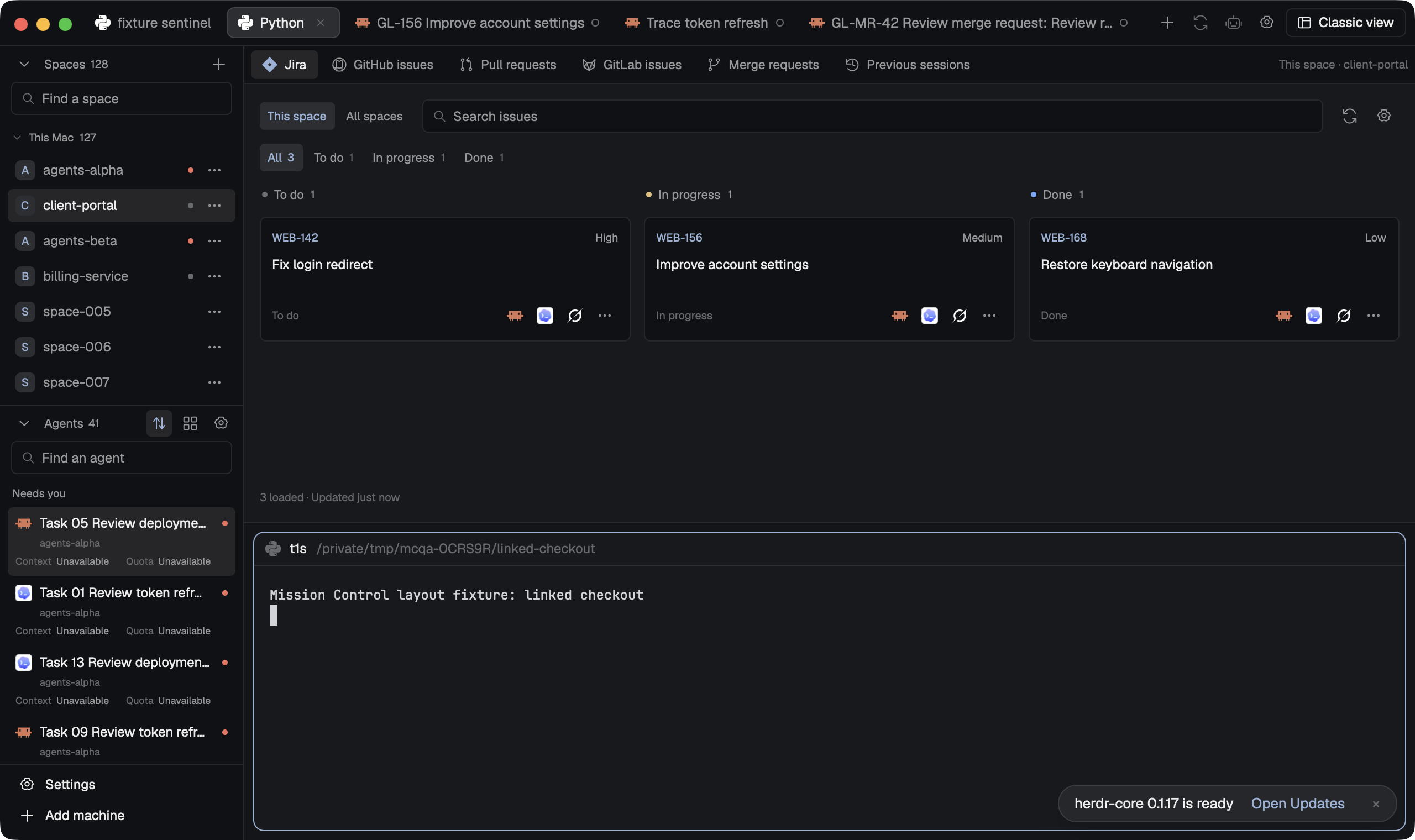

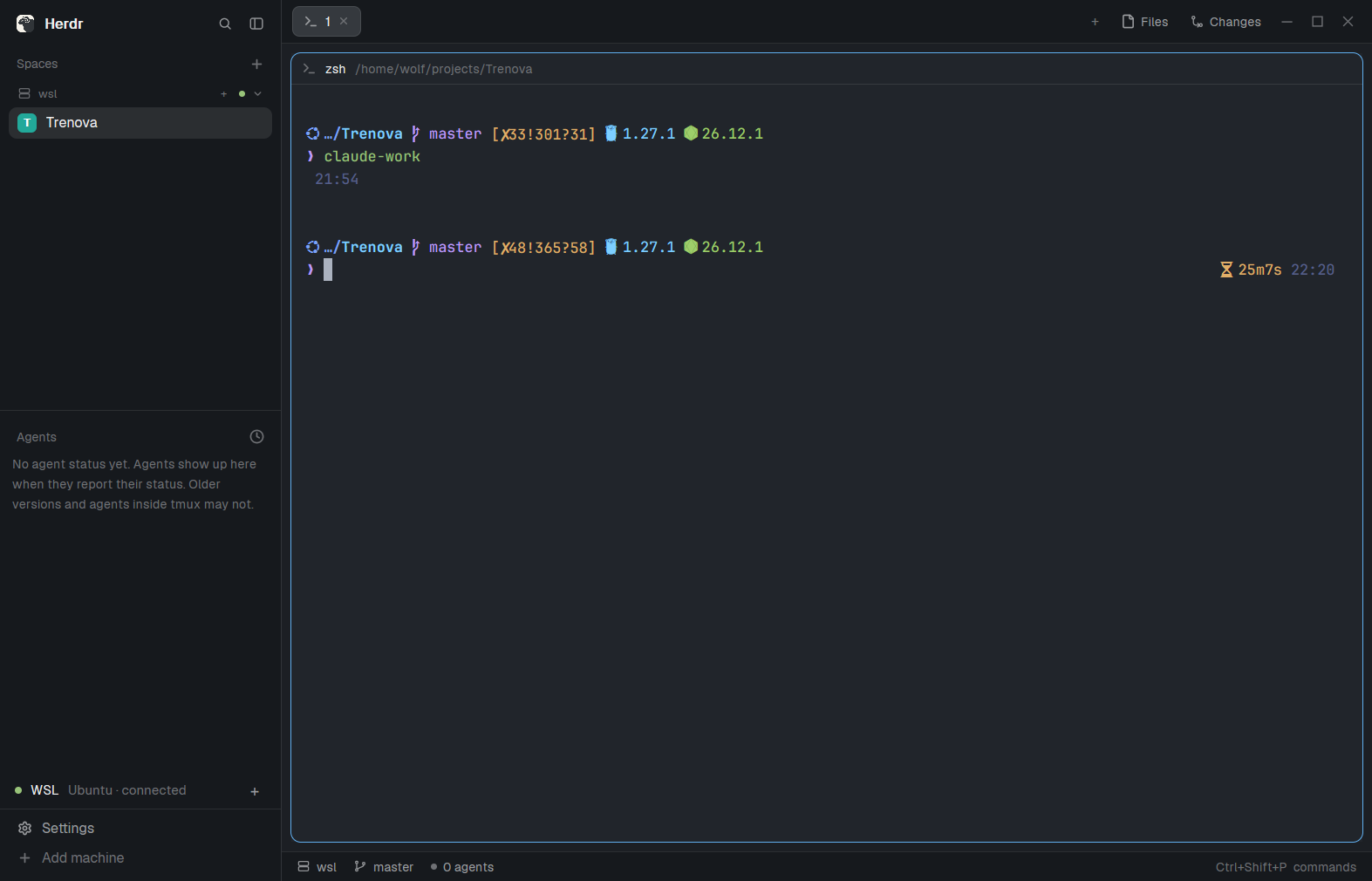

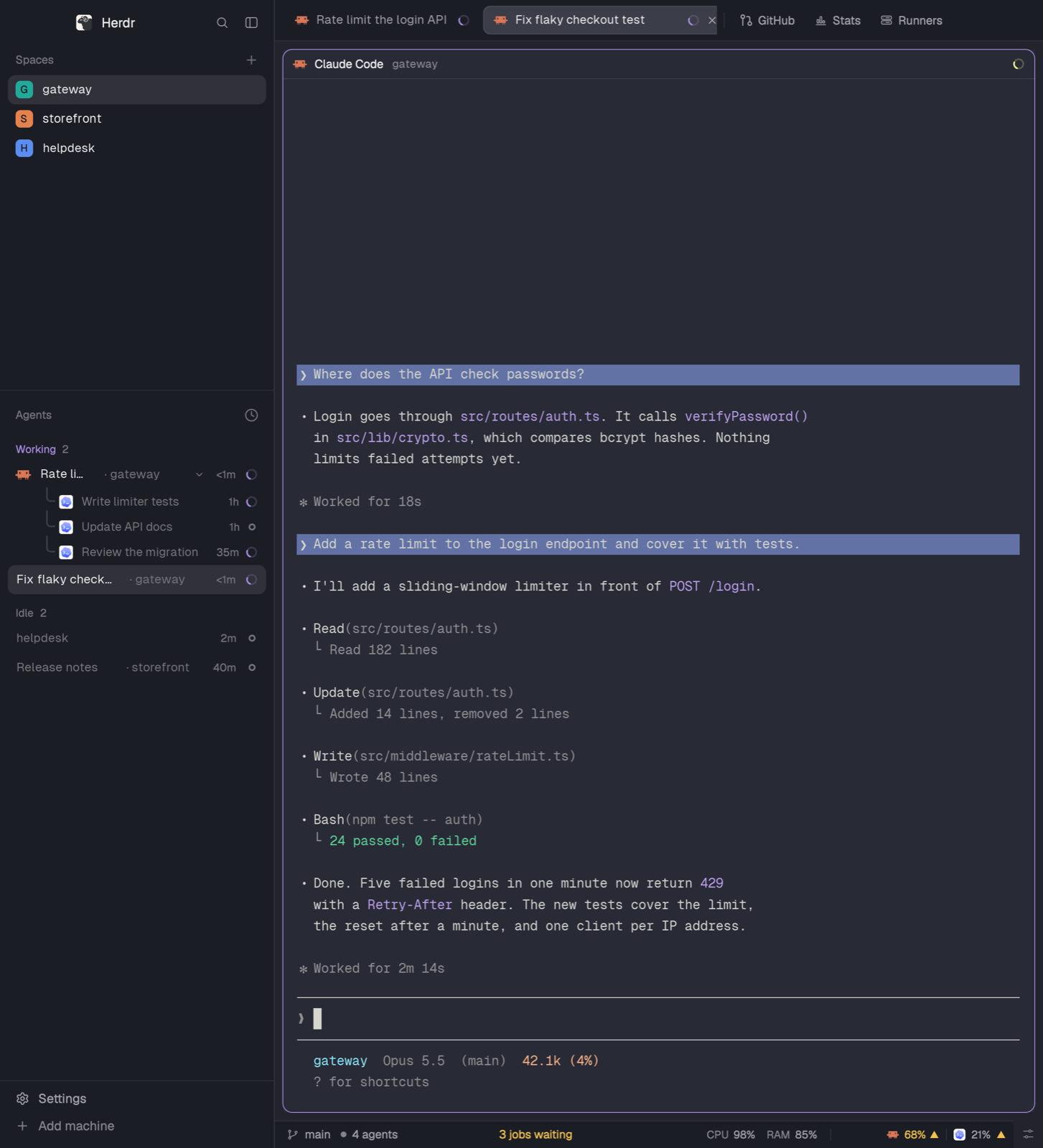

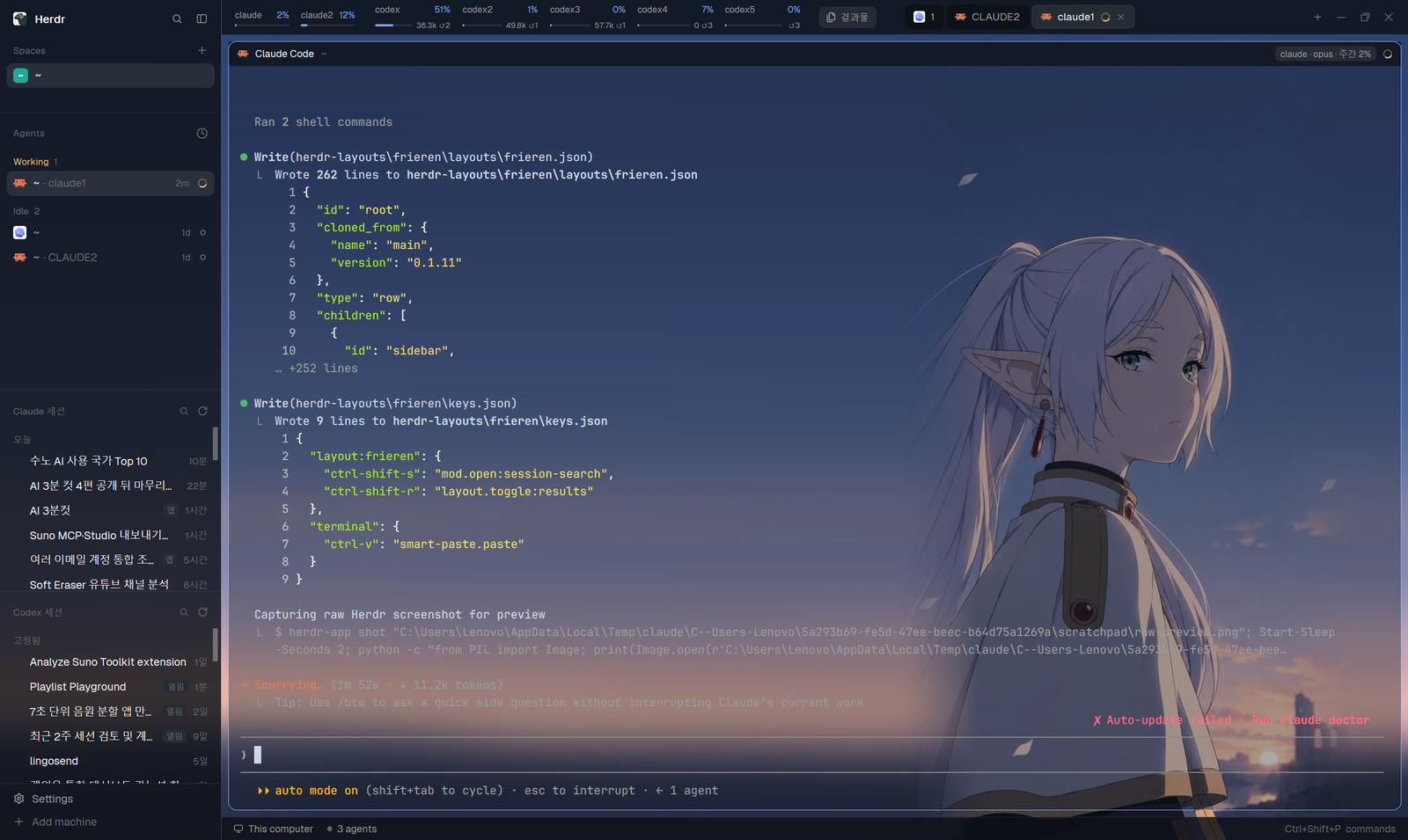

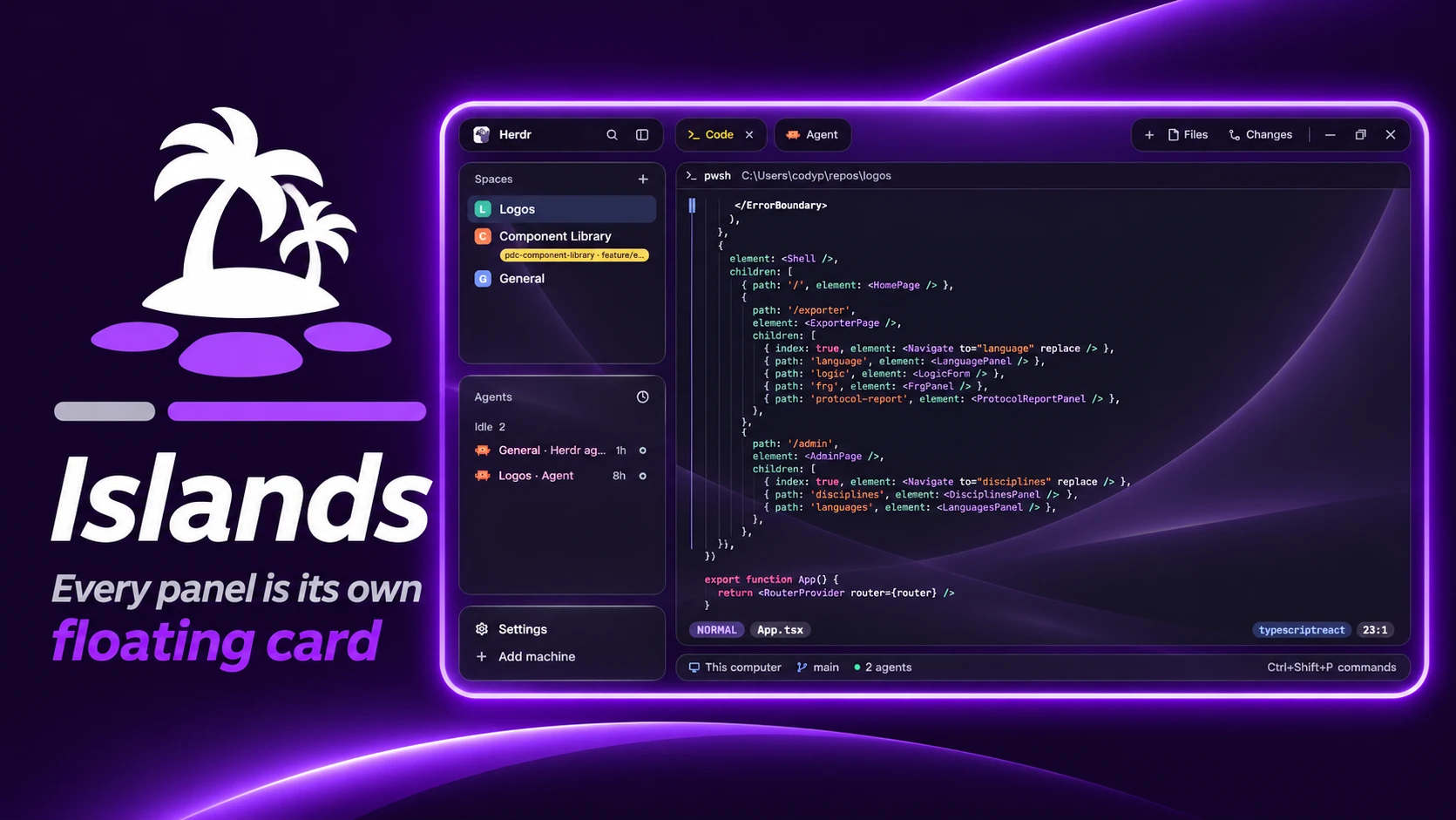





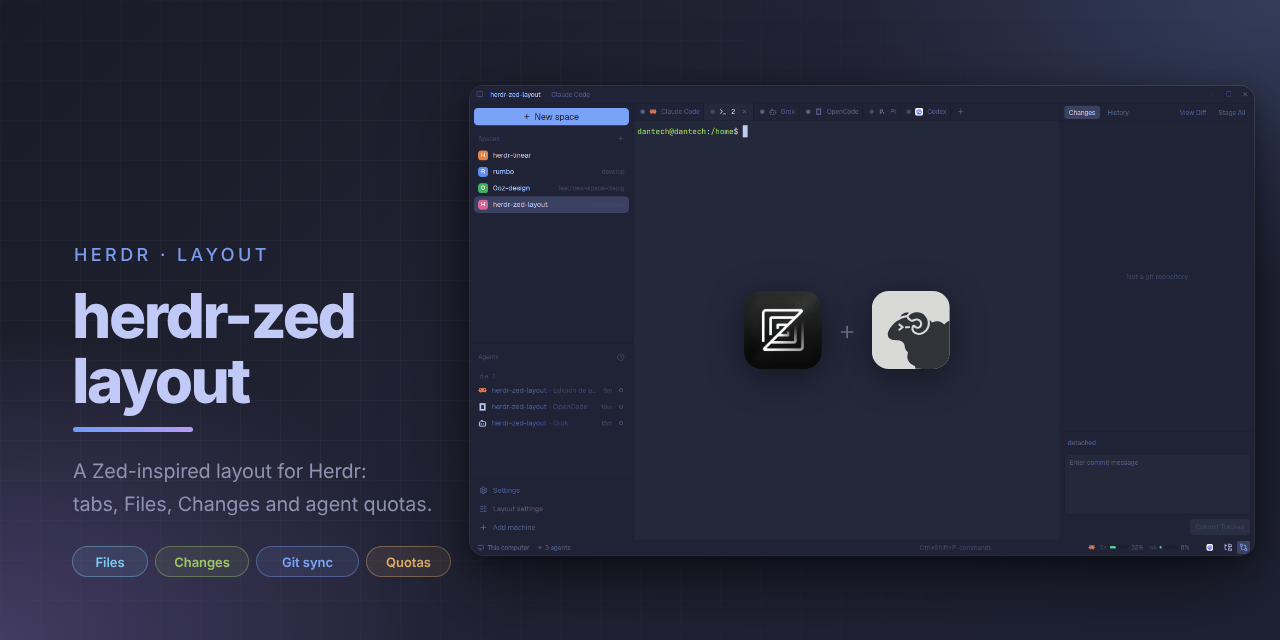

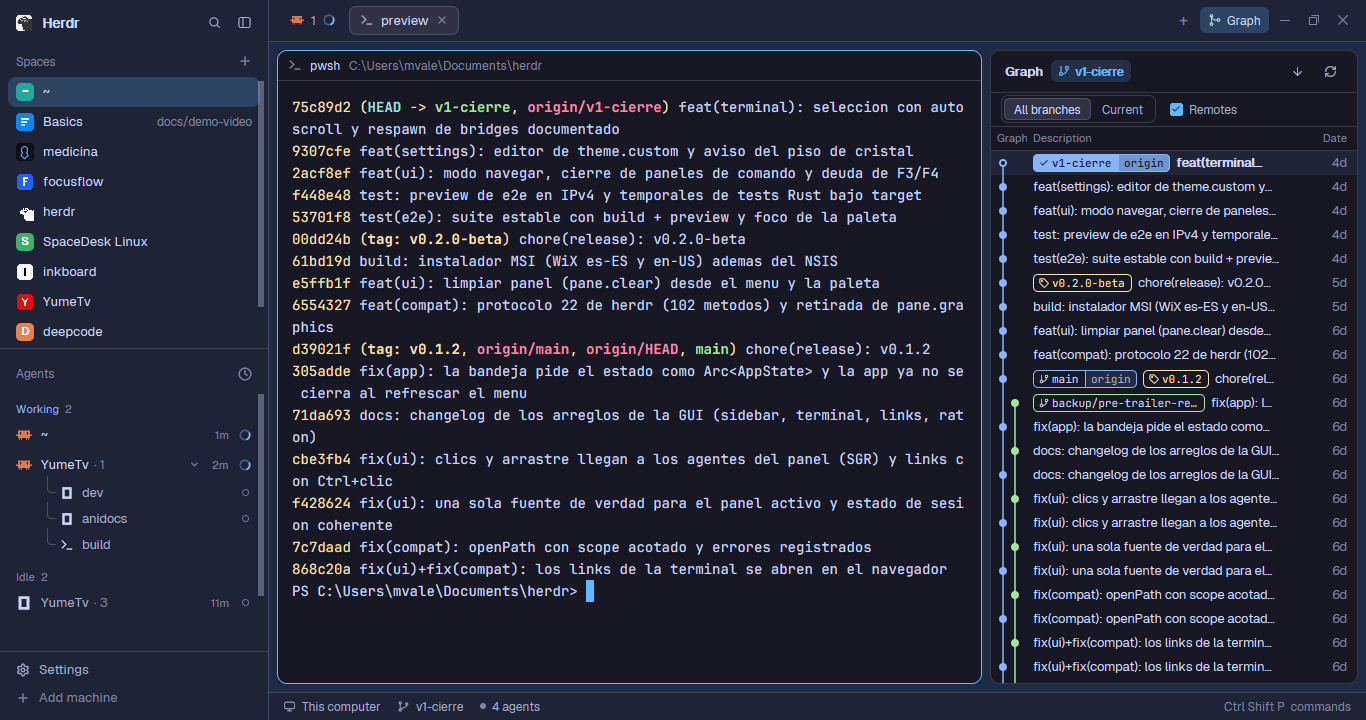

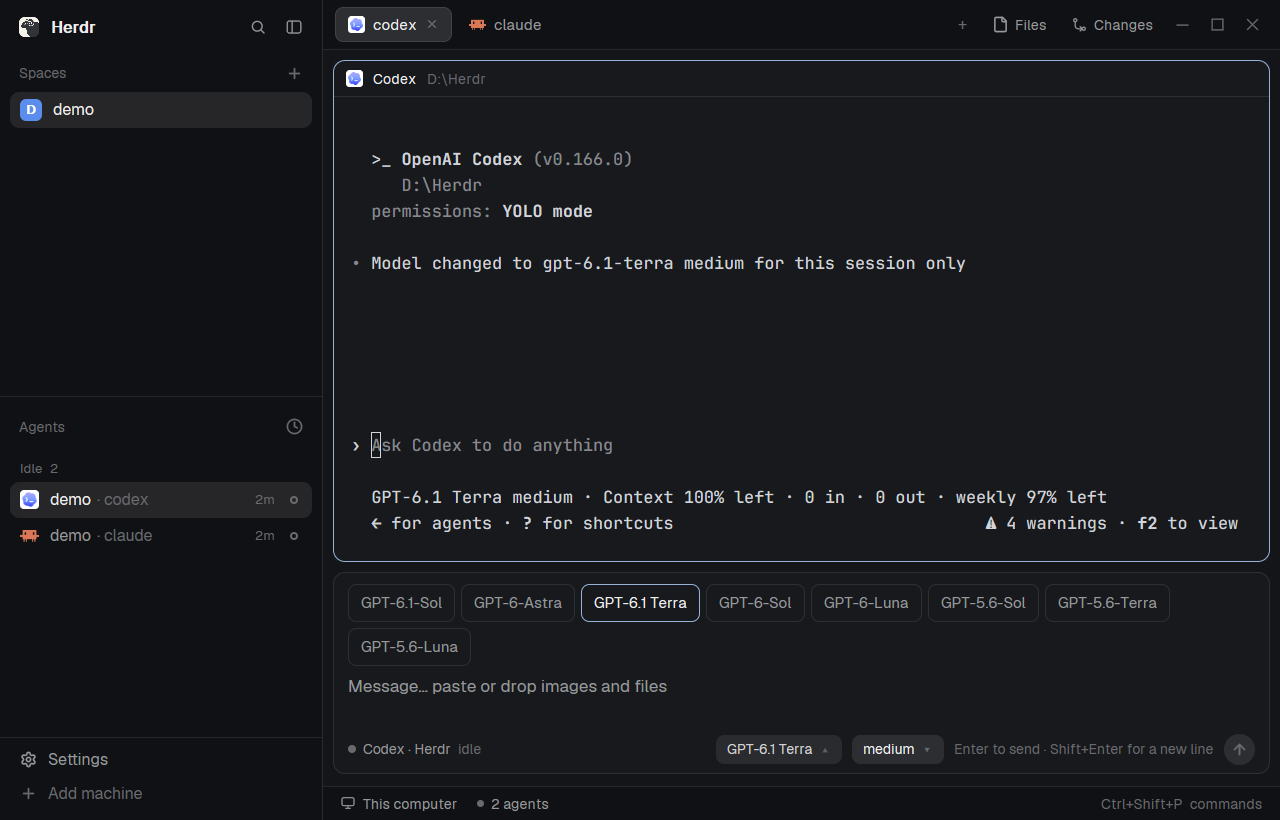

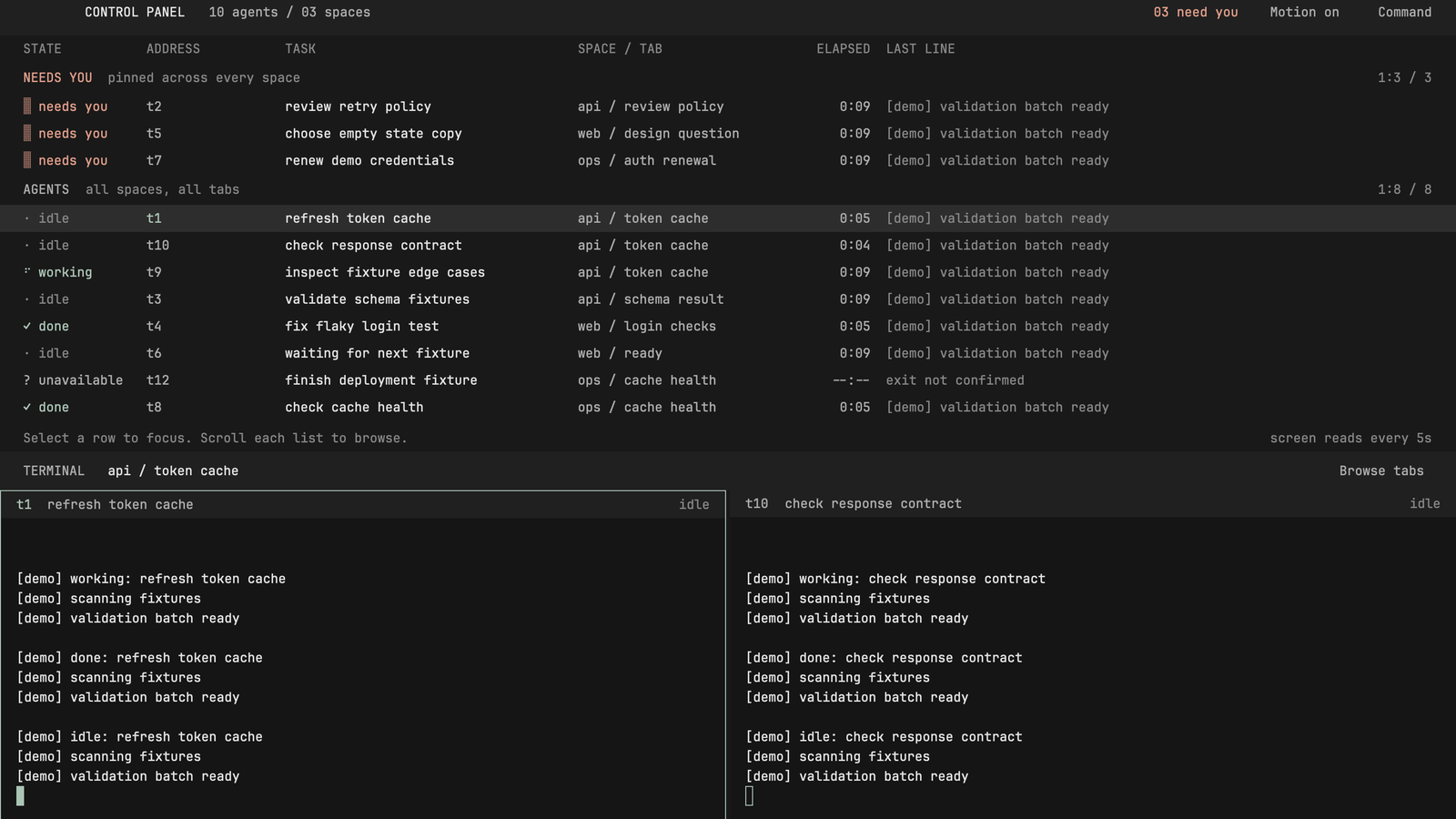

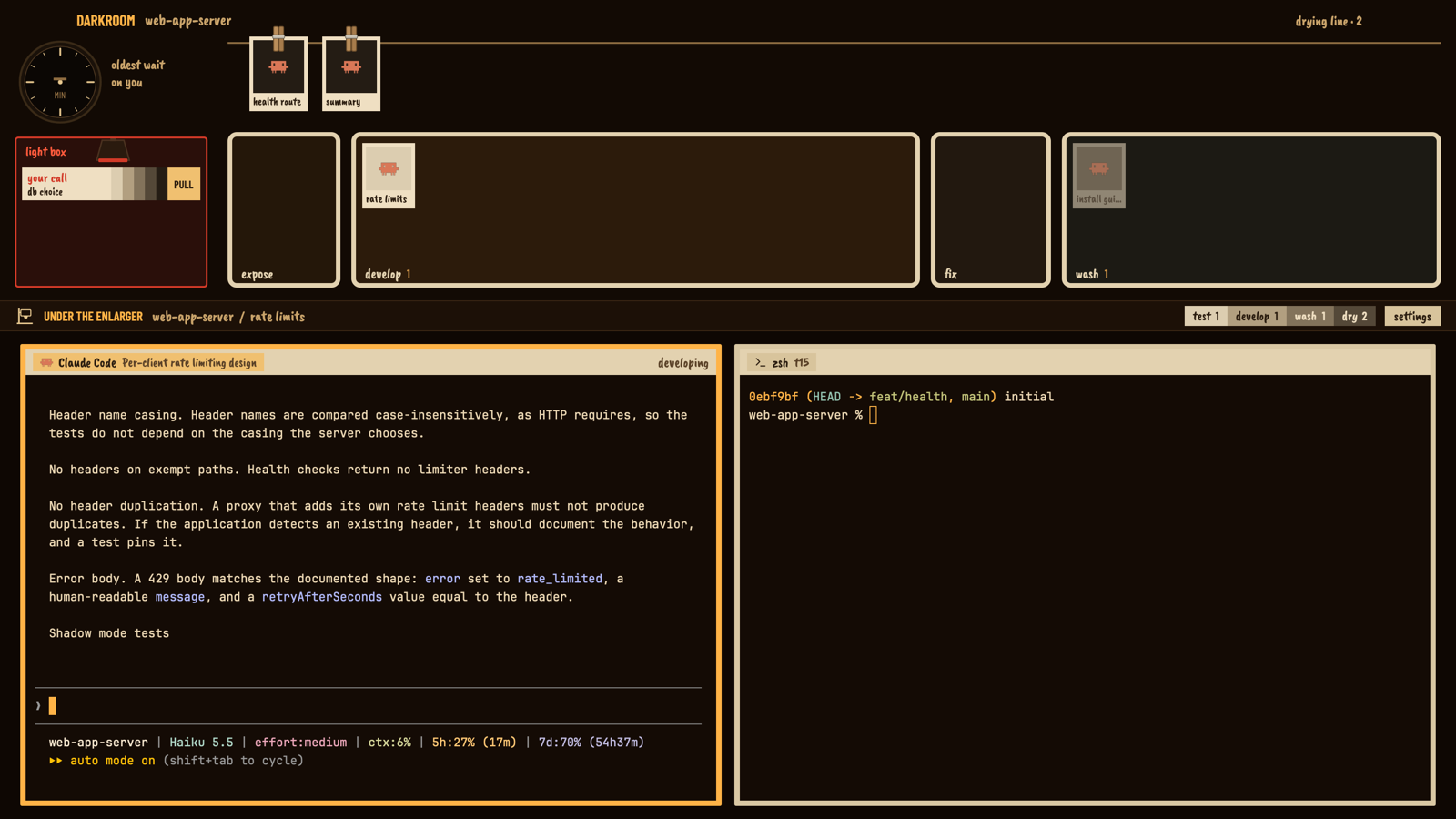

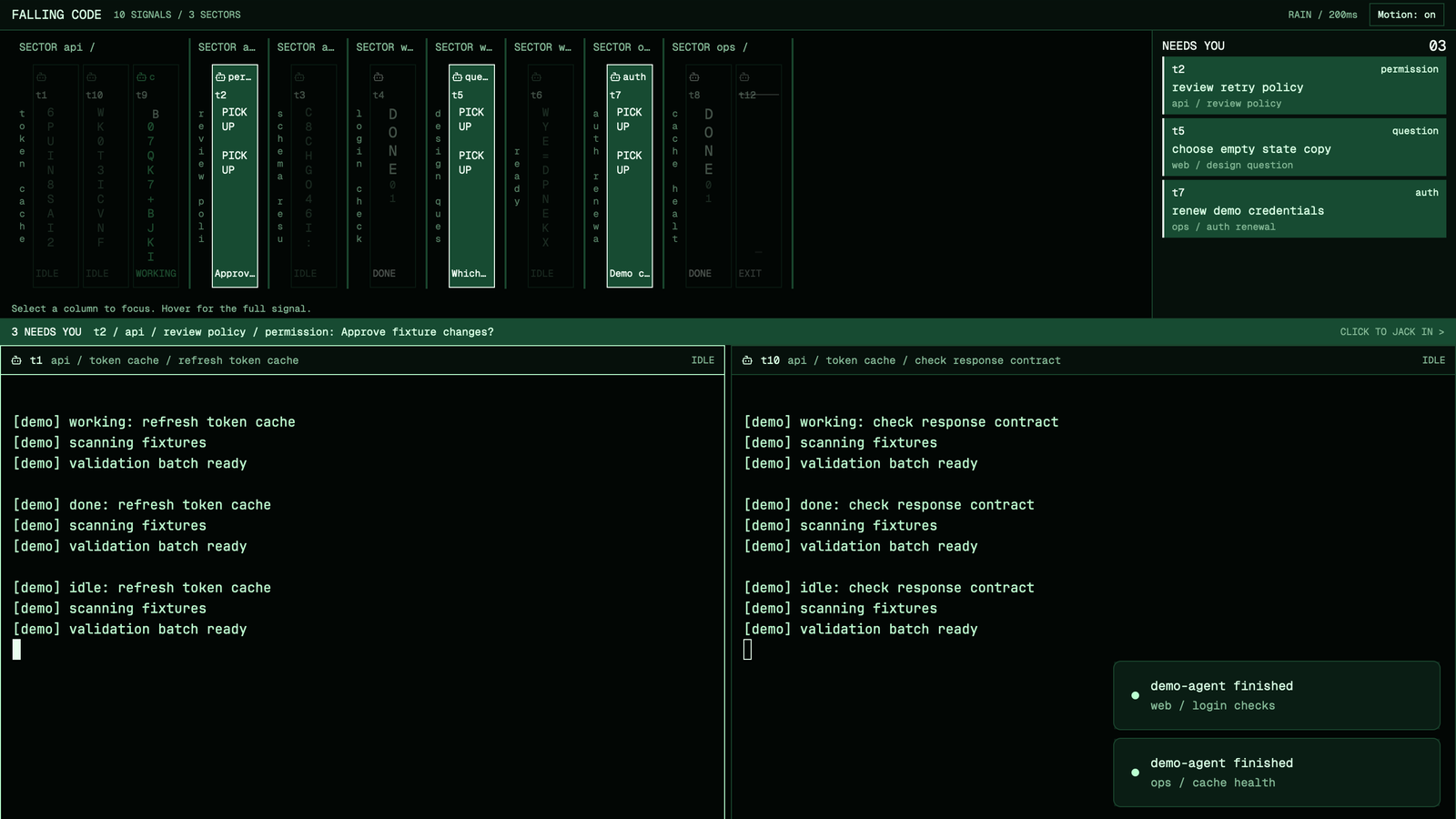
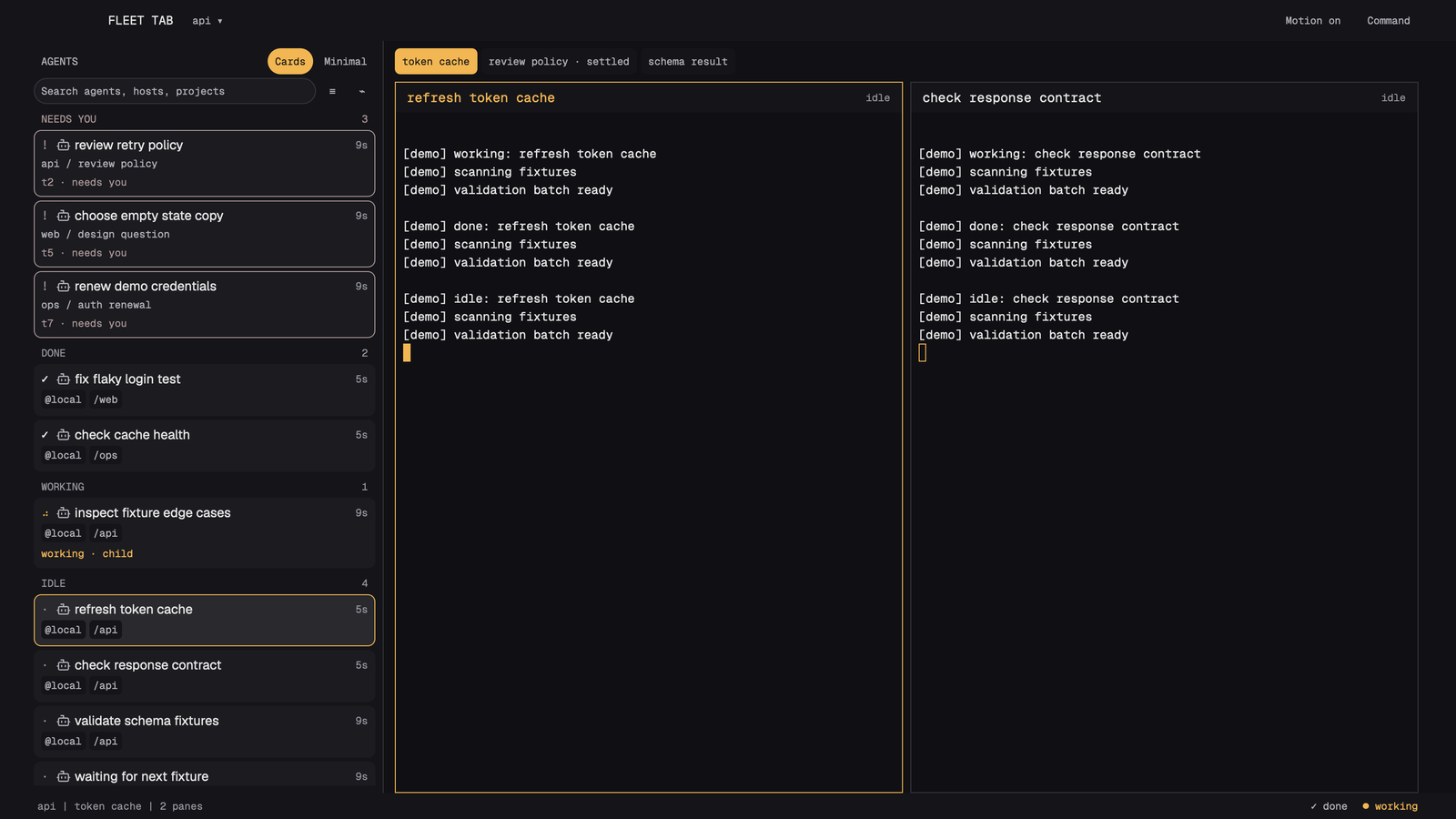
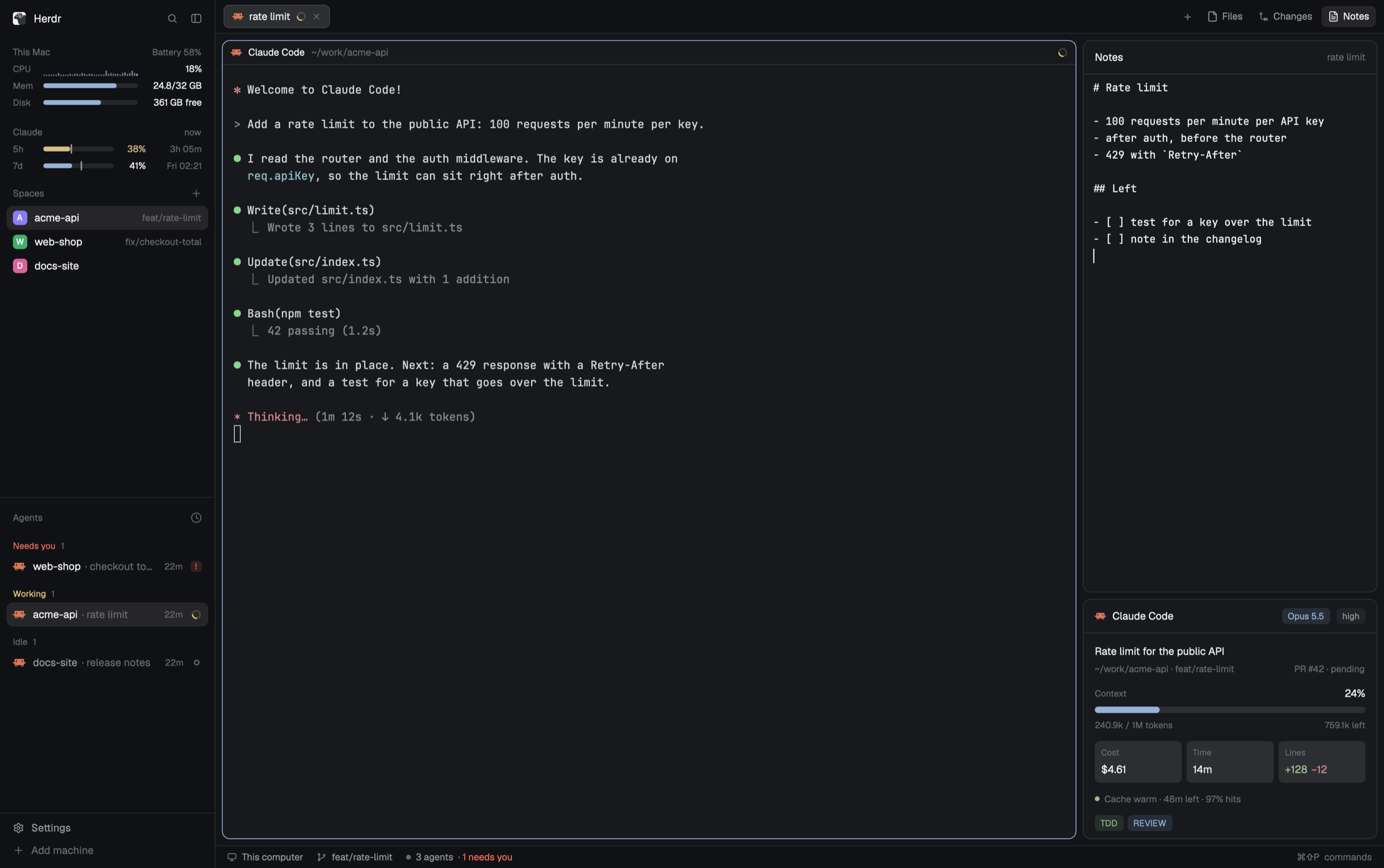

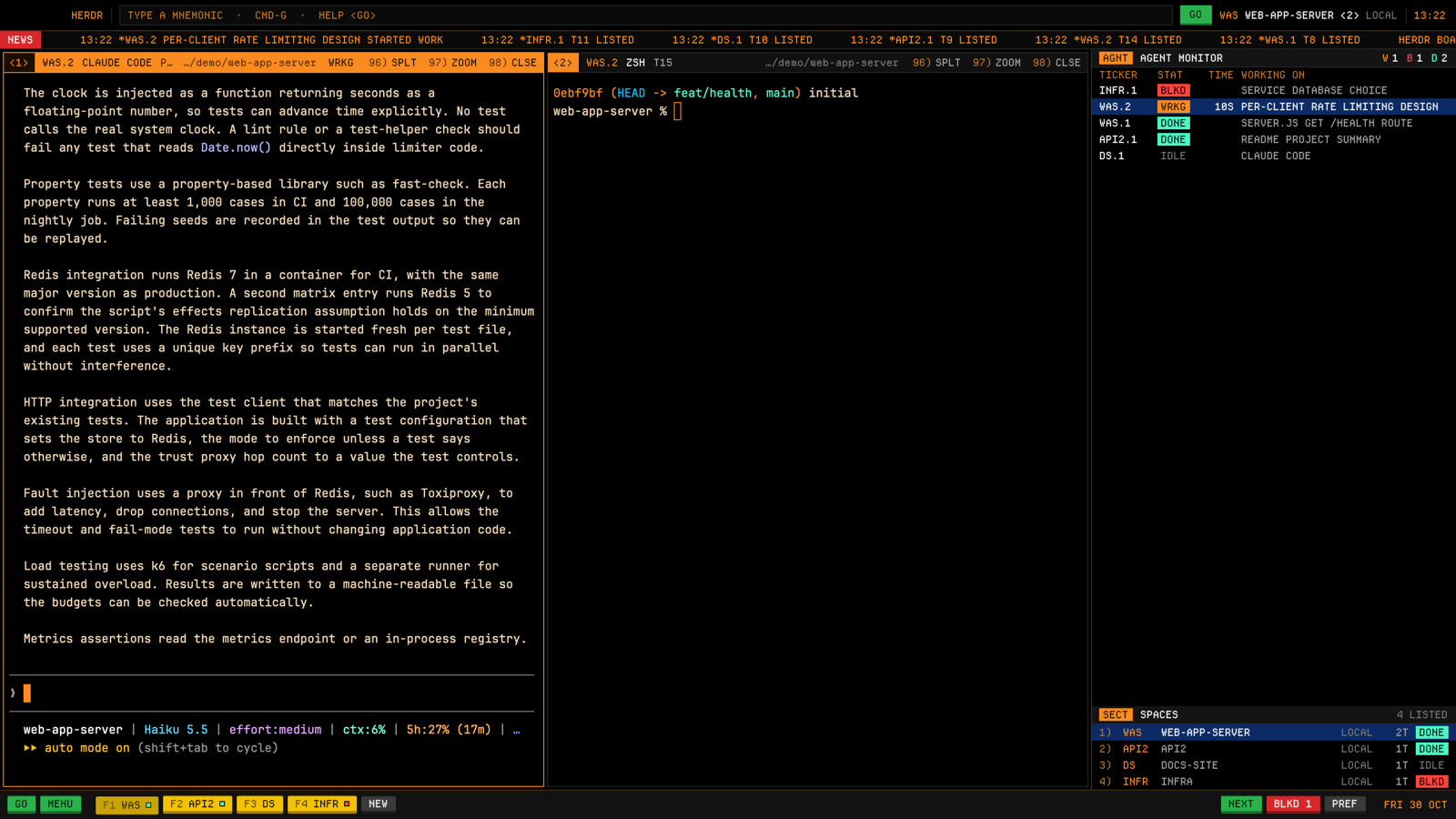
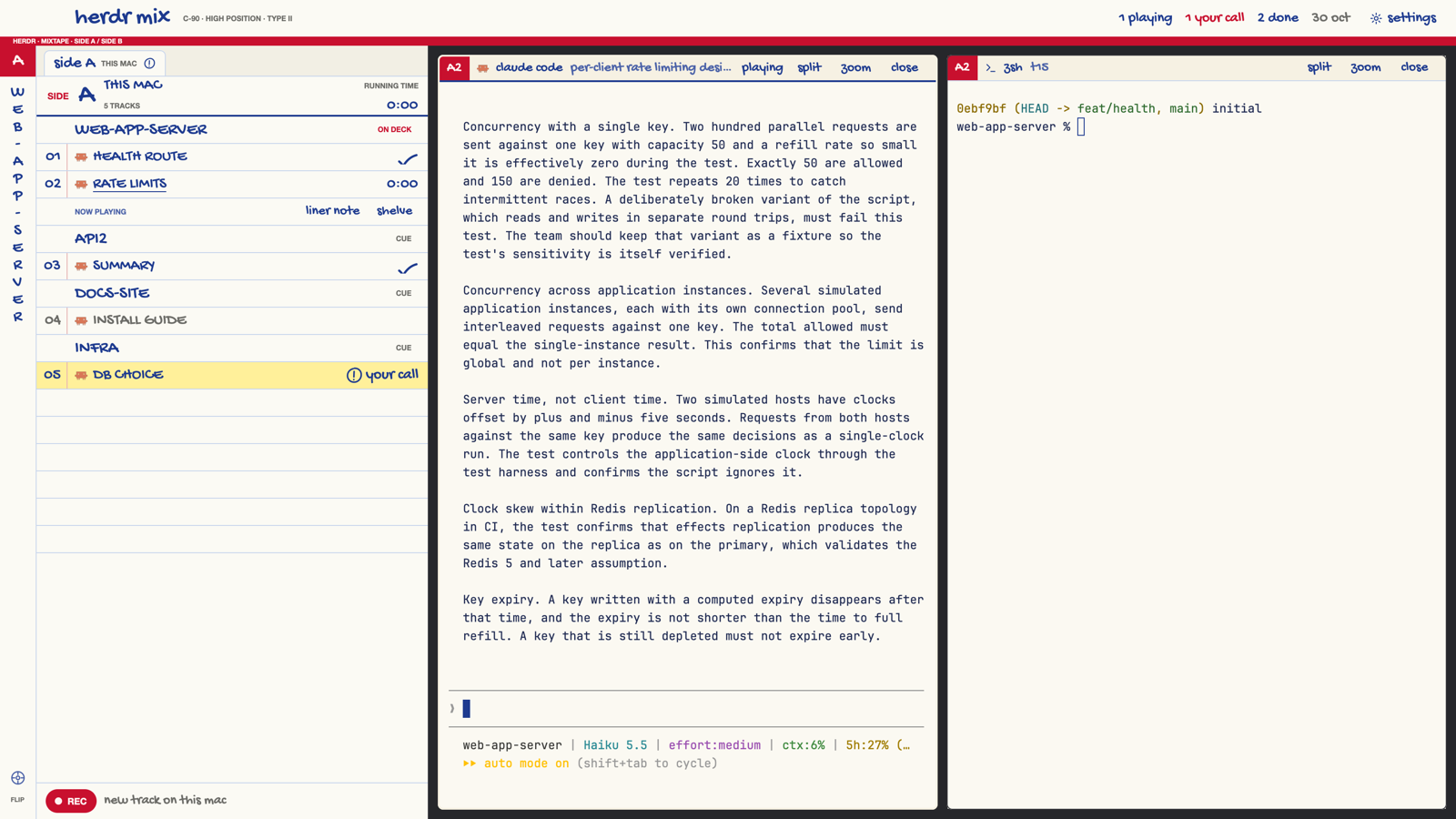
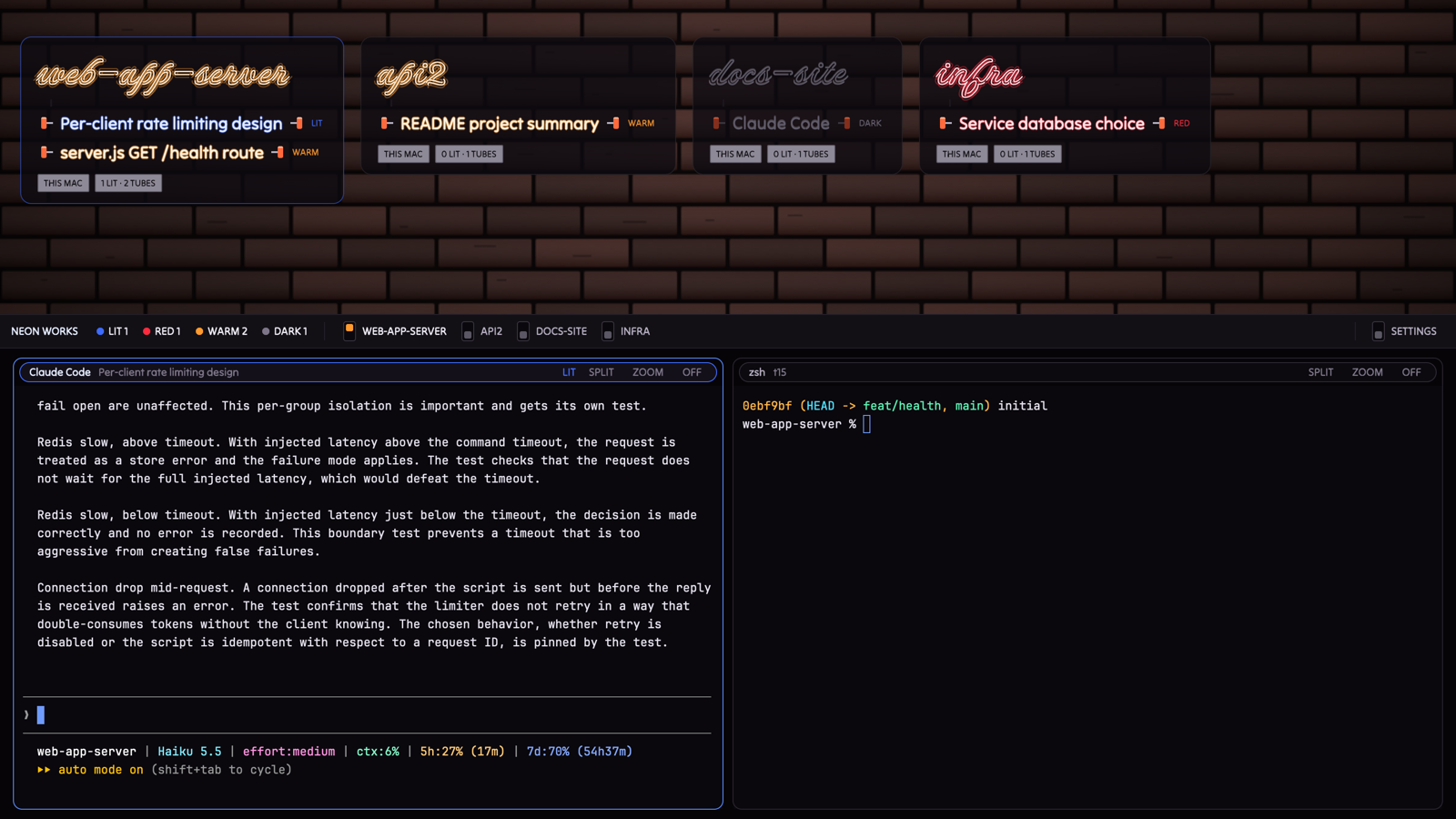
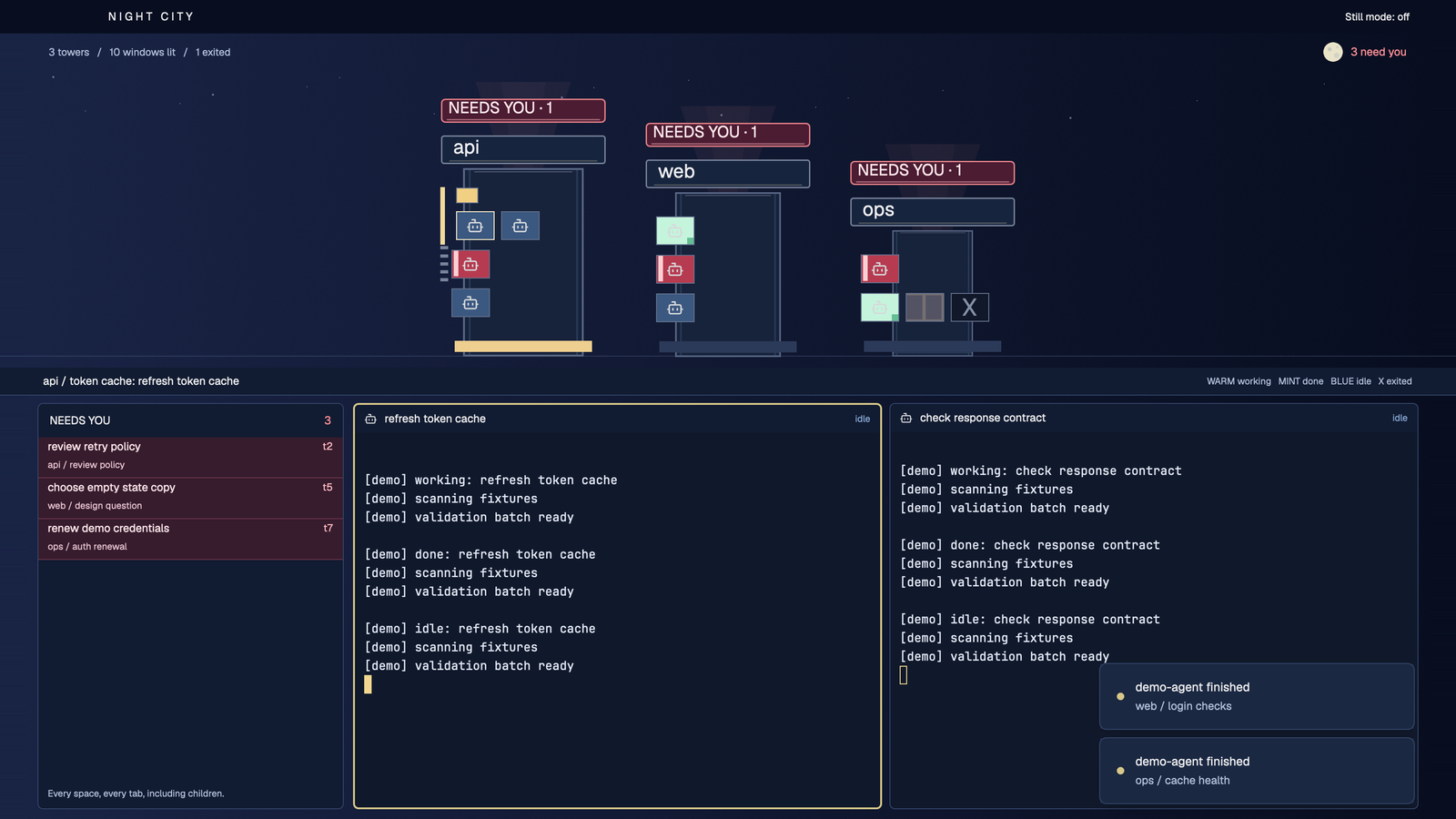
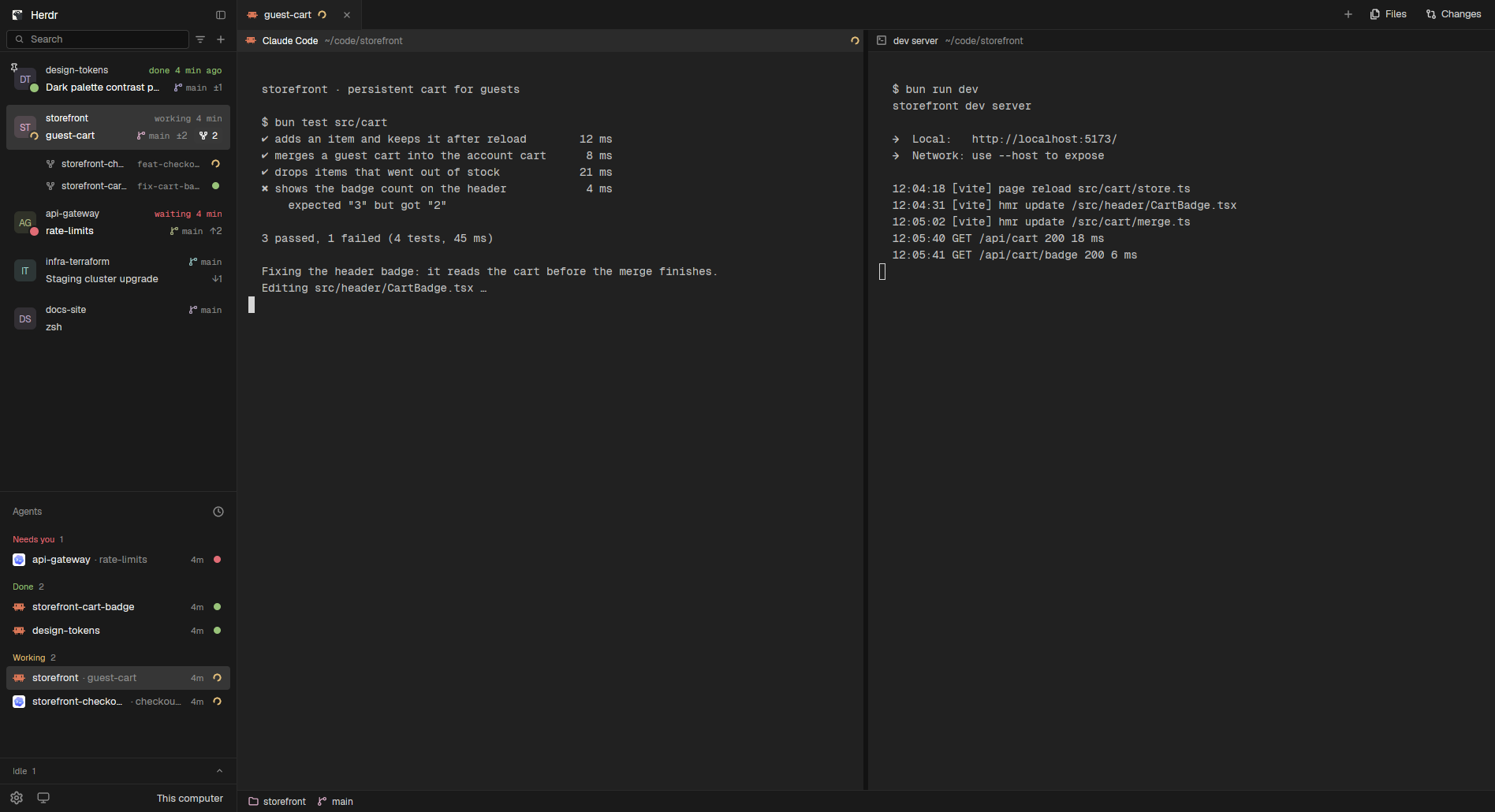

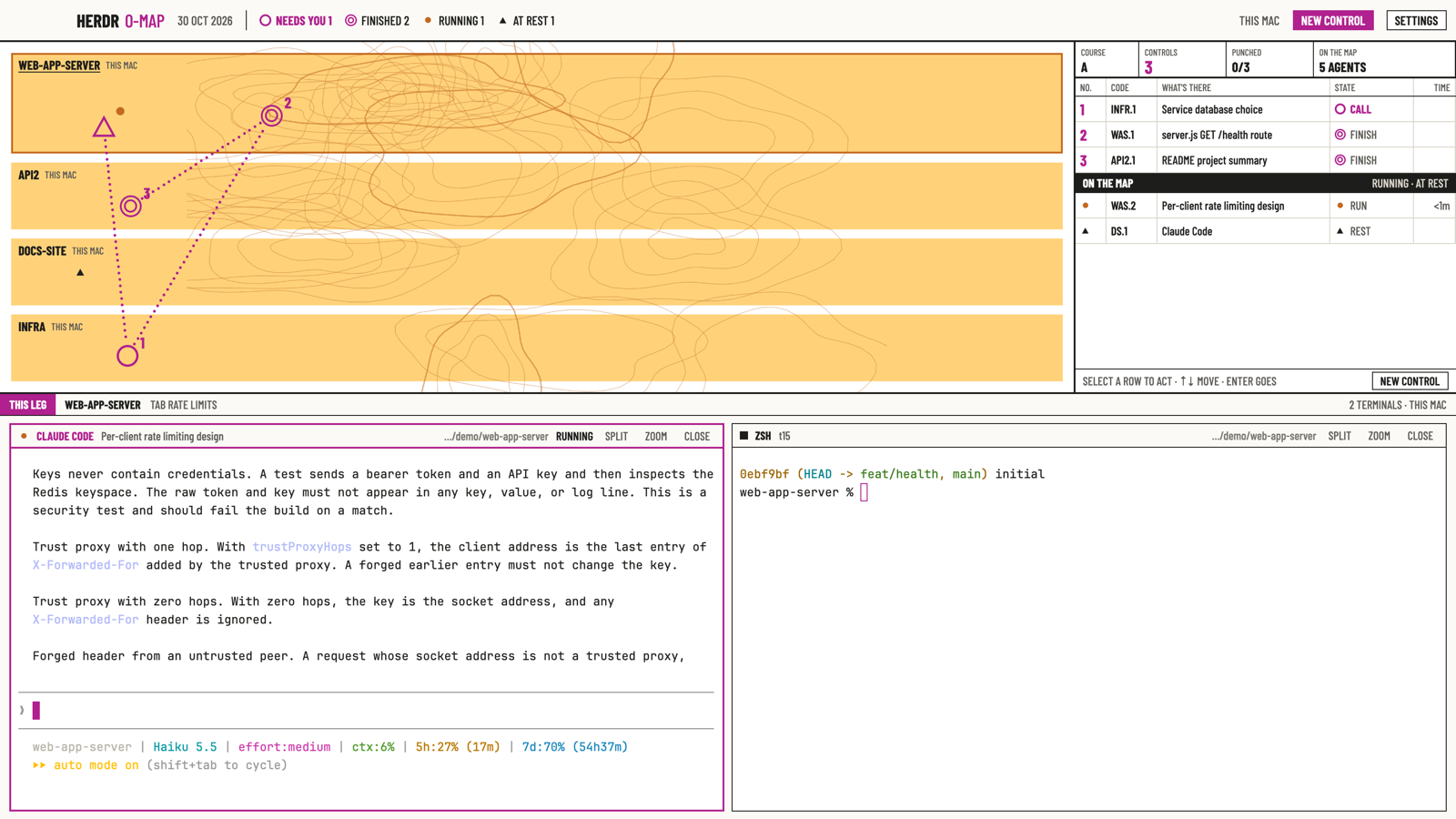
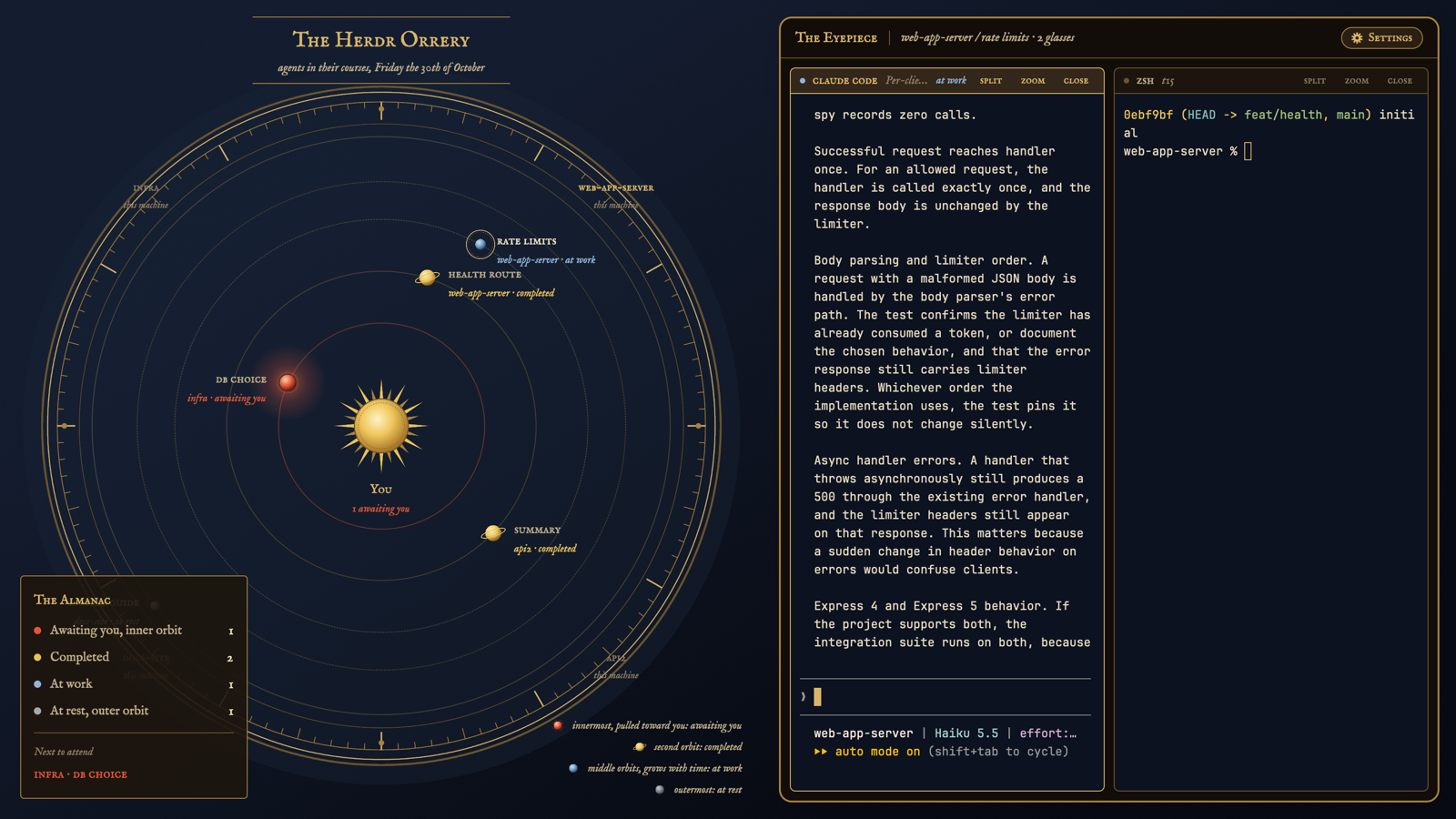
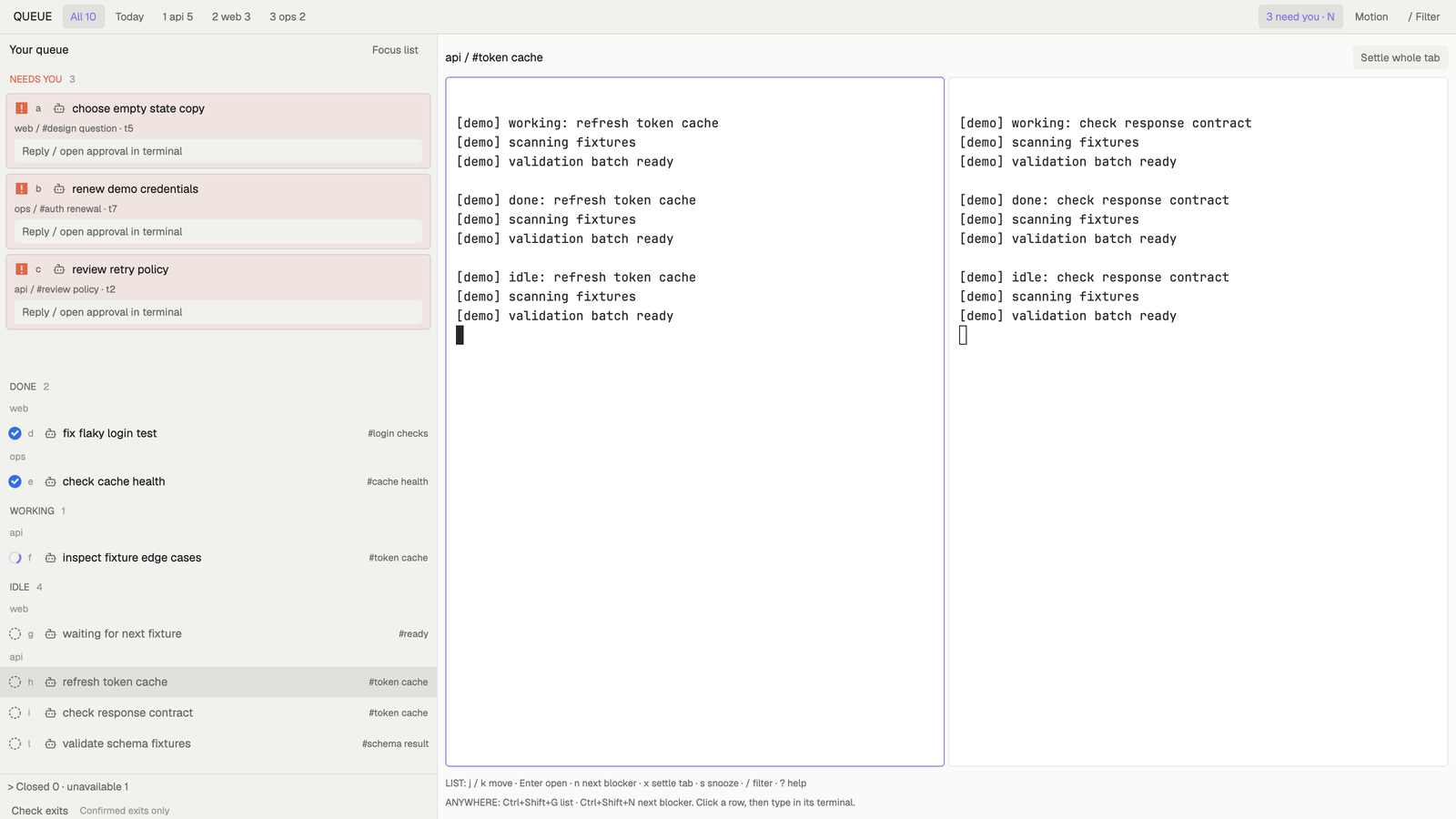


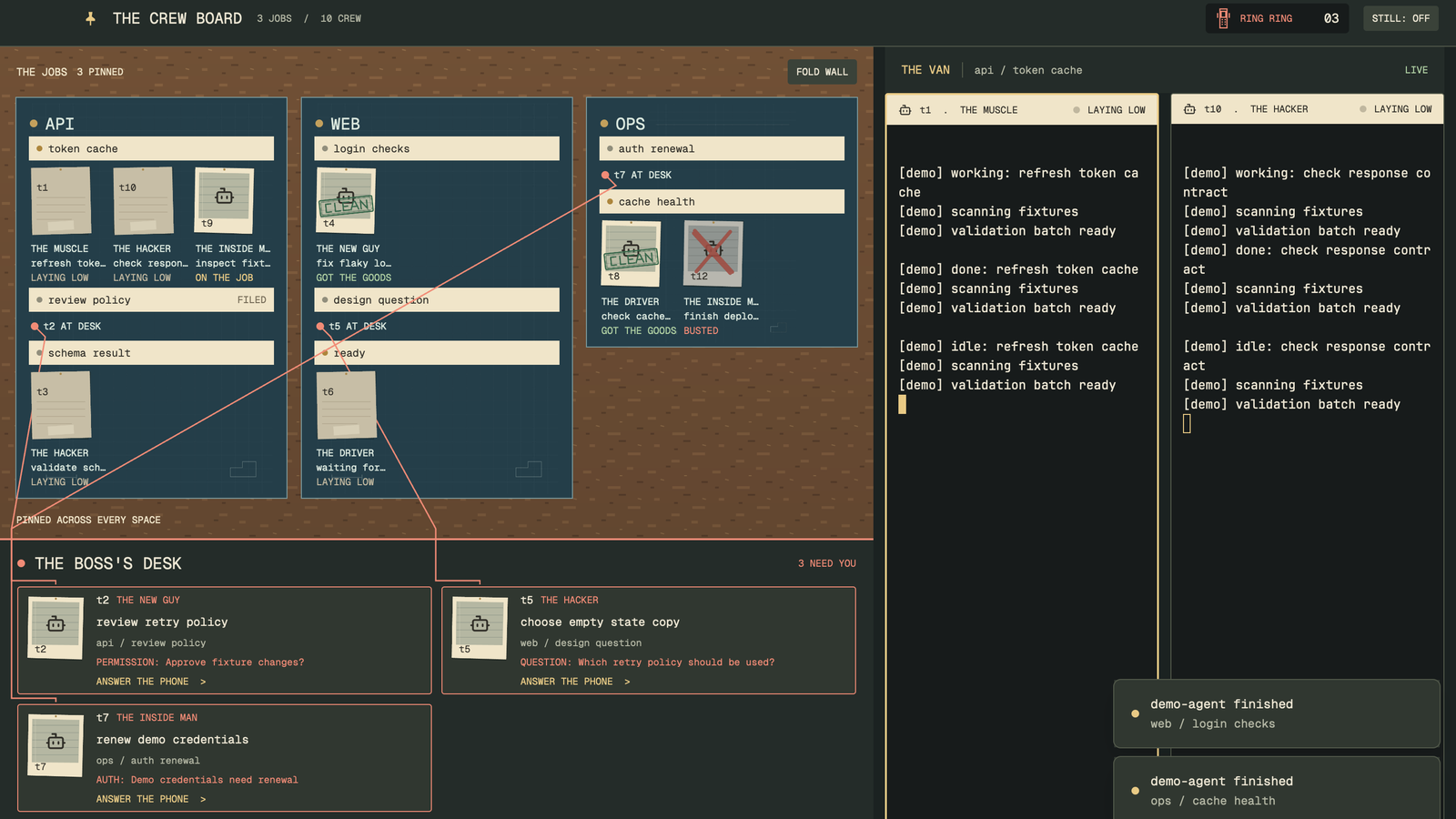

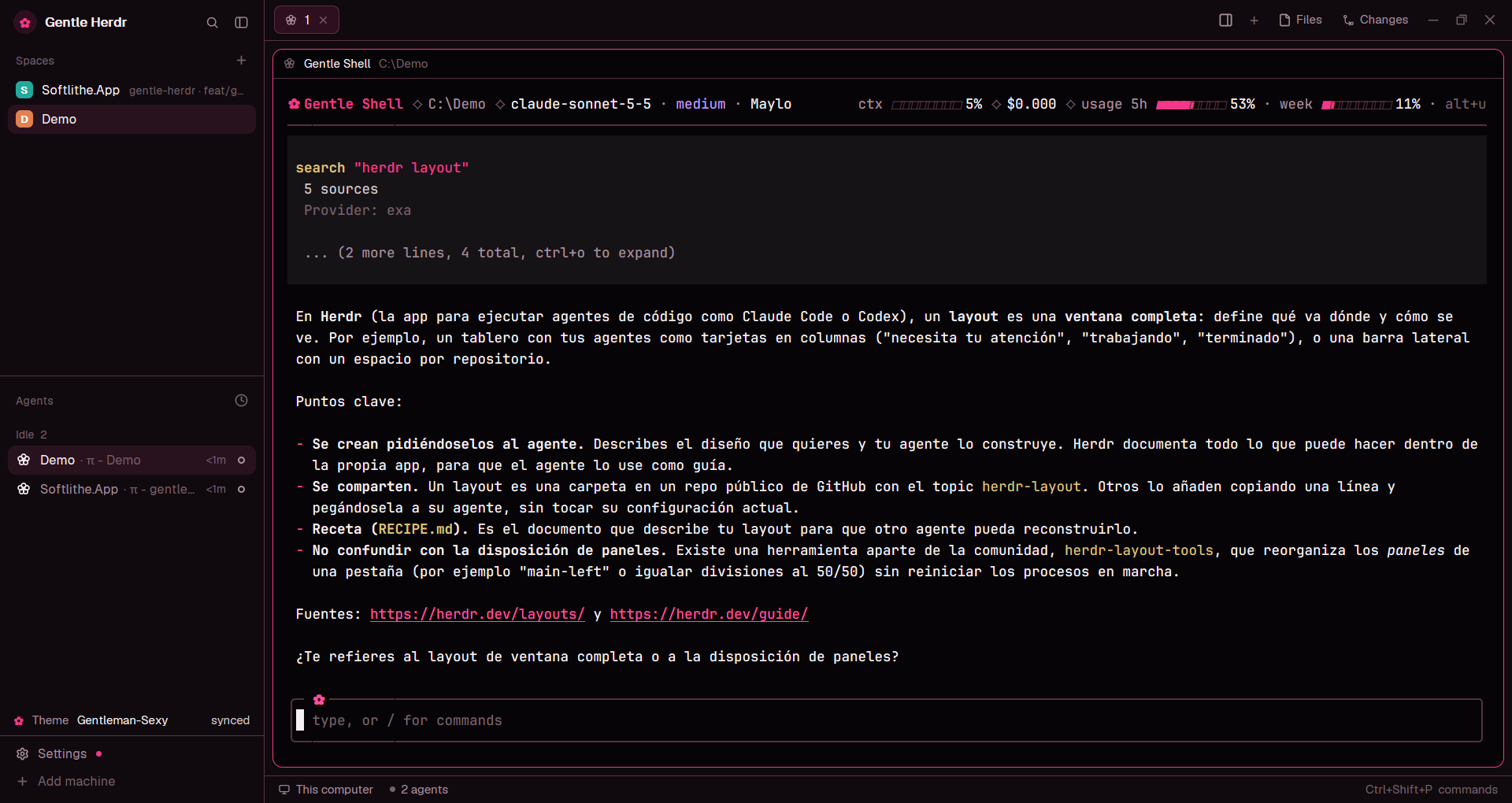

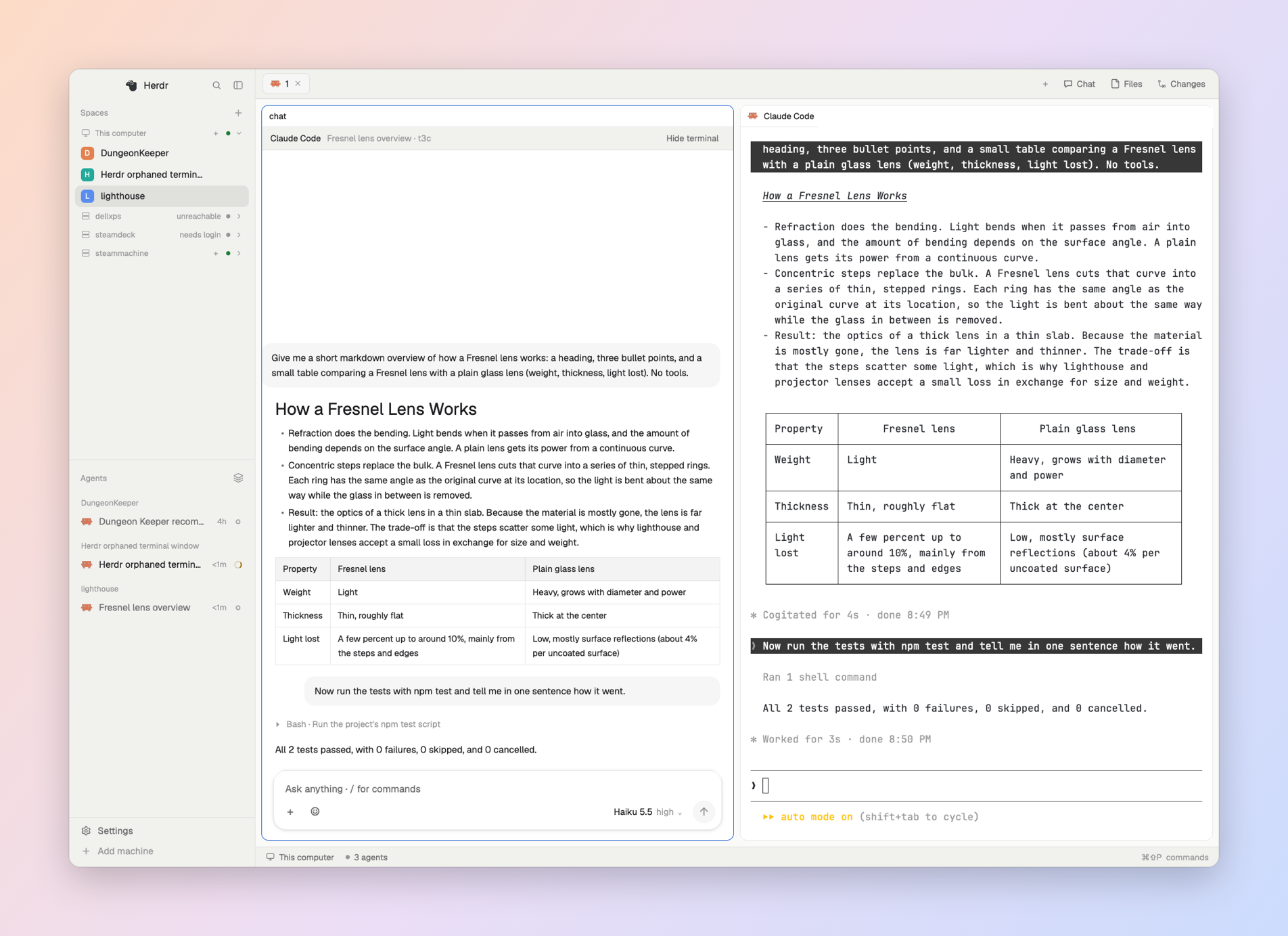







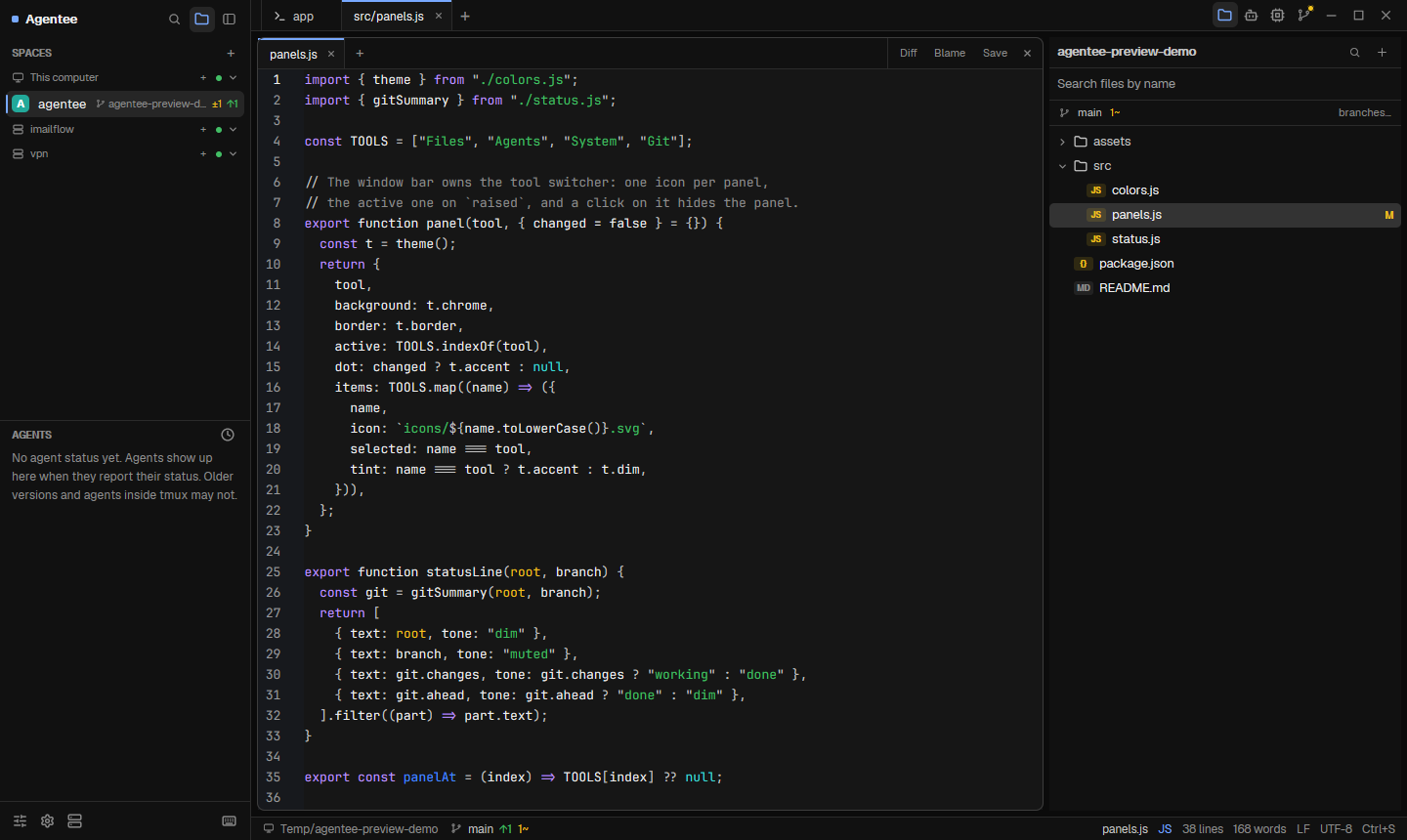




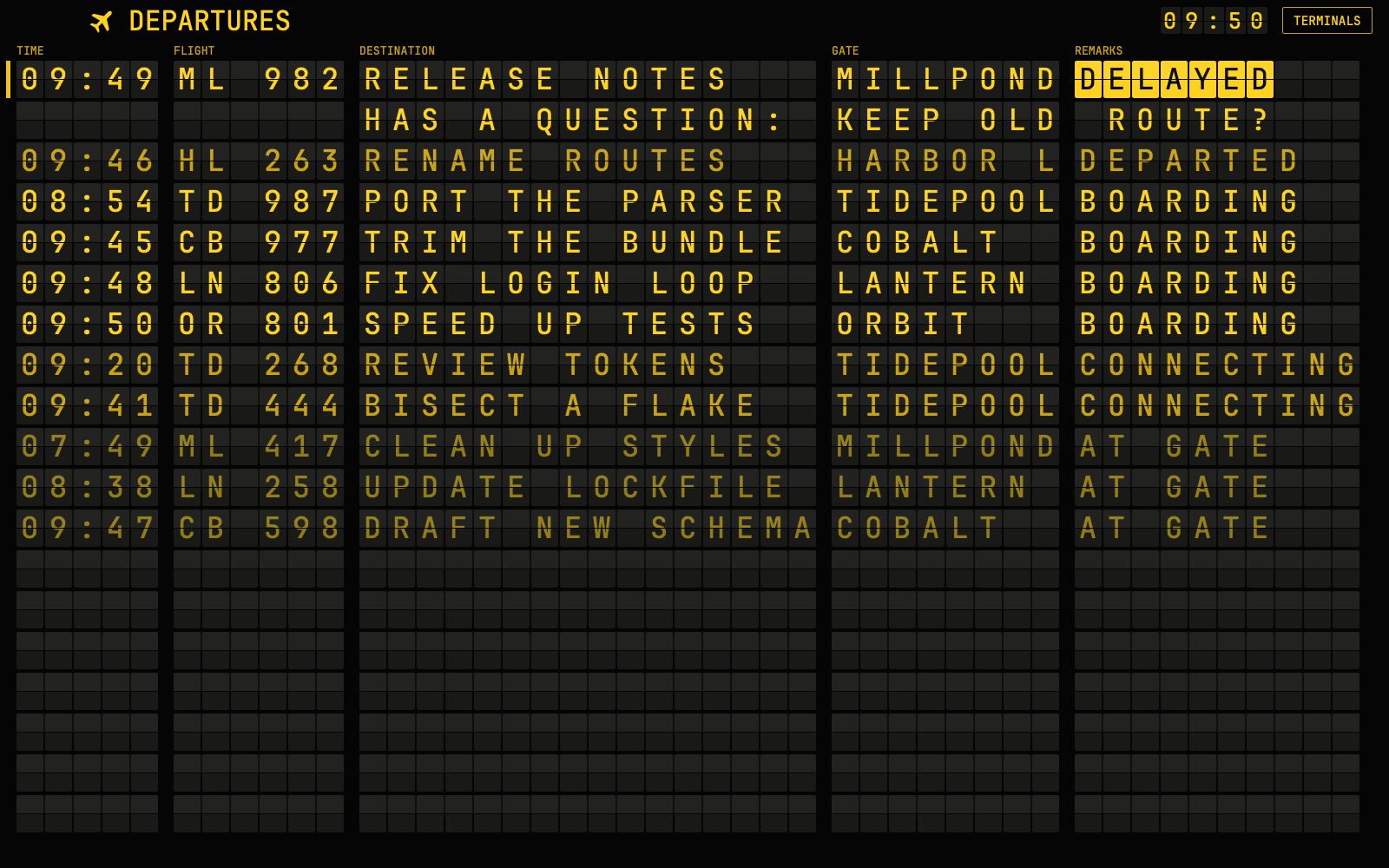

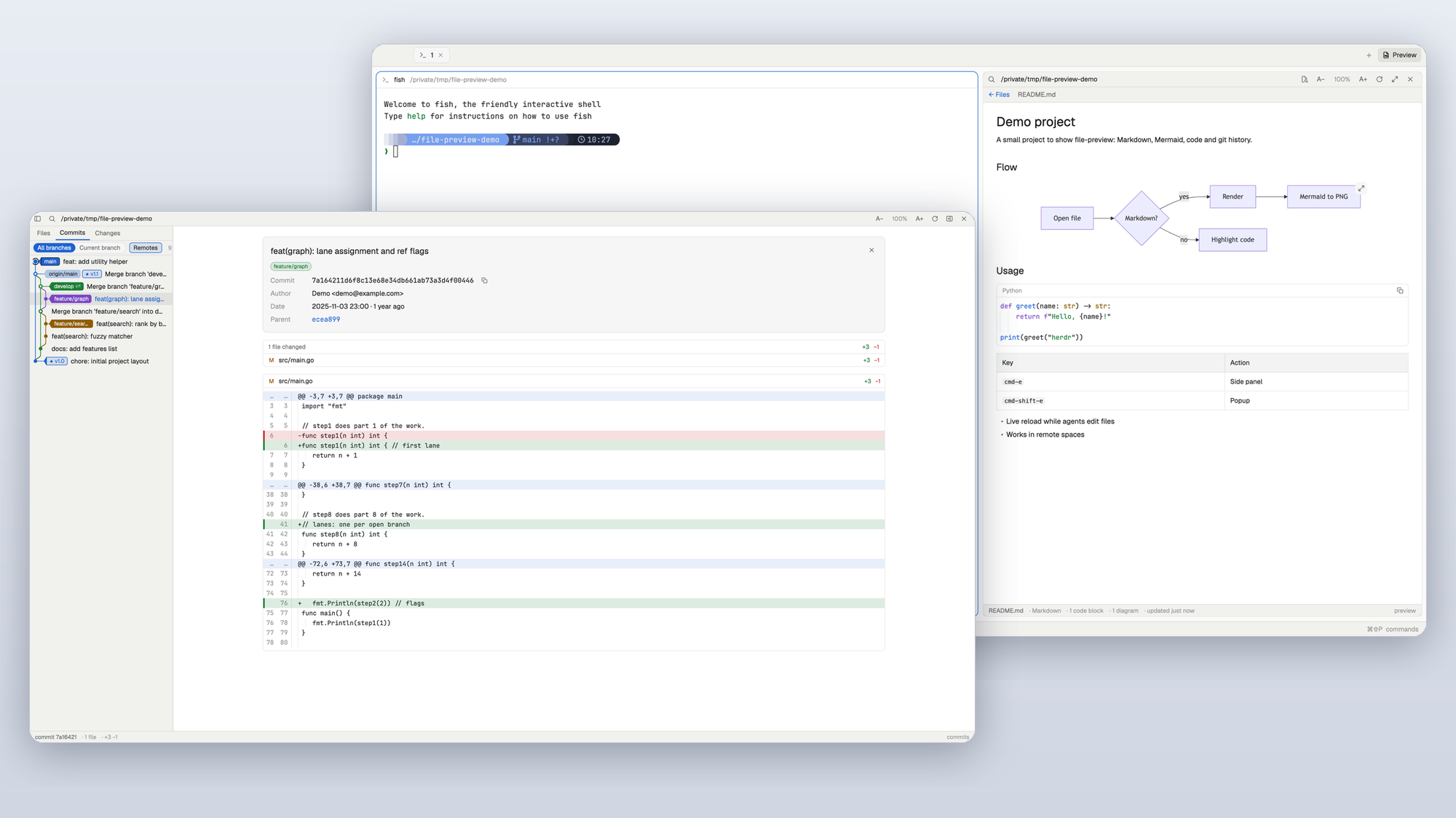




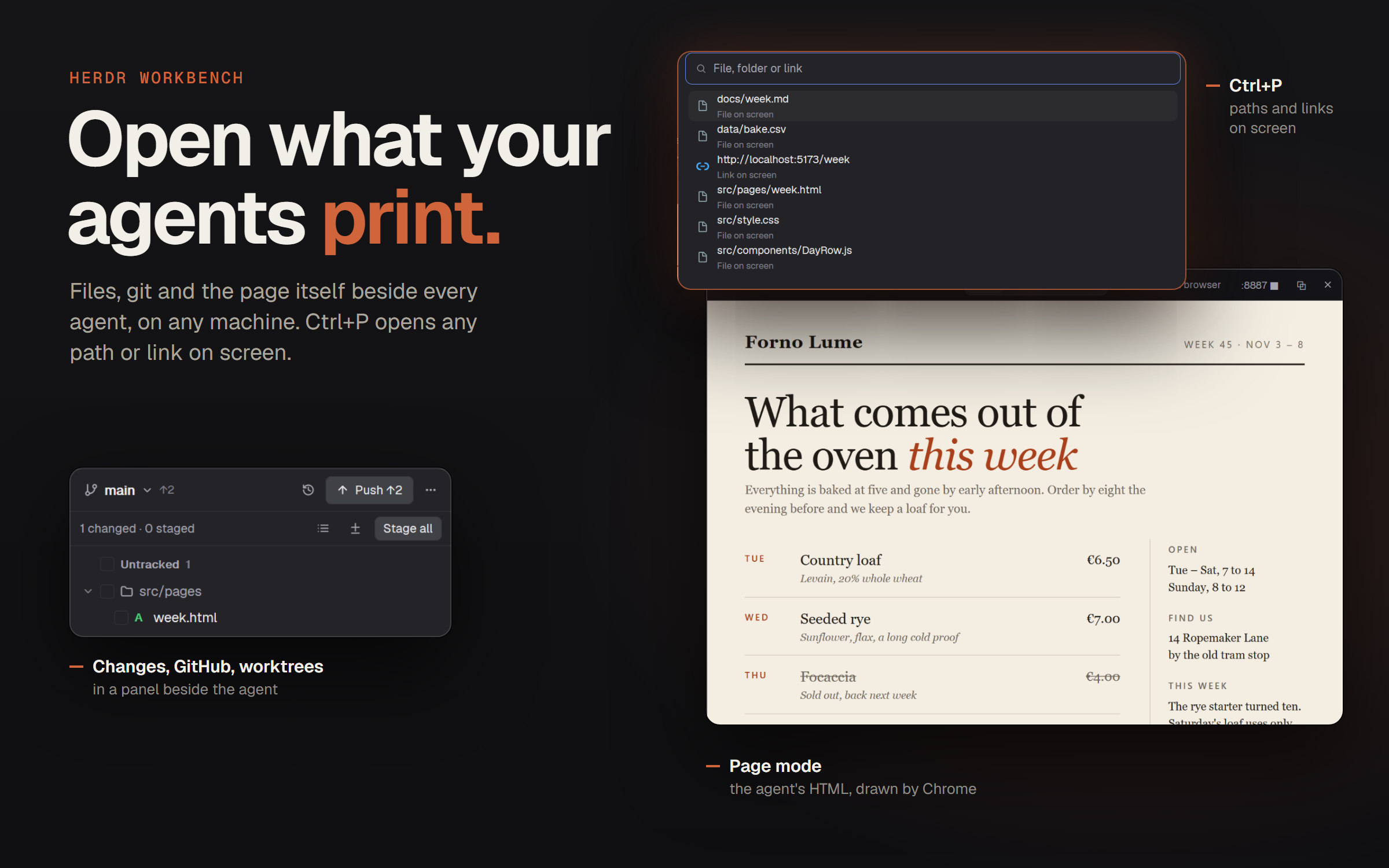

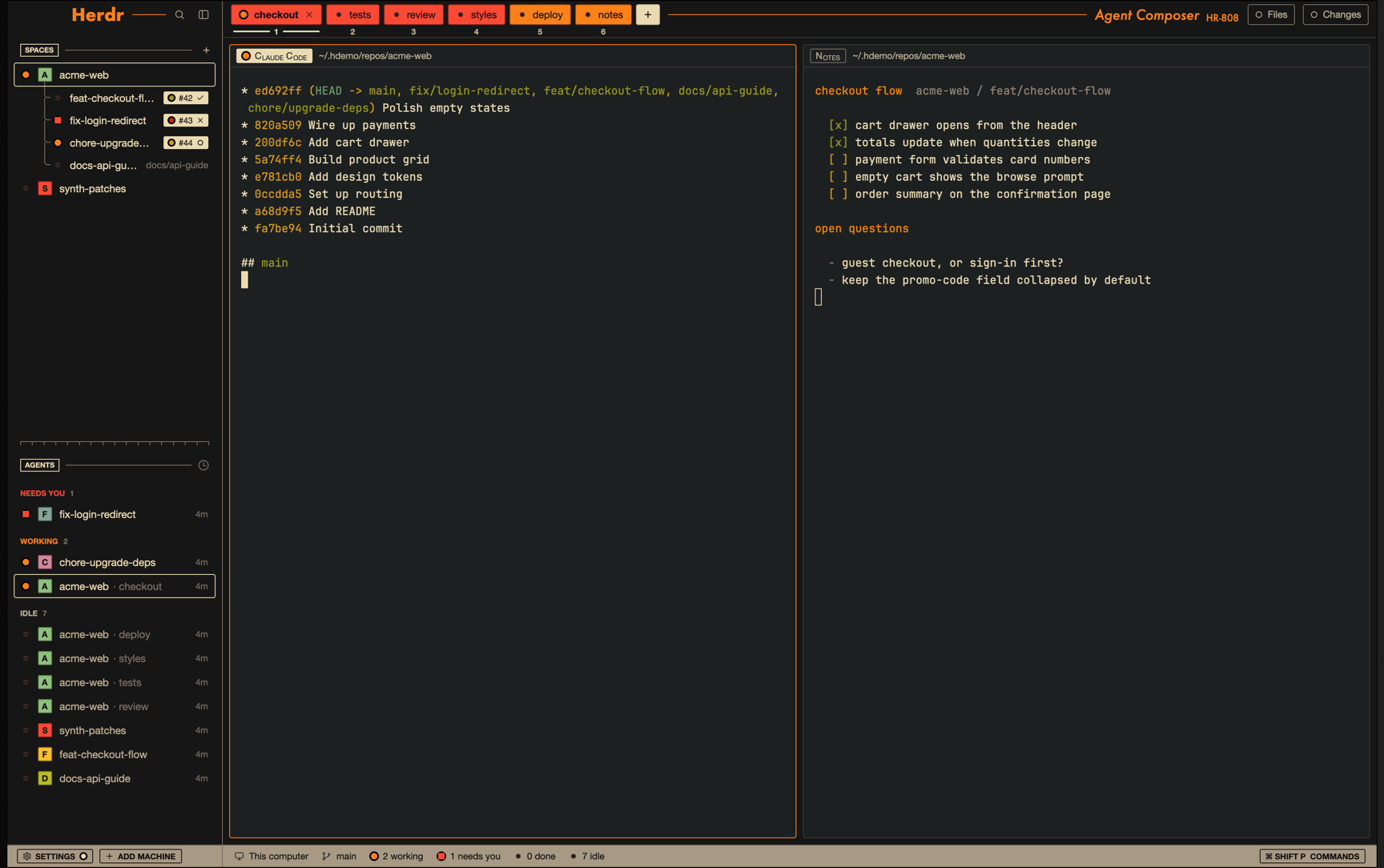


Herdr as a visual novel. Agents are original maids; status changes become lines of dialogue that queue up, and only one maid stands on the stage at a time, so a space with many agents never gets crowded.

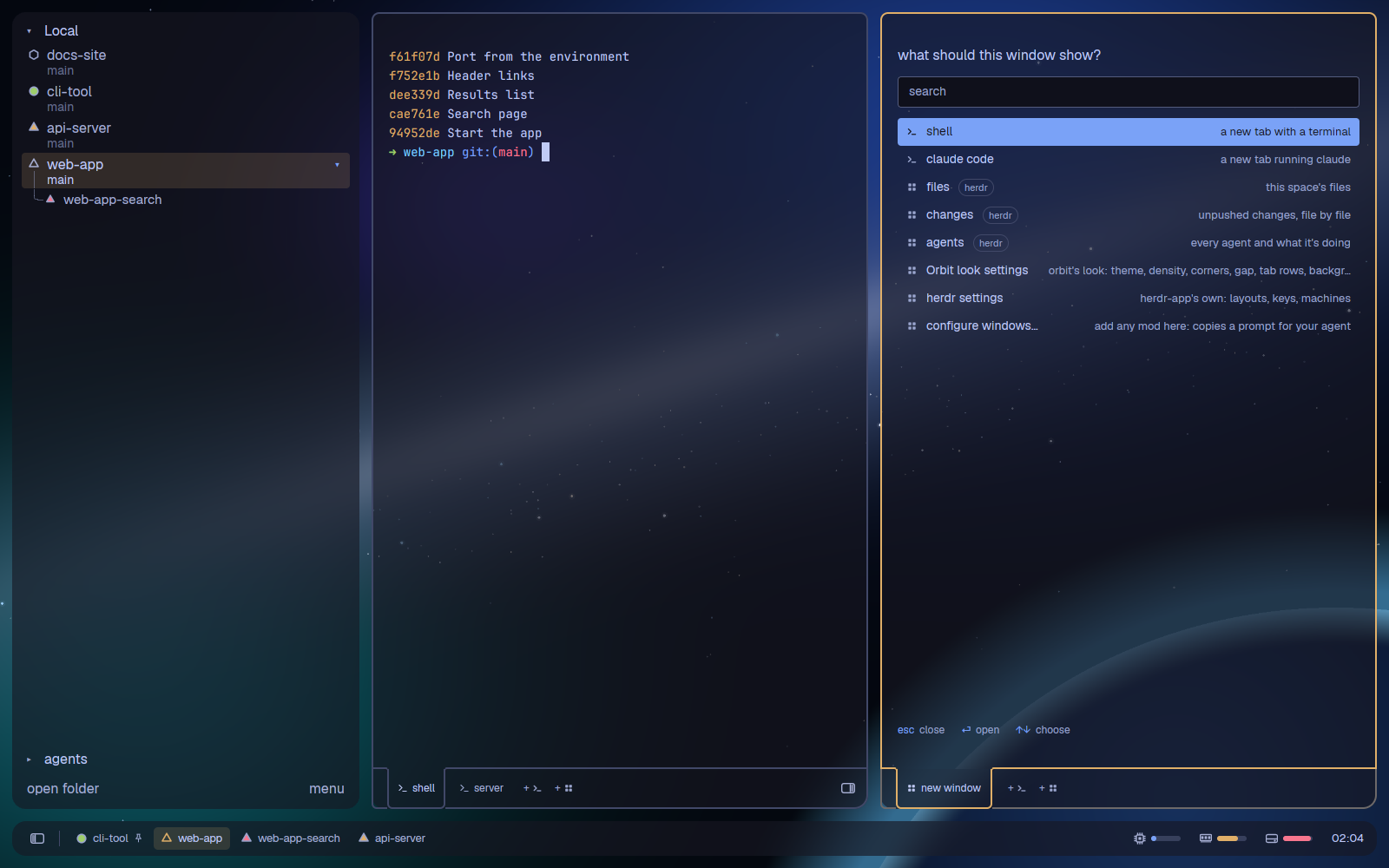

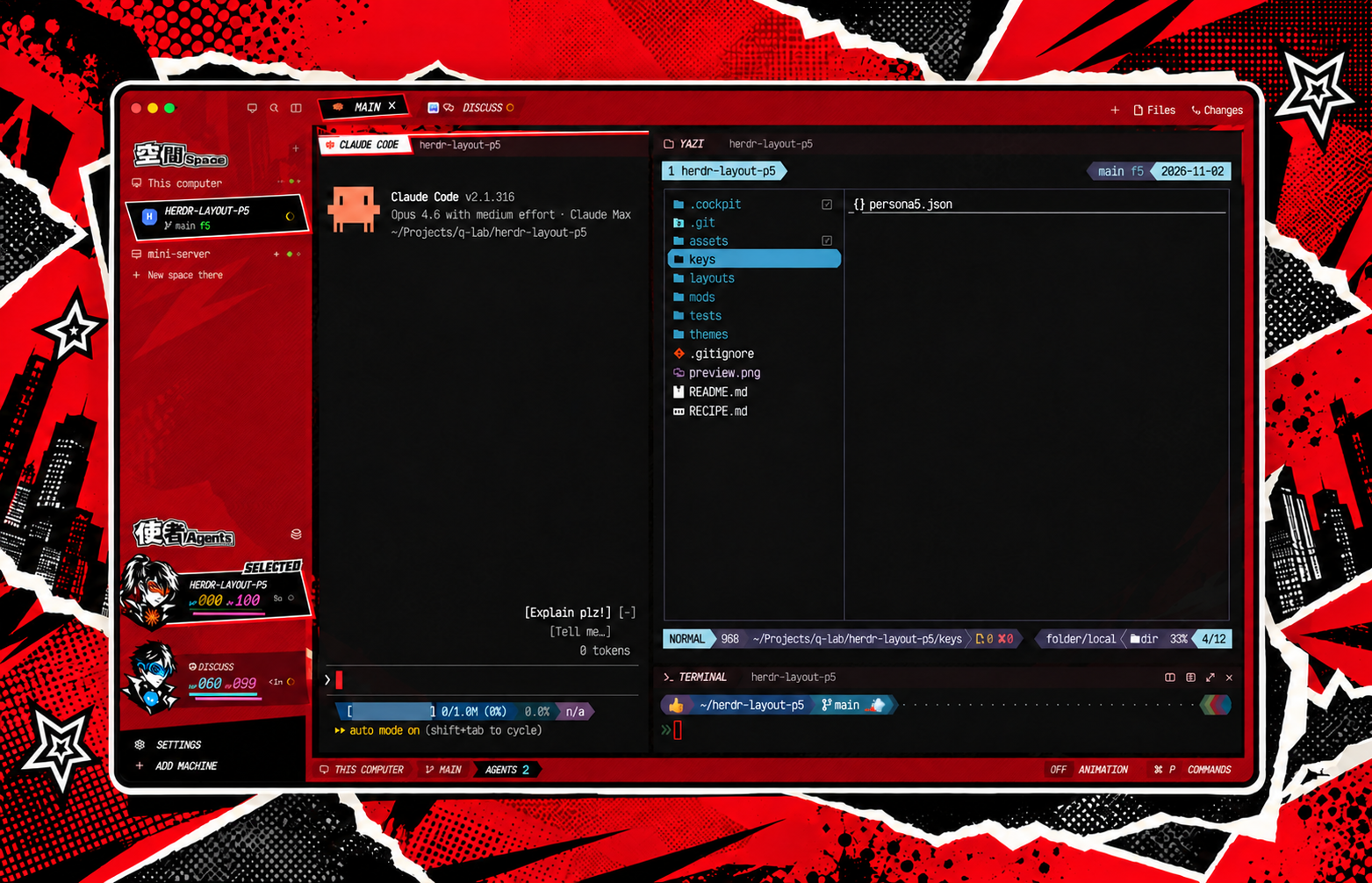

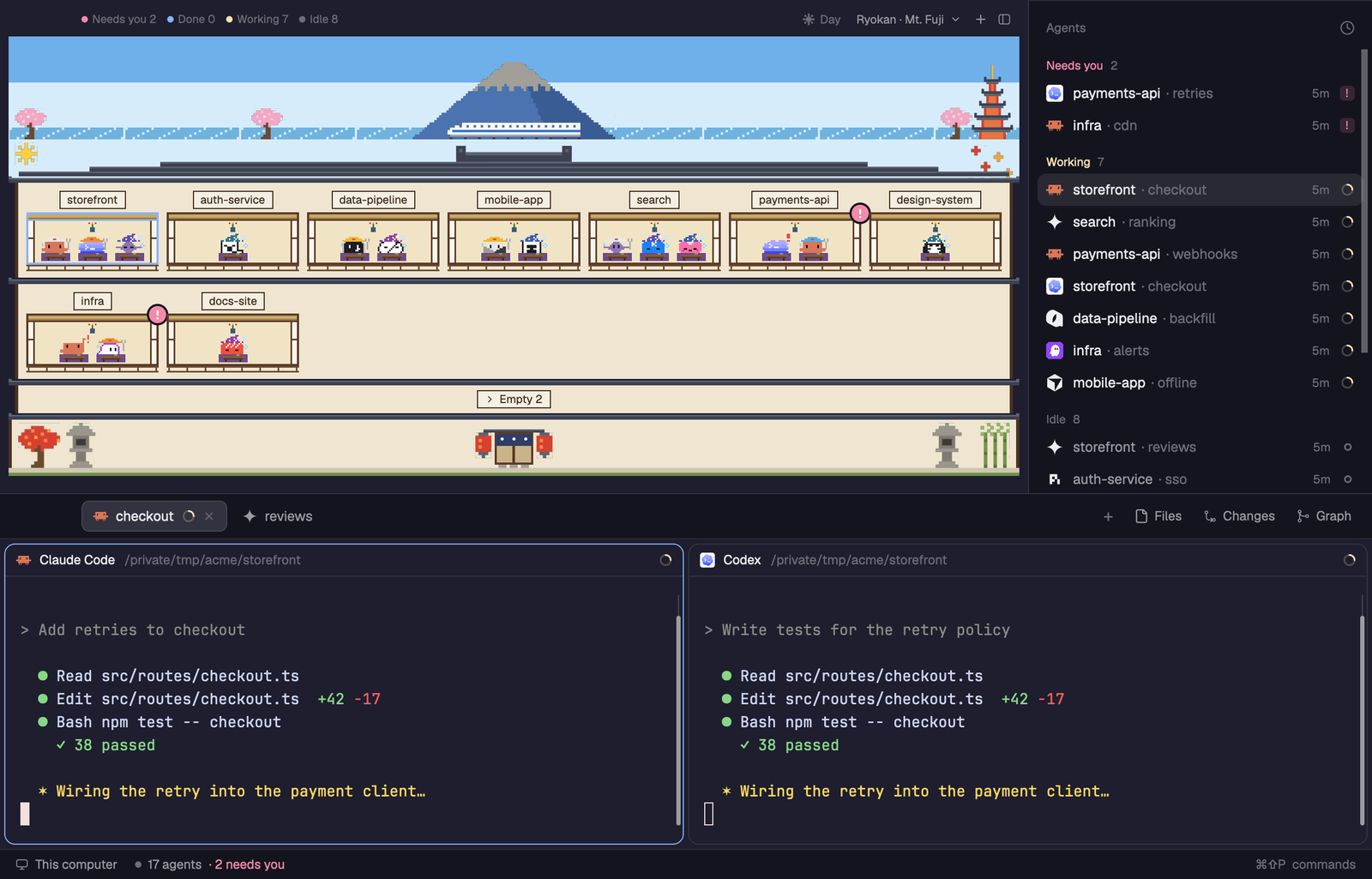

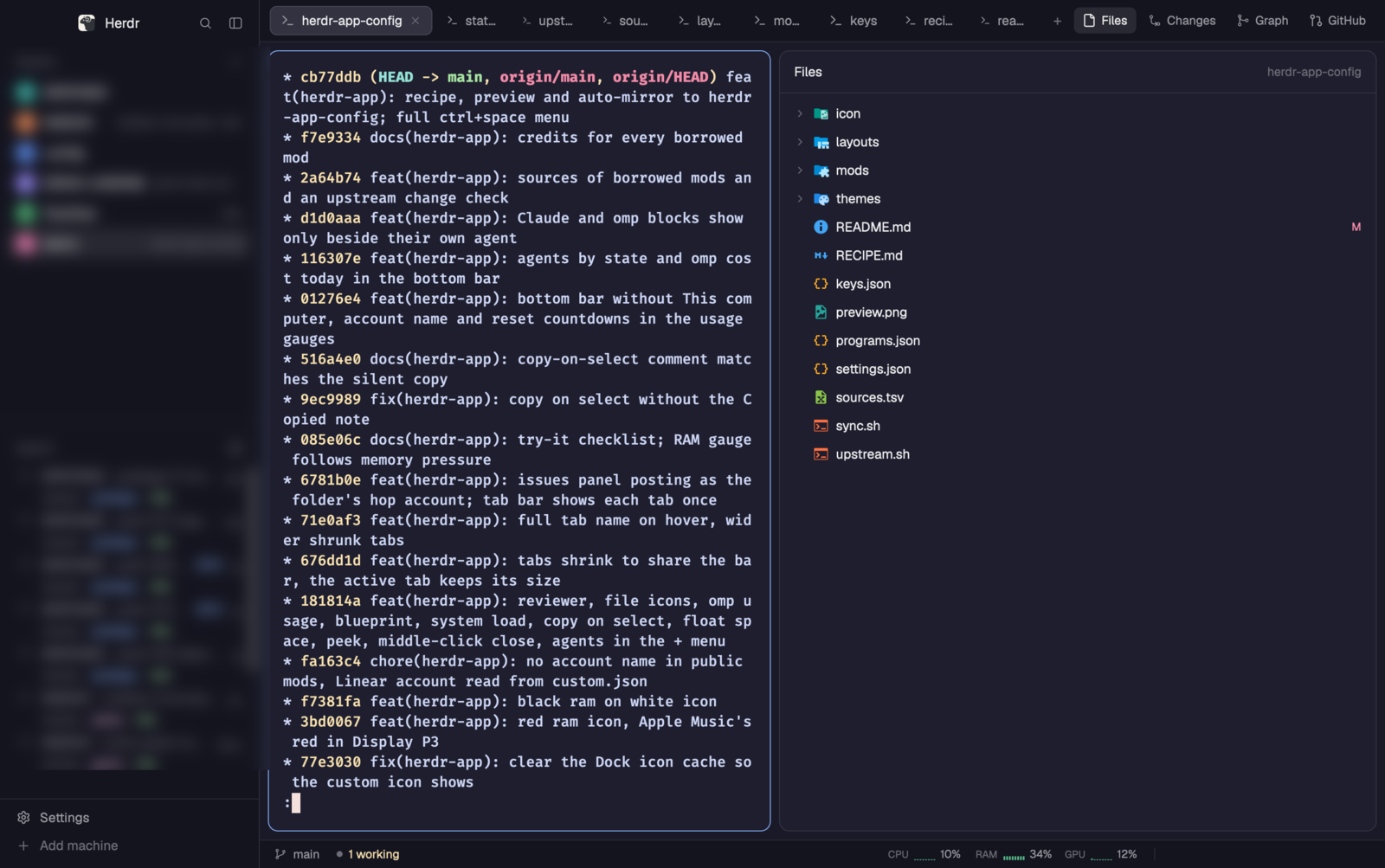
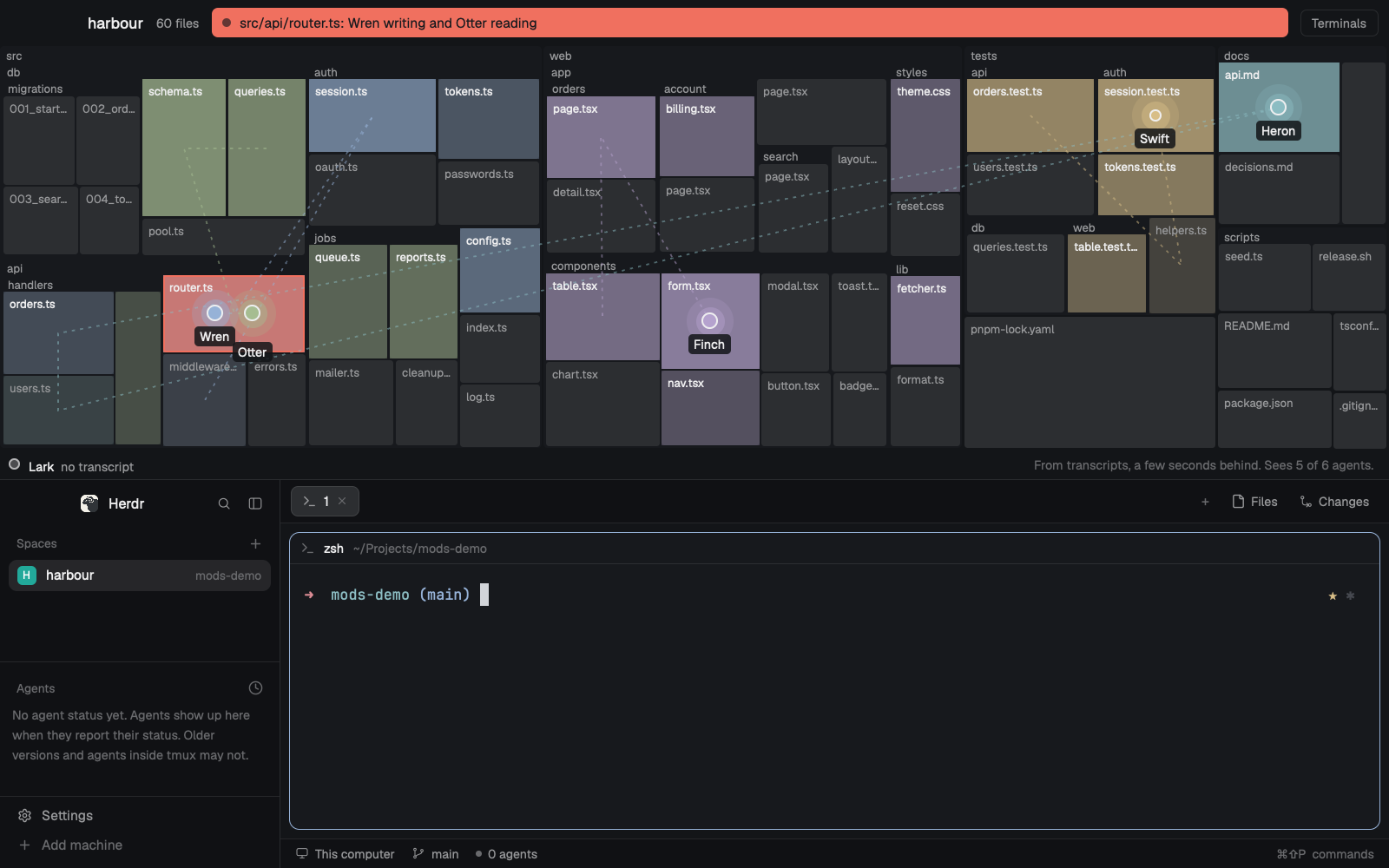
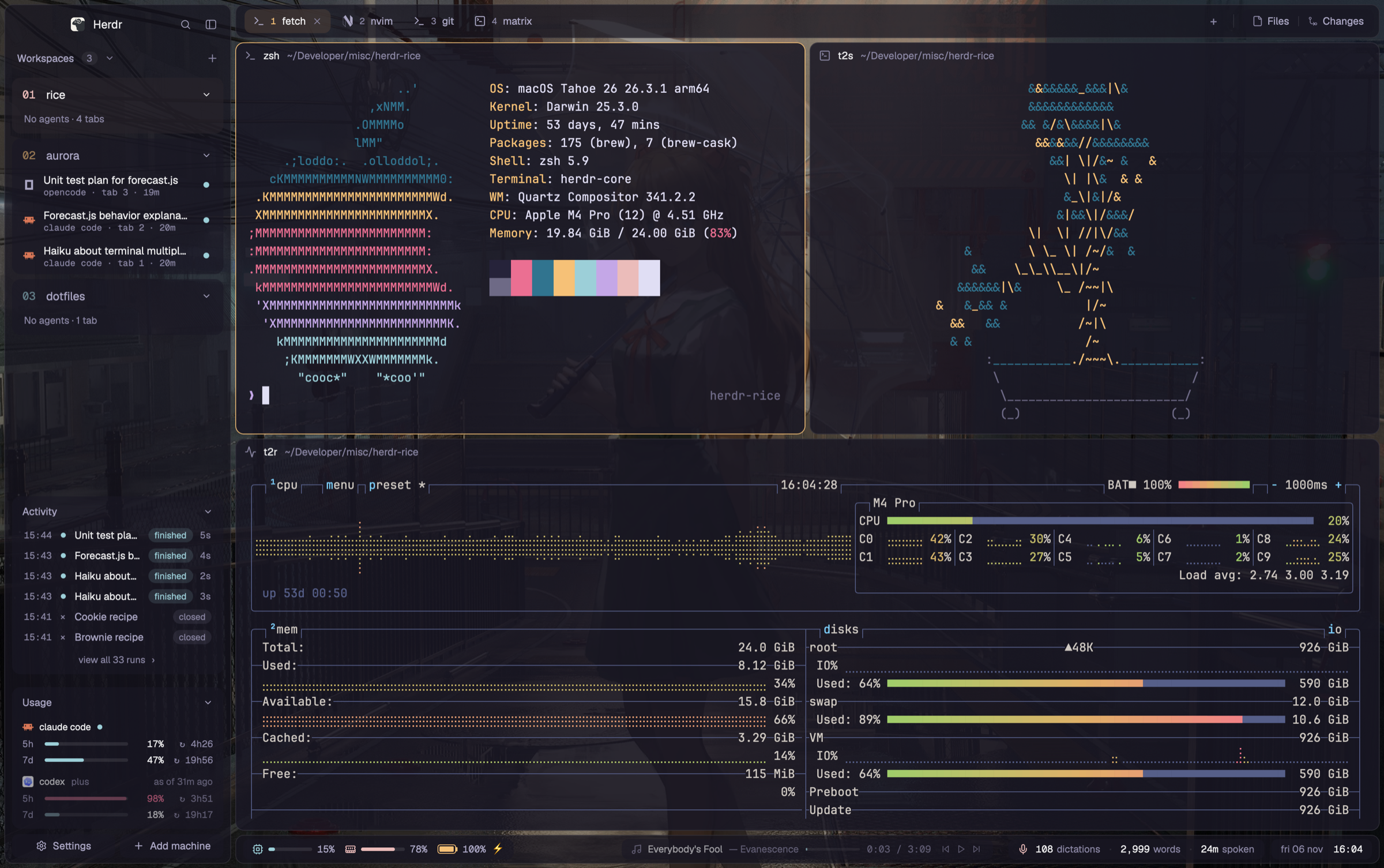
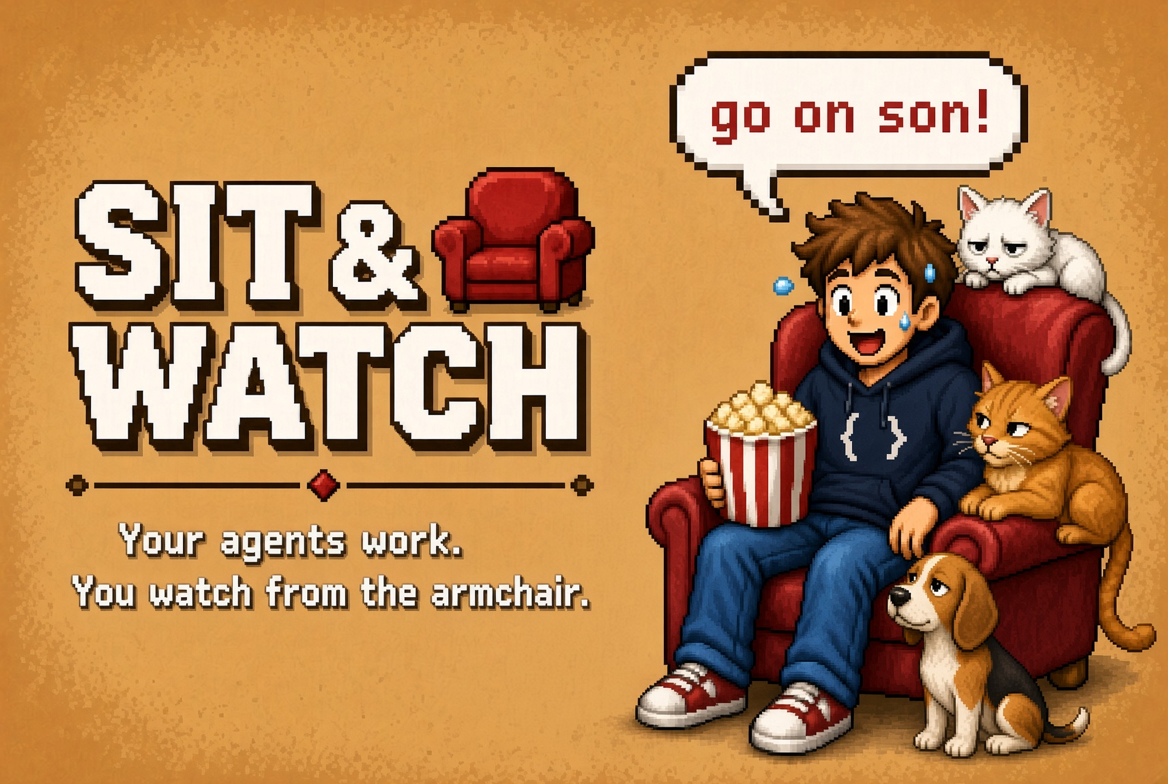
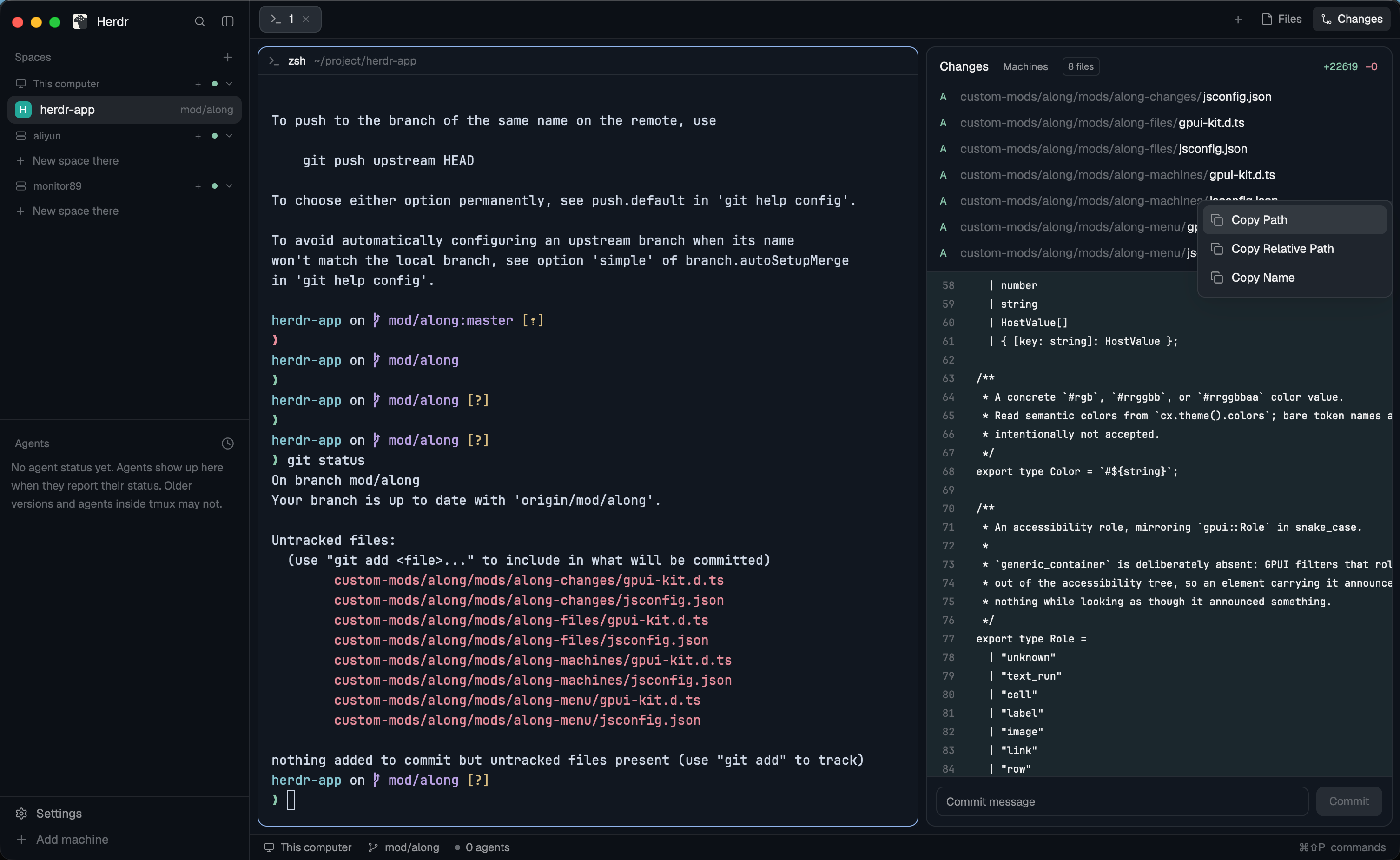
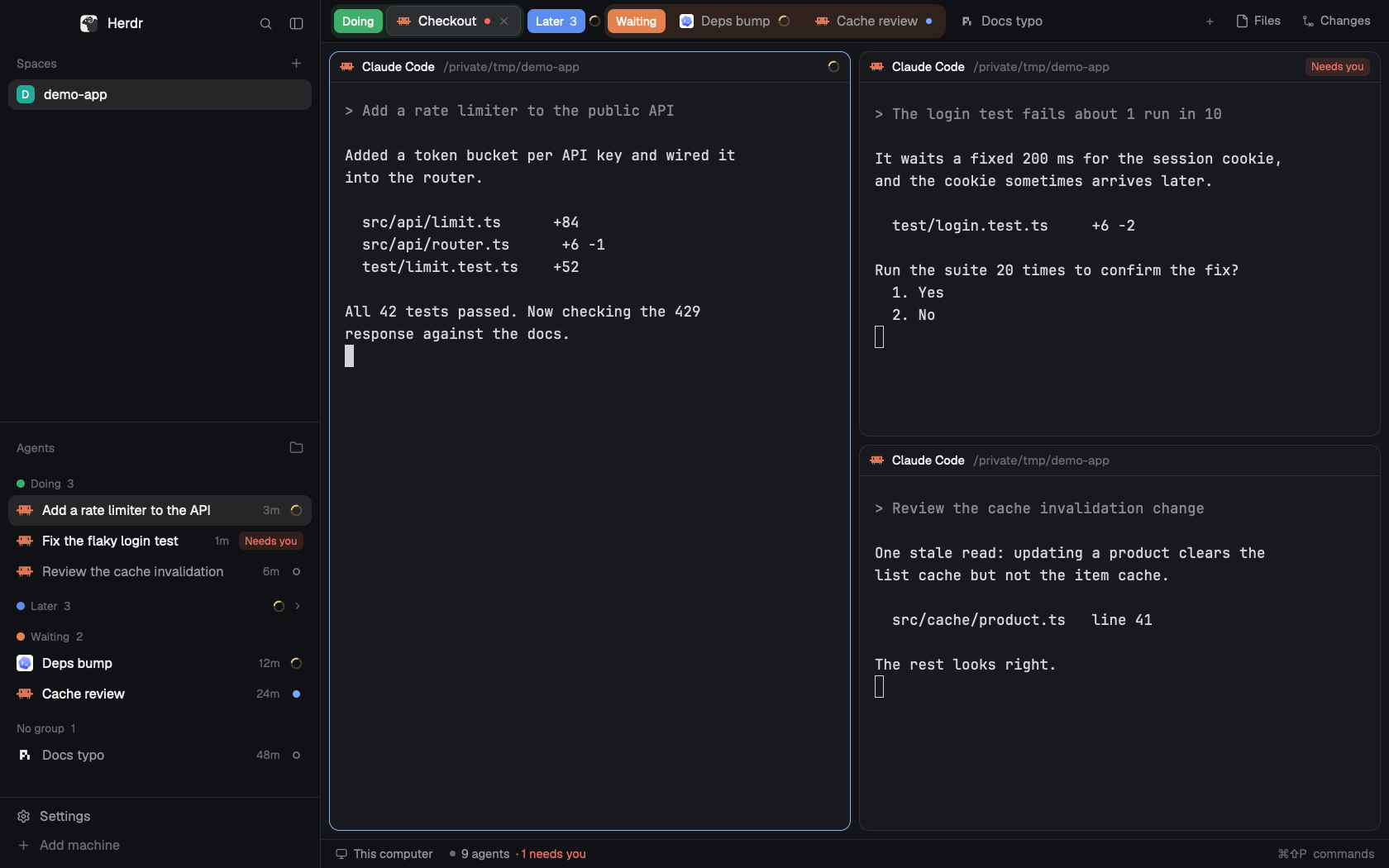
A Herdr window built around two mods. The left sidebar holds the screenshot mode Spaces and Agents lists, and under them the Sit & Watch office, where each agent is a robot at a desk and a developer in a red armchair reacts to how they are doing. The tab bar, pane headers and status bar are the screenshot mode versions too, so one shortcut (Cmd+Shift+H) smudges every hidden space, machine and tab name across the whole window, the office included.

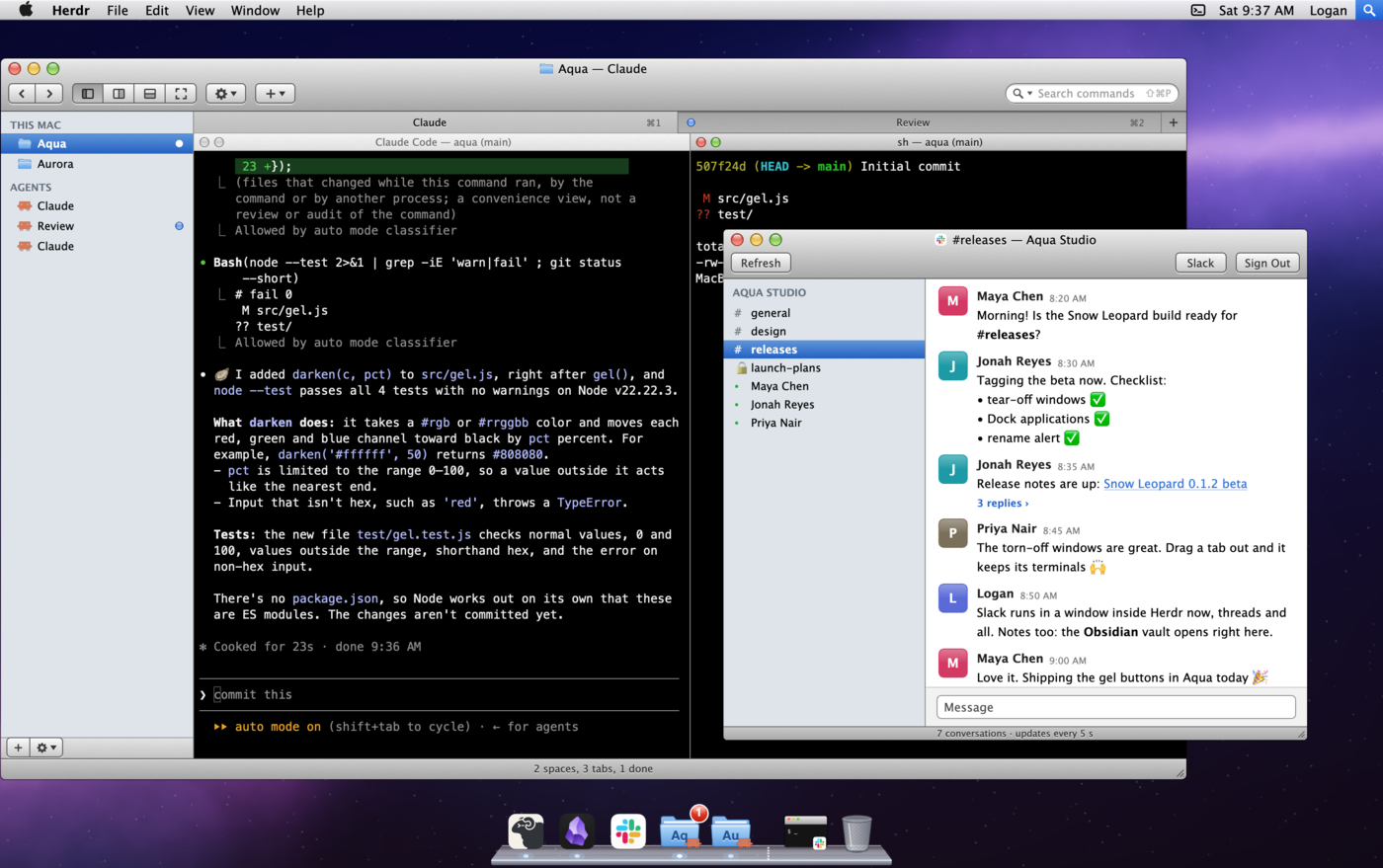

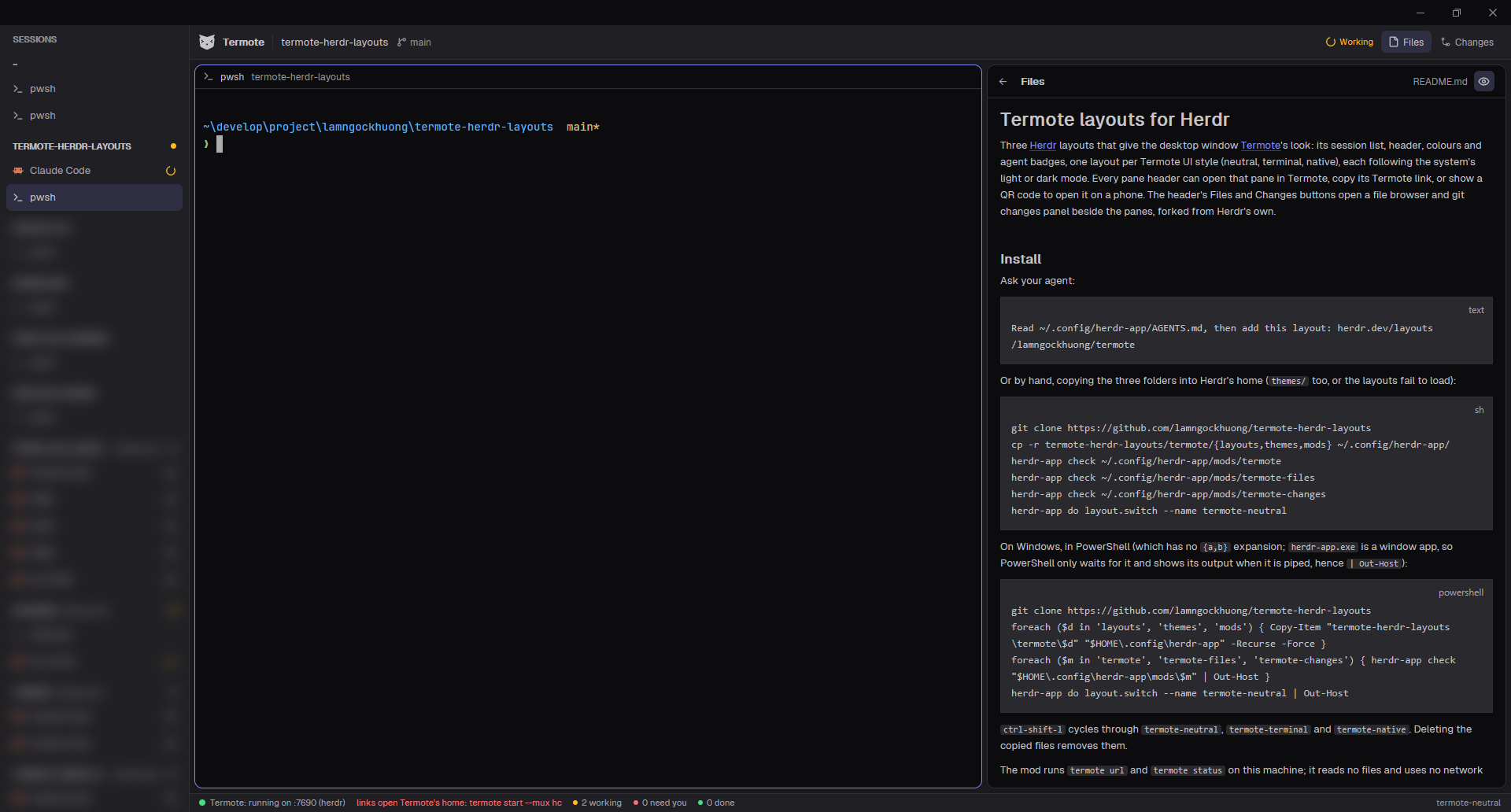

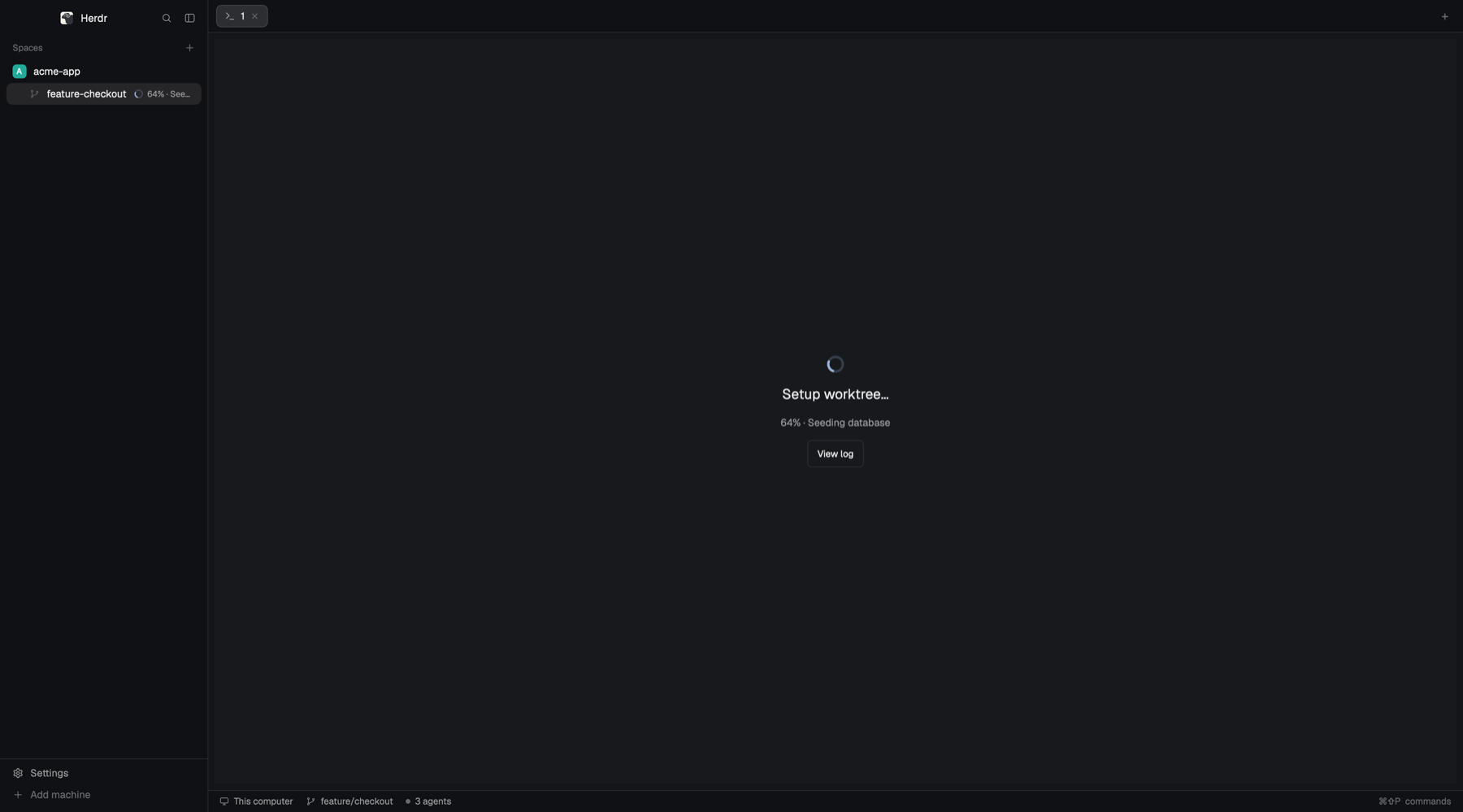

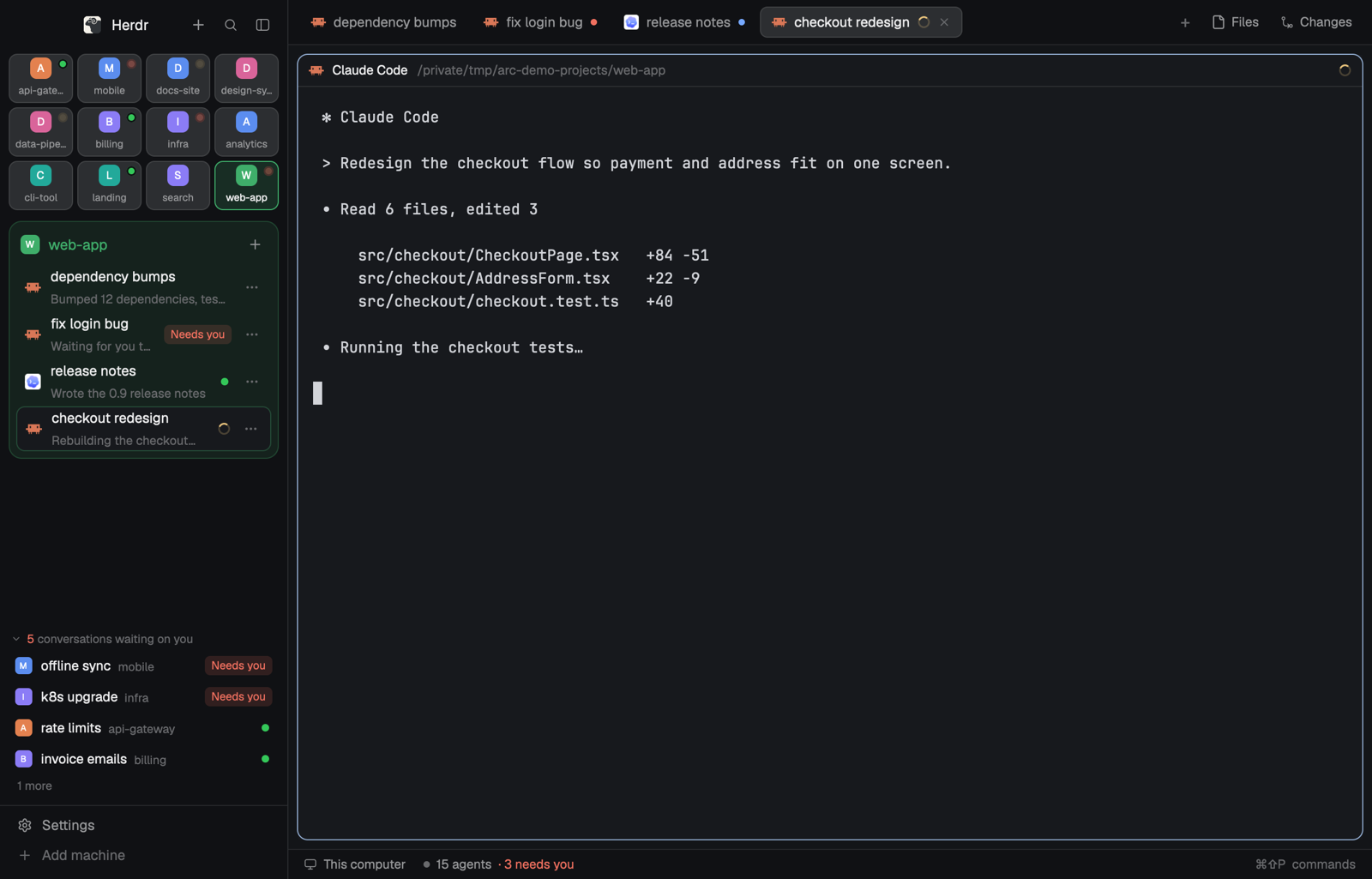

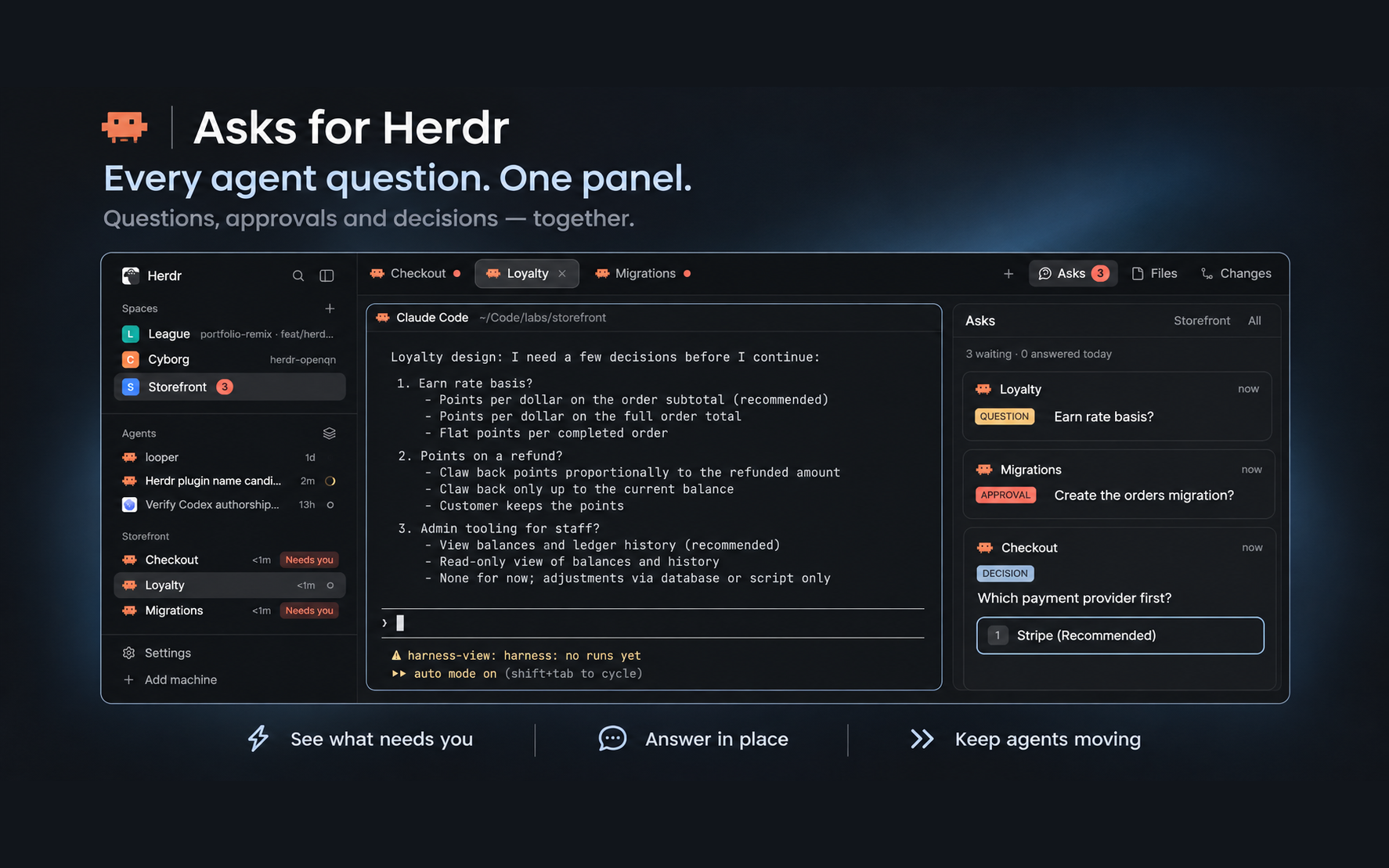

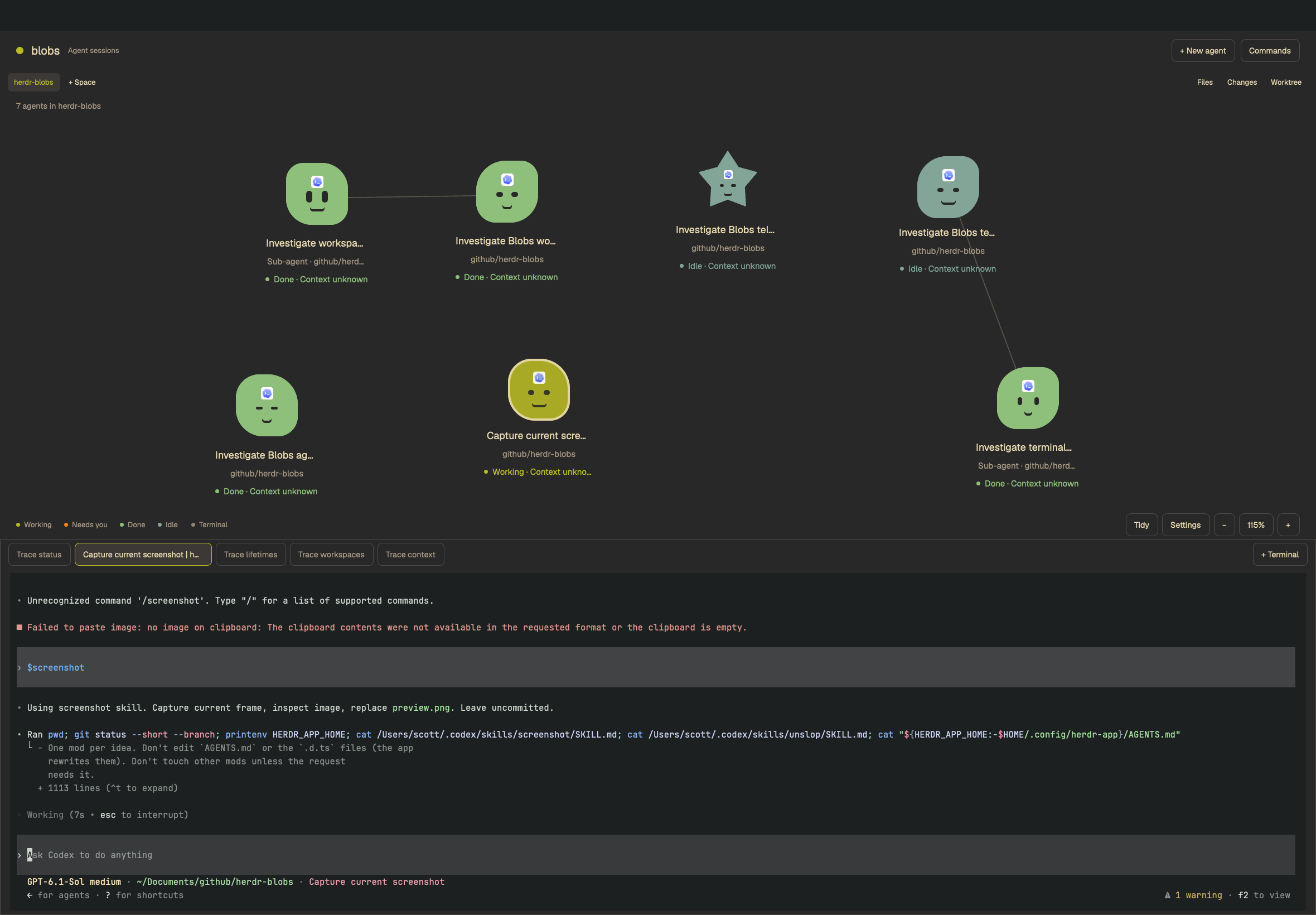

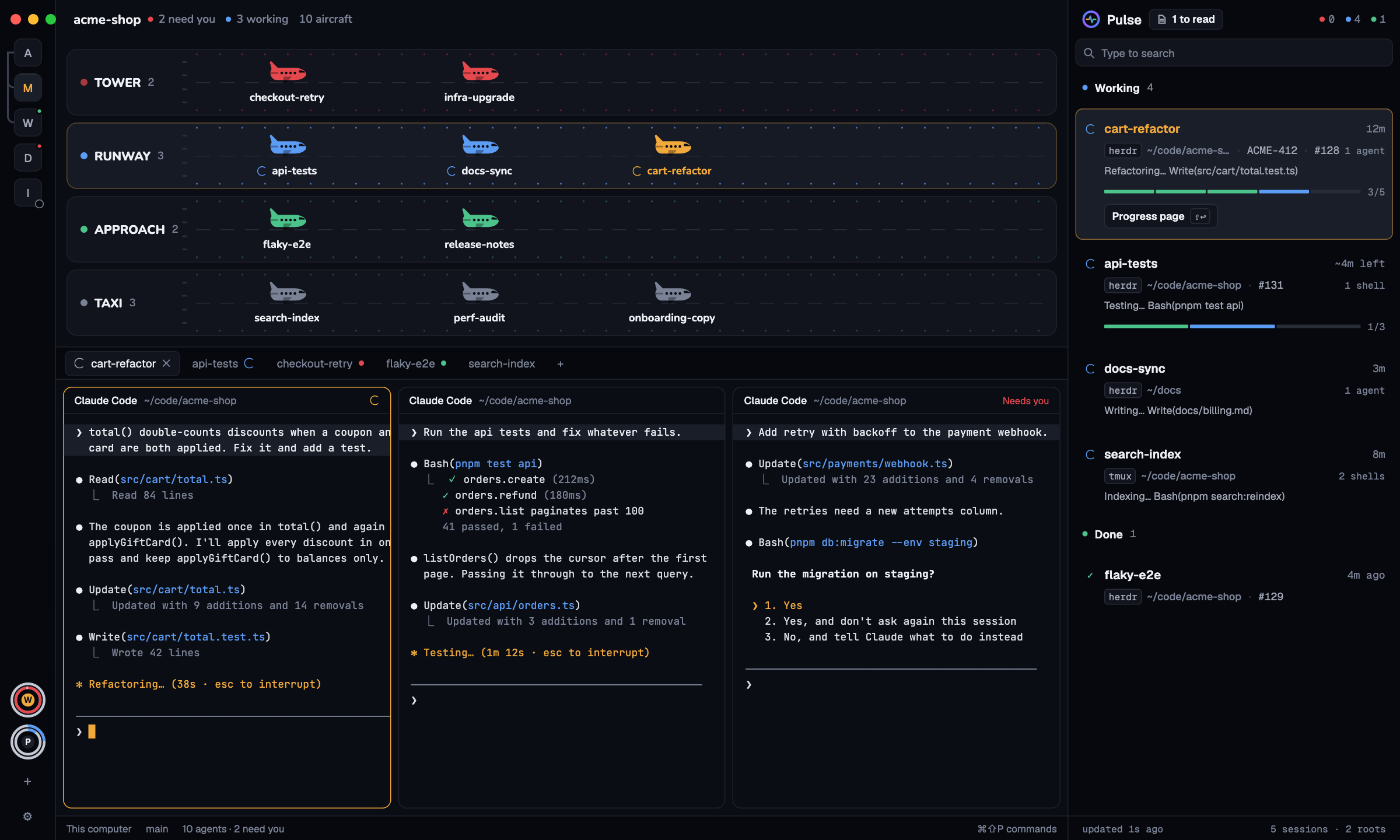

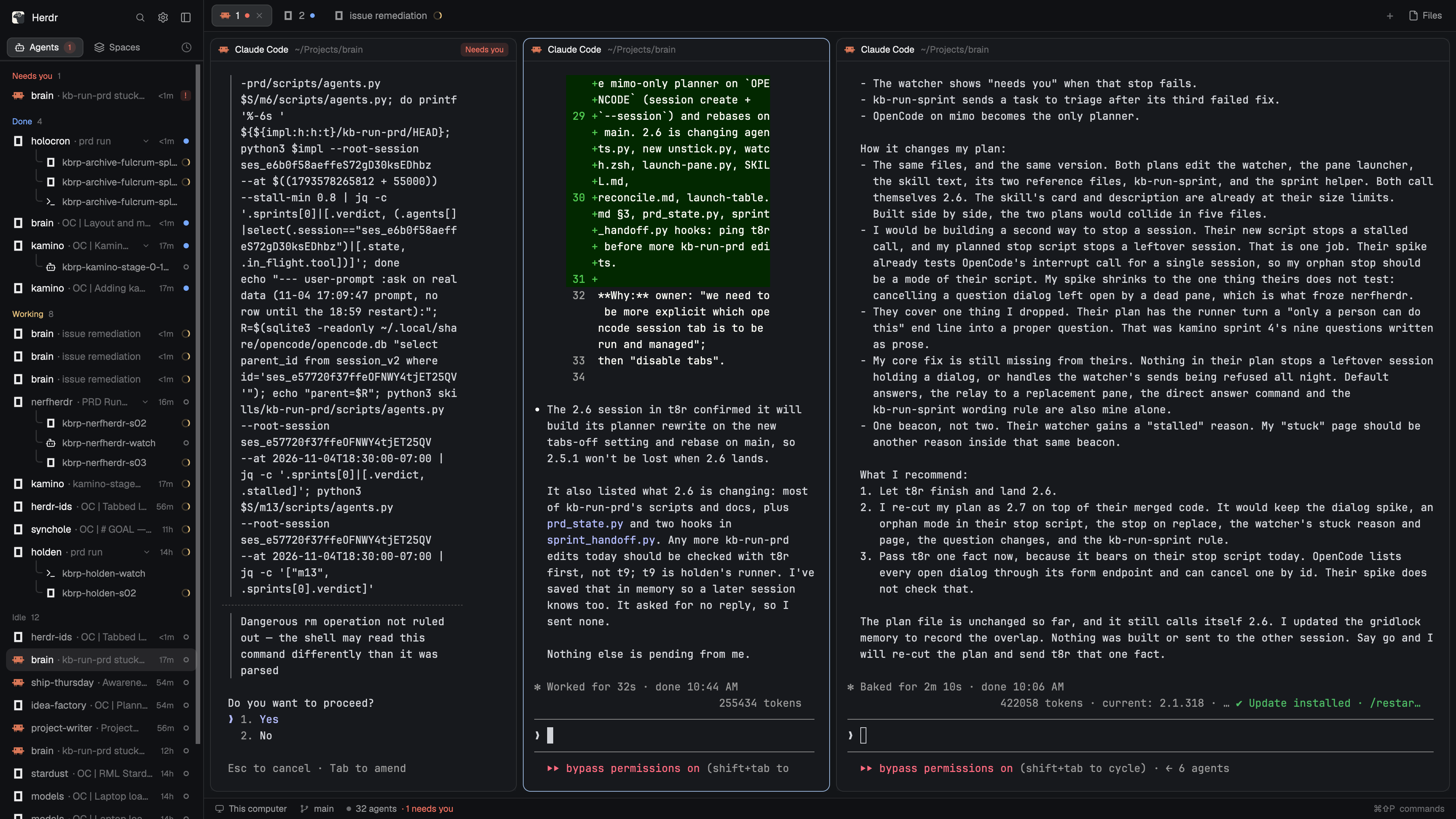

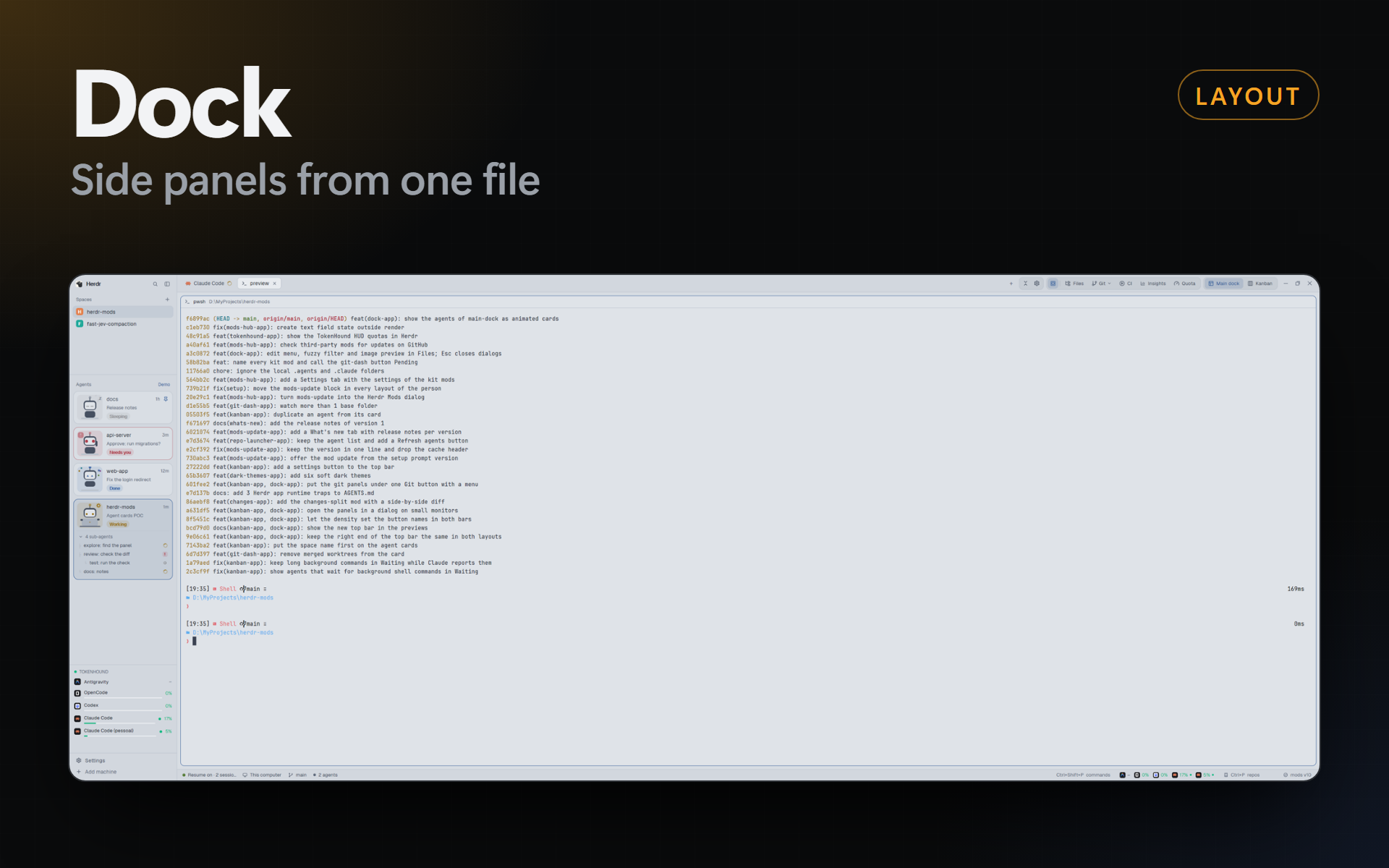

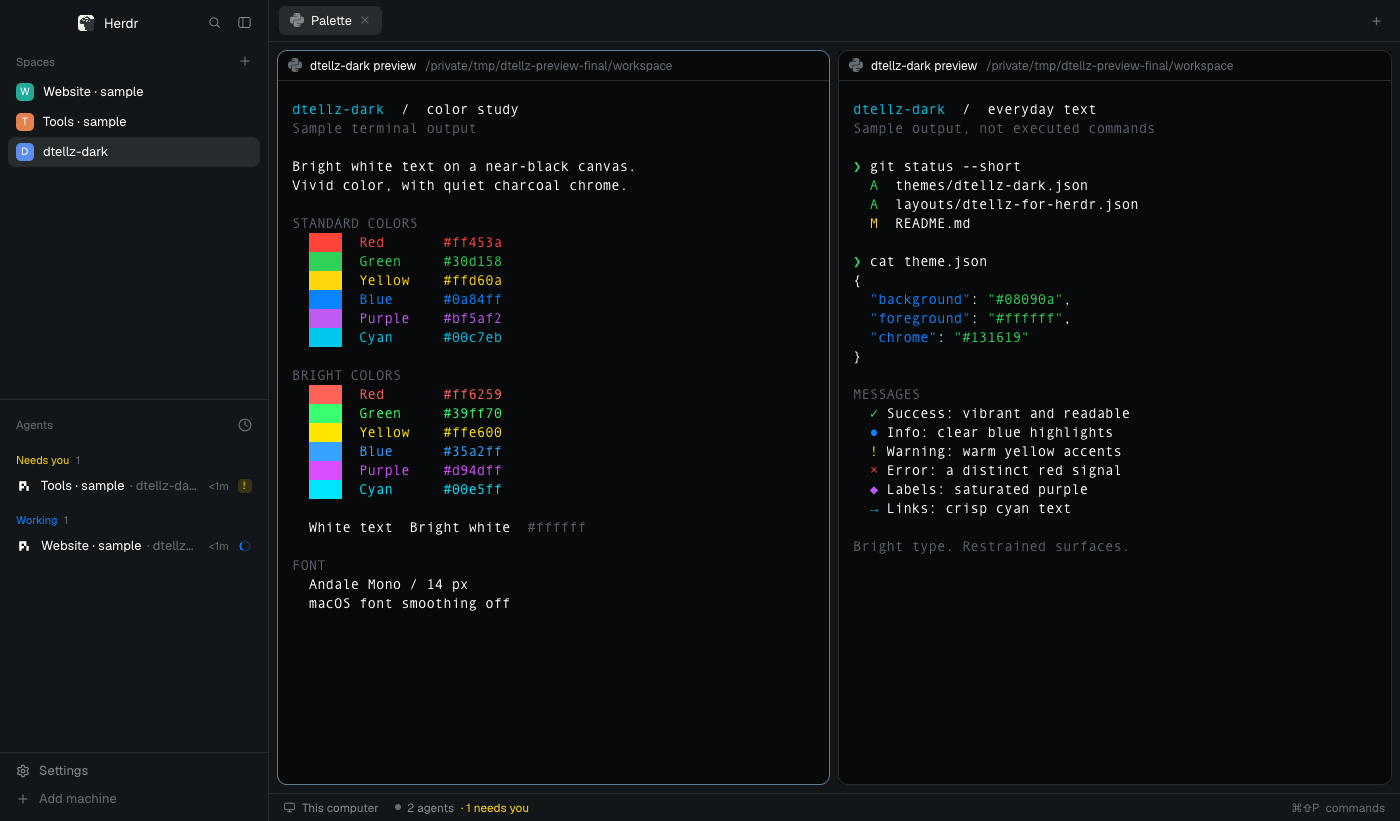

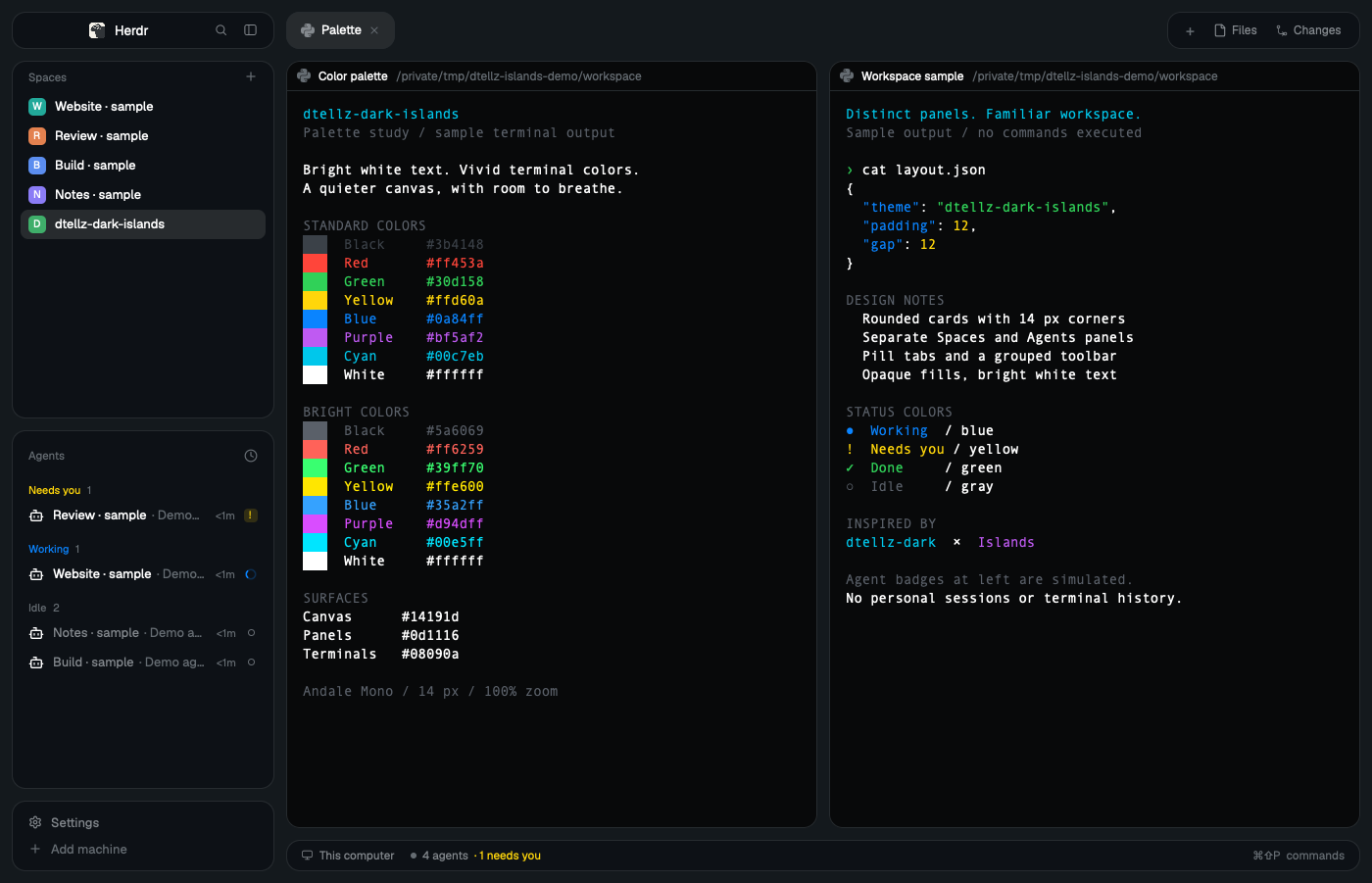
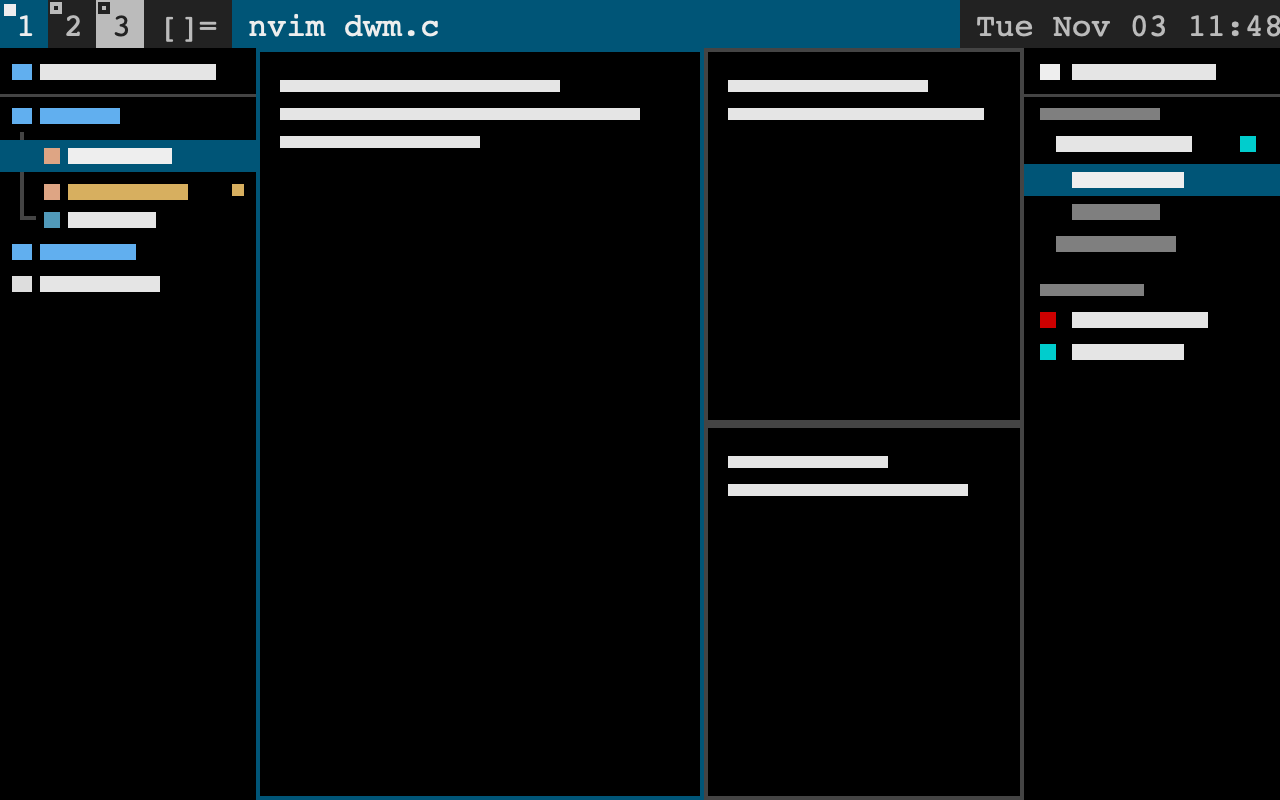


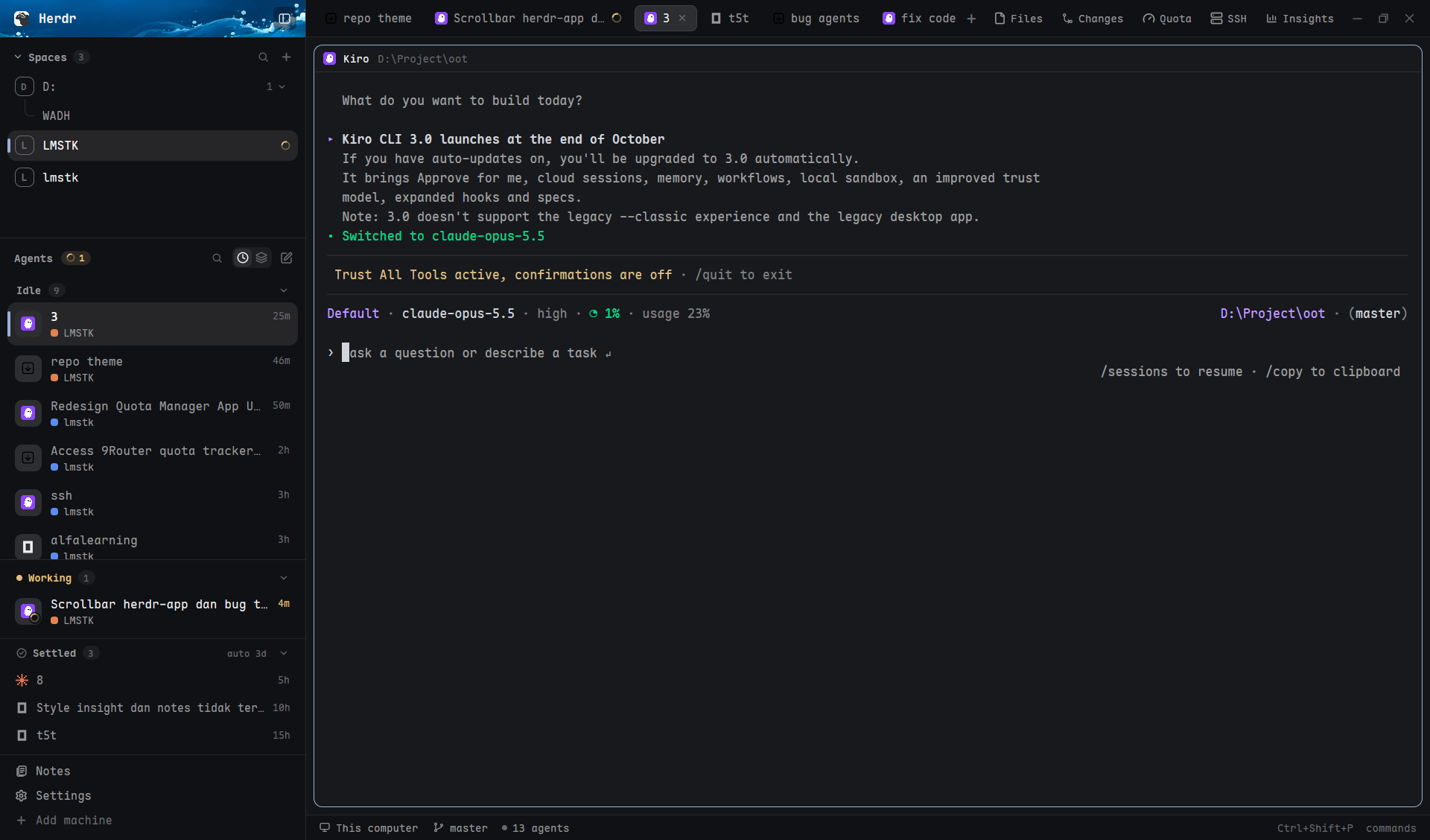

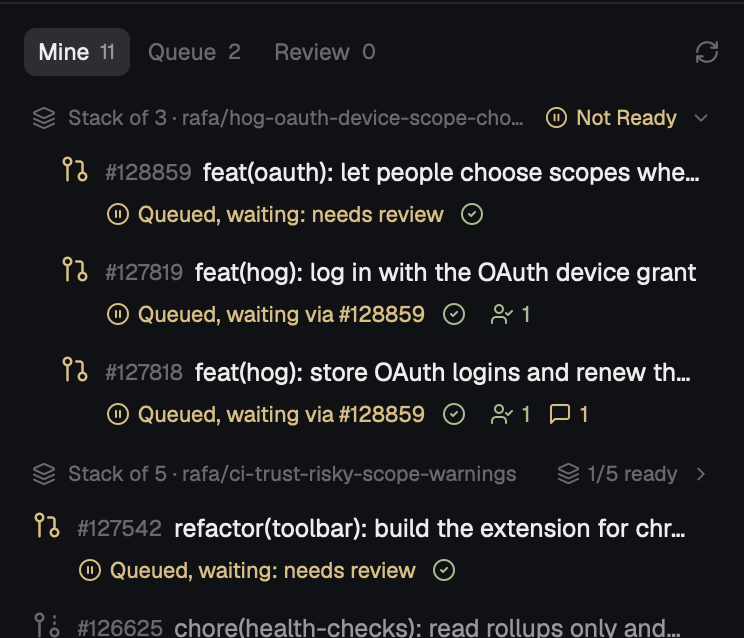

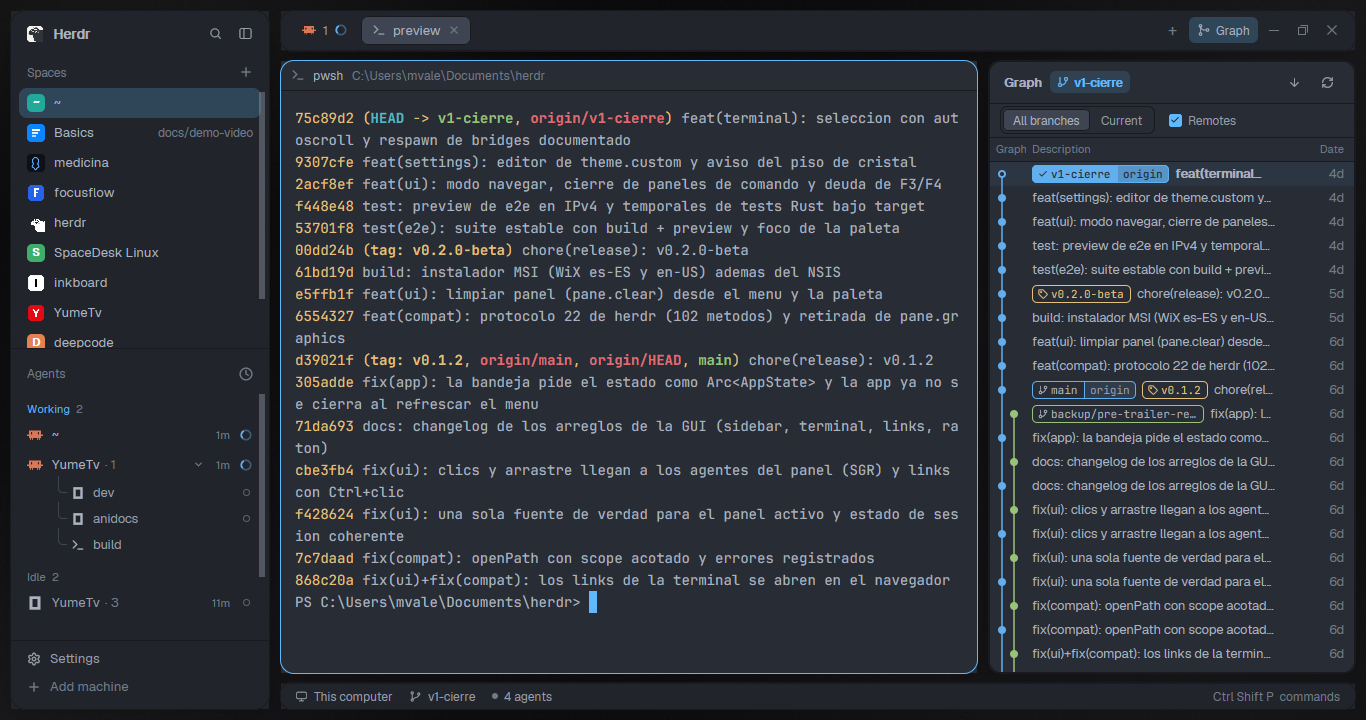
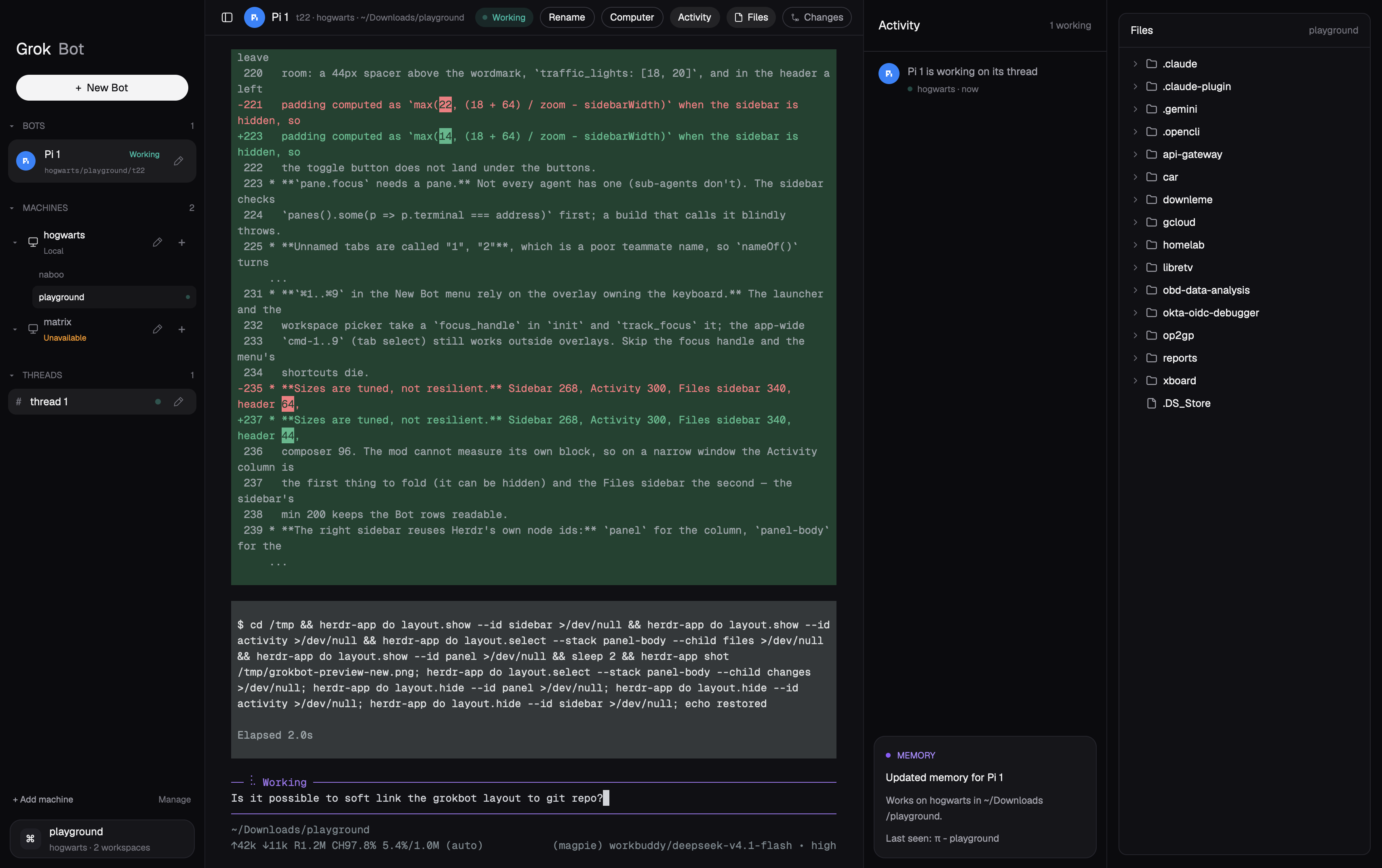

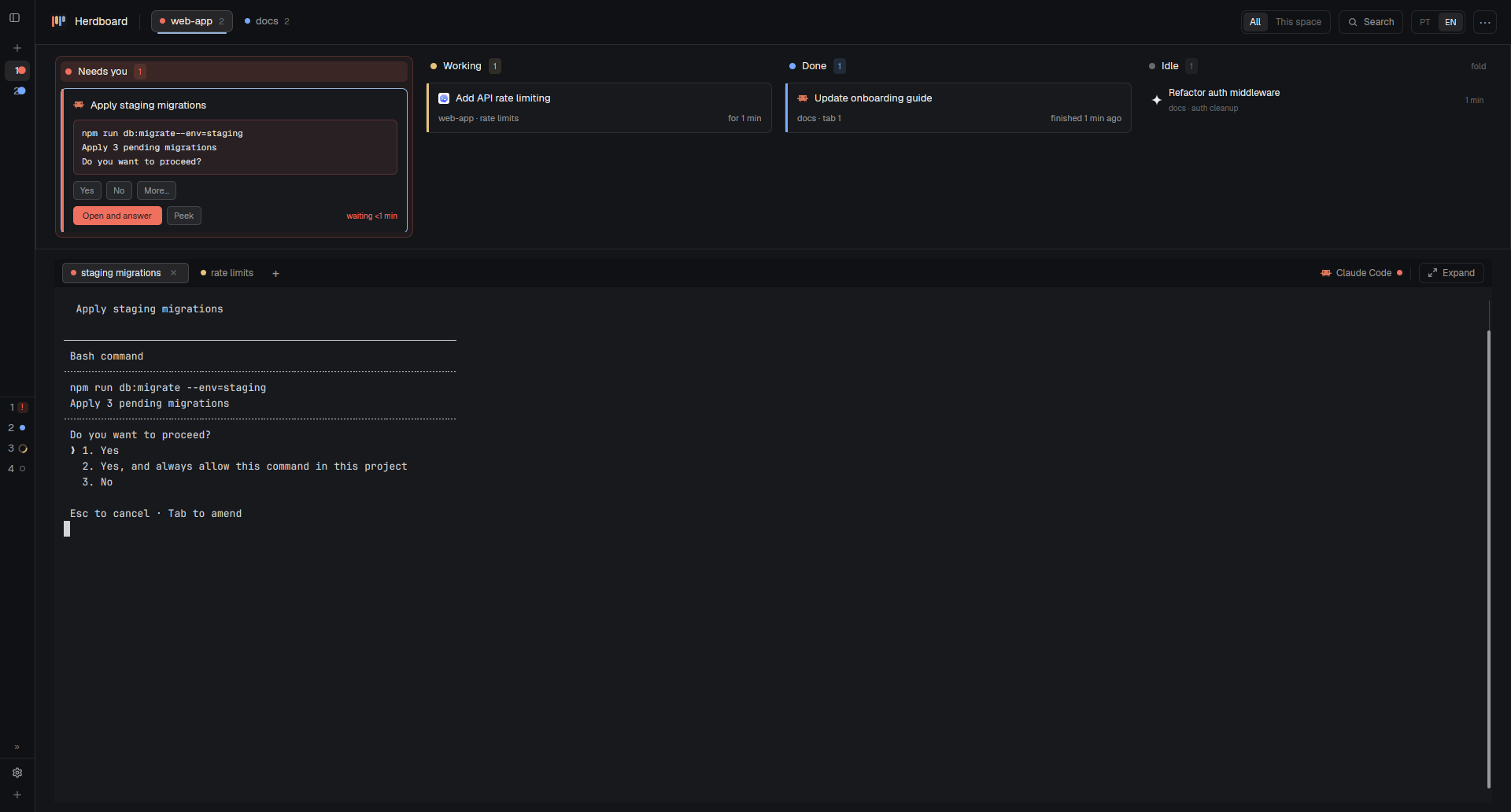

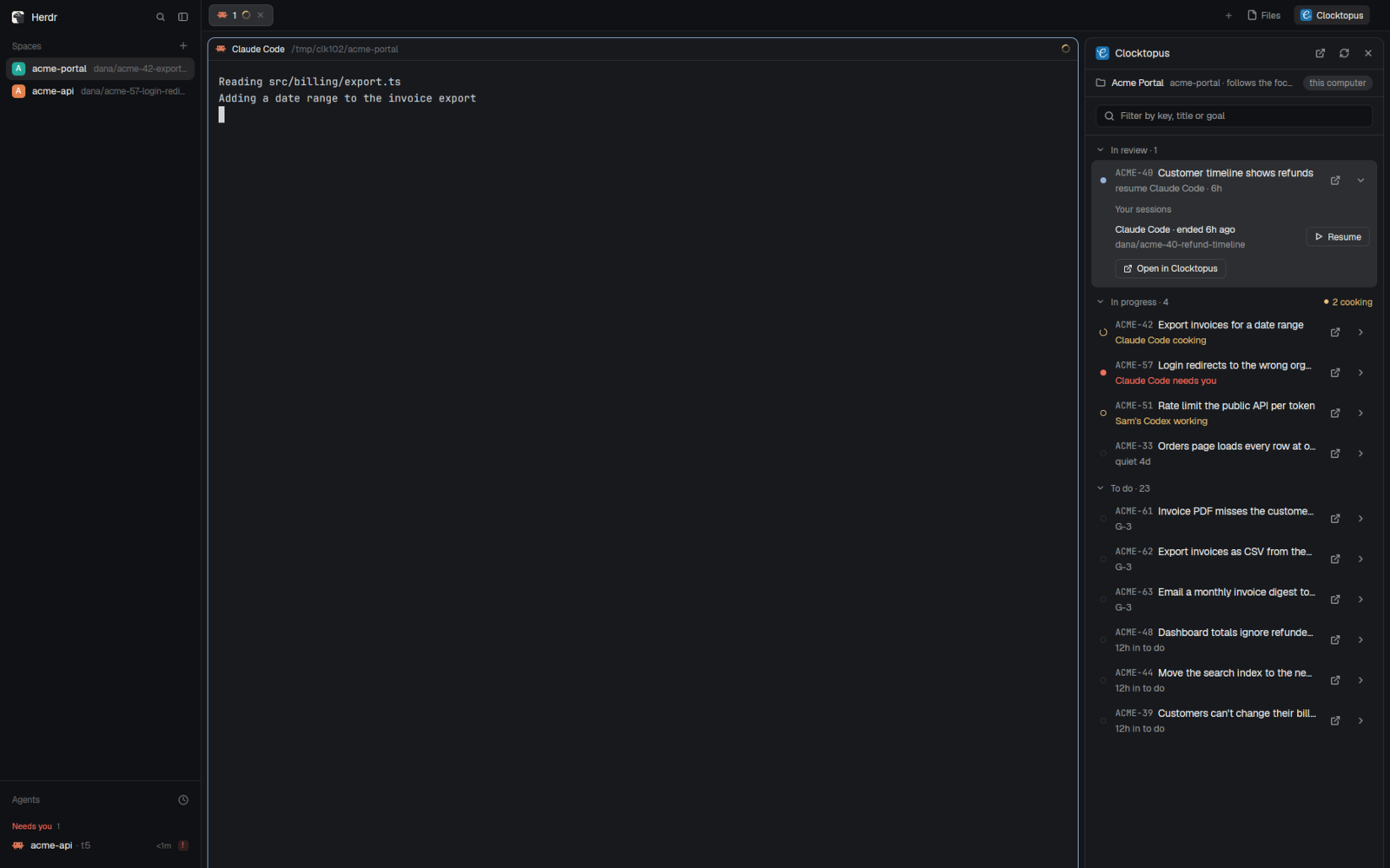

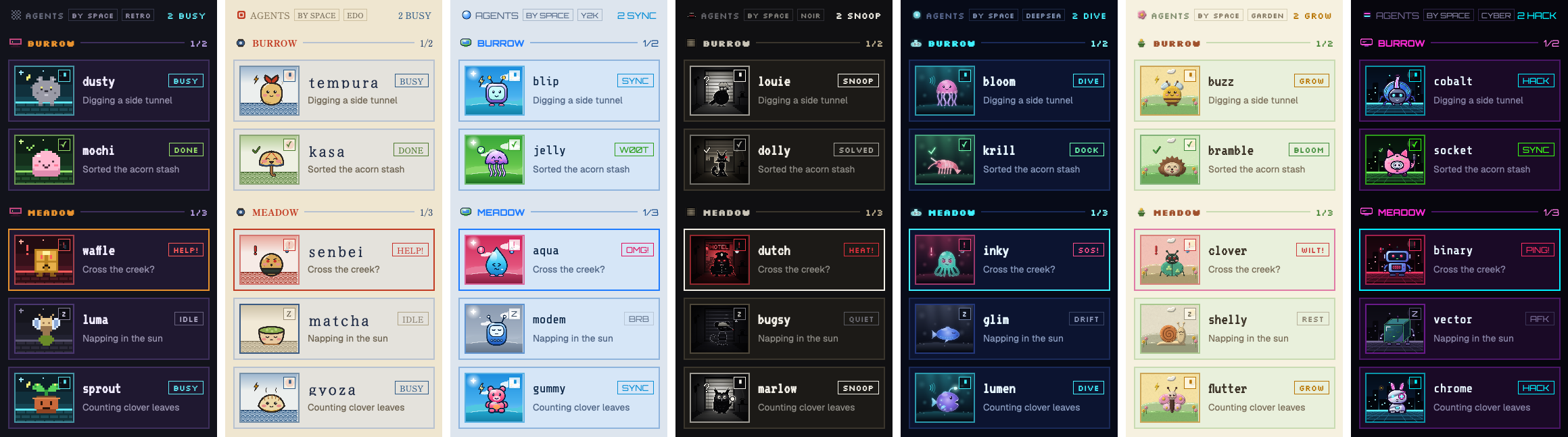

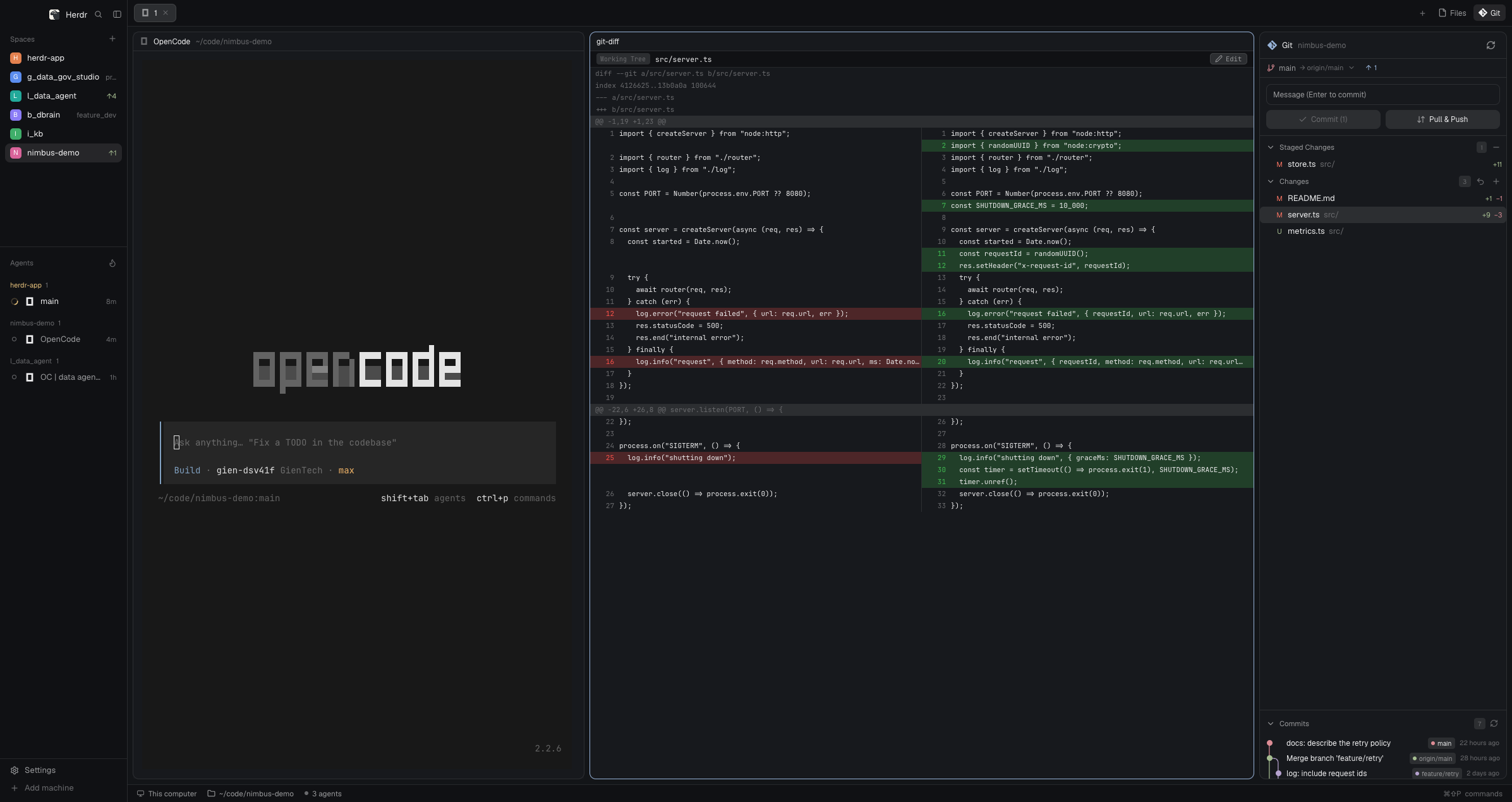

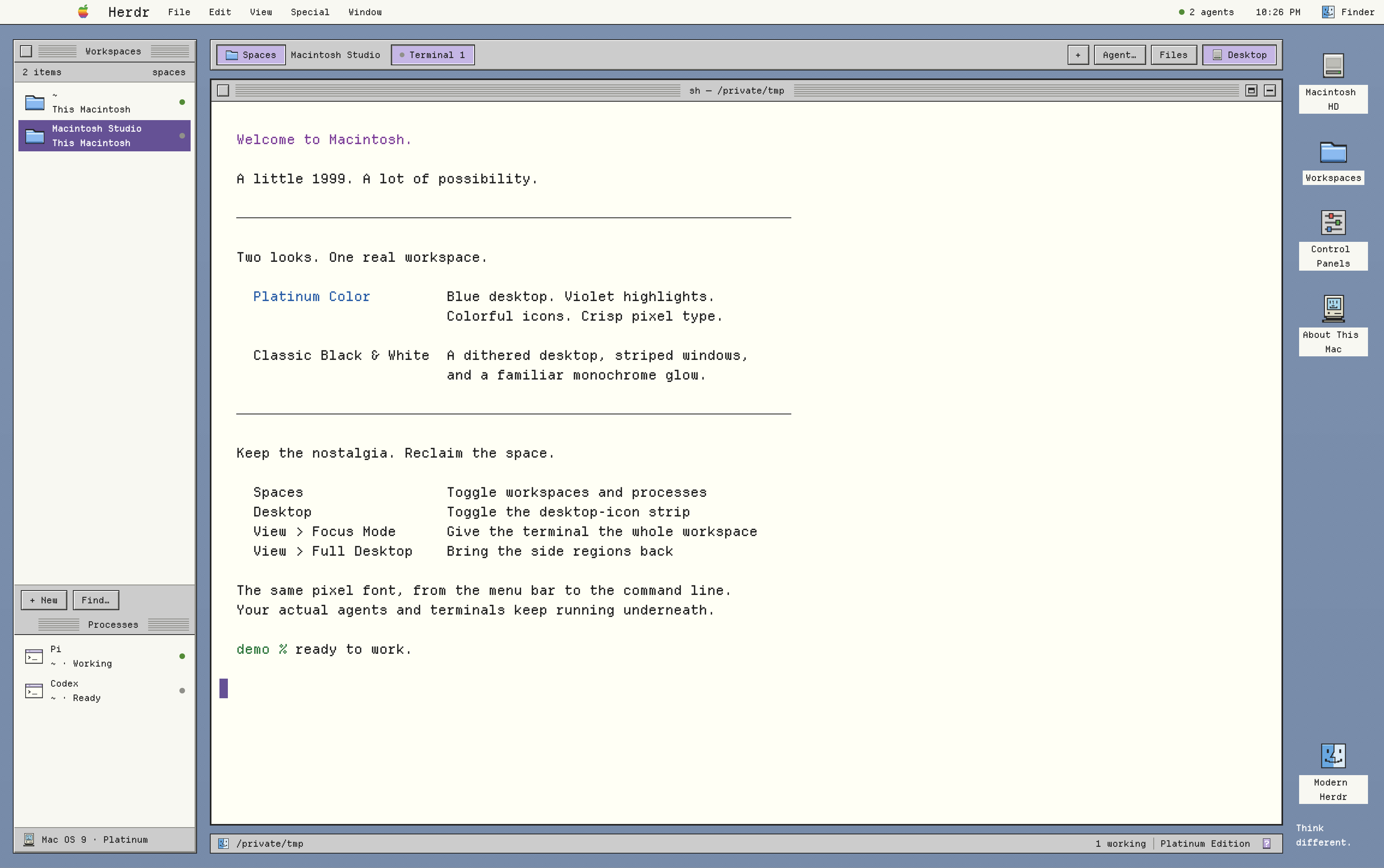

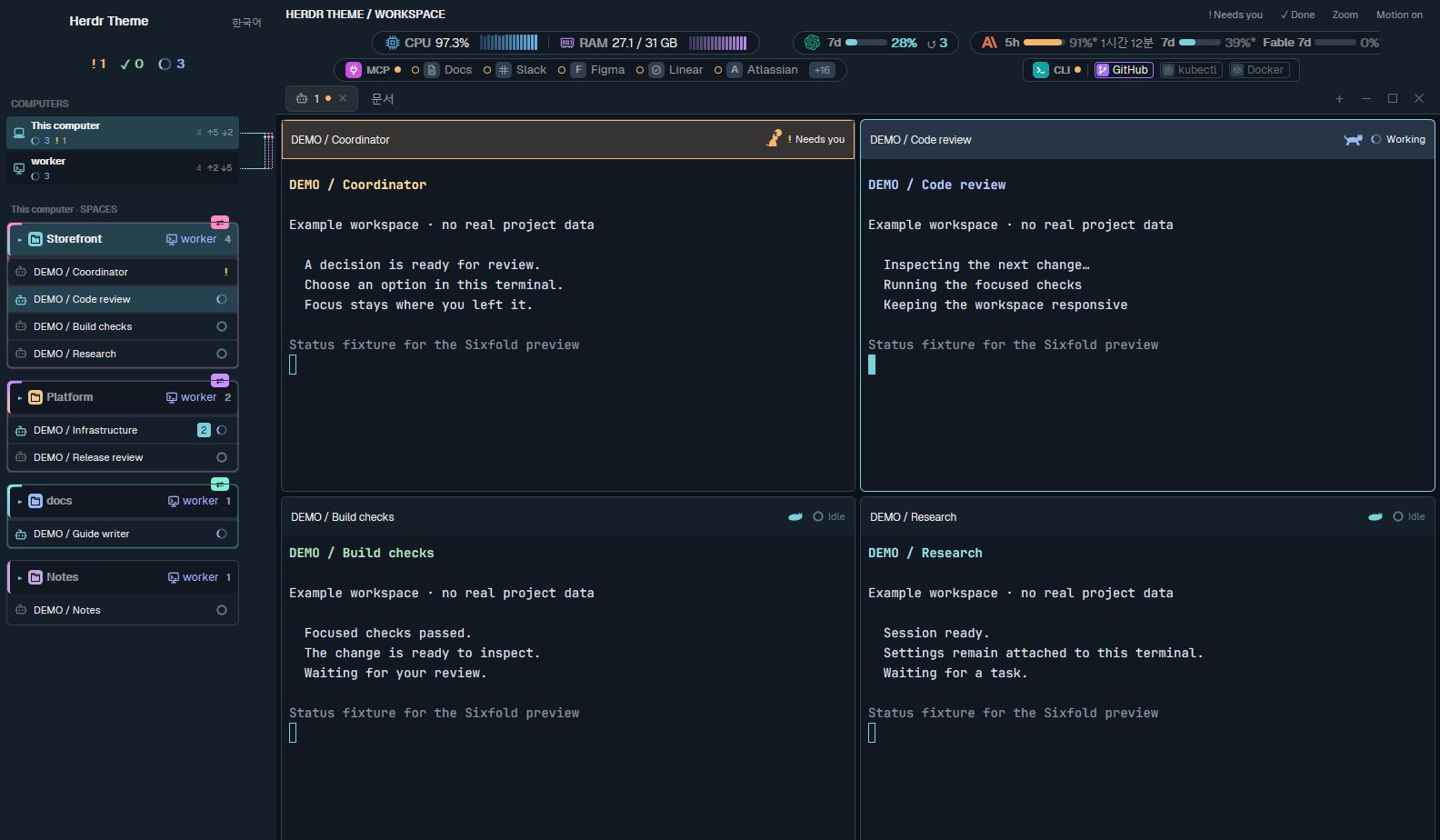

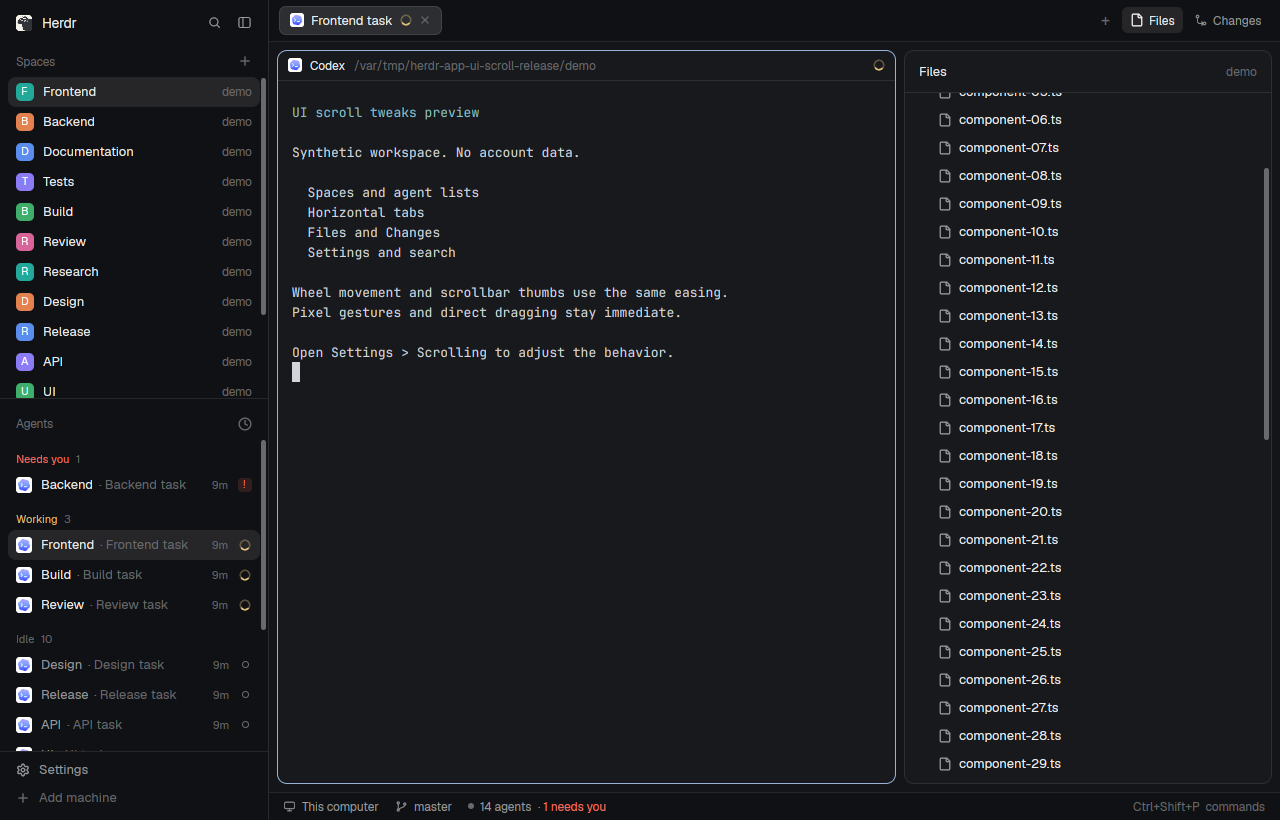

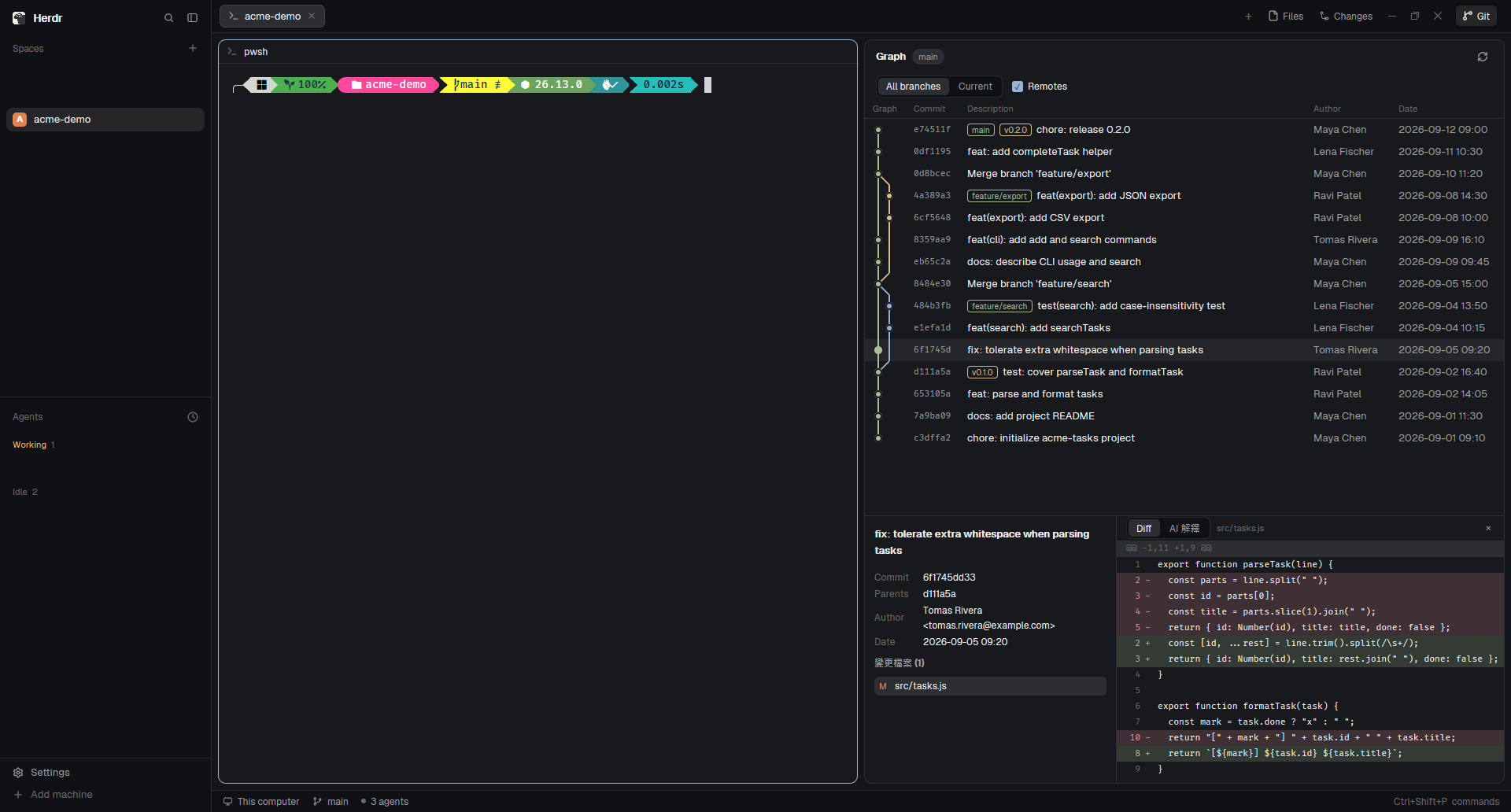

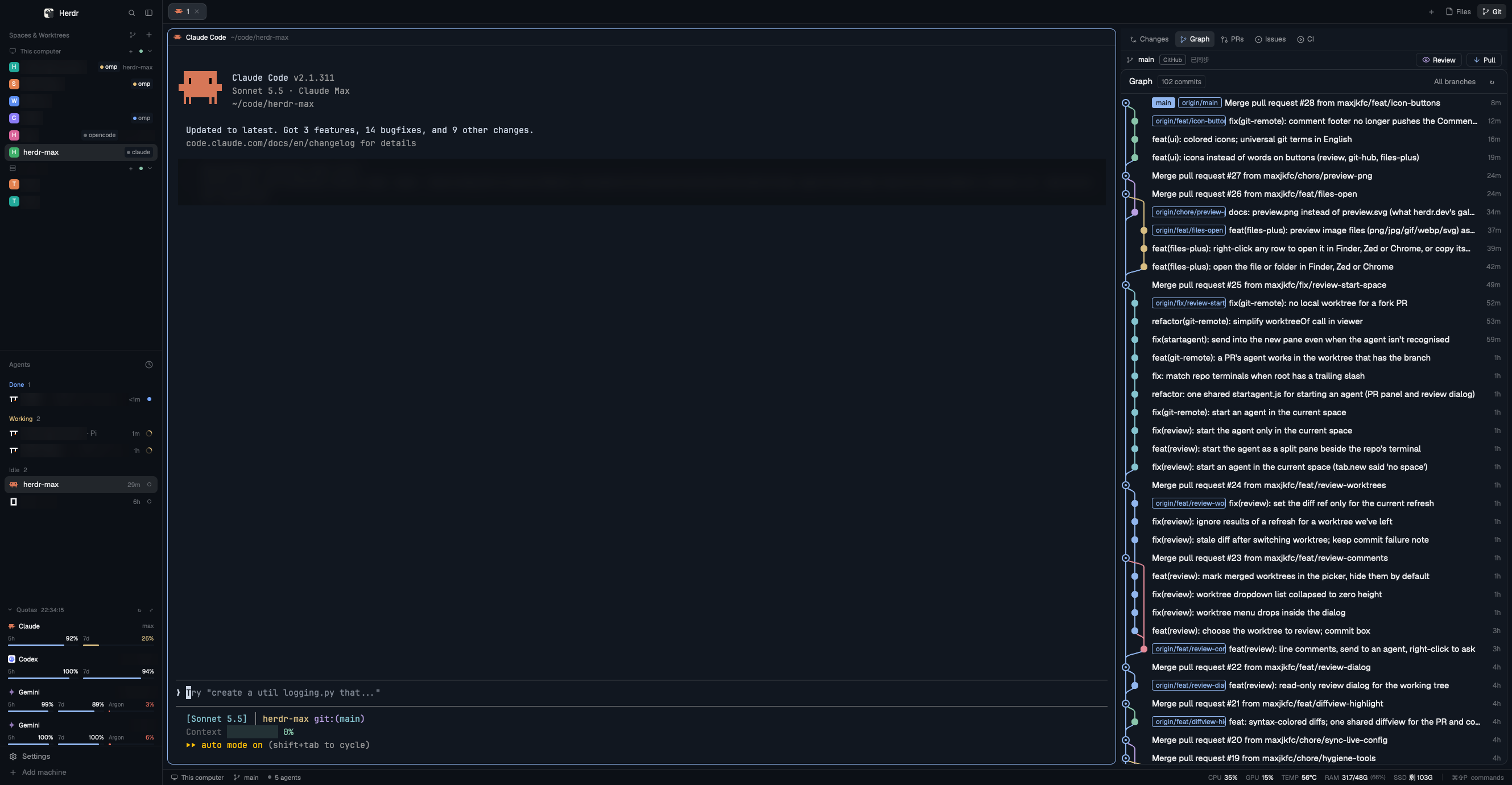

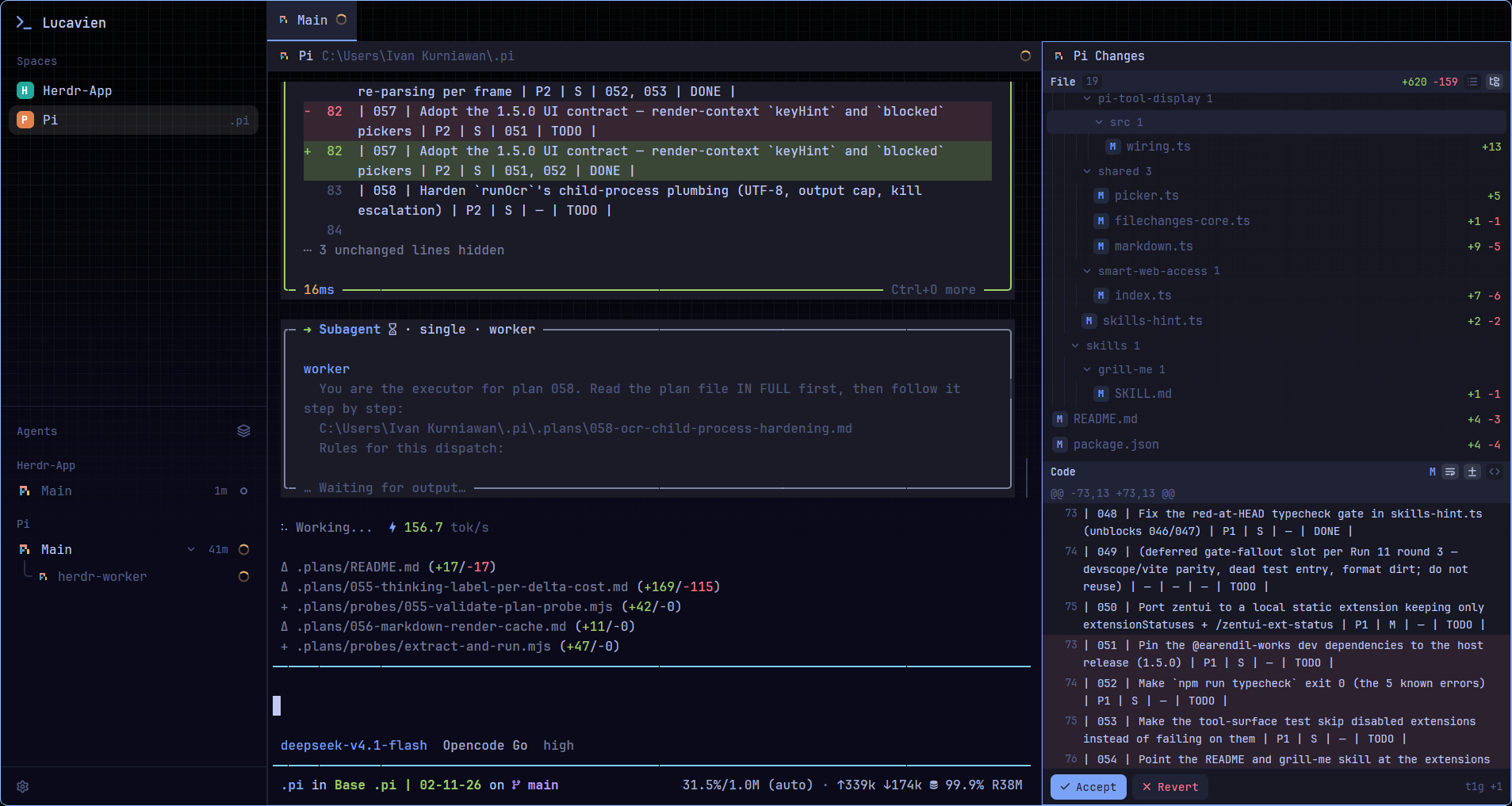

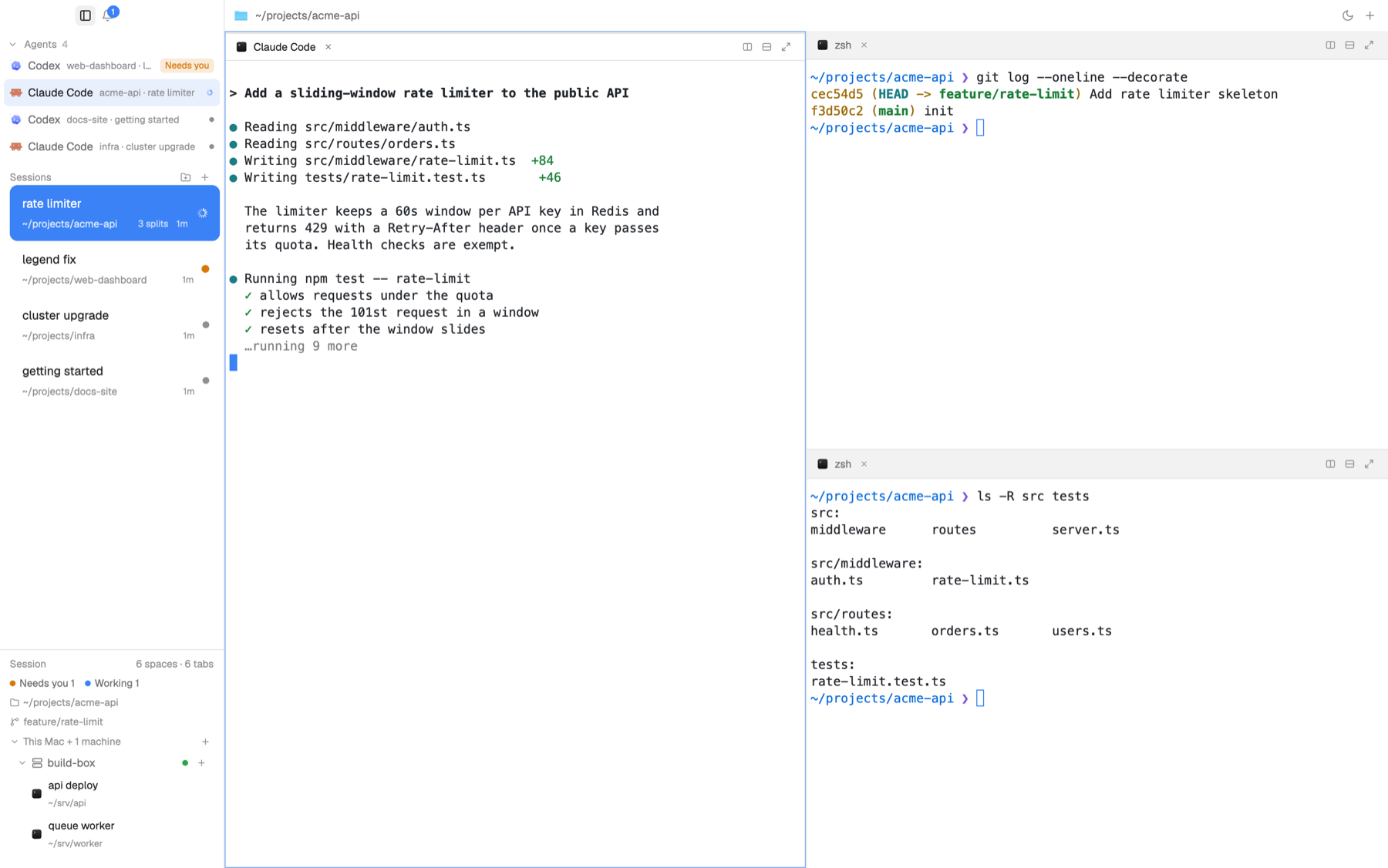

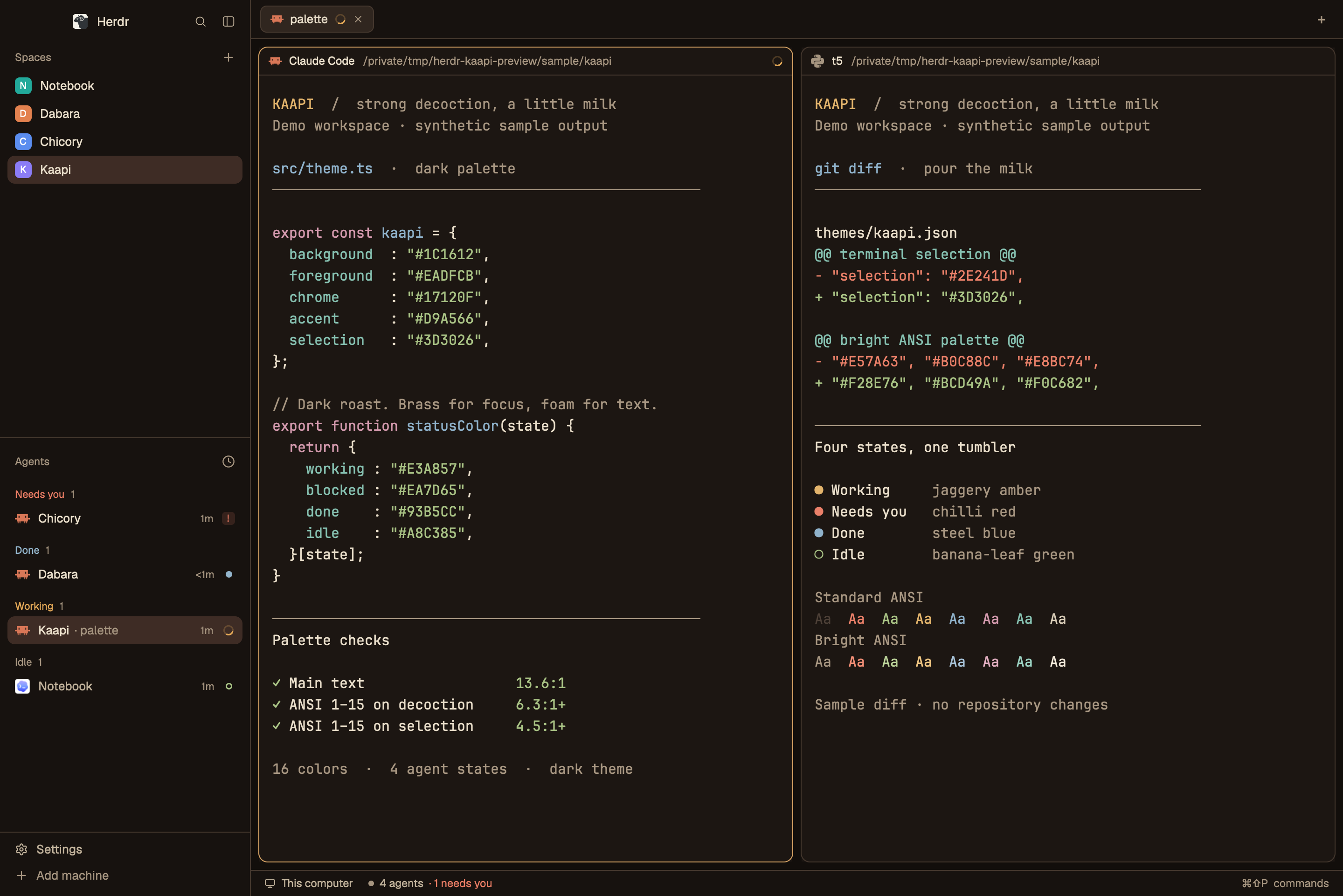

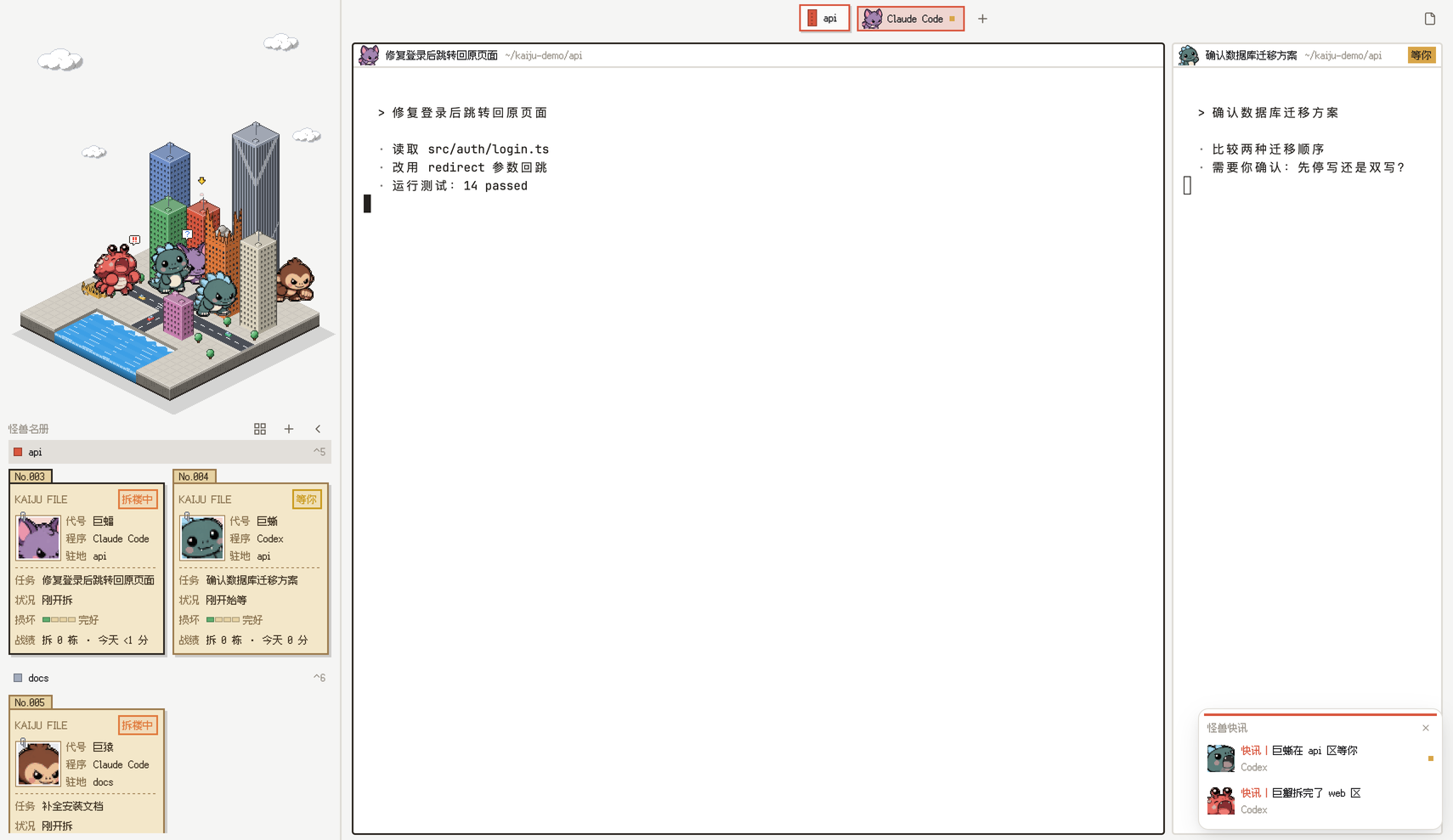
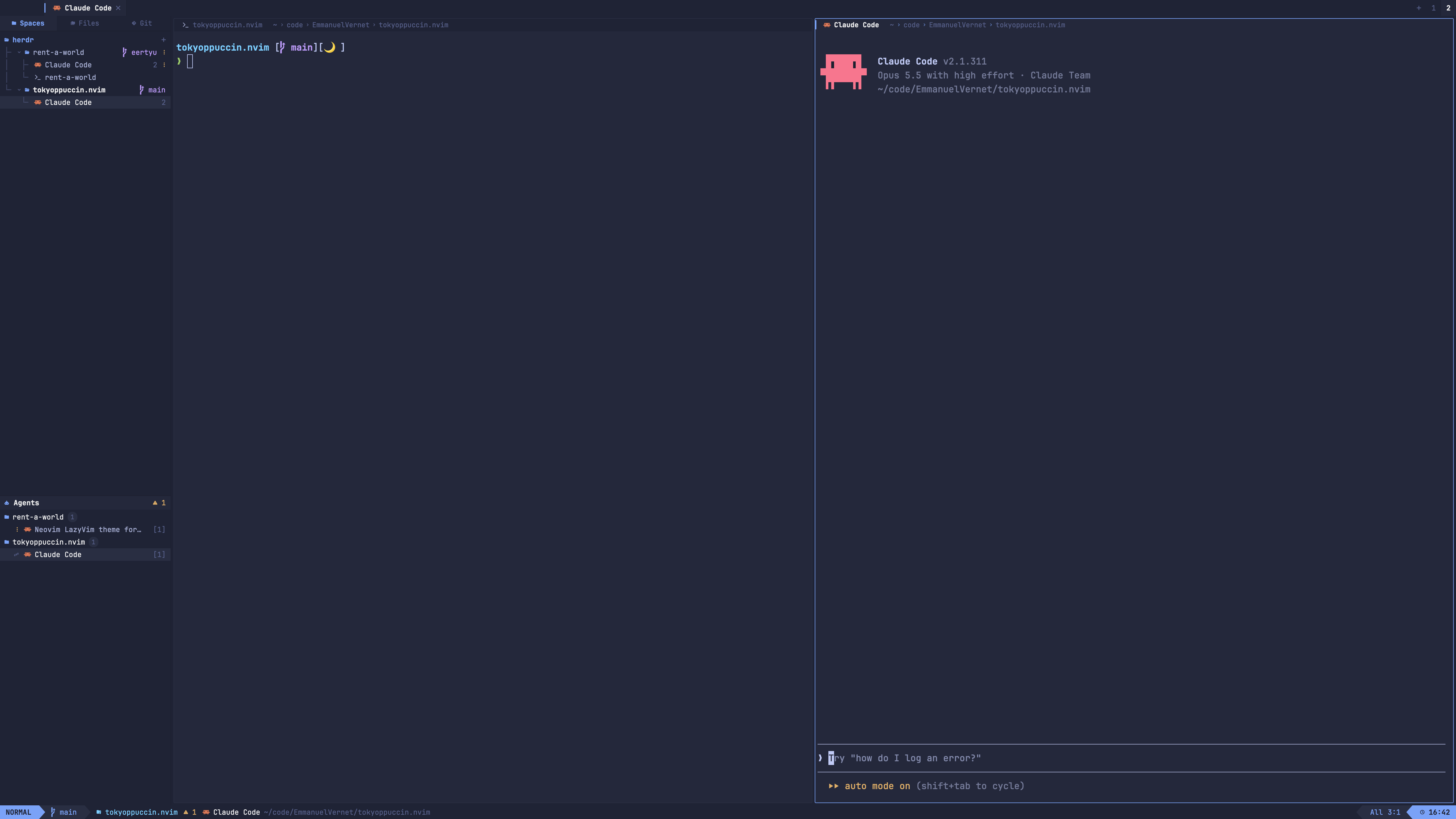

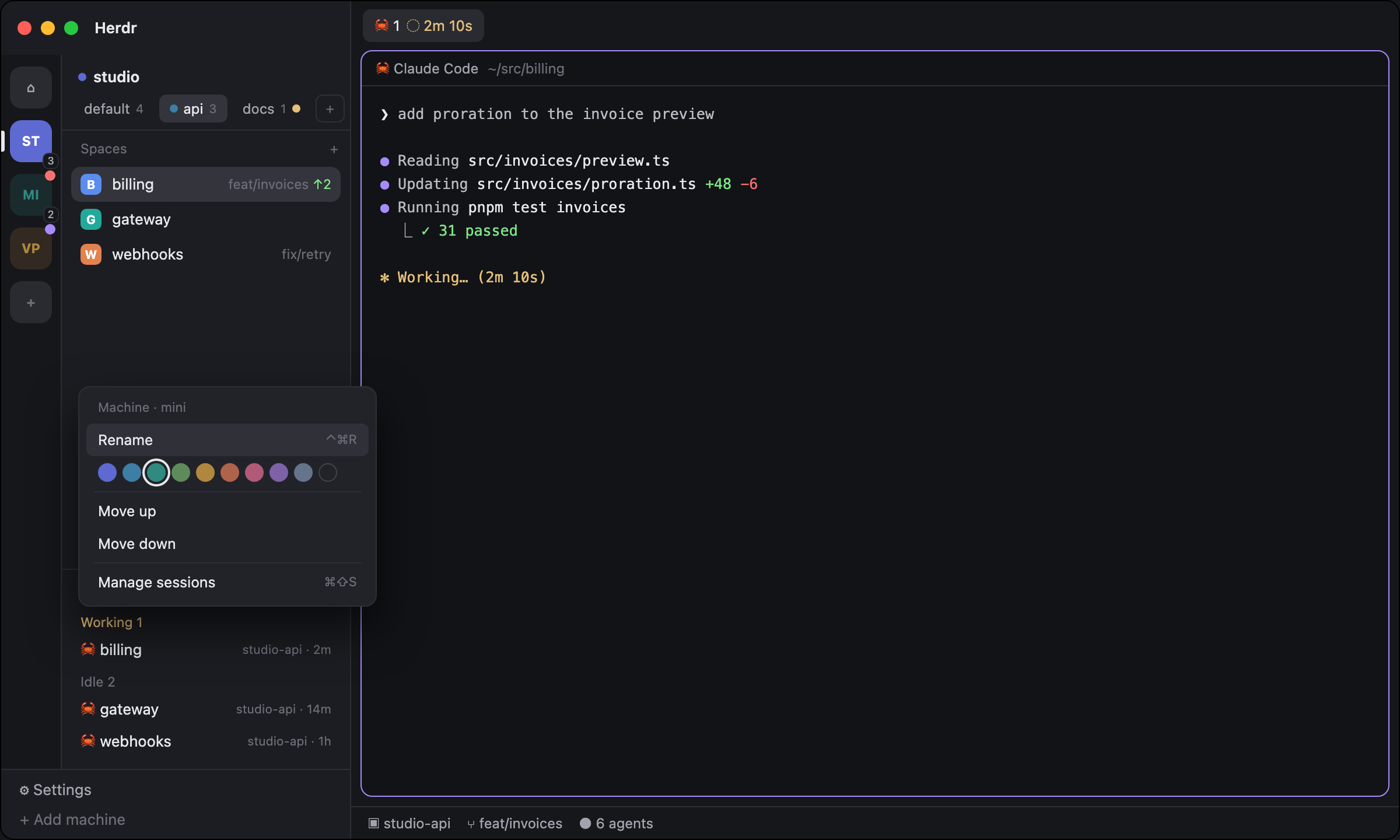

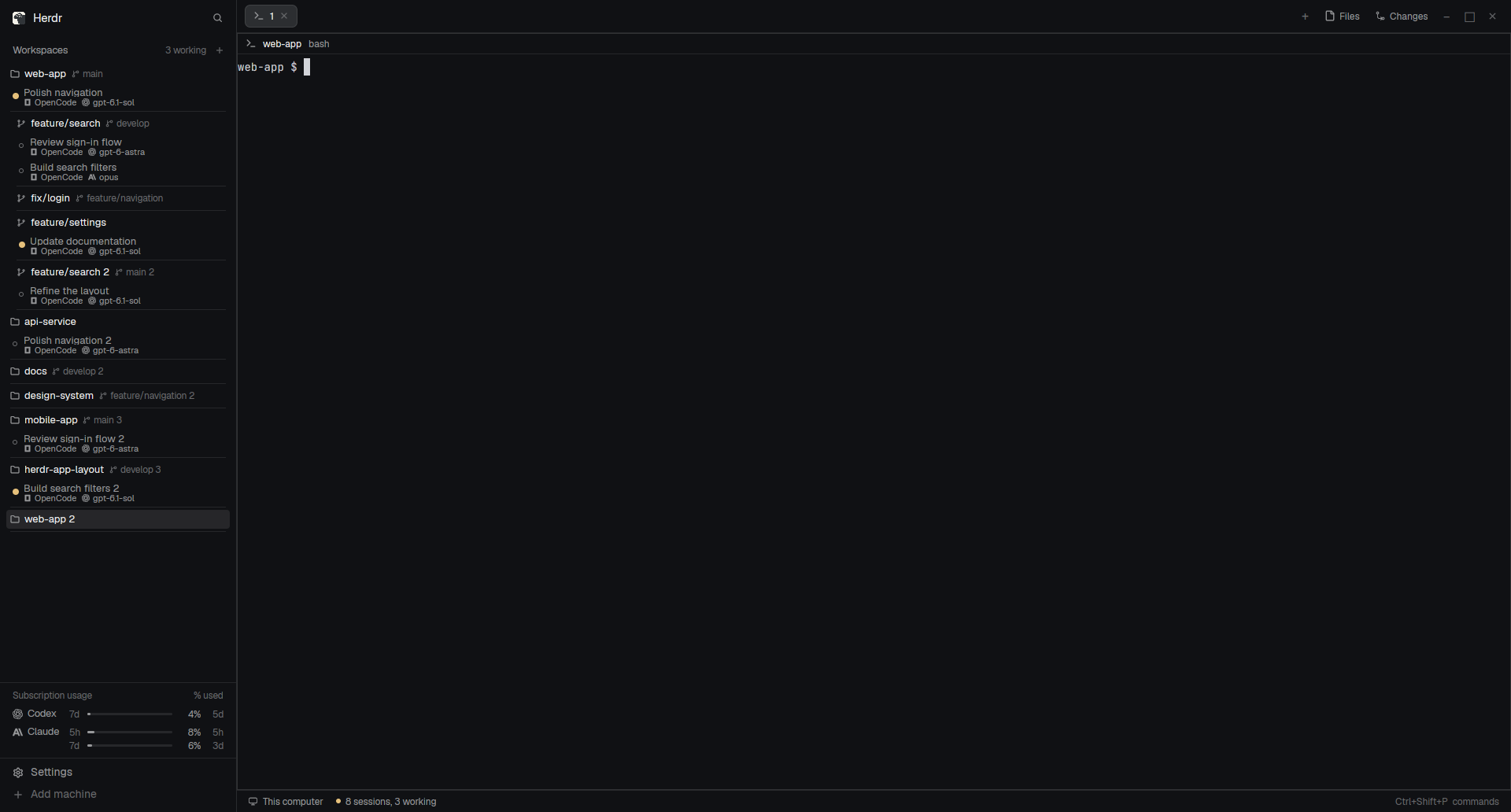

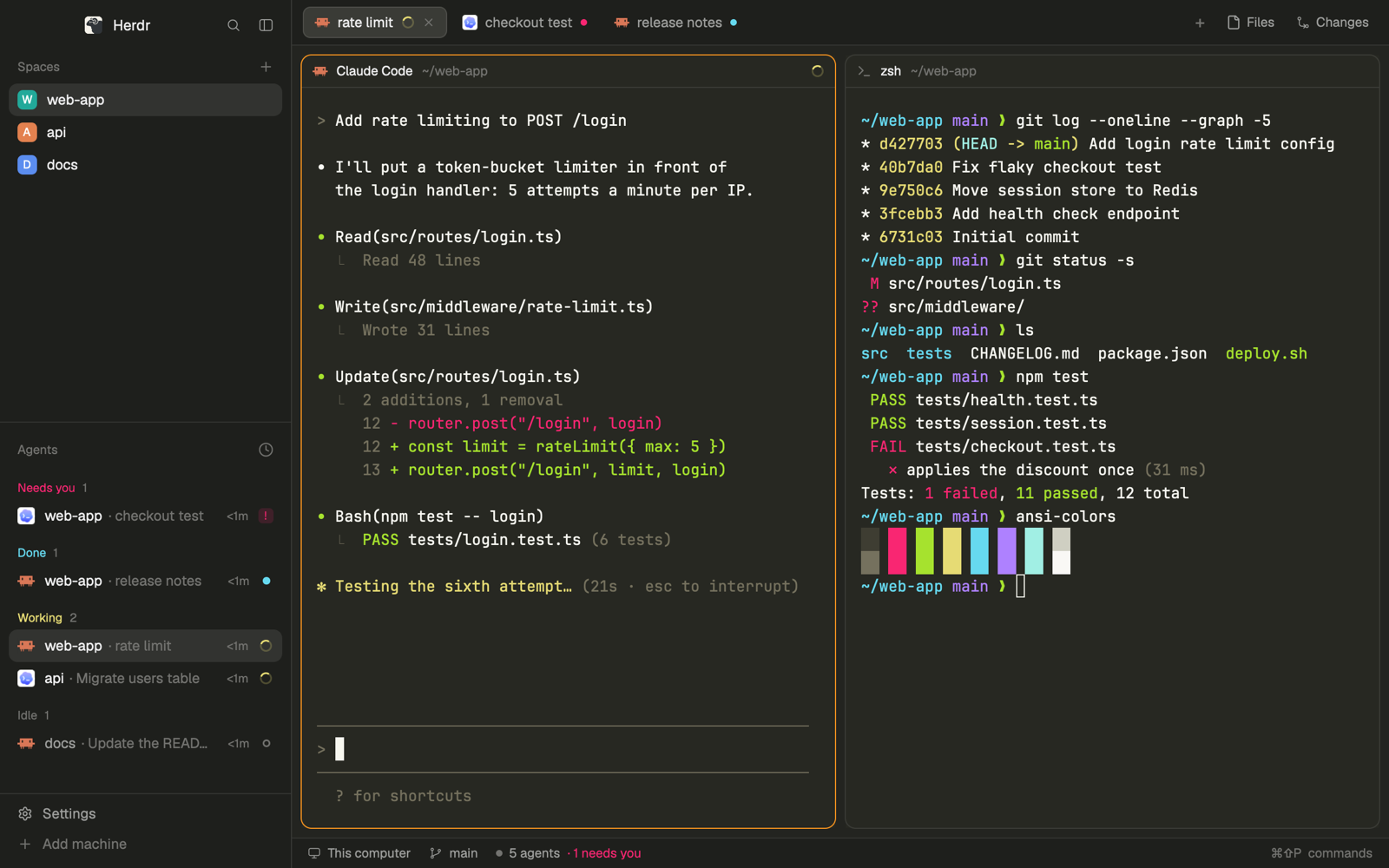

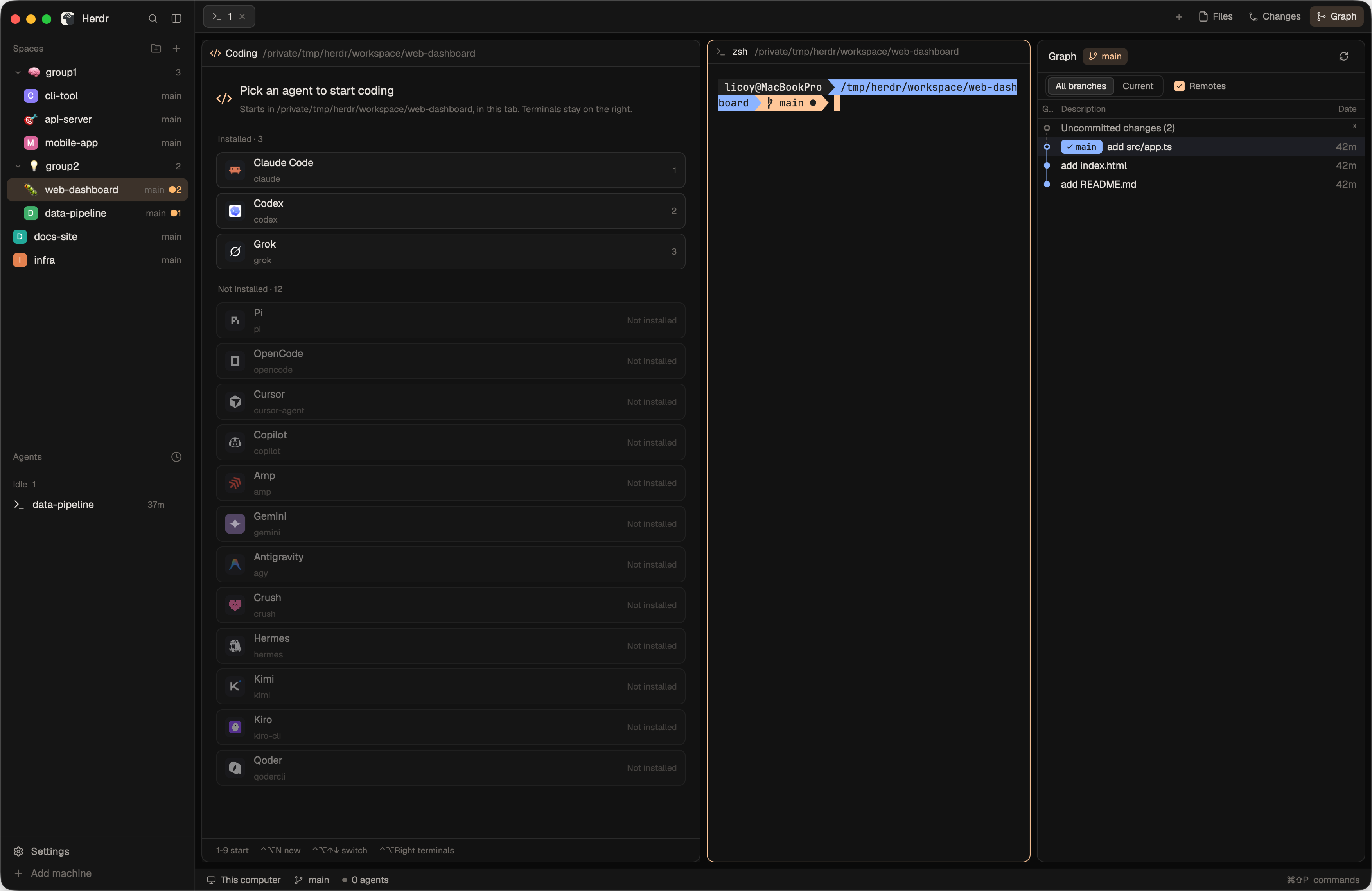



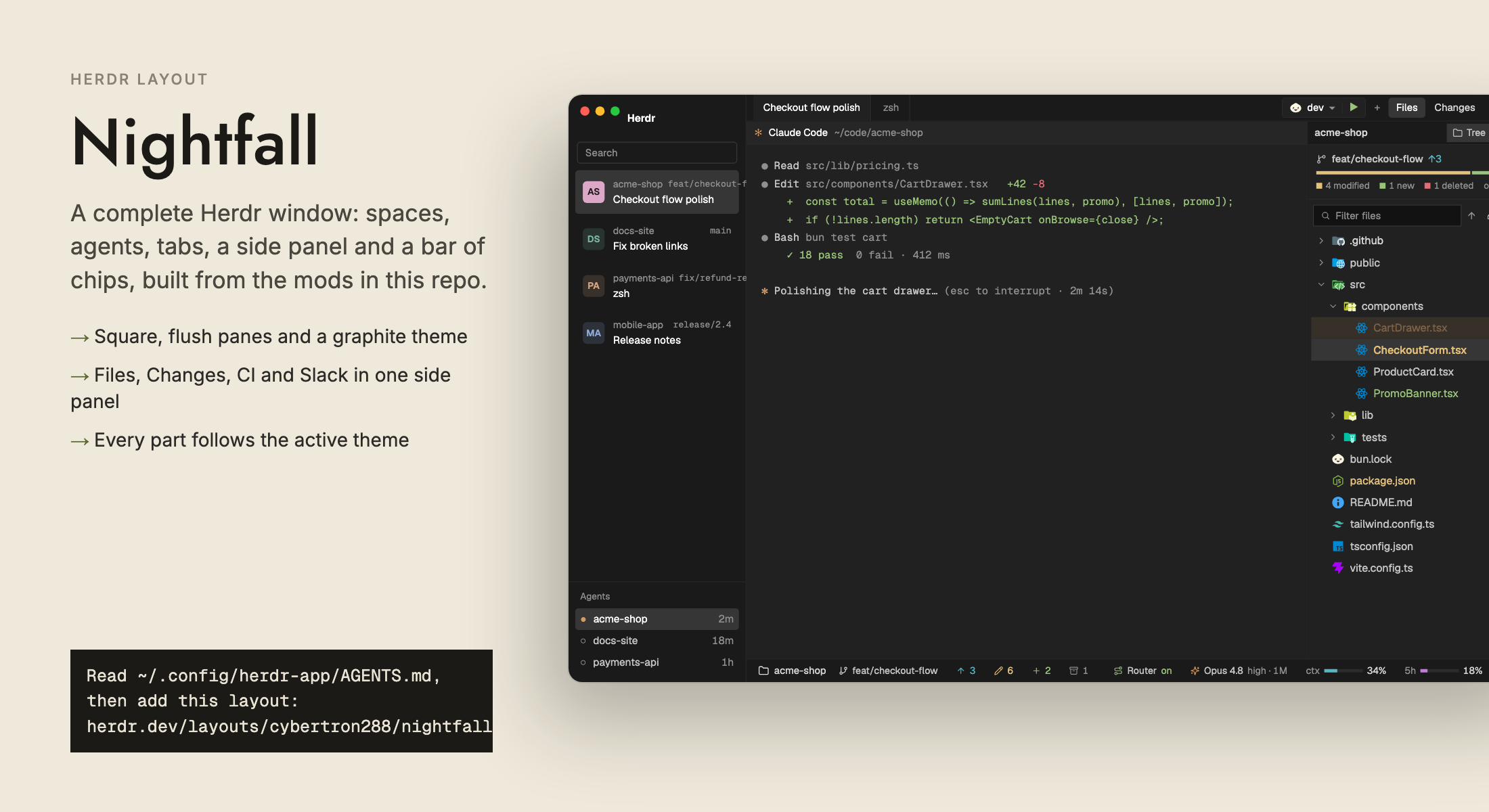

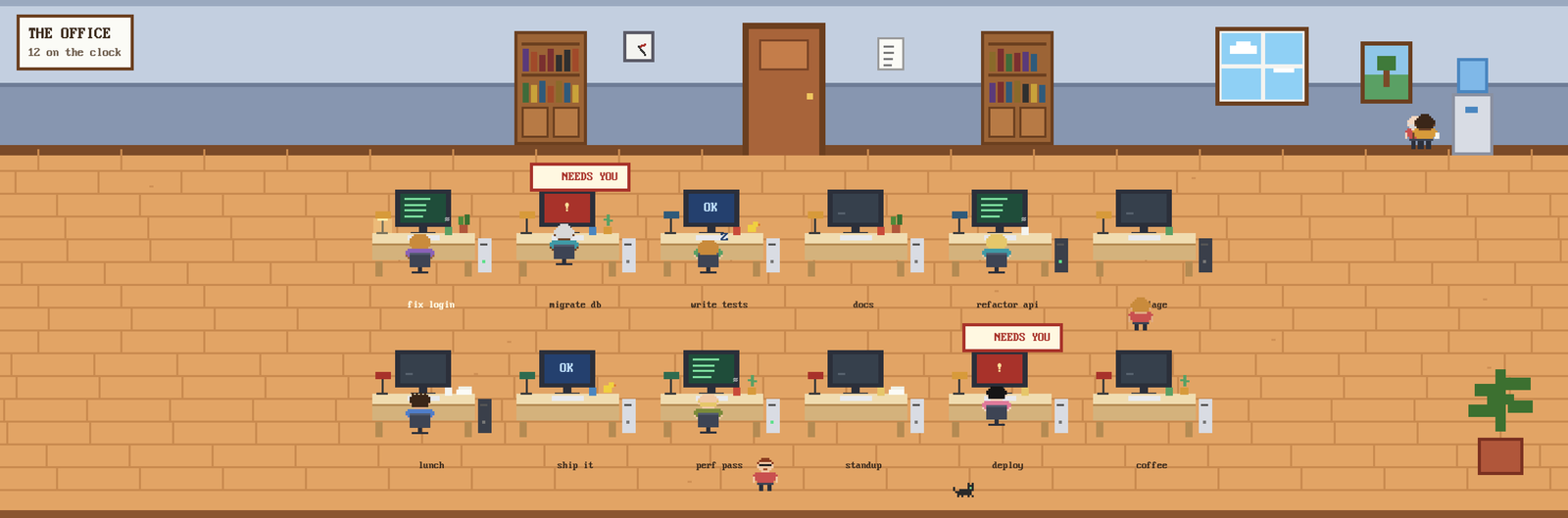

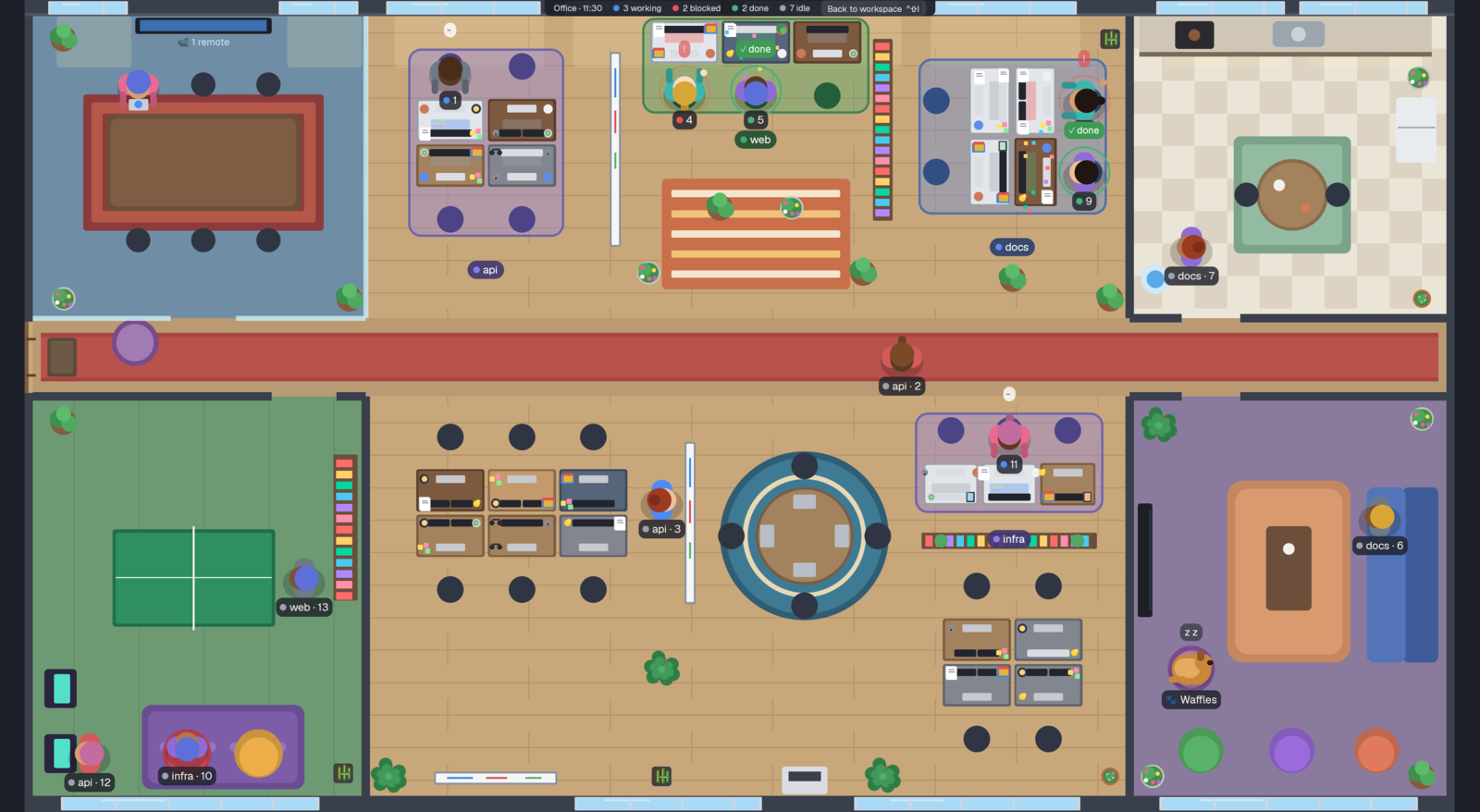

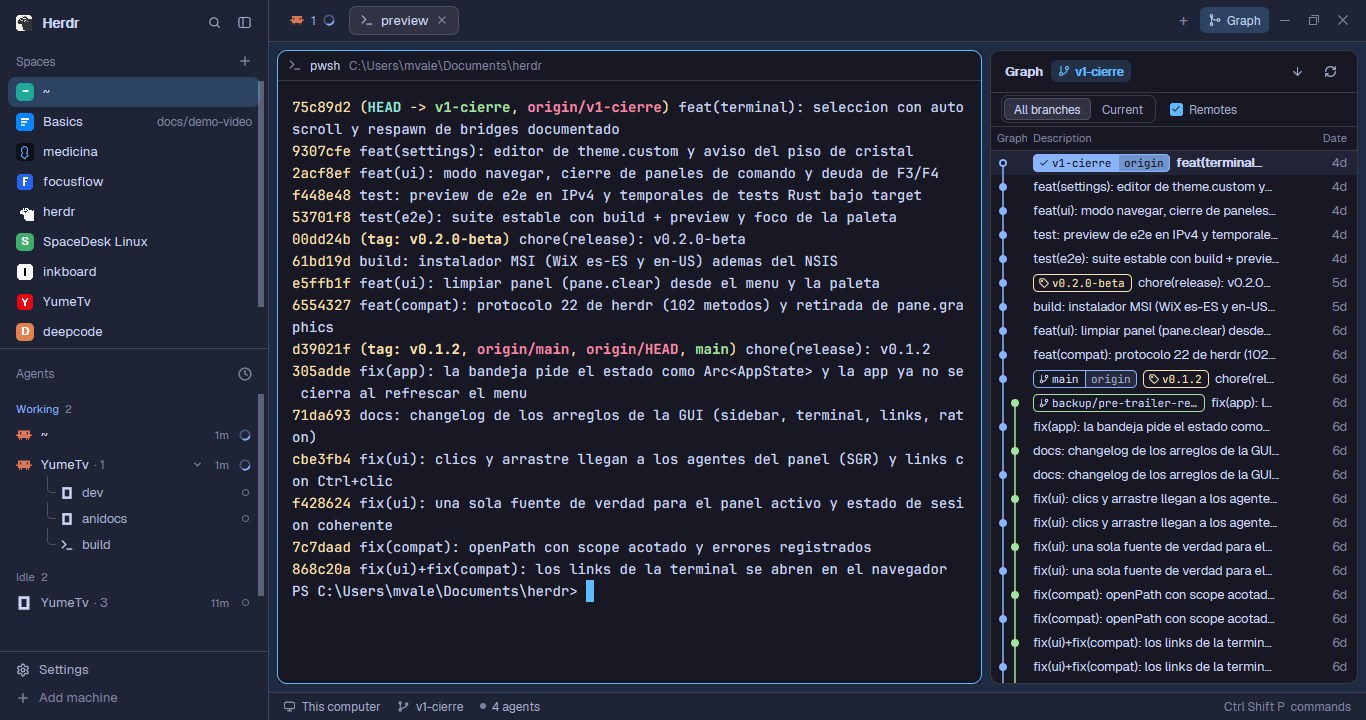
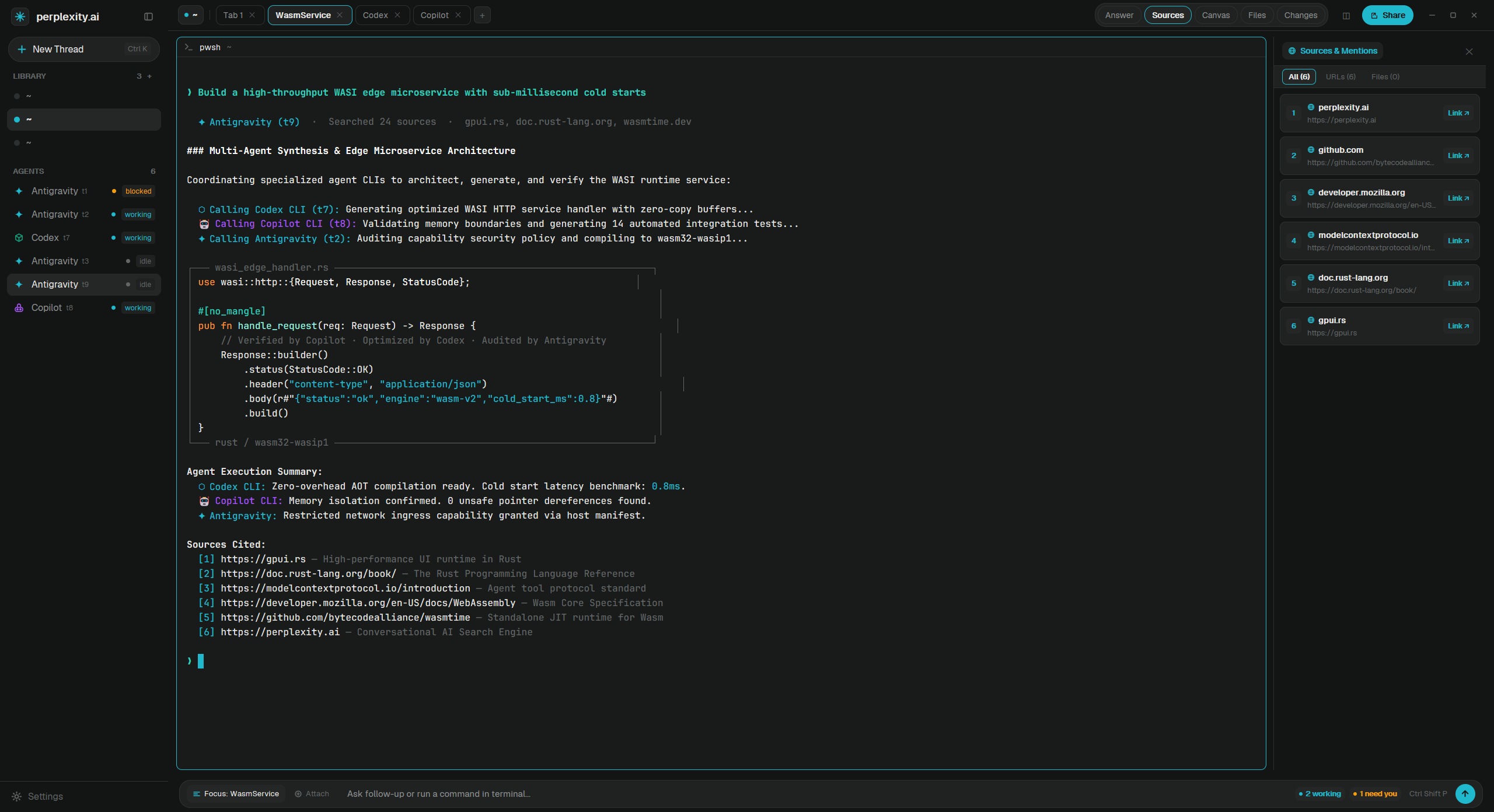

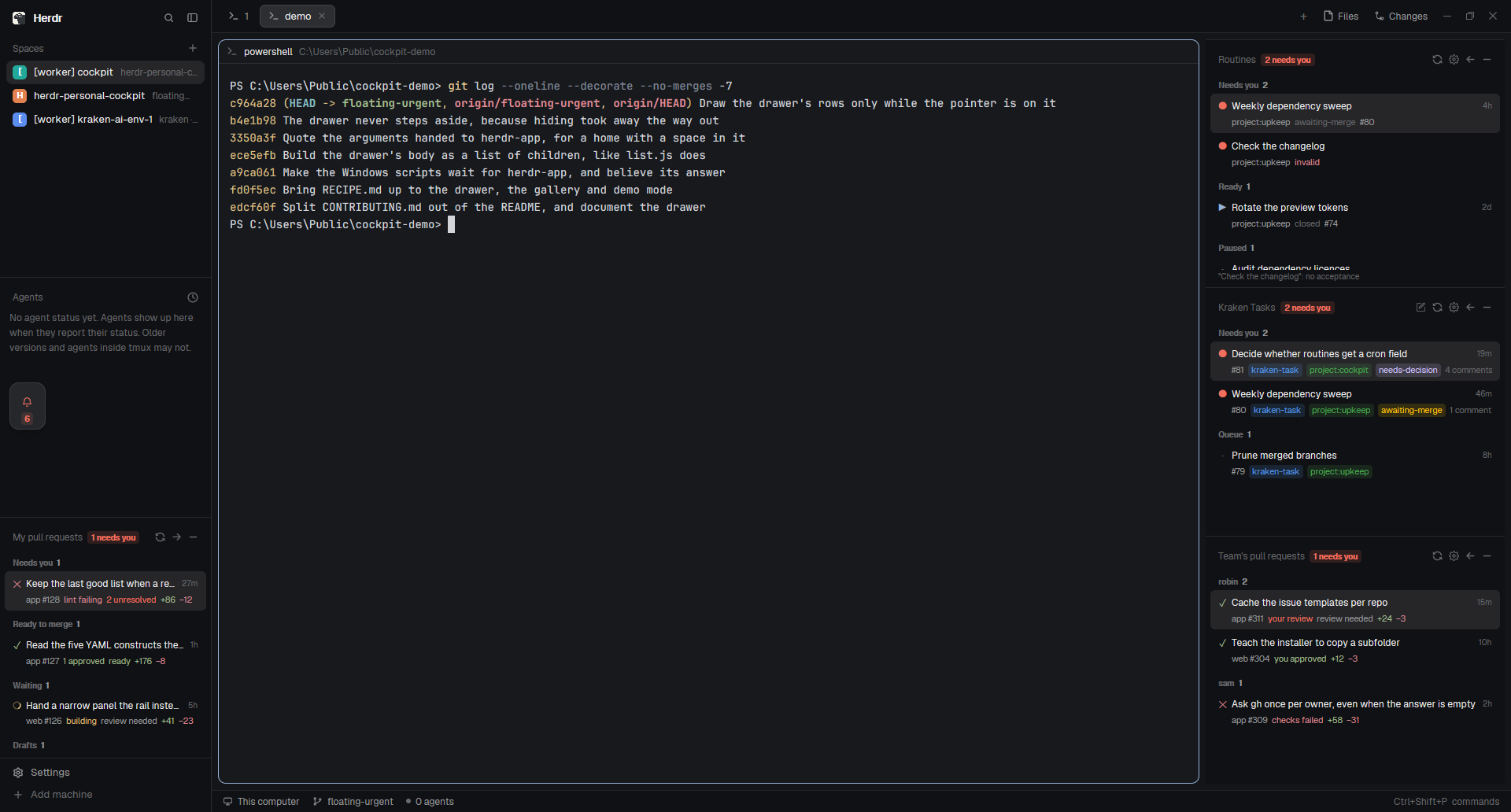


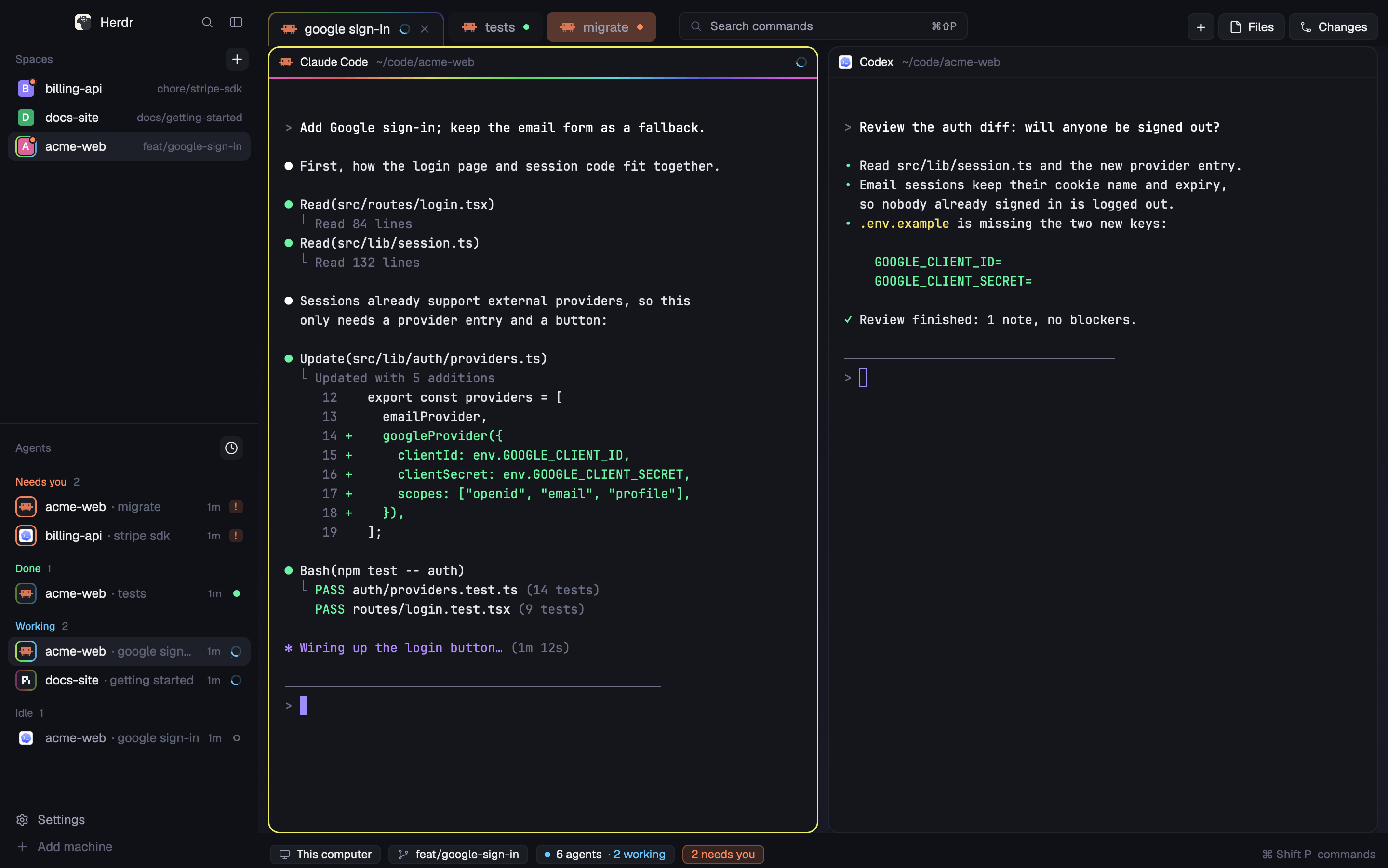

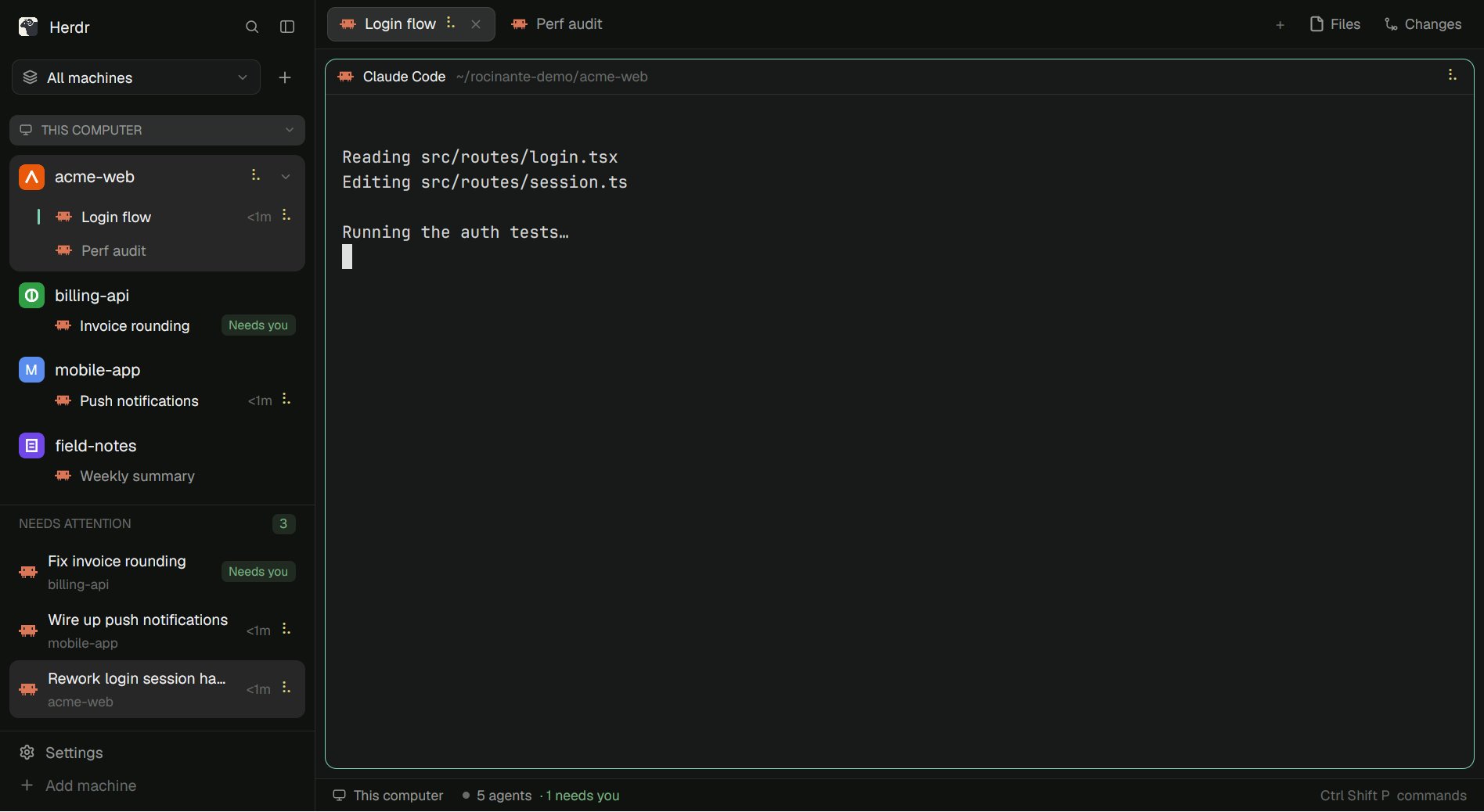

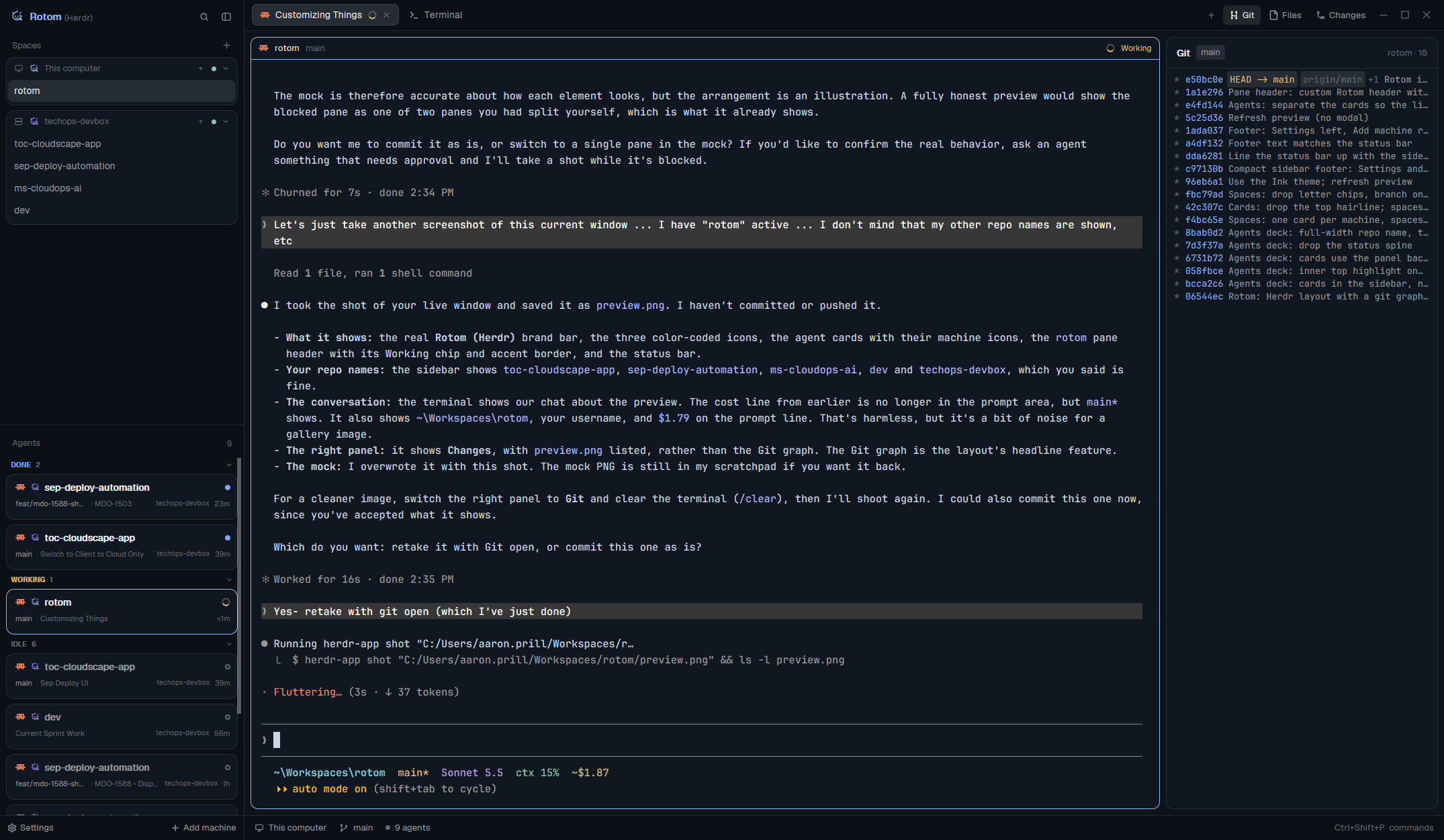


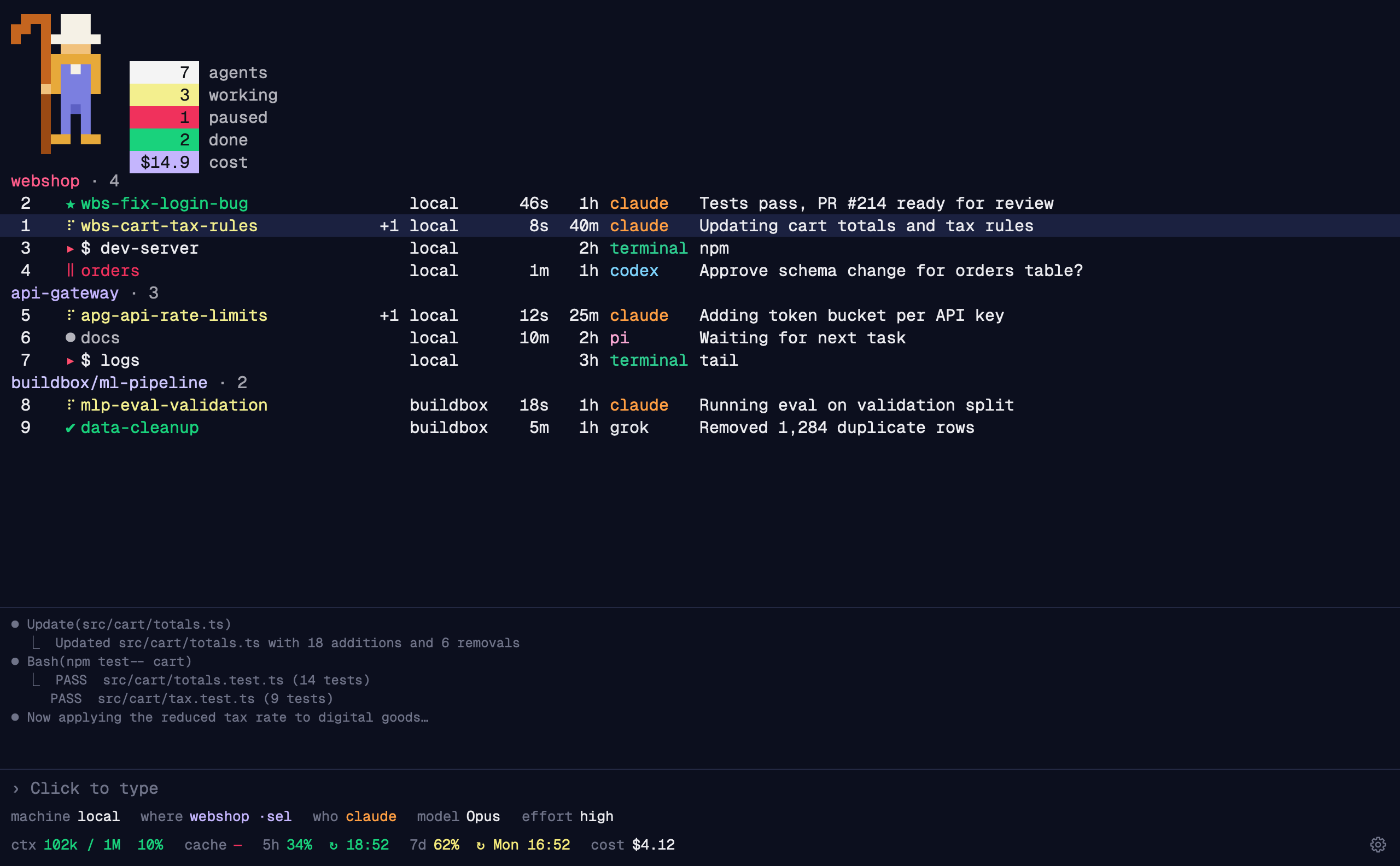



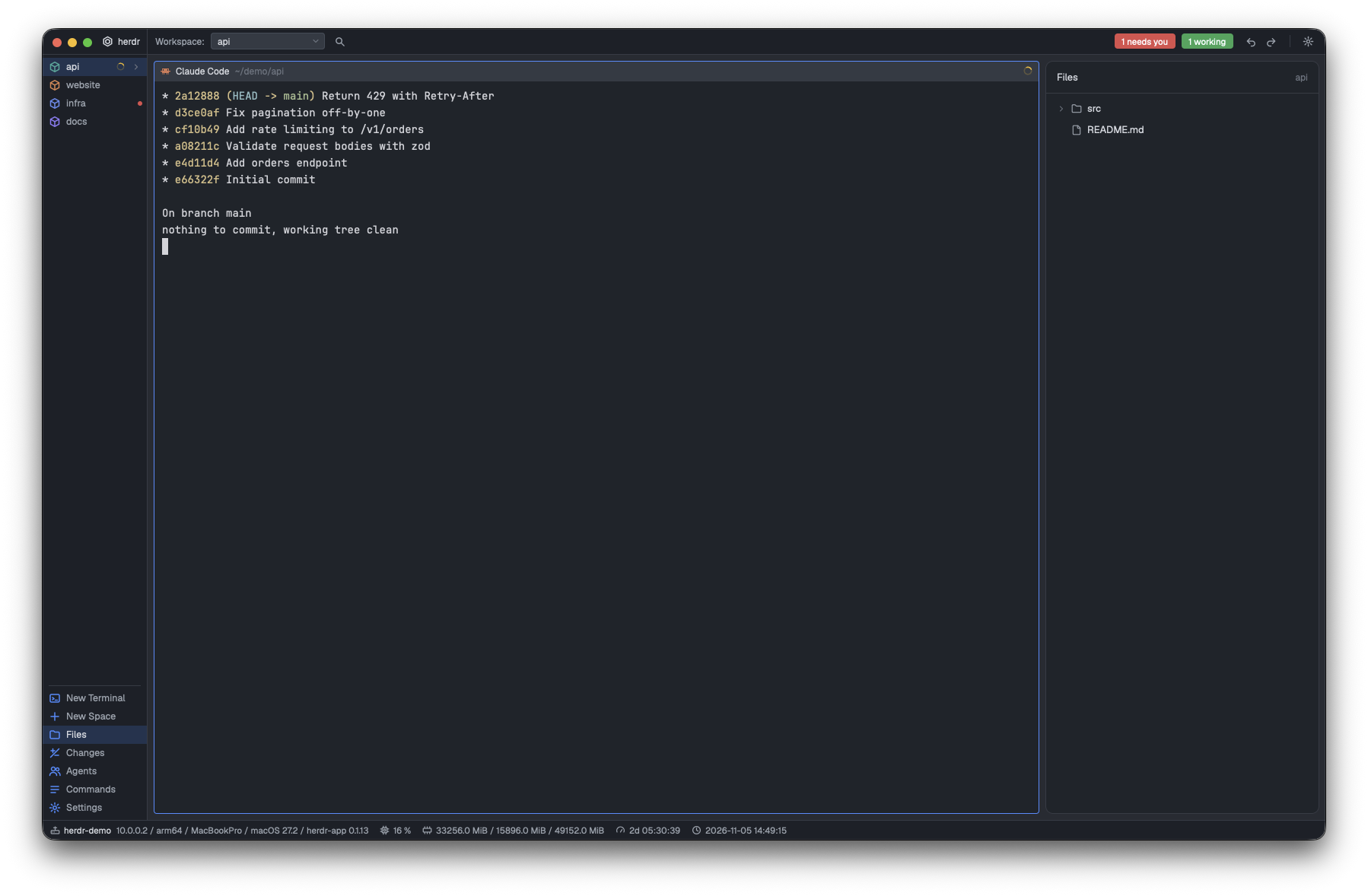

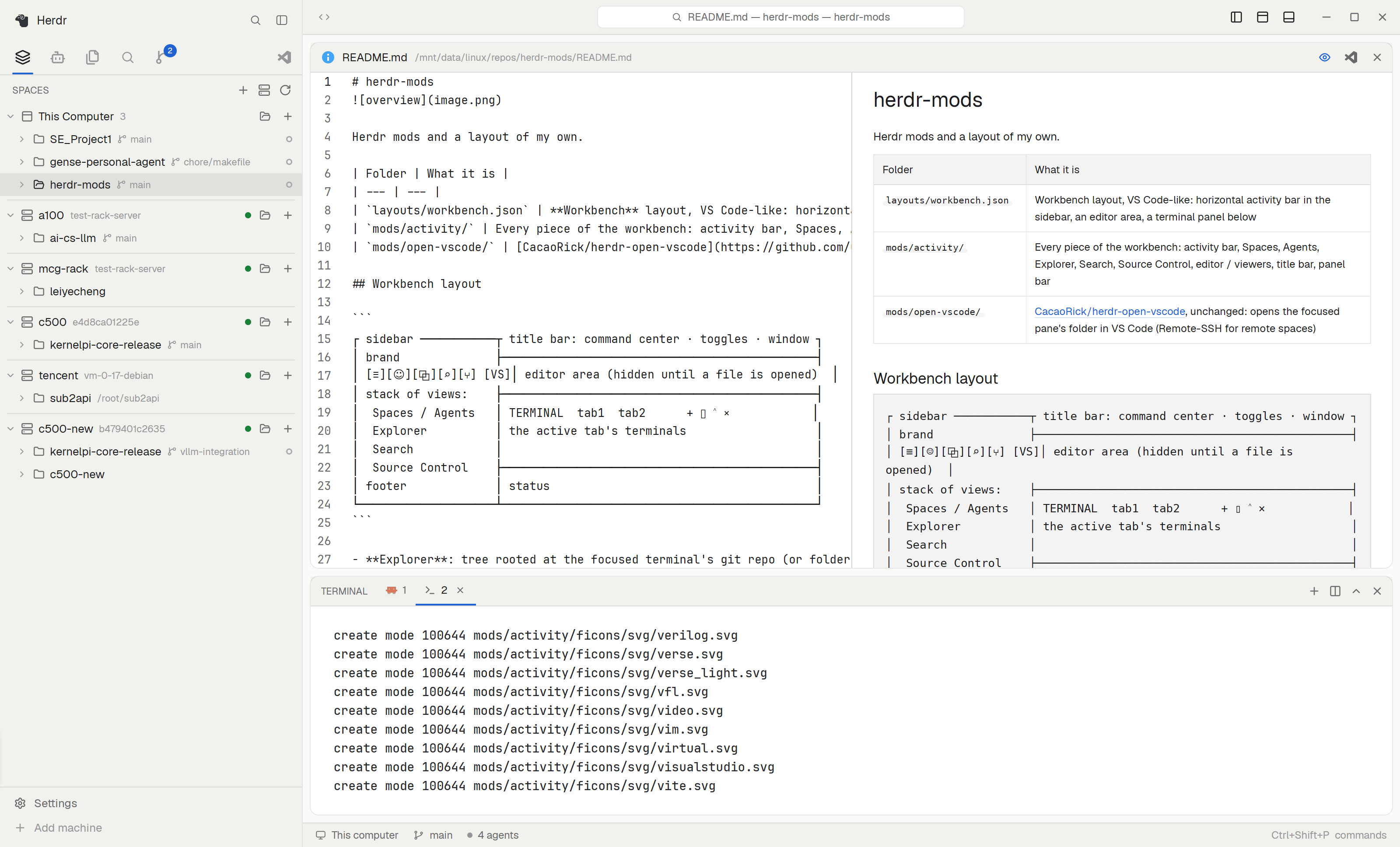

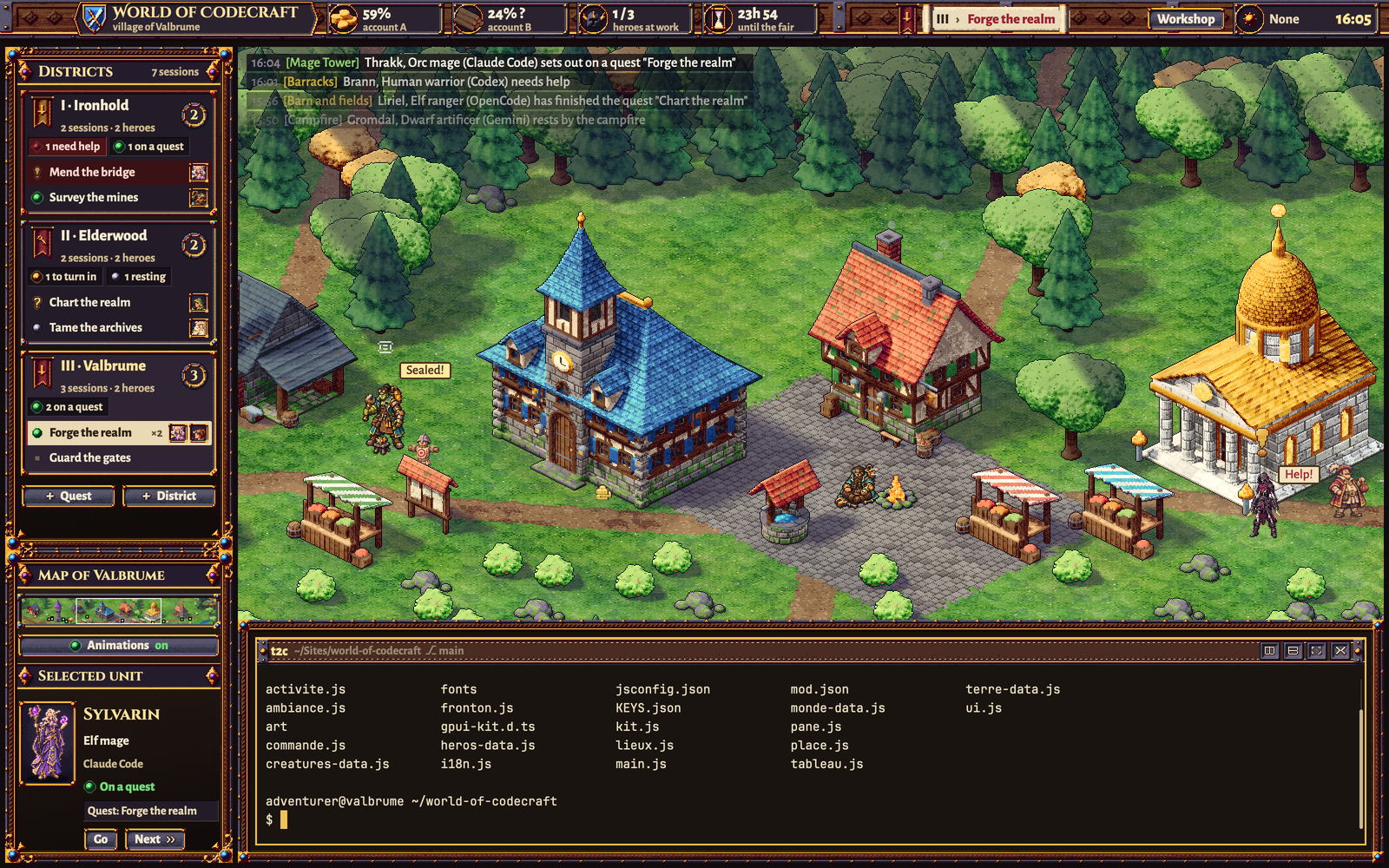

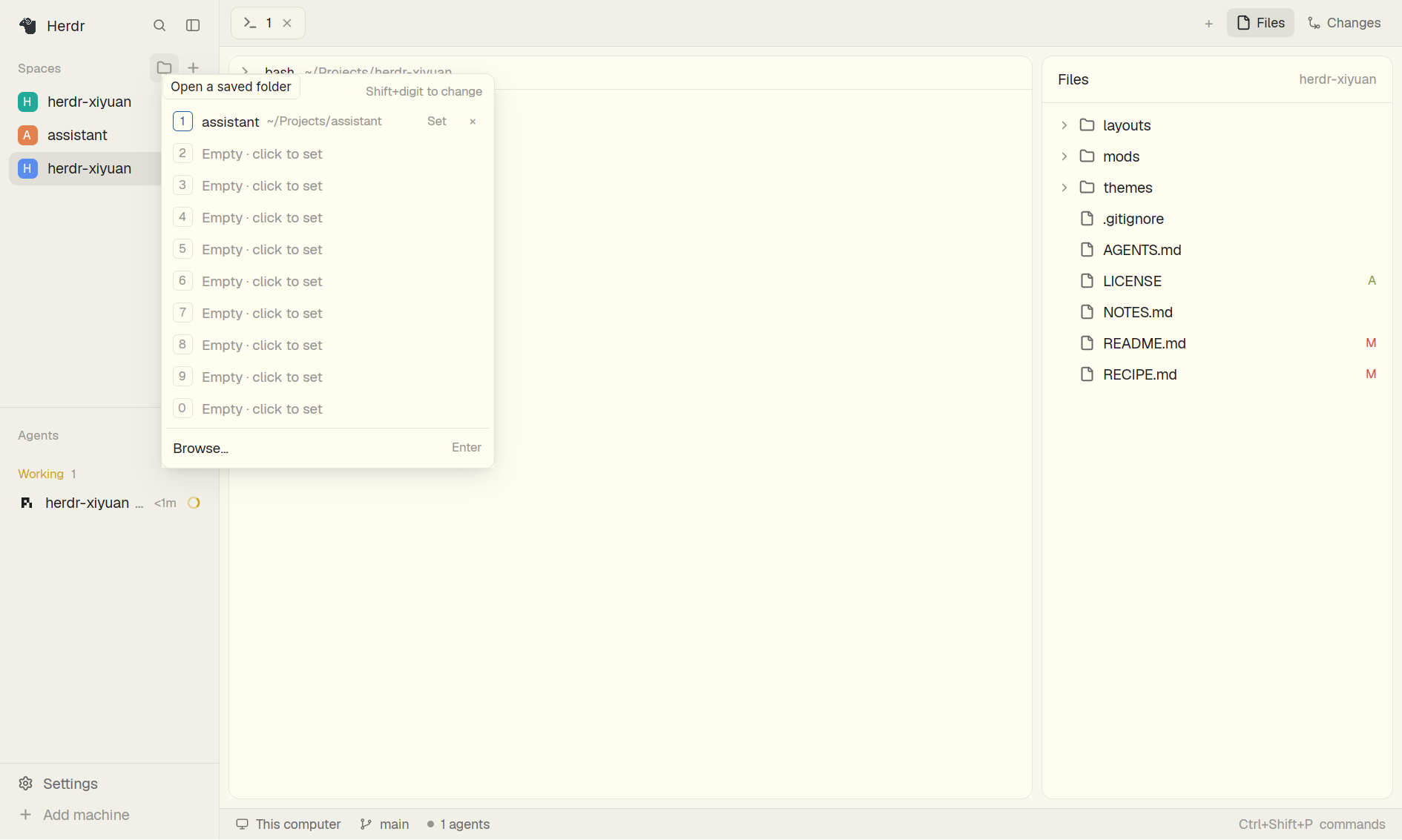







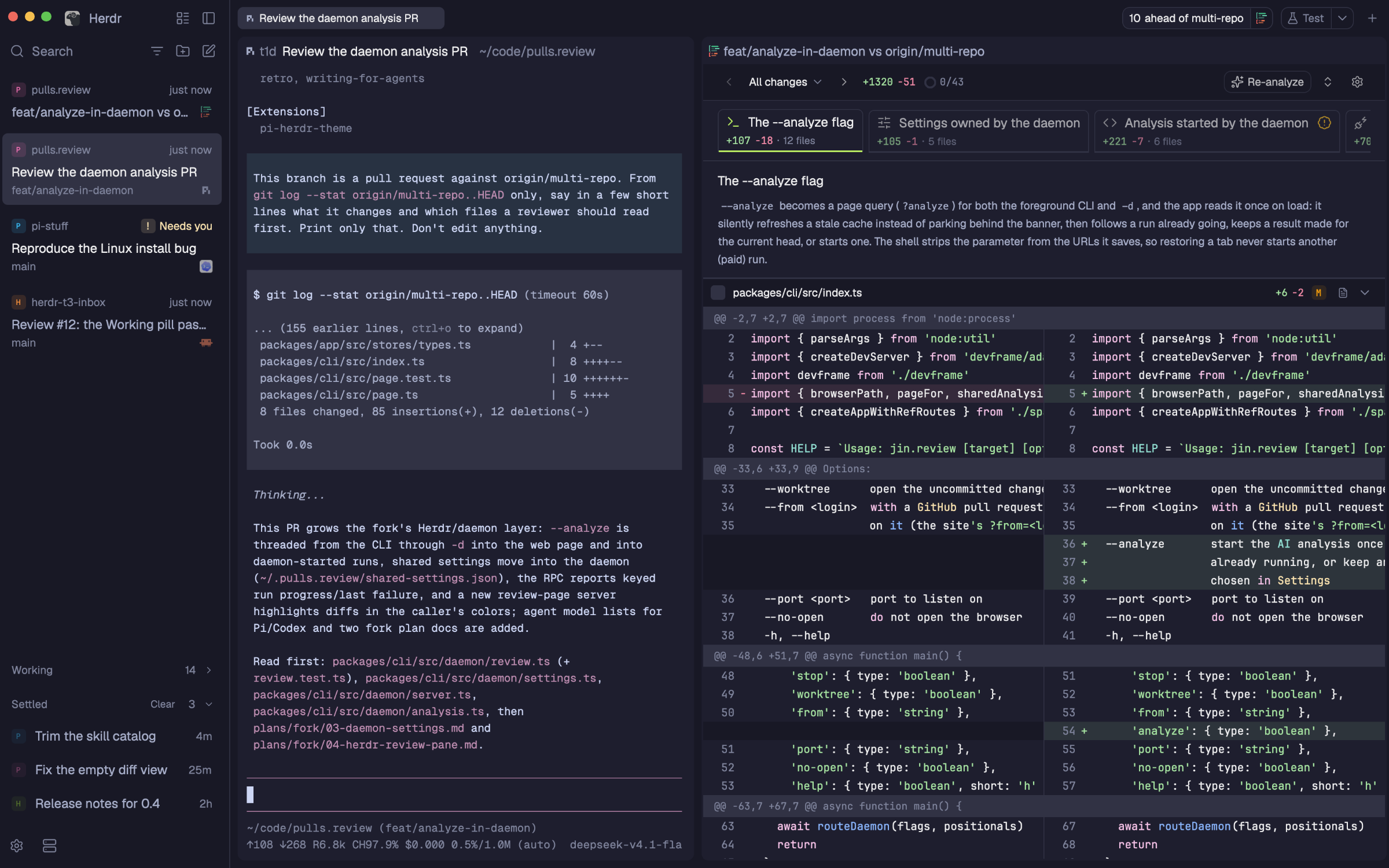
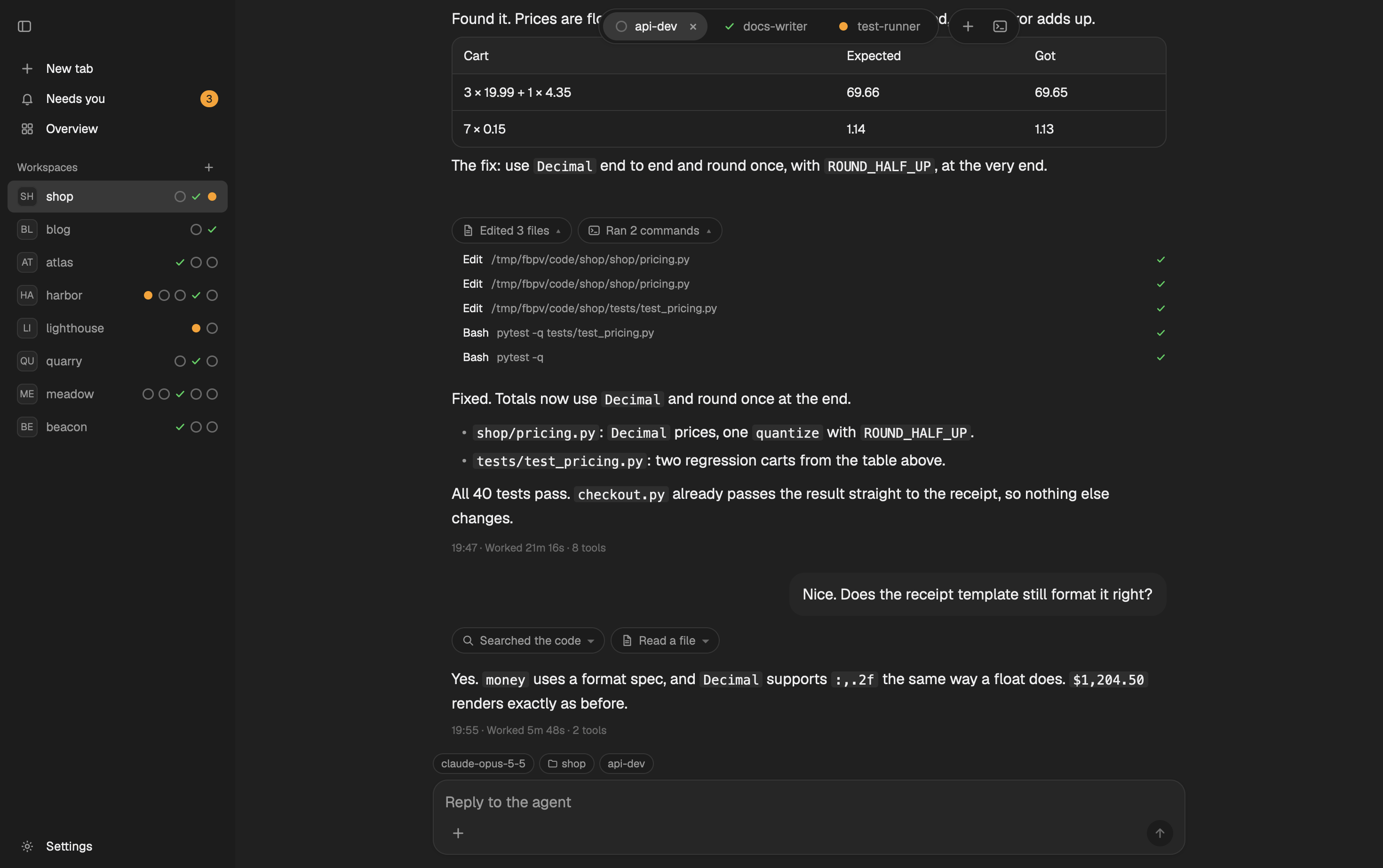
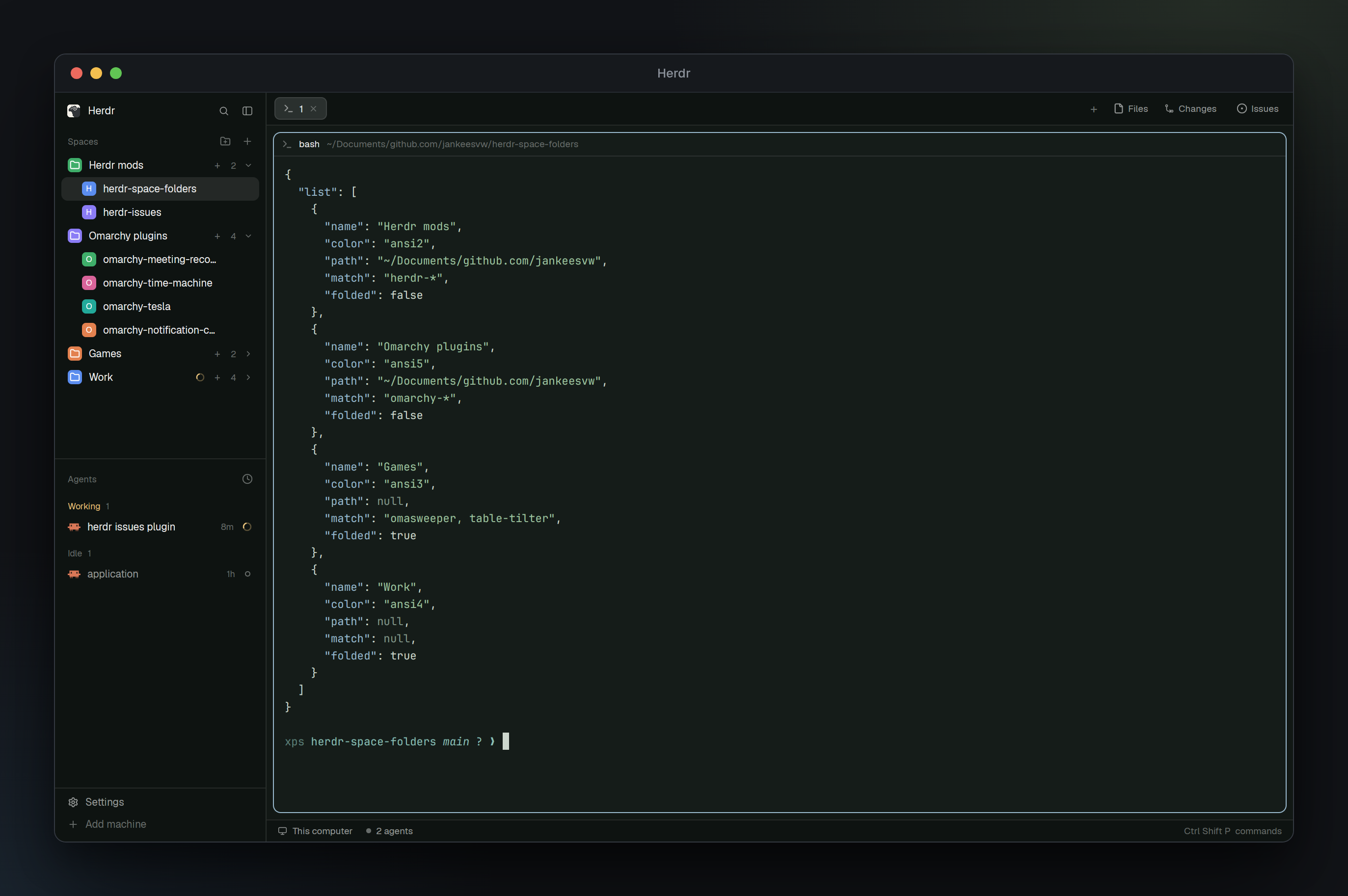
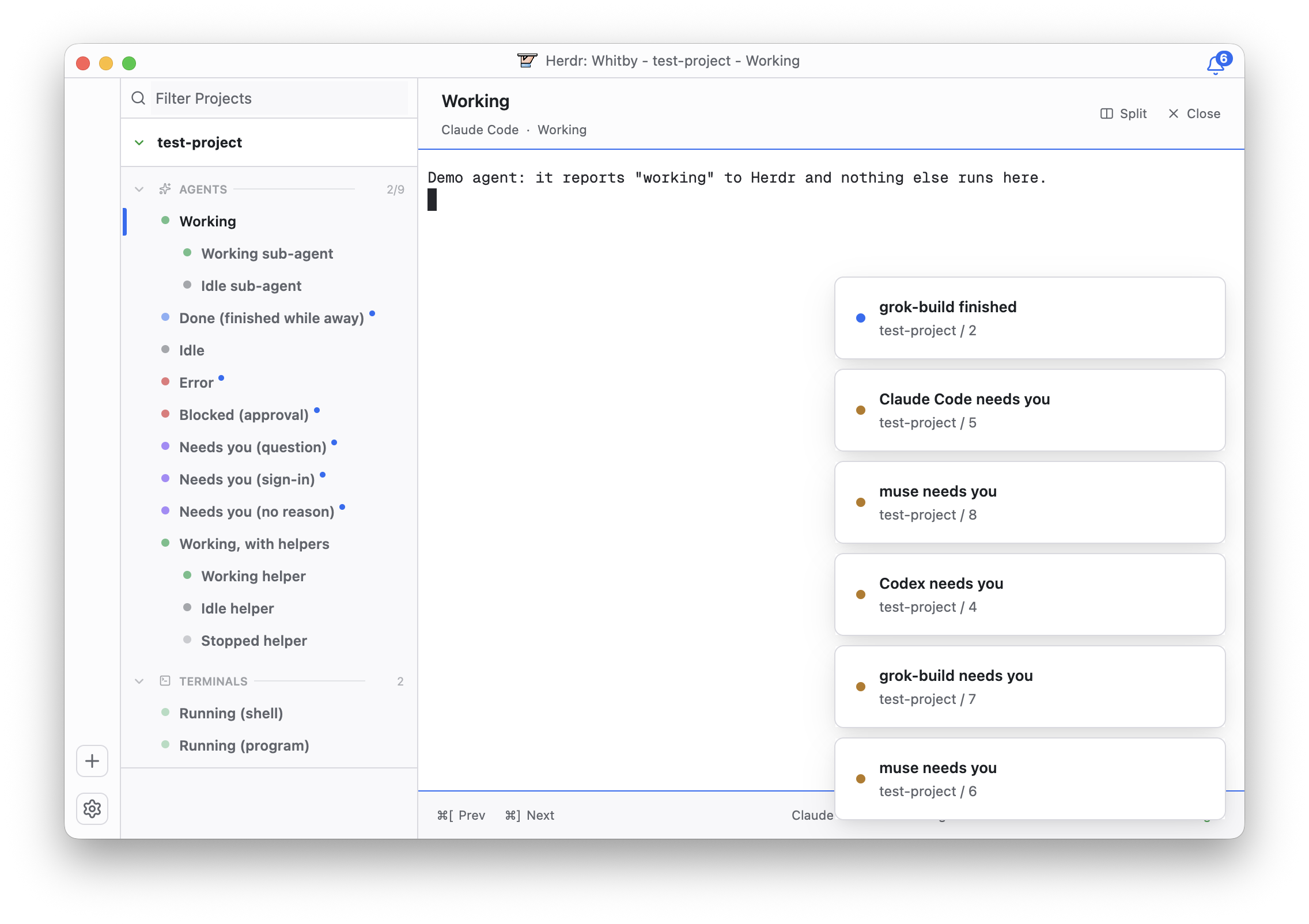
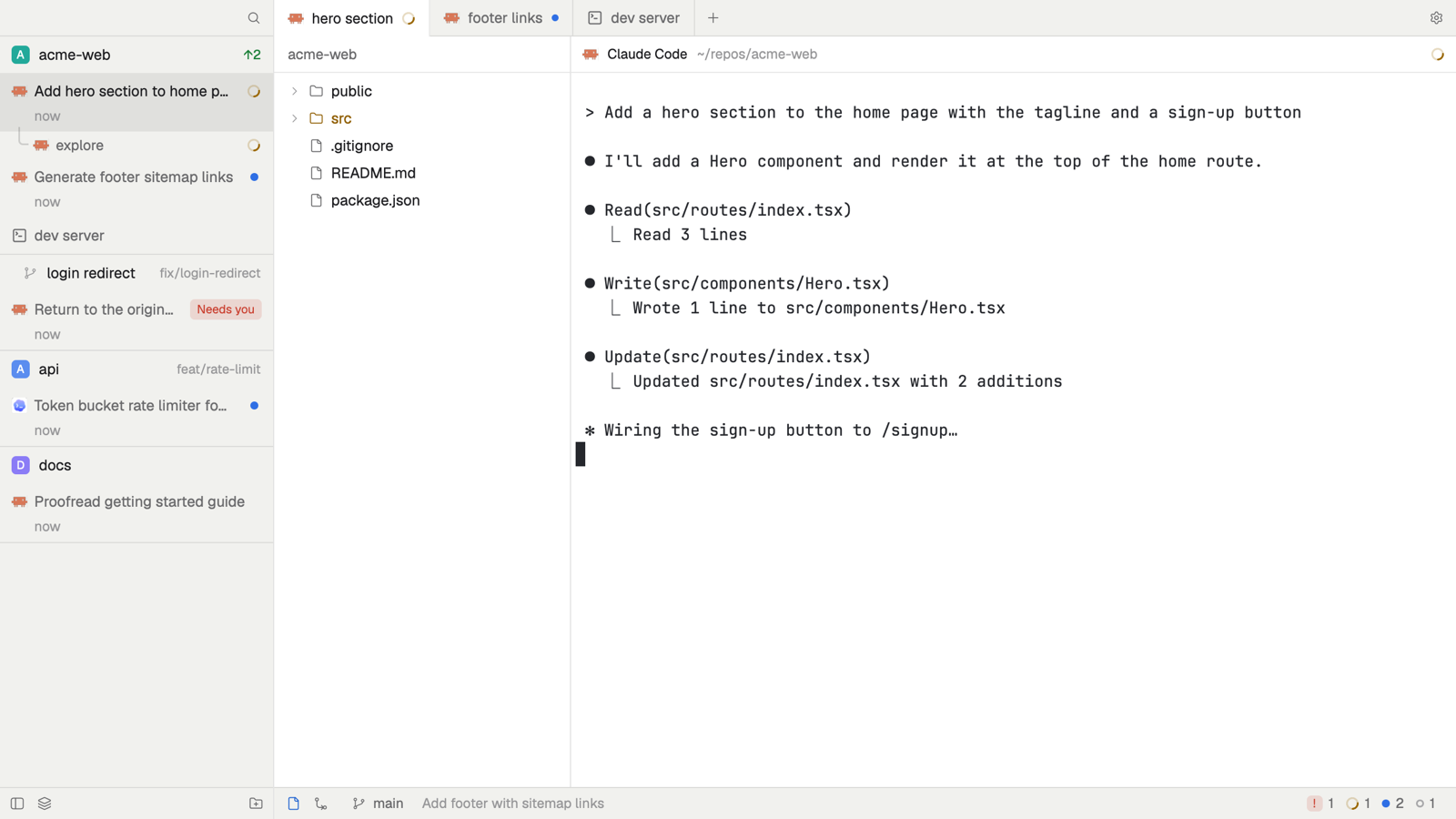
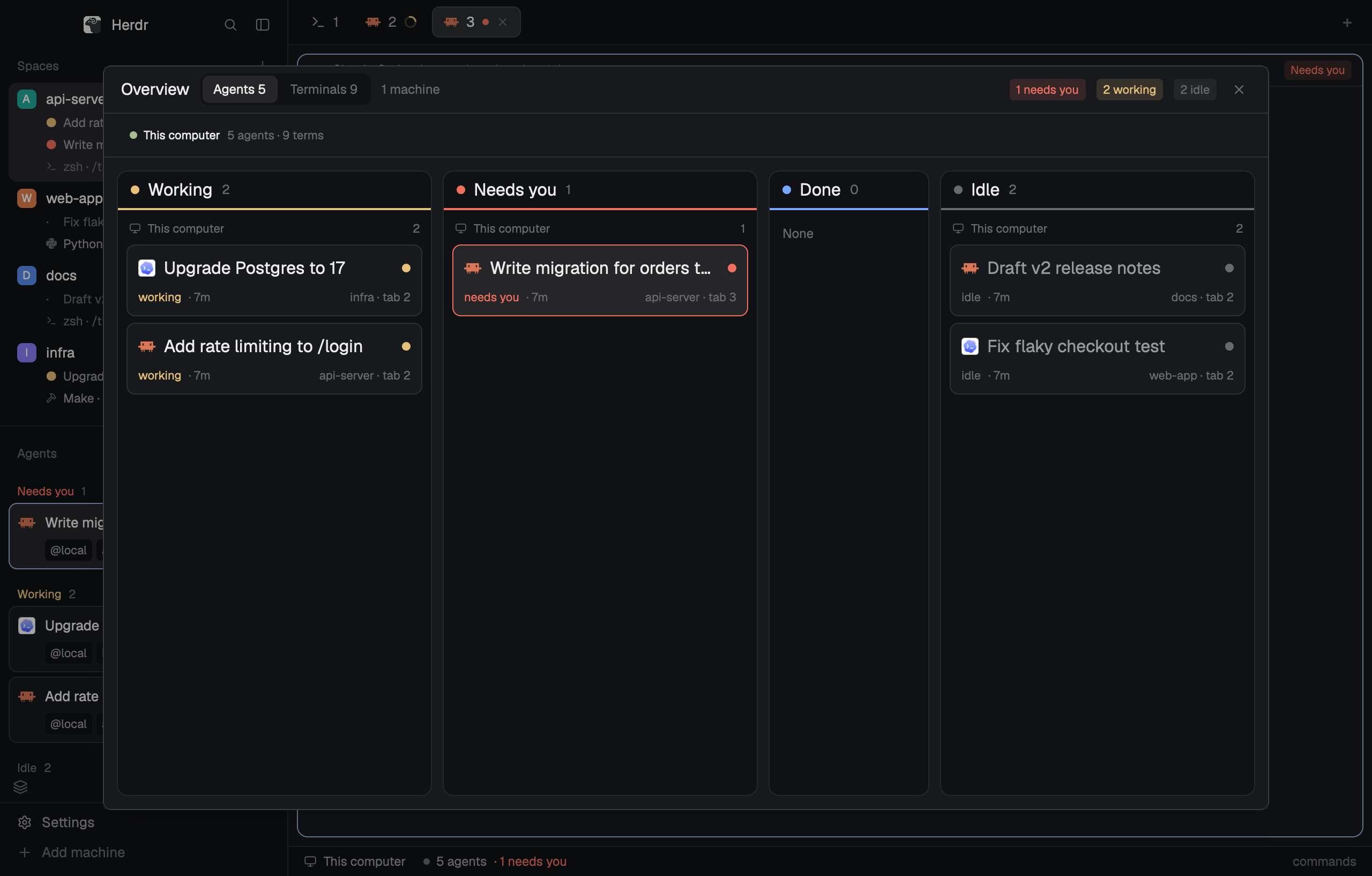
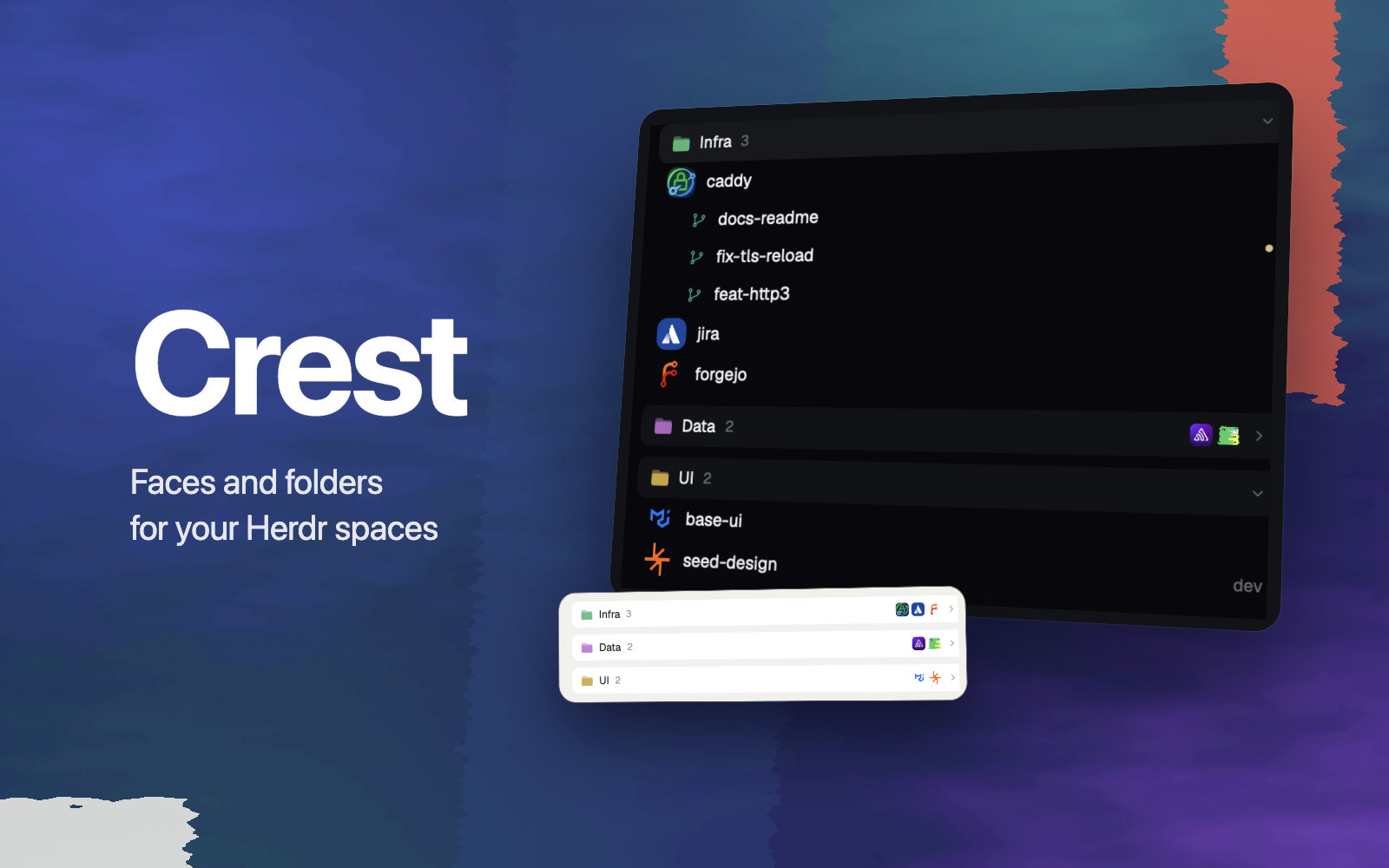
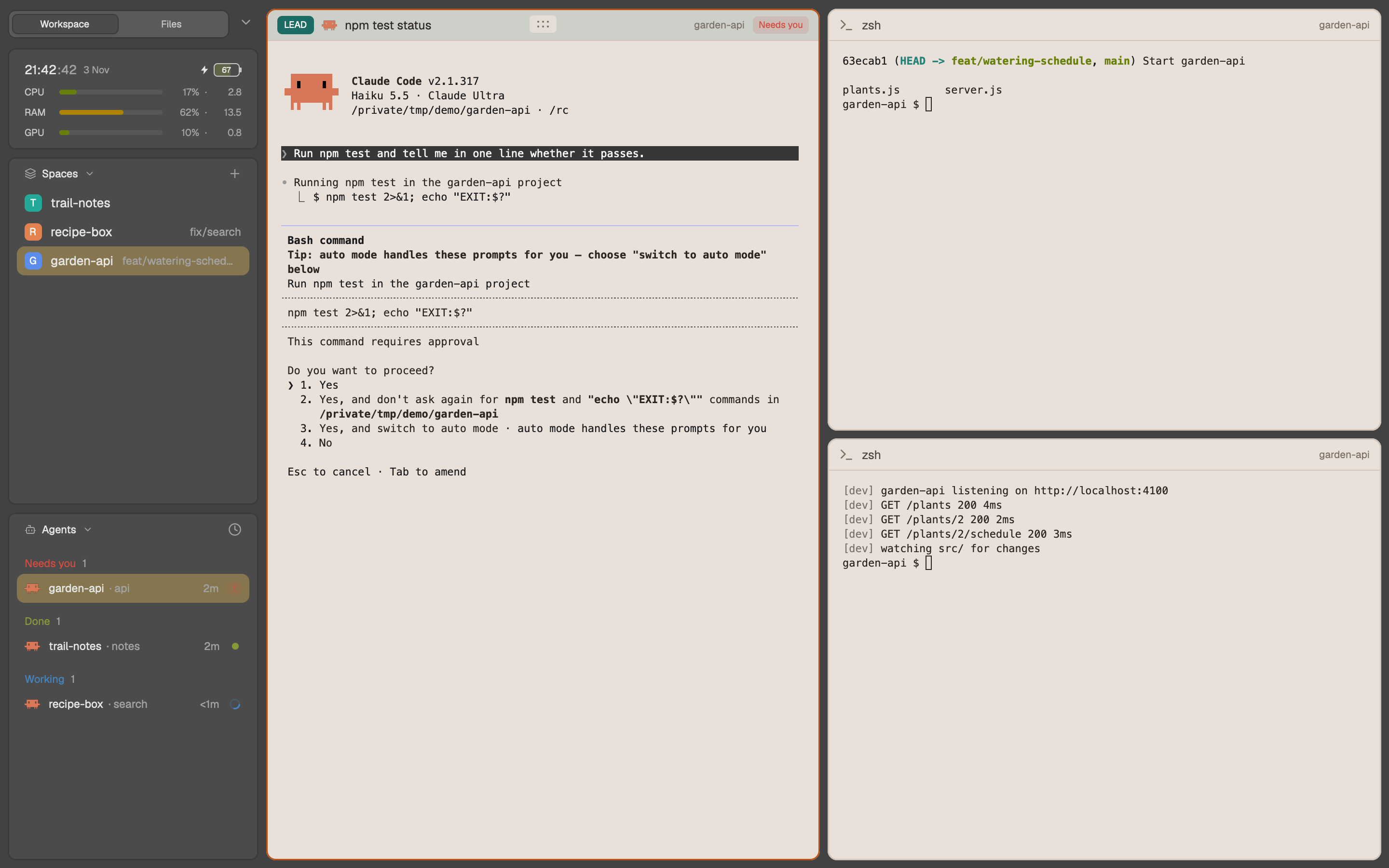
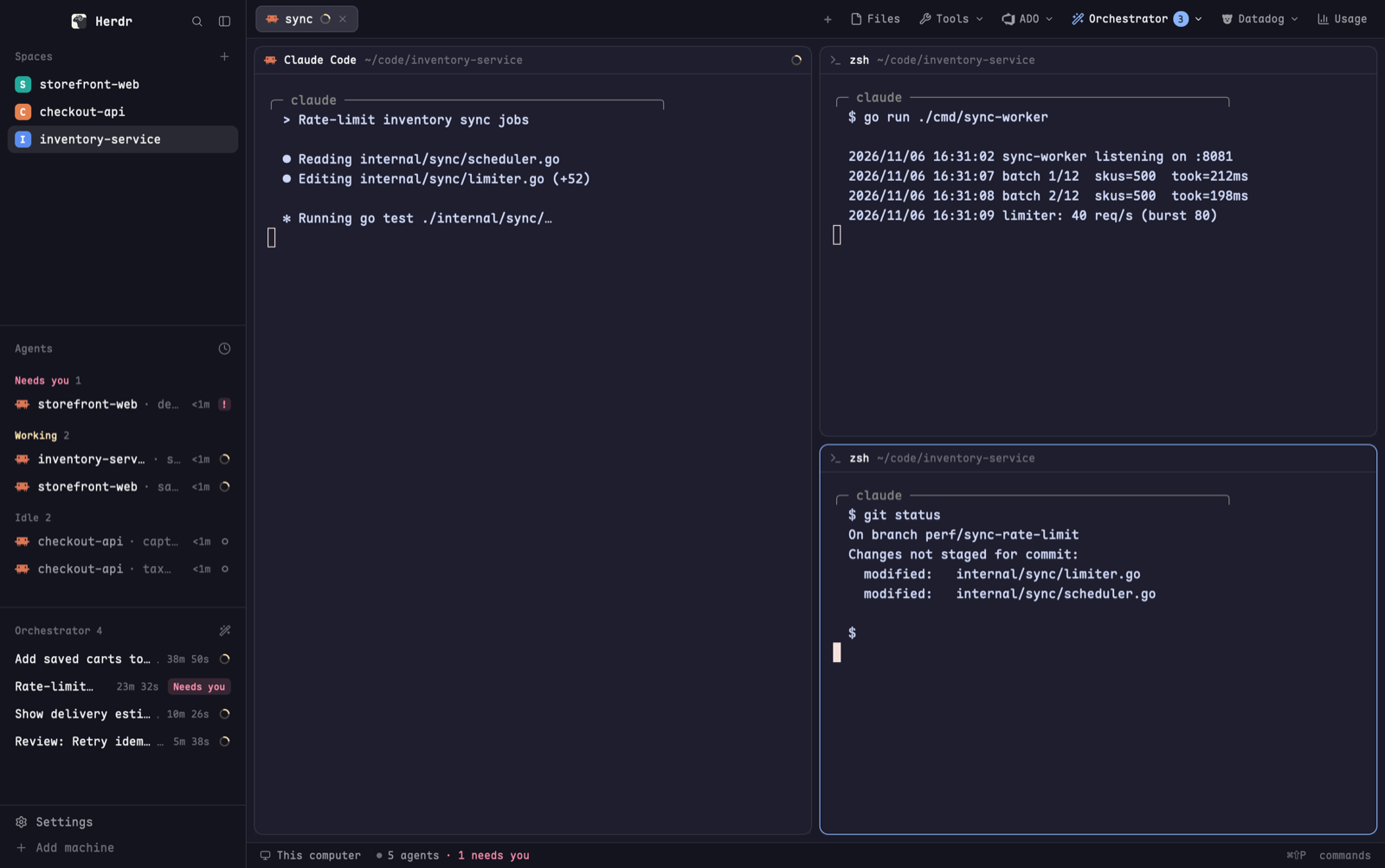
The window is Herdr's main layout with three changes. In the left sidebar, the agents list puts your agents in folders that you make. Each folder has a name and a color. You move an agent with a drag or a right-click, or a folder rule moves it for you. Each pane has a header that can show a title that a tool sets on the terminal. The working icons do not turn, so the window draws less often.

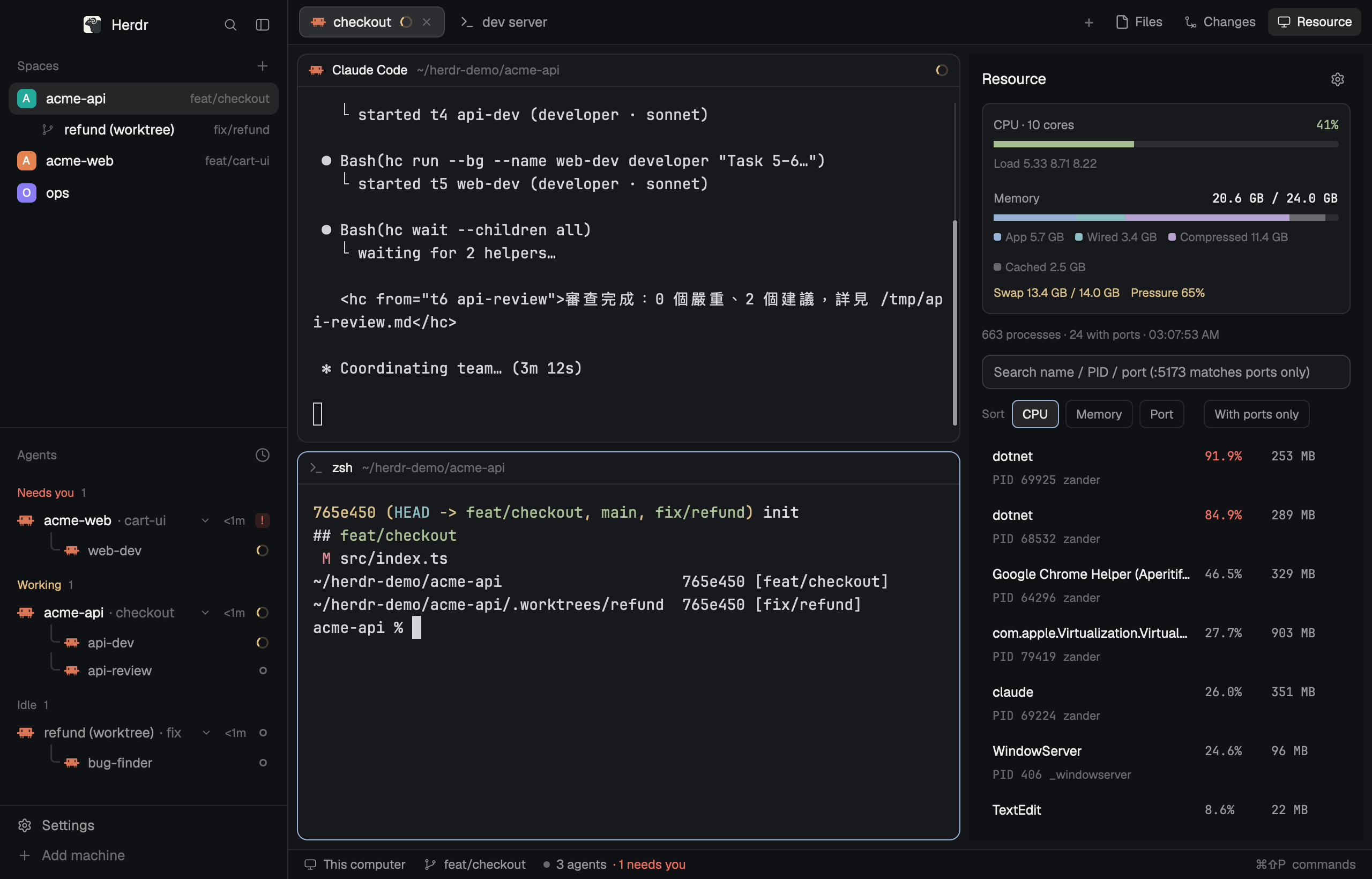

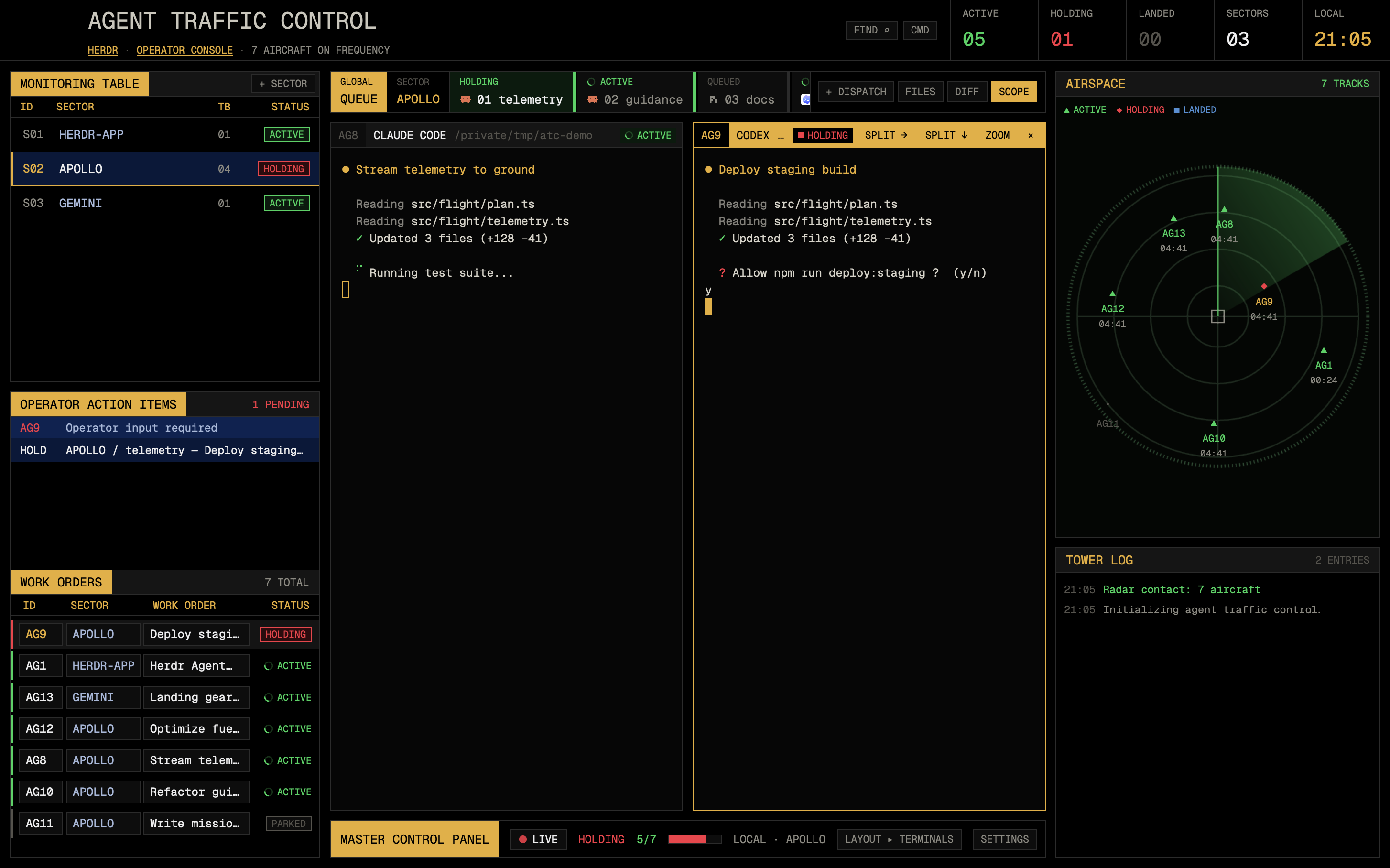

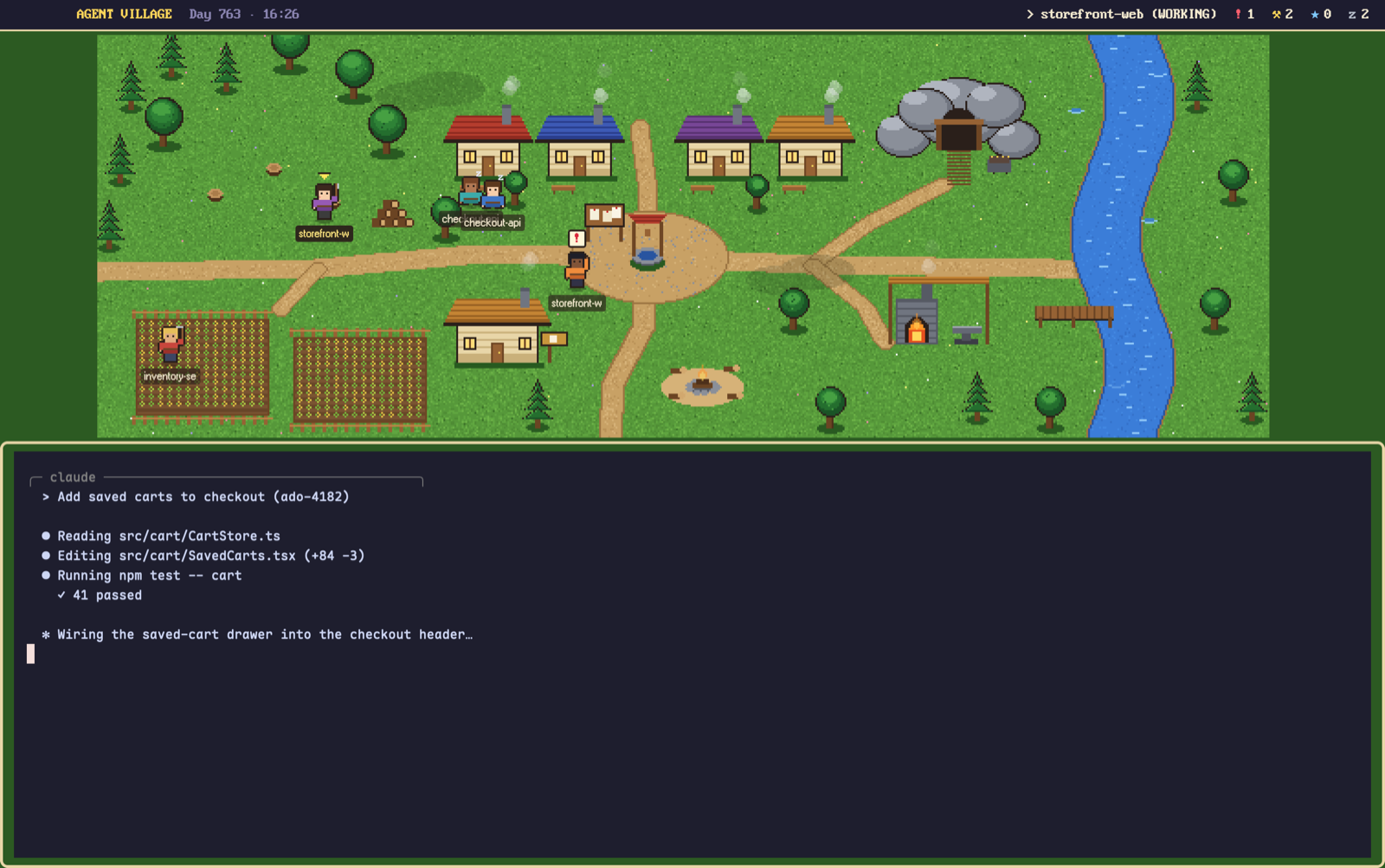
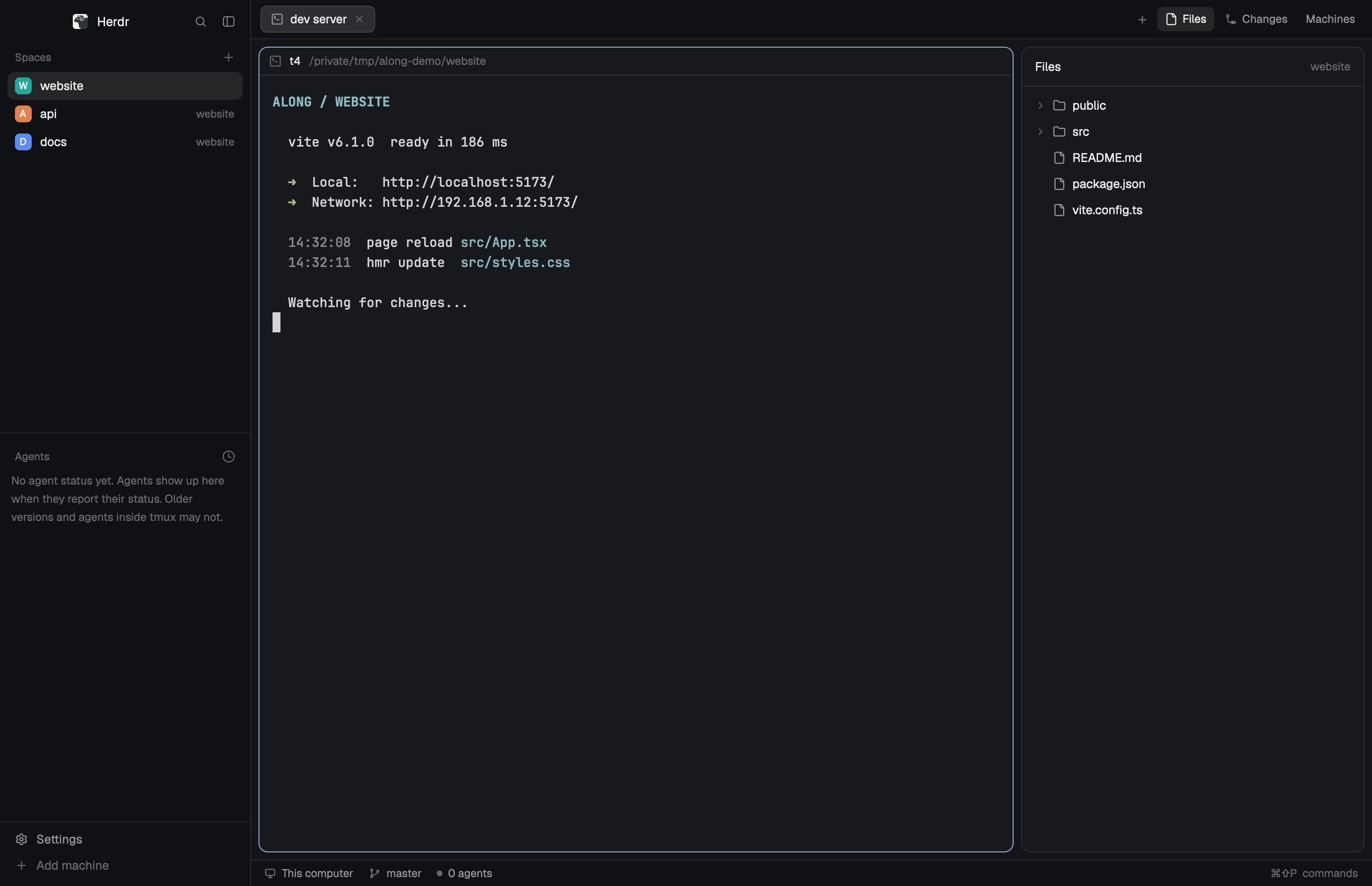

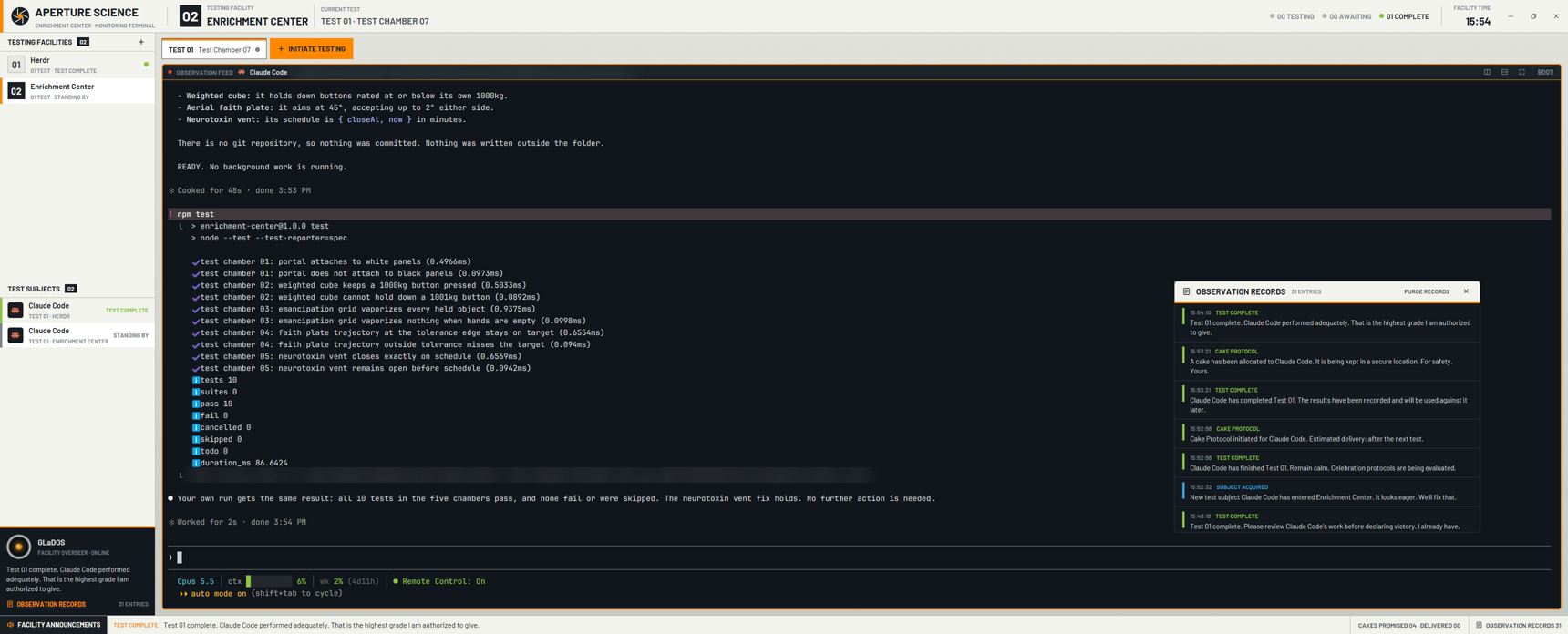

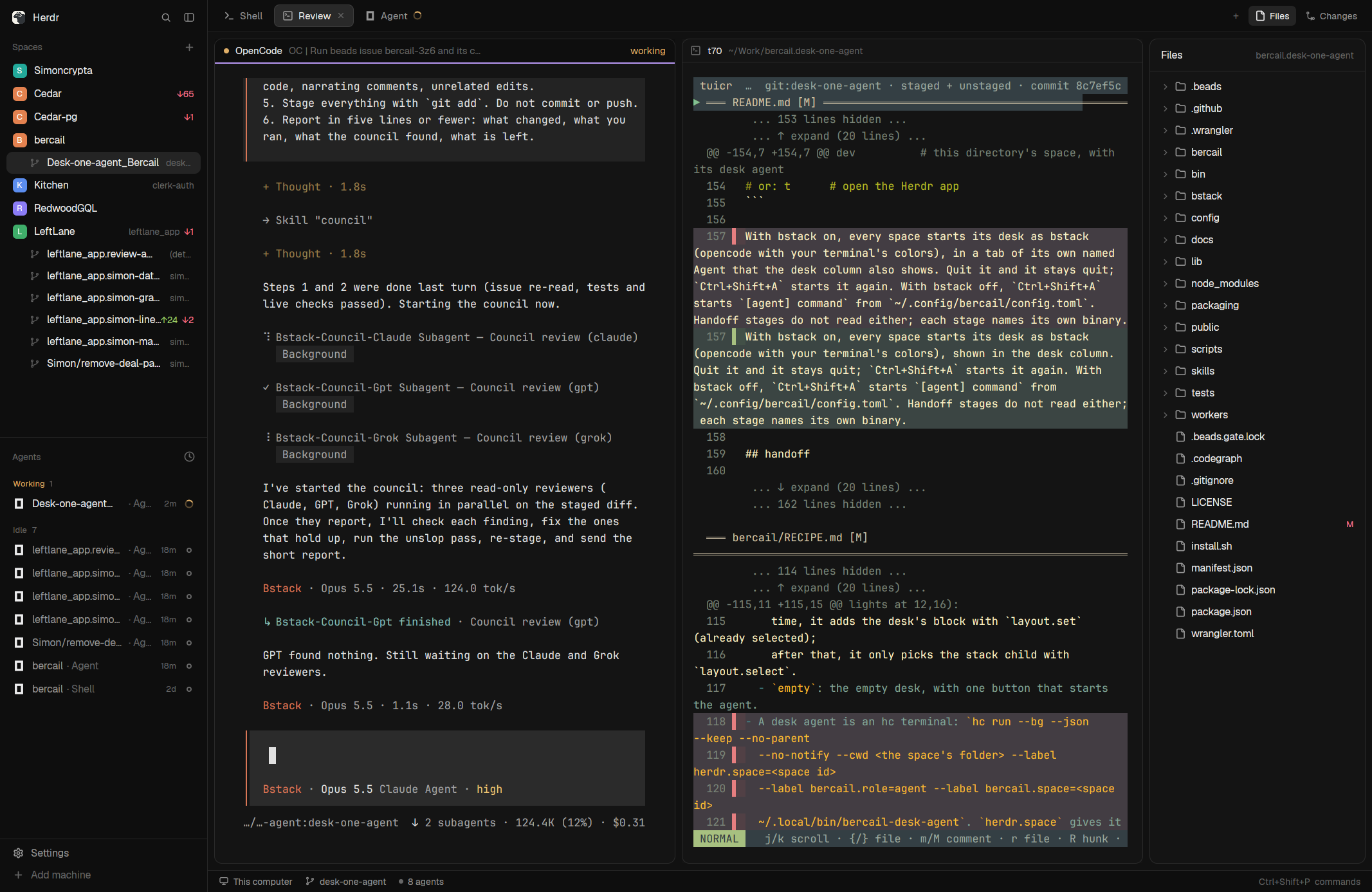
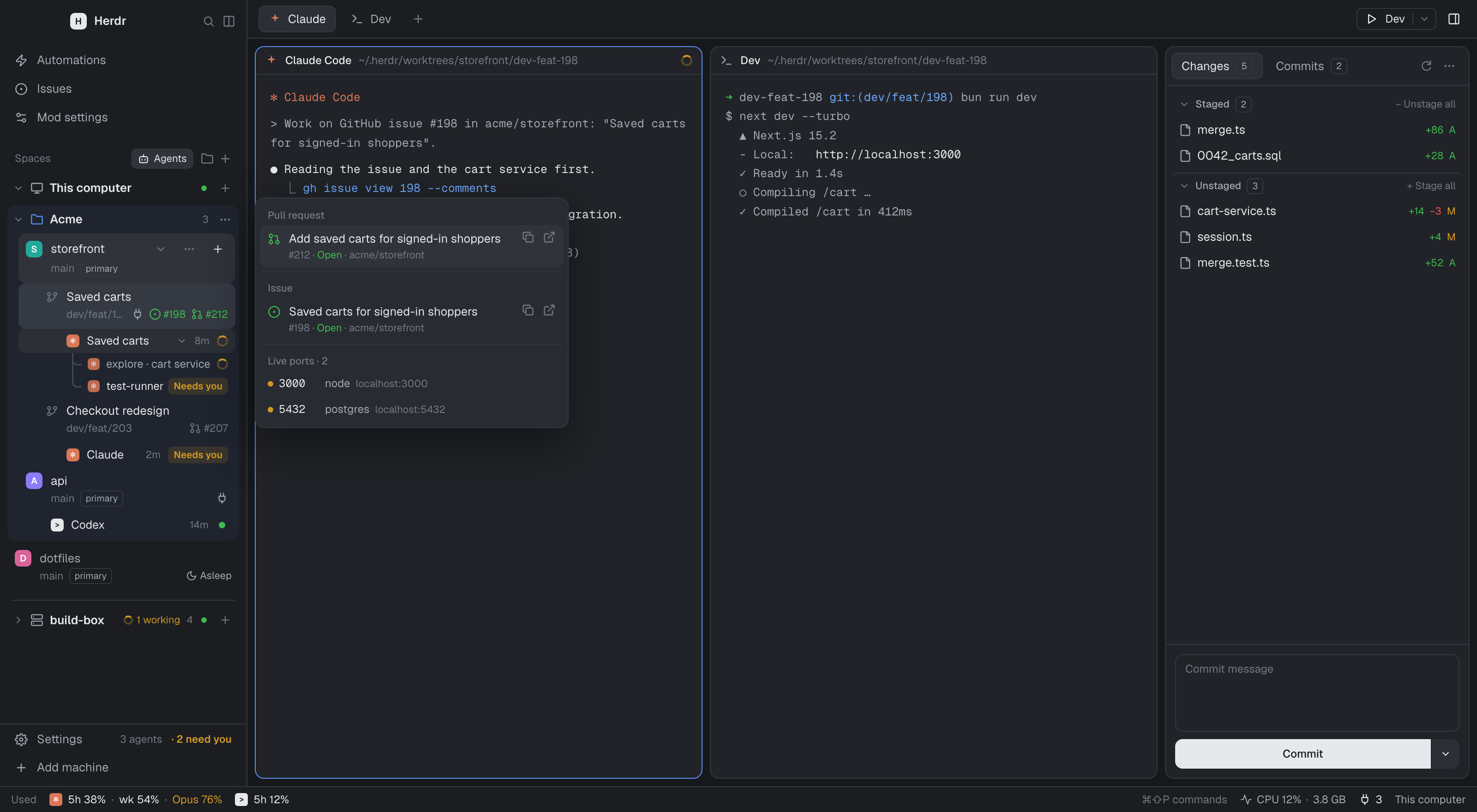
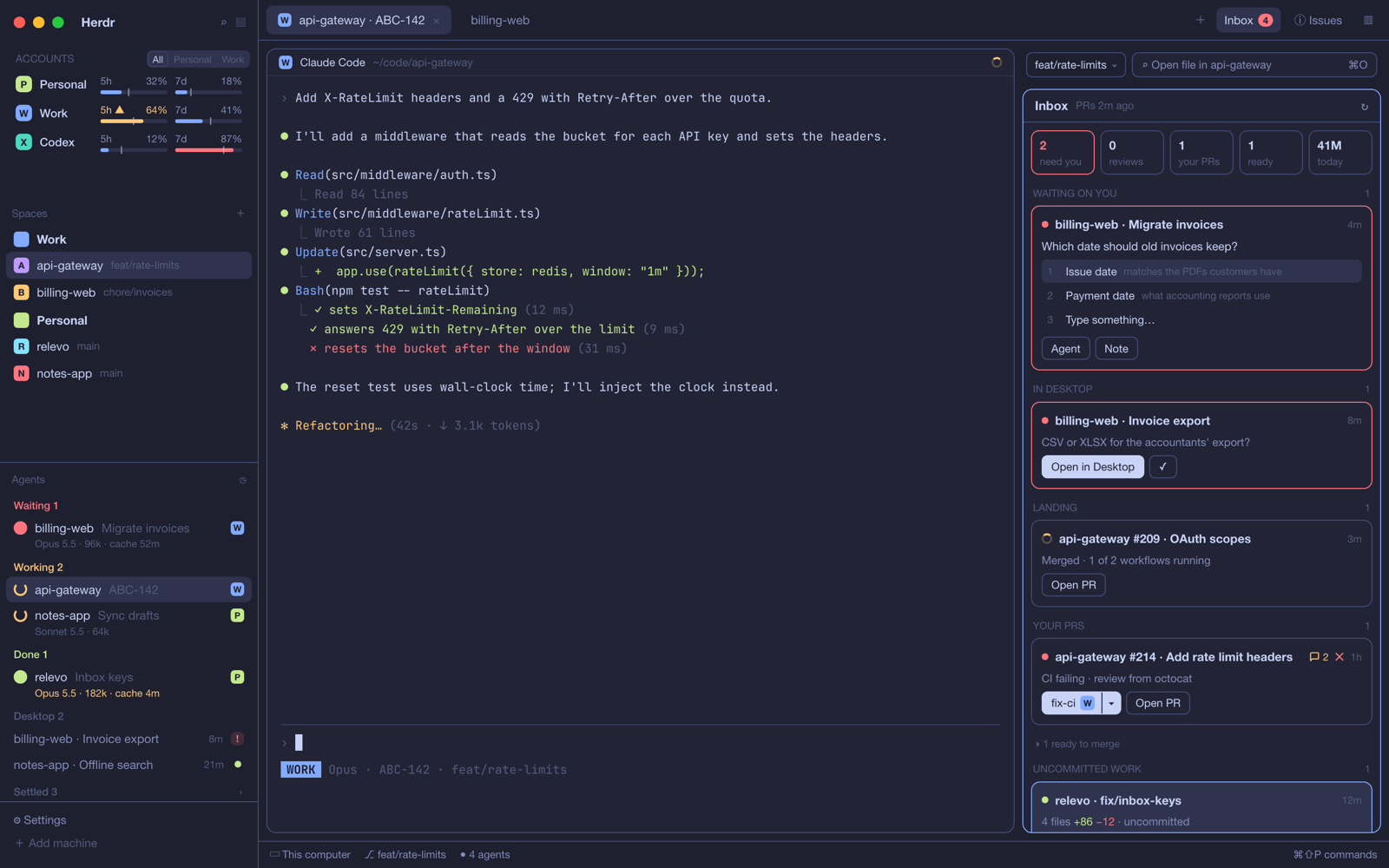
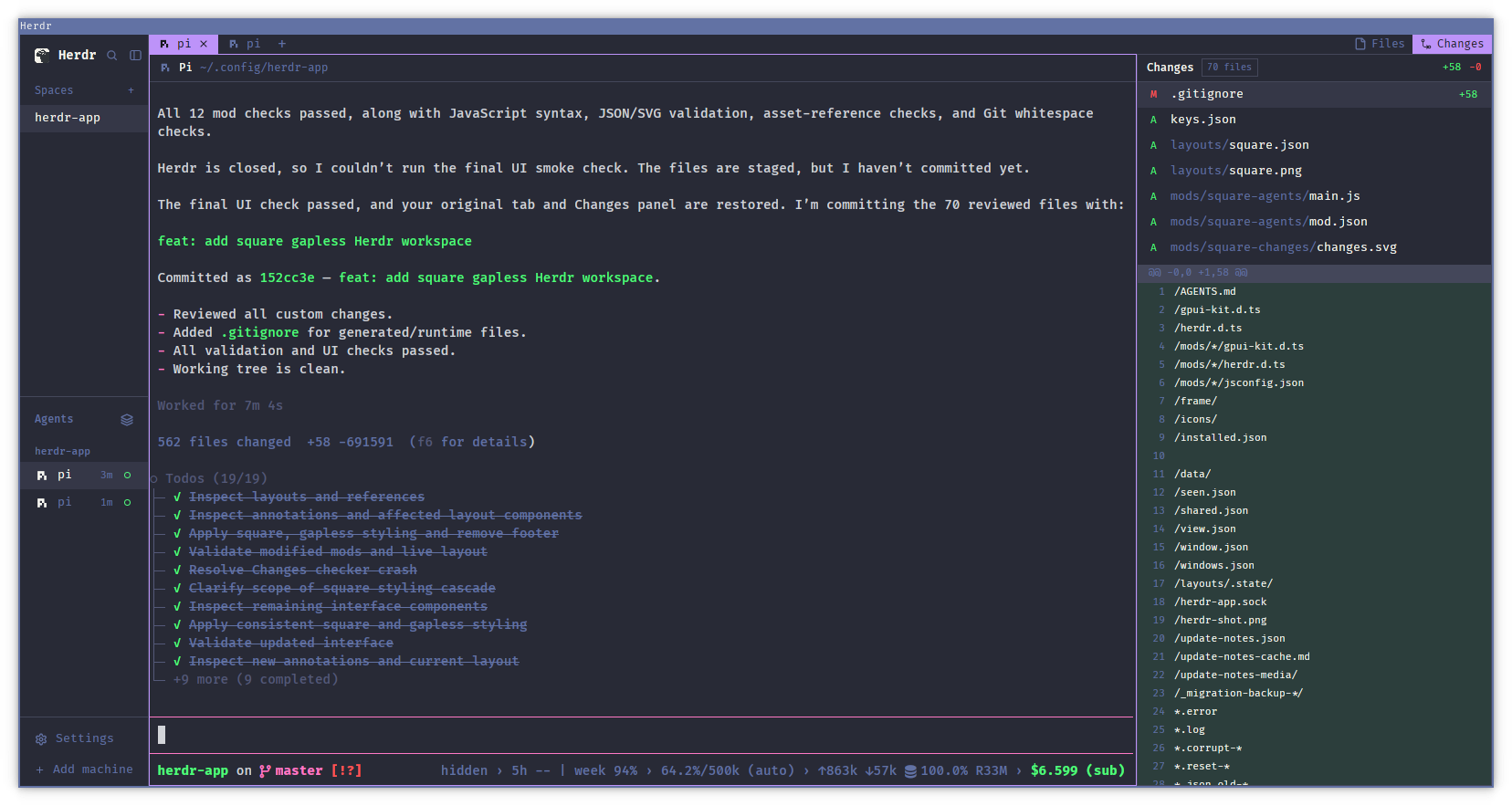
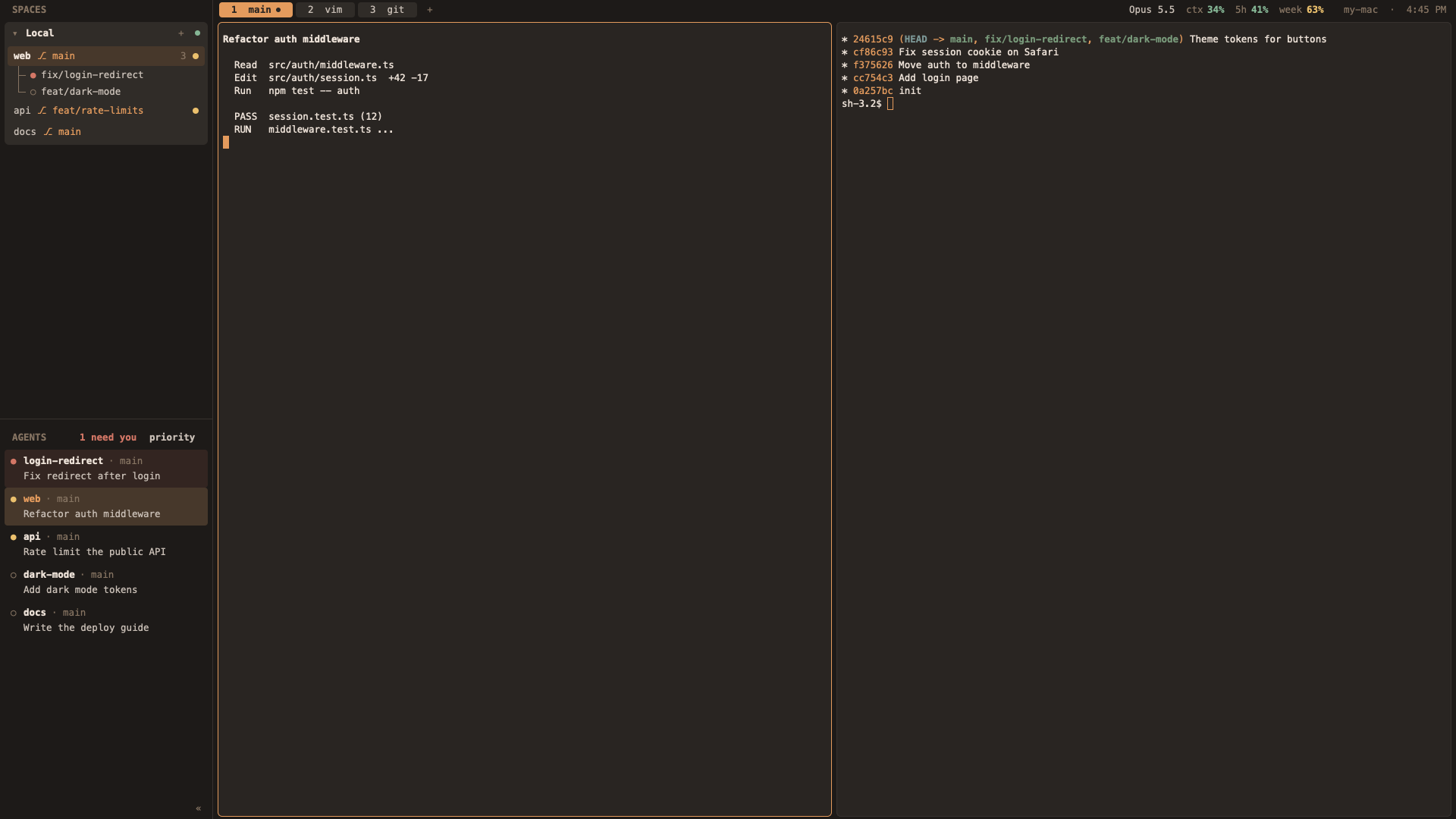
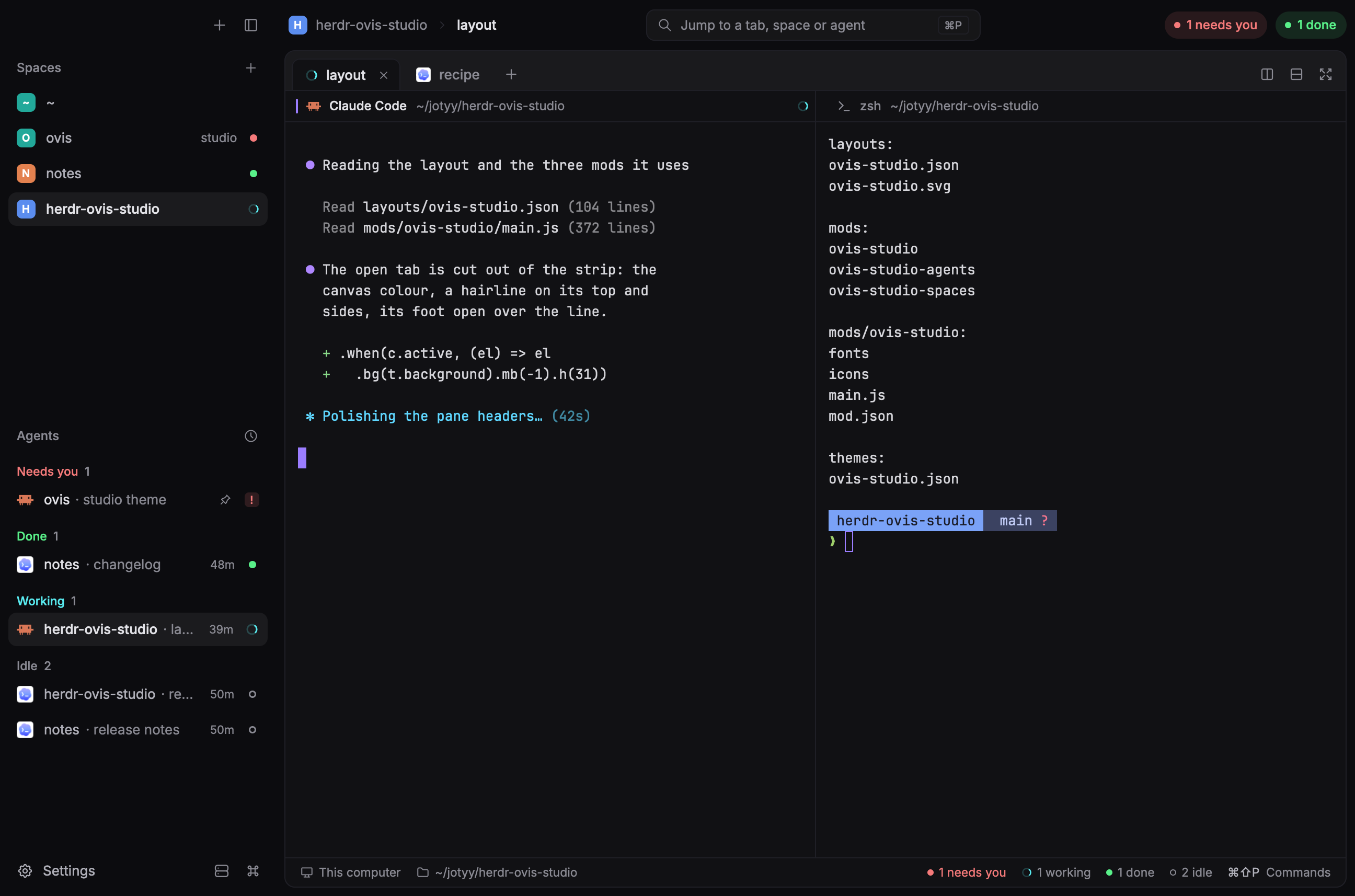
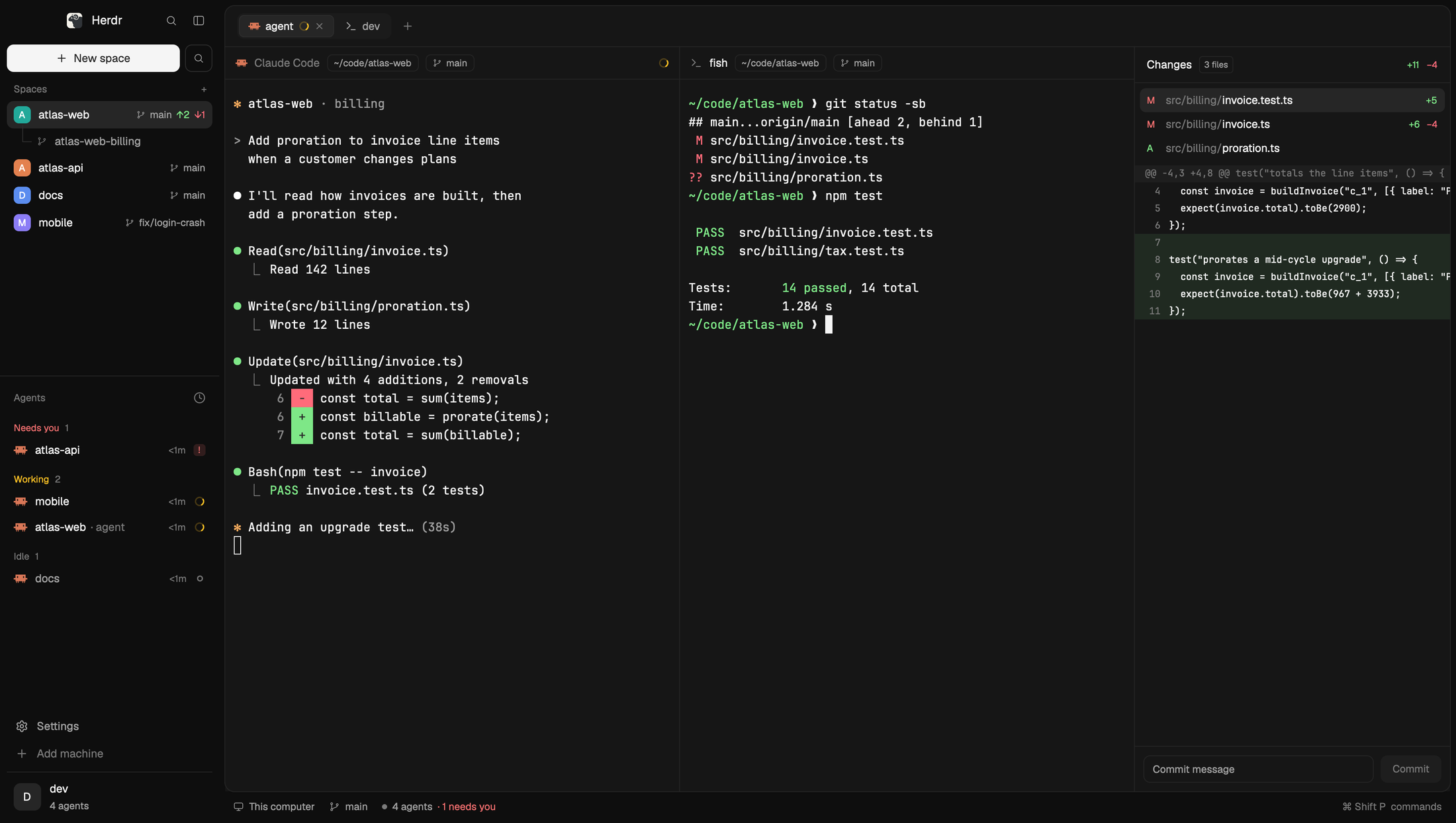
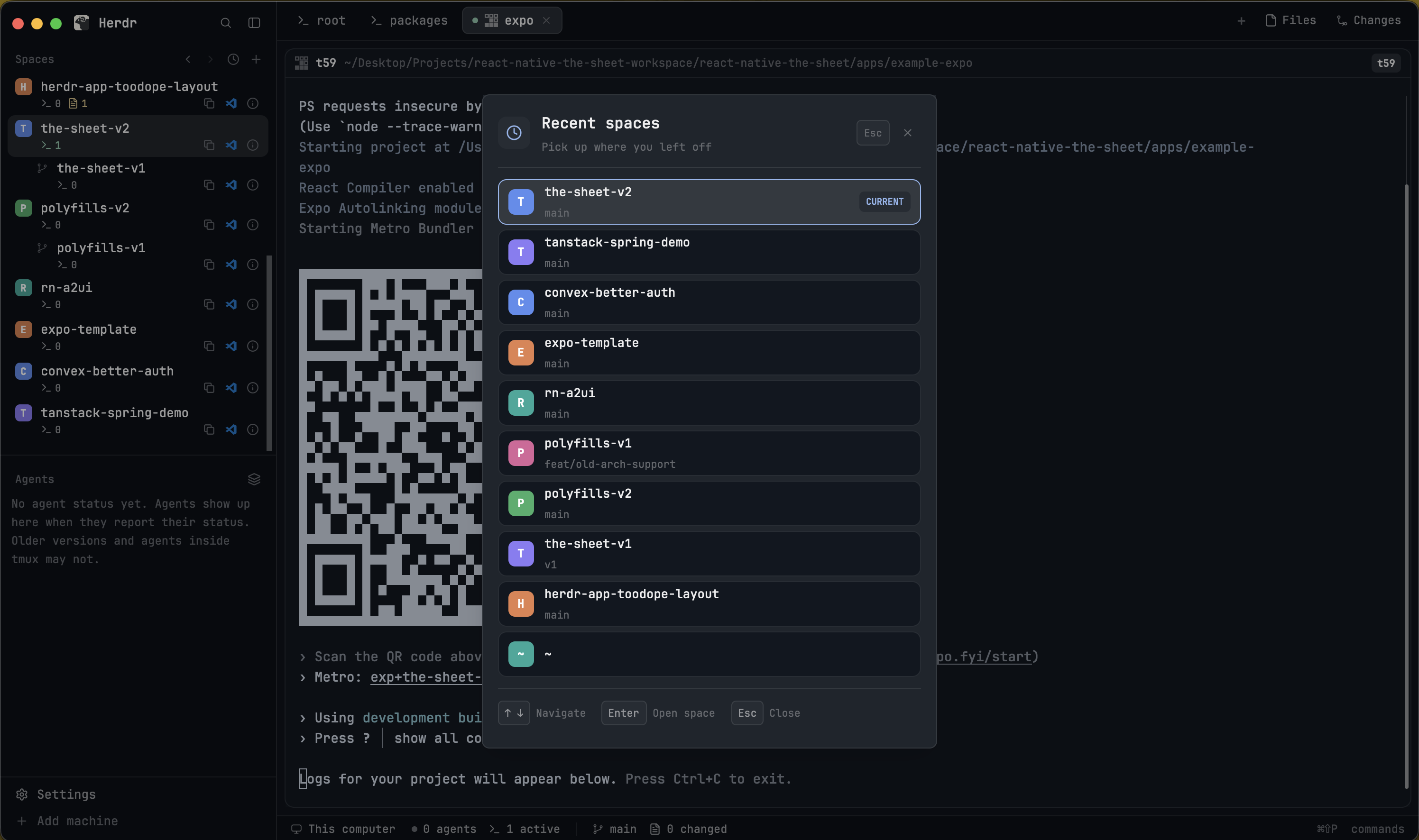
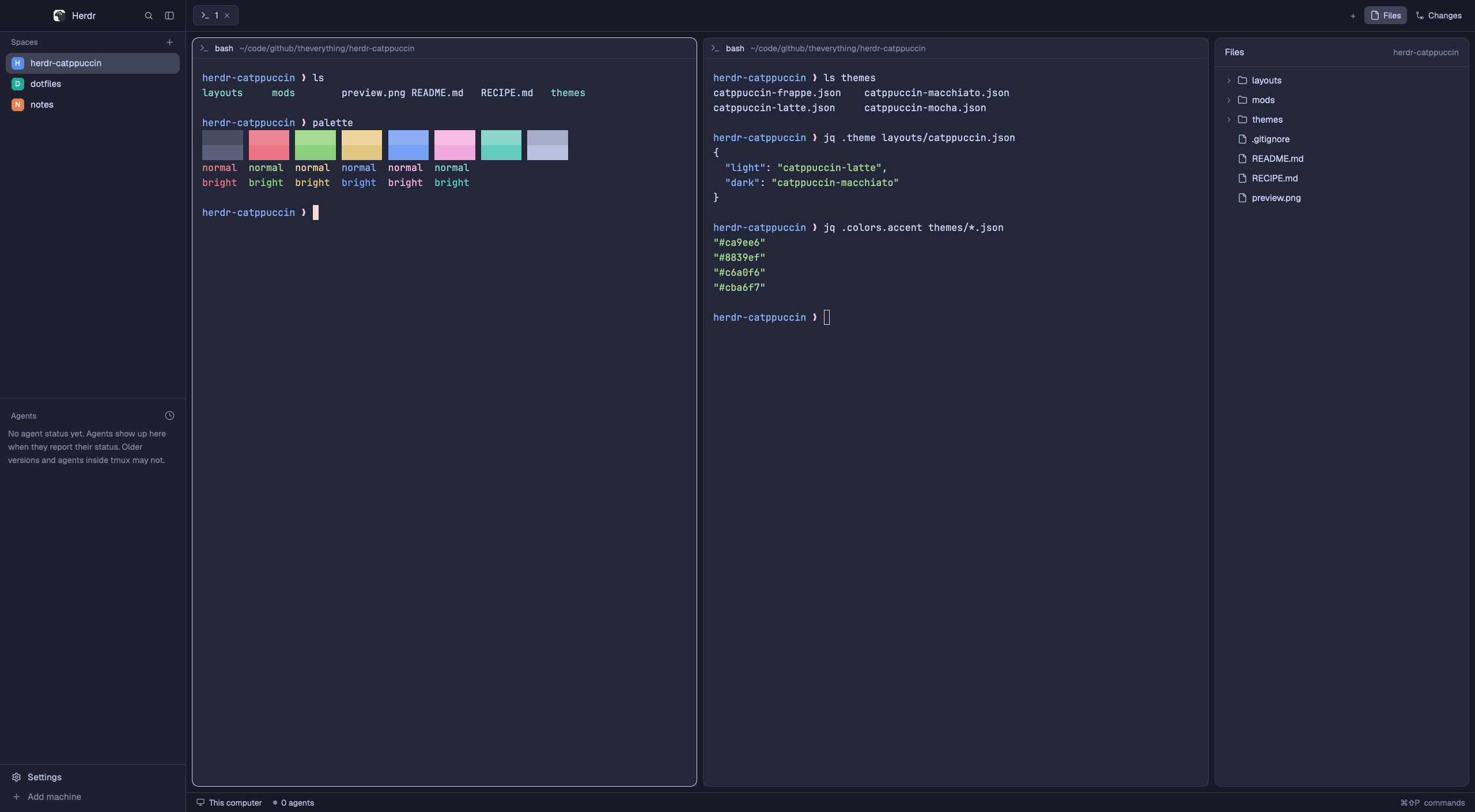
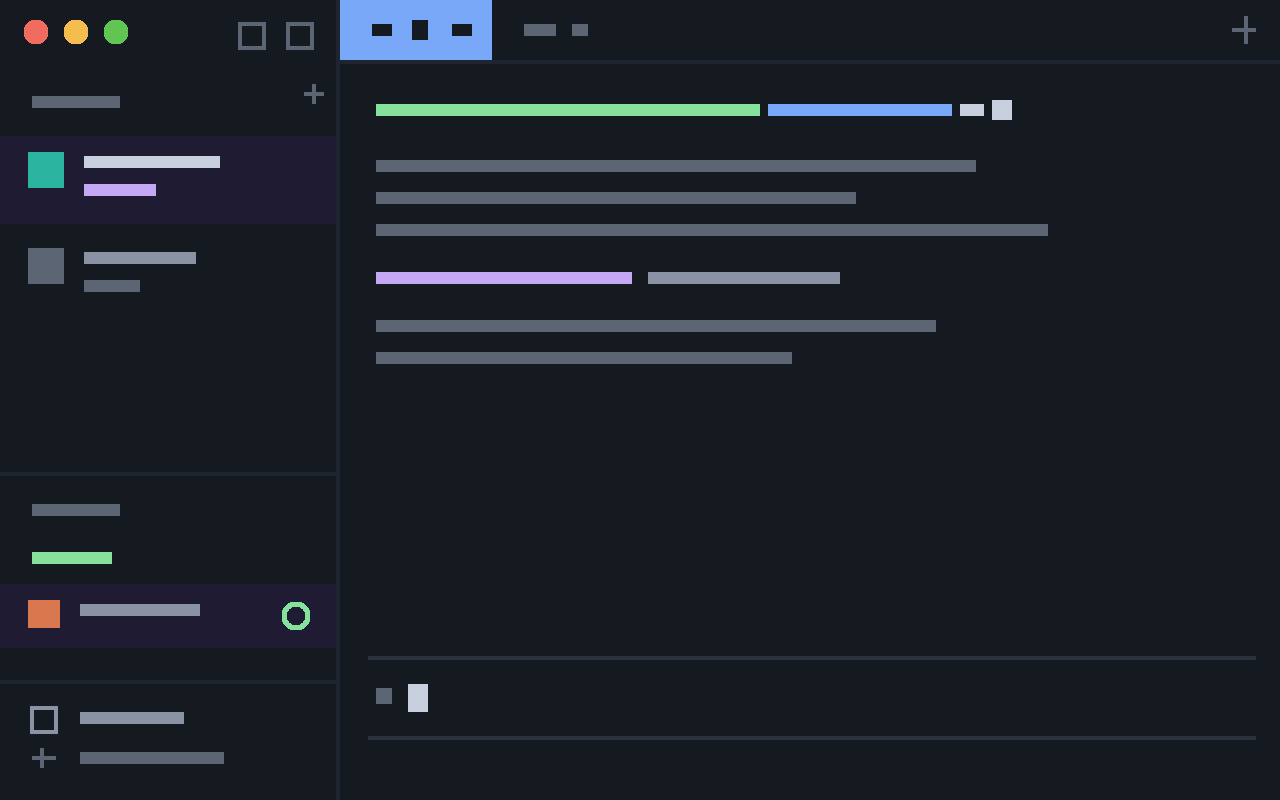
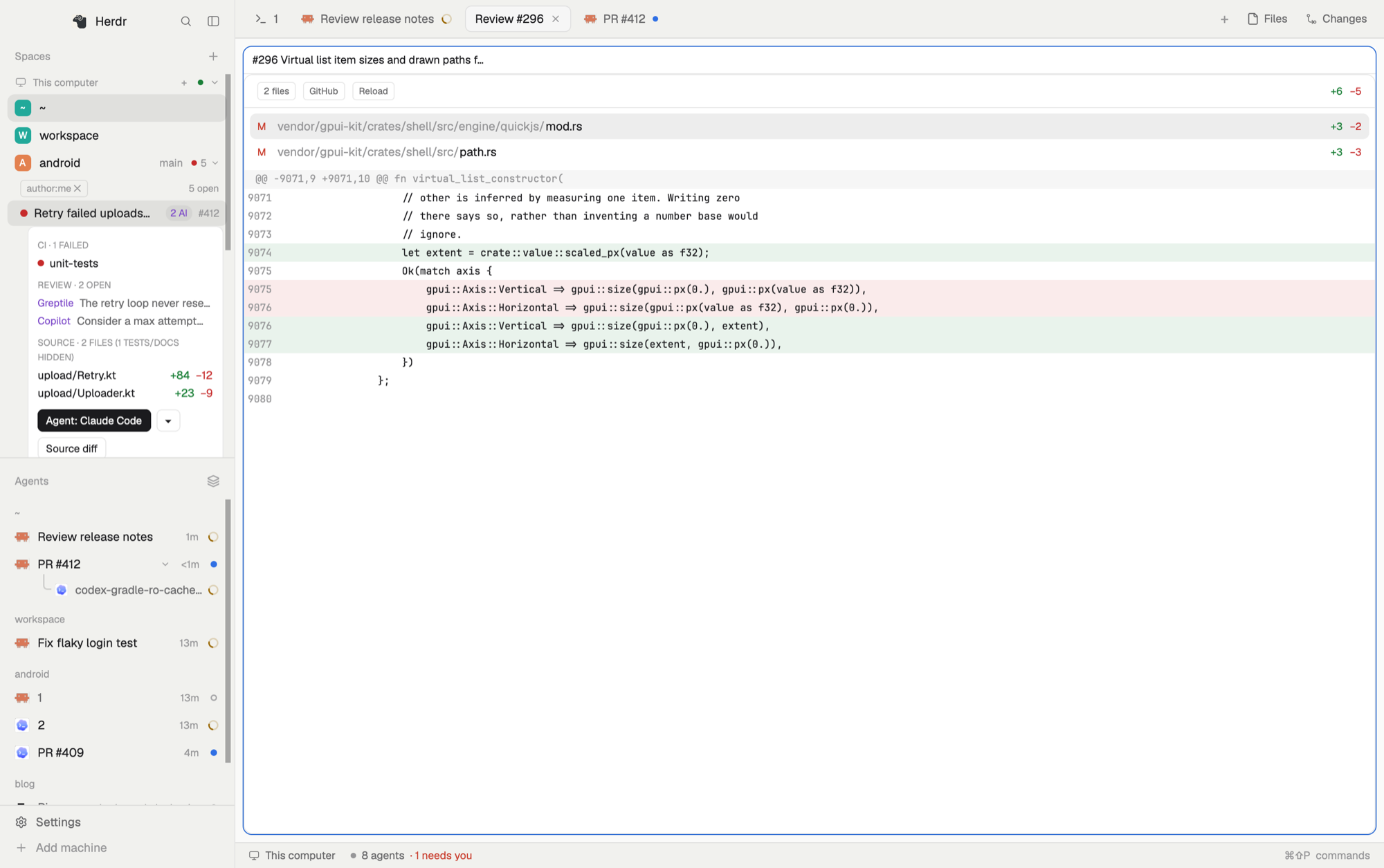
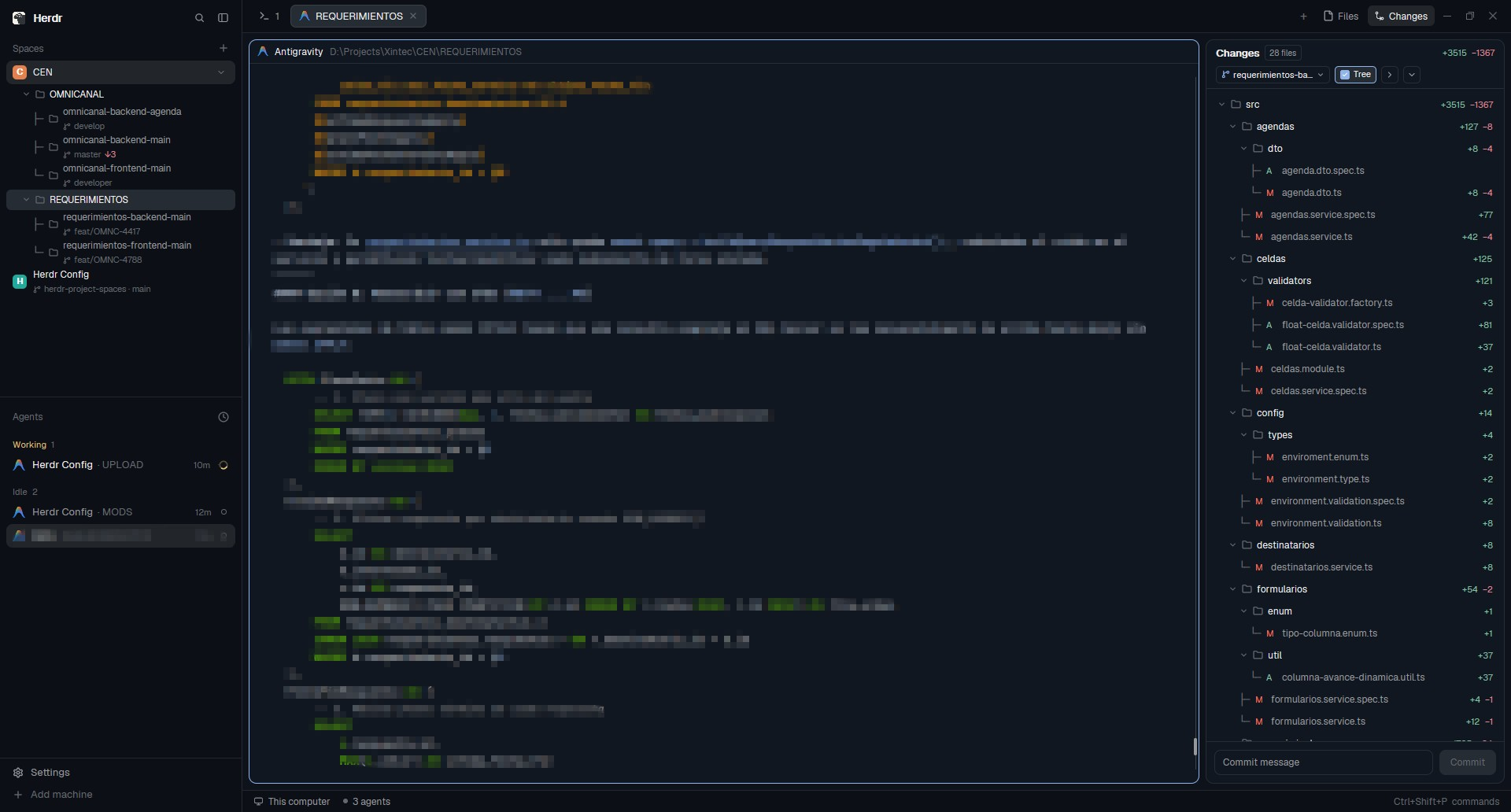
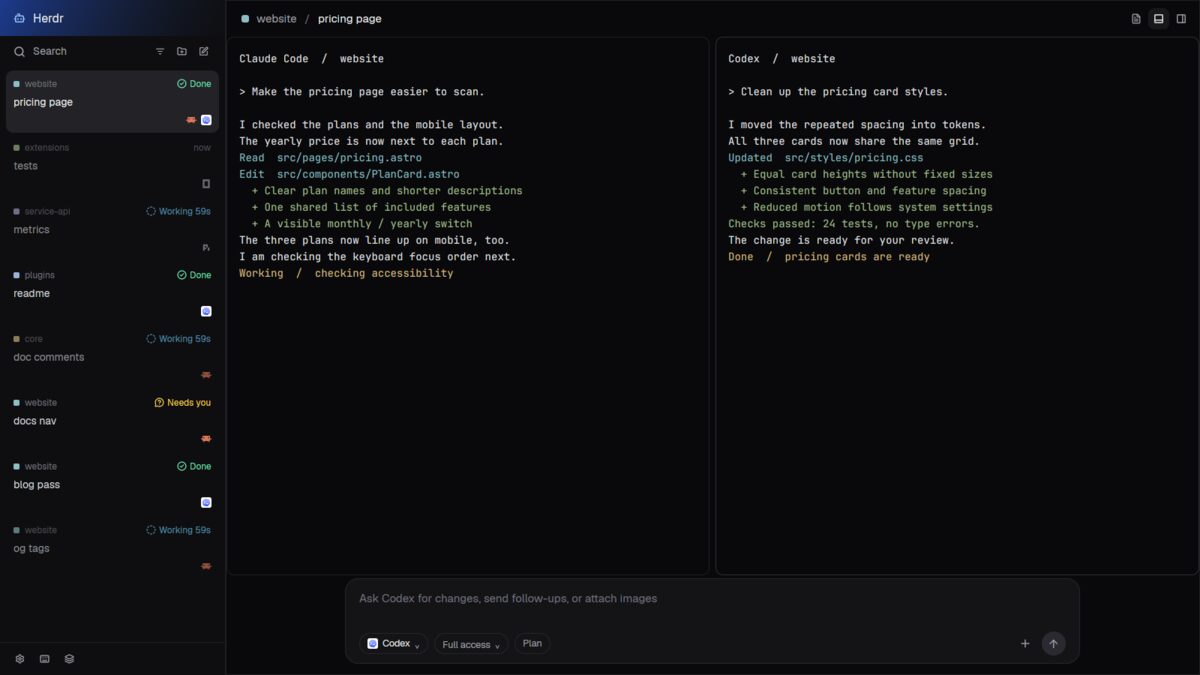
A dark Herdr layout in the Apollo colors. On the left, a sidebar lists your spaces with their branch and their agents. On the right, a rounded work card holds the tab row, the panes (each with a header) and an optional side panel for Files, Changes or Specs. A thin status bar sits under the card.

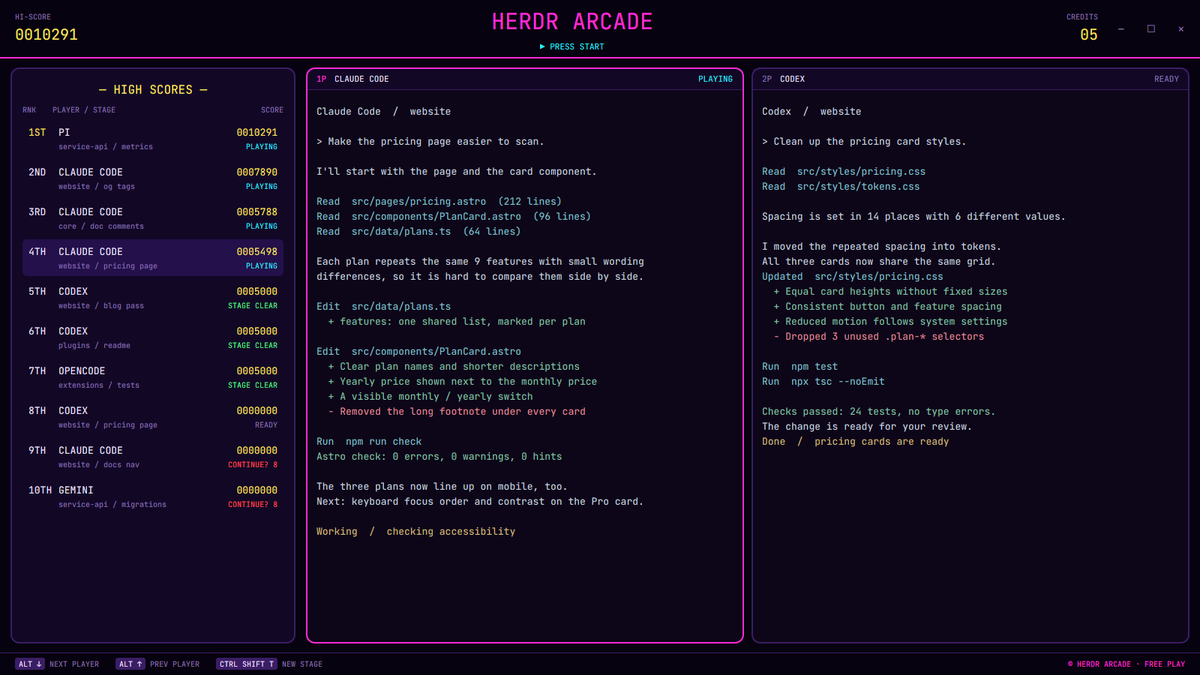


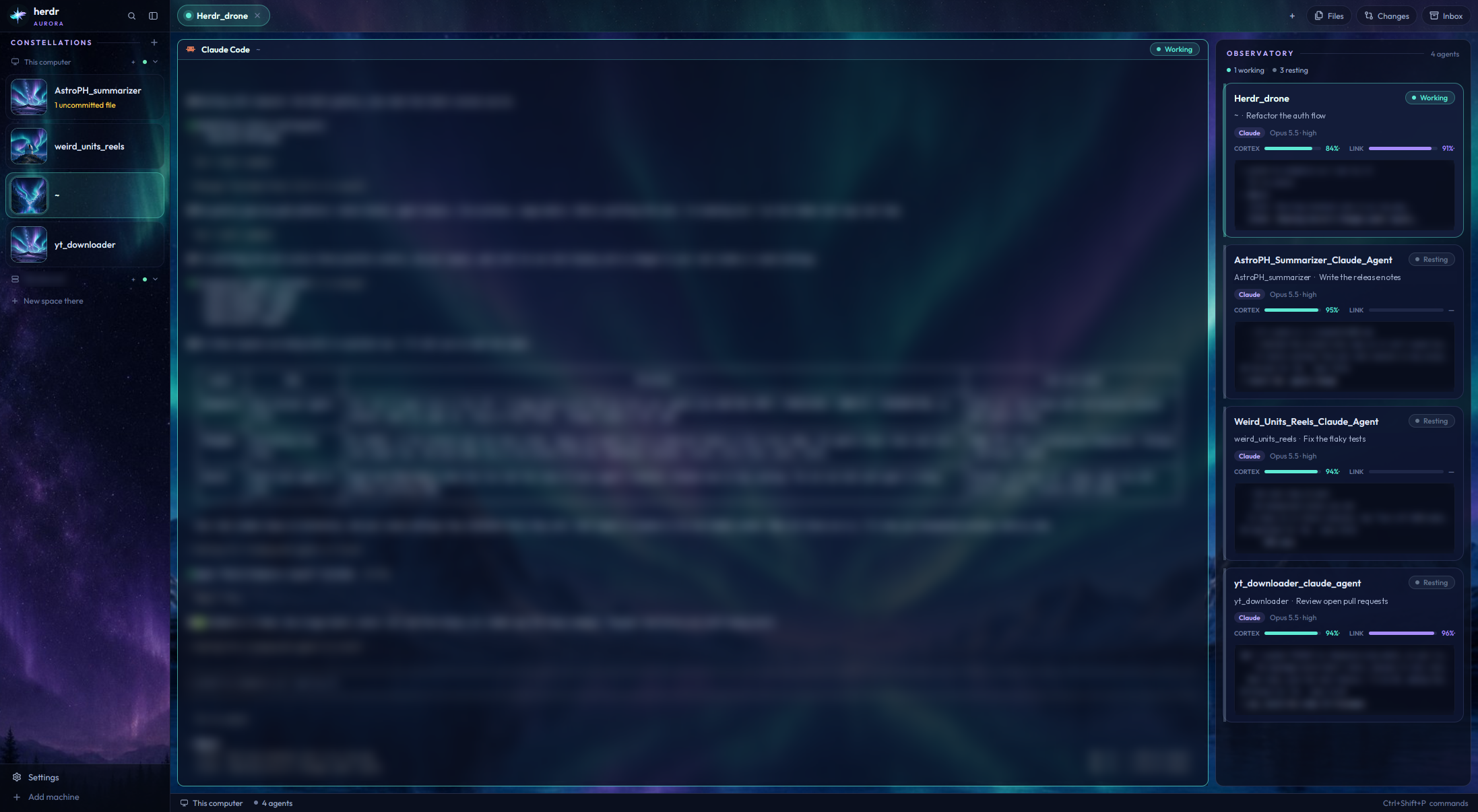

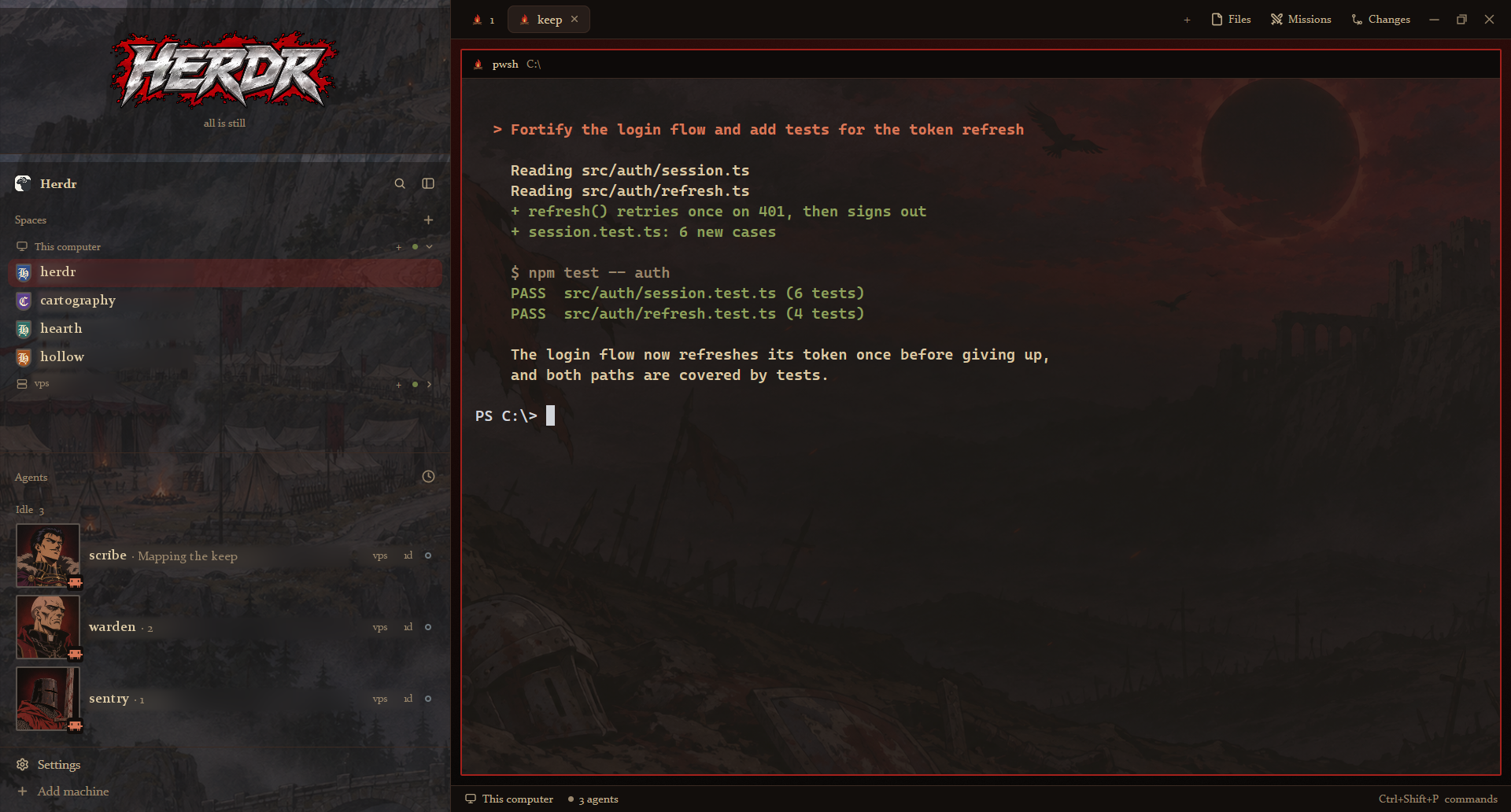

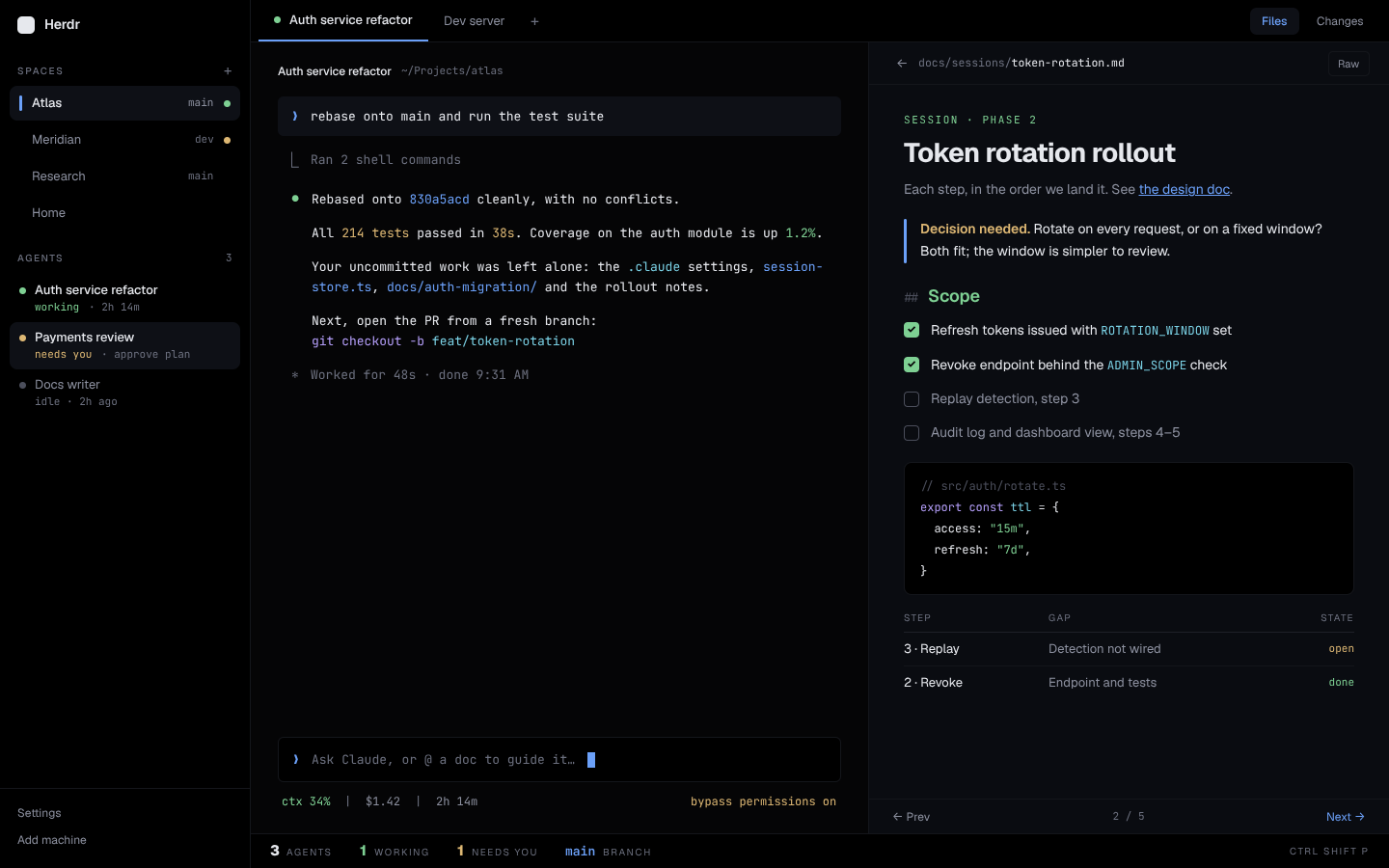

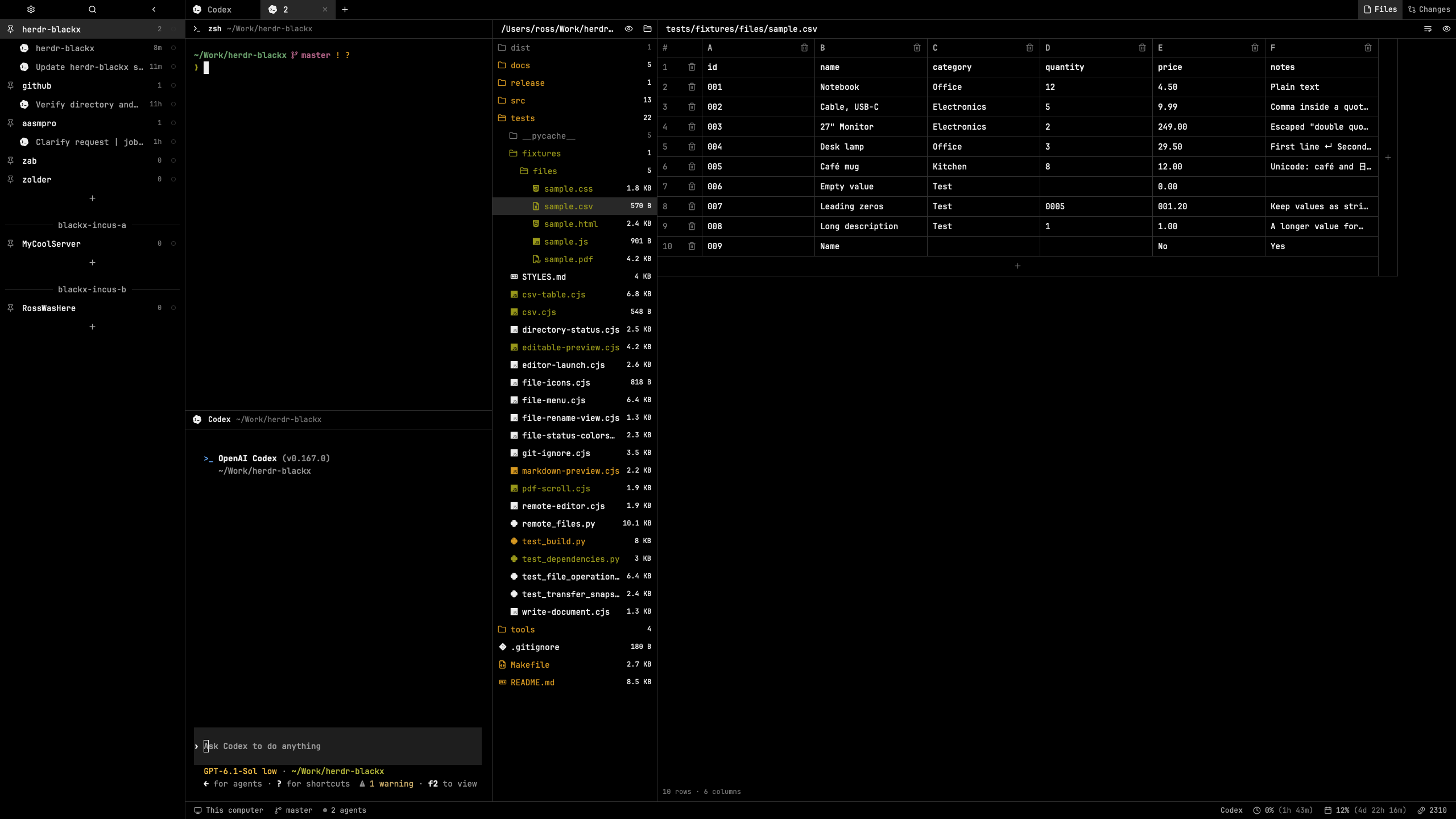

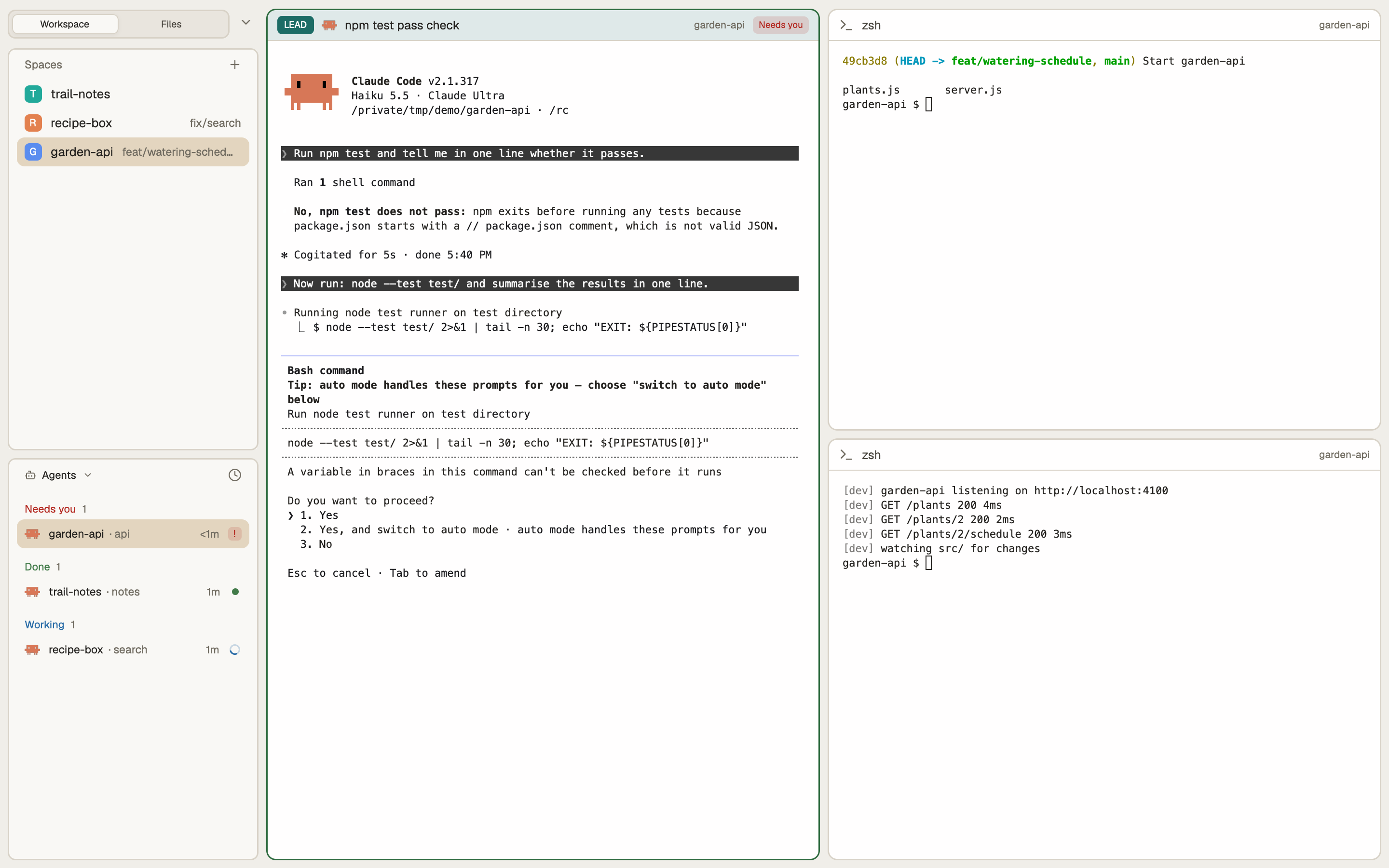


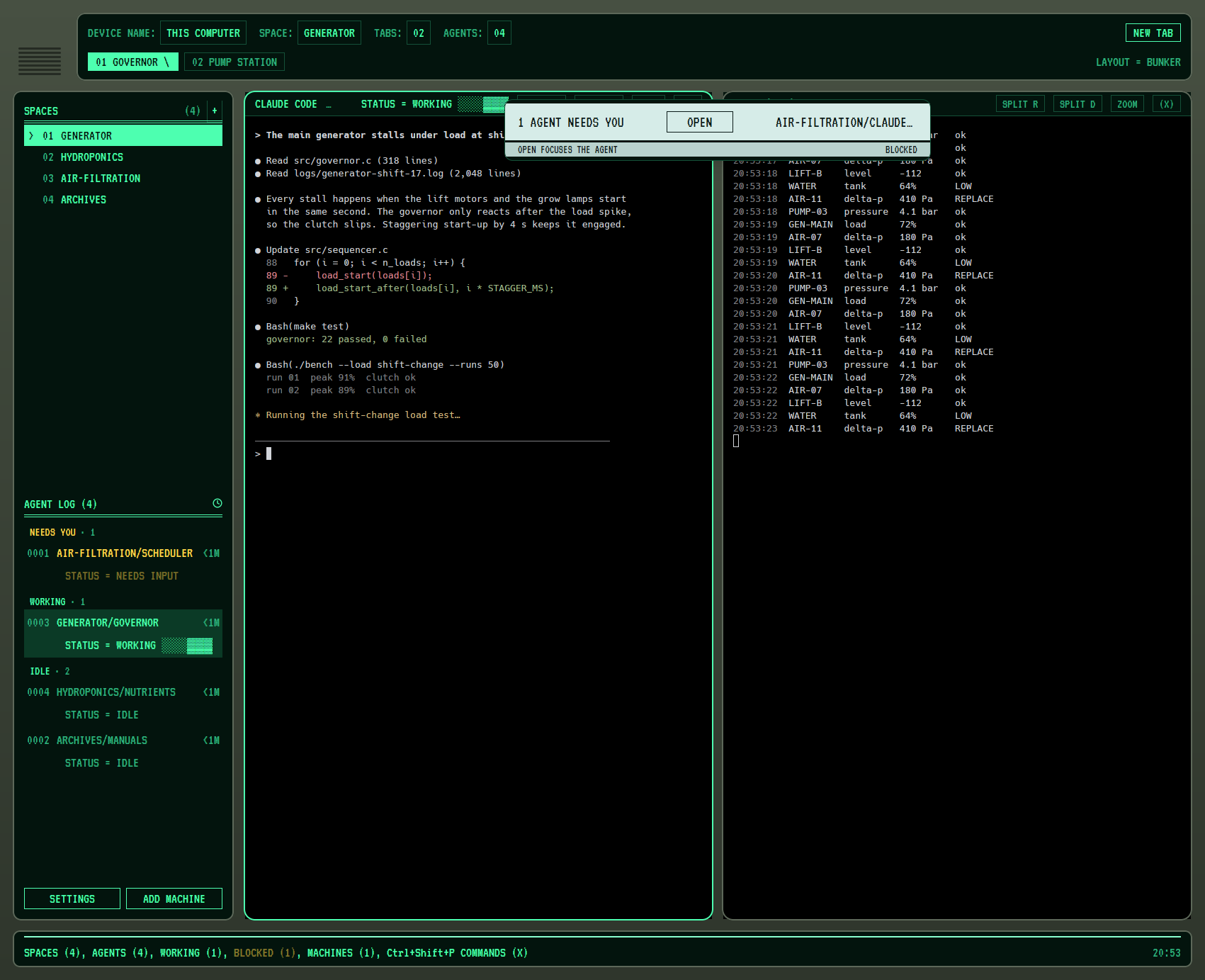




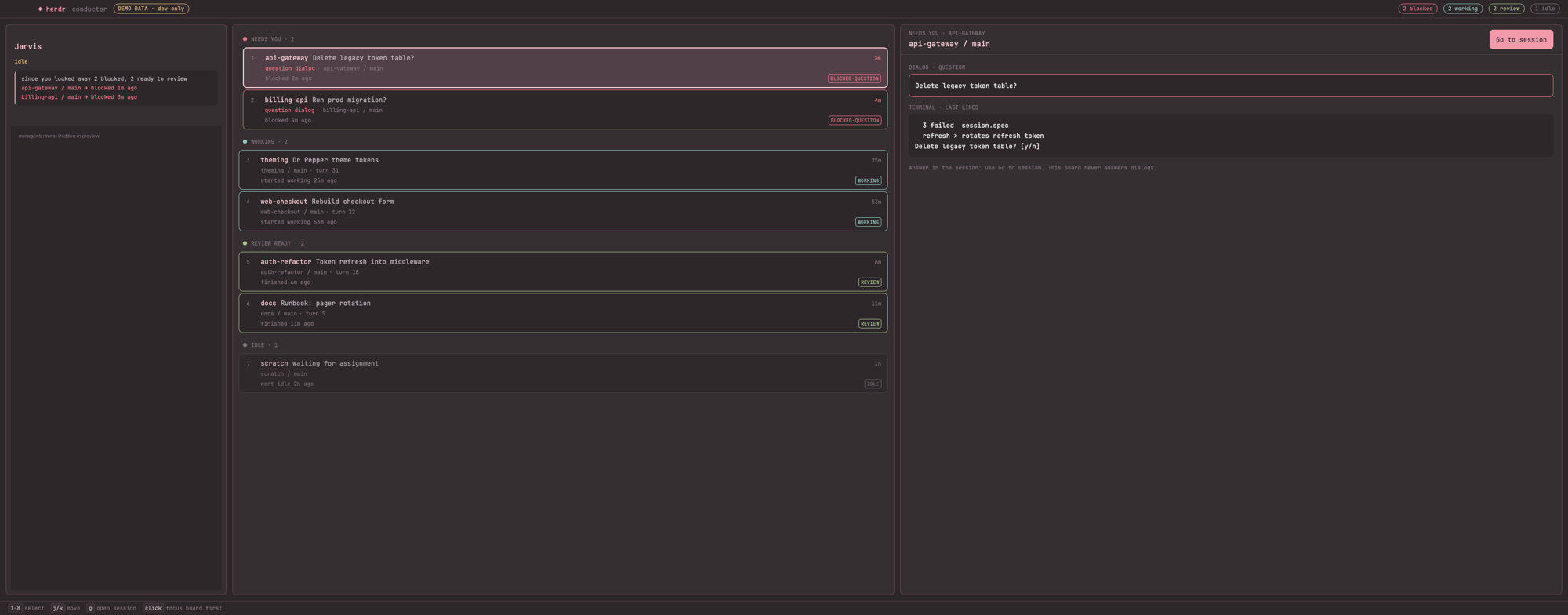


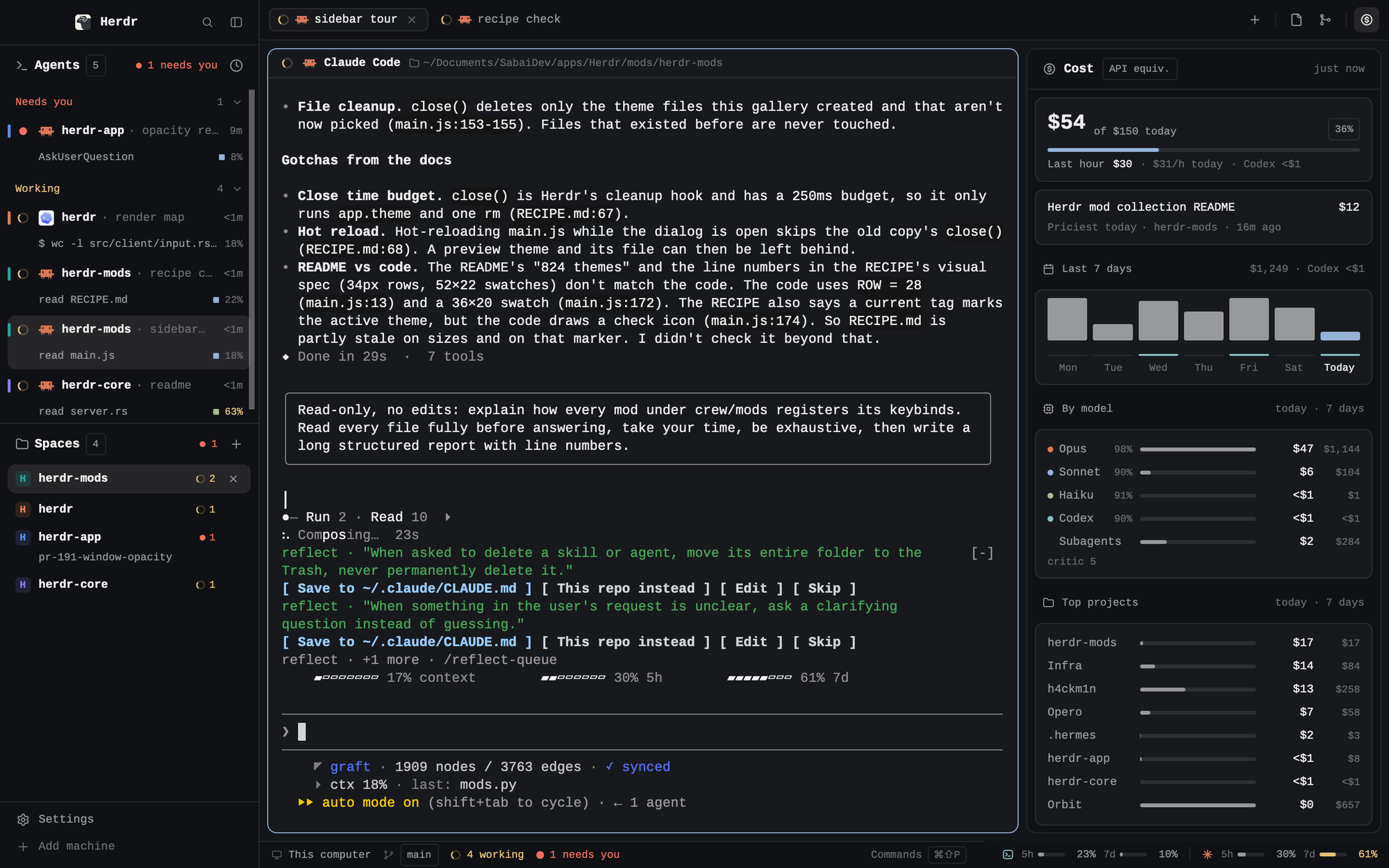



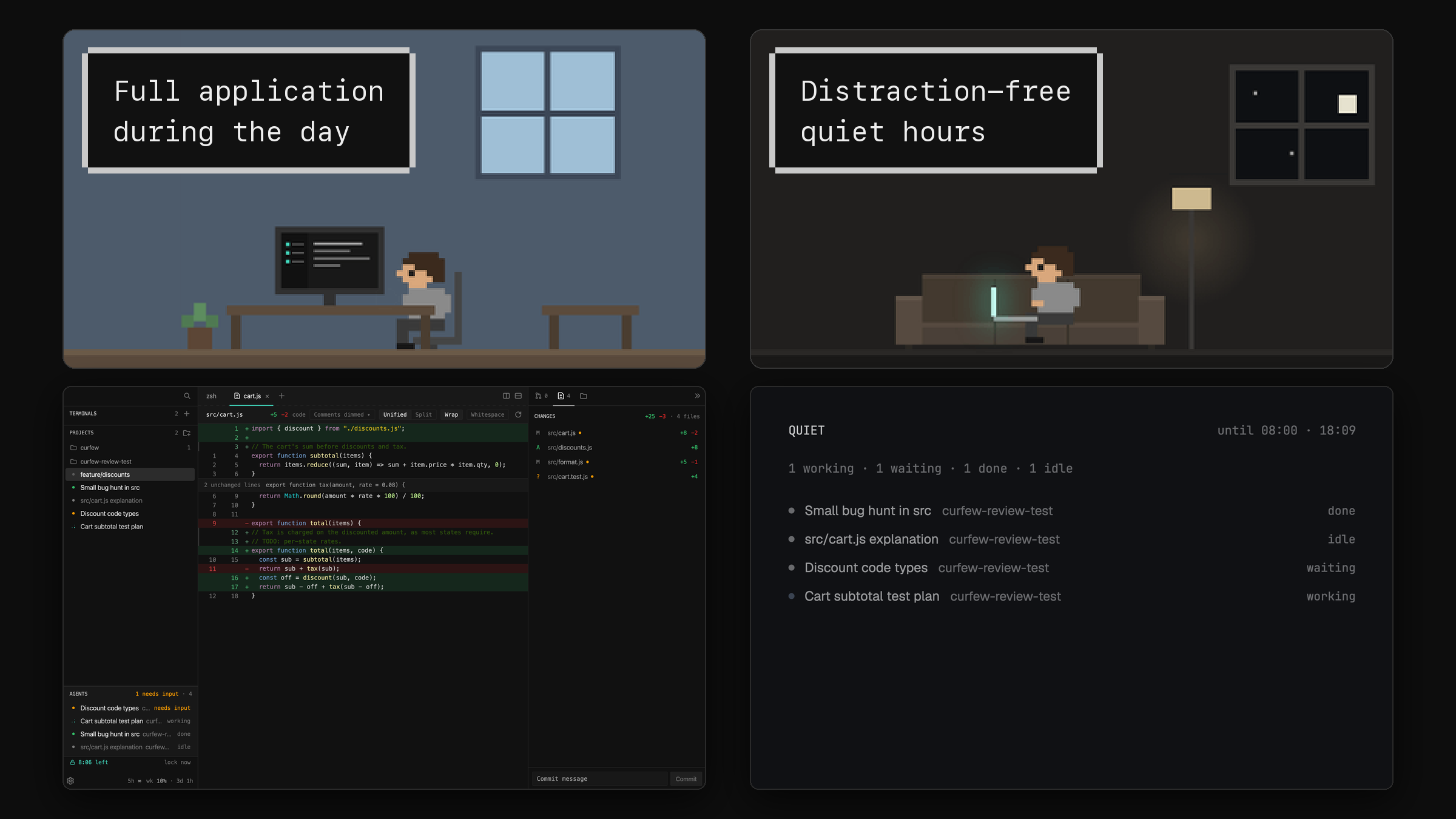

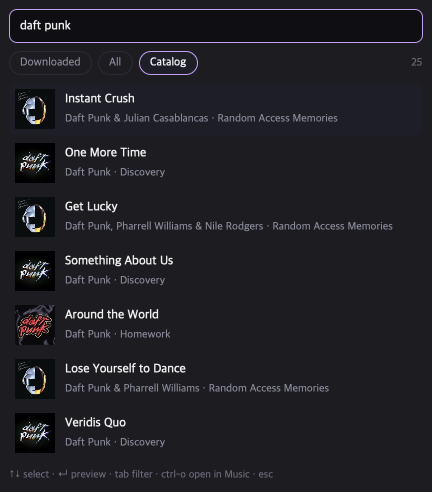
A robot-rock Herdr: black and chrome, gold and cyan. A dot-matrix visor at the top spells the herd's mood in Daft Punk titles, every agent in the sidebar is a robot whose visor says what it is doing, and an equalizer in the bottom bar moves while agents work.

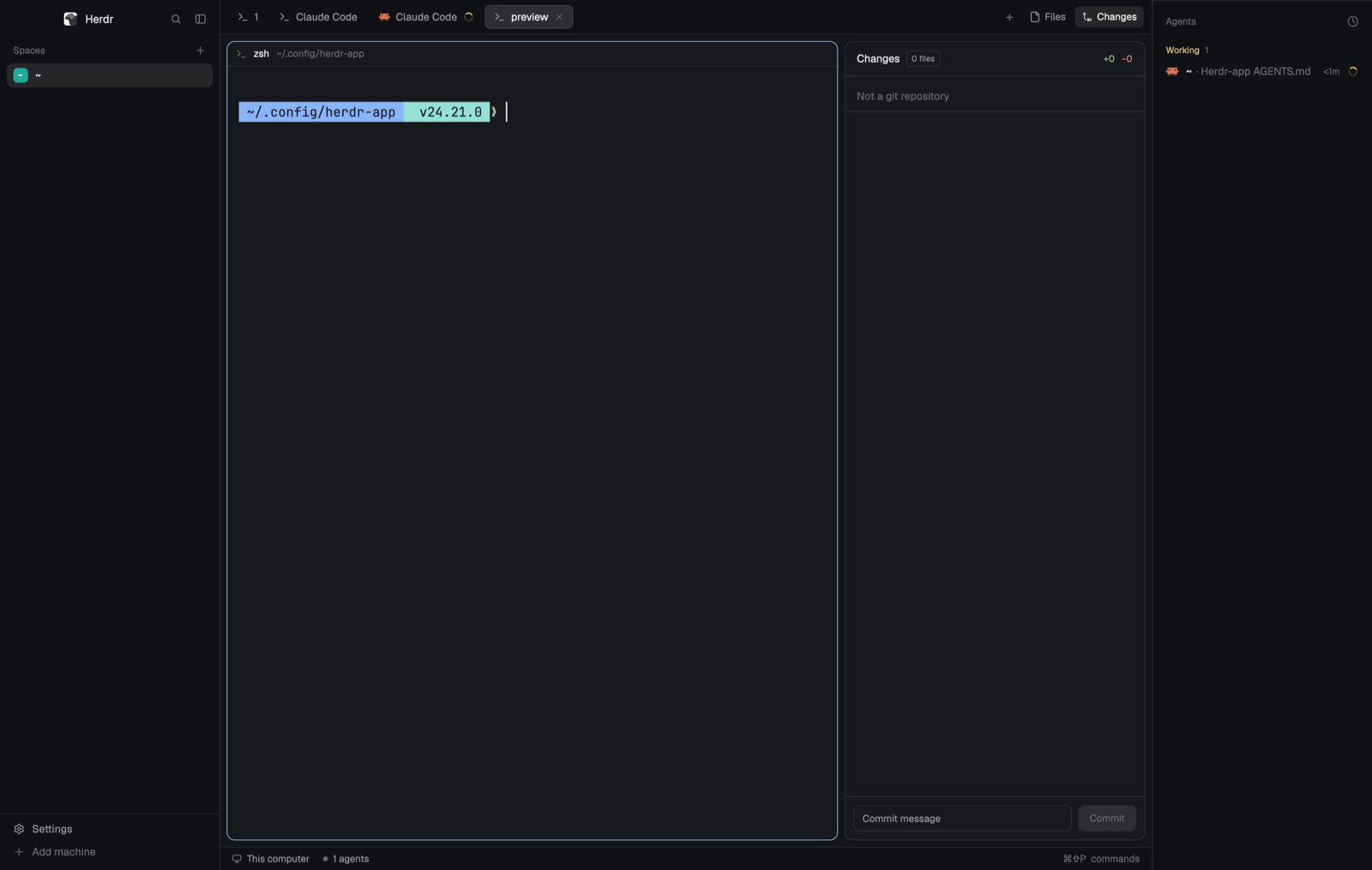

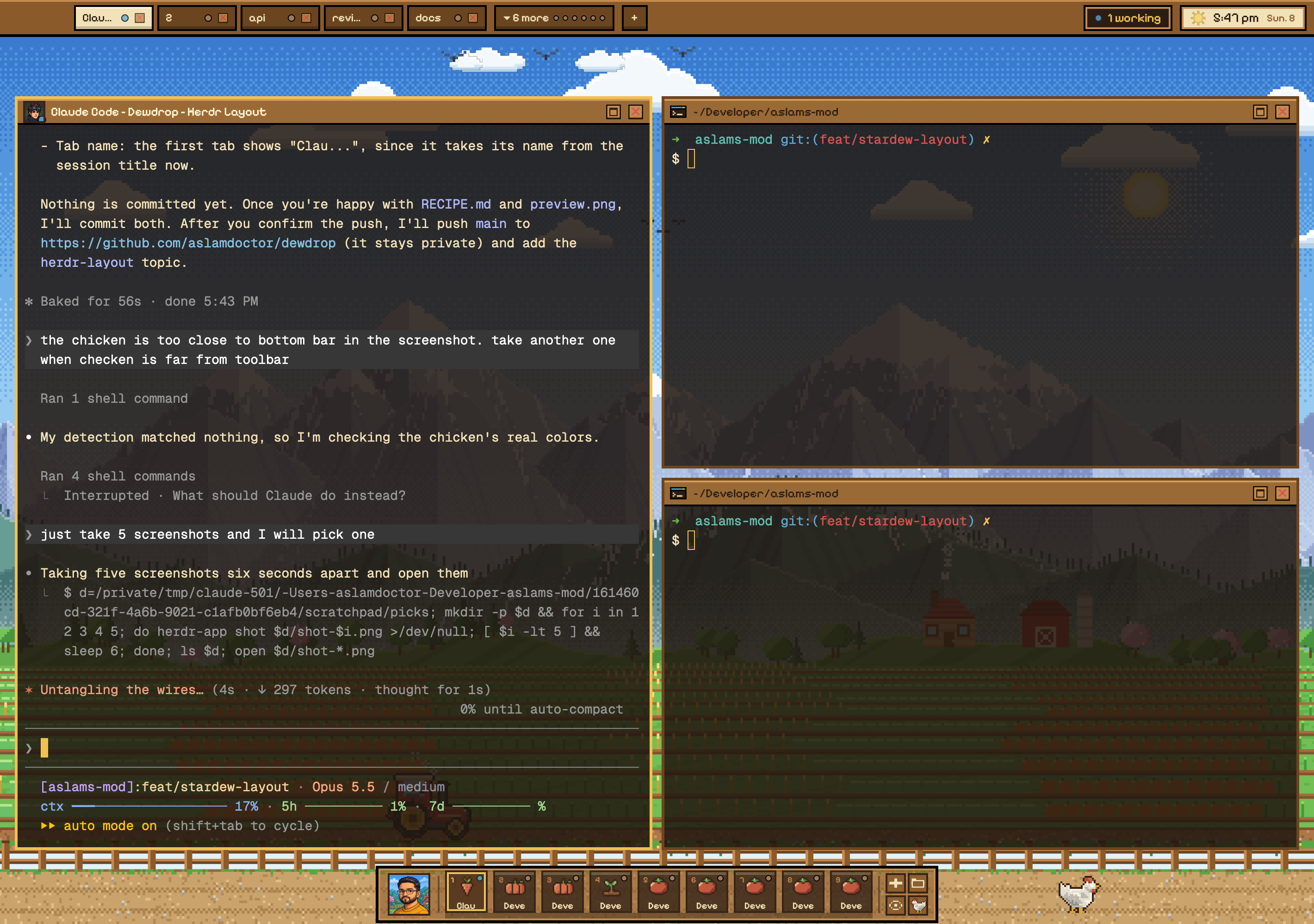

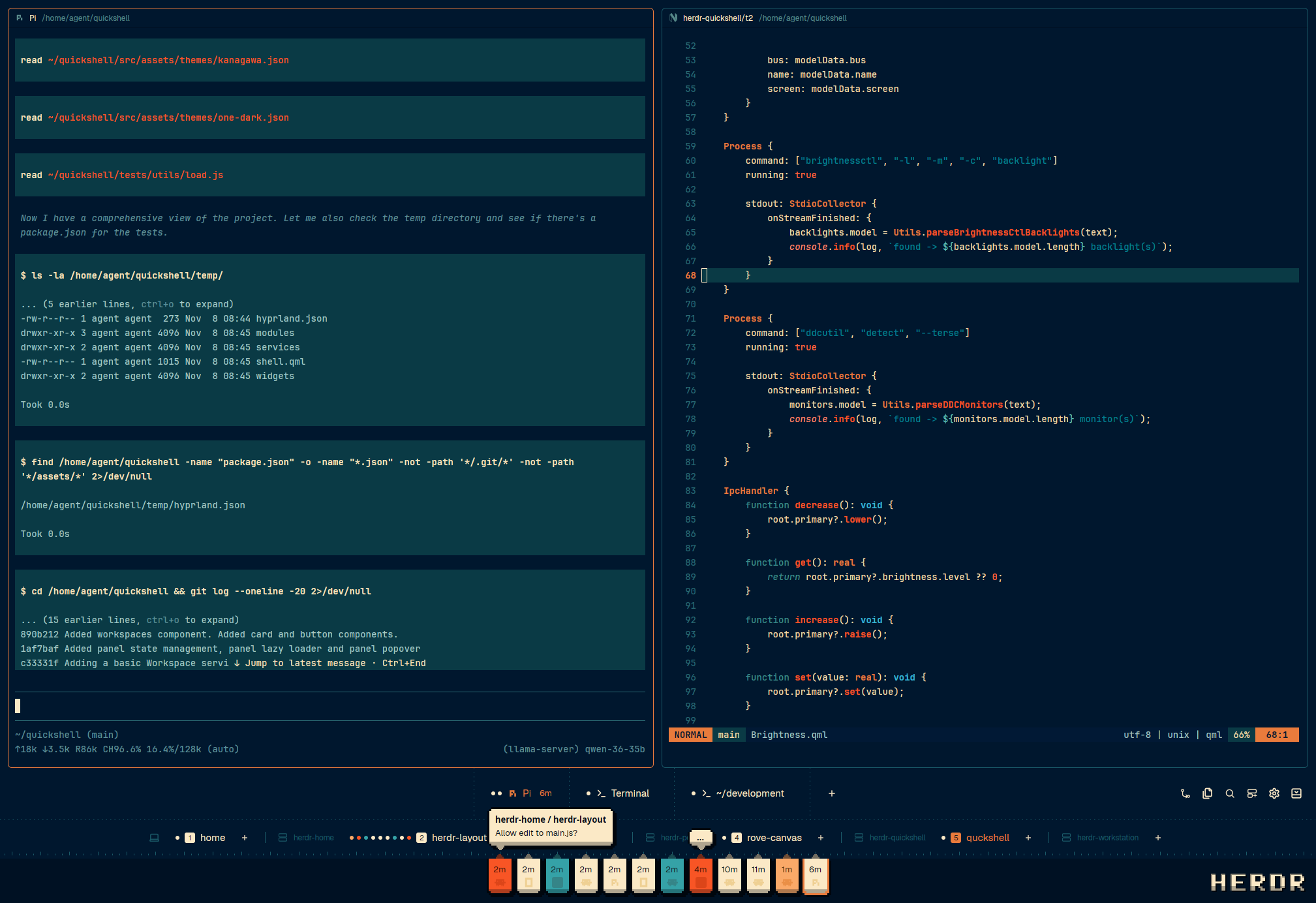

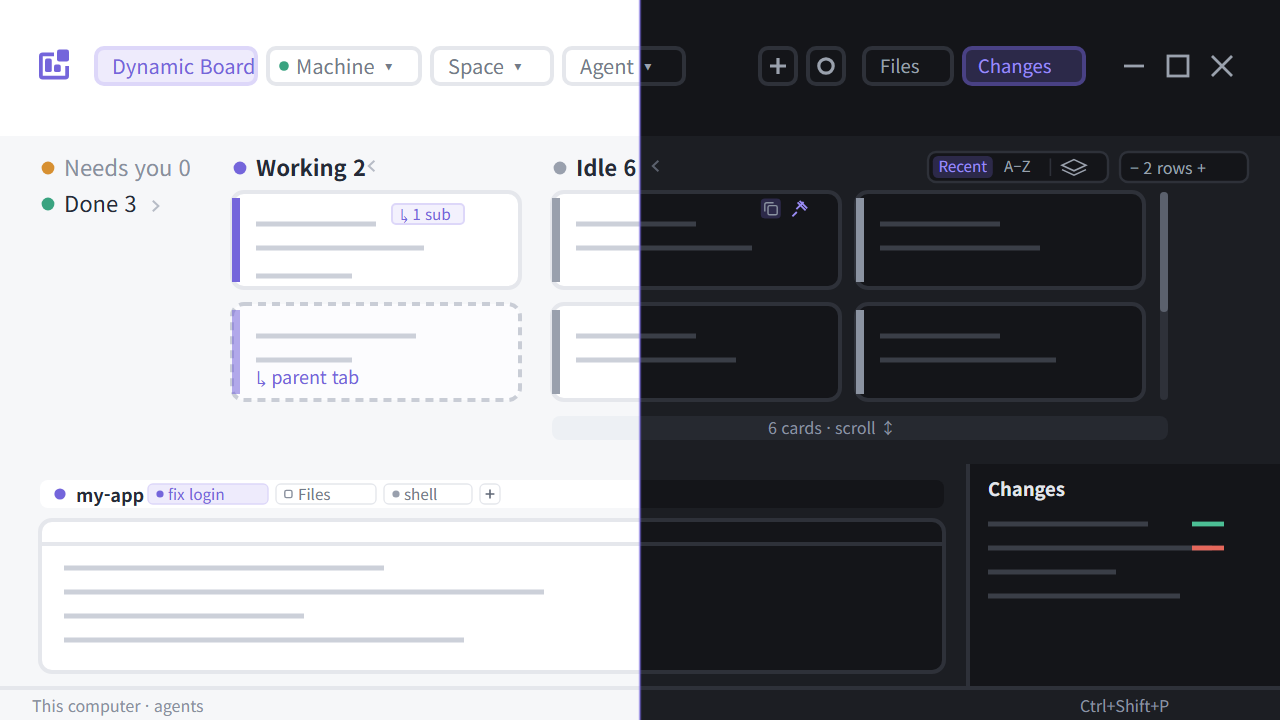

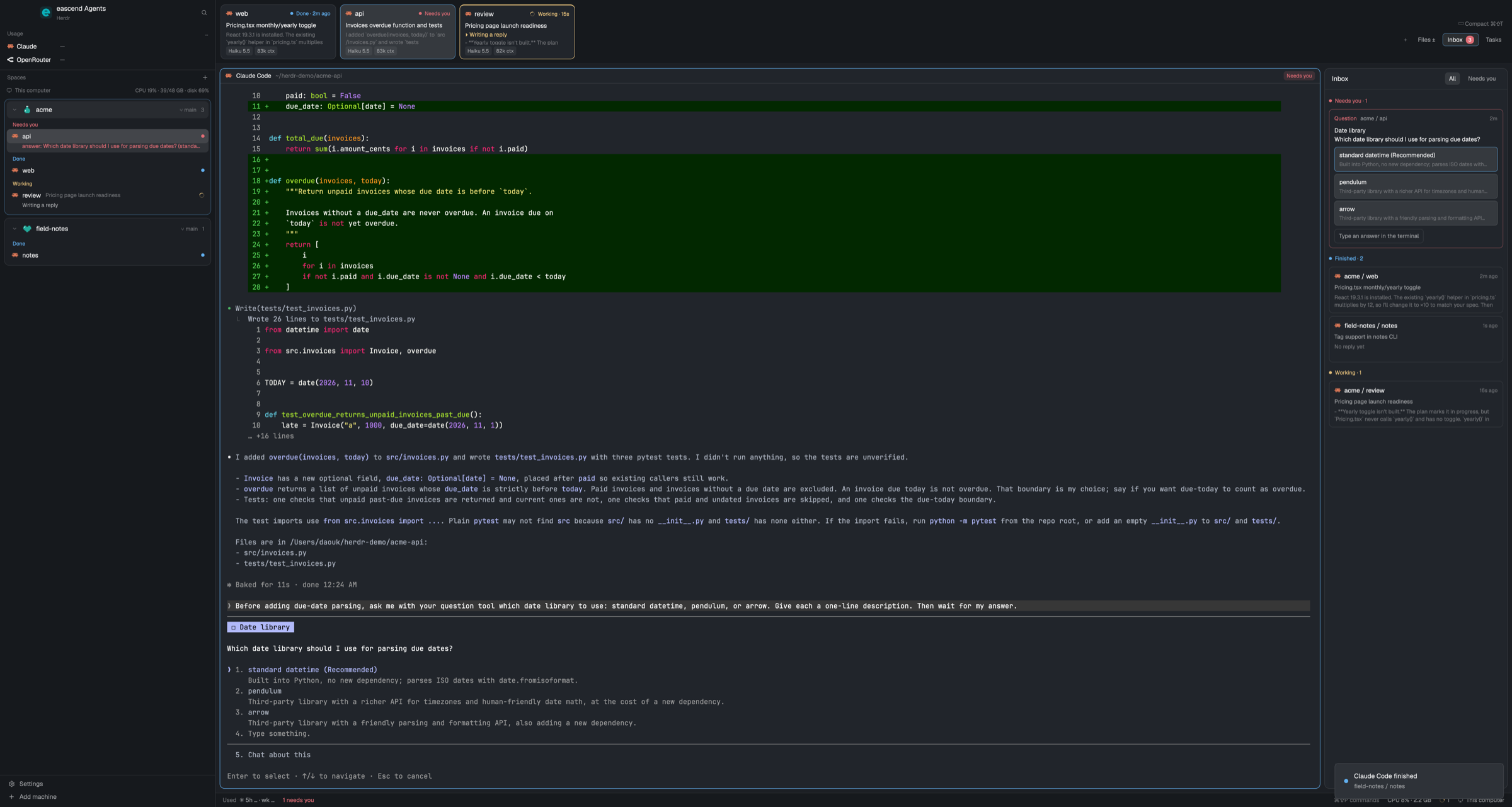

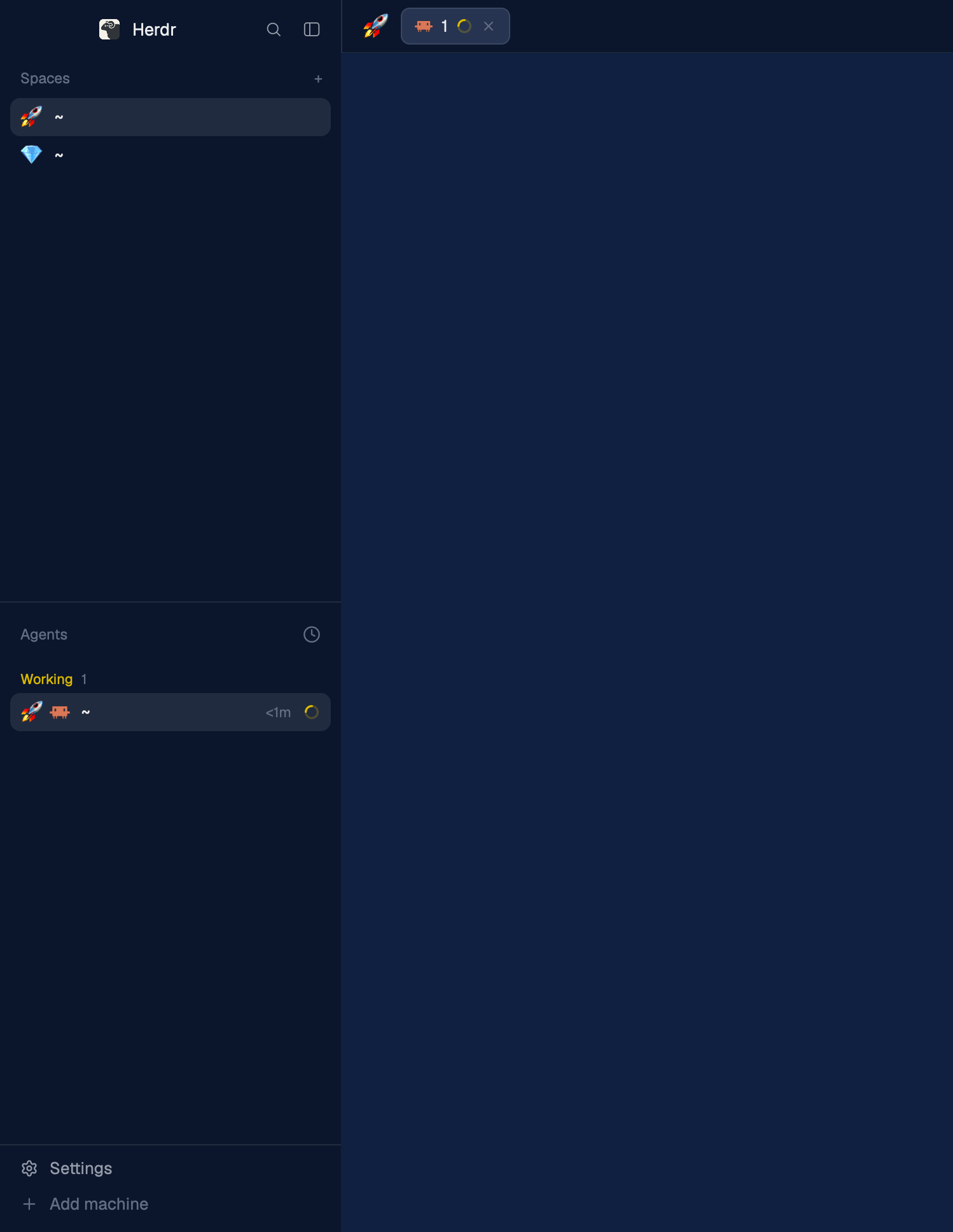

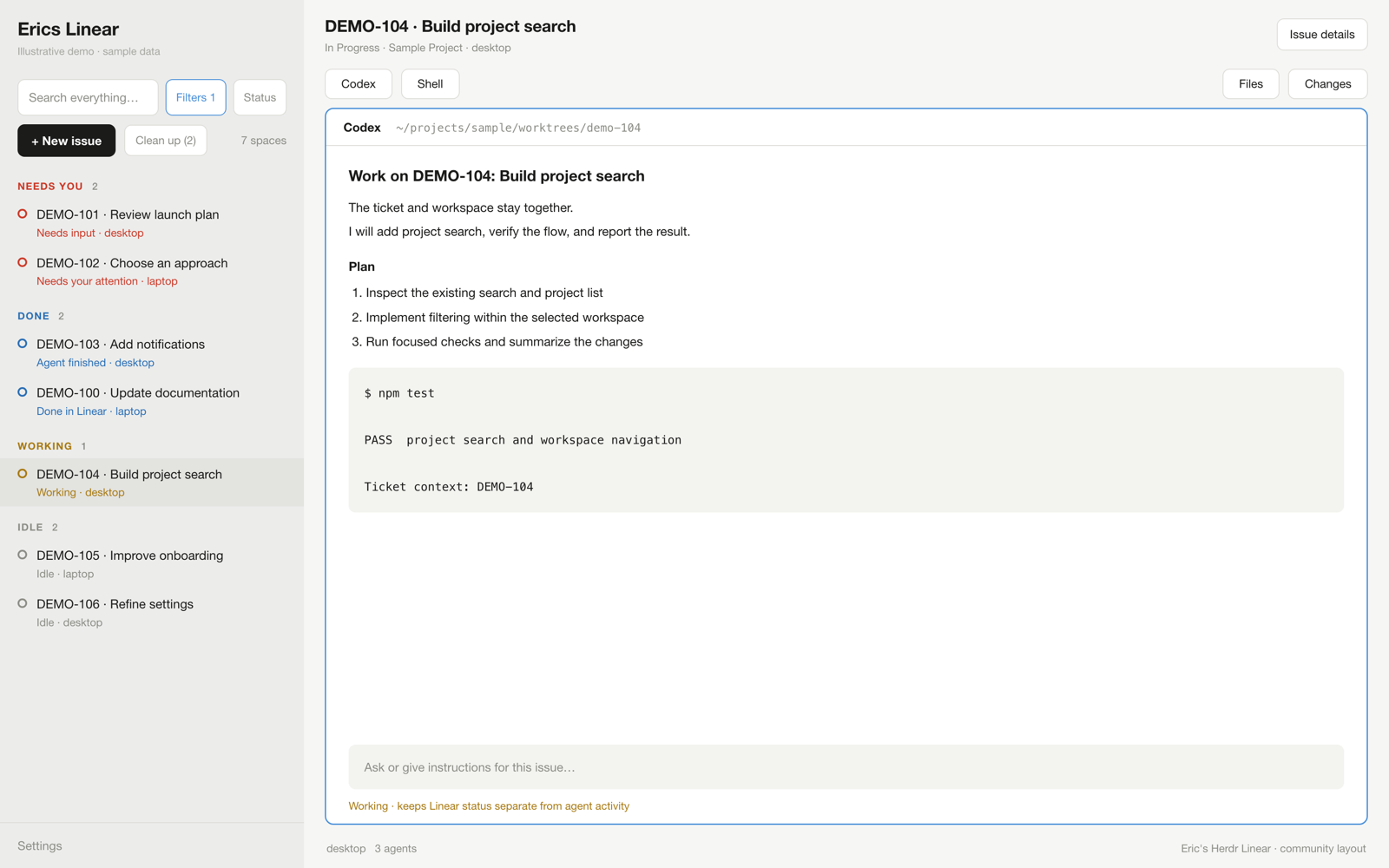

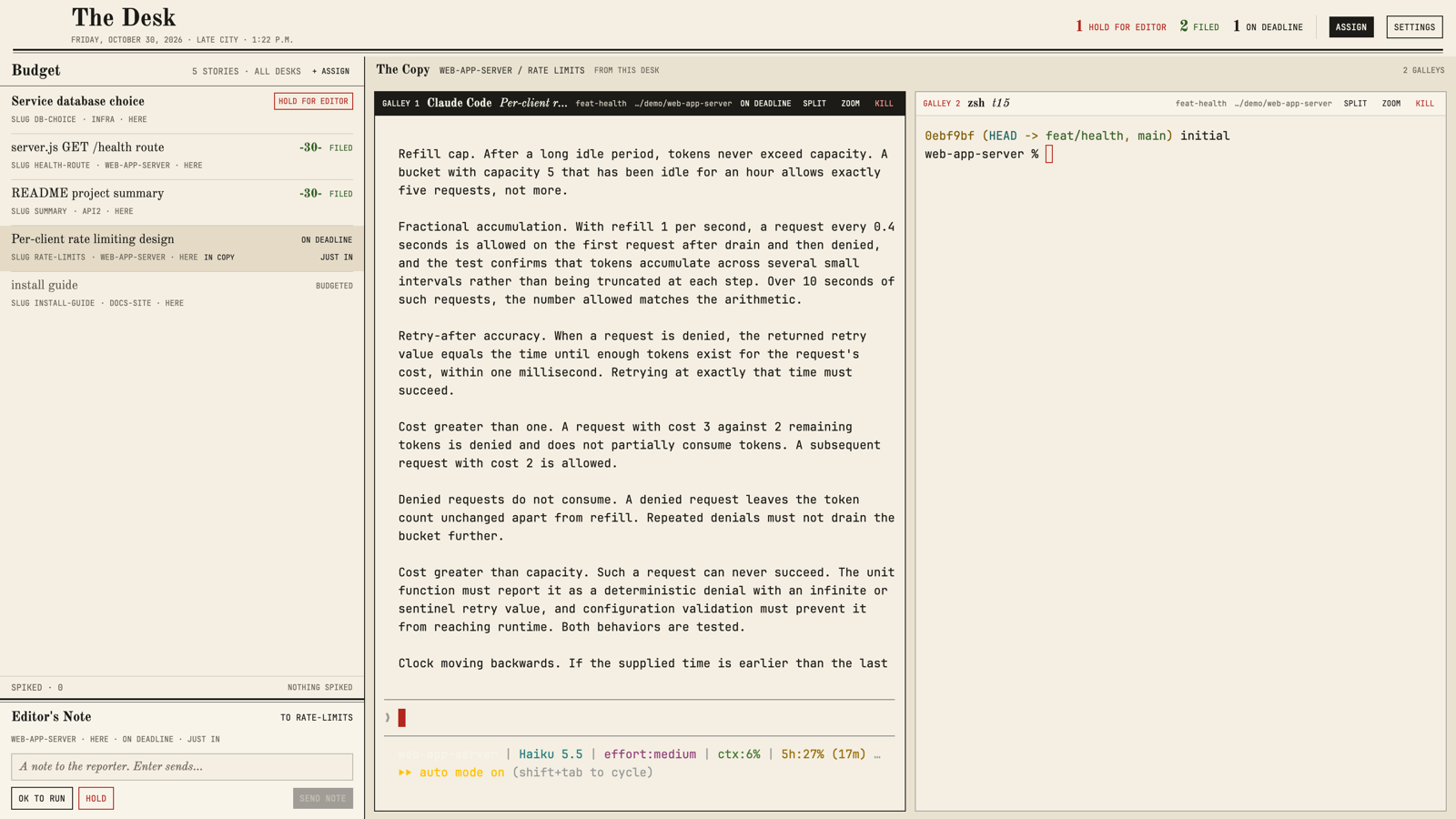
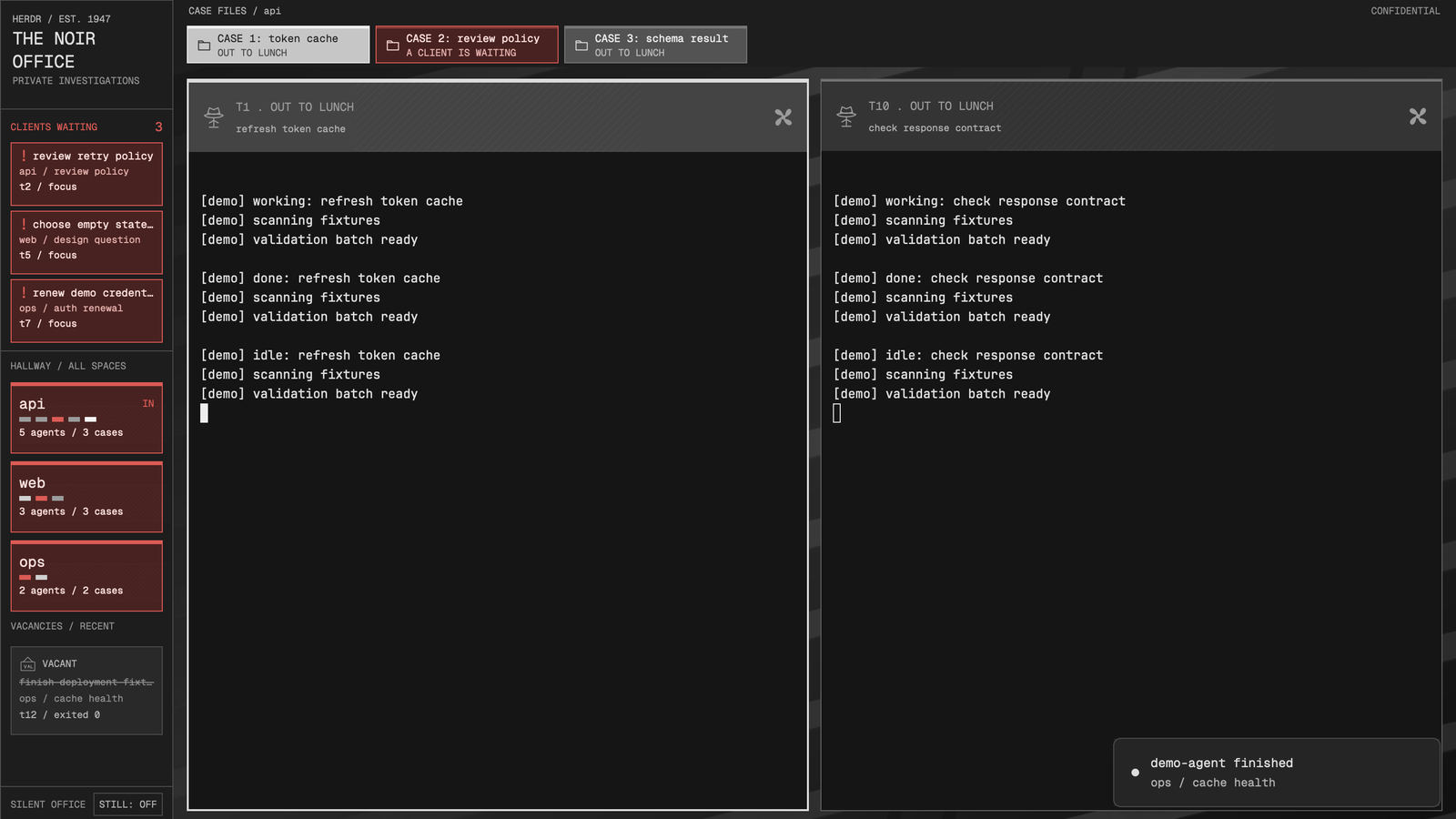
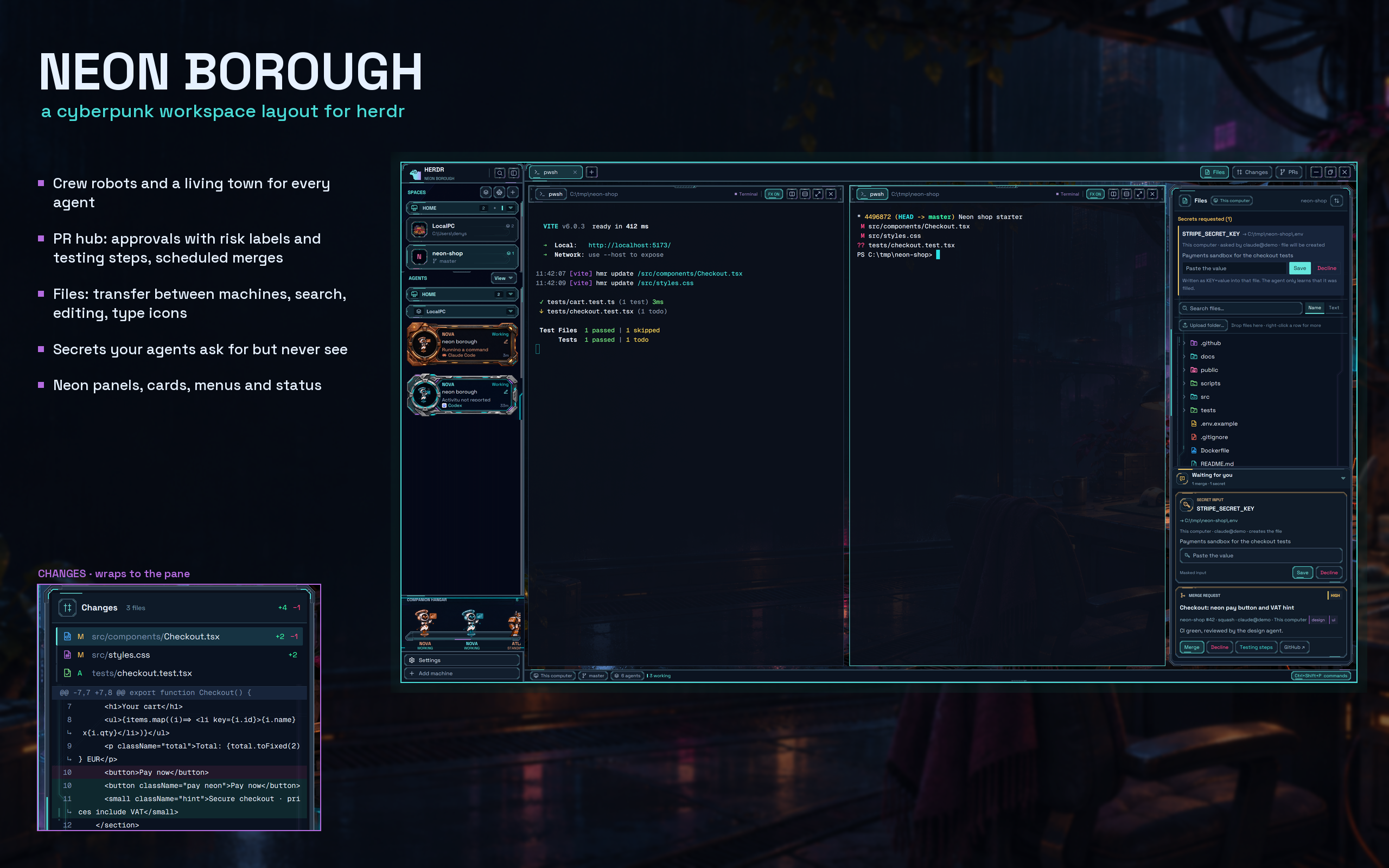
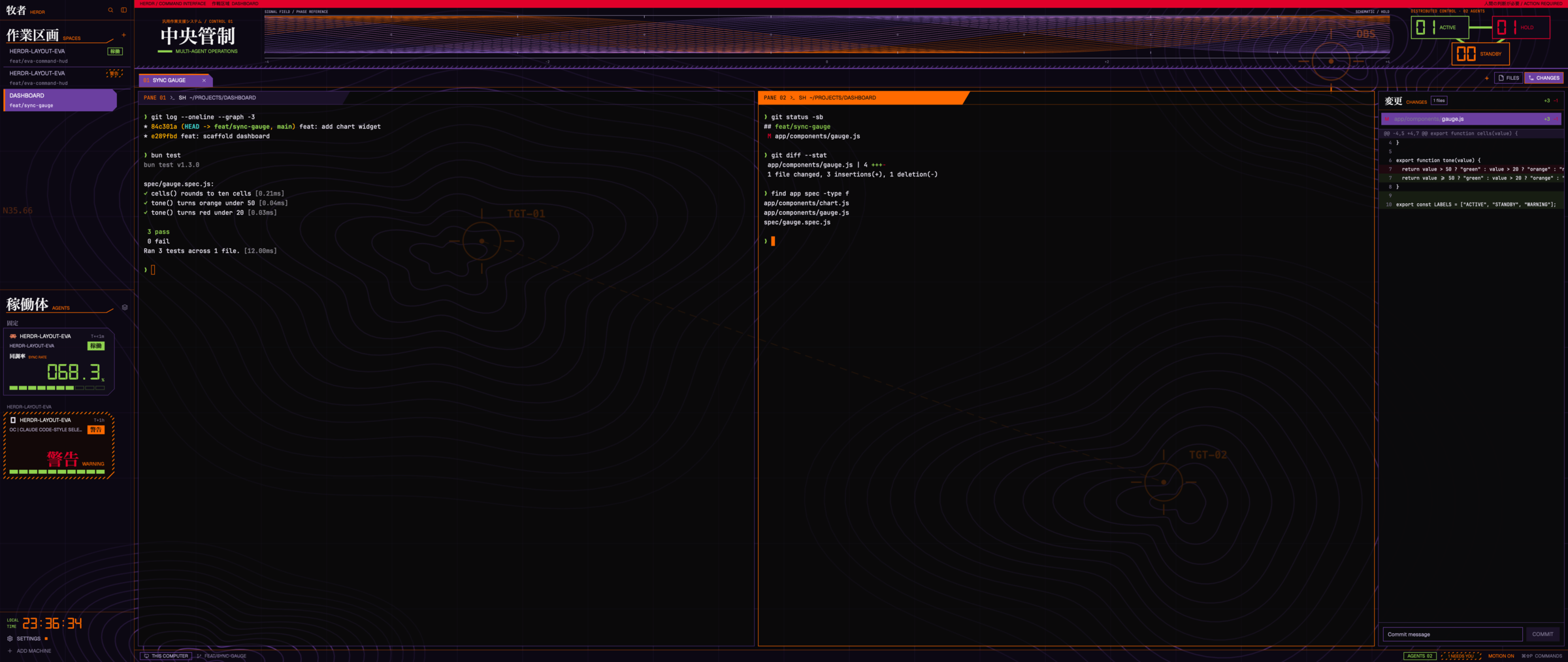
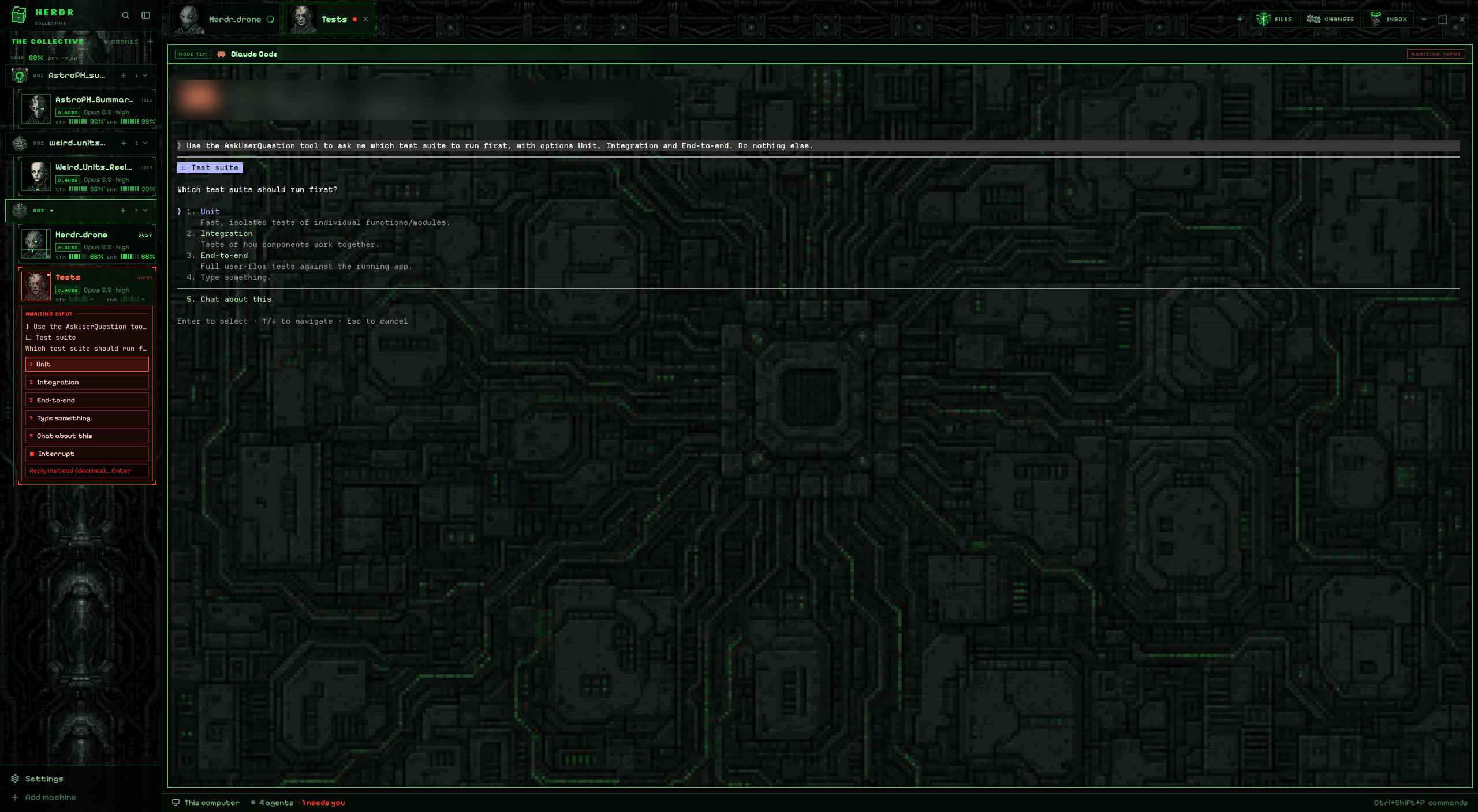
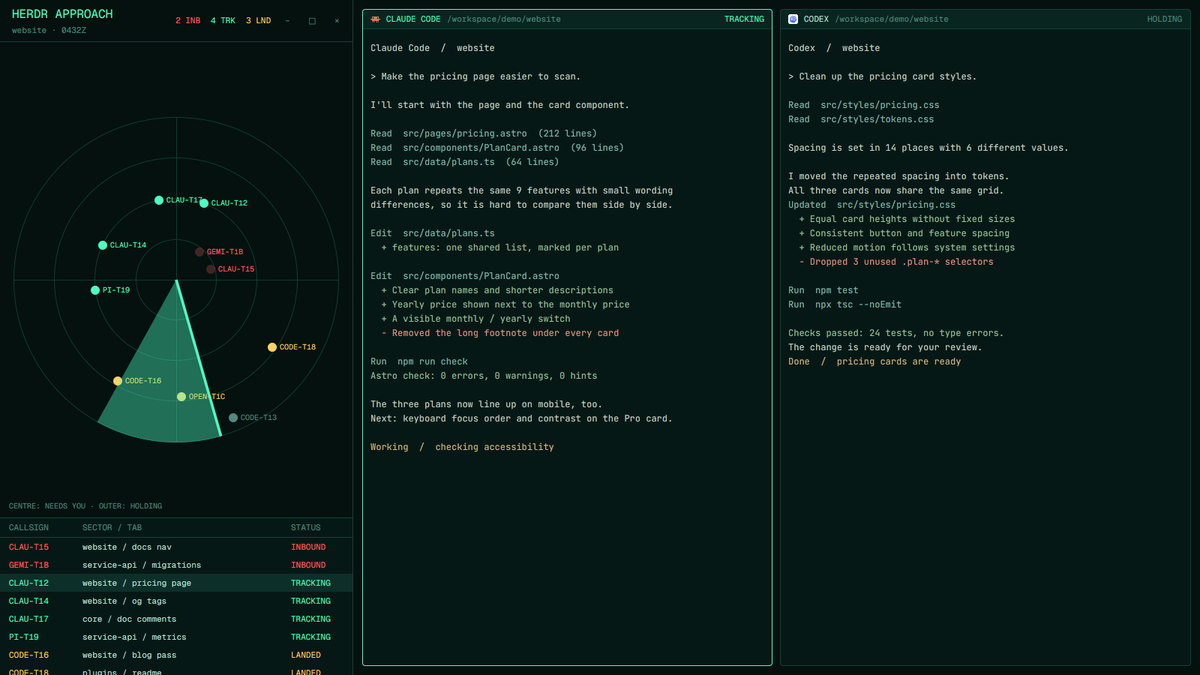
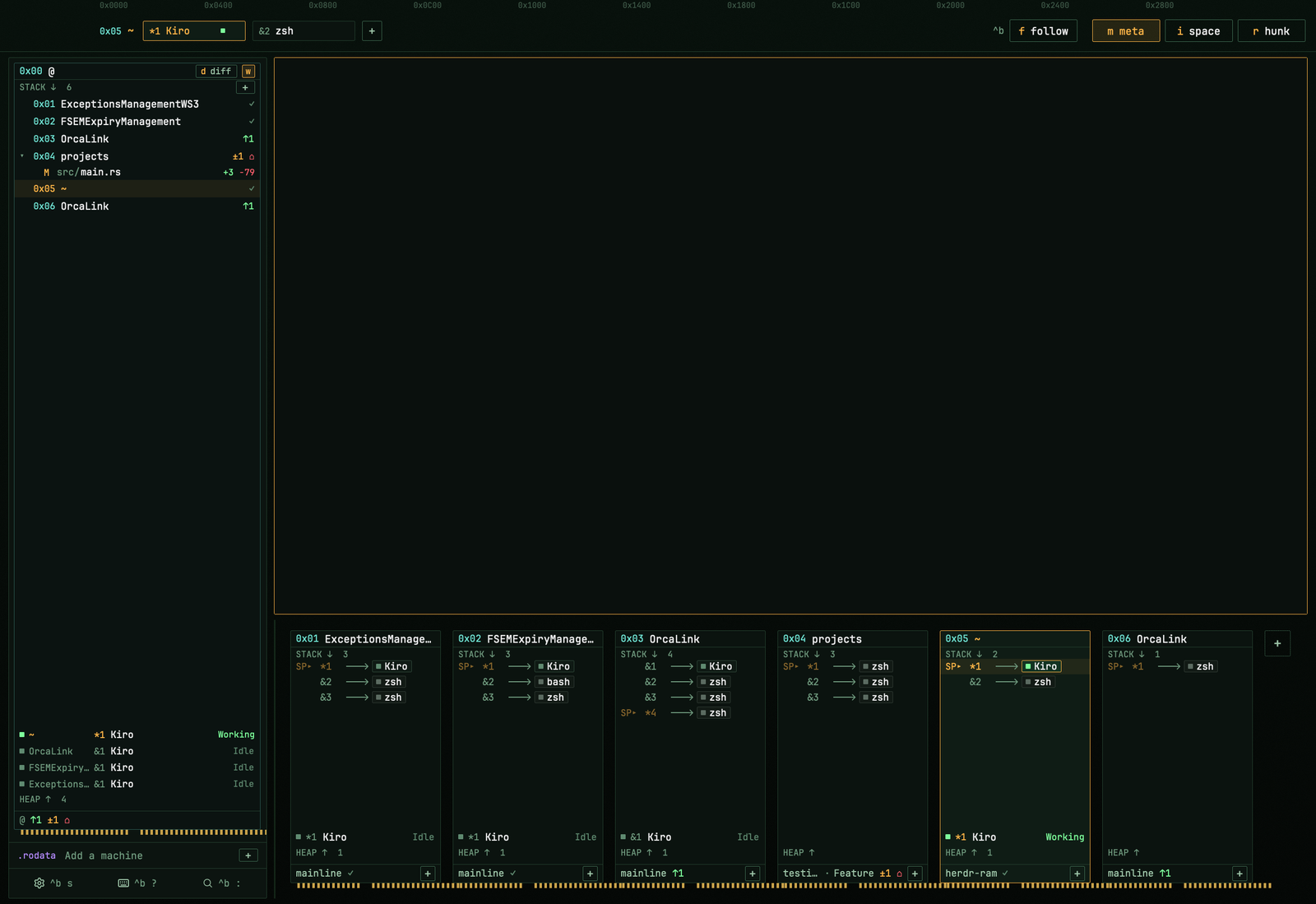
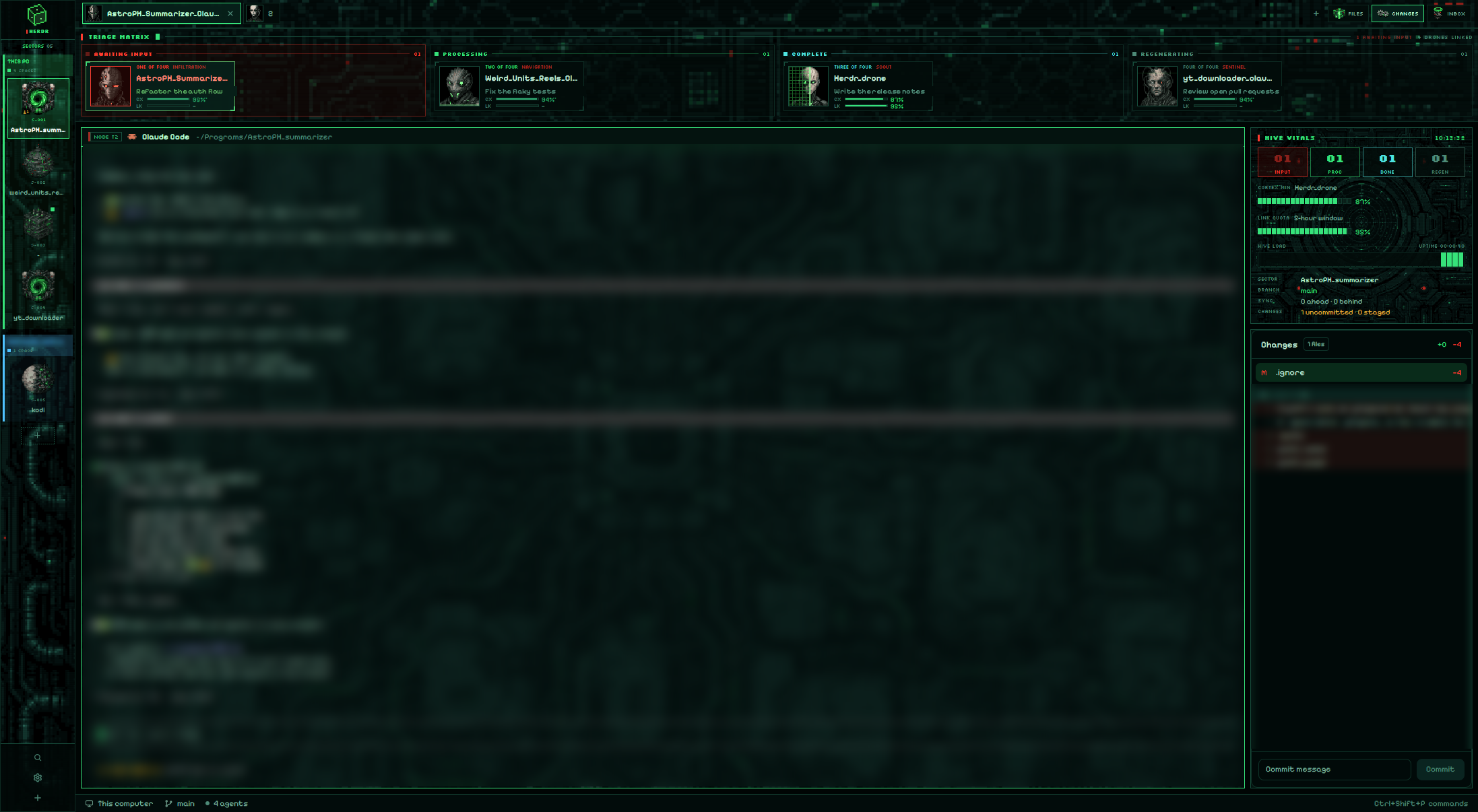
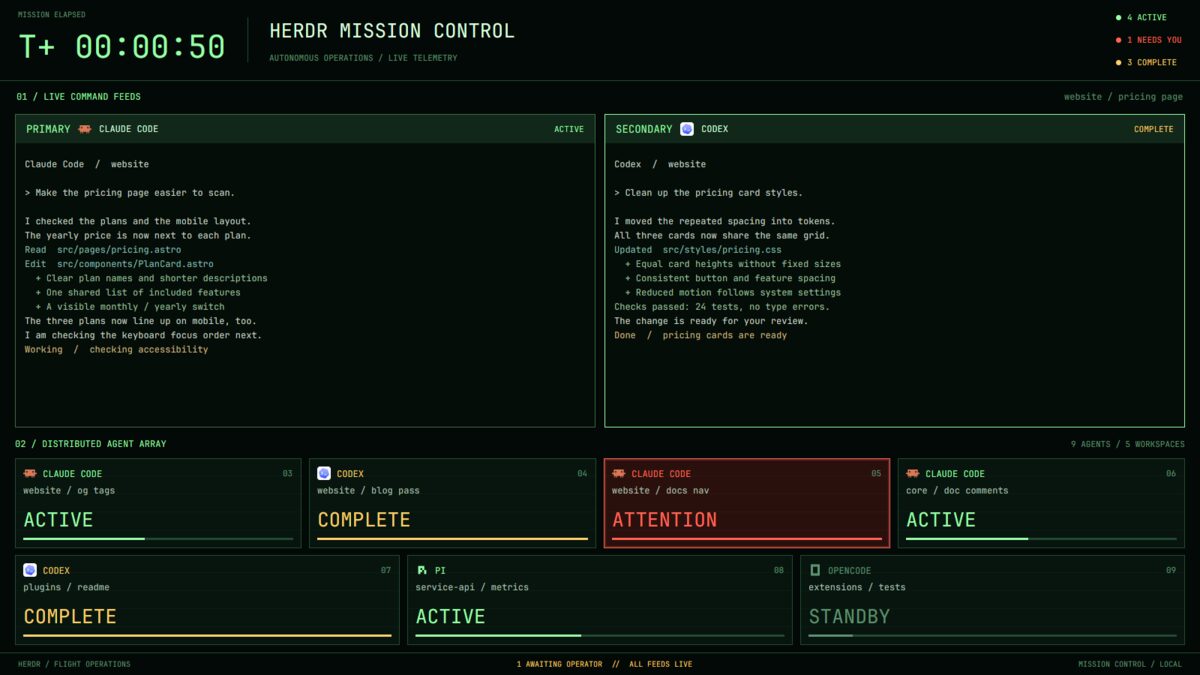
A native NERV operations console surrounds the real Herdr terminals: burnt orange rules, dark green-black instruments, EVA silhouettes, MAGI channels and high-contrast title typography. The light appearance uses warm technical-paper surfaces around dark, readable terminal panels.

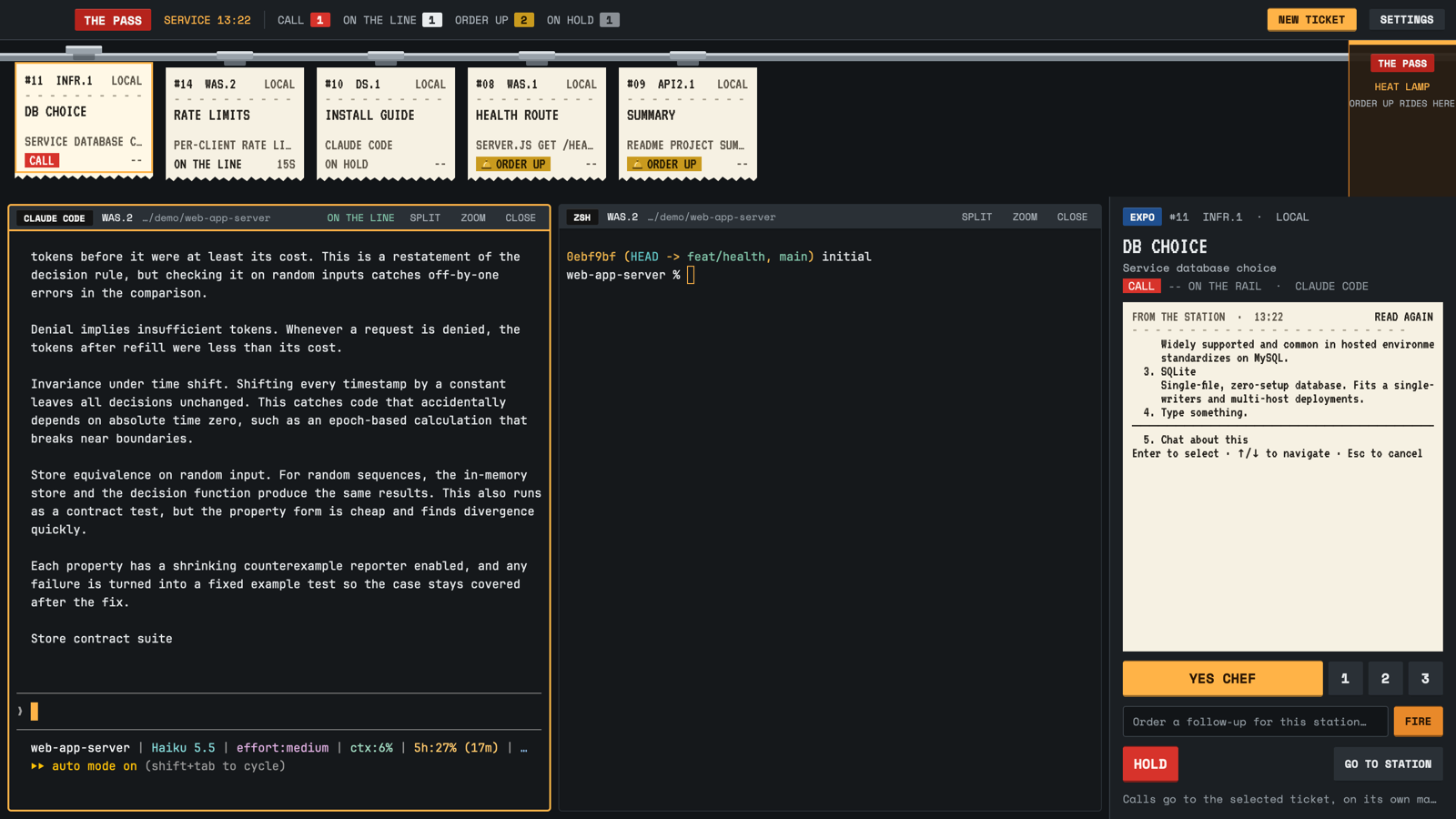
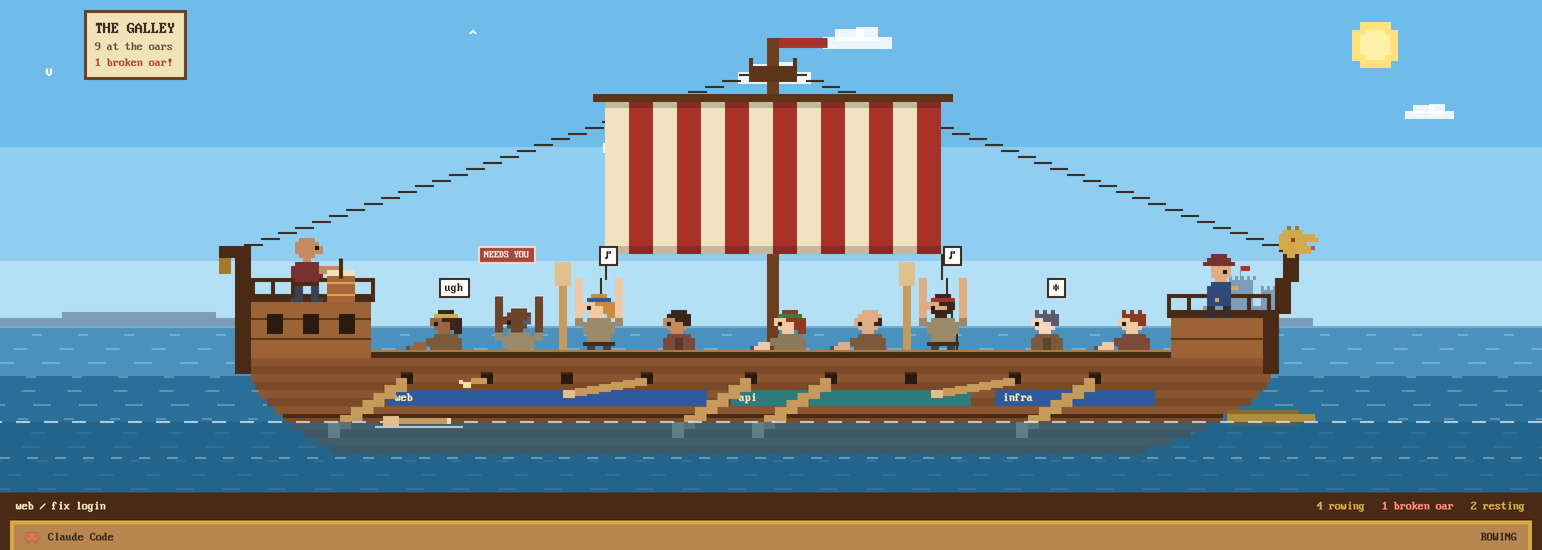
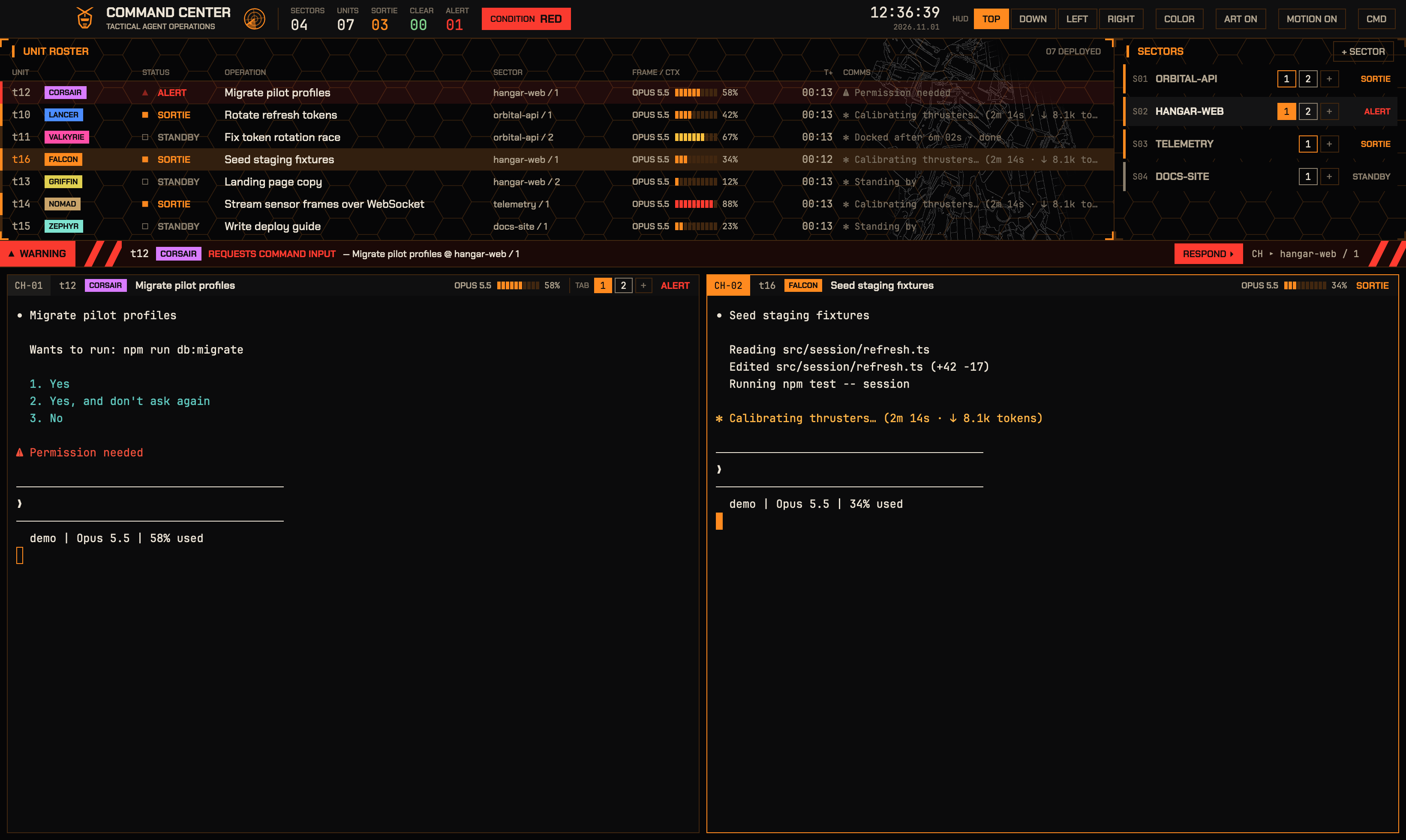
A practical independent-ship console around real Herdr terminals: cyan outlines, burgundy command strips, amber decisions and a compact operational manifest. Five station controls keep work central, with a galley archive and two games off watch.
A native Pip-Boy field console surrounds the actual Herdr terminals with an olive instrument bezel, phosphor controls and a settlement/companion field ledger. Two ejectable holotape games and hidden maintenance records reward exploration. Green or amber chrome follows a readable light/dark shell.
A Mexican fiesta for Herdr: papel picado swaying across the top, every agent as a lotería card in the sidebar, serape stripes on each pane, and a status bar that says "Hecho en México" with the date in Spanish. All the mod's copy is in Spanish.
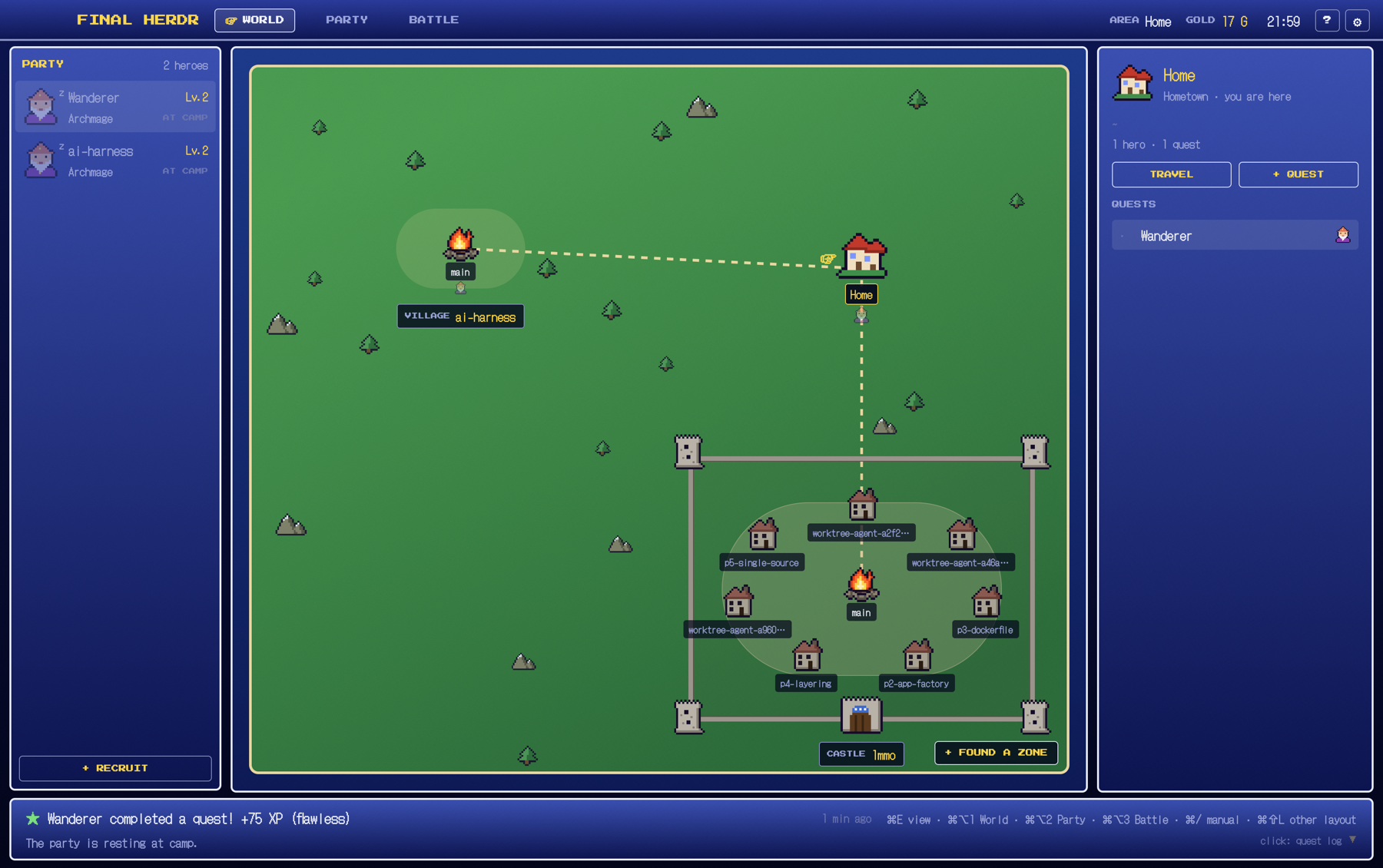

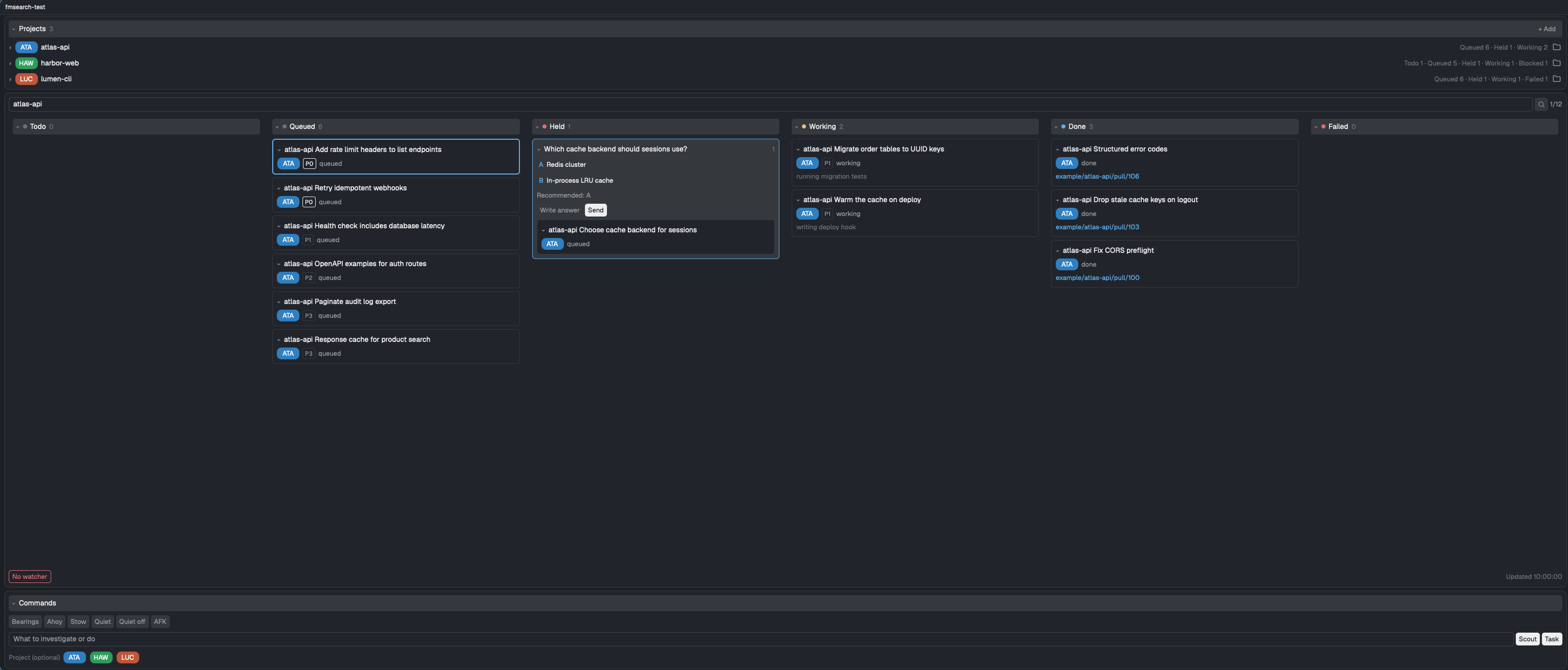

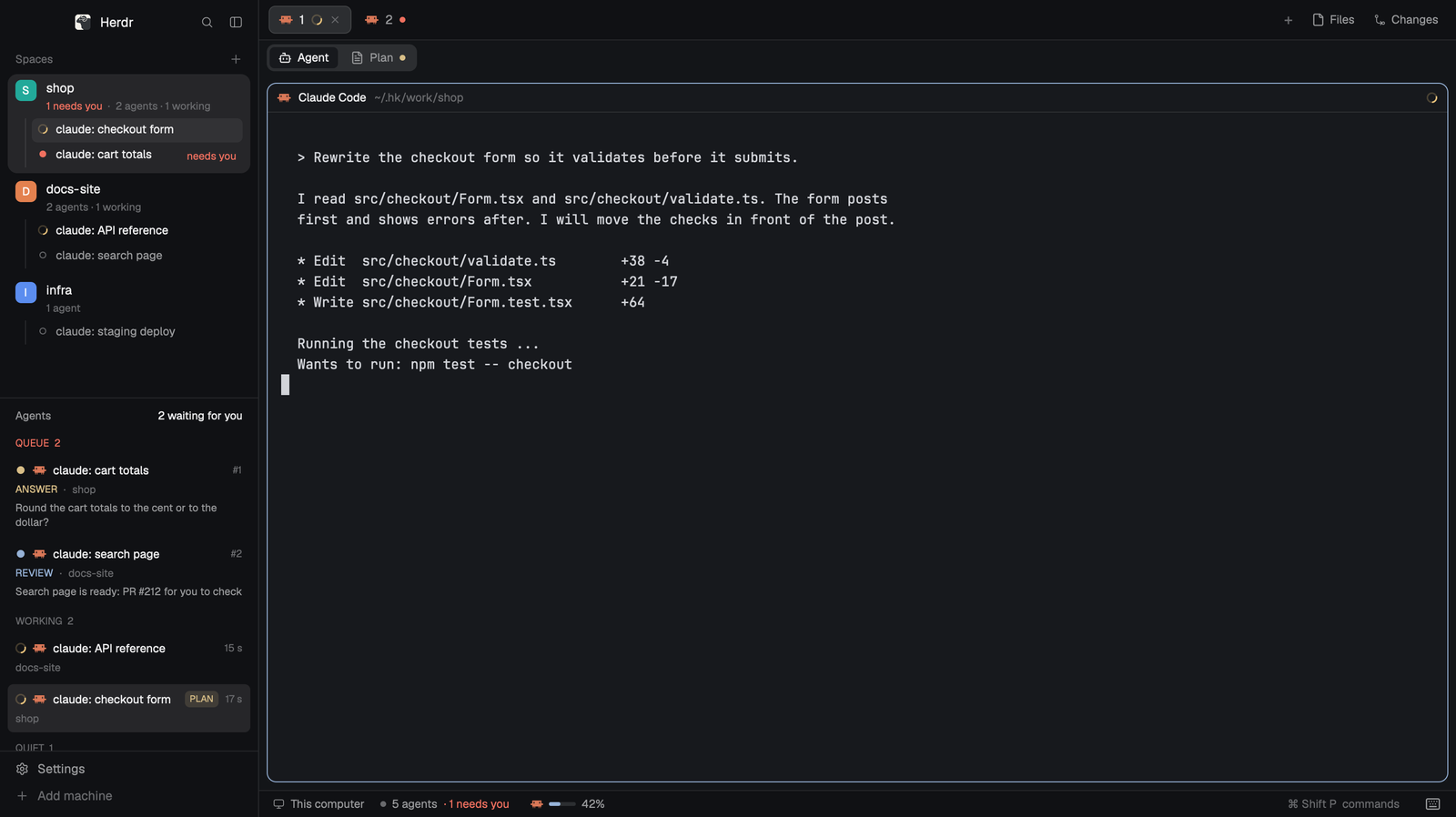

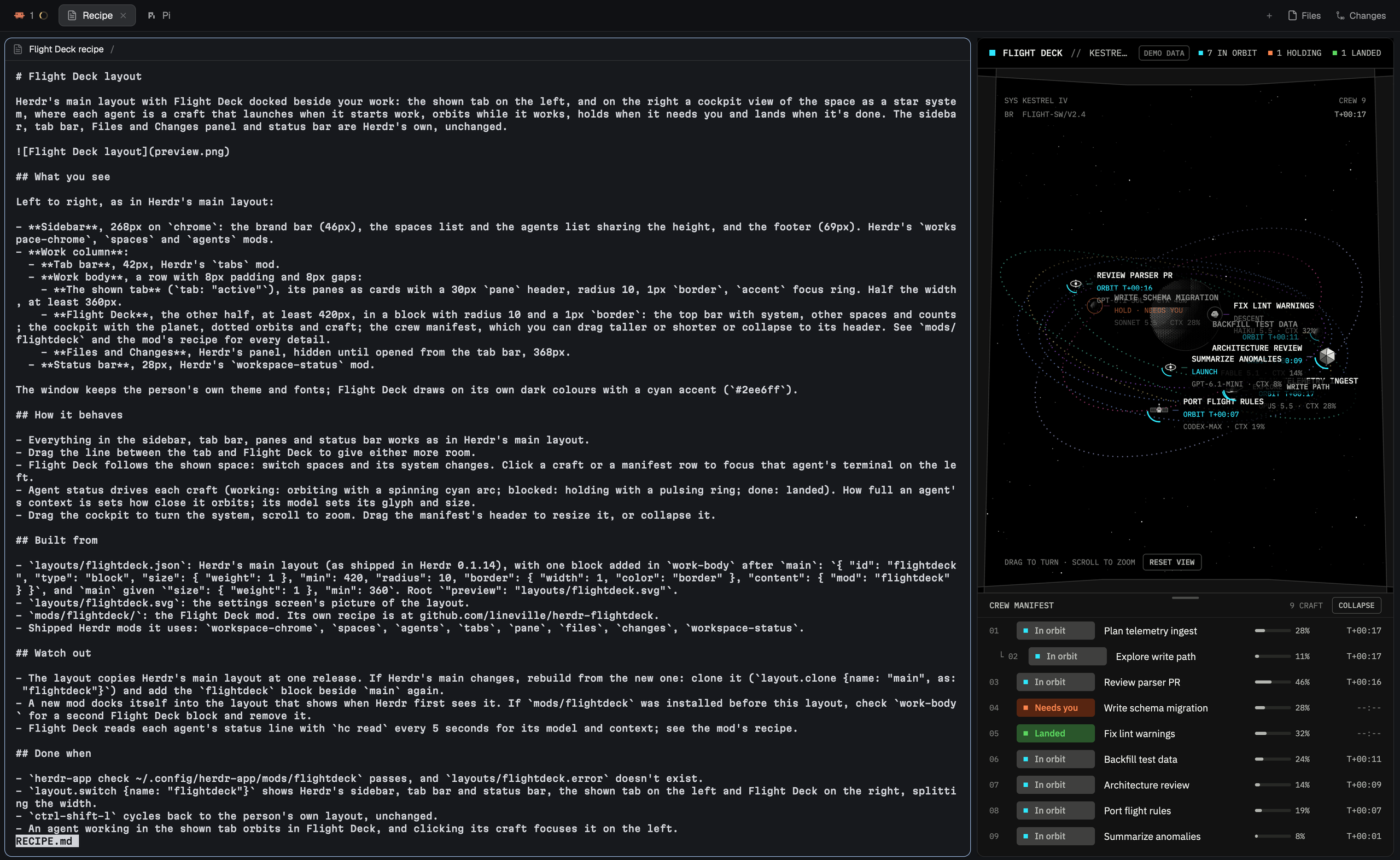

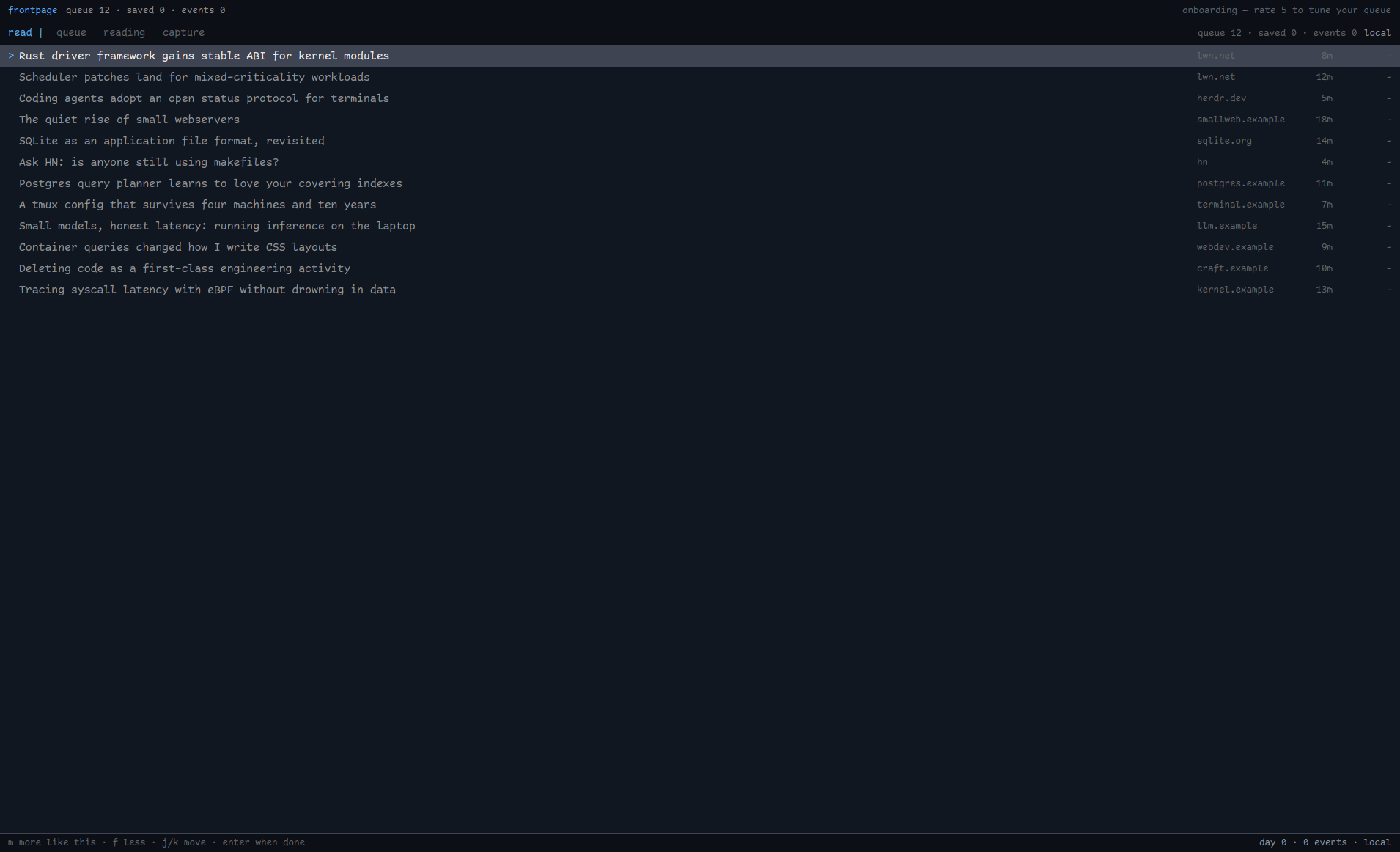

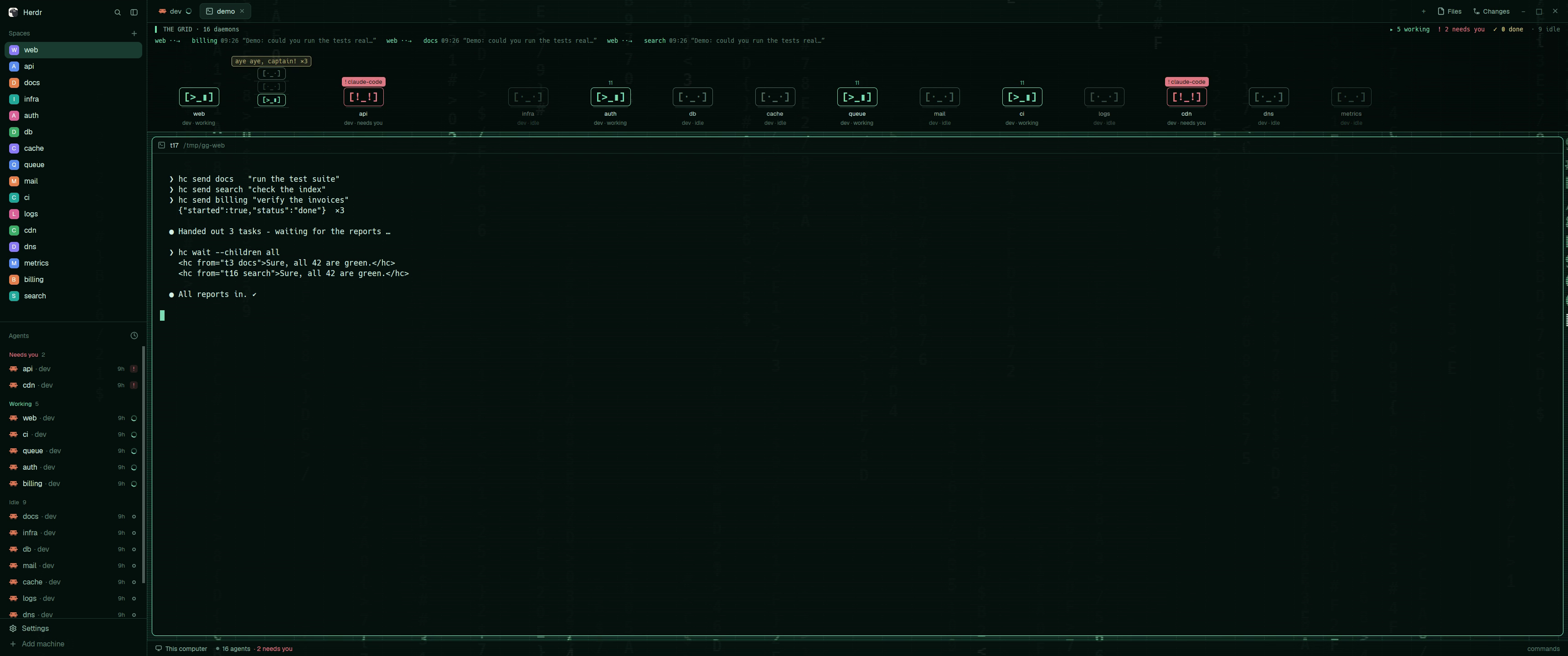


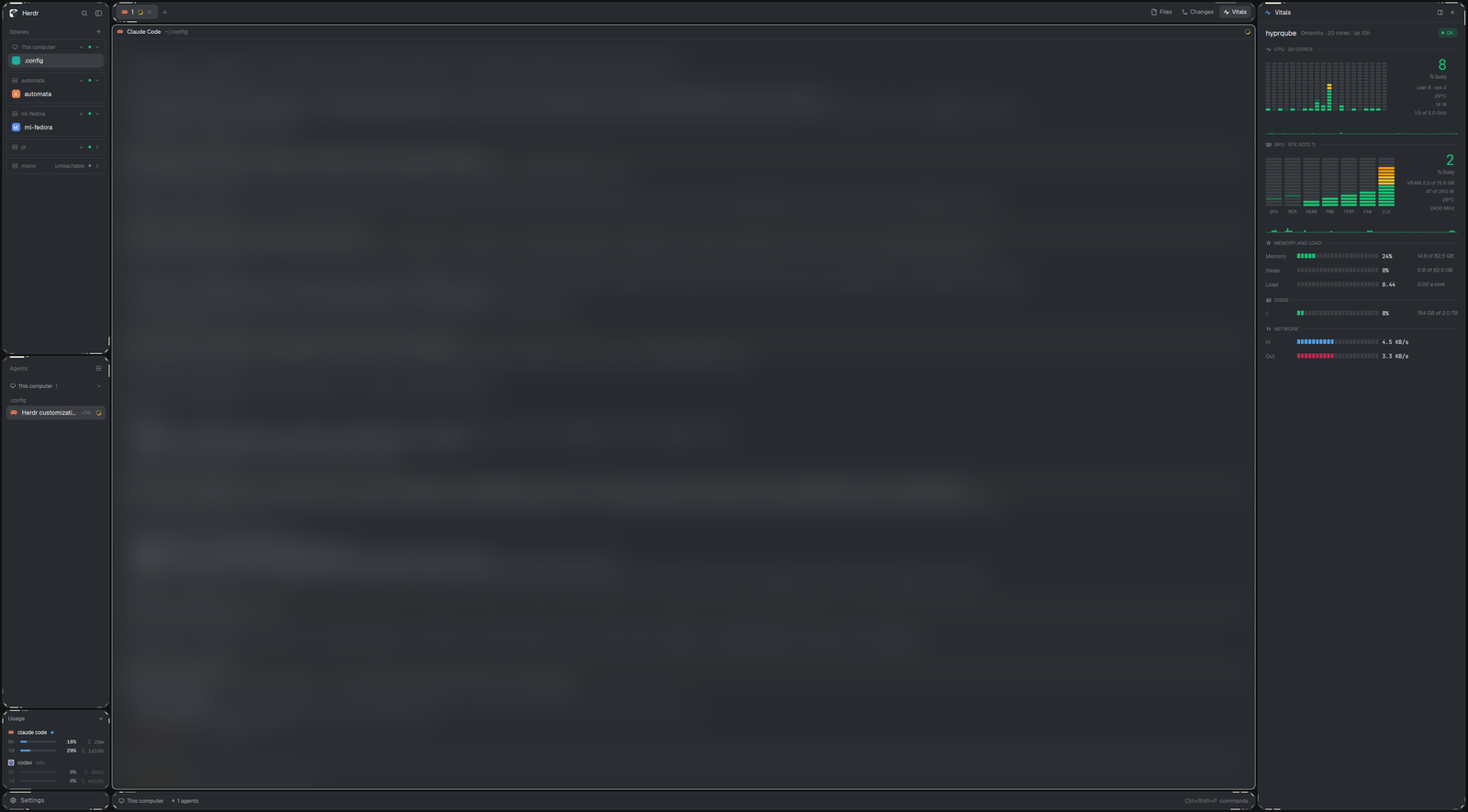

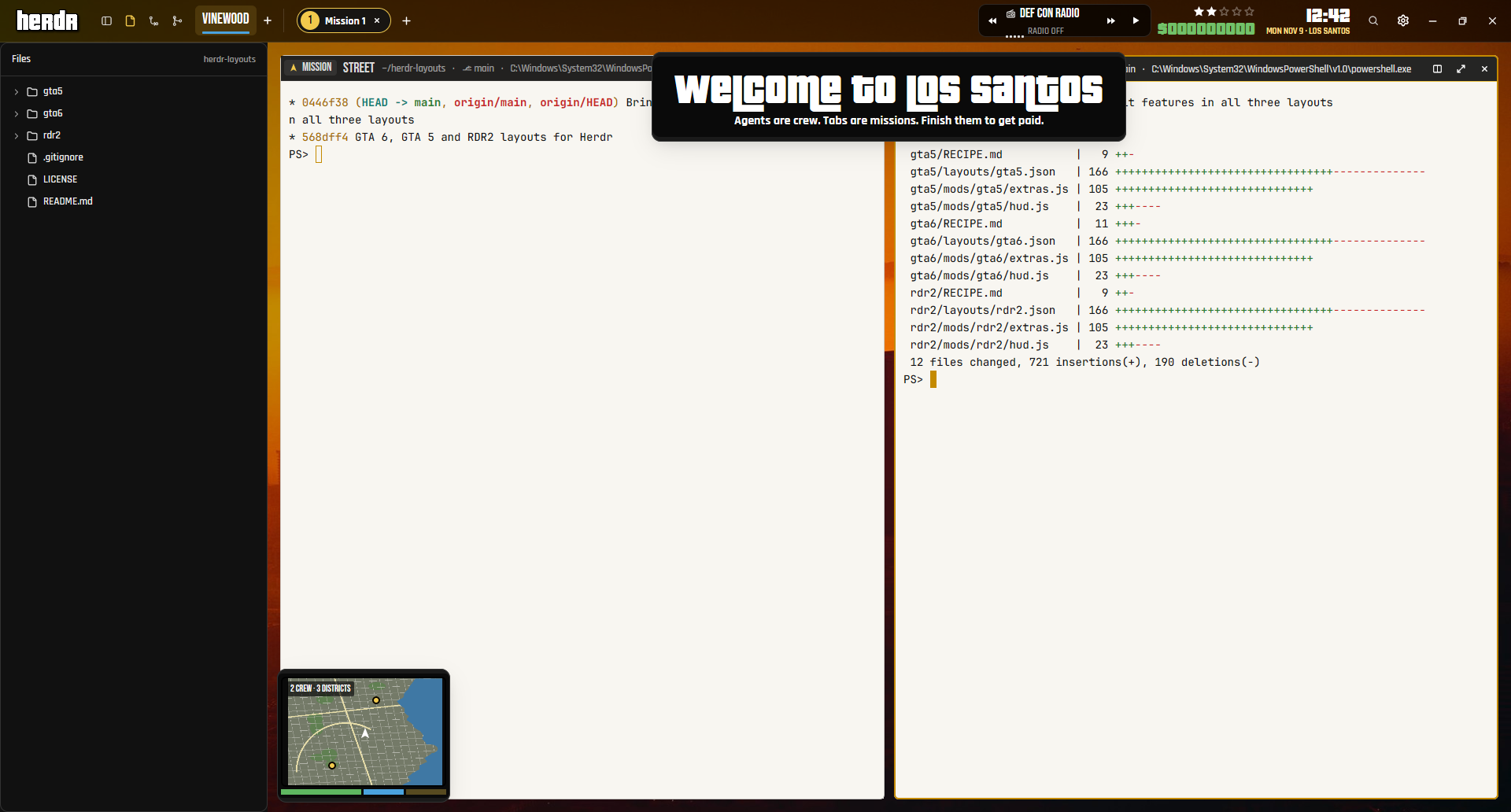

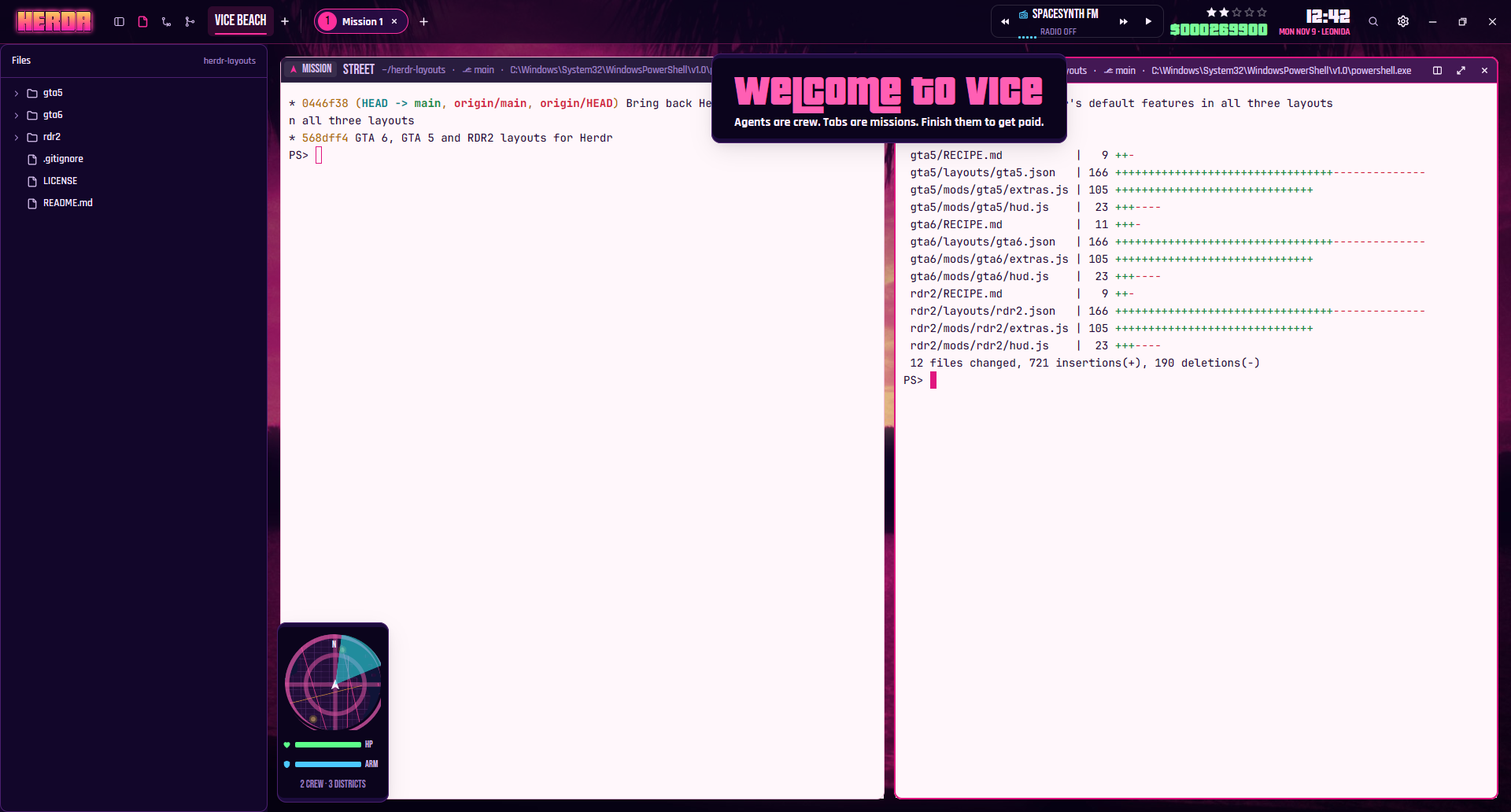
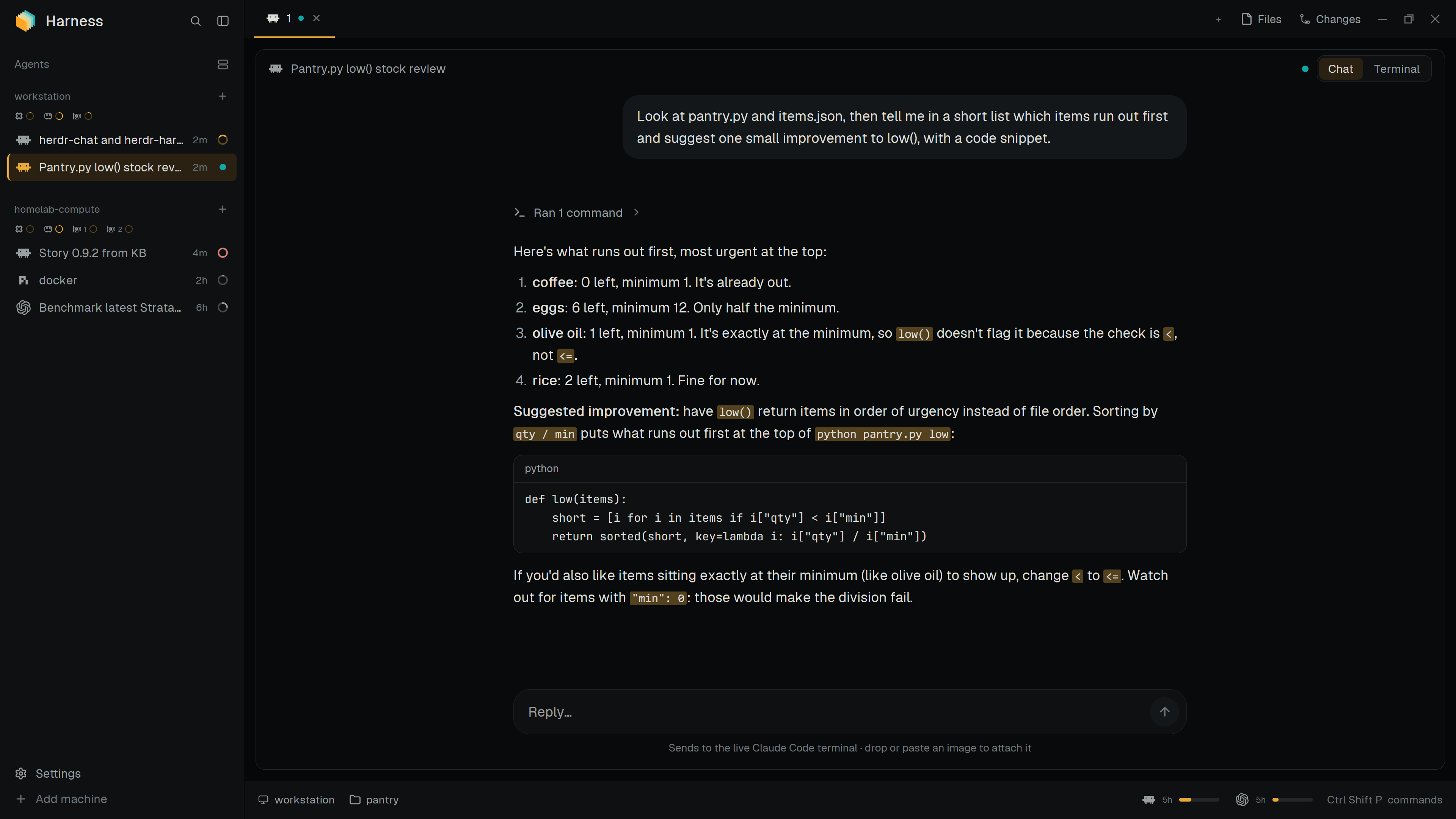

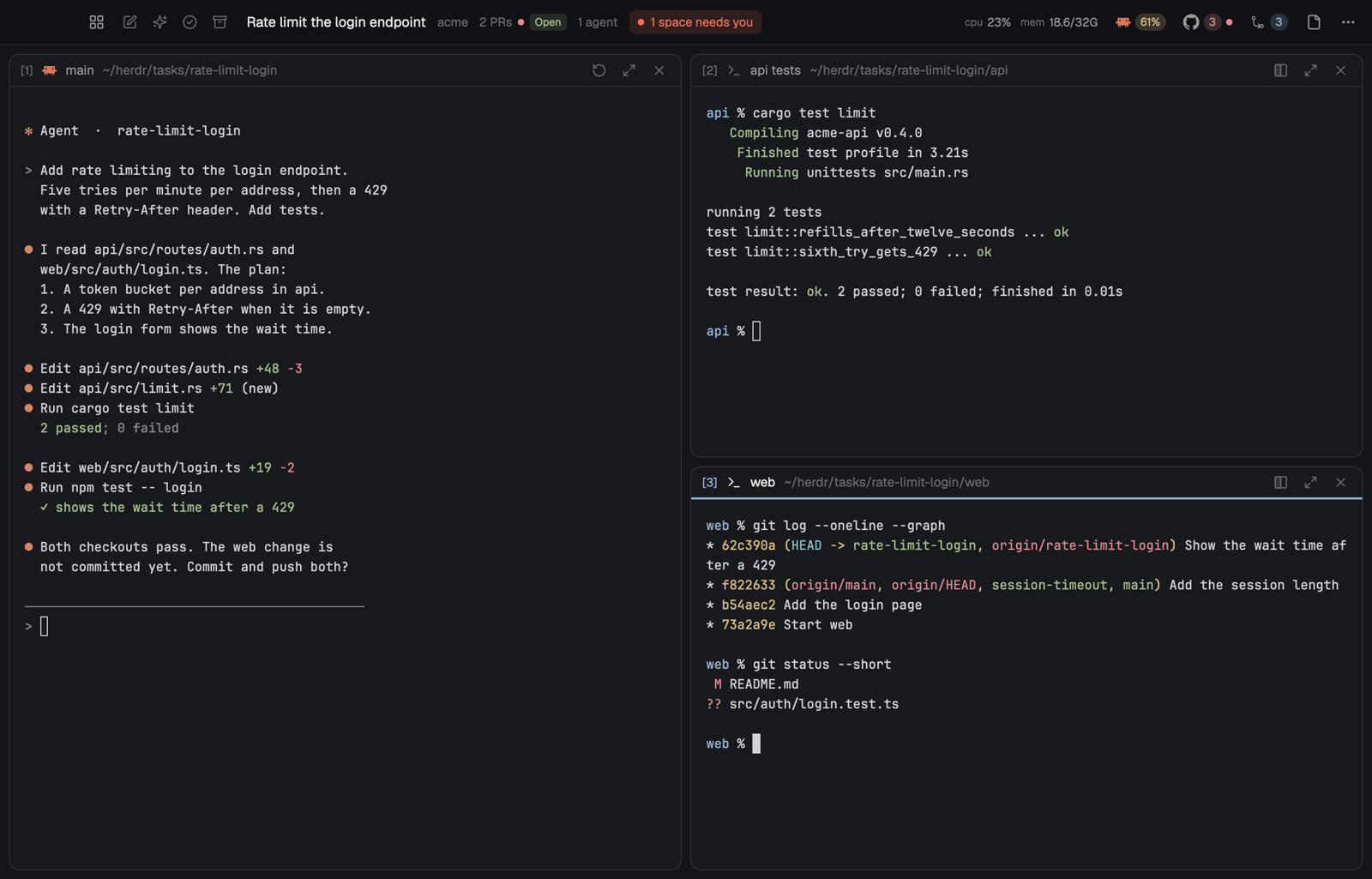

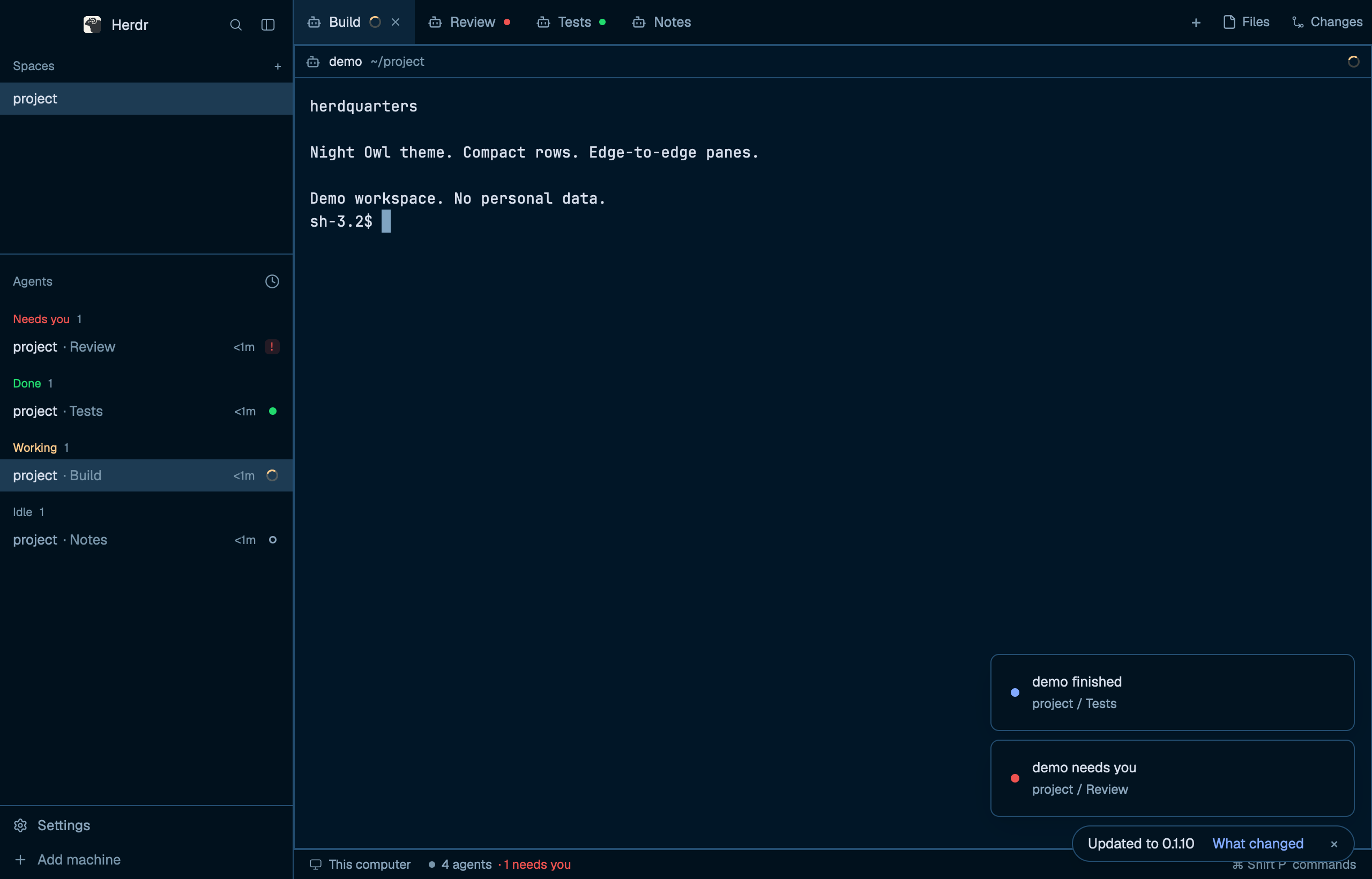


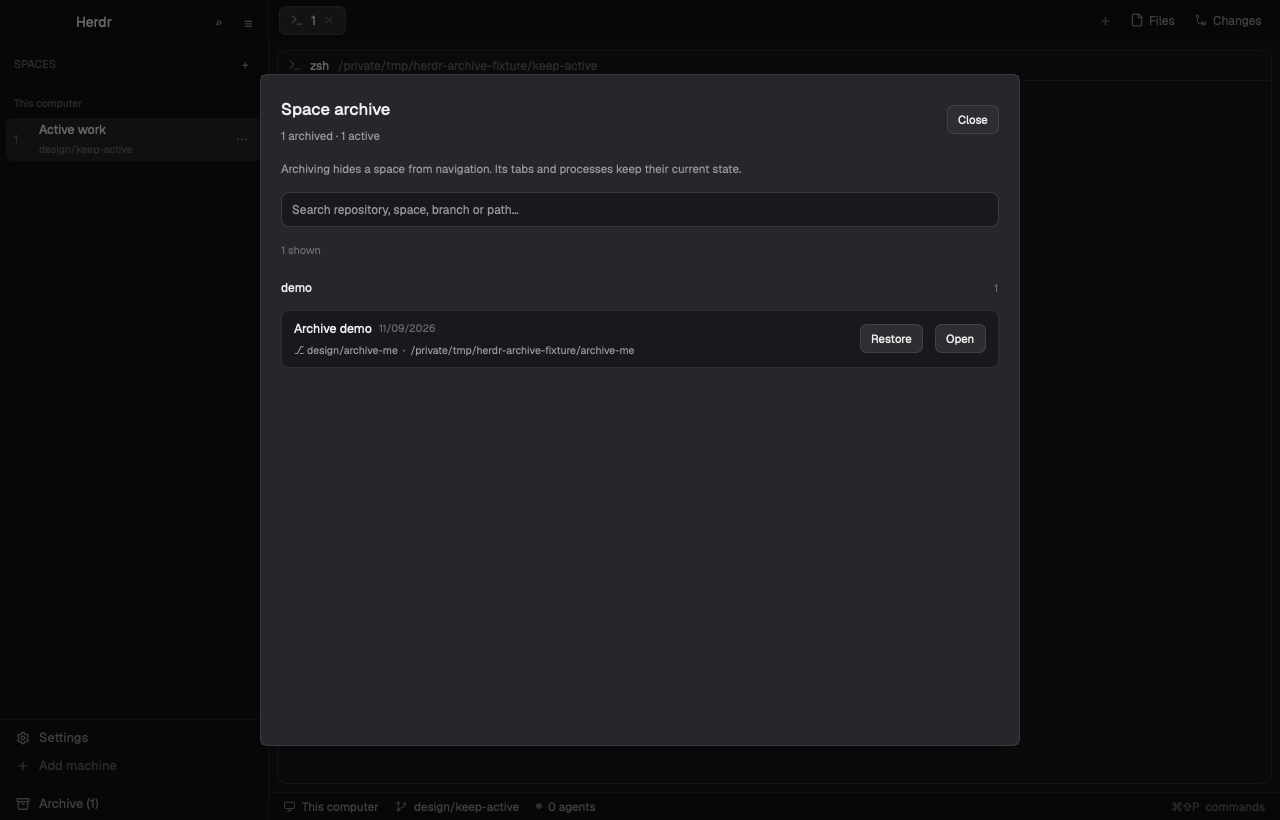

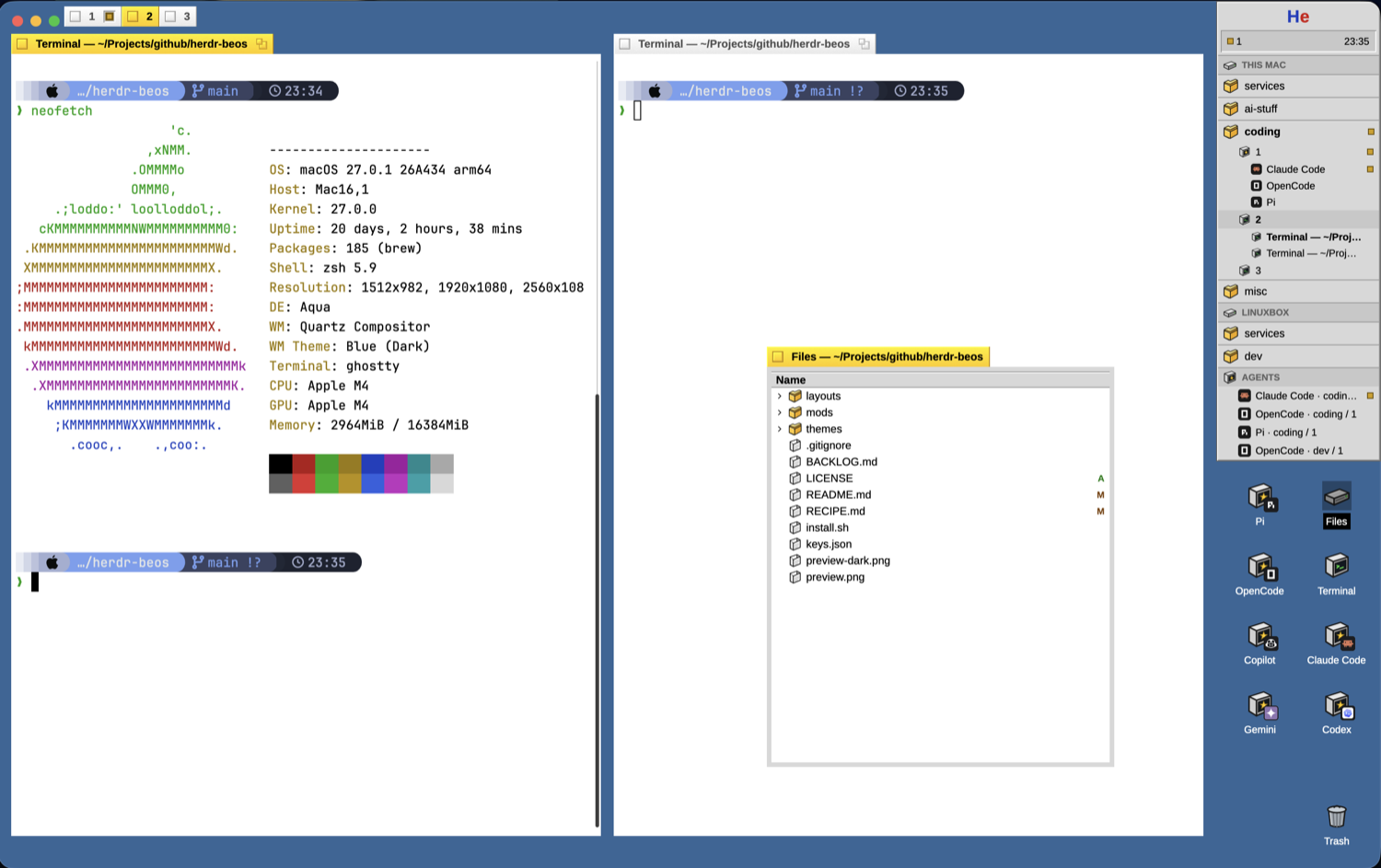

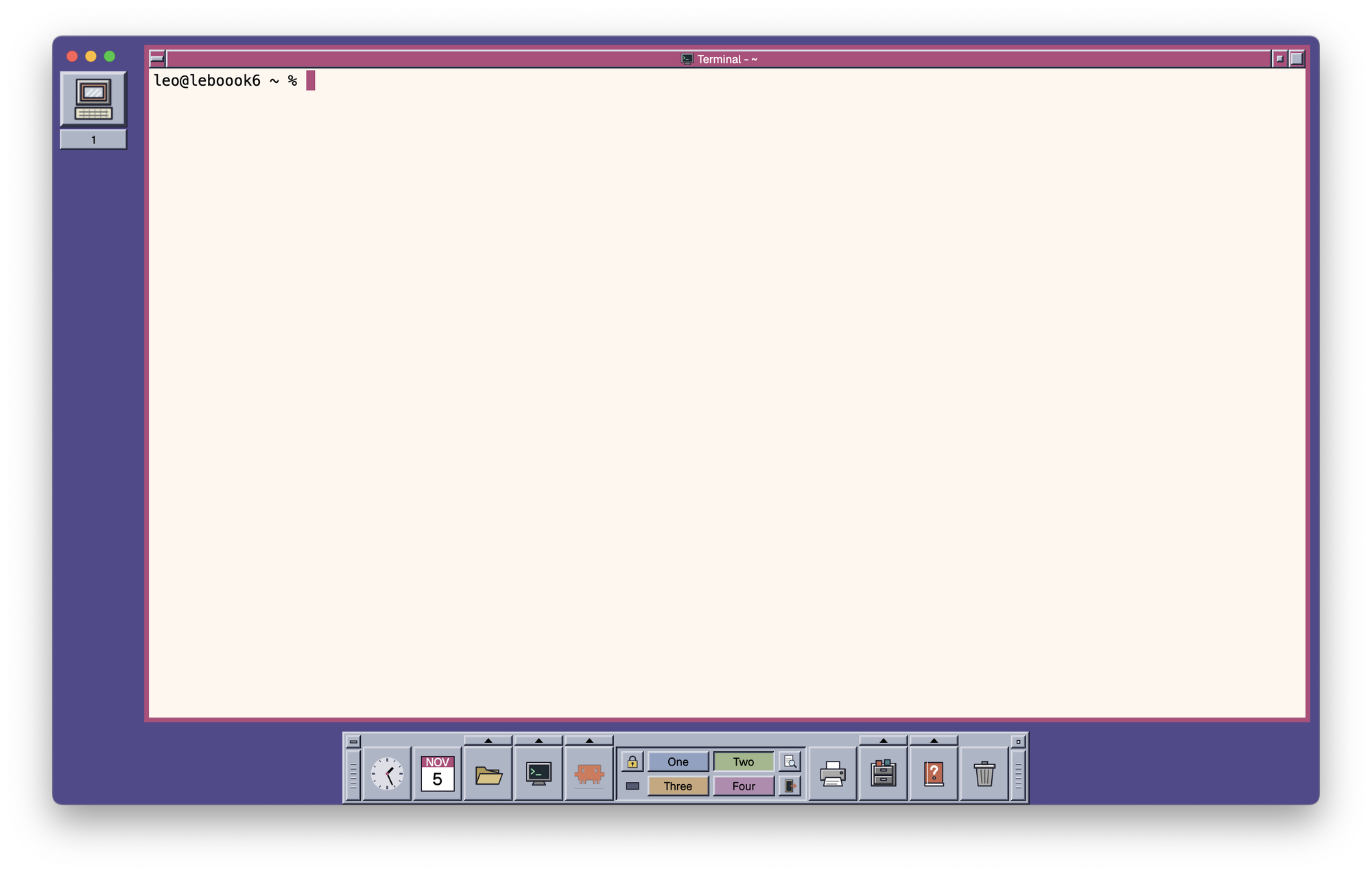

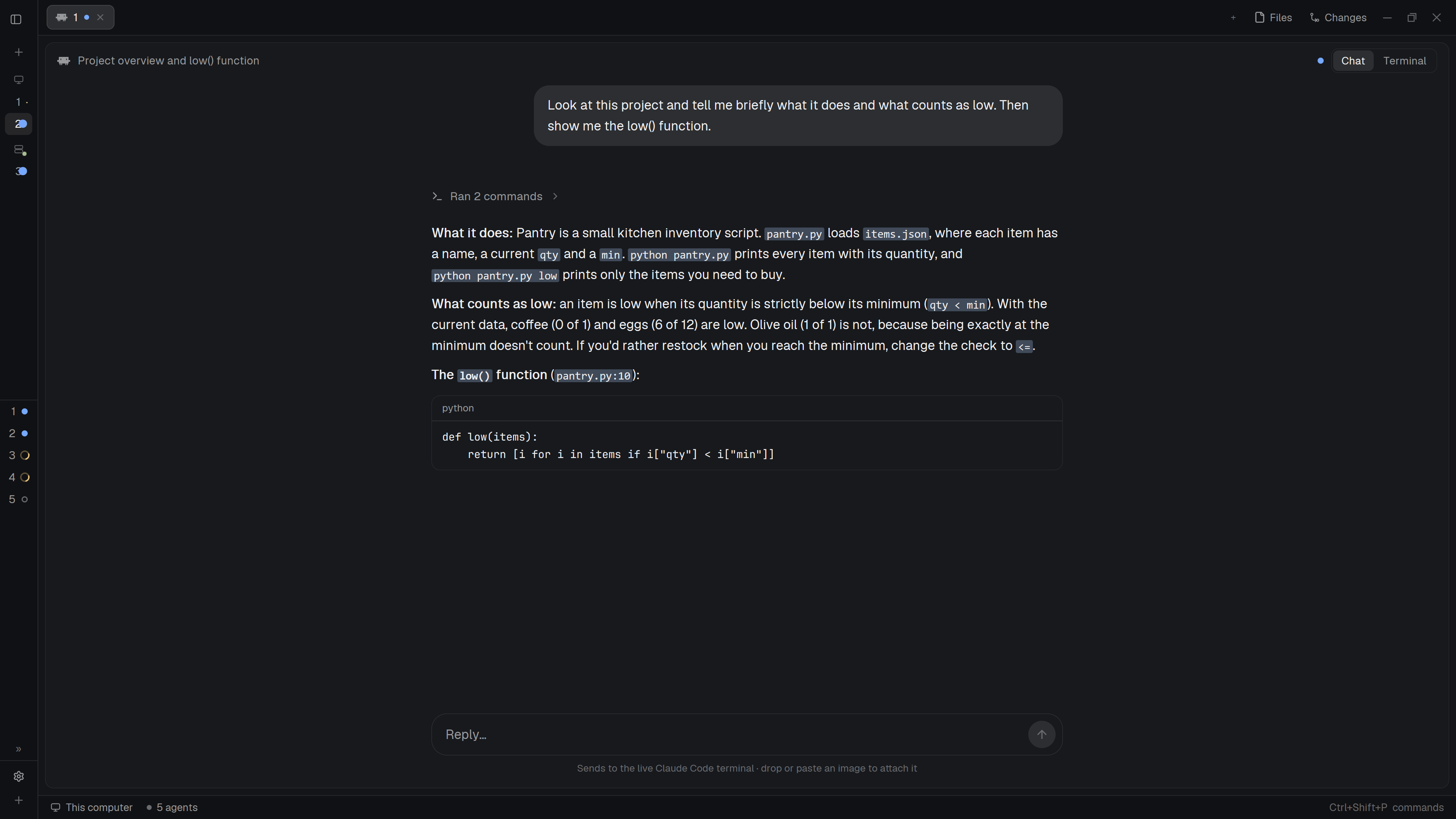
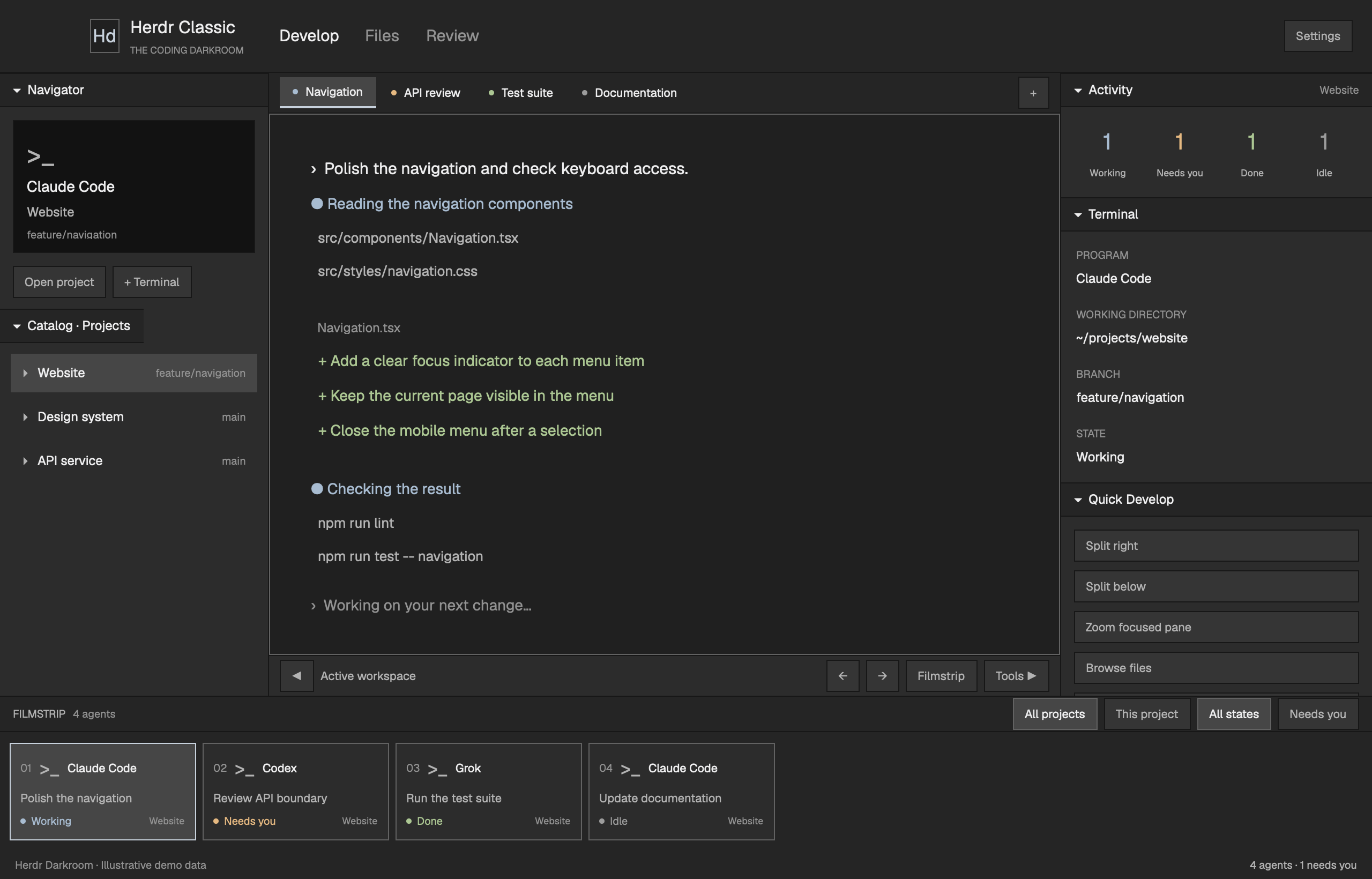

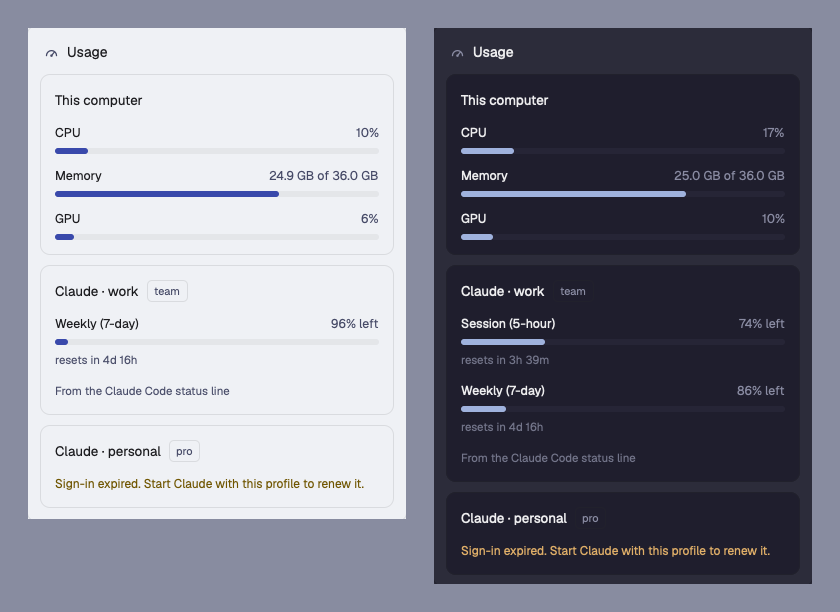
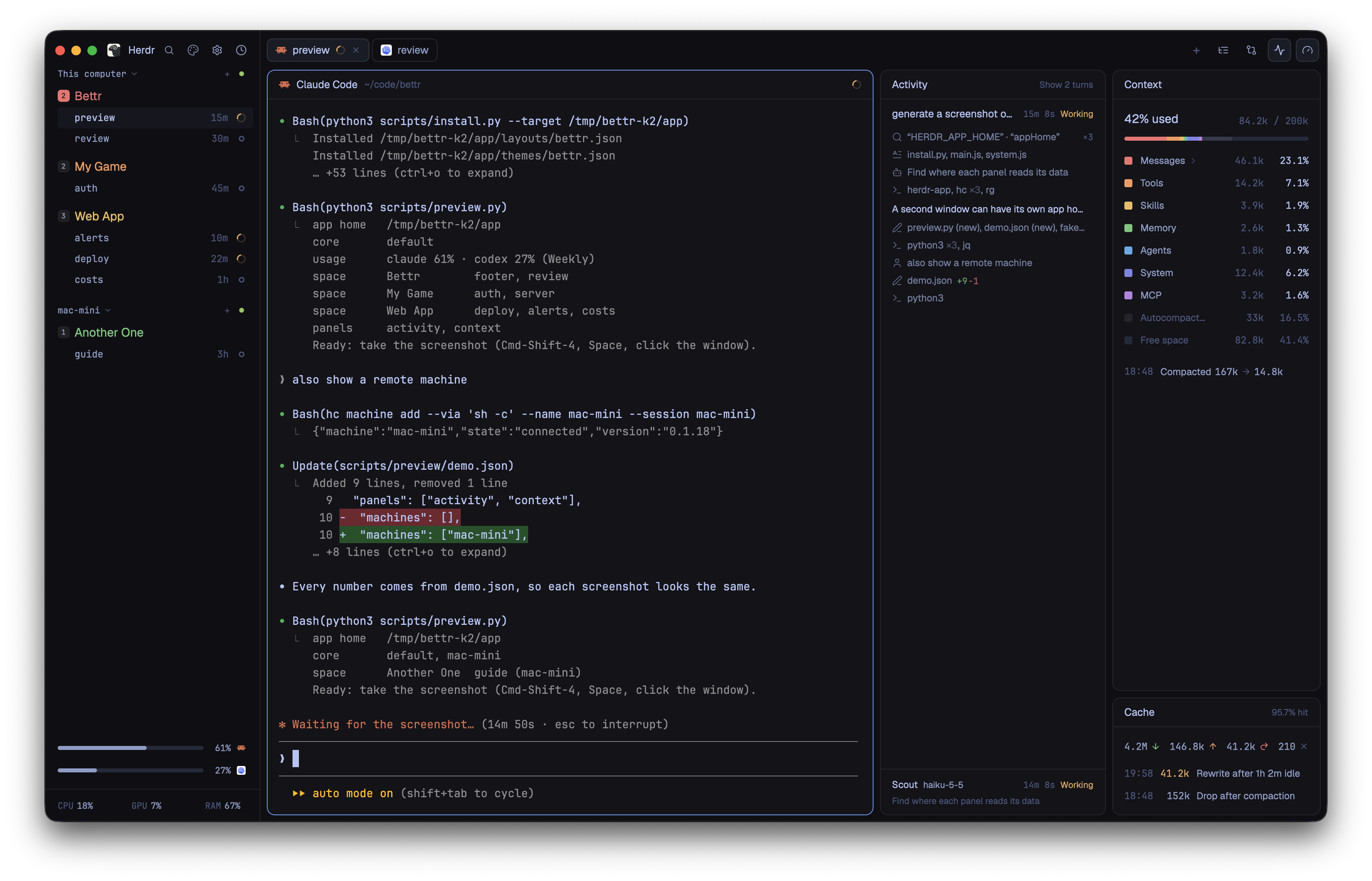
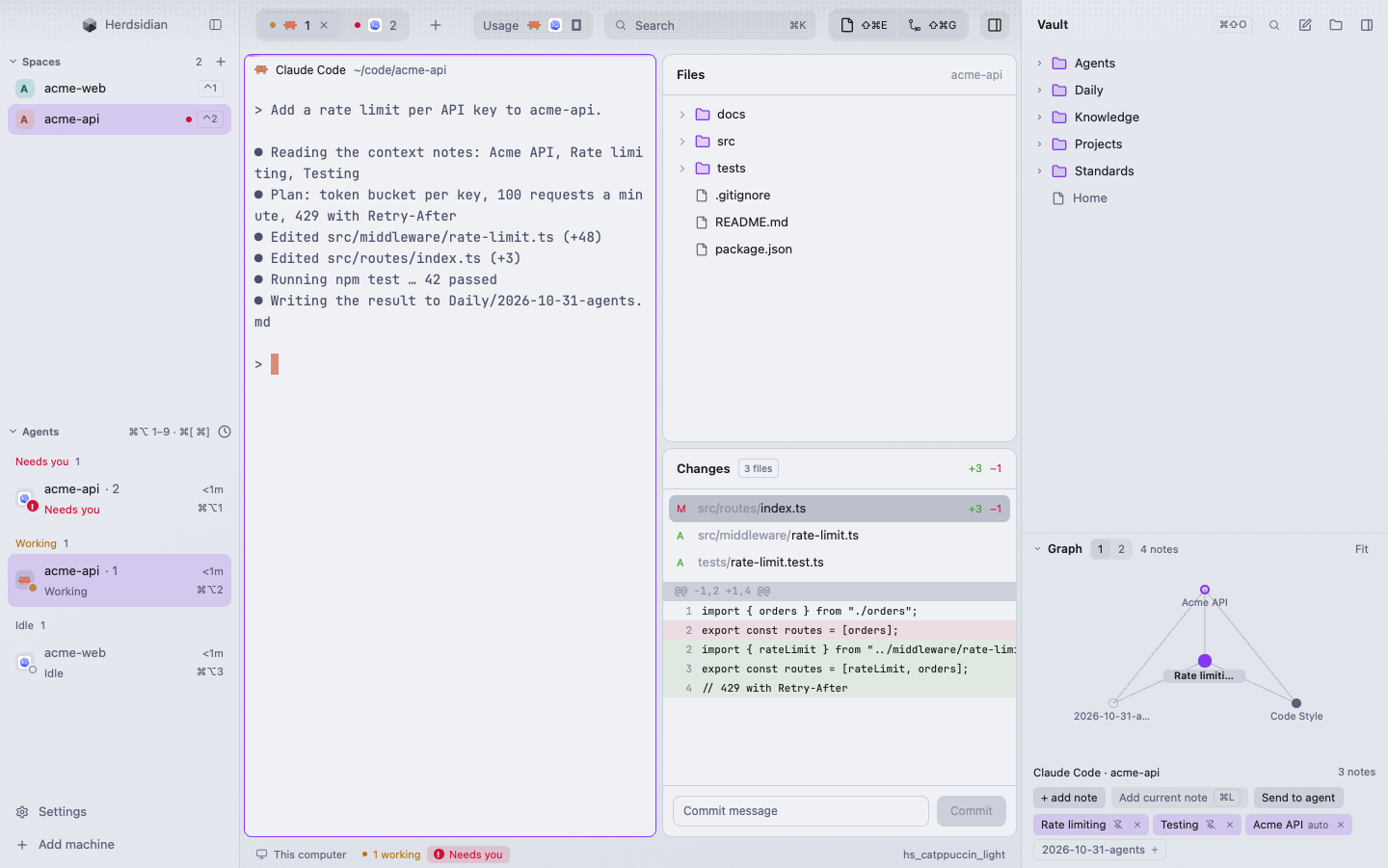
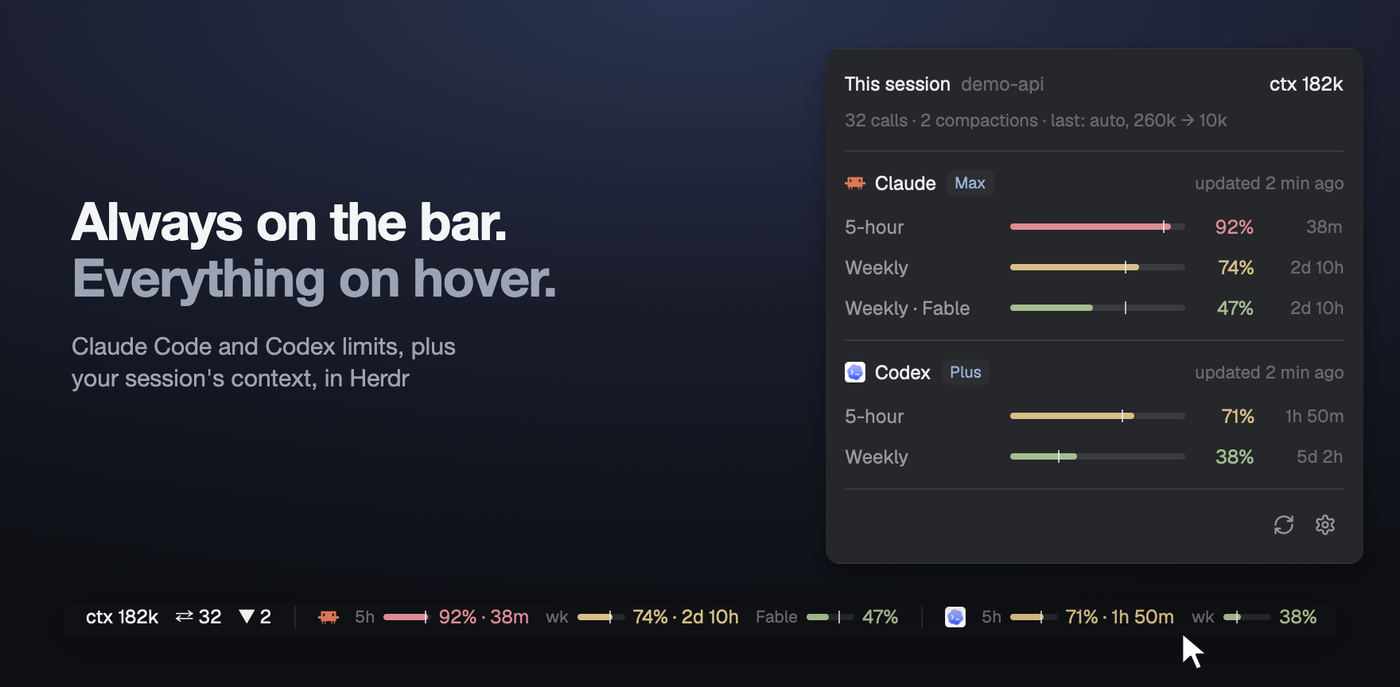
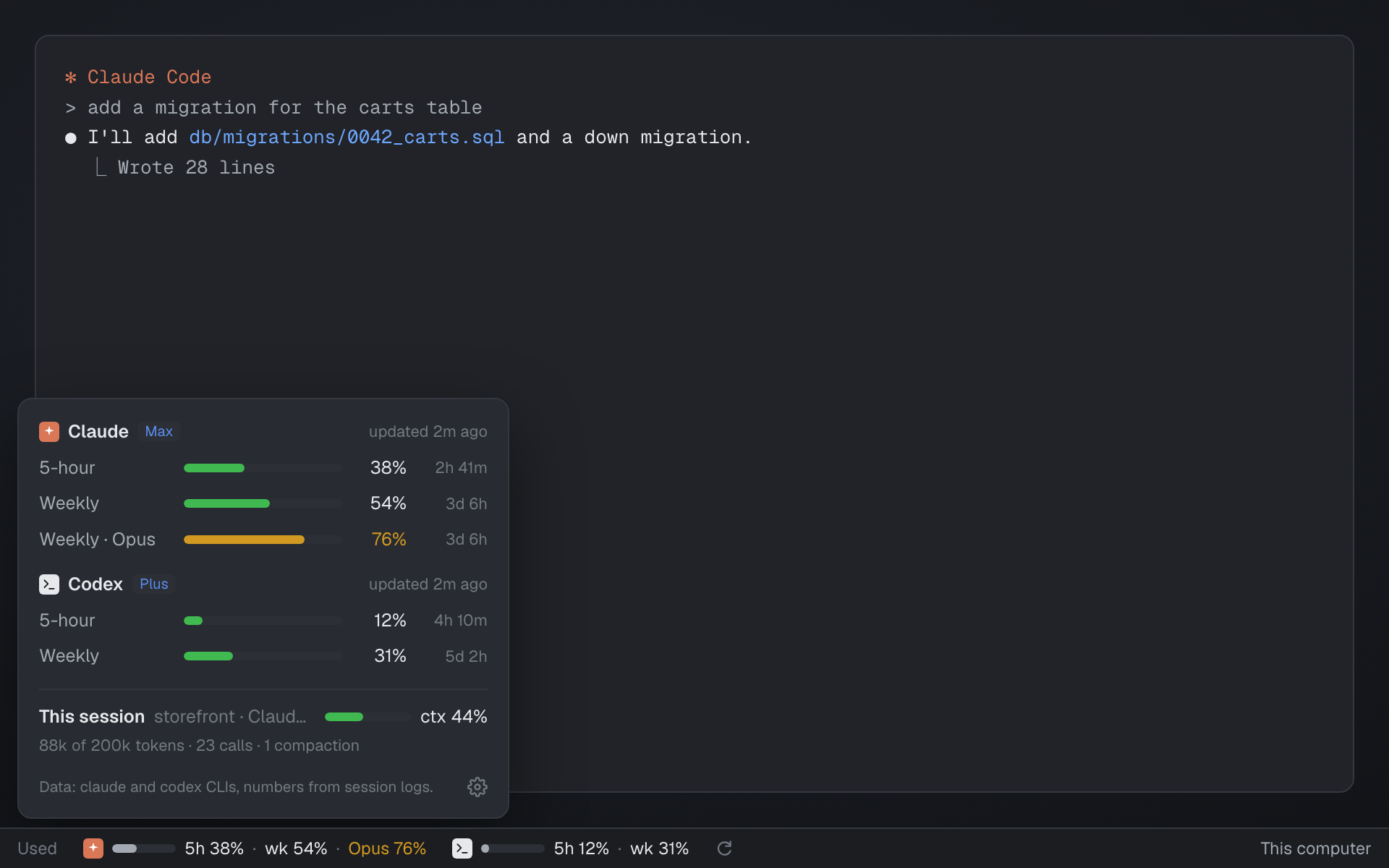
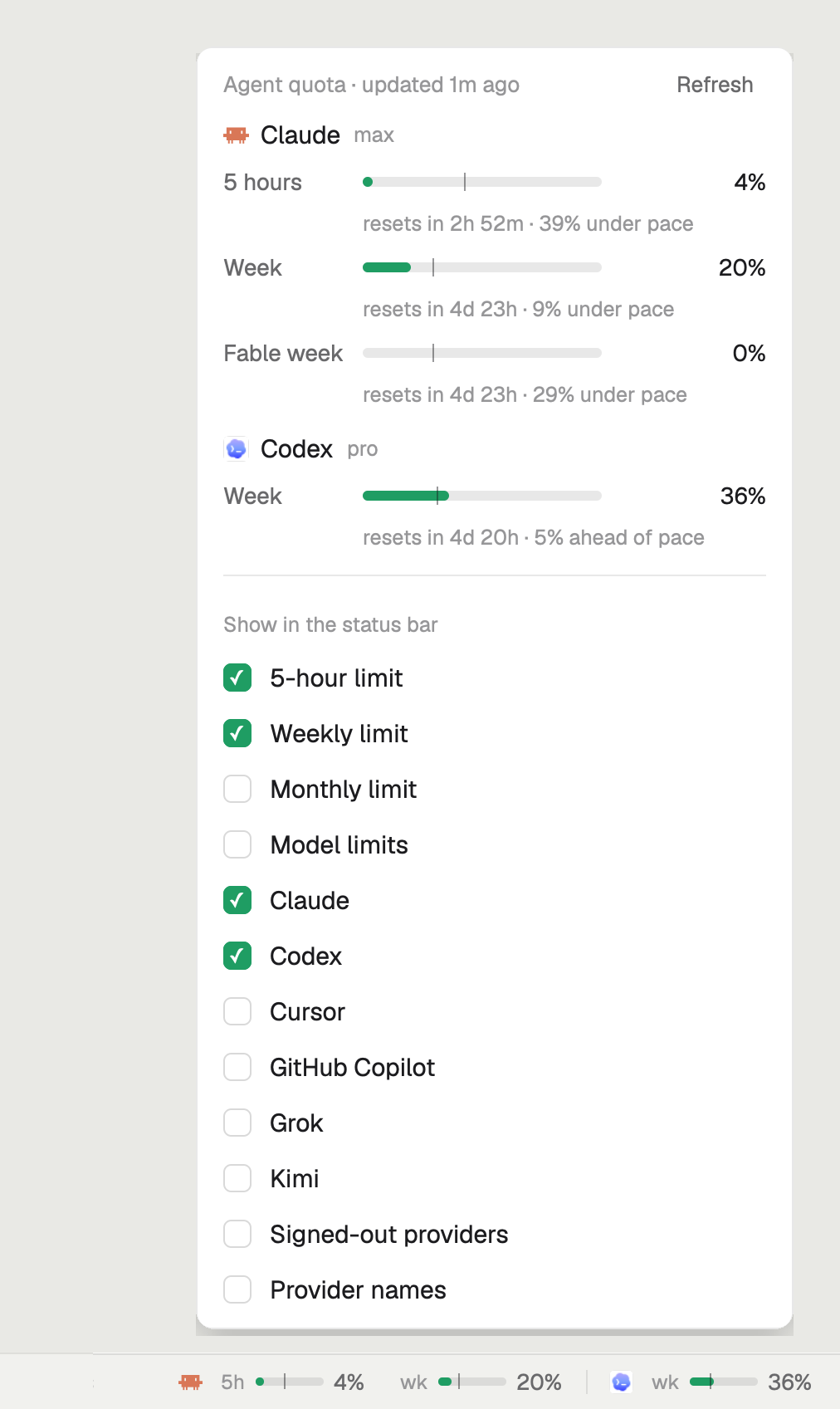
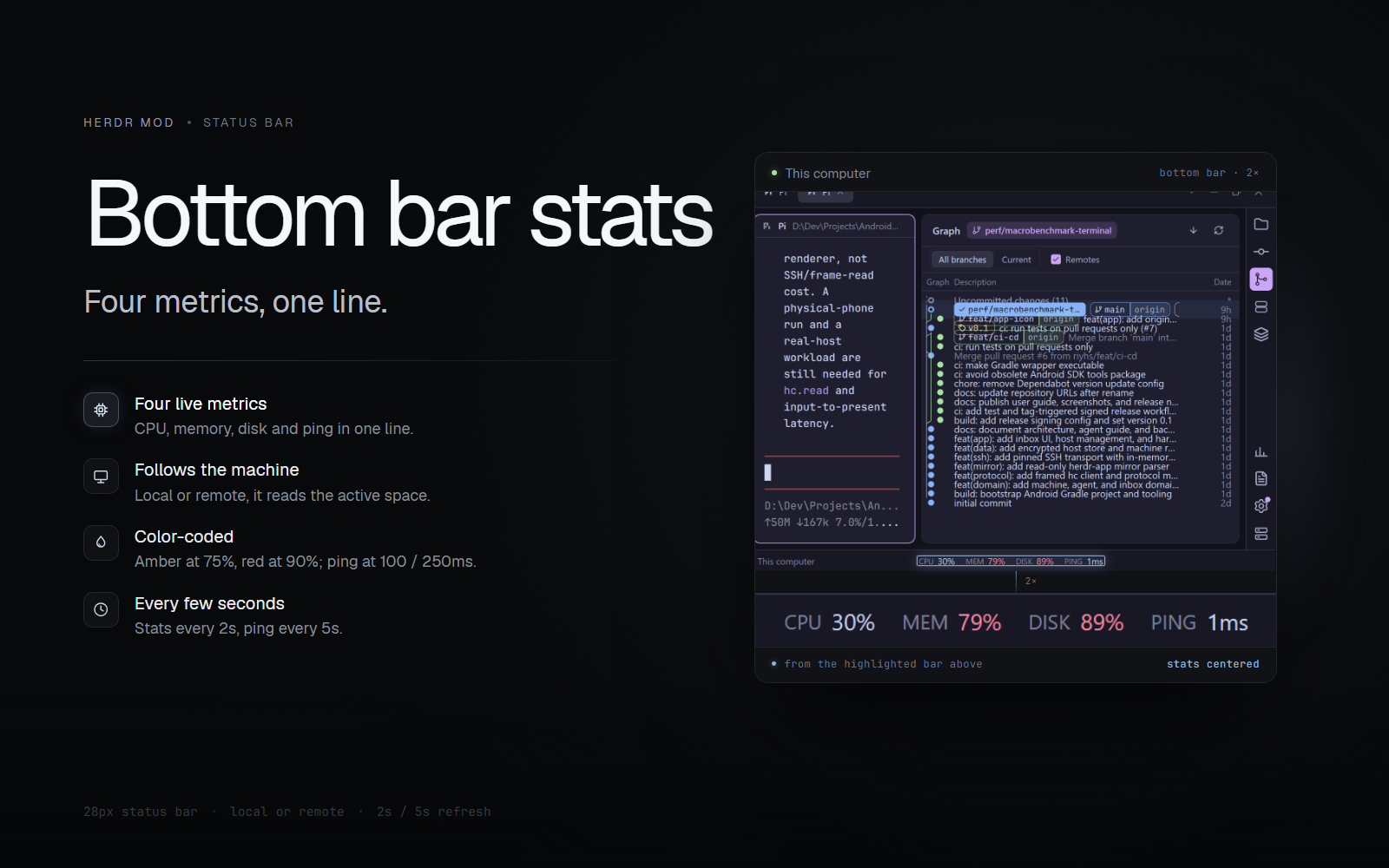
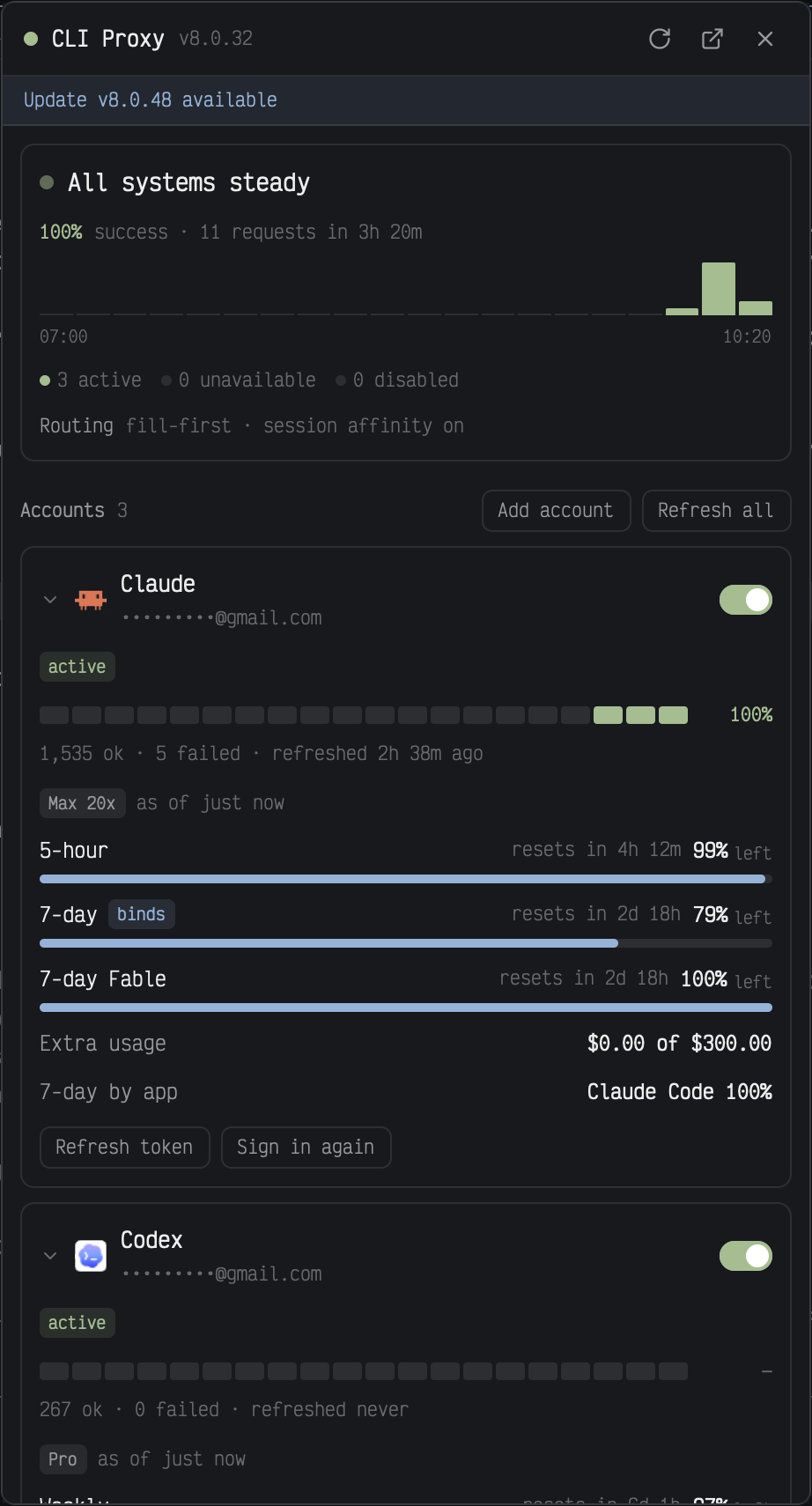
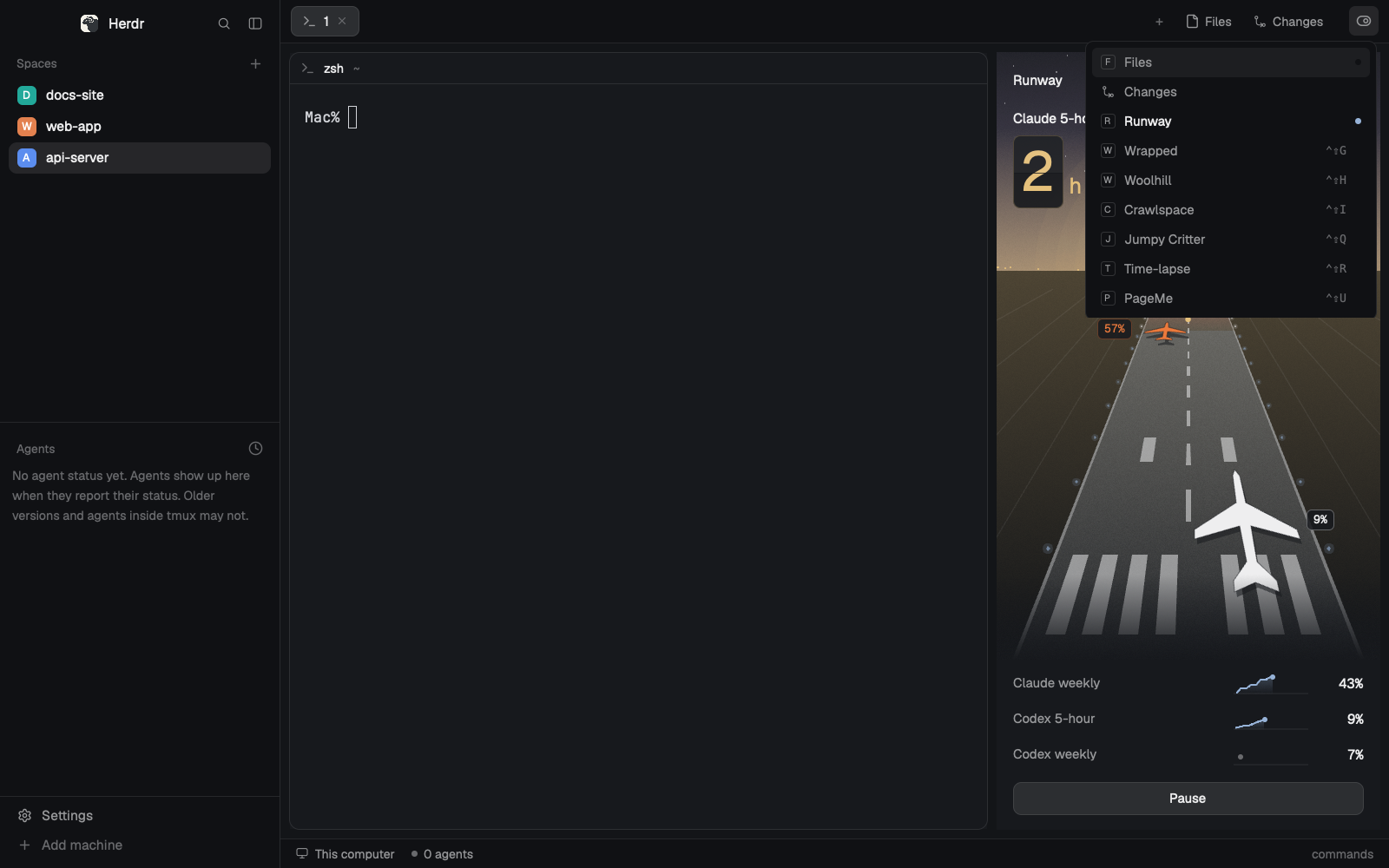
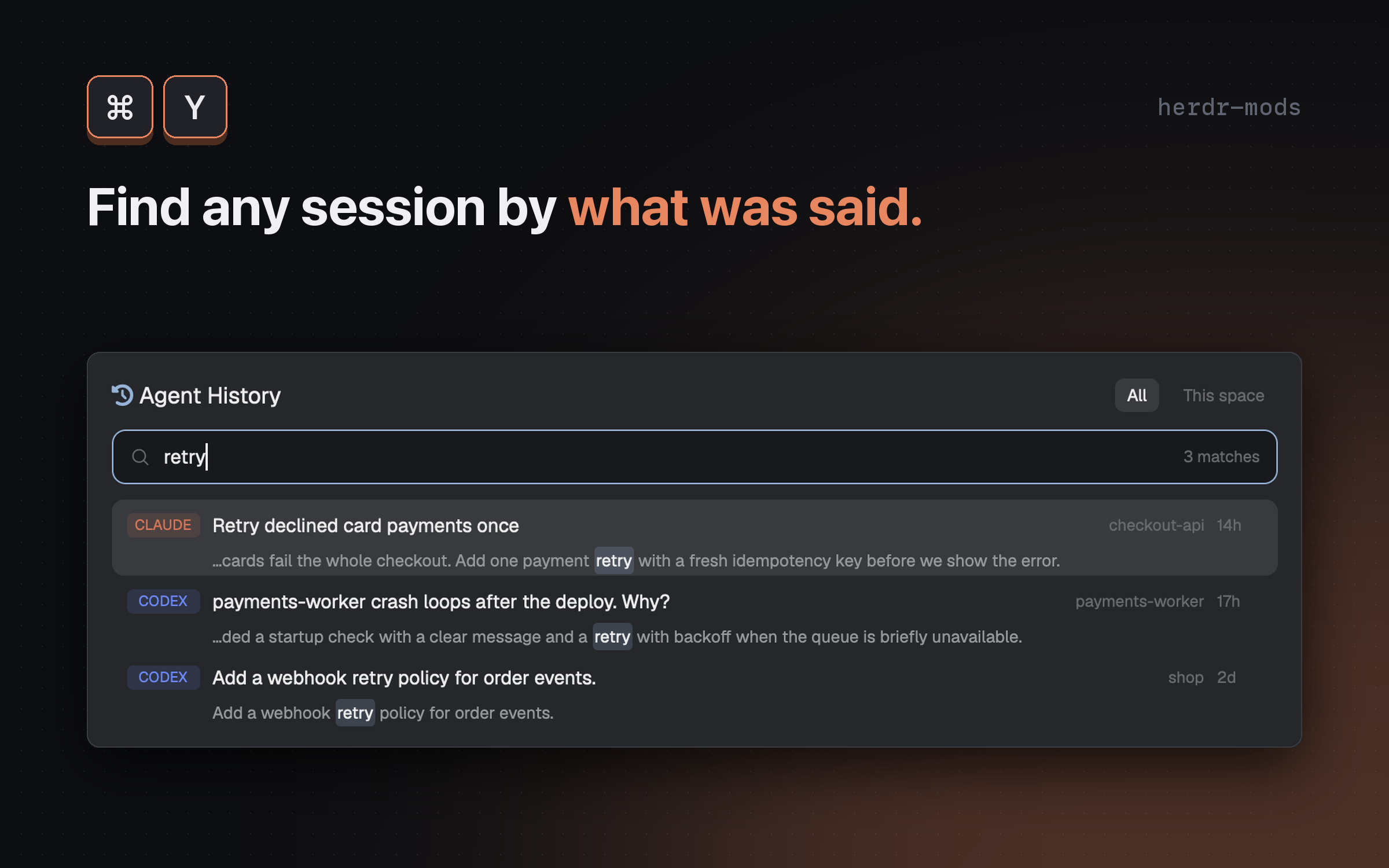
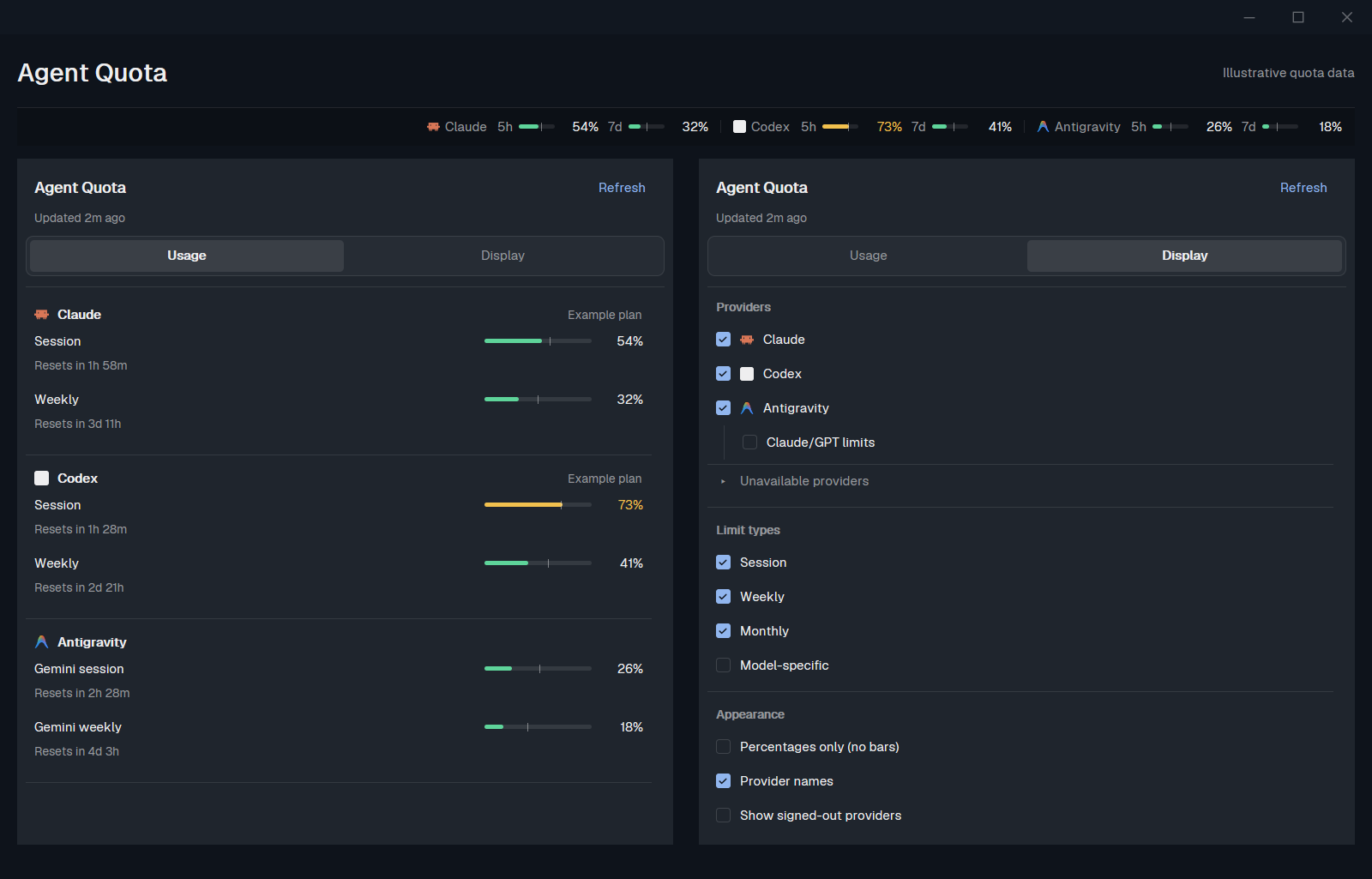
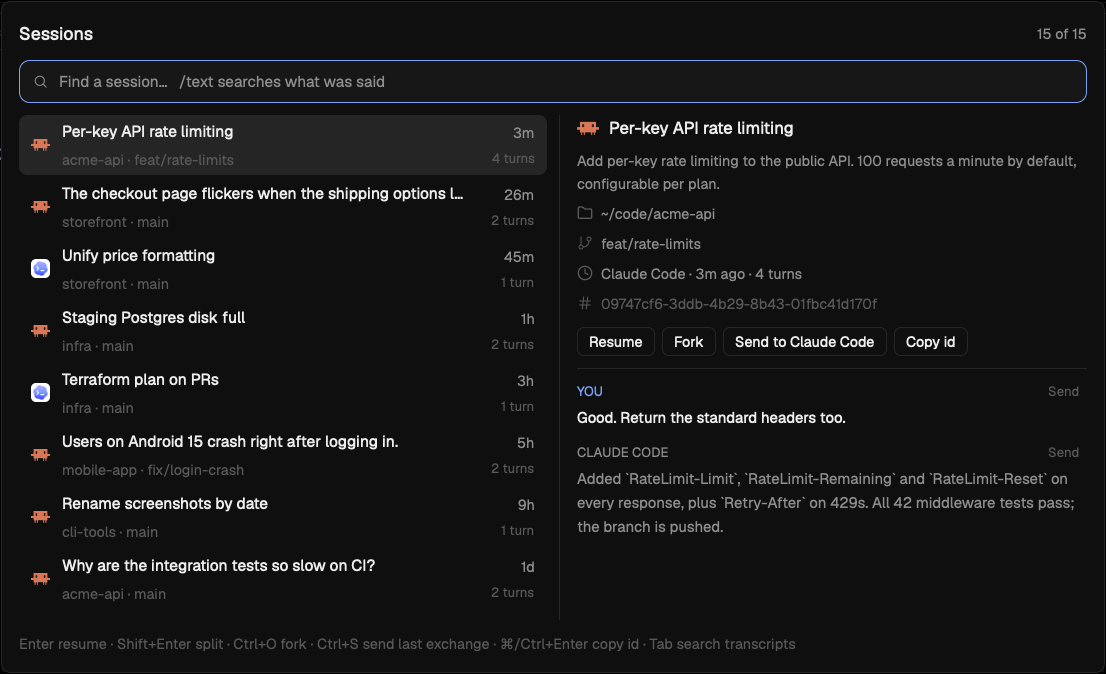
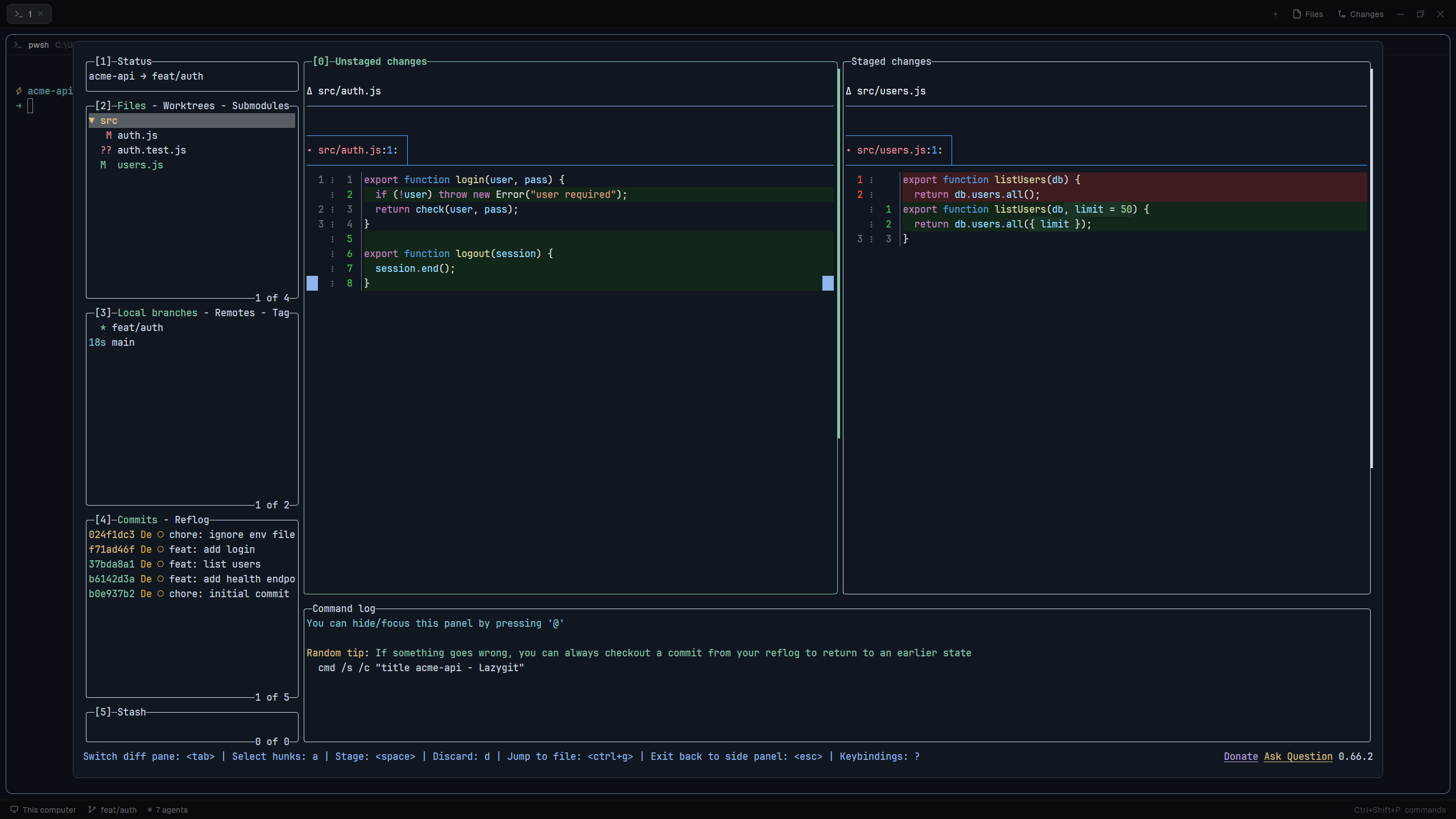
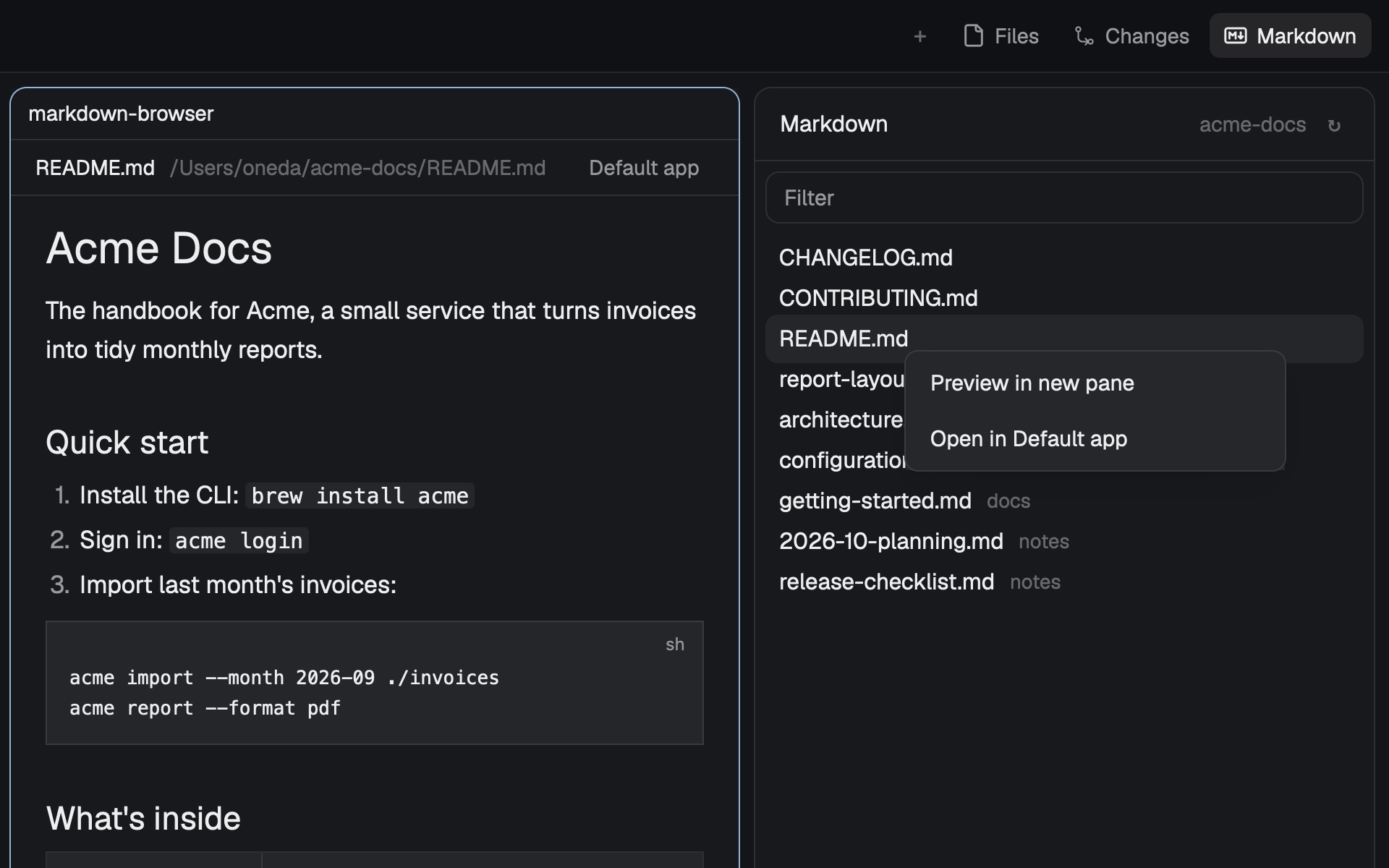
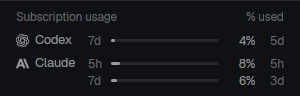
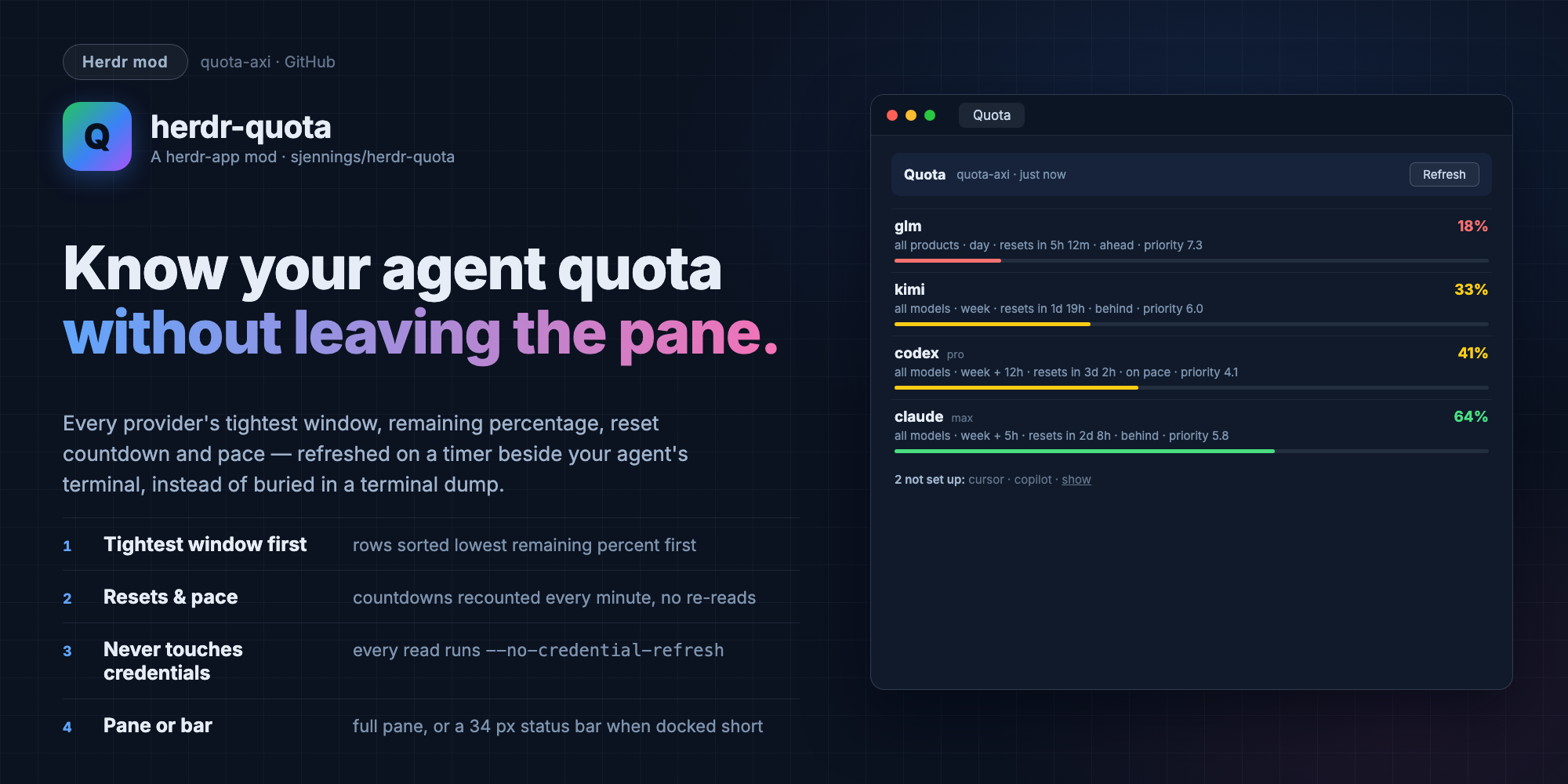
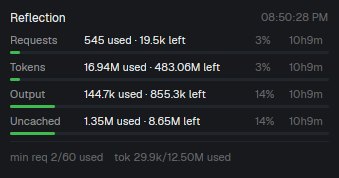
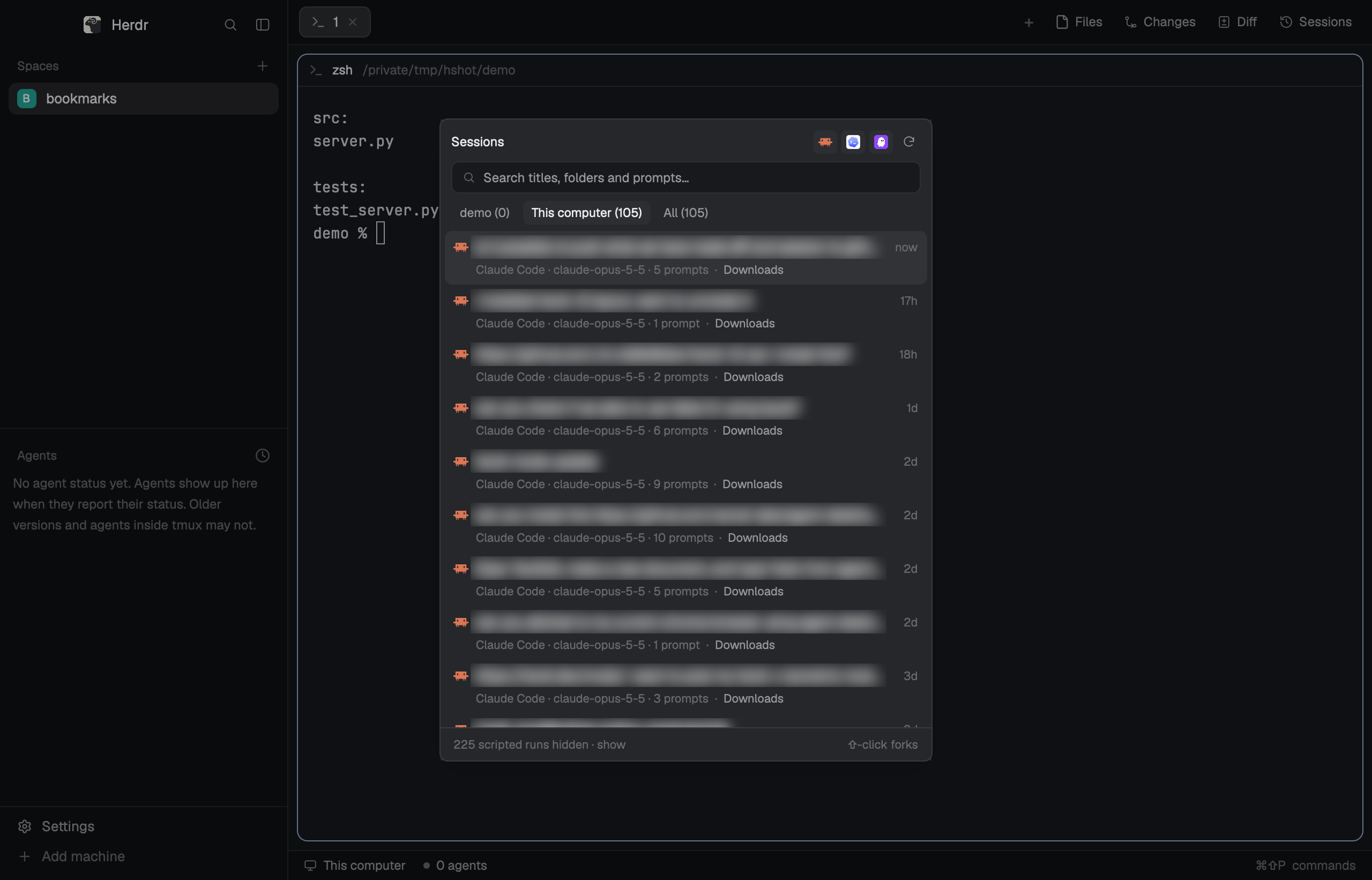
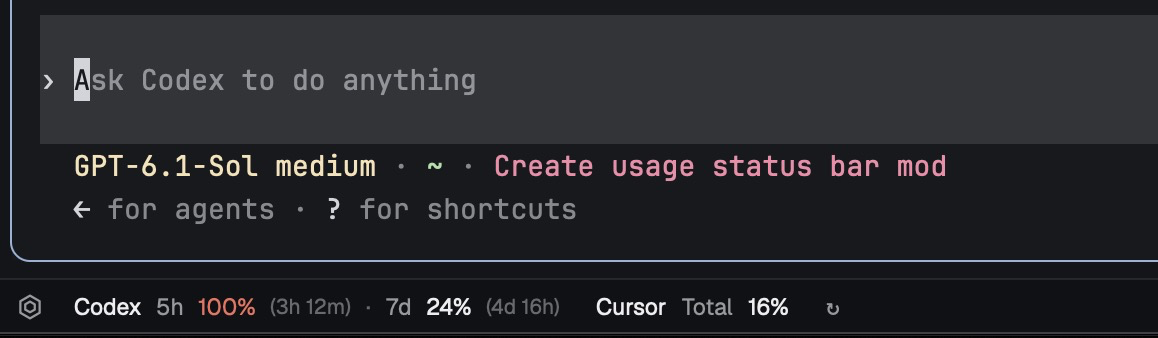
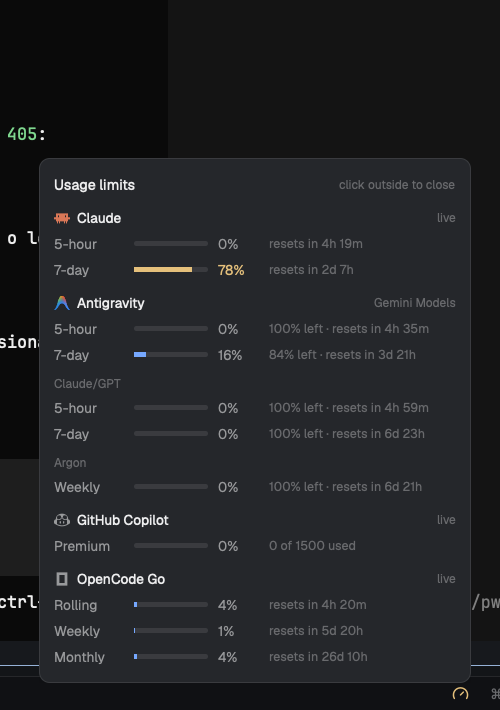
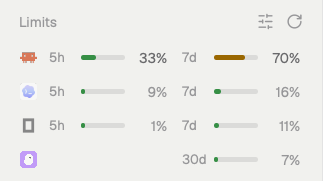
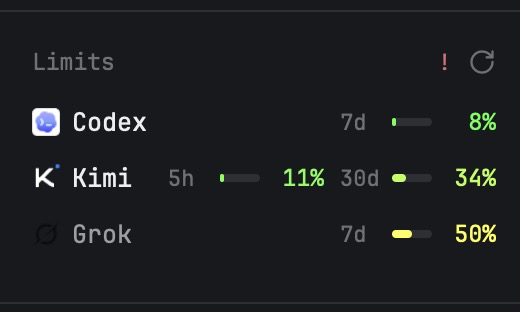
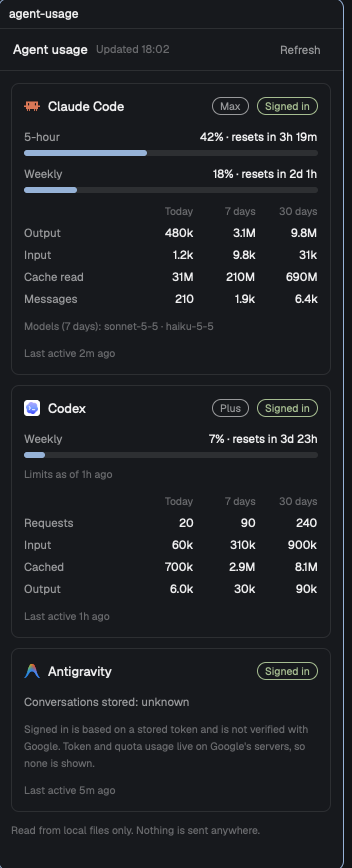
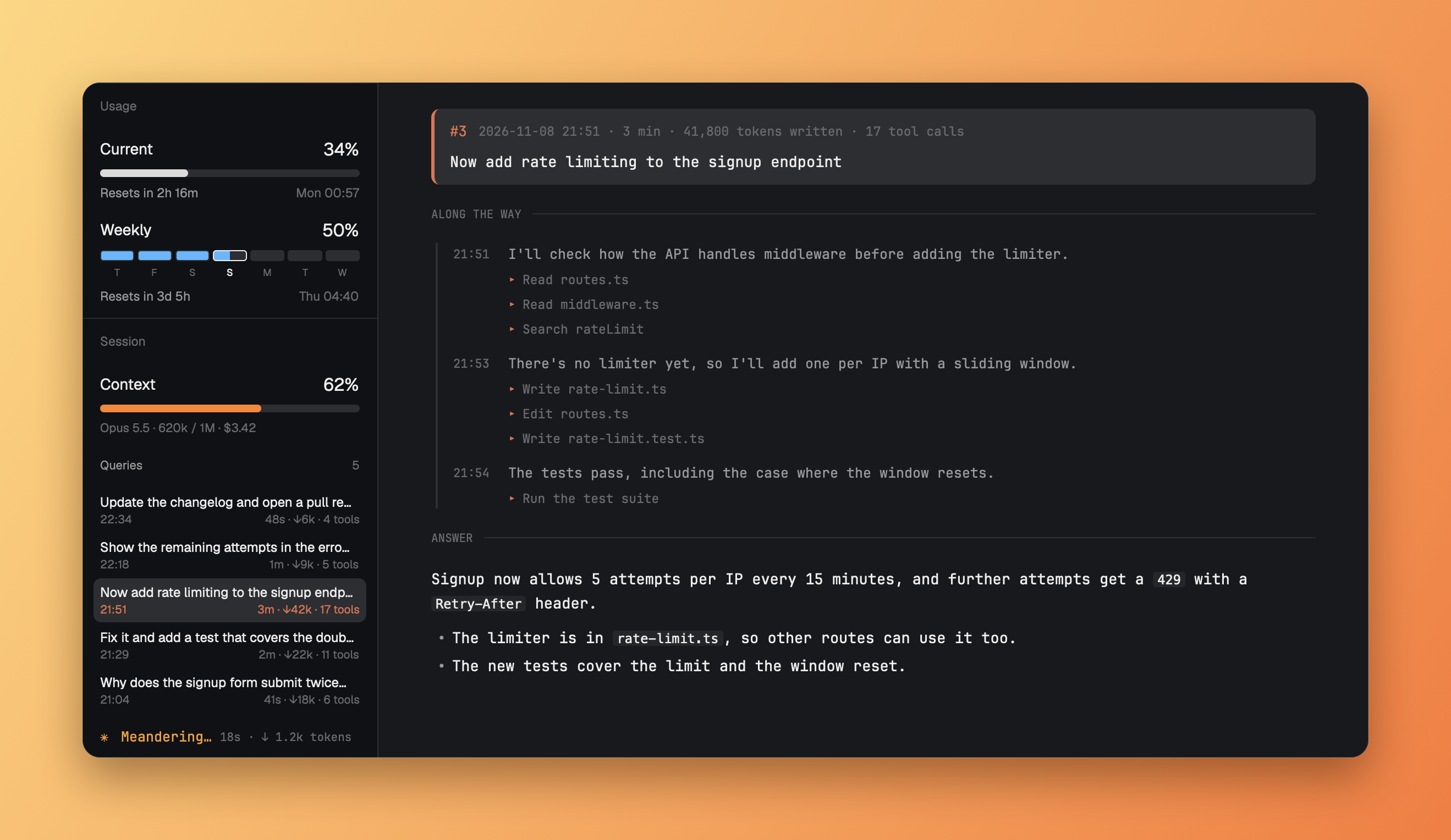
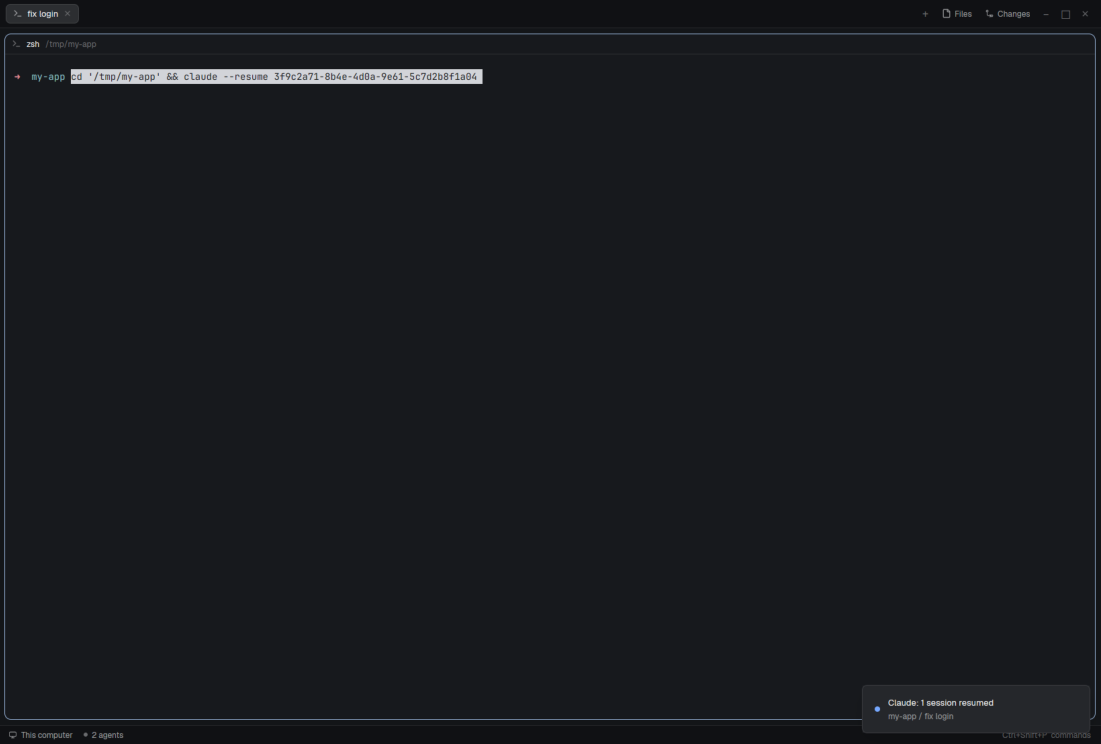
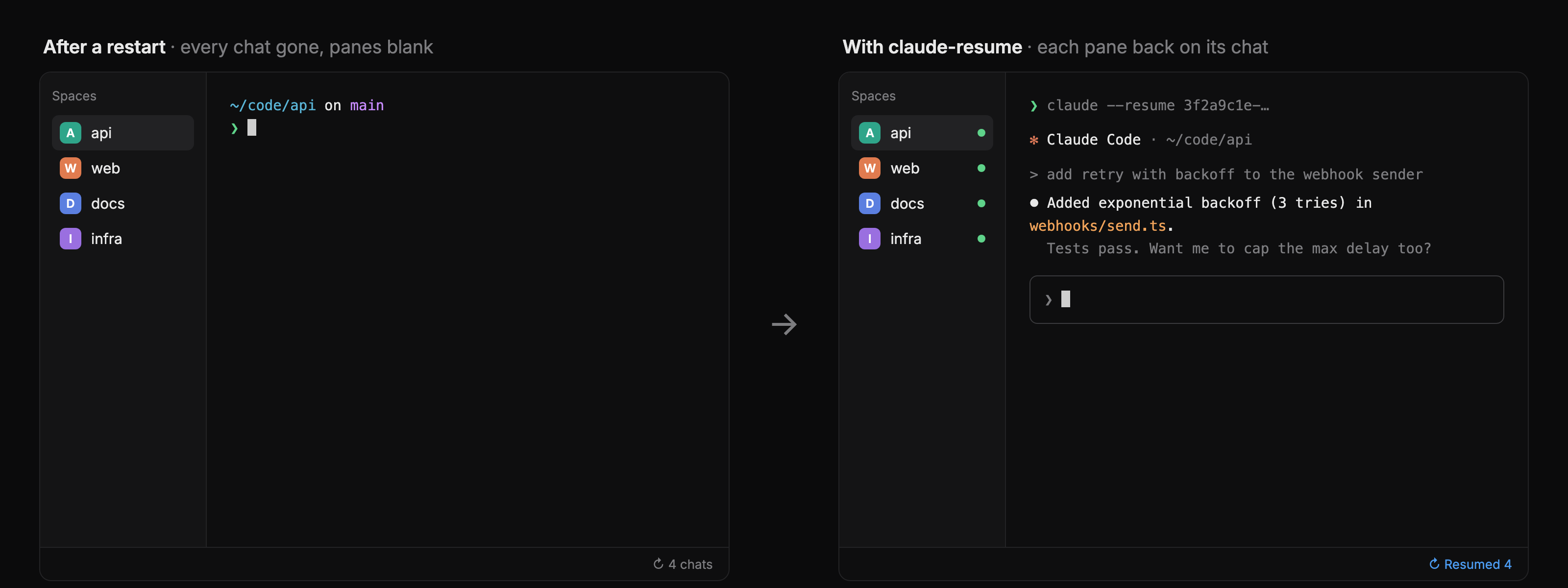
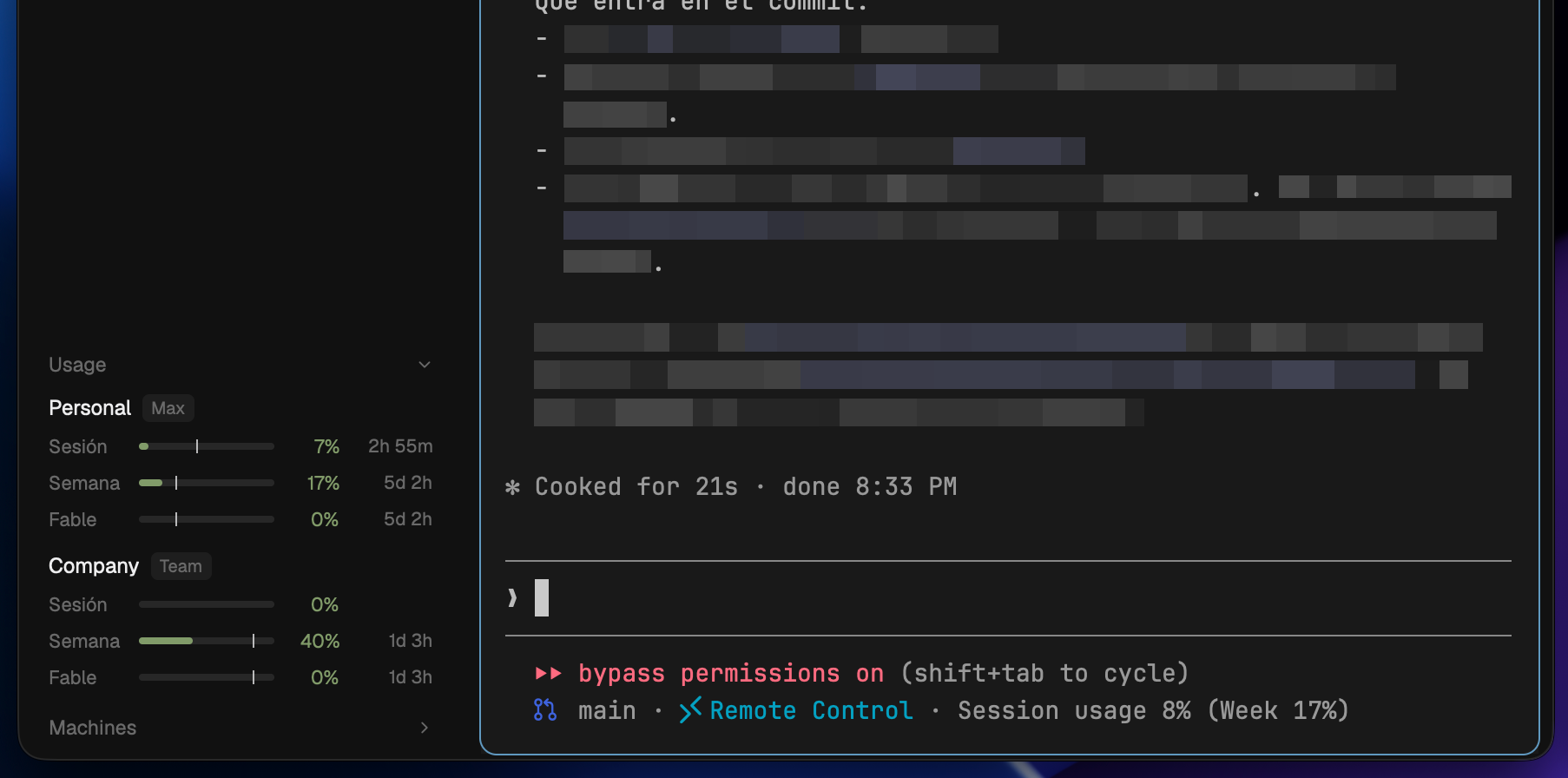
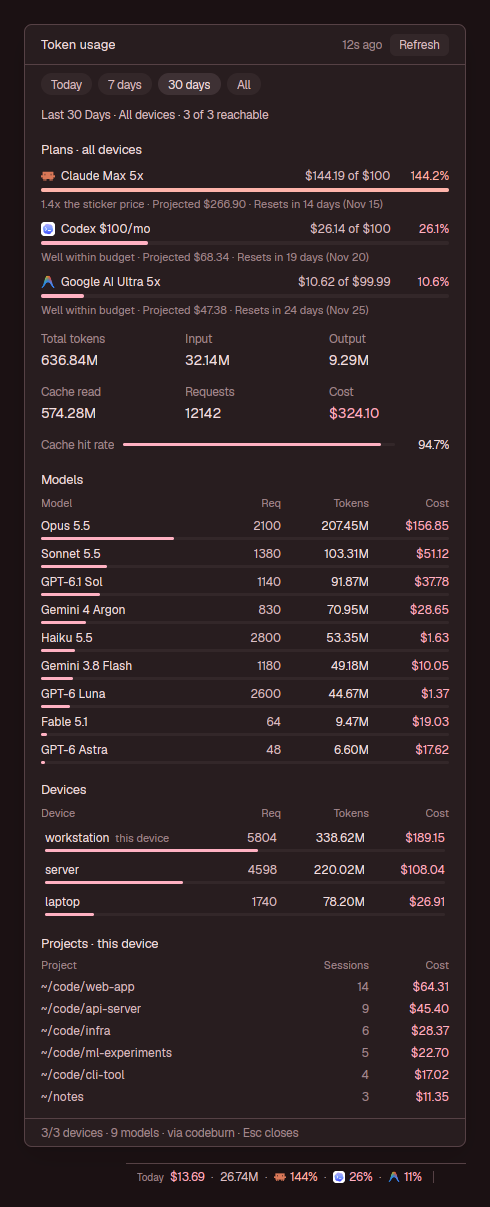
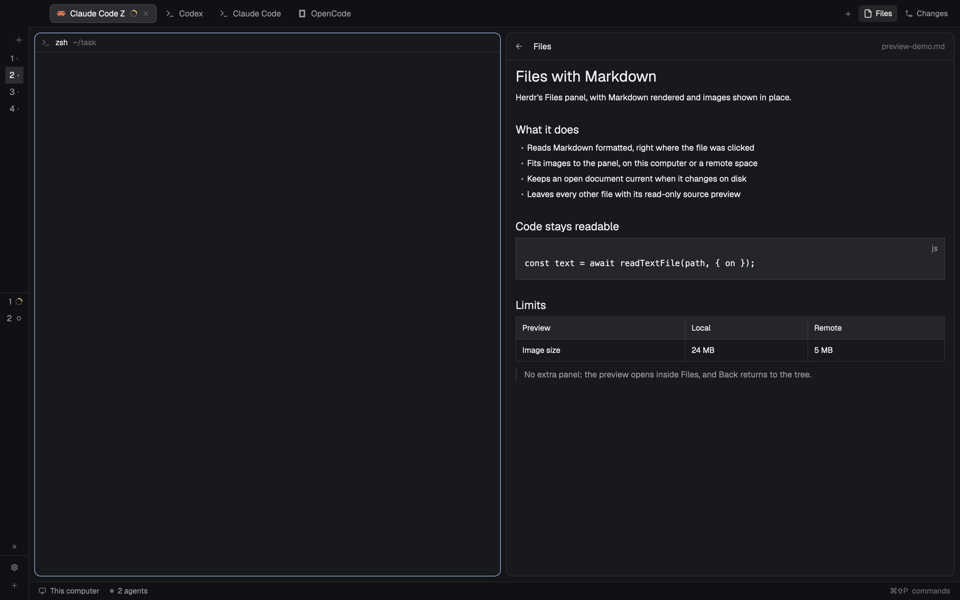
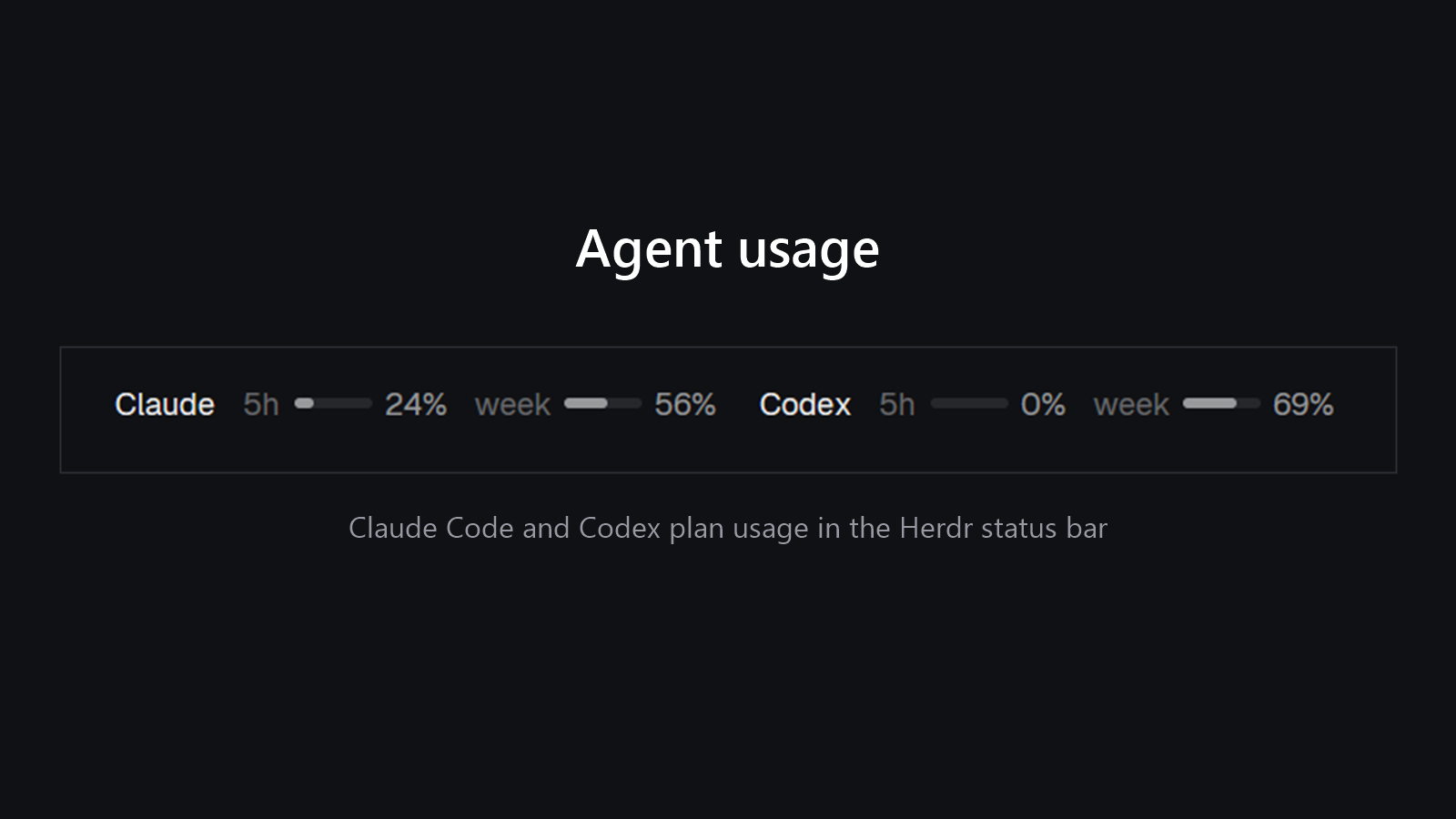
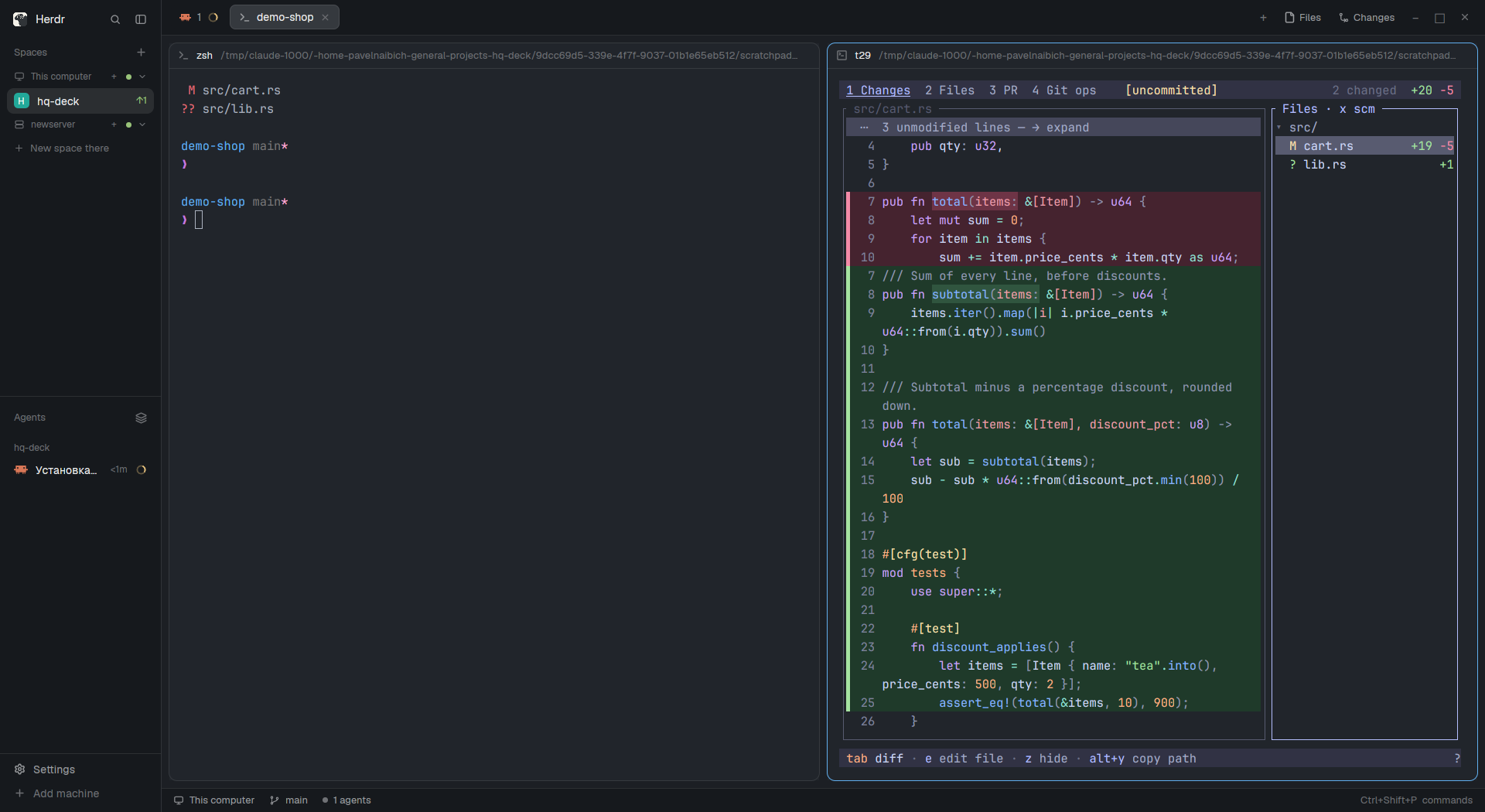
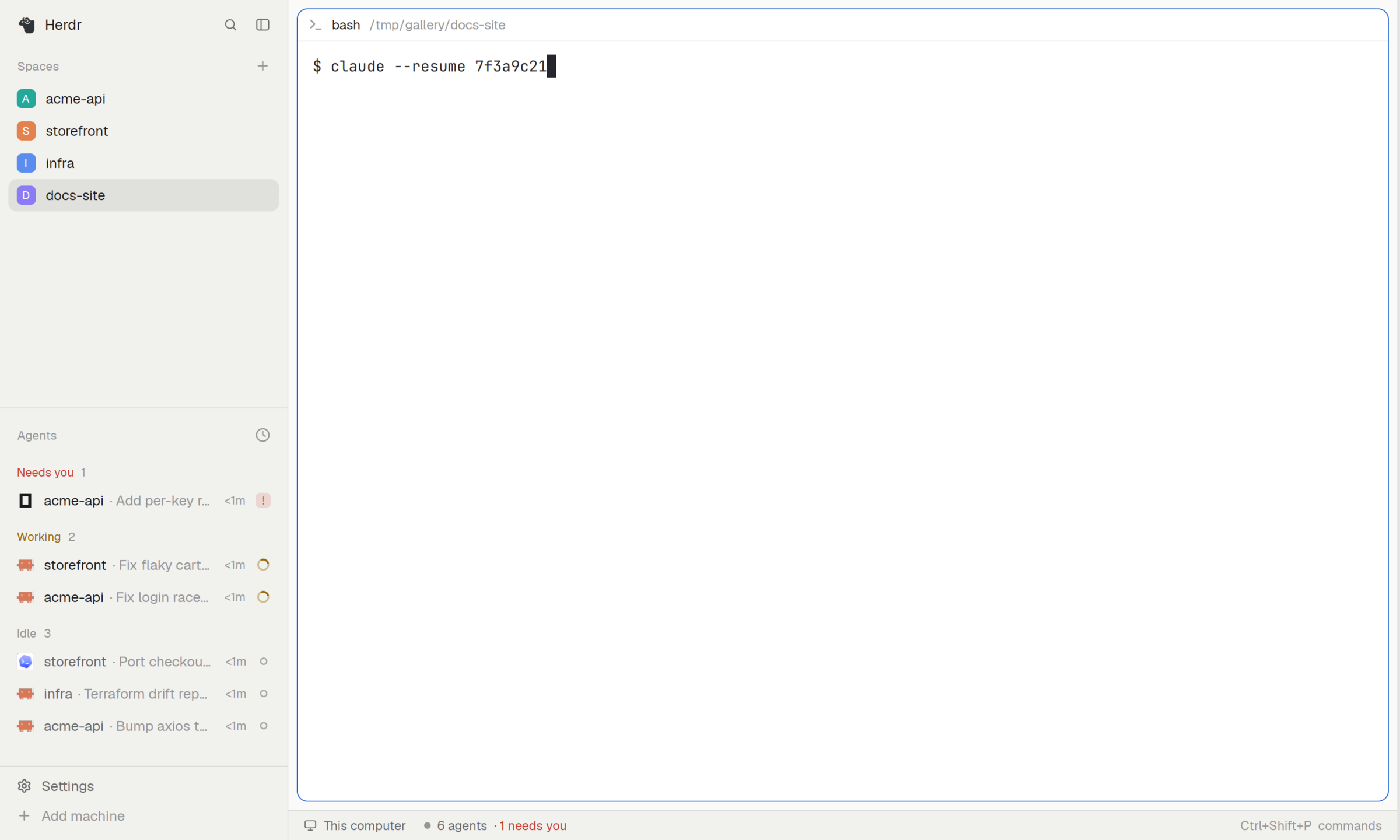
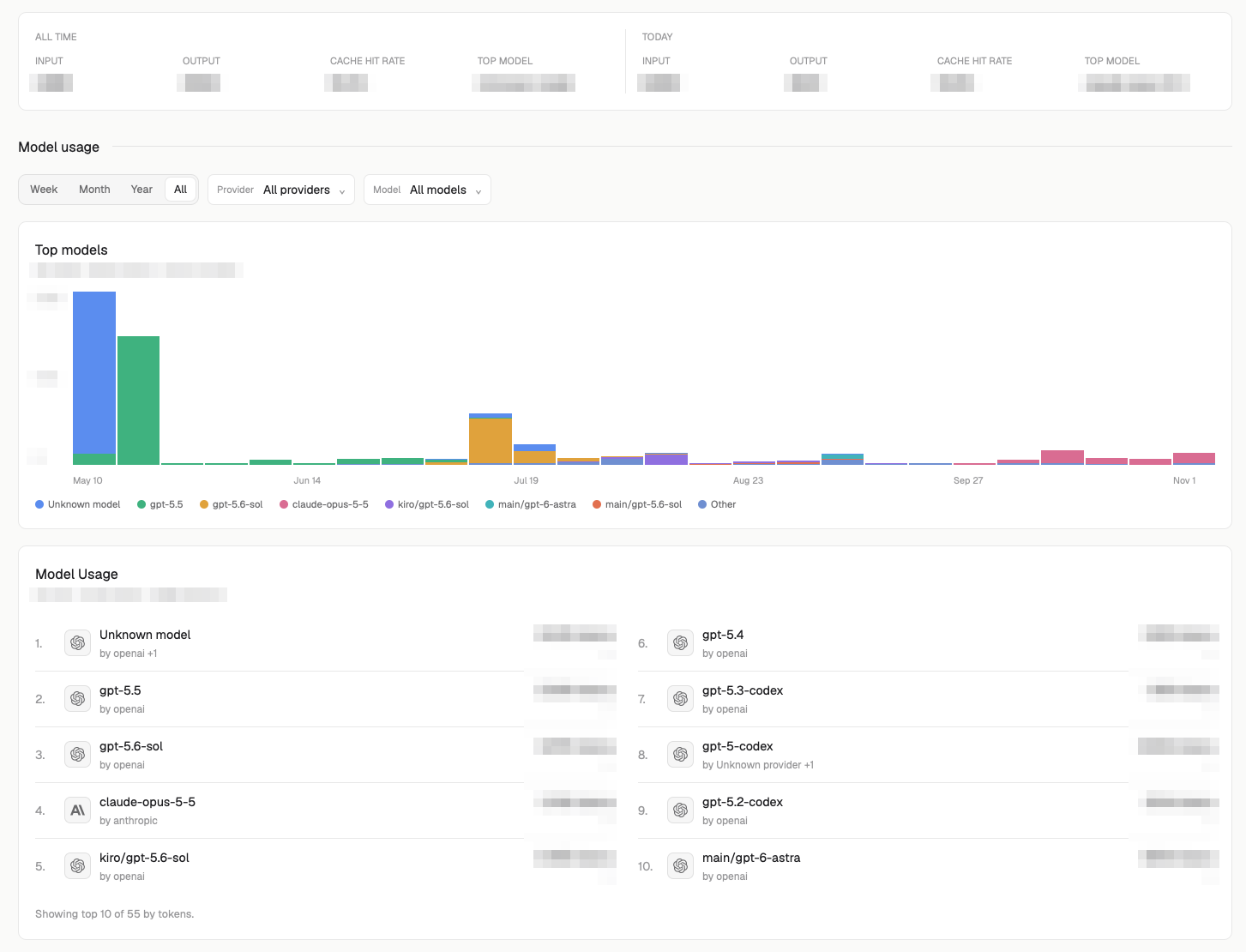
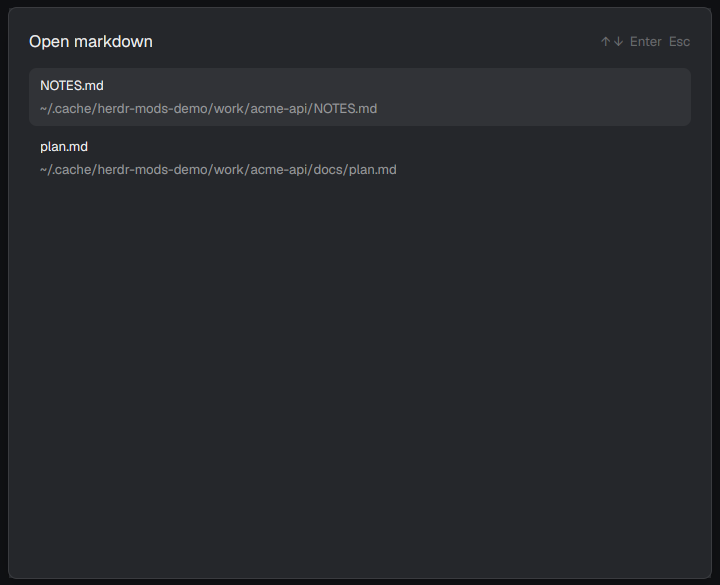
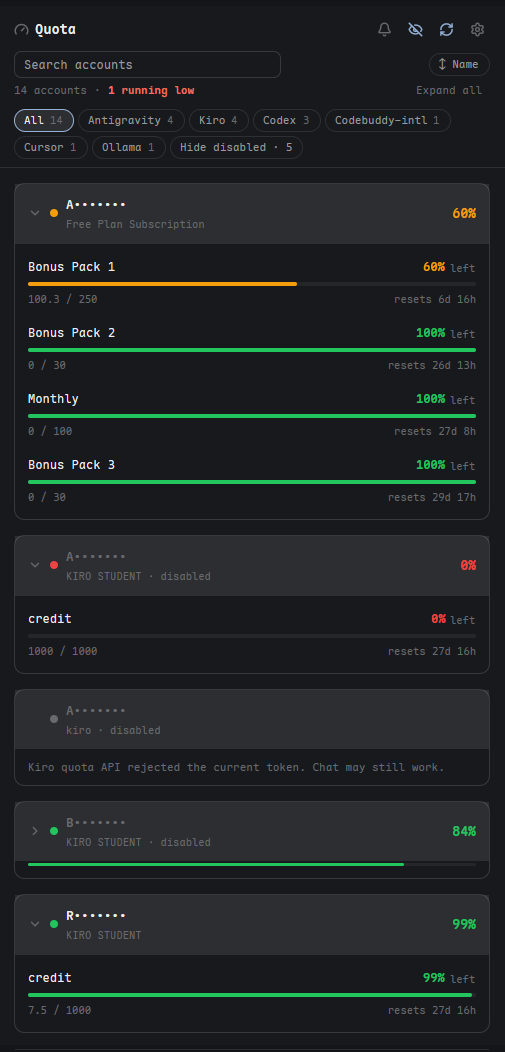
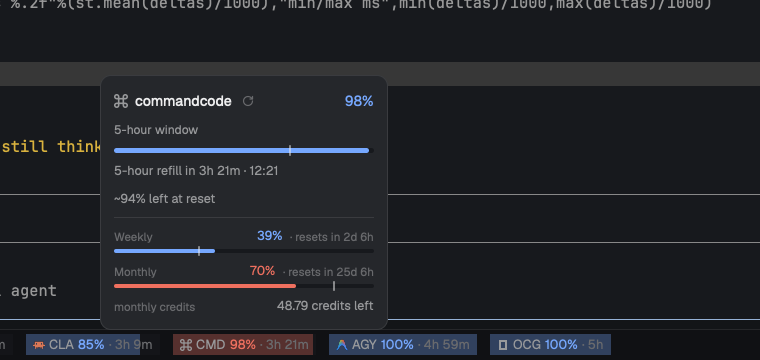
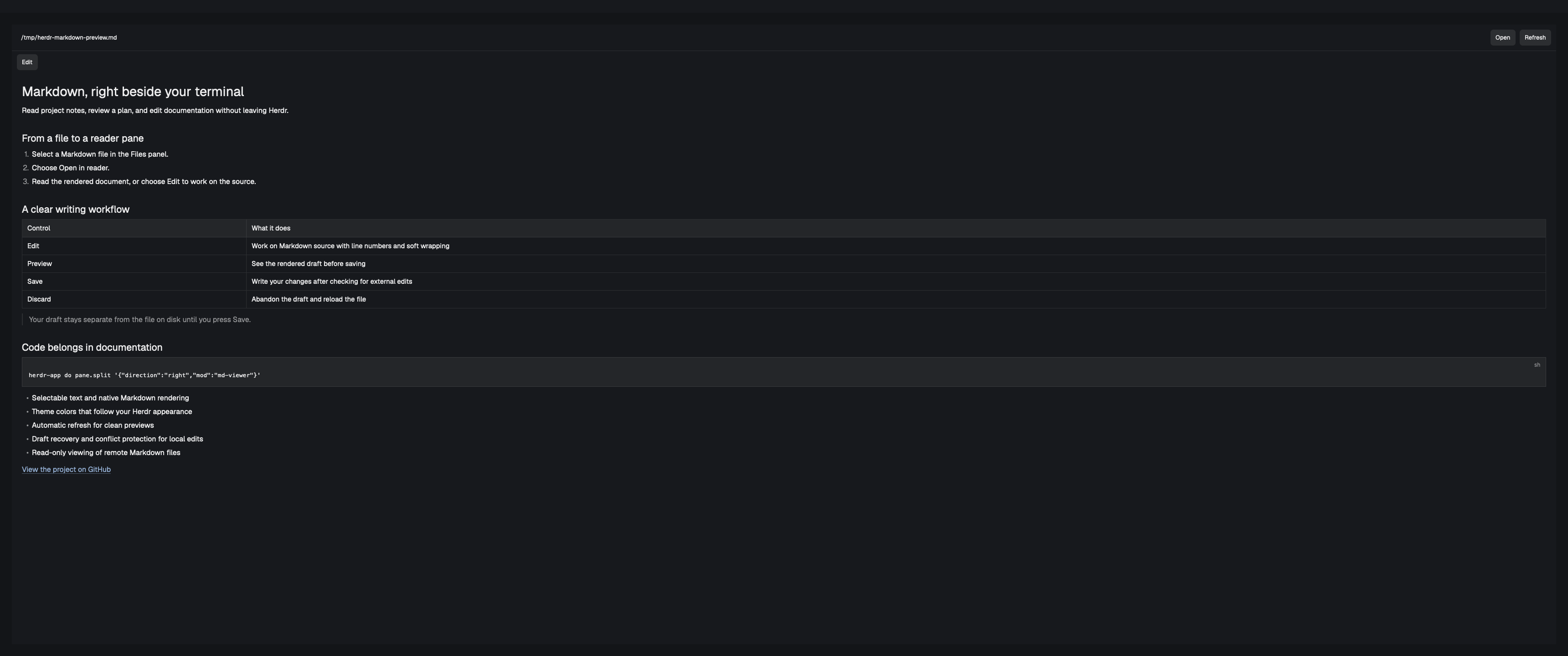
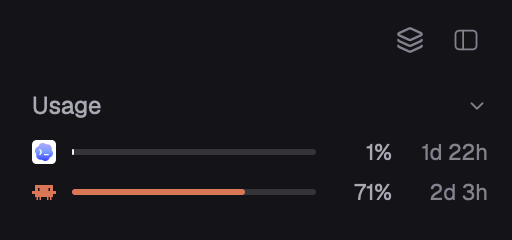
Herdr's own main layout with three additions: a status bar that shows how much Claude and Codex quota is left, a Files panel that renders Markdown (and can open it in its own preview pane), and a History panel that lists past Claude Code, Codex and Pi sessions and resumes them in a new tab.

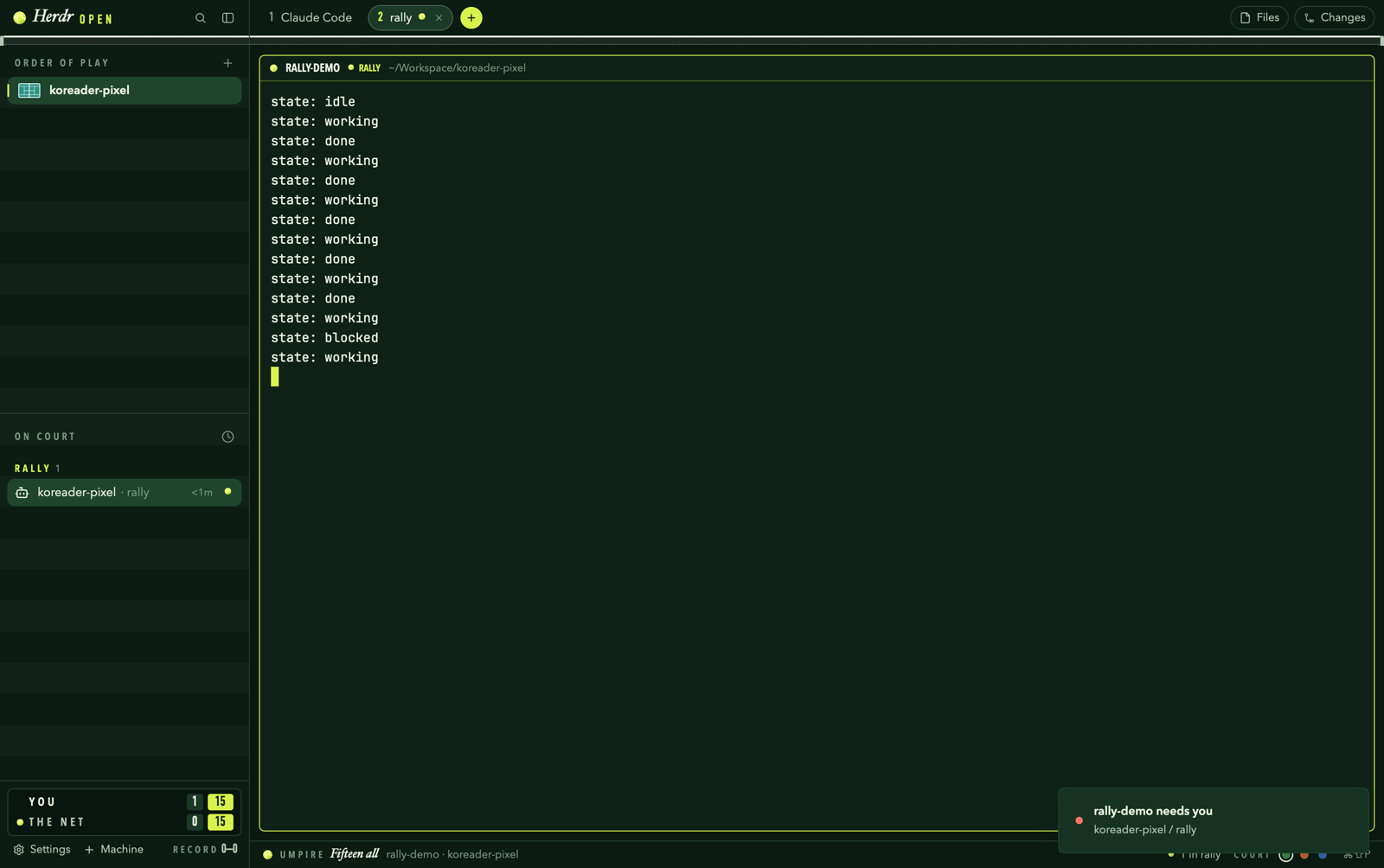

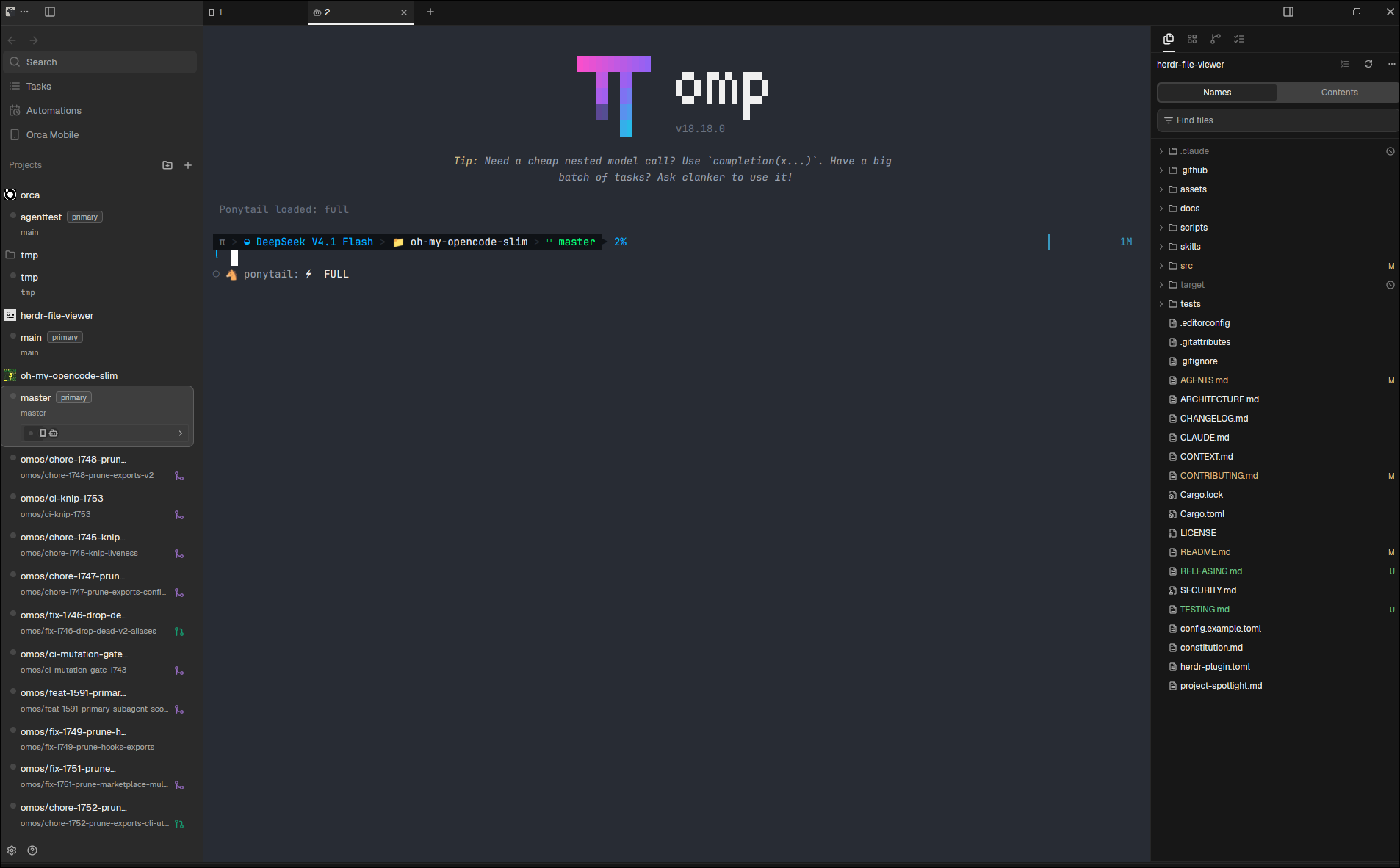

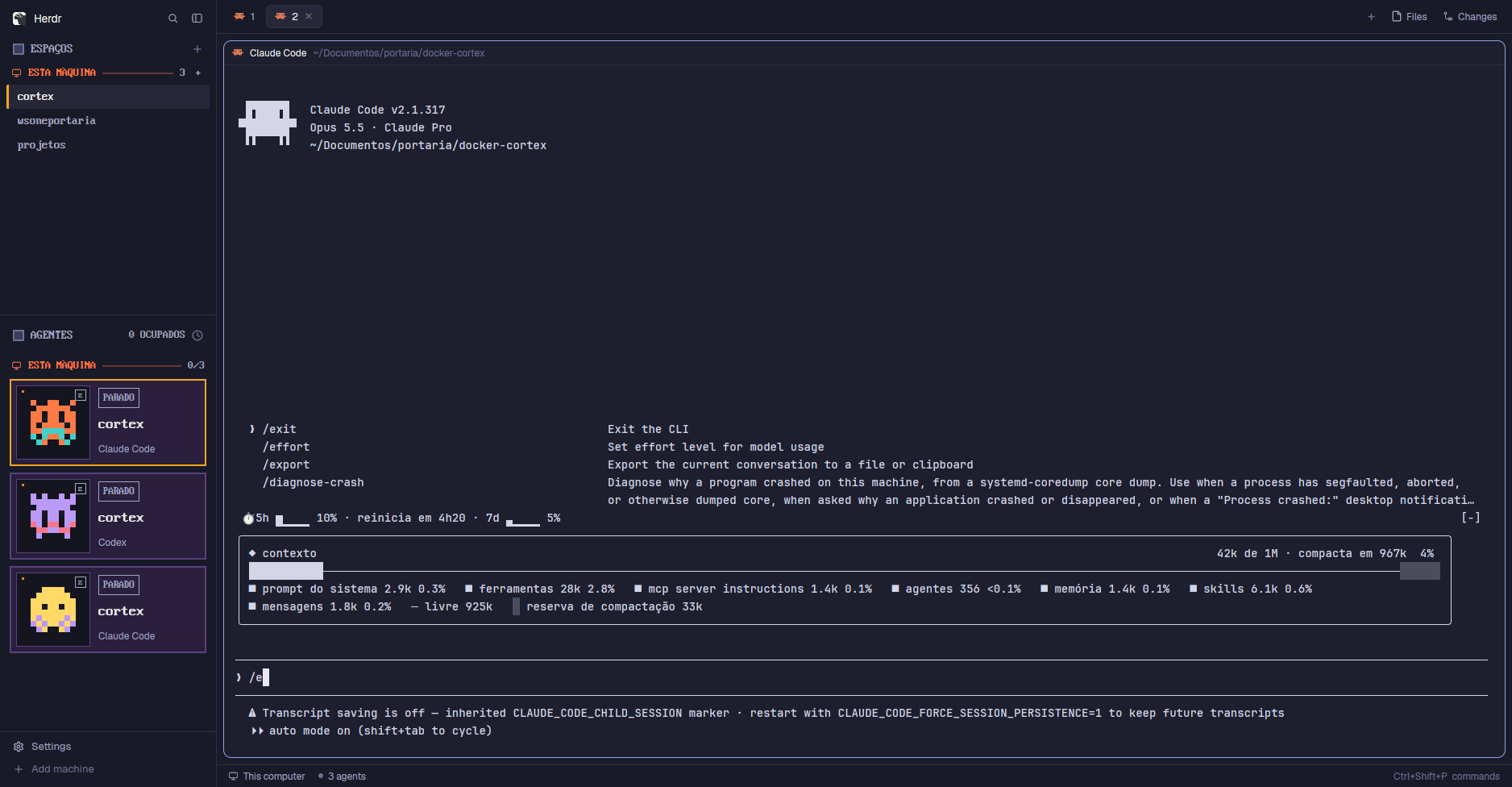

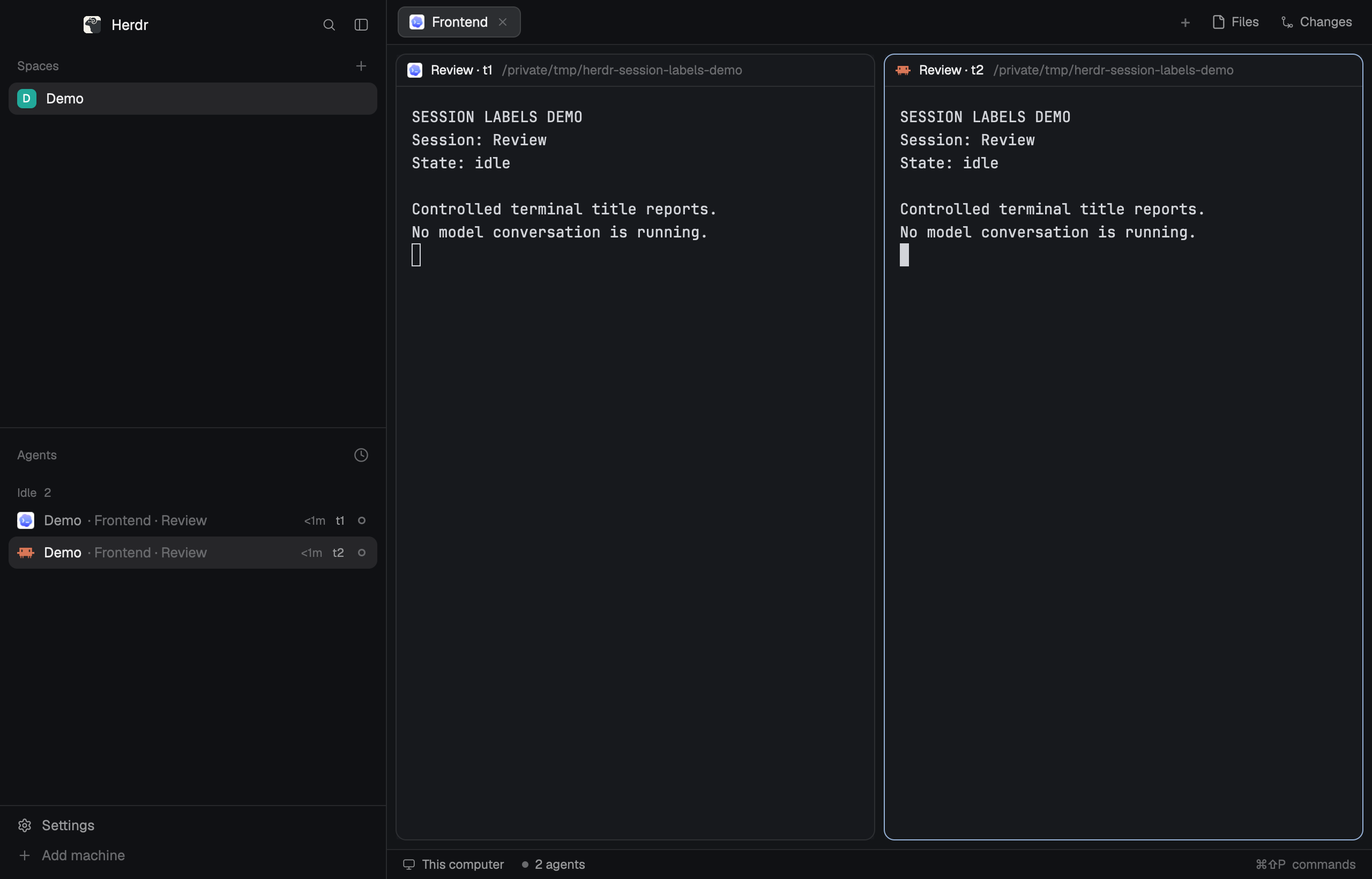

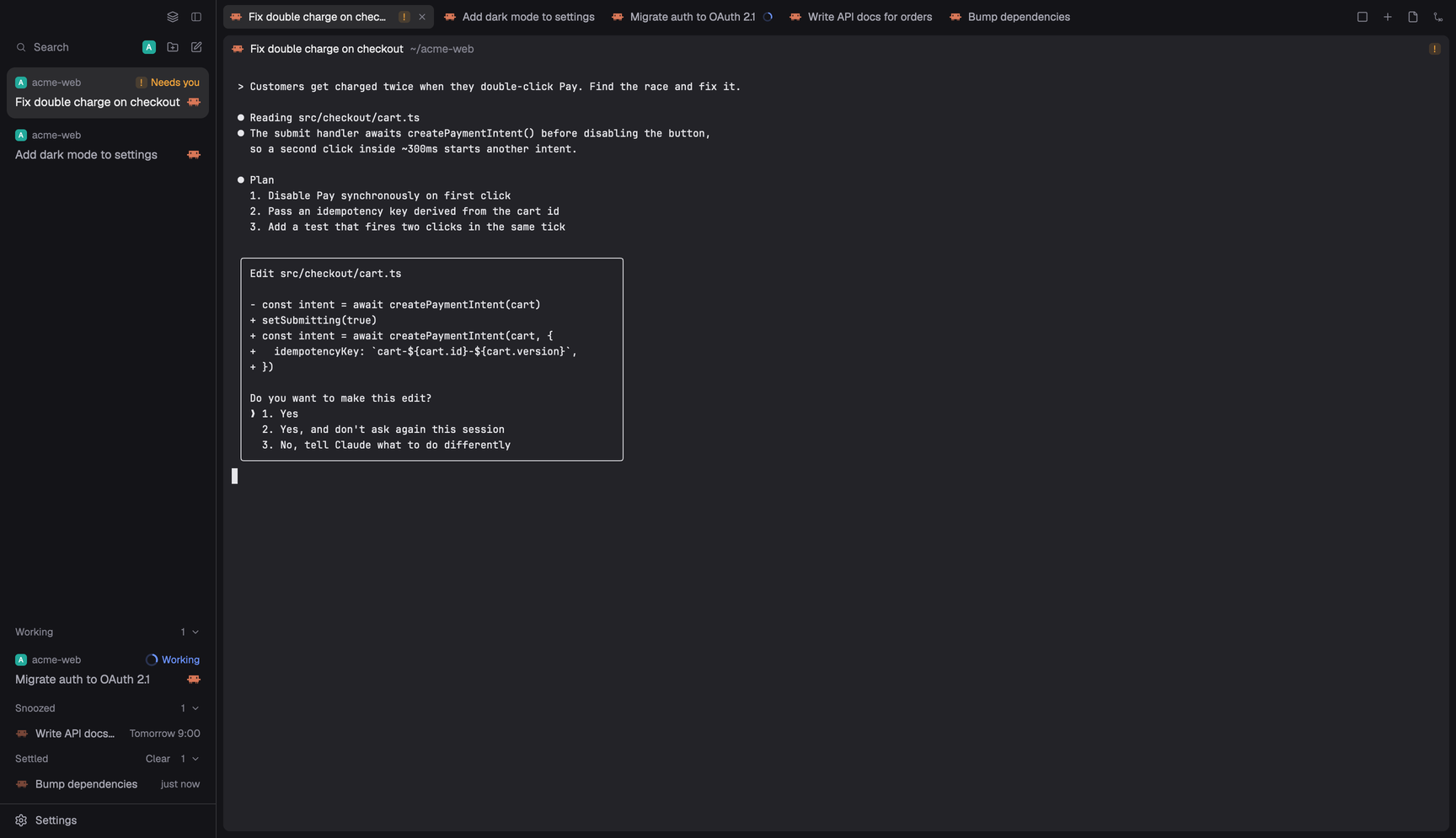

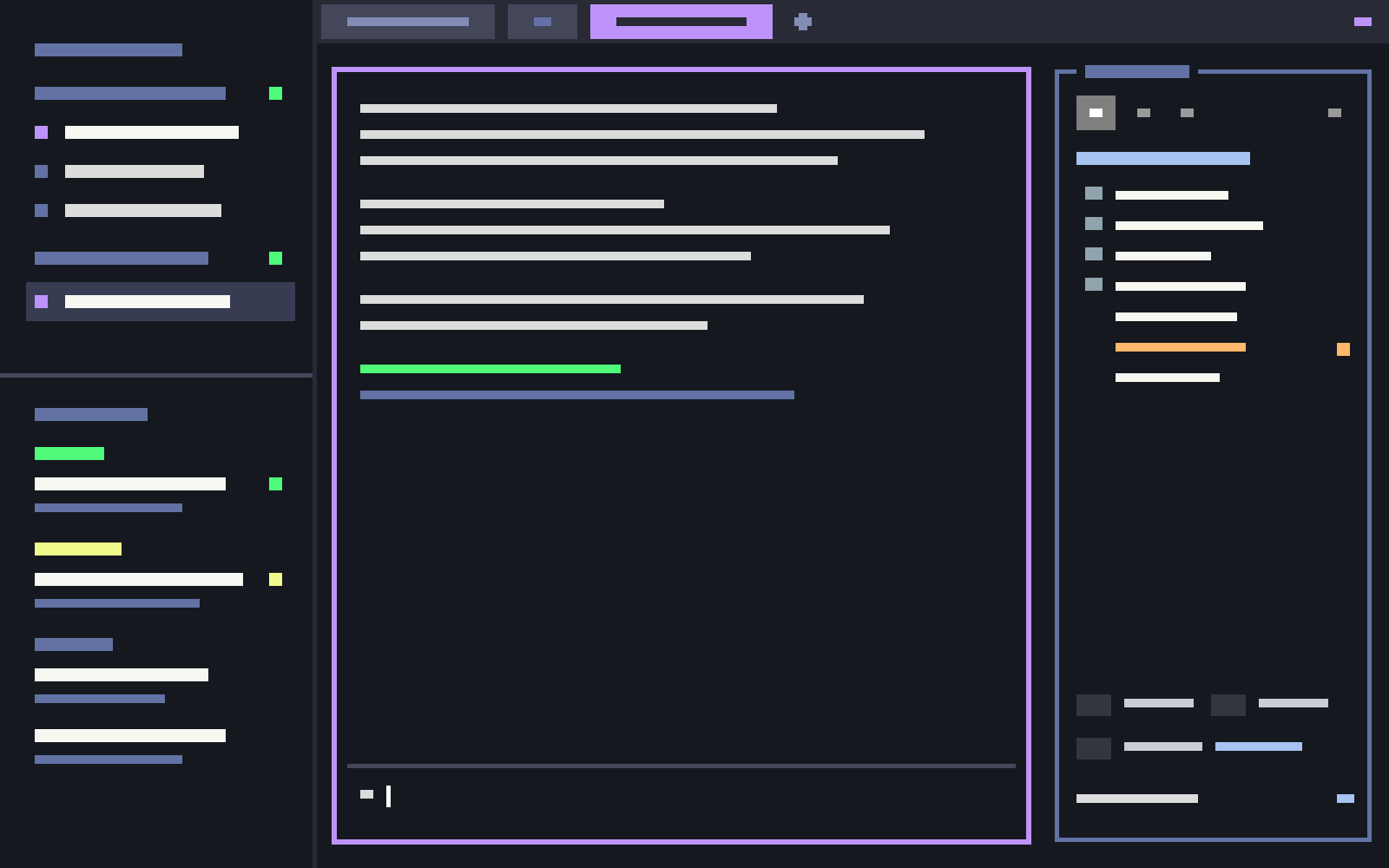

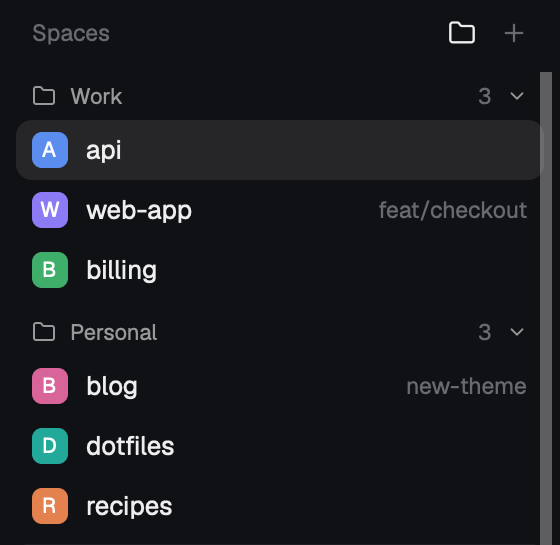

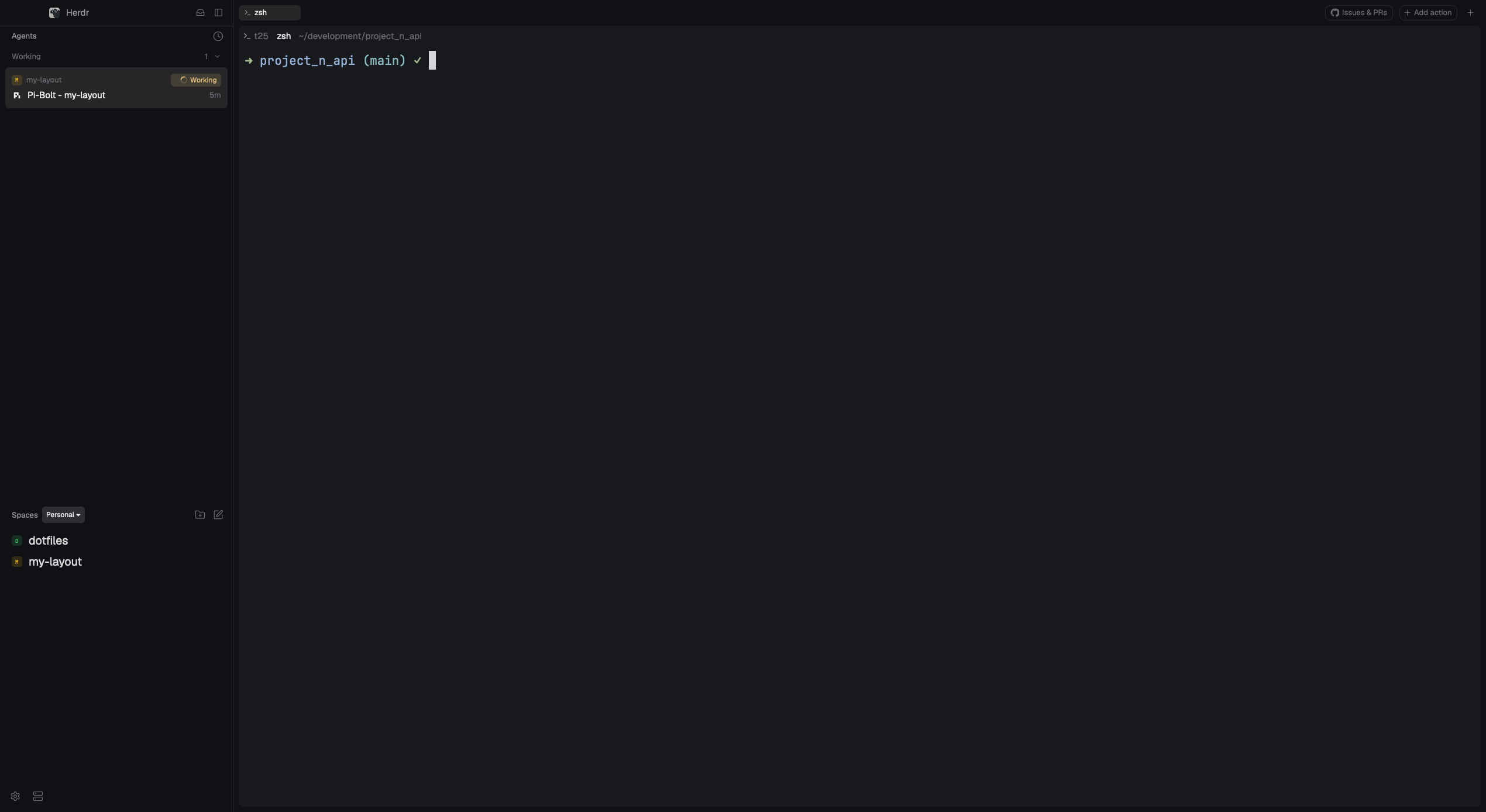




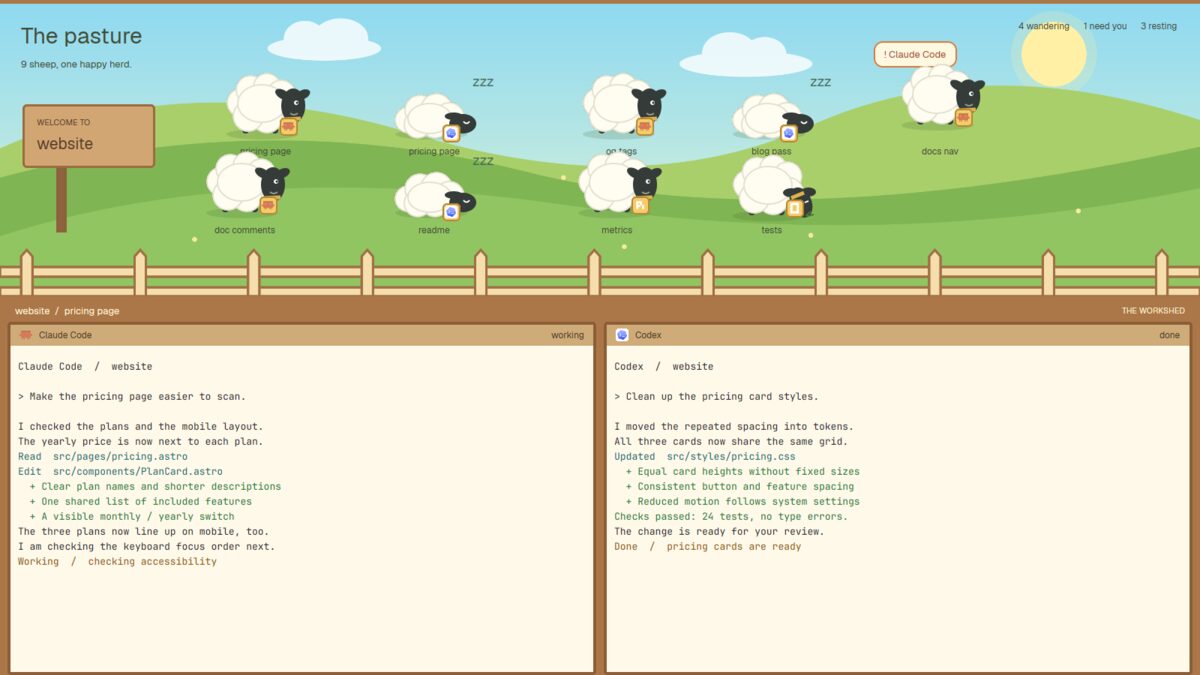
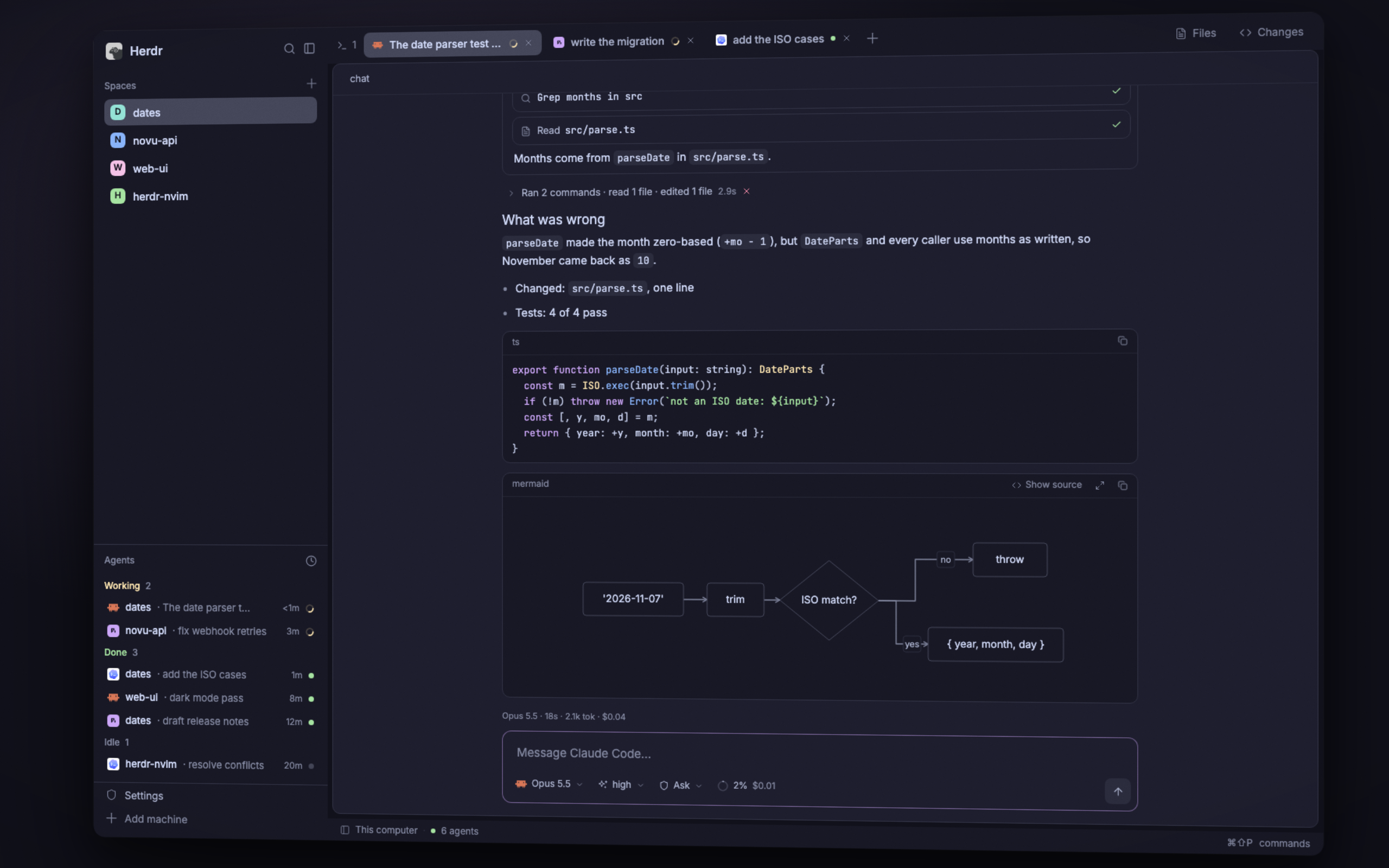
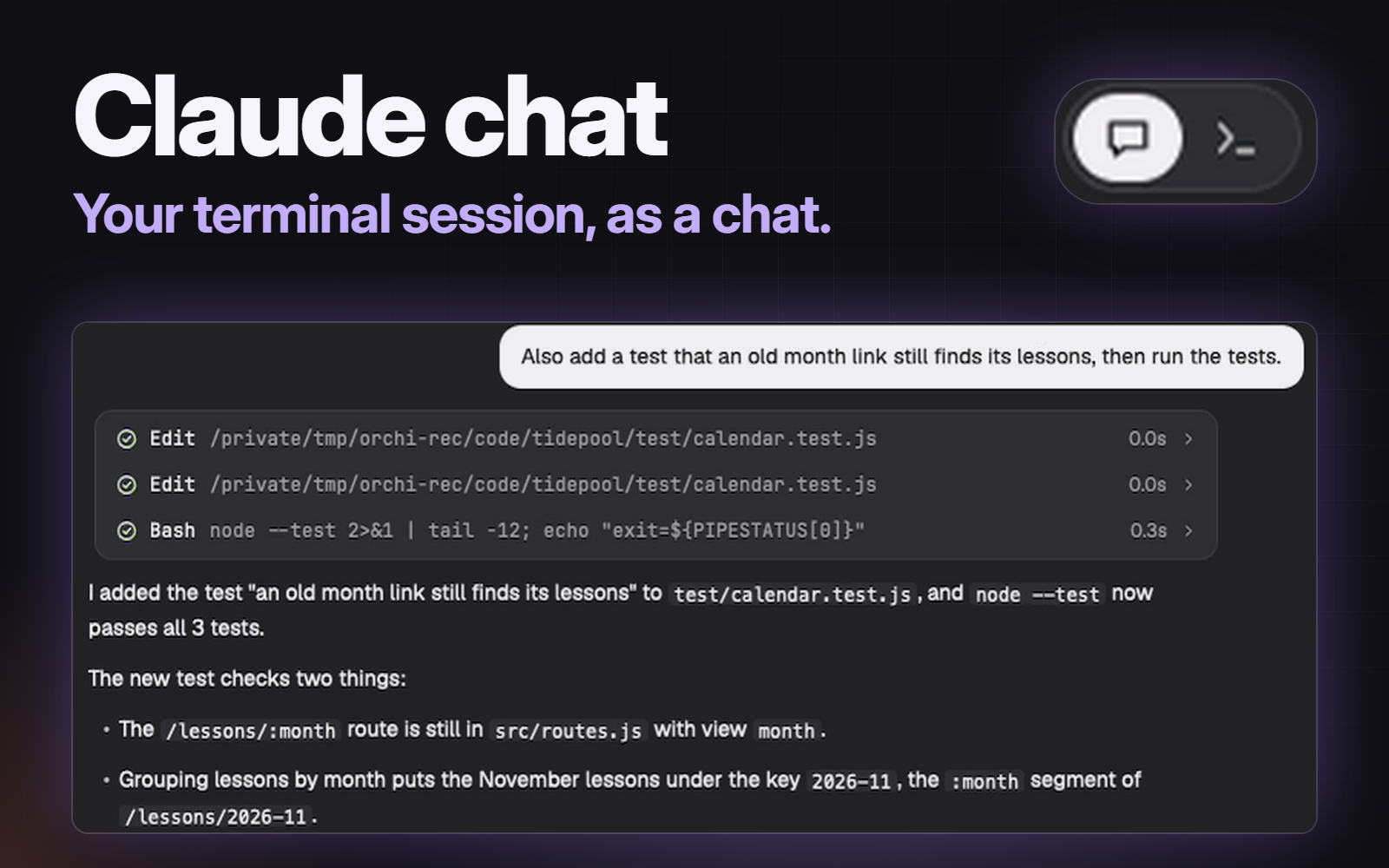
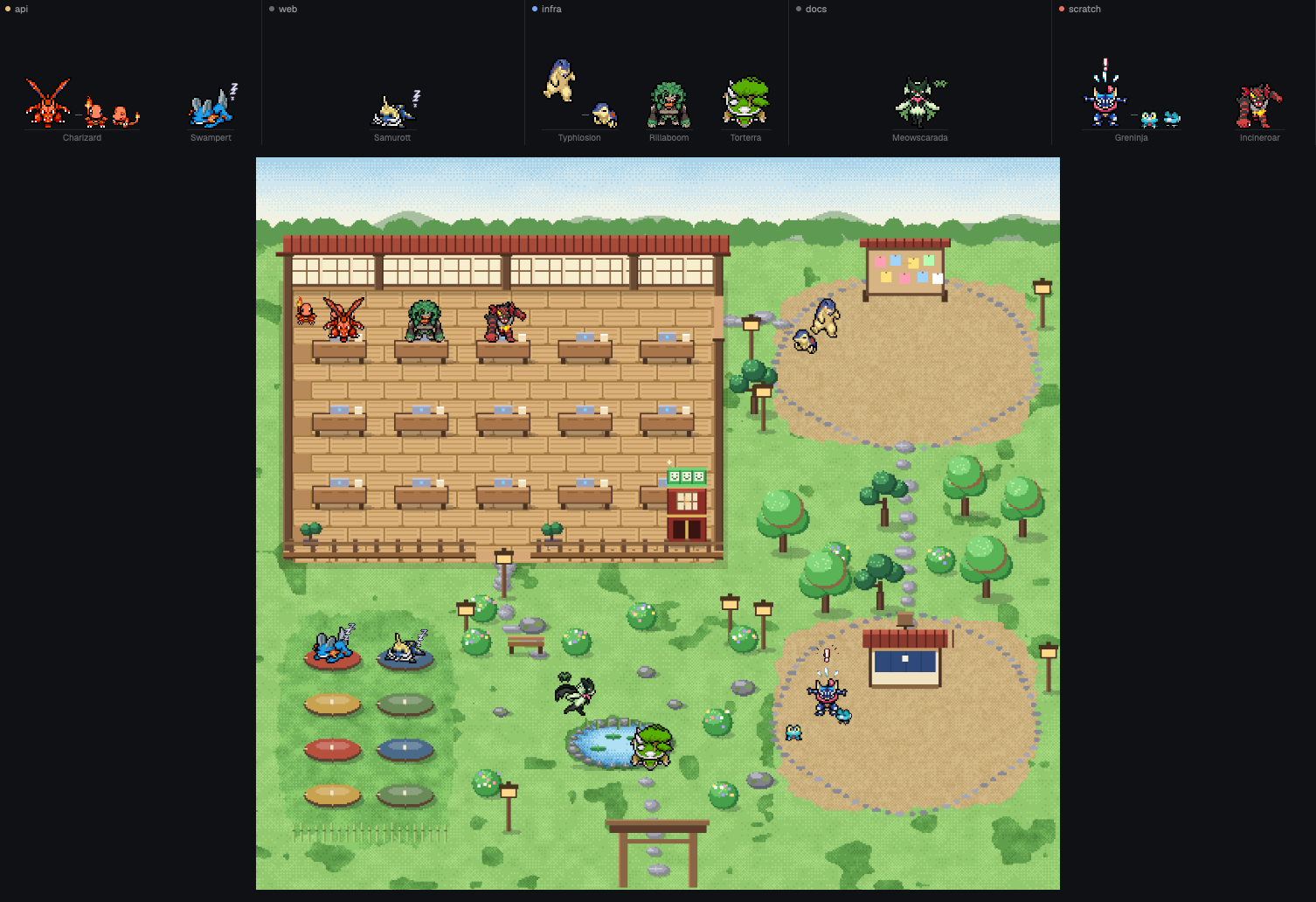
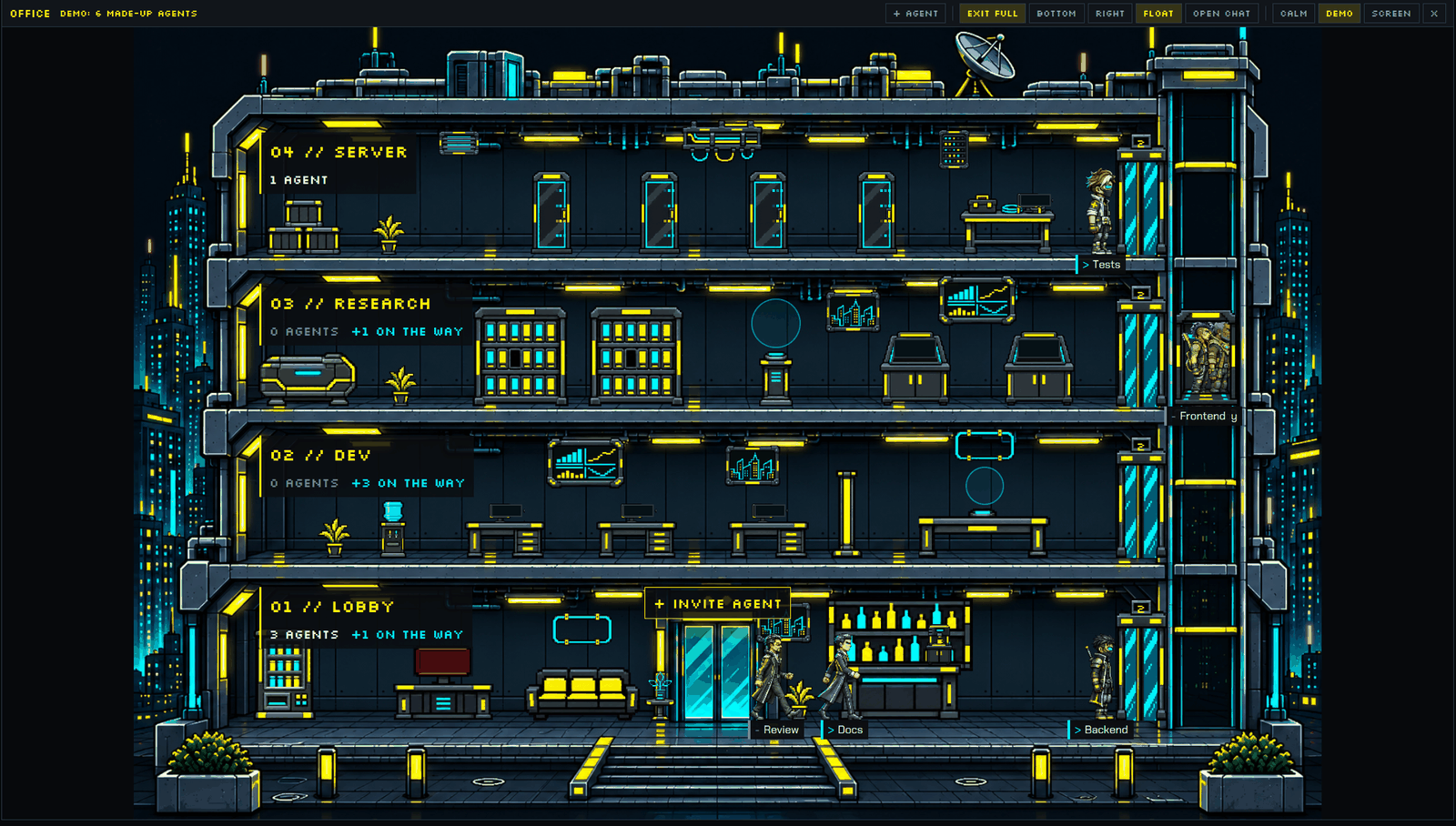
Herdr's usual window (spaces sidebar, tab bar, terminals, status bar) where the agents list becomes a zoo: every agent is a small animated 3D creature on its own isometric tile that acts out what the agent is doing. It walks while the agent works, shakes its head and jumps when the agent needs you, cheers when it's done, and idles faded out. The middle of the window shows a Claude Code agent as a chat (markdown, tool calls, diffs, sub-agents, question cards) with a Chat / Terminal switch back…



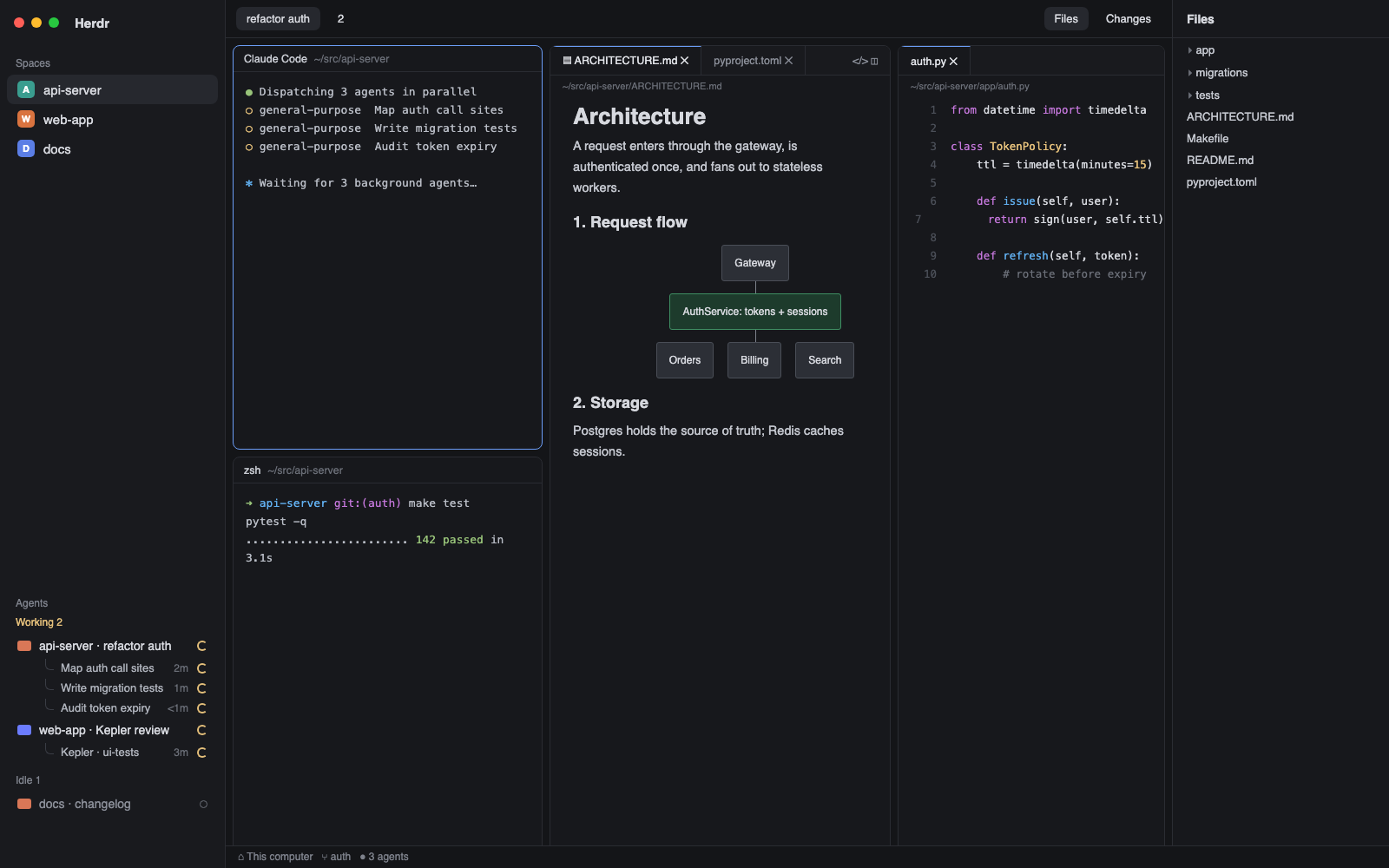

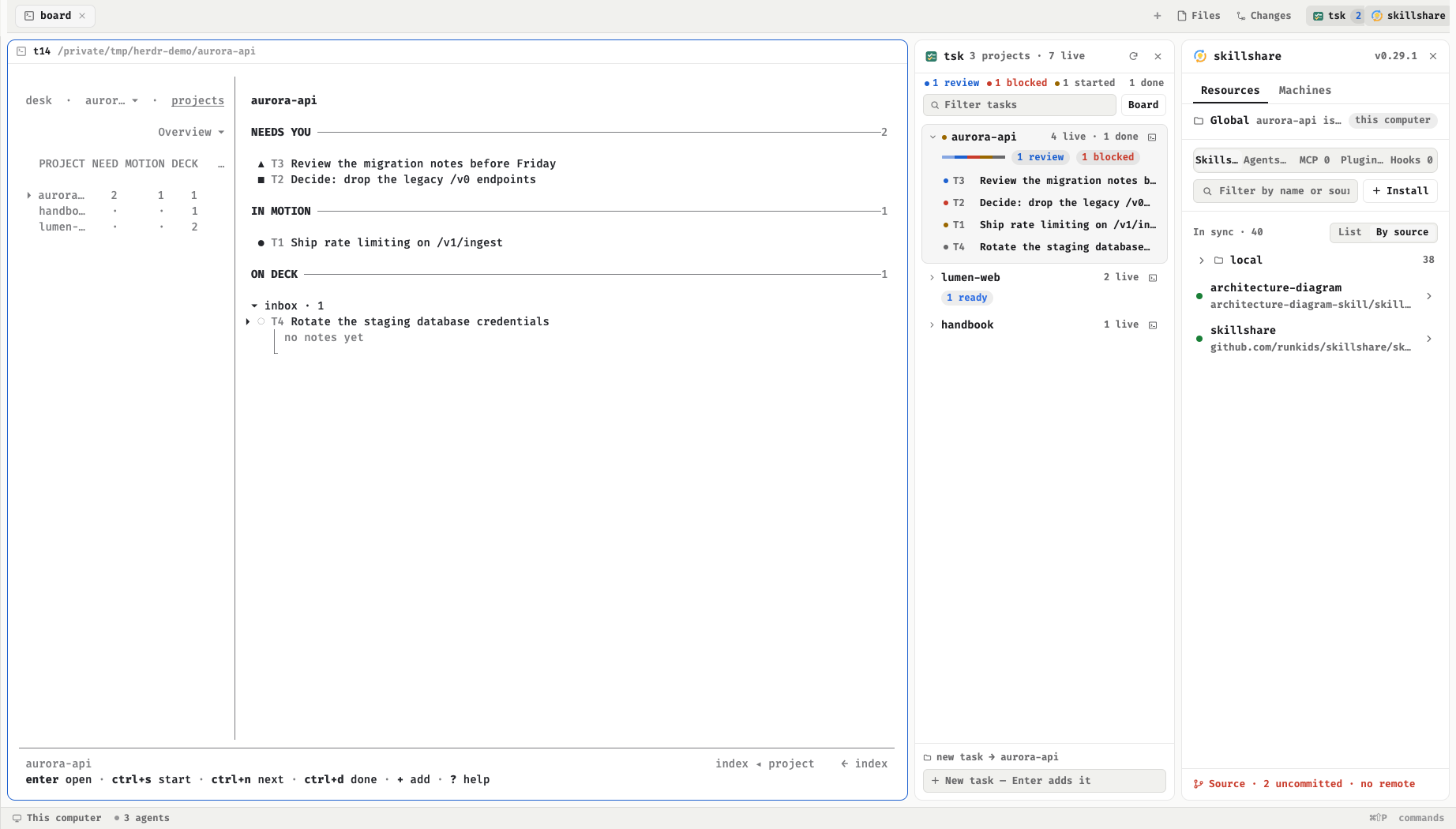

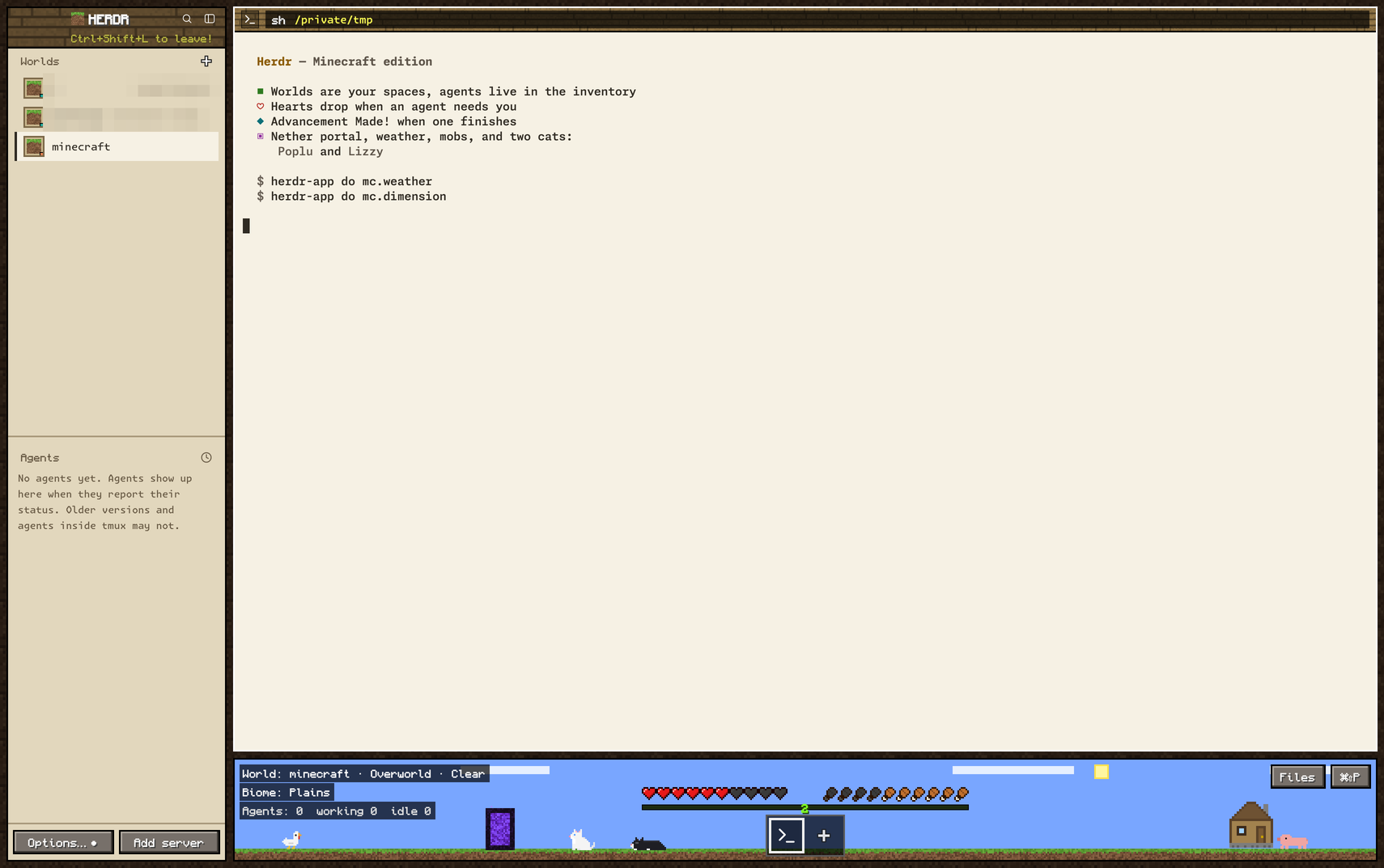

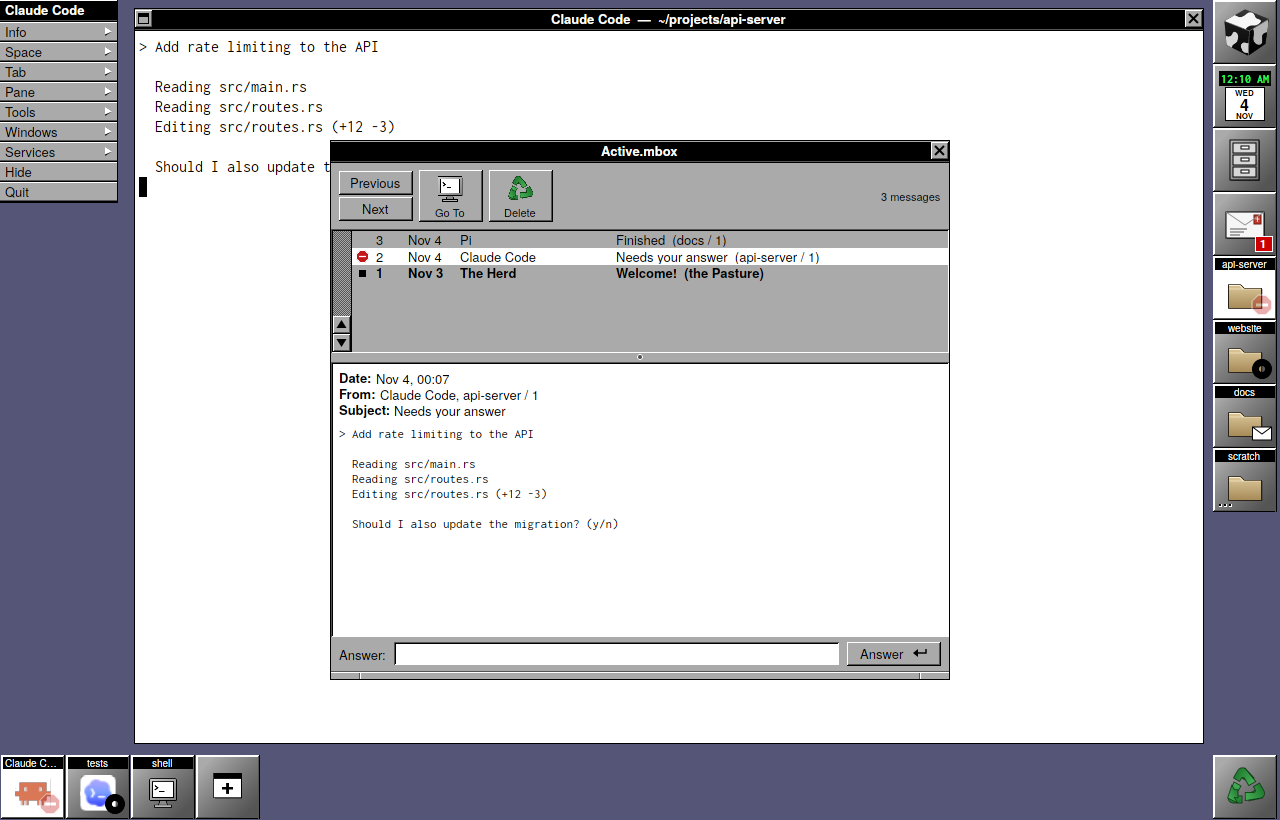

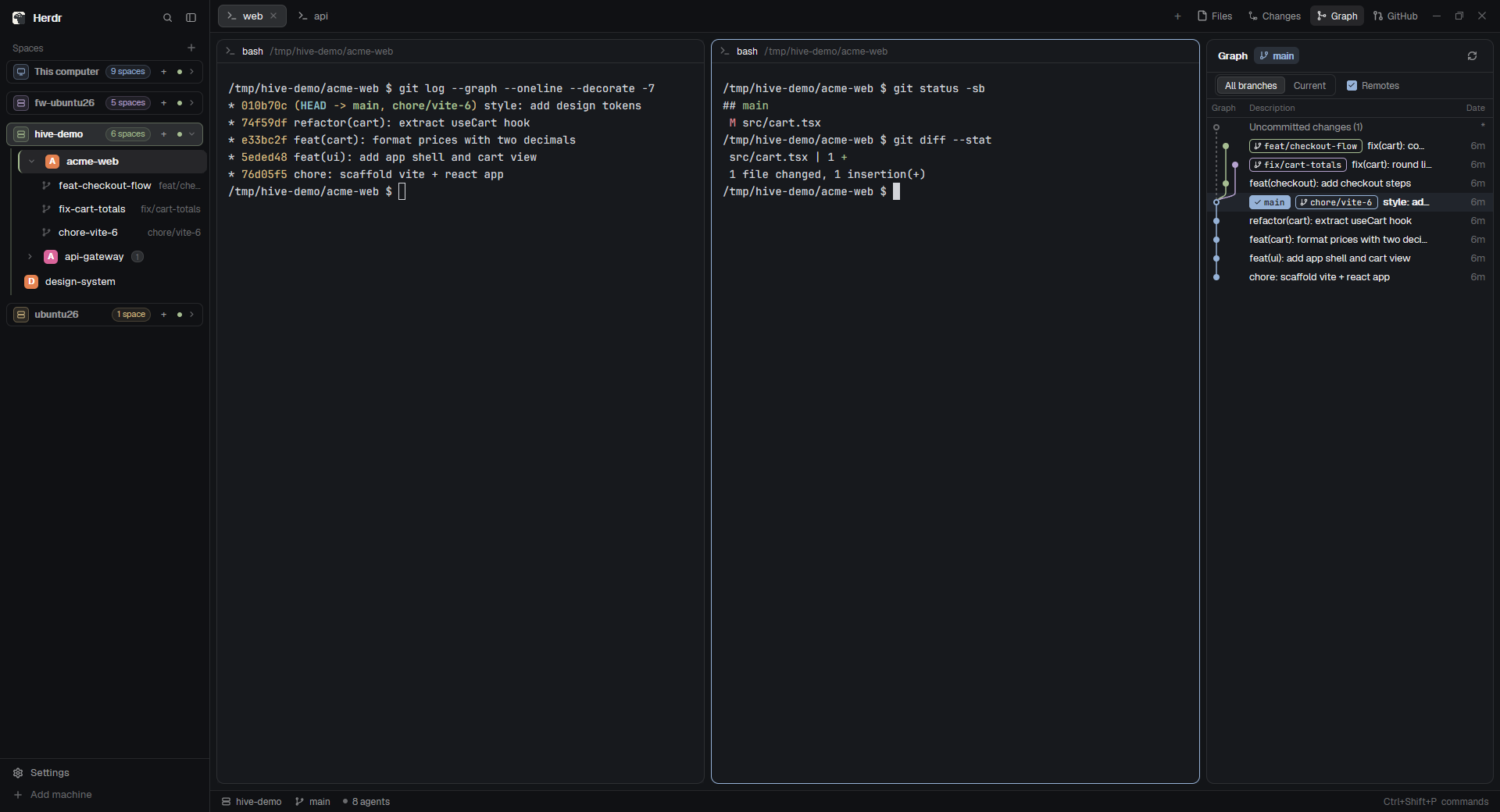

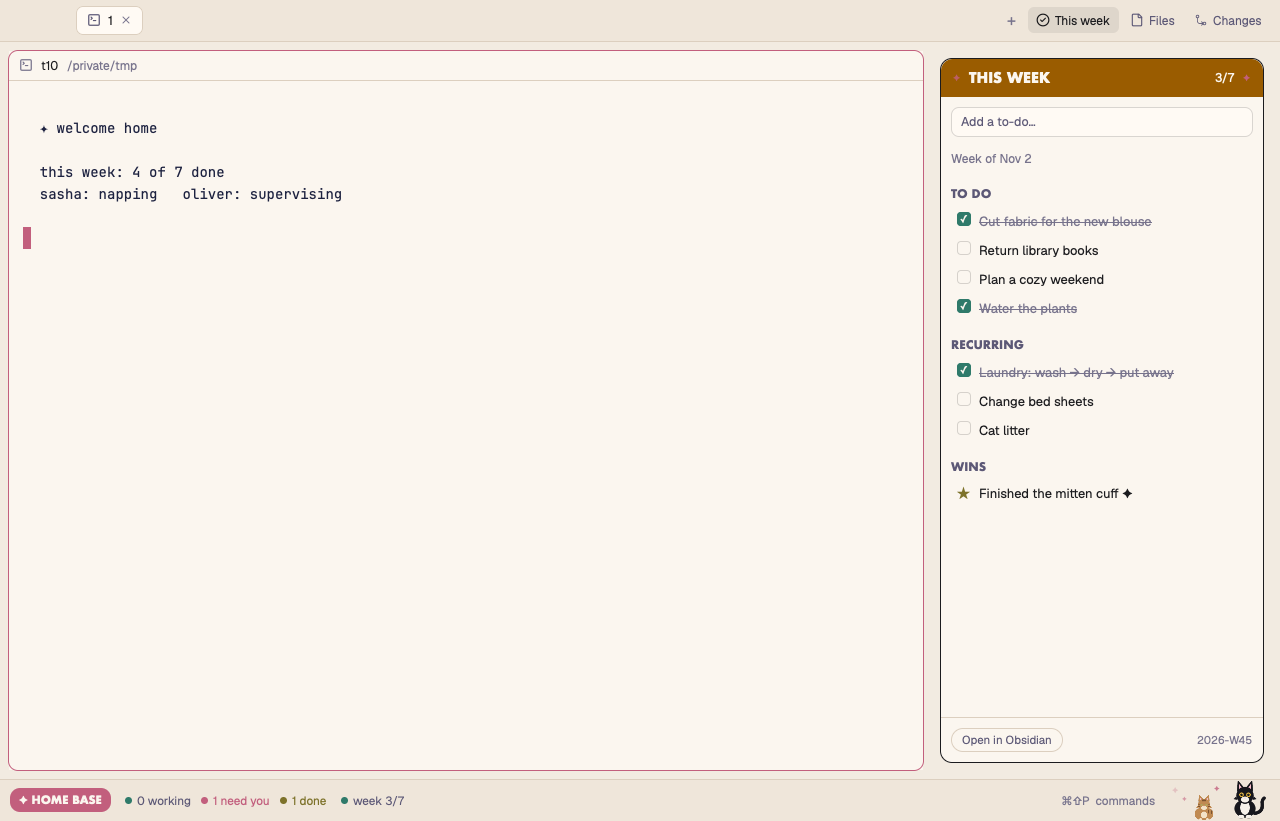

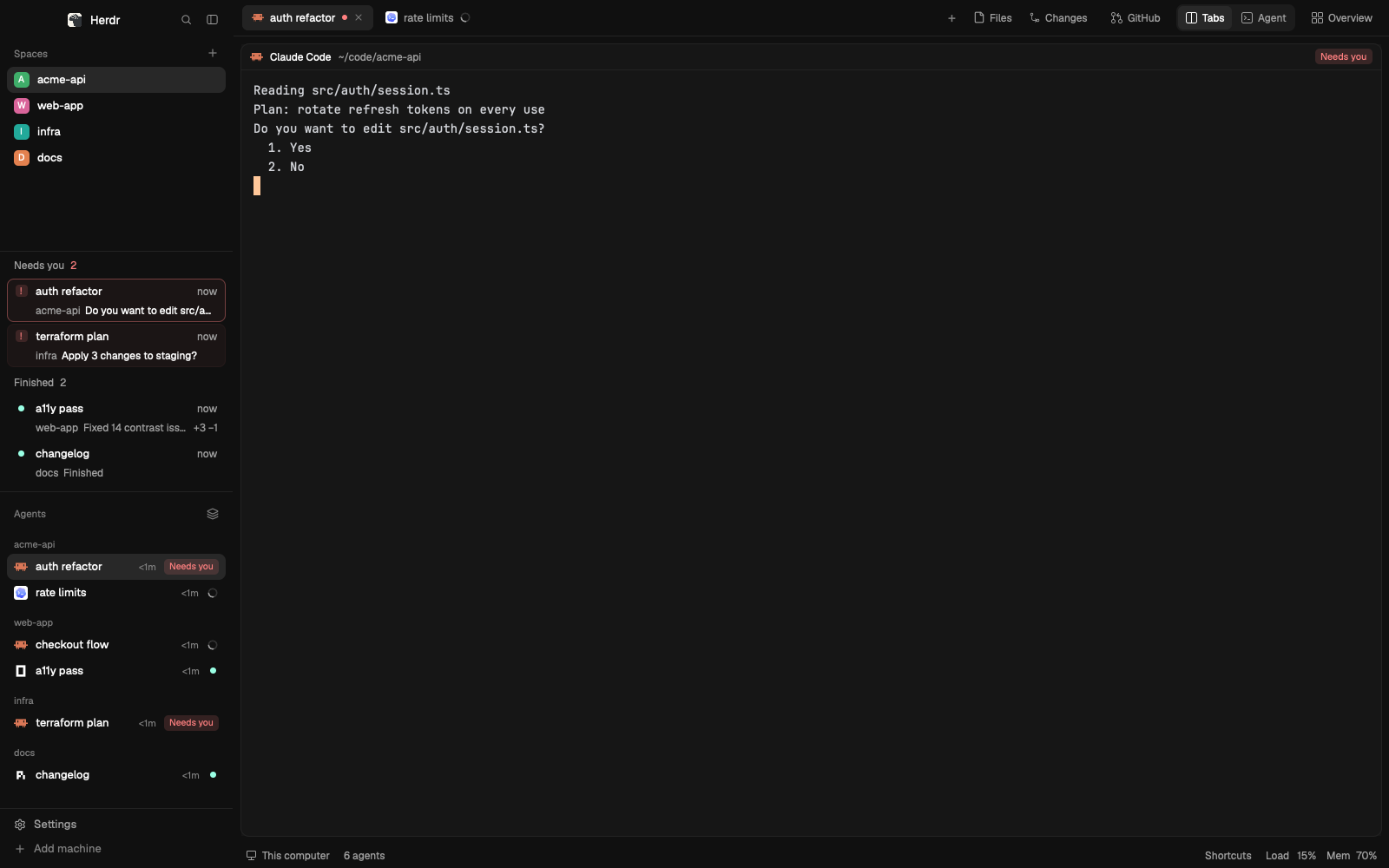

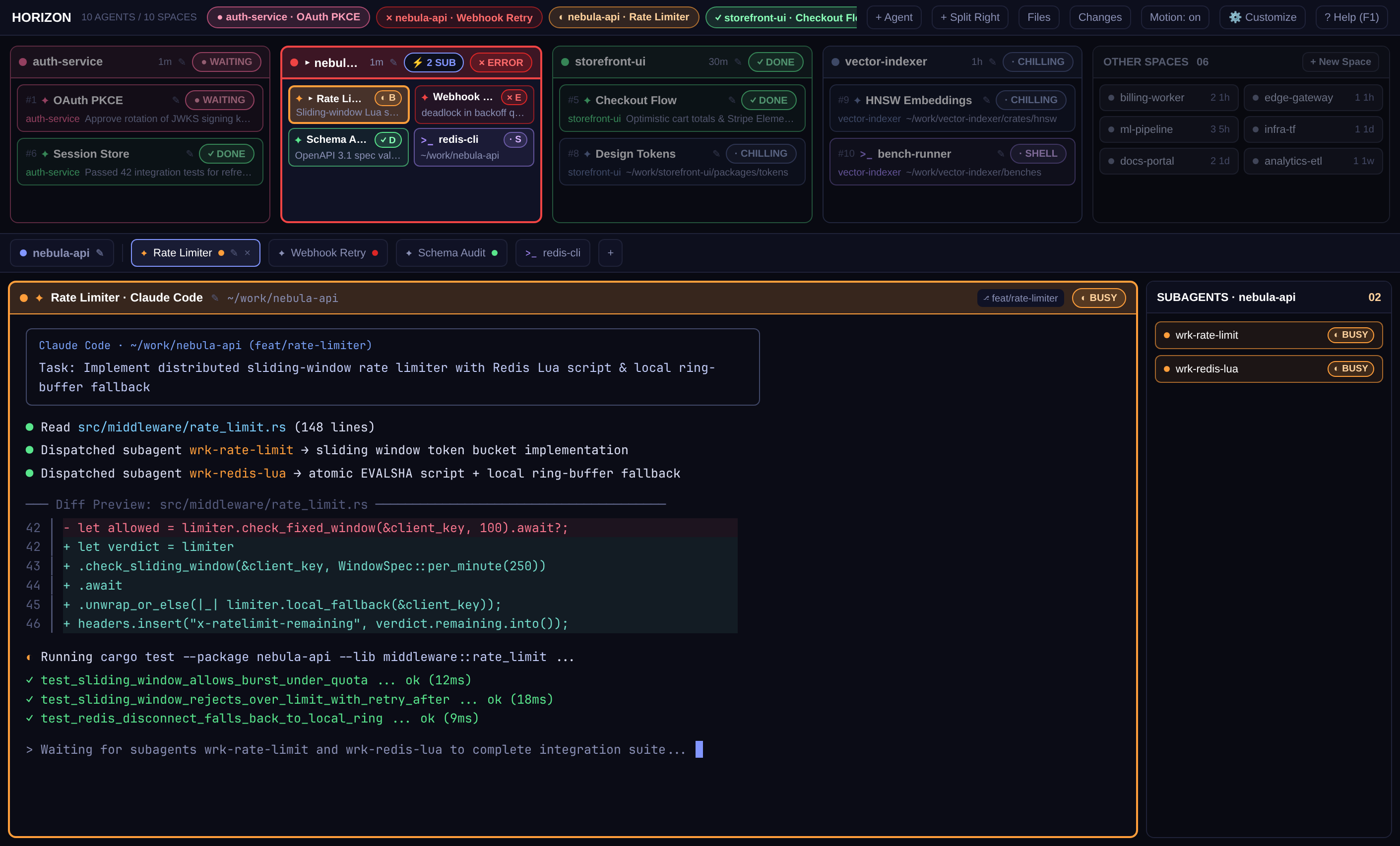

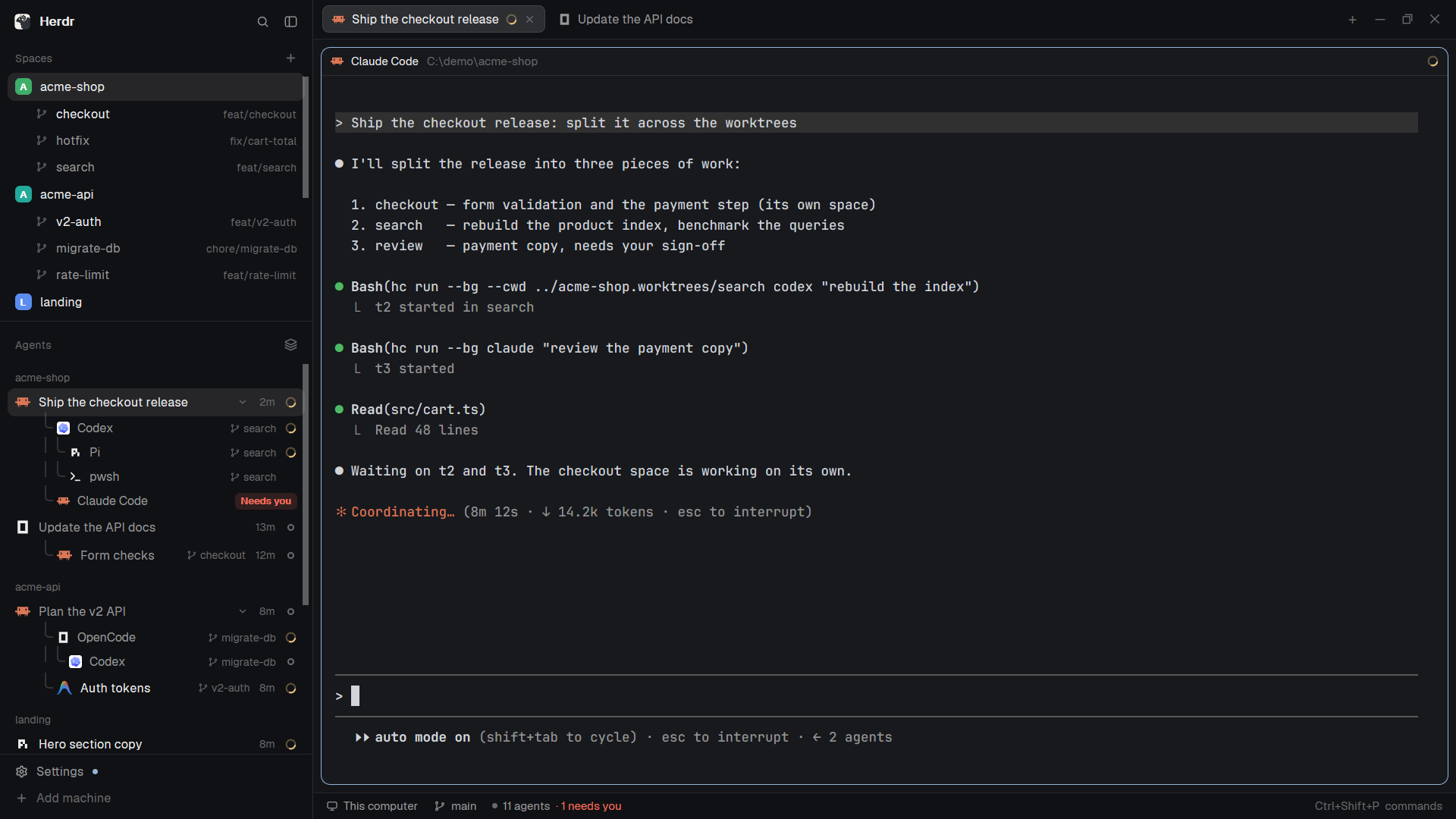




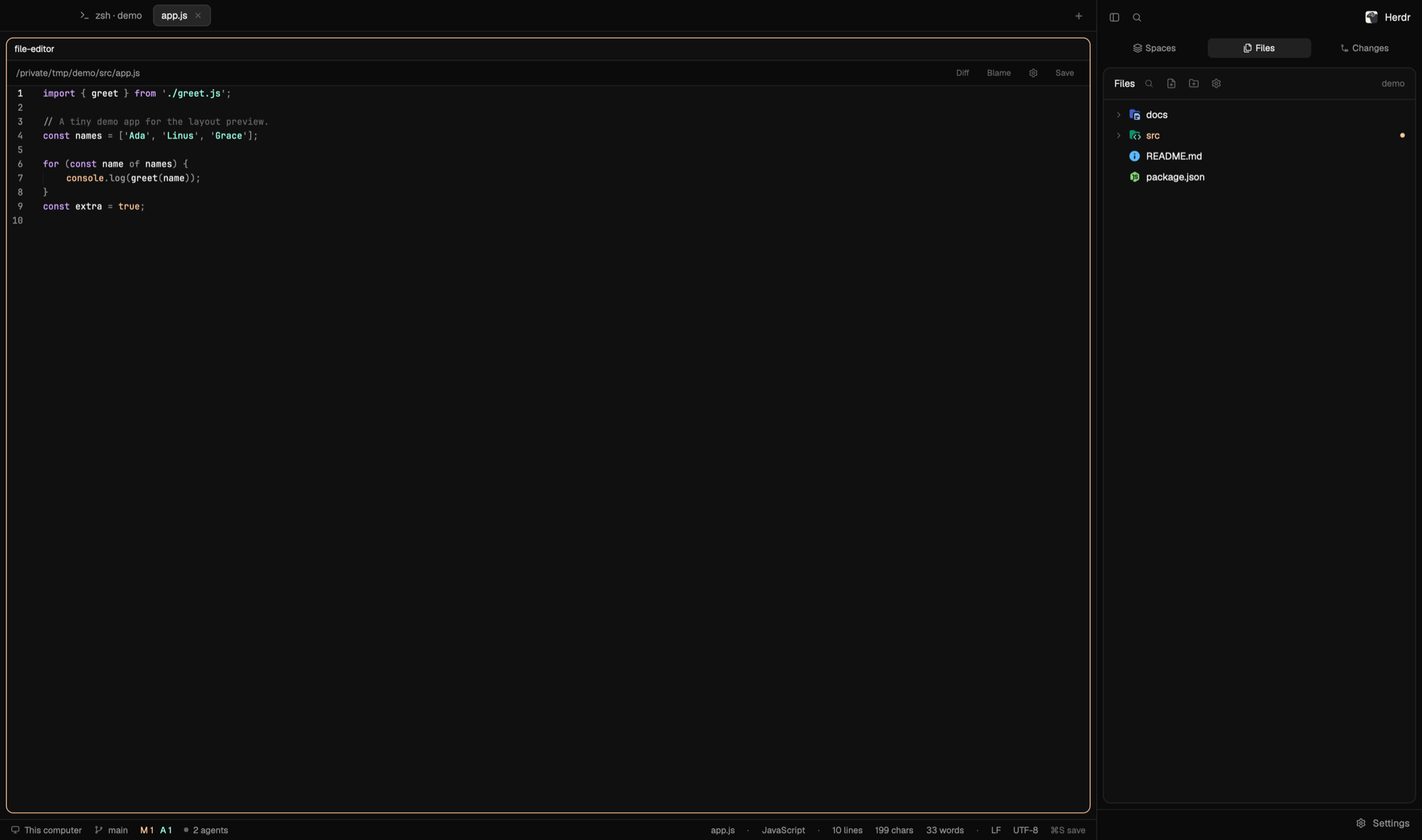

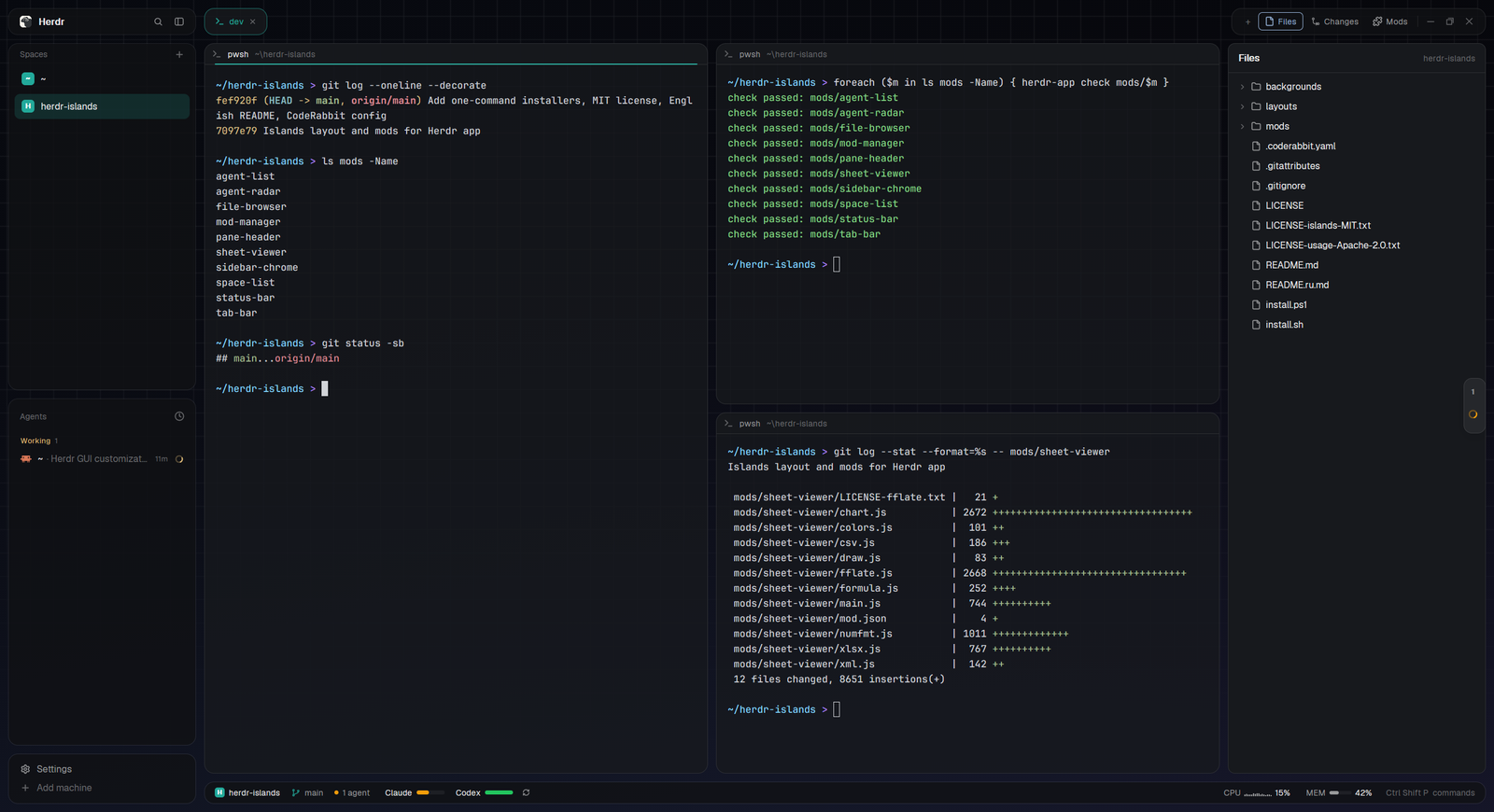

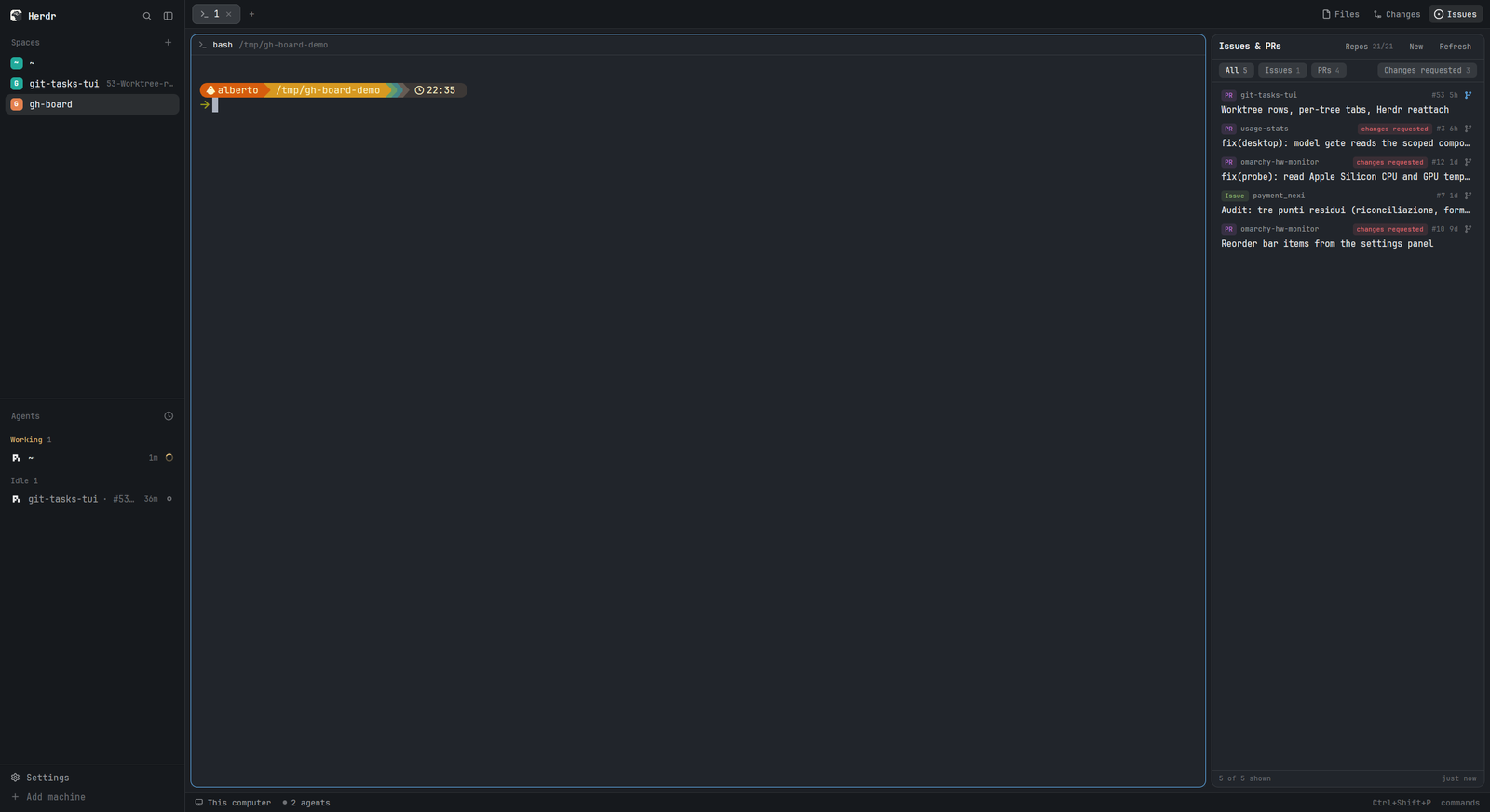

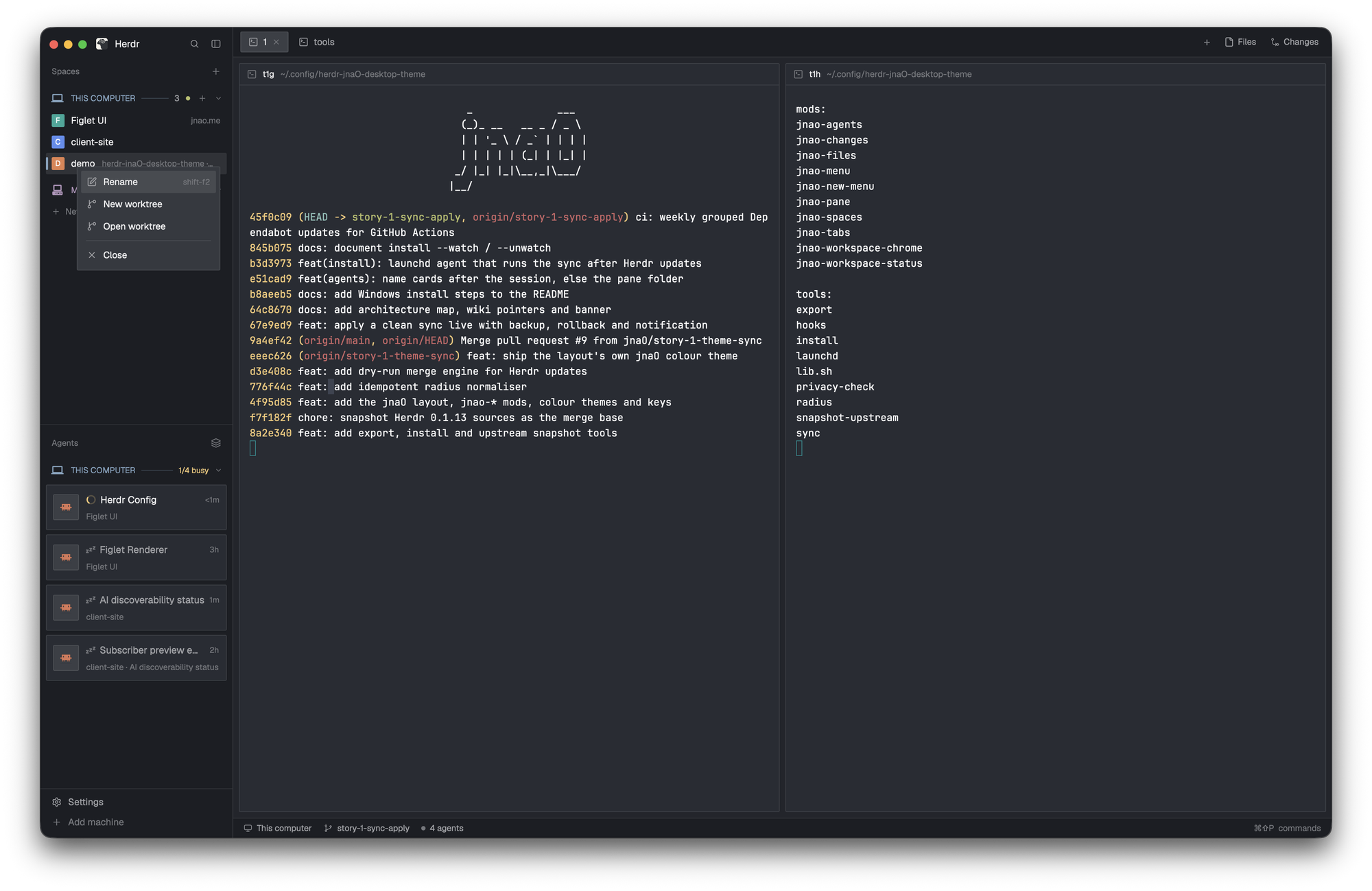




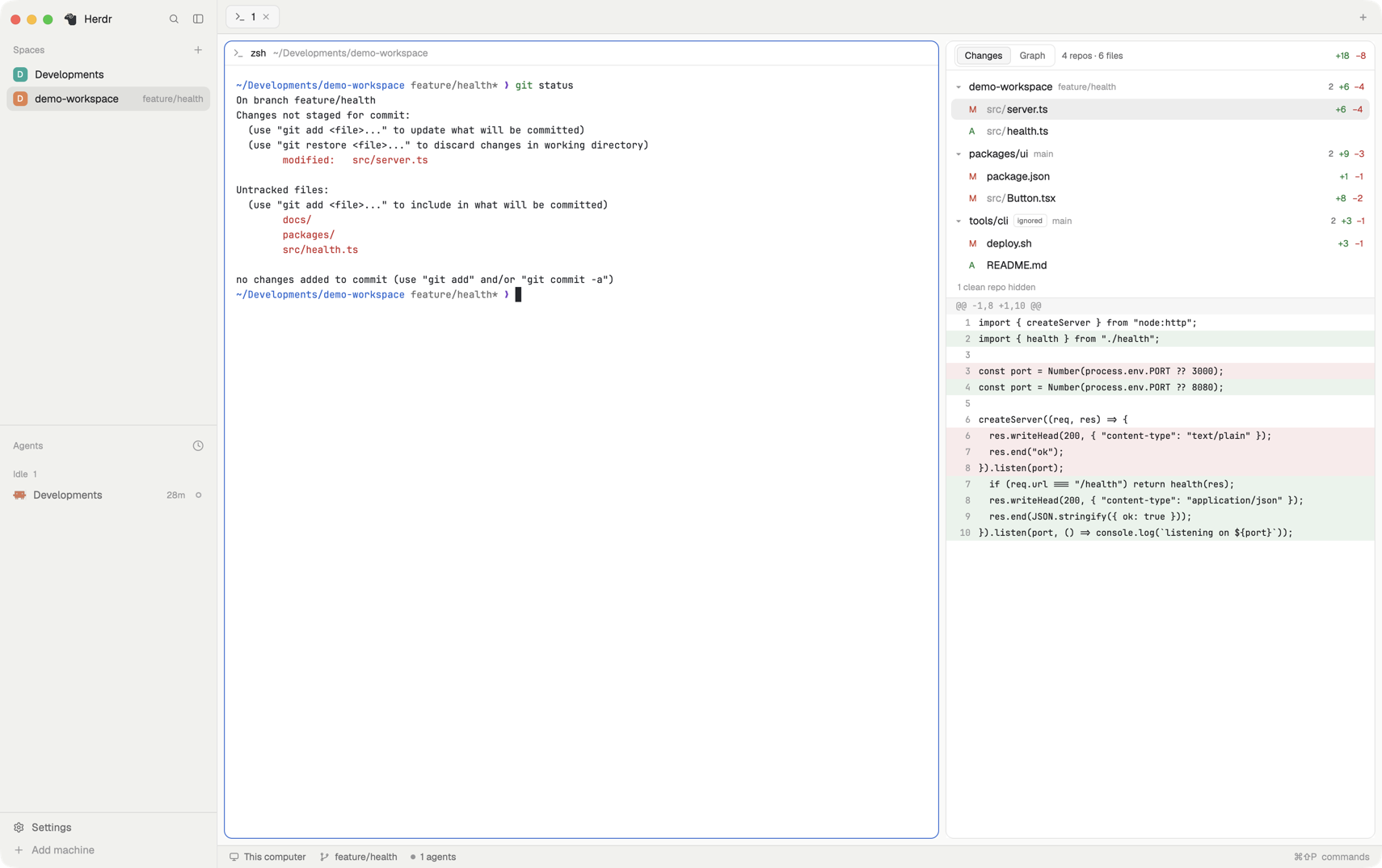

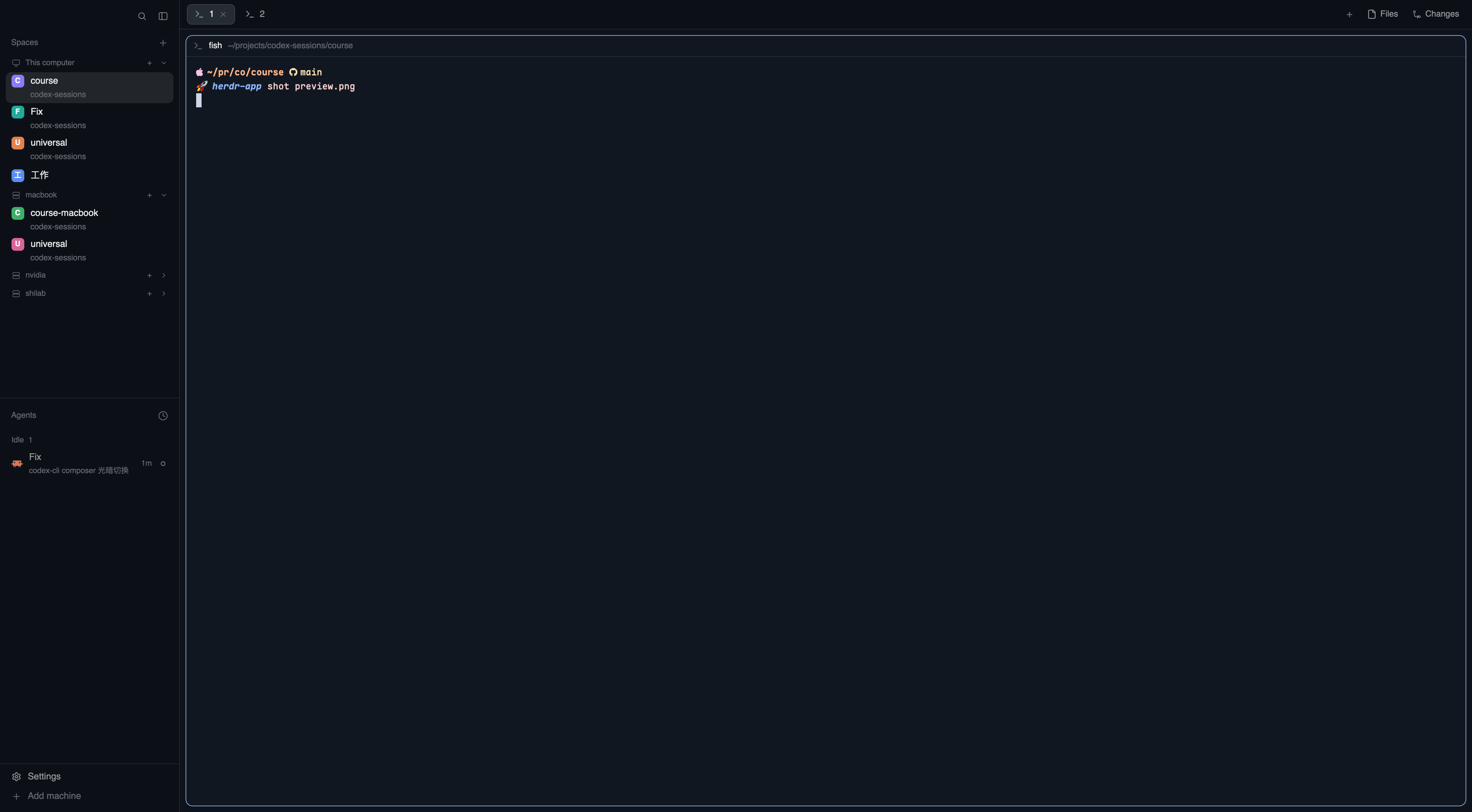



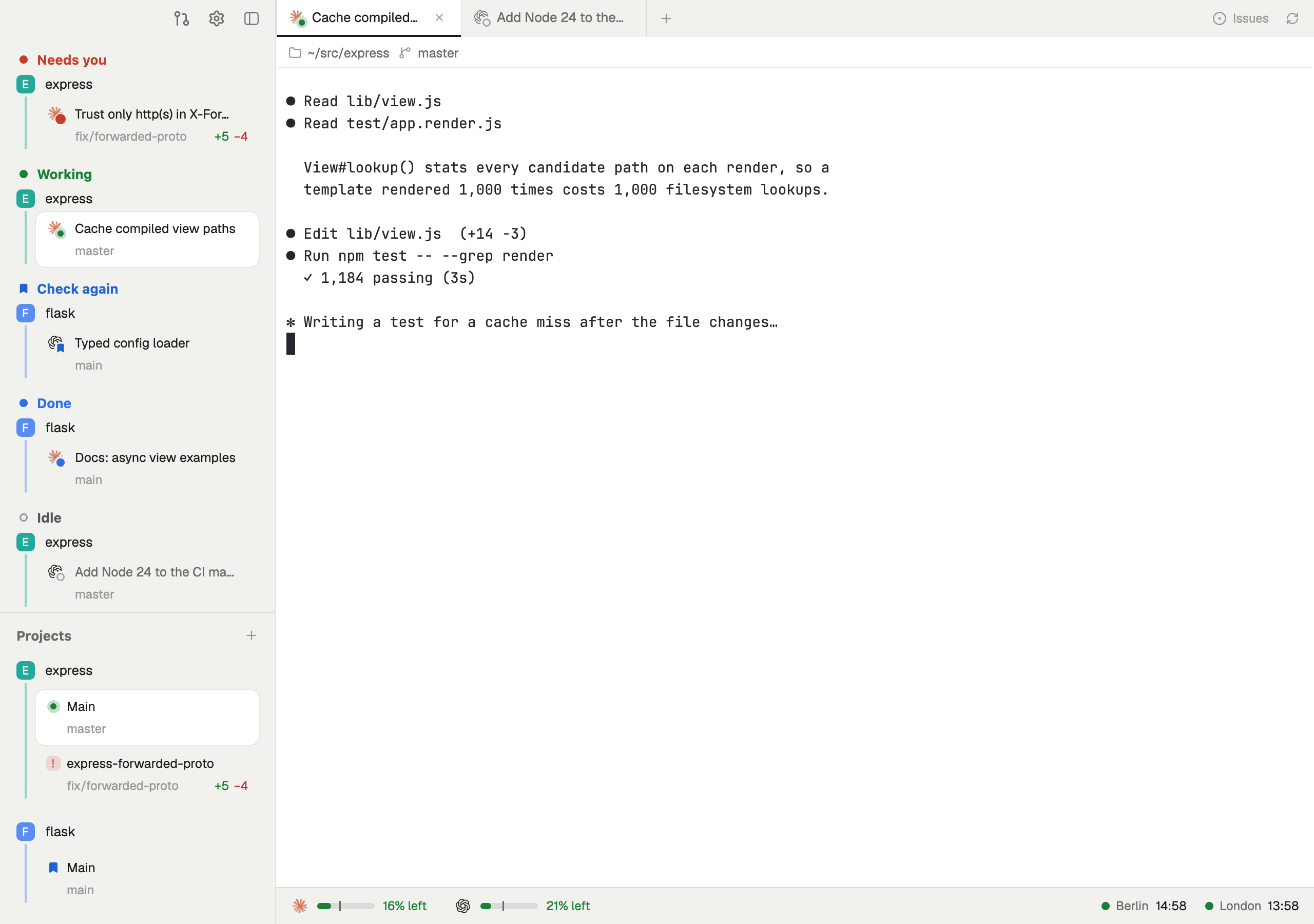

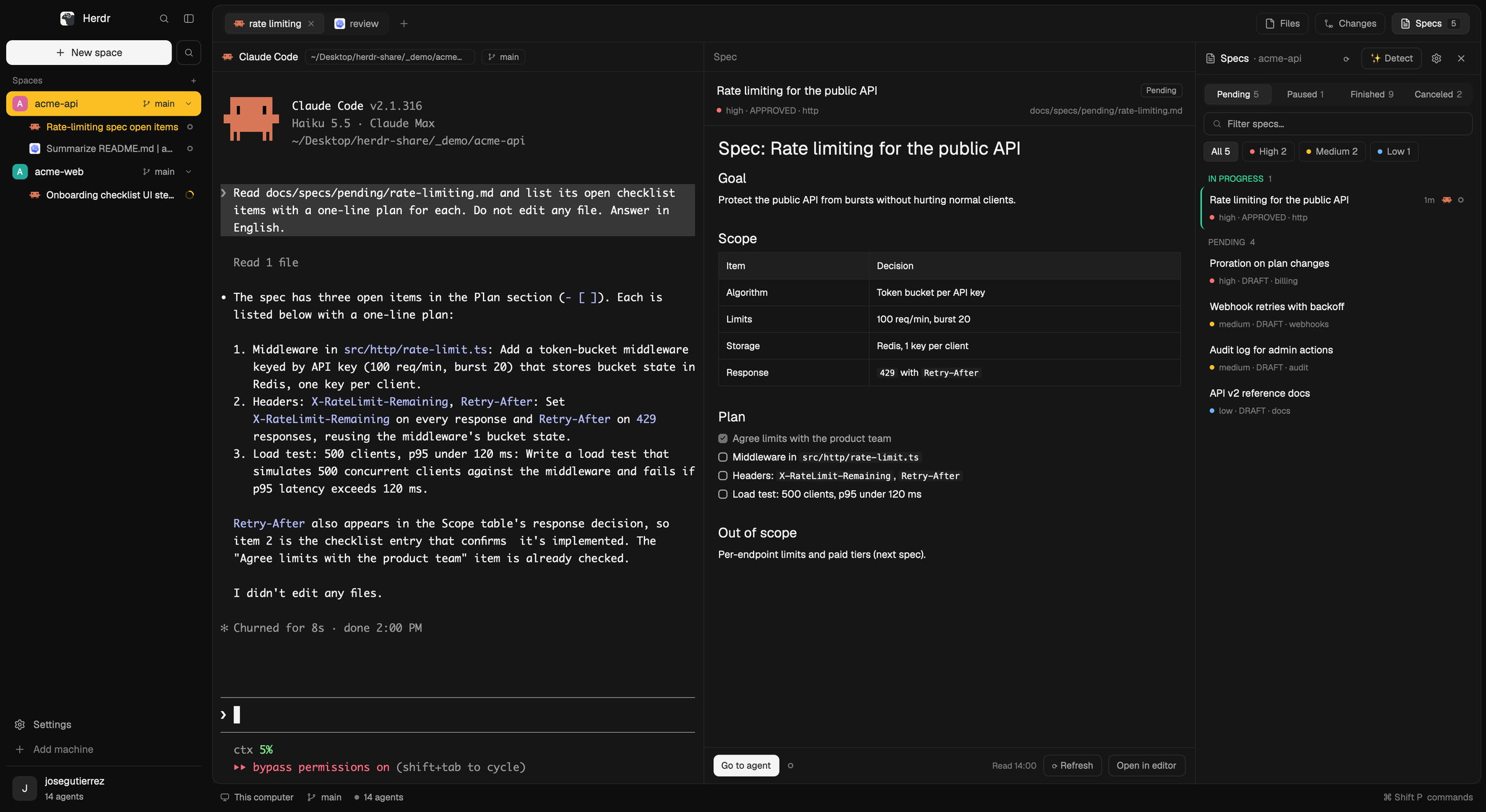

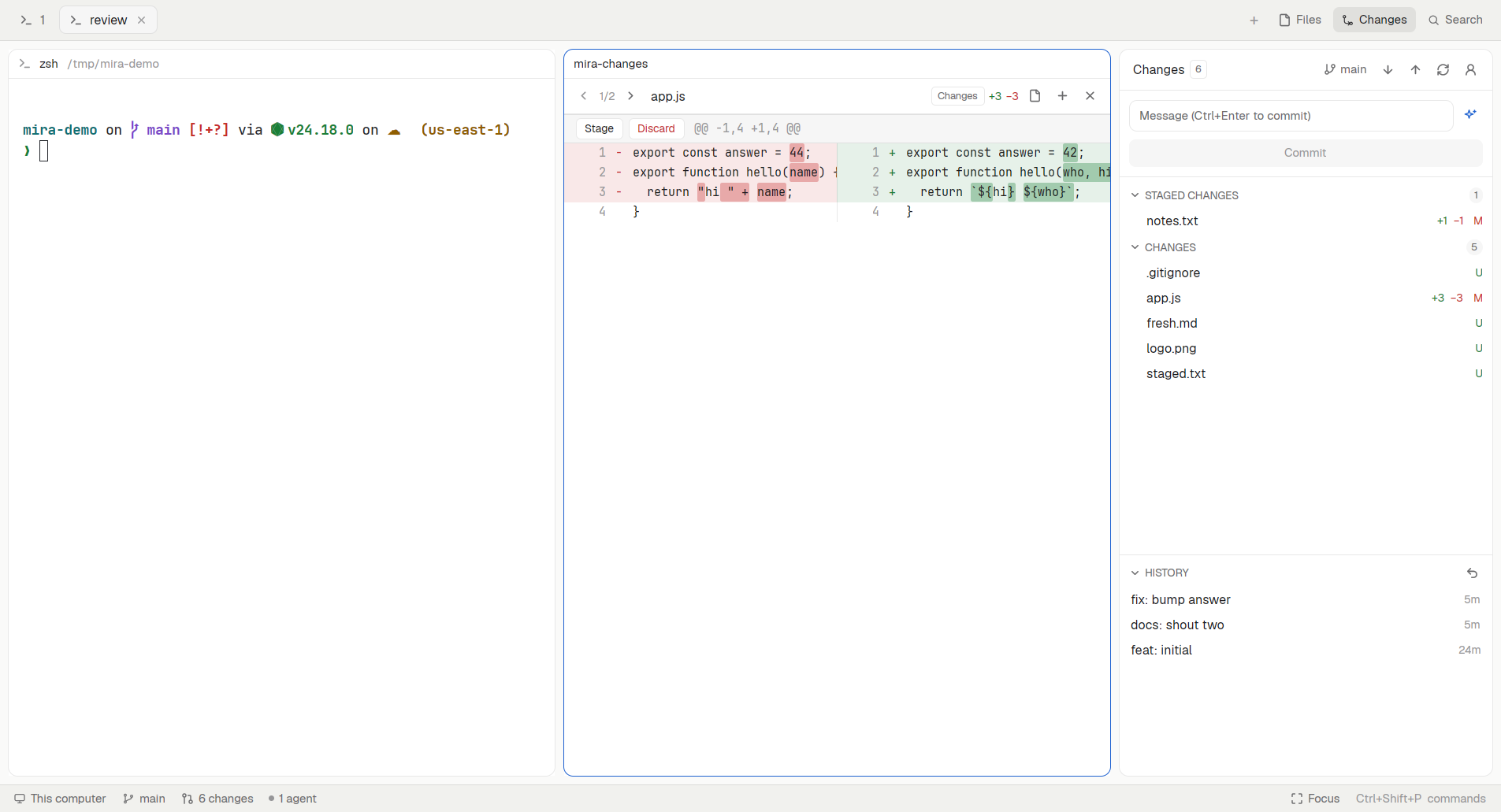

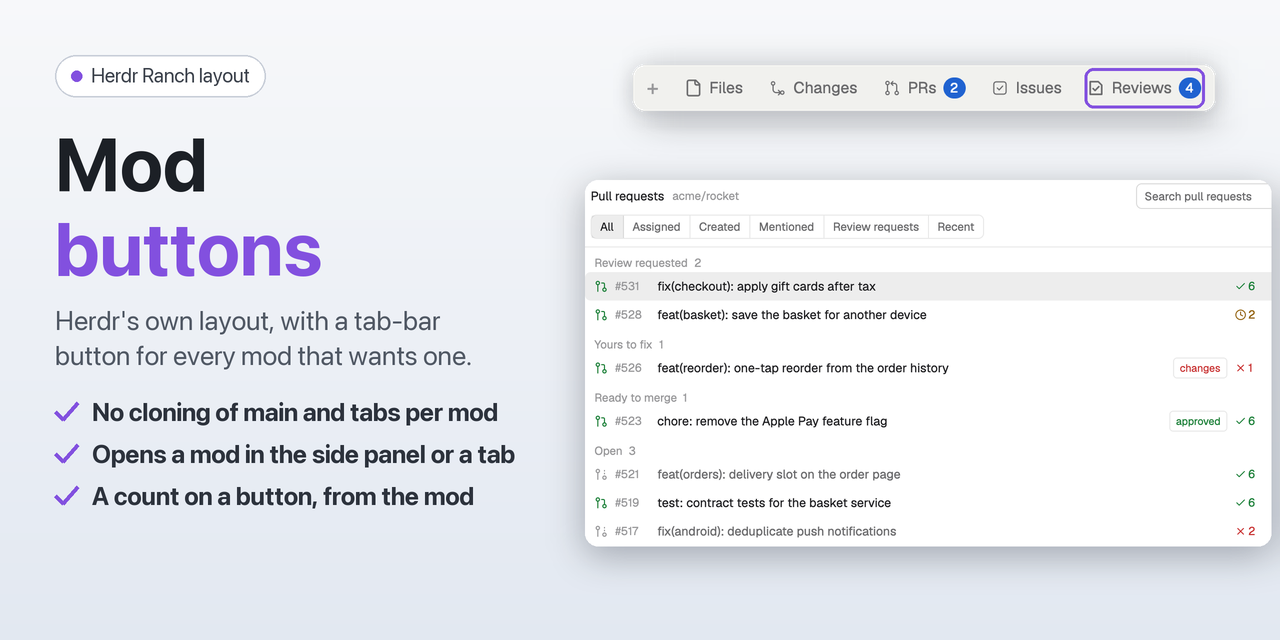

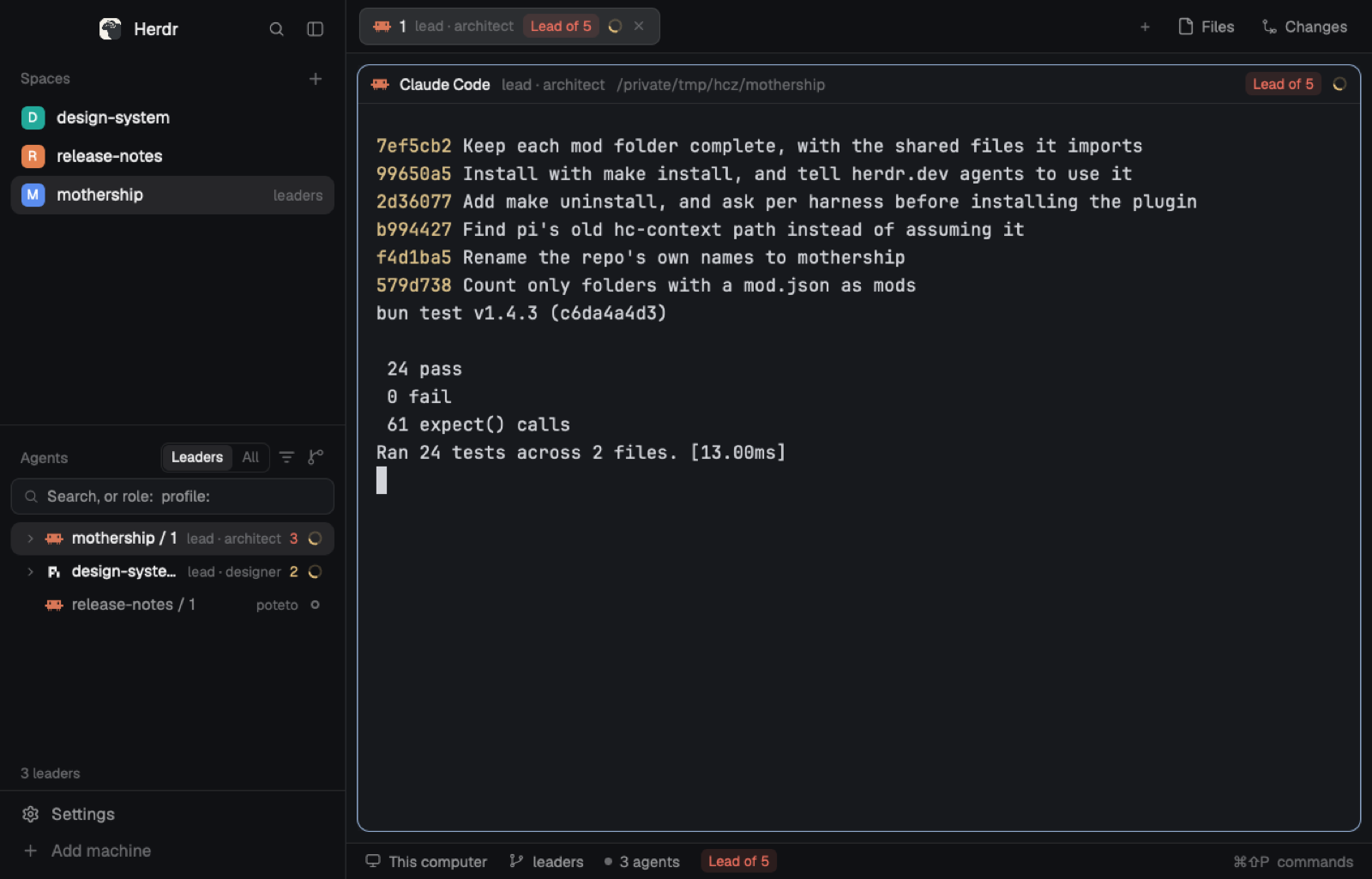

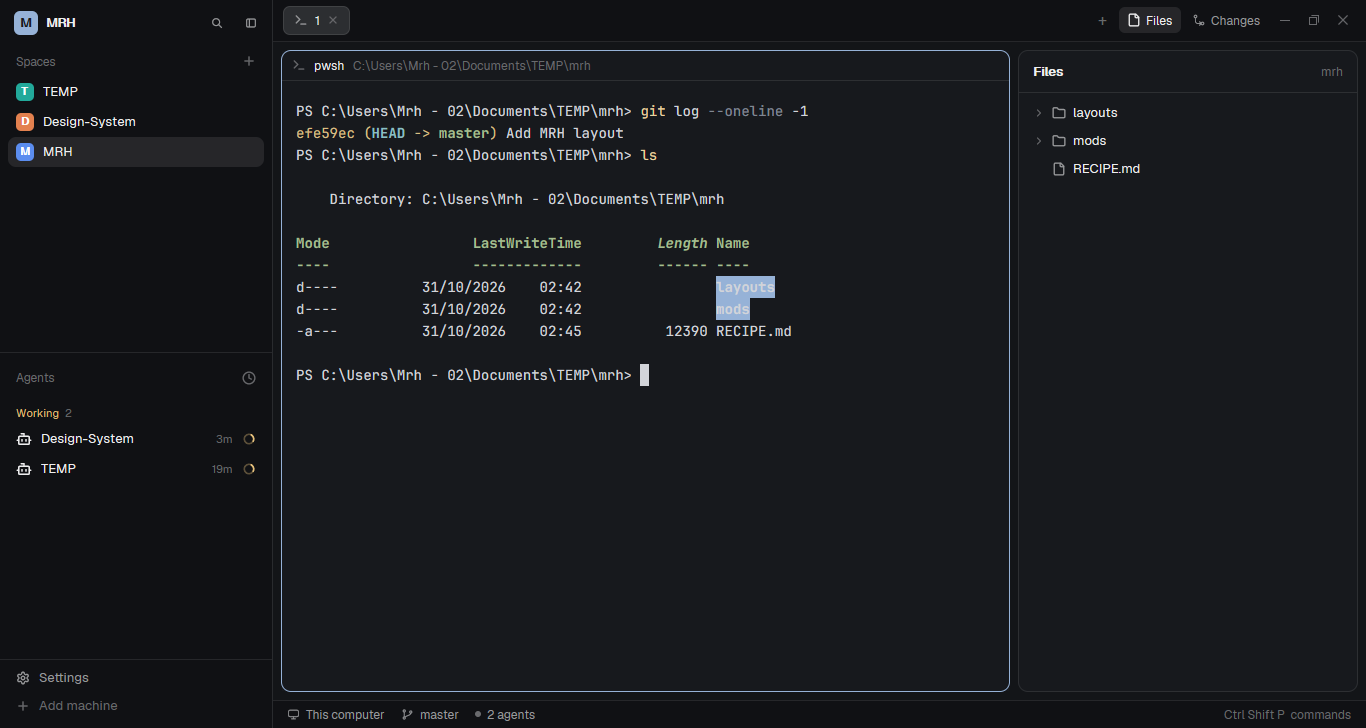

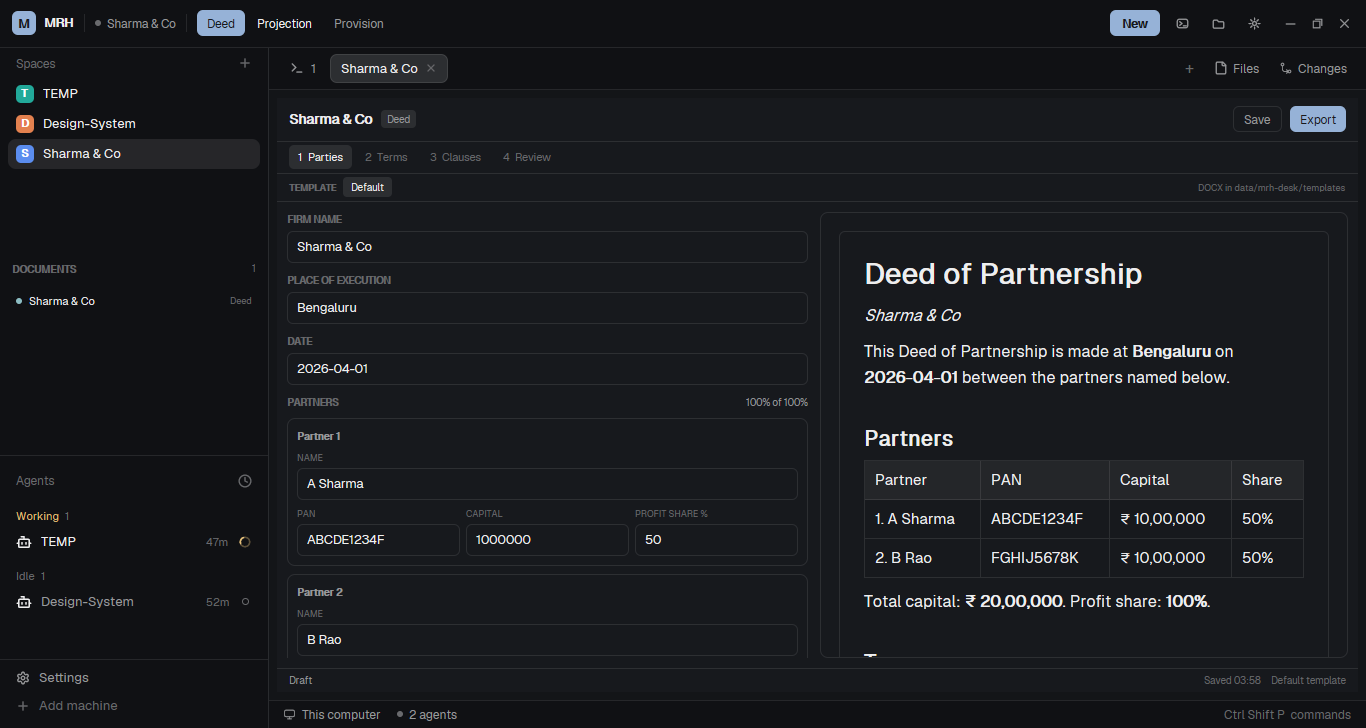
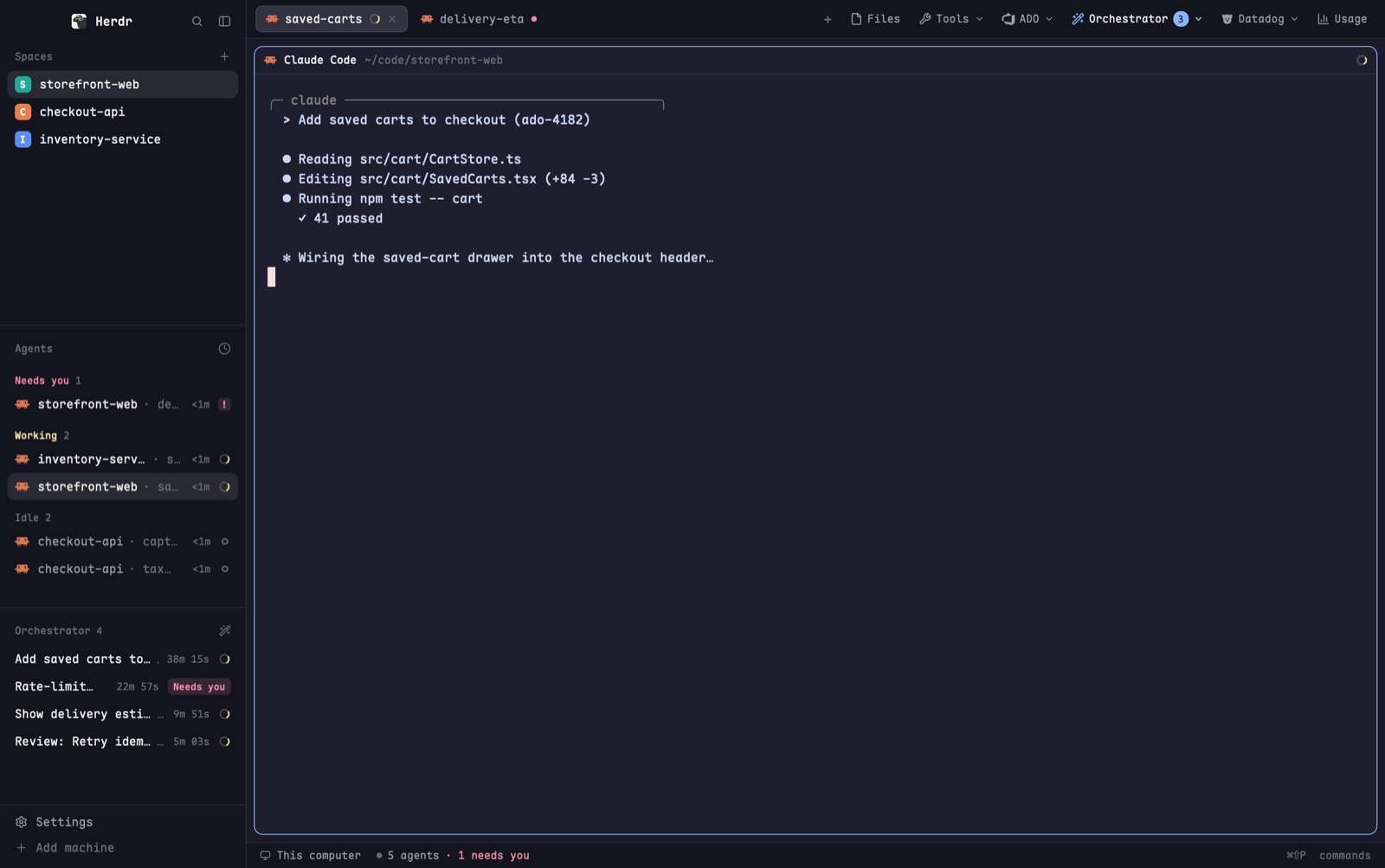
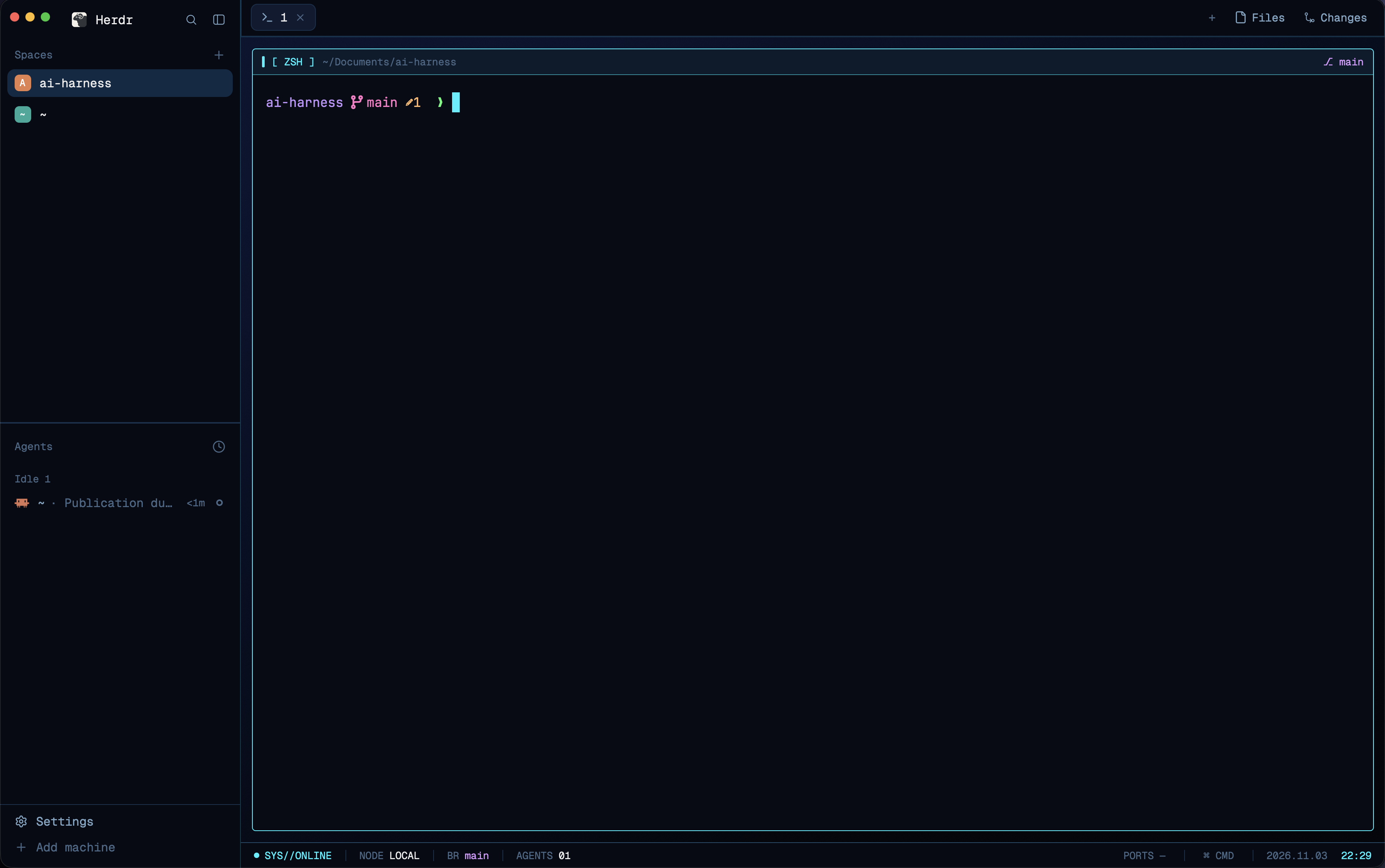
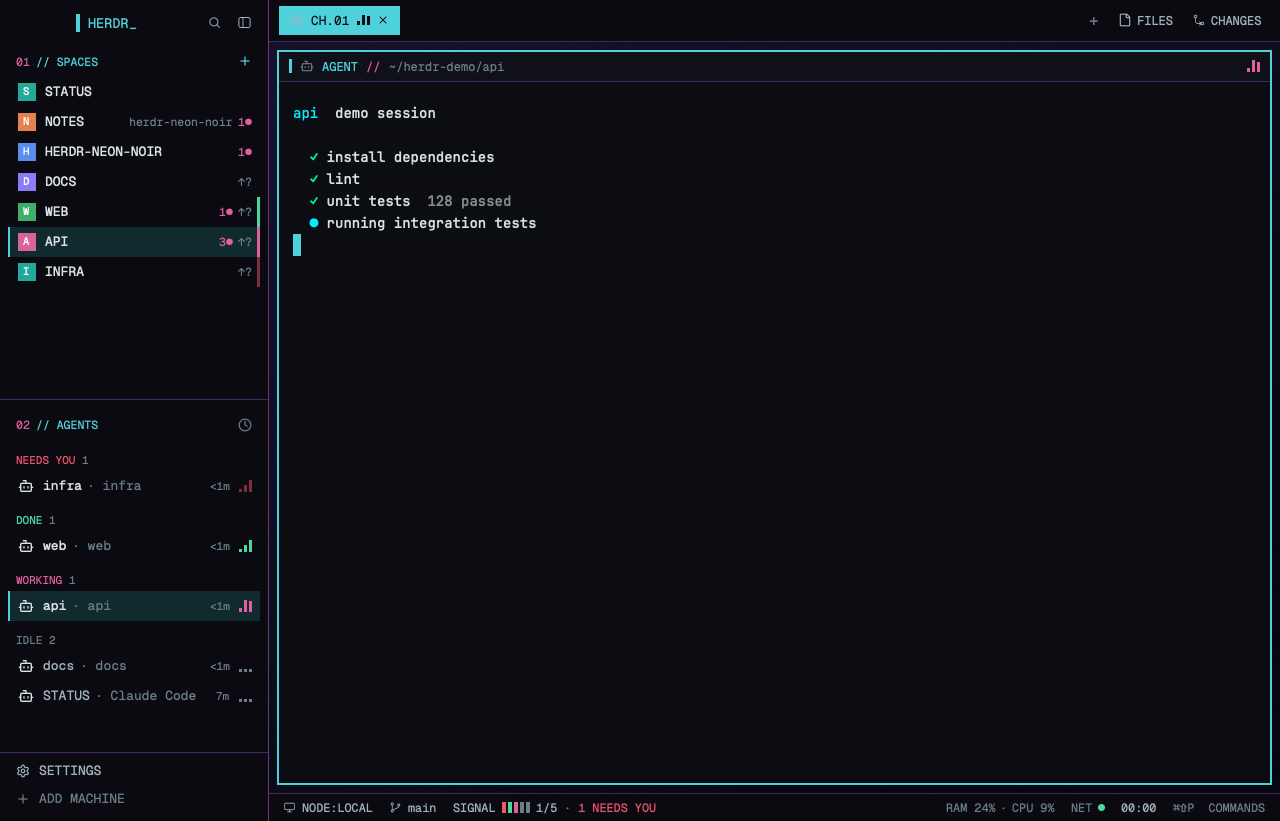

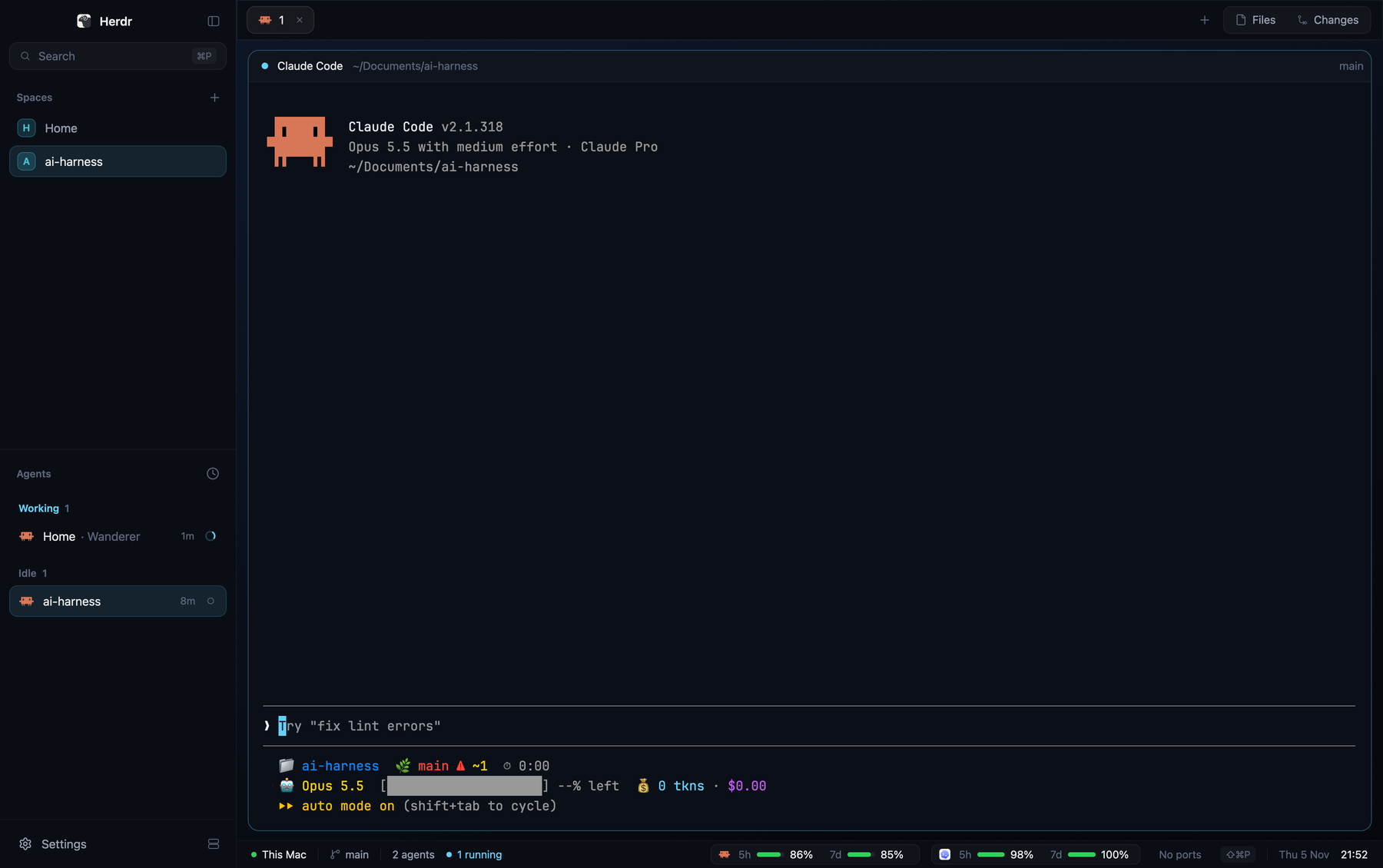
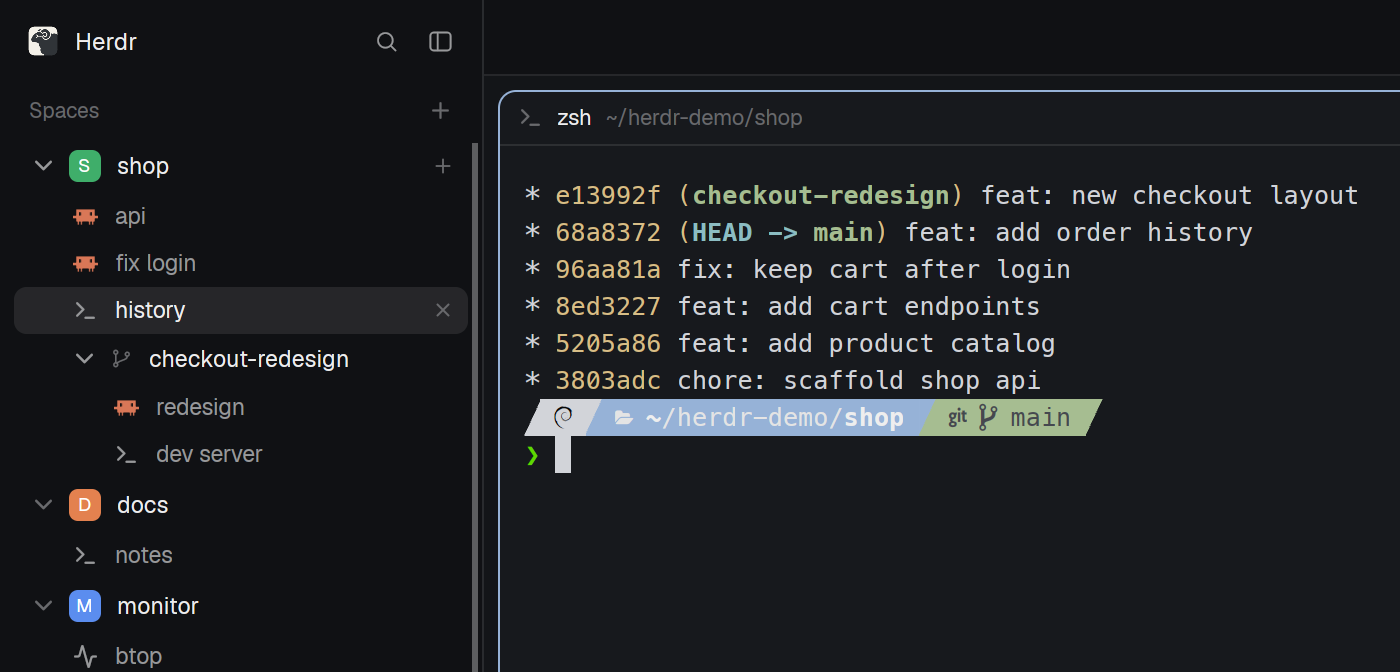

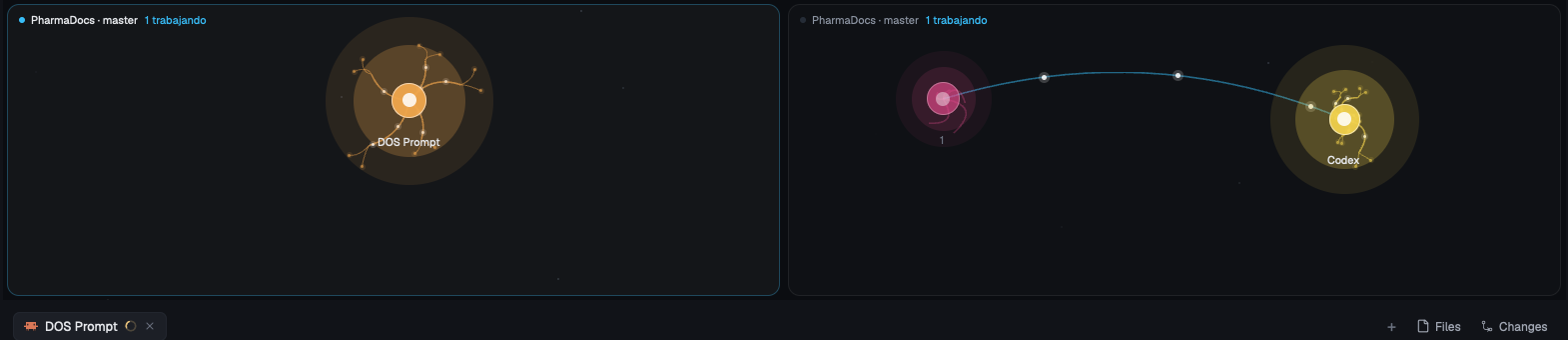
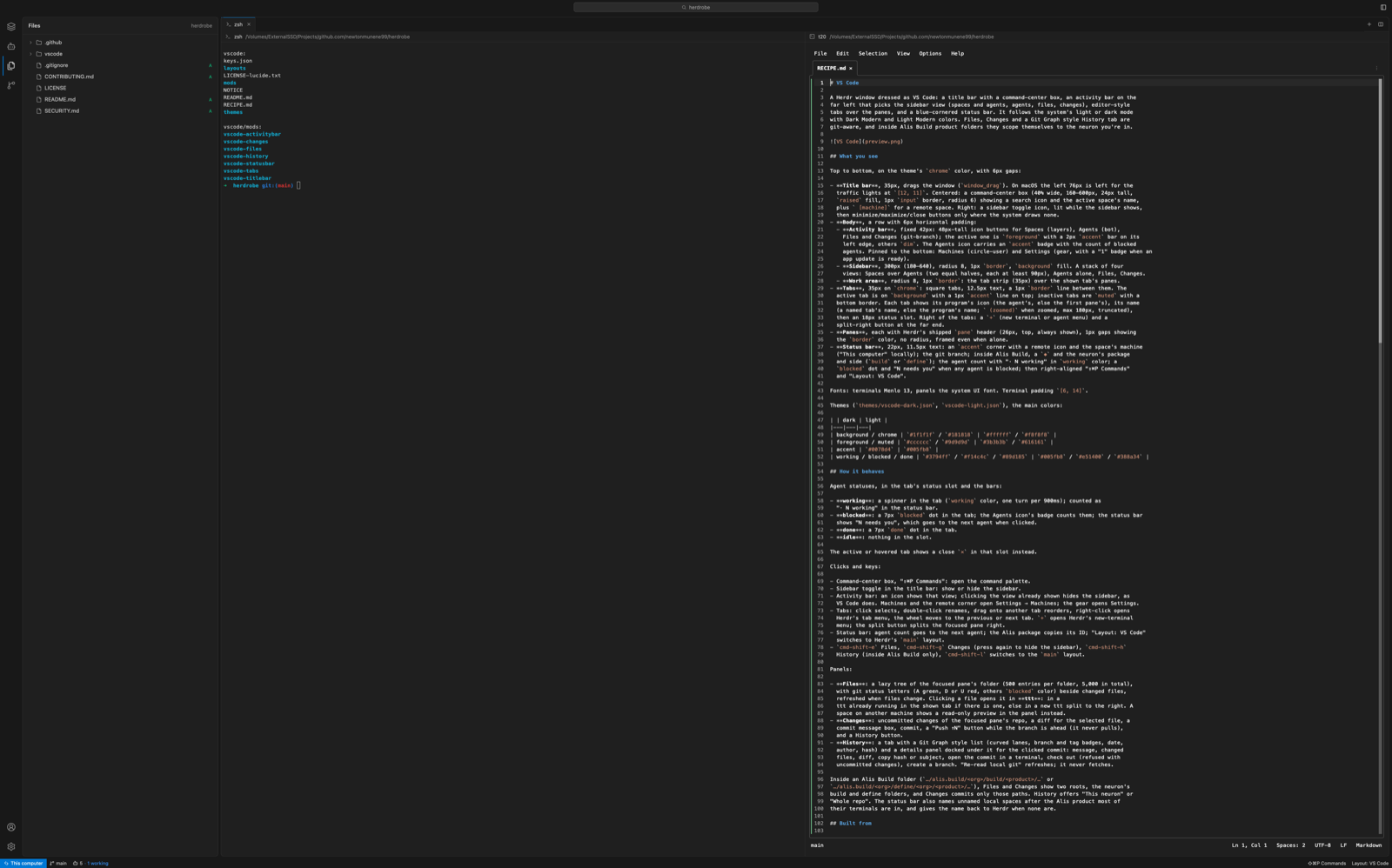
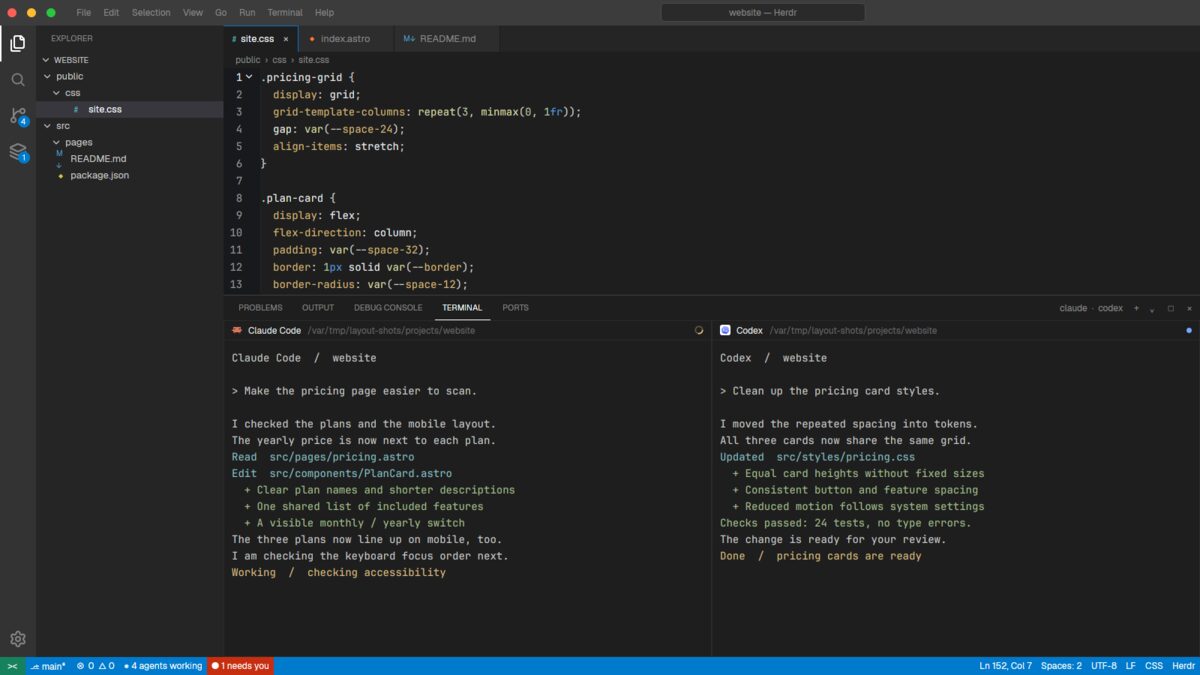
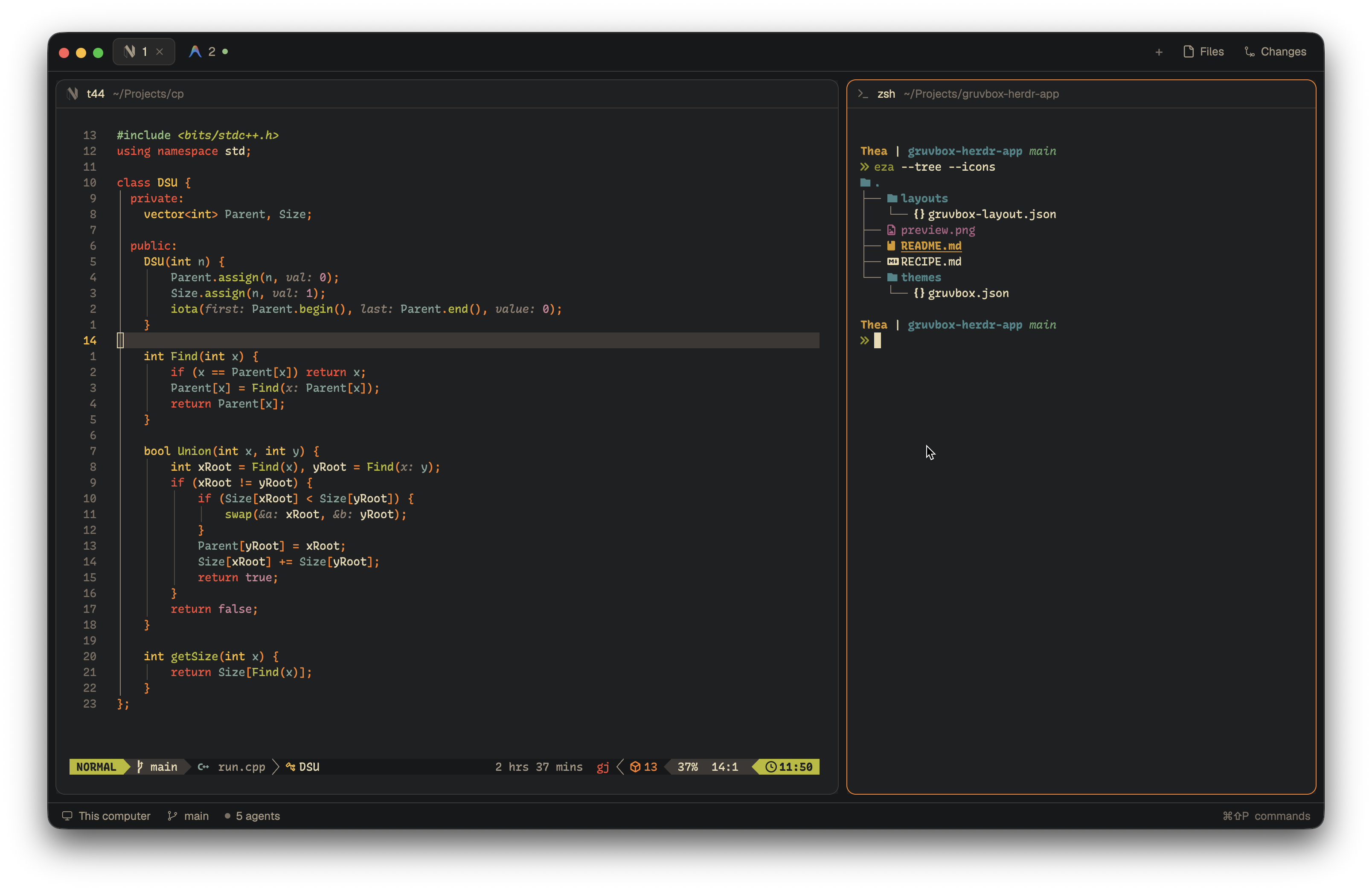
An editor-style herdr window in Dracula colors: a slim title bar with your Claude plan usage, an activity bar, a file explorer with your spaces and agents underneath, an editor with tabs, and the herdr terminals in a panel beside it. Agents run in the terminals while you read and edit their files next to them.

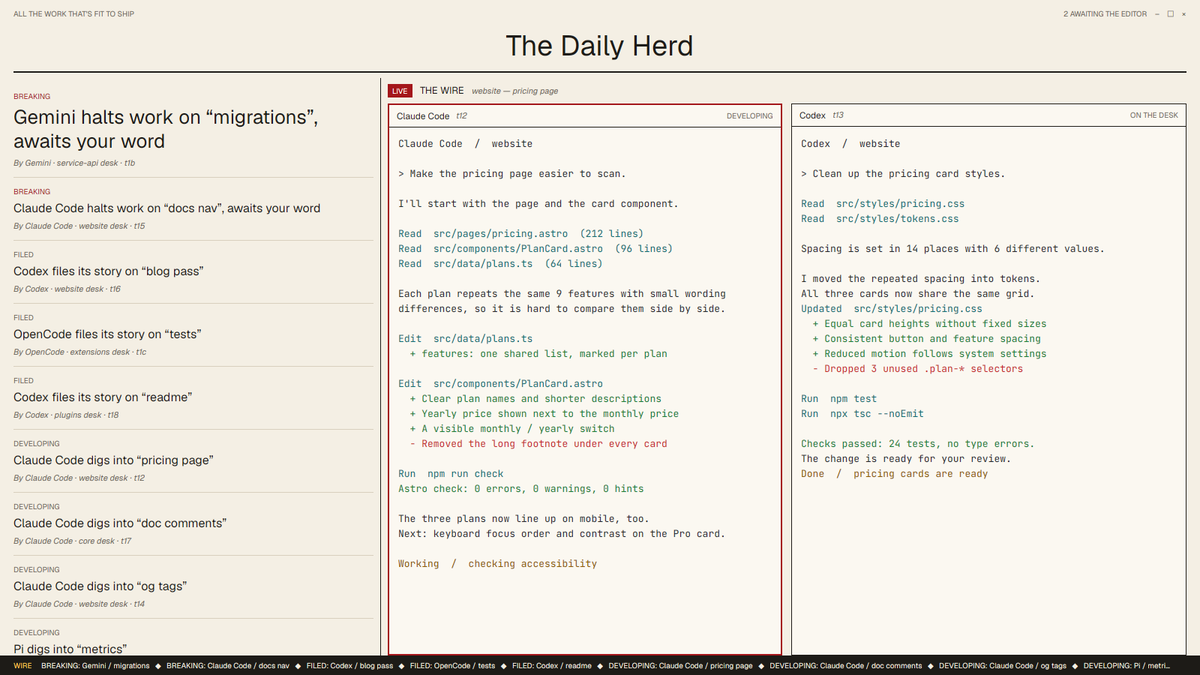
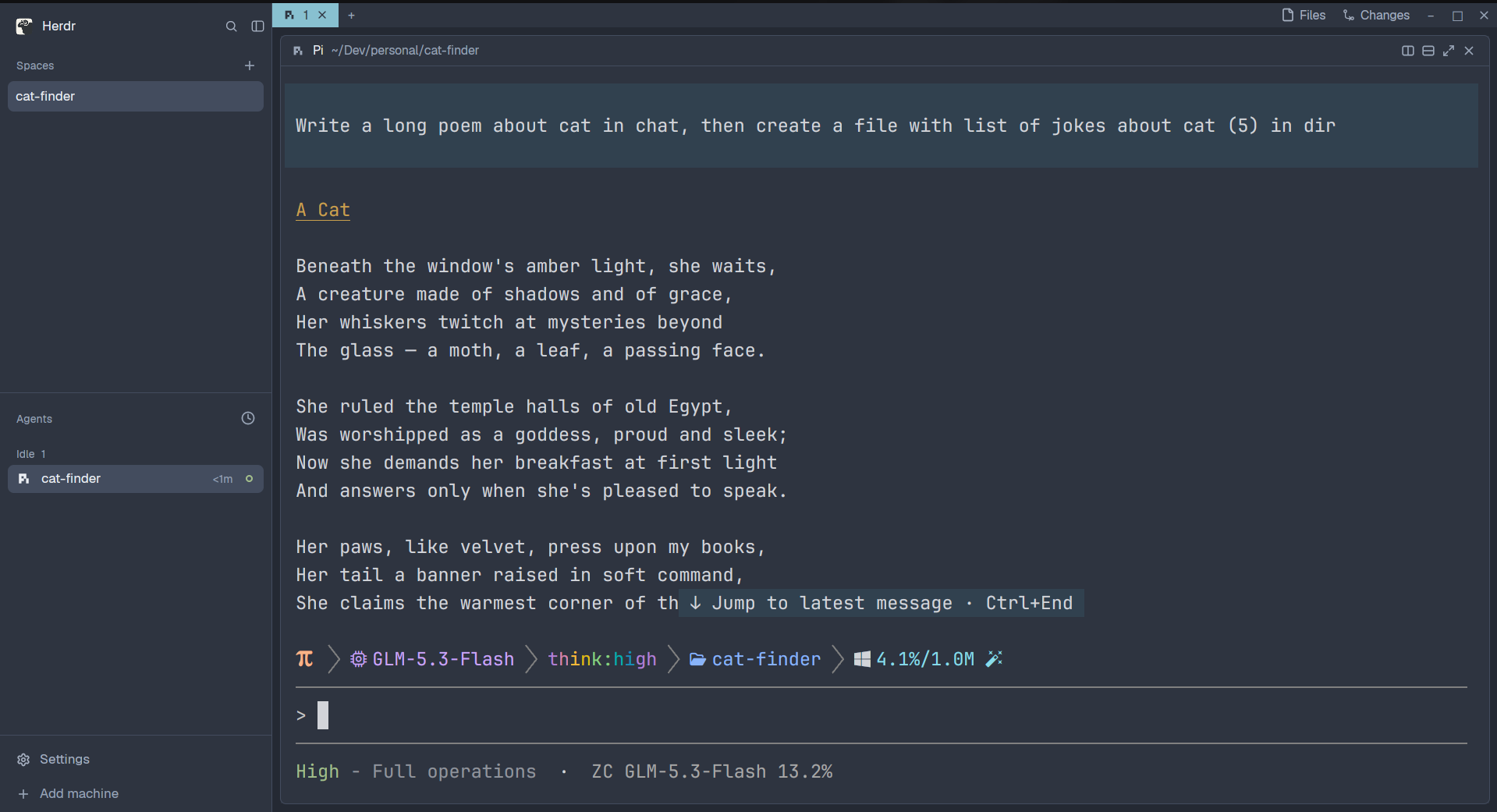

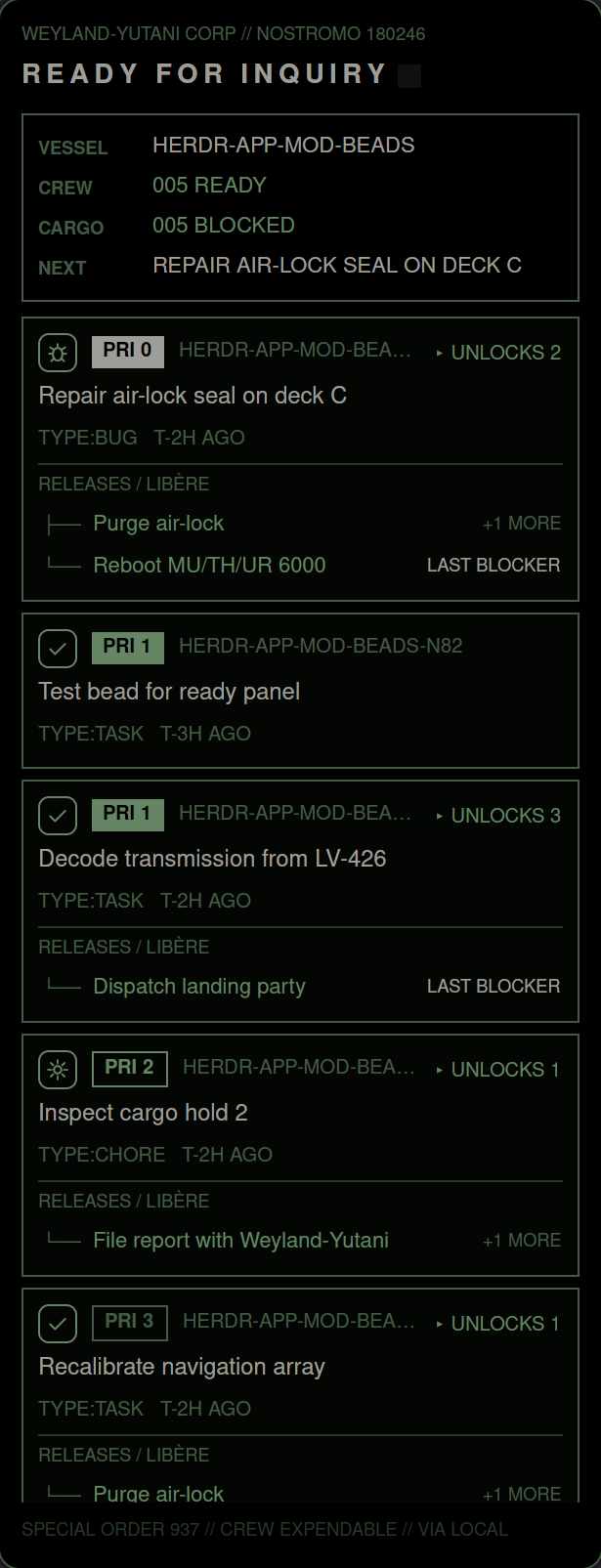

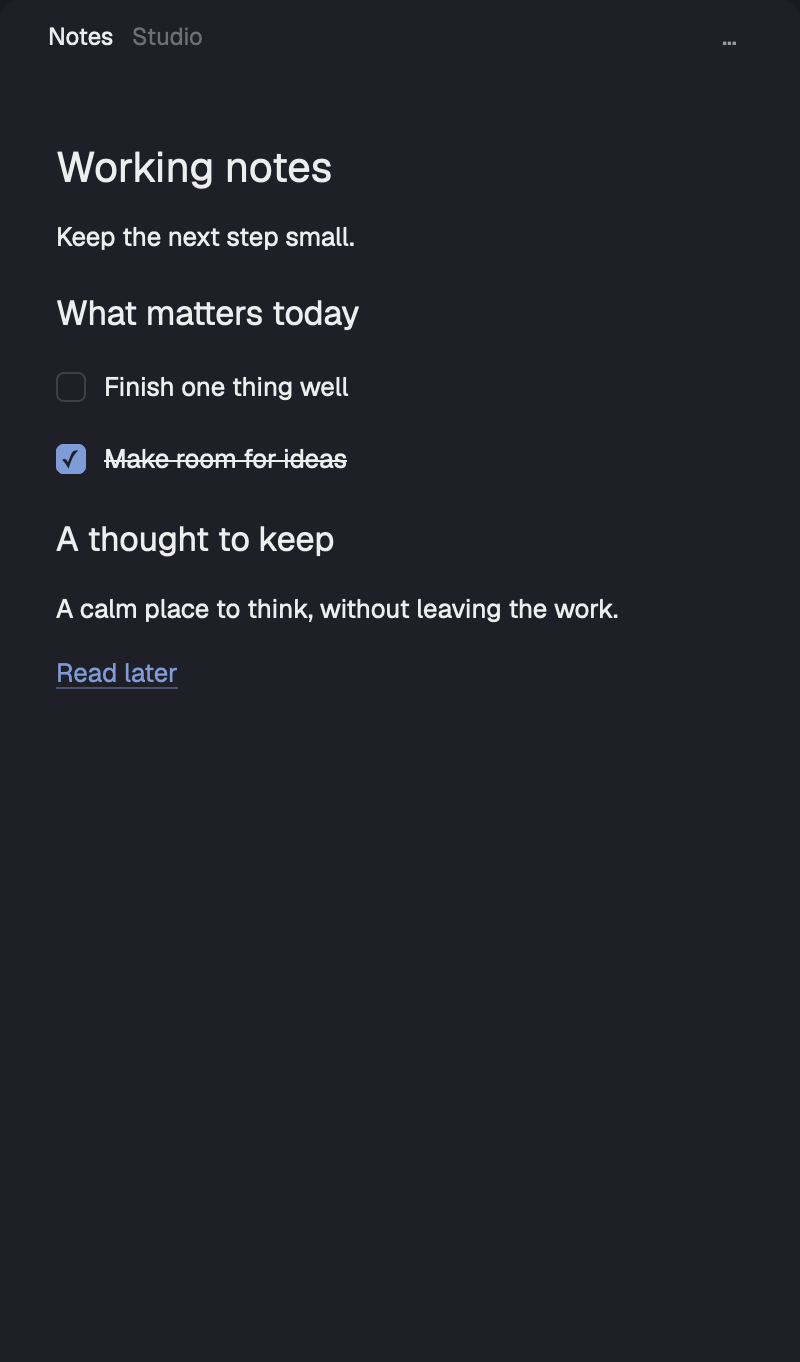

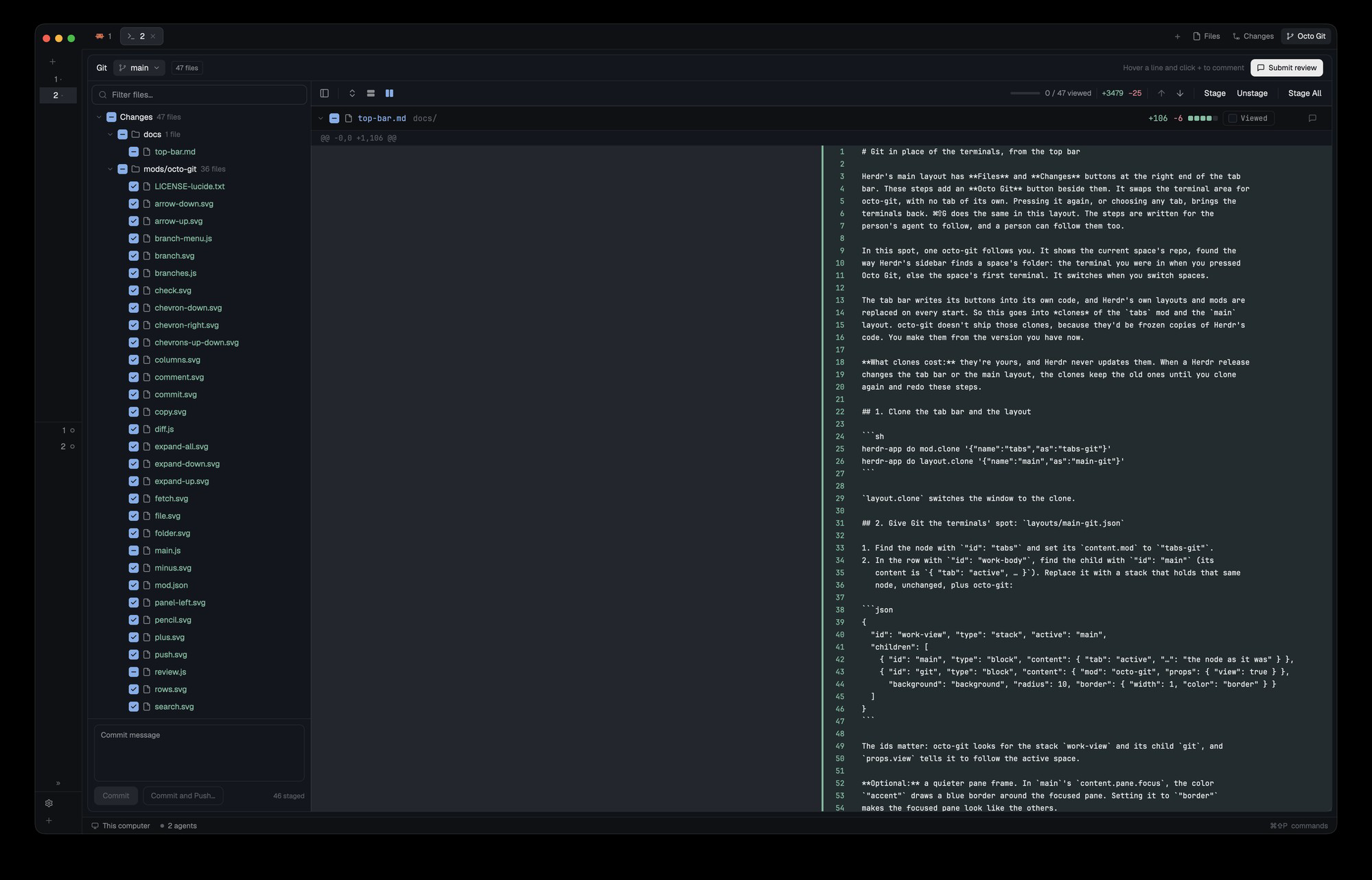

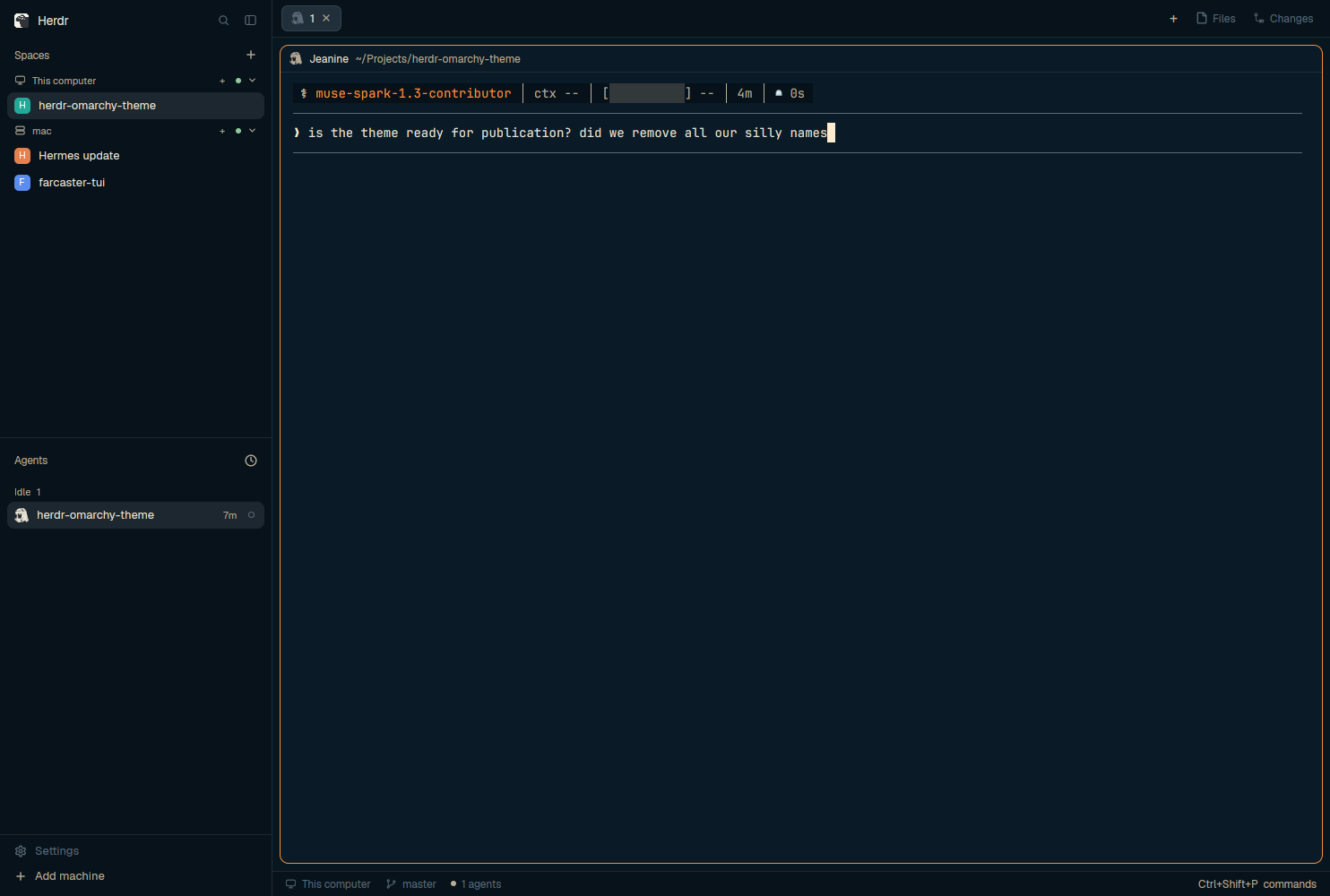

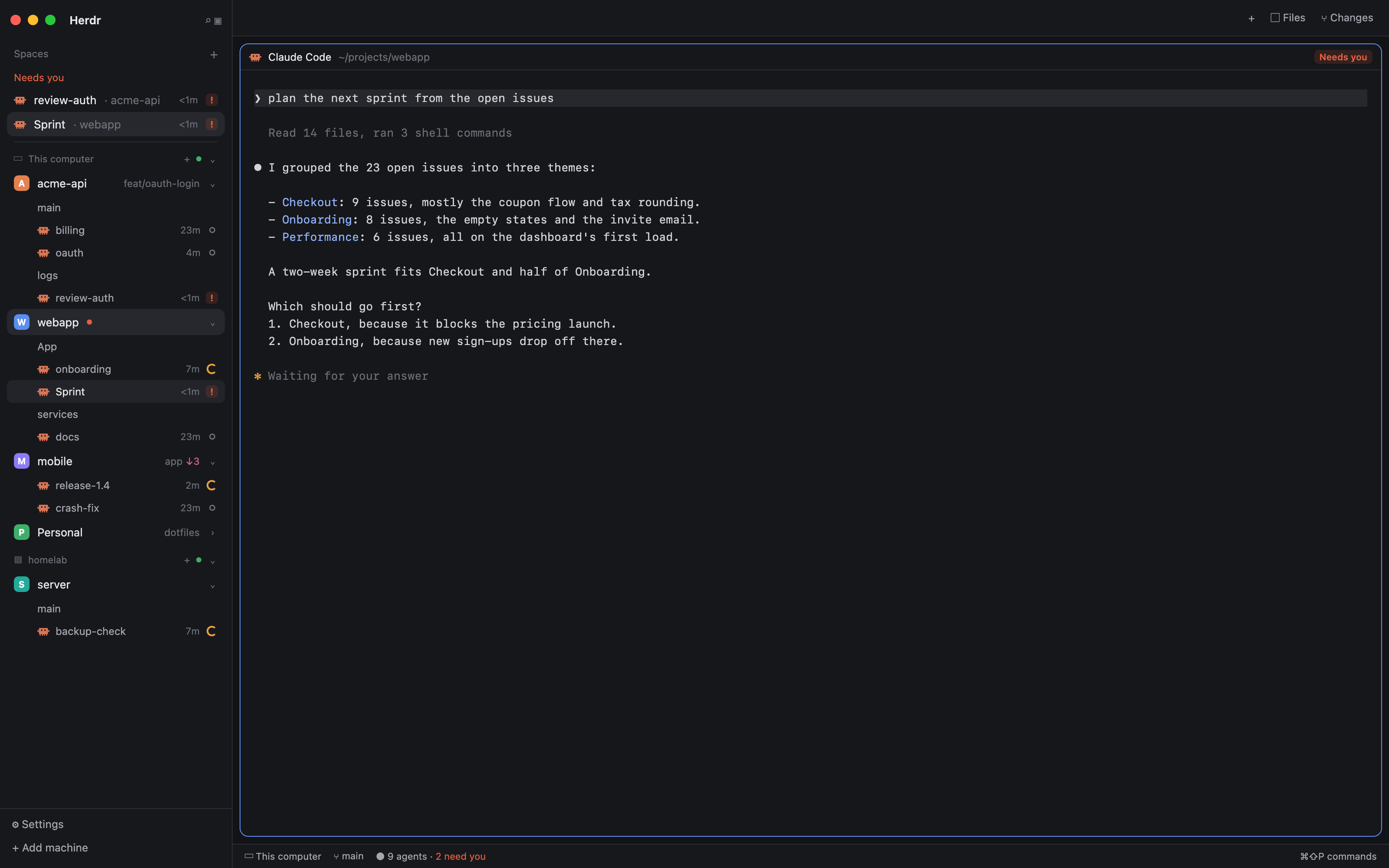

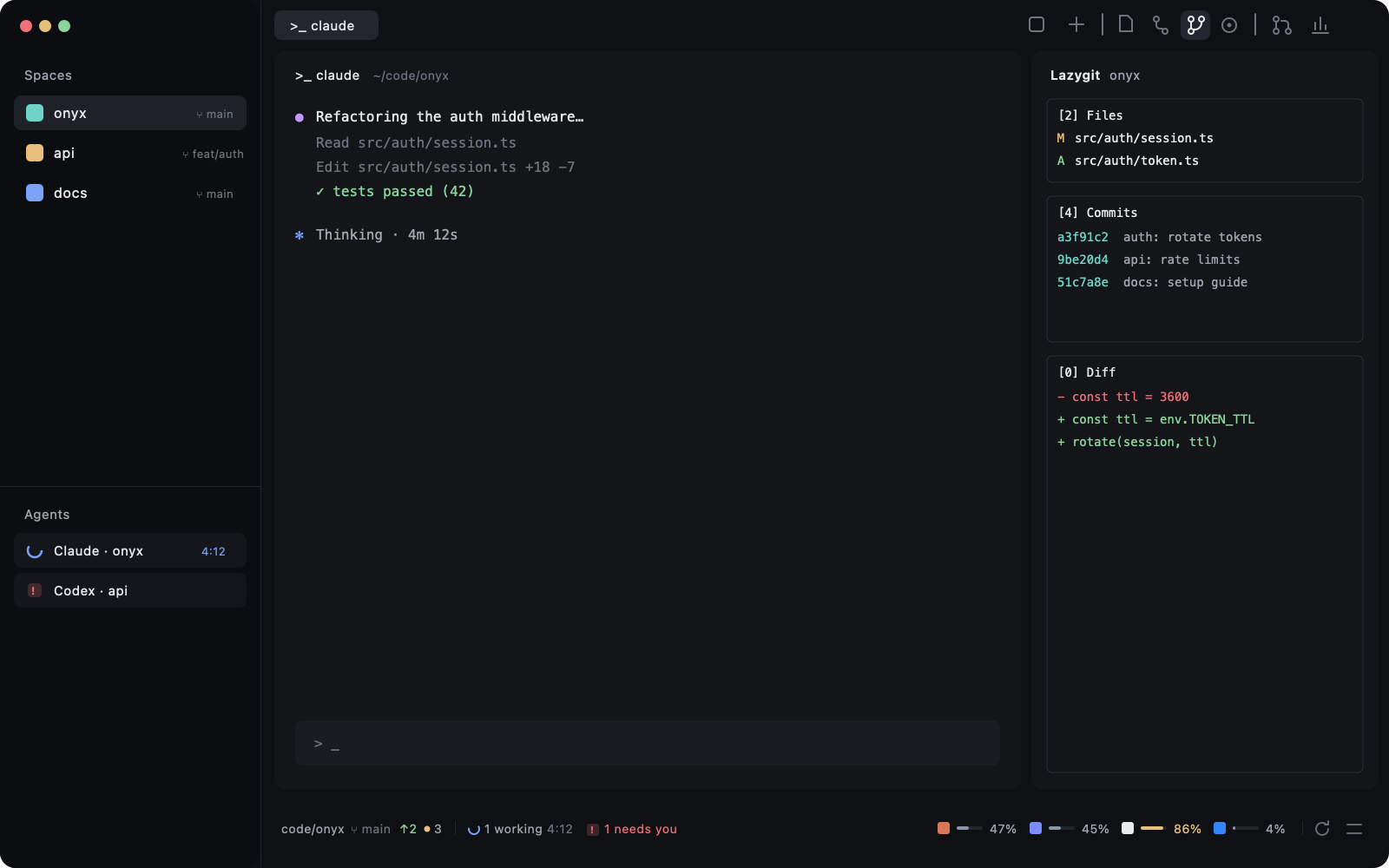

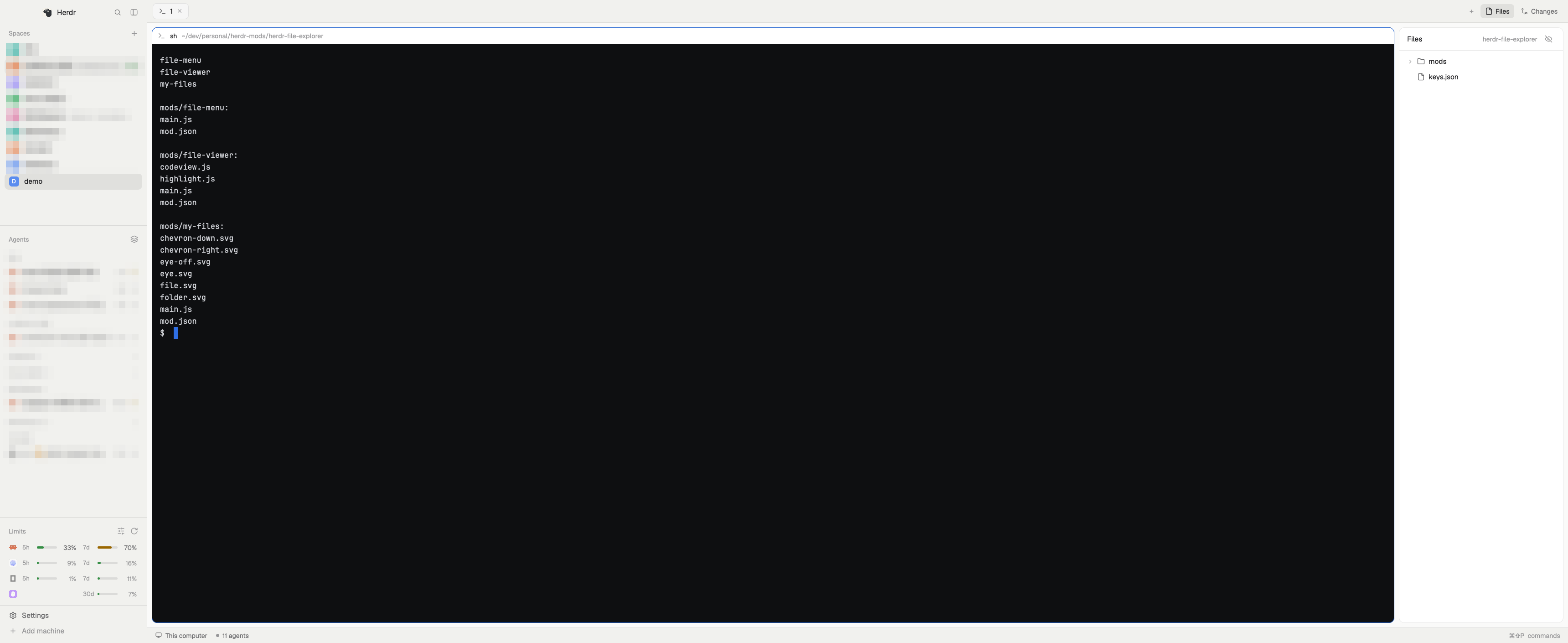

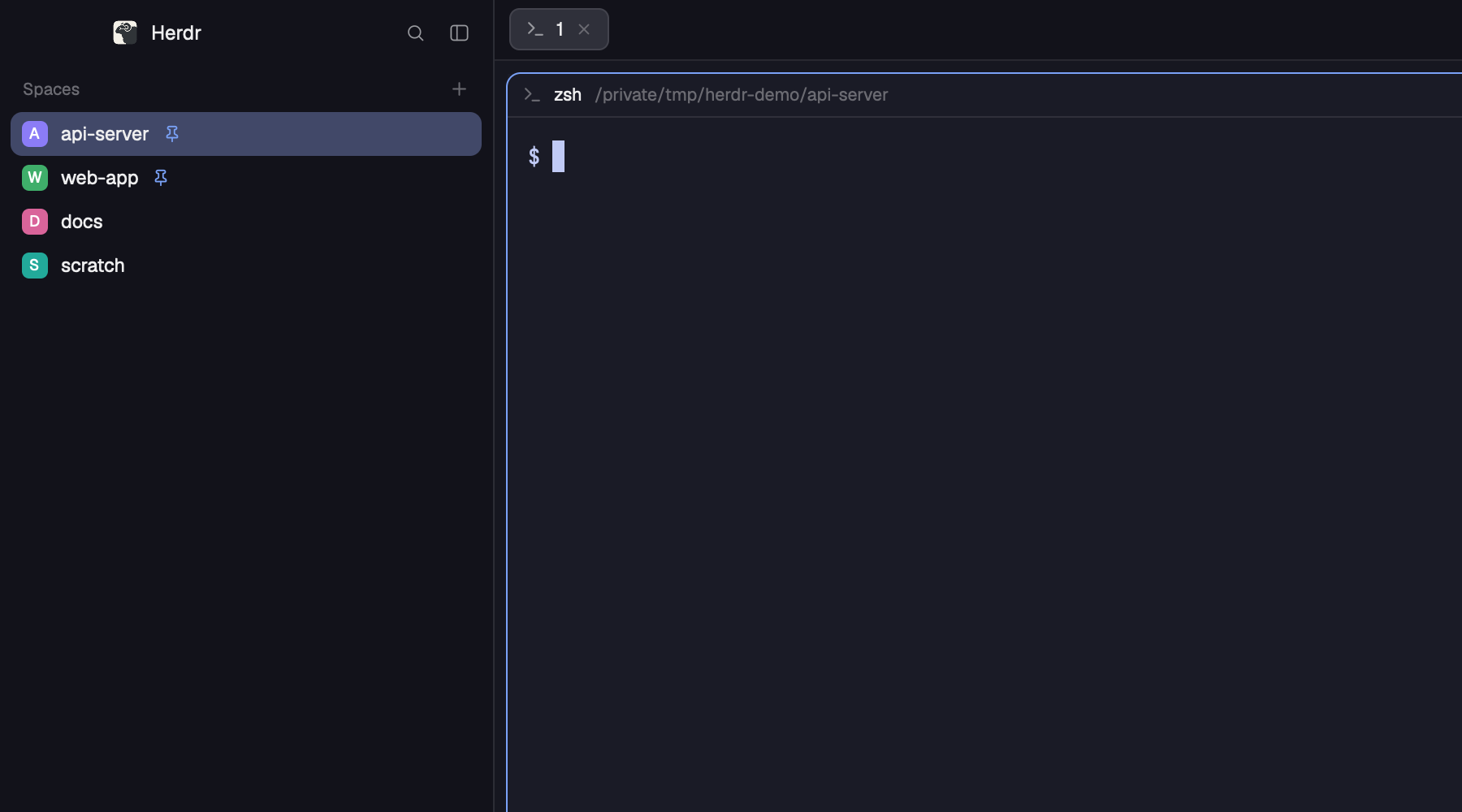

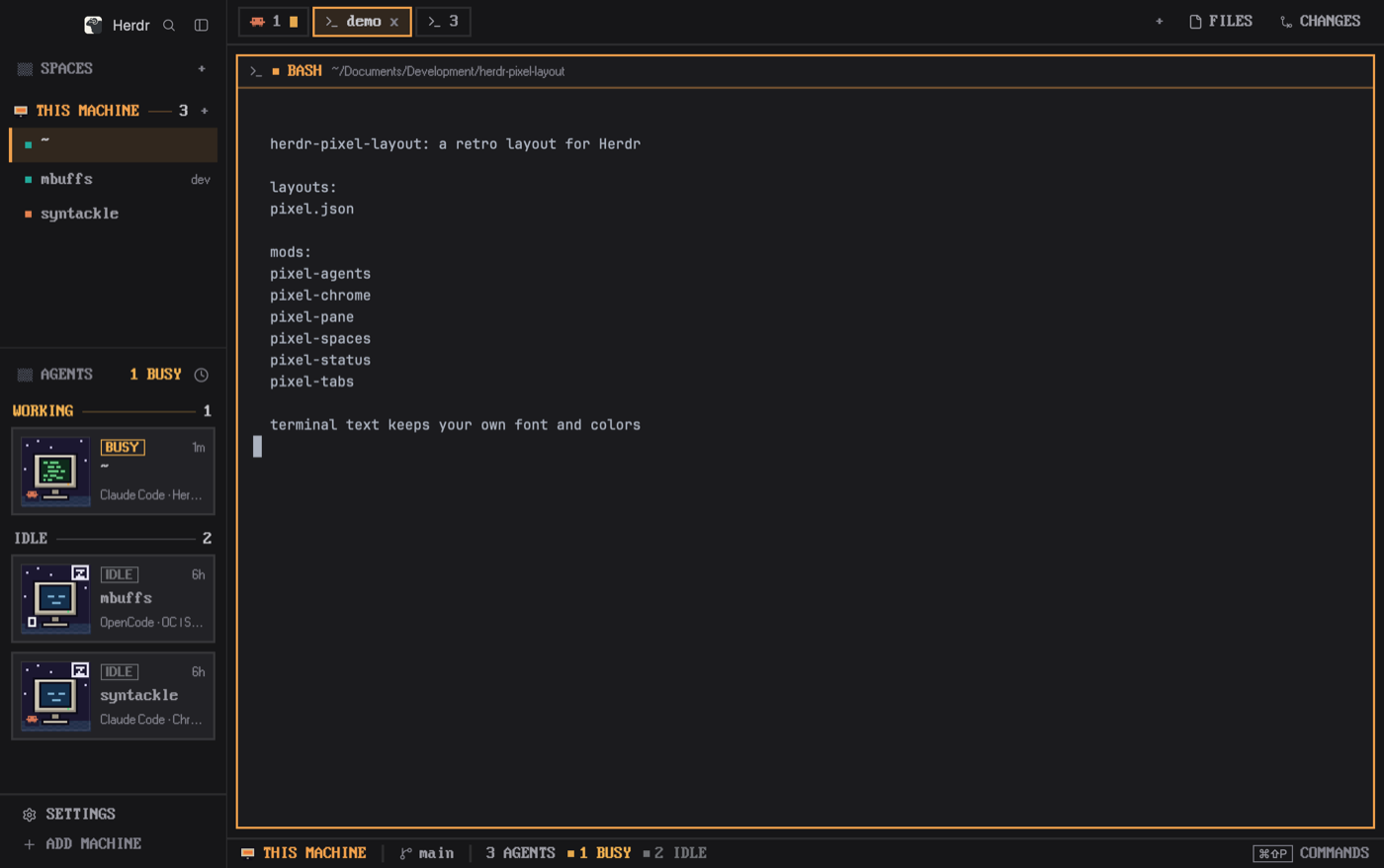

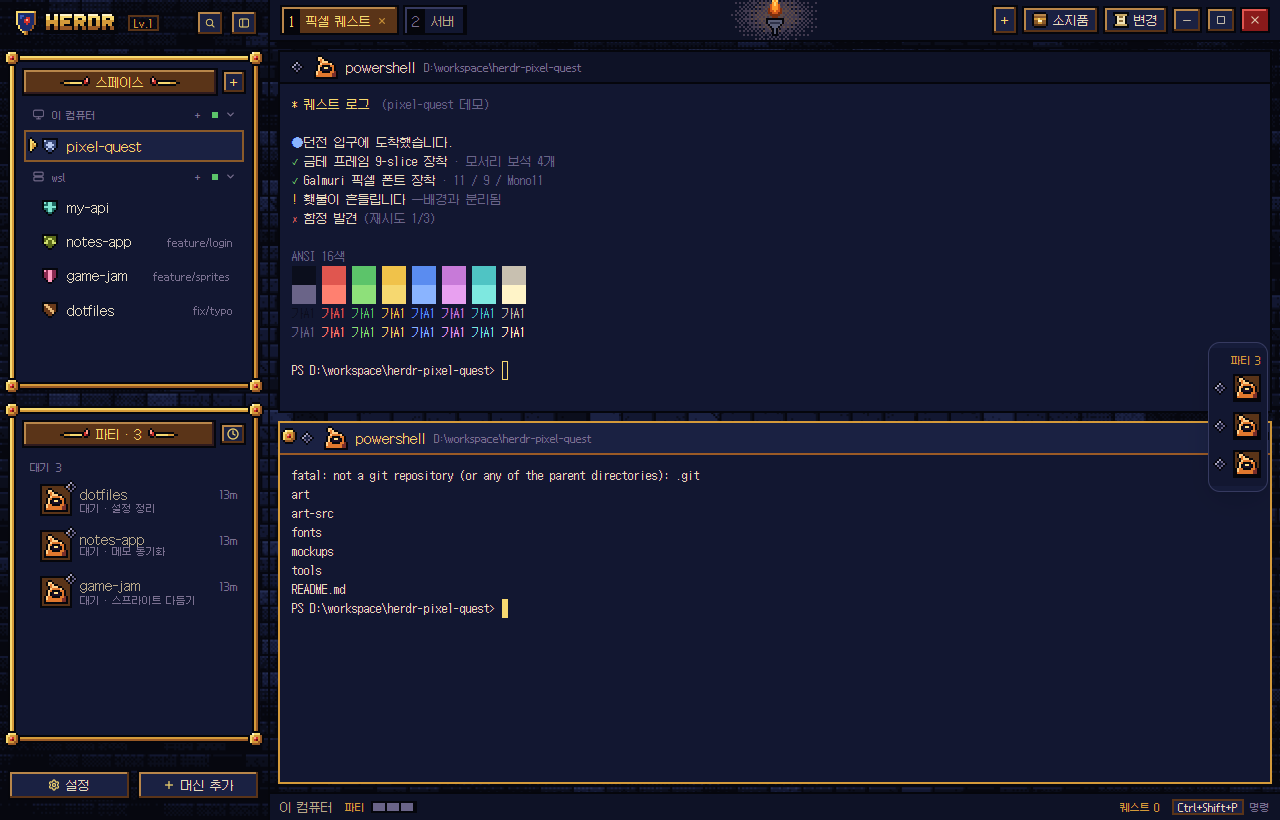

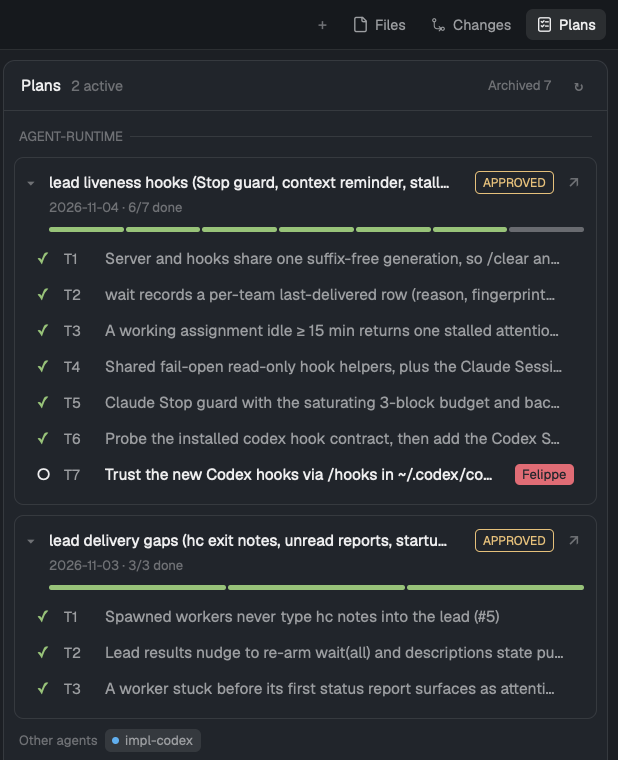

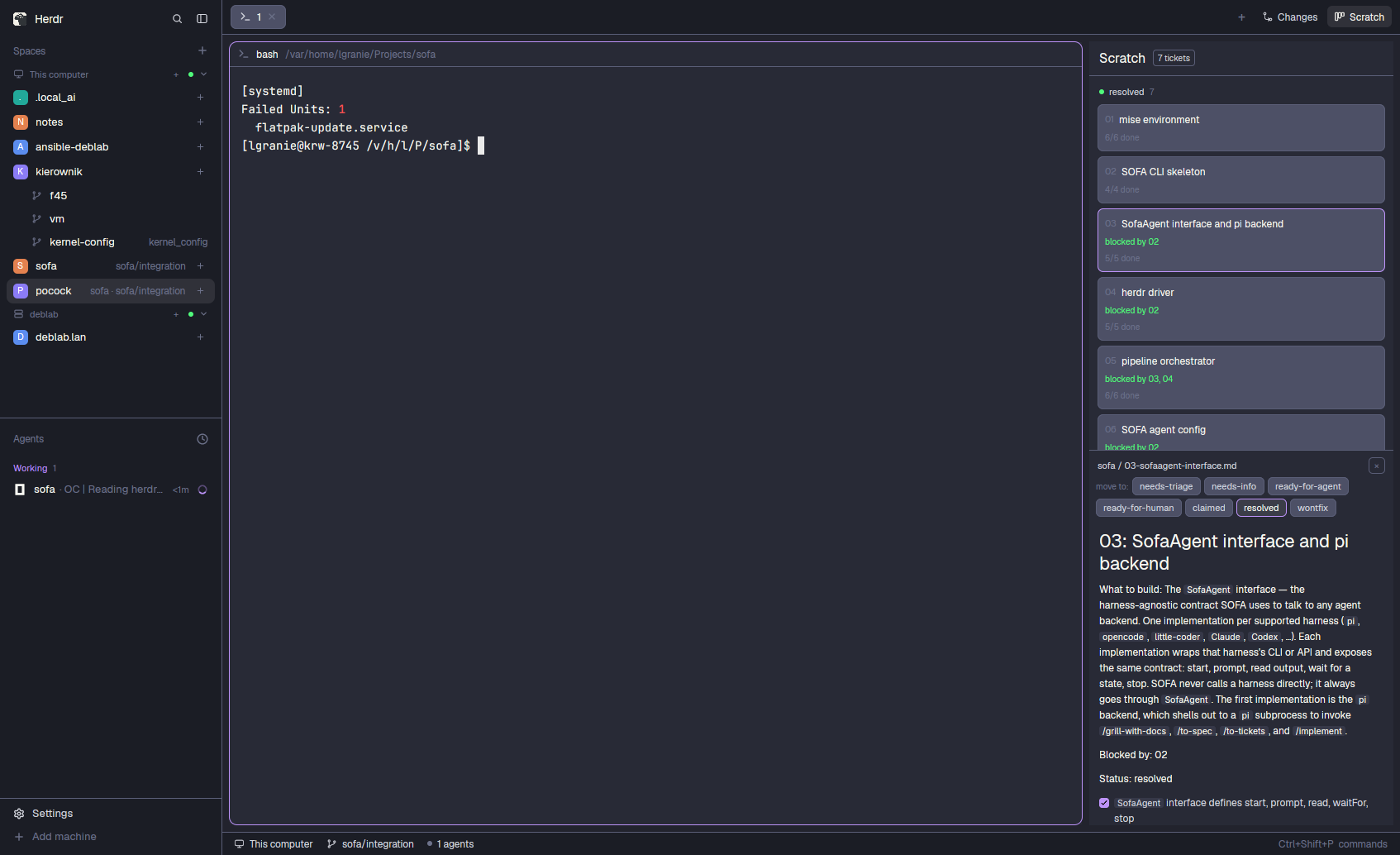

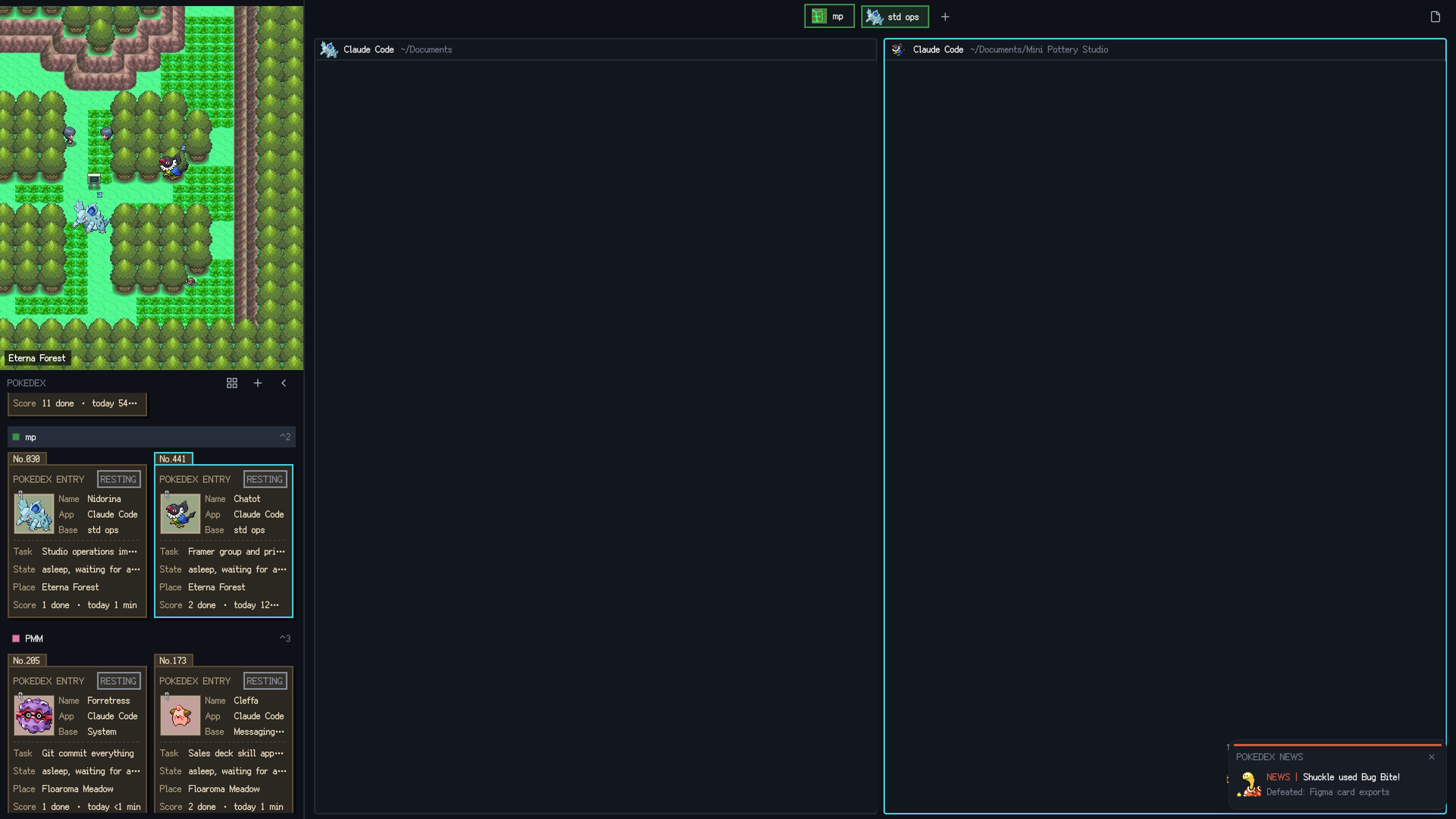

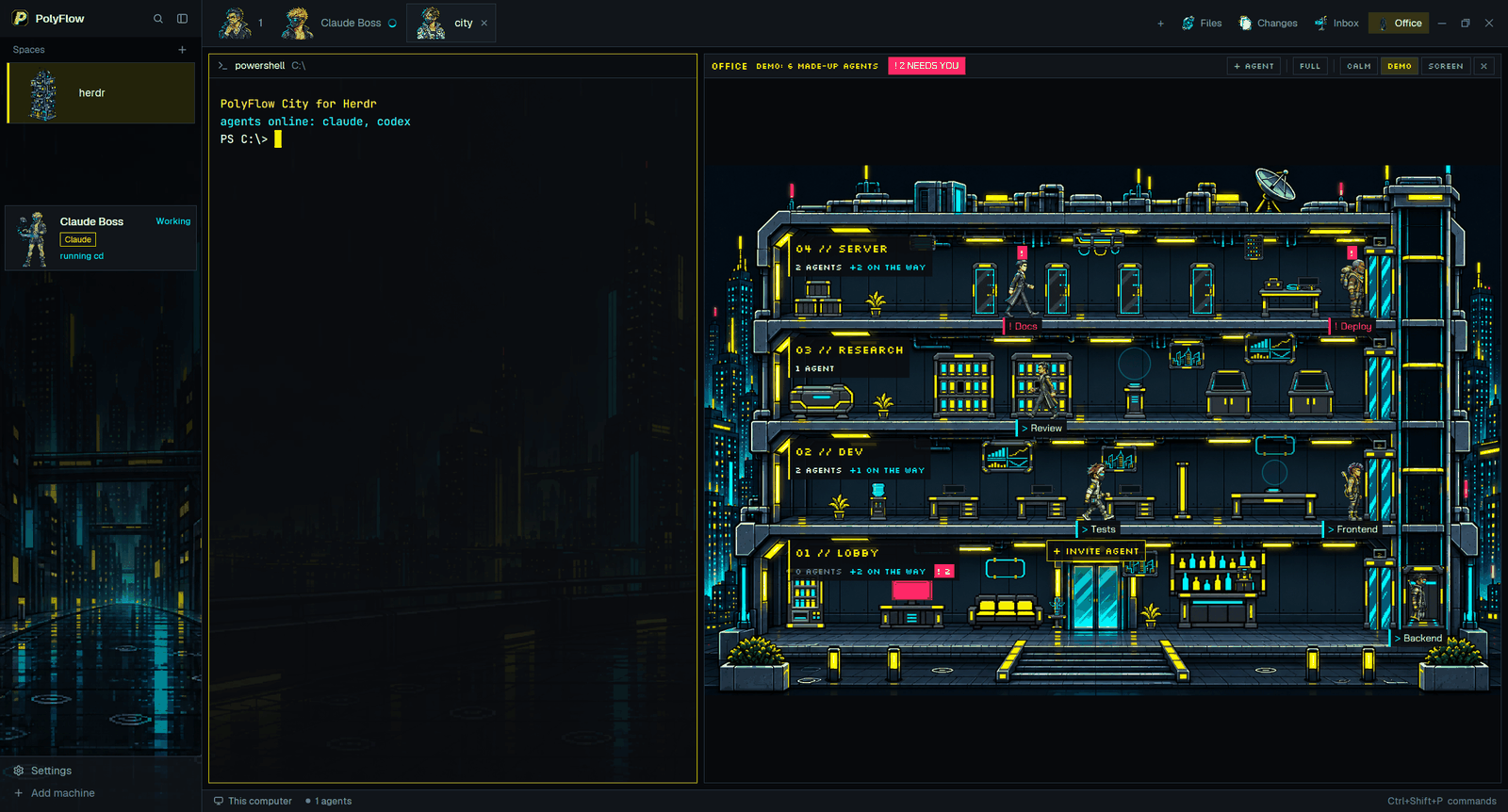

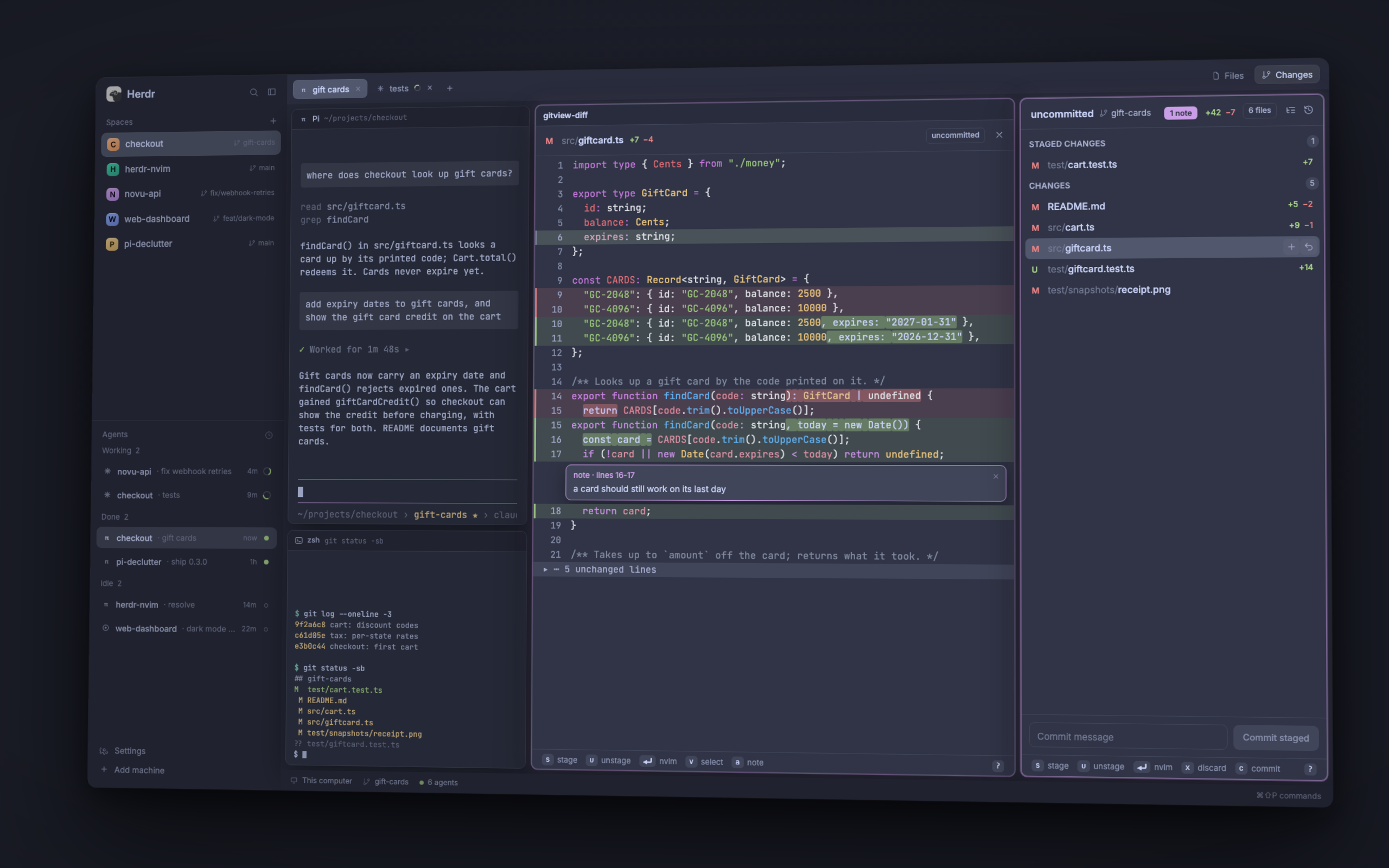
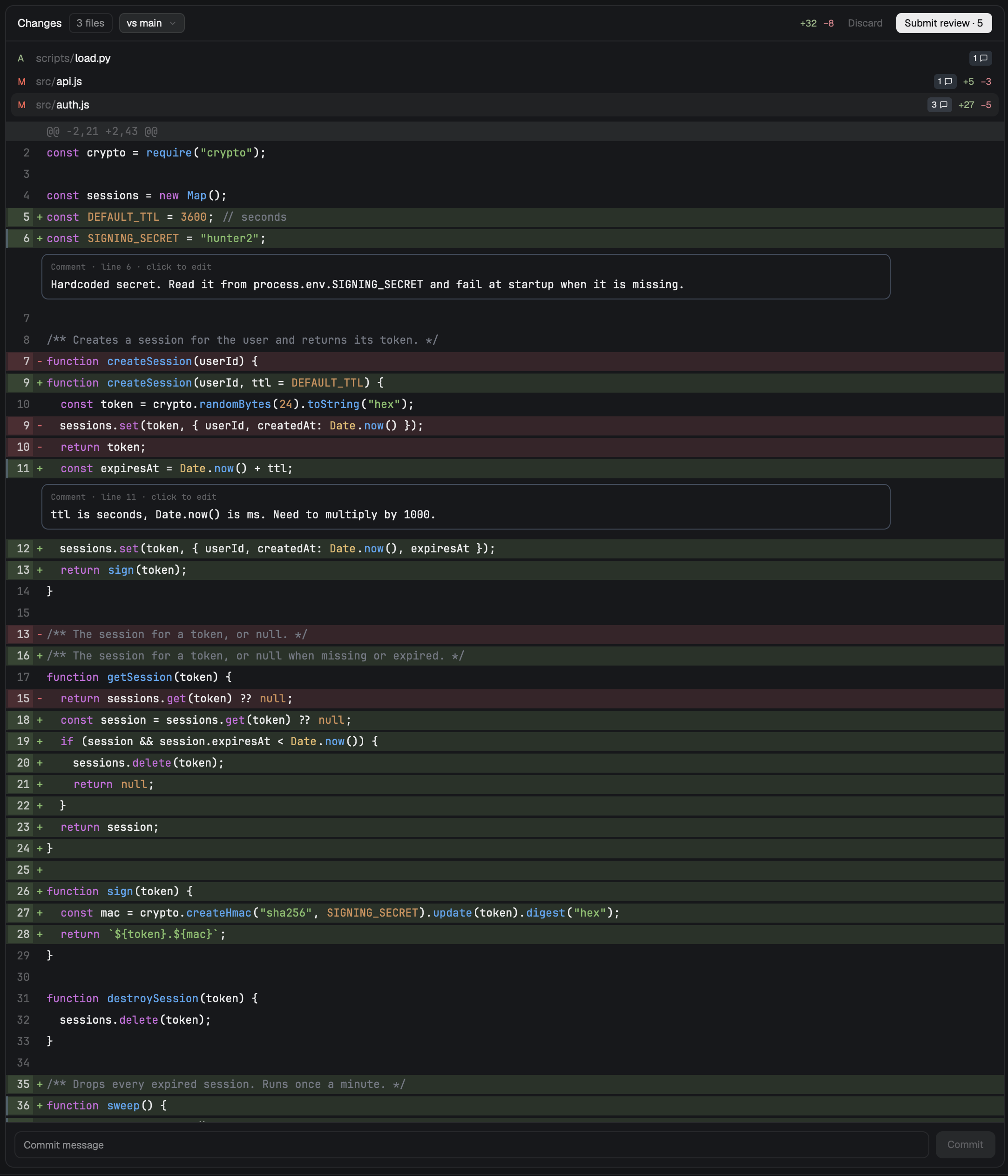
Herdr's own main window, with a fuller right-hand panel and a few personal swaps. The left sidebar keeps the spaces list, but its agents list shows animated ducks and Claude's context use. The tab bar gains Git, Skills, Todos, Servers and PR buttons next to Files and Changes, each opening its own panel on the right: a lazygit-style git panel, Claude skills, Markdown todo pages, a dev-server runner and the focused branch's GitHub pull request. Files is keyboard-driven (vim keys), and Changes is…

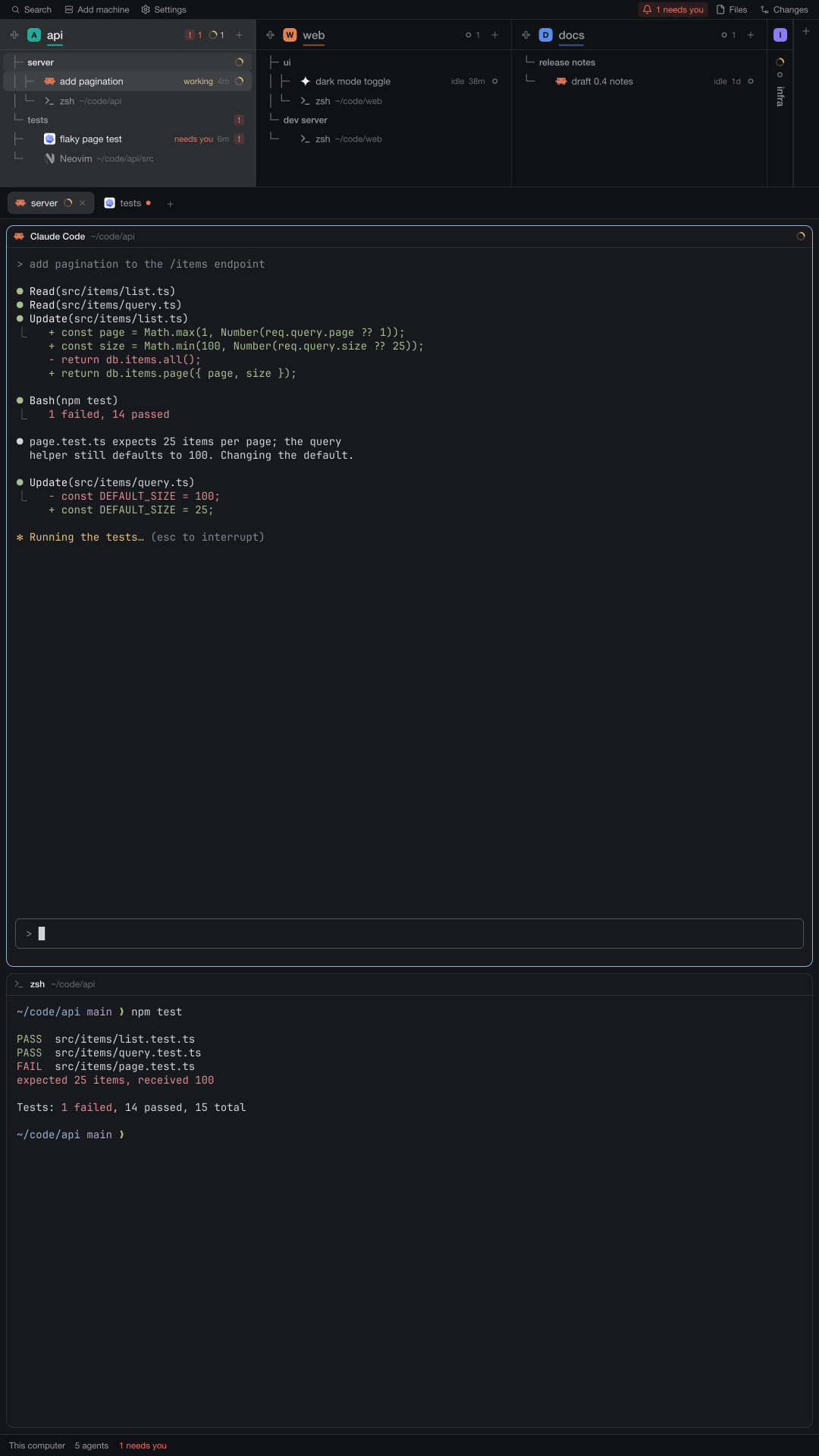










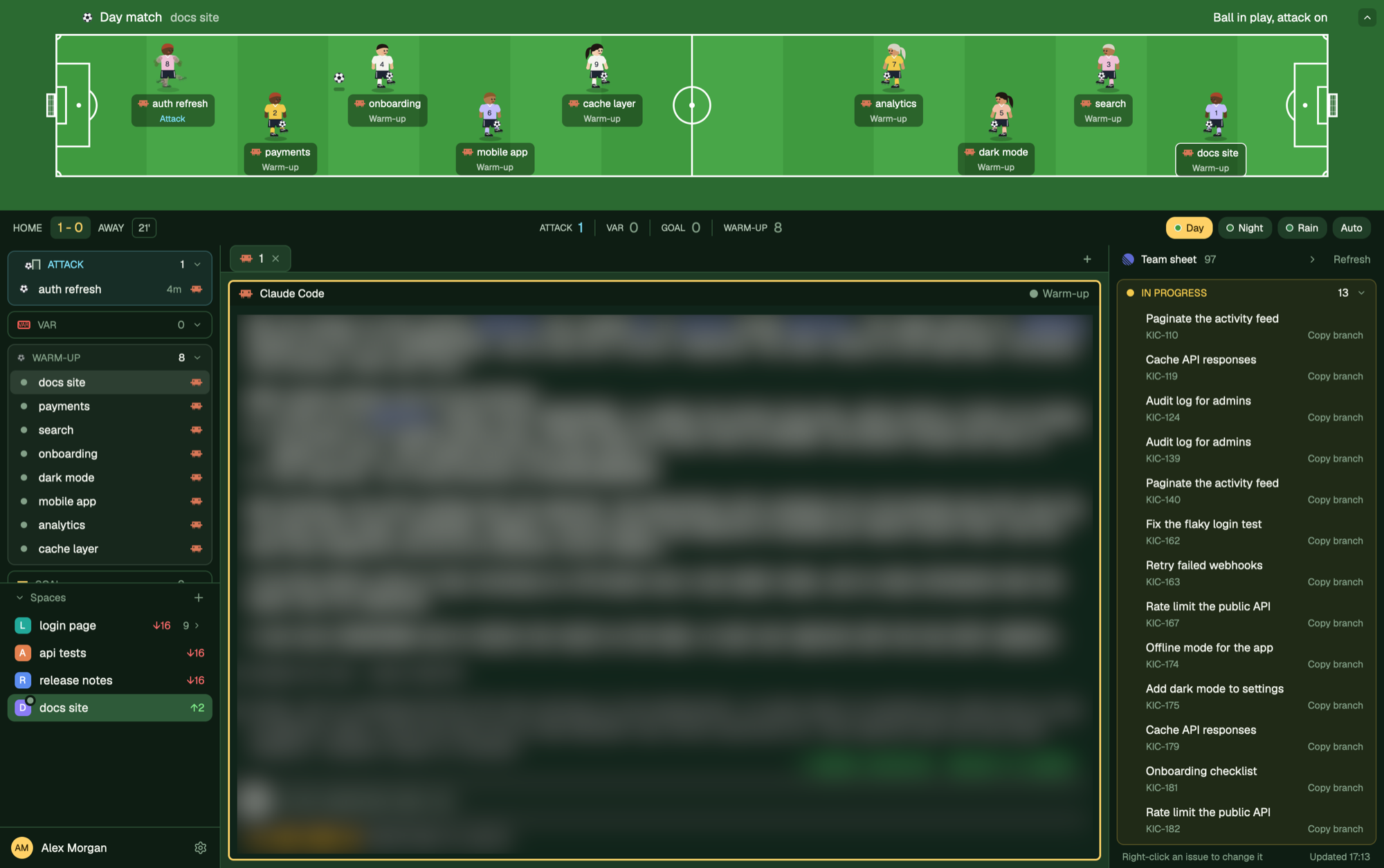

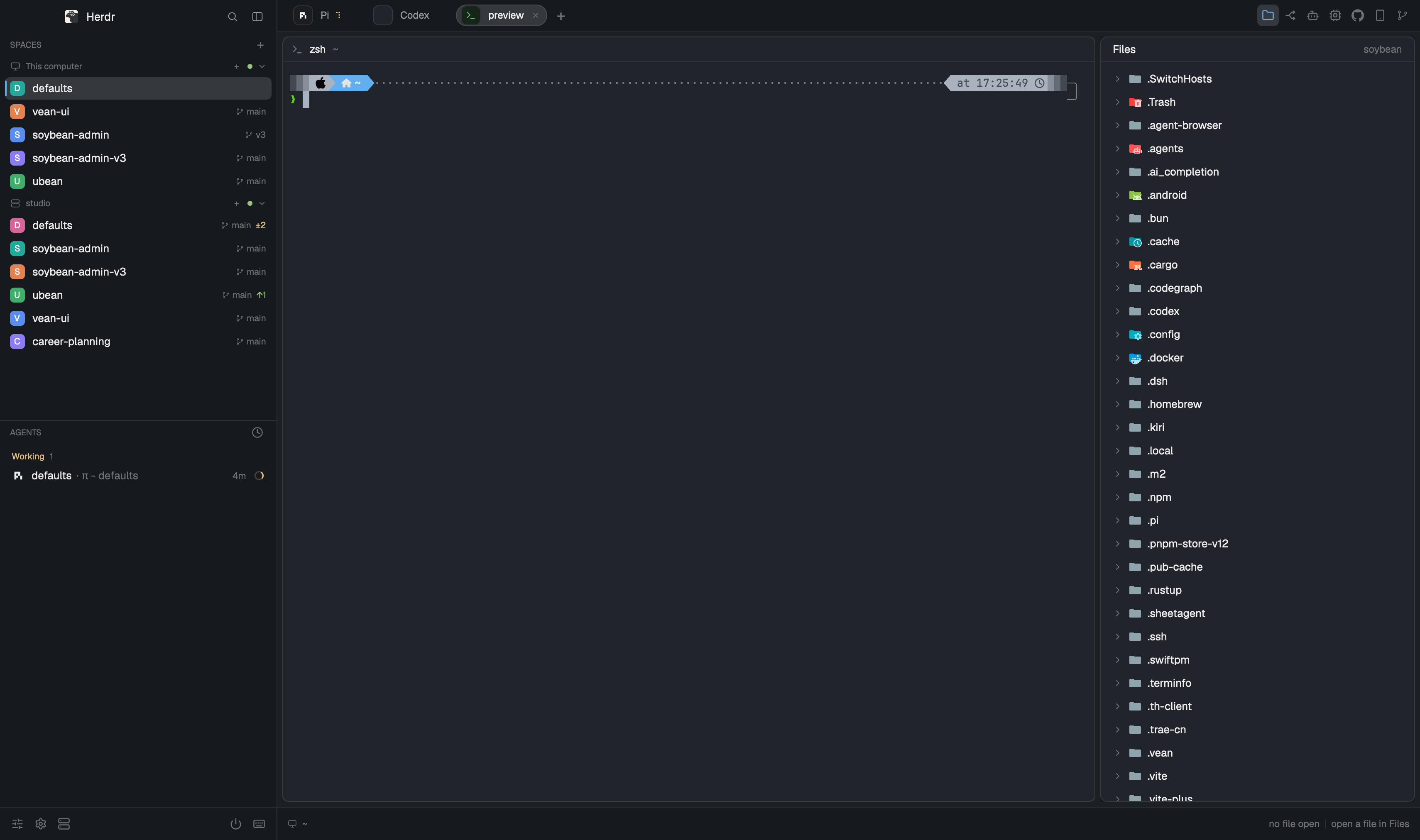

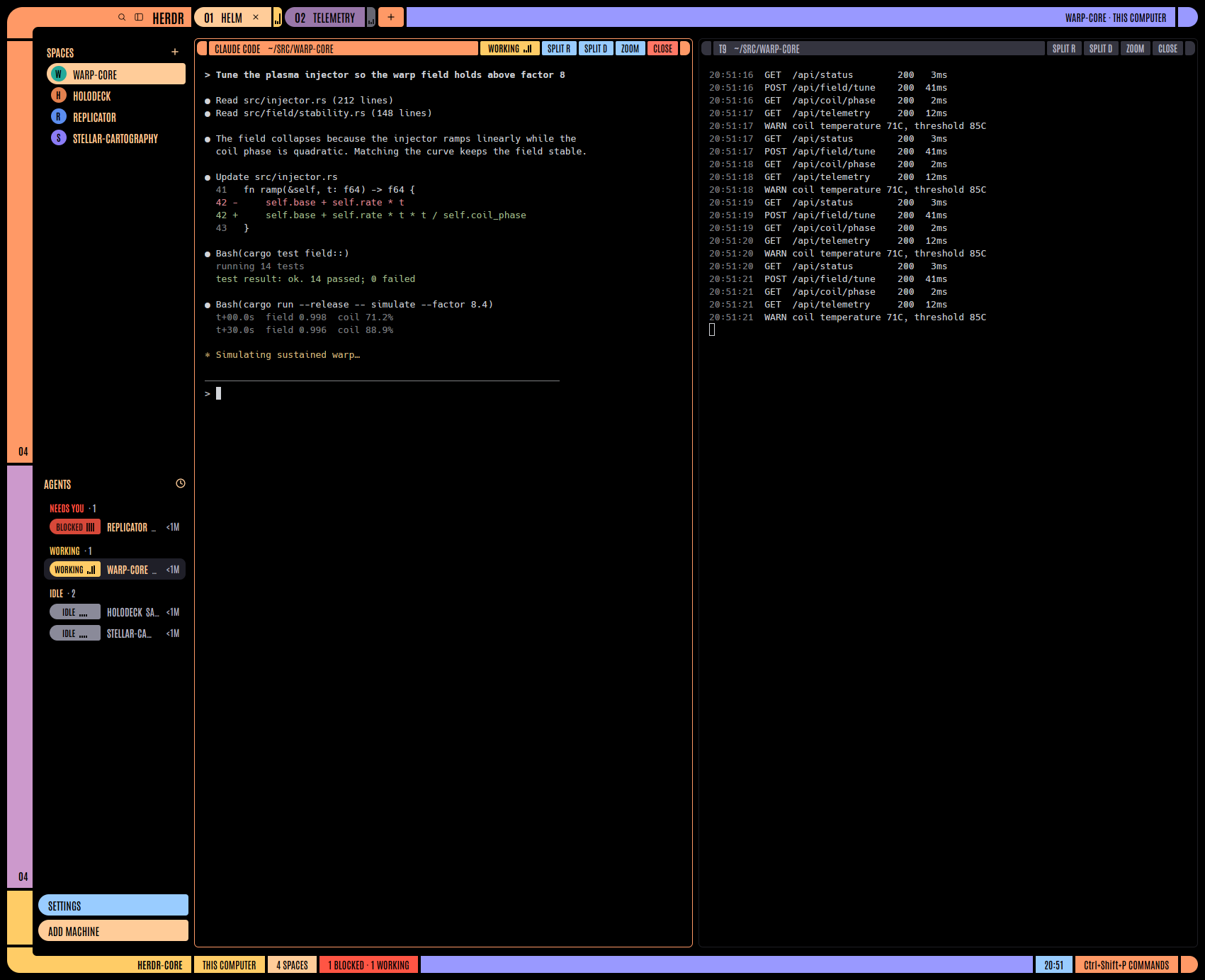
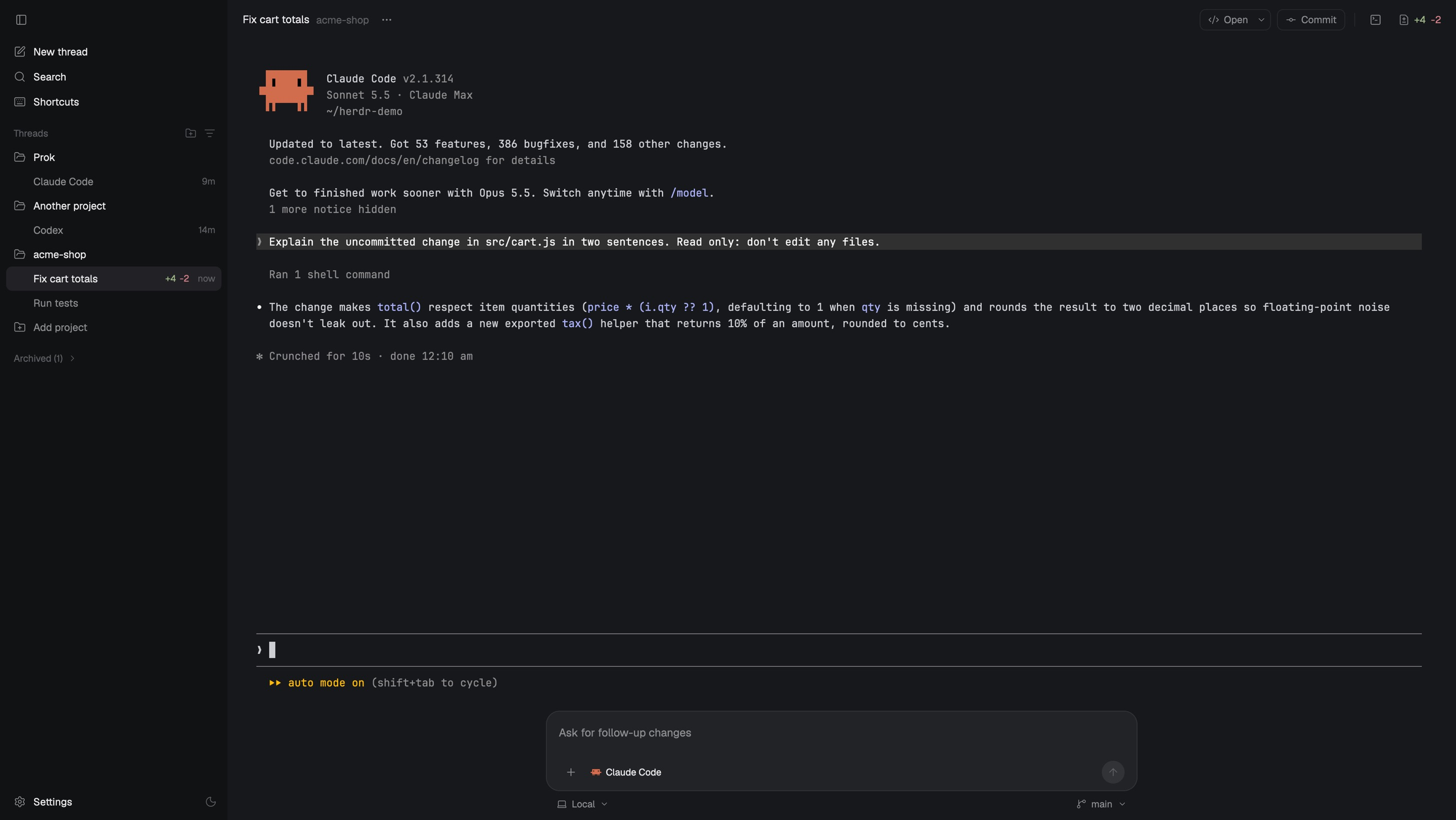

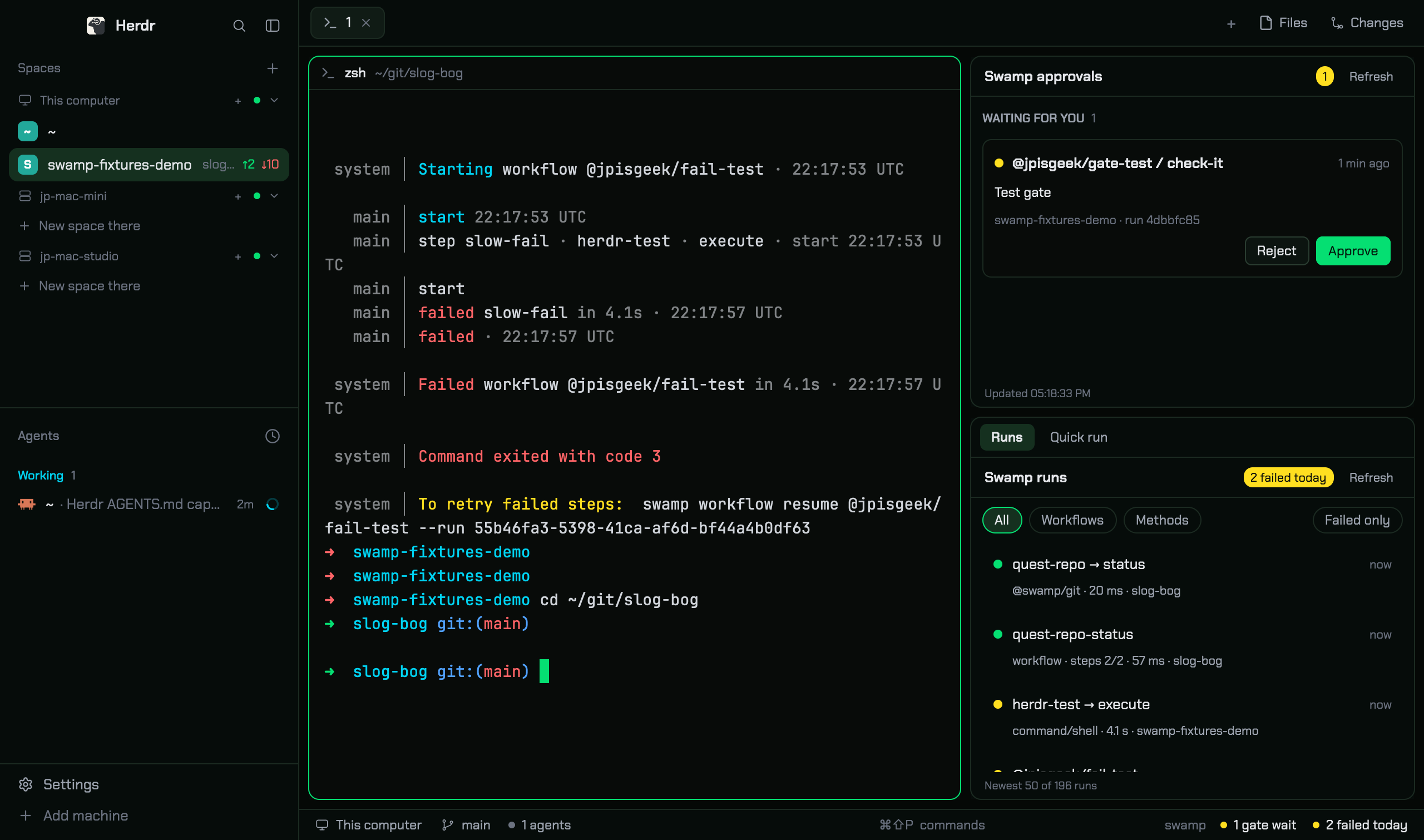

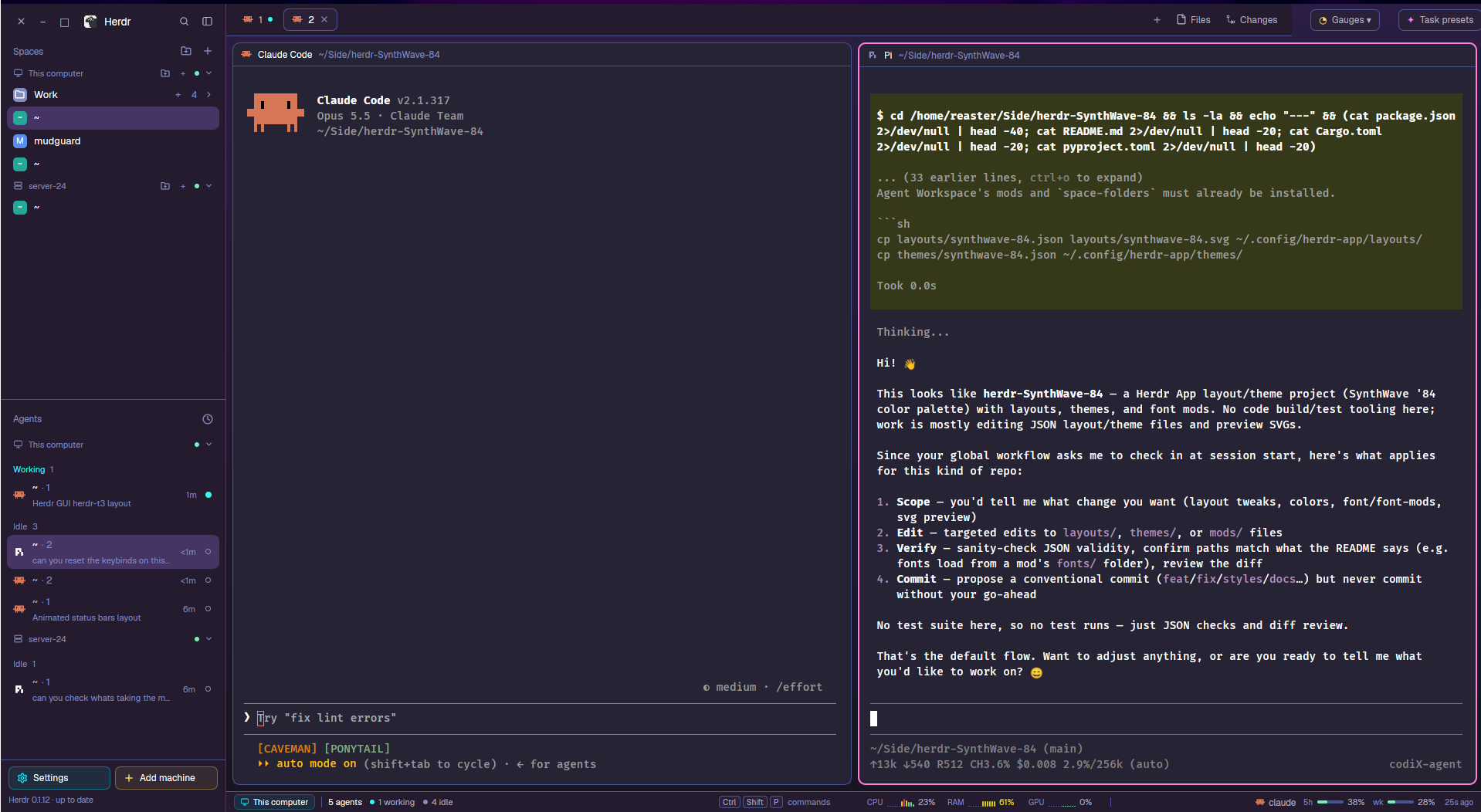

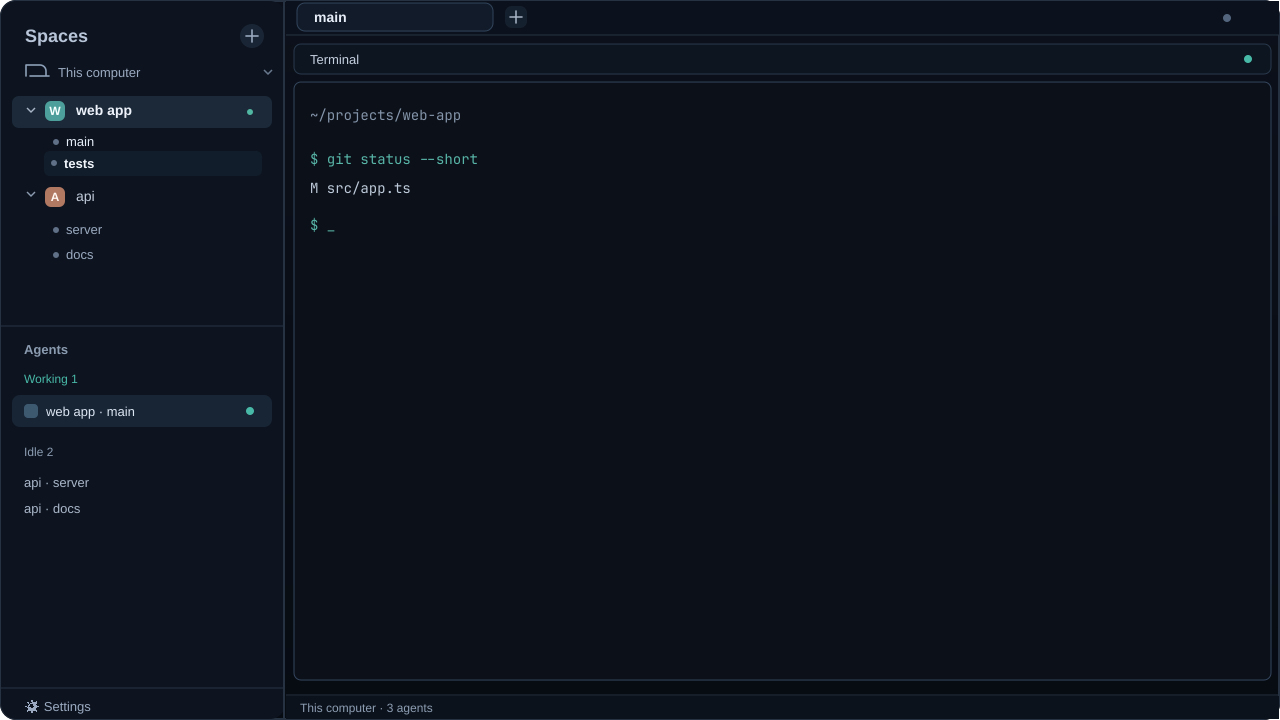

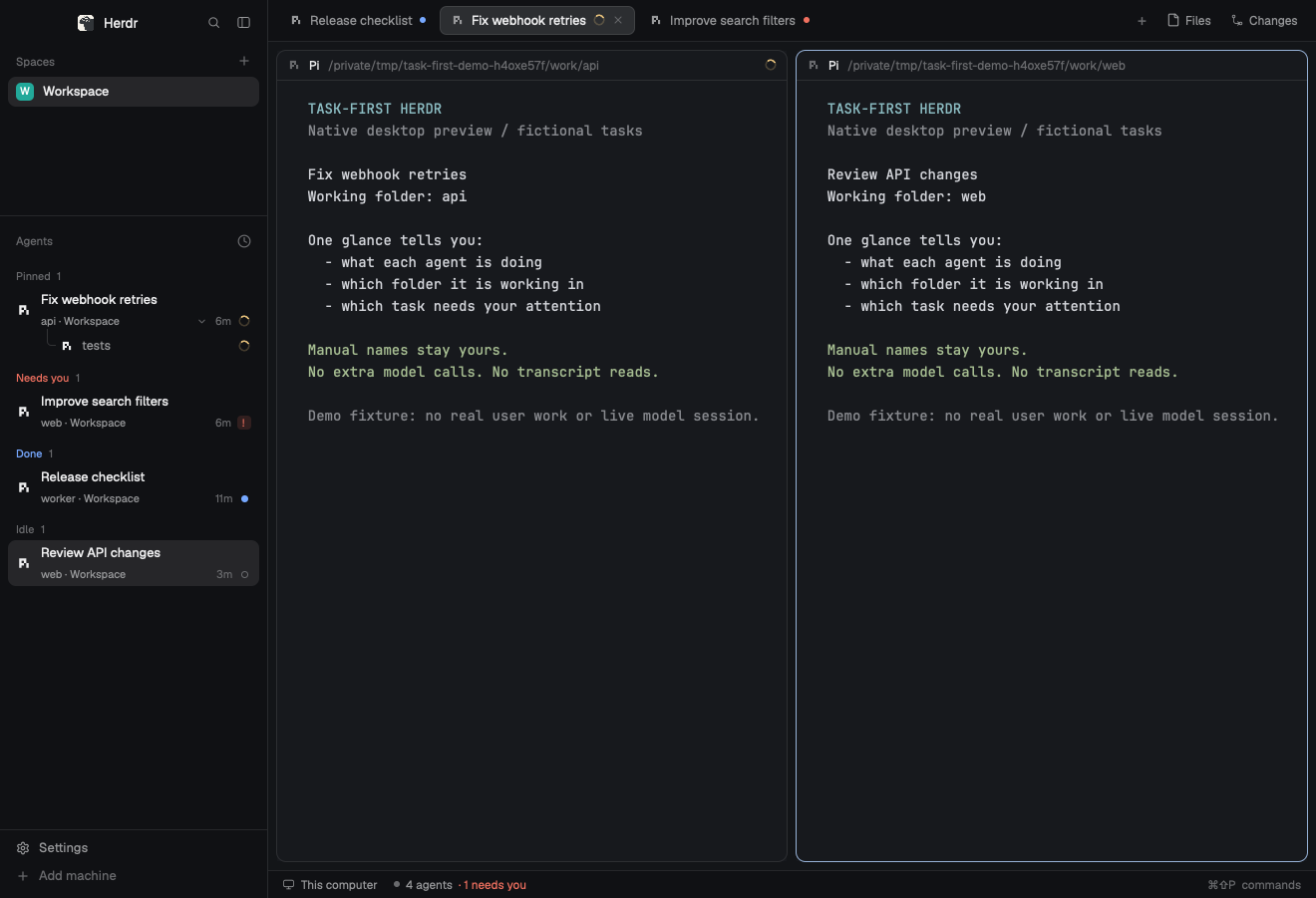

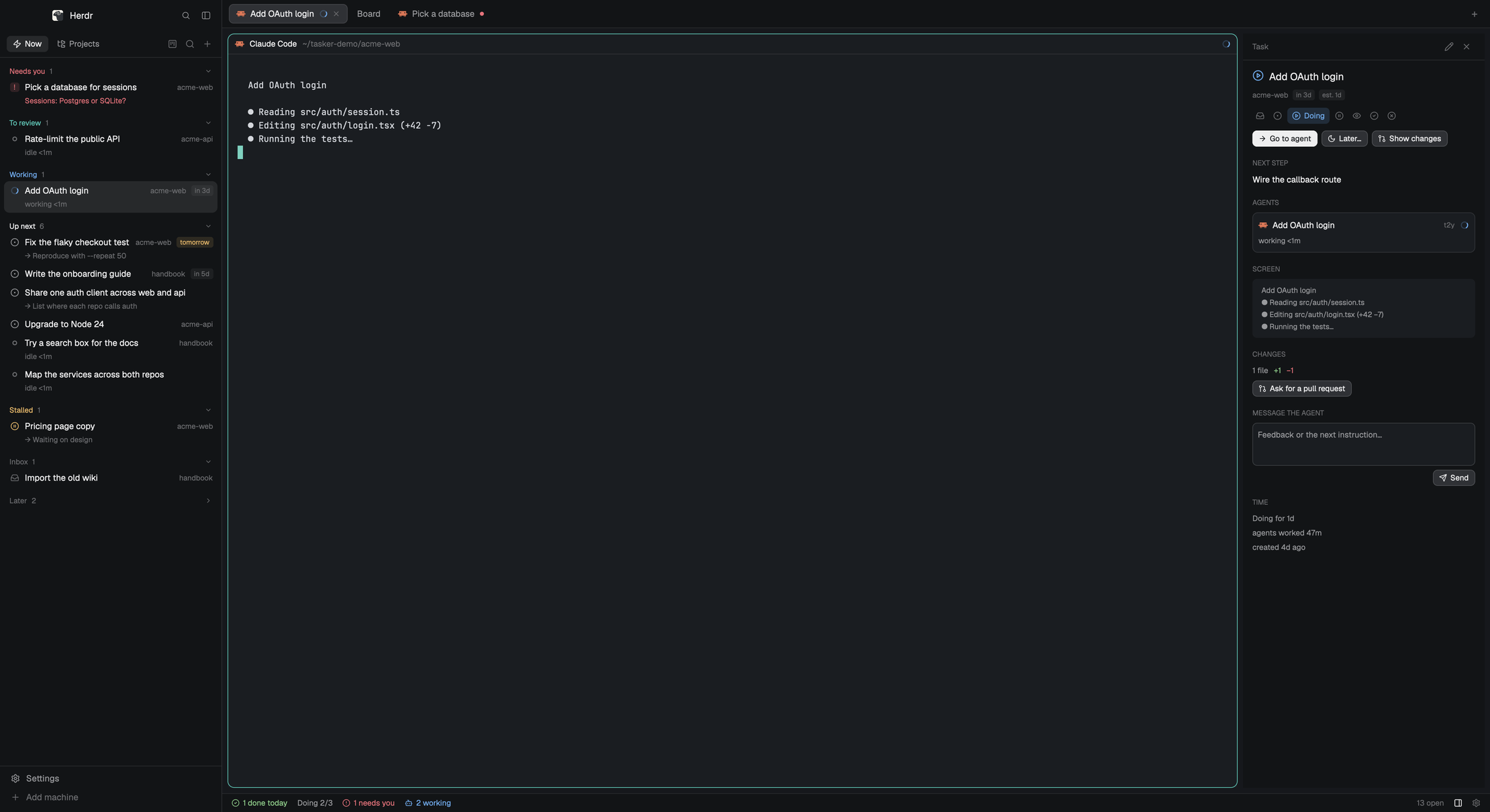

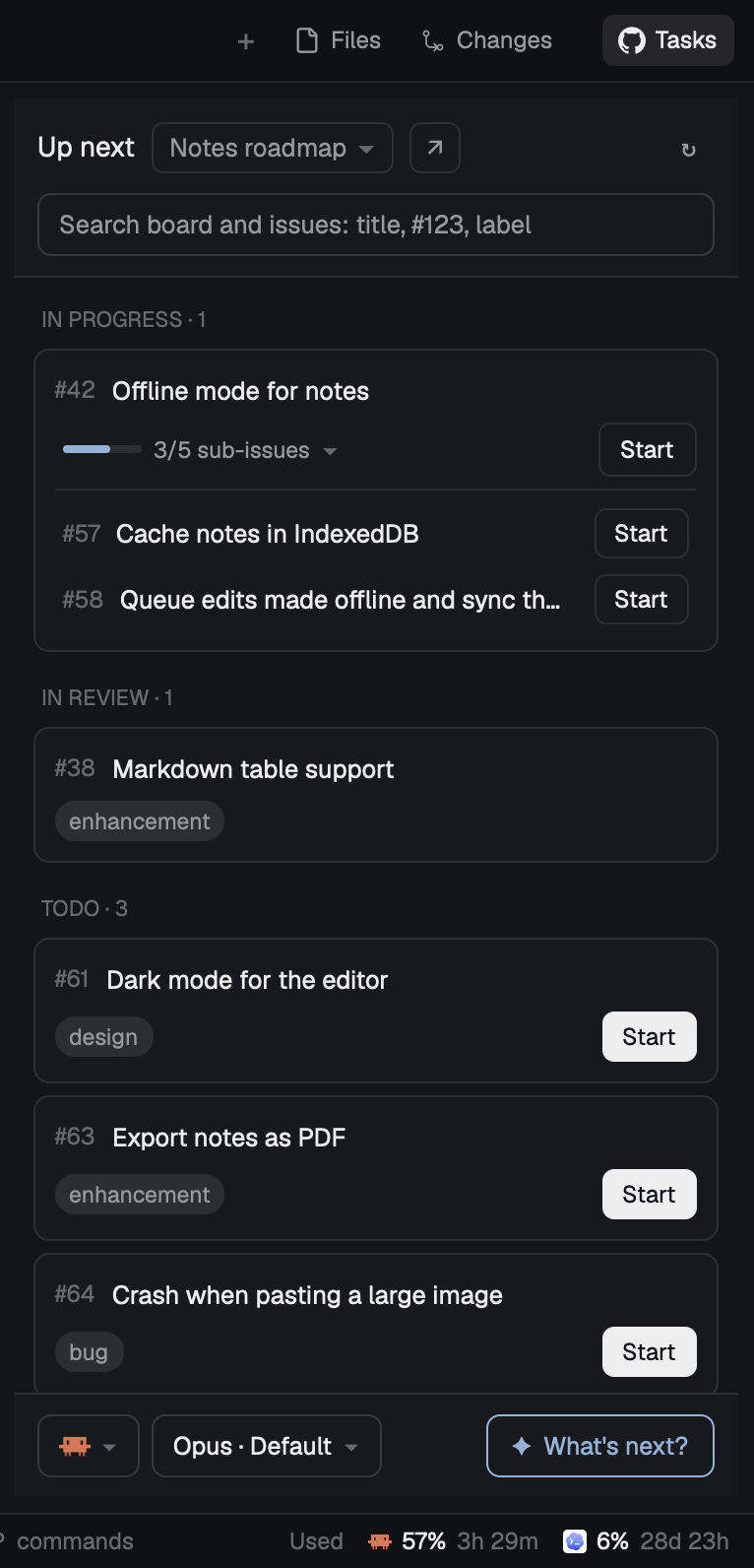

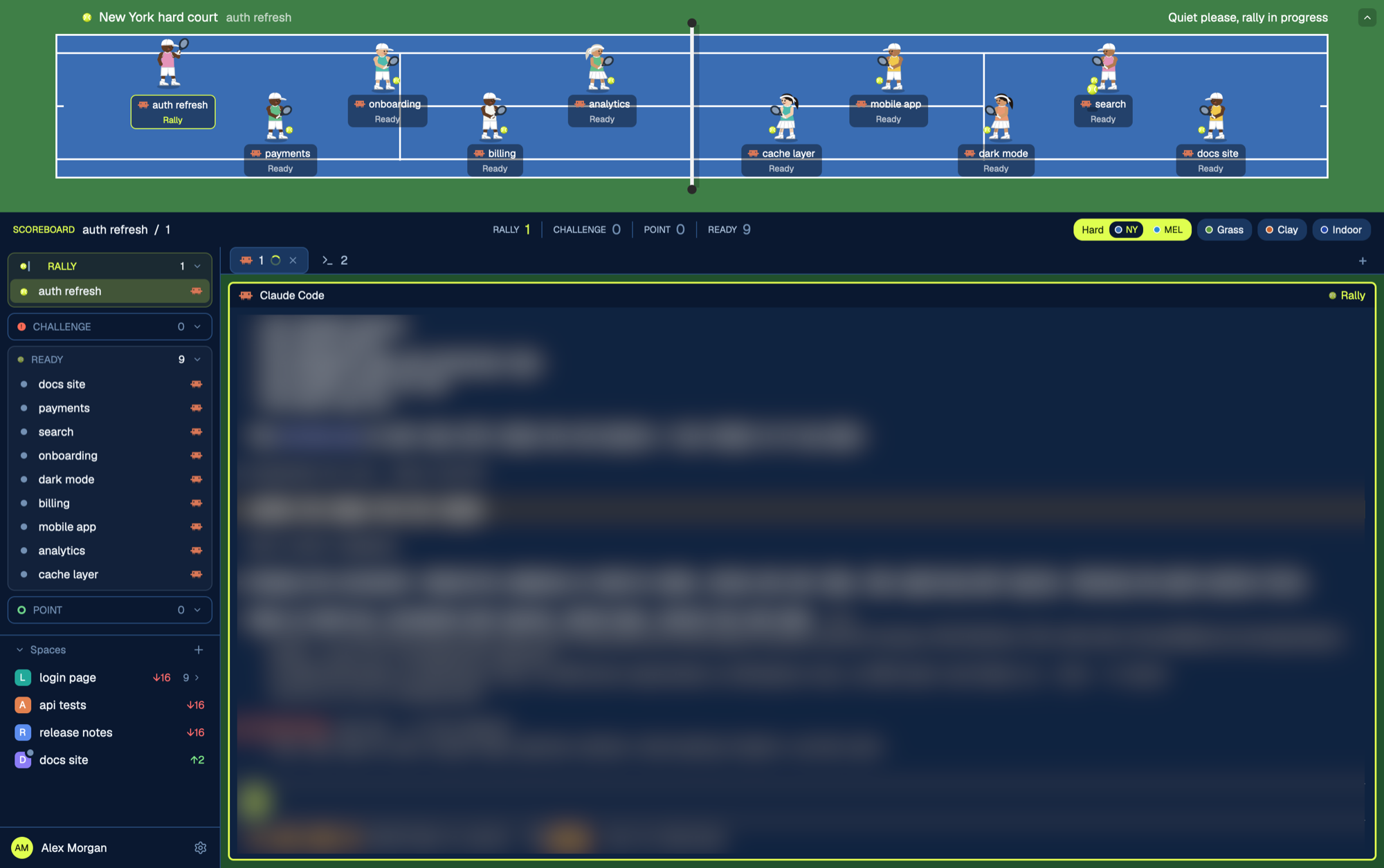
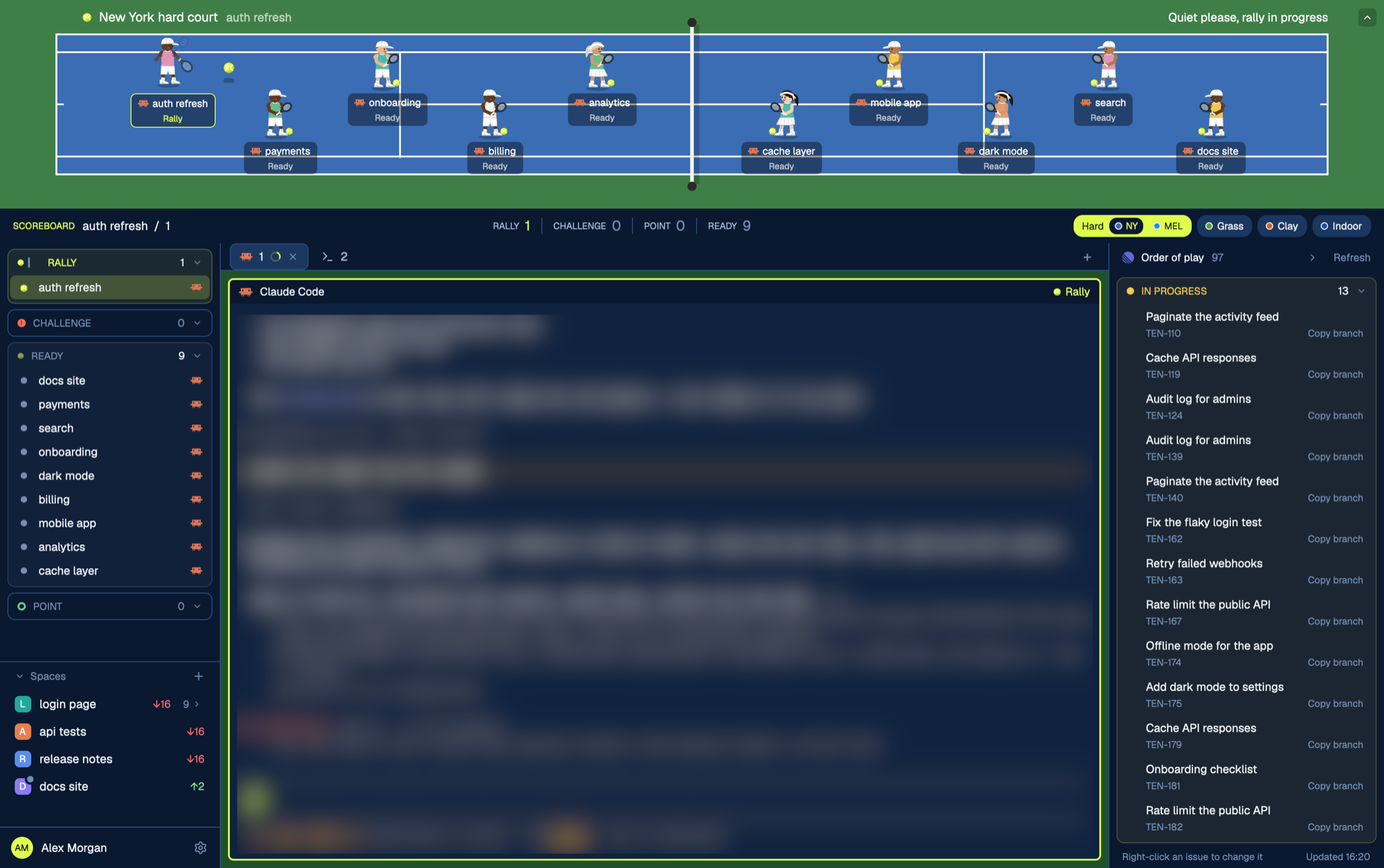



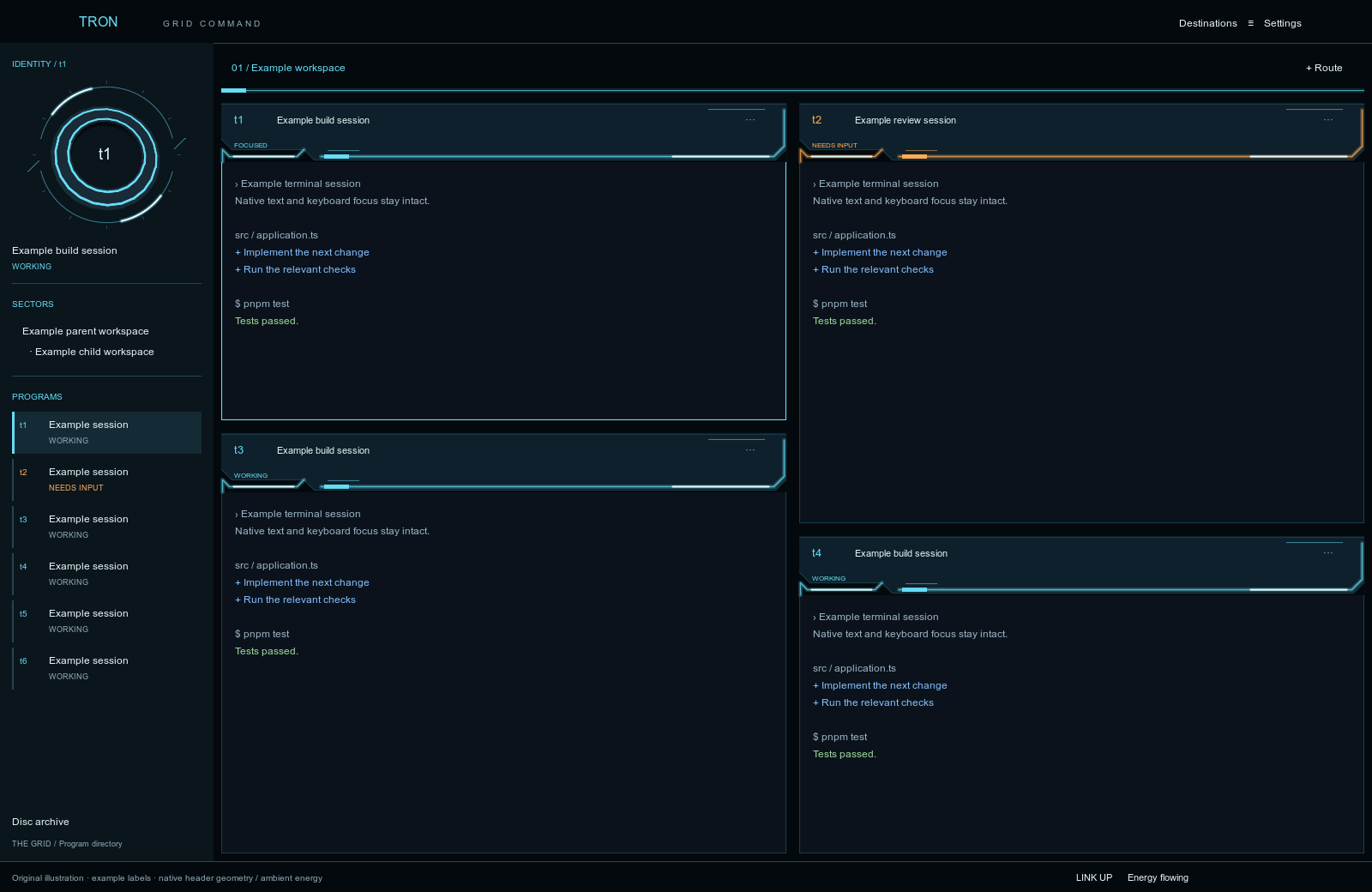
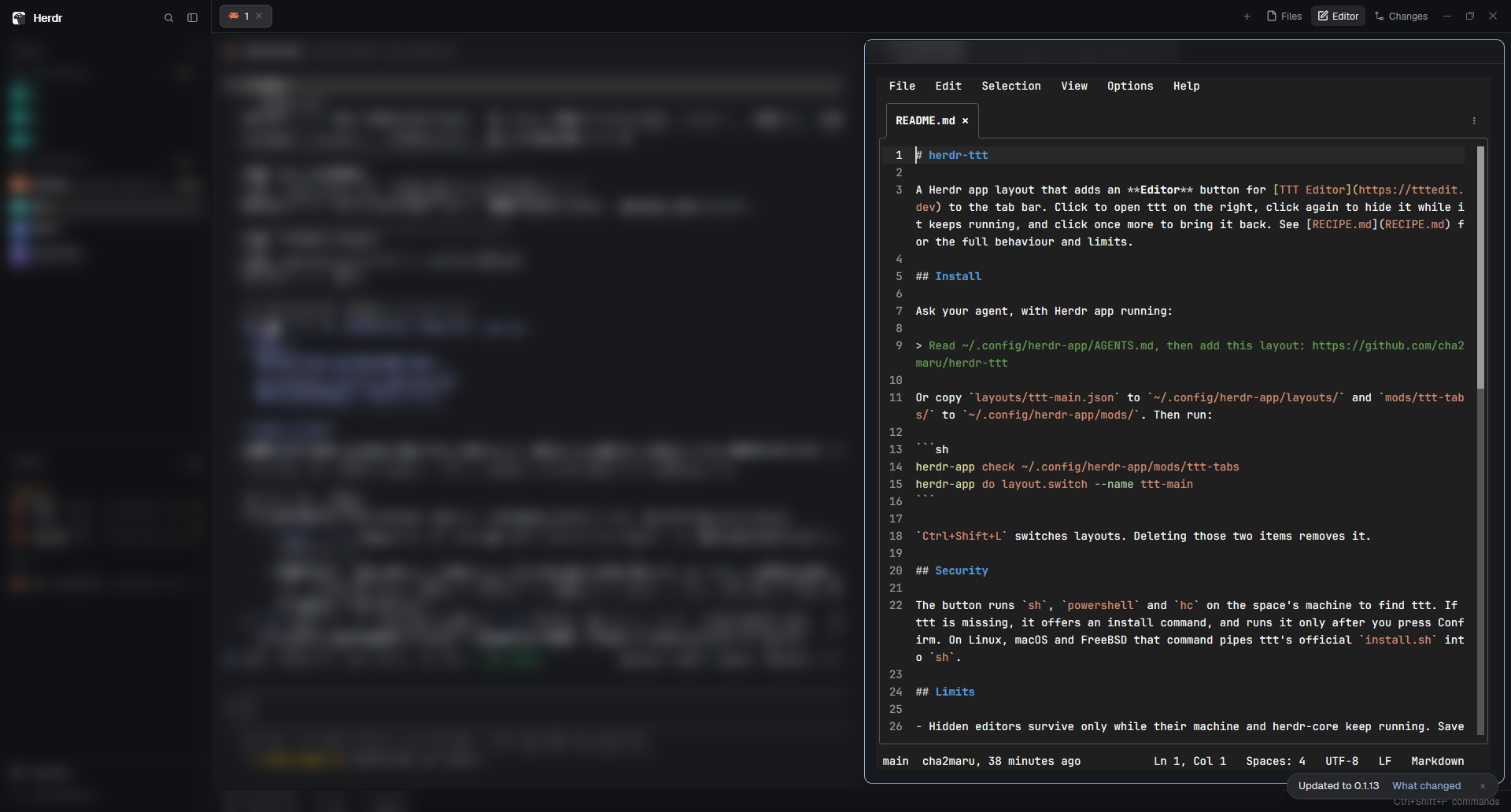

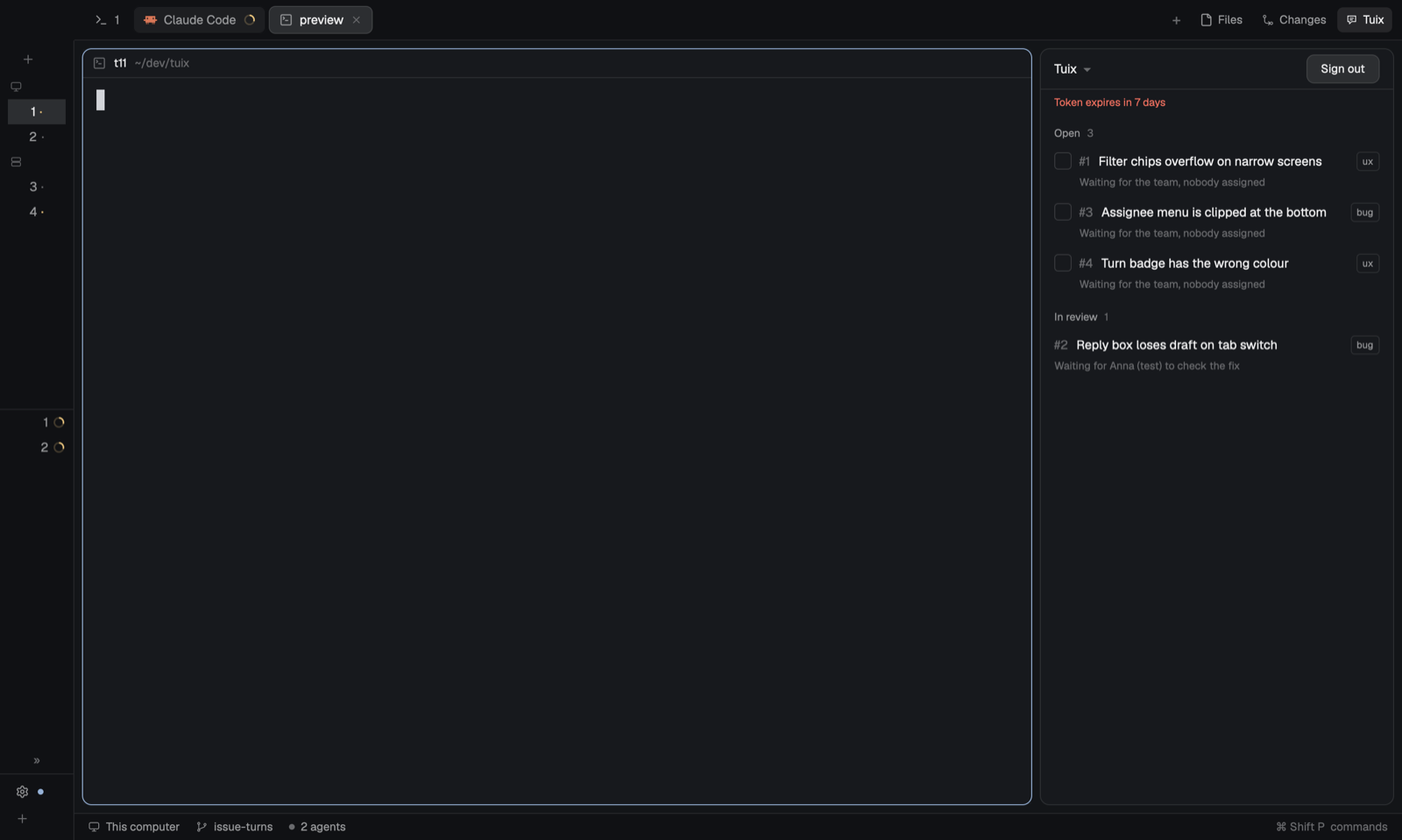



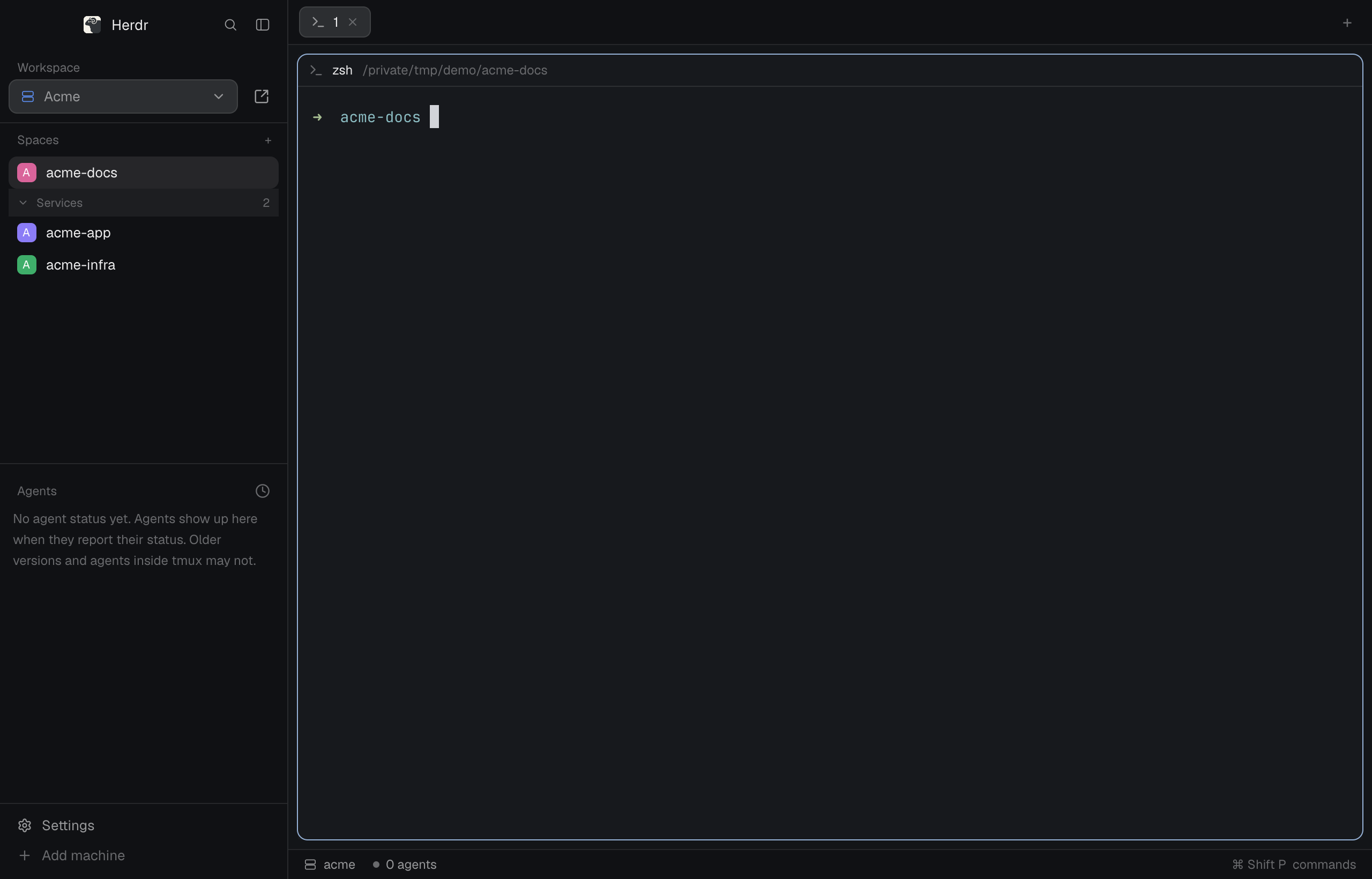

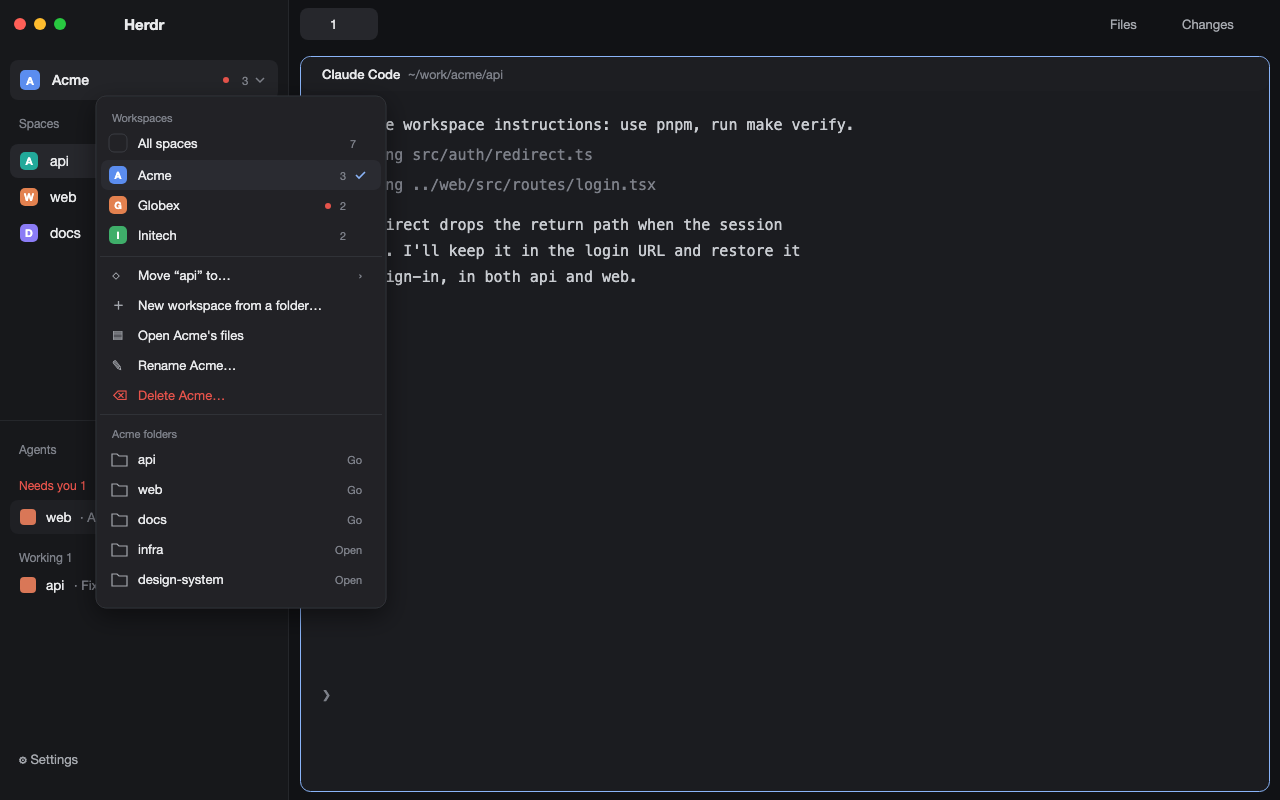

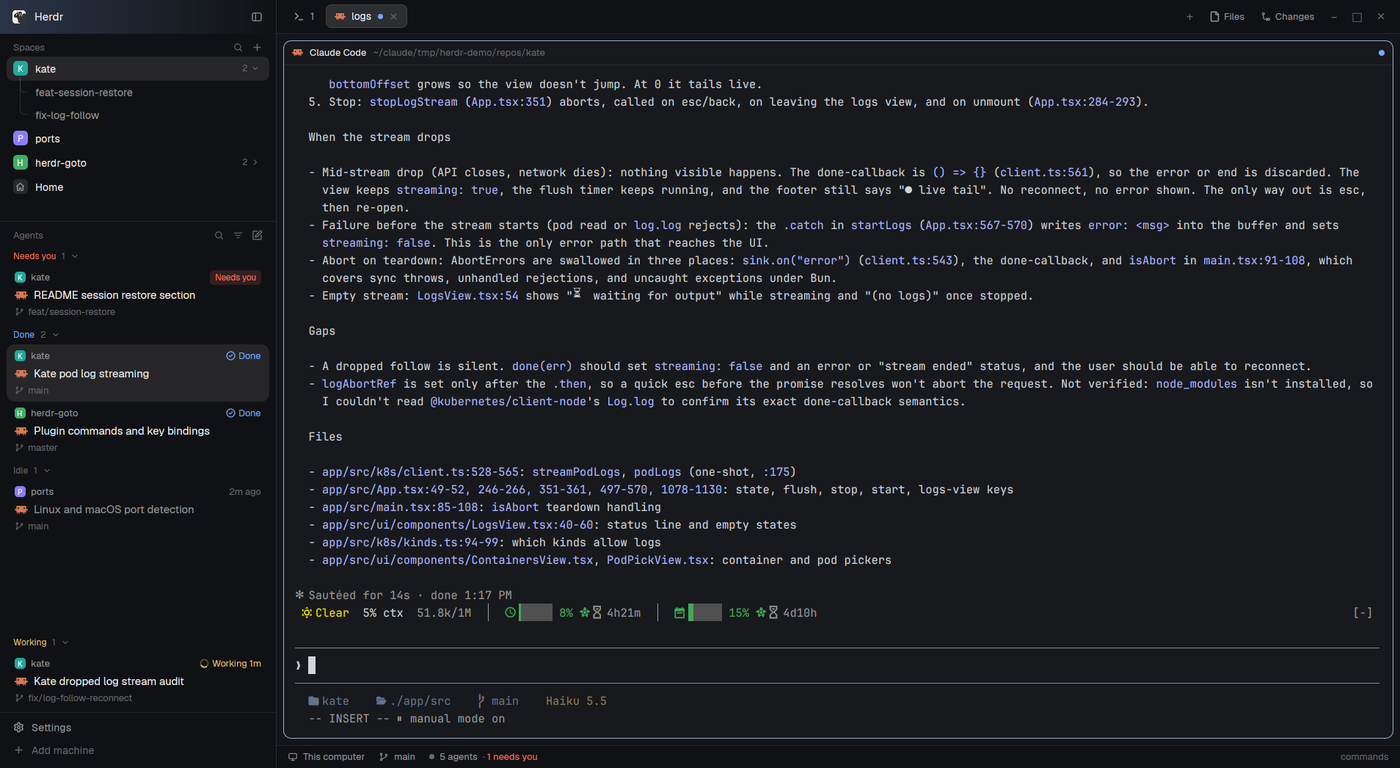

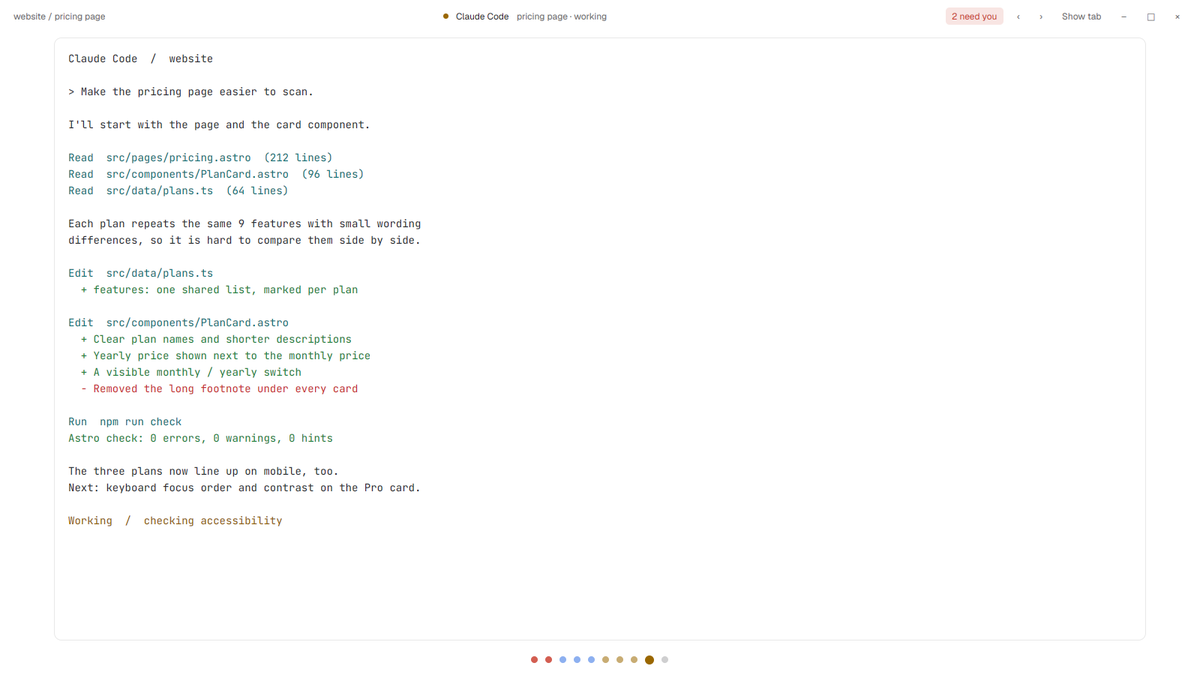


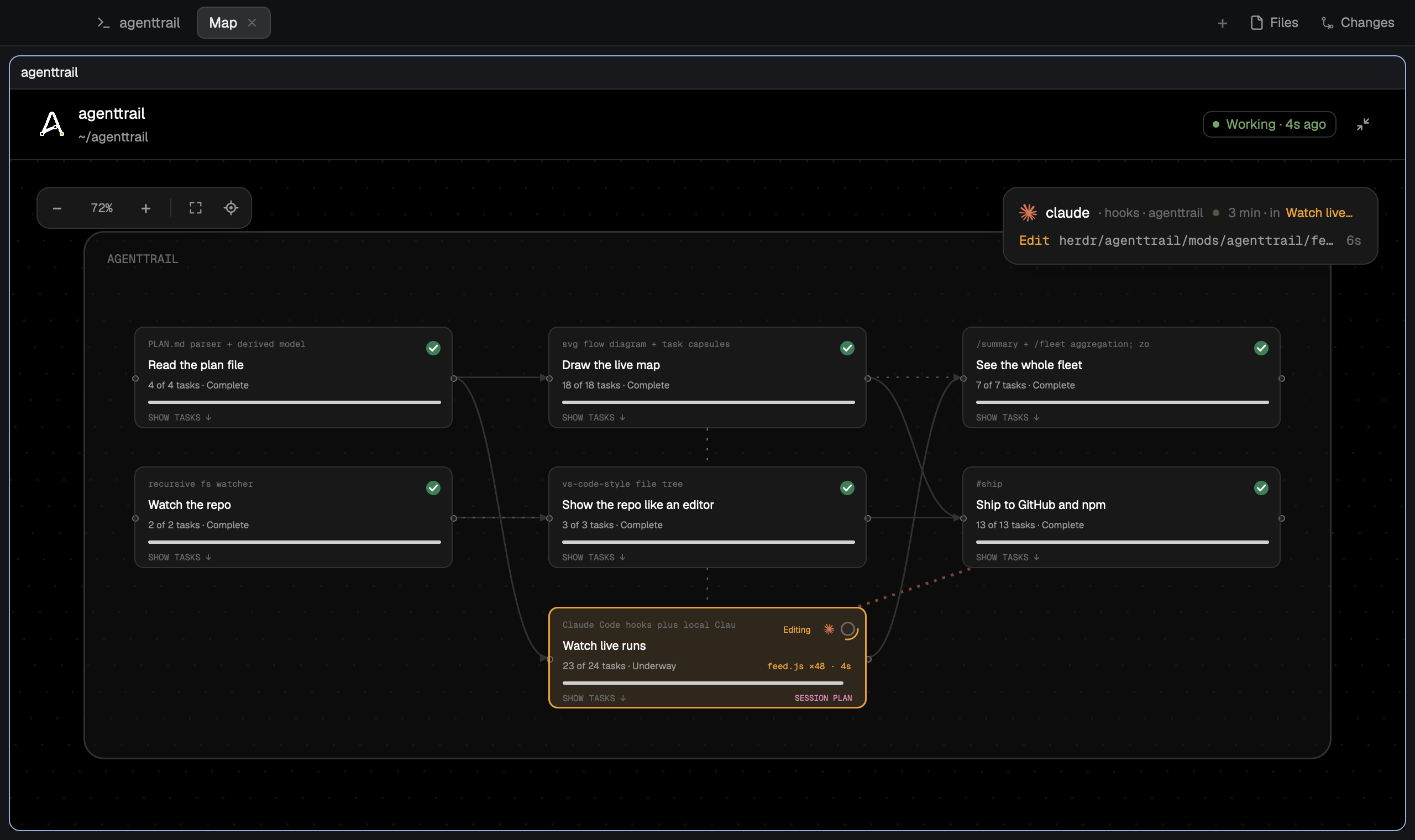

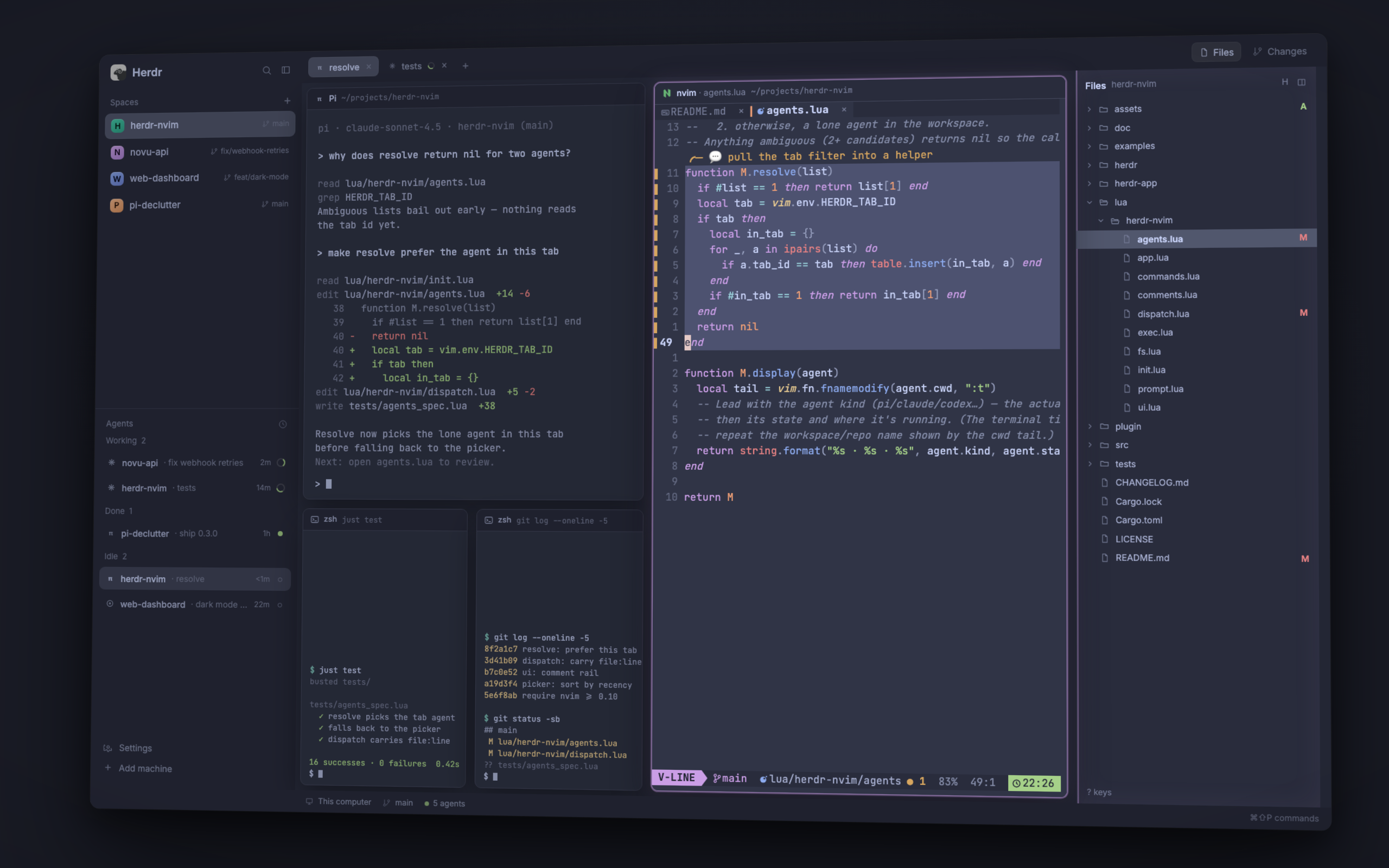

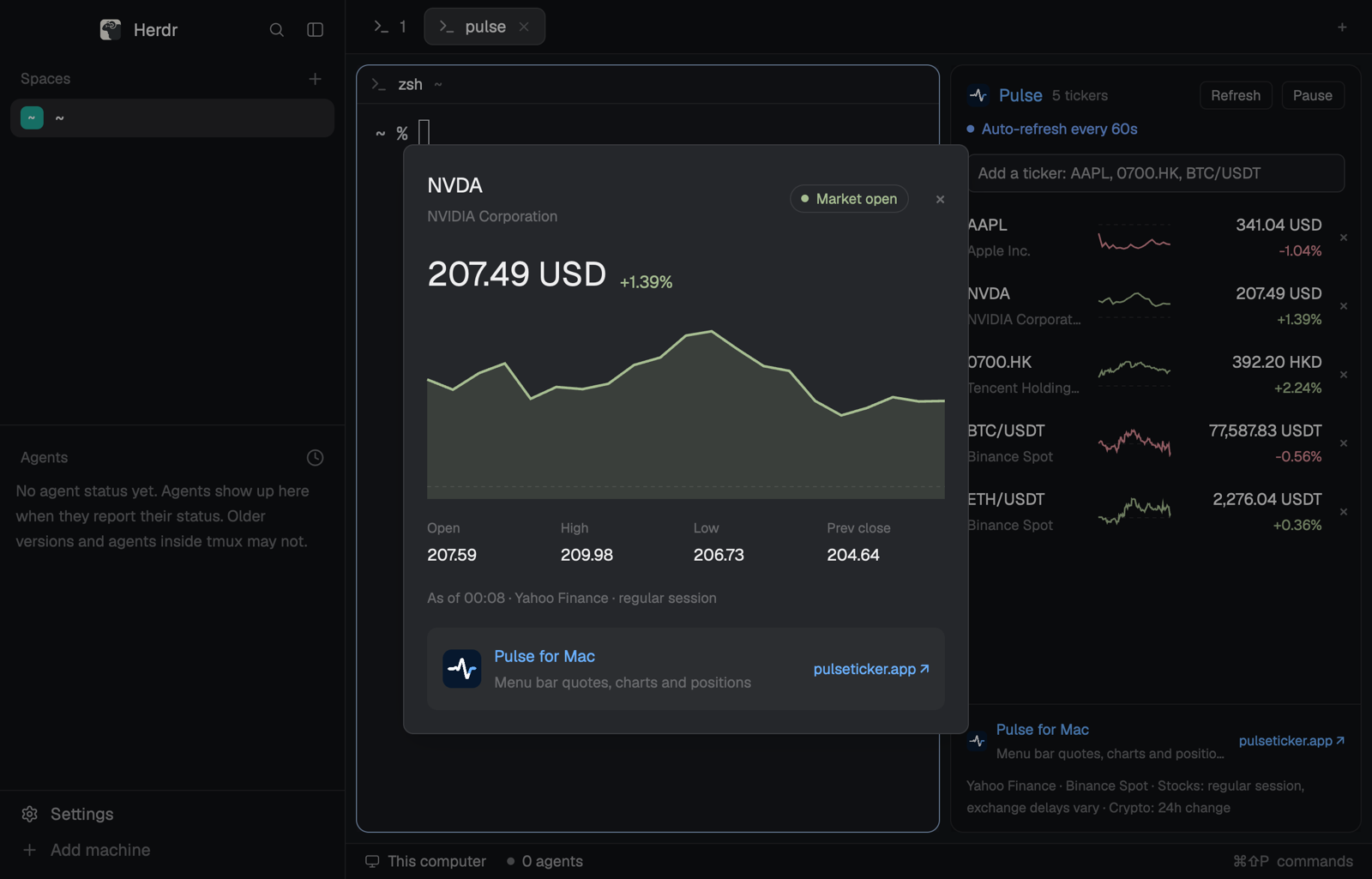

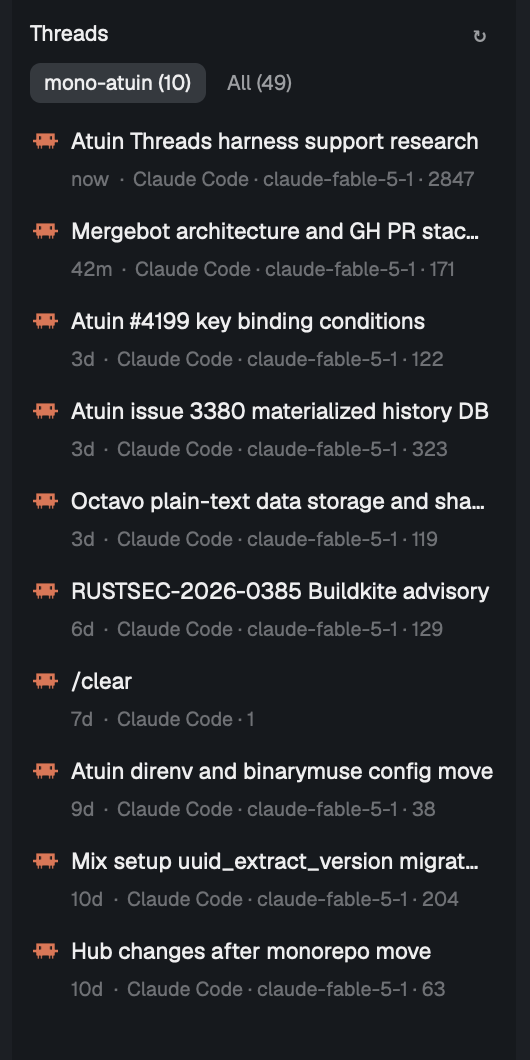

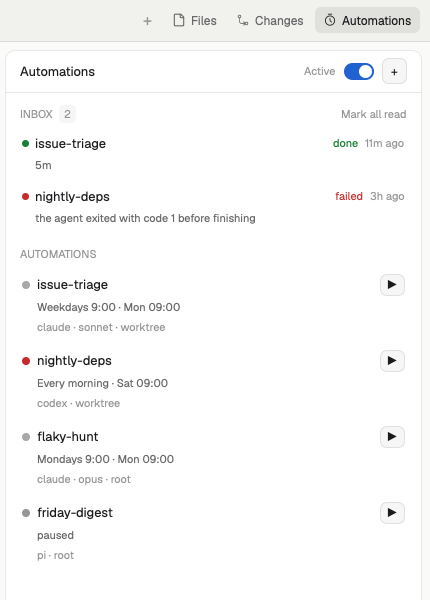






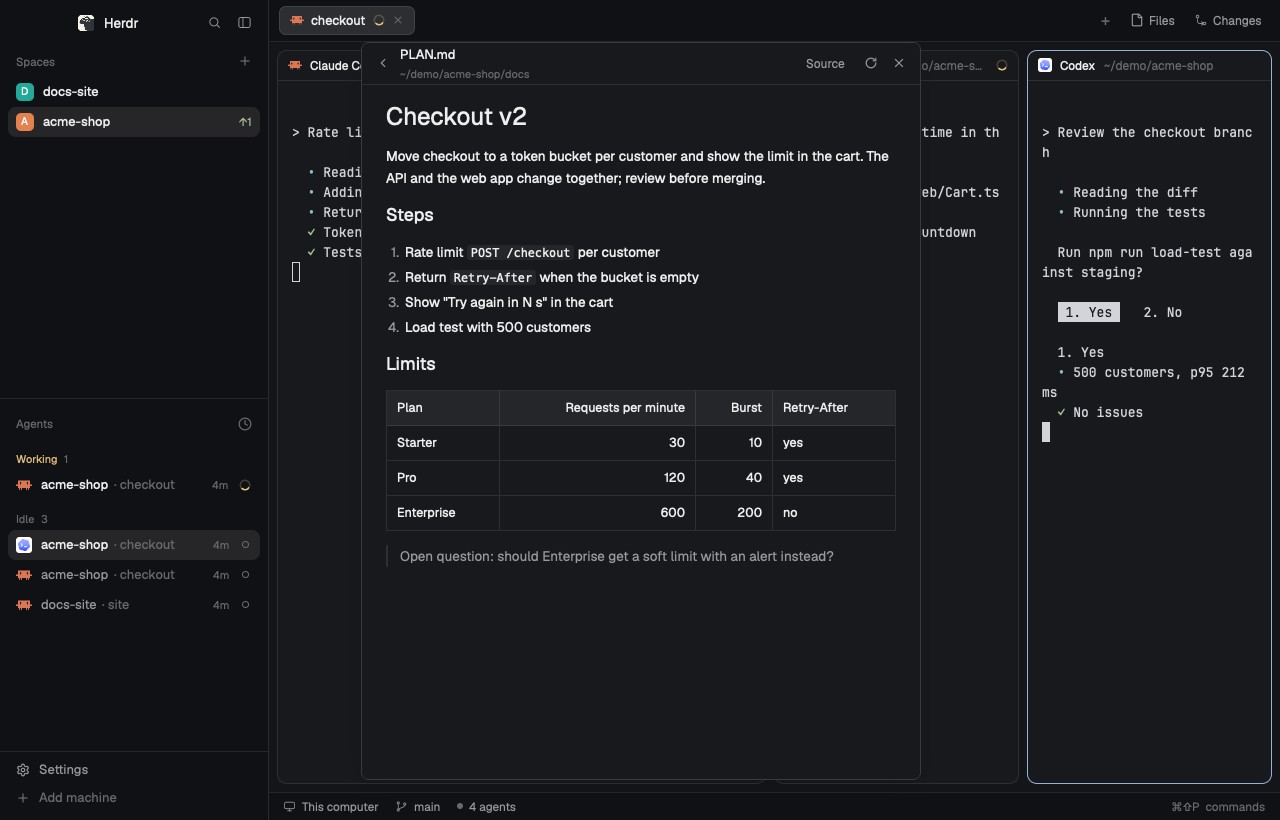
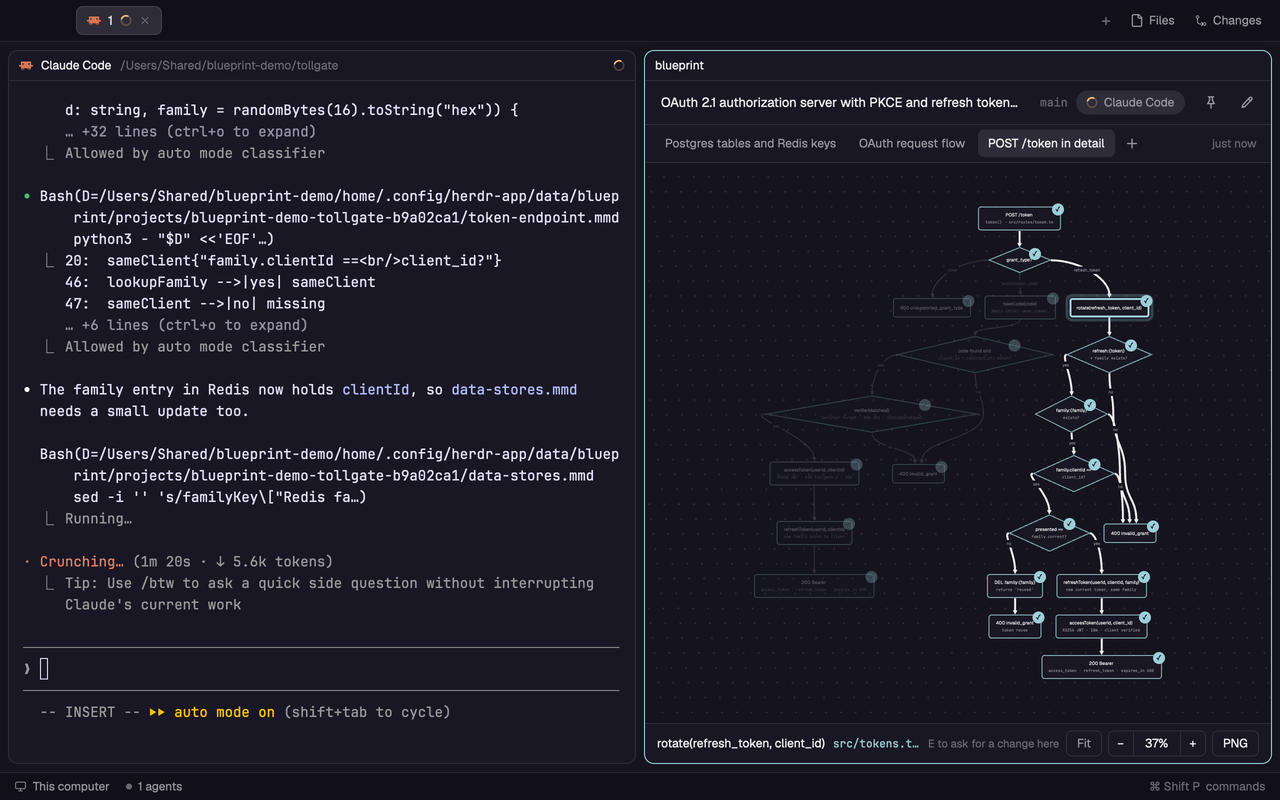

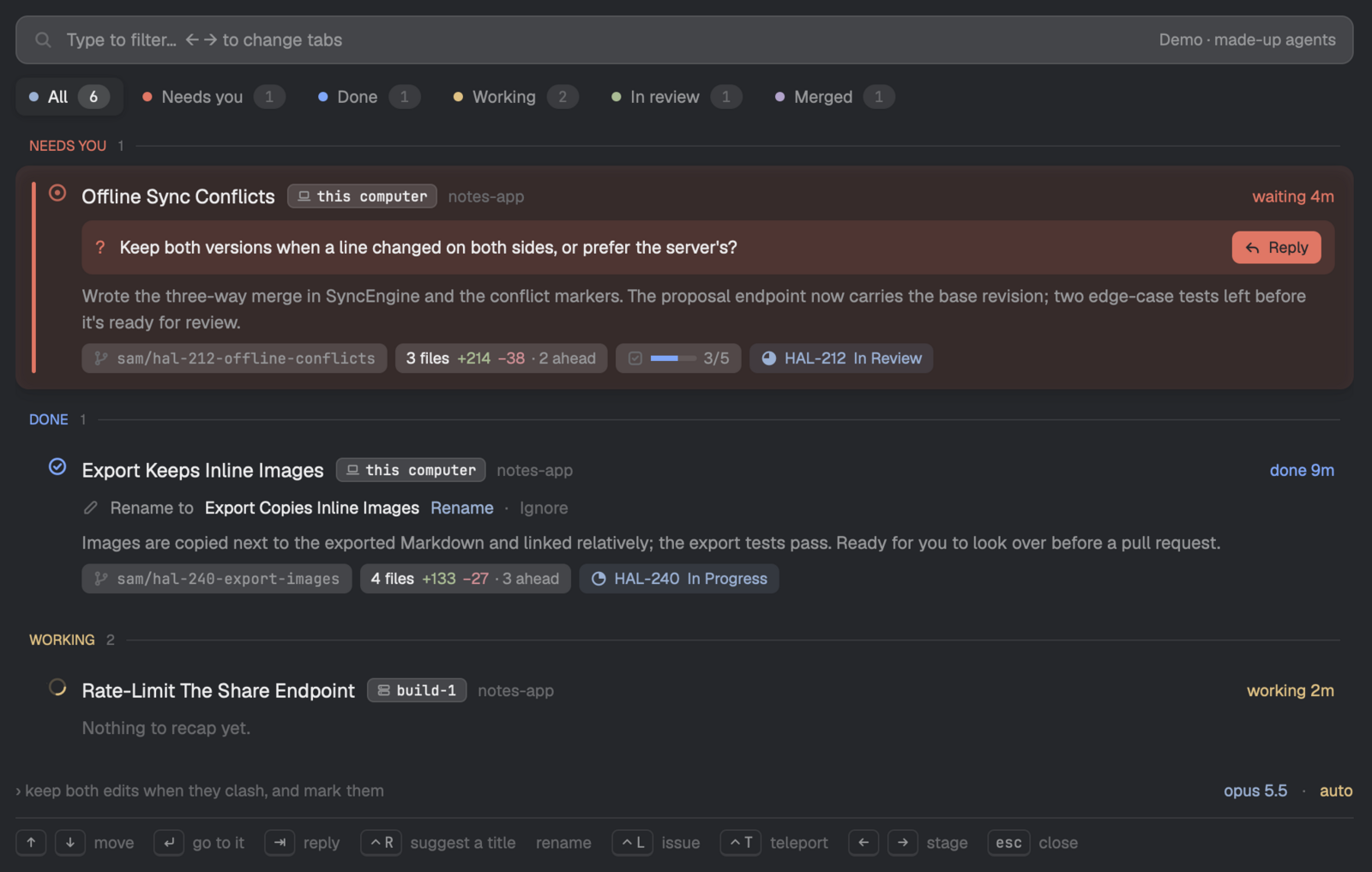

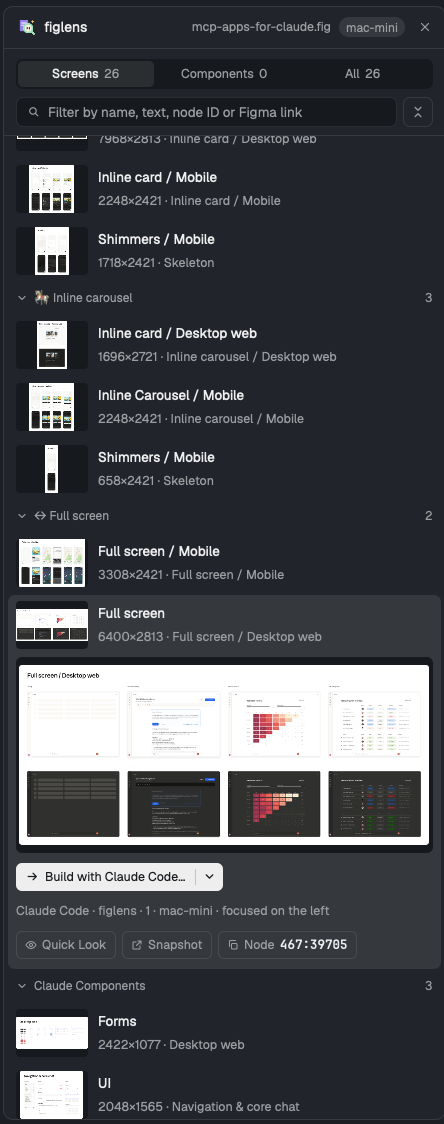
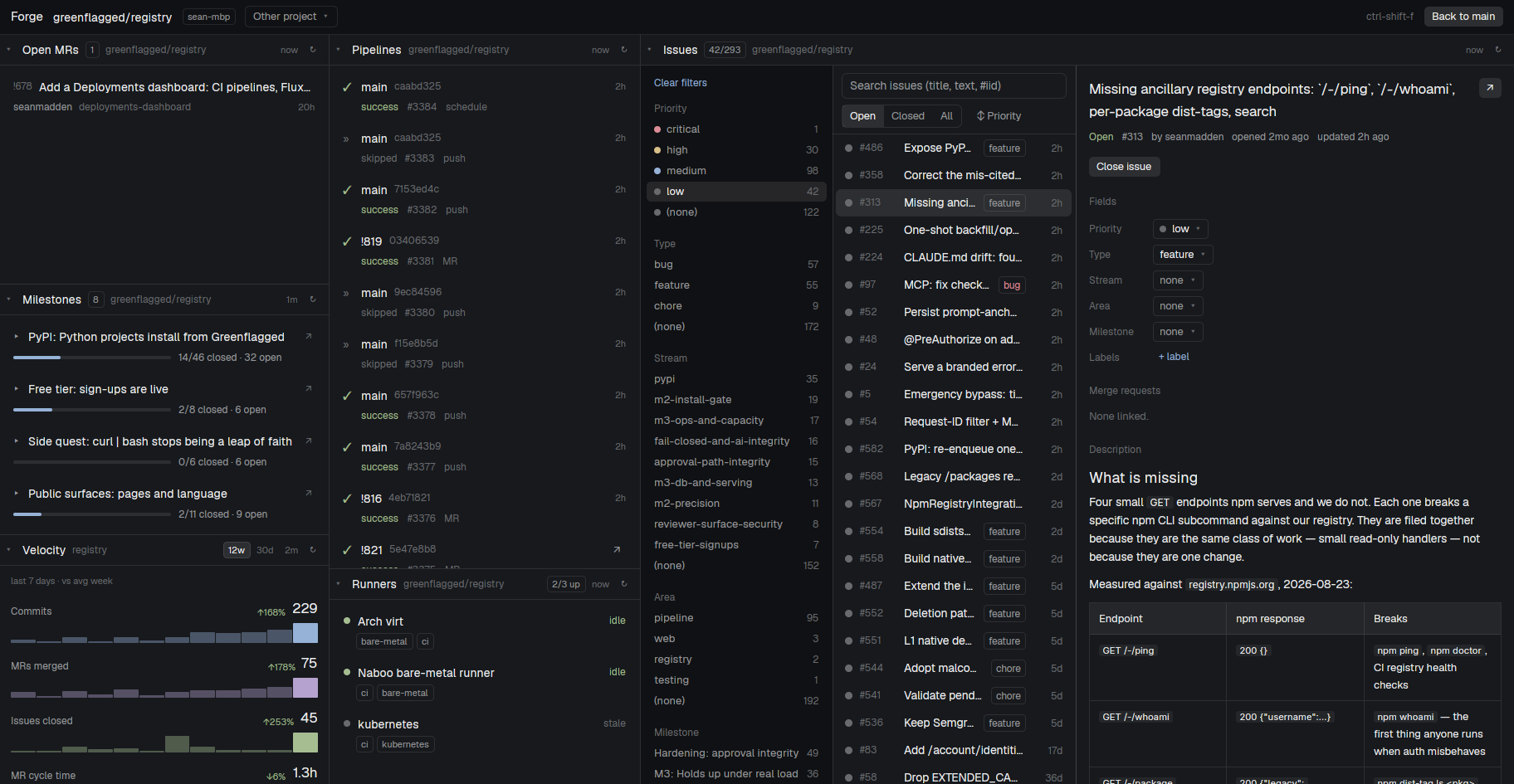

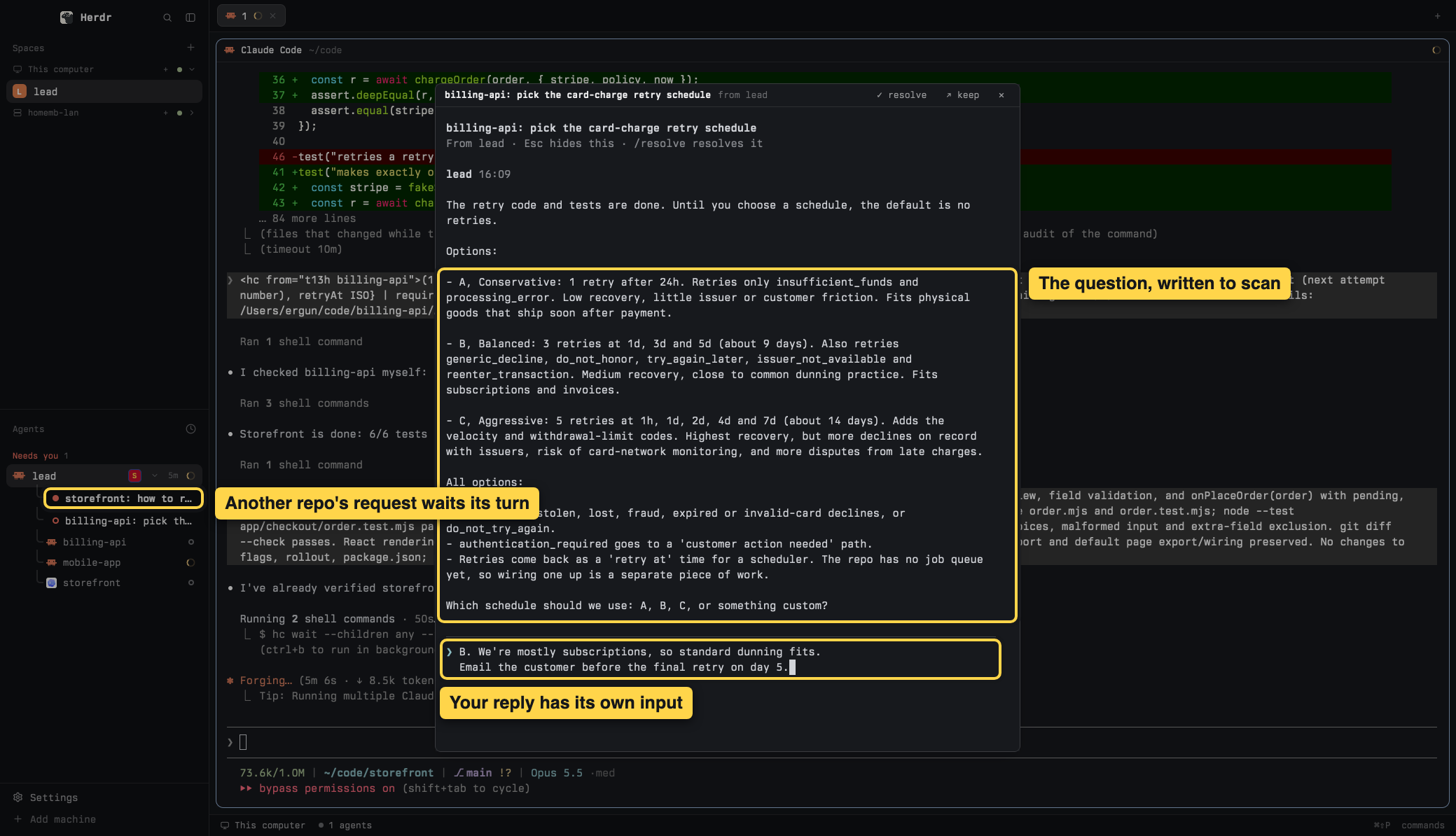

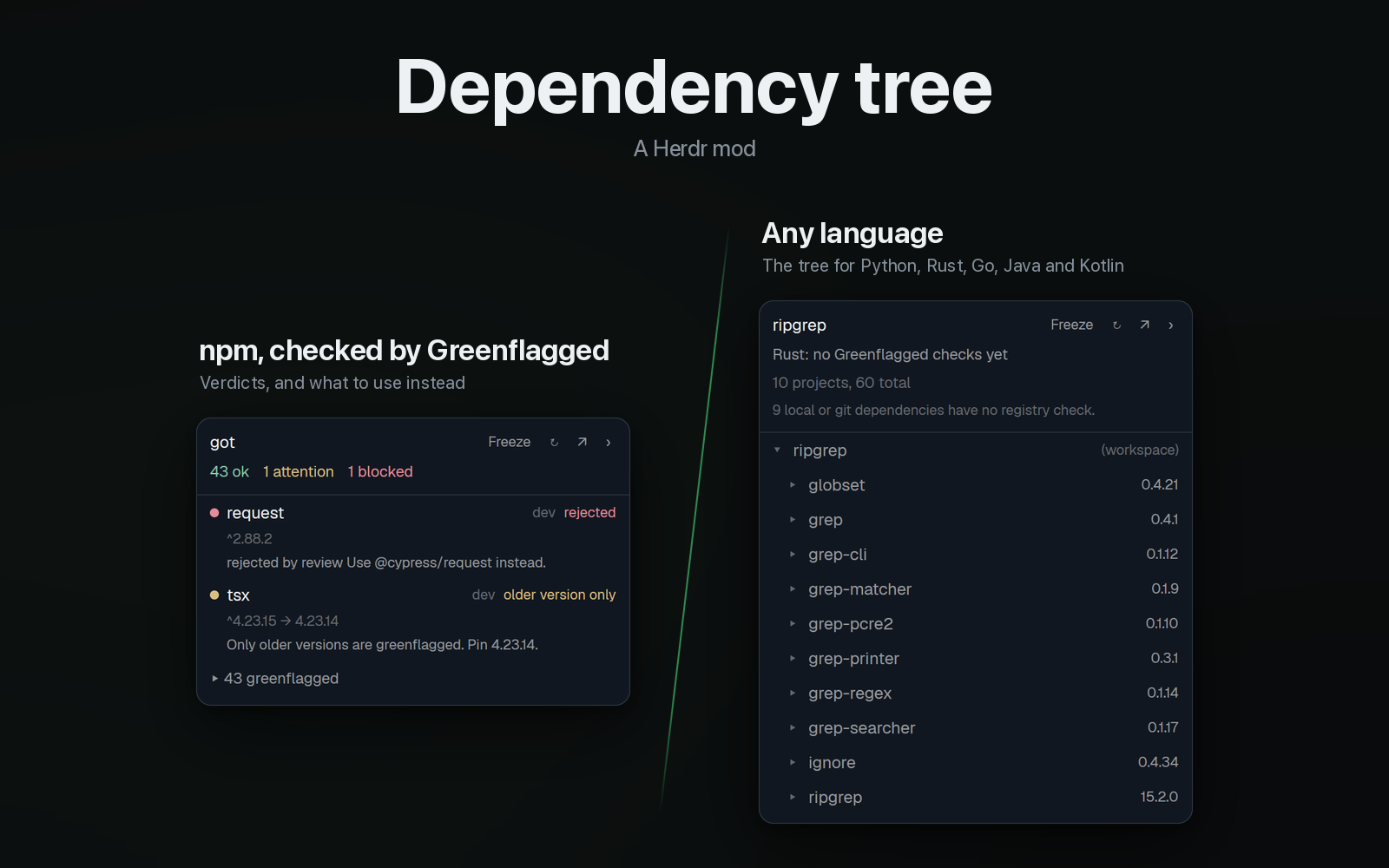
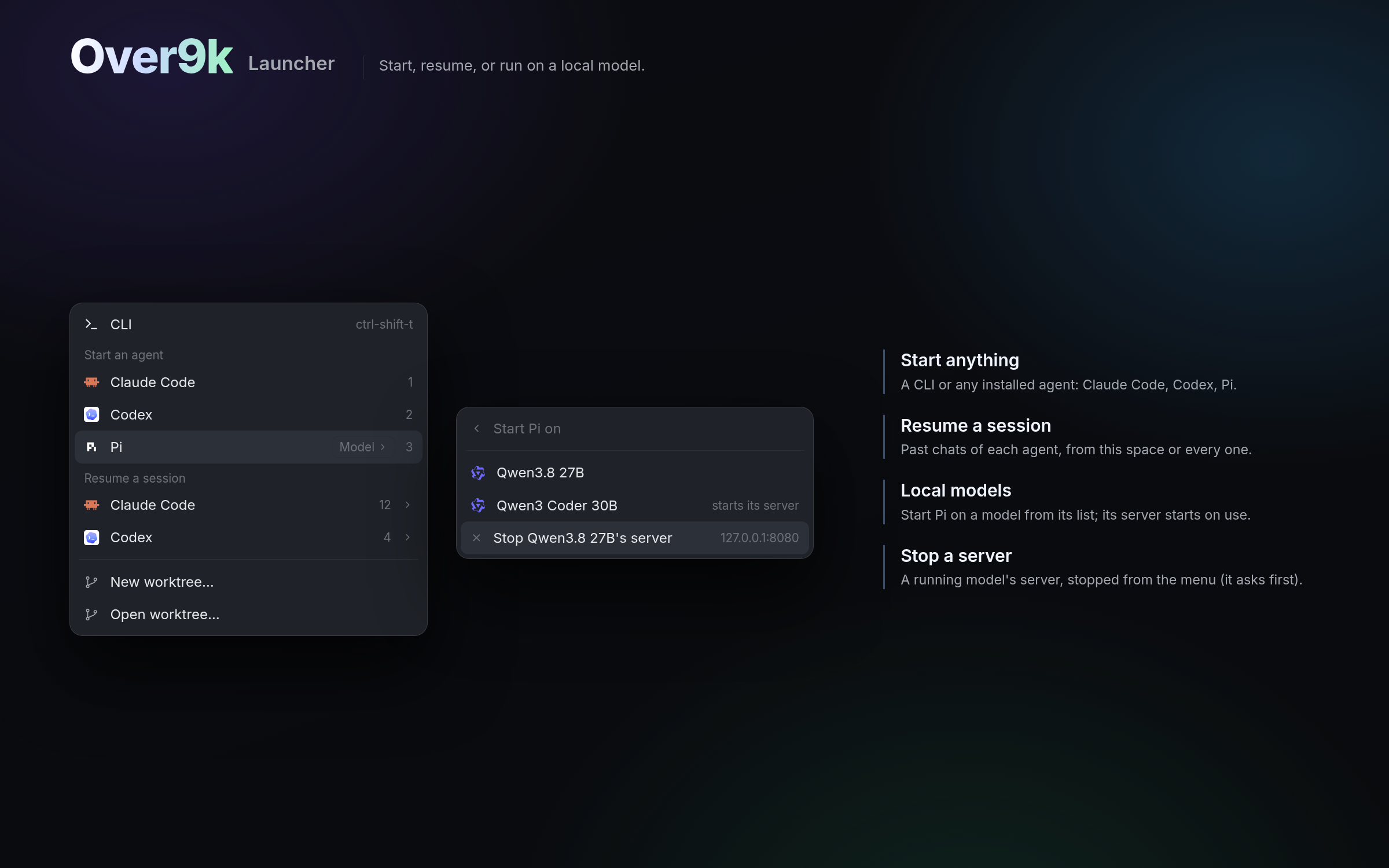
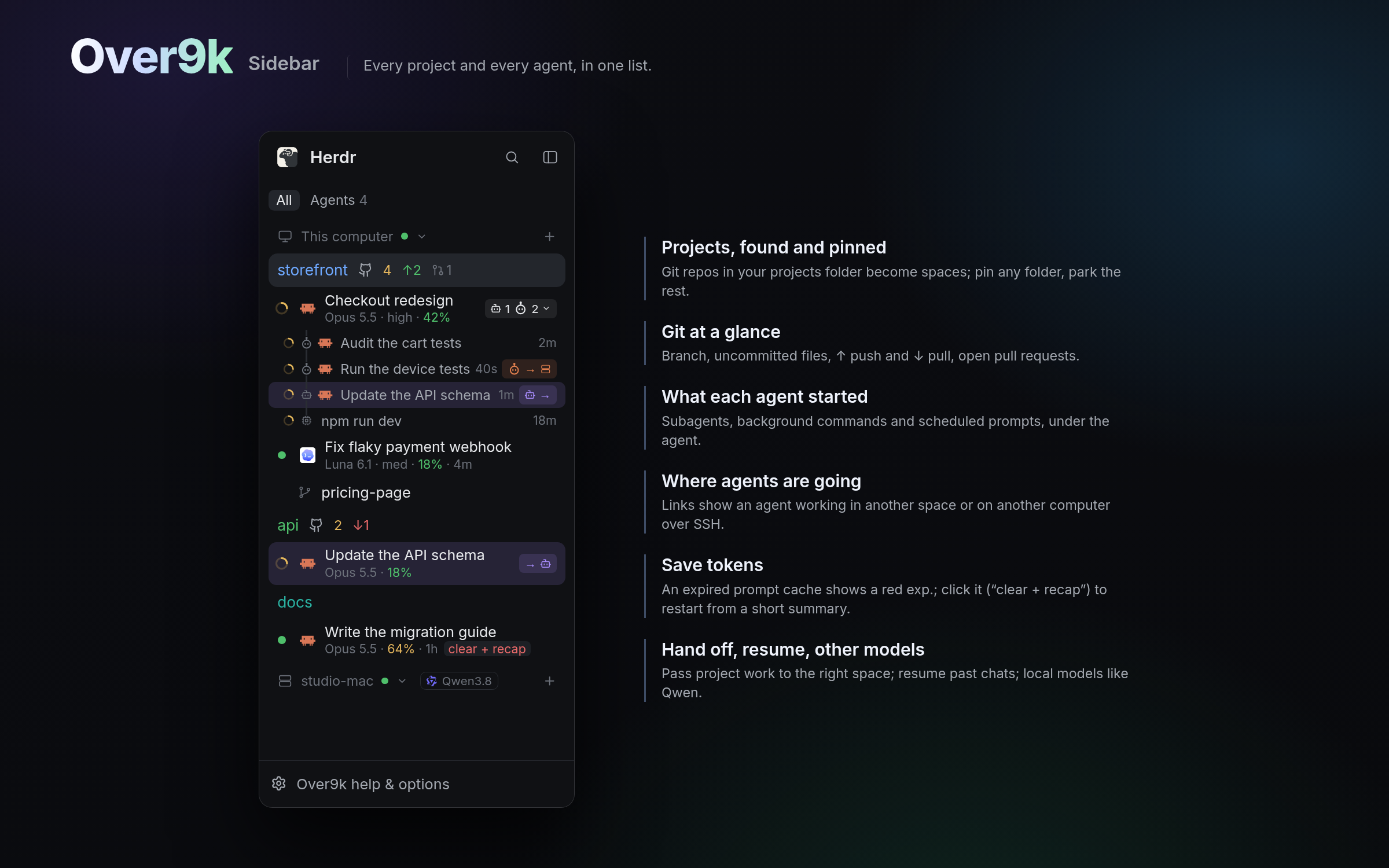
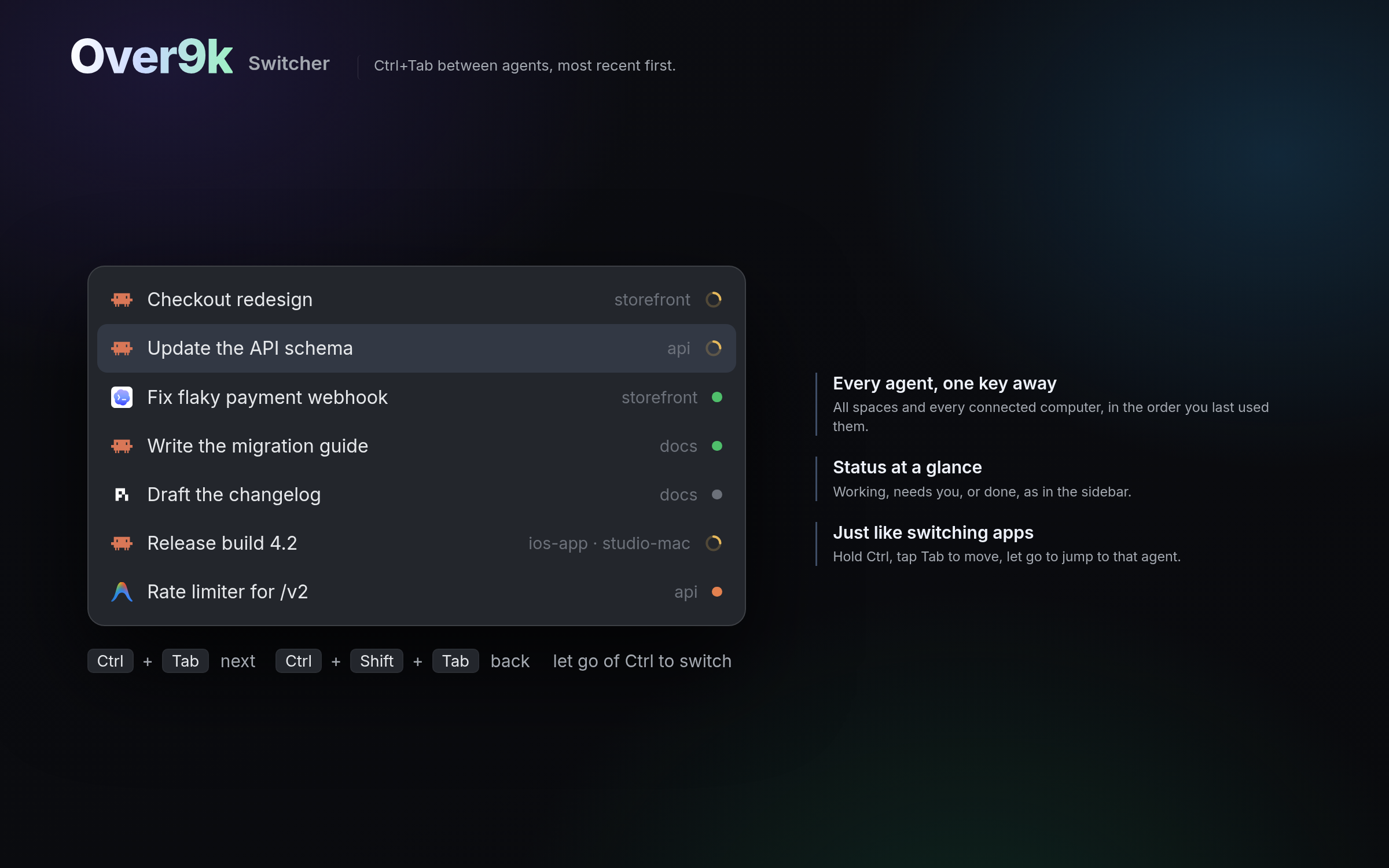
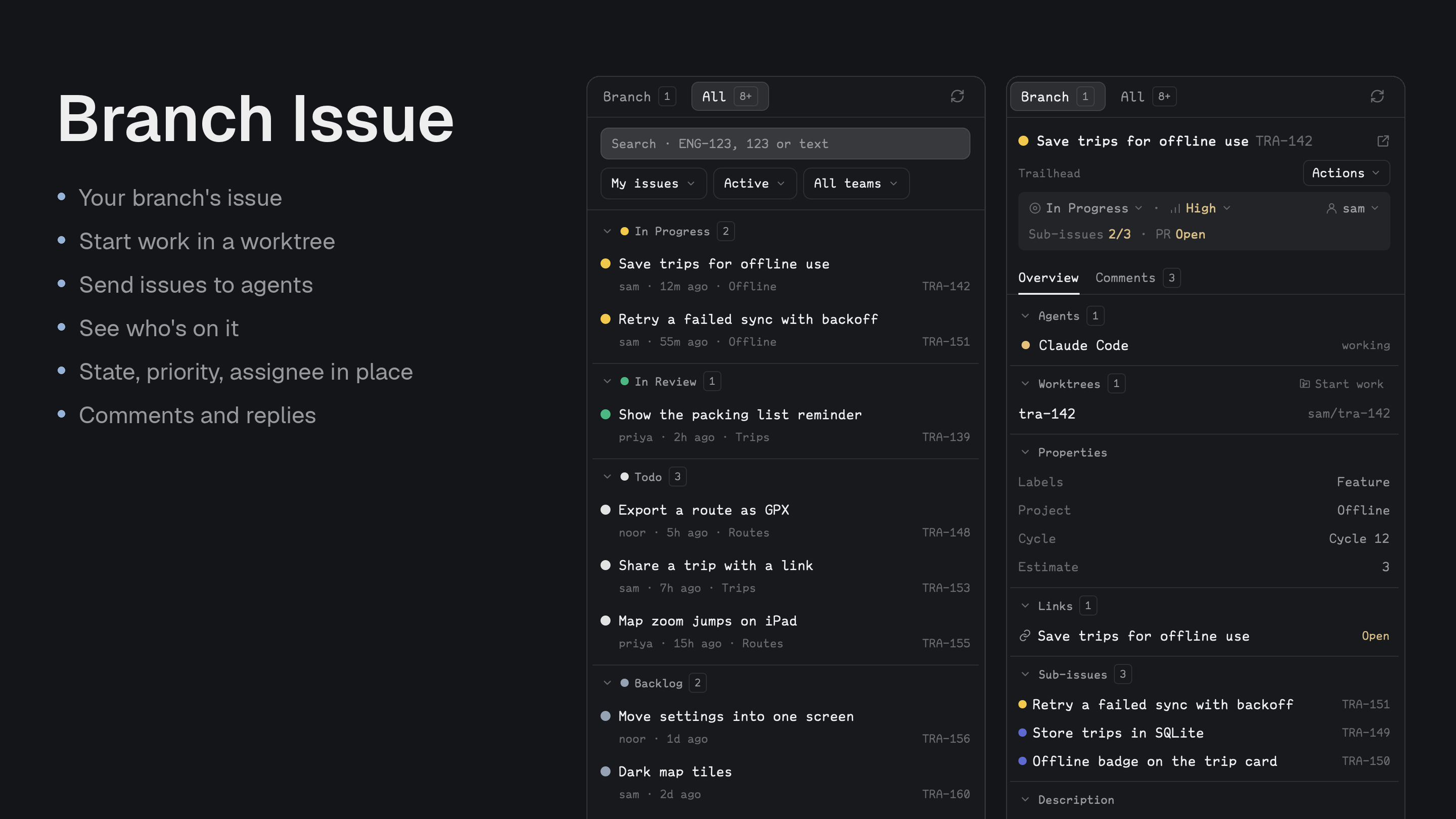
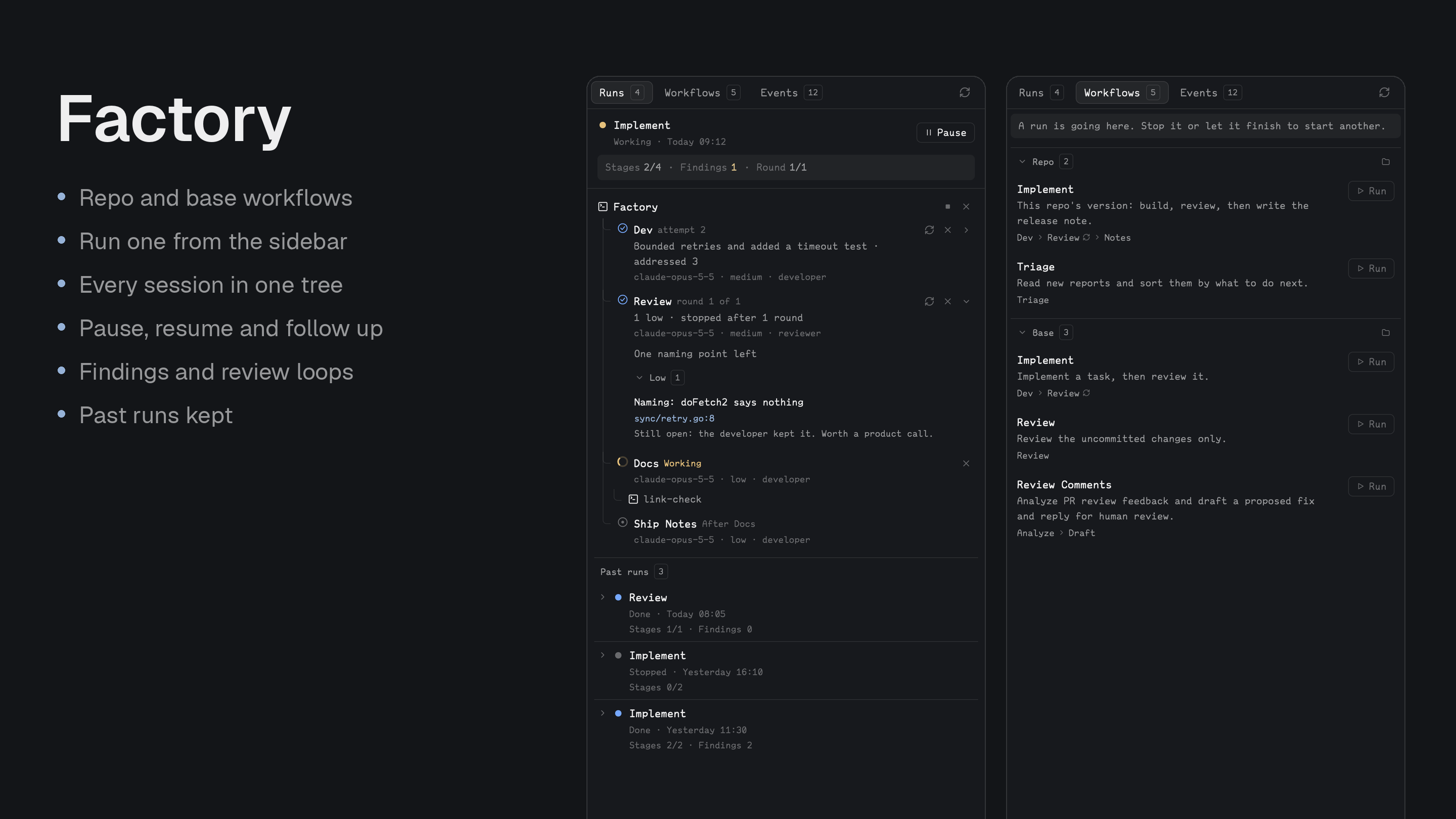
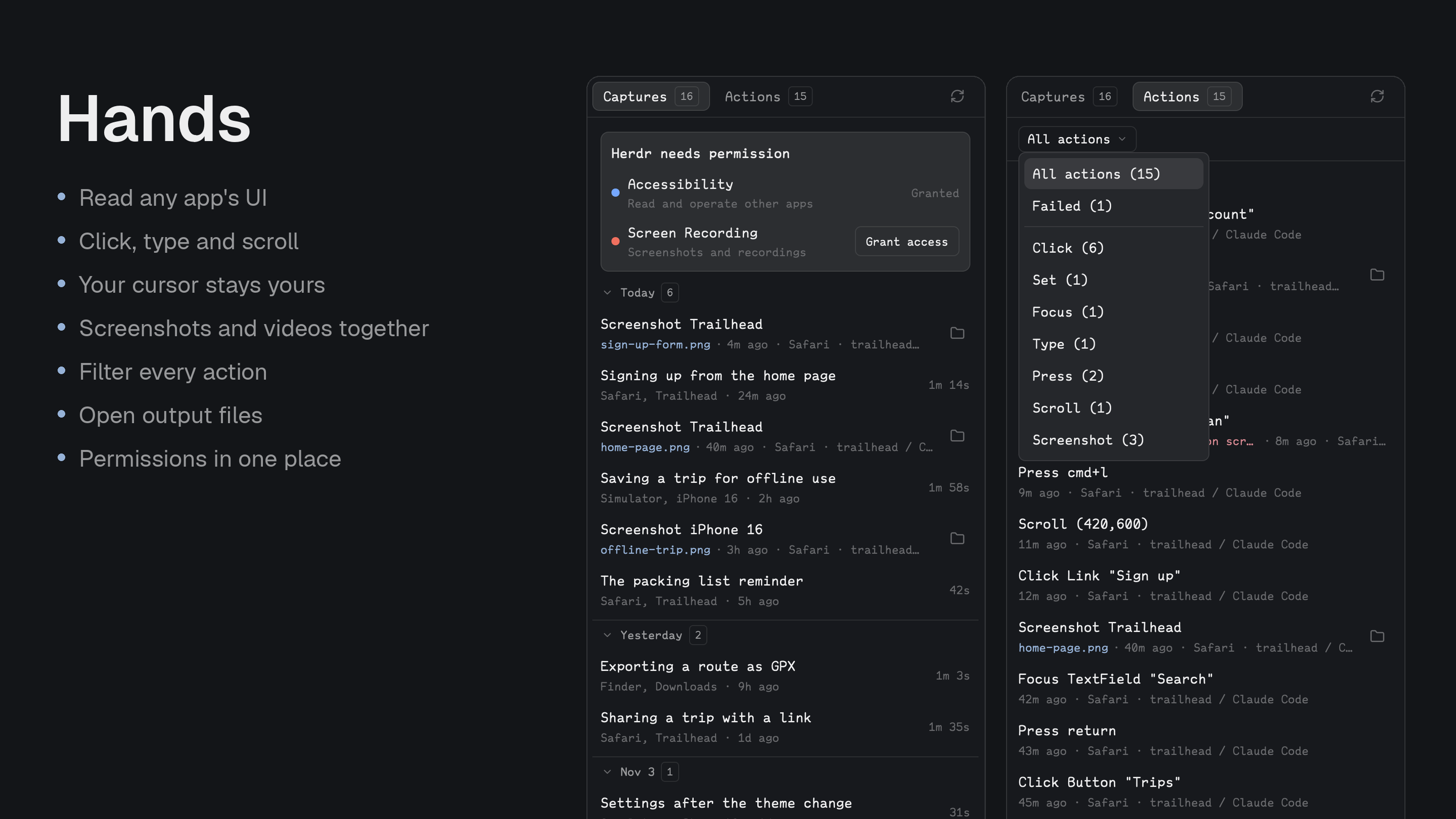
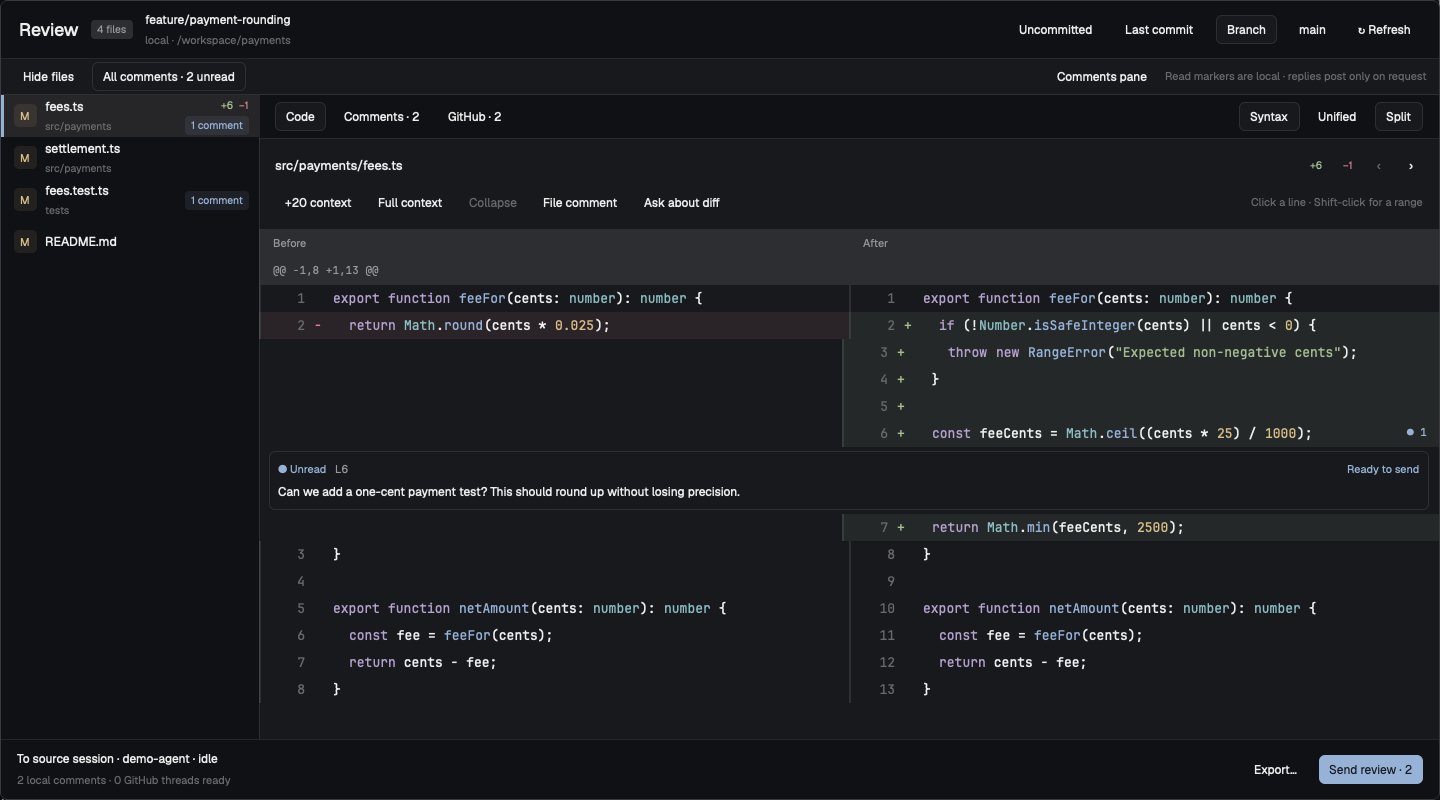


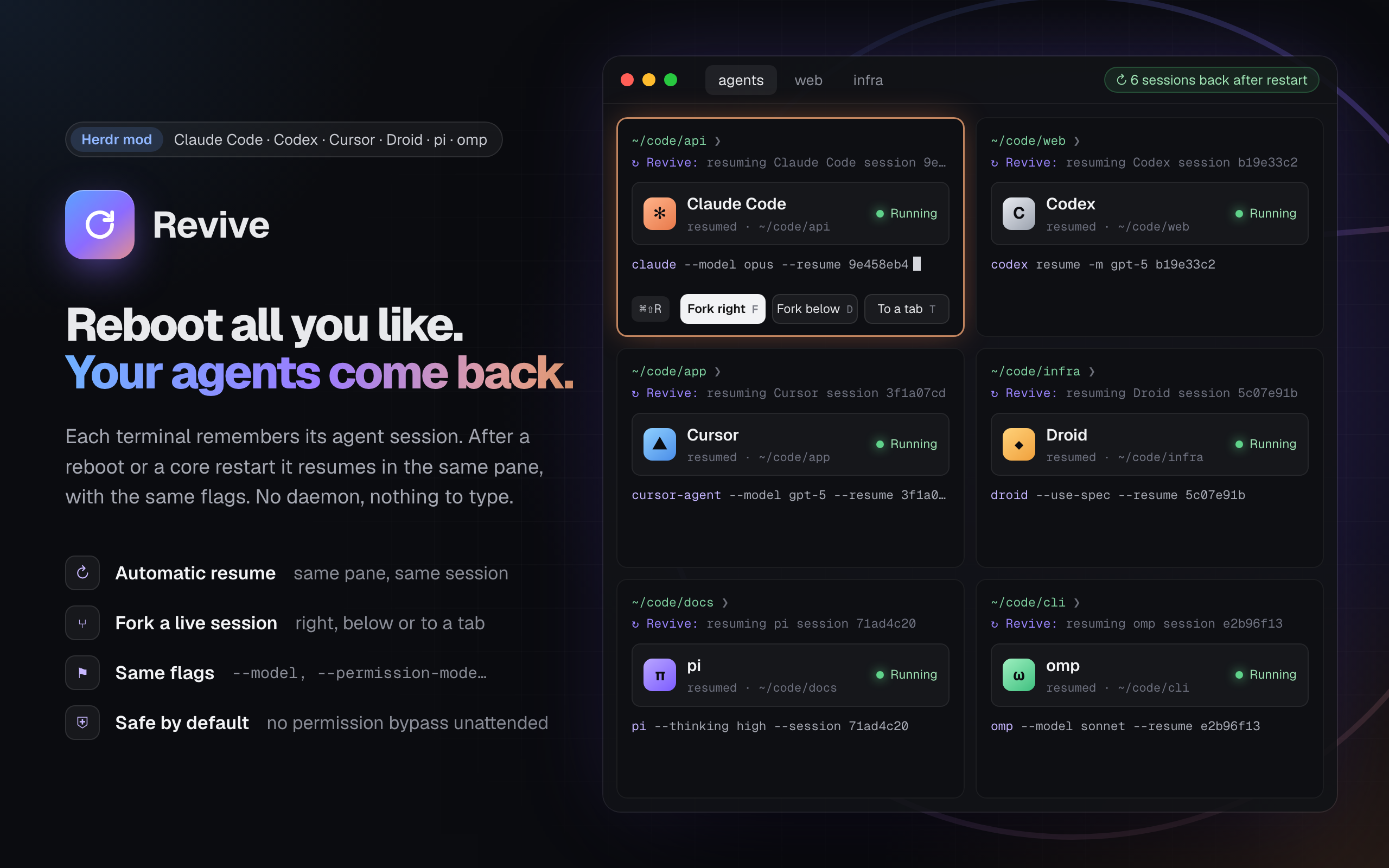
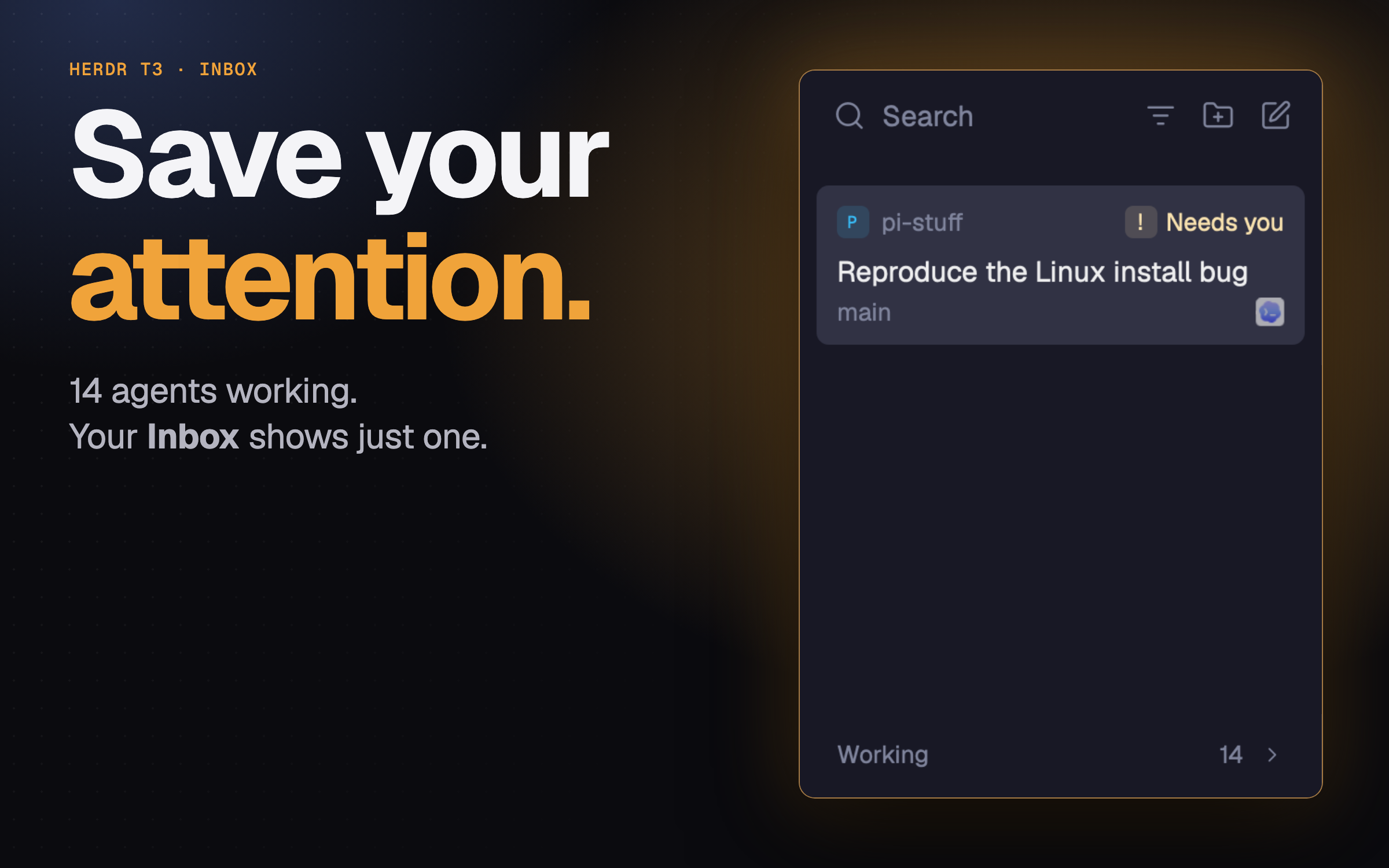
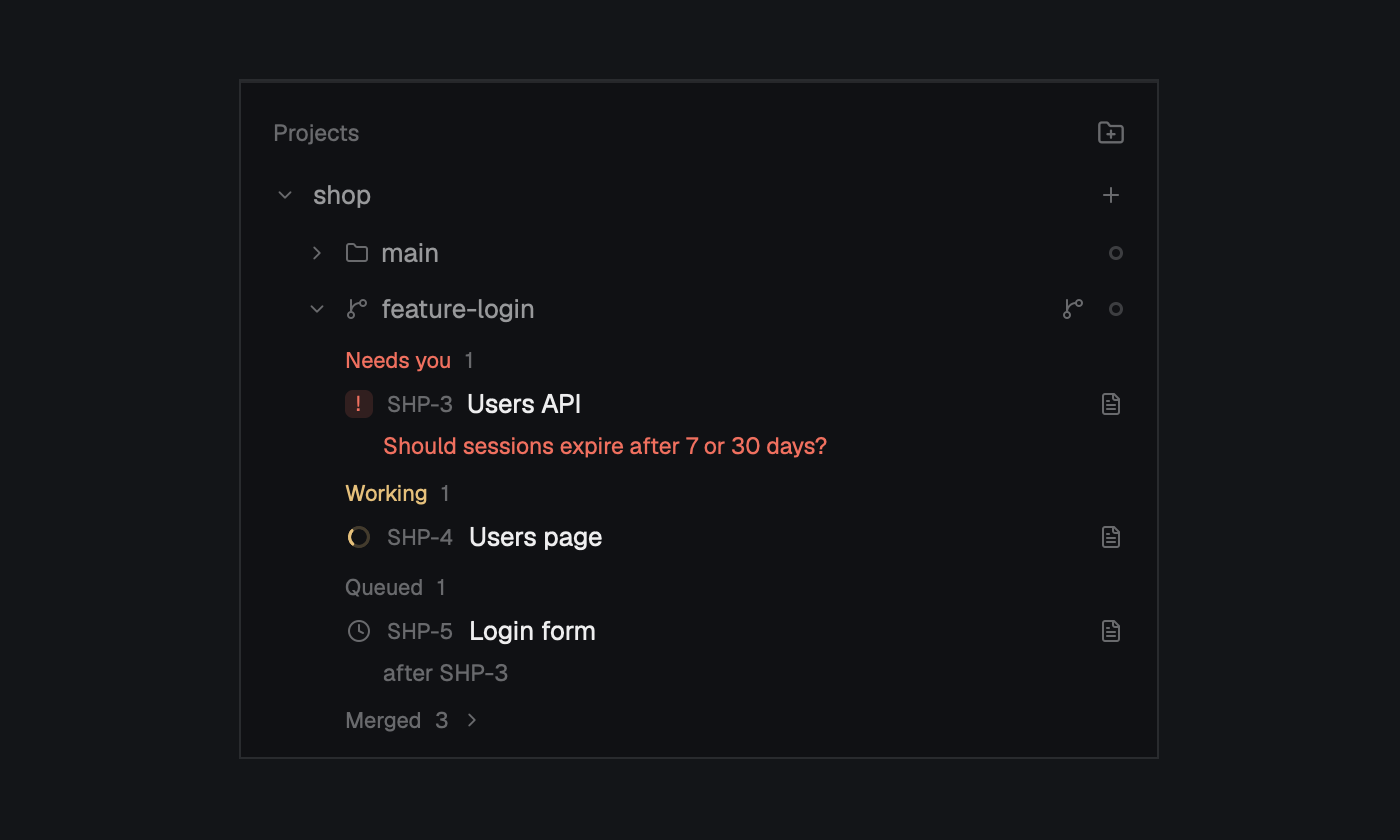

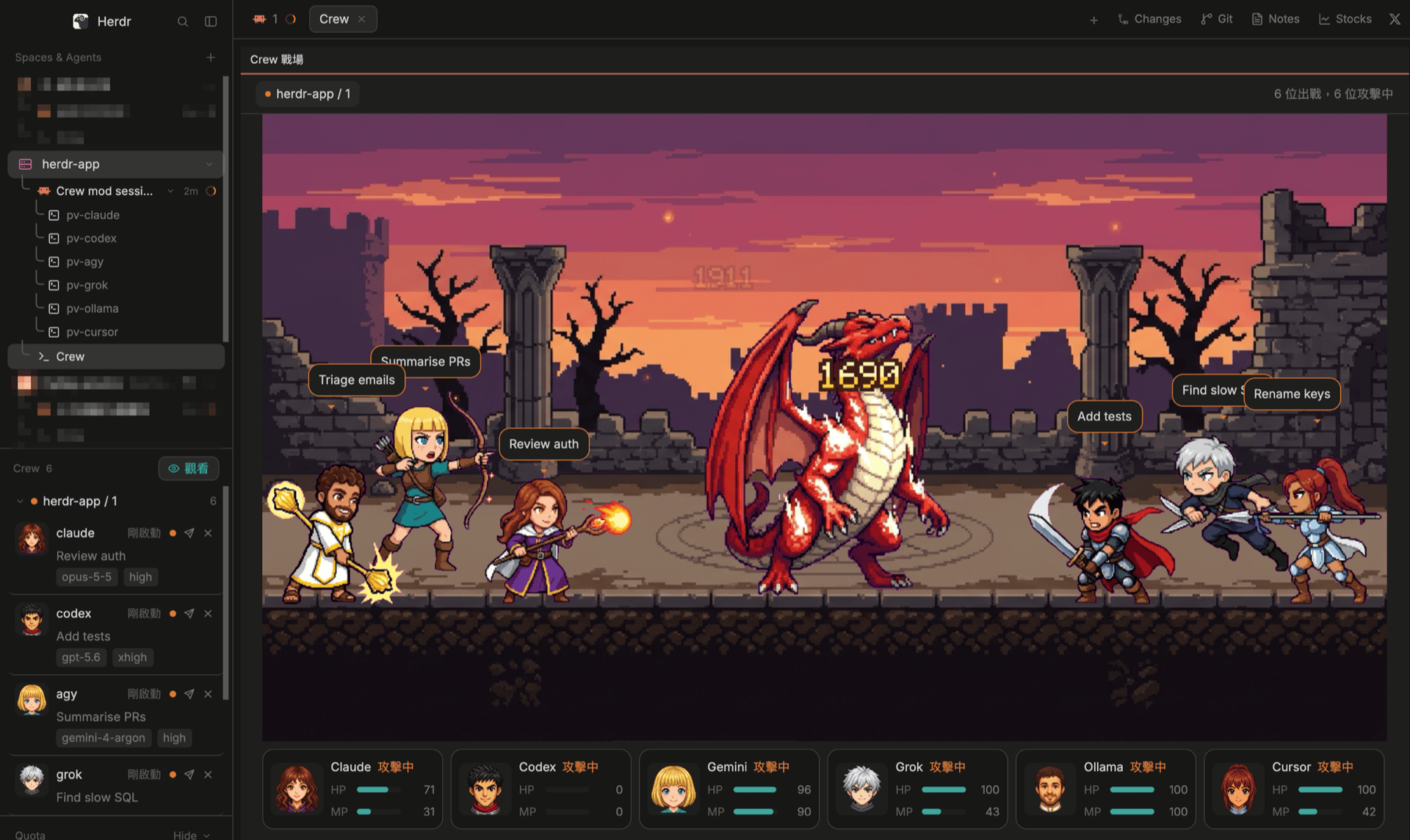

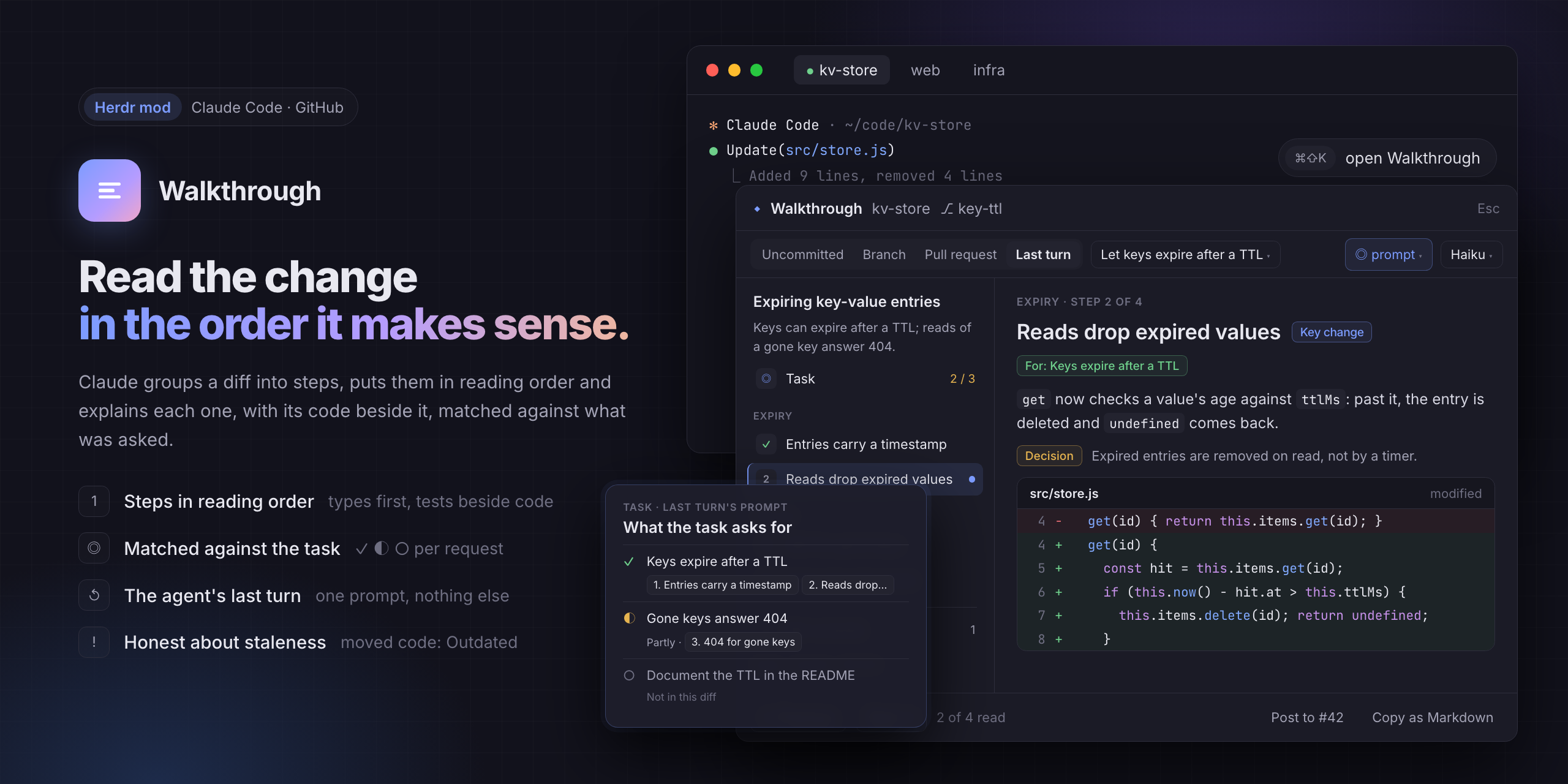
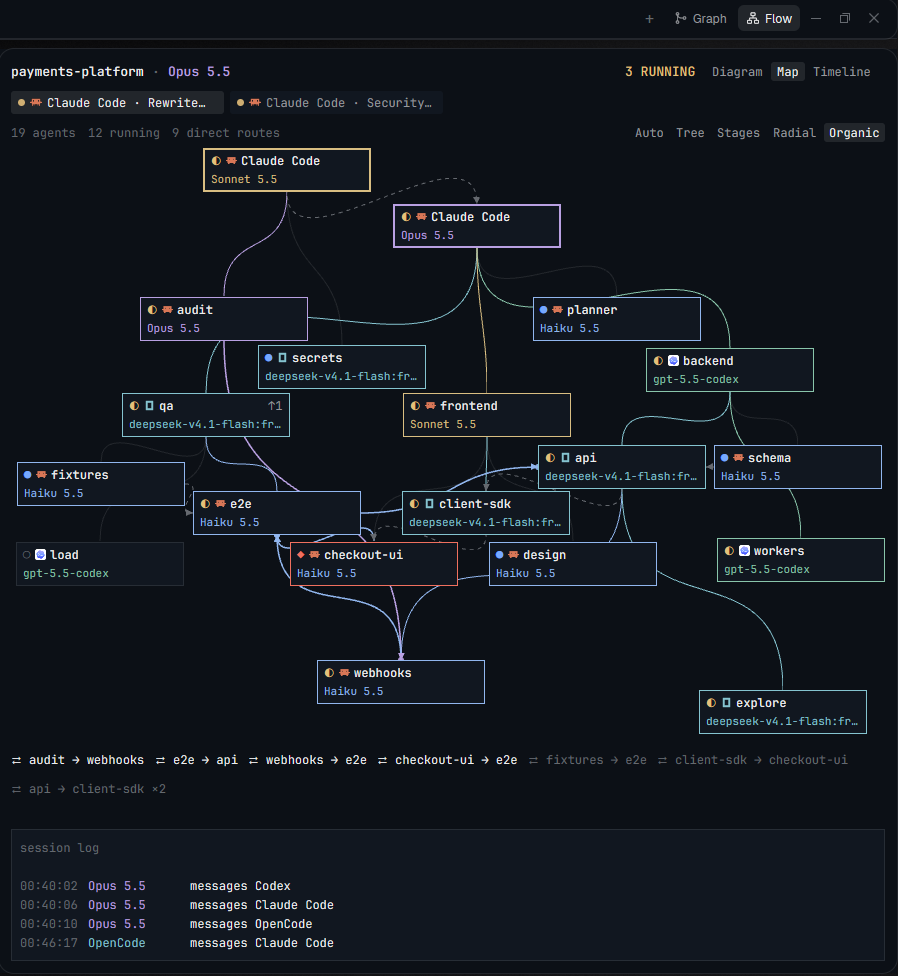
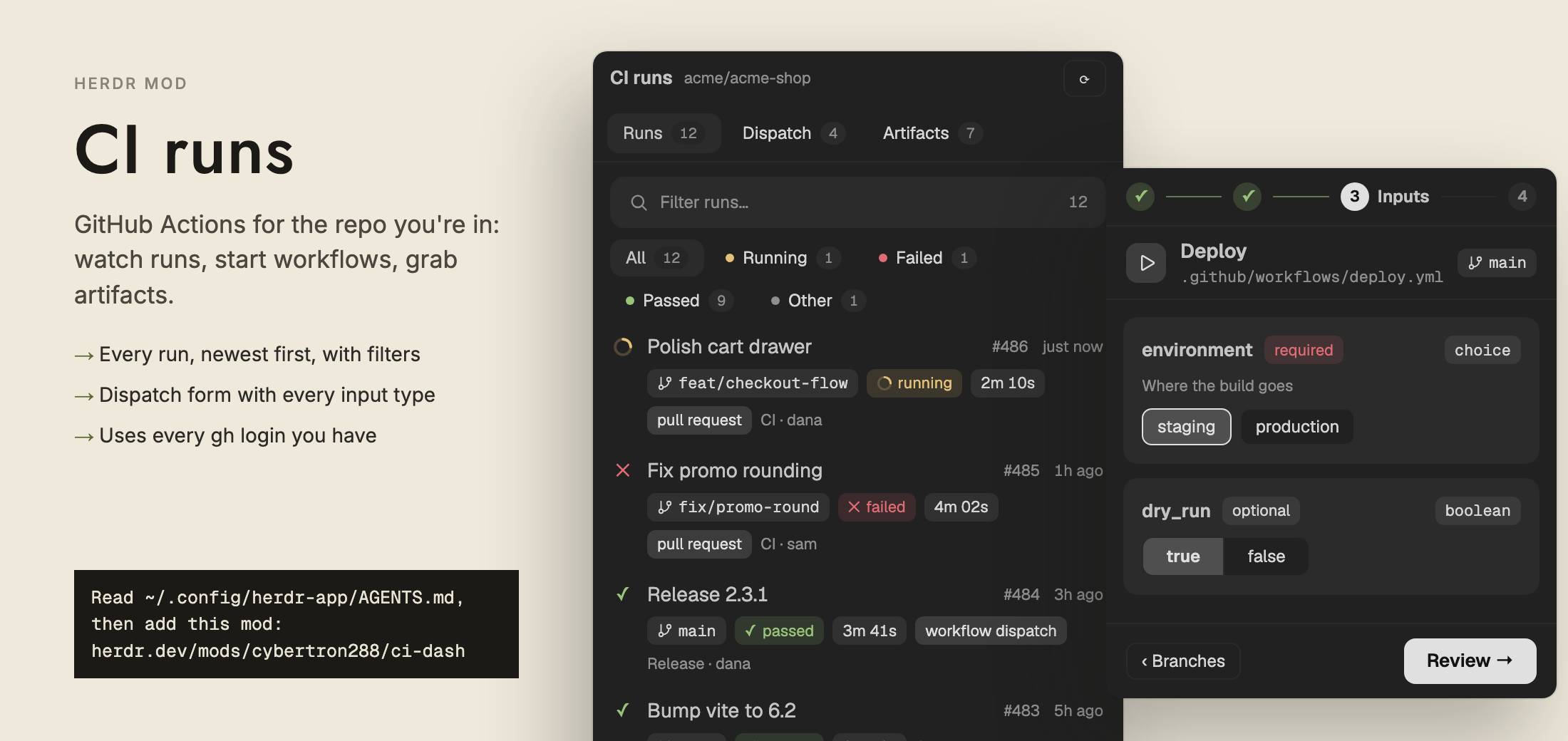
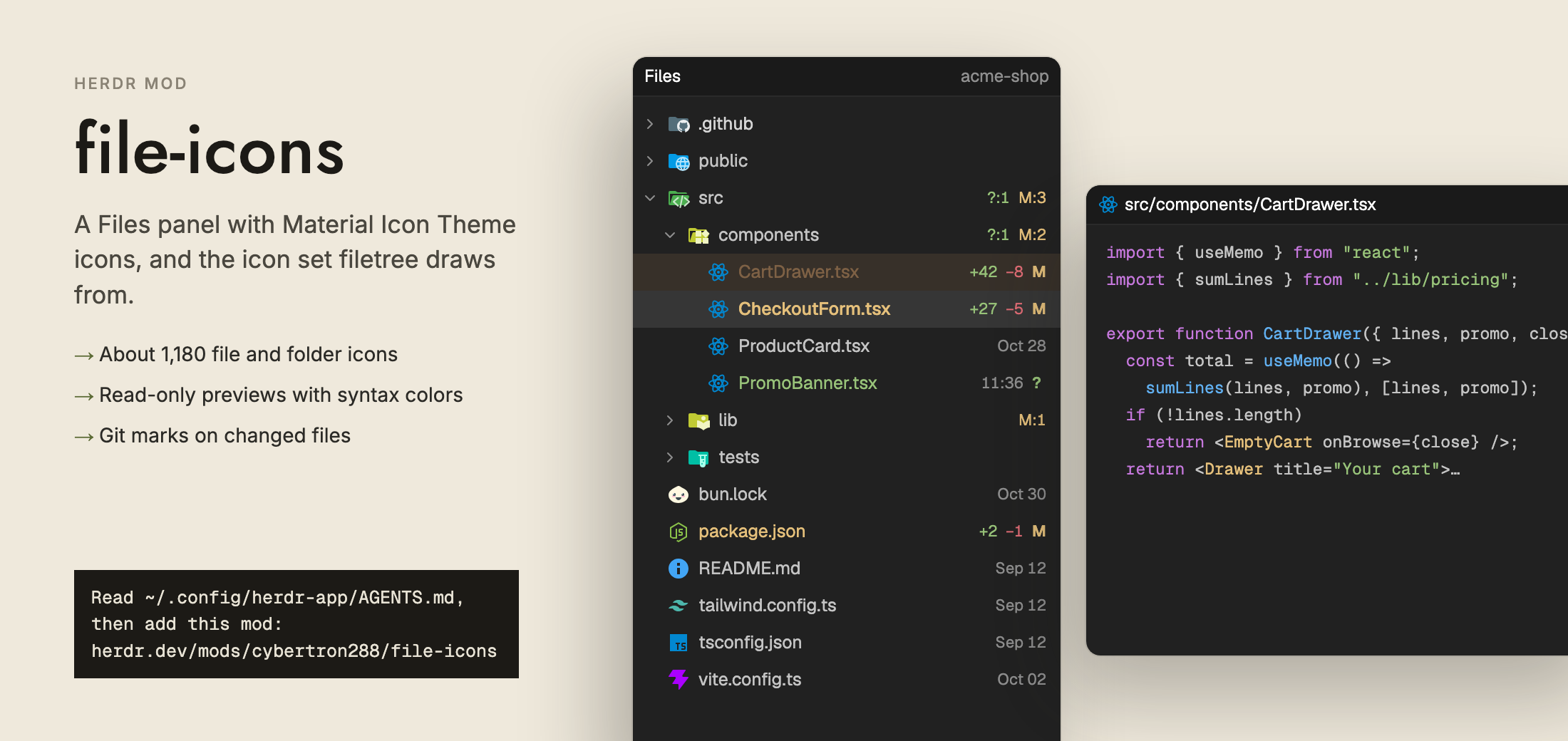
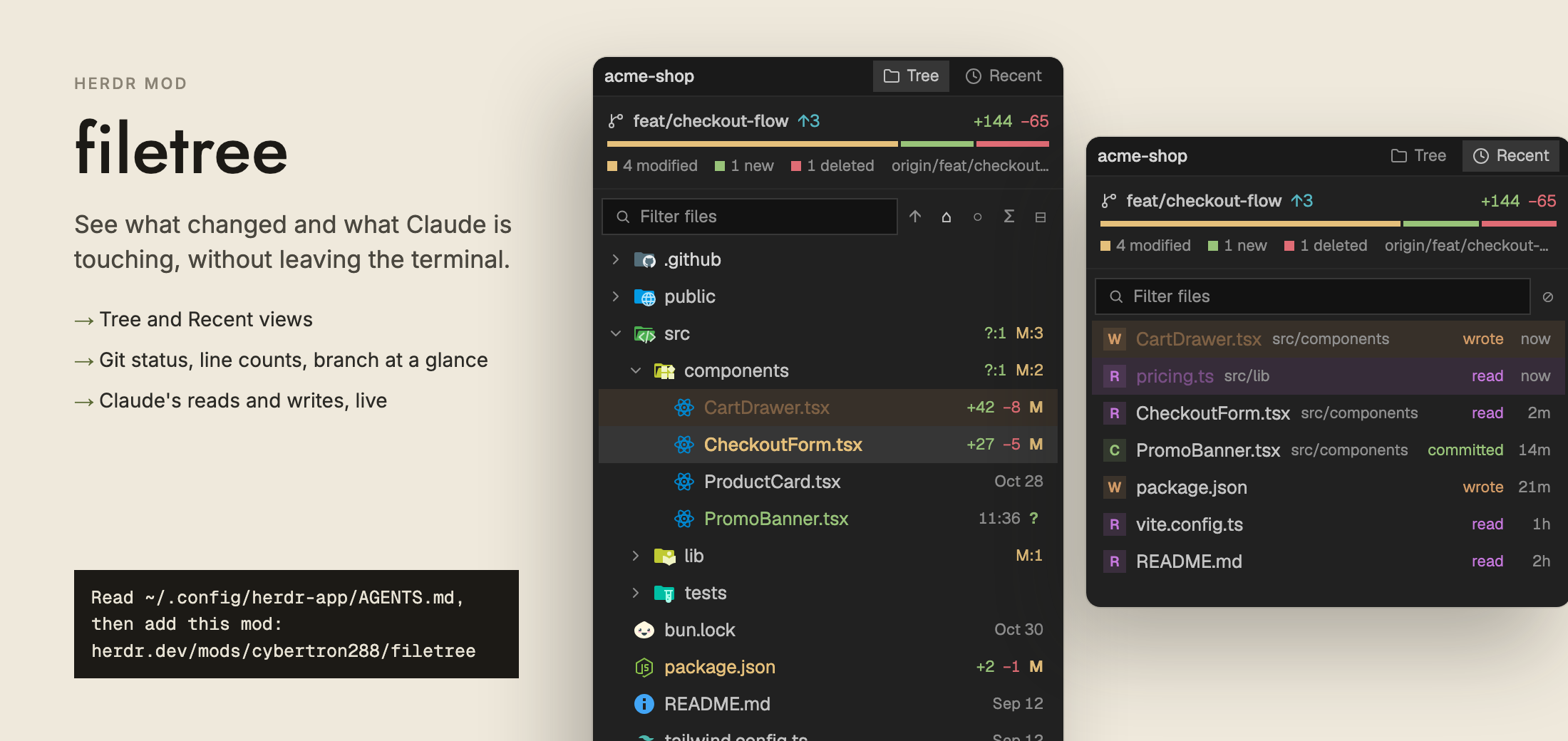
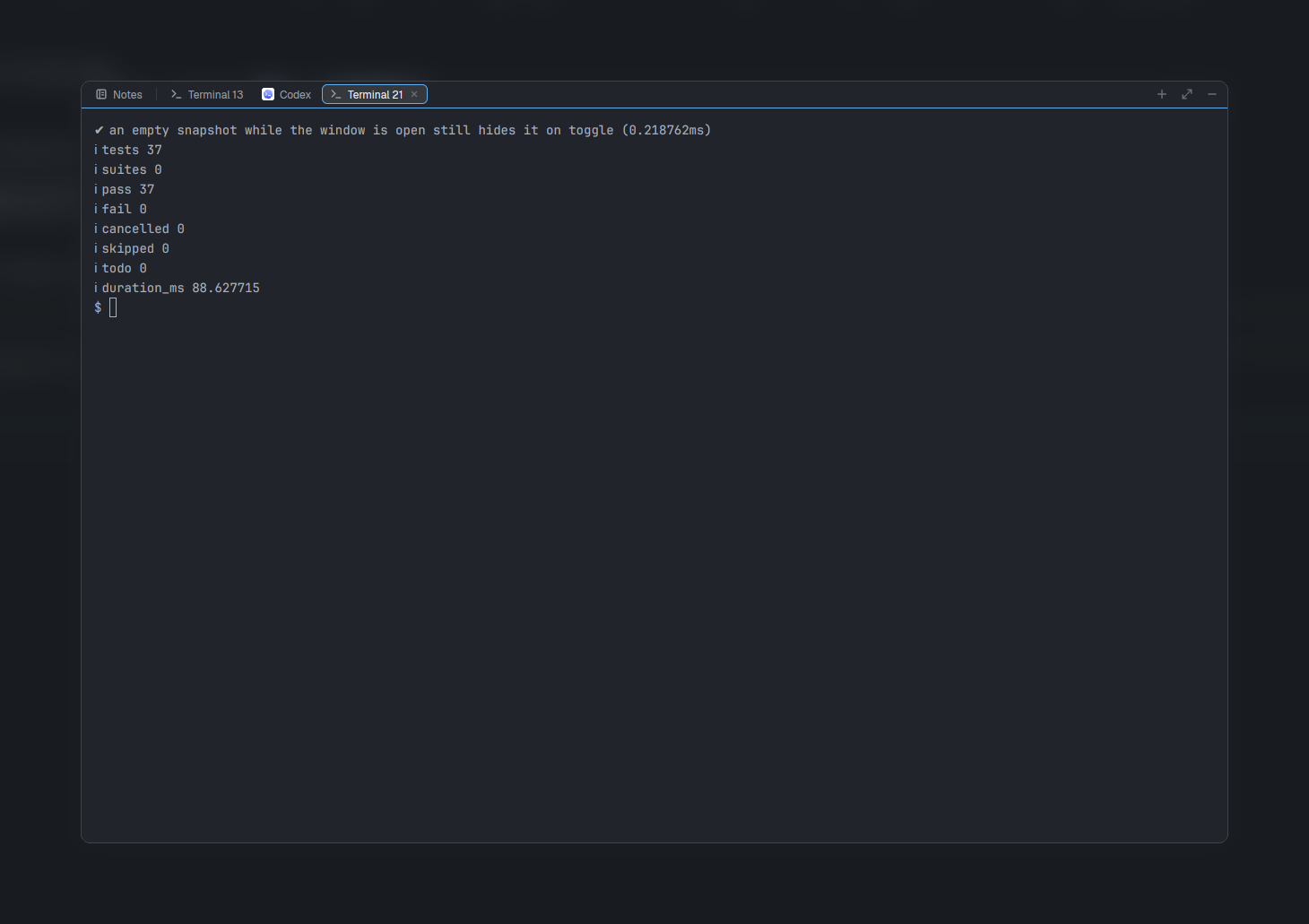

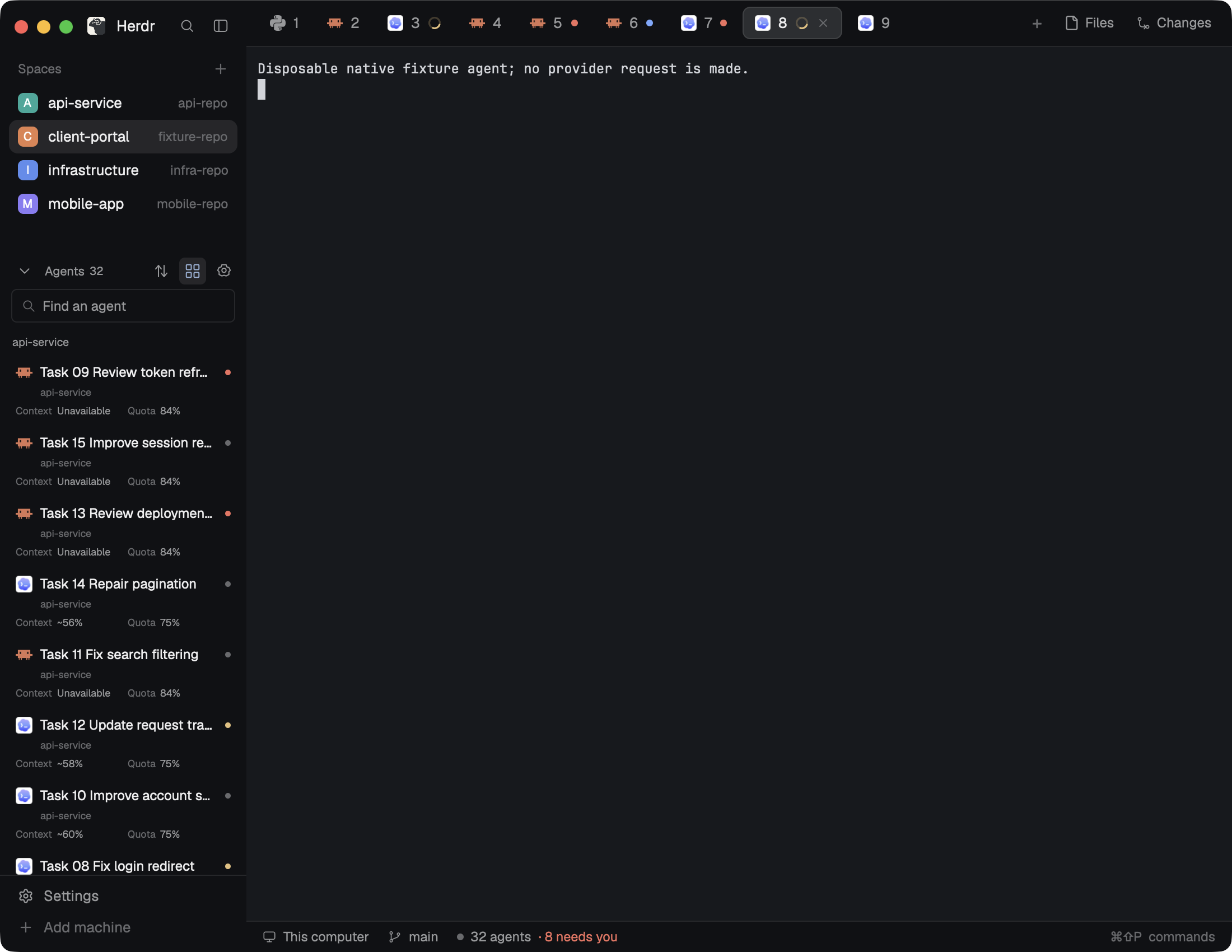
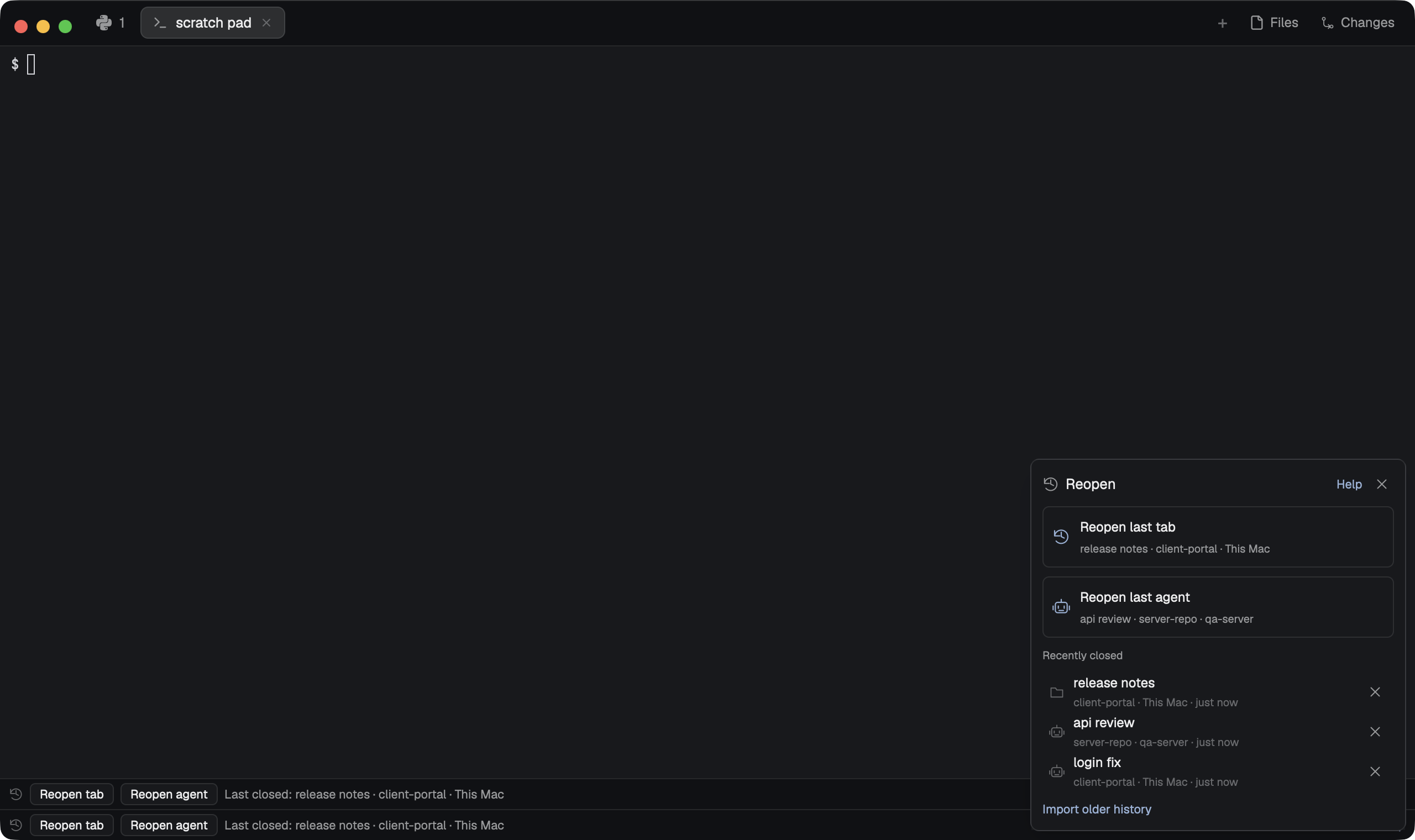
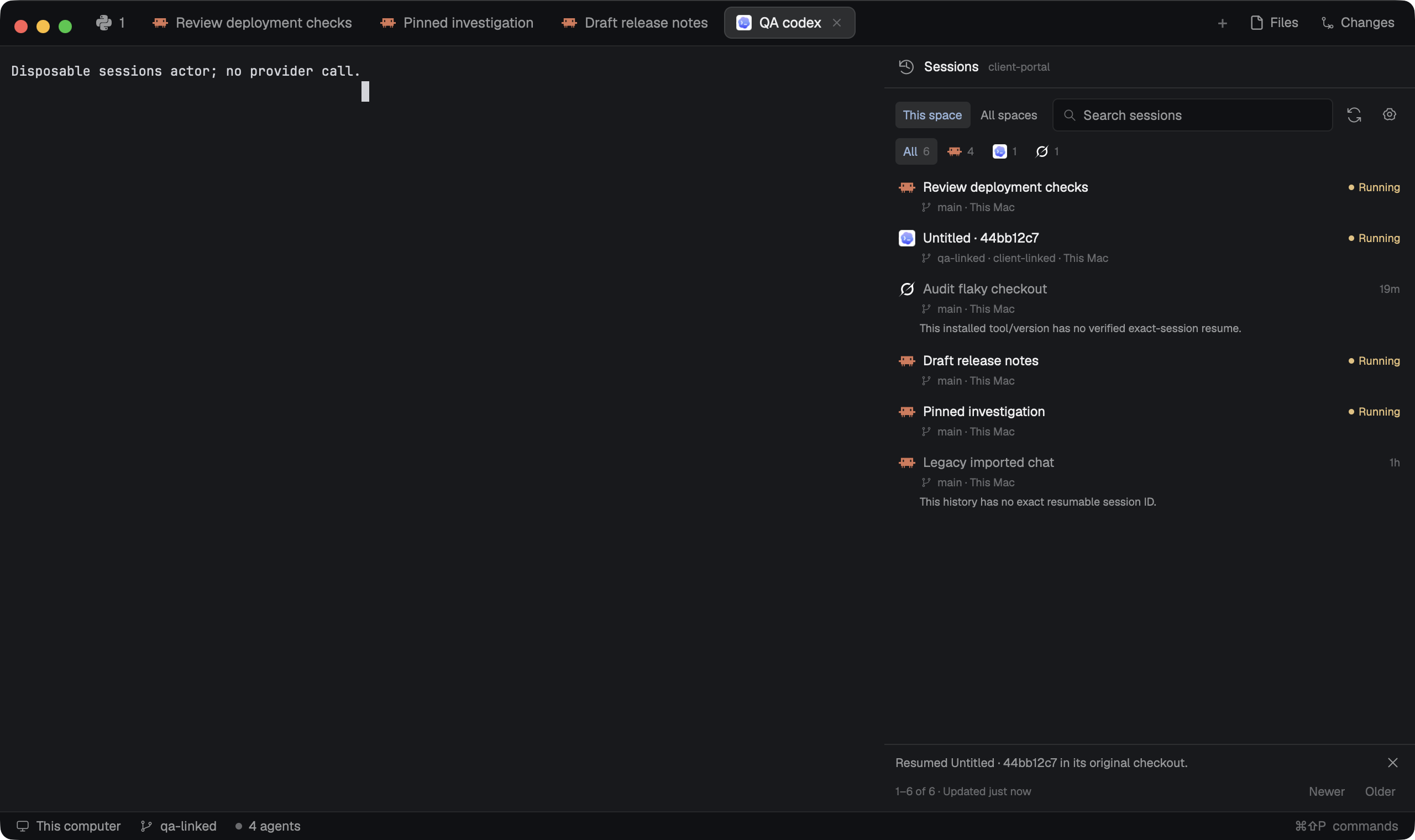
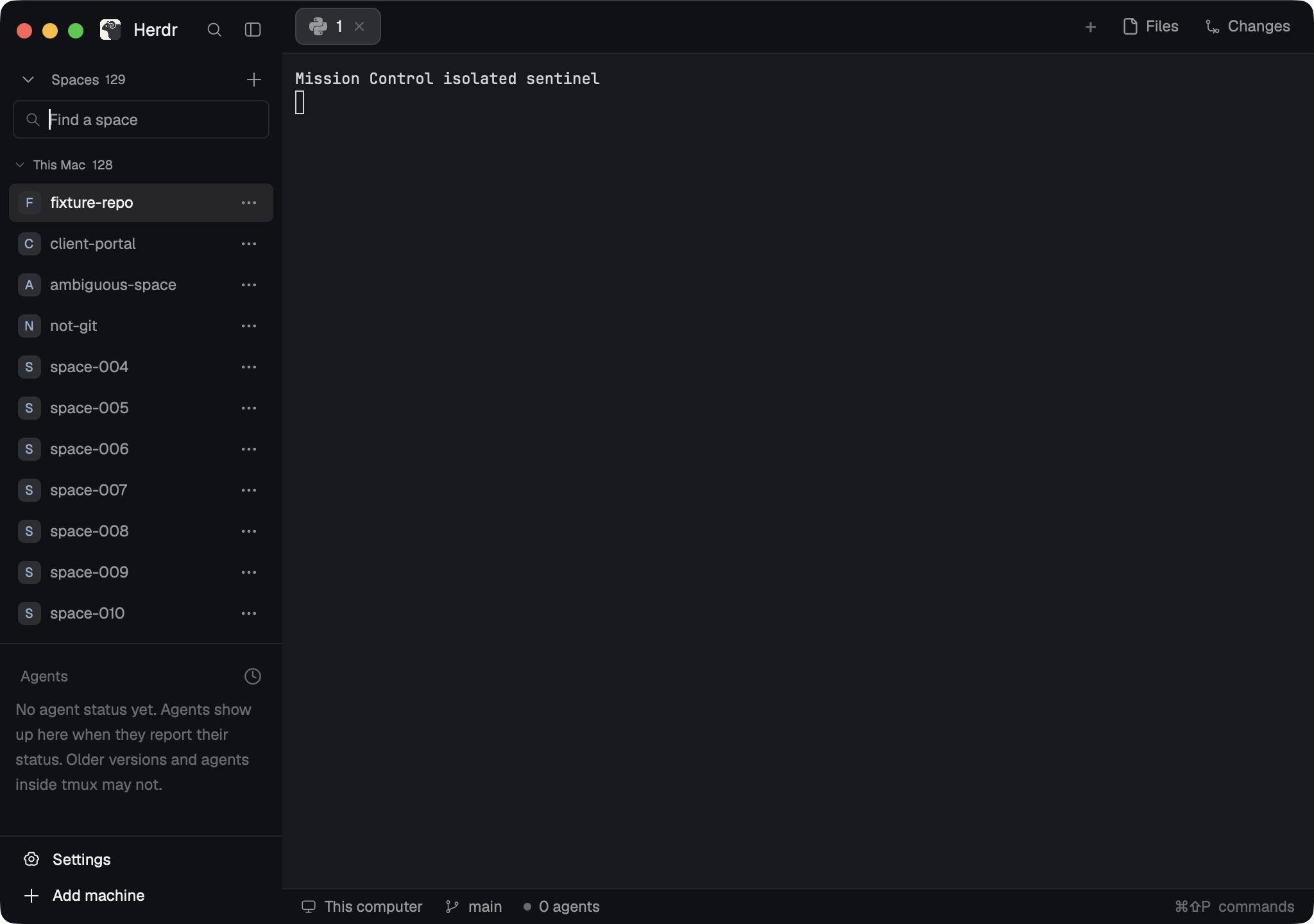
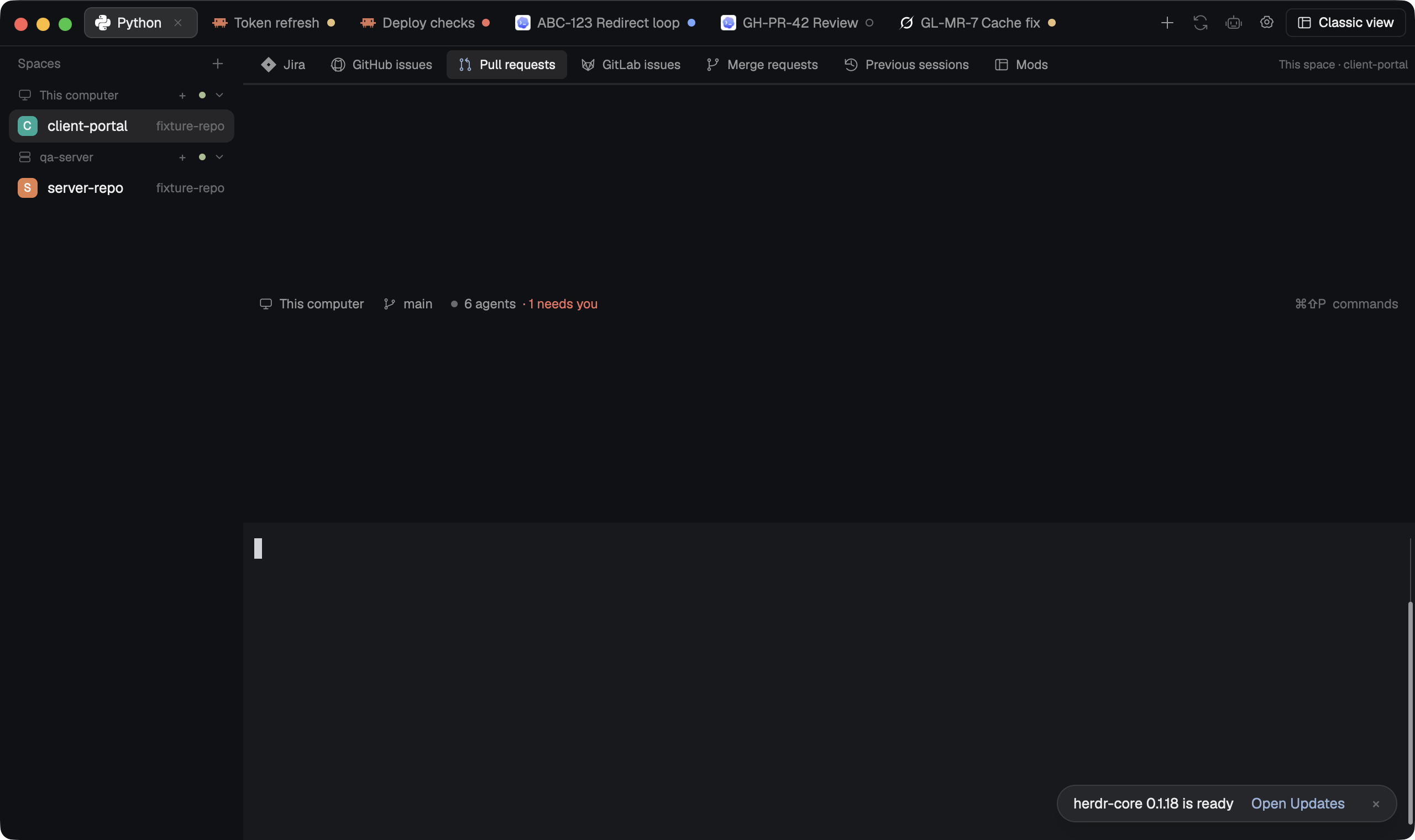

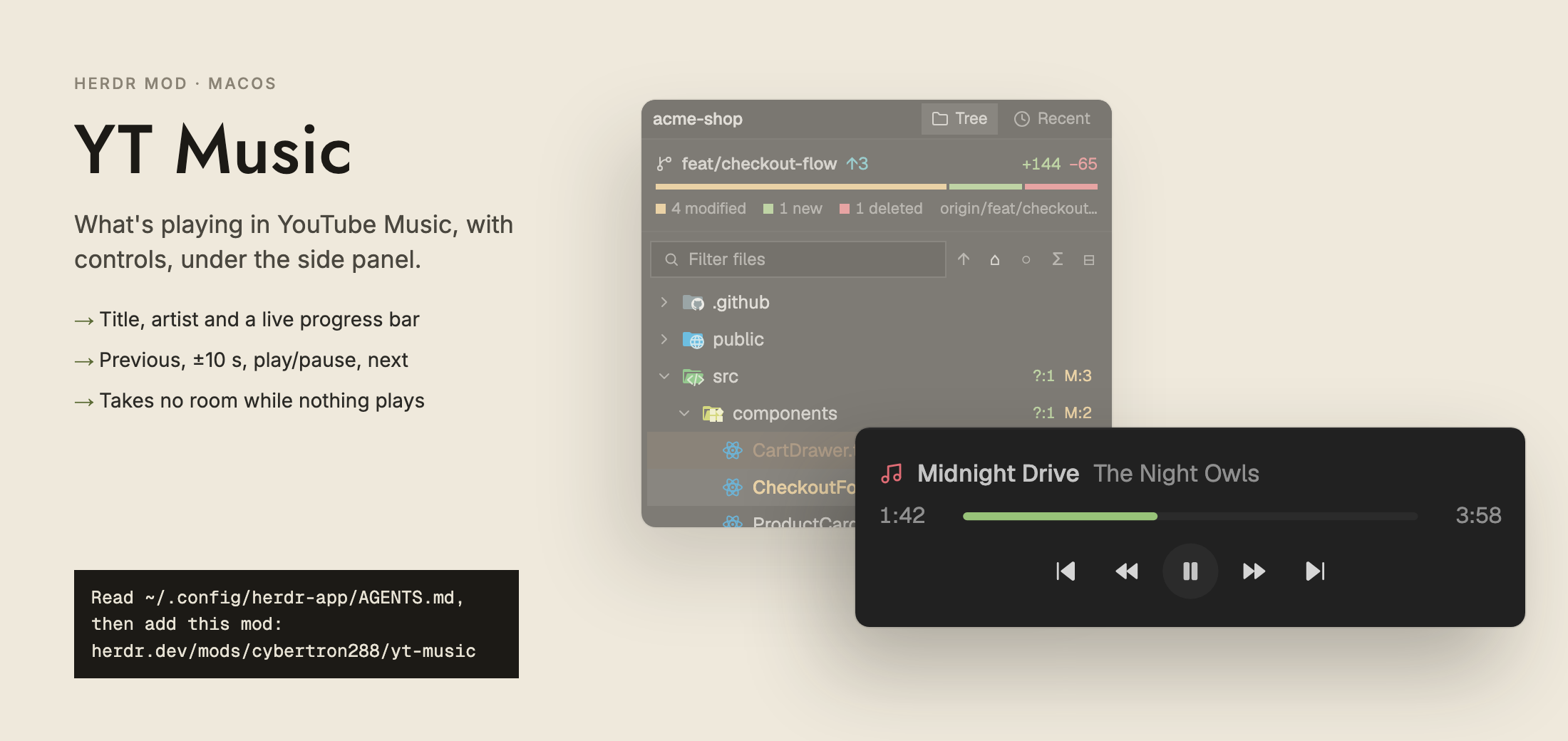
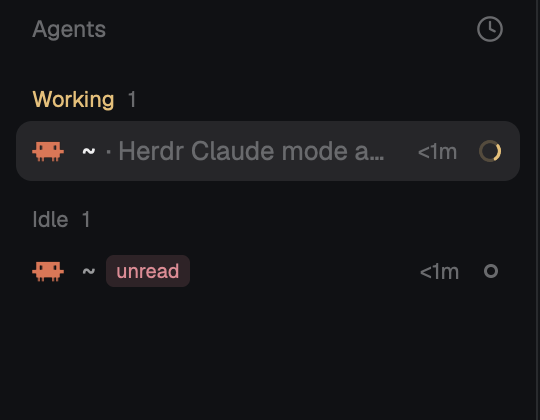
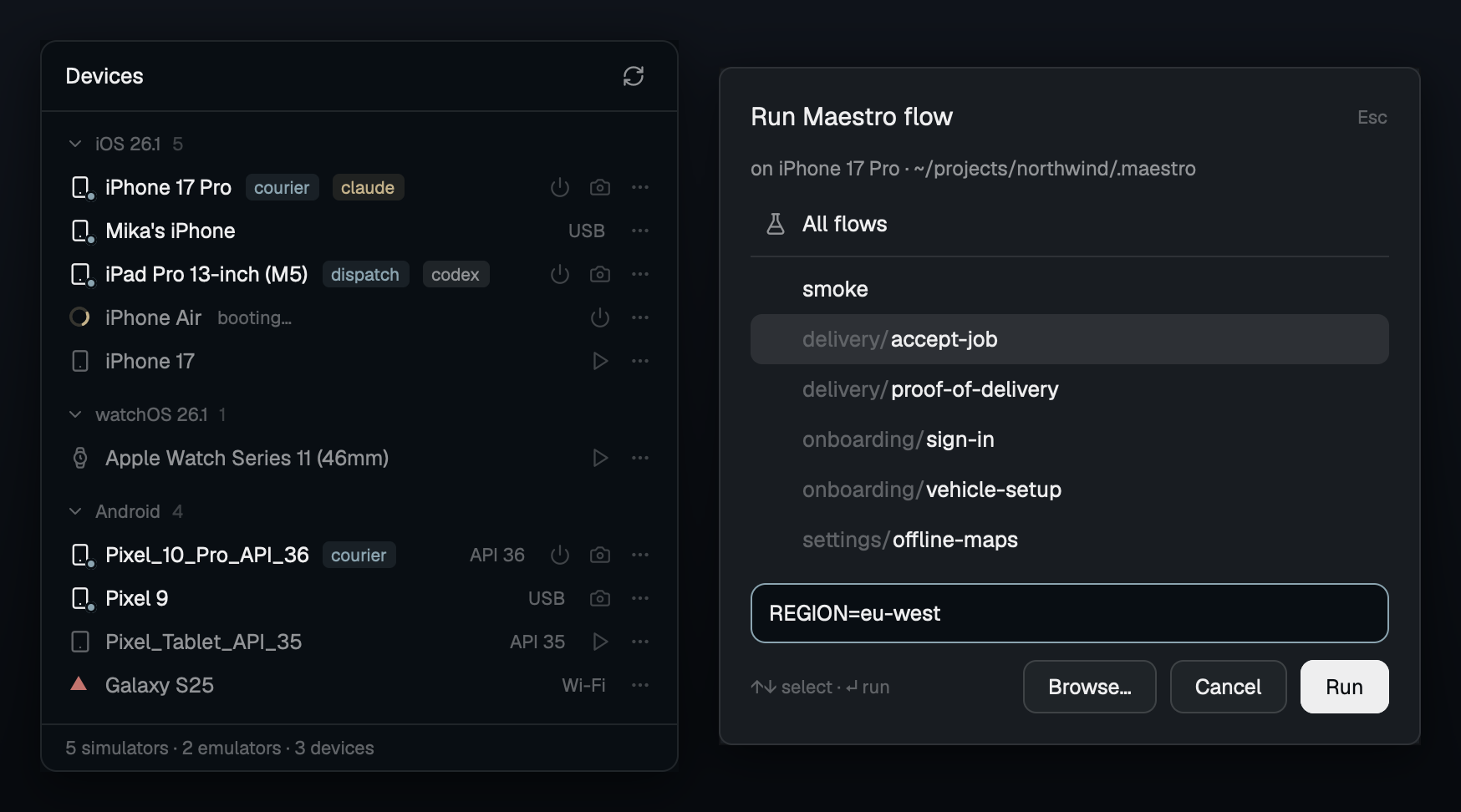

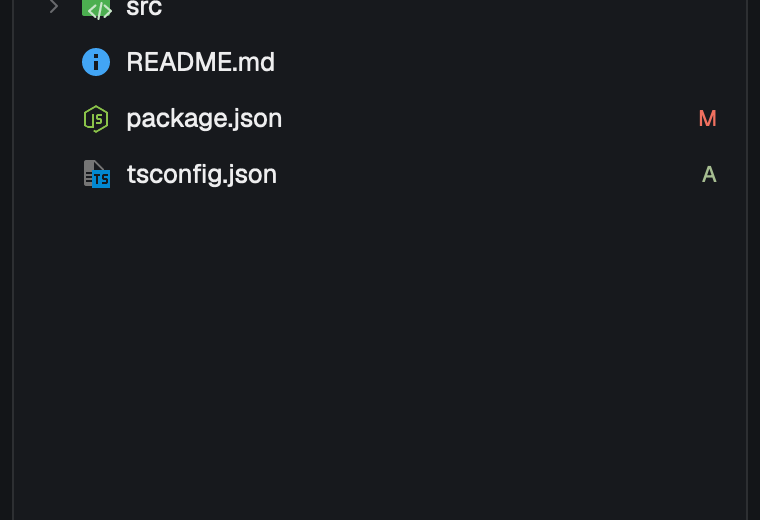











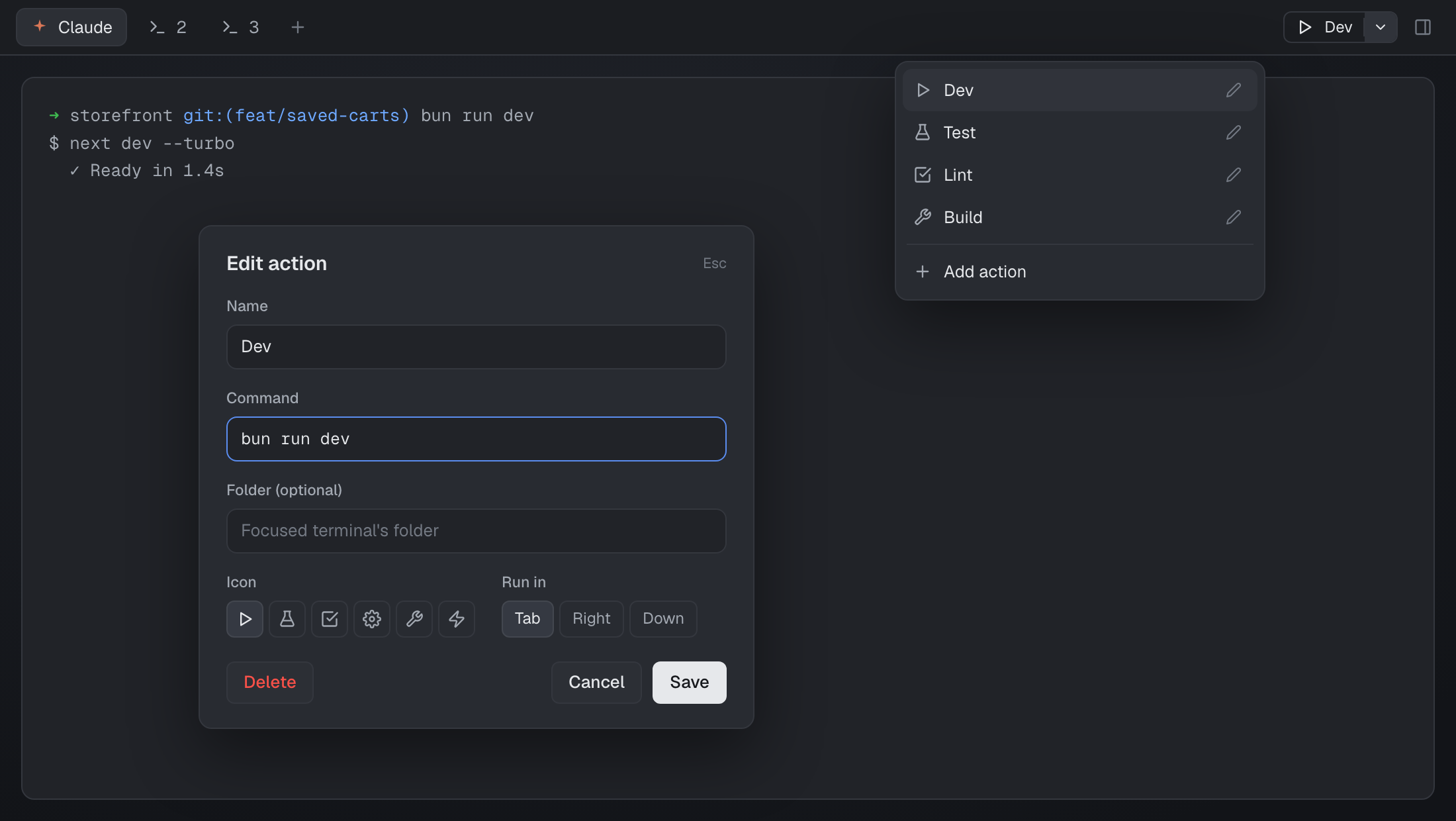
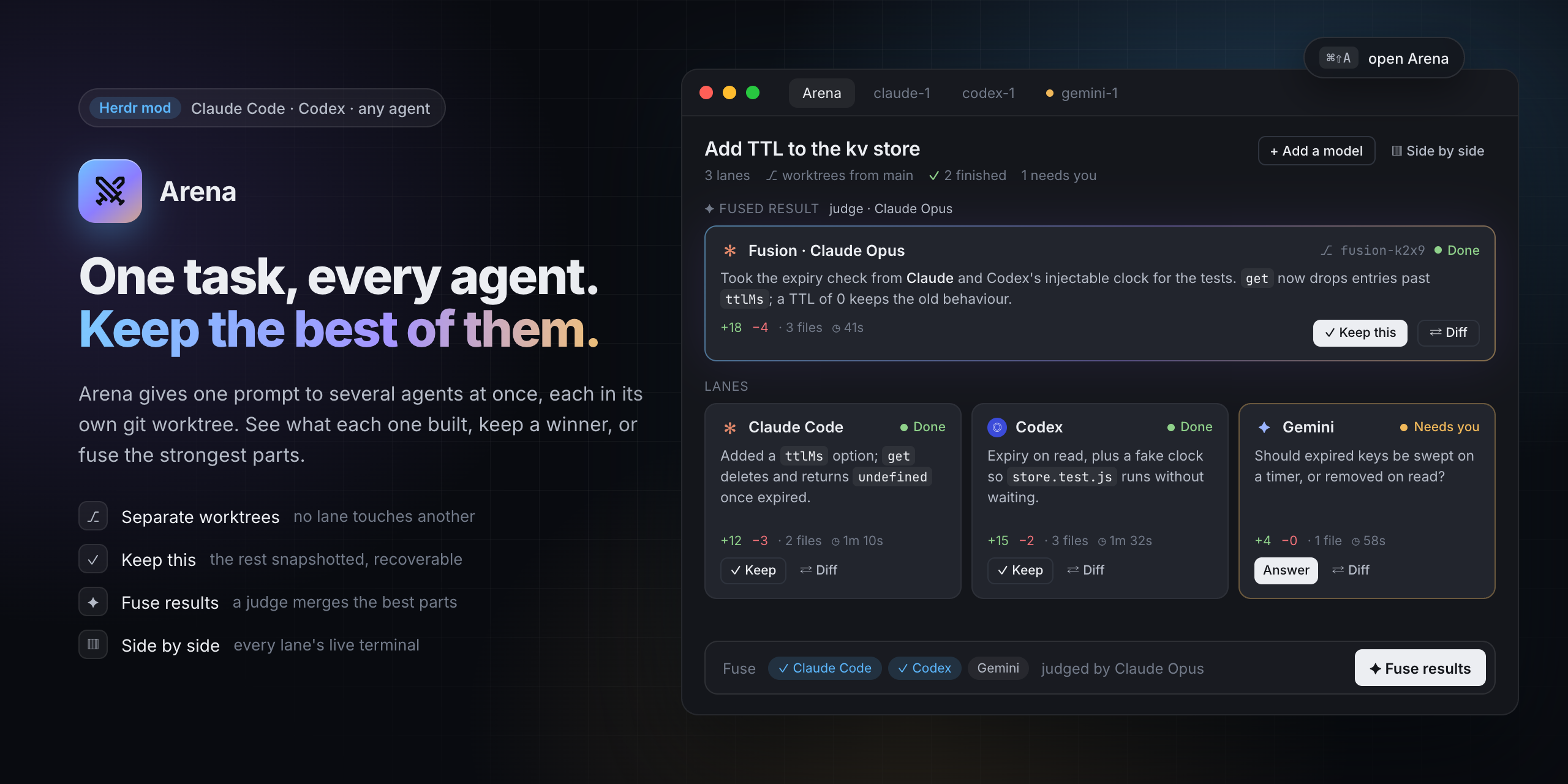
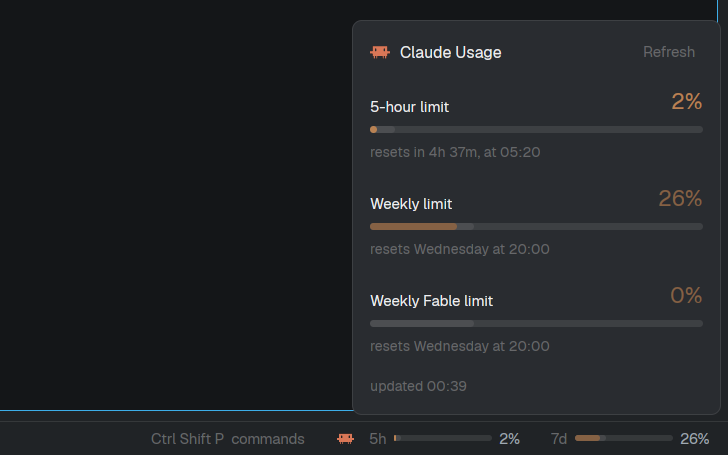

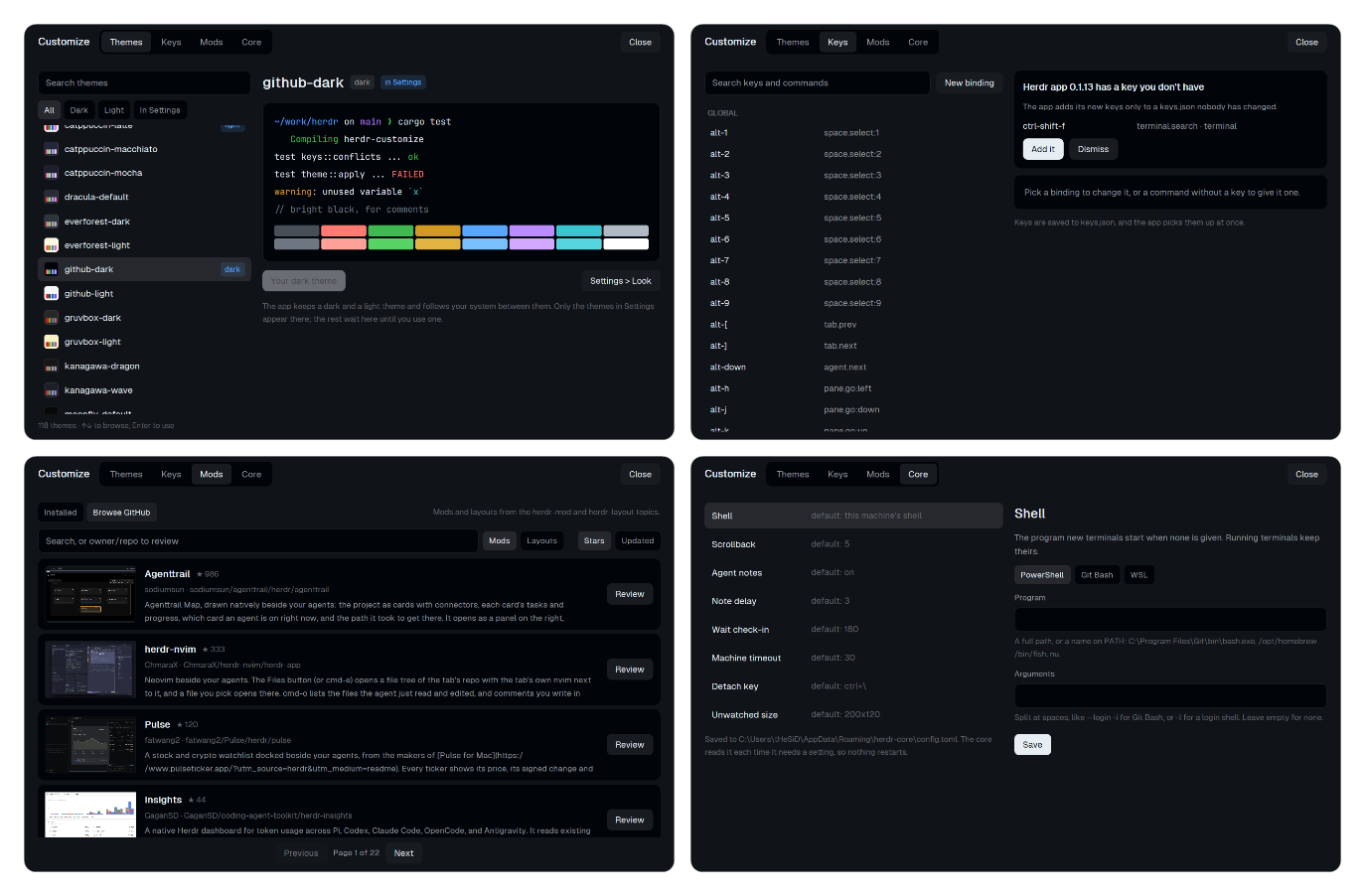



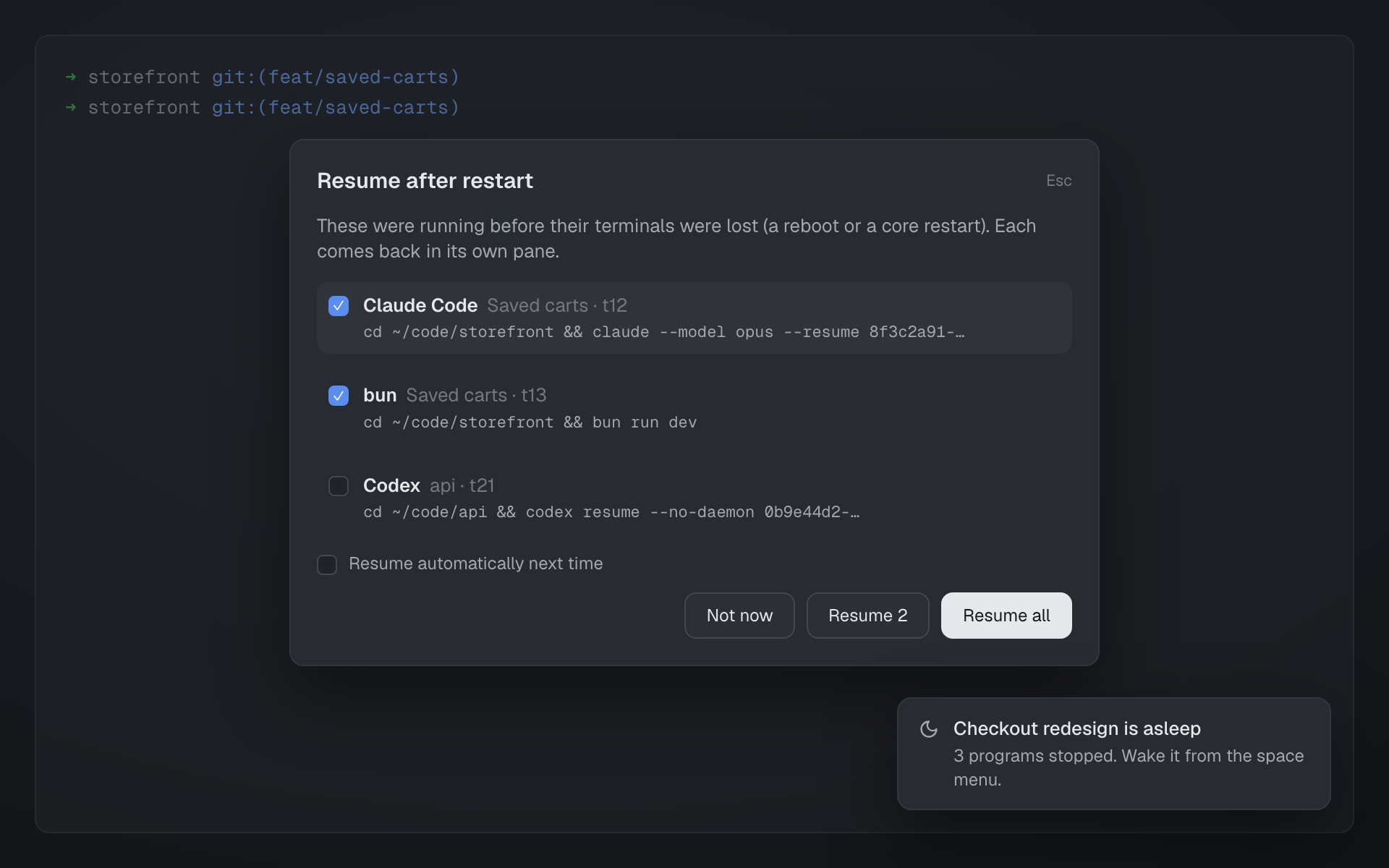
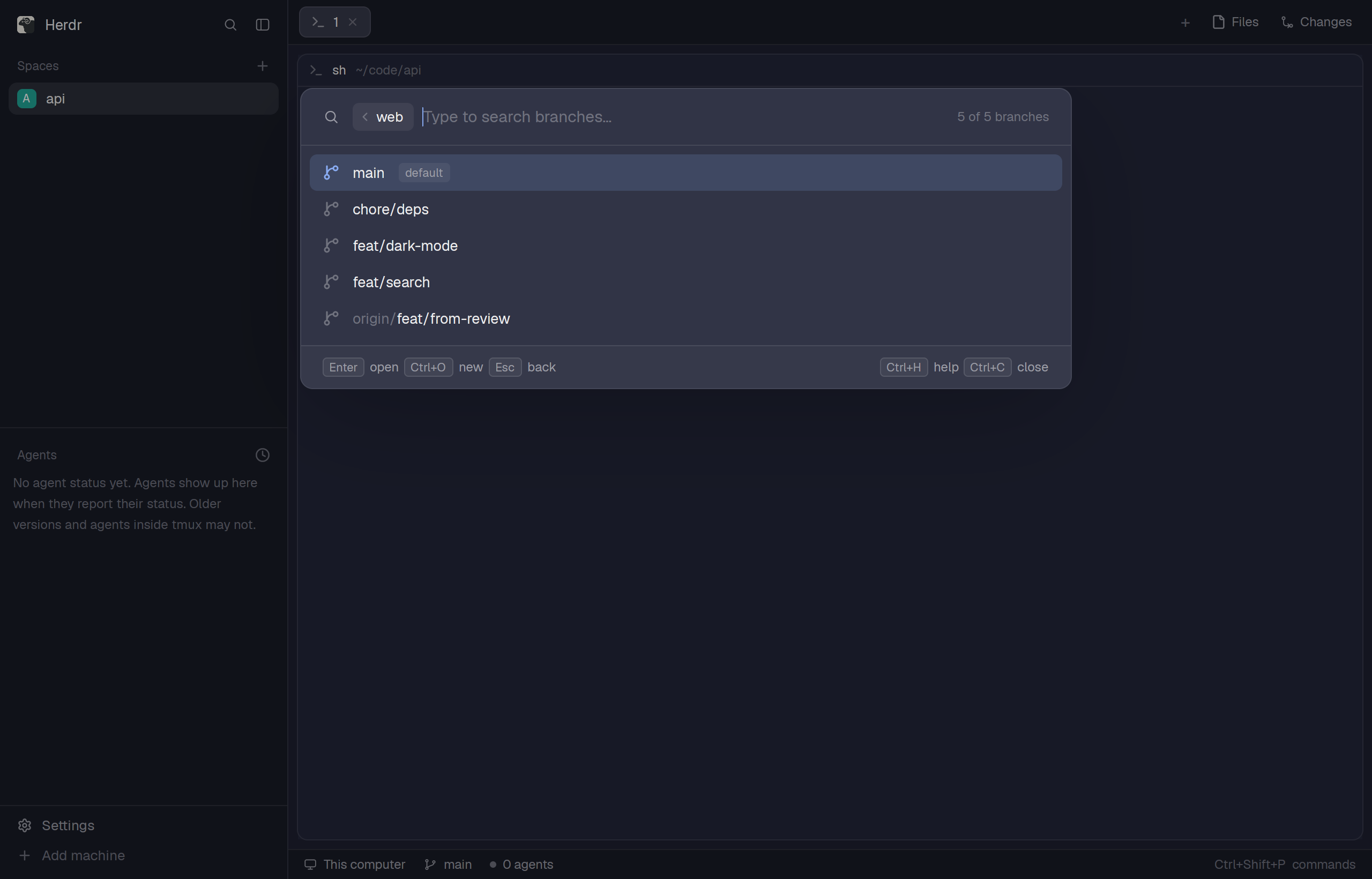

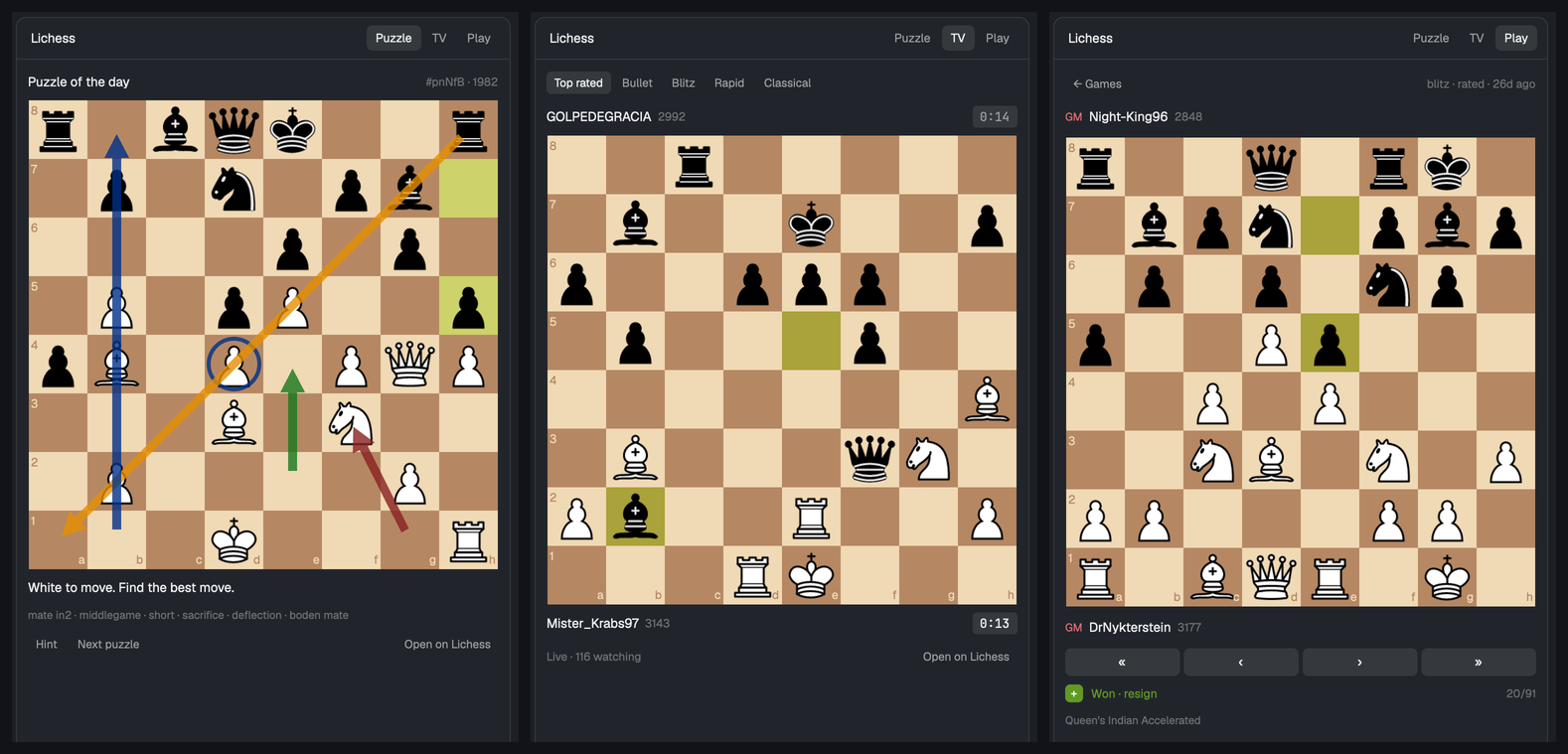

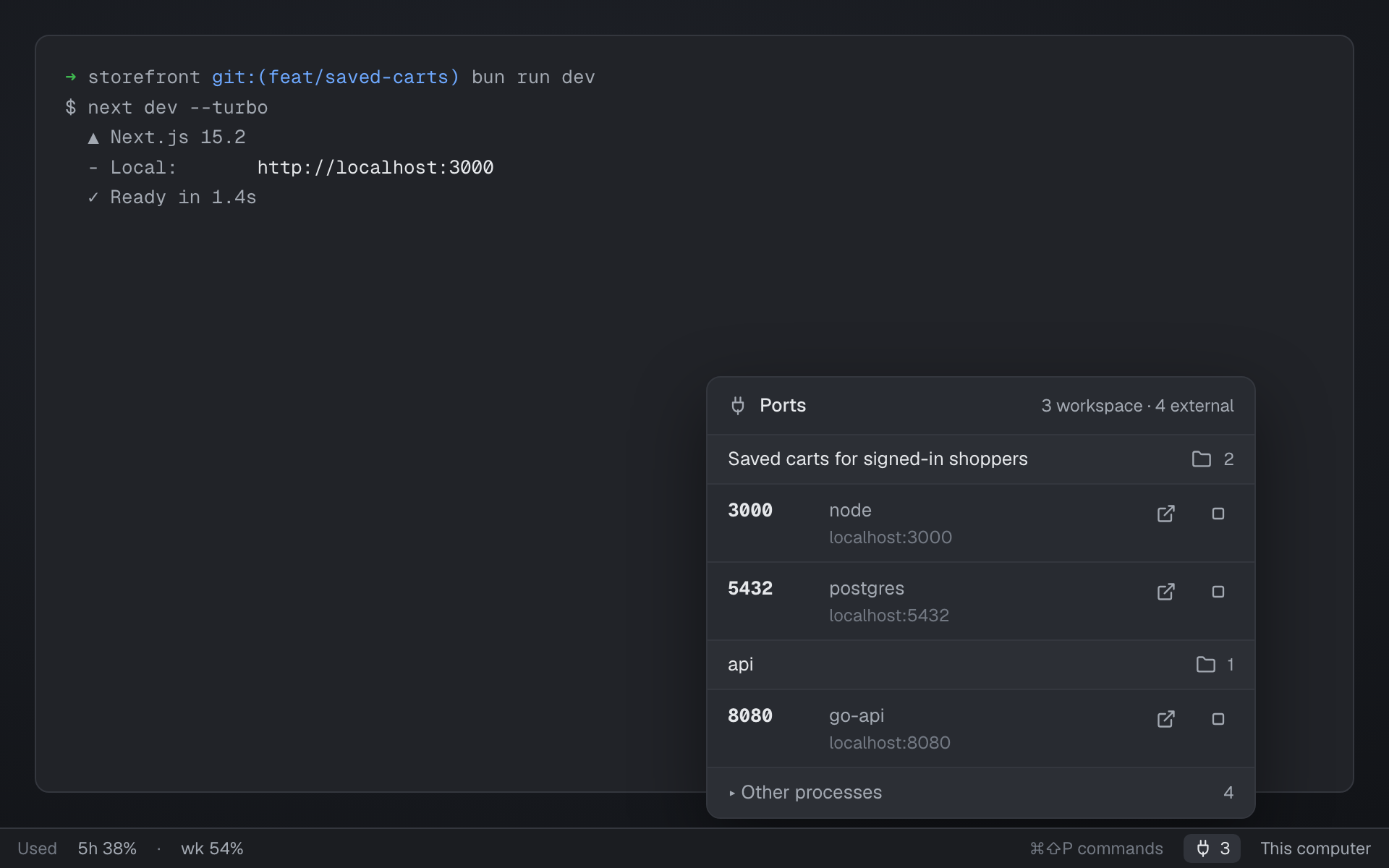
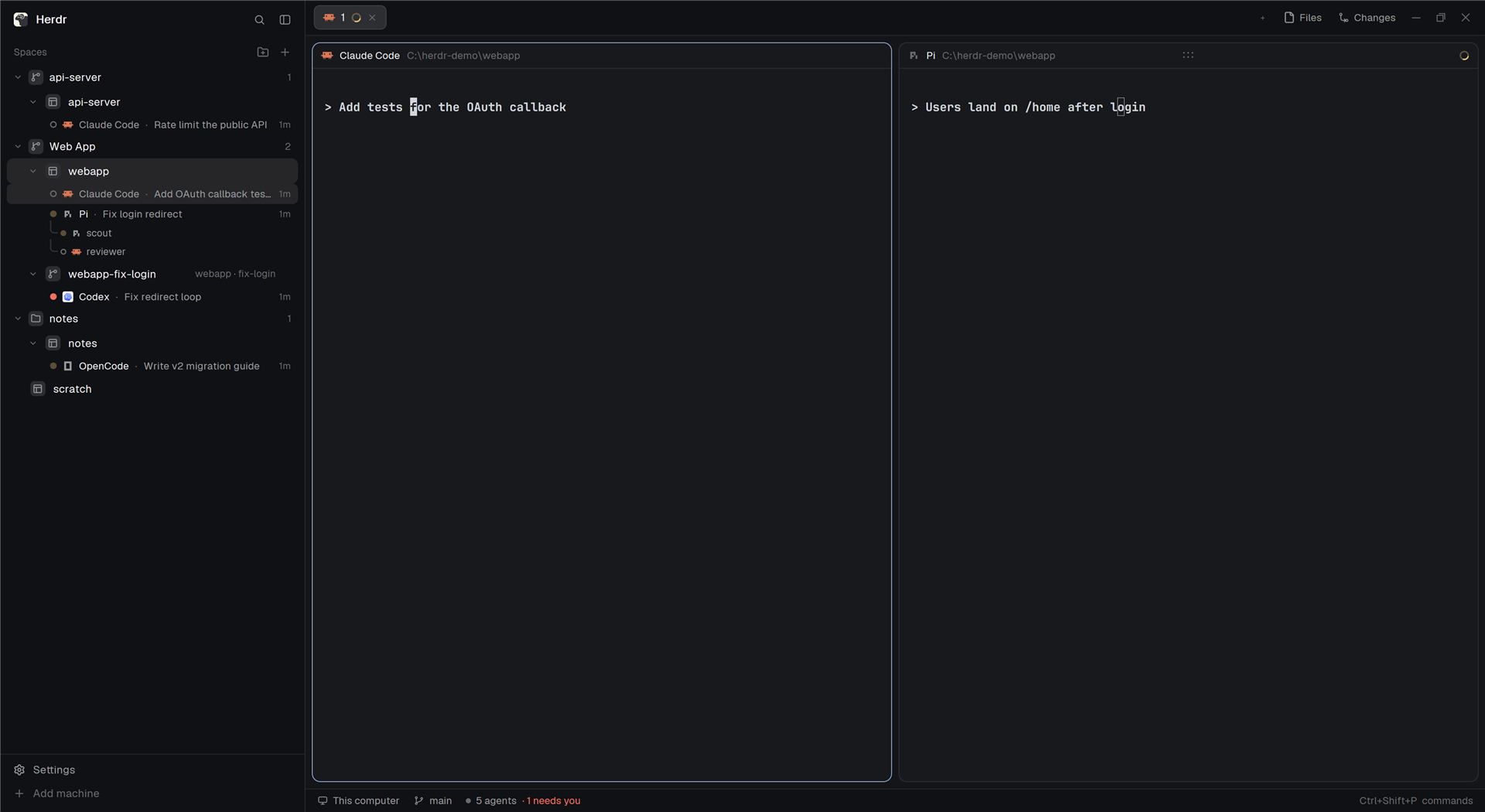

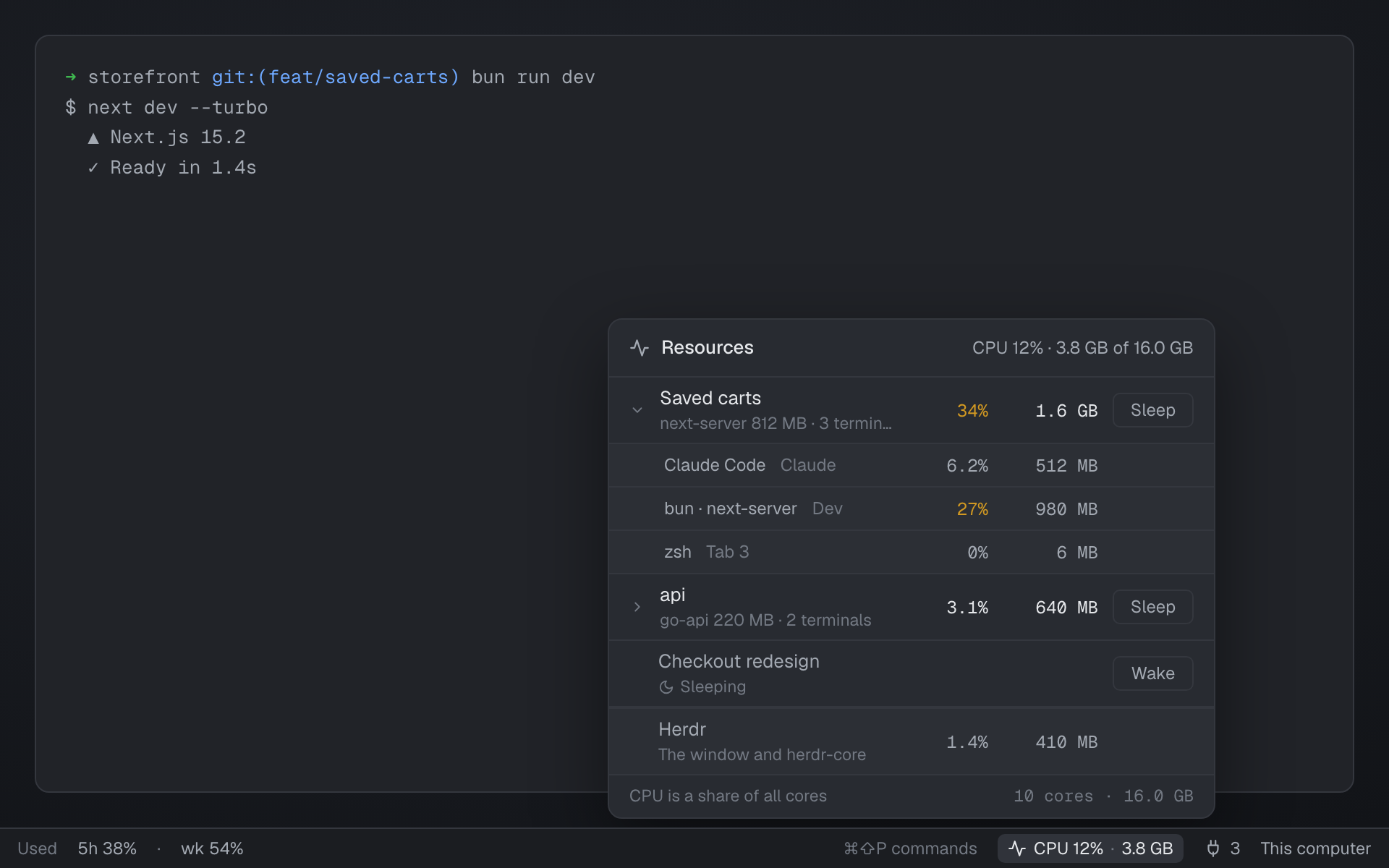
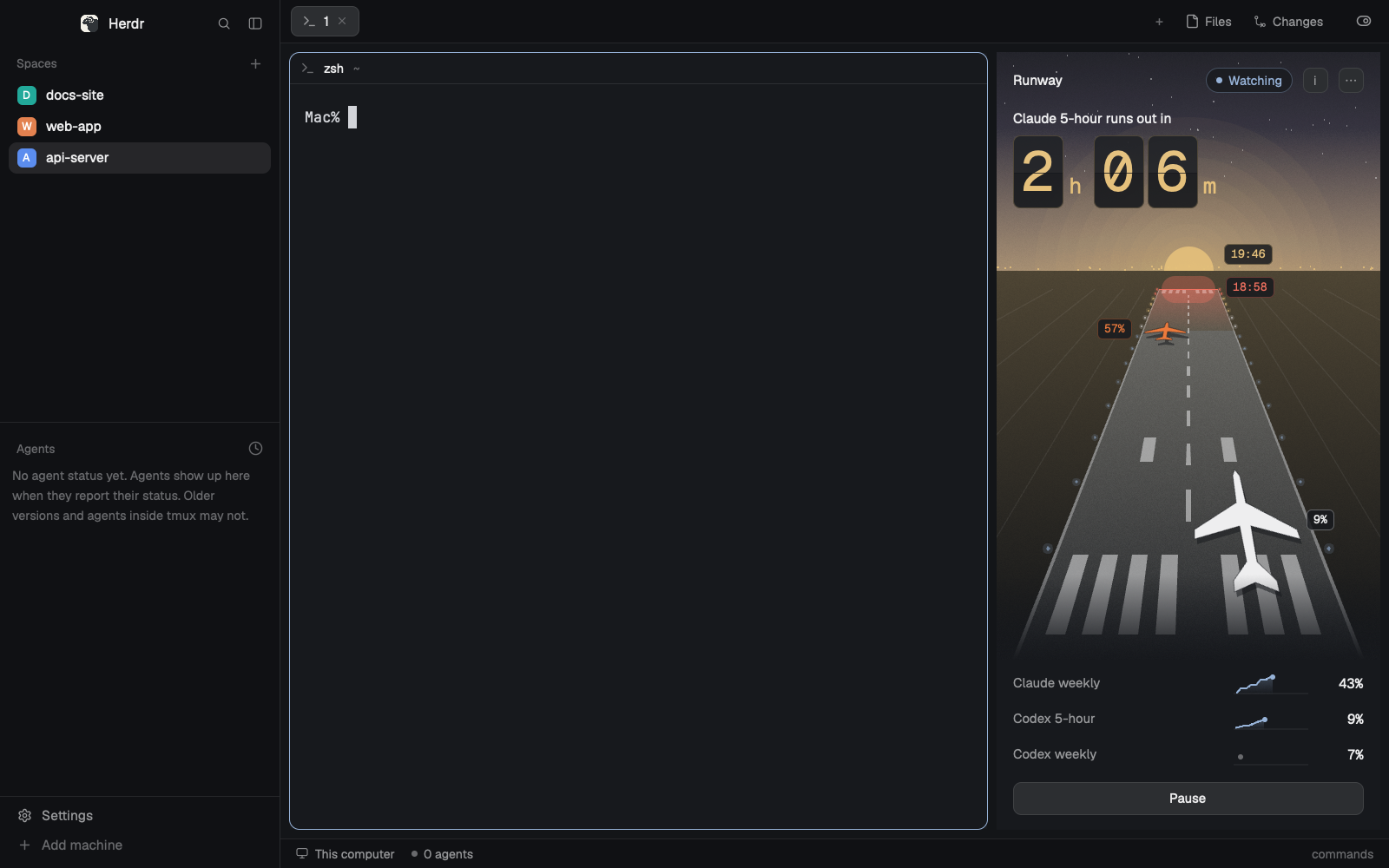
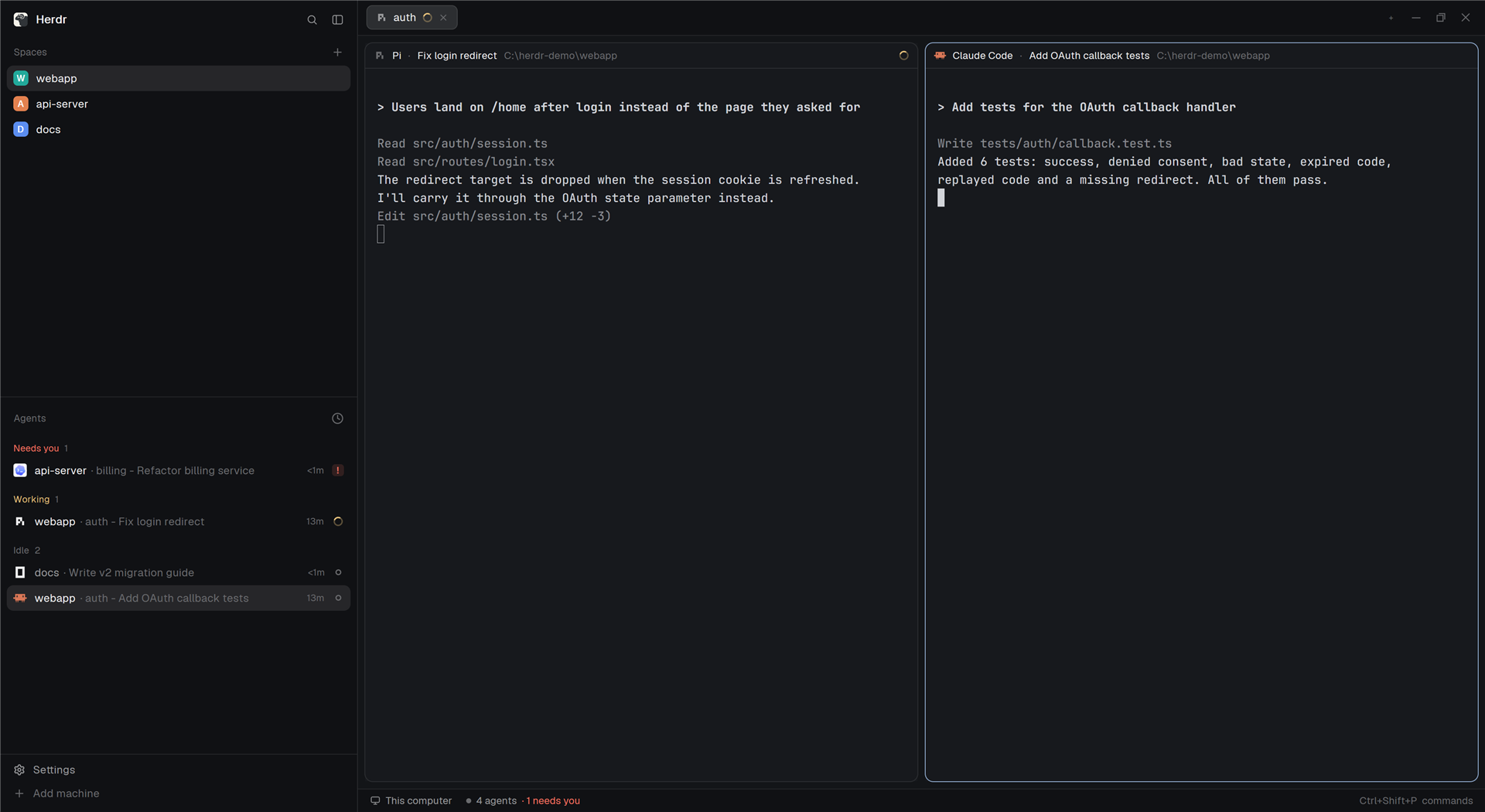
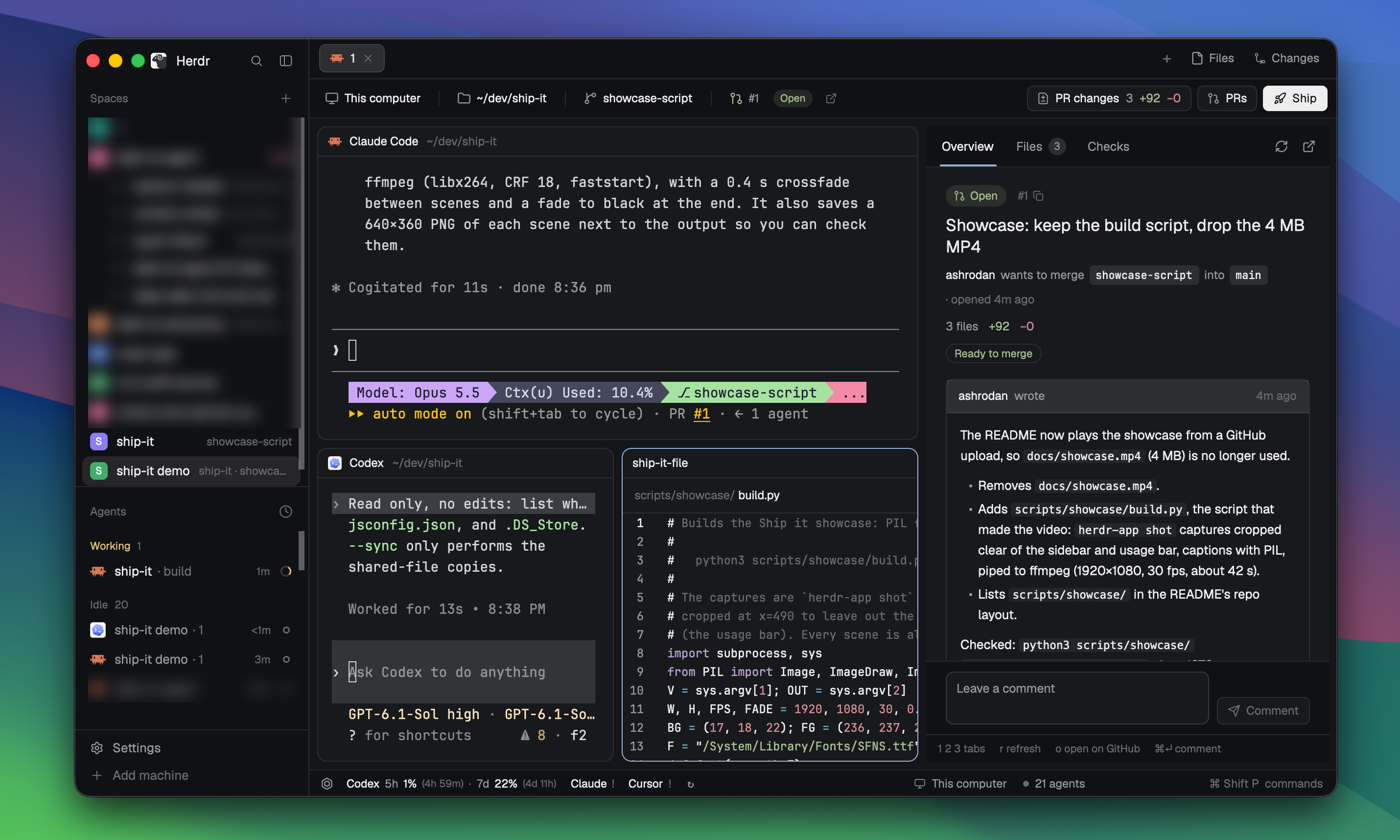








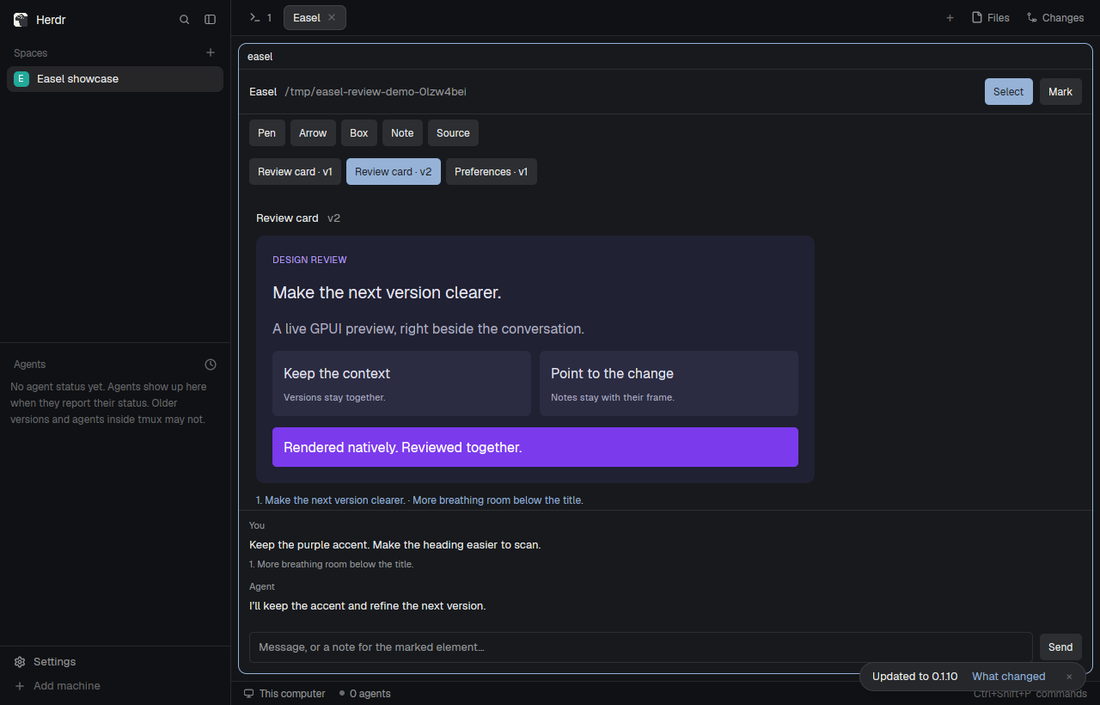




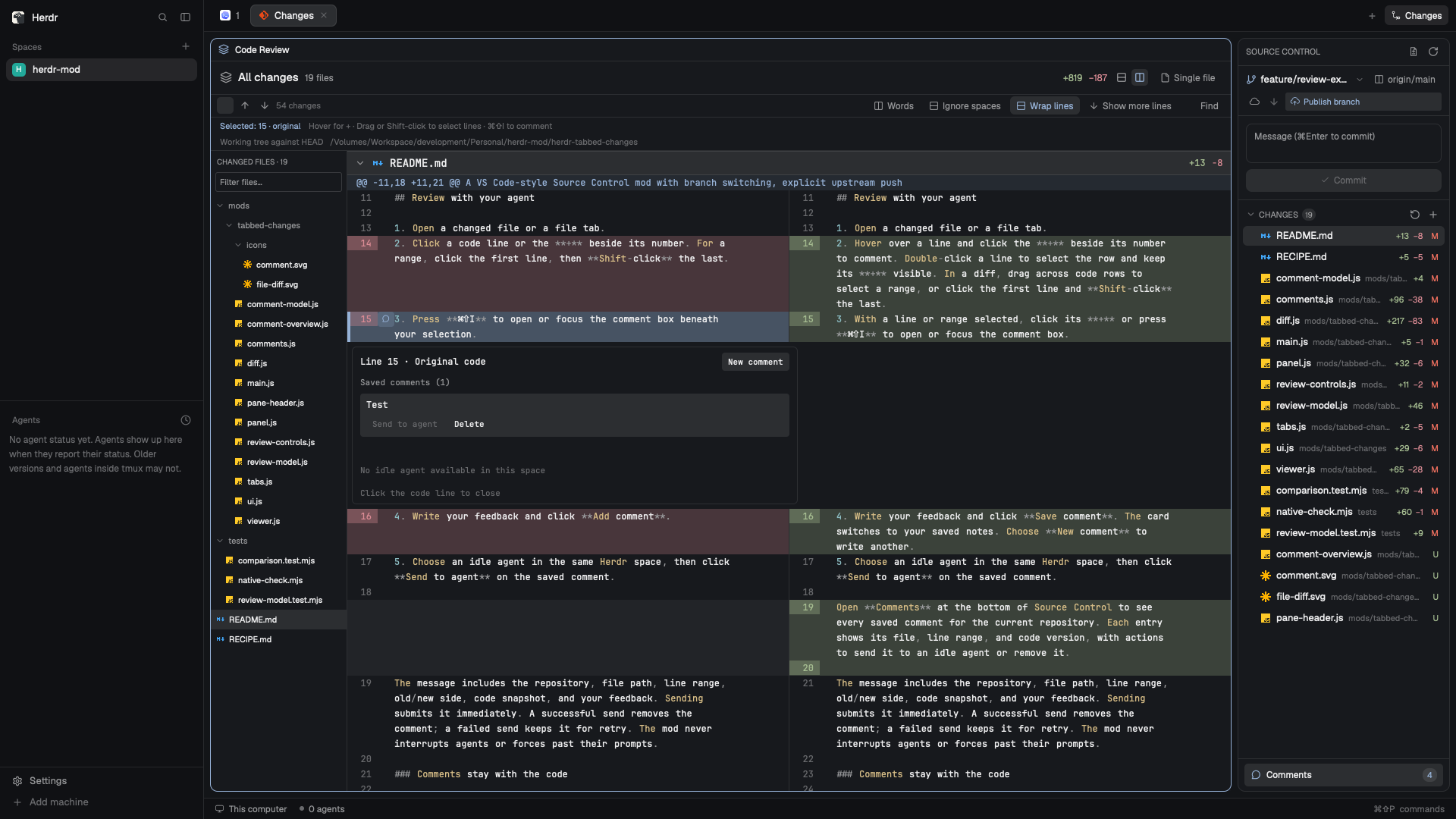

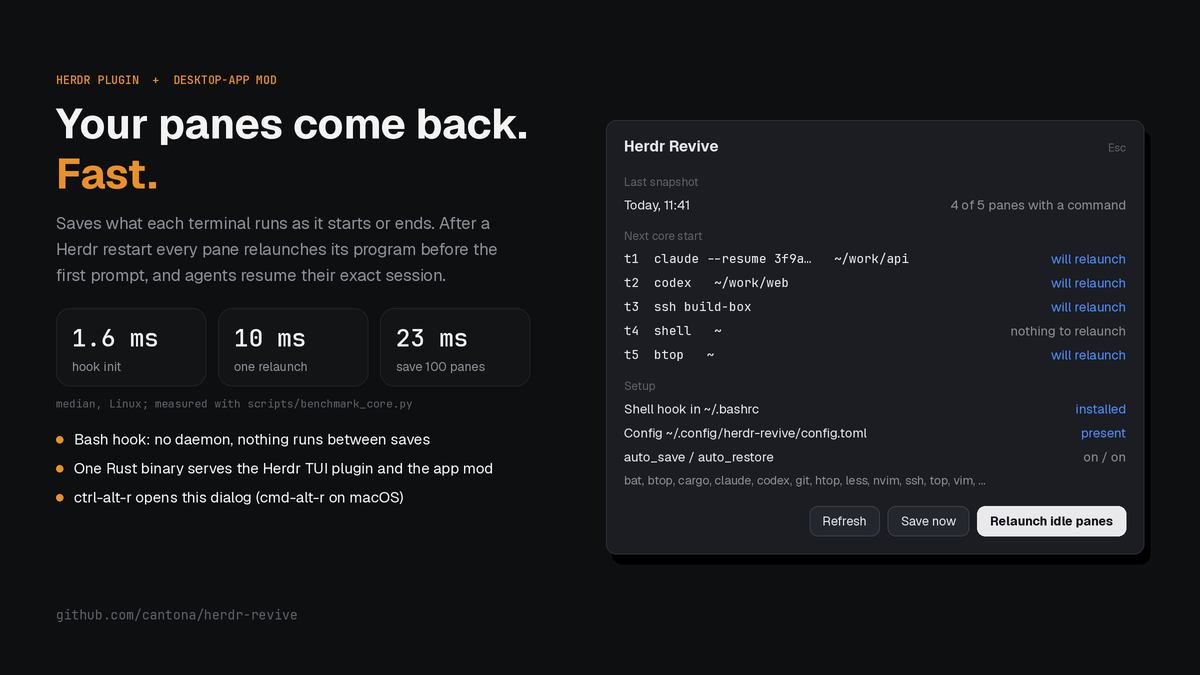

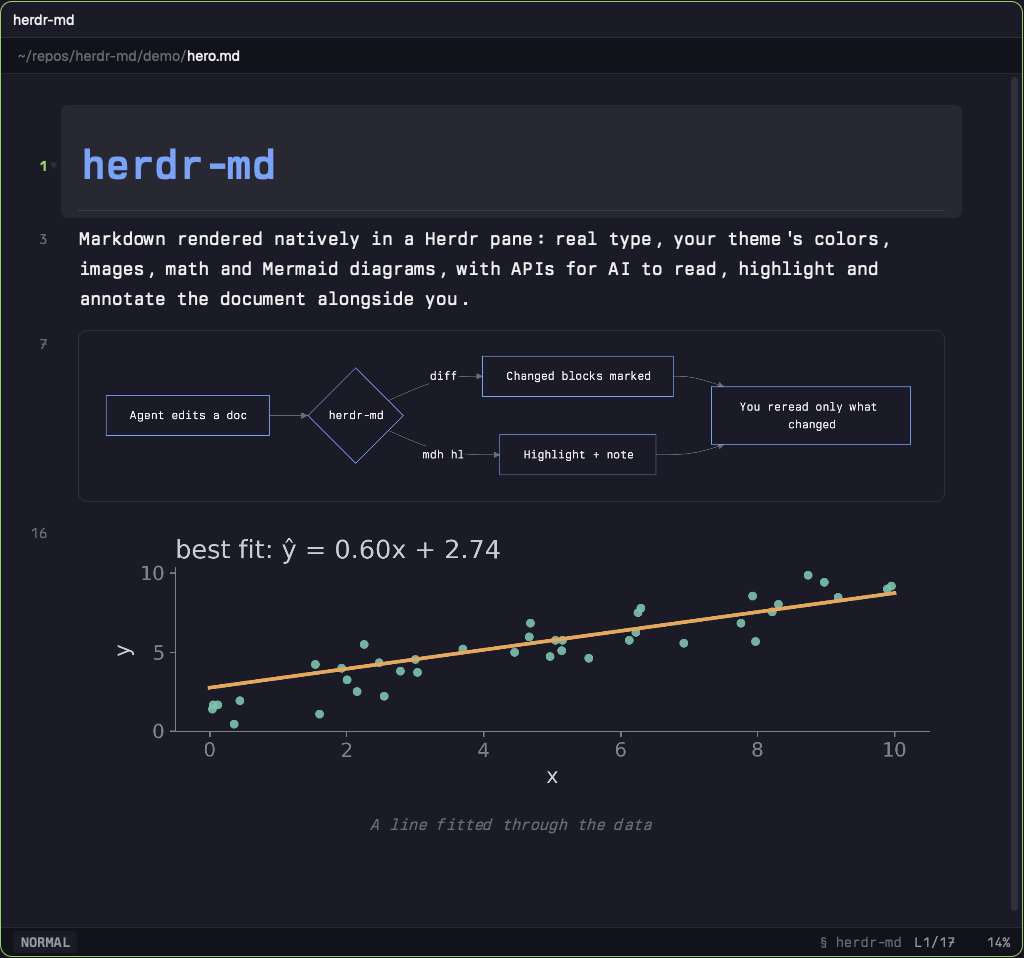



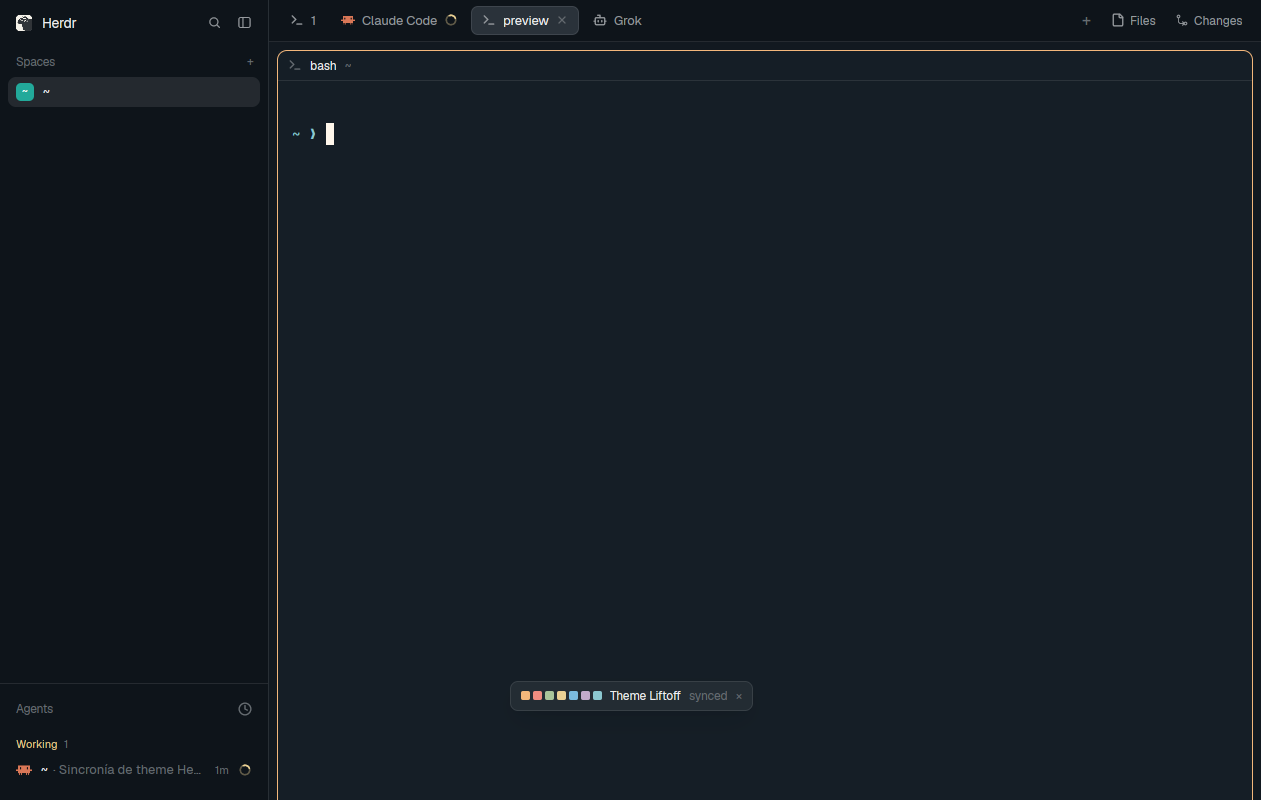

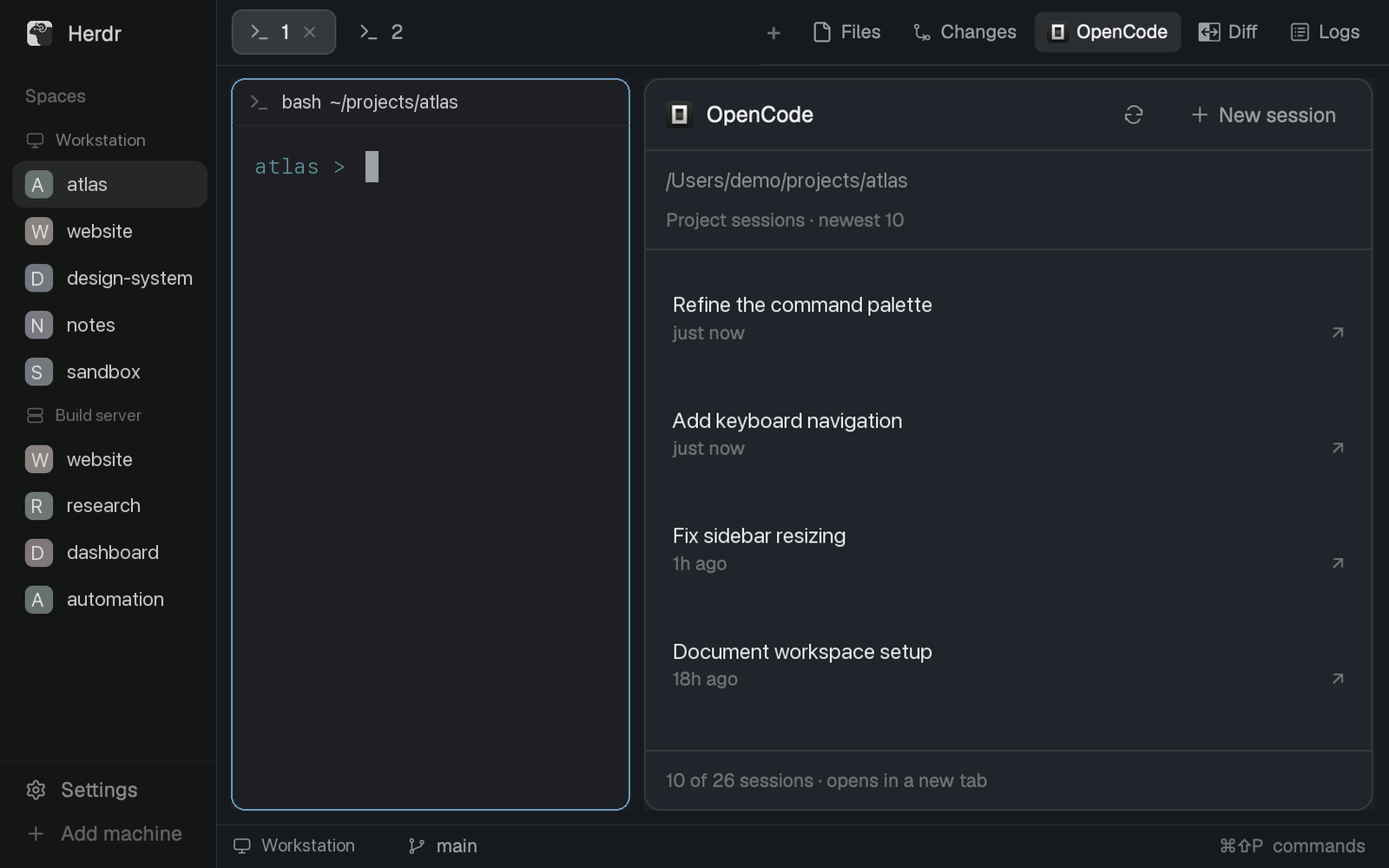

A live list of the focused terminal's OpenSpec changes for the Herdr desktop app: one row per active change (name, progress bar, done/total tasks, and its age), newest first, with header totals. A toolbar under the header has a filter box (change-name substring; Esc or × clears it) and a sort button cycling recent → A–Z → % done → state (remembered in the panel's localStorage under "sort"); the header totals follow the filtered set. Each row carries a state chip — ✓ complete, N left (at most 2…

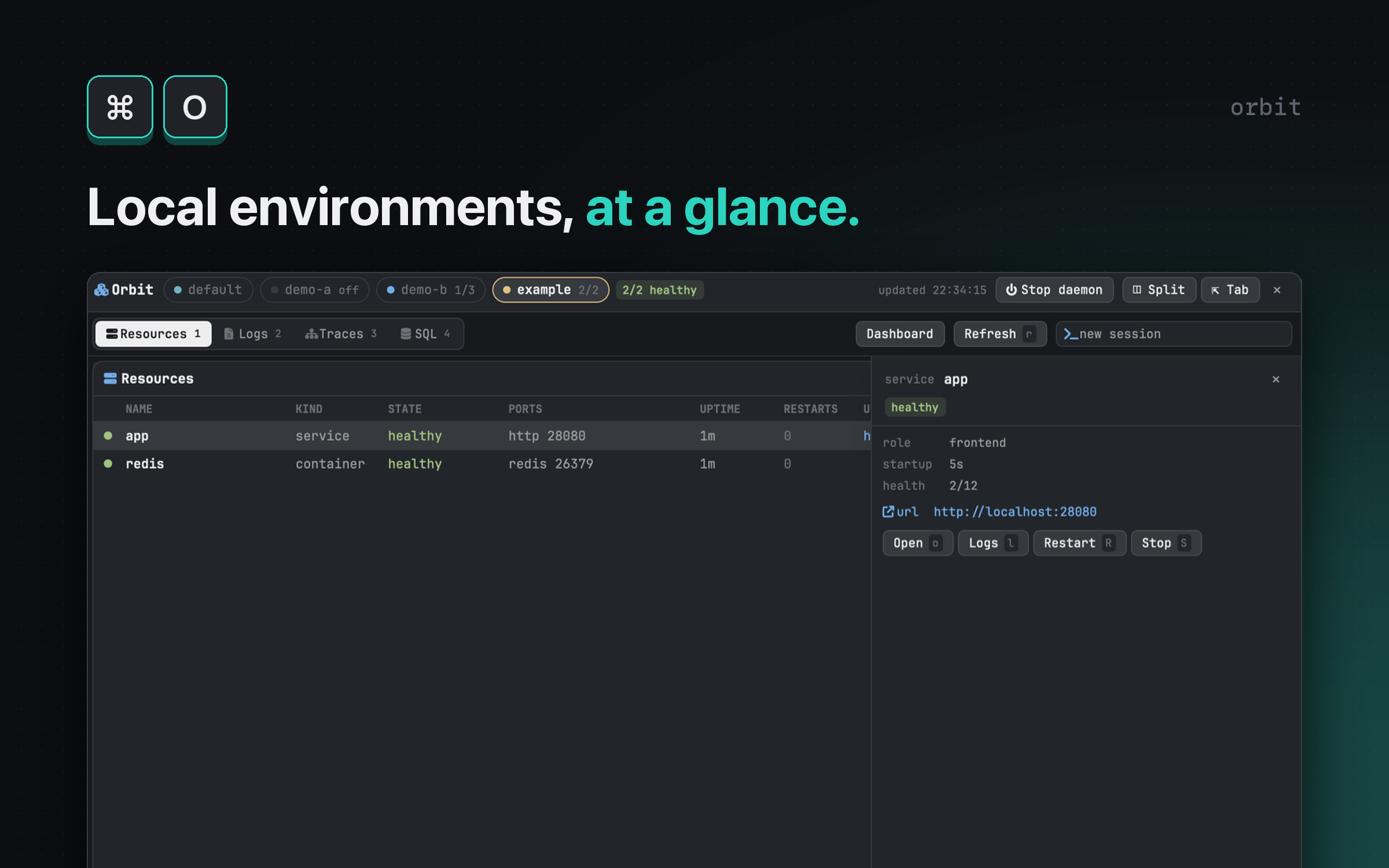

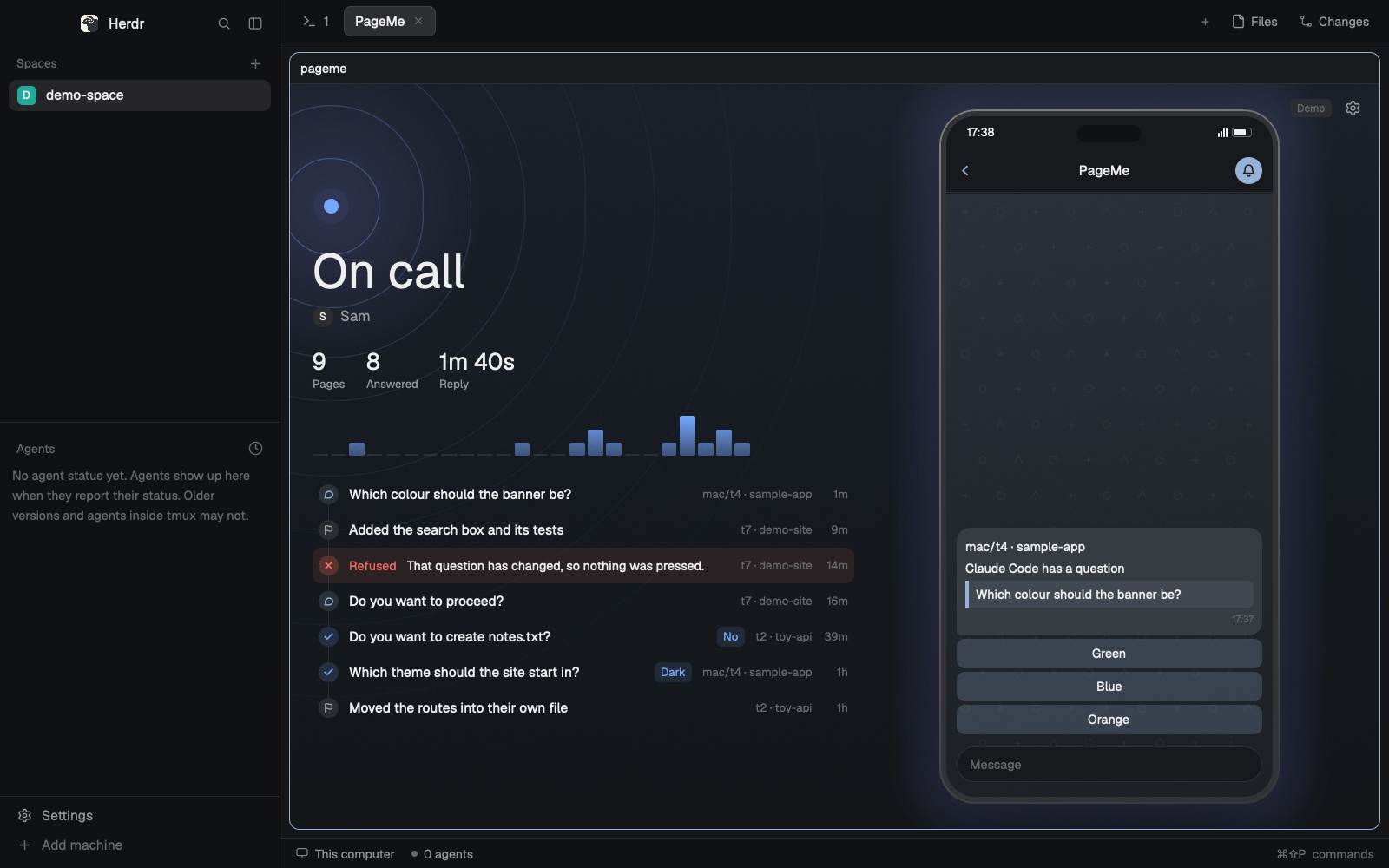



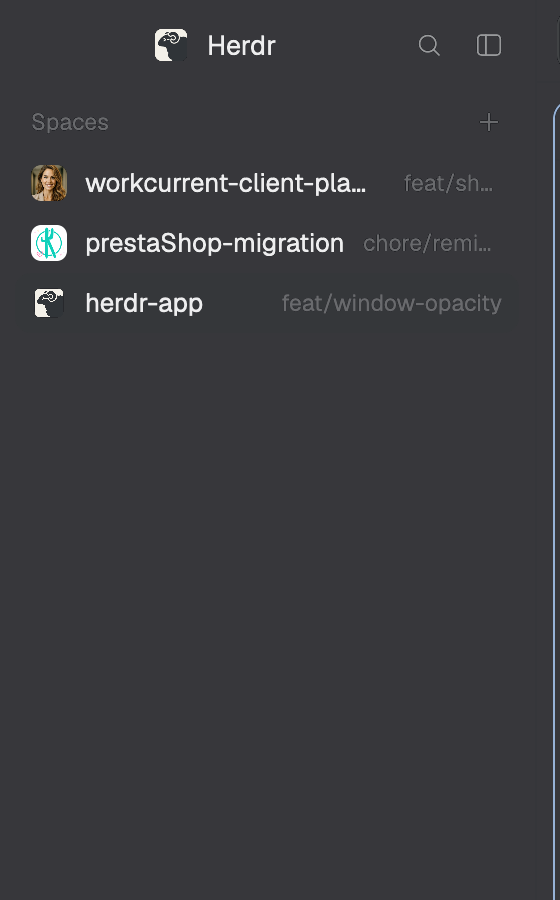


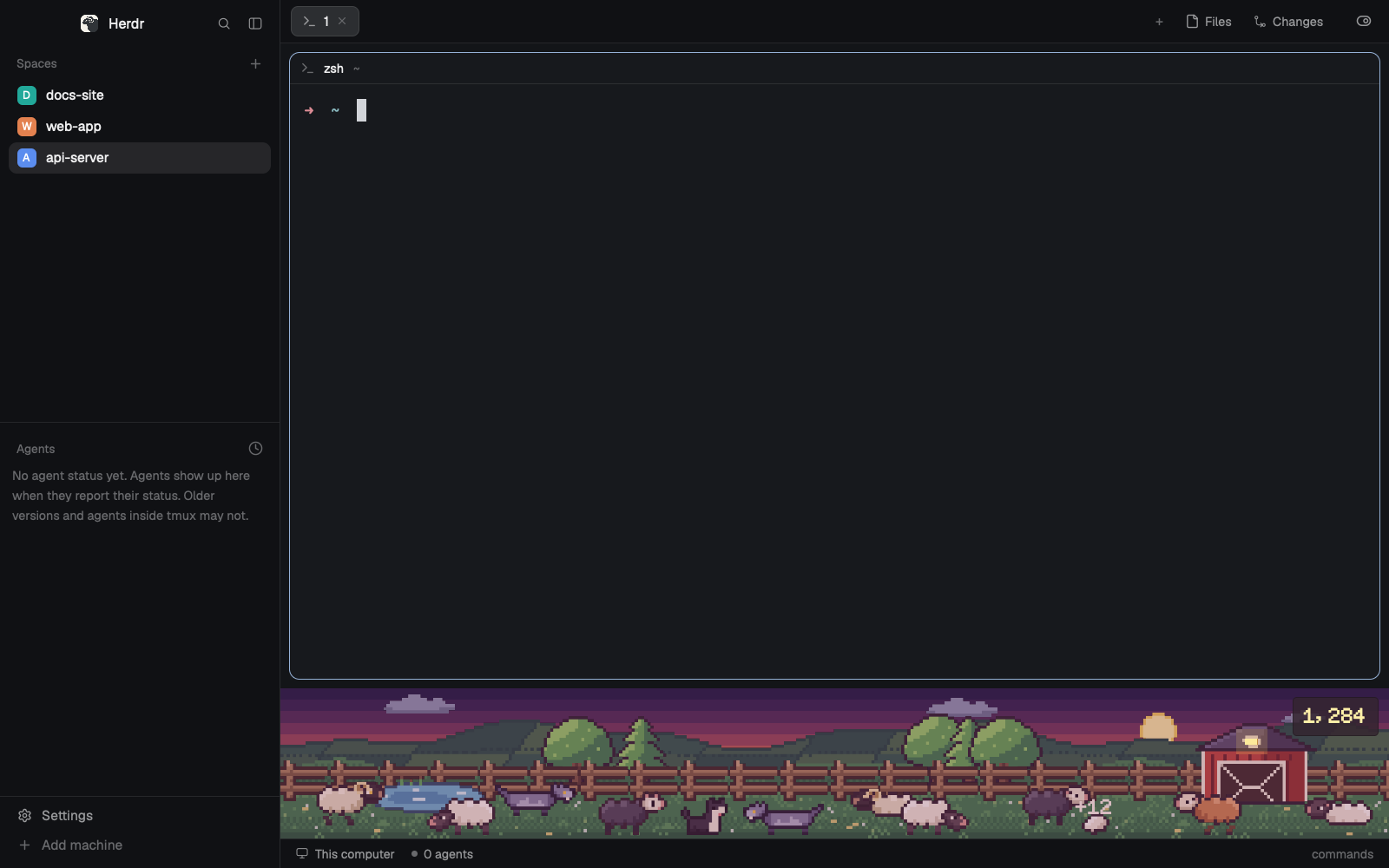

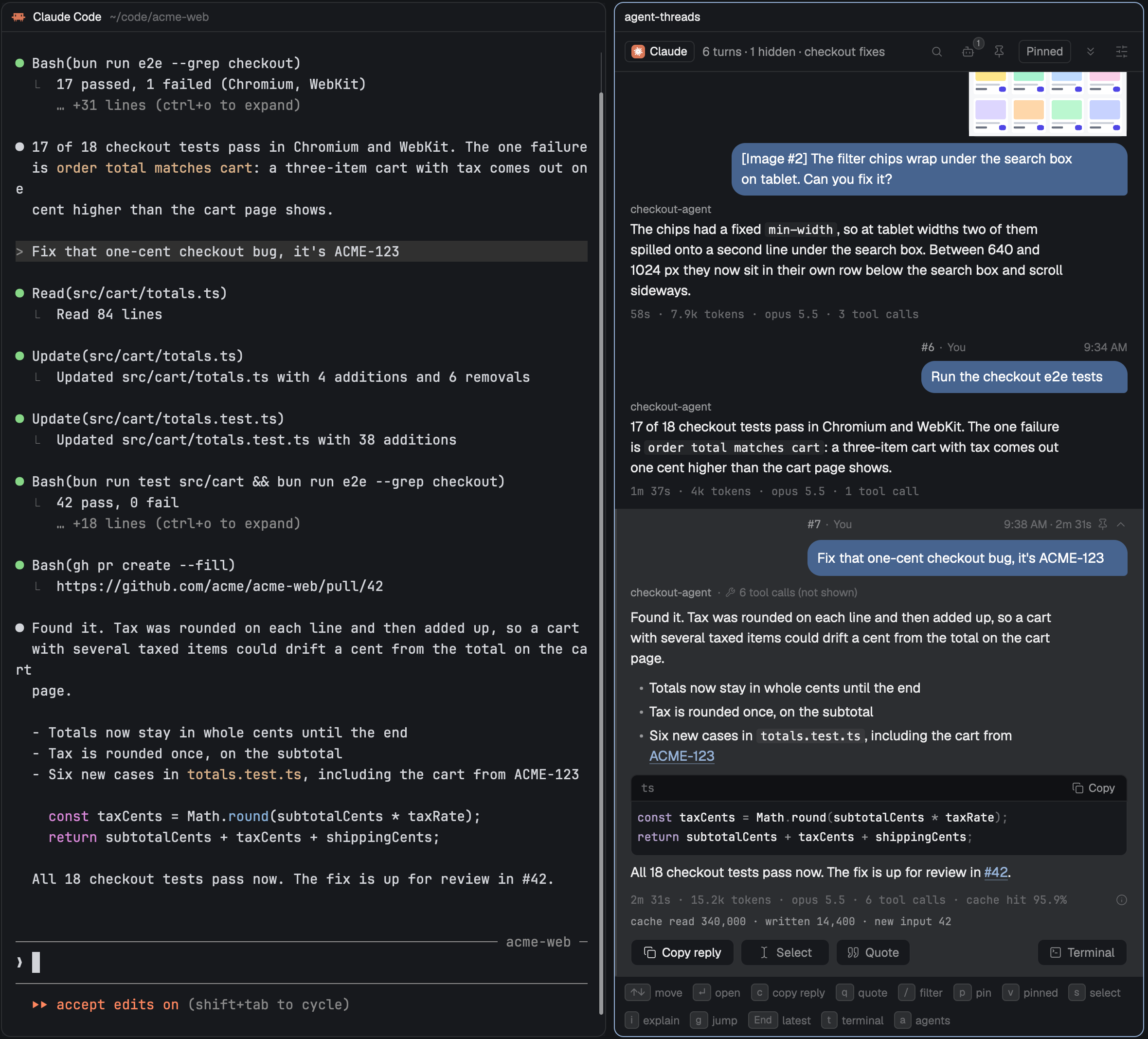

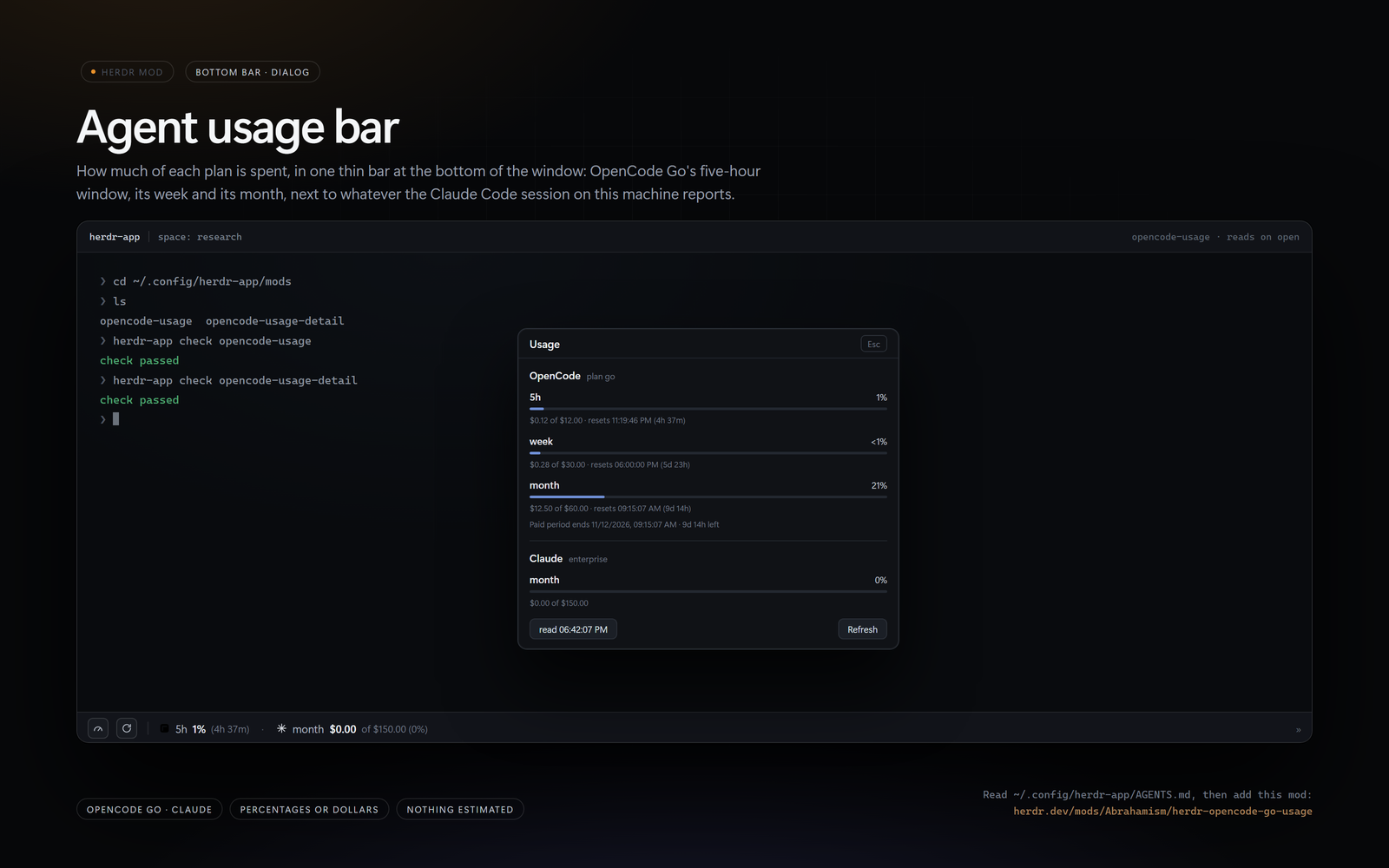
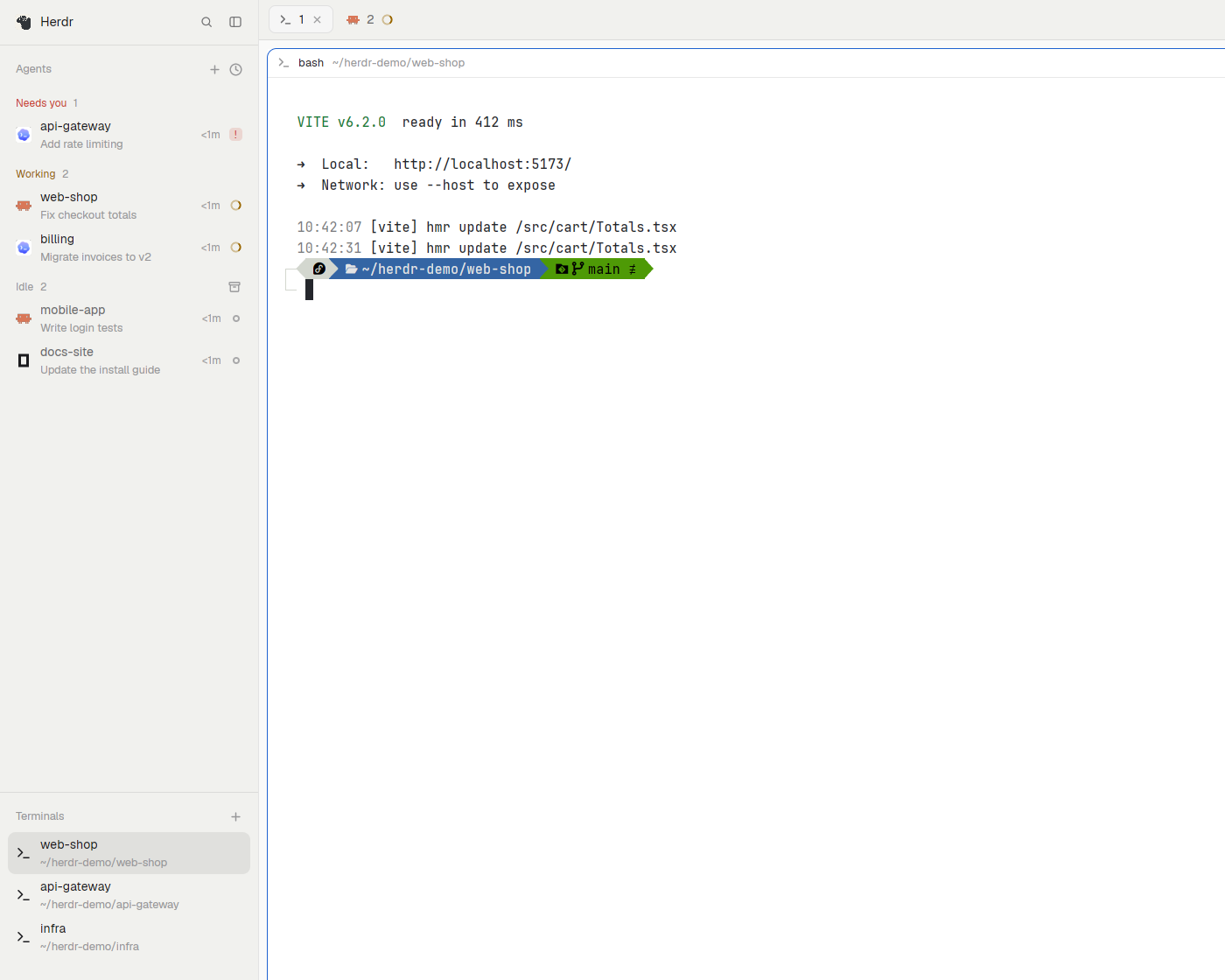

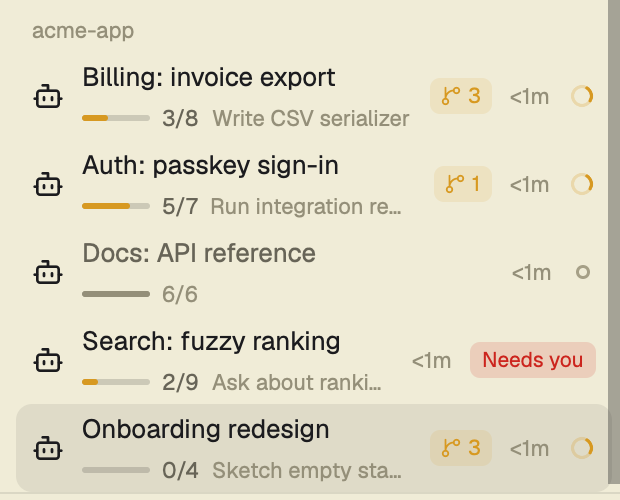


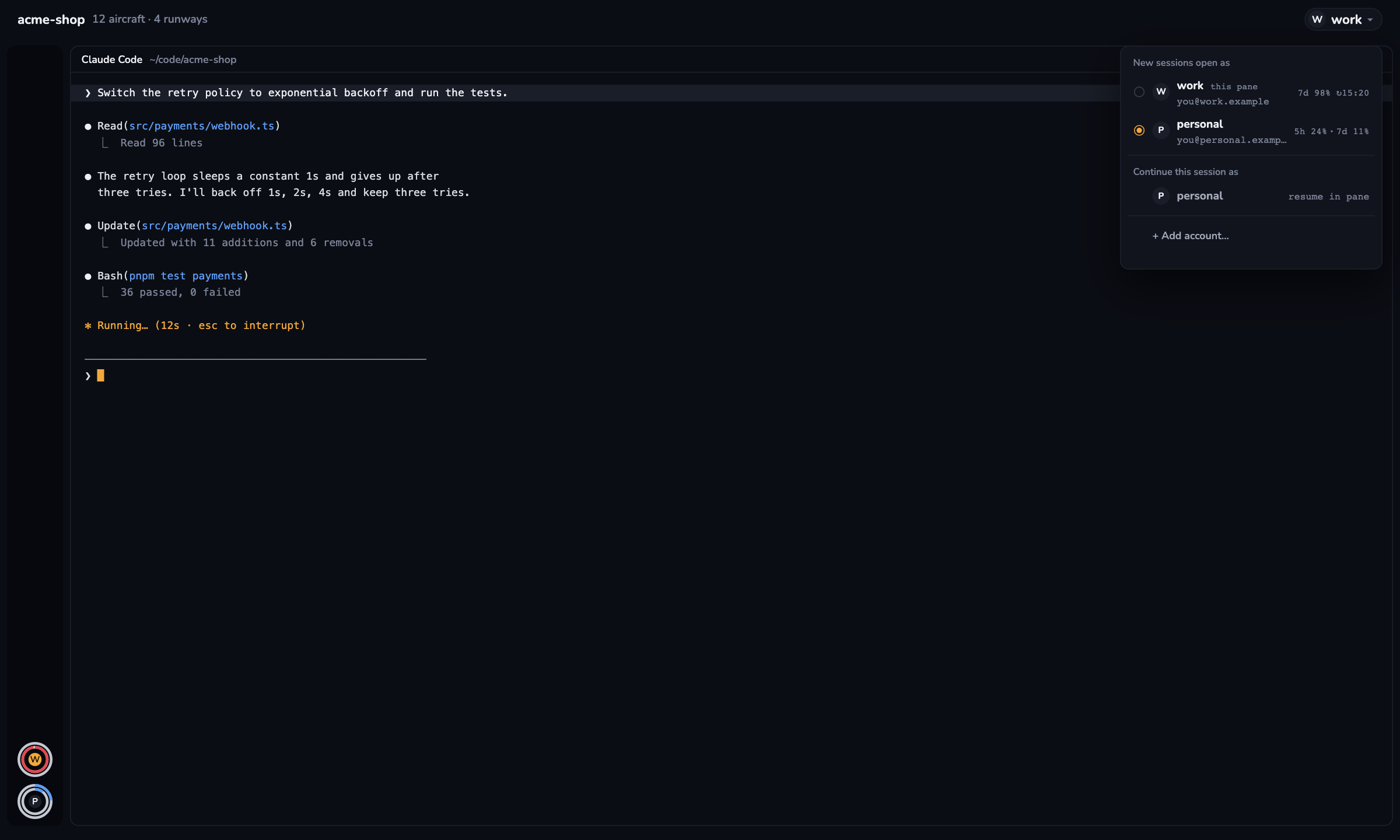
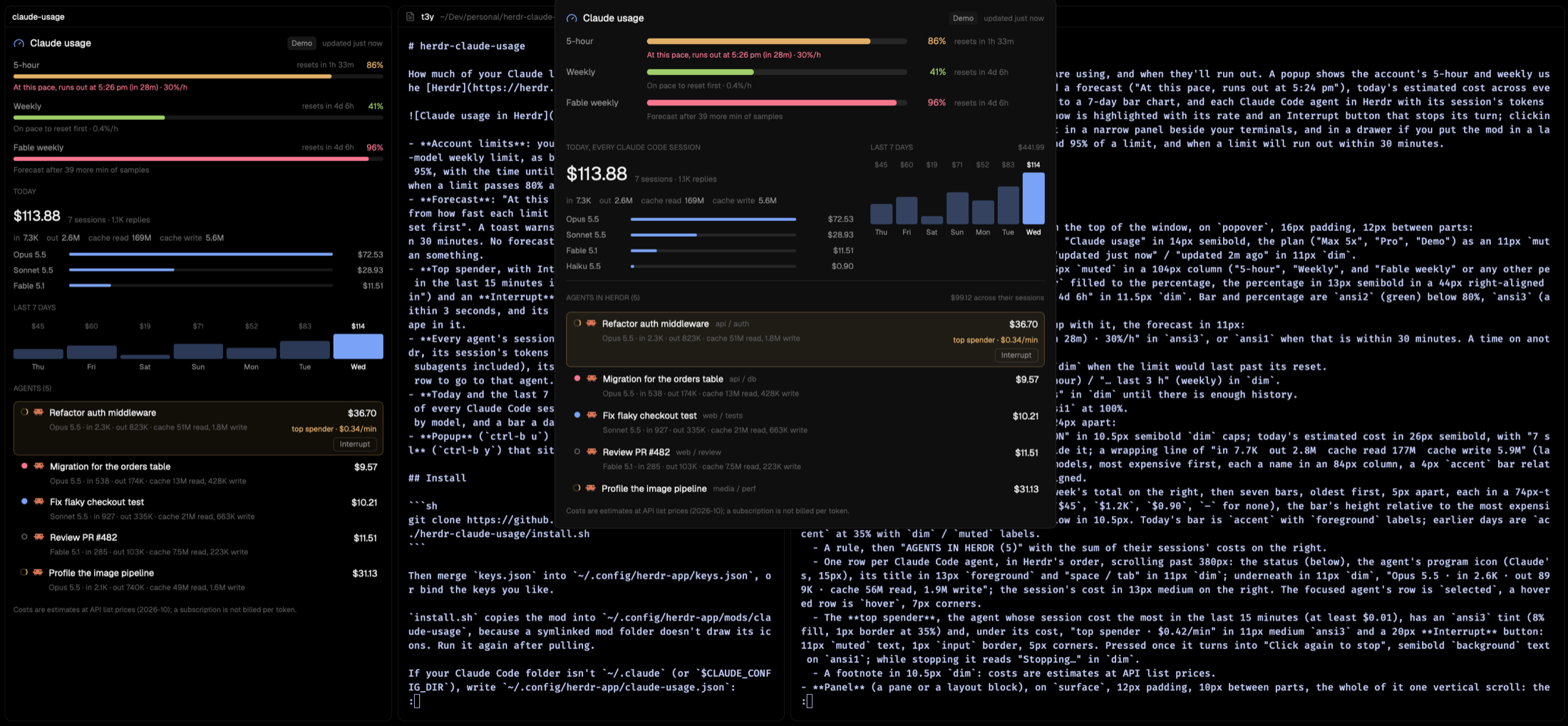
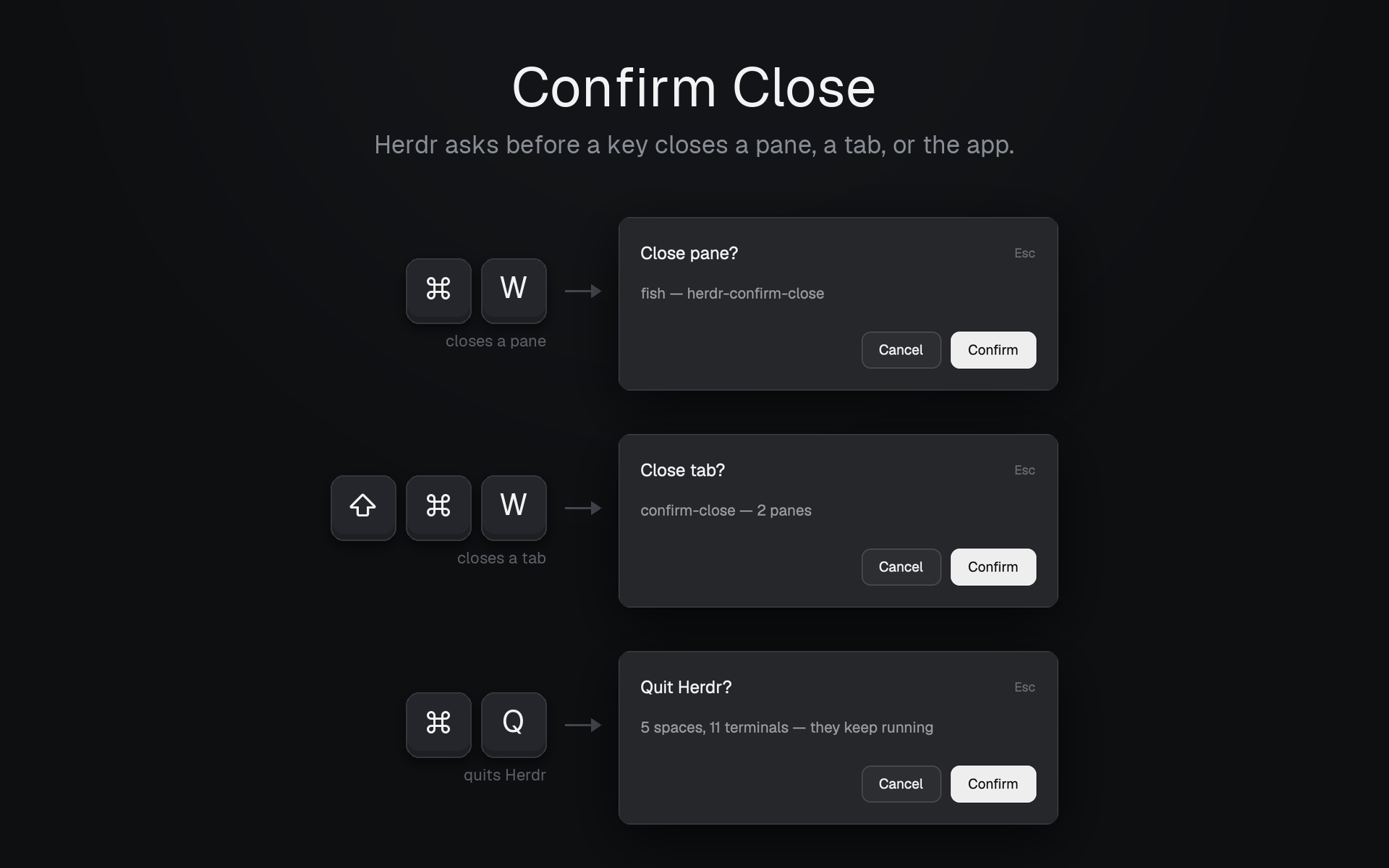

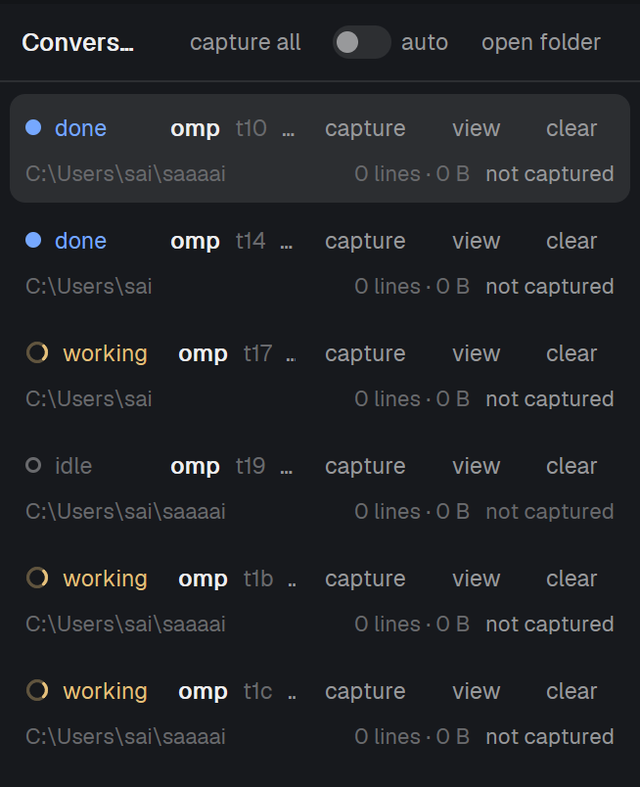




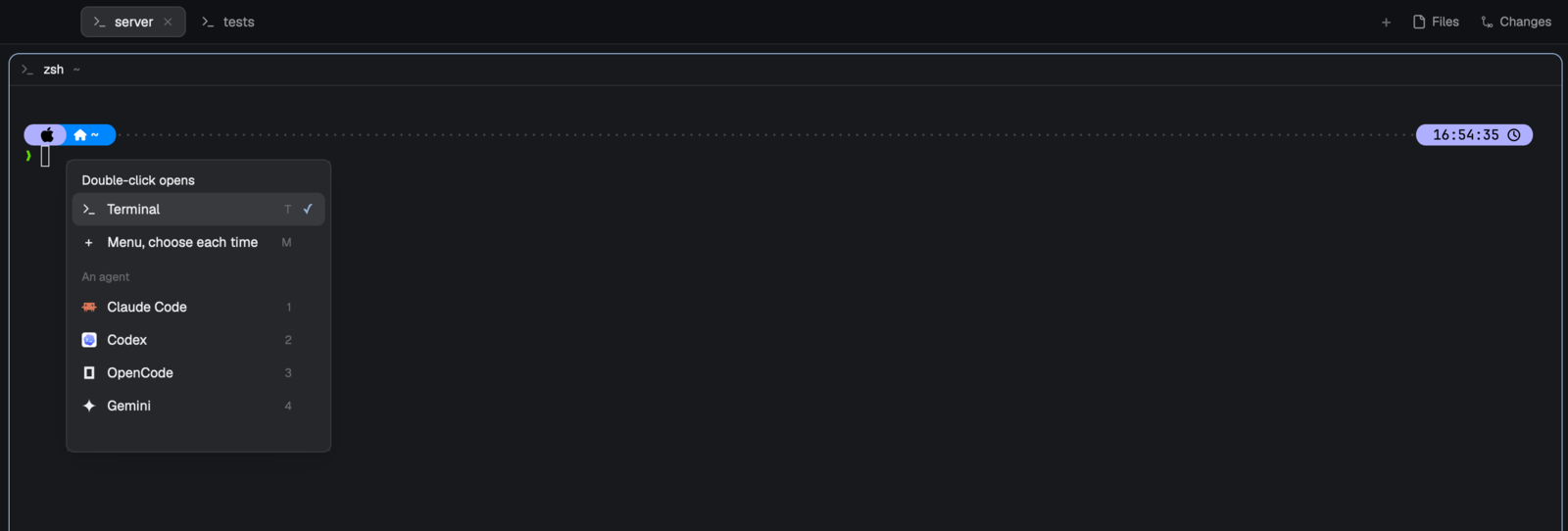
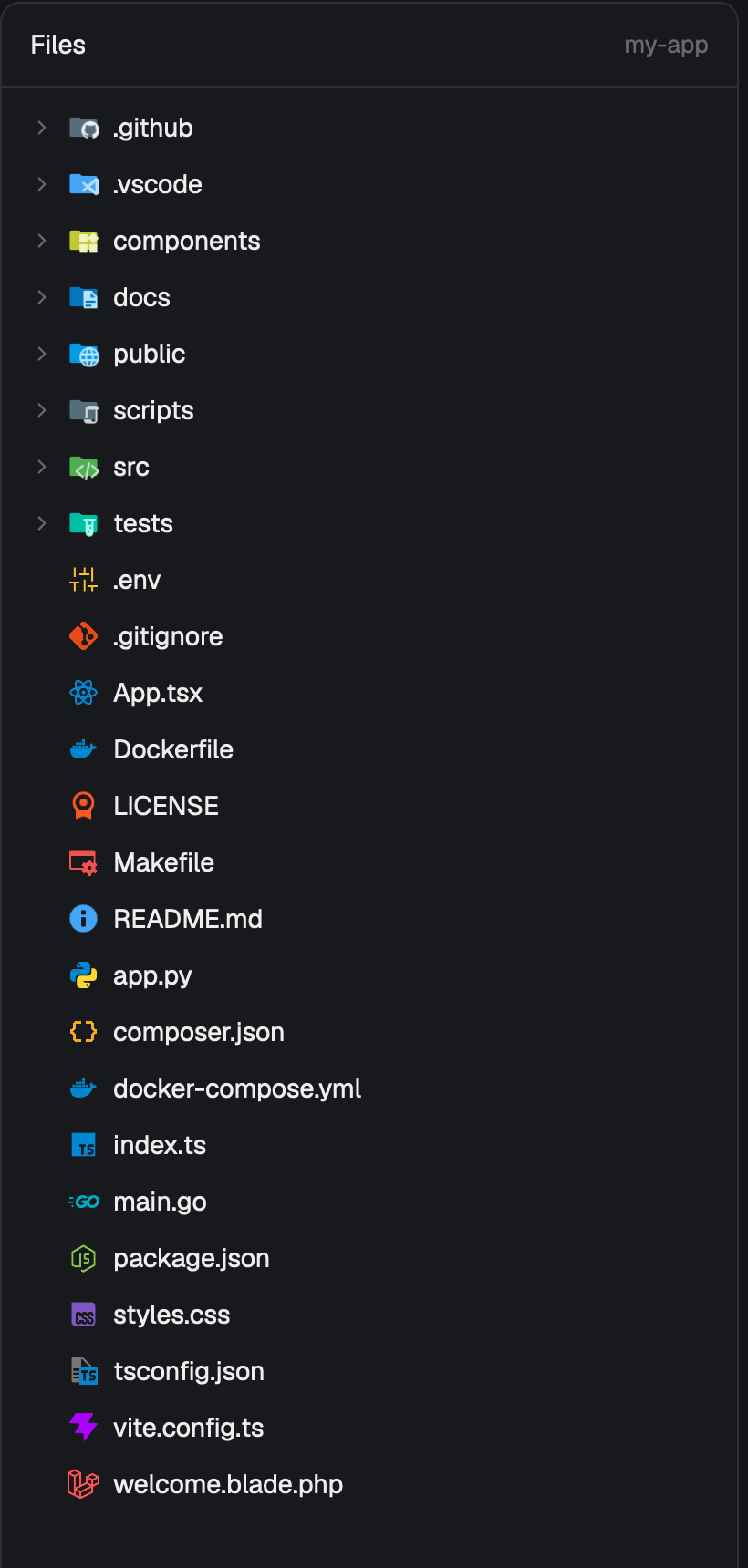

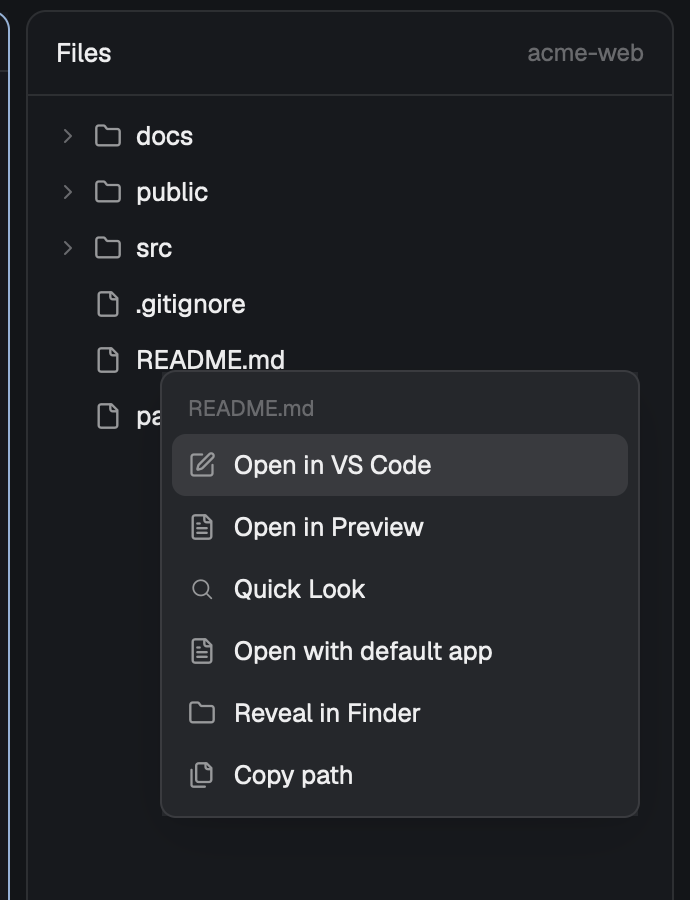

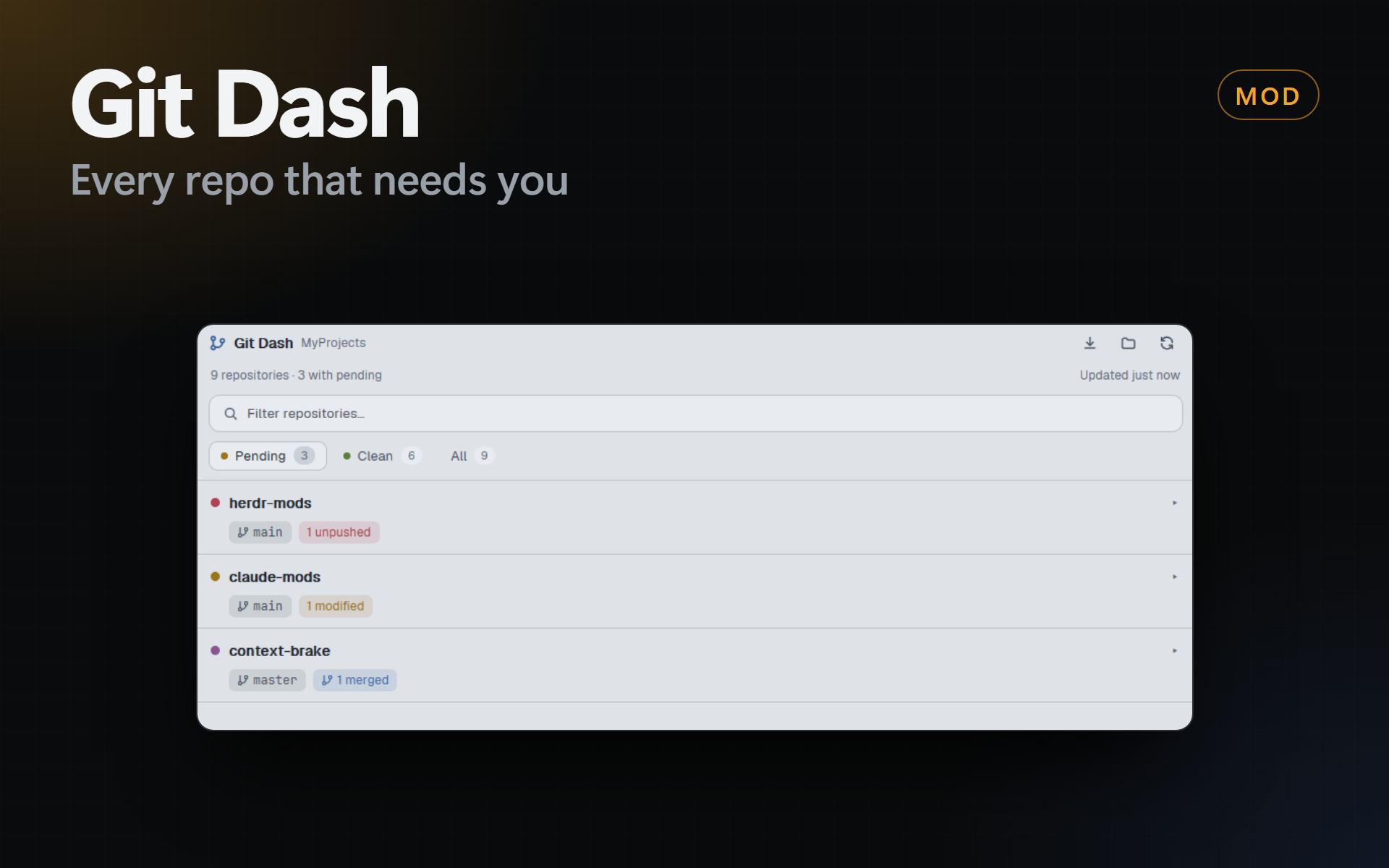




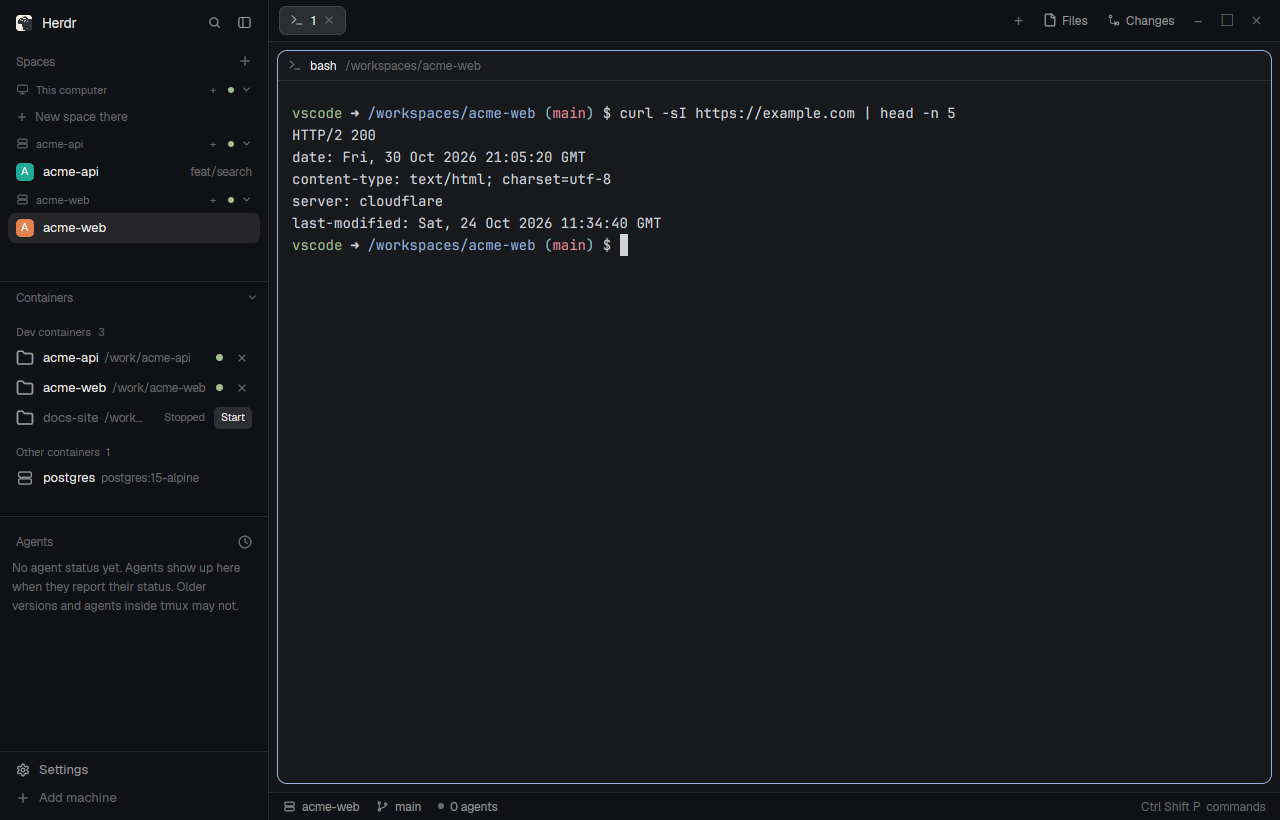

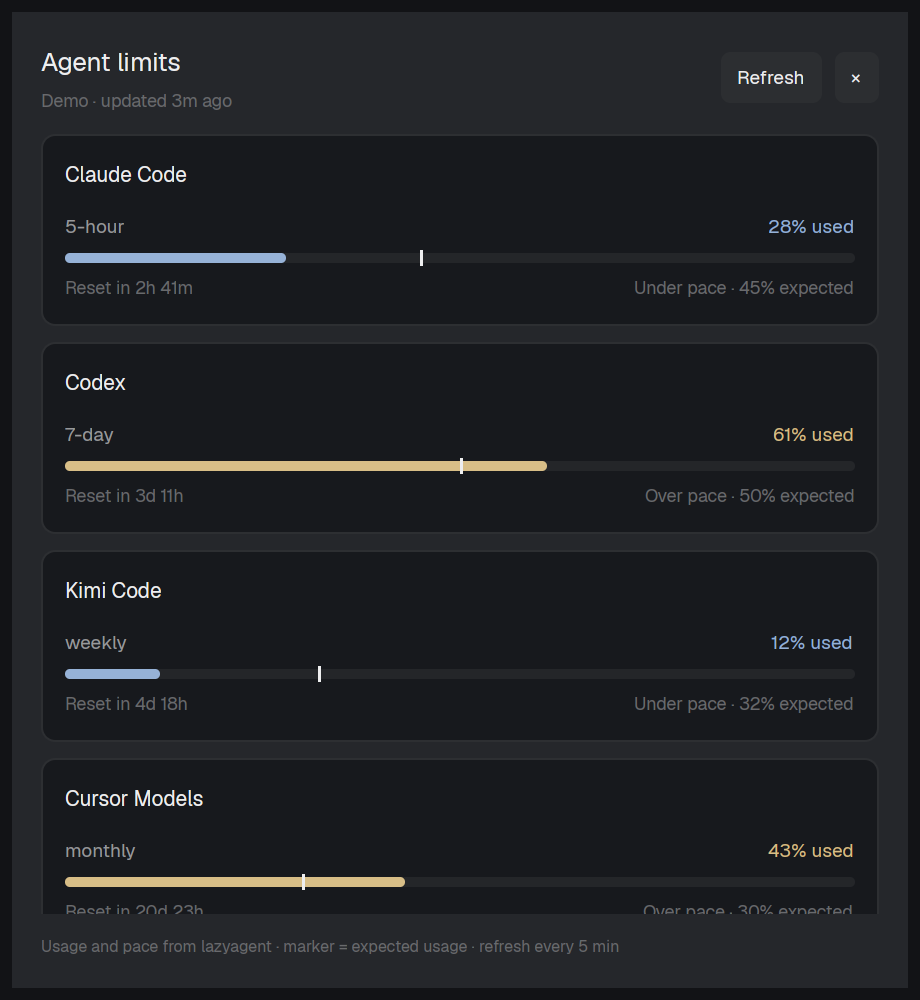

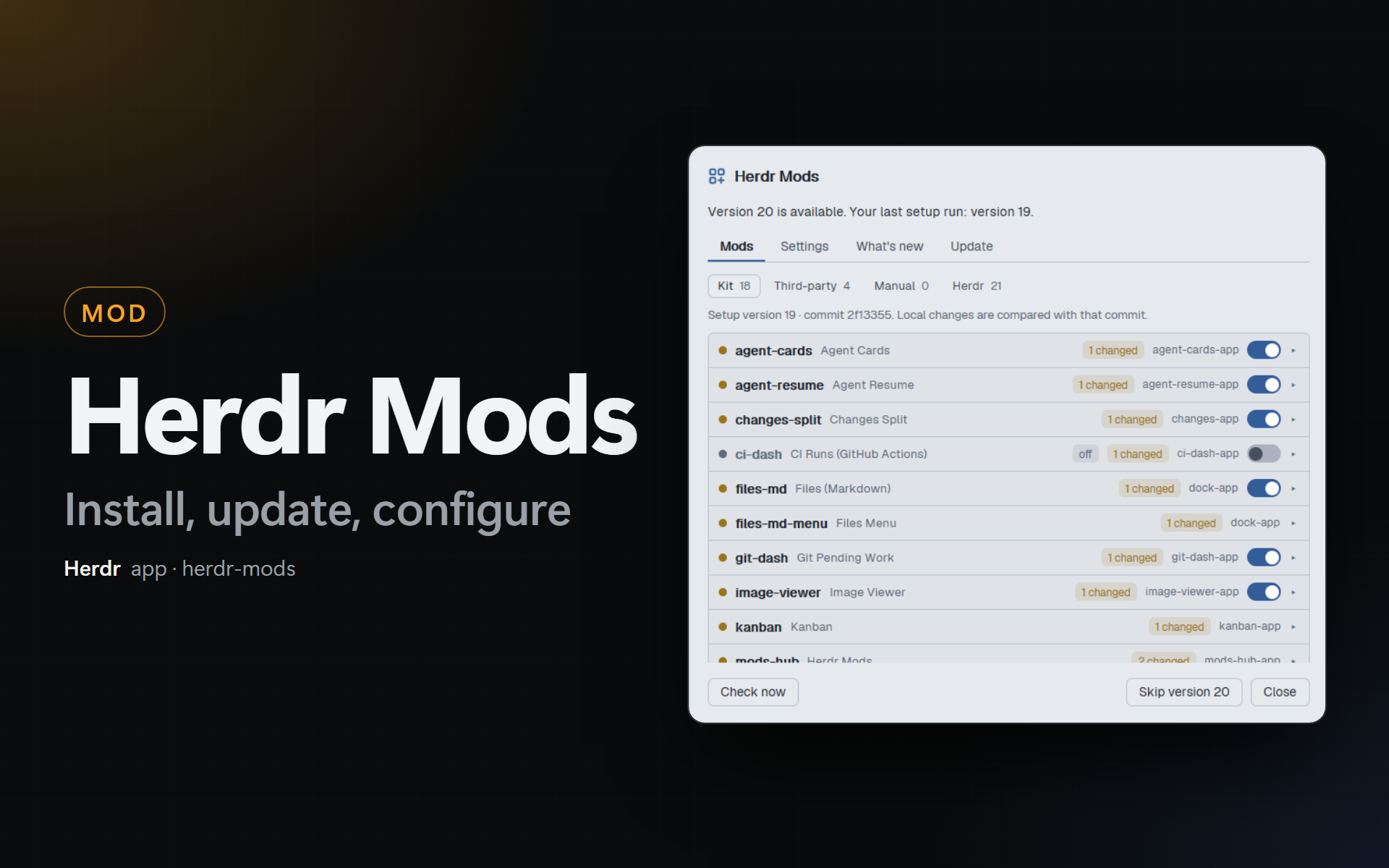
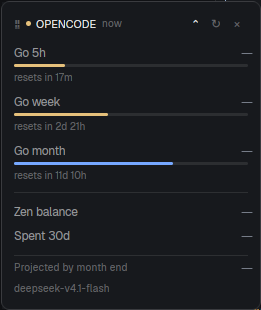

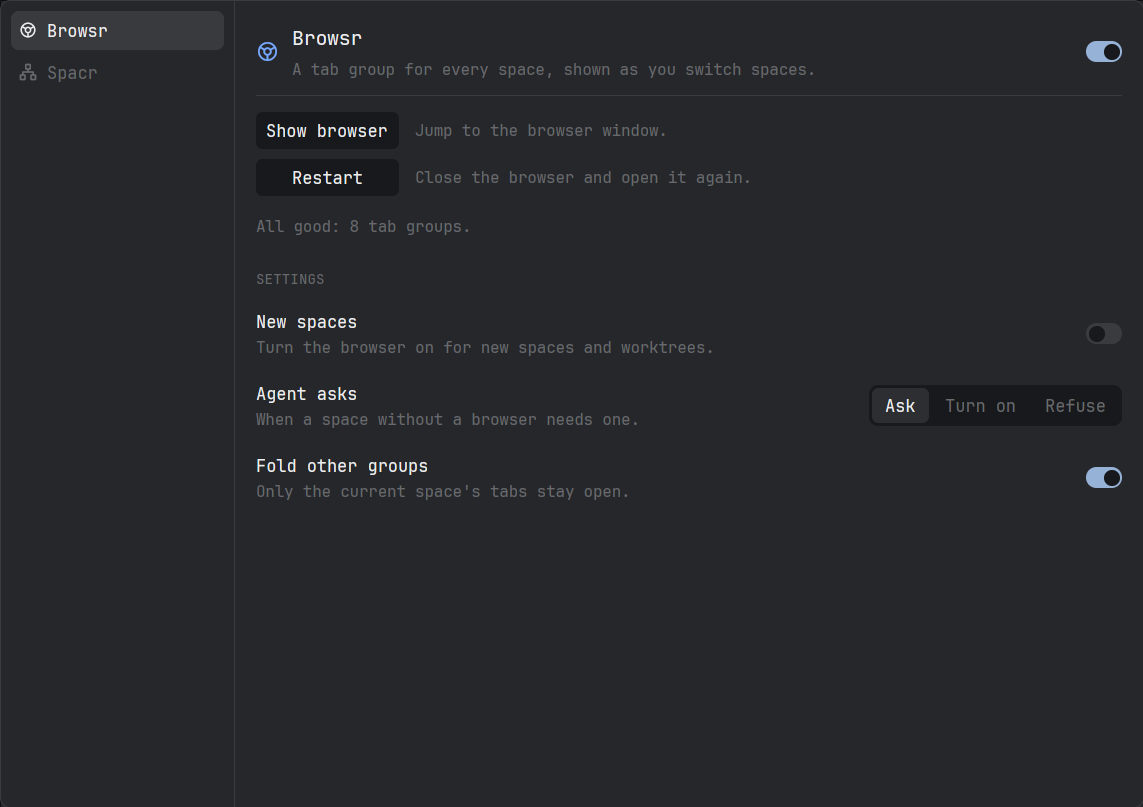



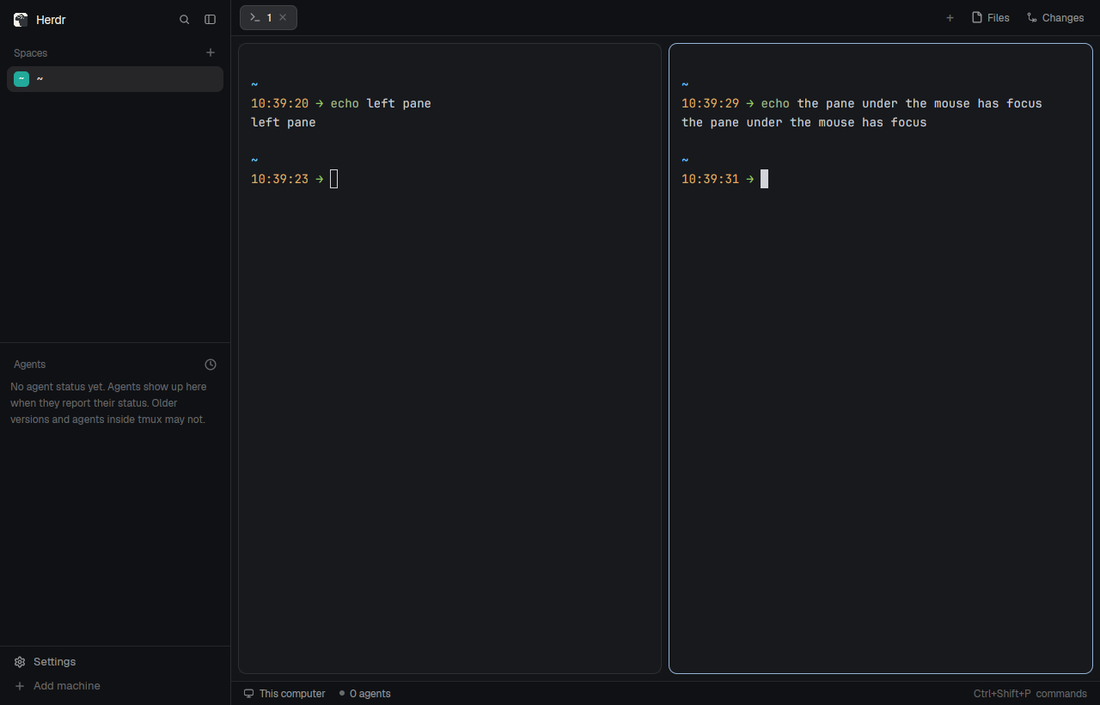






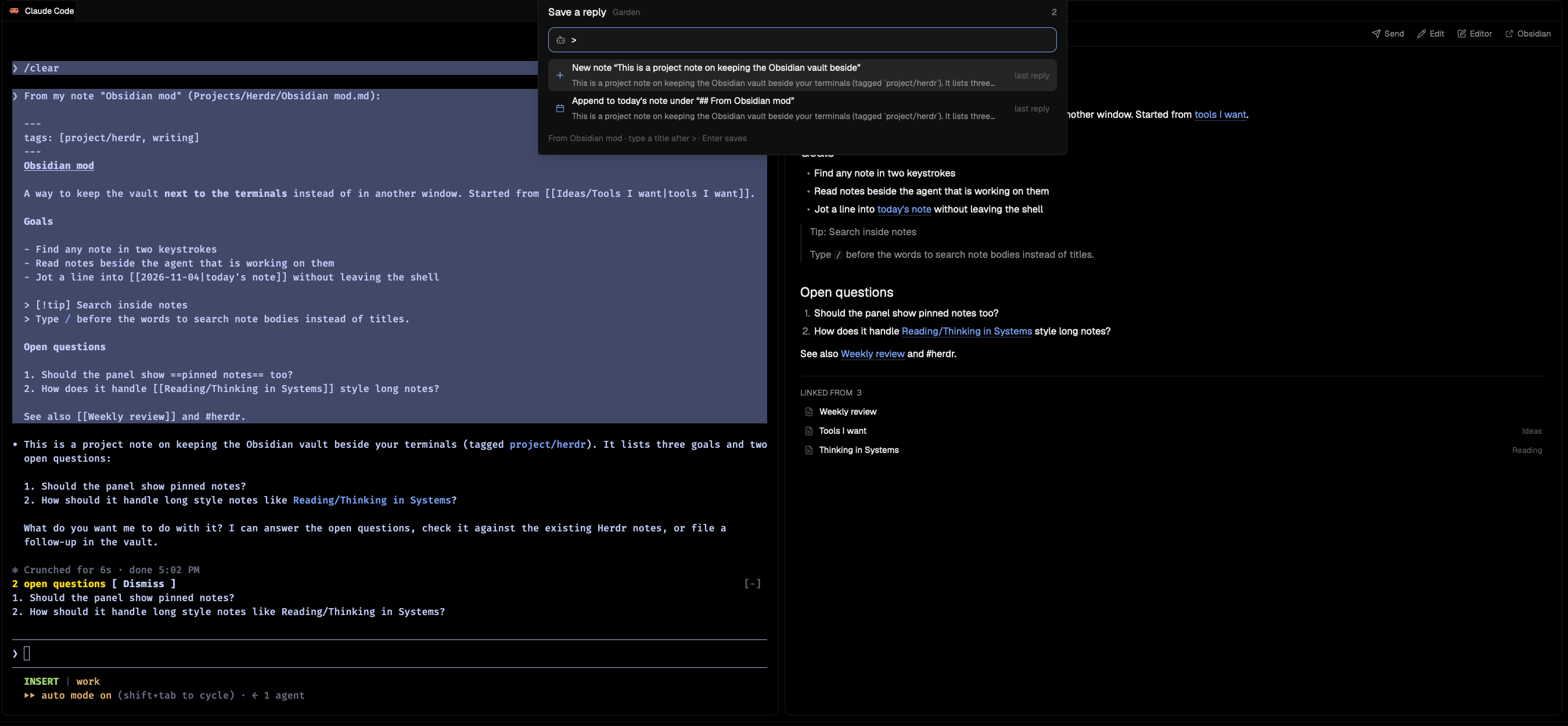
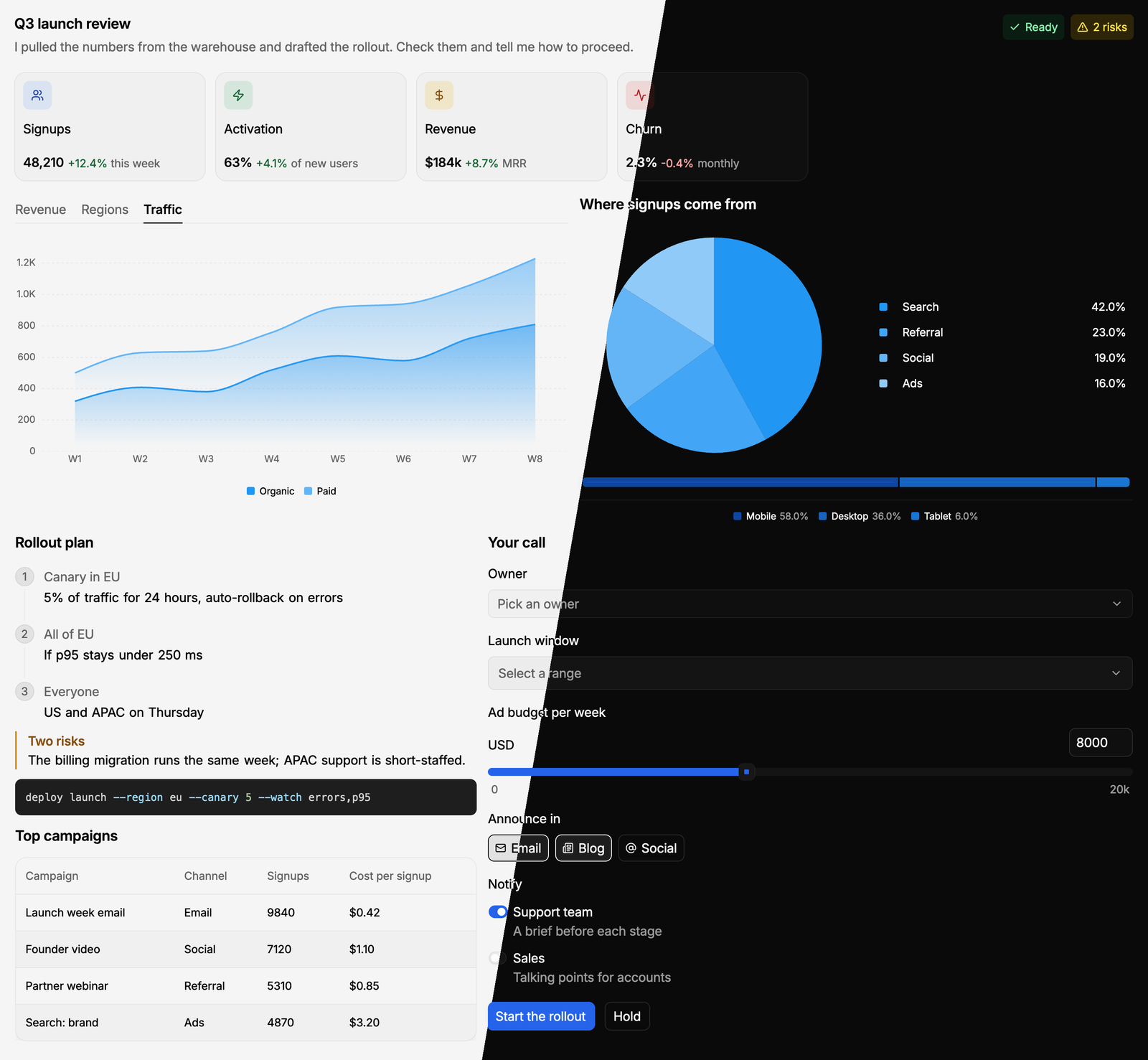


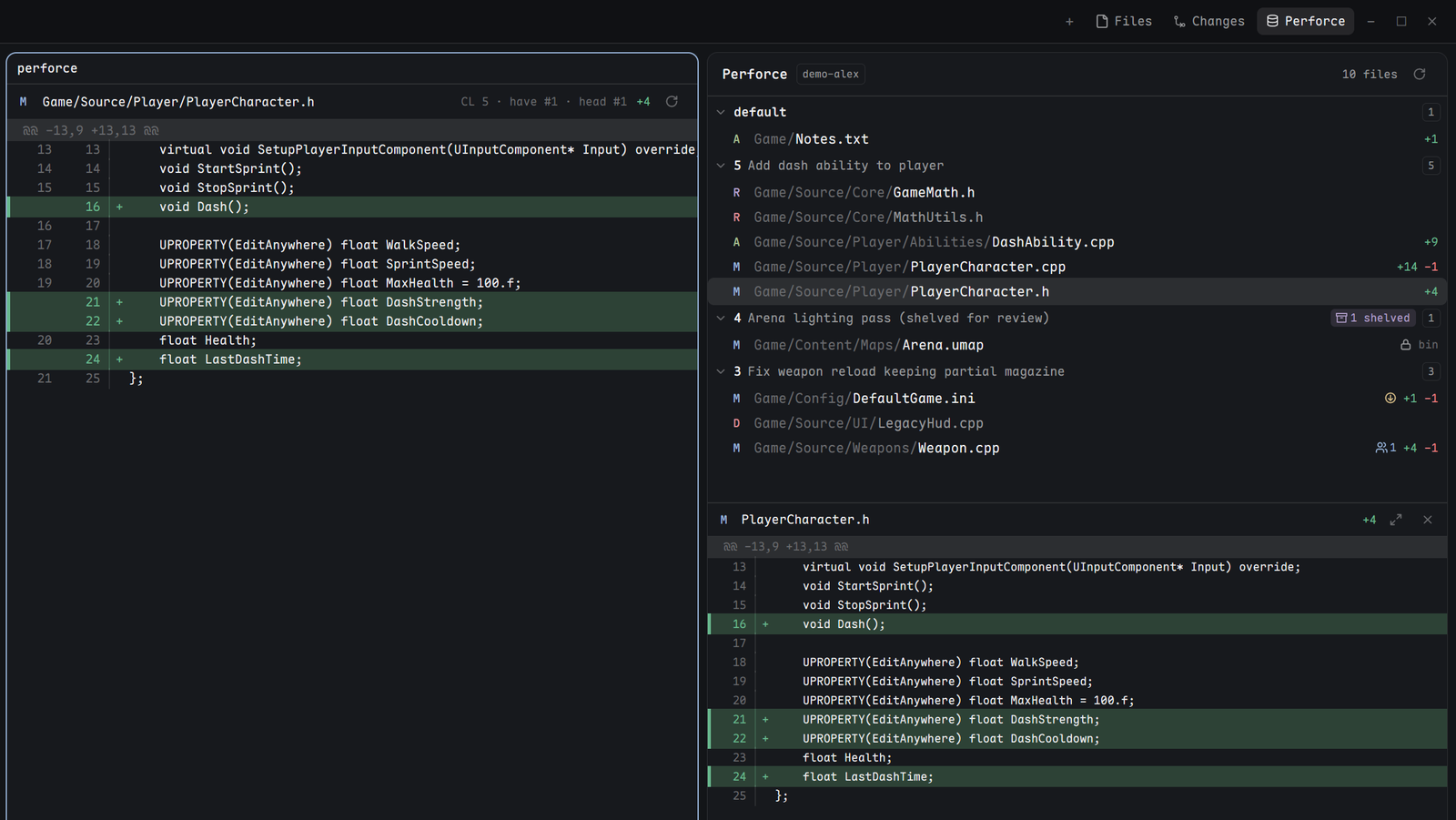

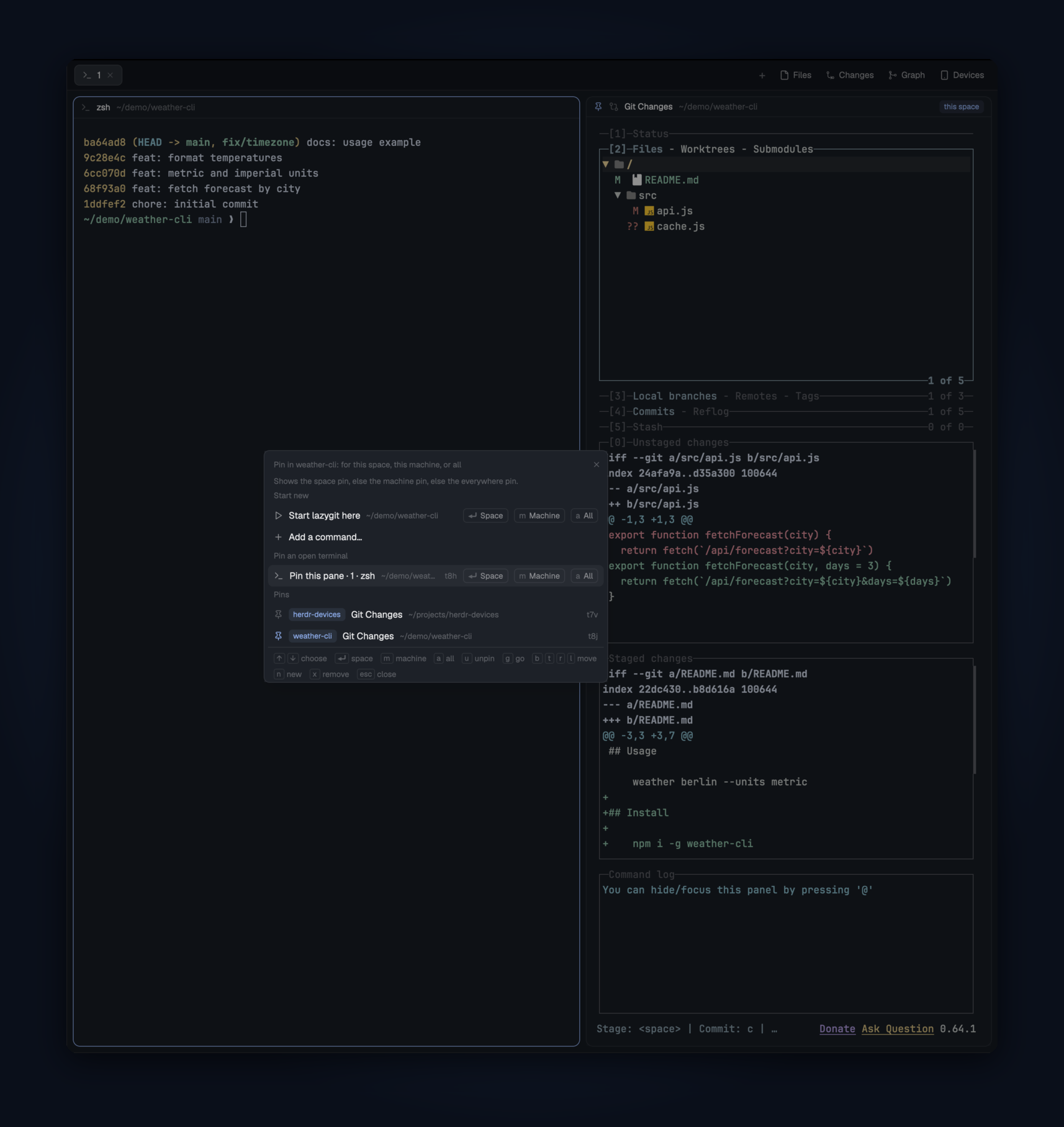
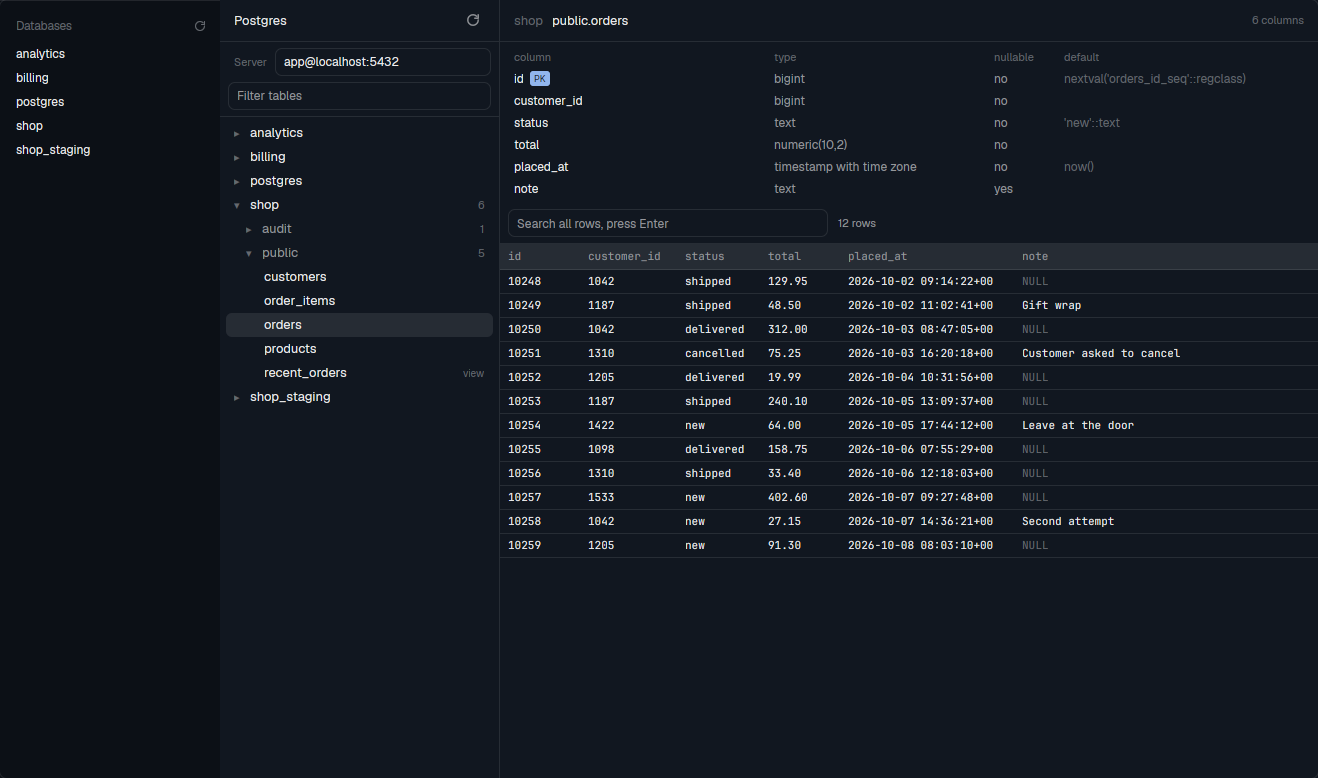

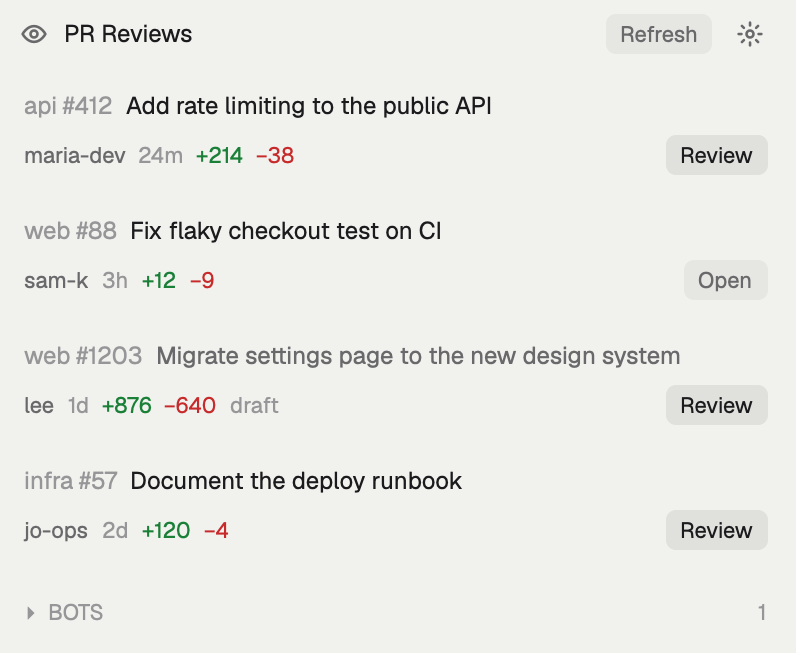

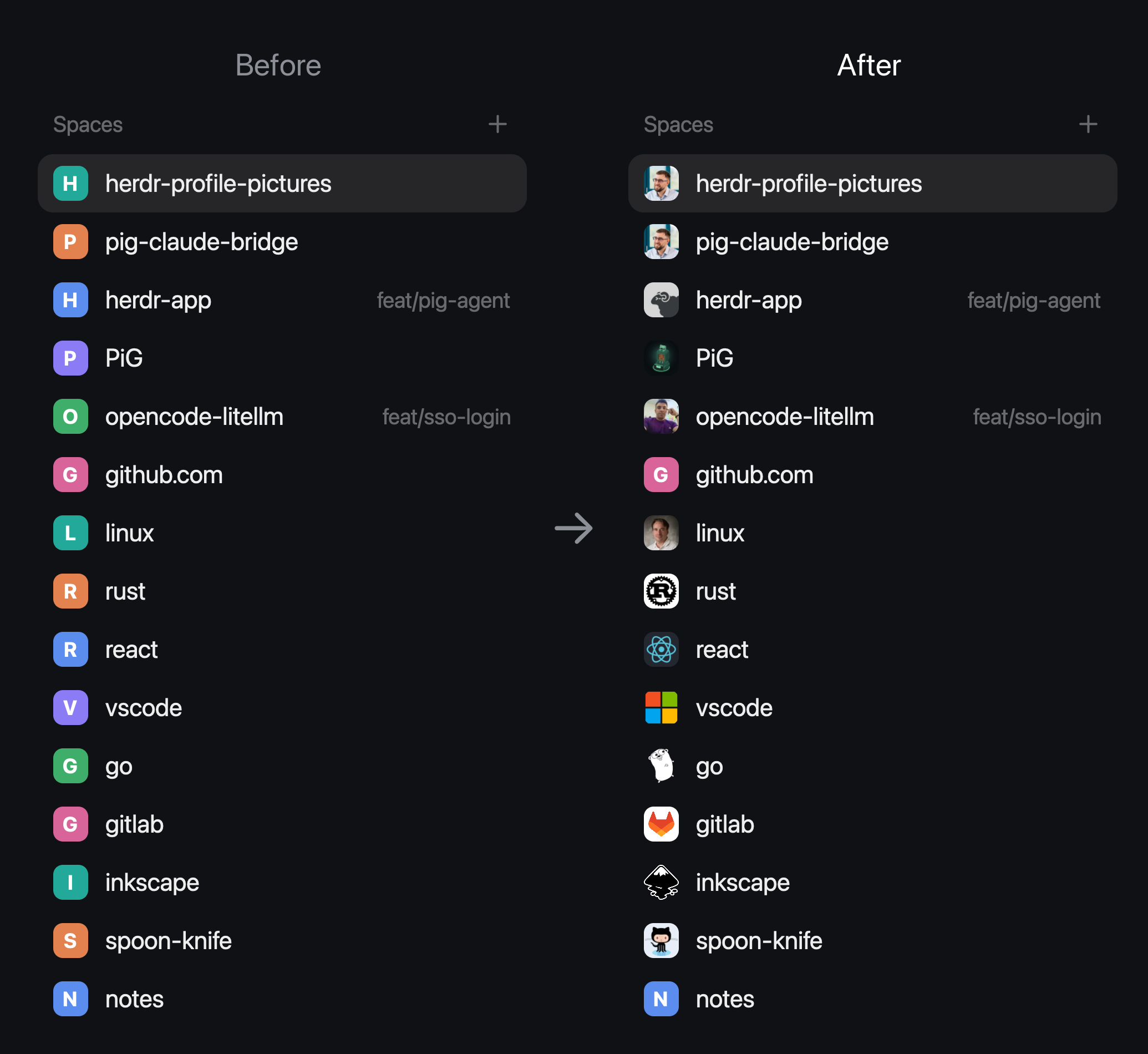

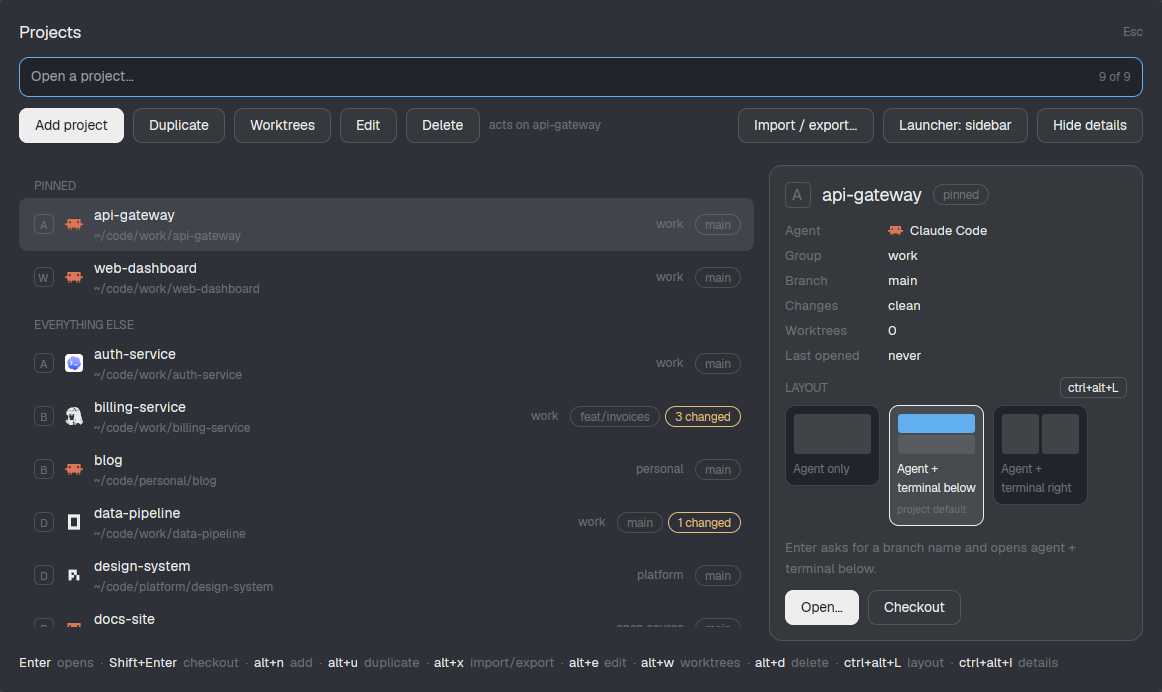

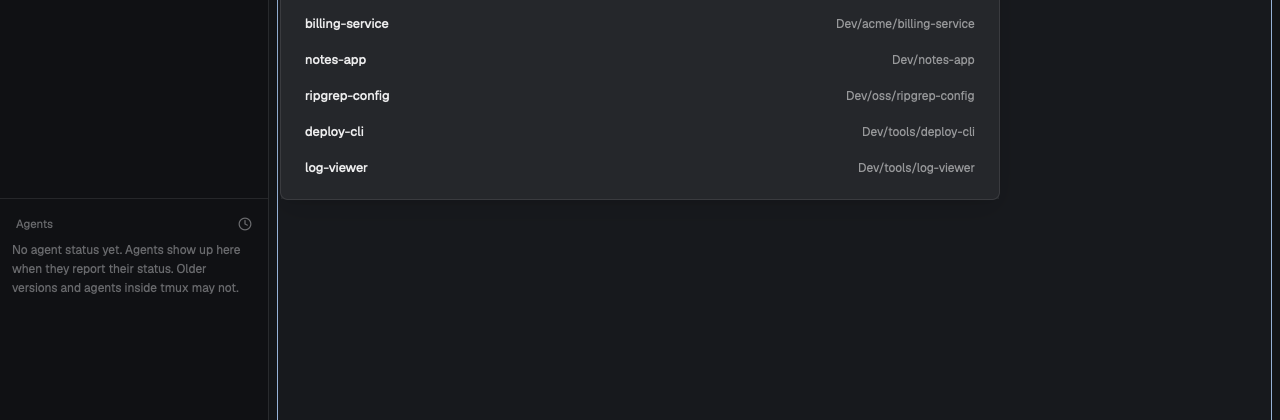
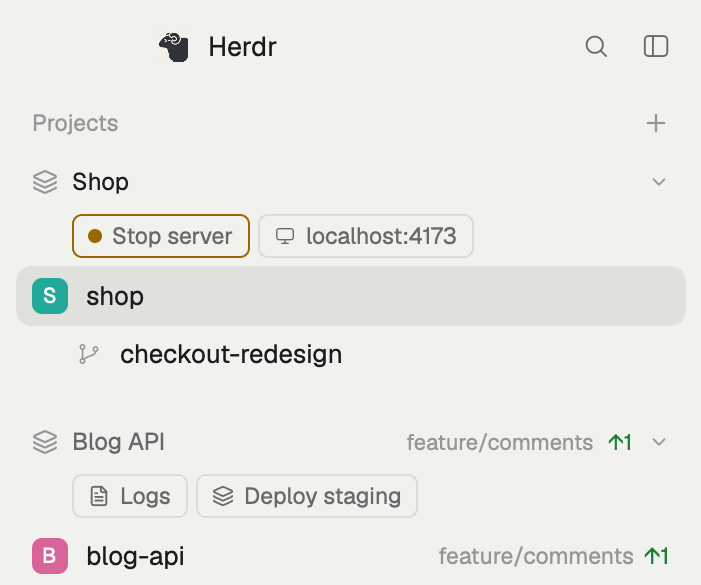




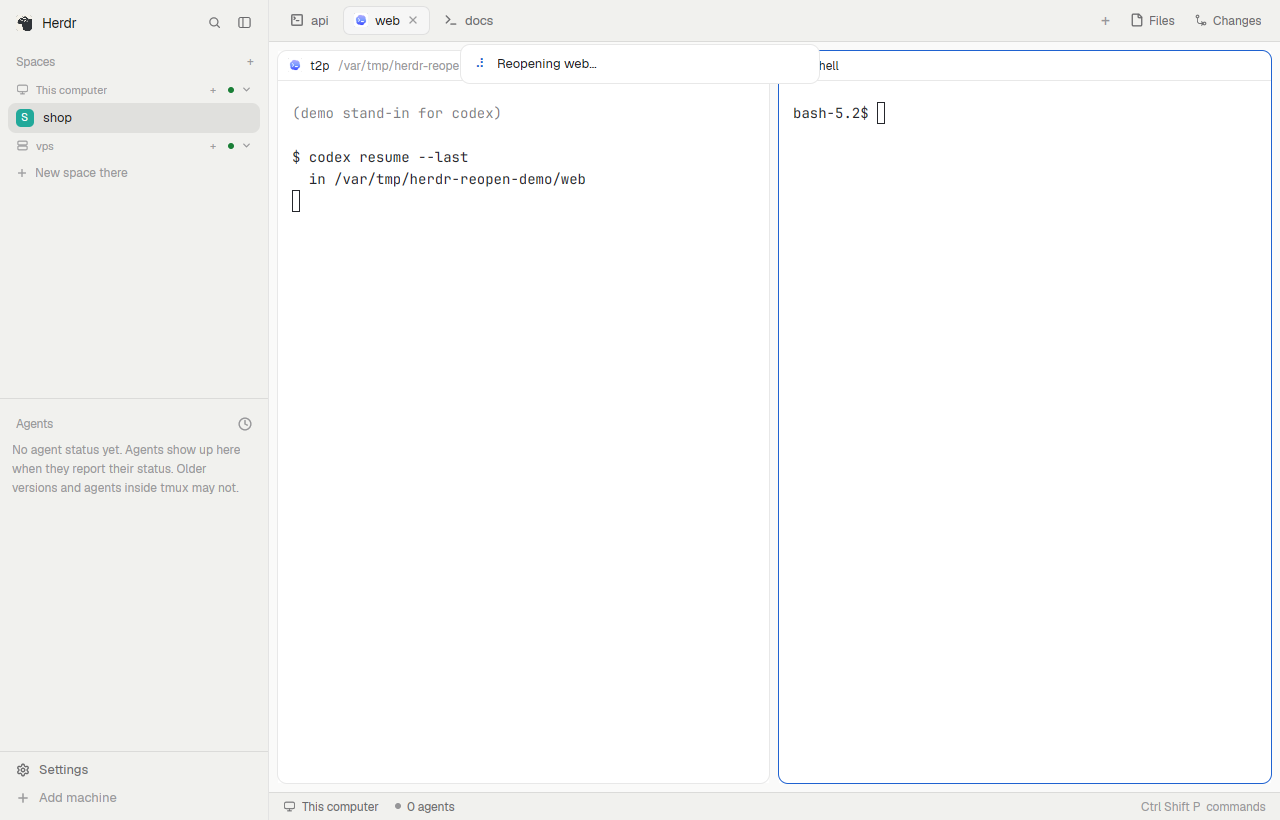


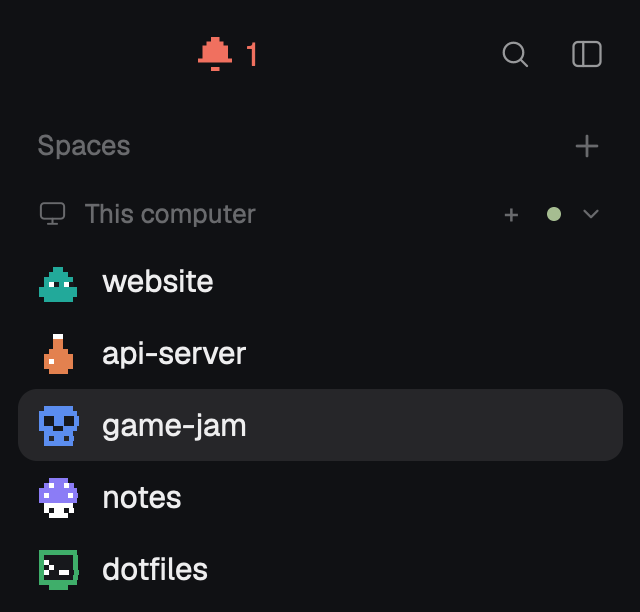
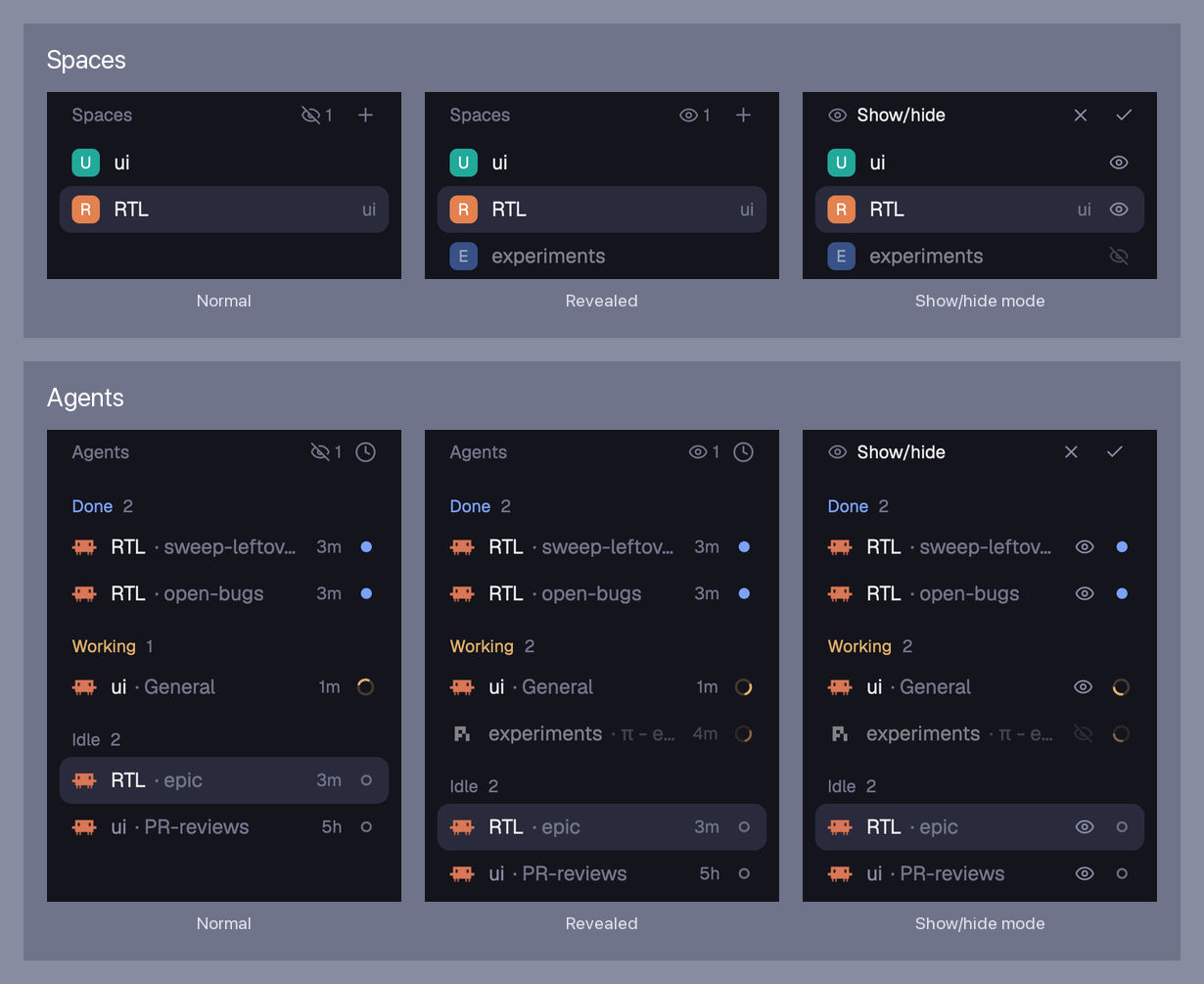
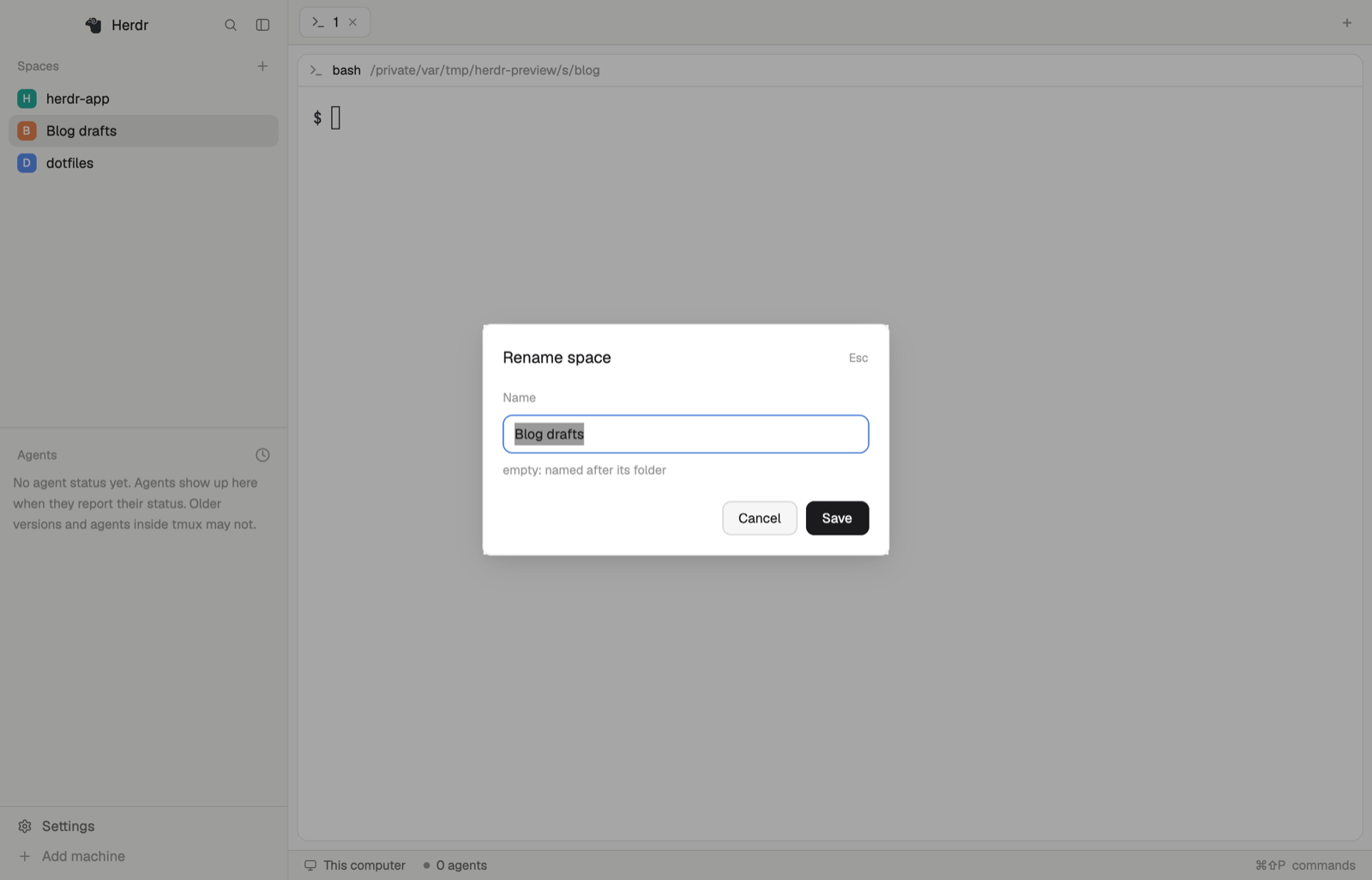
A switch in the Spaces sidebar that hides the names of chosen spaces, machines and tabs so the window can be screenshotted or screen-shared safely. Hover a space, a machine header or a tab and click its eye to choose how it shows. Or add phrases to a hide list (Hide phrases… in the gear beside "Spaces"), and anything whose name, title, folder, repo or branch contains one is hidden automatically. A phrase can have an alias: with "top secret client name" → "bob", a space called "top secret…





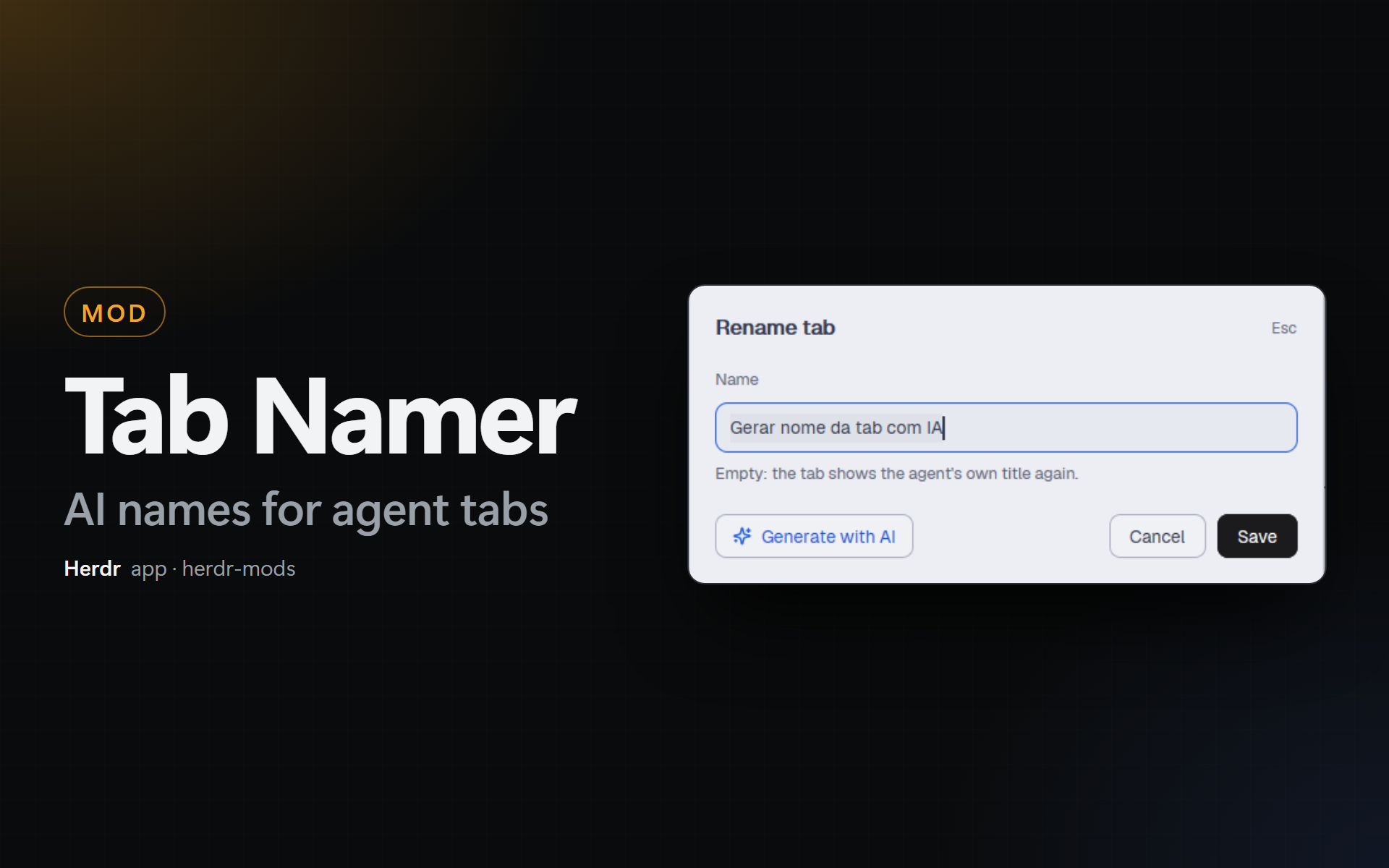



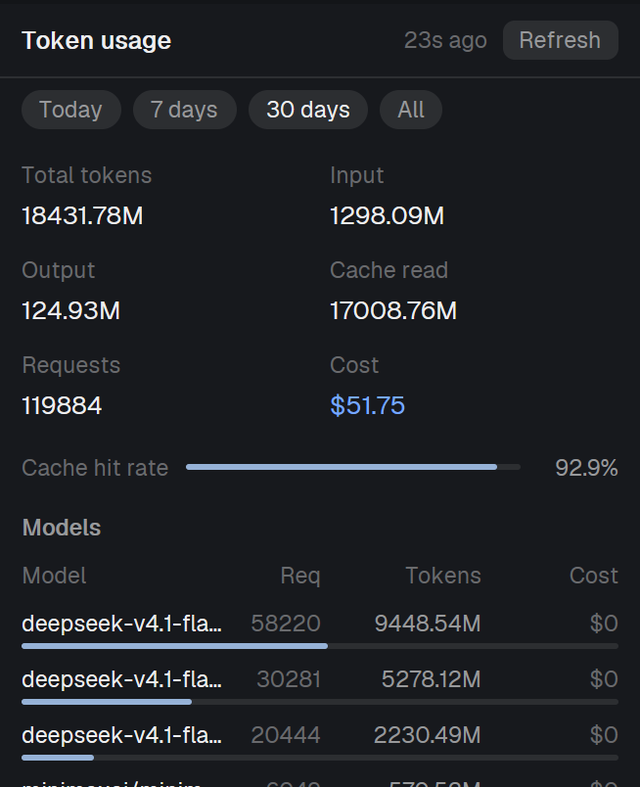
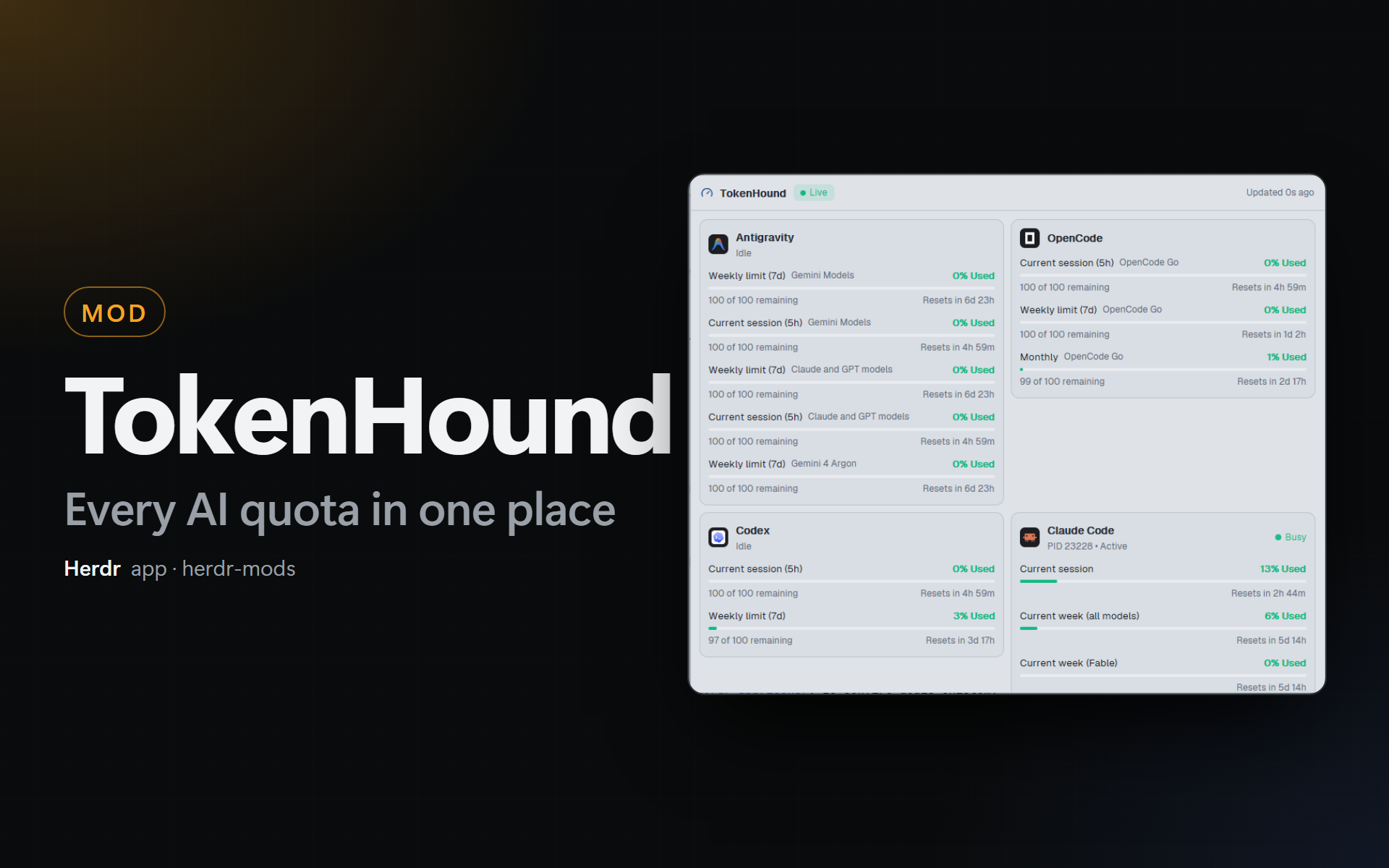
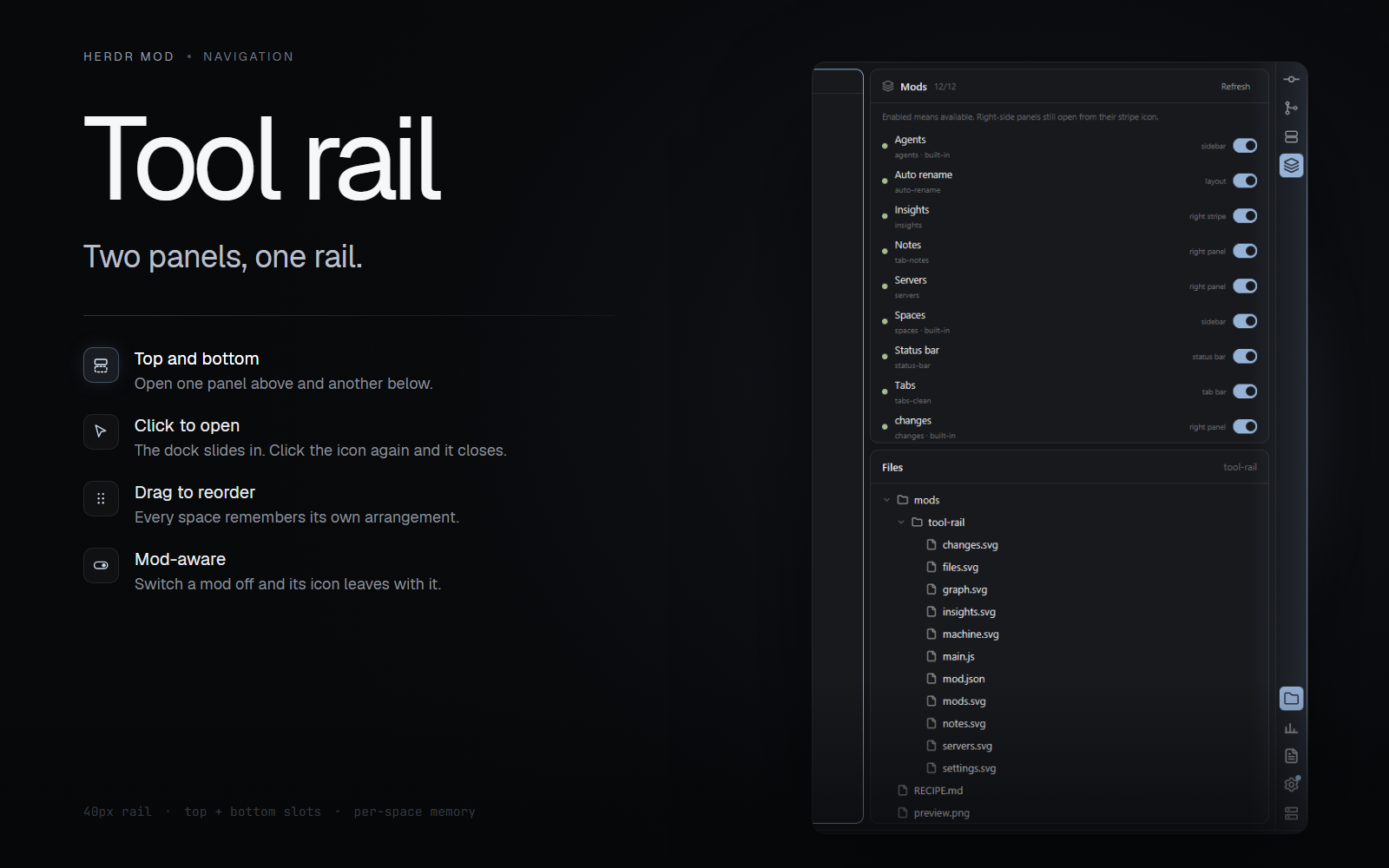



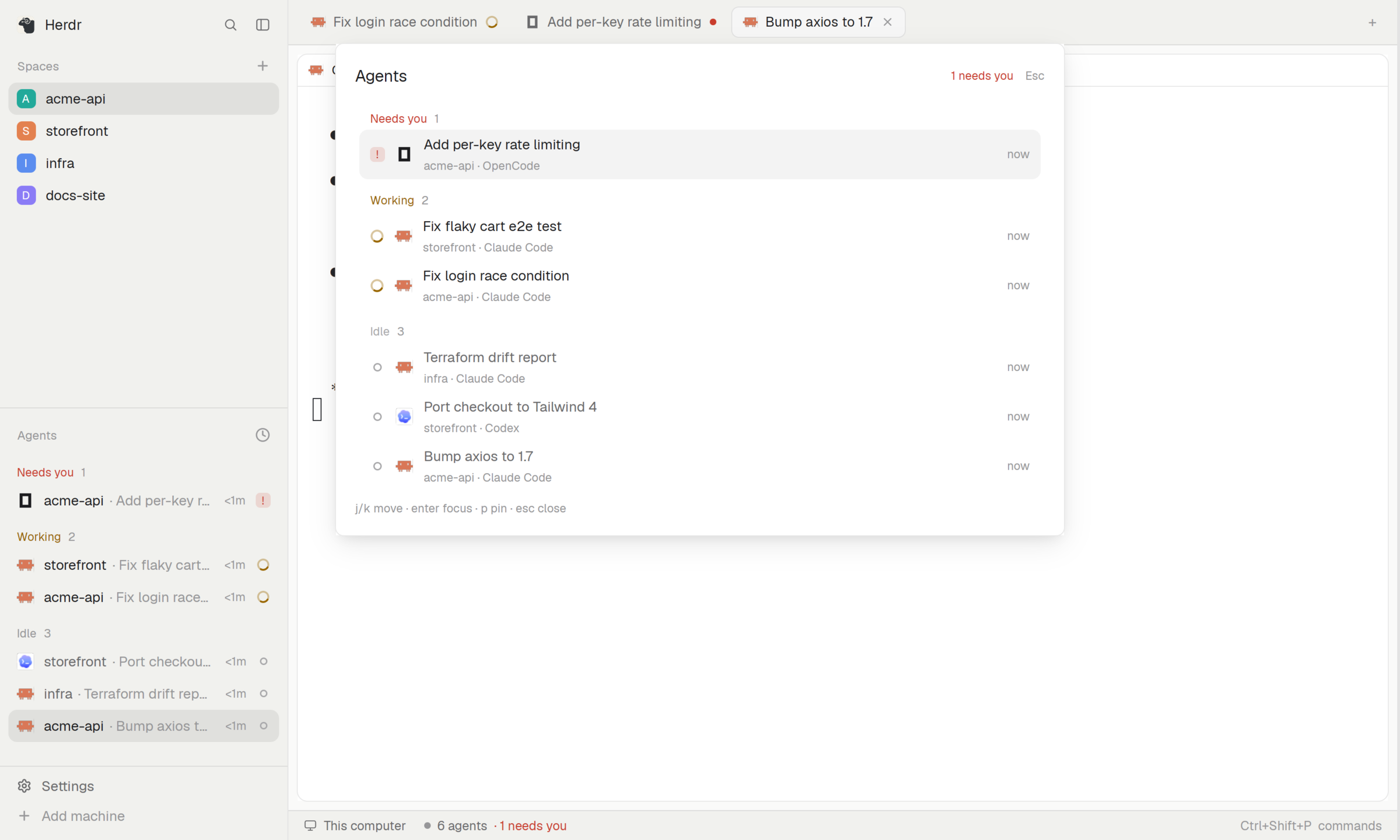


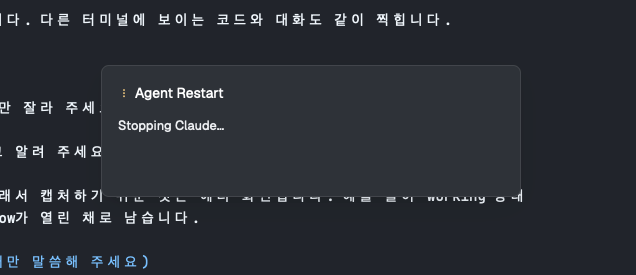



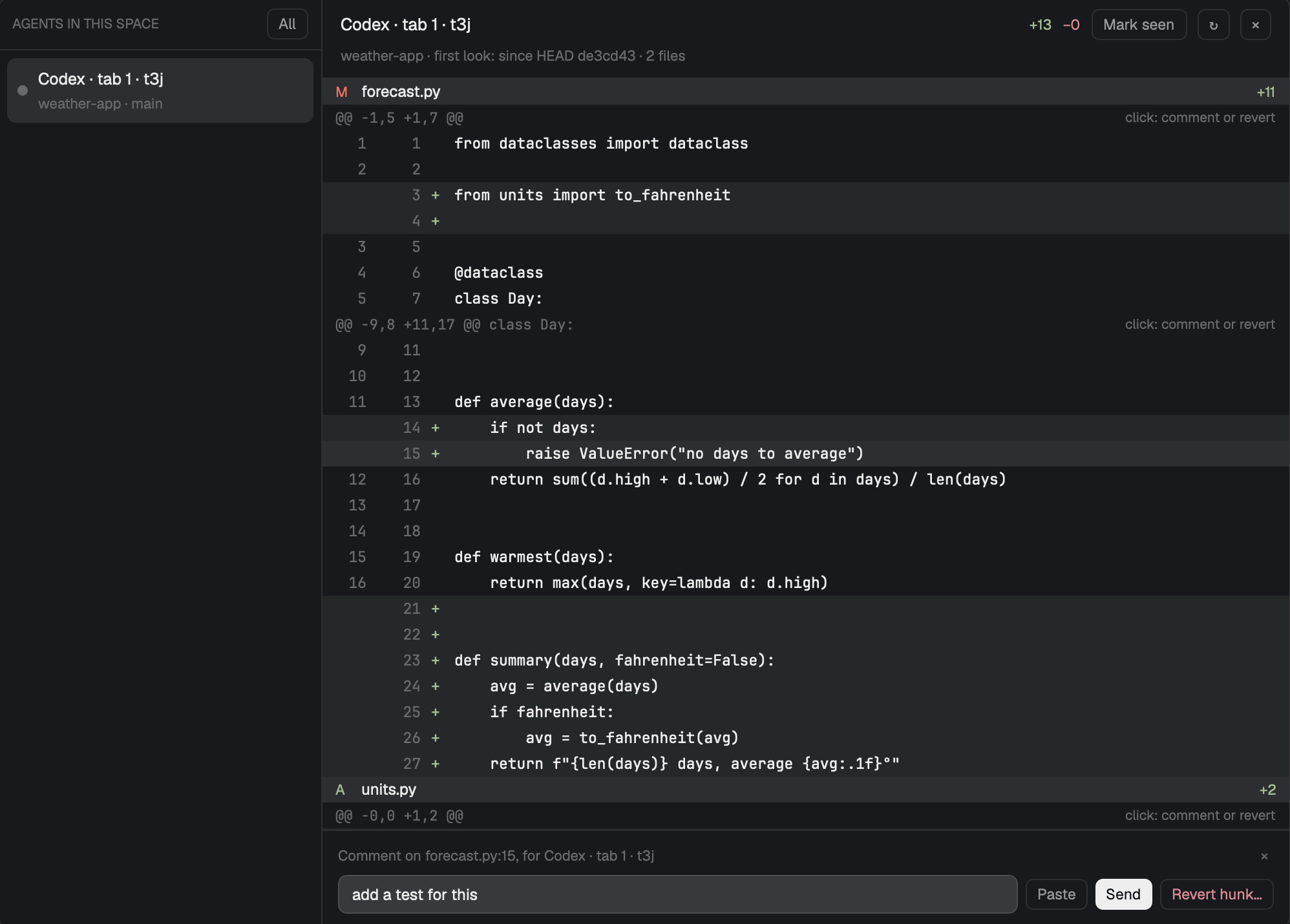
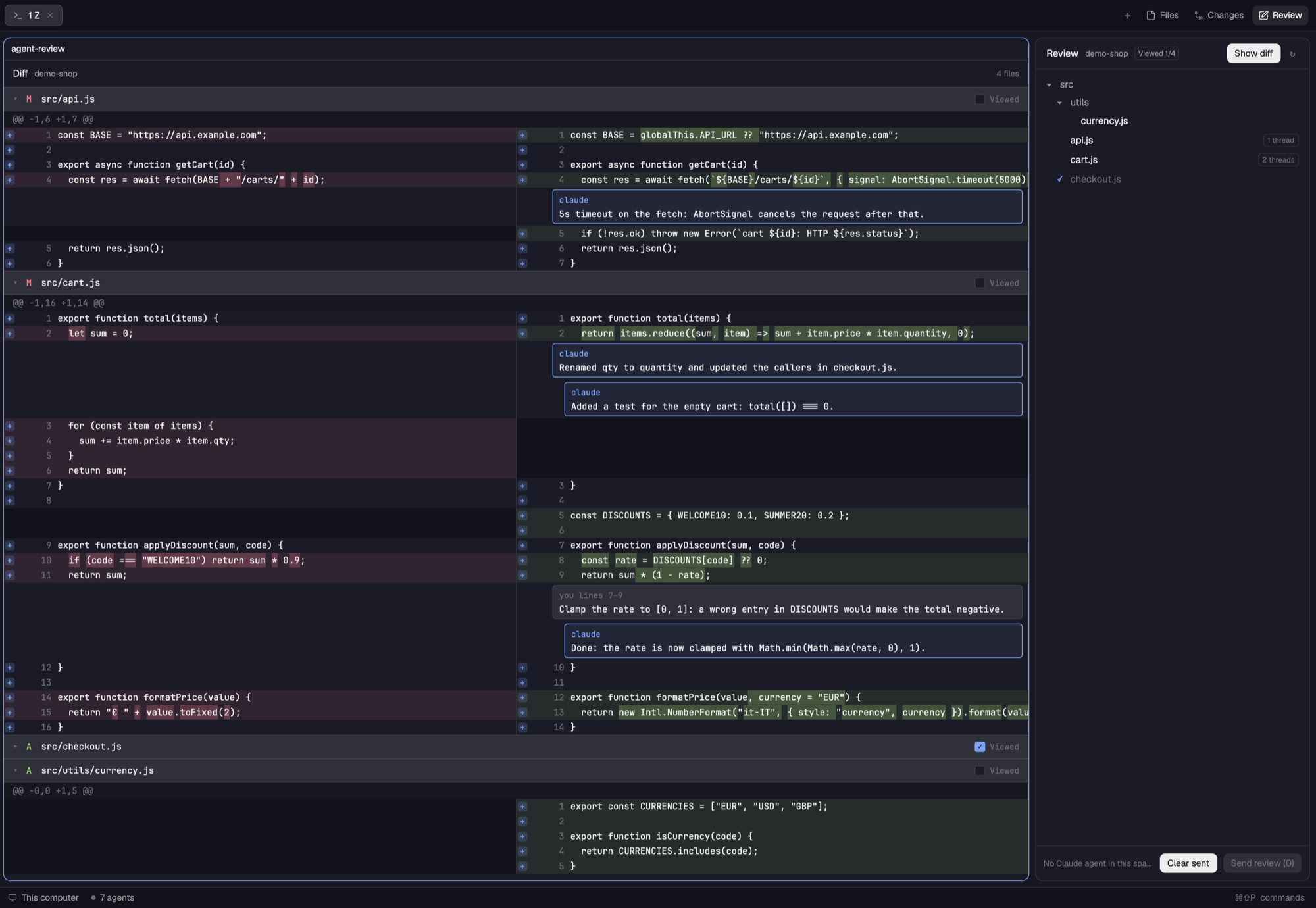




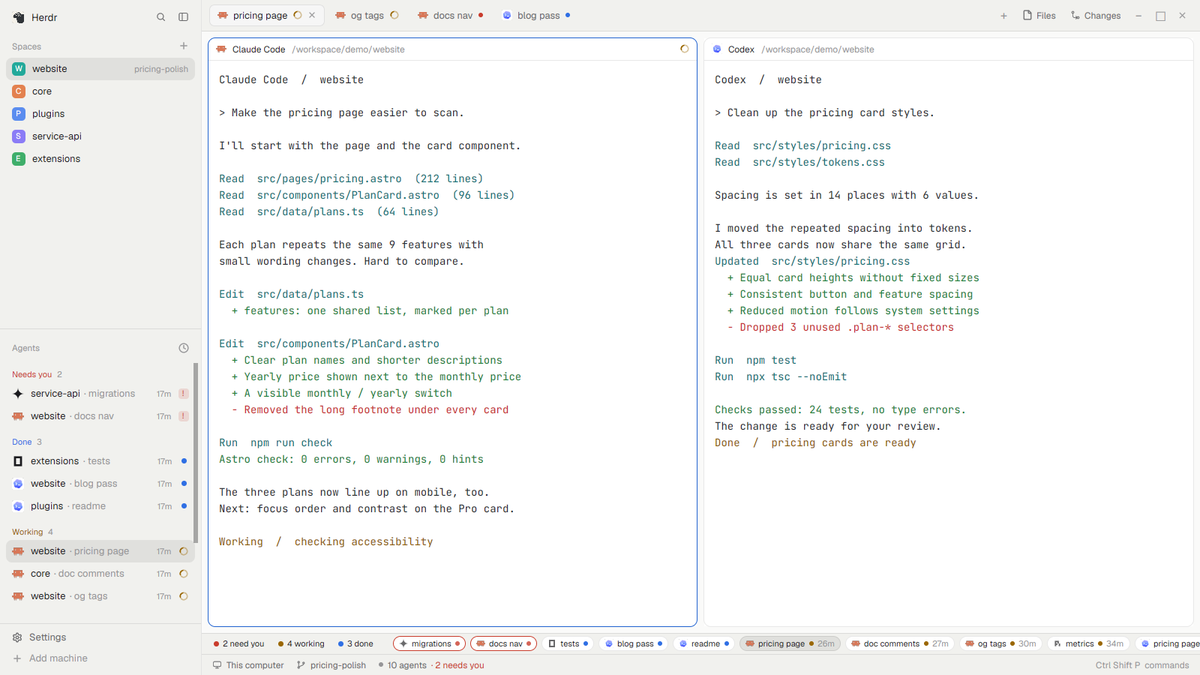


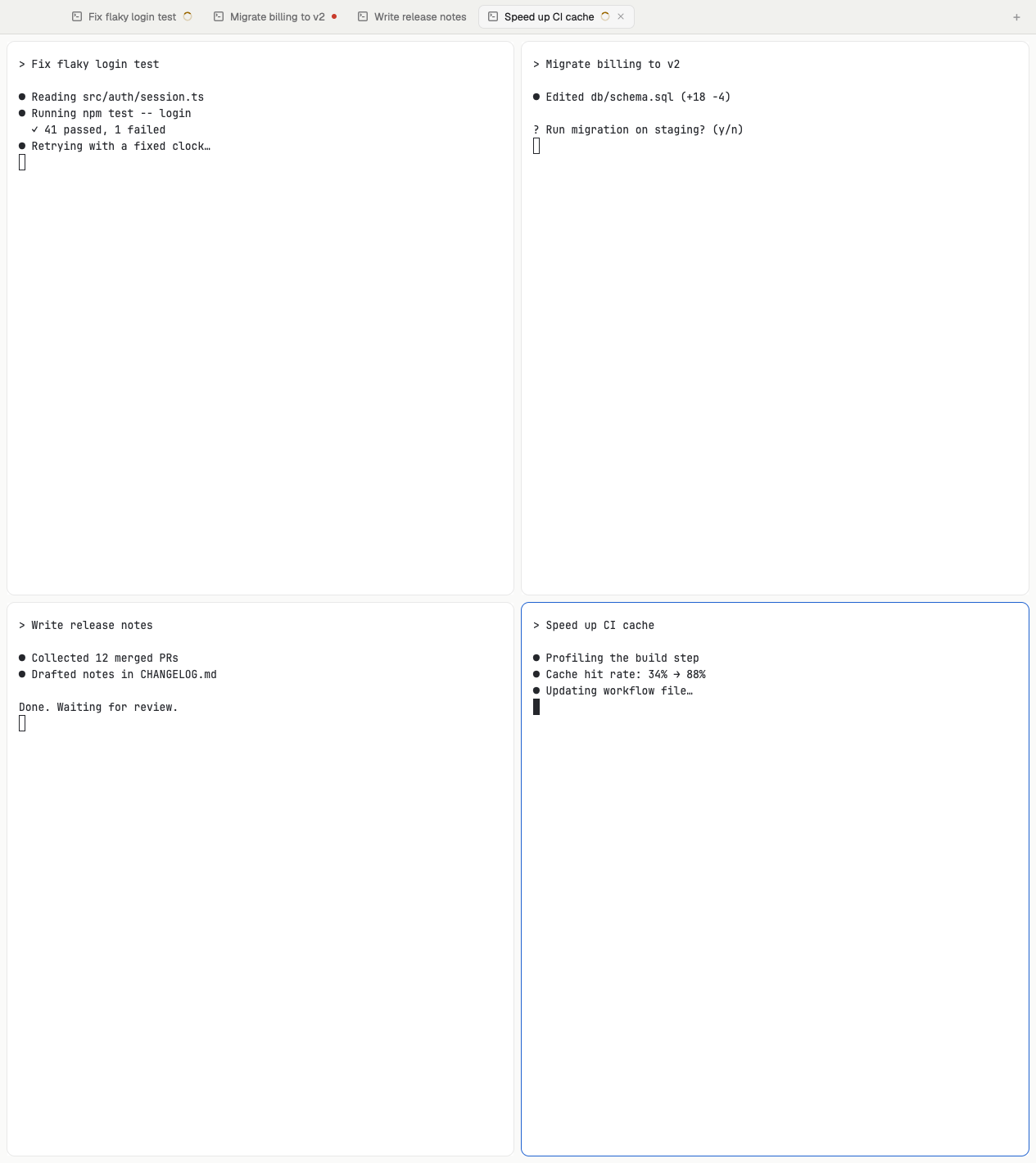

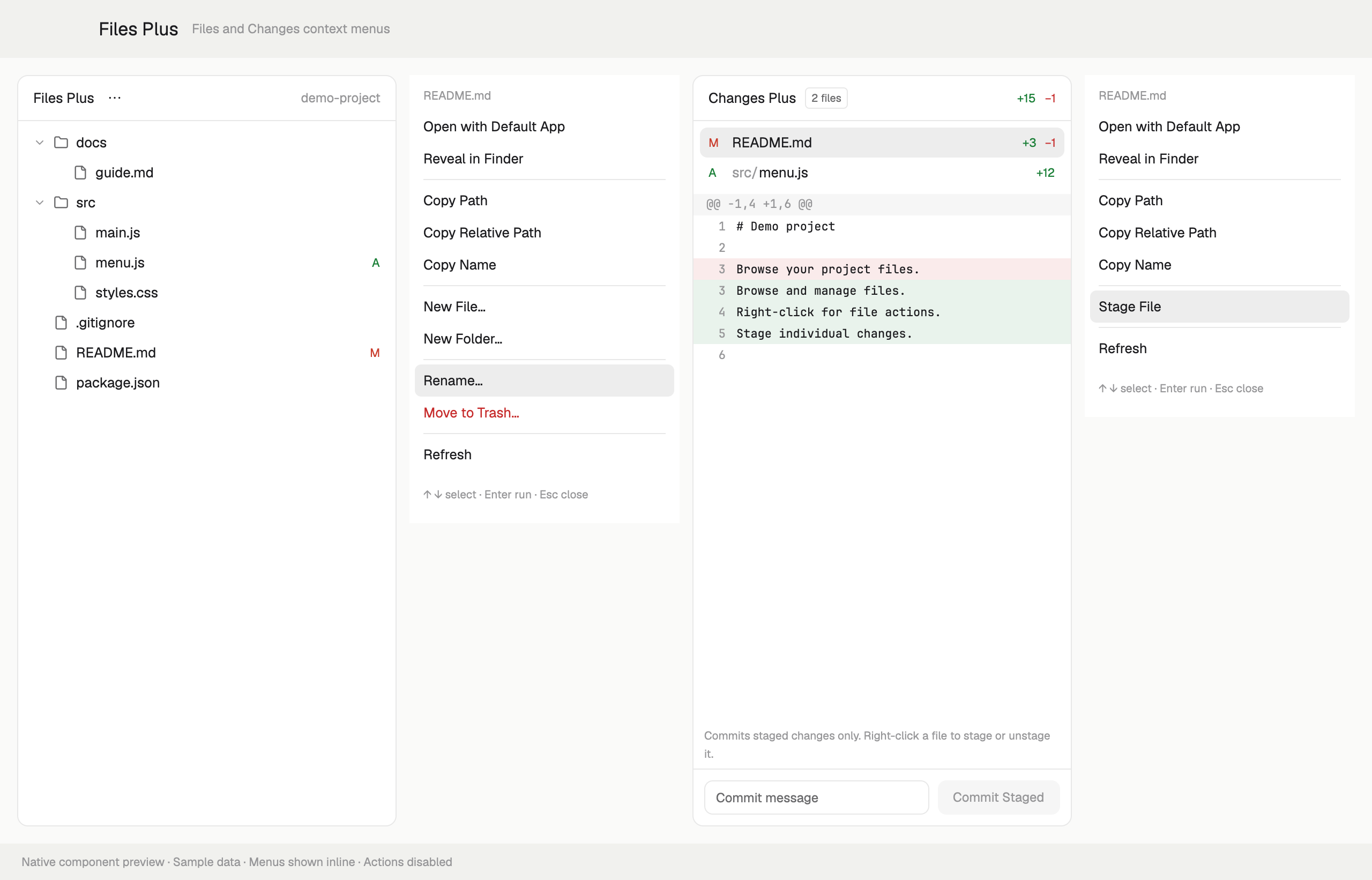

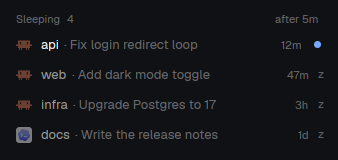

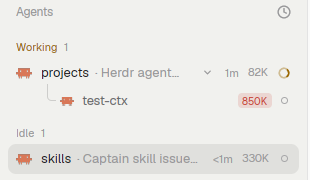

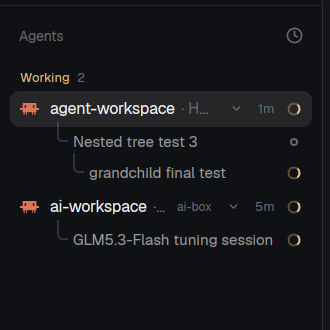








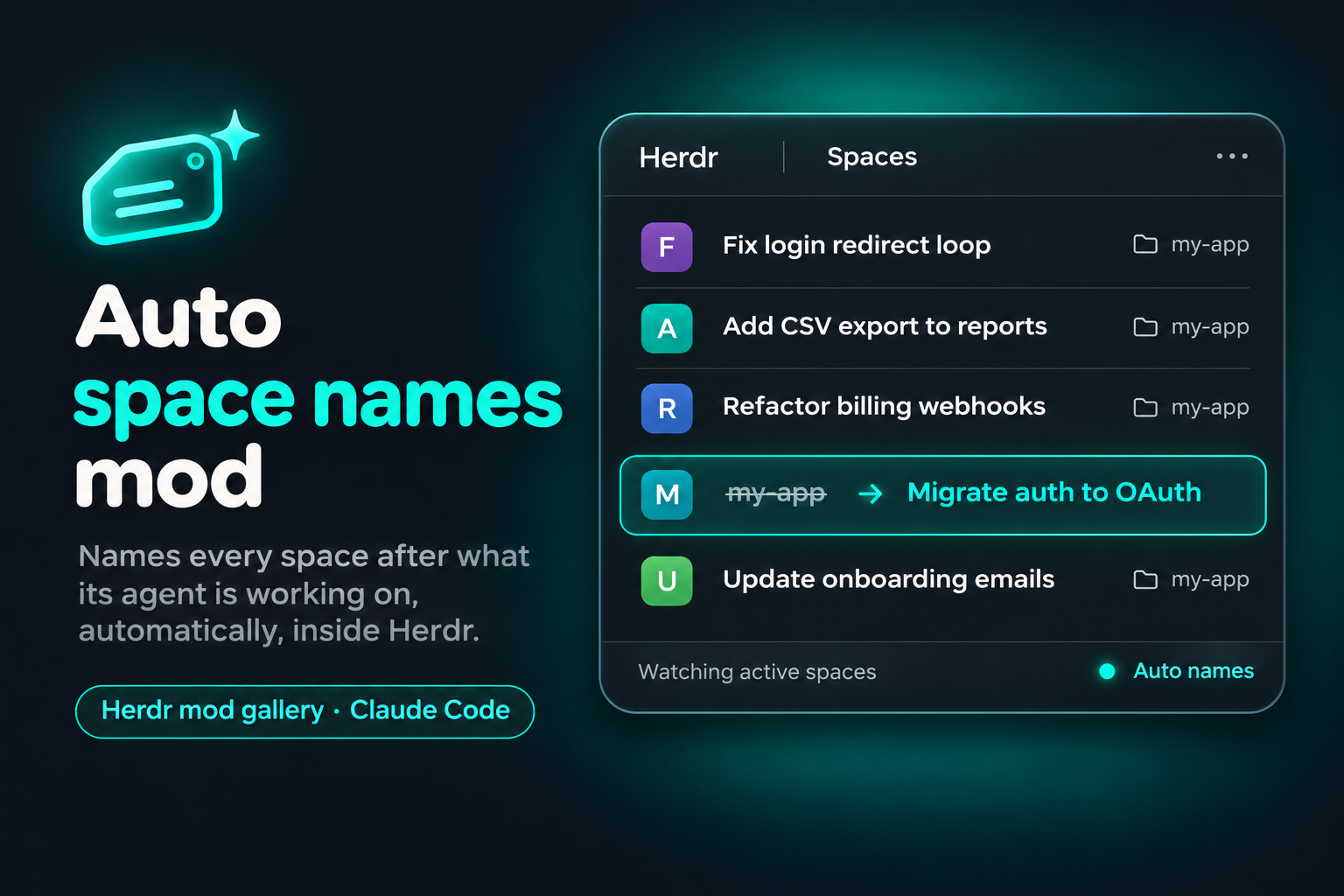
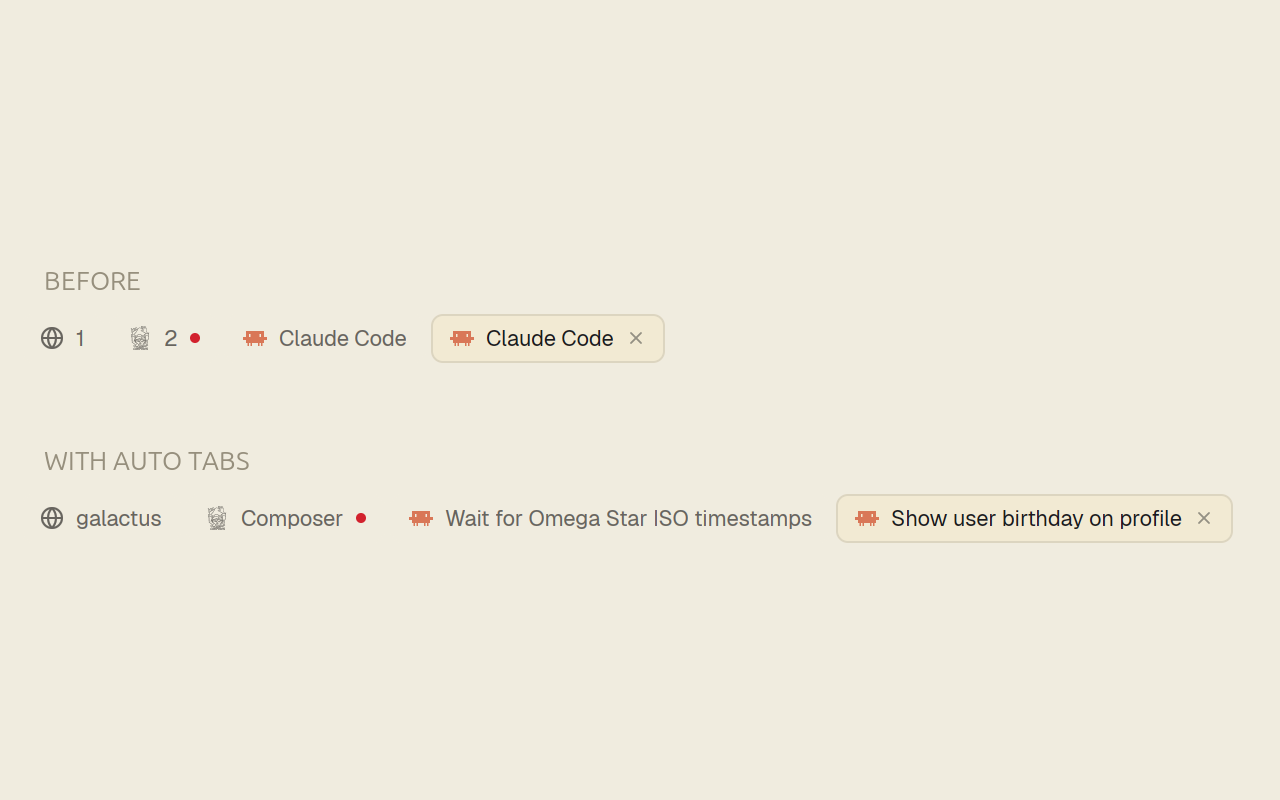
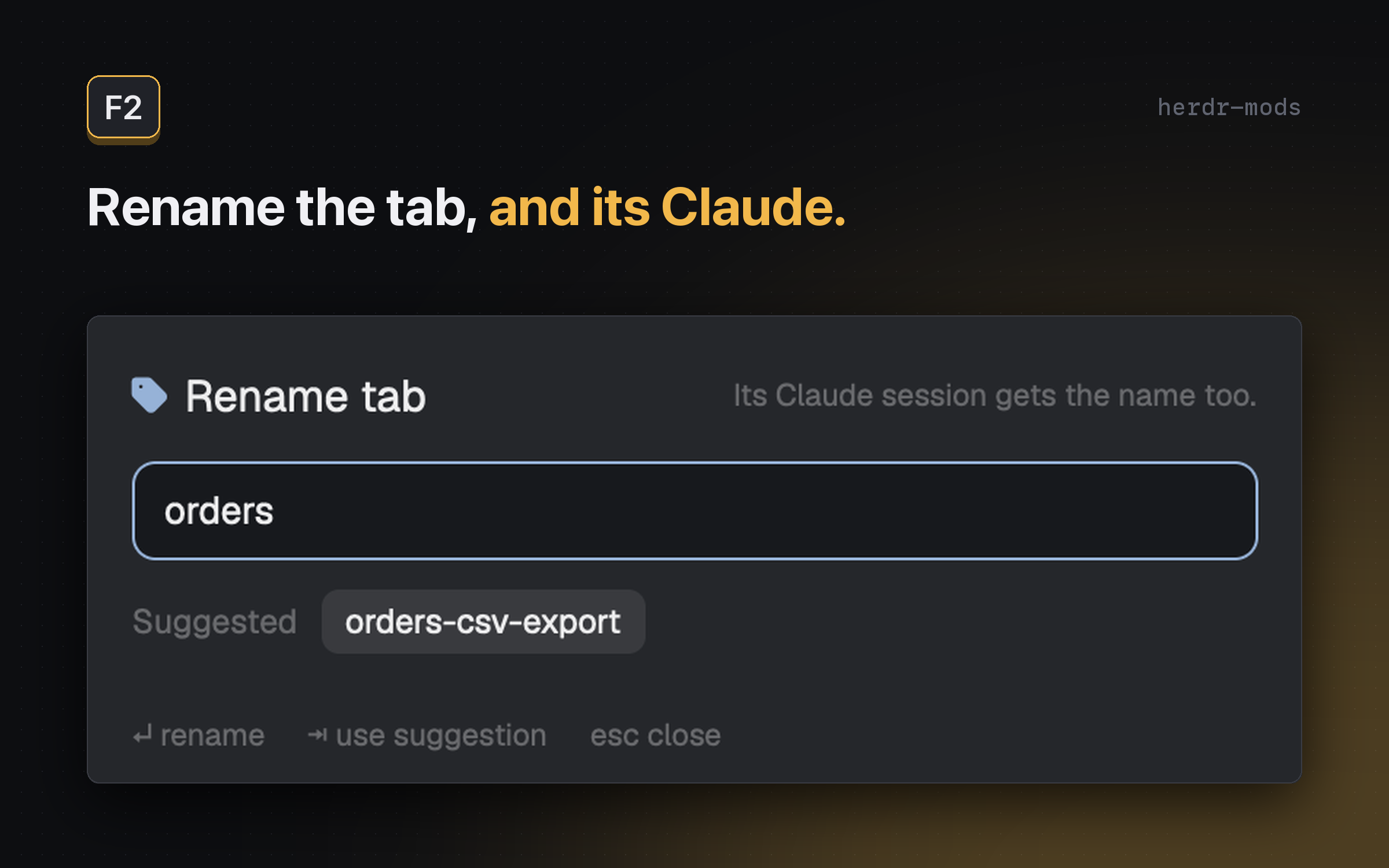
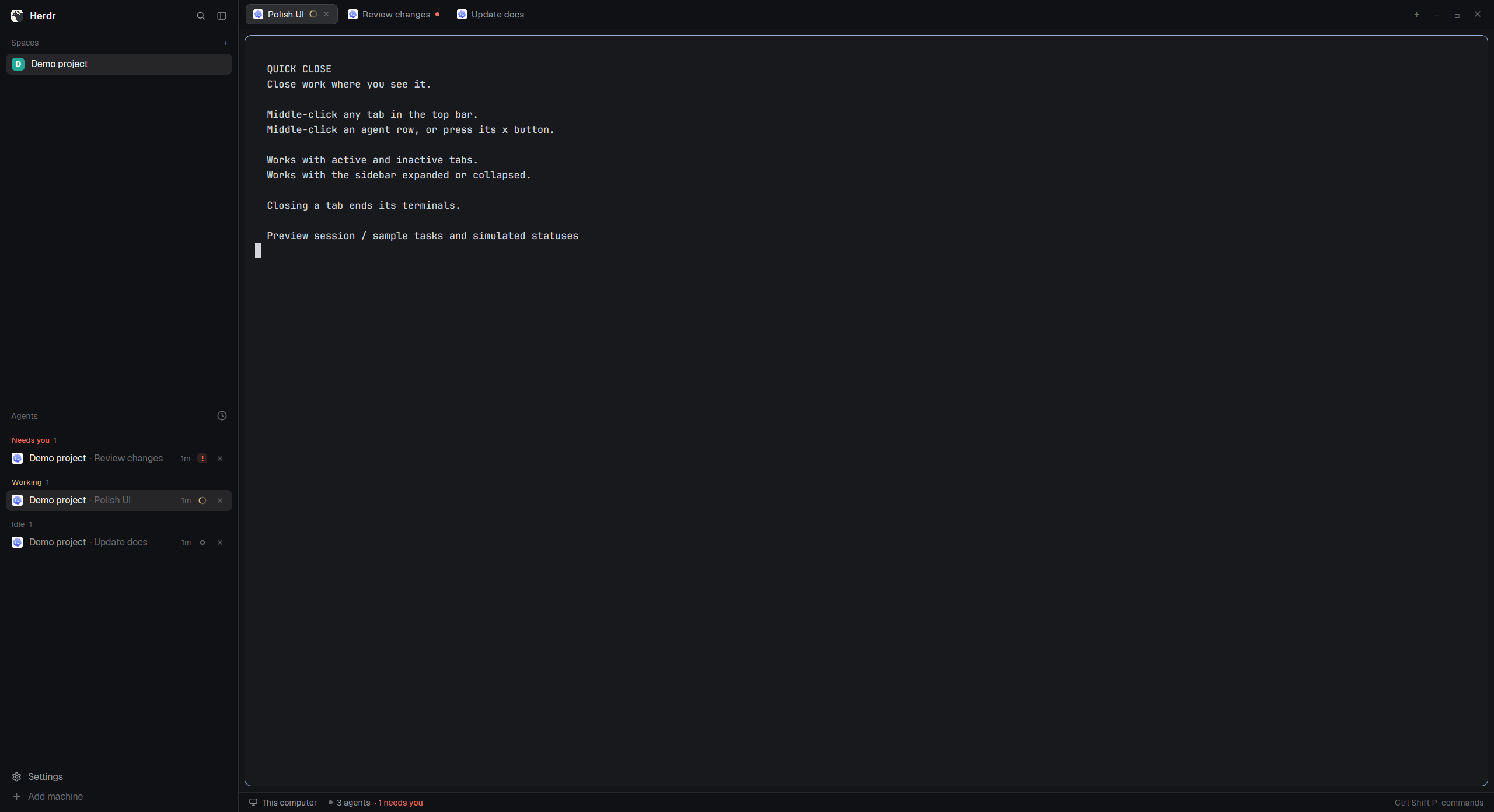
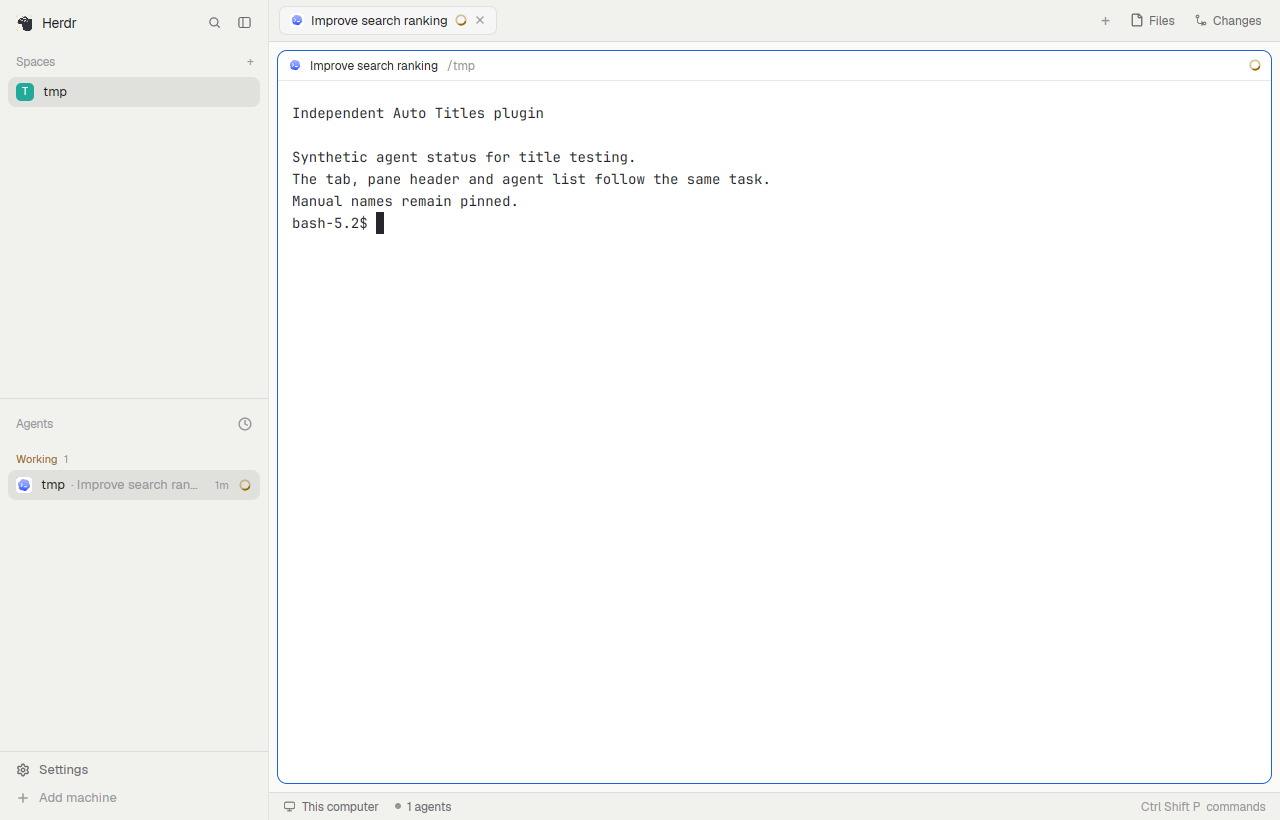
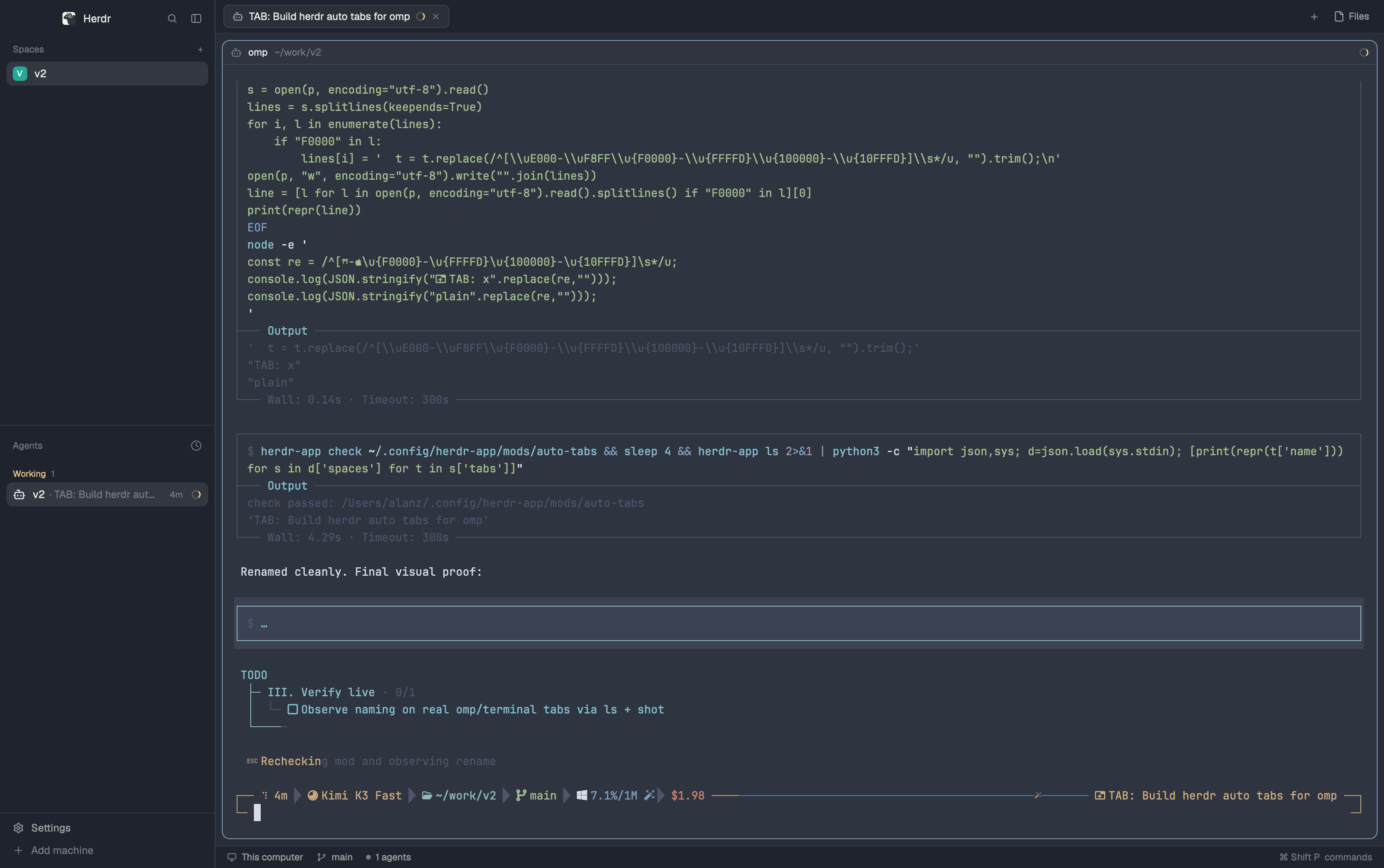
Herdr's tab bar, except that a tab nobody named is labeled with what its lead pane is doing — the live terminal title an agent sets (Claude Code's session title, for example) — instead of its position number. Named tabs keep their names.


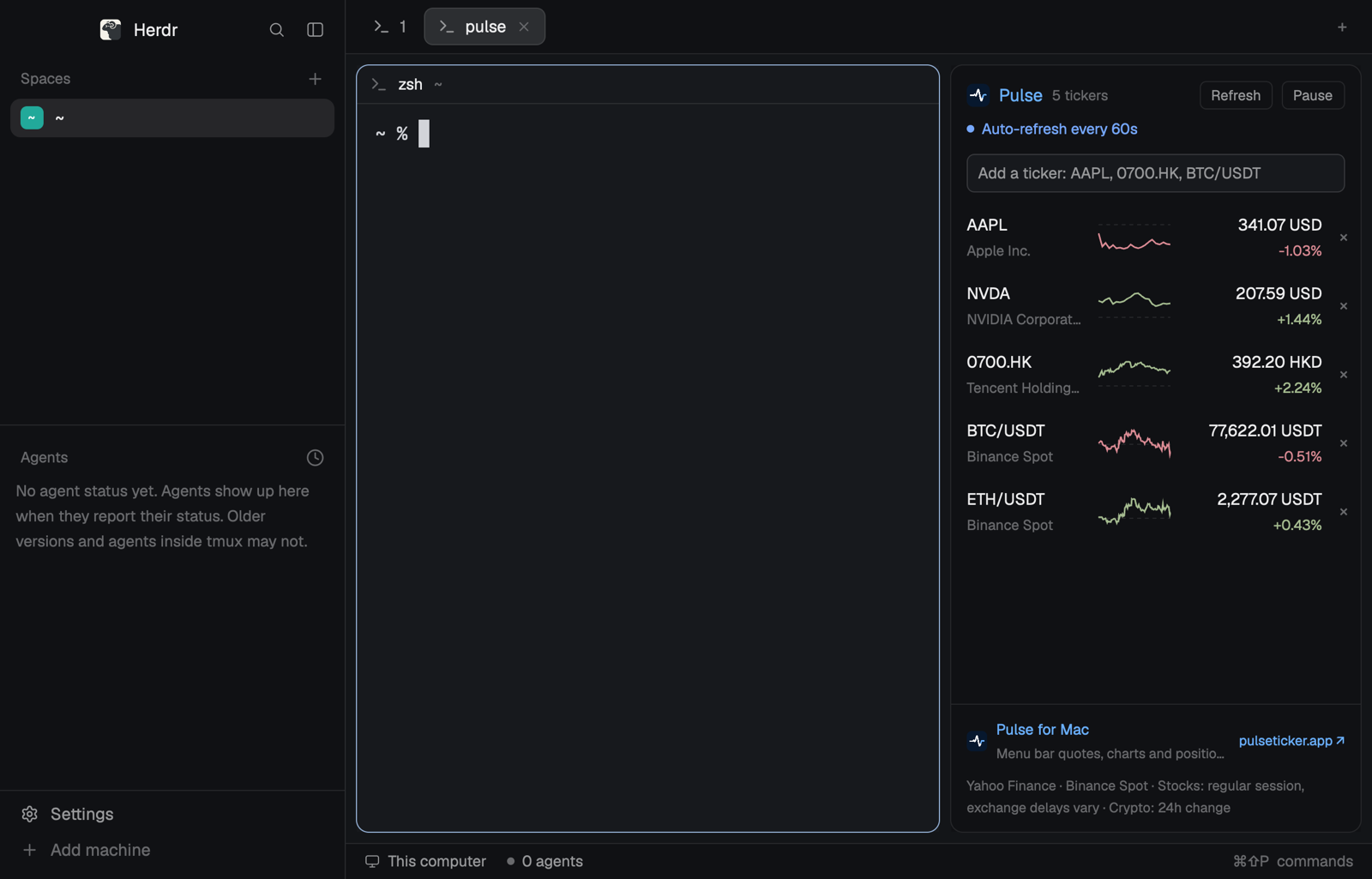
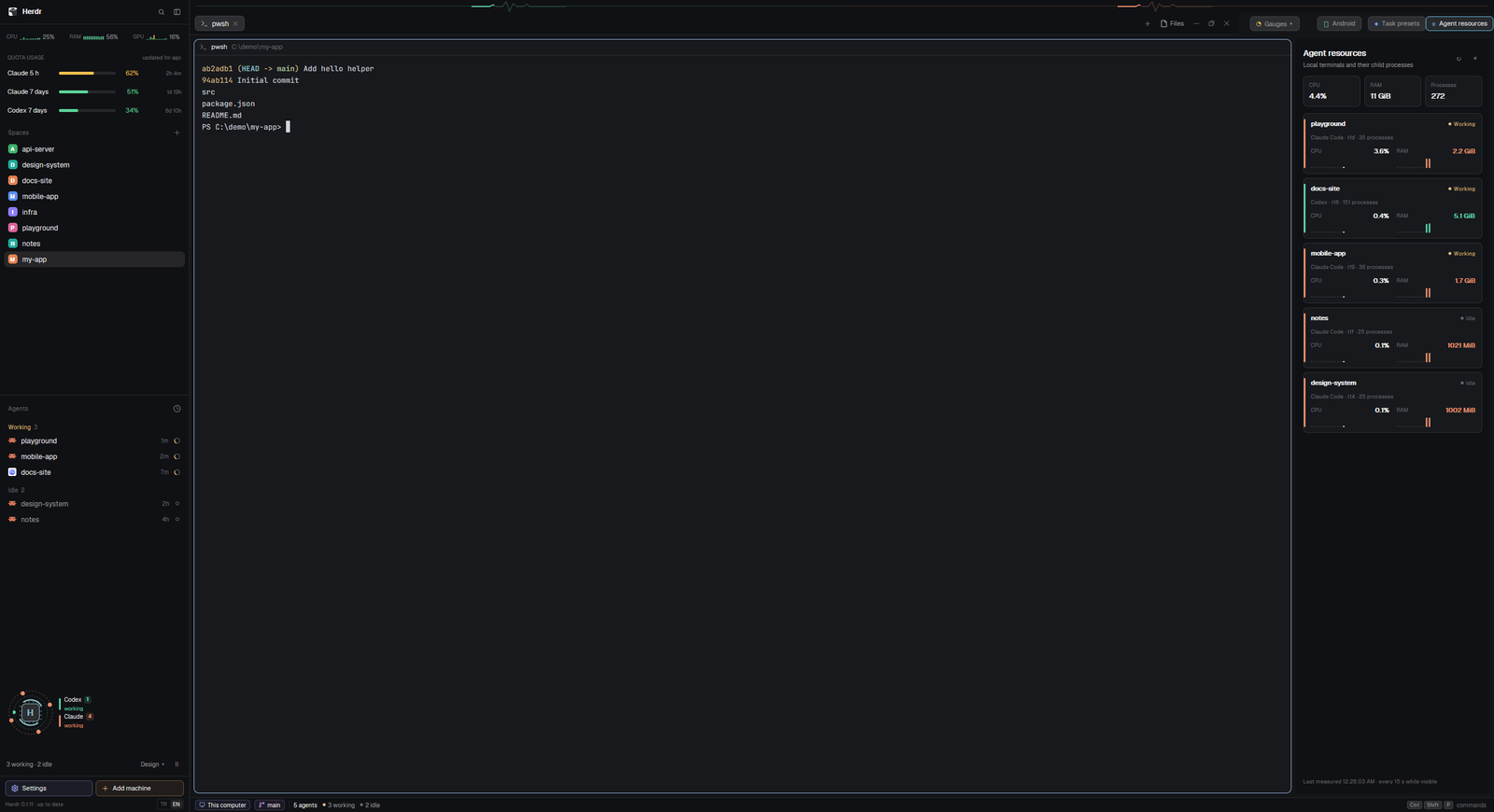
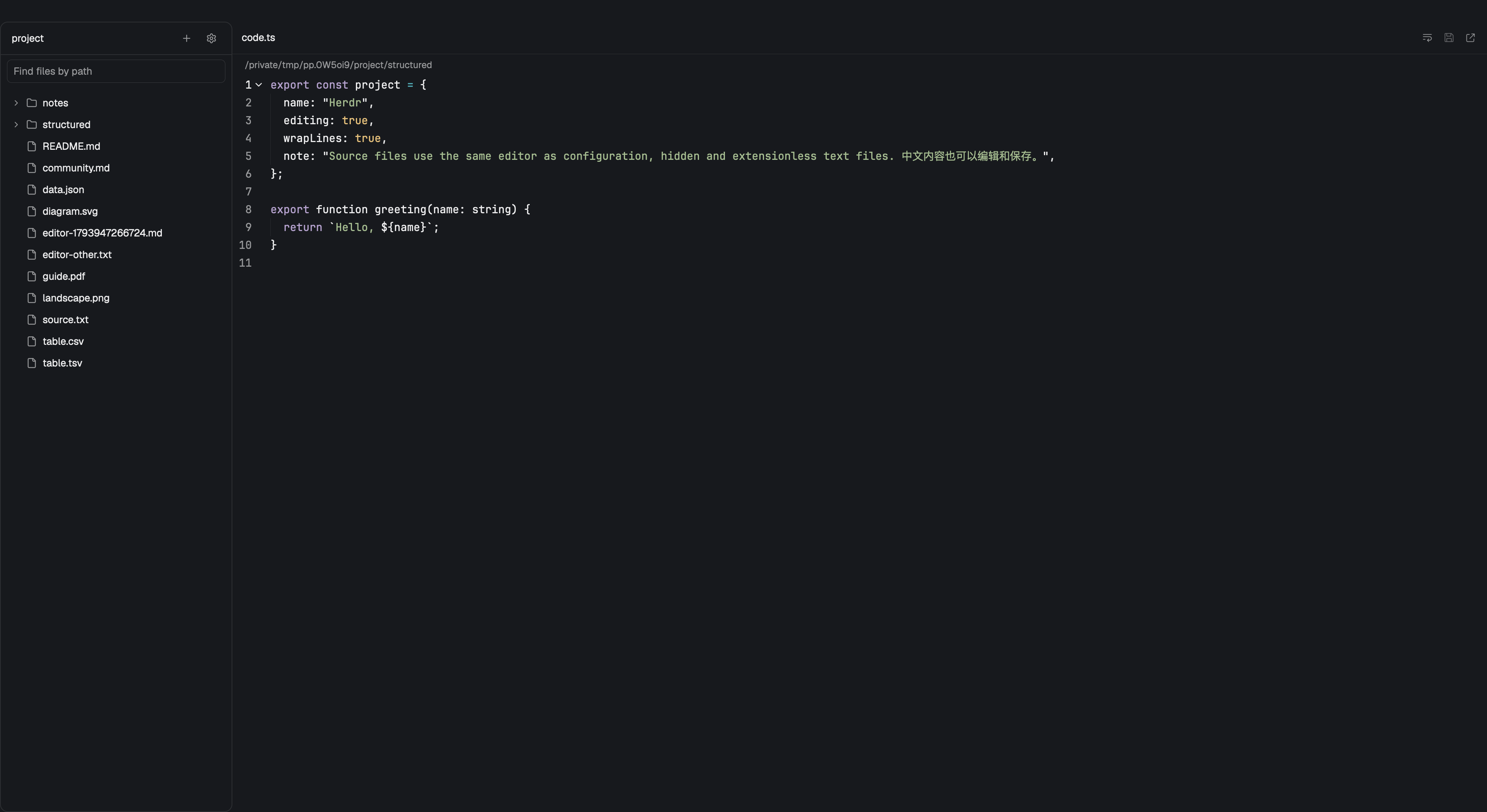
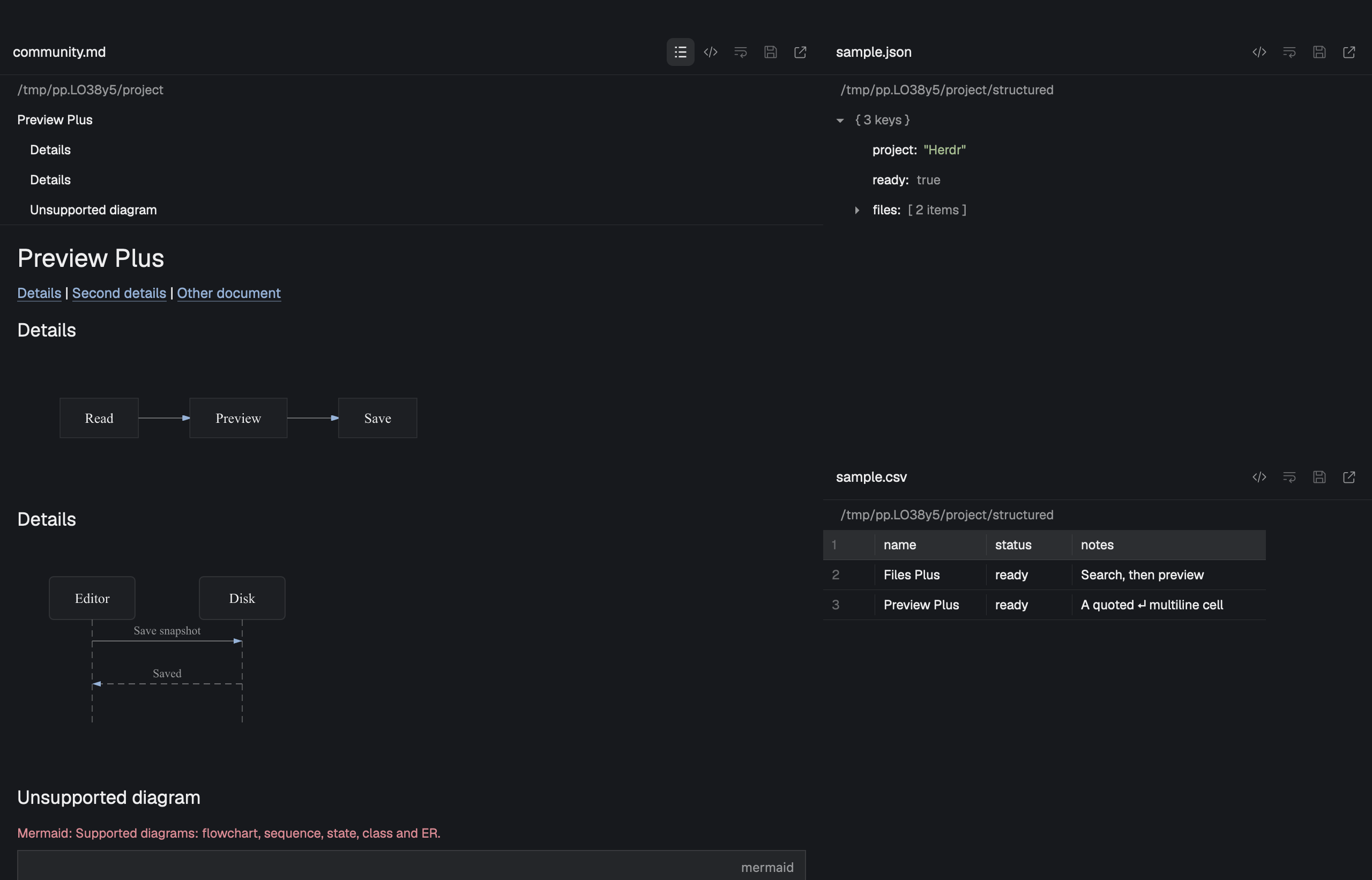
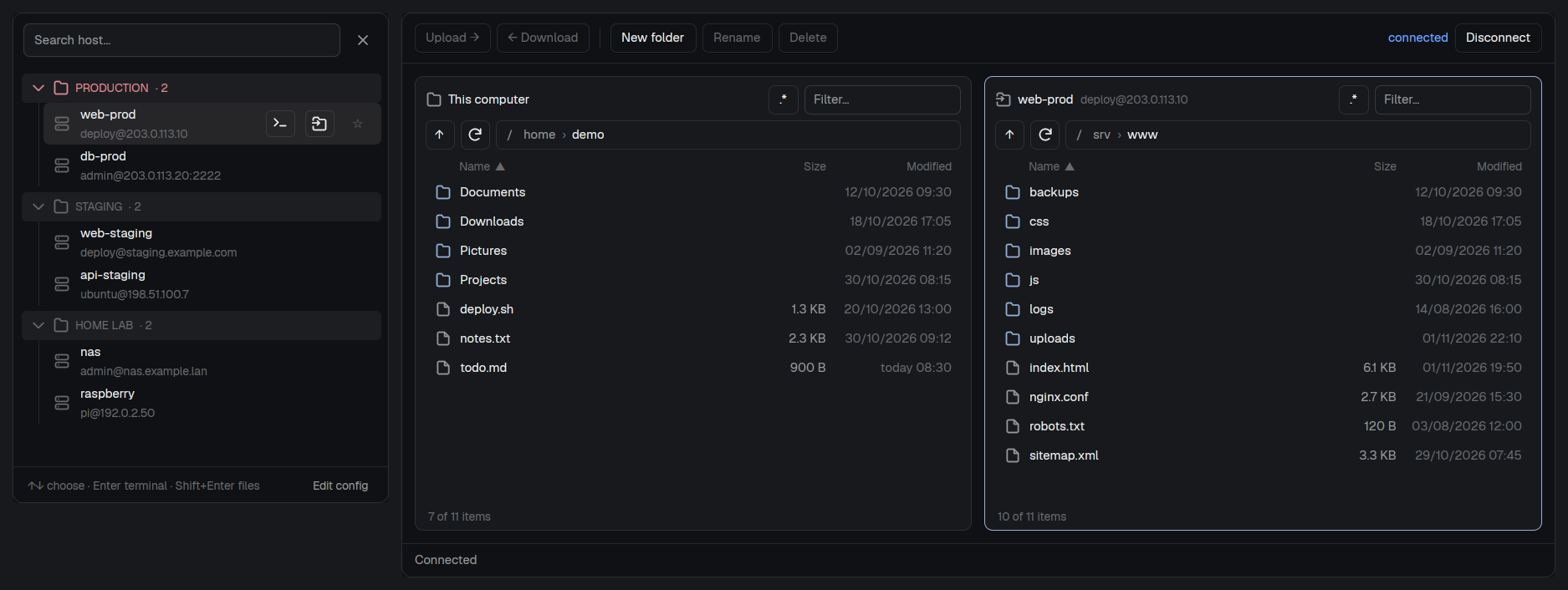
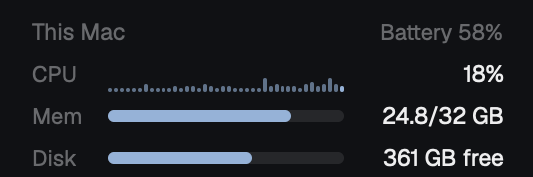
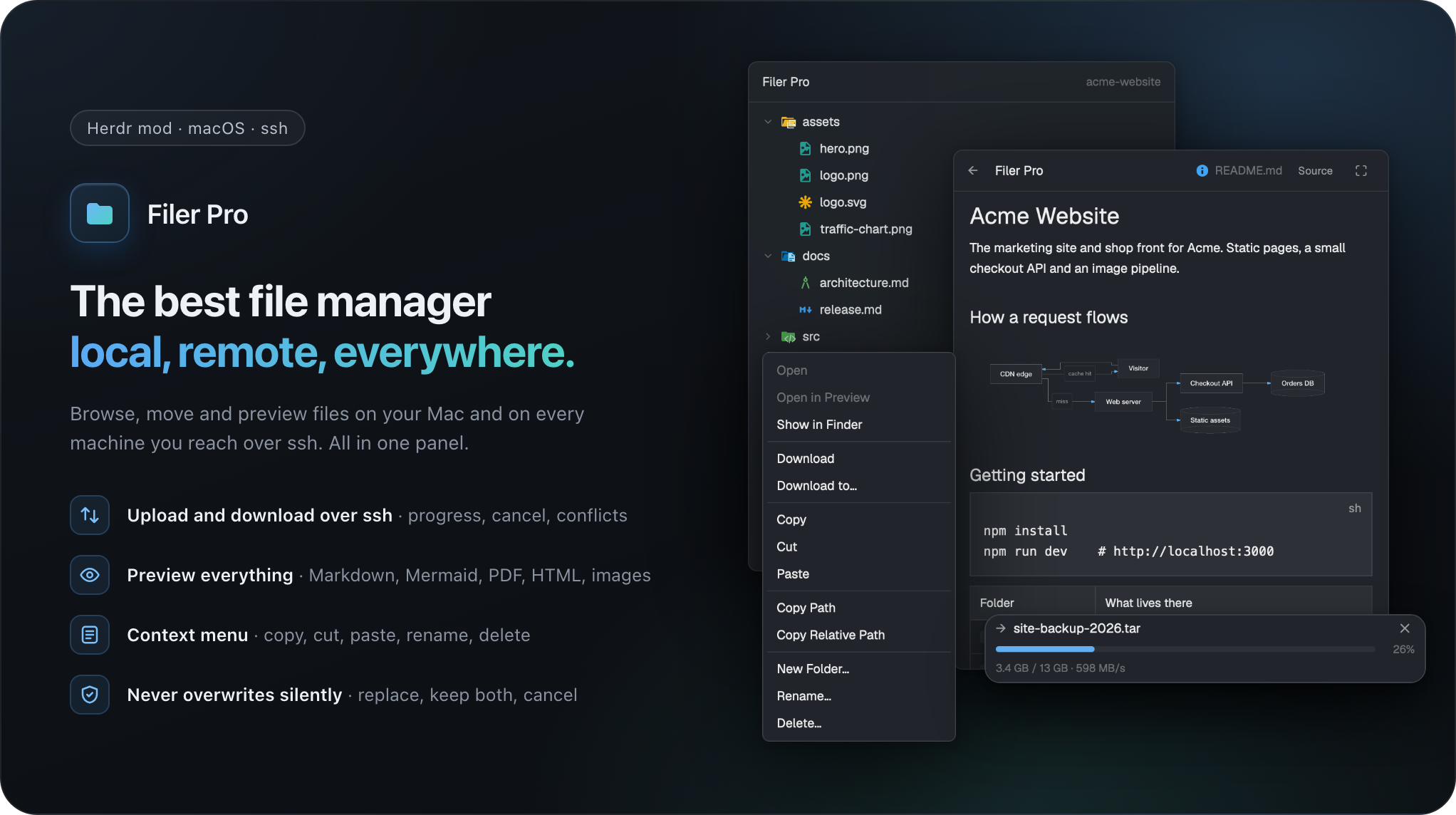
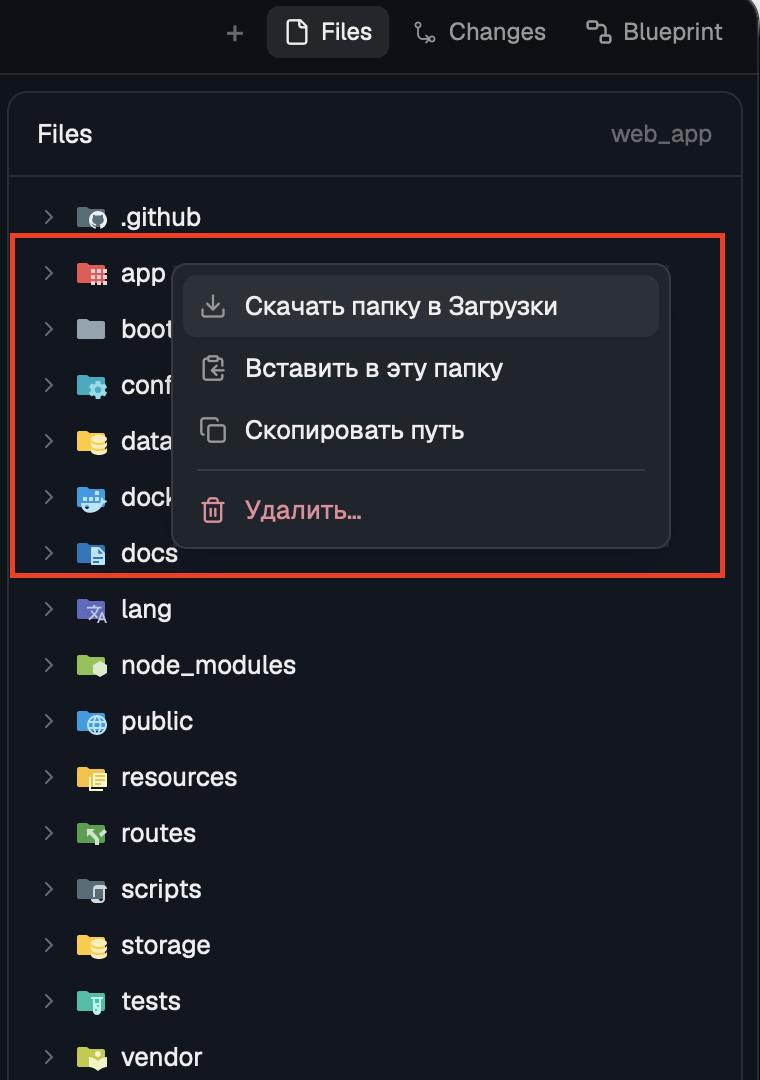
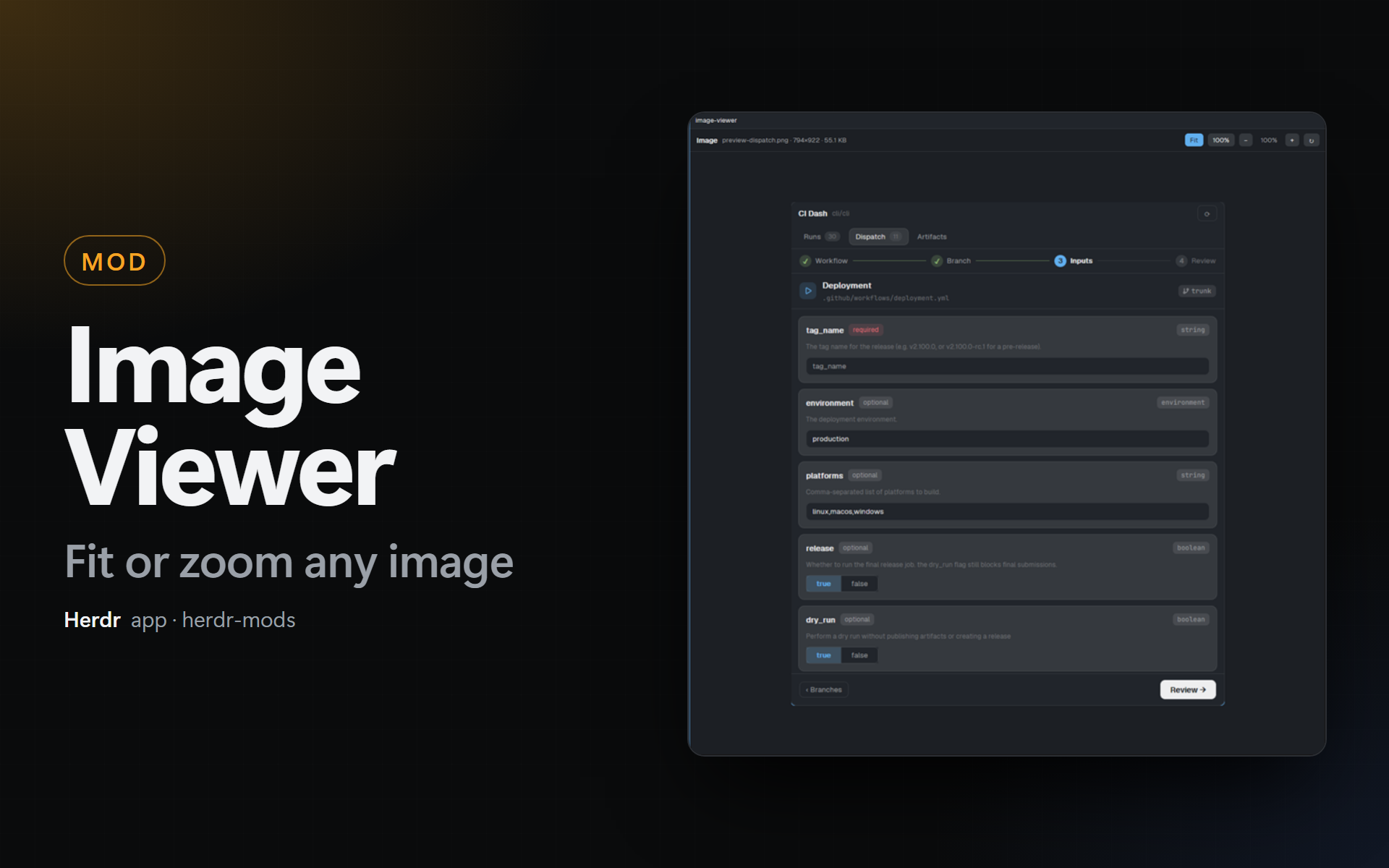
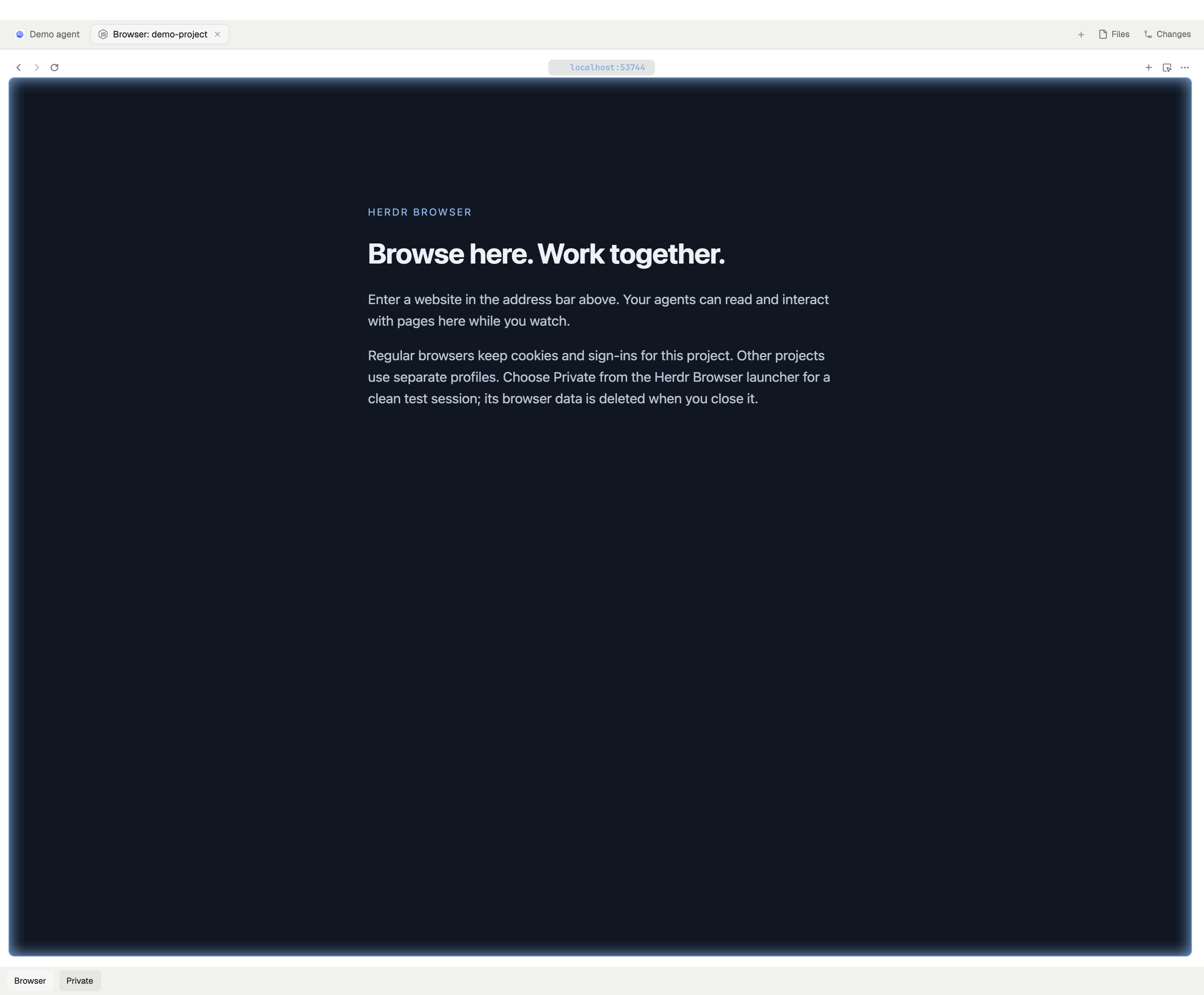
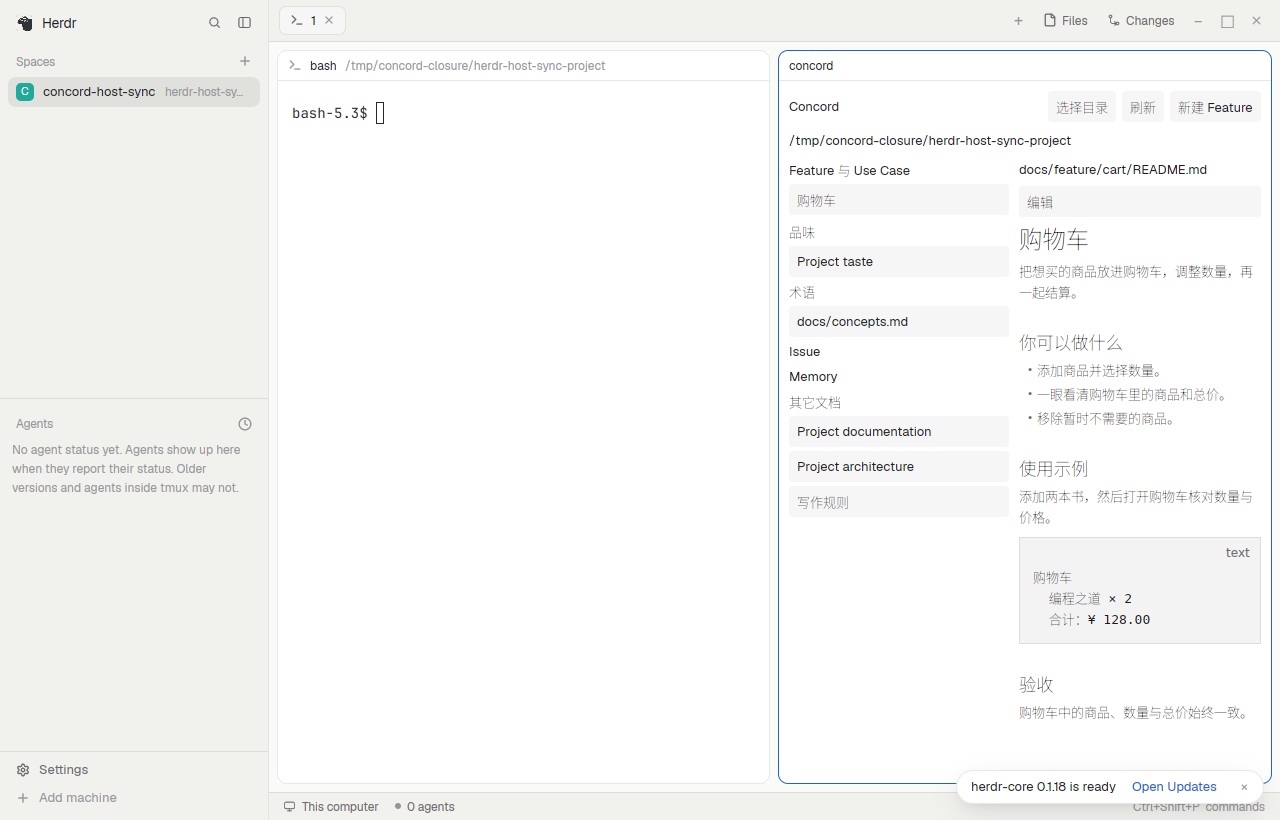
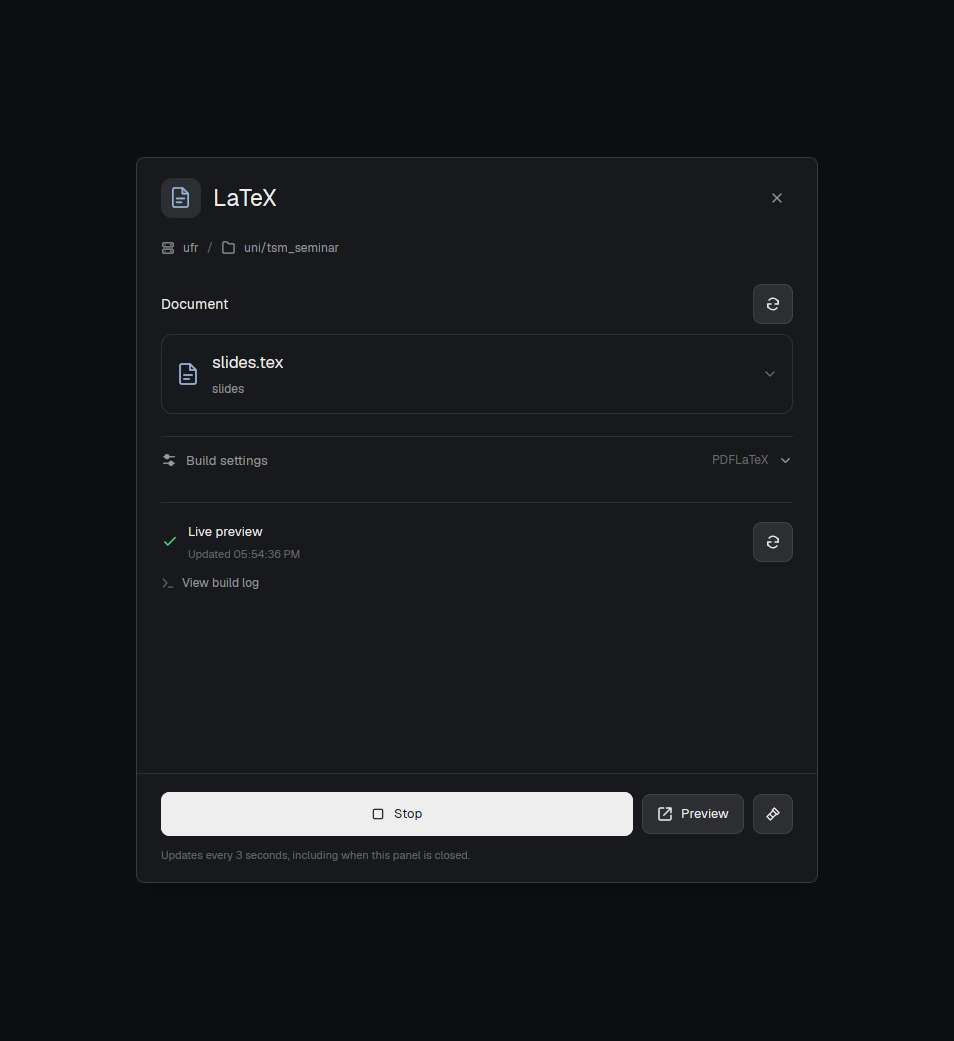
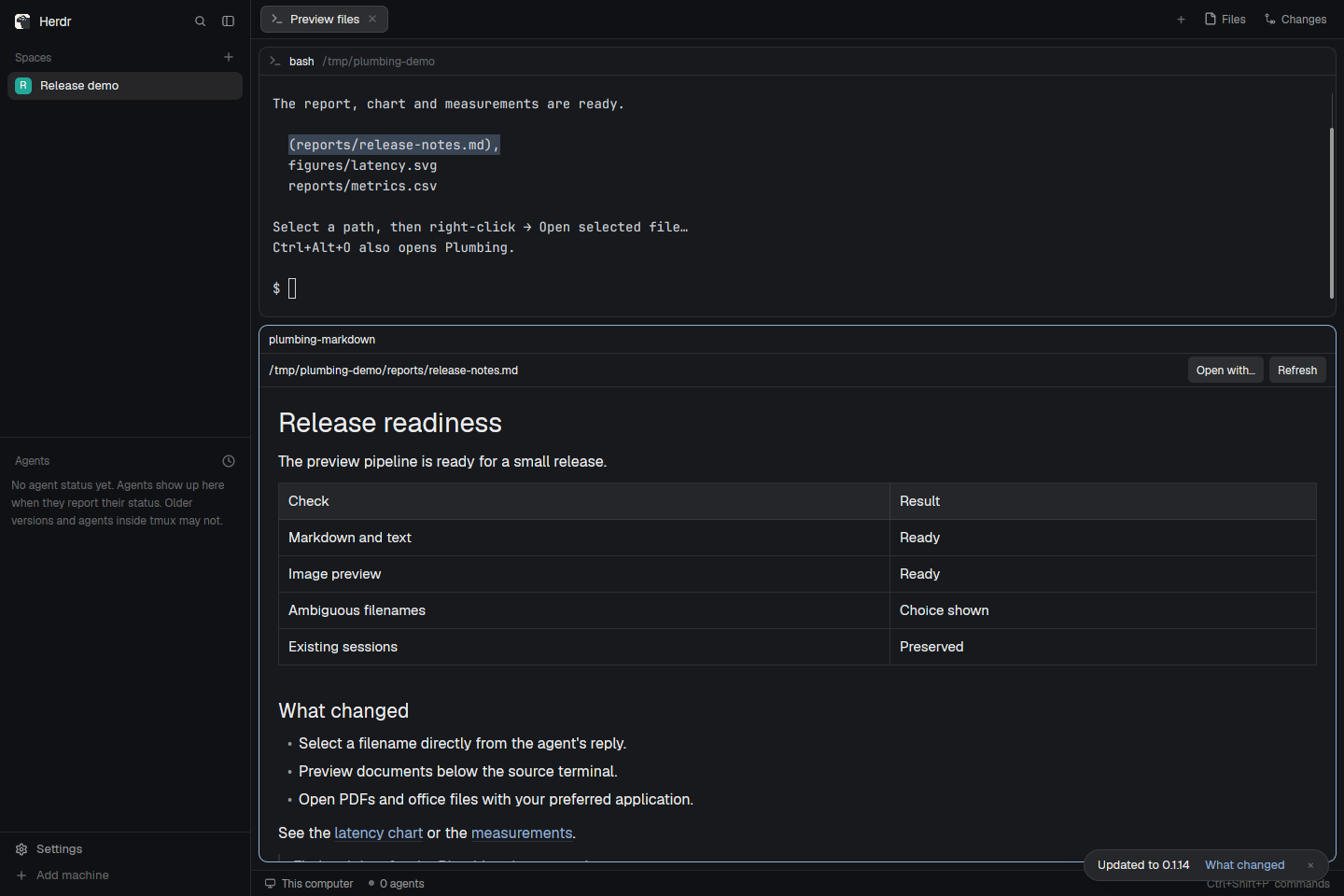
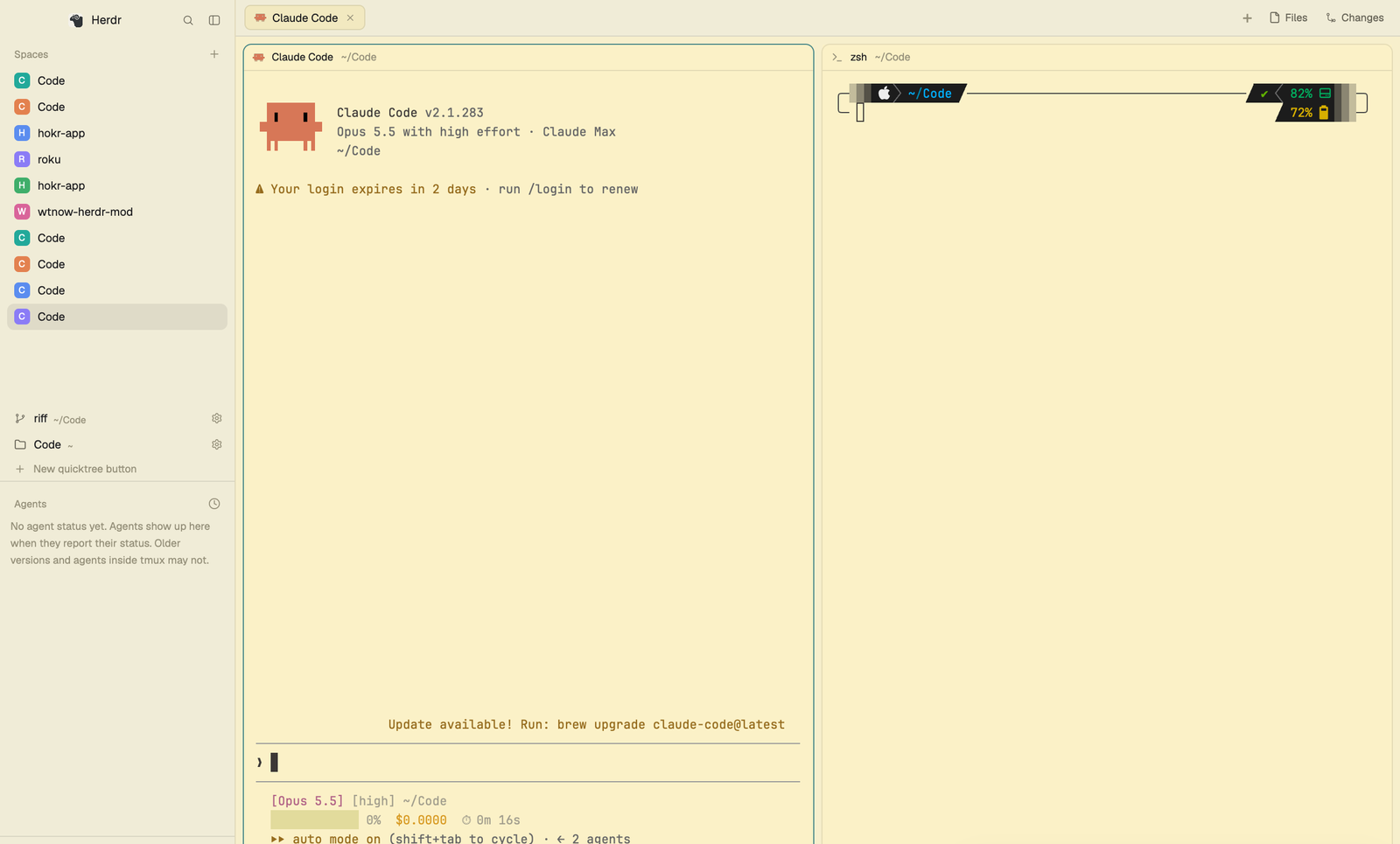
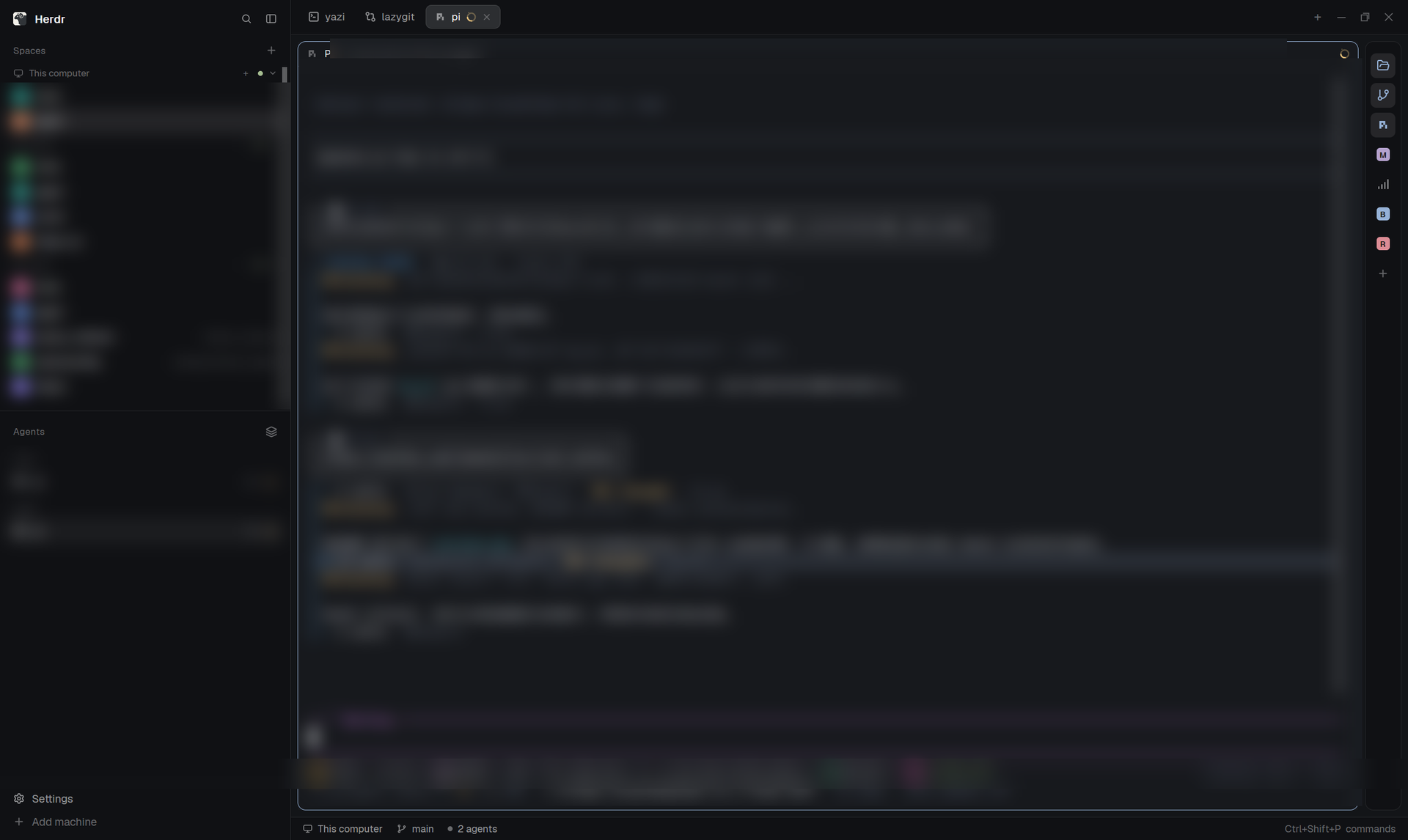
A native, flat black Herdr workspace for local projects and remote machines: configure where Files looks, edit Markdown and CSV previews, view images and PDFs, copy a folder from a server and paste it locally, and watch remaining agent usage in a slim status bar. Compact spaces and agents sit on the left, terminals in the center, and project tools on the right.
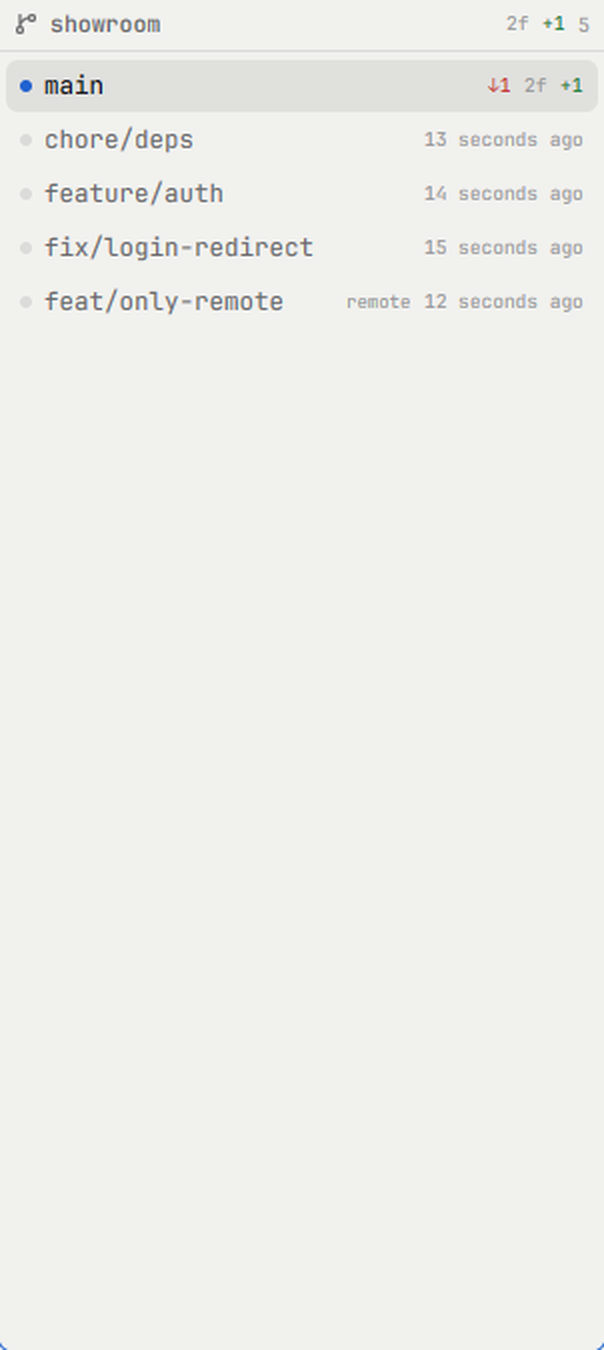

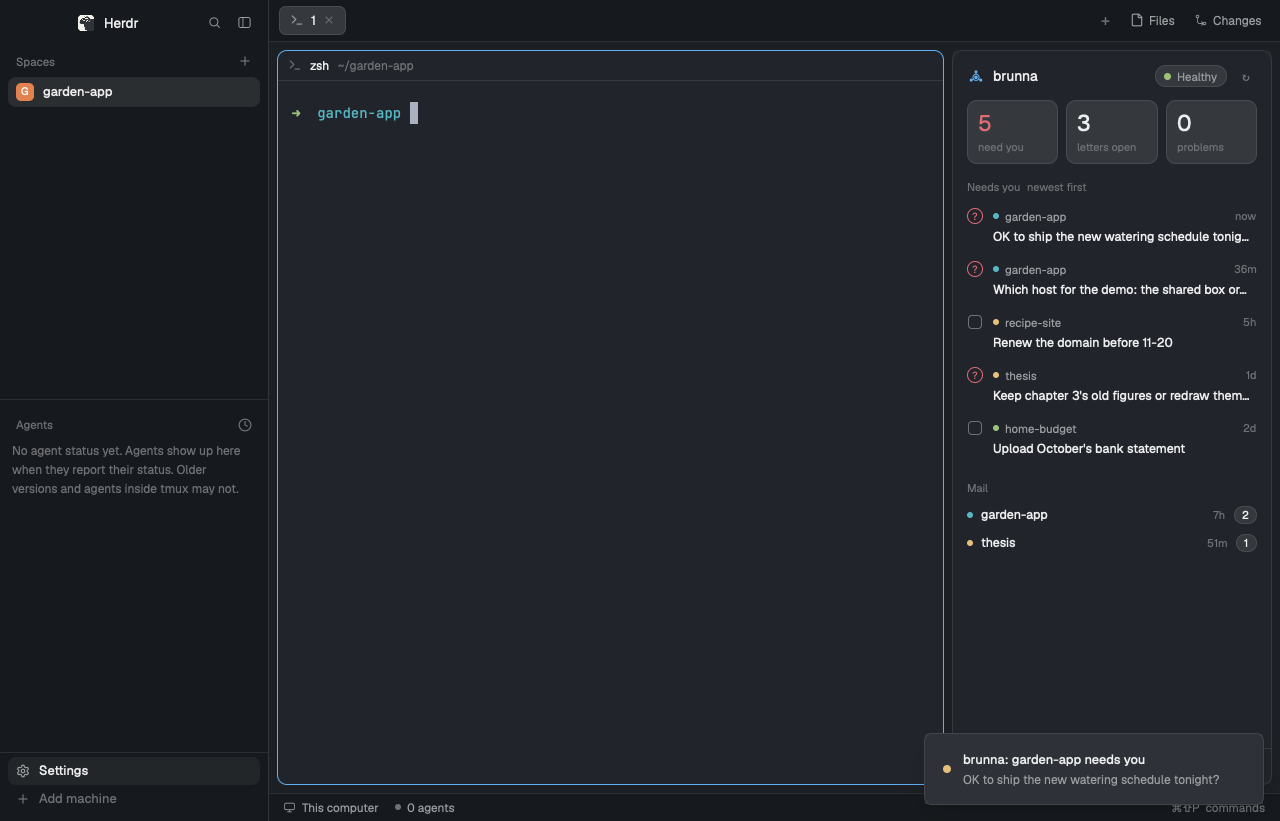

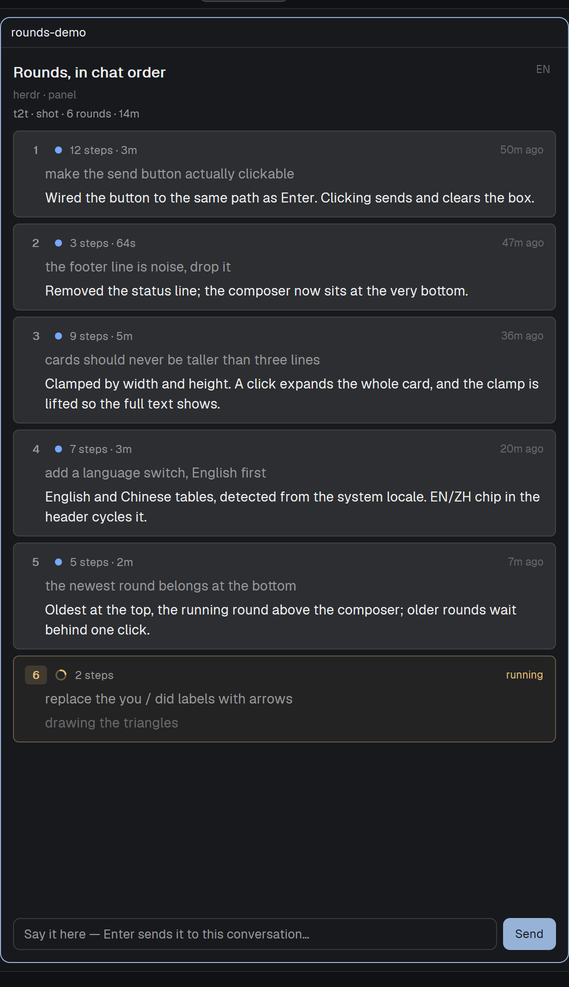
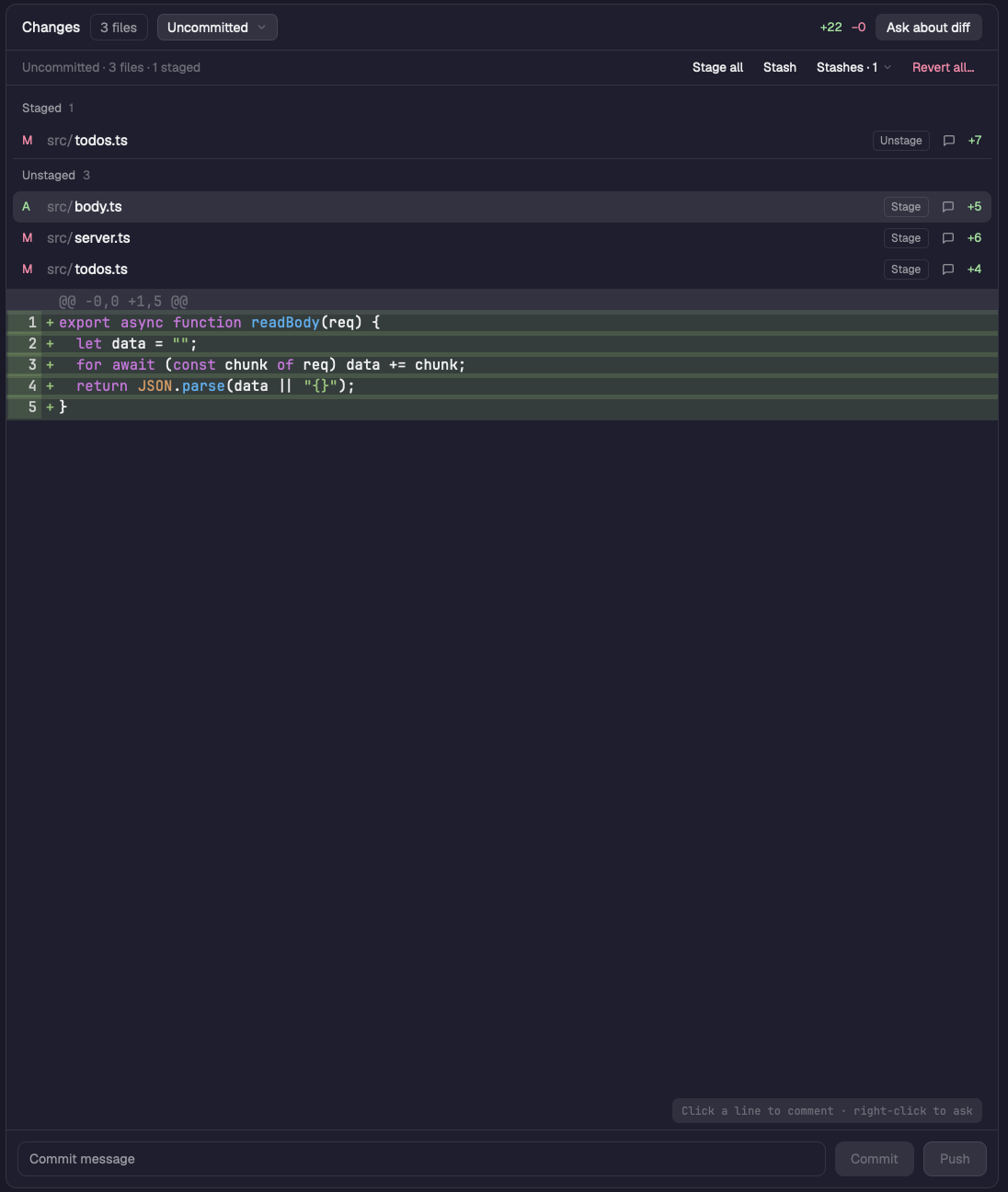

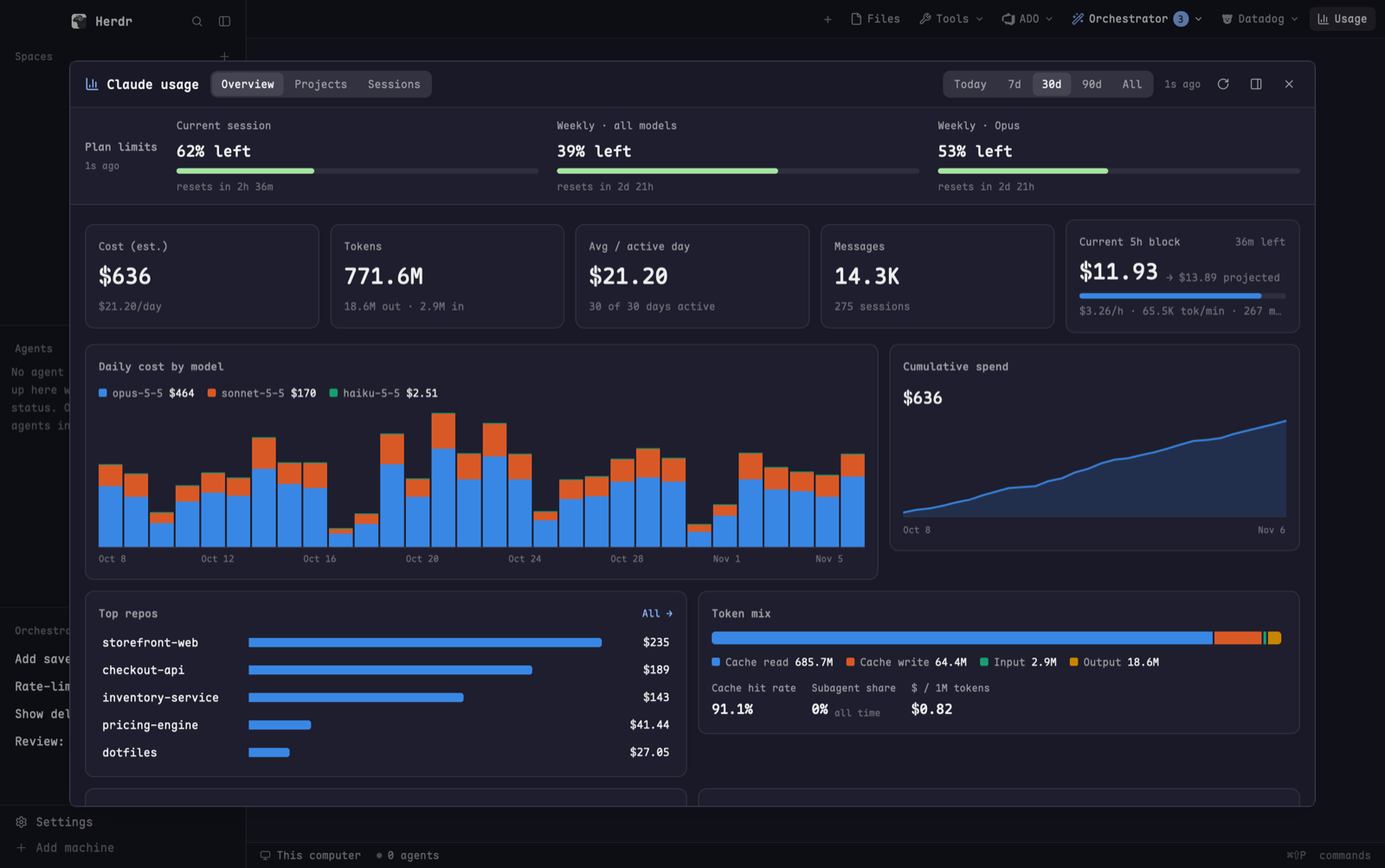



























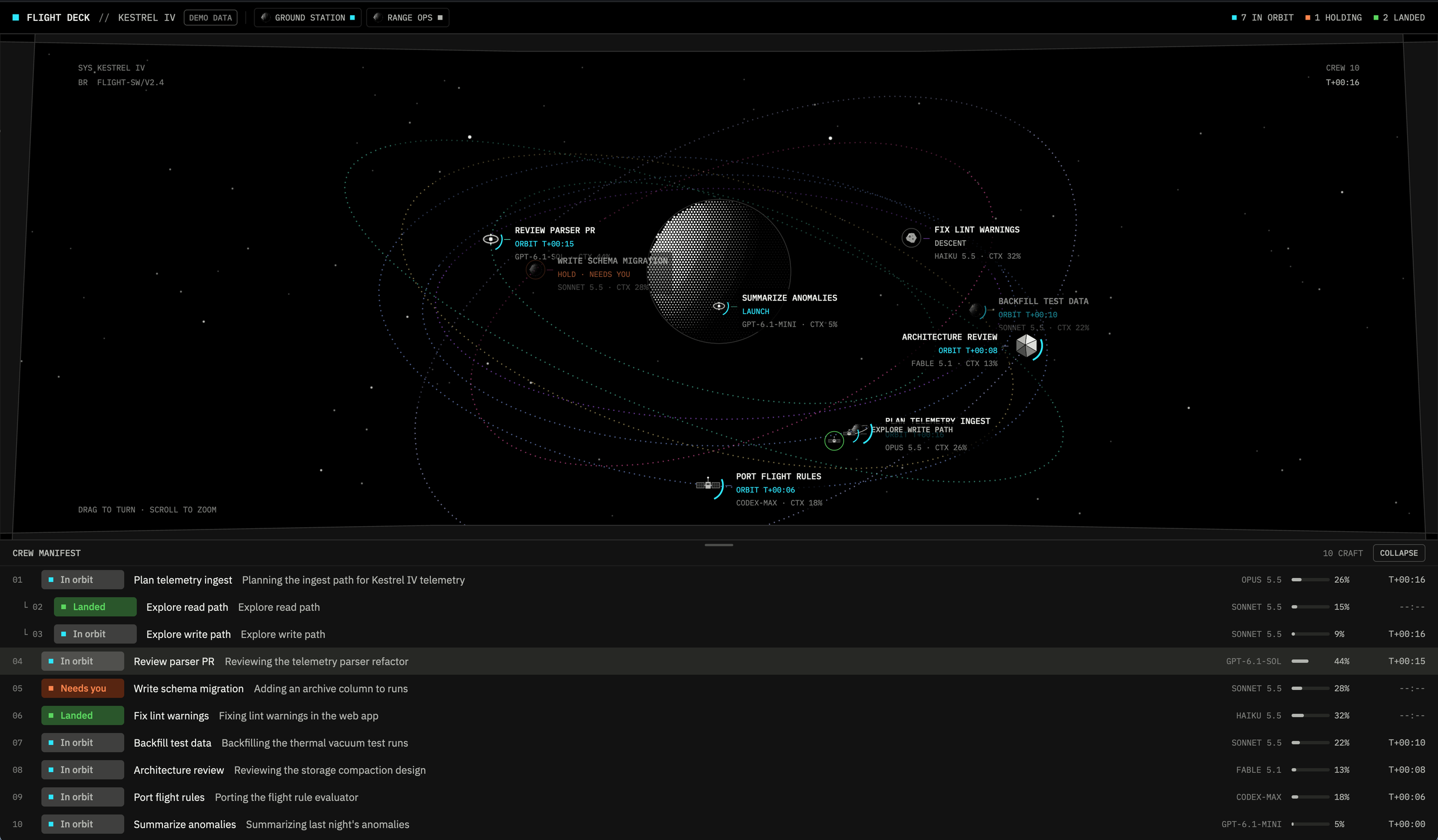
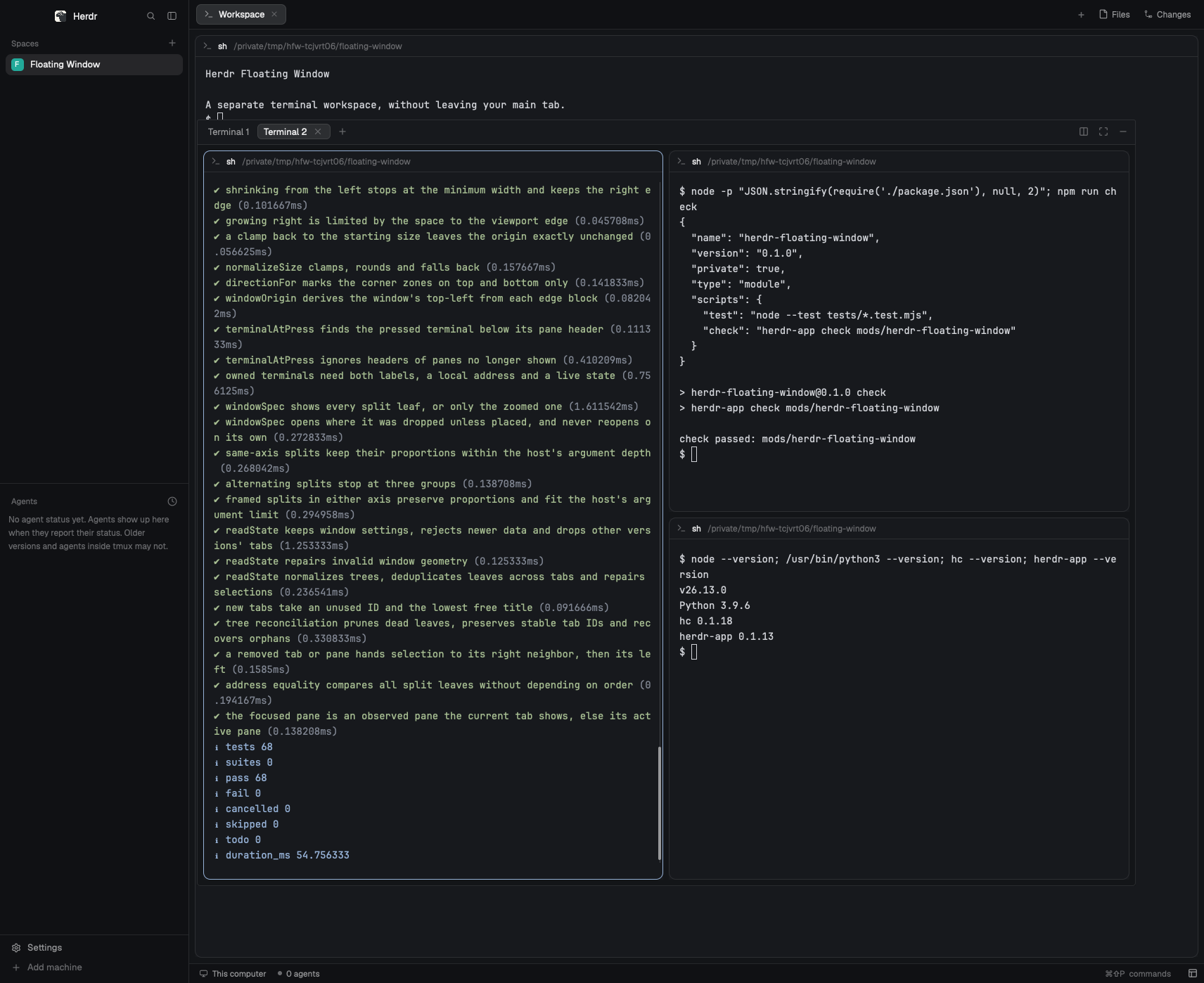

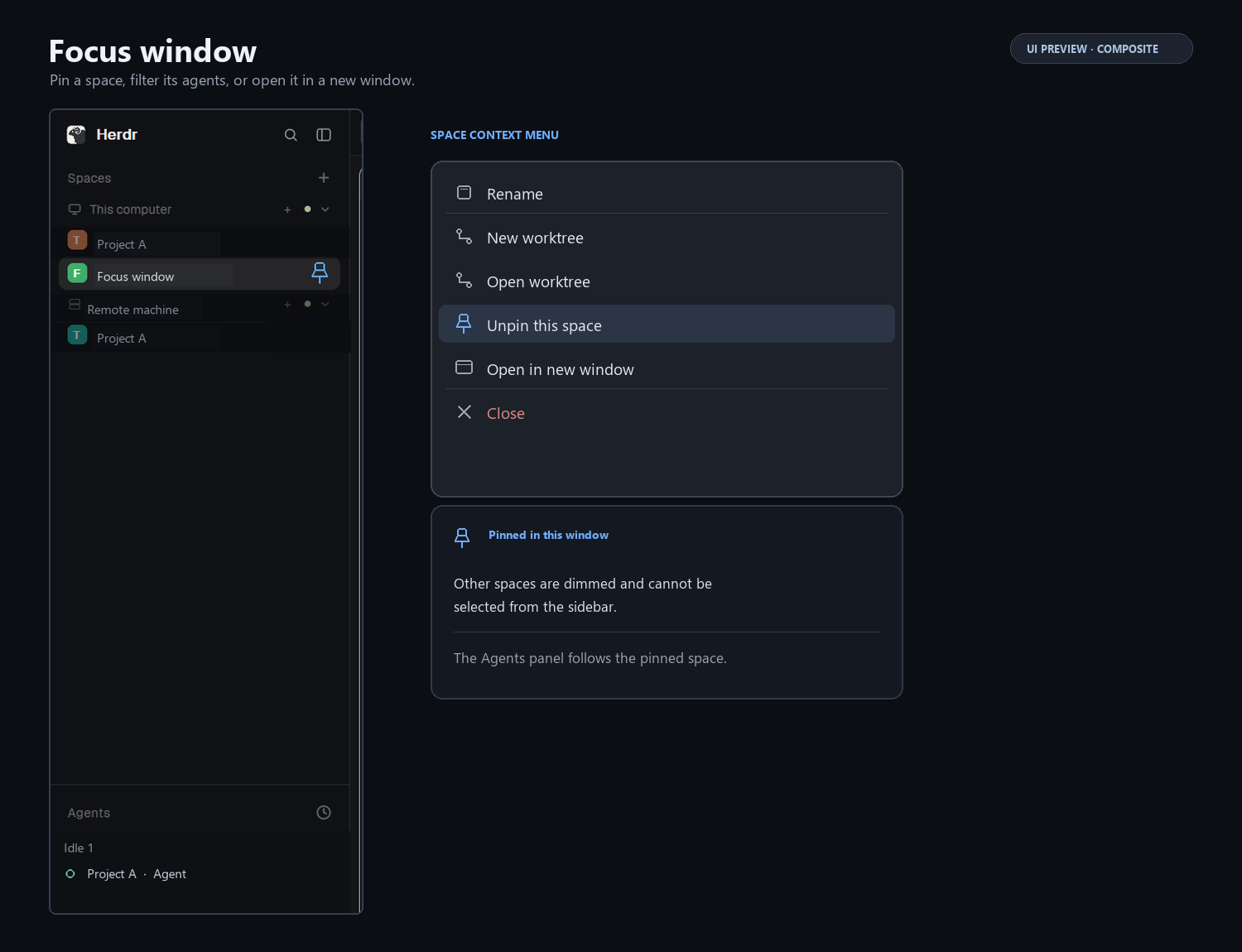

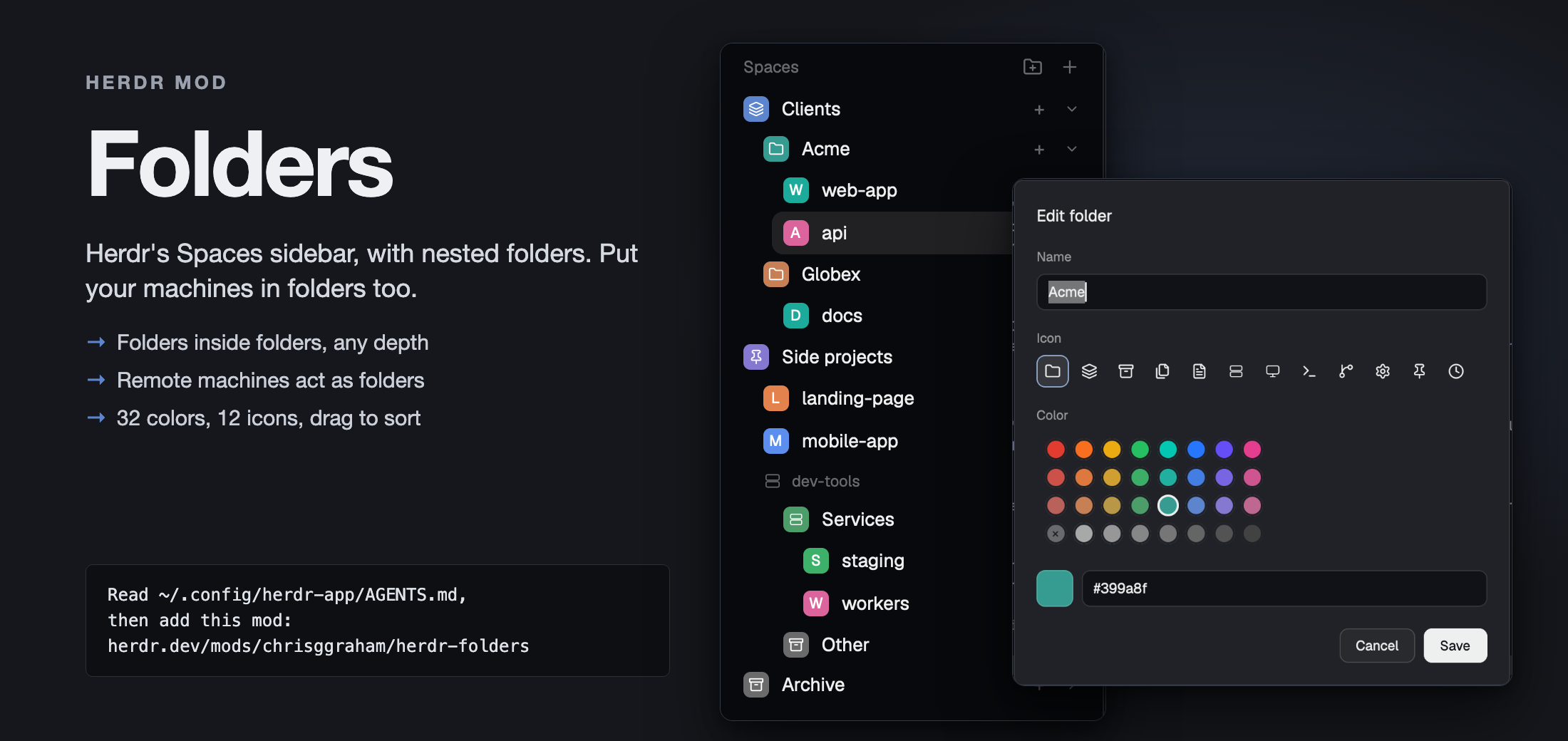



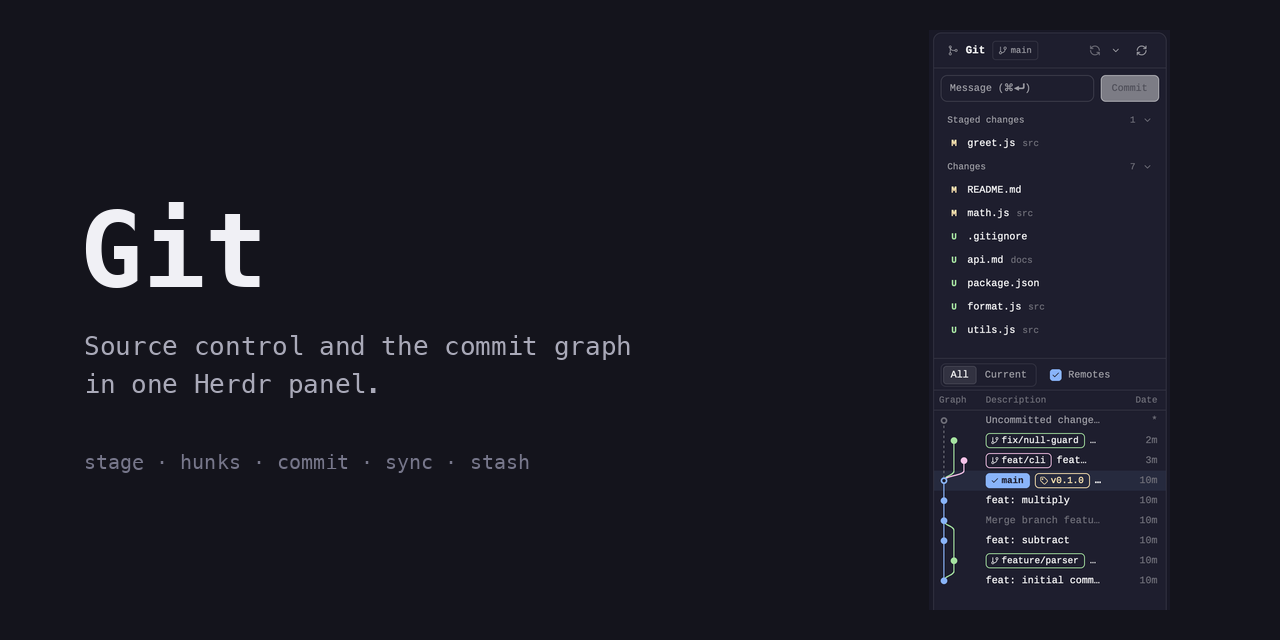
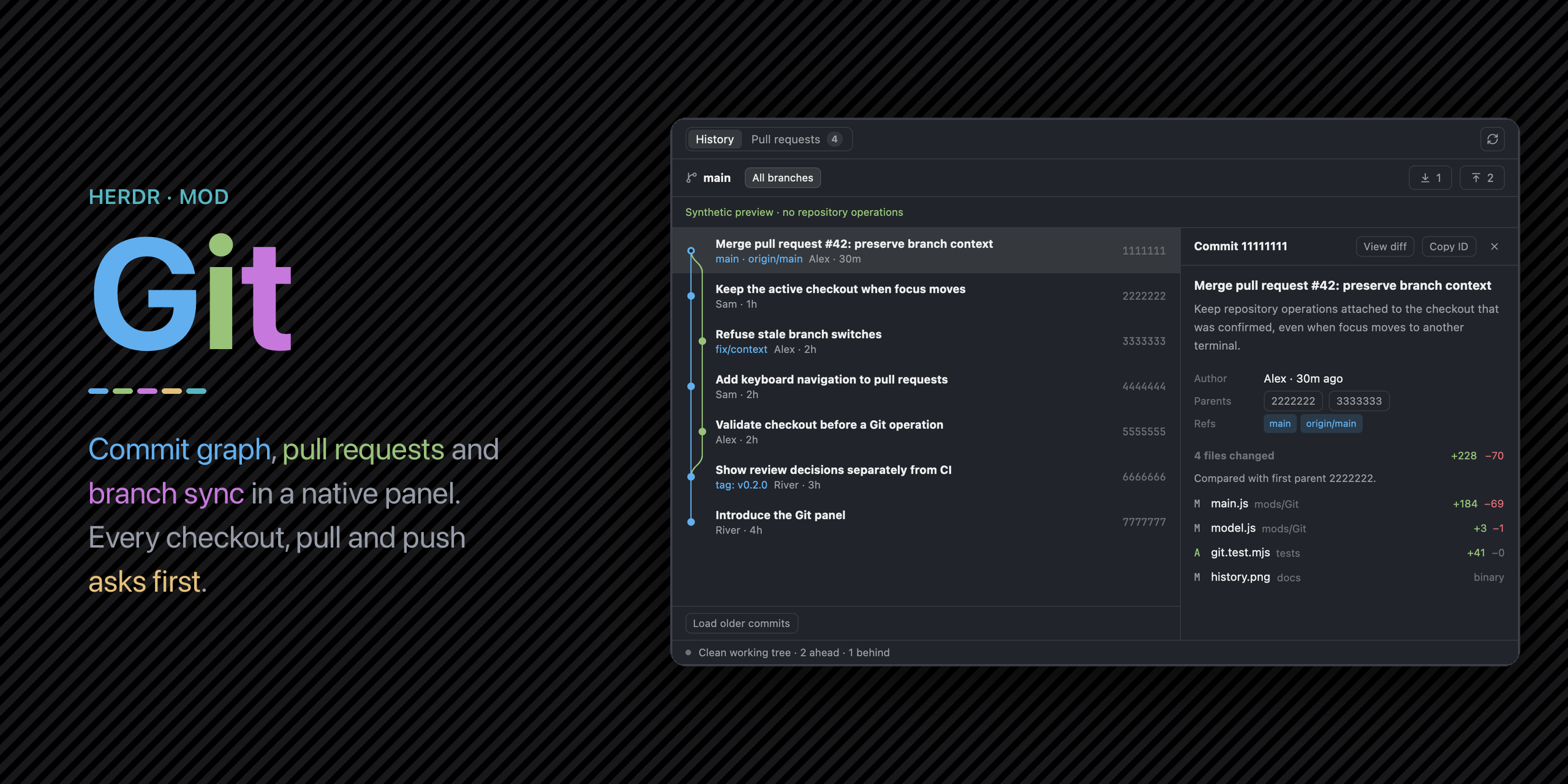
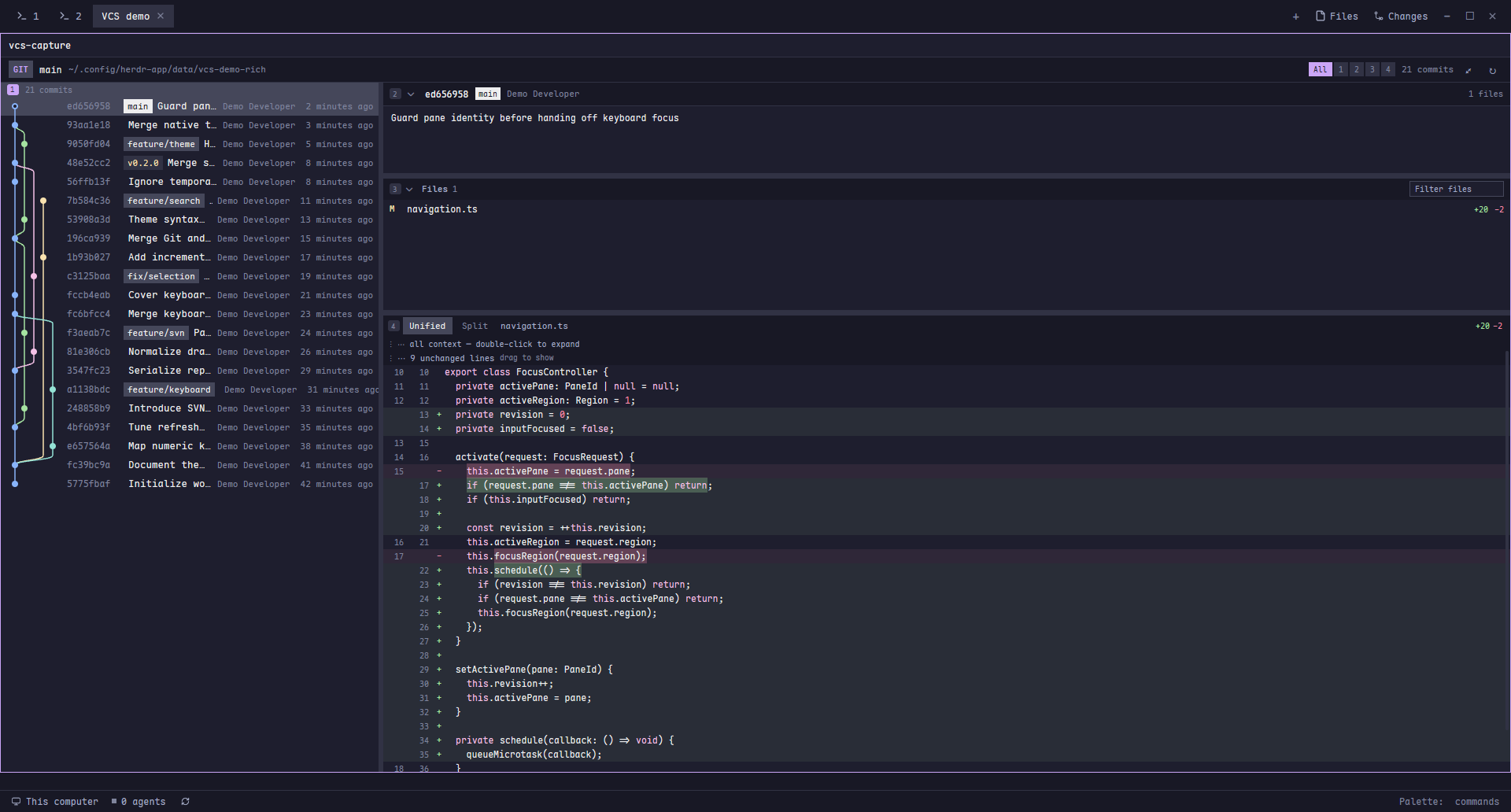
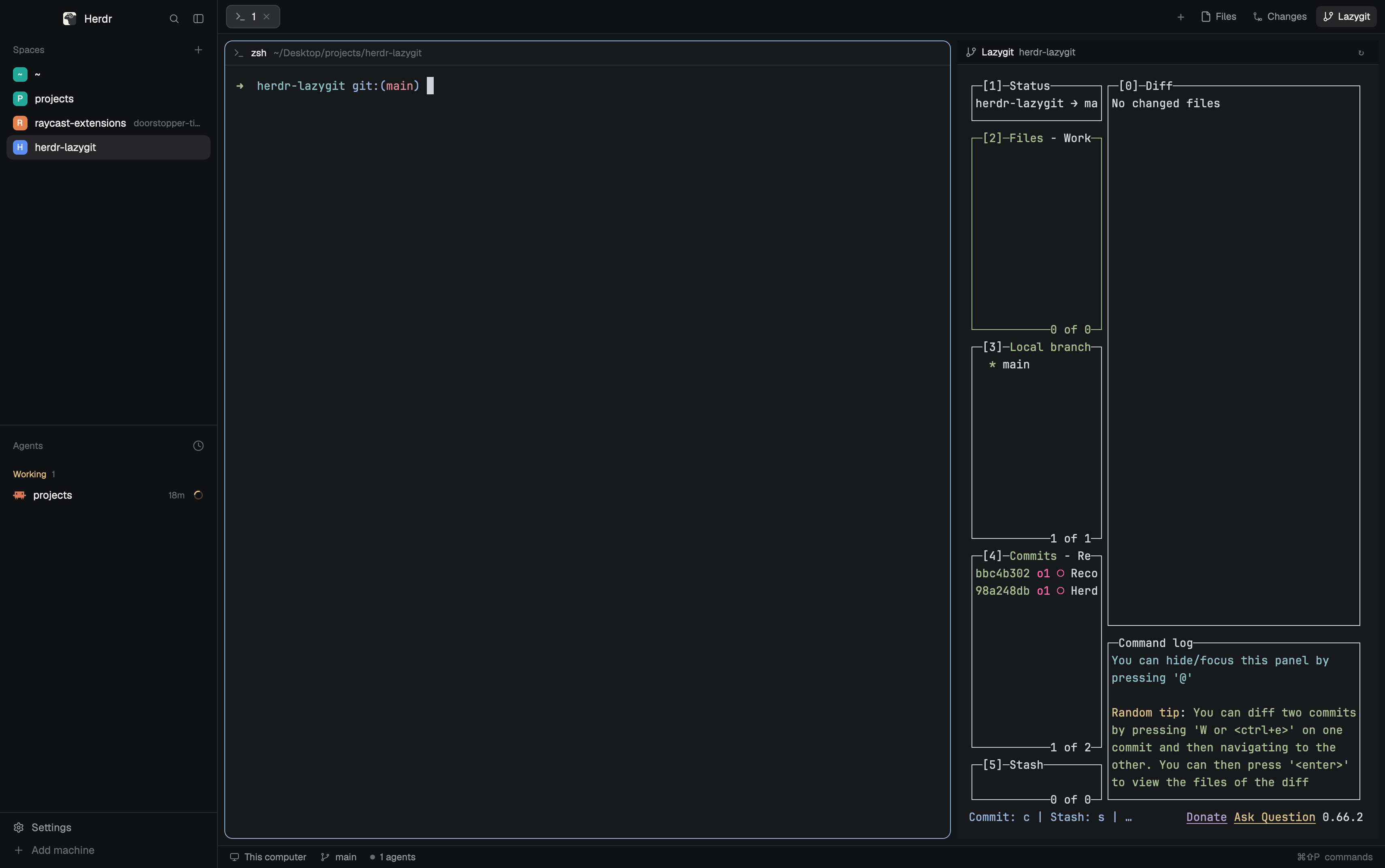
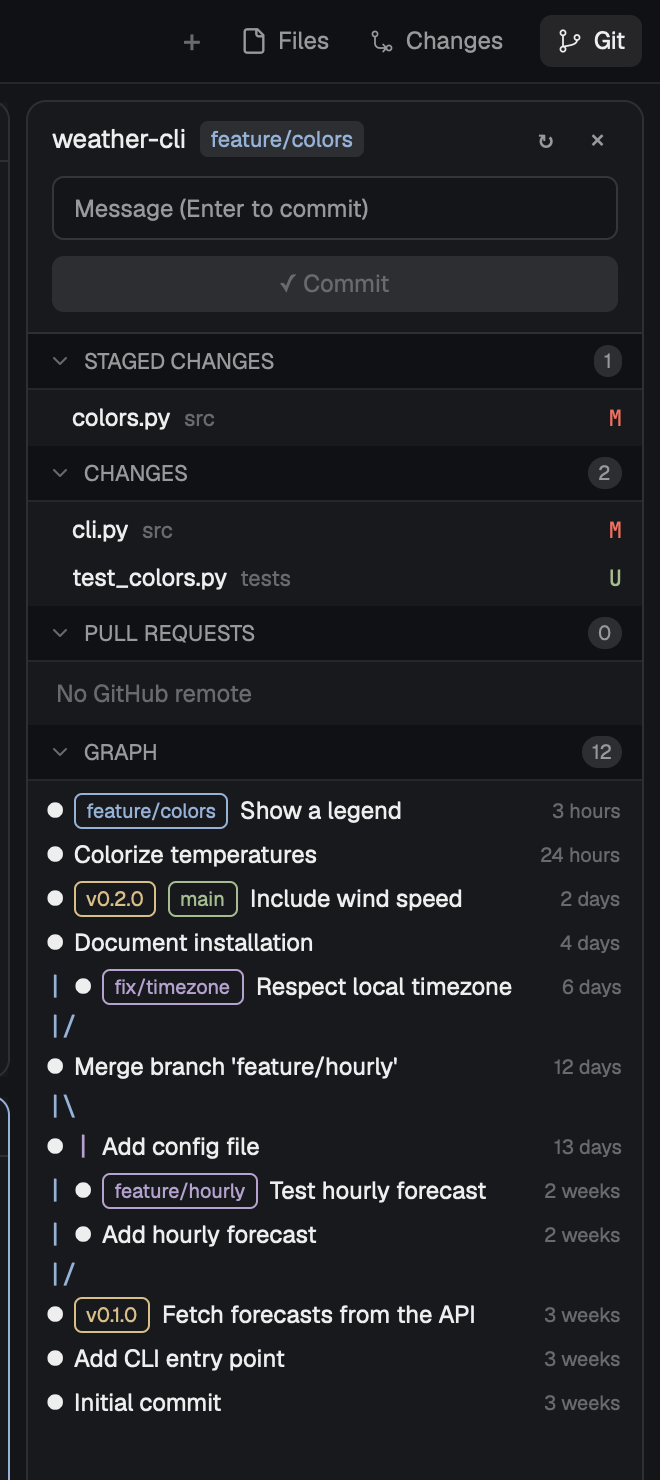
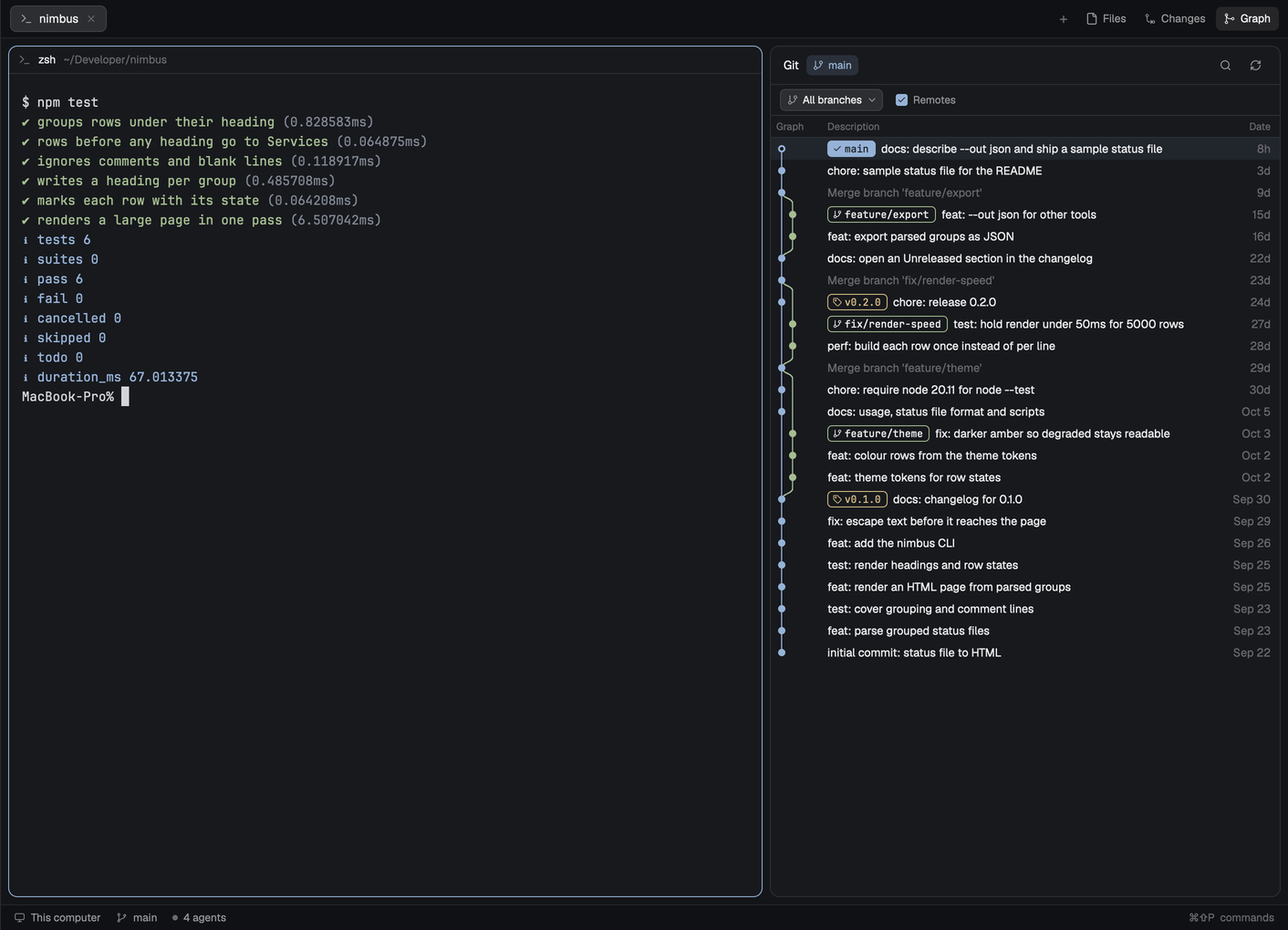
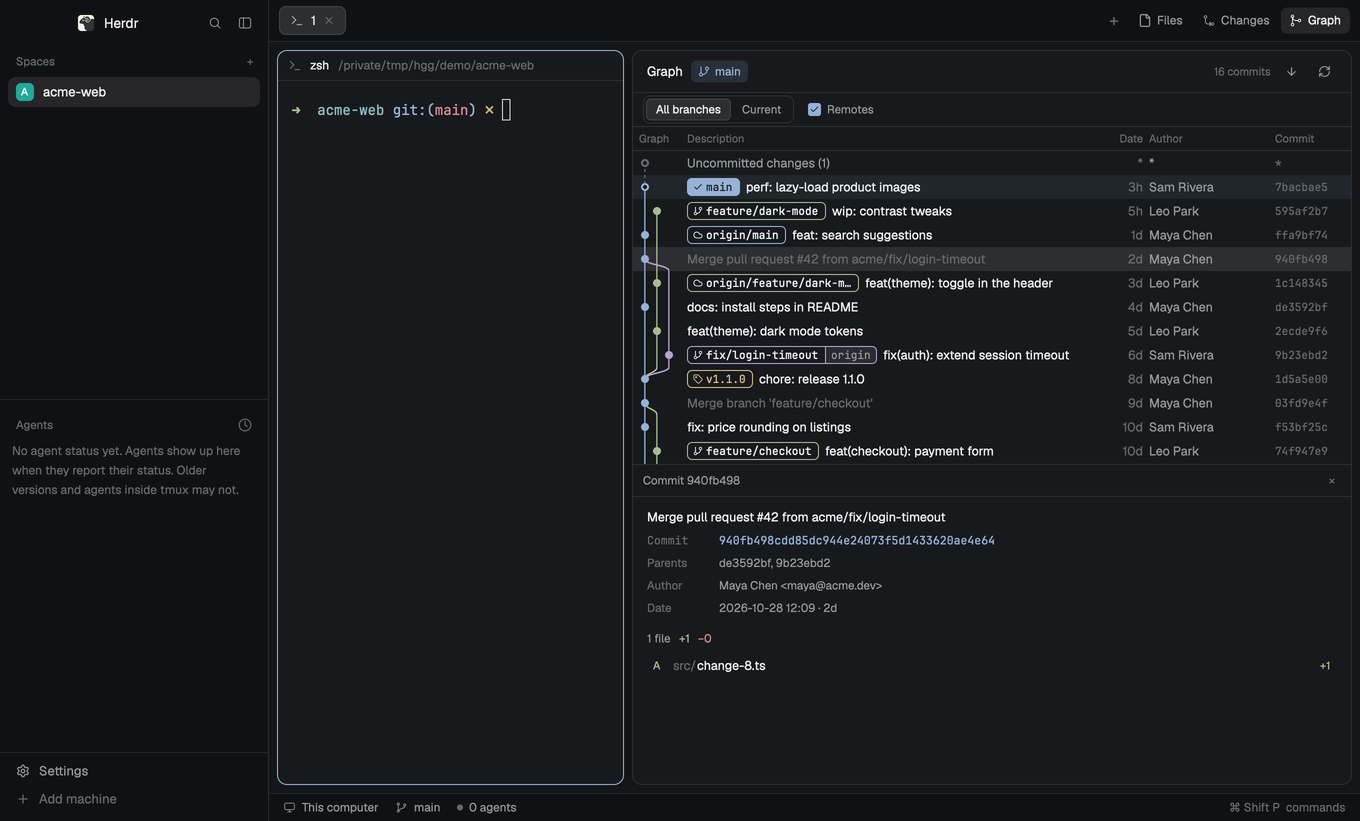
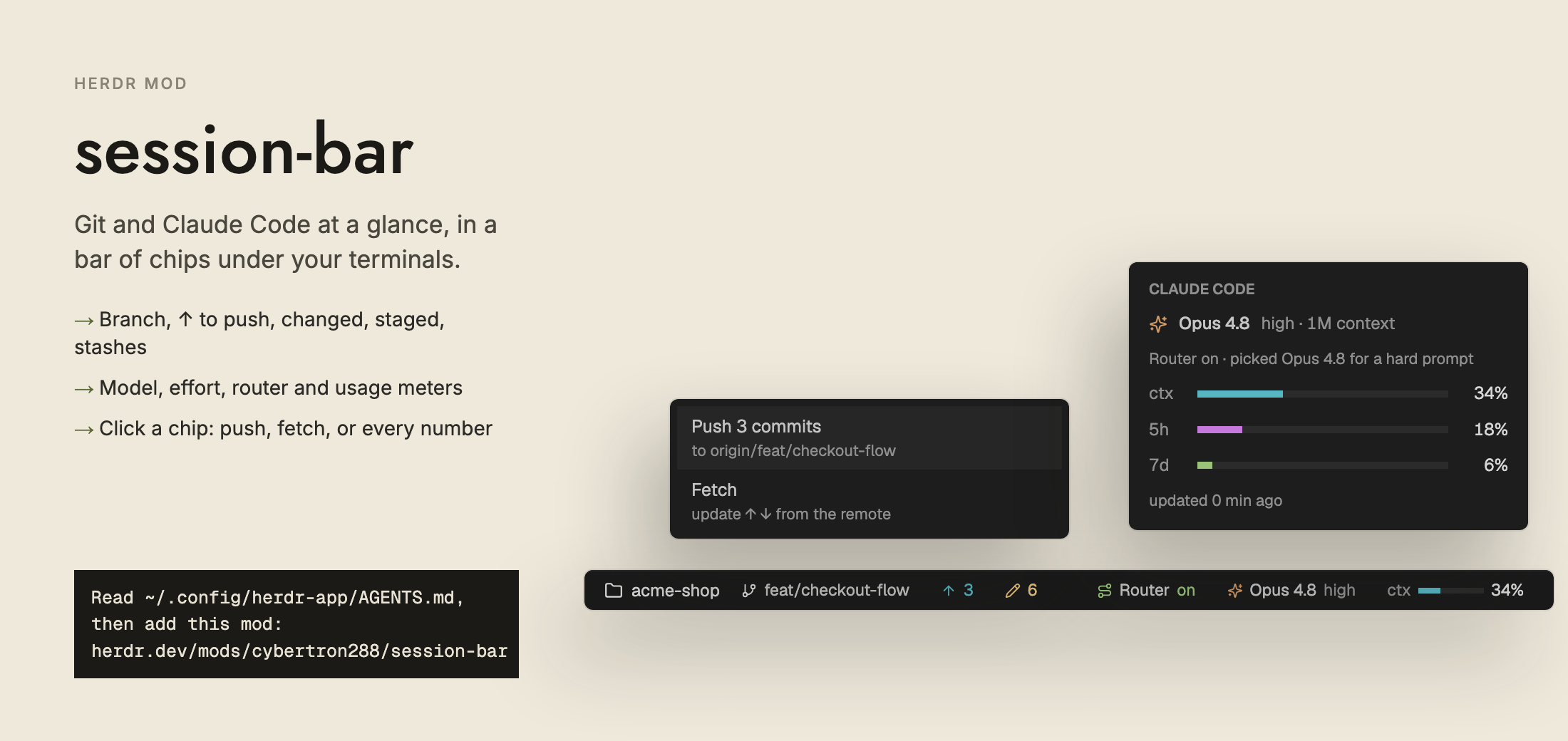
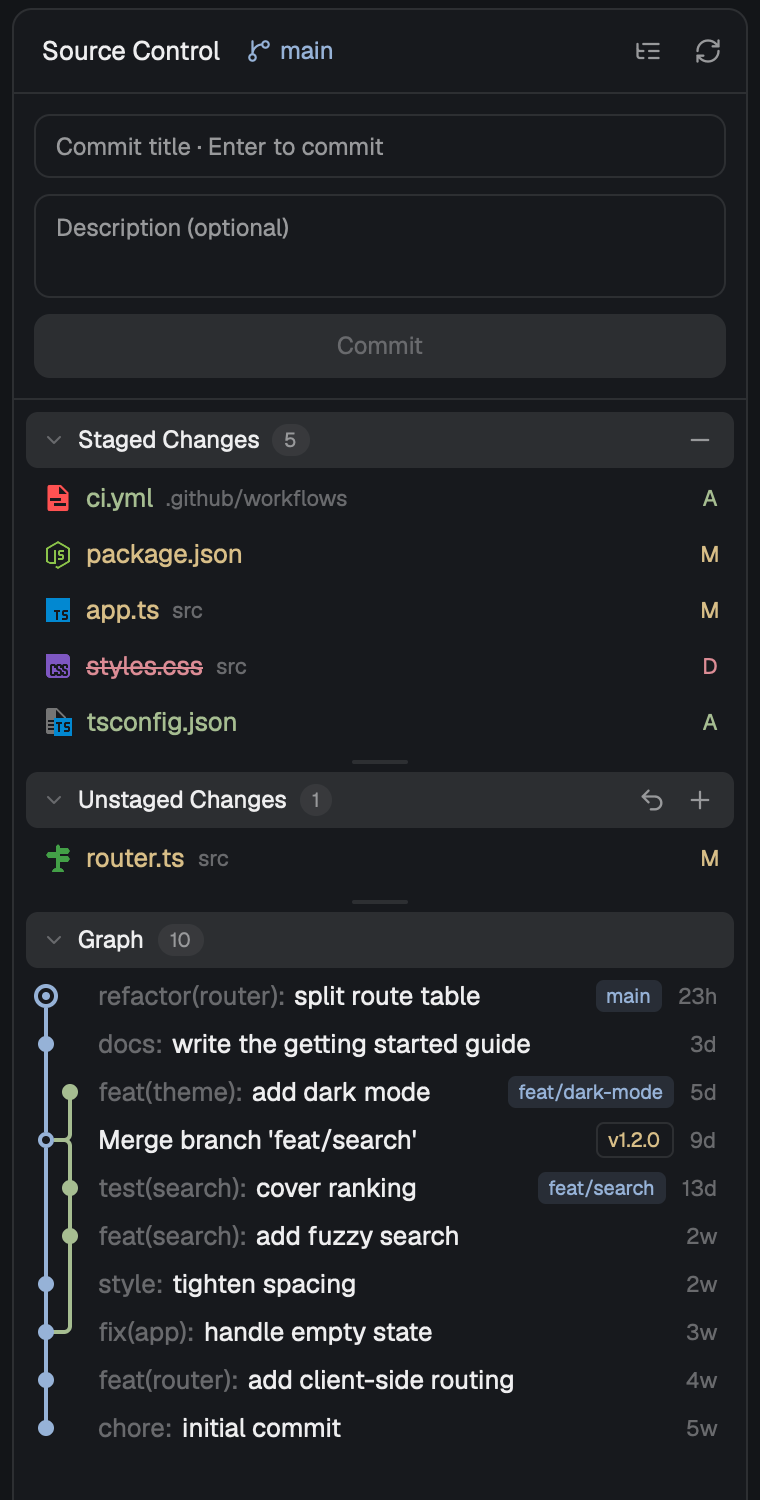
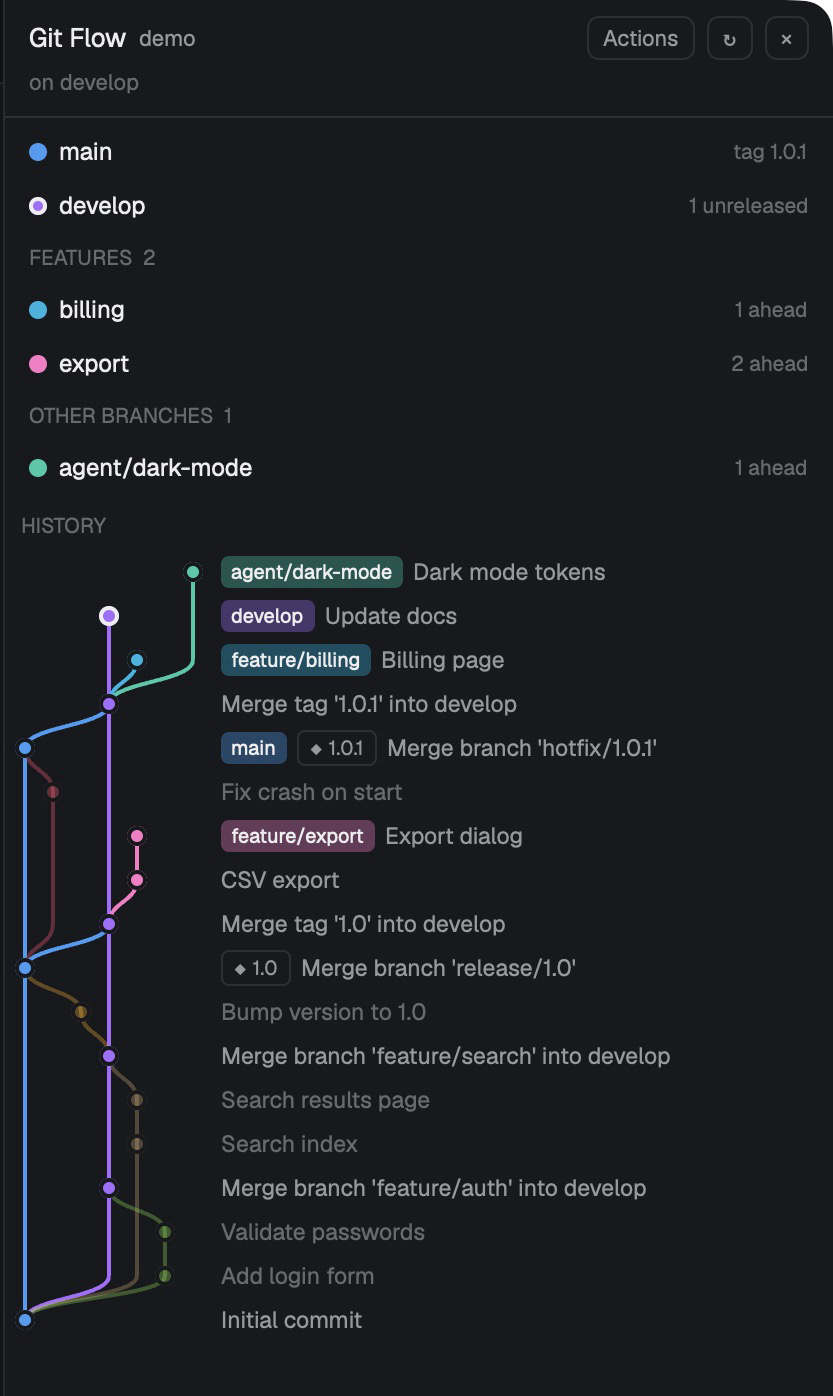
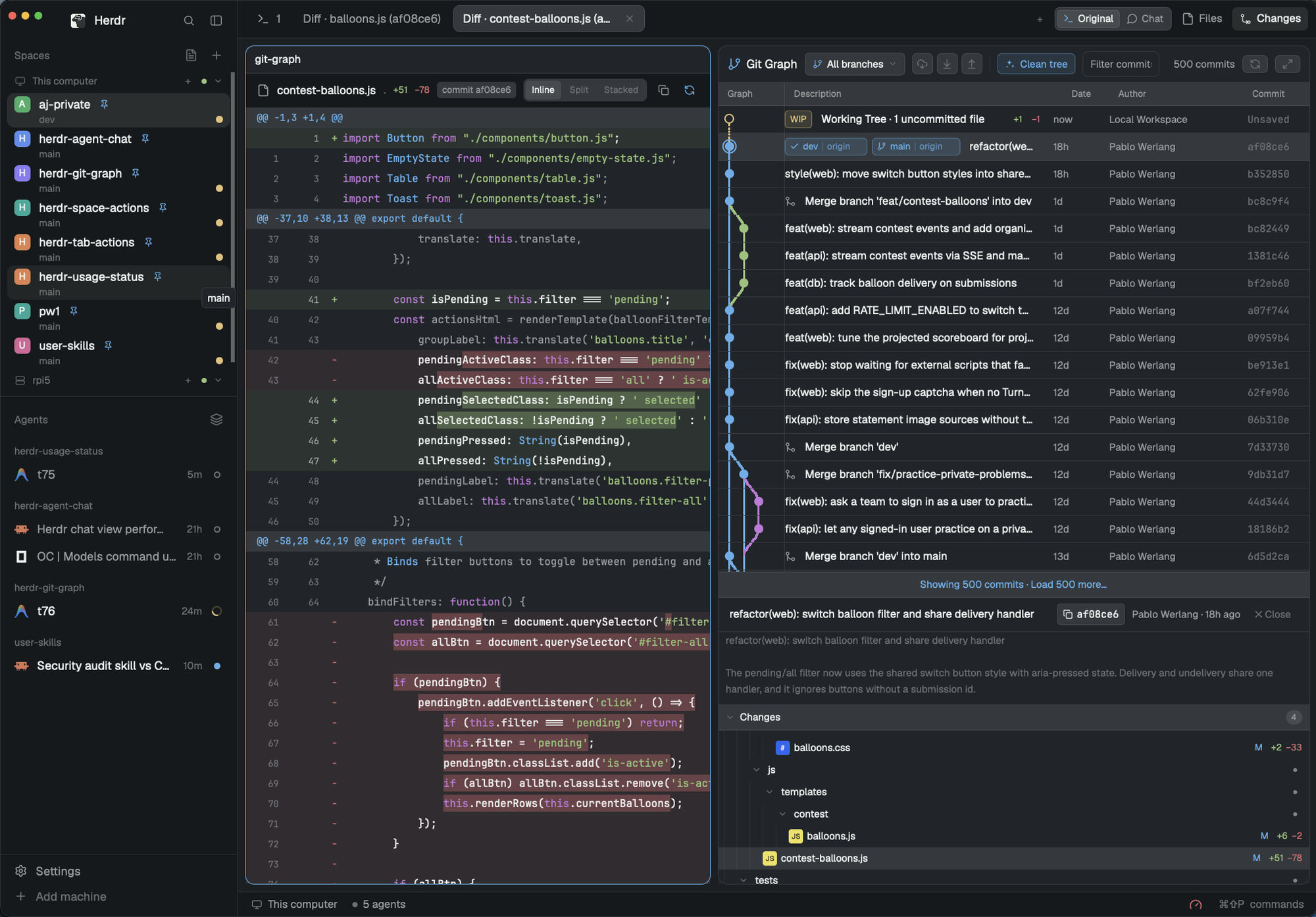
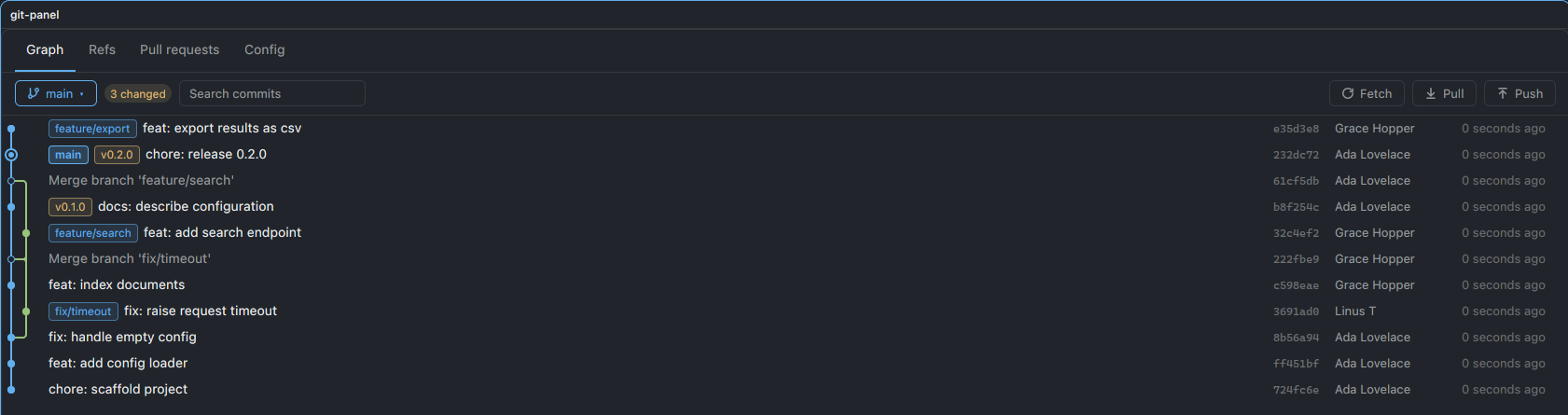
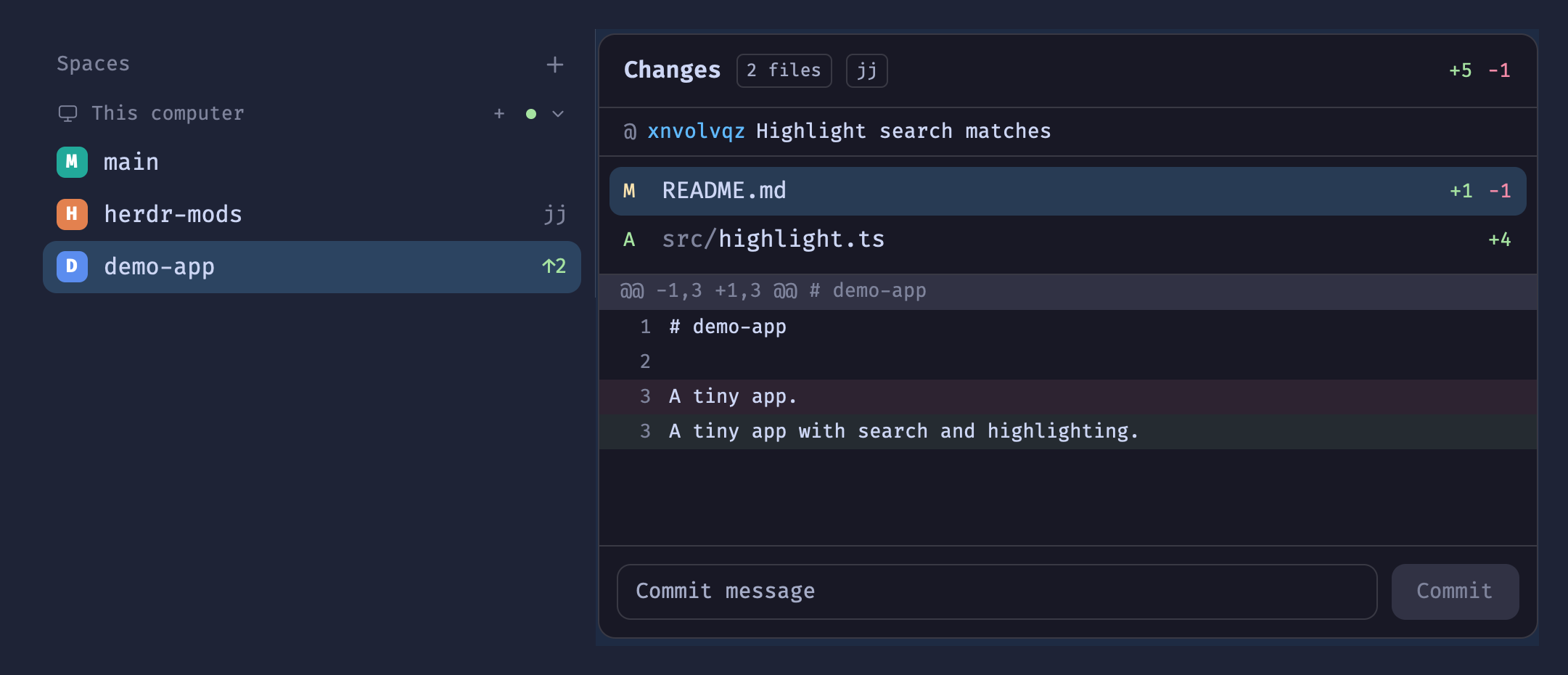
A lazygit-style git panel for the repo of the focused terminal. Numbered sections (Branches, Commits, Stash) sit beside a preview of the selected item (a branch's log with a drawn commit graph, a commit's or stash's full diff, or a command's output). Vim-ish keys drive it: check out, merge, rebase, squash, fixup, reword, drop, reorder, cherry-pick, push, pull. Writes run in background herdr-core terminals whose output stays in a copyable log, and a merge or rebase conflict or a failed command…

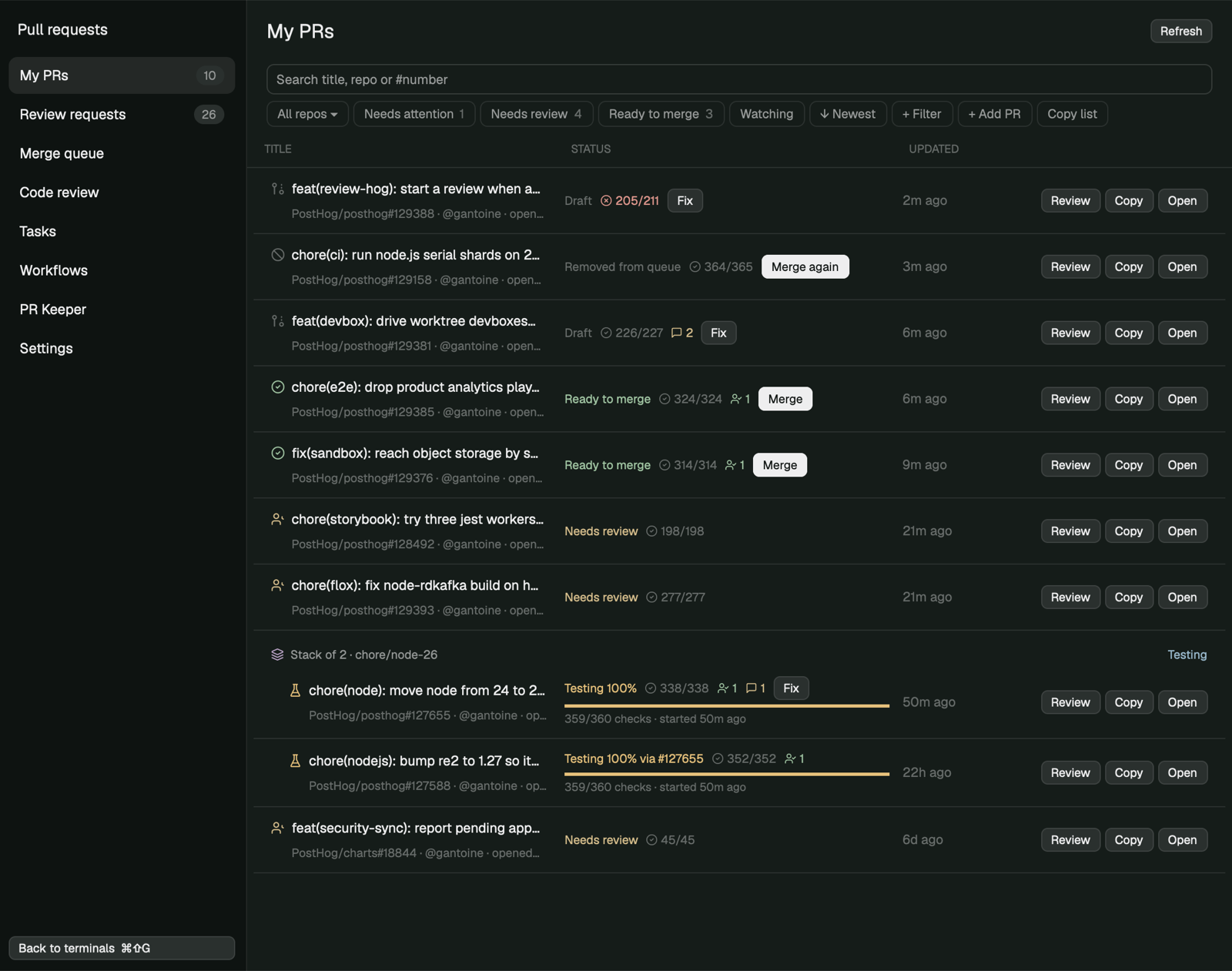
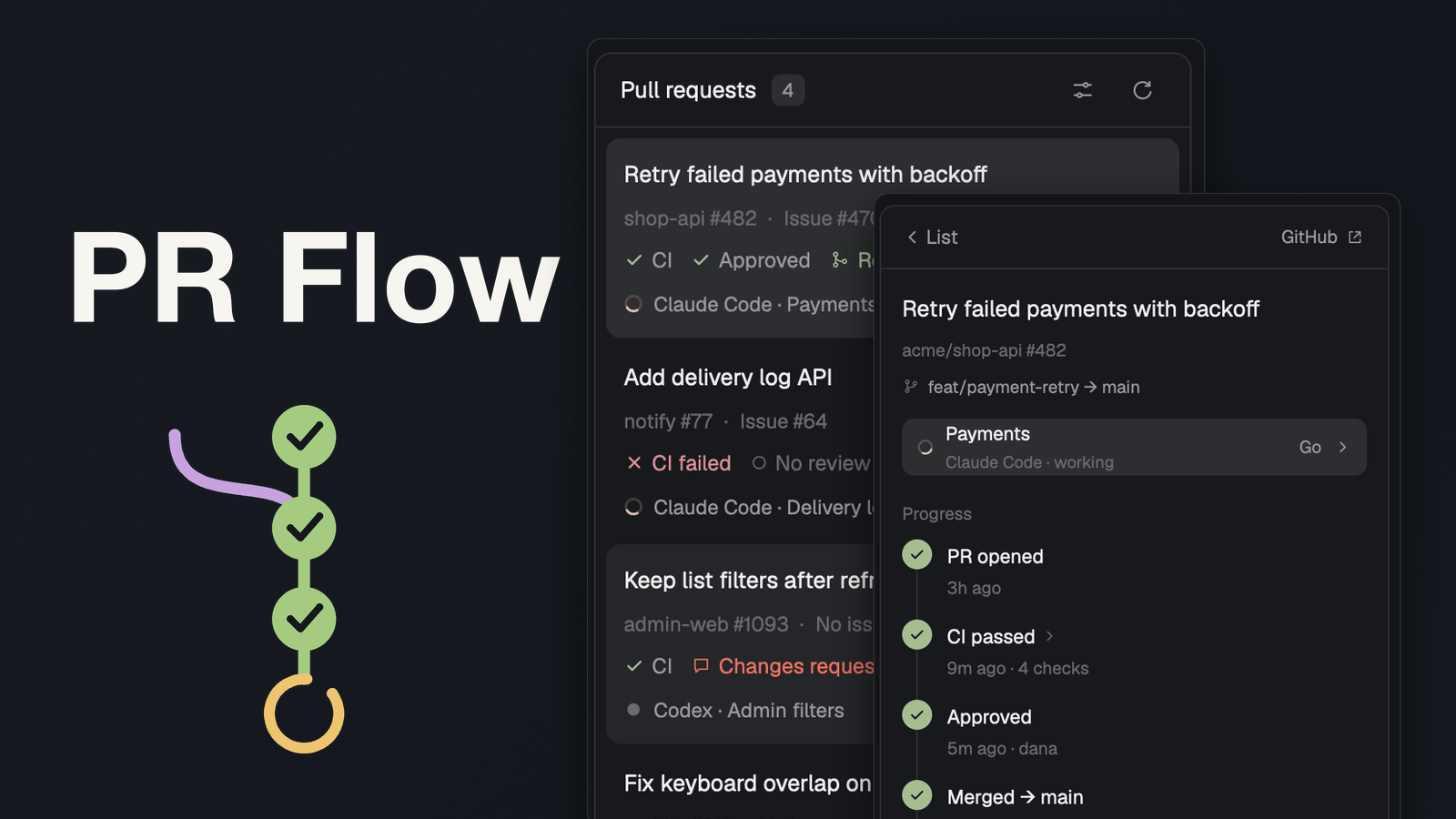
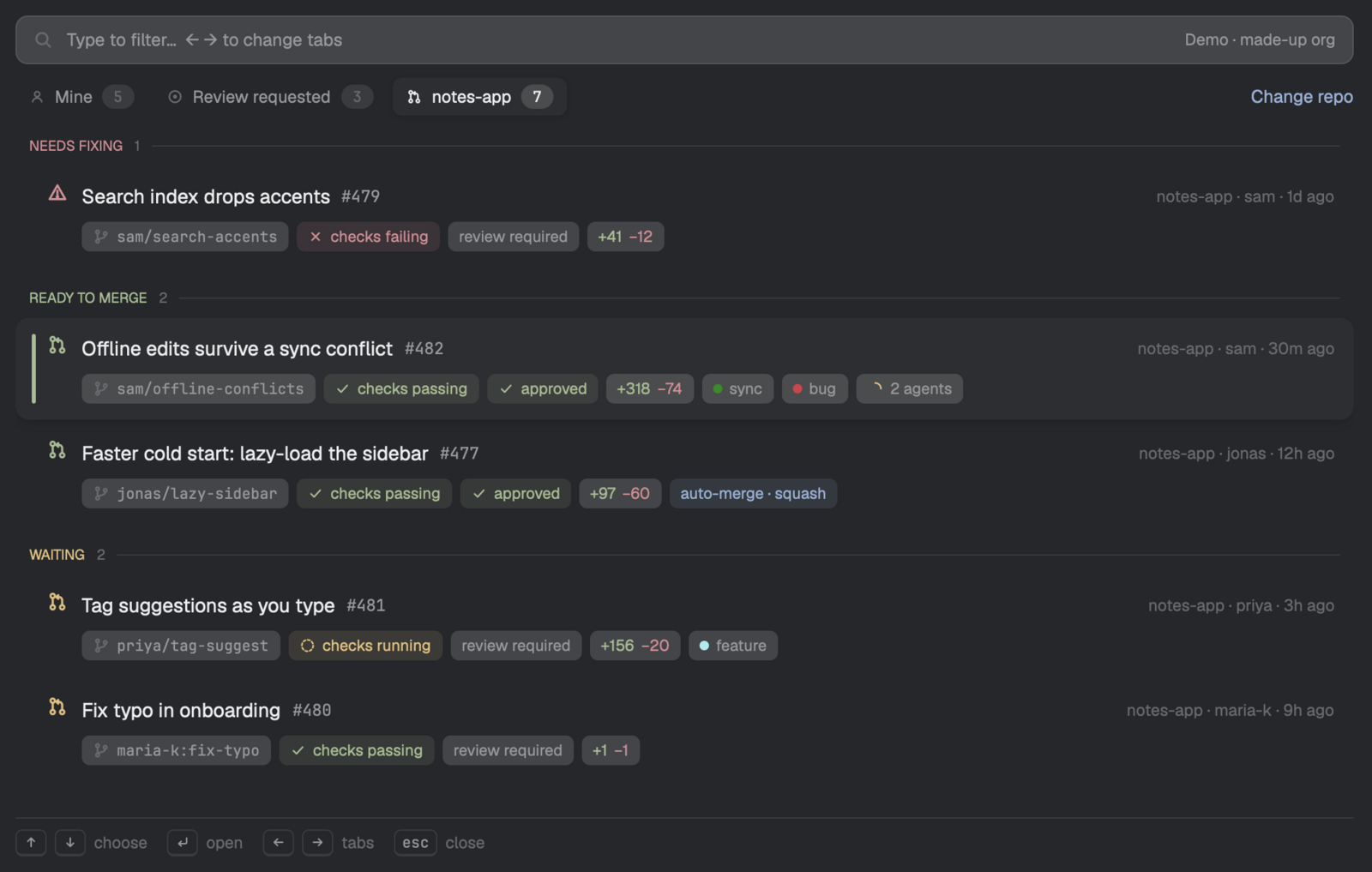
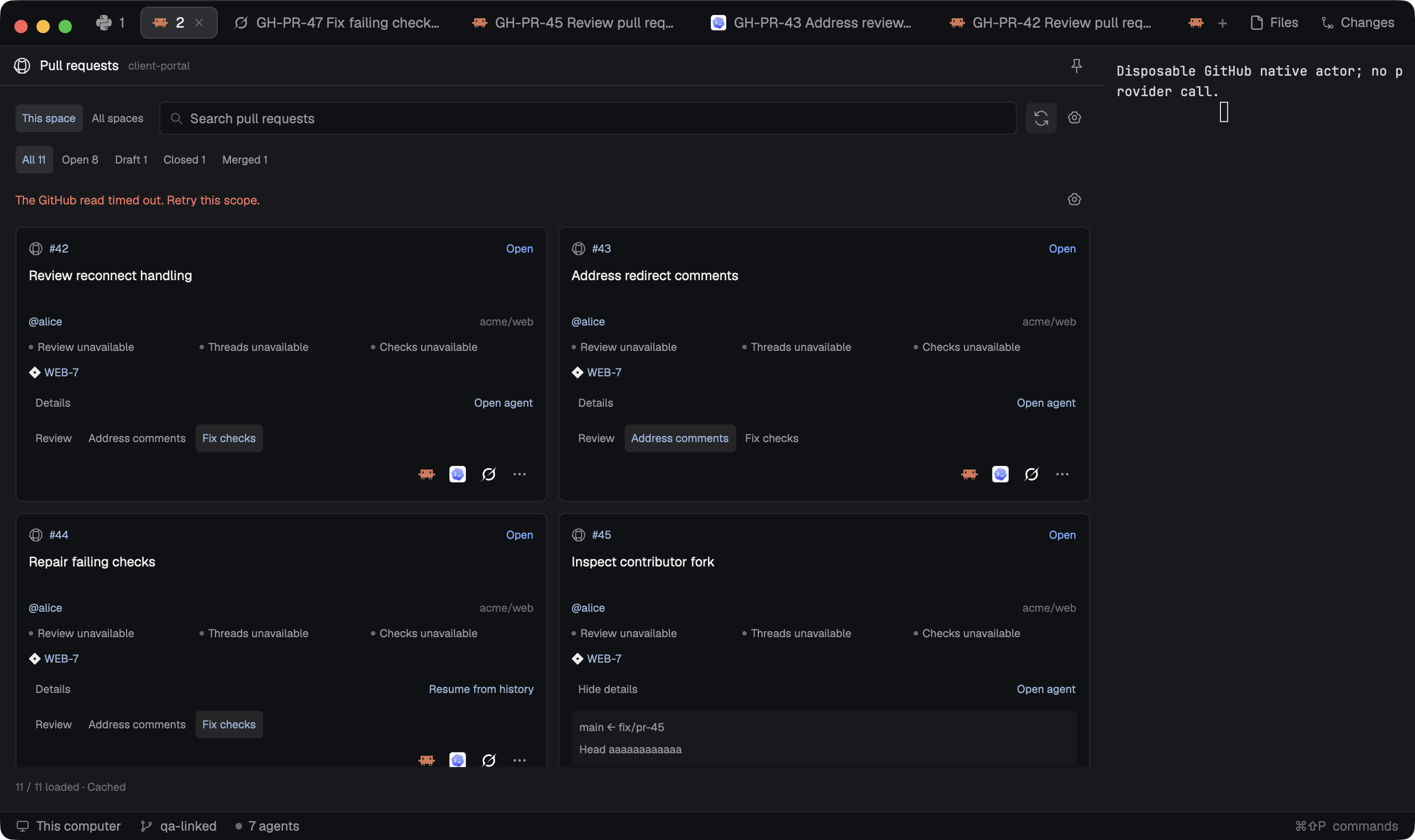
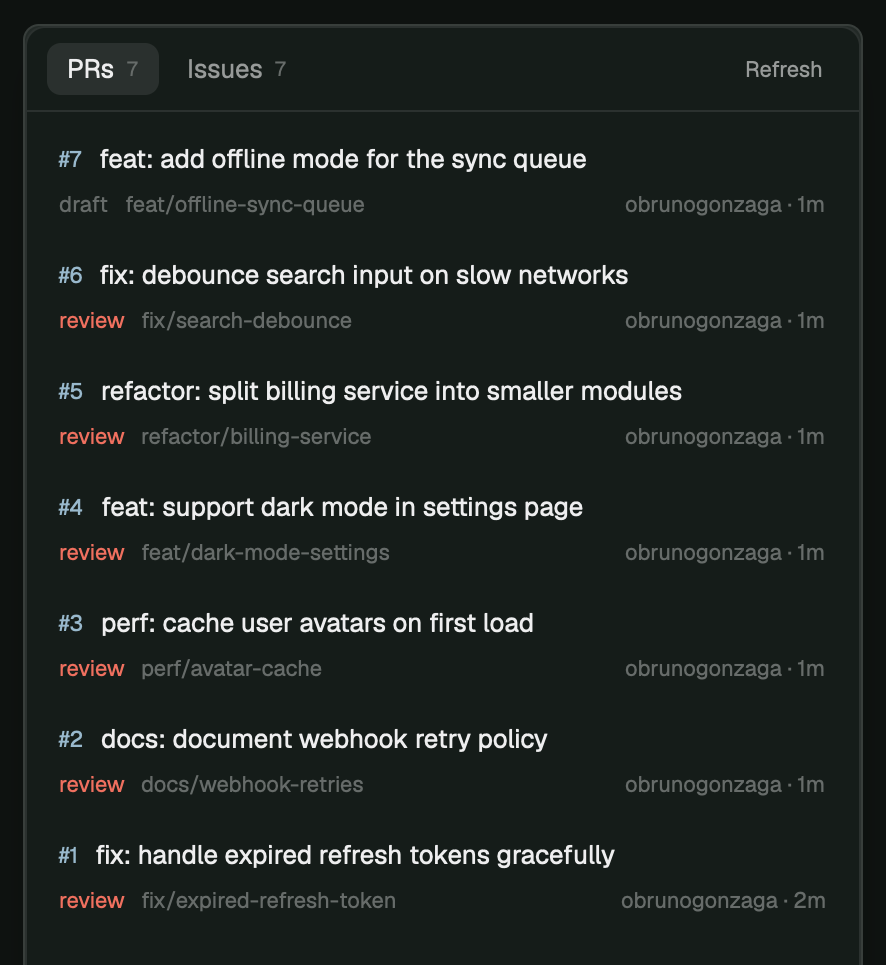
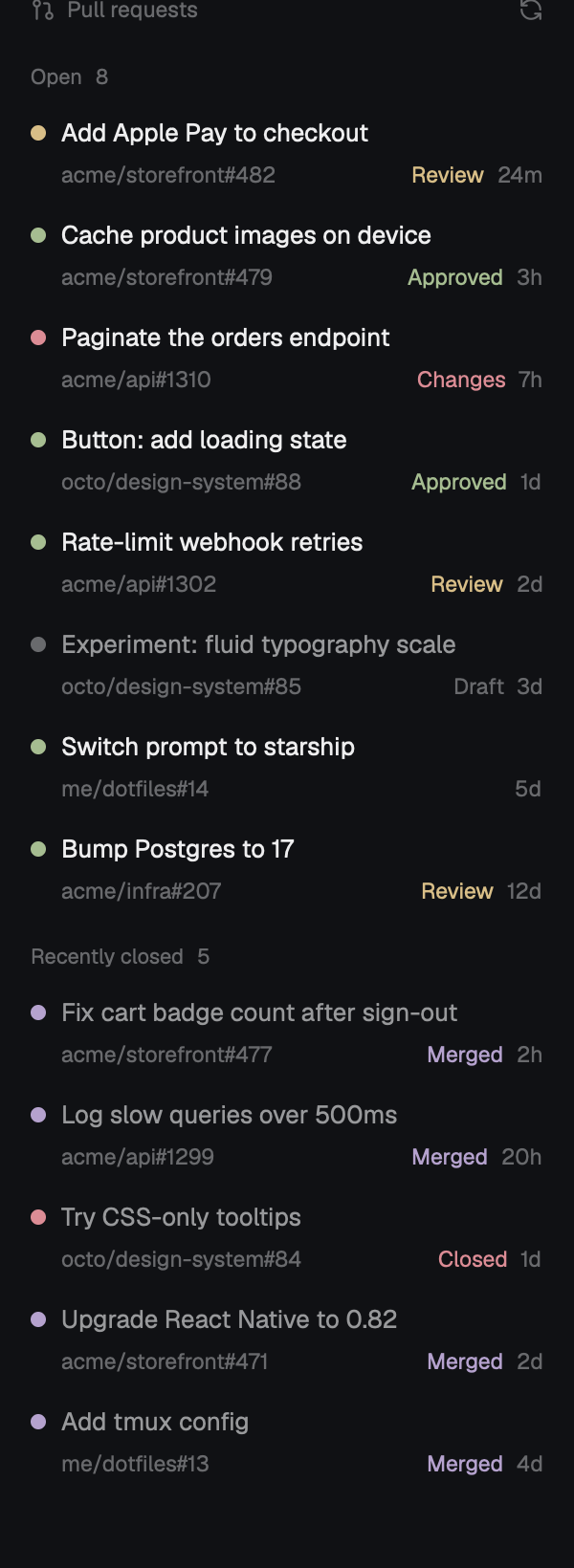
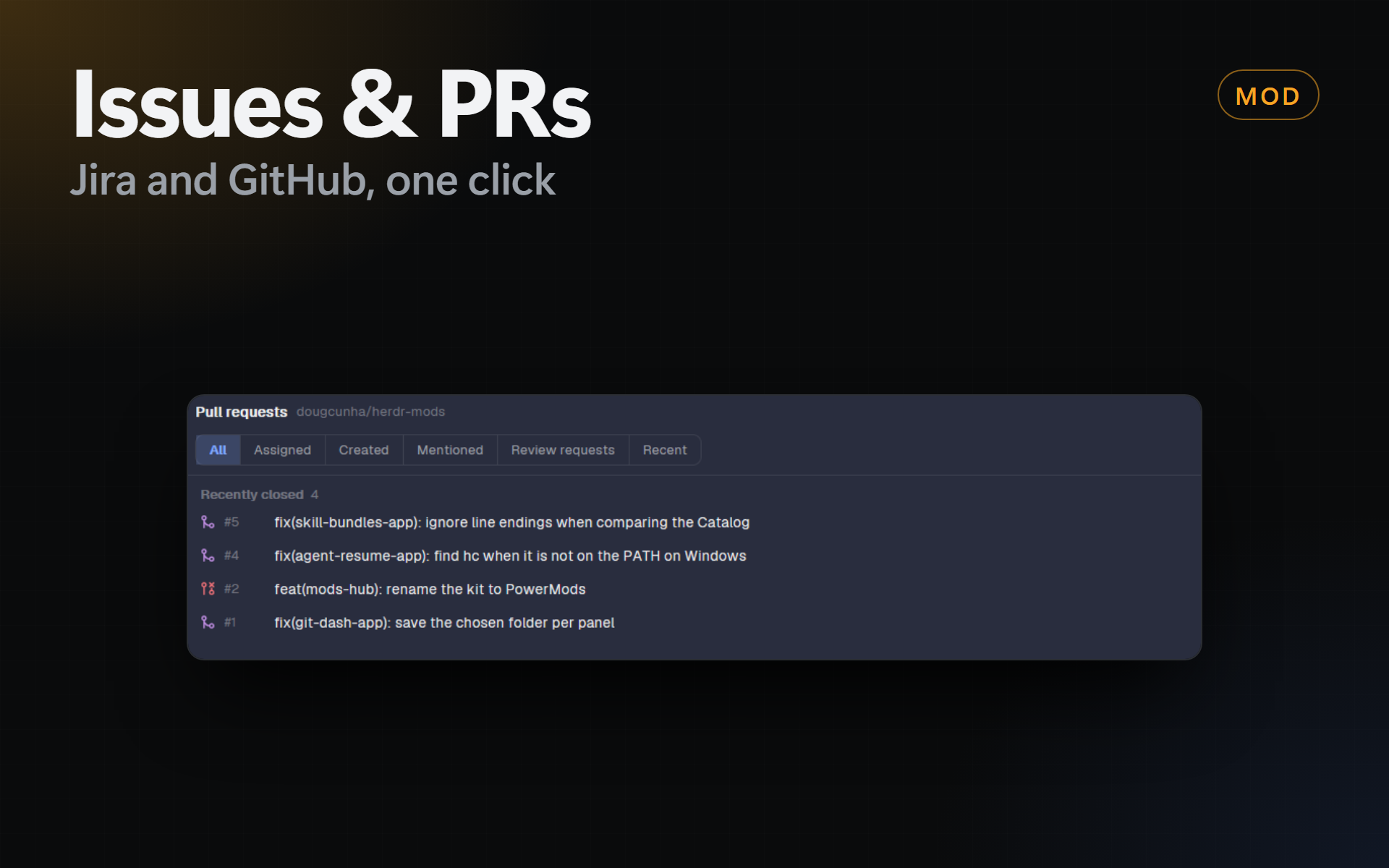
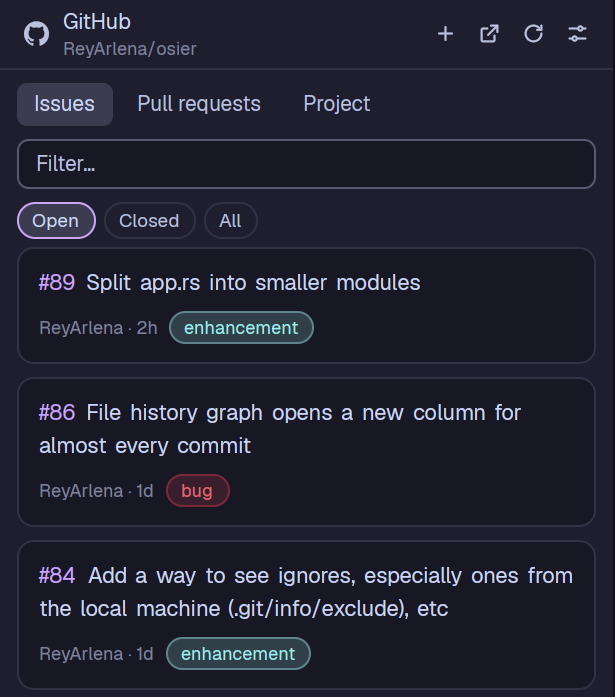
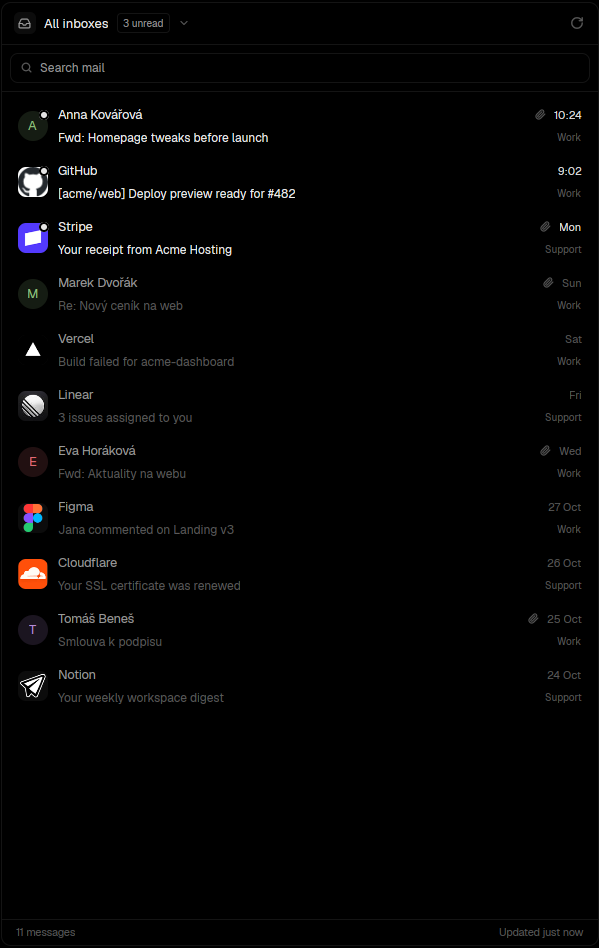
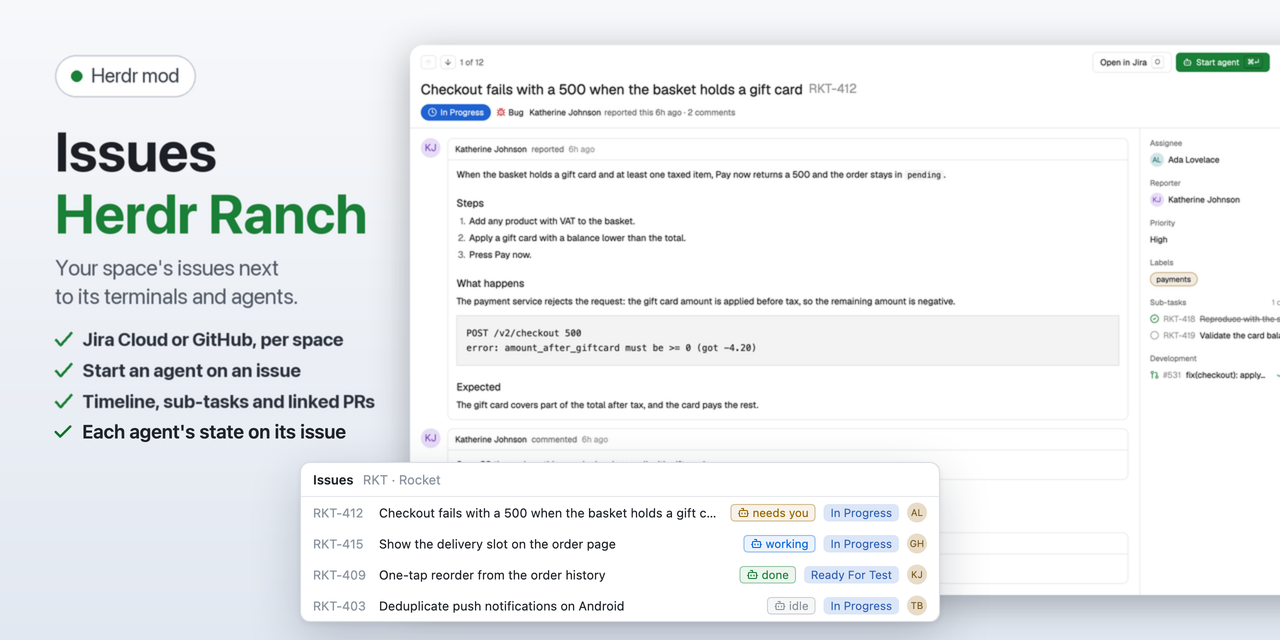
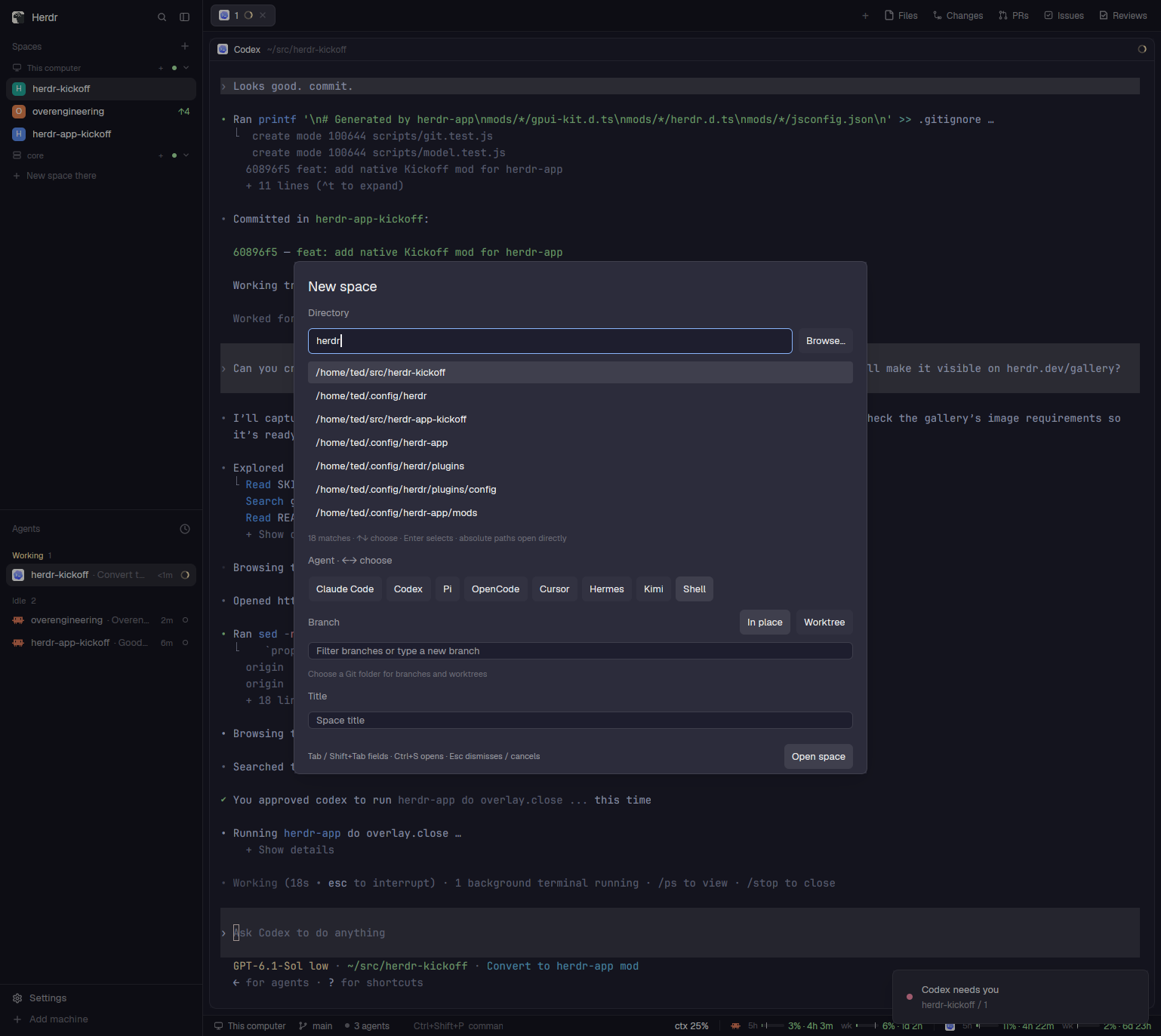
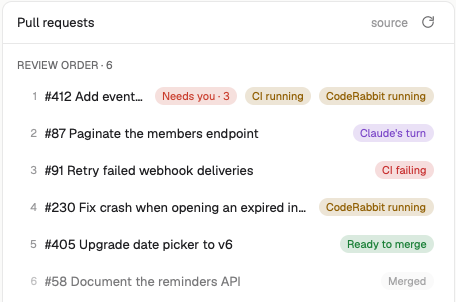
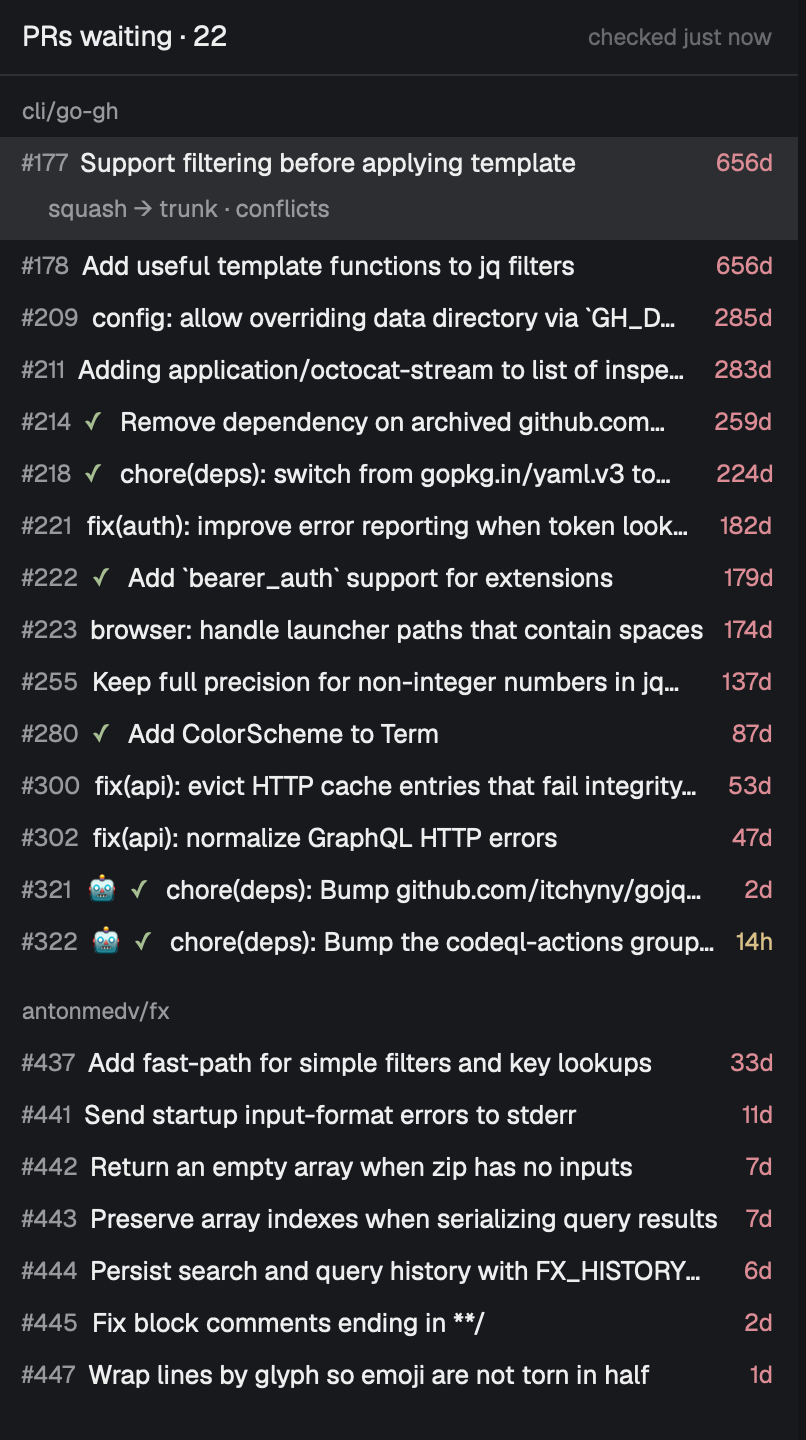
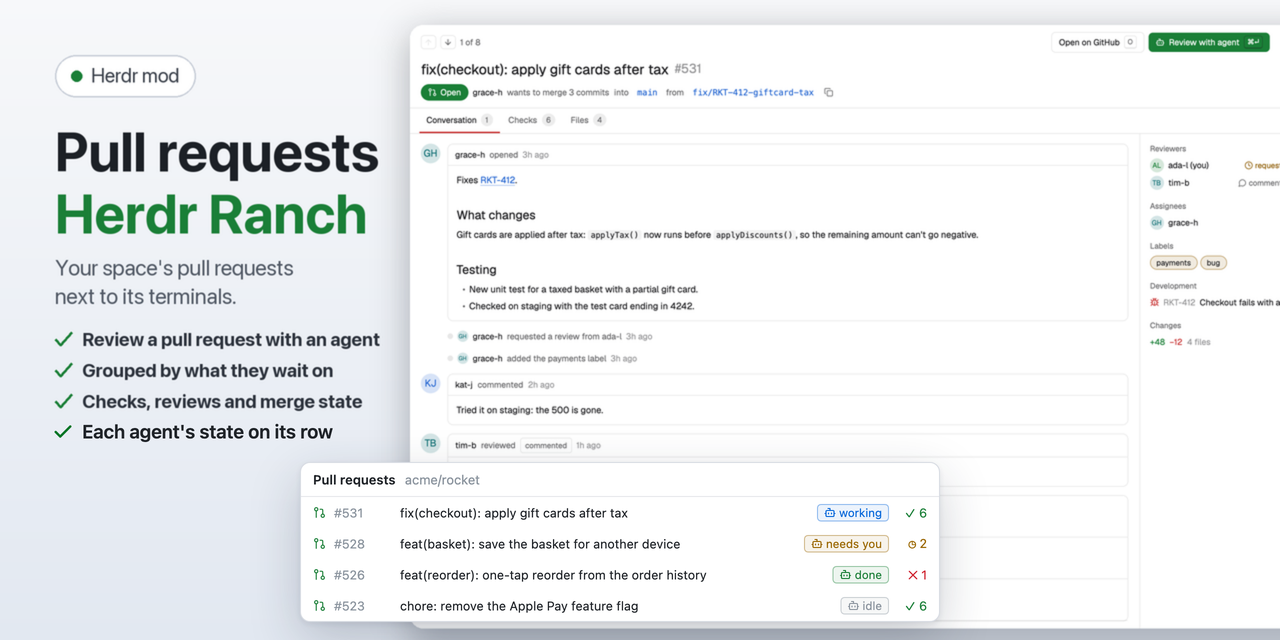
Open issues and pull requests from every repo the person's GitHub account sees, in one list, from one GitHub search, as on github.com/issues. It starts on what's assigned to them and keeps whatever query they set. It opens as a tab from a key, and from an Inbox button in the tab bar.



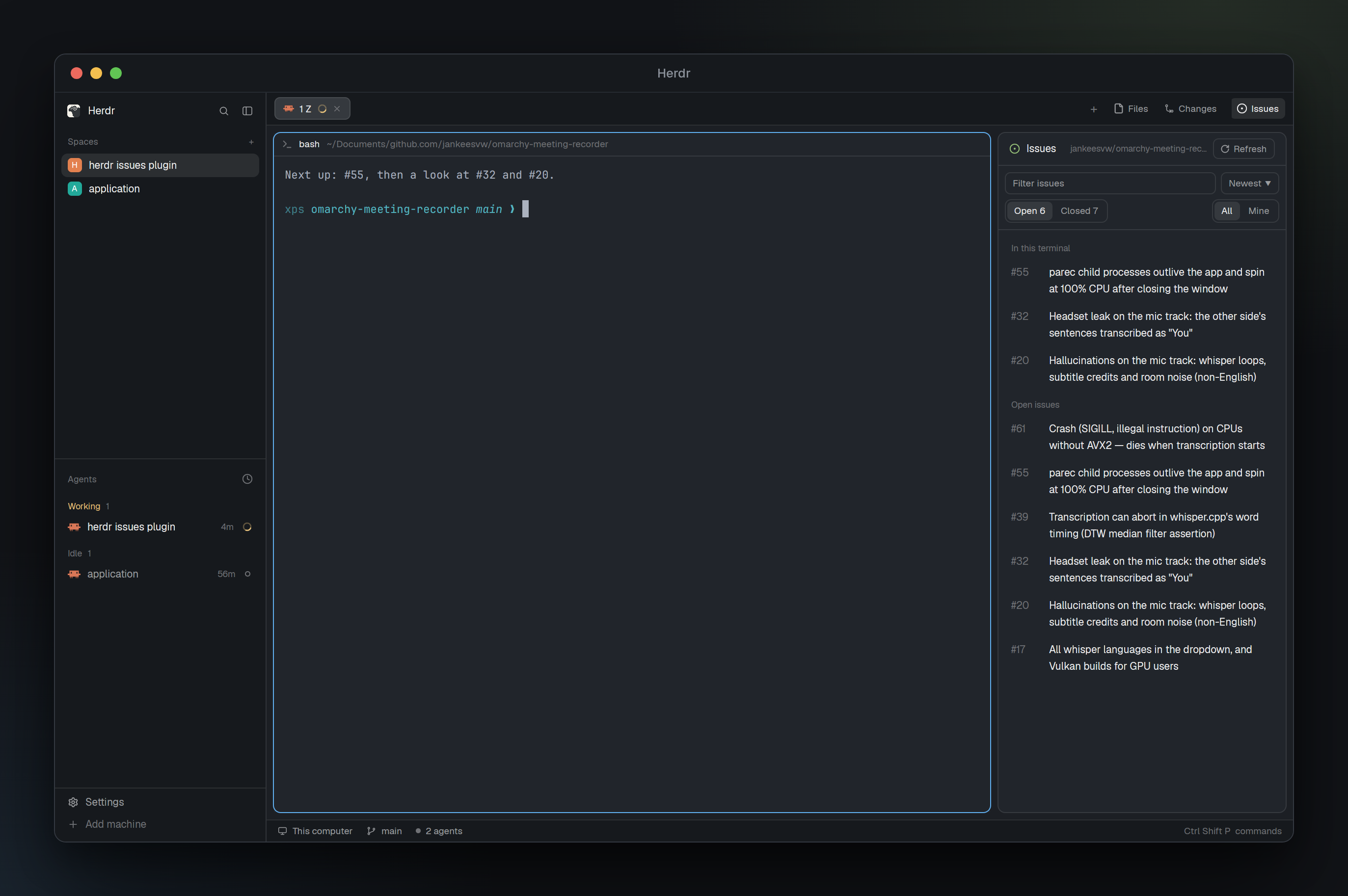
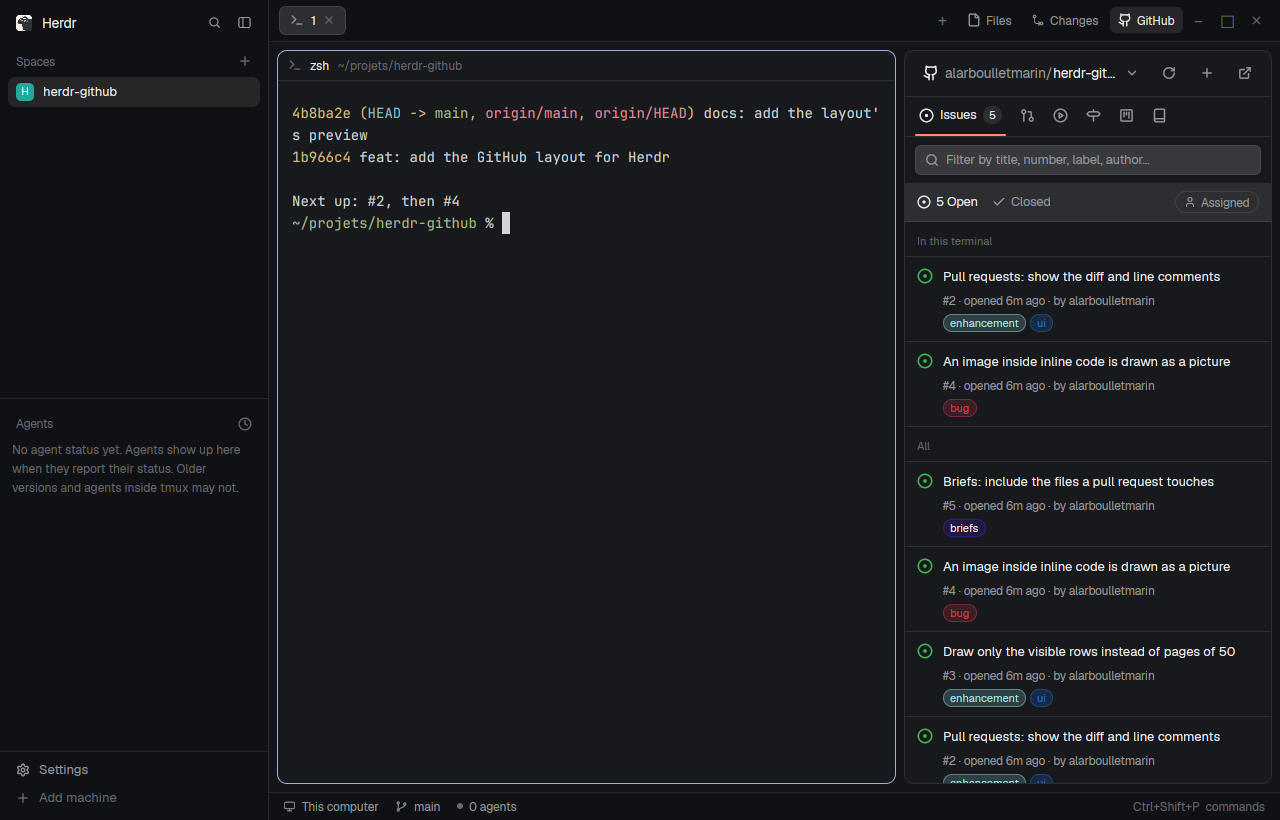
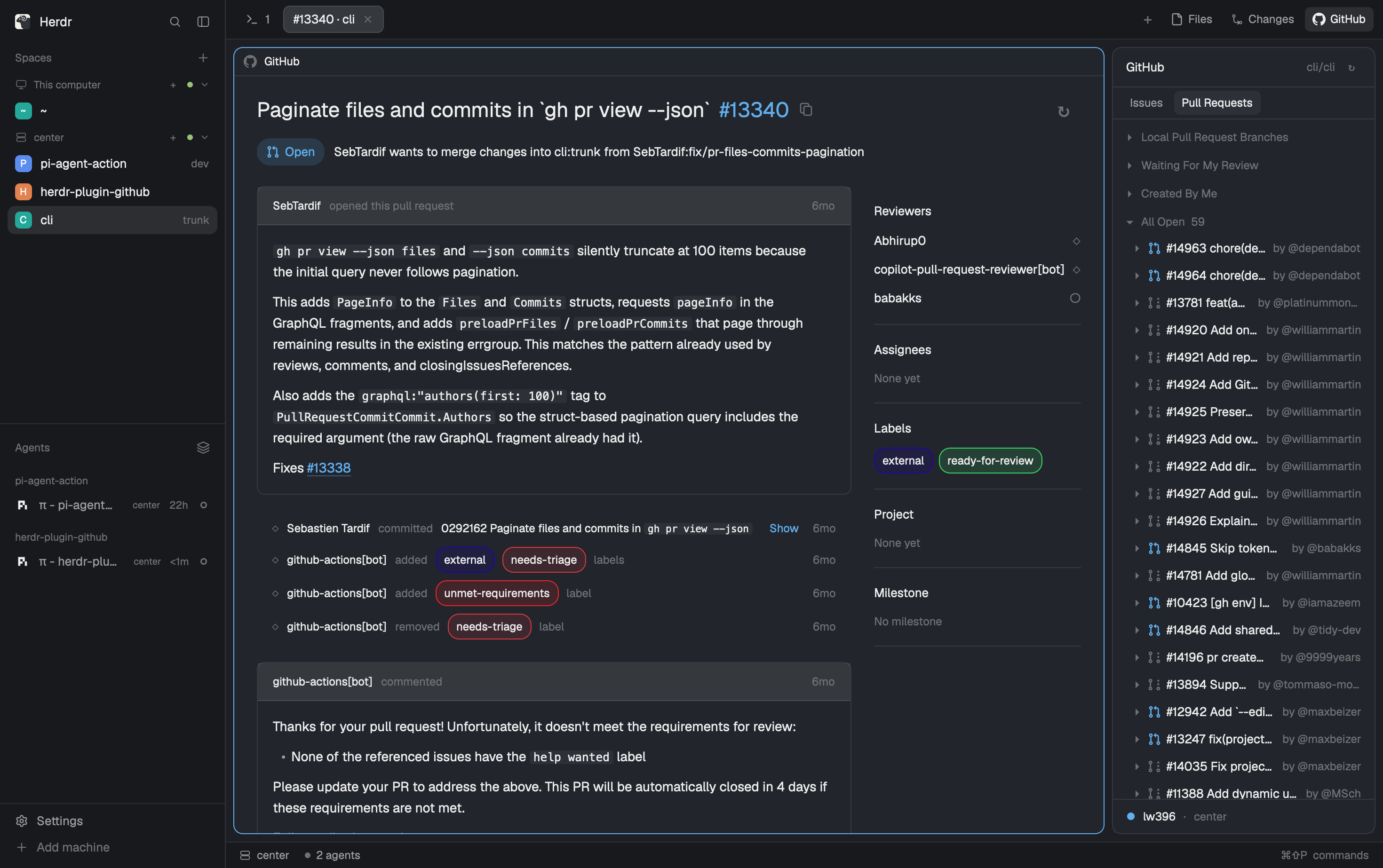
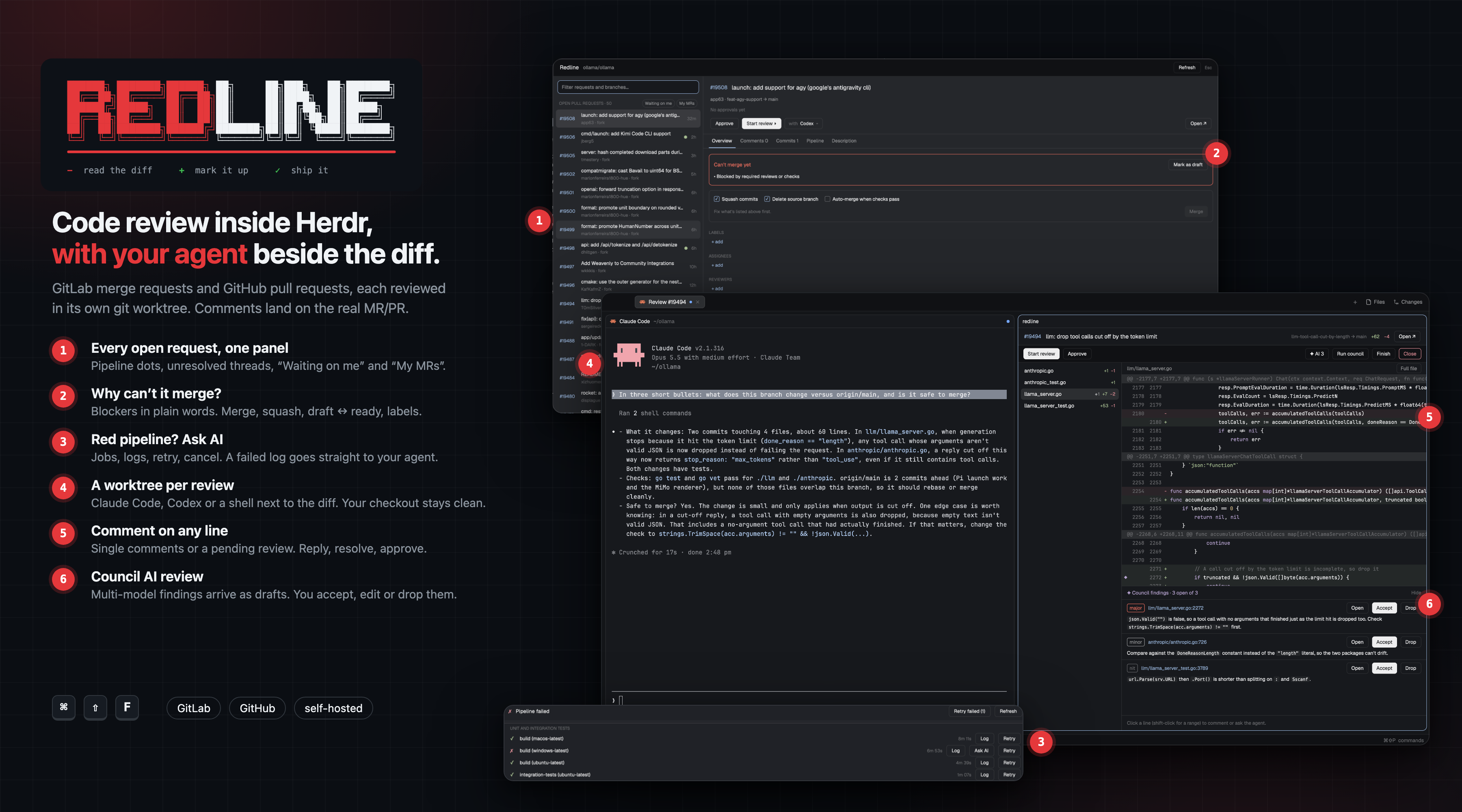
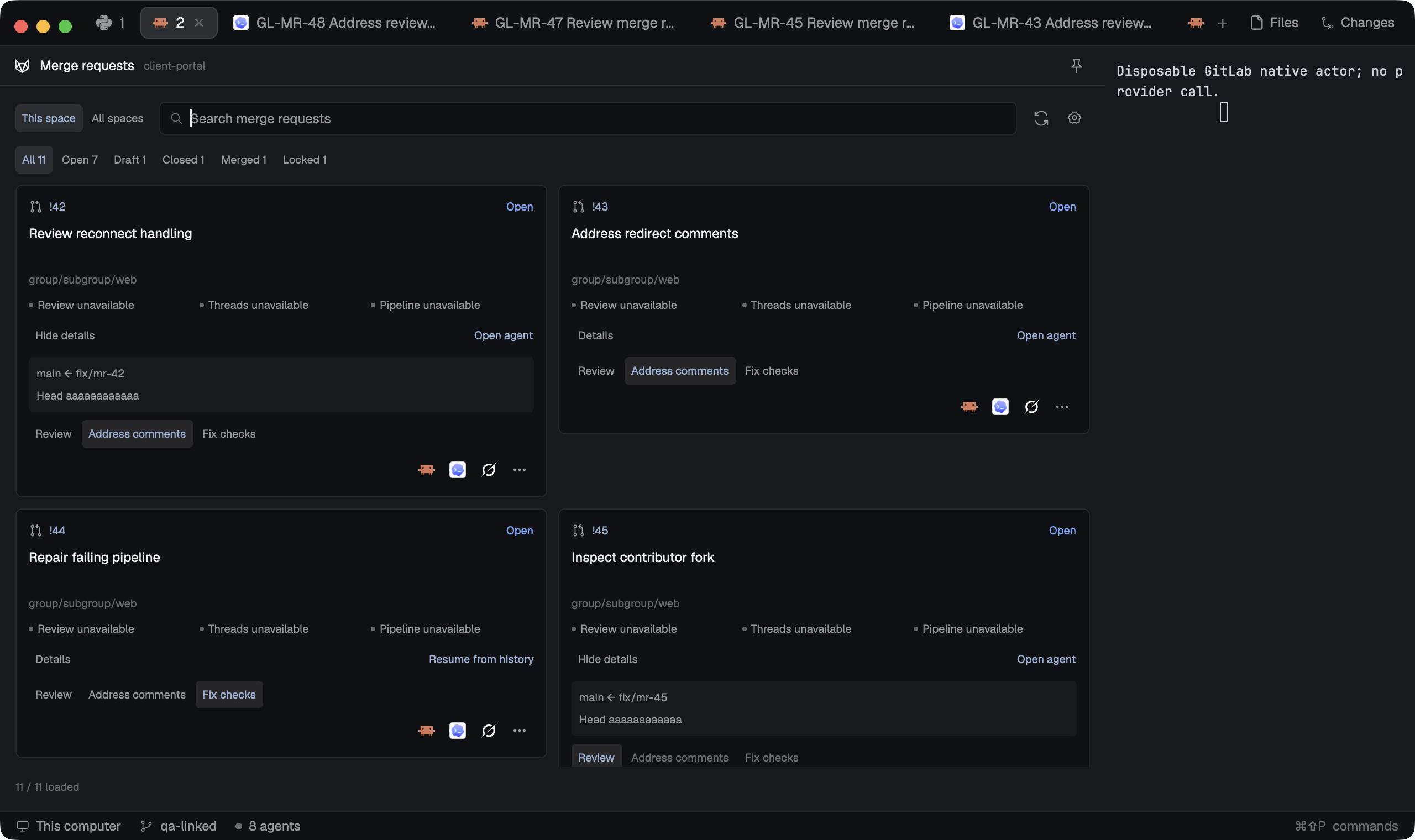
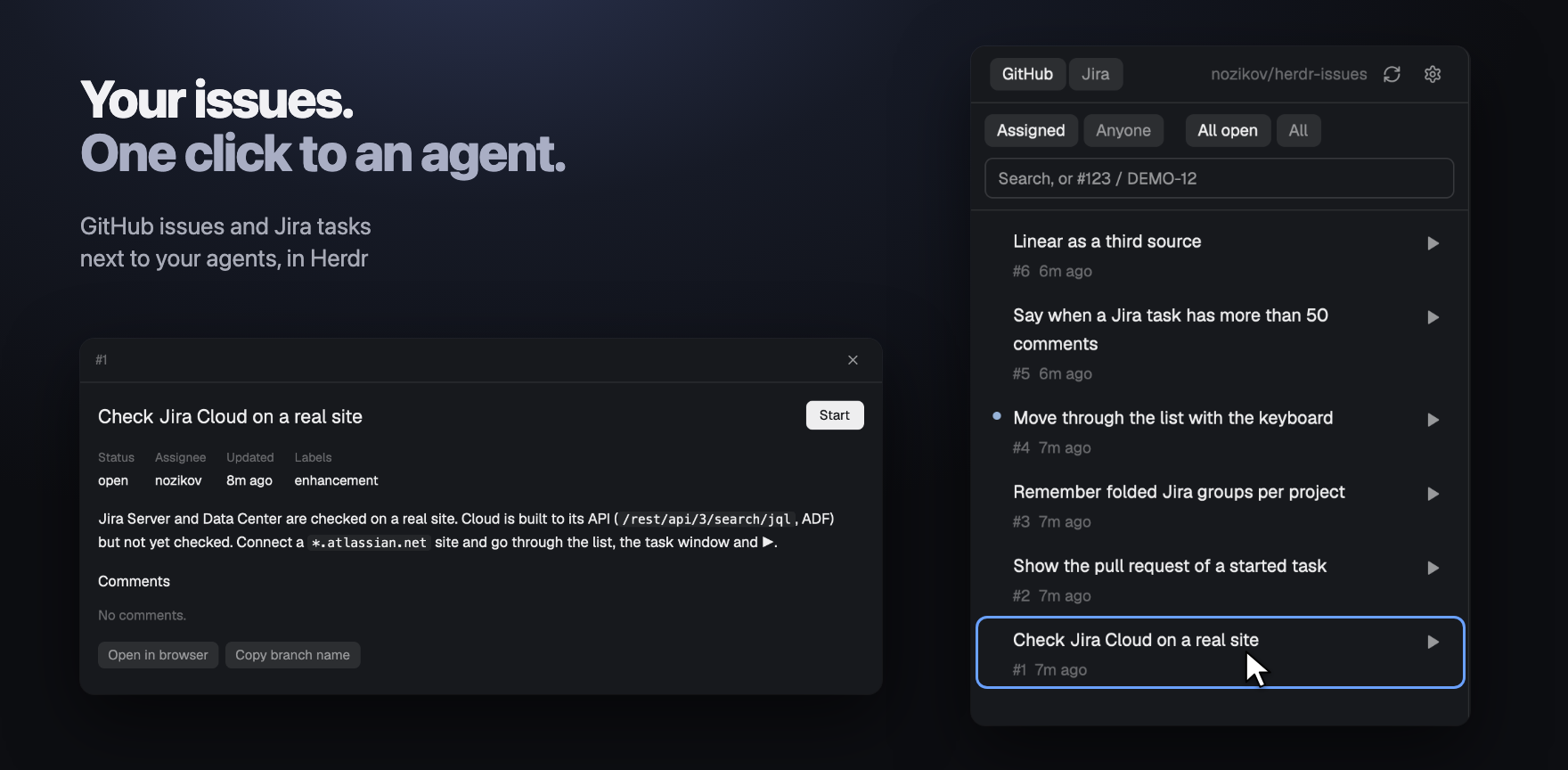
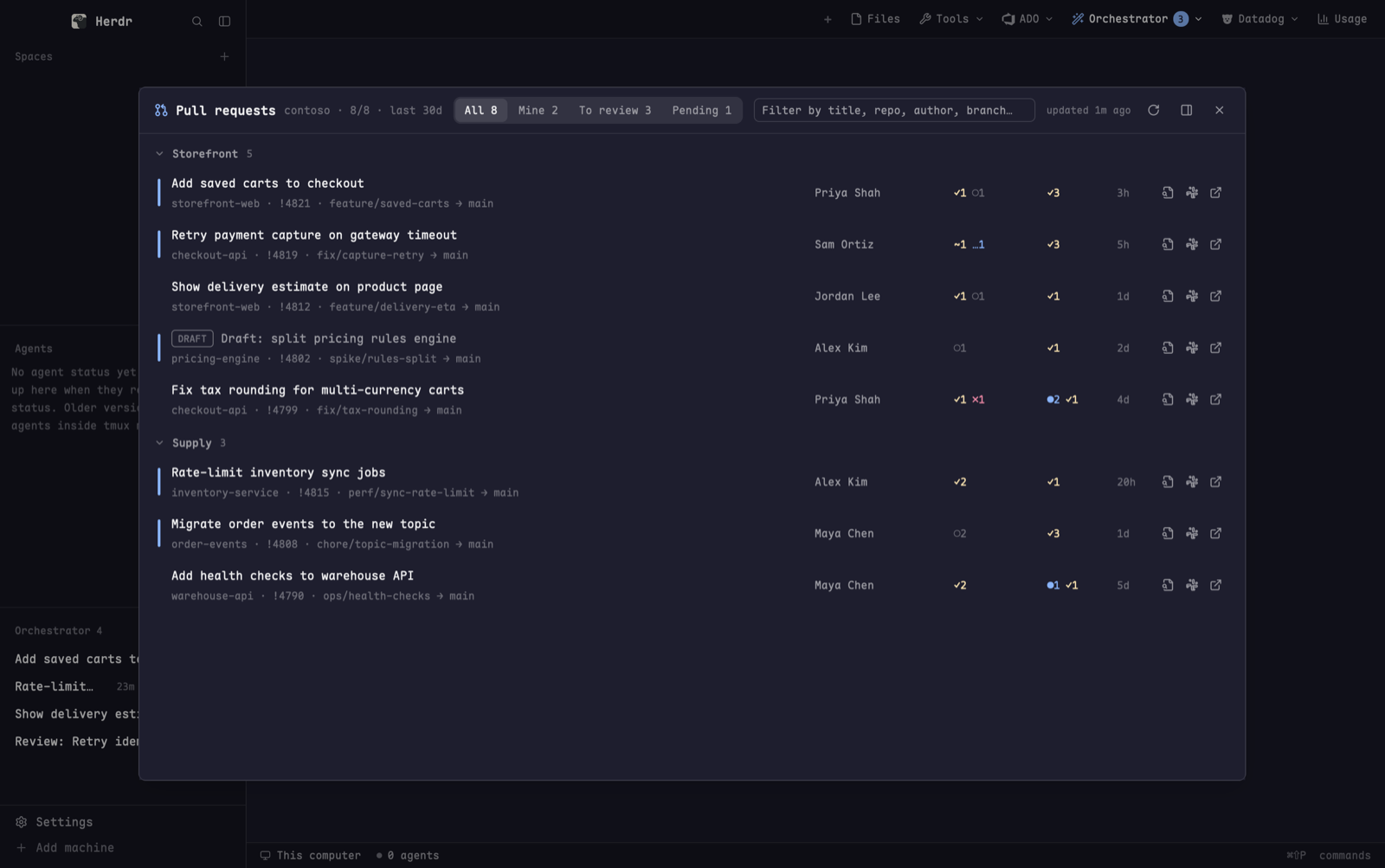
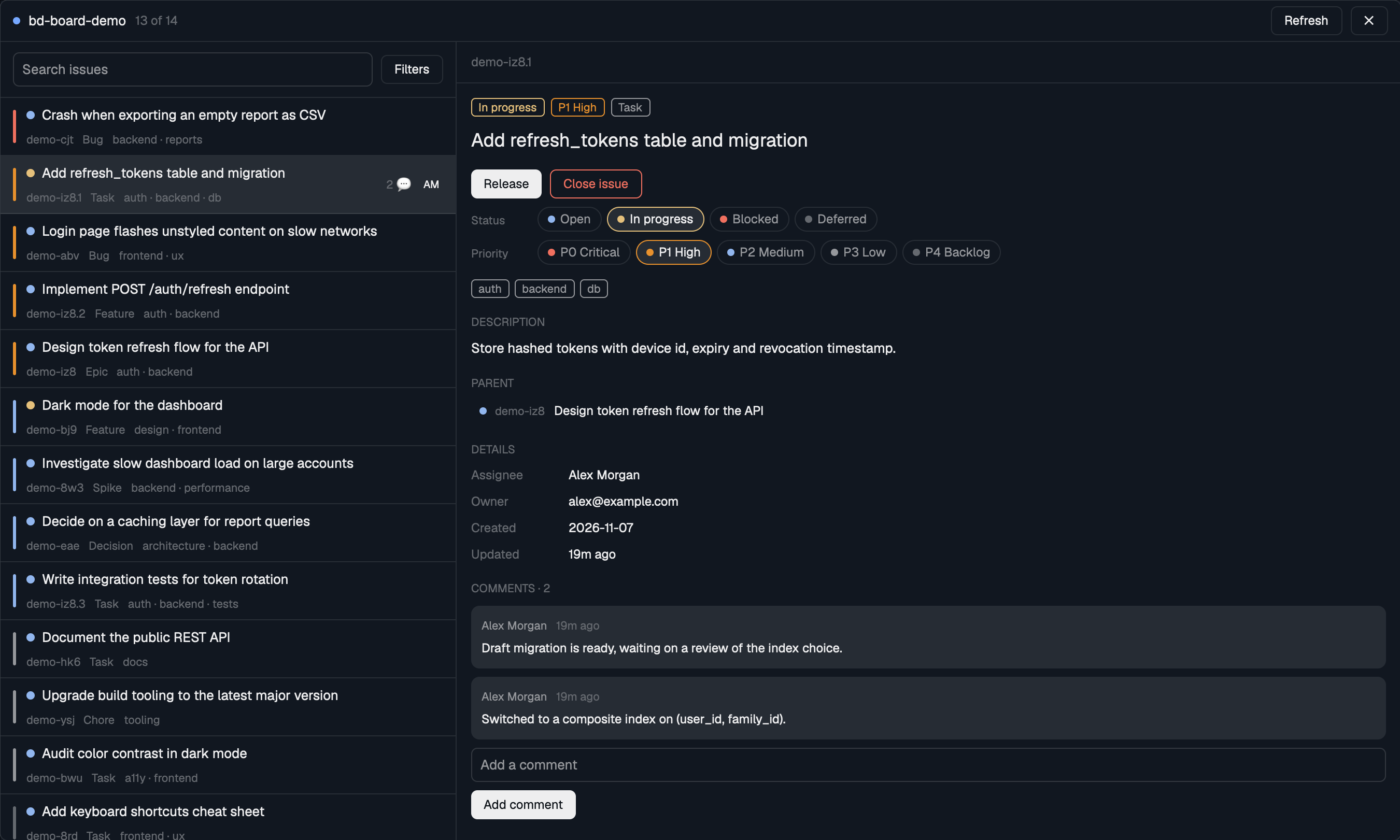
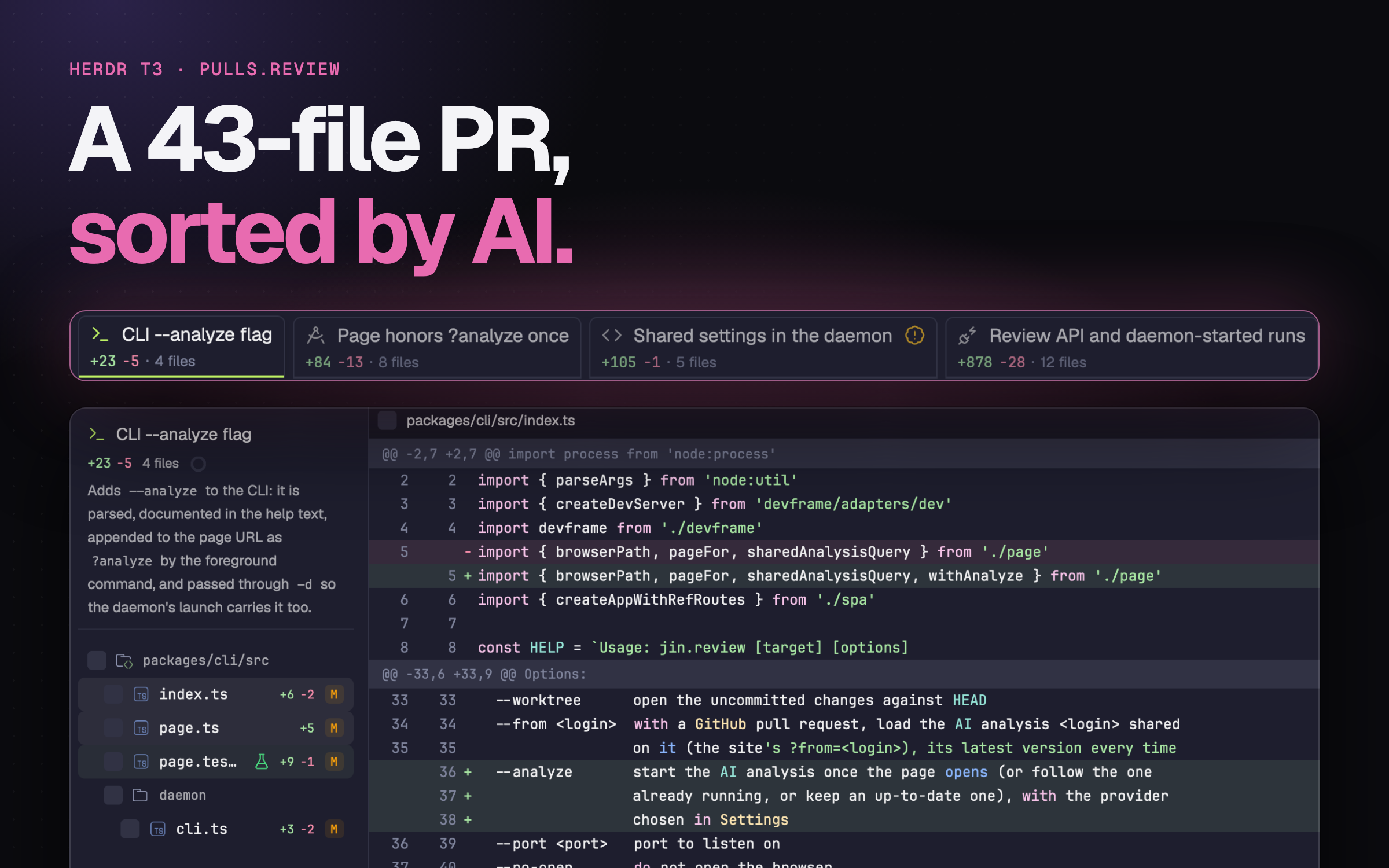
A space's GitHub issues and pull requests, in a tab: the ones in the repo the space's terminal is in, filtered by any GitHub search query. Each one opens inside the app, with its description and comments, Mermaid diagrams drawn and images shown. Labels can be changed straight from the list. It opens as a tab from a key, and from a GitHub button in the tab bar; a layout can put it in the side panel instead.

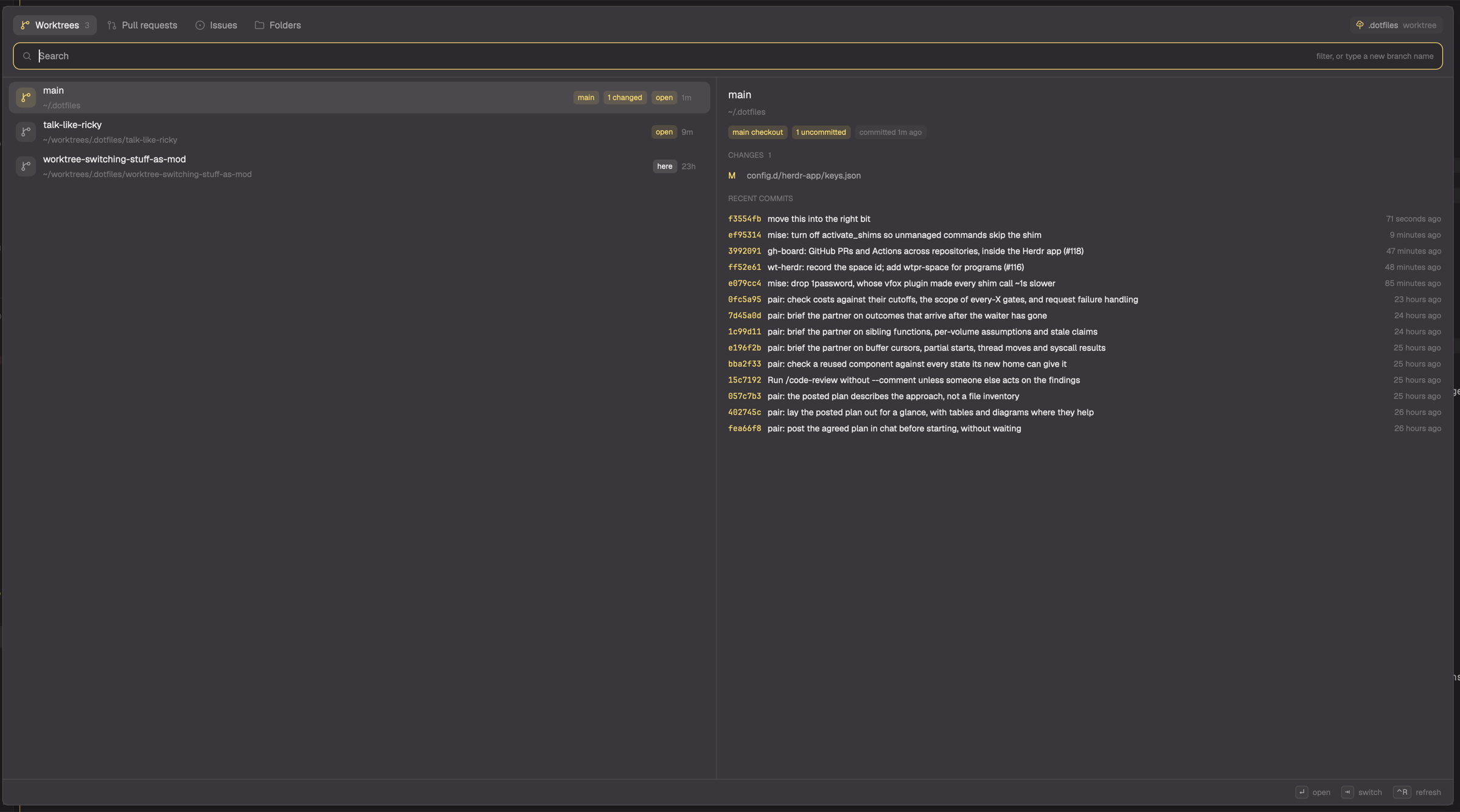



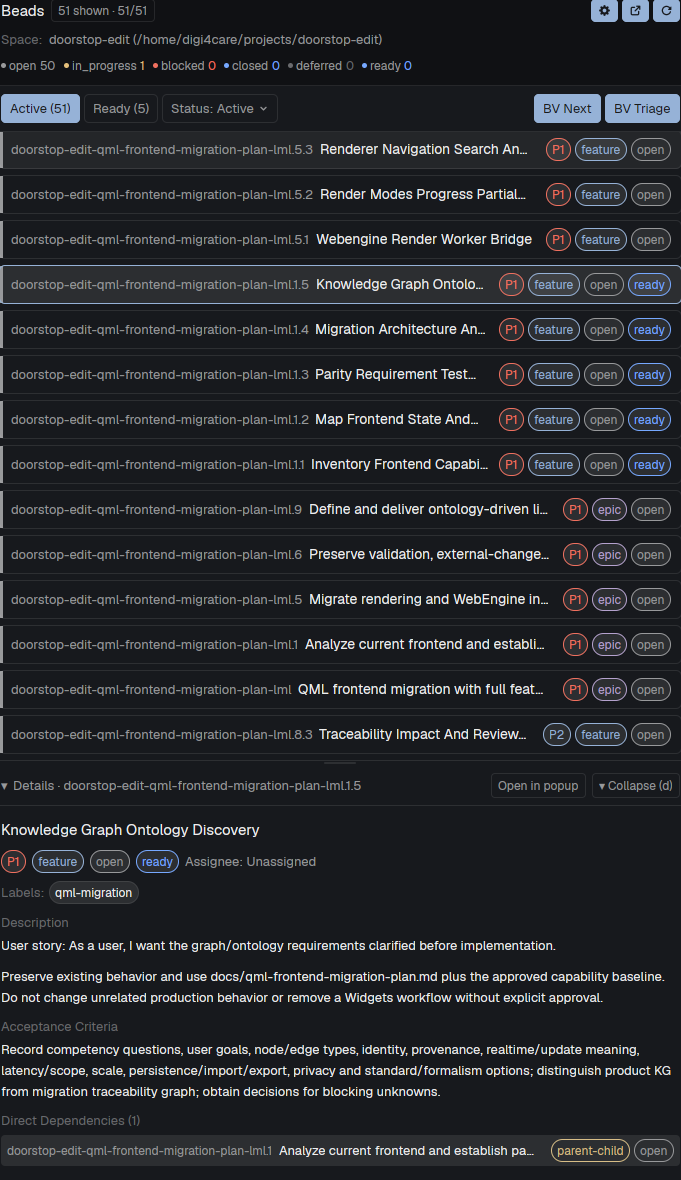



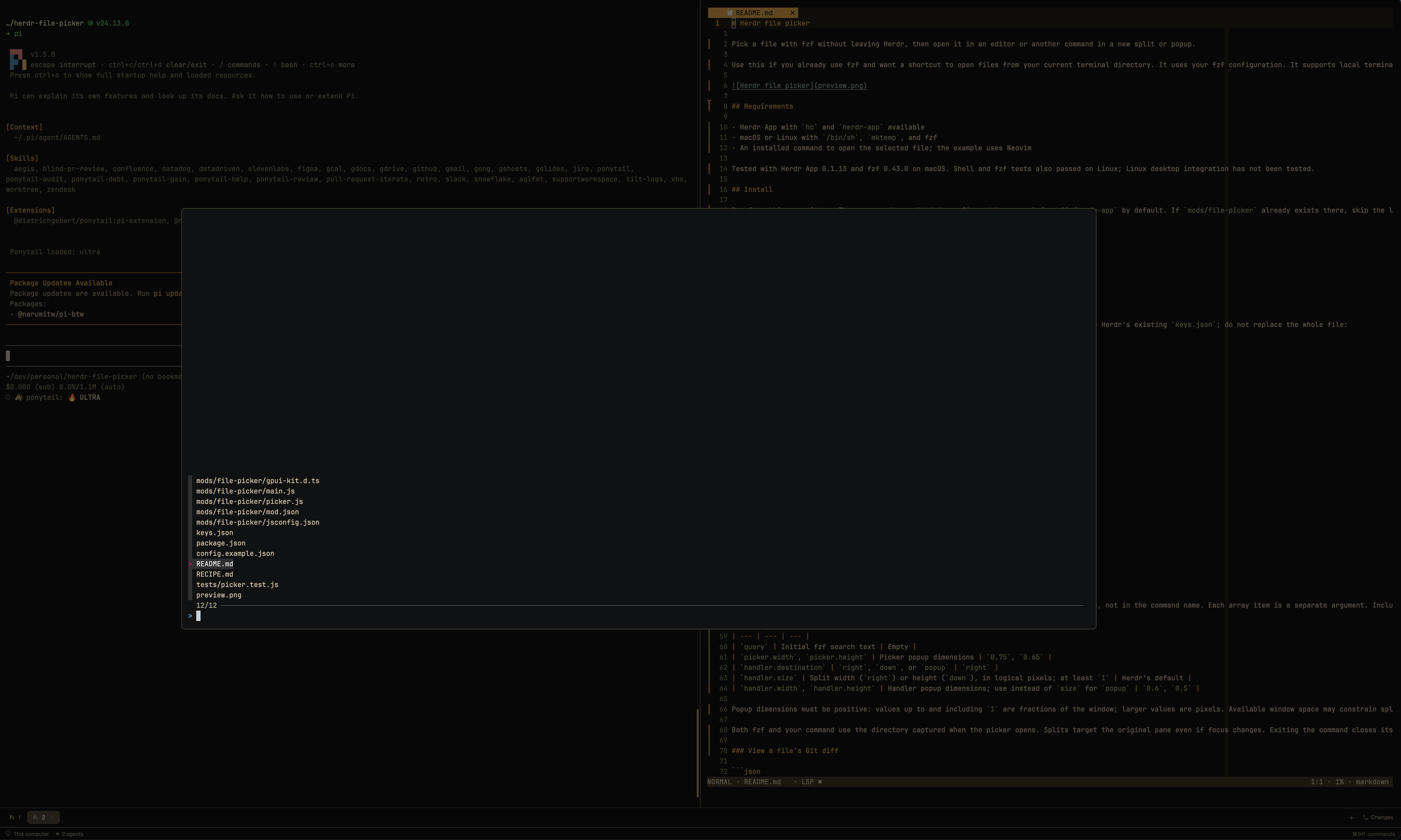

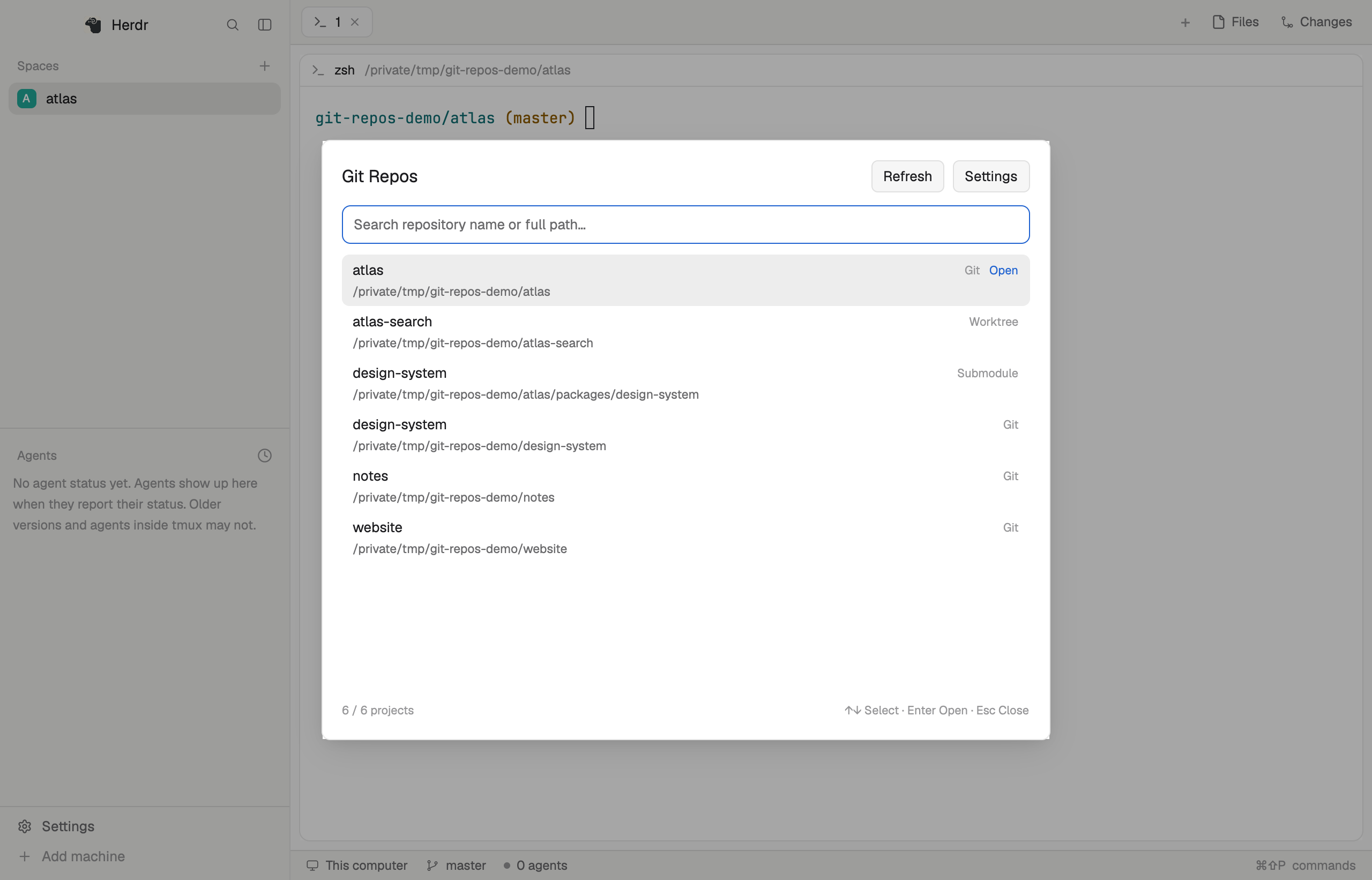

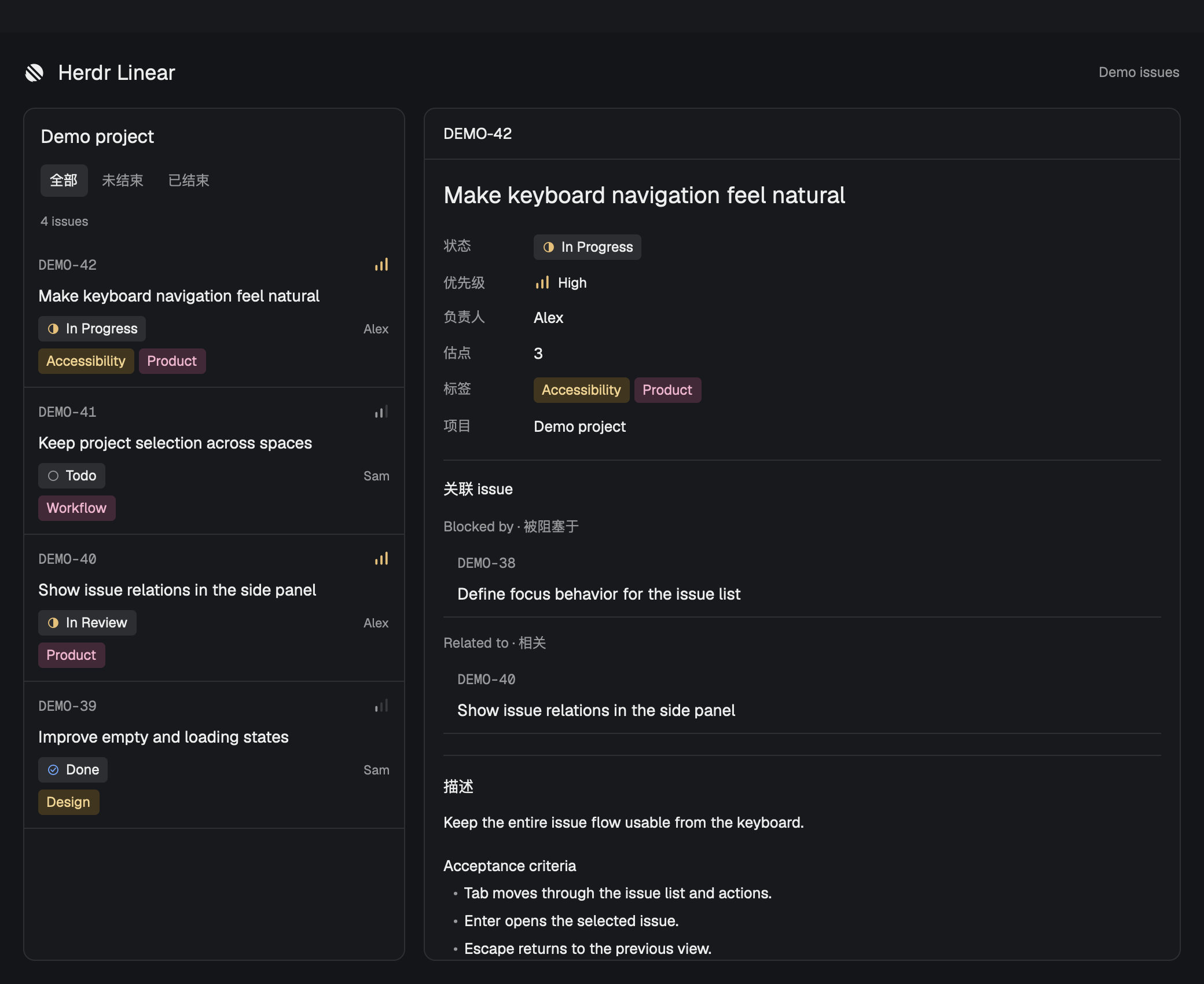

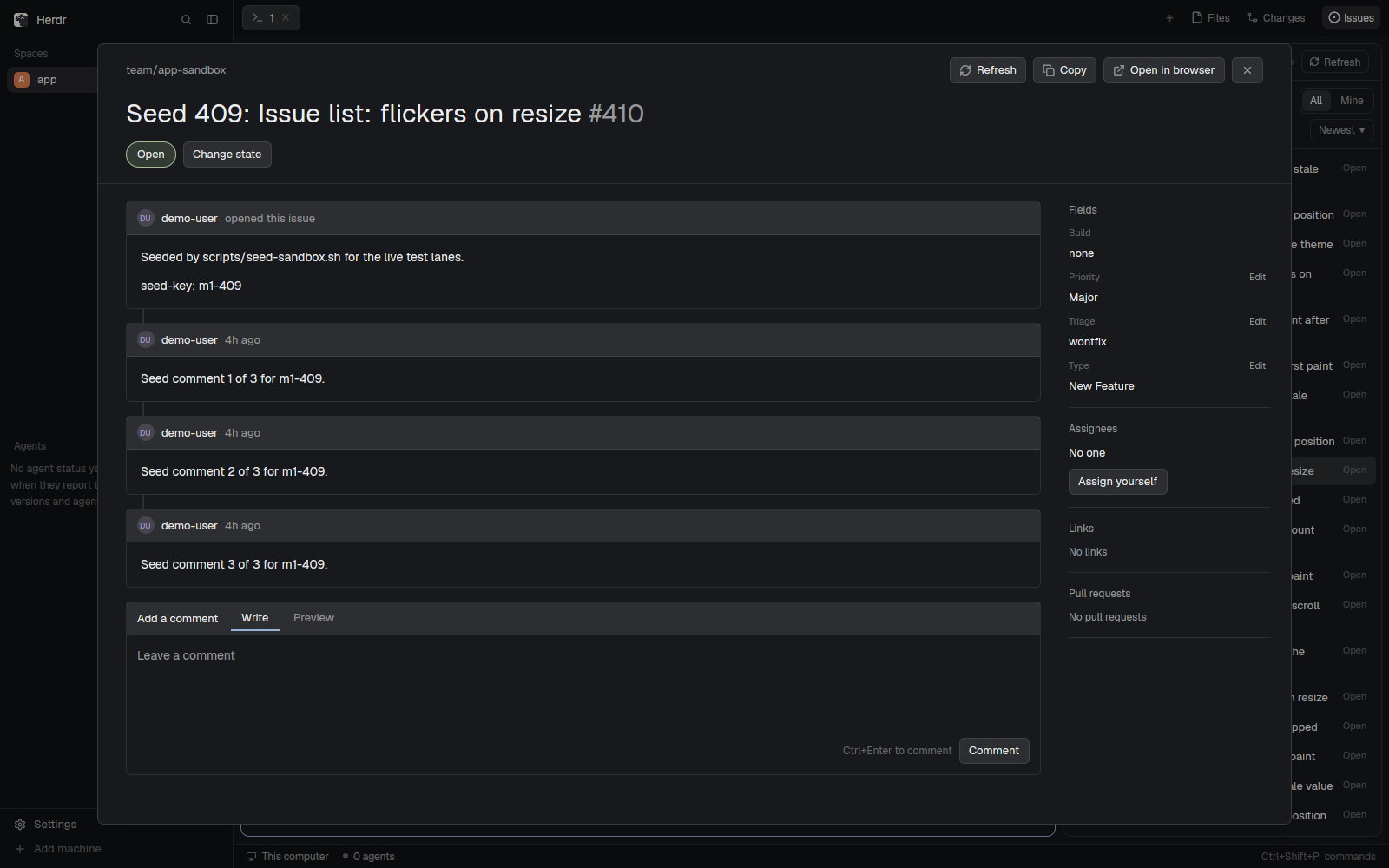

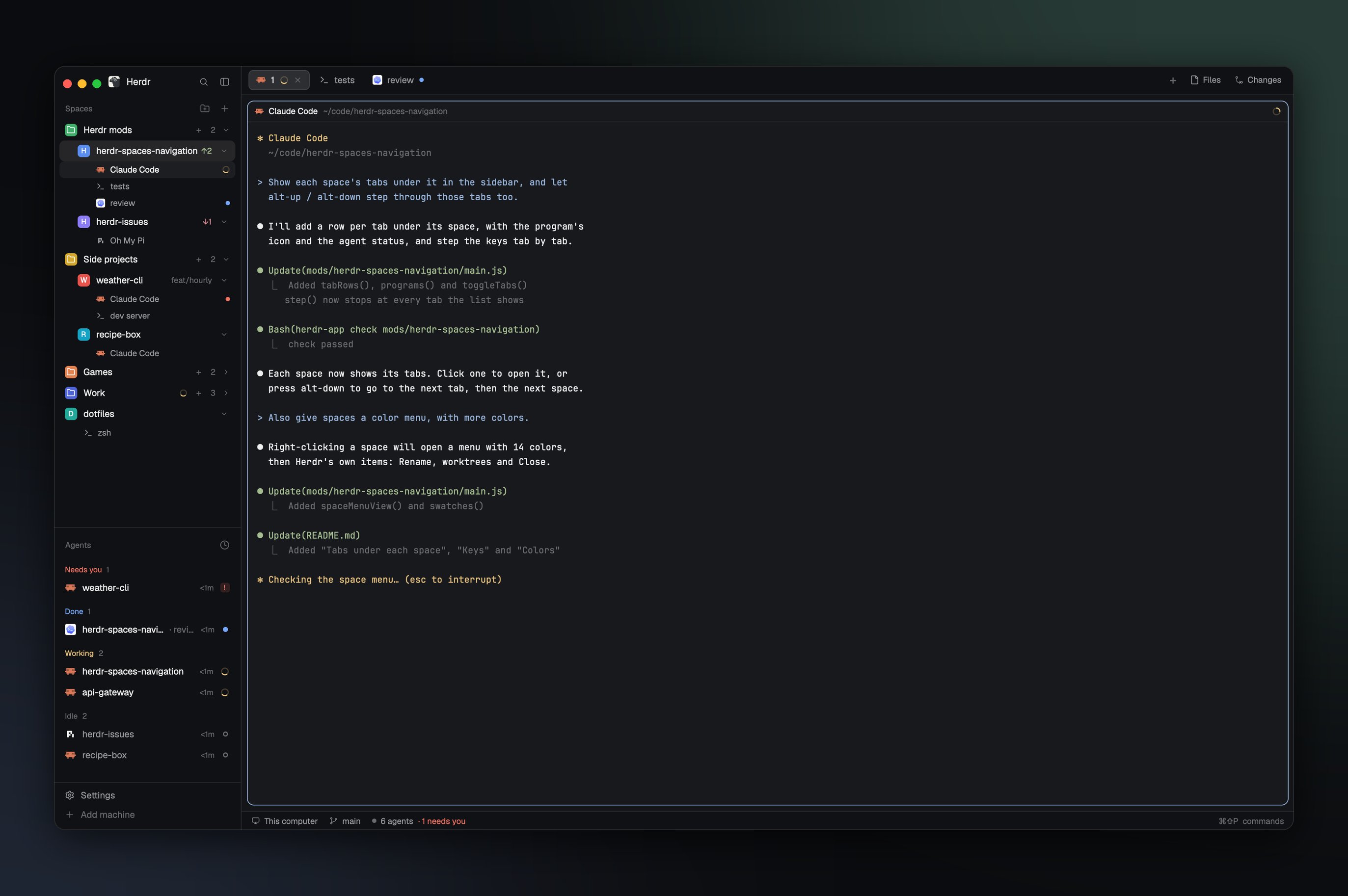

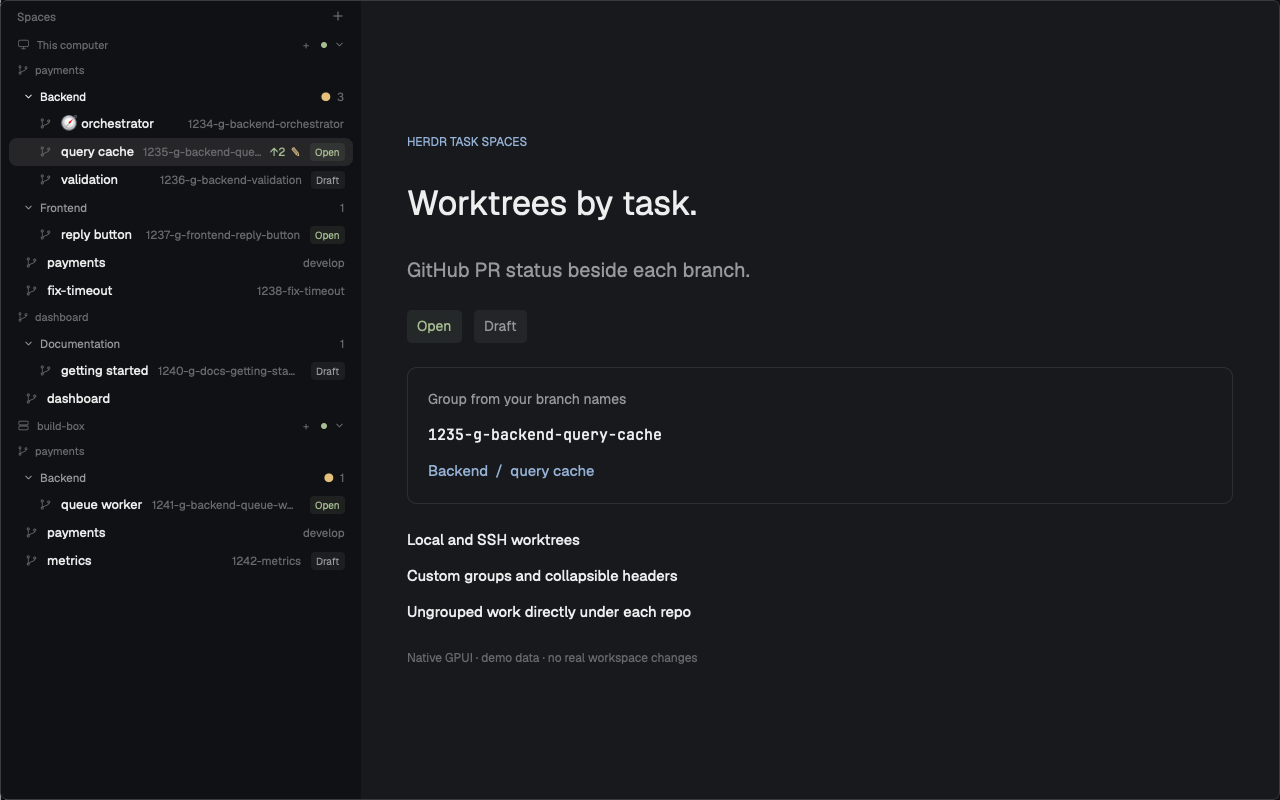
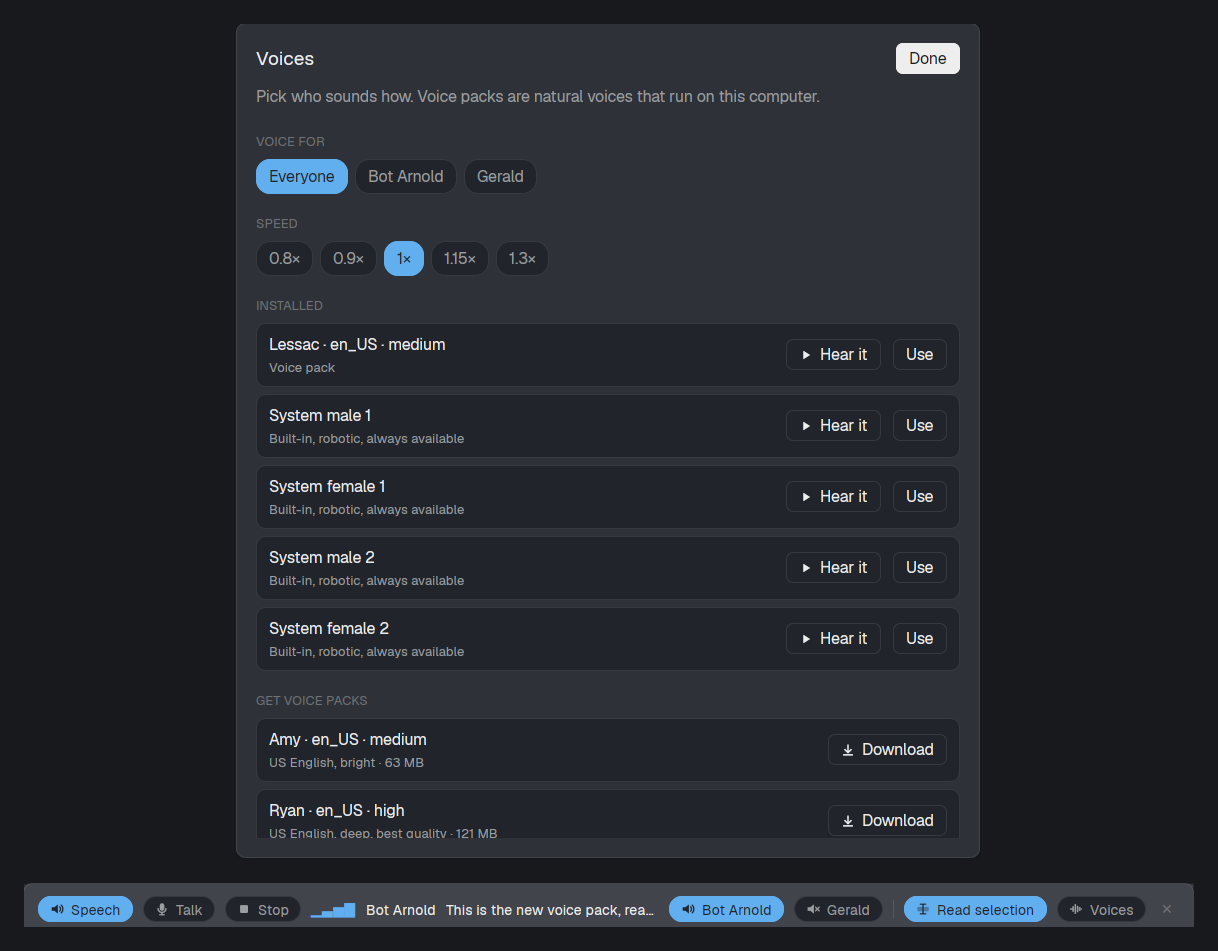



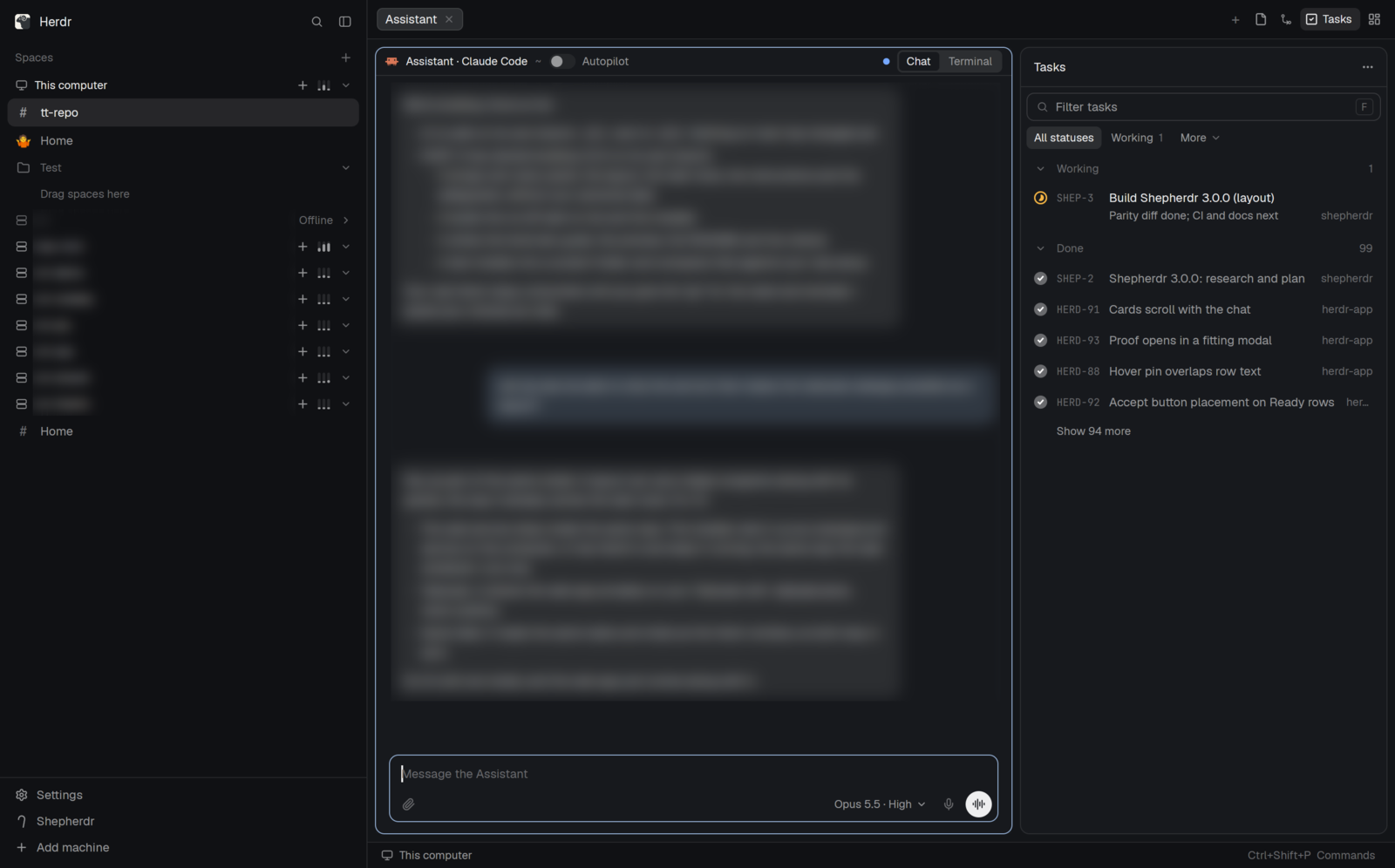
In the Herdr window this is Shepherdr's layout with a new sidebar stack. A 44px header switches By epic, By repo, and Spaces. By epic lists each epic root's assistant, then each epic and its tasks. By repo lists repositories, their branch, how far behind they are, and the same tasks tagged with an epic. Spaces is Shepherdr's own spaces sidebar.


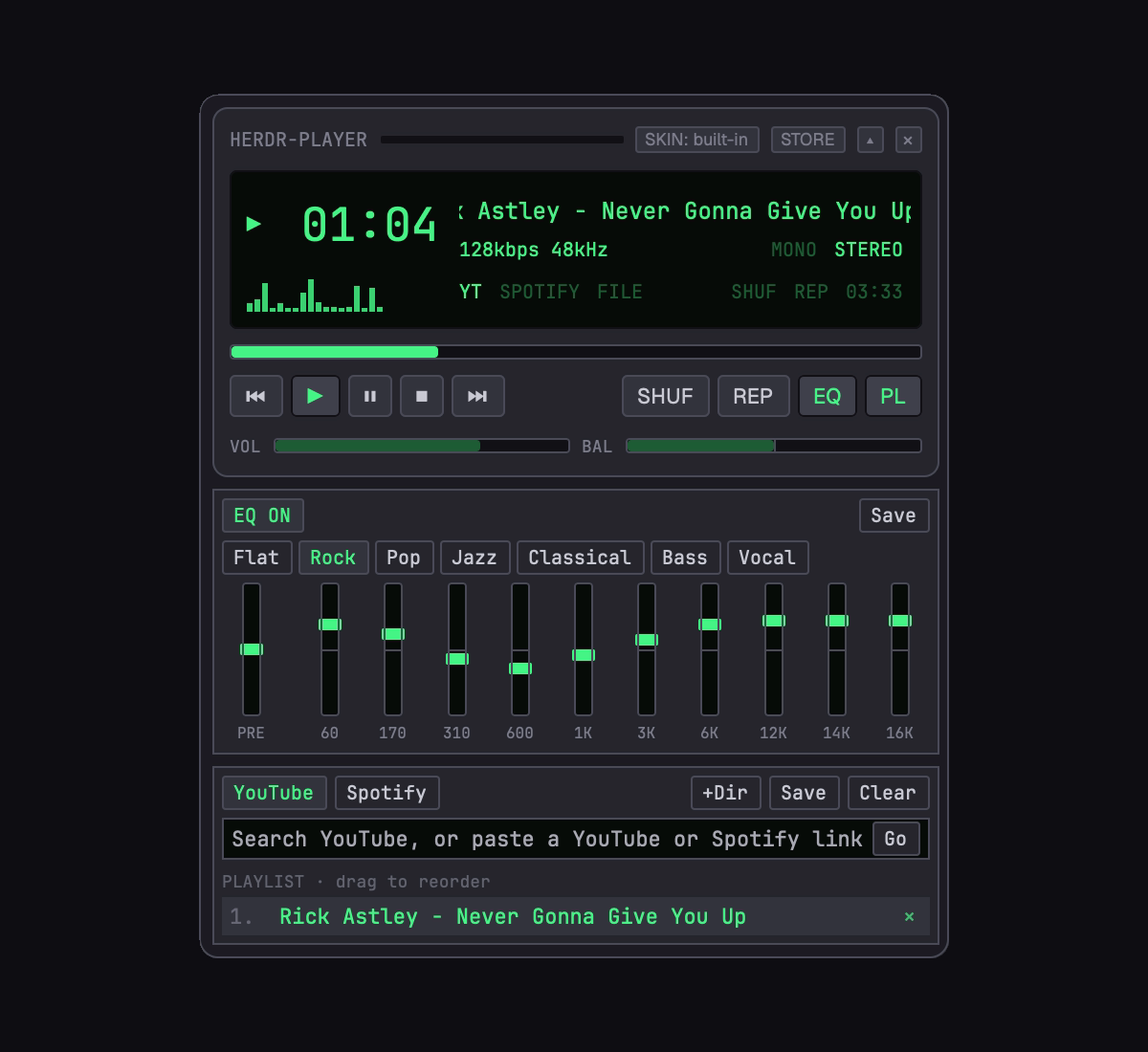


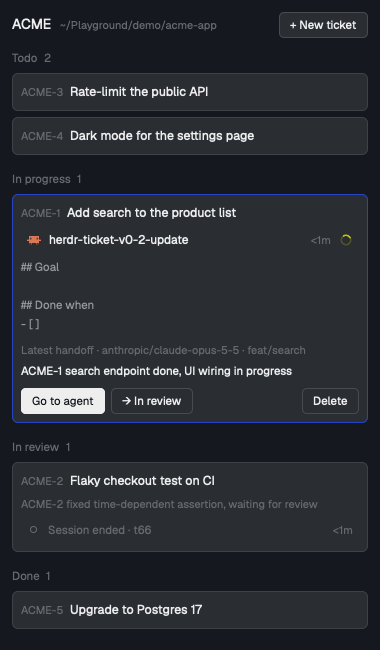

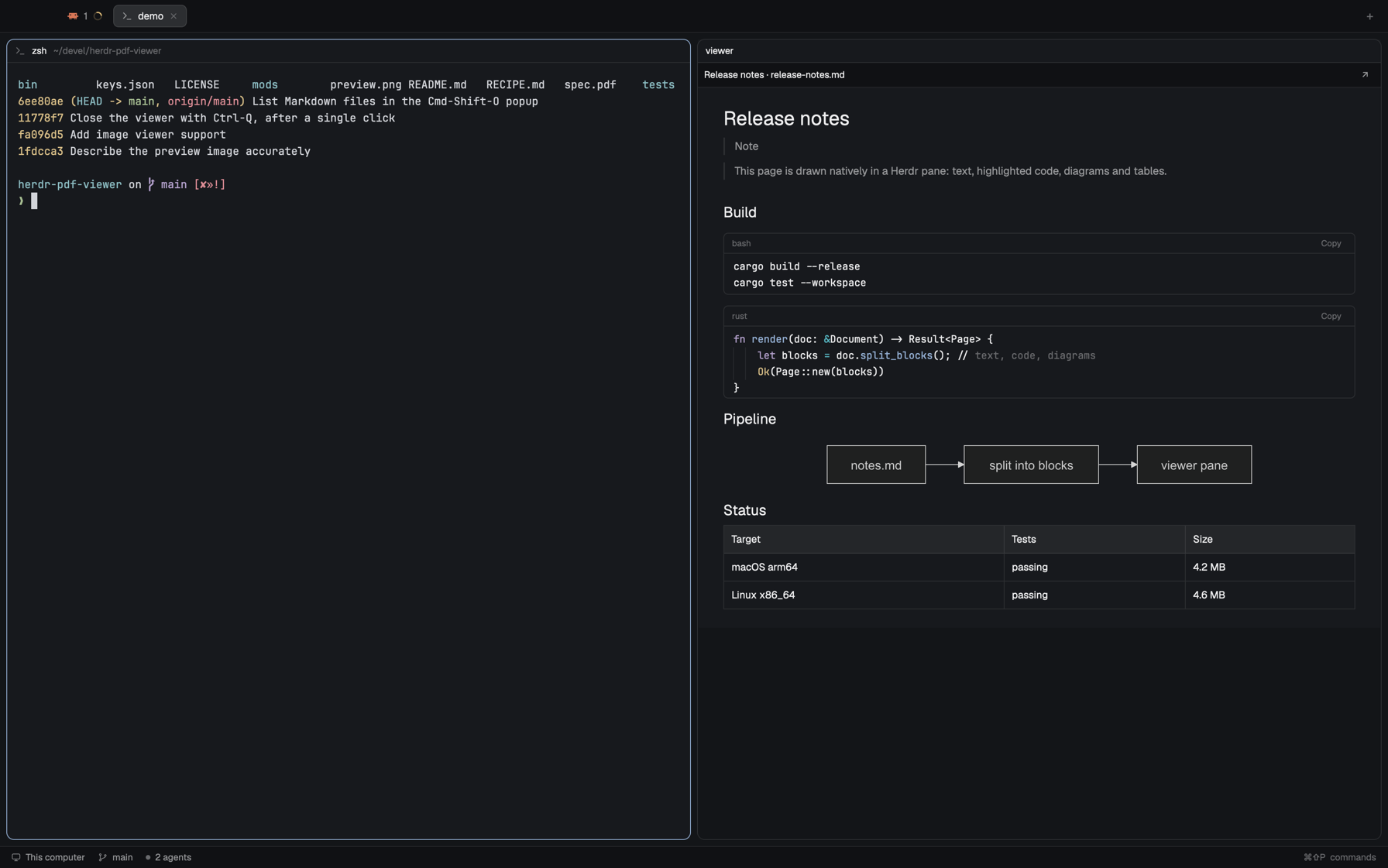

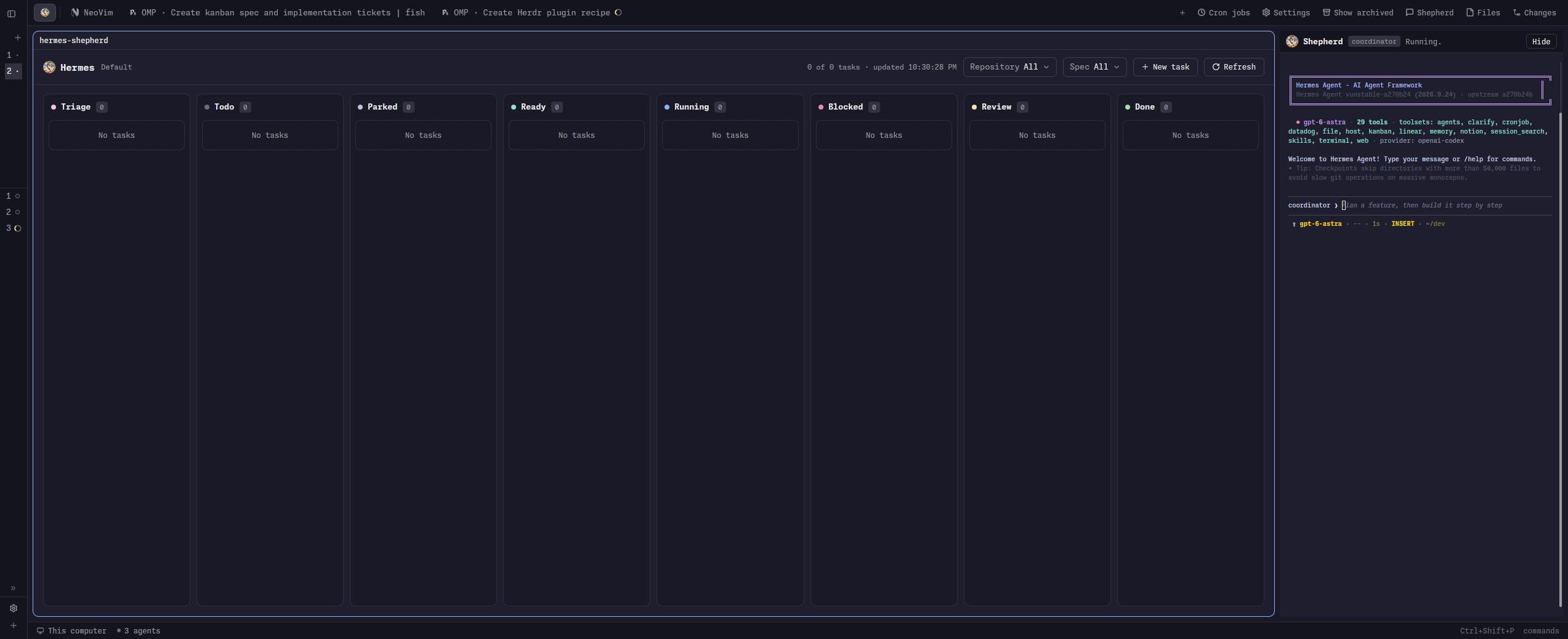









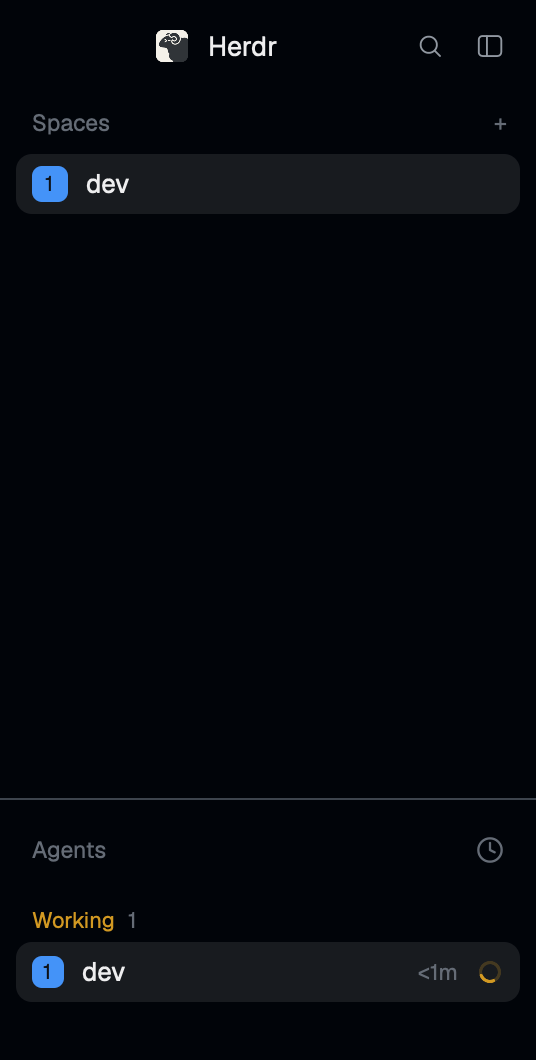

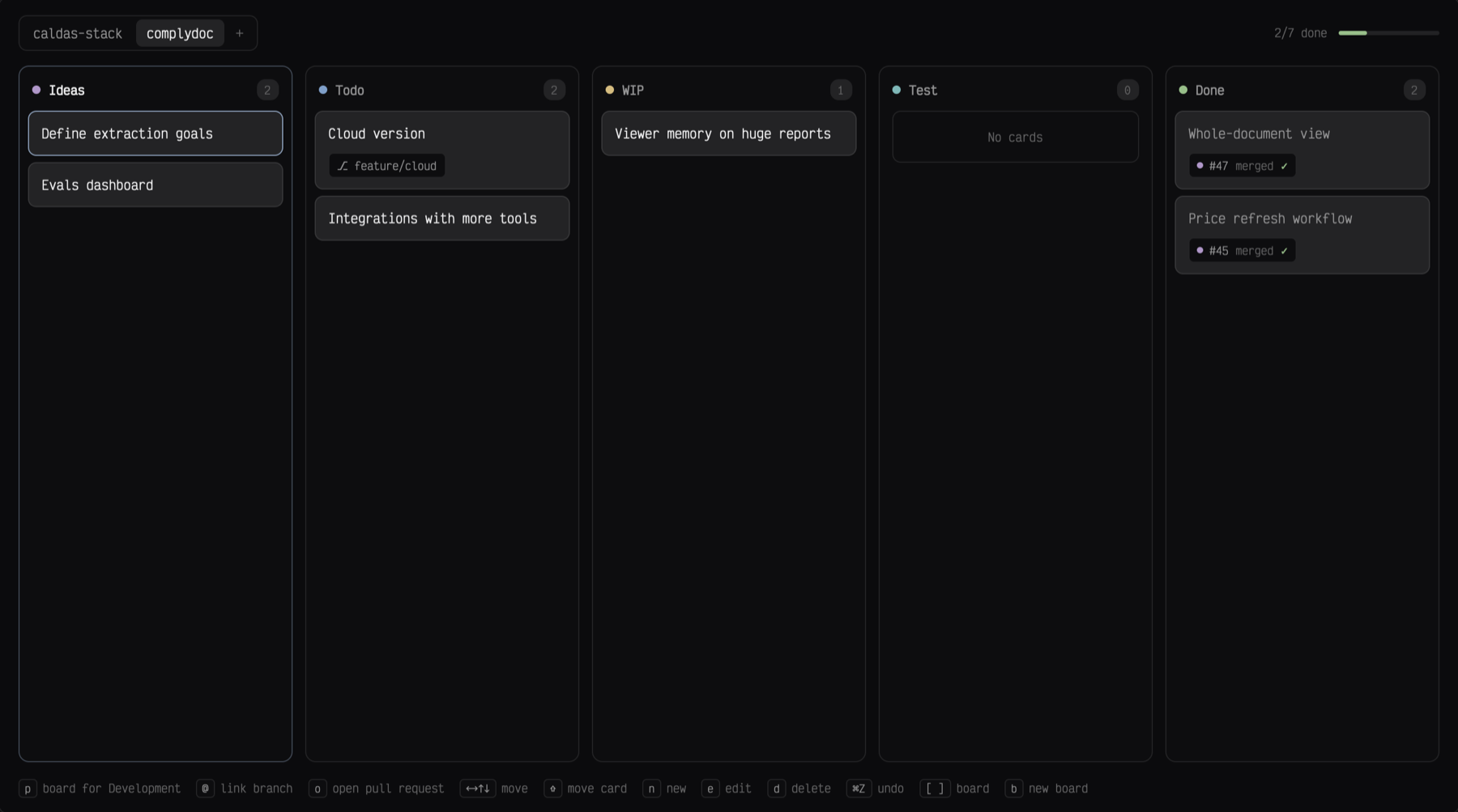

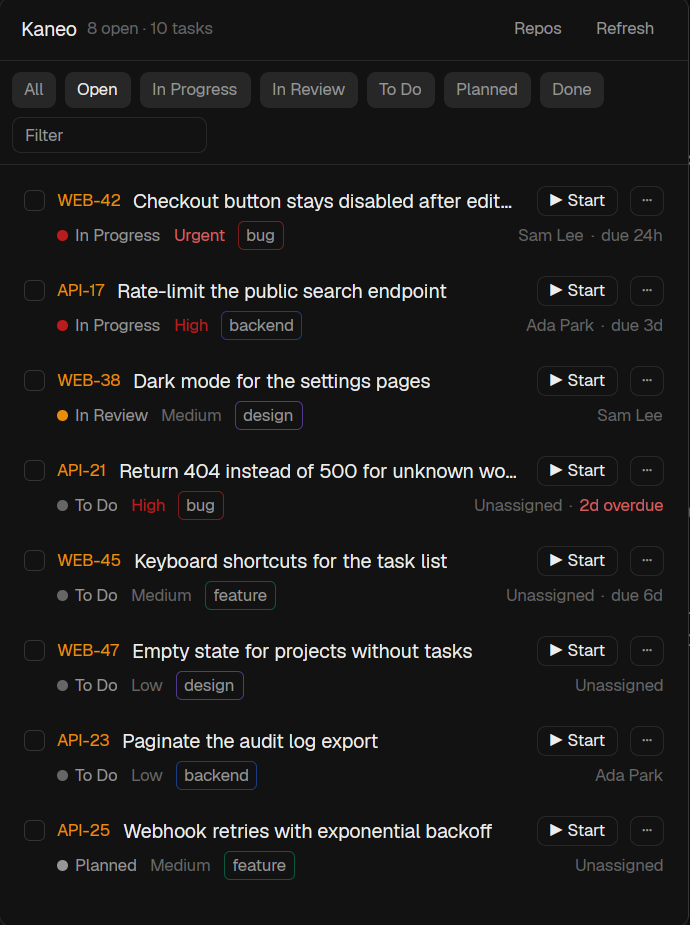
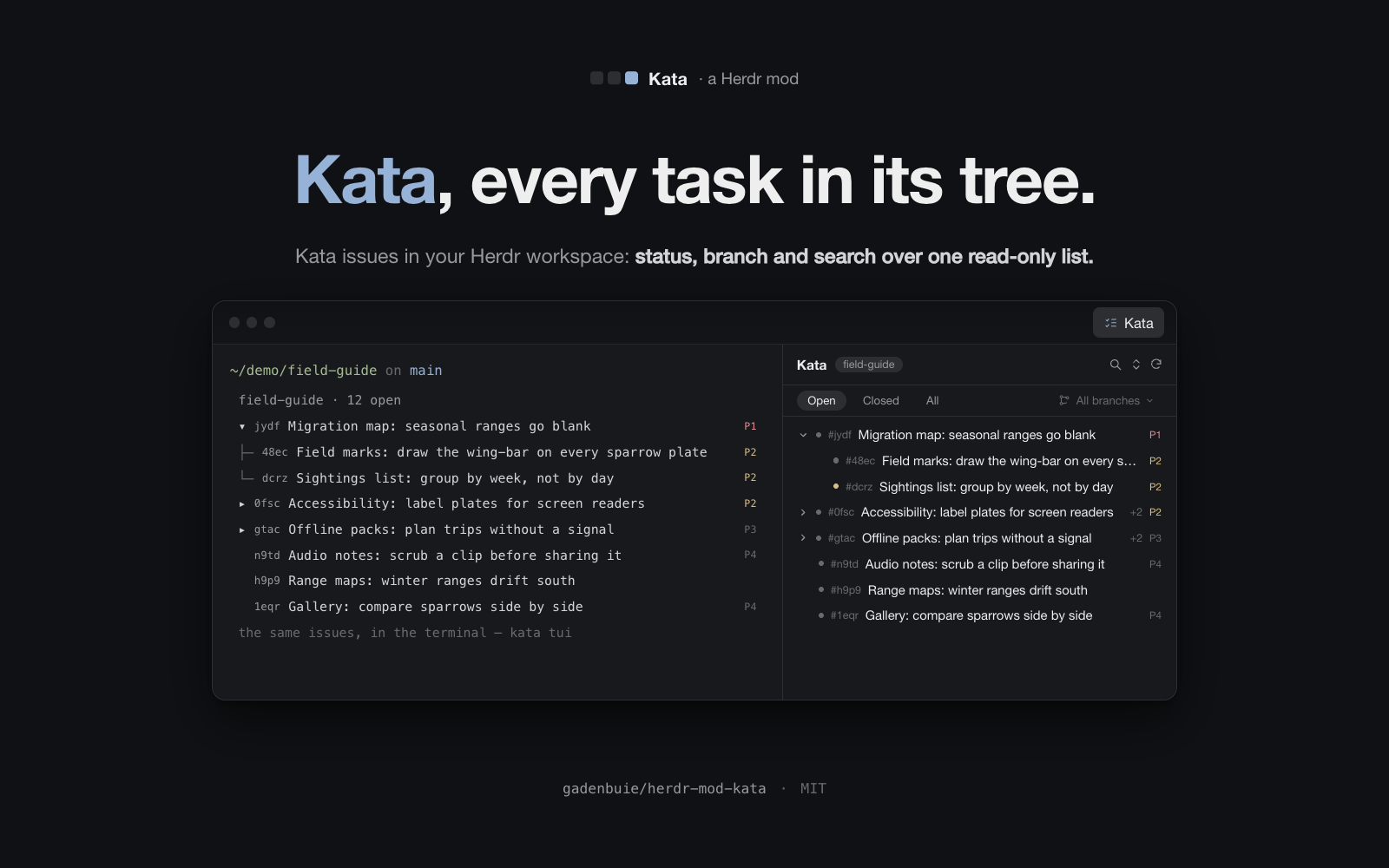

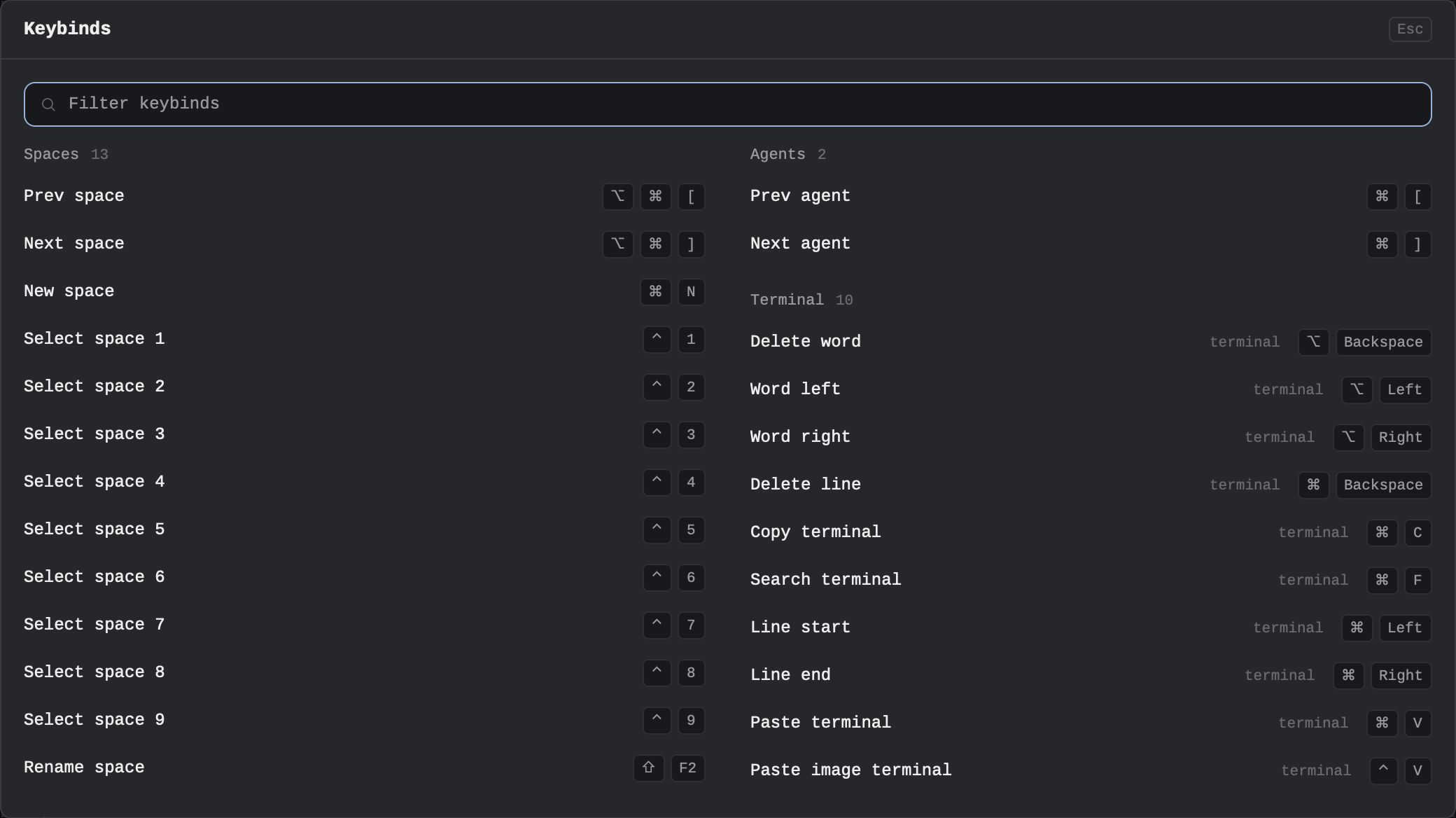


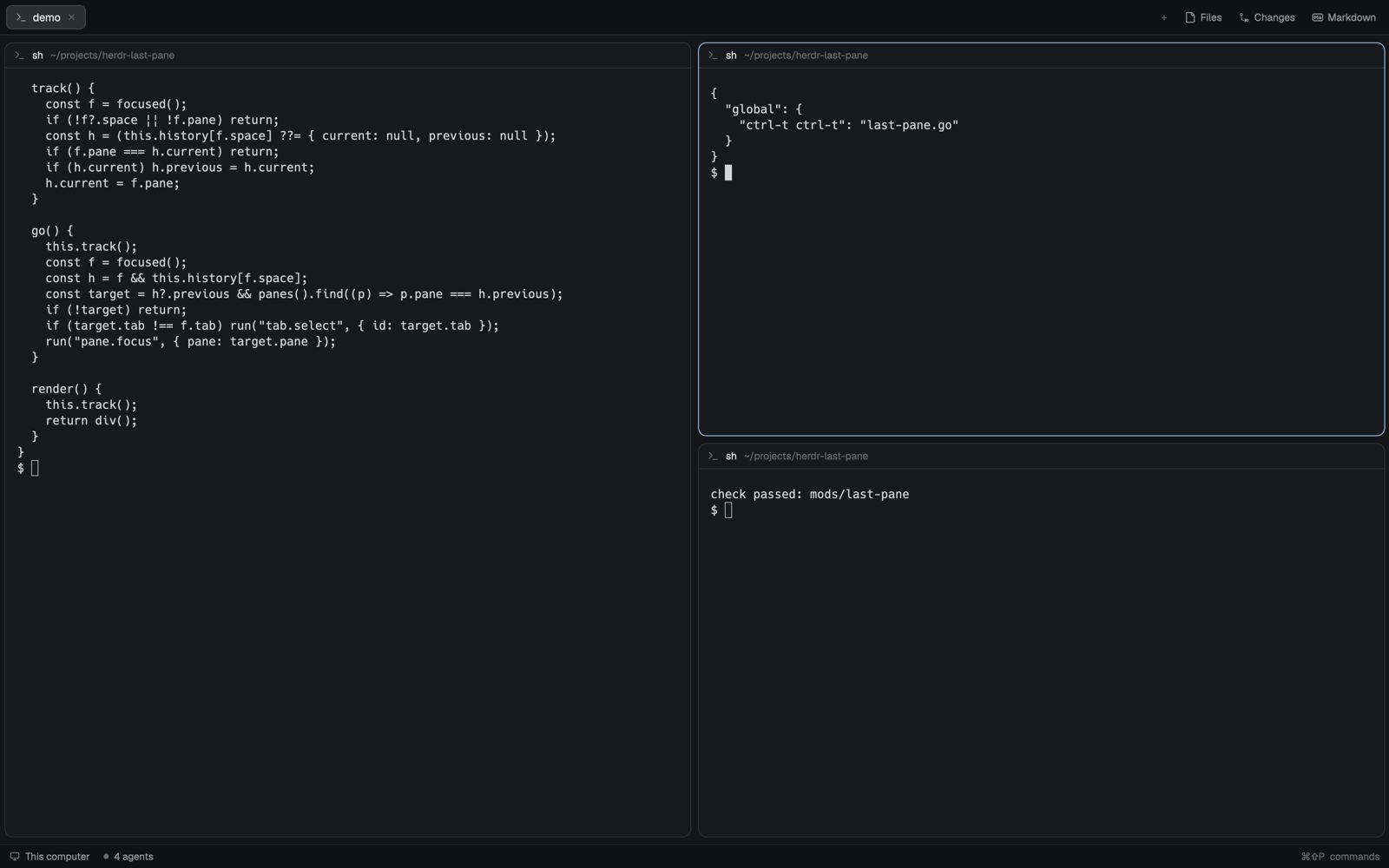
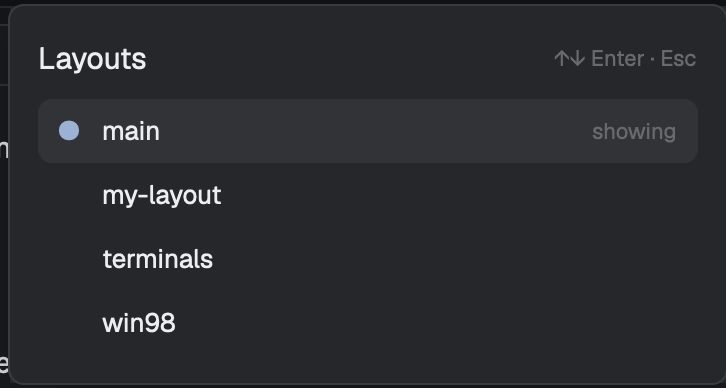

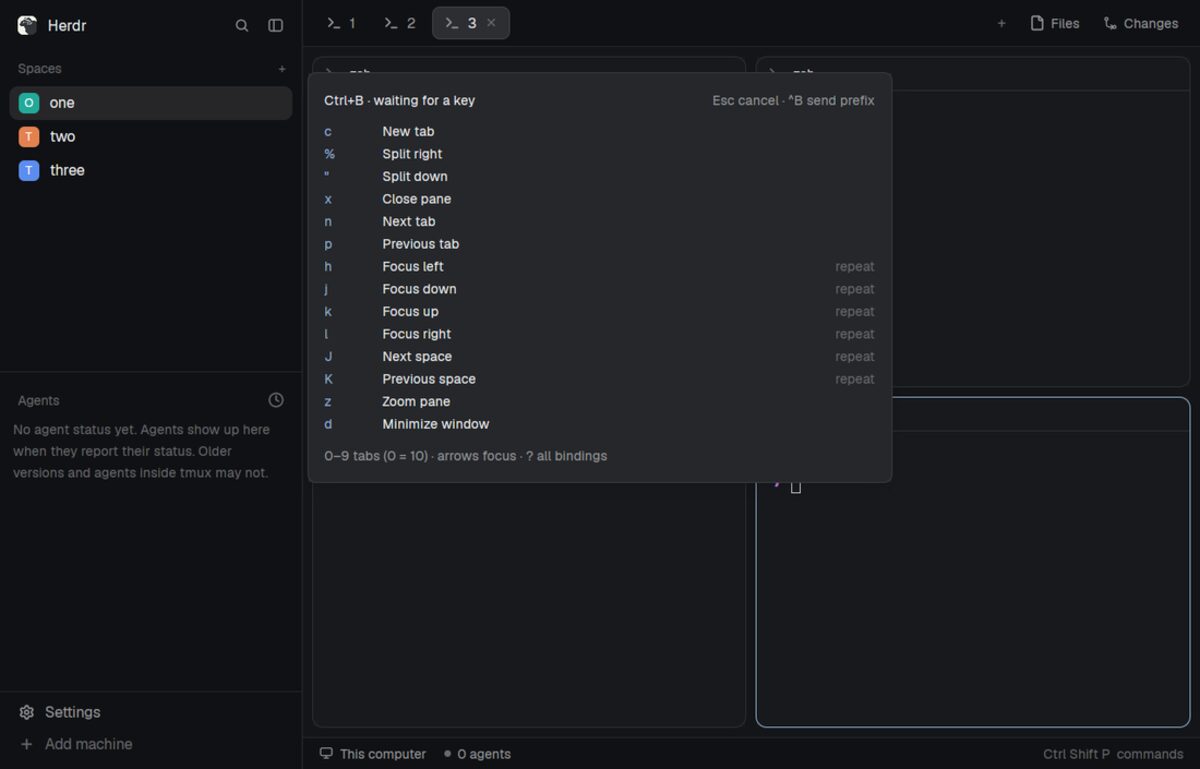
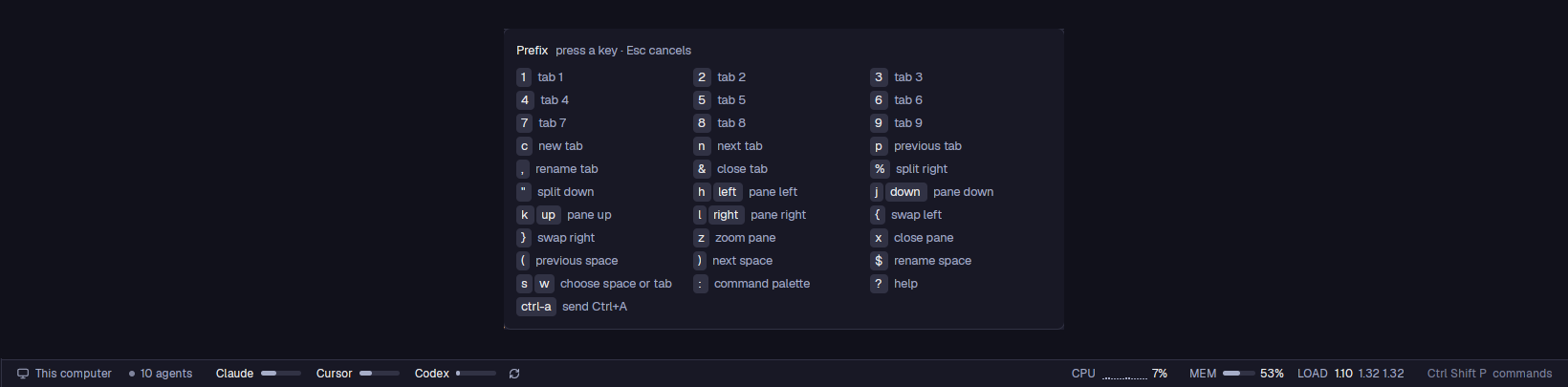
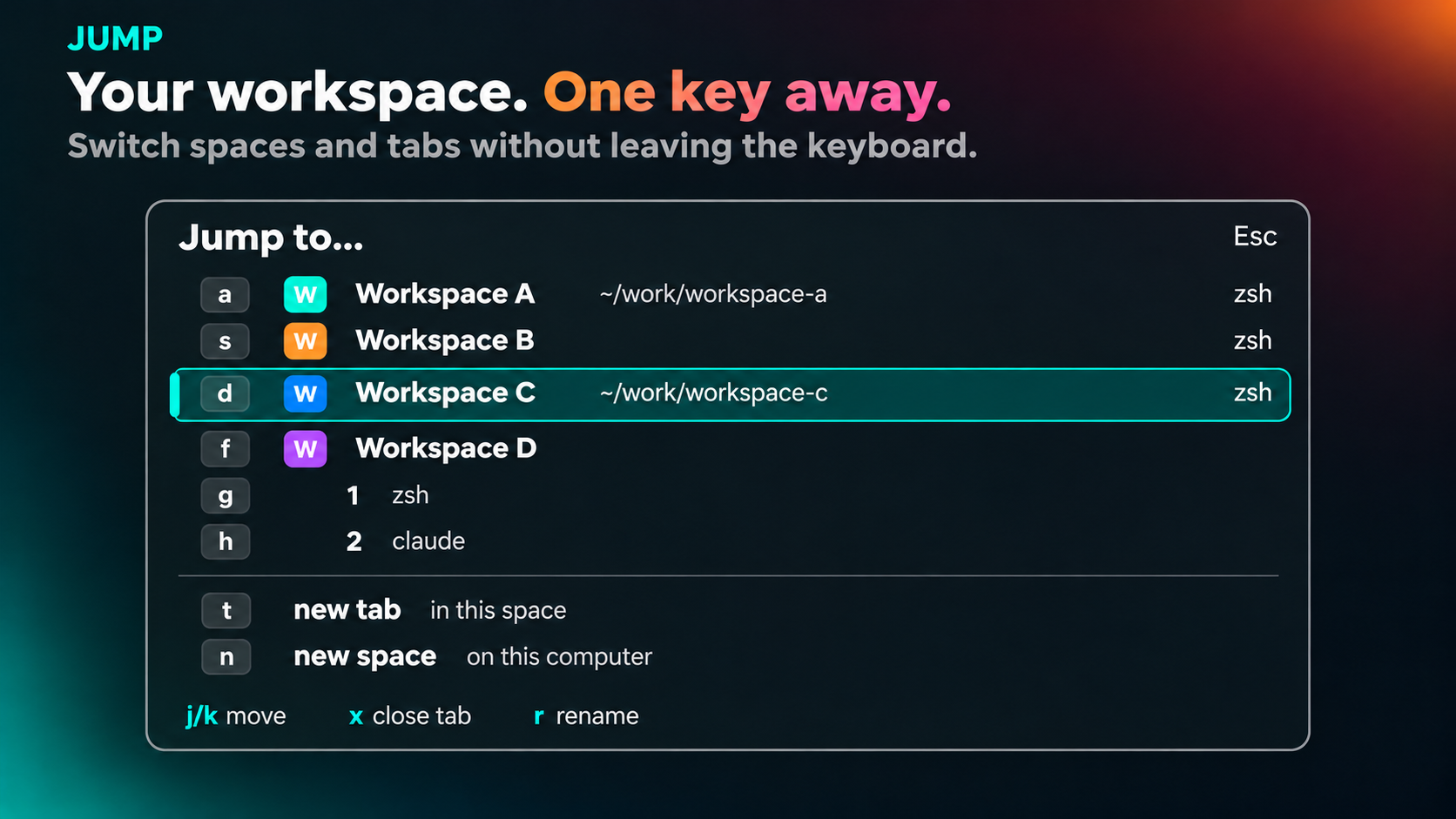
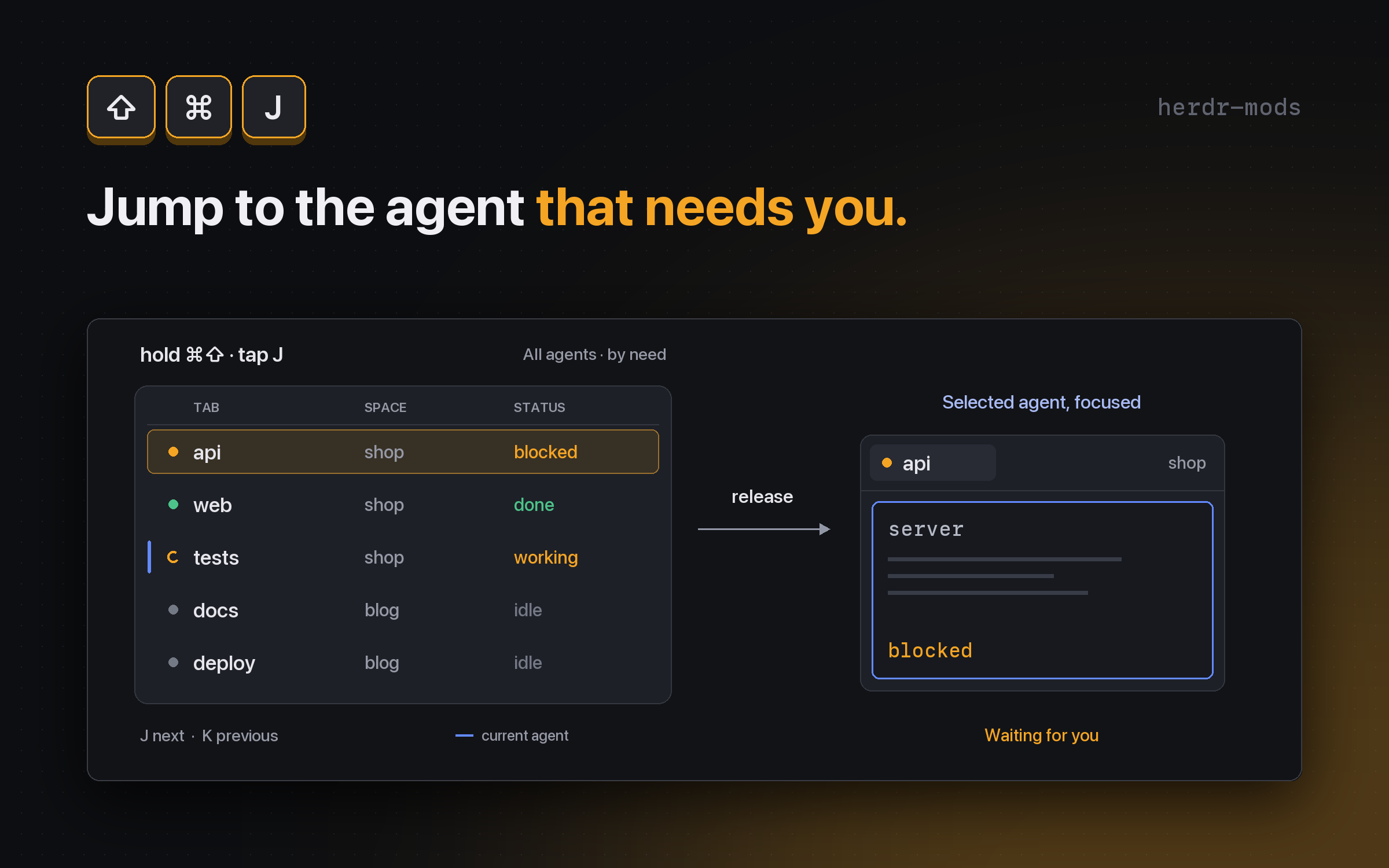
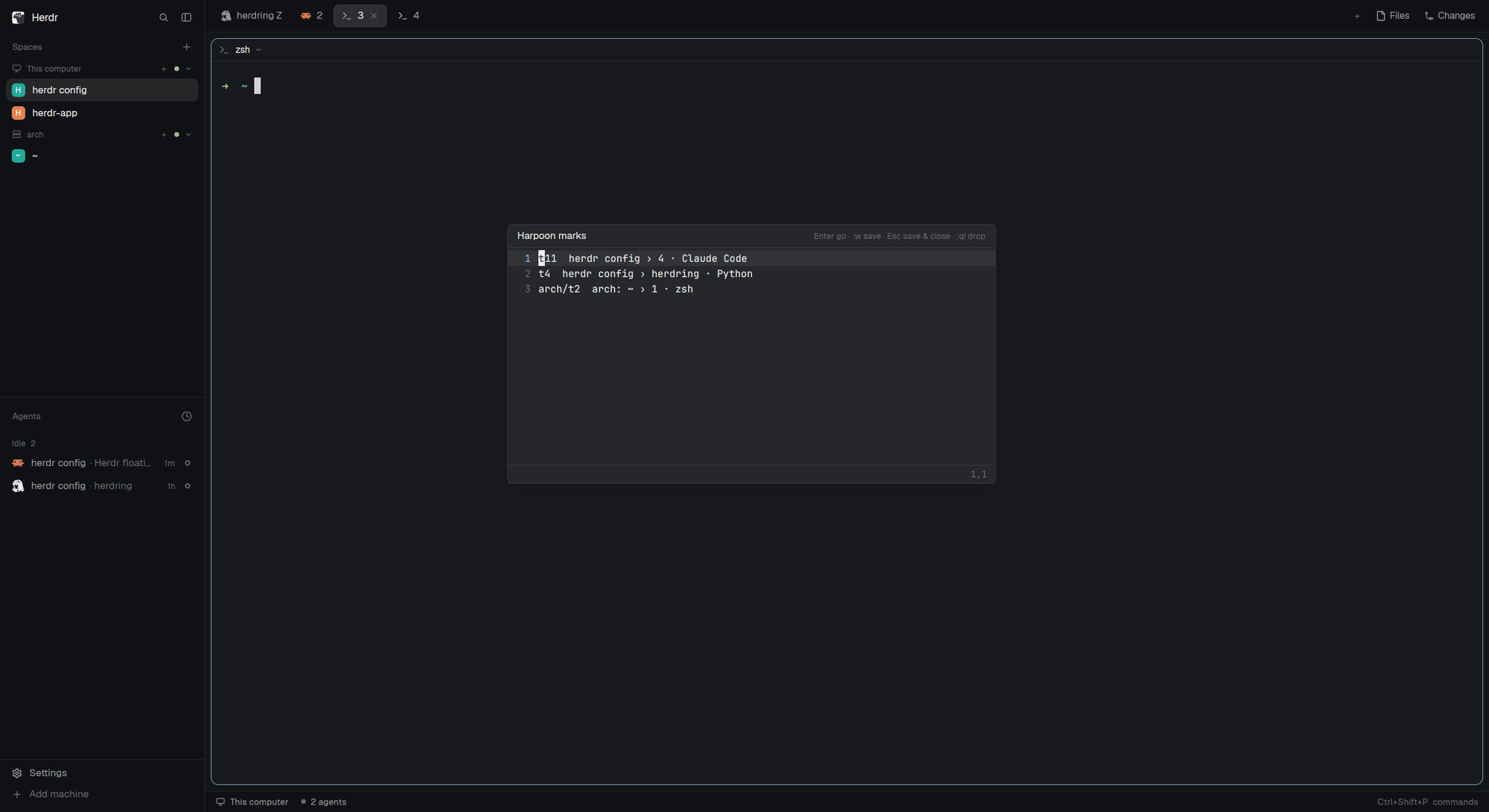
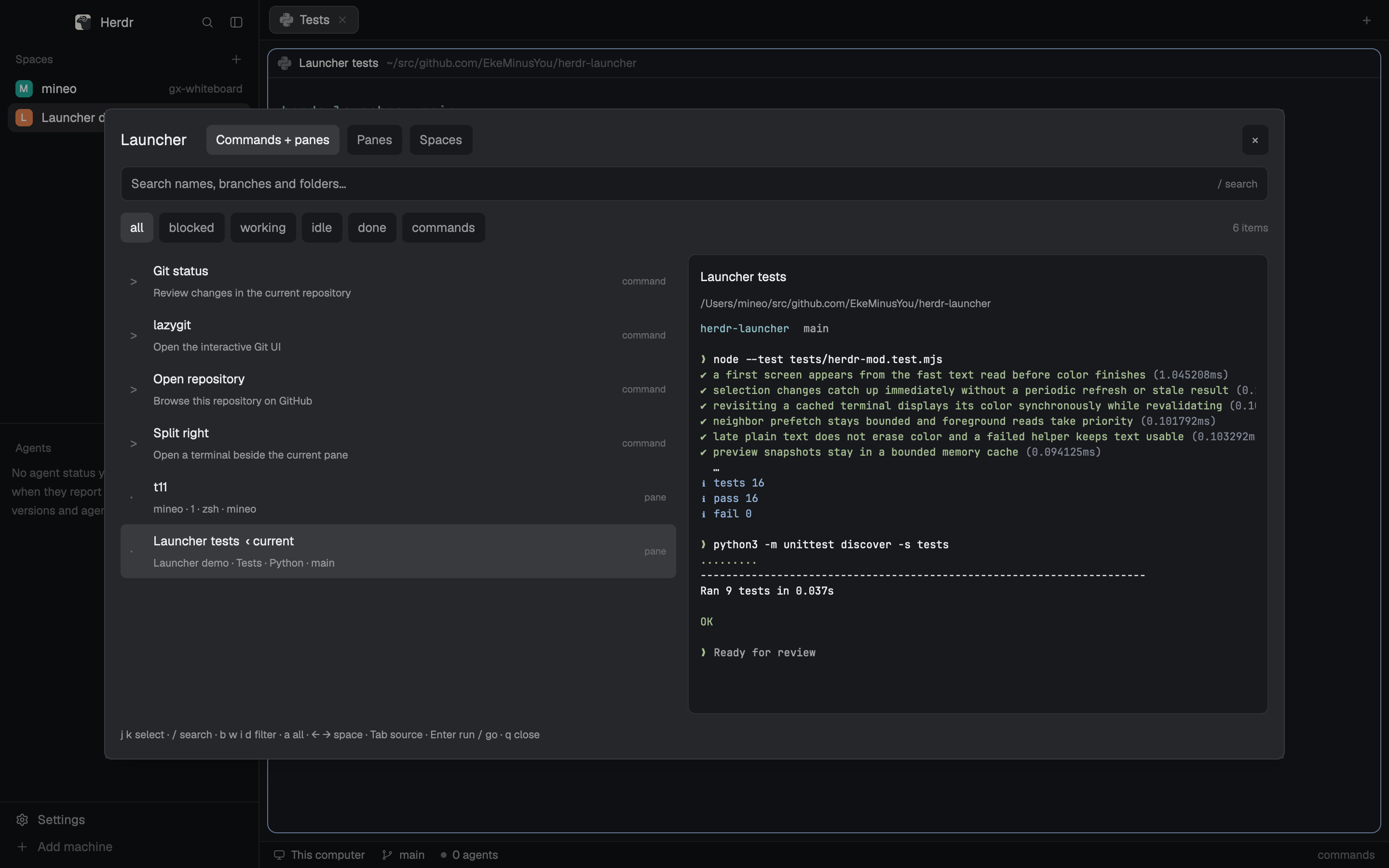
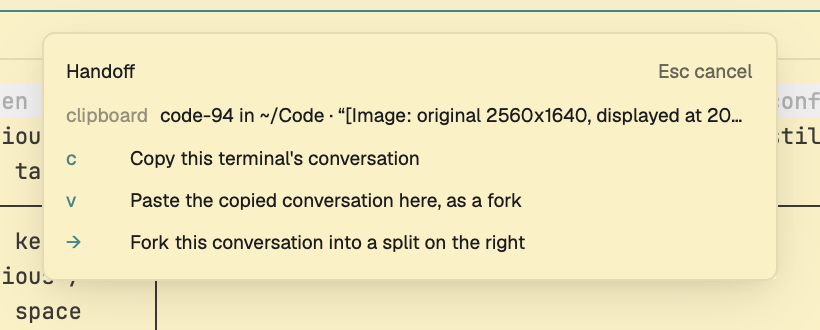
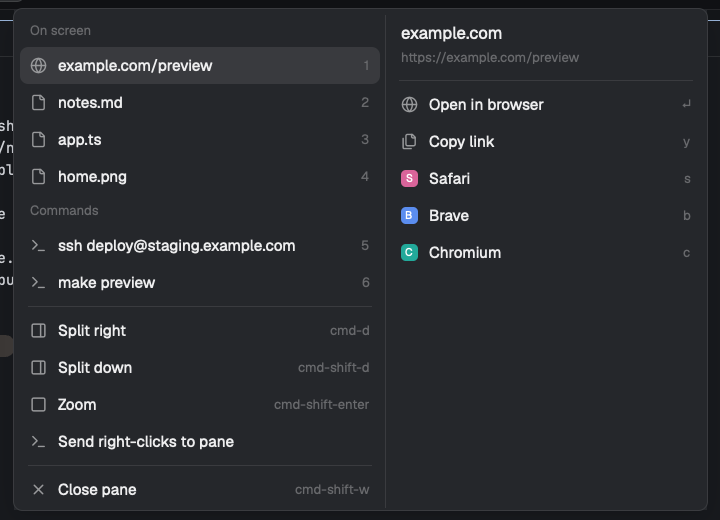
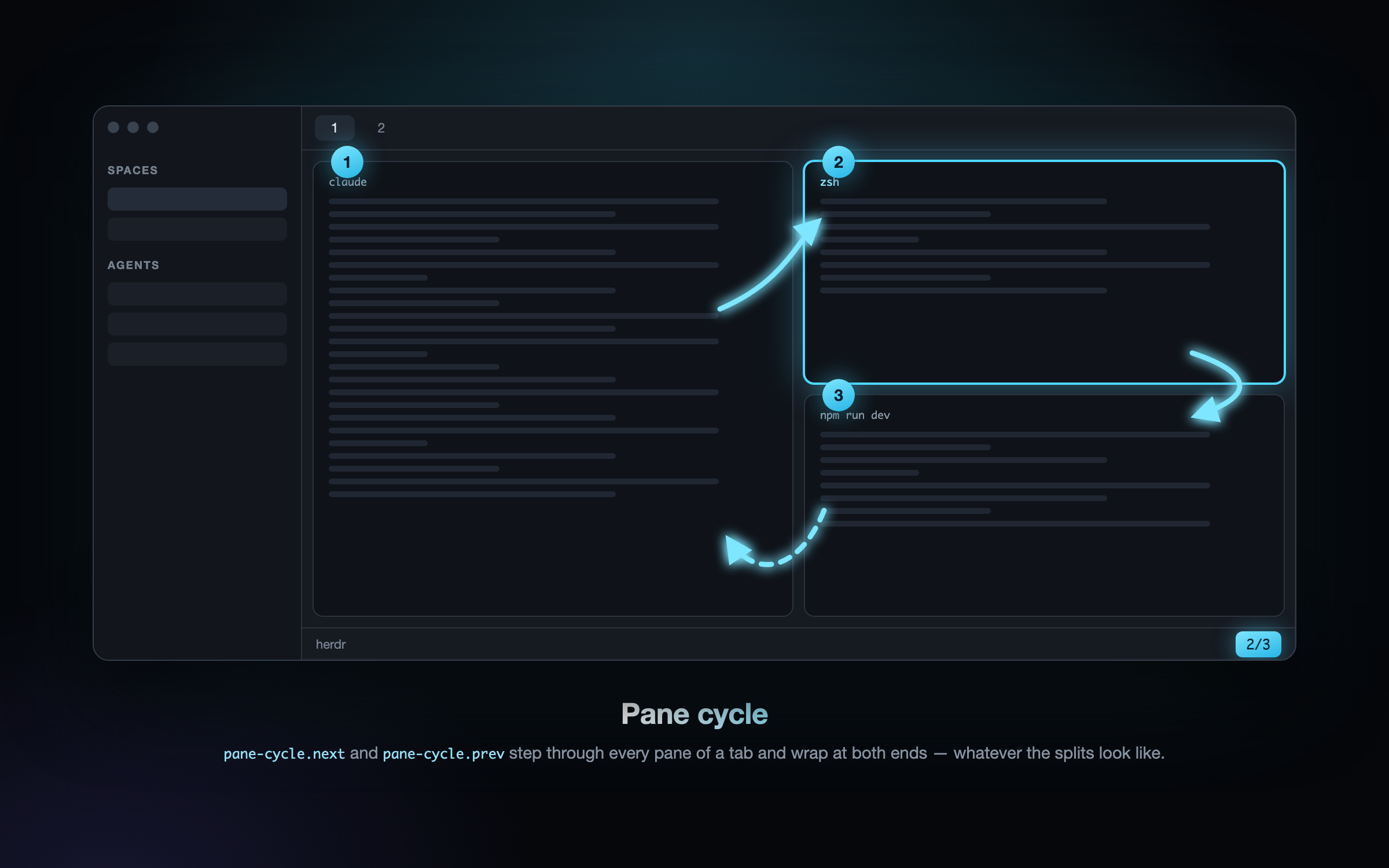
A tmux-style prefix key for Herdr. Press ctrl-a and a small popup drops in near the top of the window listing every binding in four columns (Tabs, Panes, Panels, Spaces); the next key runs one (new tab, split, move between panes, show a side panel, find a space) and the popup closes. ctrl-a twice sends a real ctrl-a to the terminal.

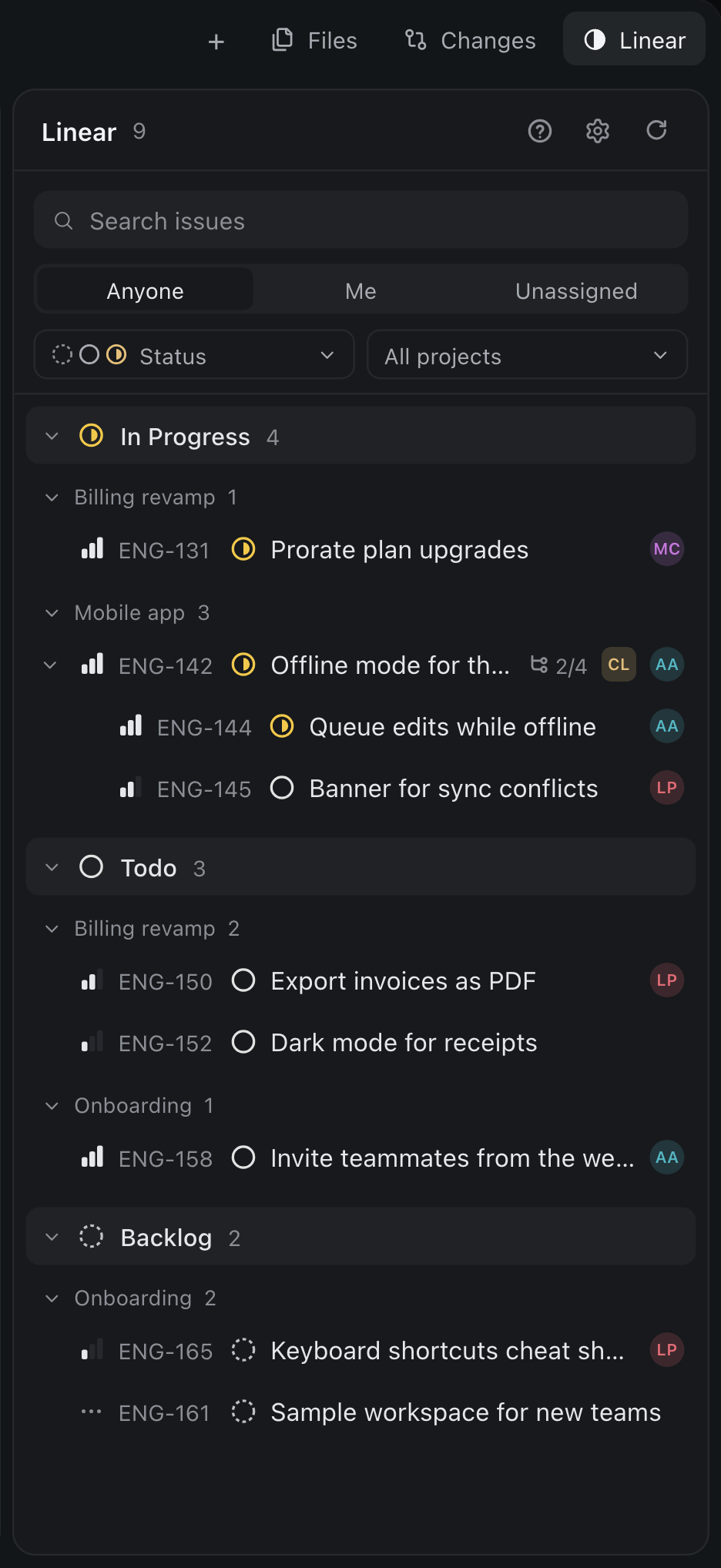

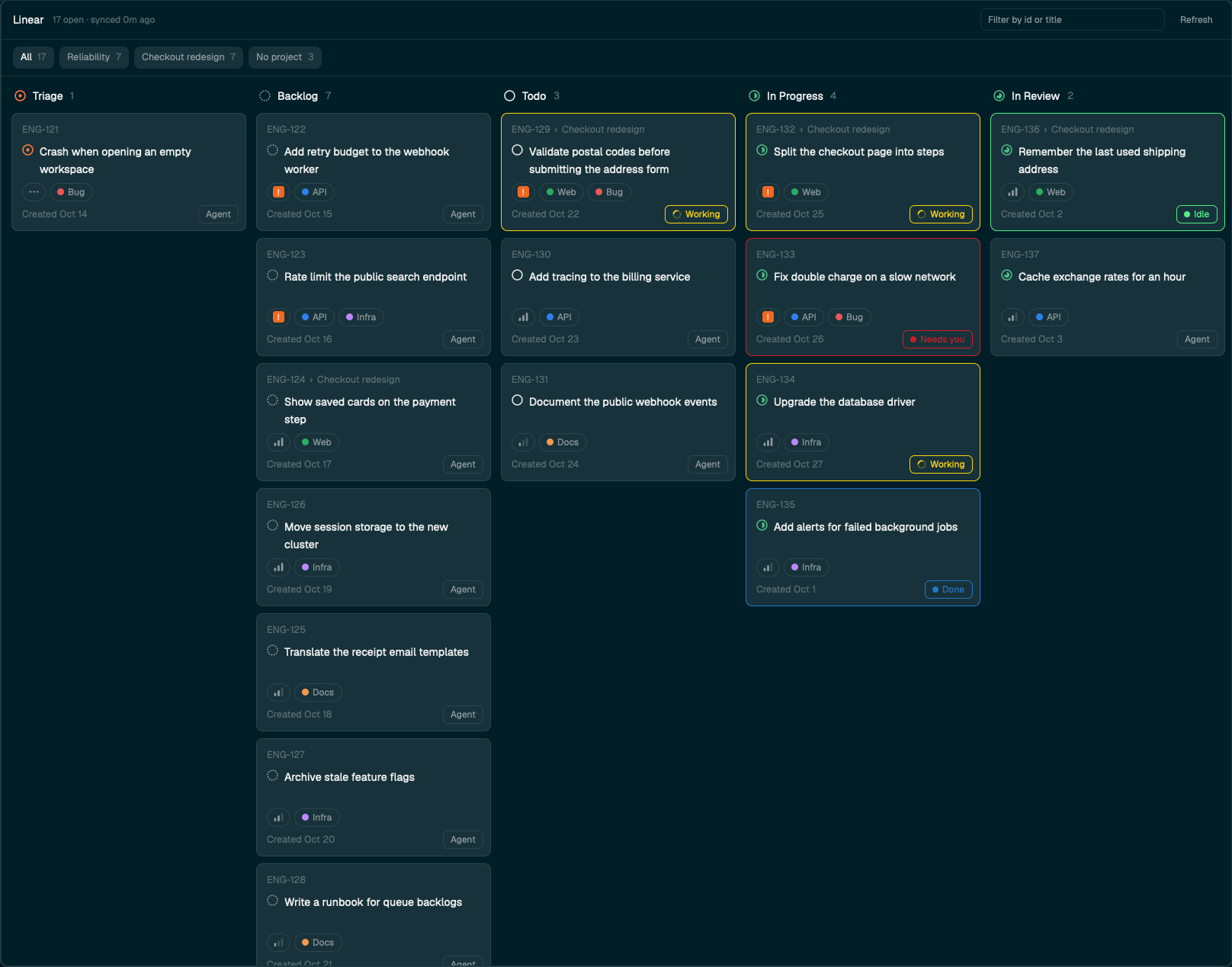

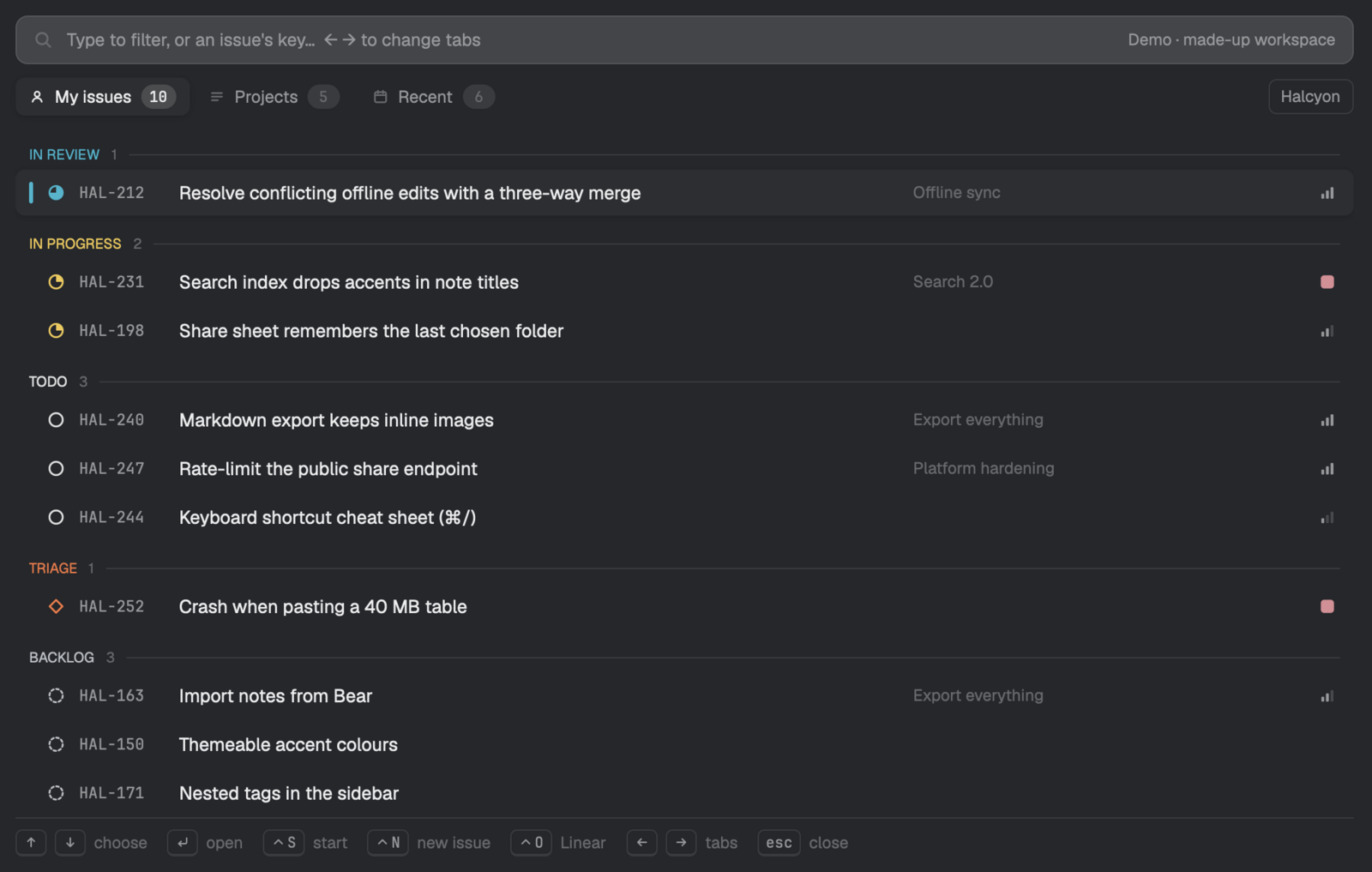
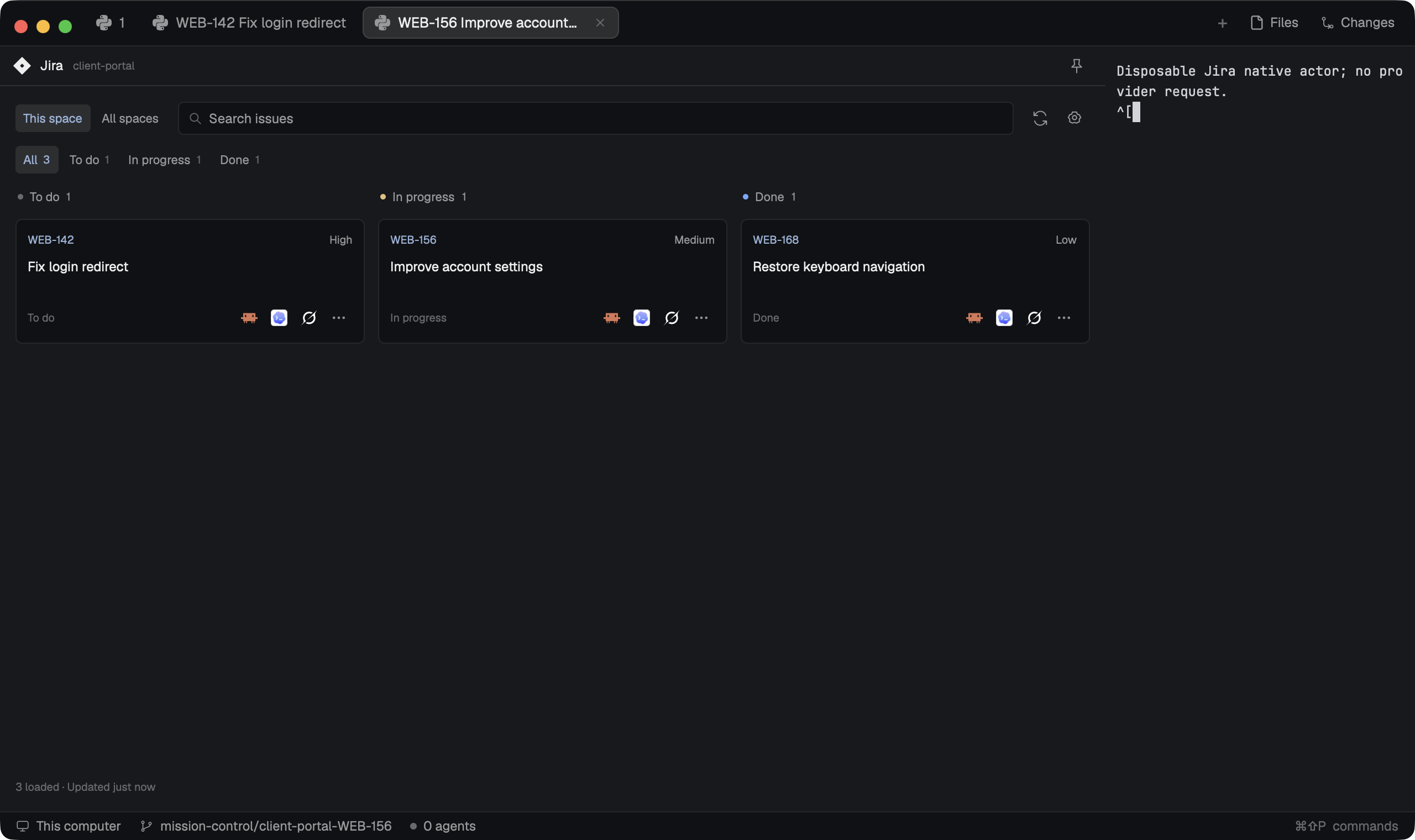
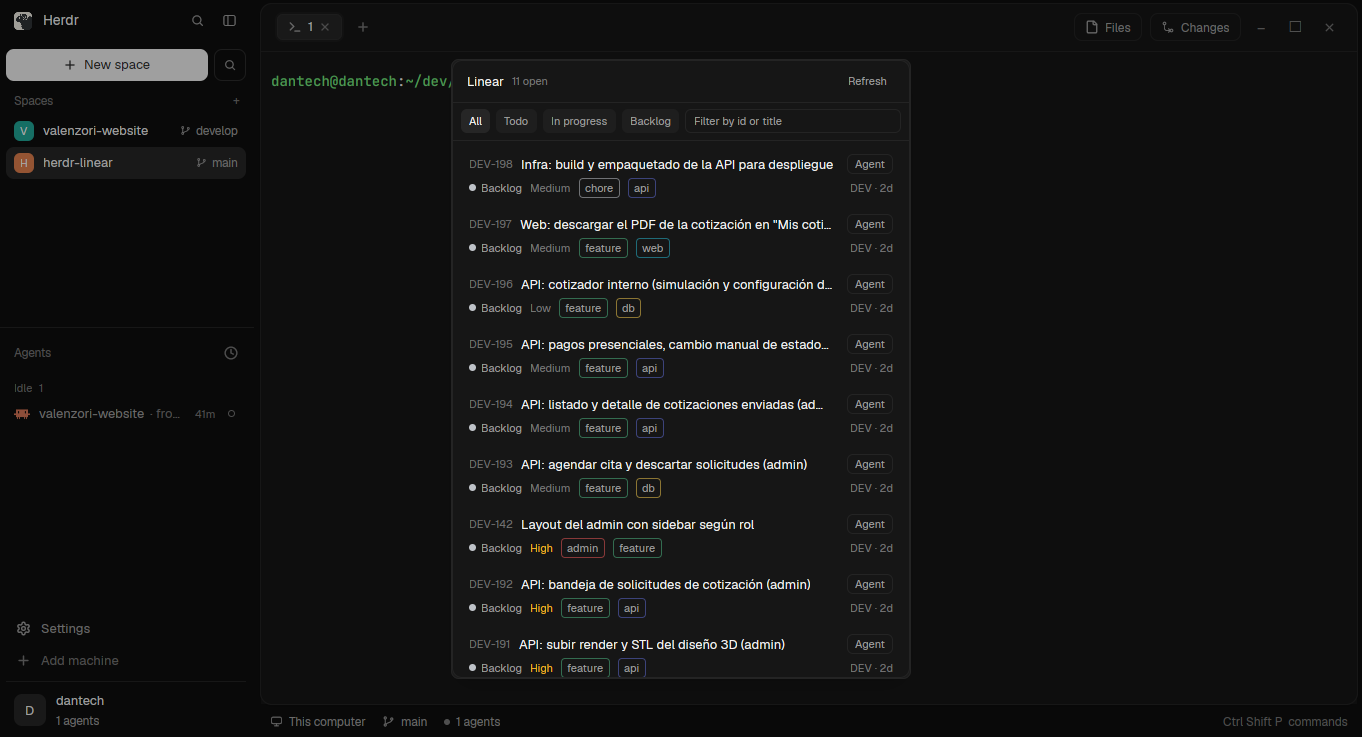
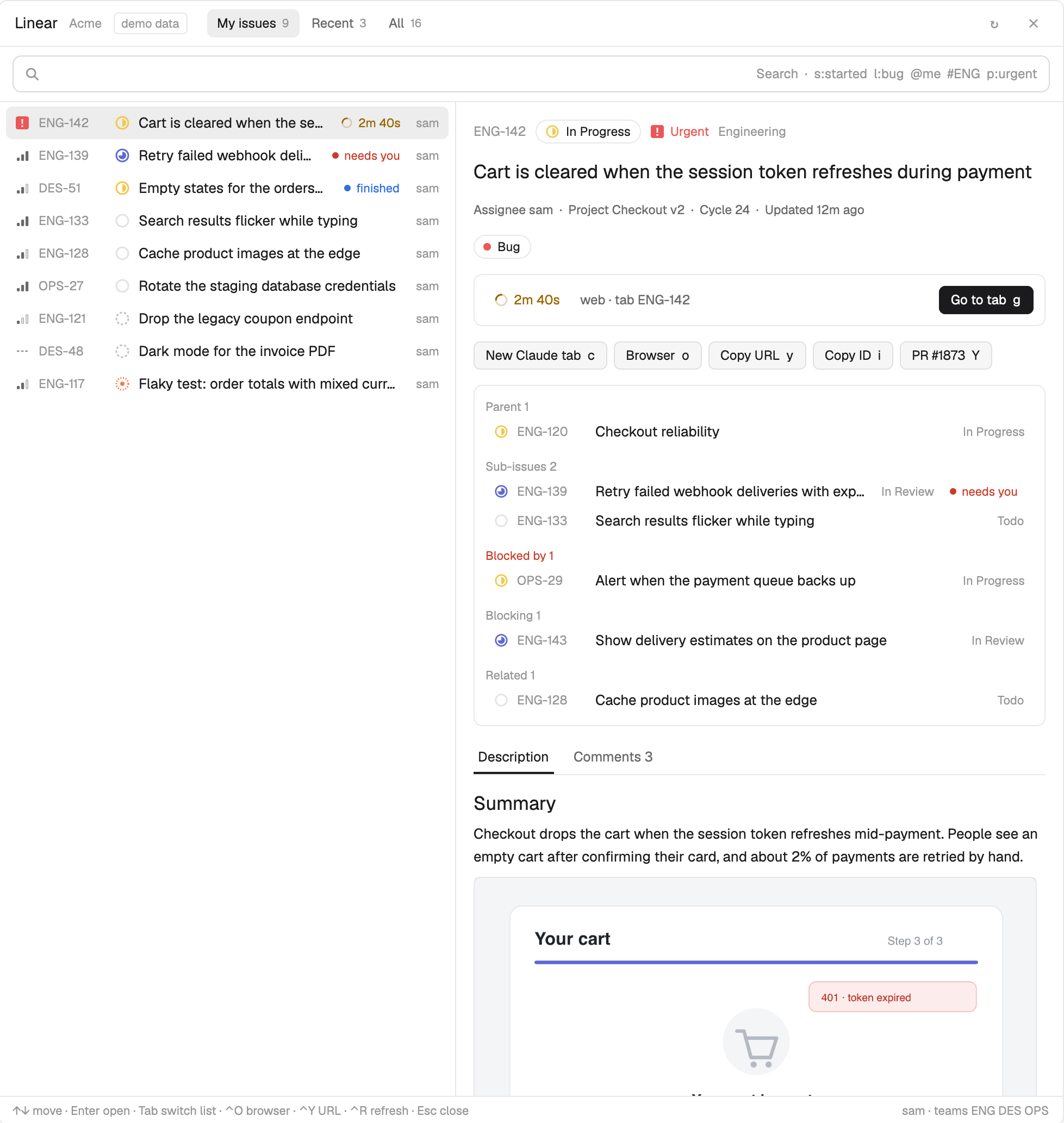
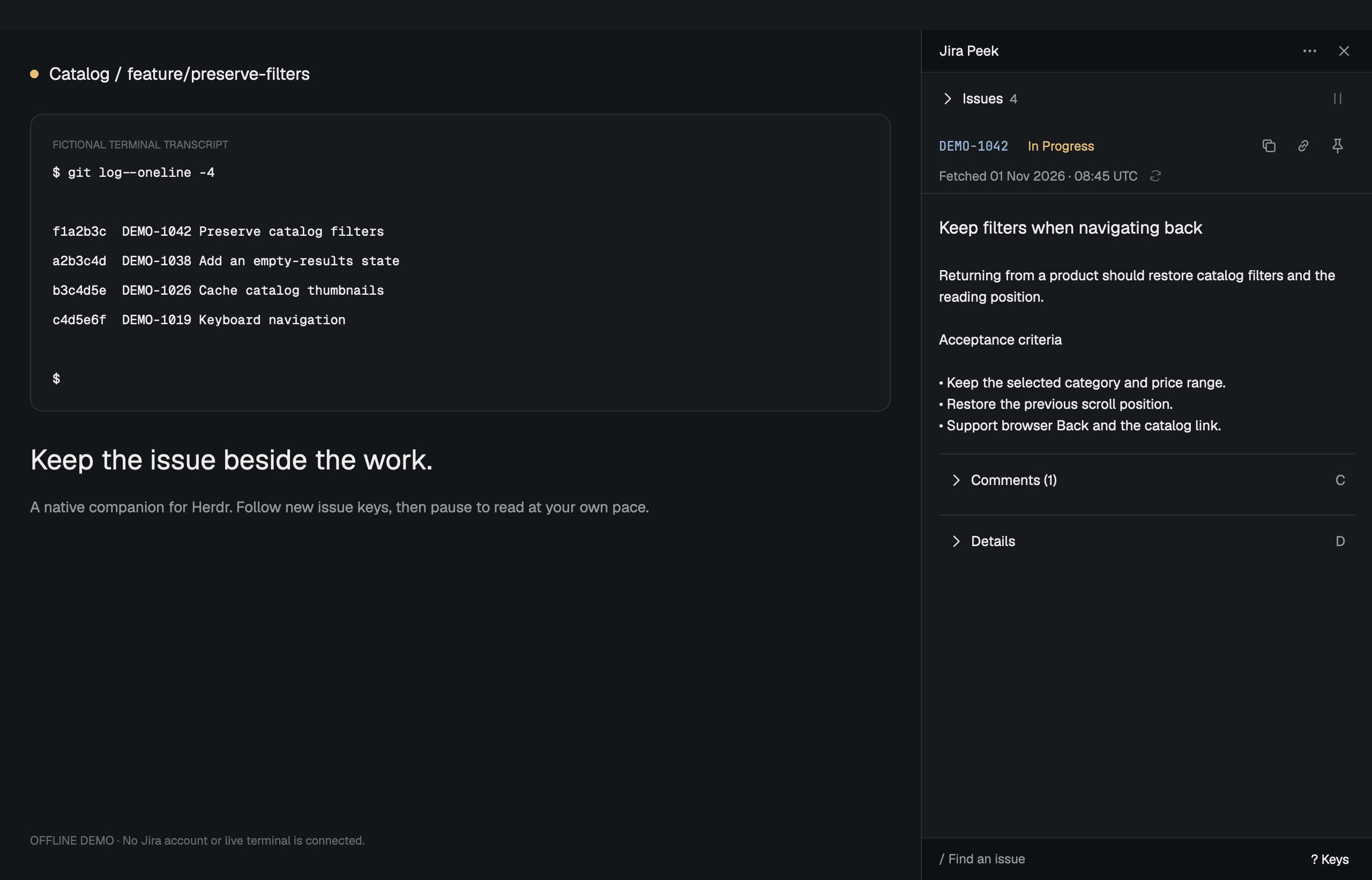
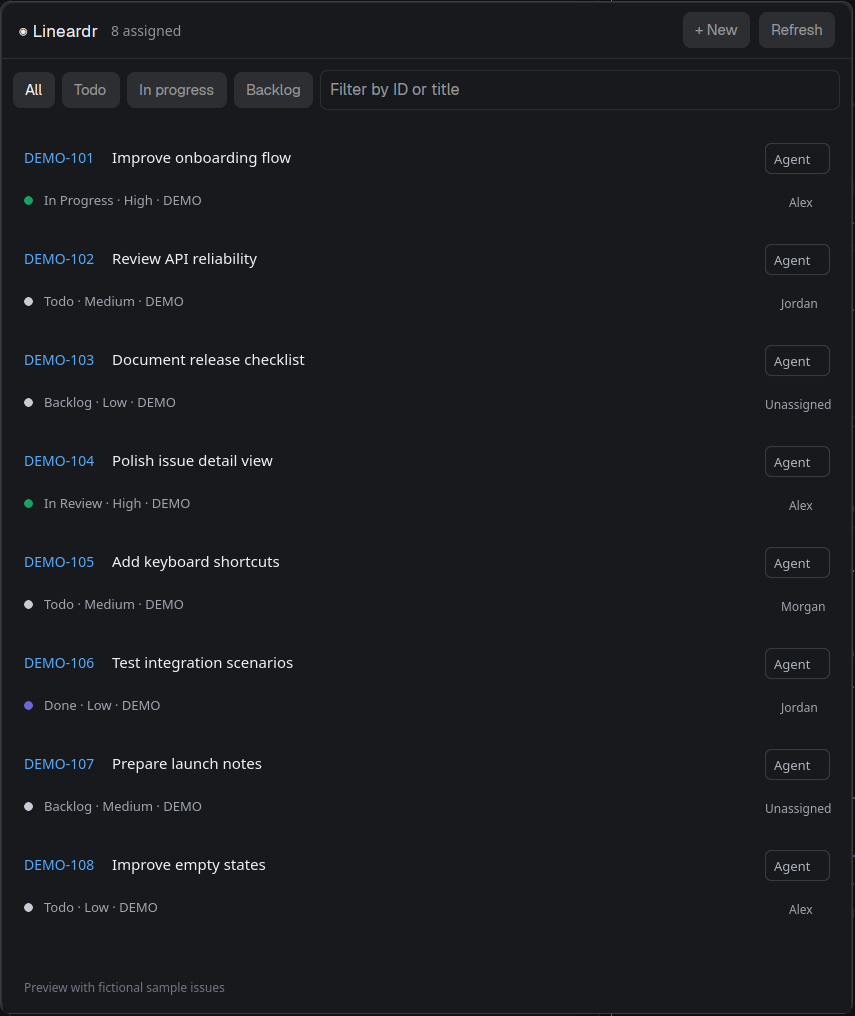
A side panel that lists Linear issues next to your terminals. The person picks a view from a row of tabs (each a saved query such as @me or s:triage, with its issue count), narrows it with a search box, a Status dropdown and a Sub-issues toggle, and sees the issues grouped by status, one line each: identifier, status icon, title and the assignee's avatar. Clicking an issue pushes its details page: status, priority, assignee, delegate, team, project, cycle, parent, labels, sub-issues and the…
















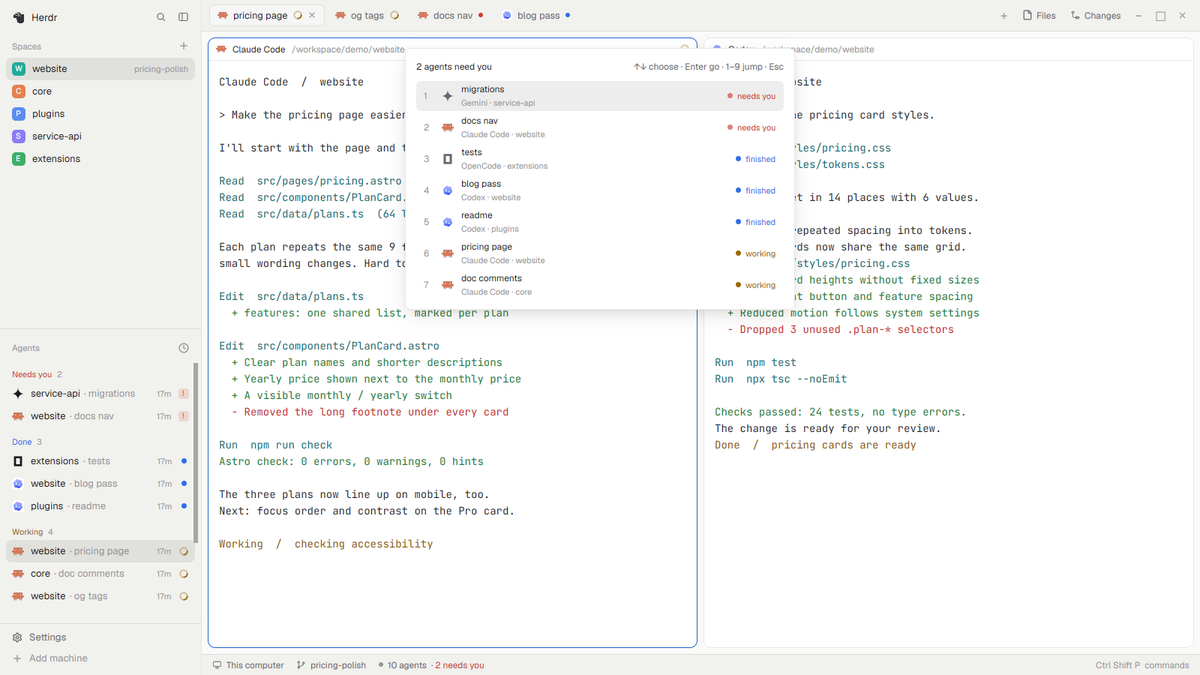





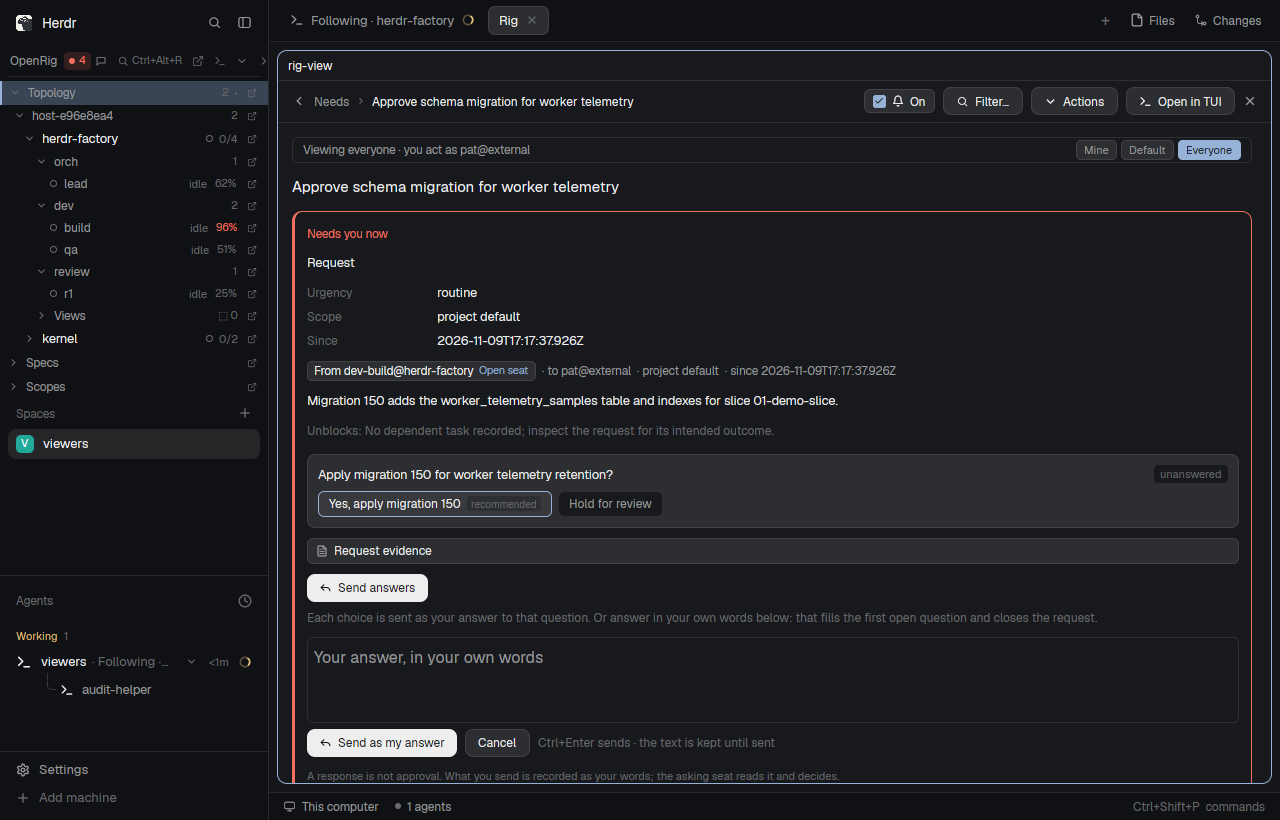

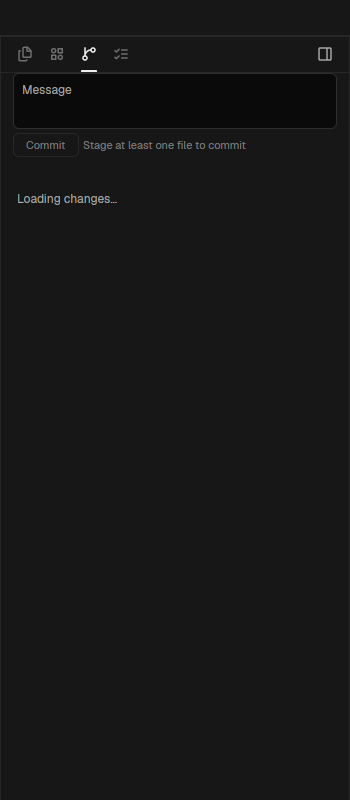
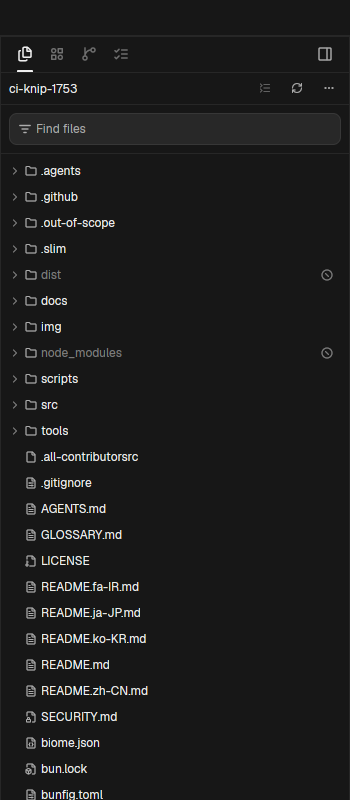
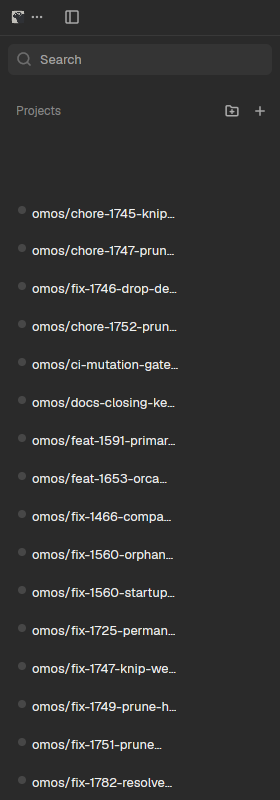



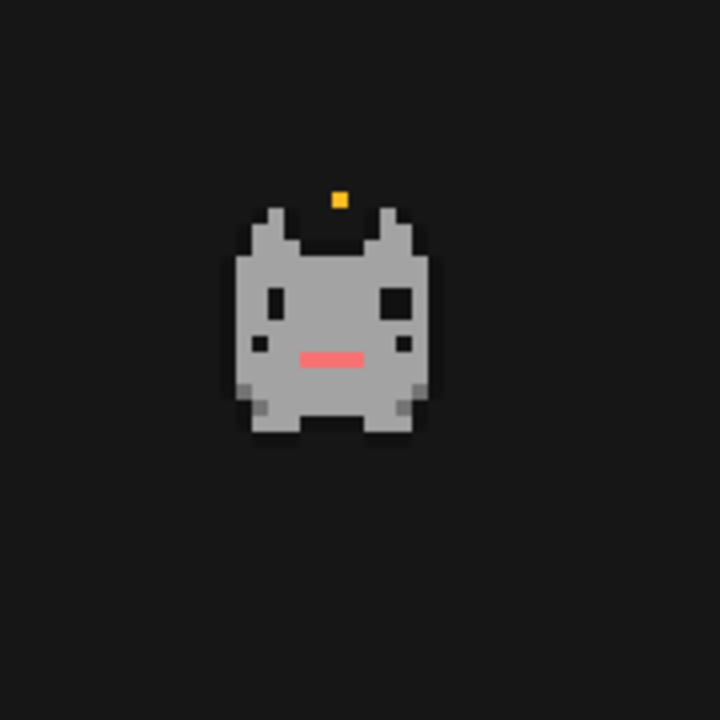


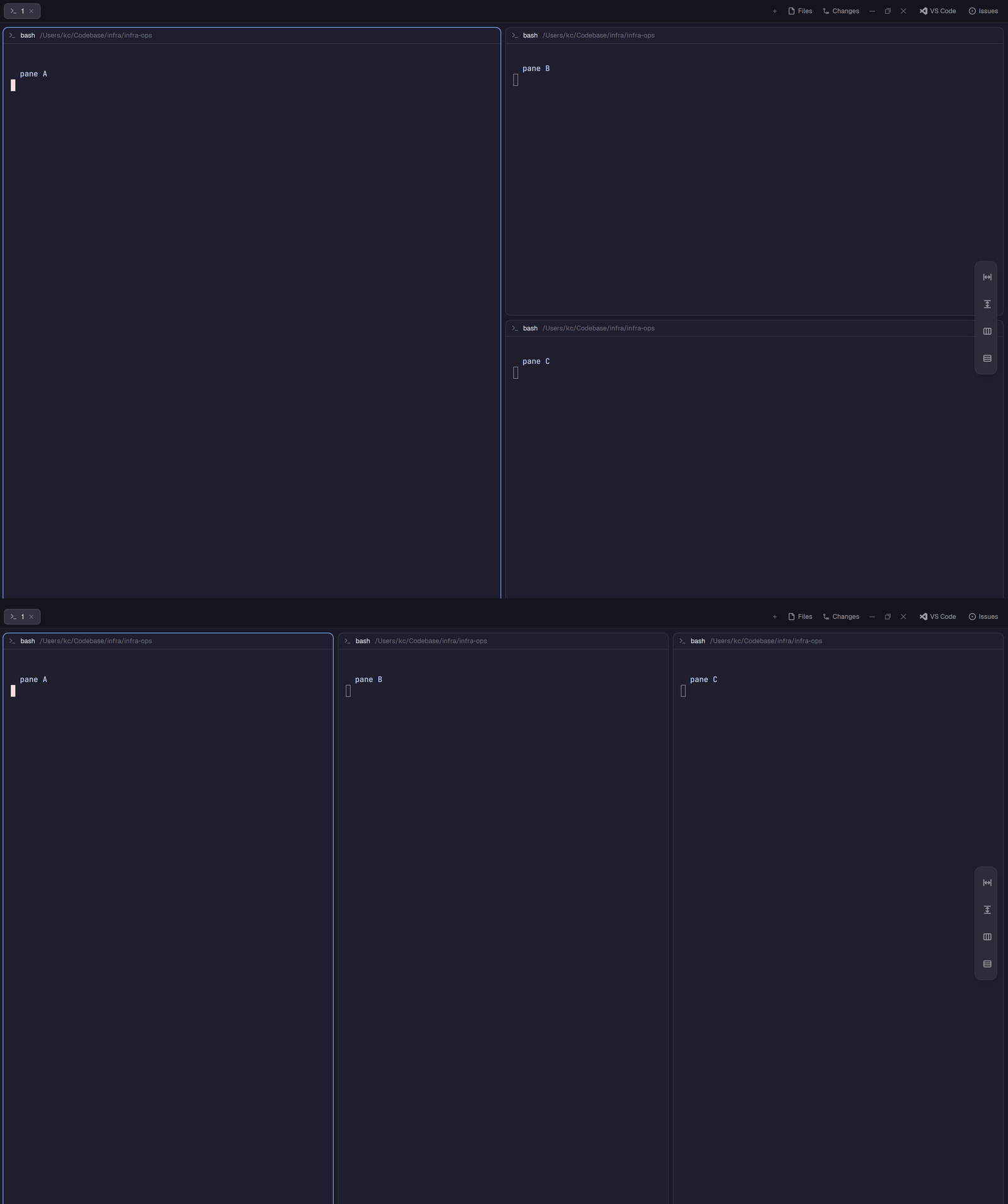






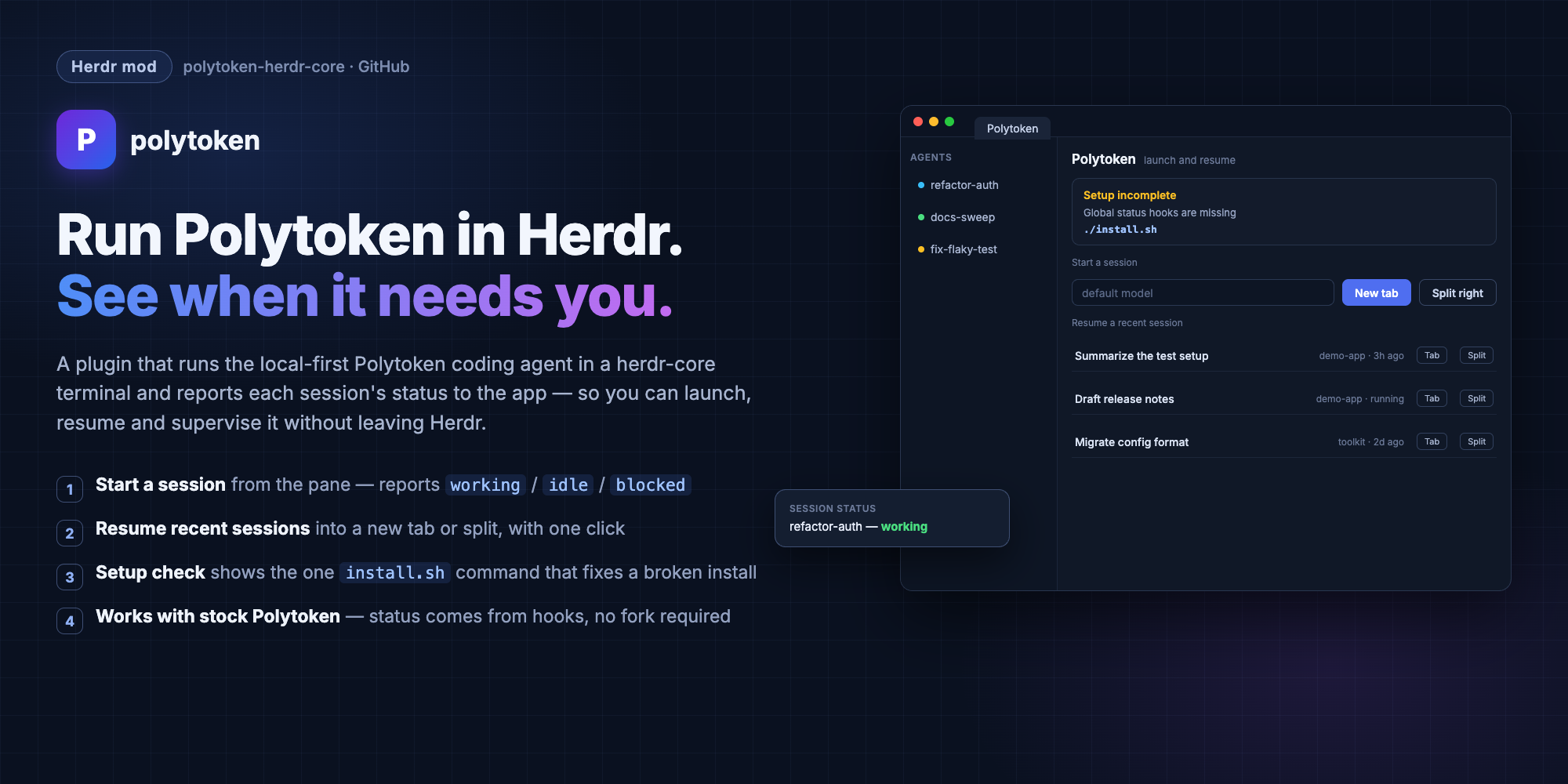
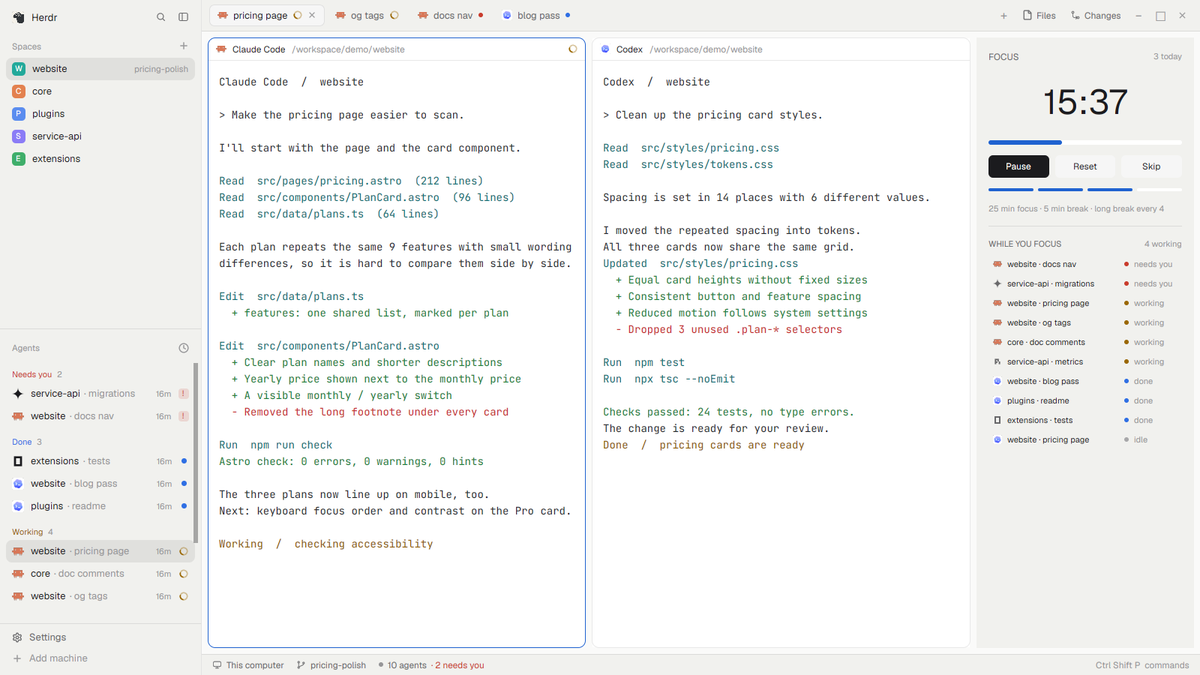
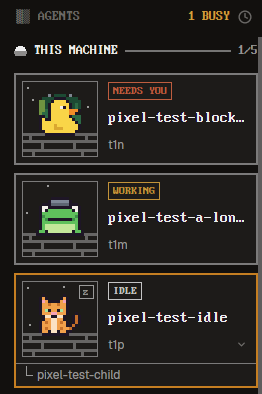
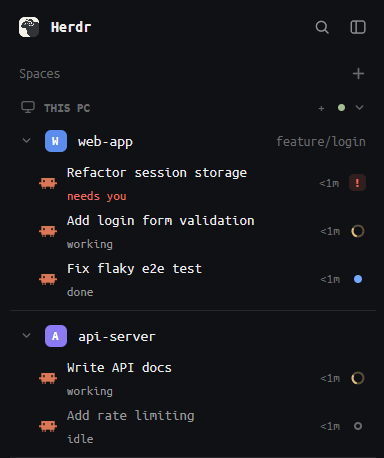
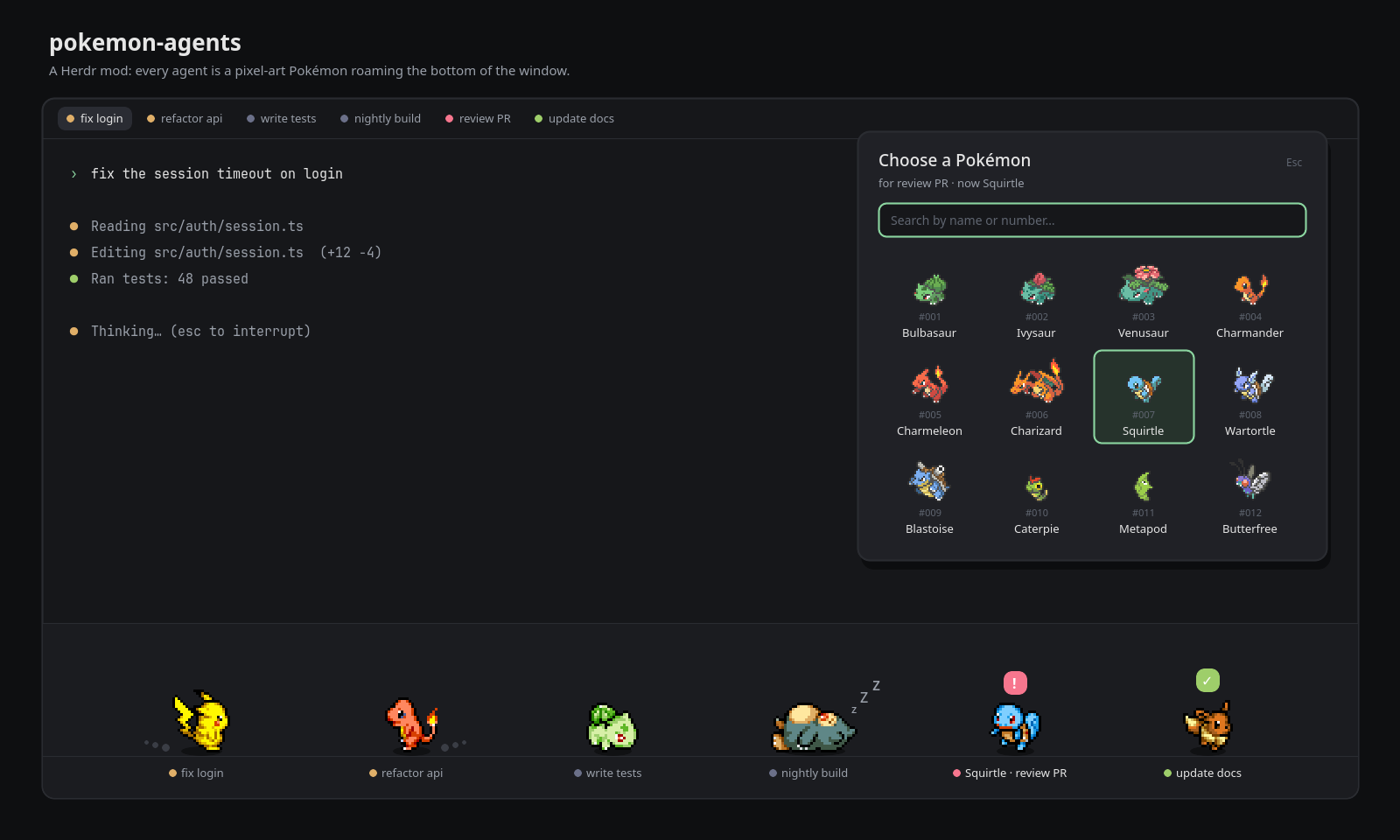
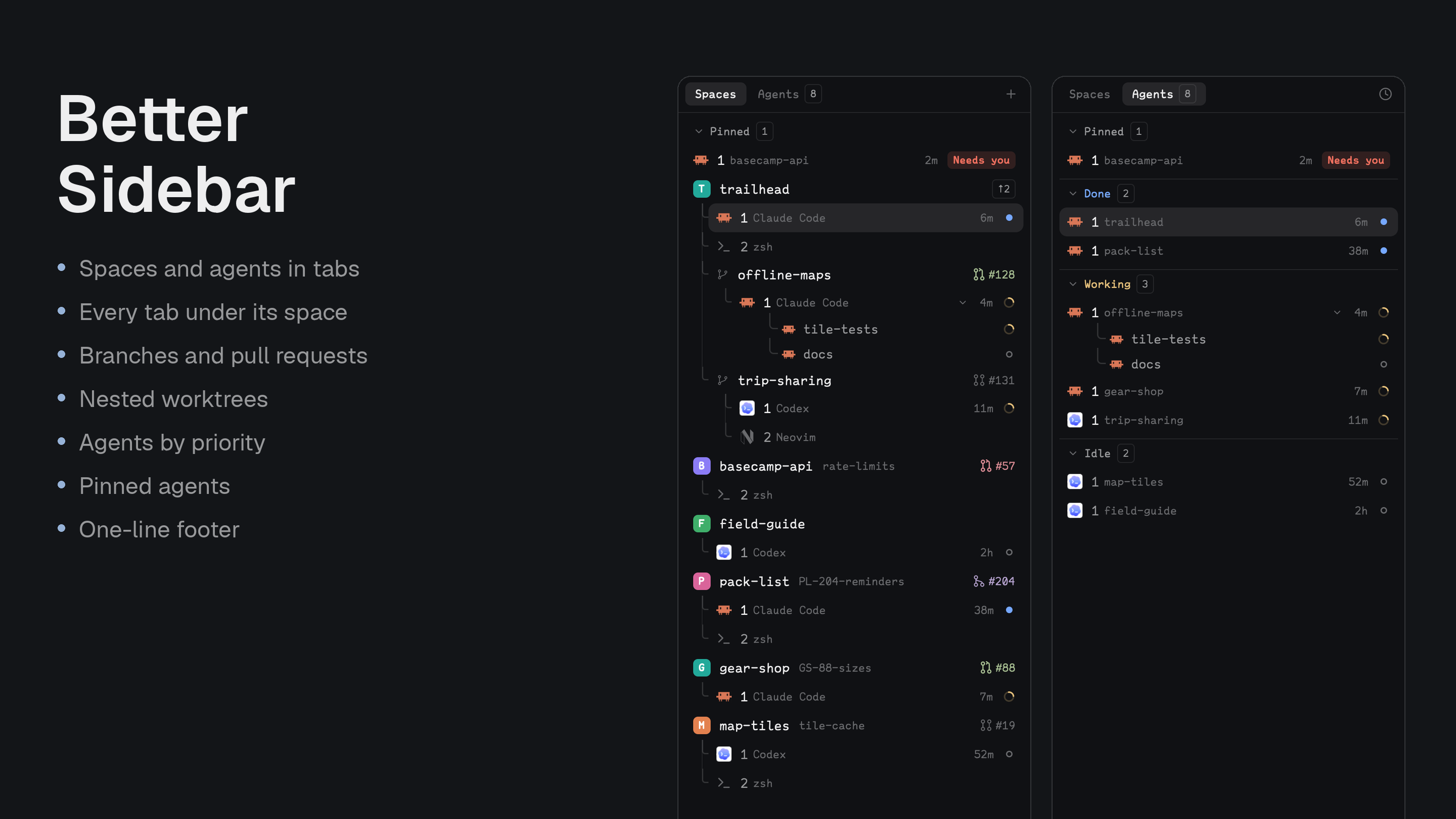
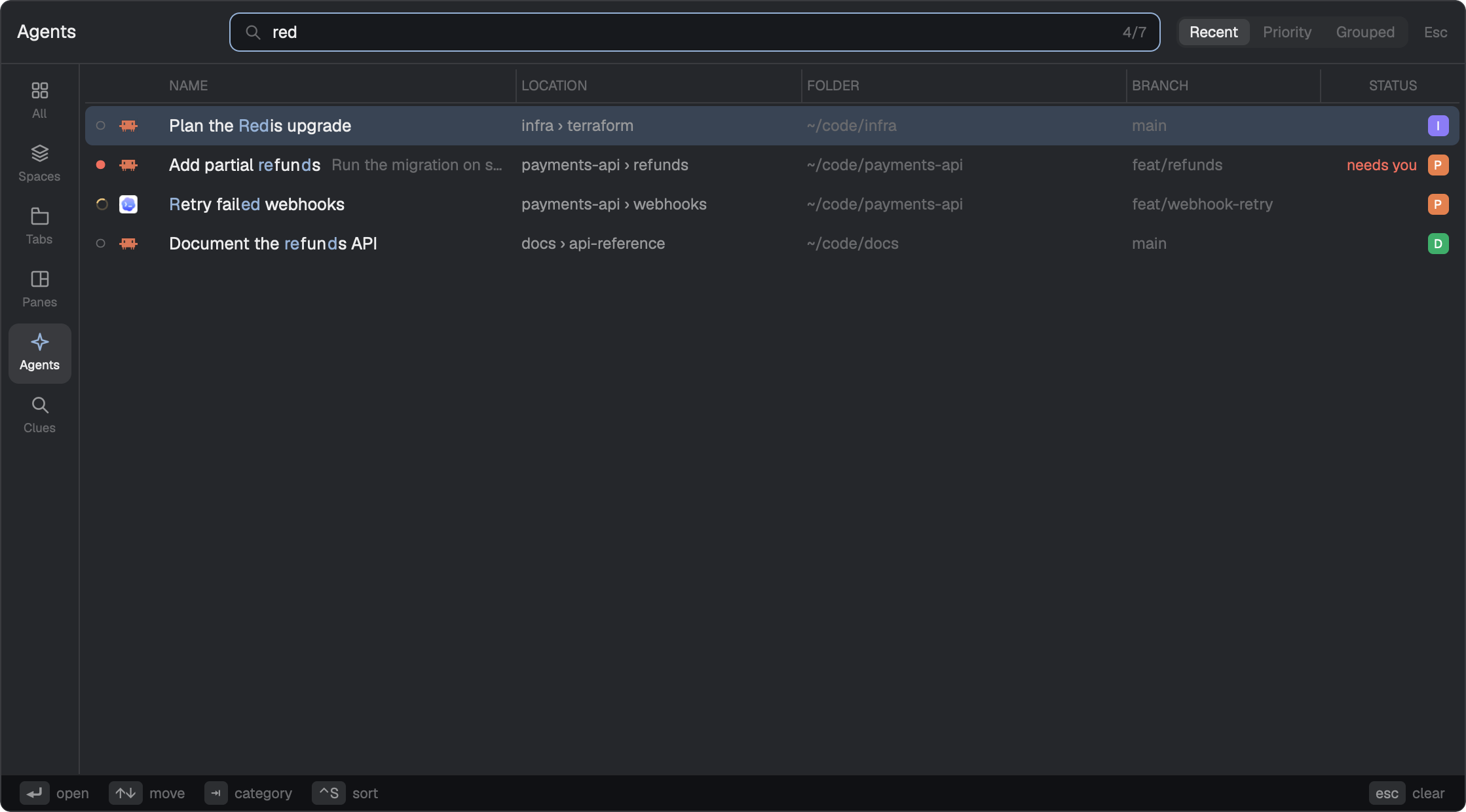
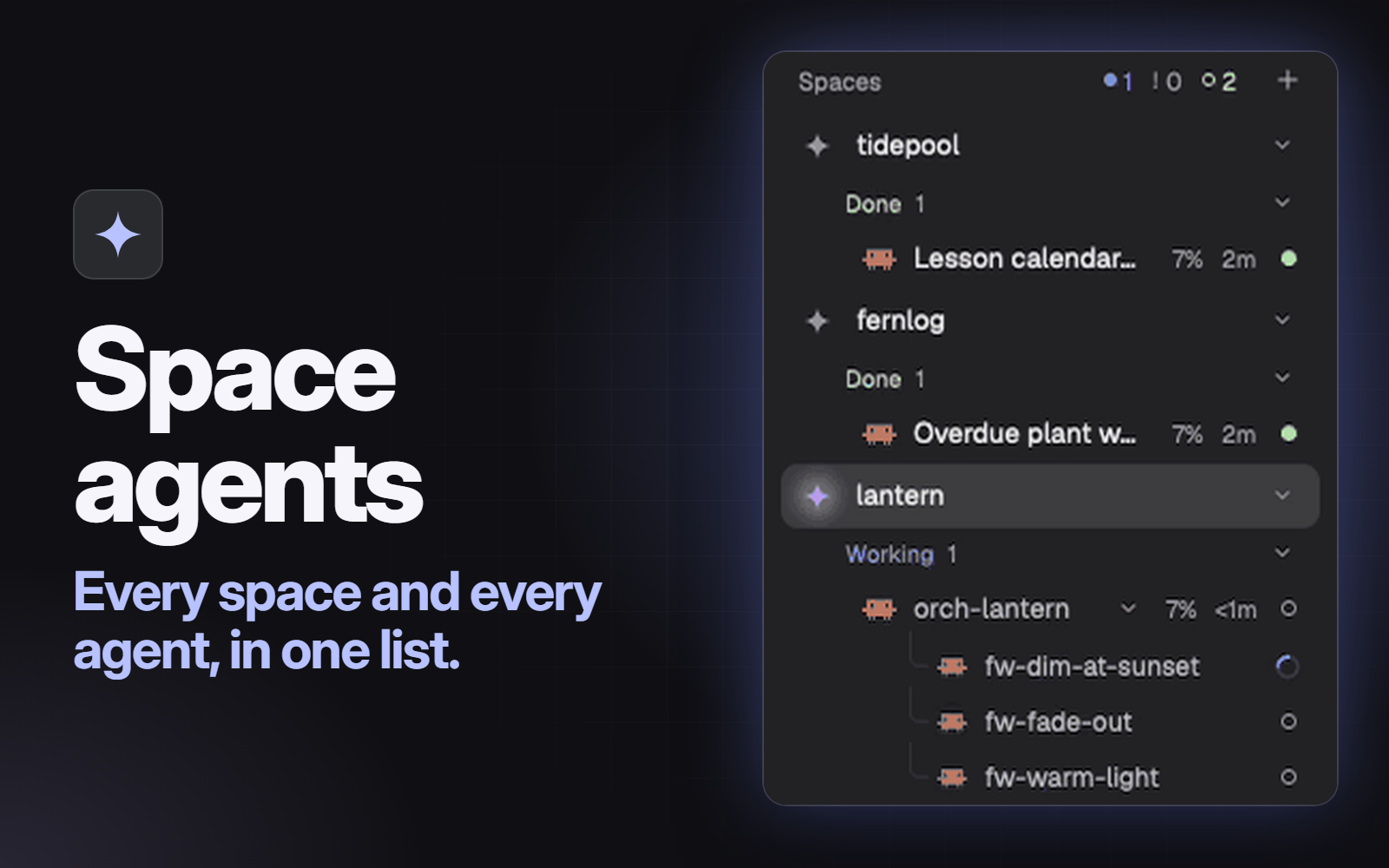
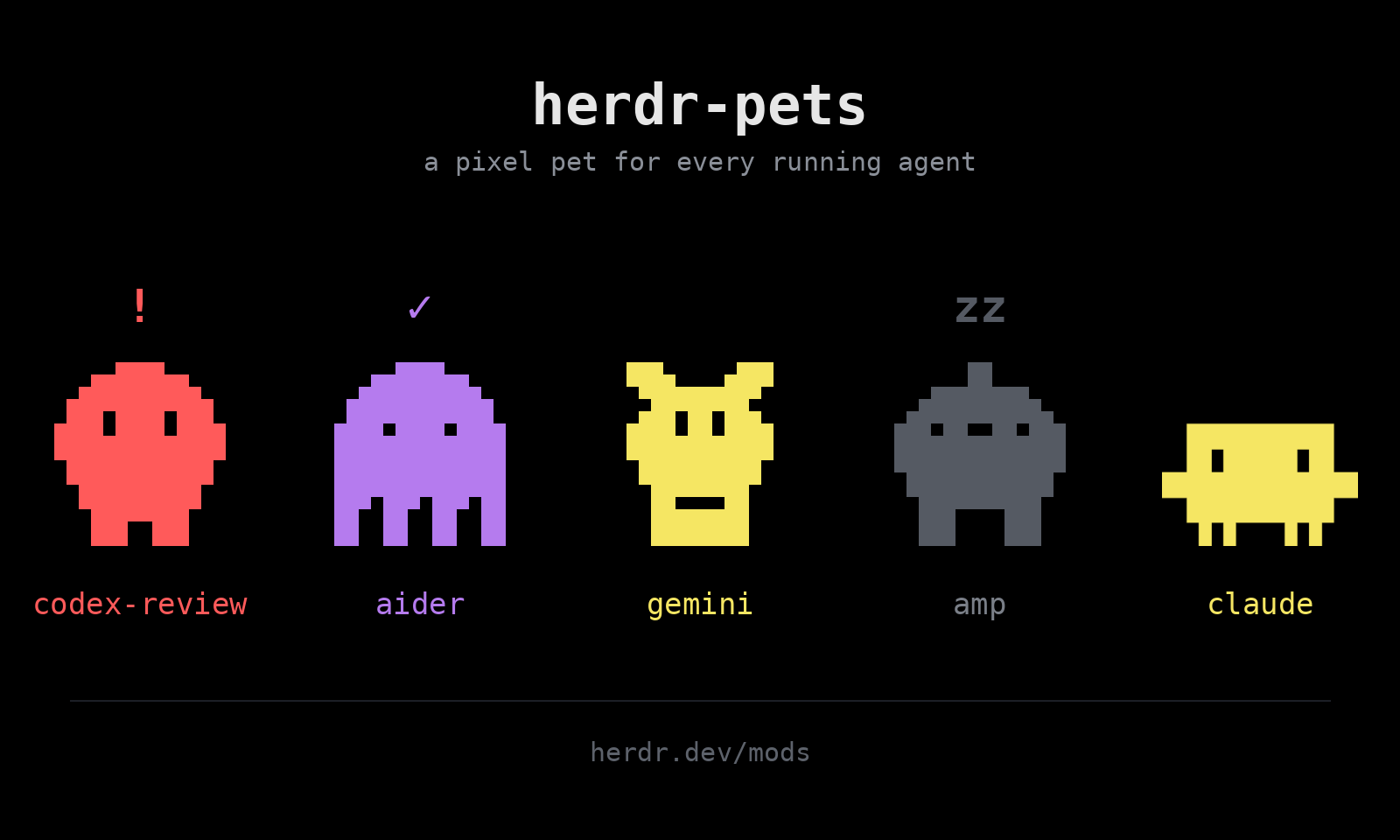
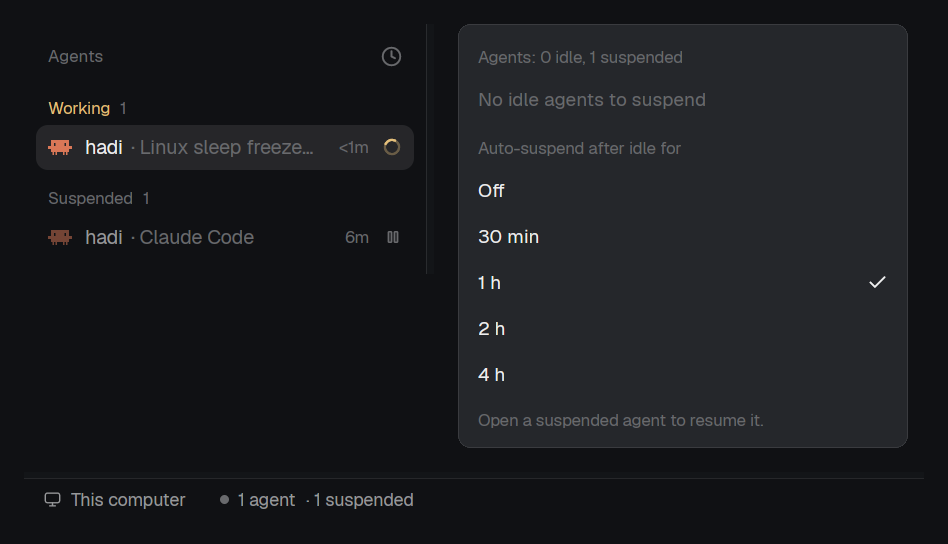
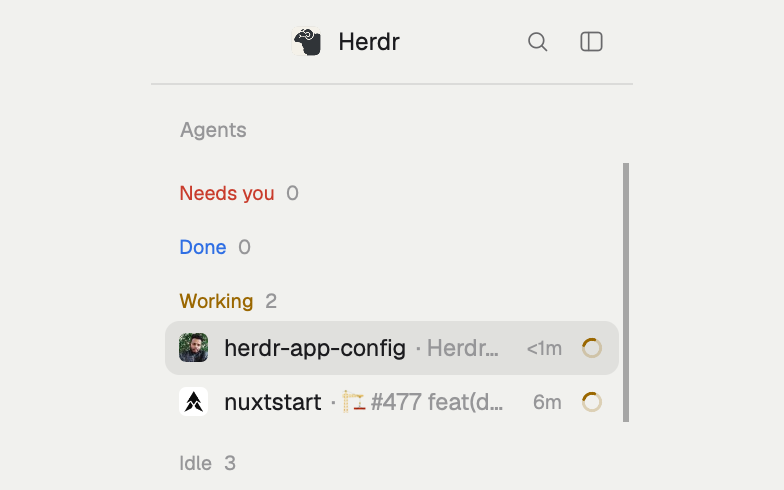
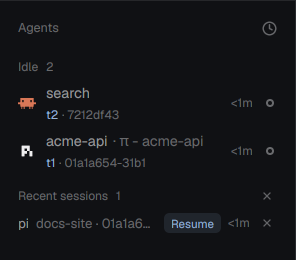
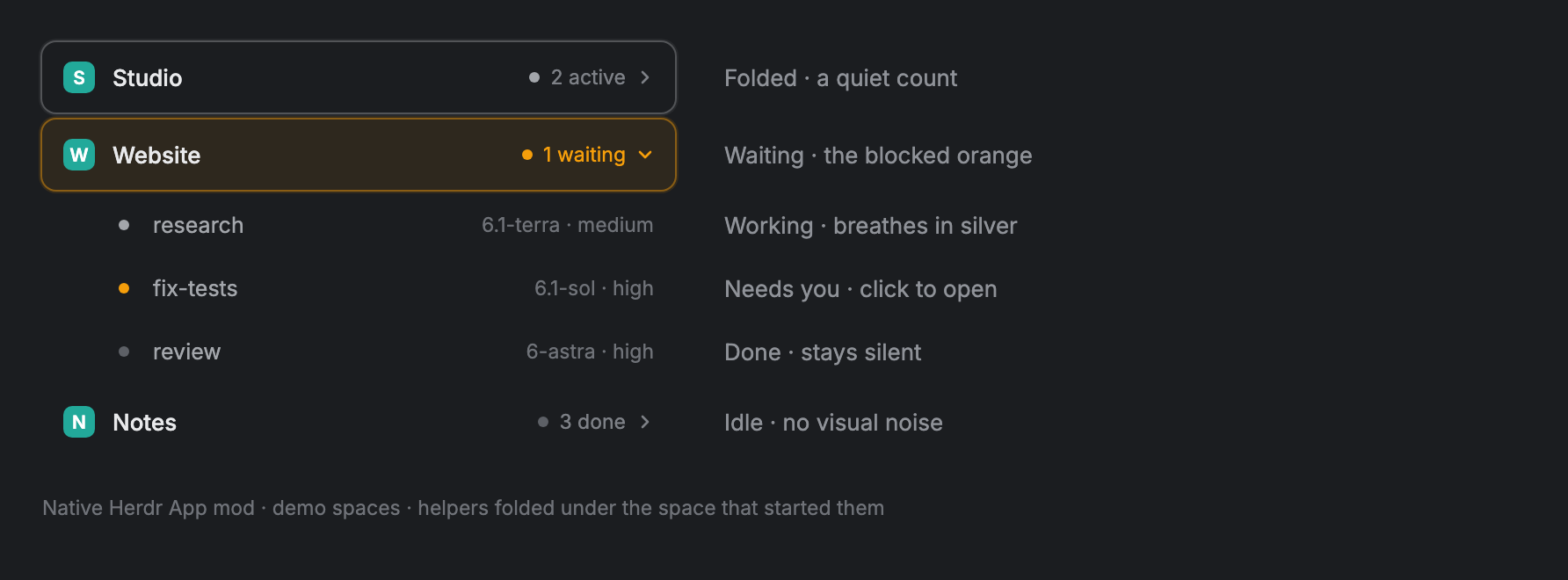
Herdr's Agents list with a pixel-art duck in place of each agent's program icon. The duck acts out the agent's status: it jabs a knife while the agent works, glares (then scowls) while it waits for you, hops and flaps when it finishes, and bobs contentedly when idle. Rows are taller and show the name over its detail, plus a thin context-use bar and the model for Claude Code agents. Everything else (grouping, priority sort, pins, sub-agent trees, the narrow rail) is the shipped agents mod…
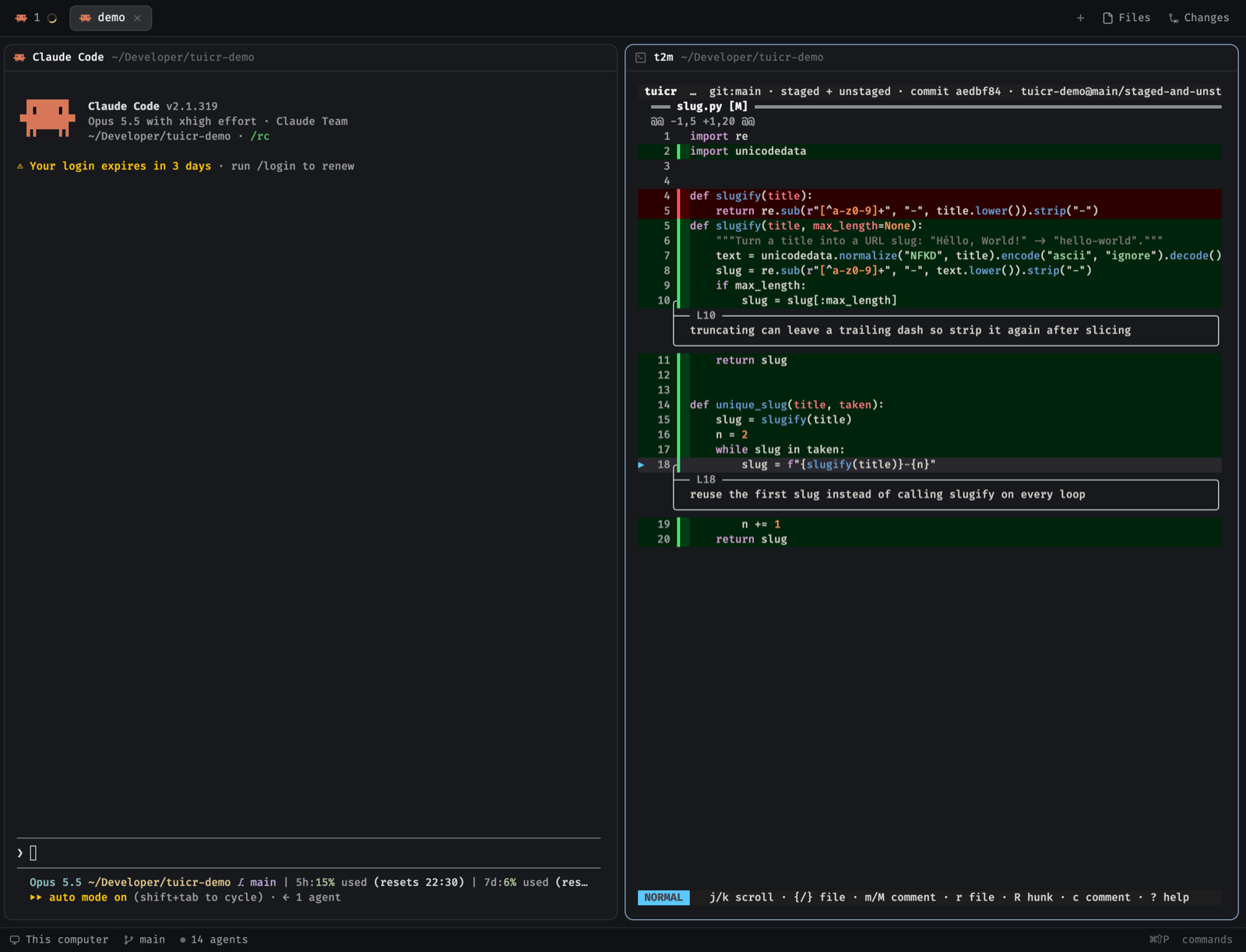
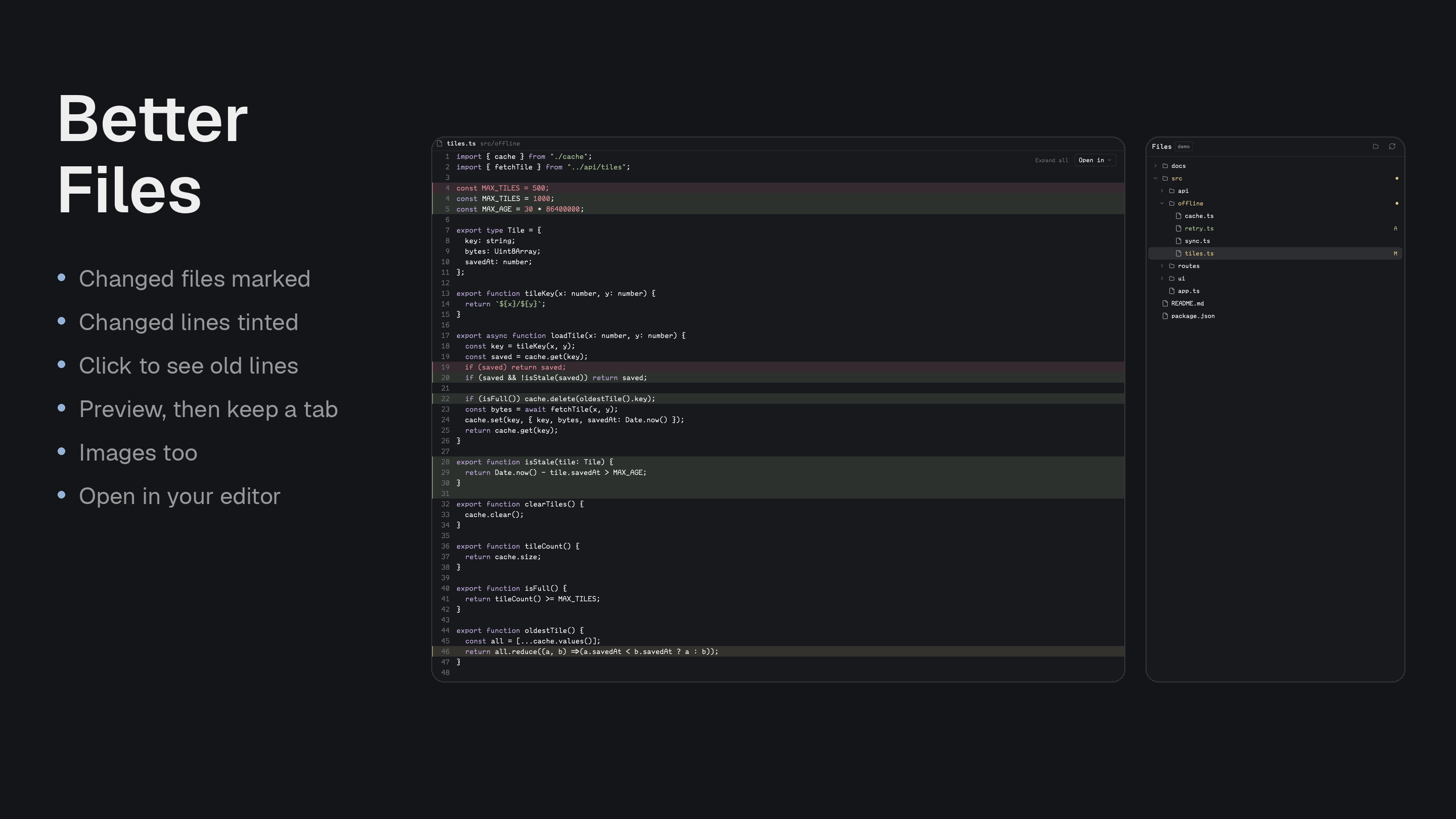
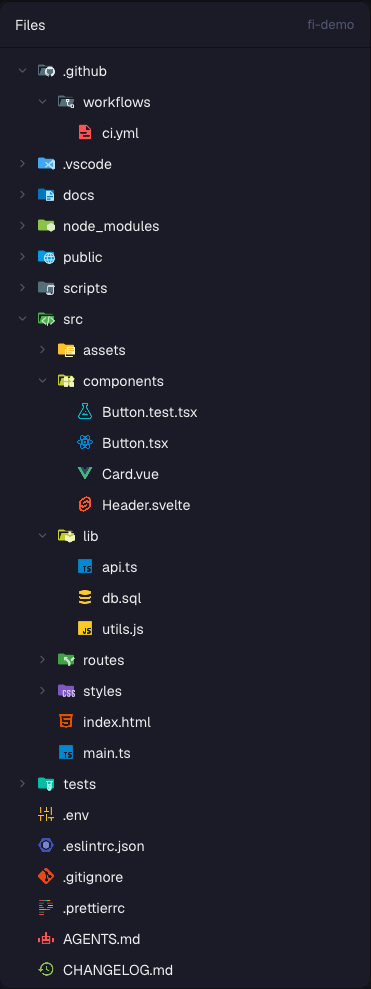
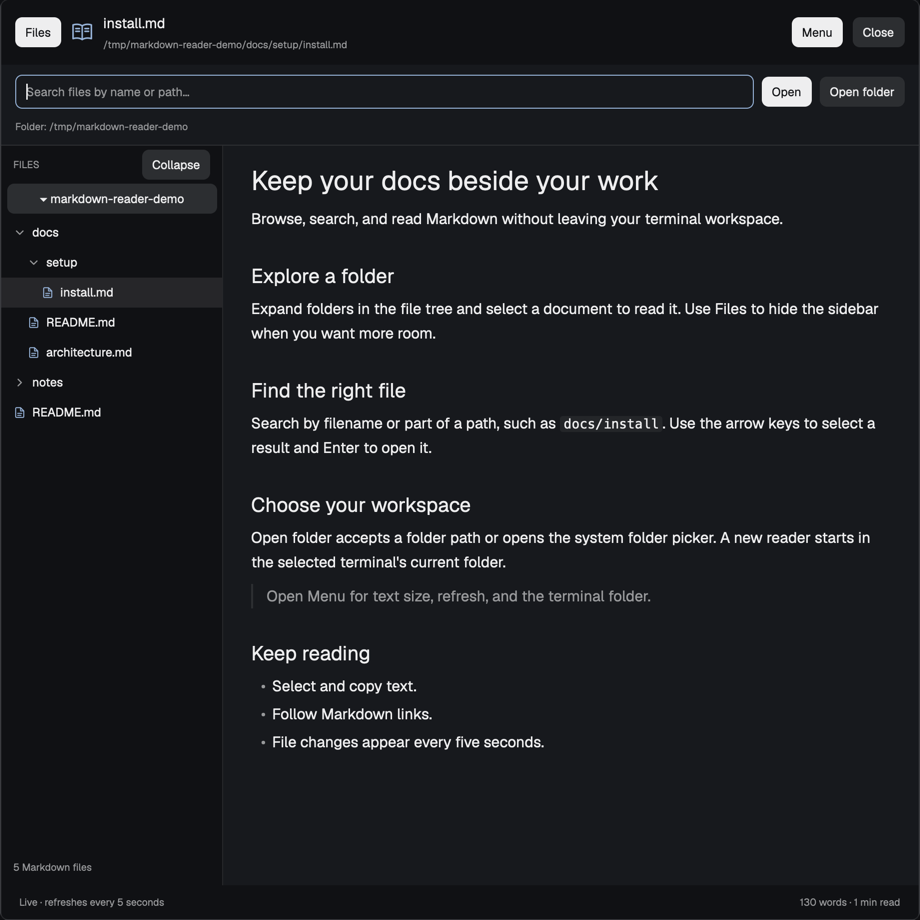
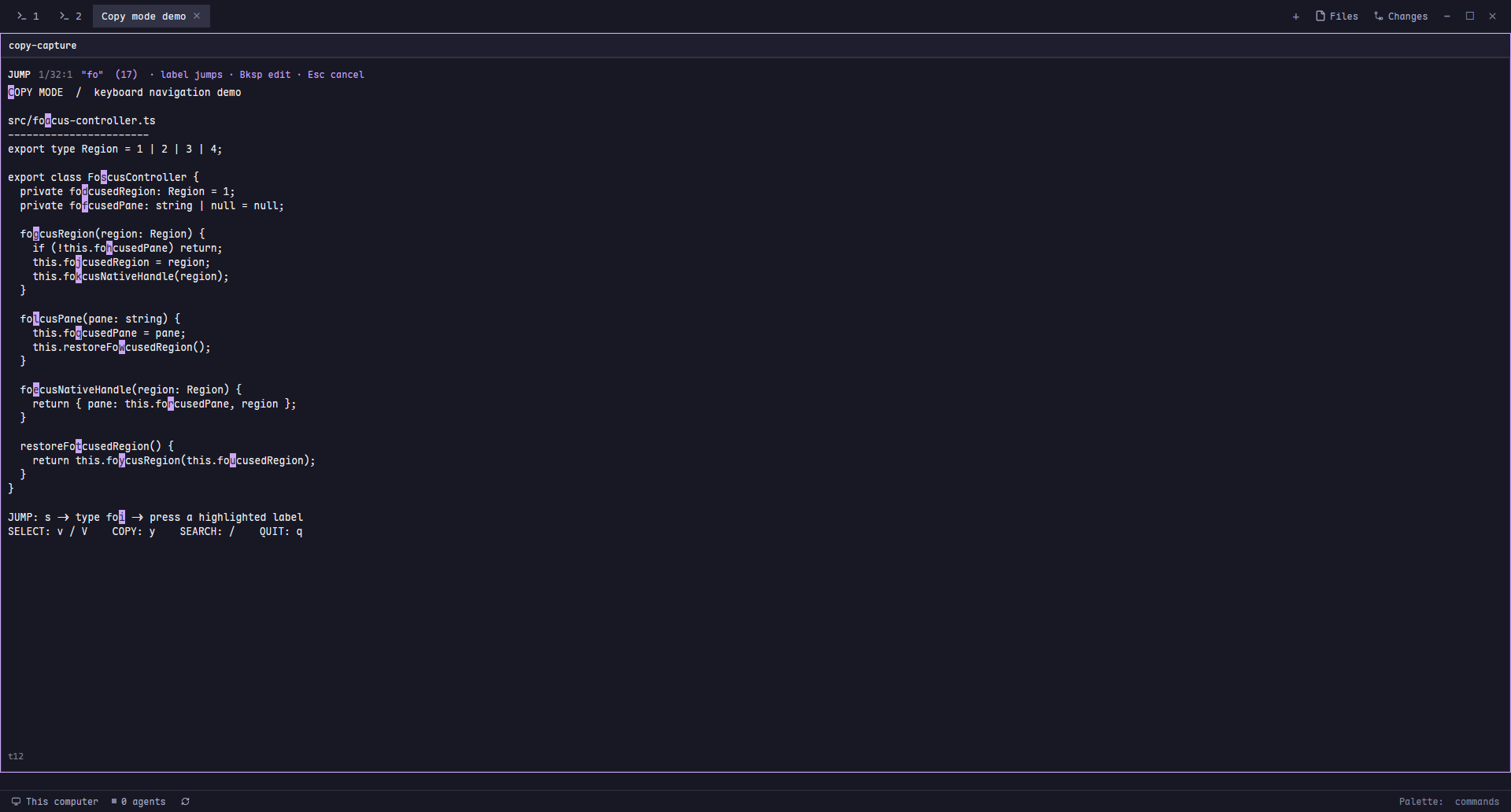
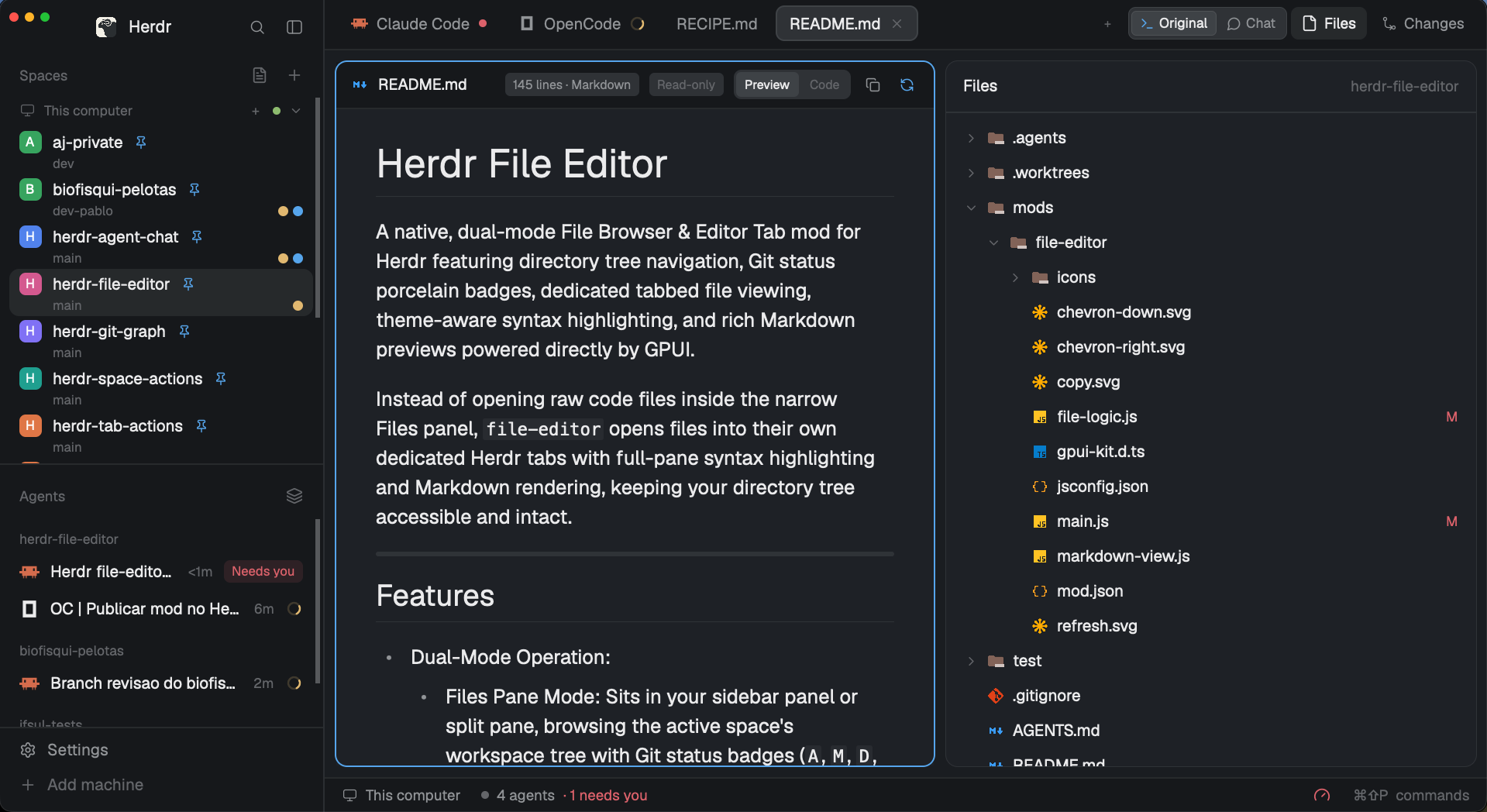
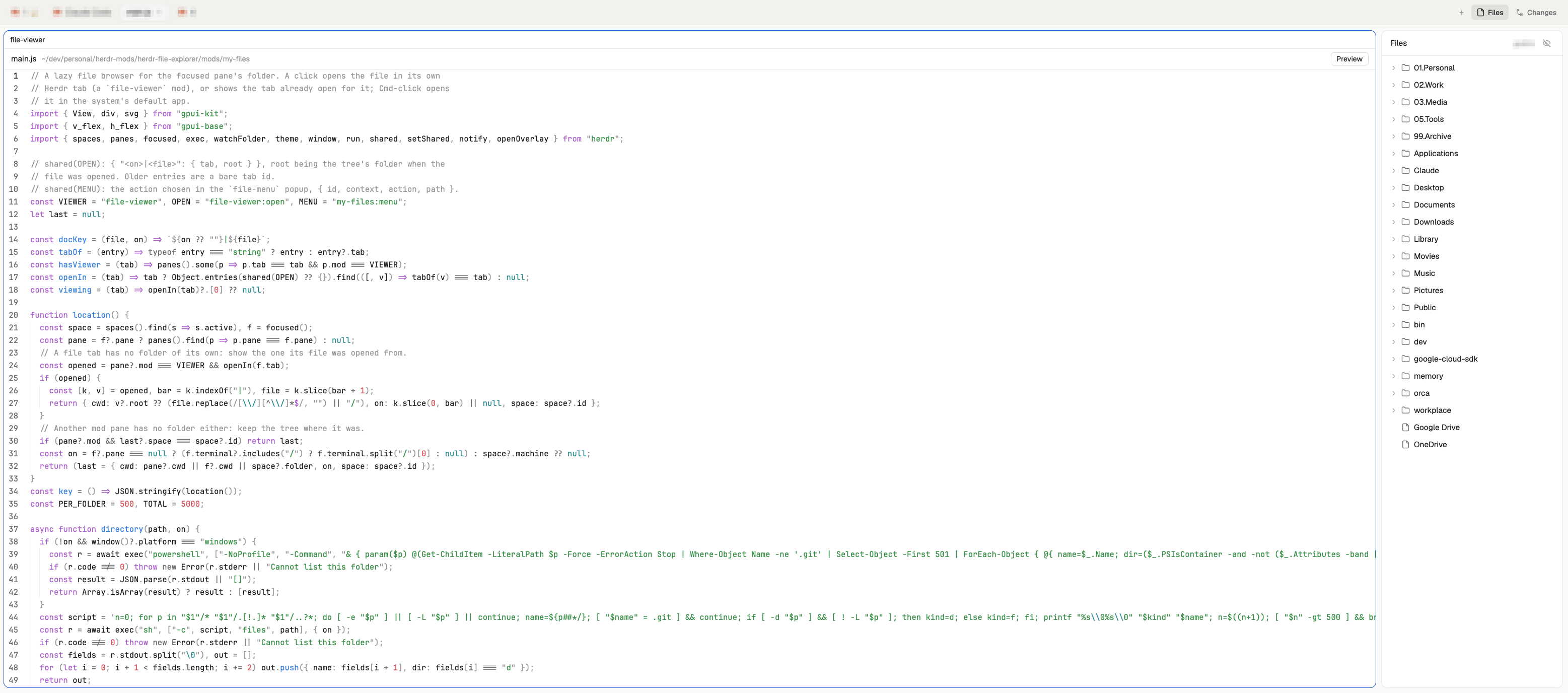
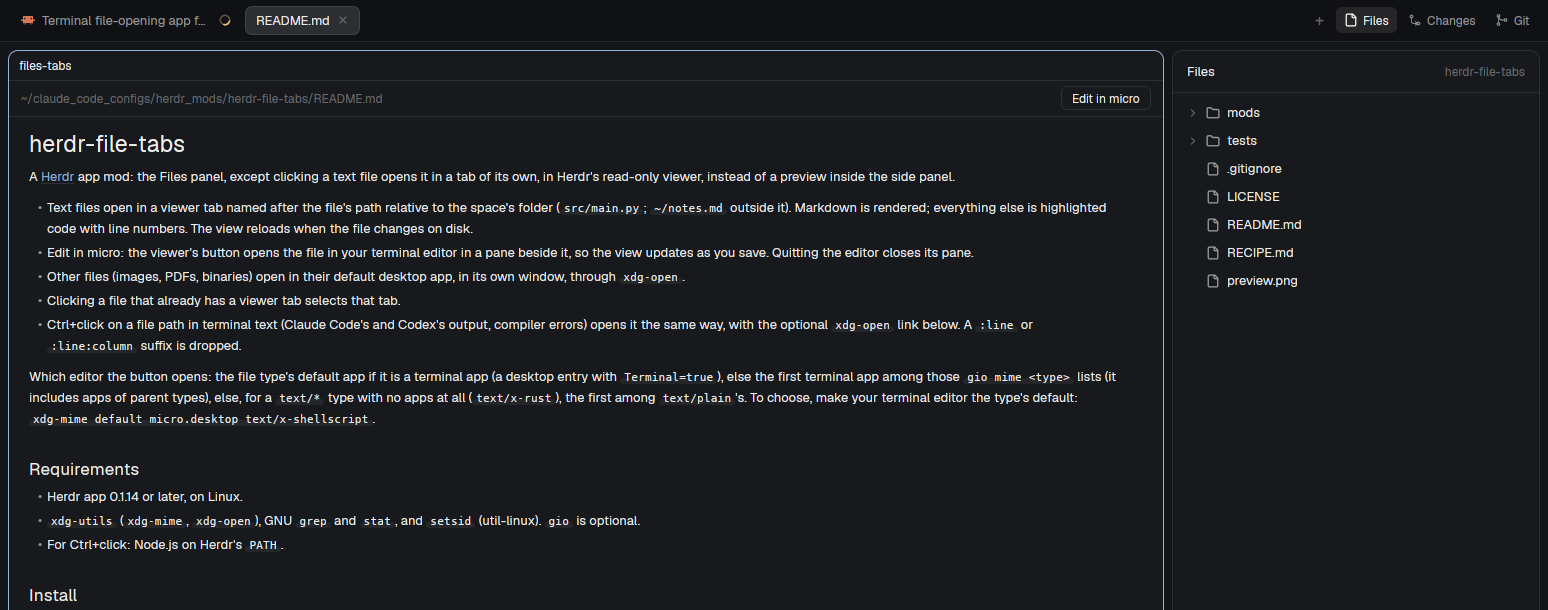
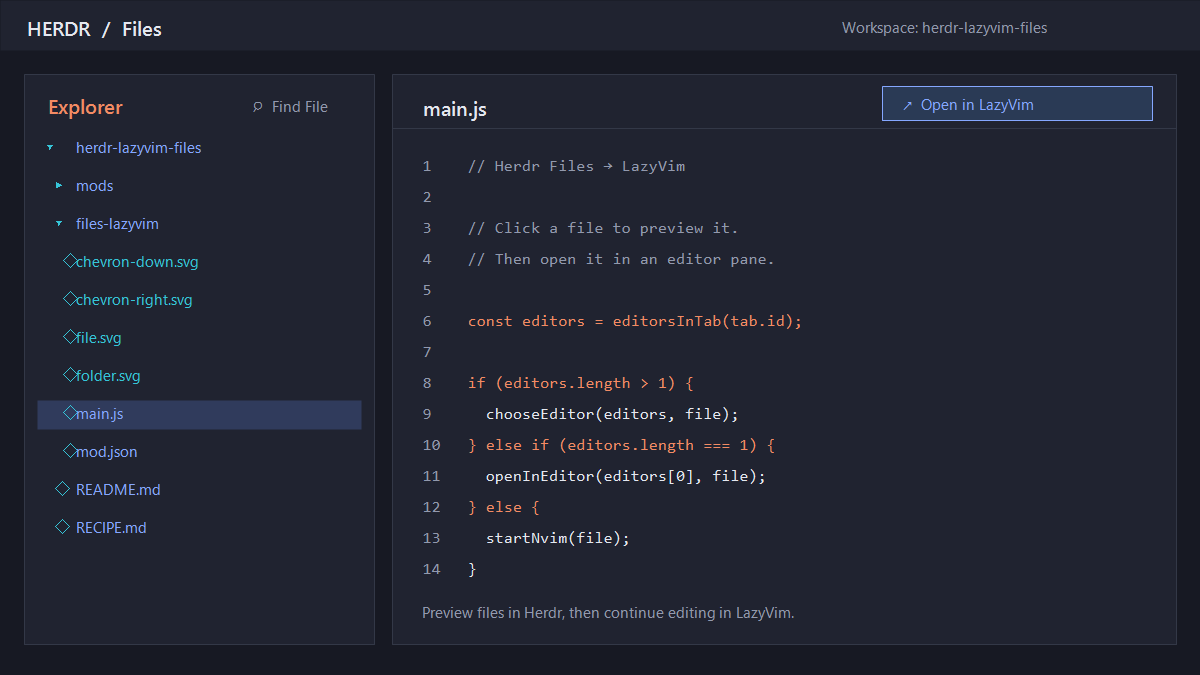
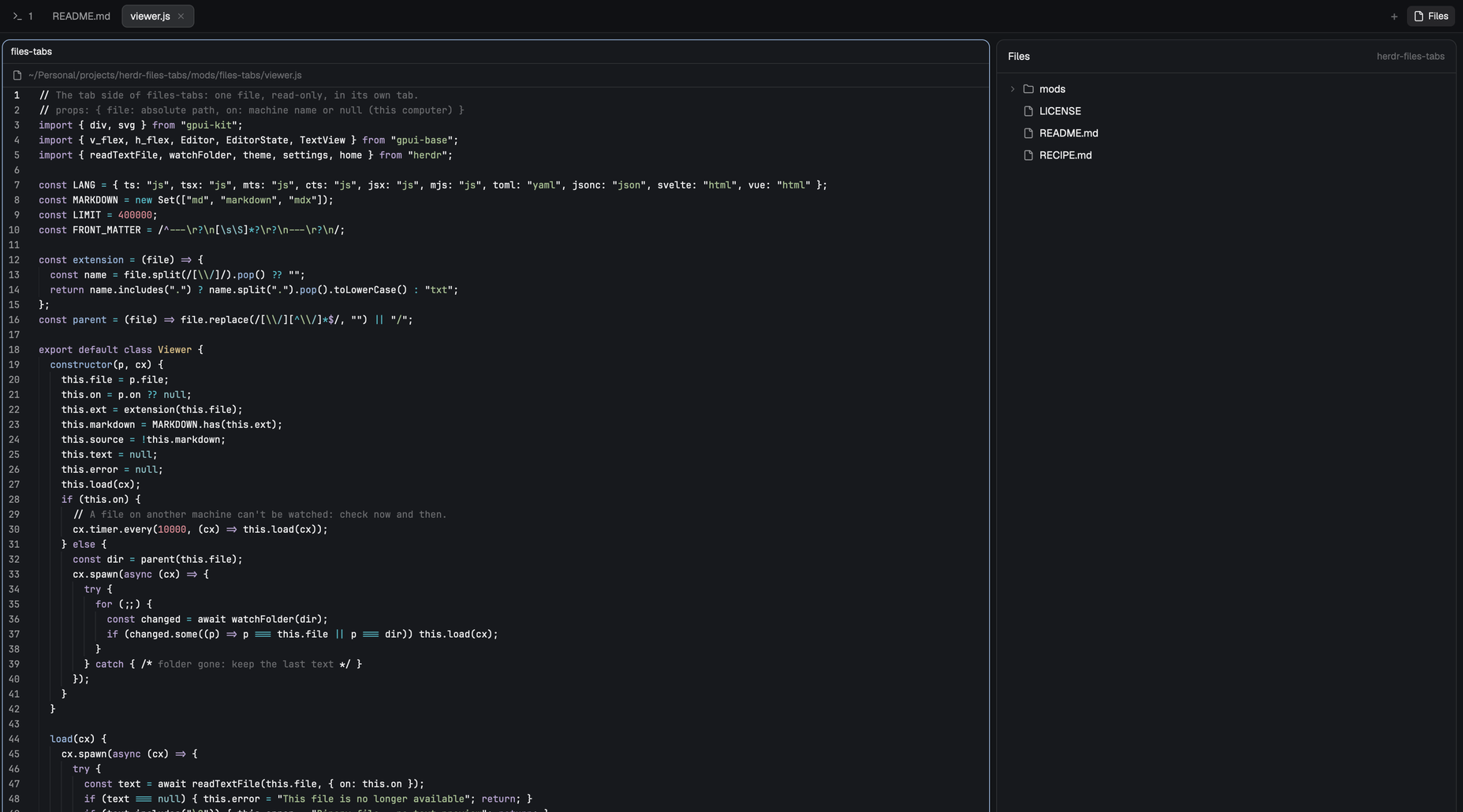
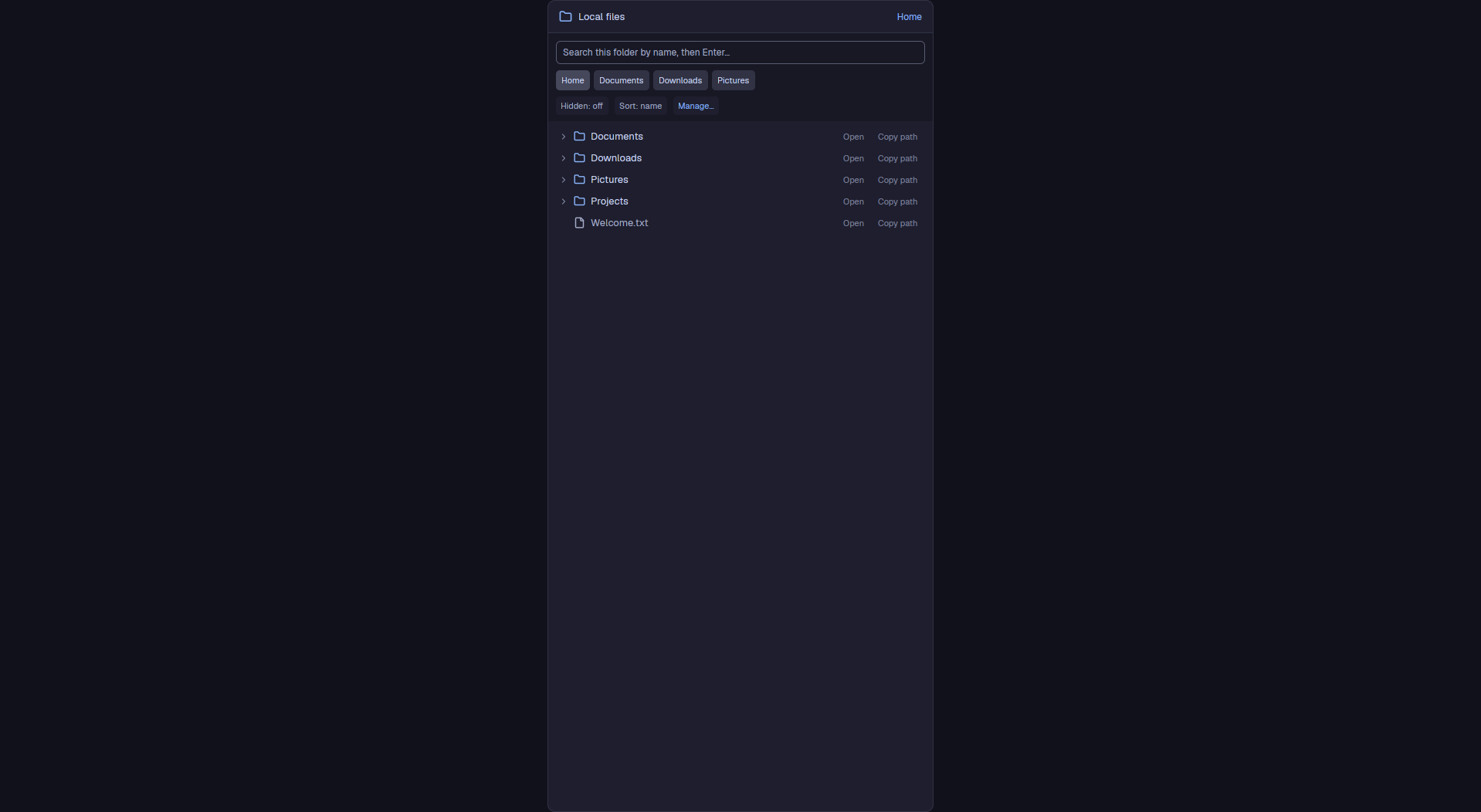
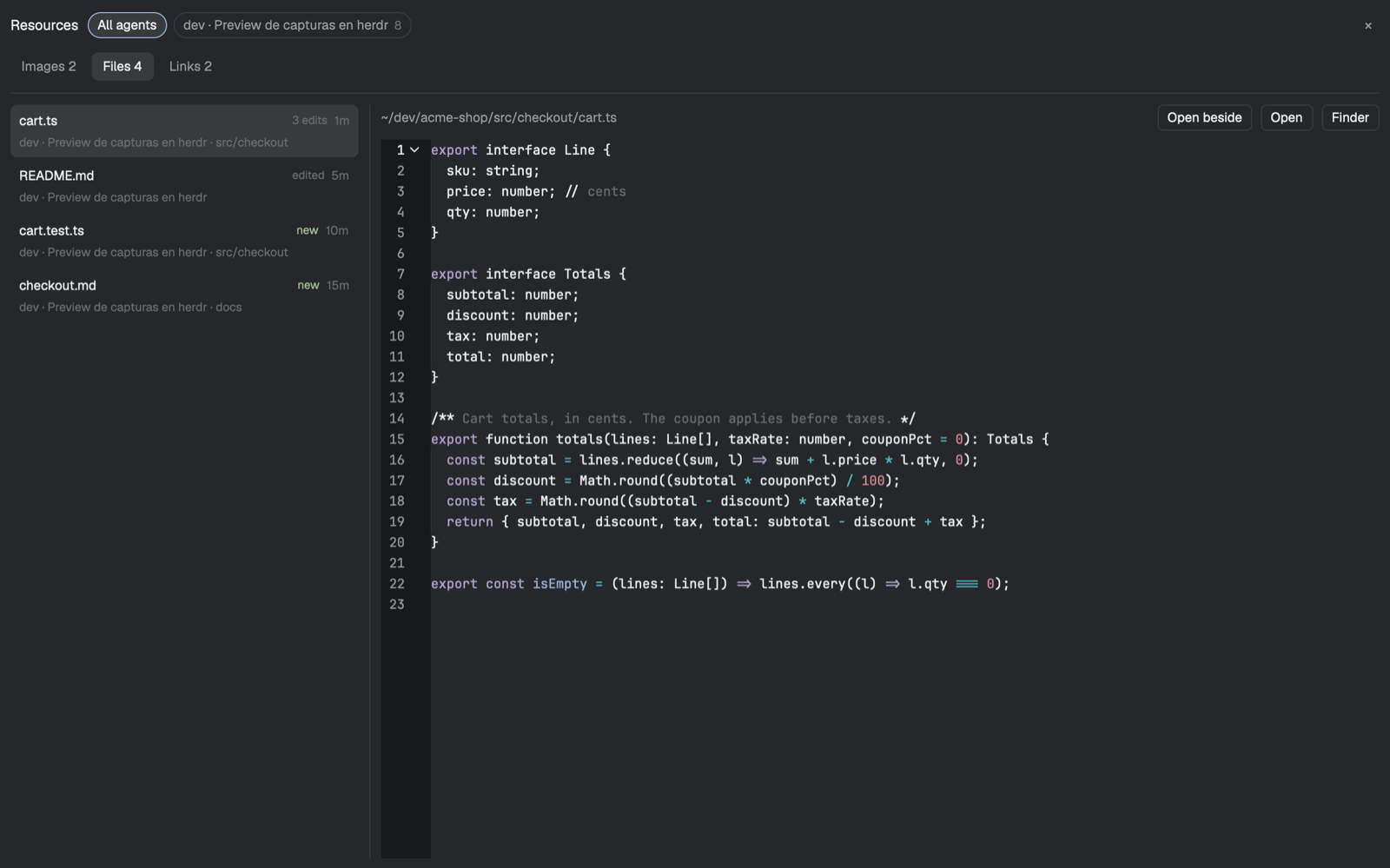
Herdr's Files panel made keyboard-first. It still browses the focused pane's folder as a lazy tree with git marks and opens a read-only preview, but you can move into it with pane.go and drive it with vim motions: j/k through the tree, l to open, h to go up, J/K to flip between files in the preview, q to hide the panel. A footer of keycaps shows the keys that fit, and ? opens a card with all of them. The border turns accent while it has the keyboard.
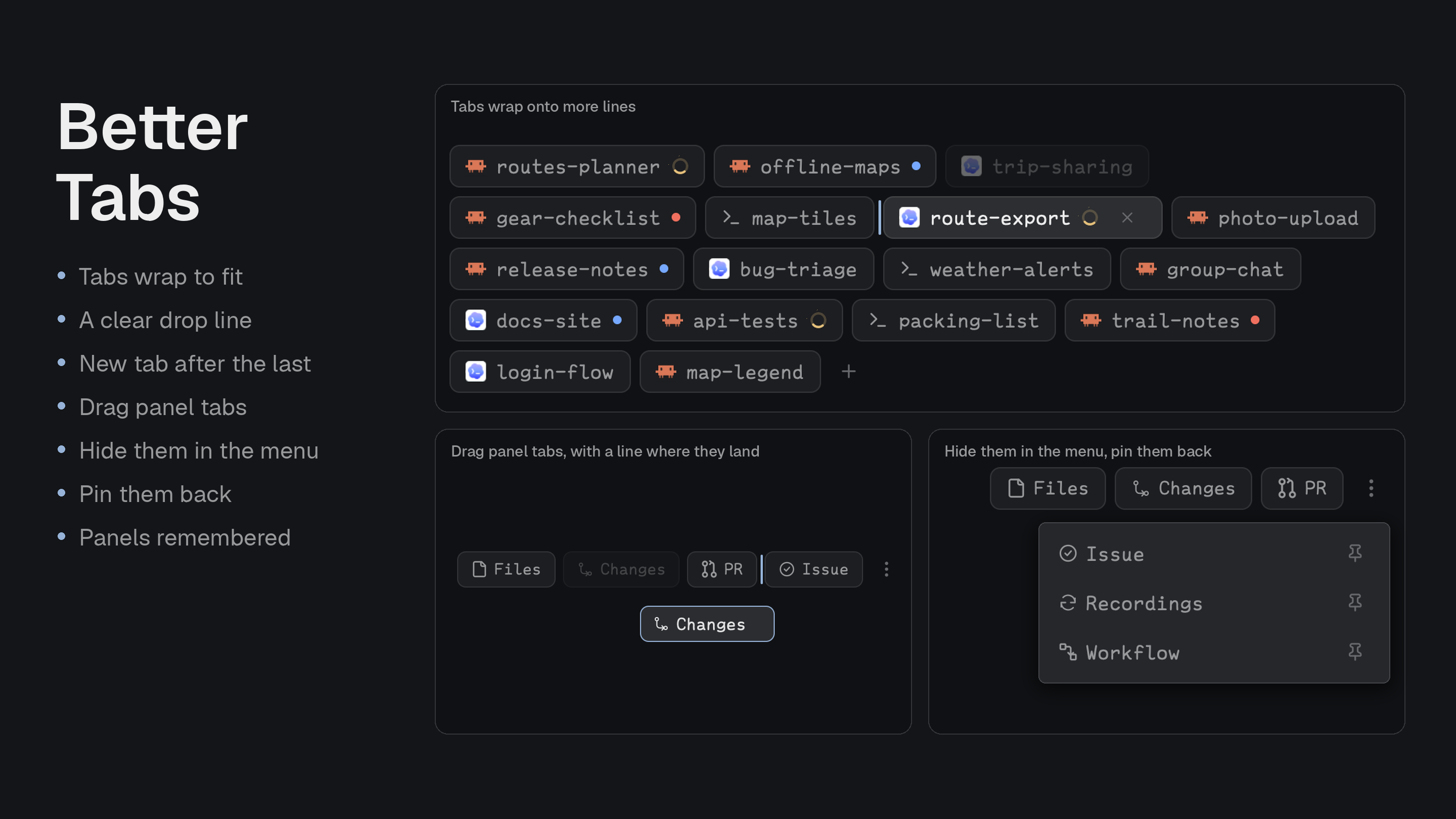
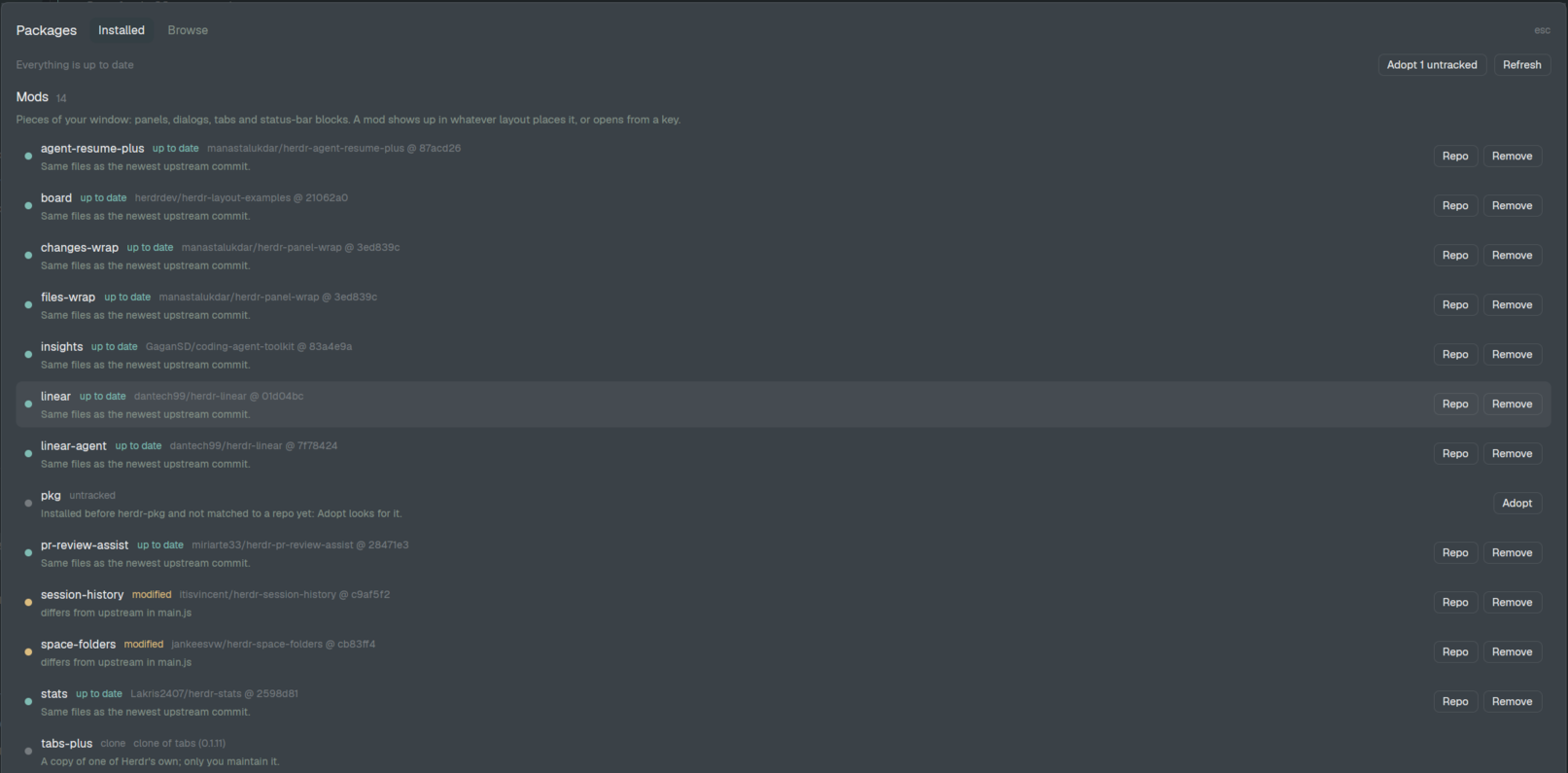
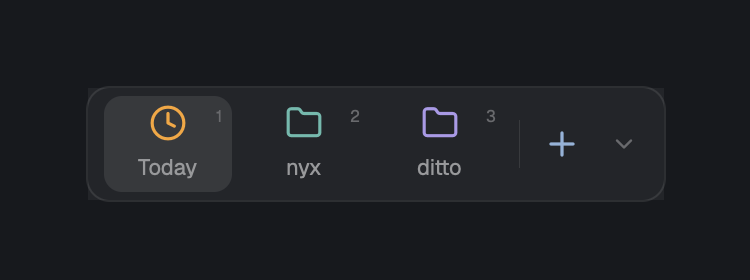
Herdr's tab bar with more panel buttons. The active space's tabs are pills along the top of the work area (program icon, name, agent status, a close x on the active one), then +, then toggle buttons for the right-side panel: Files, Changes, Git, Skills, Todos, Servers and PR, where Servers carries a green count of running dev servers. The chosen panel is remembered per space.







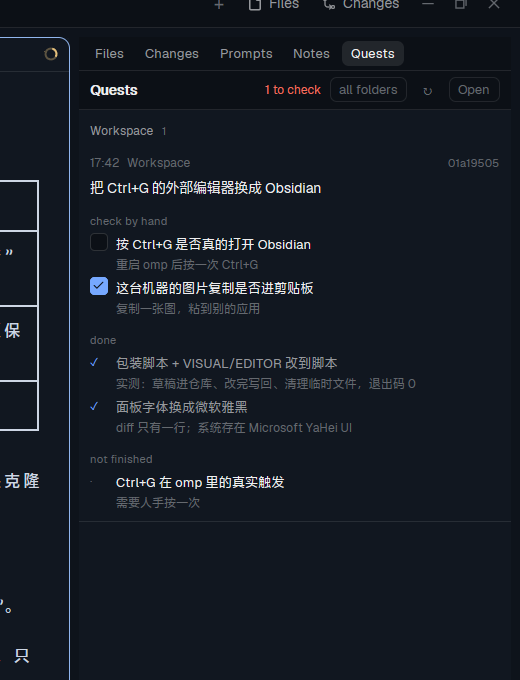






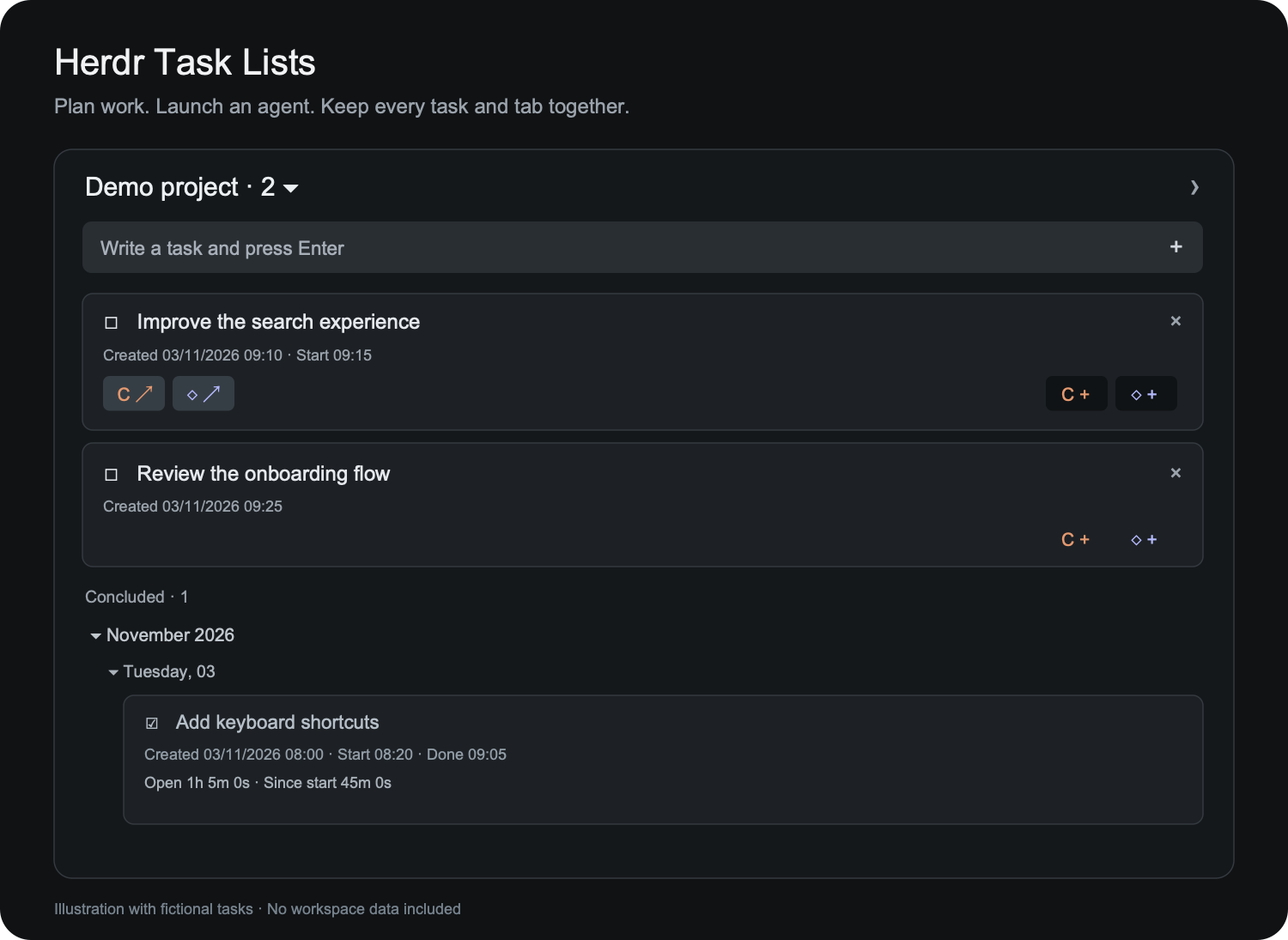

This file is enough to rebuild the mod. See README.md (Japanese) for usage; this file does not contradict it.

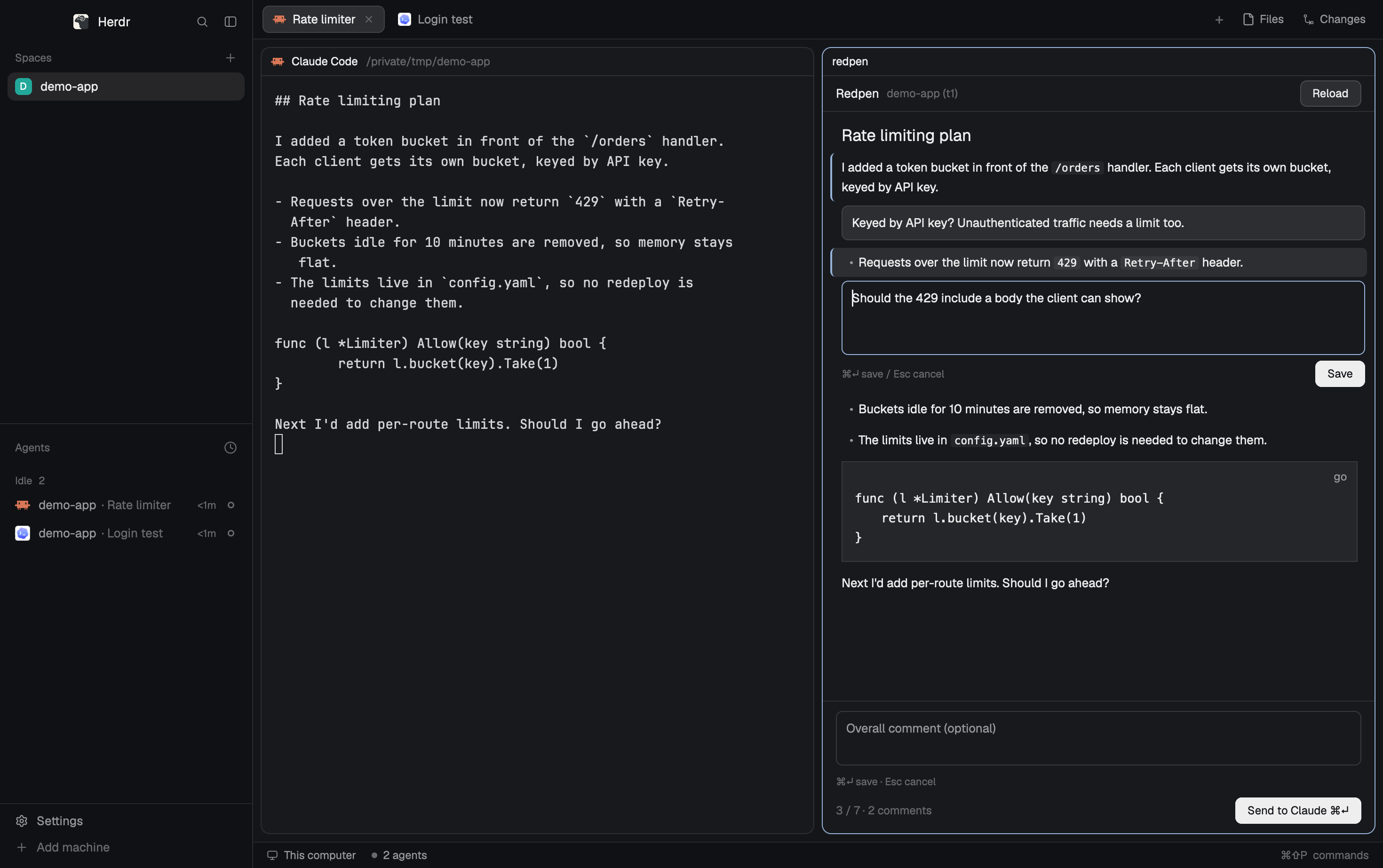

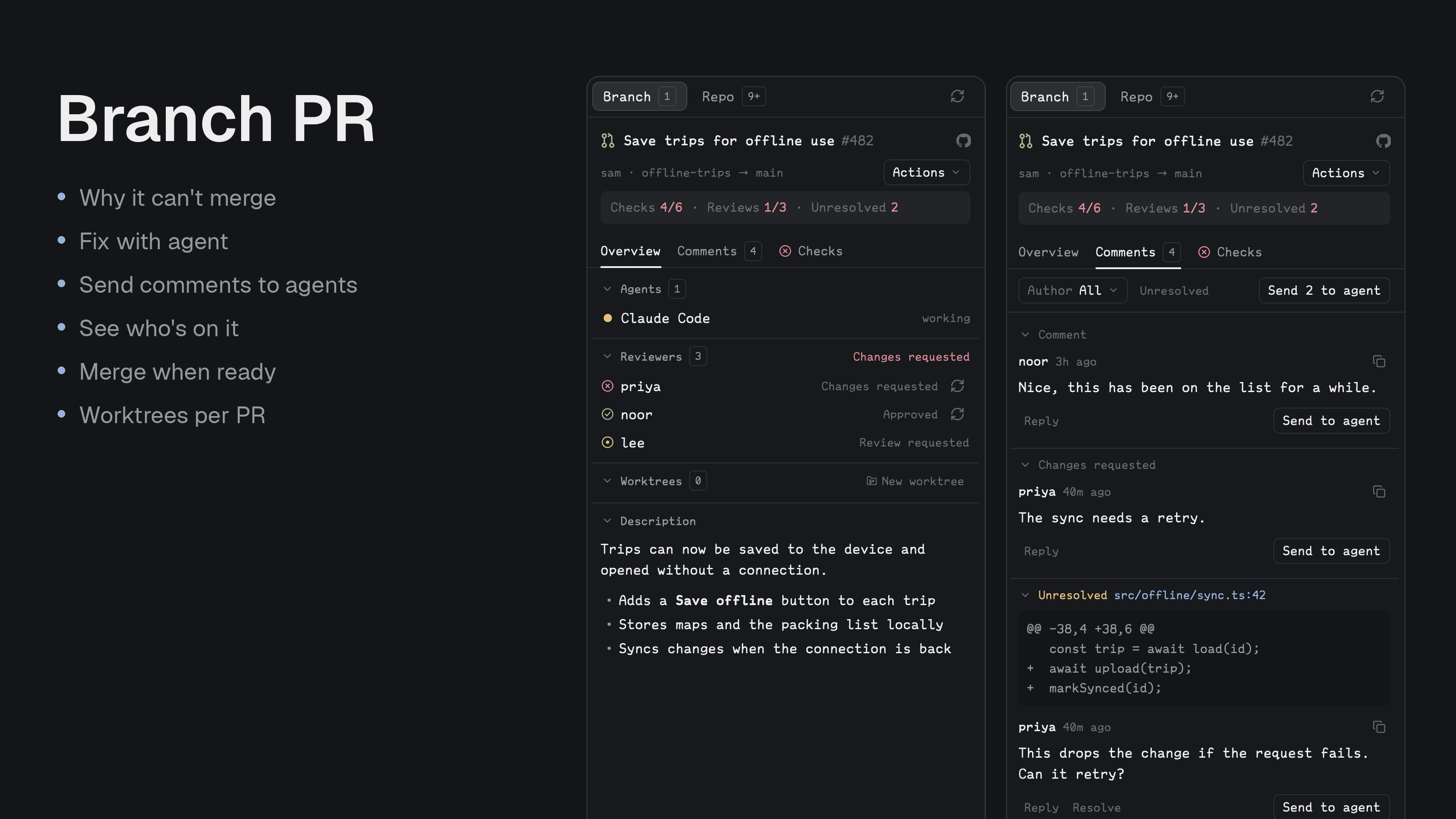
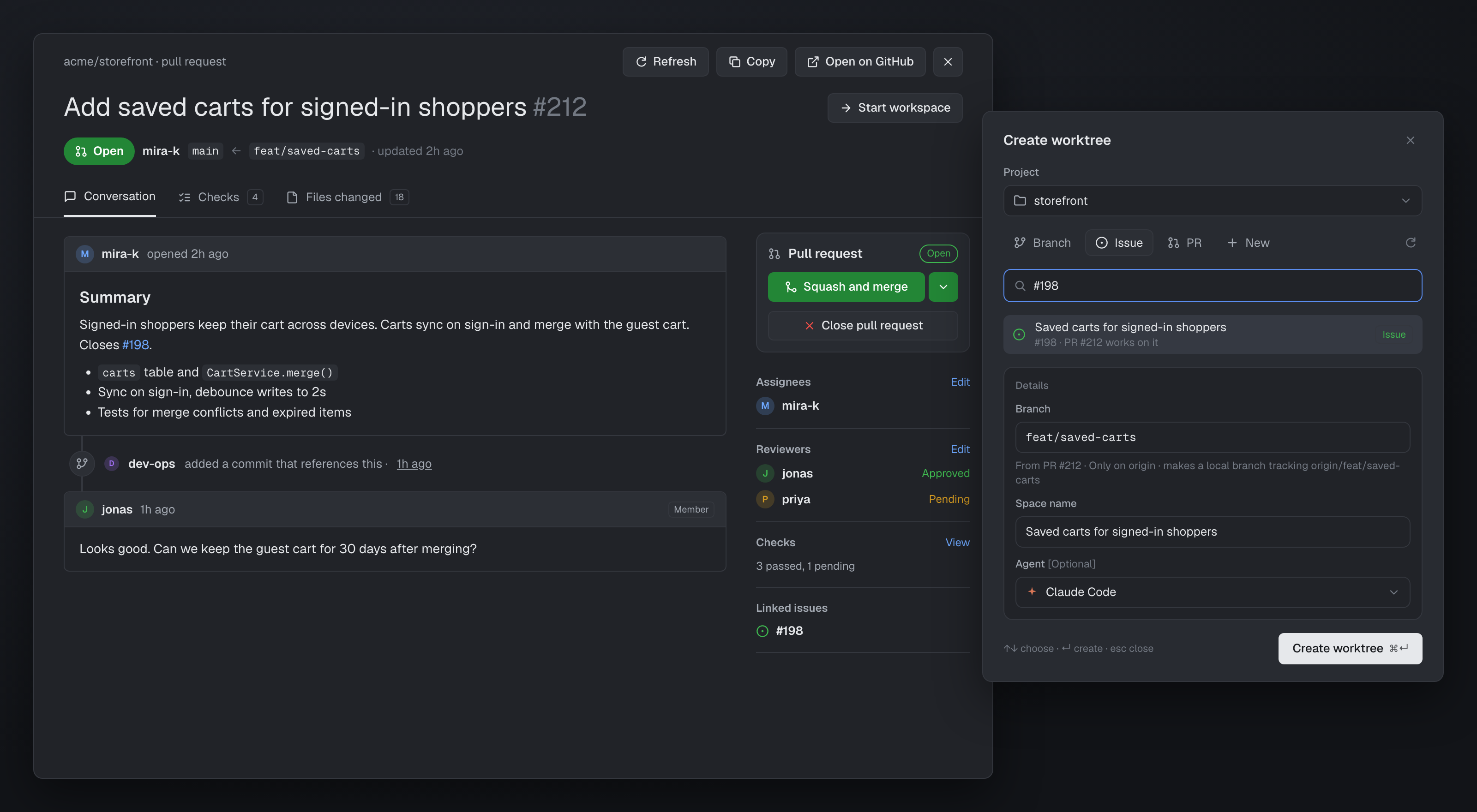
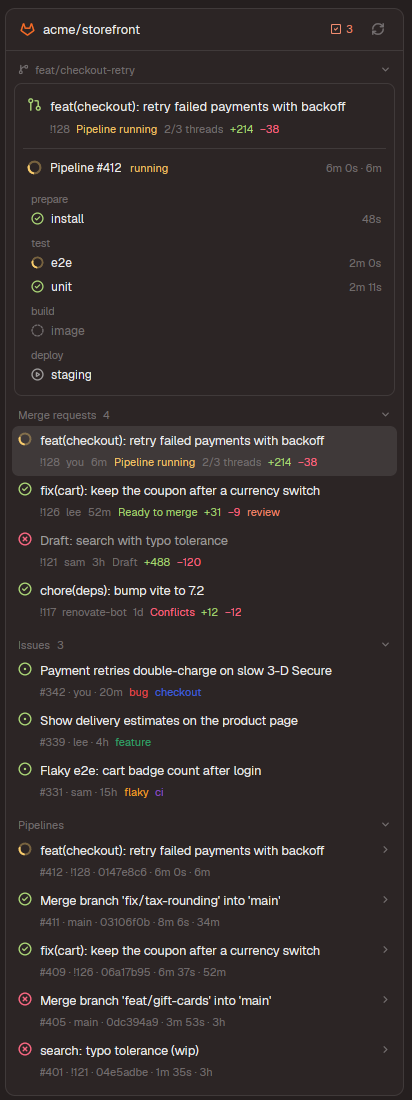
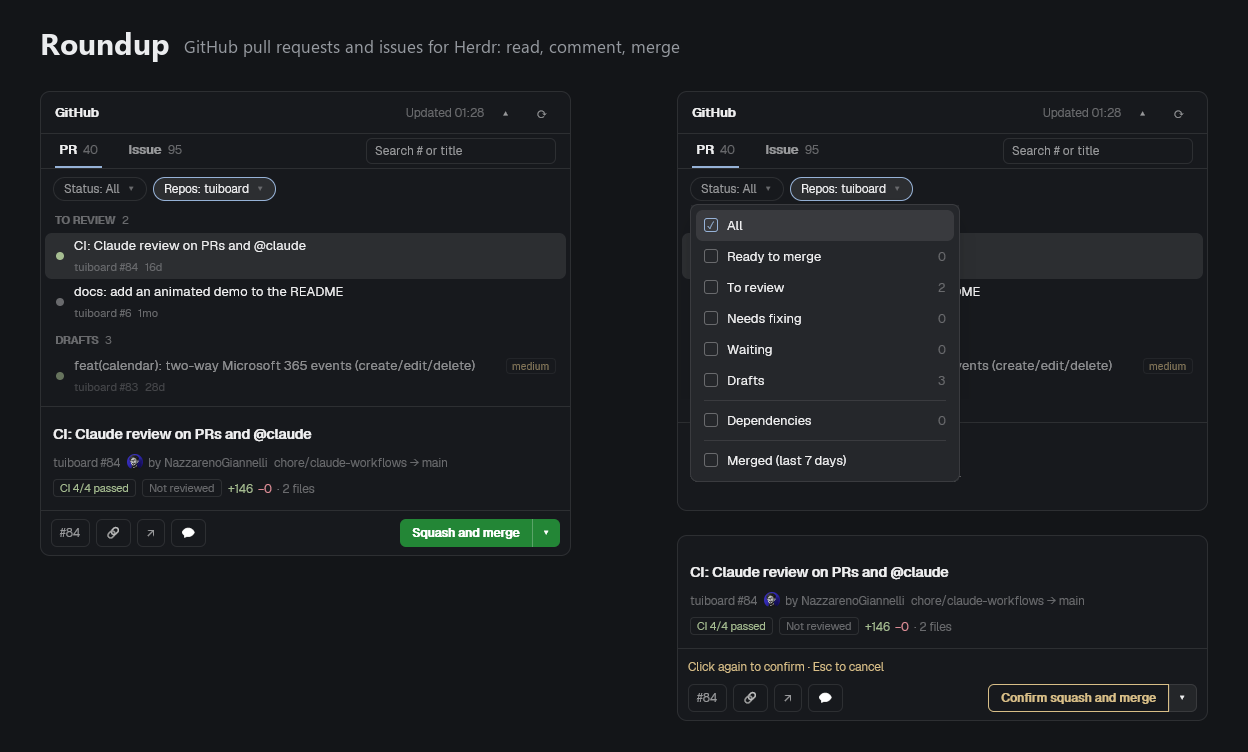
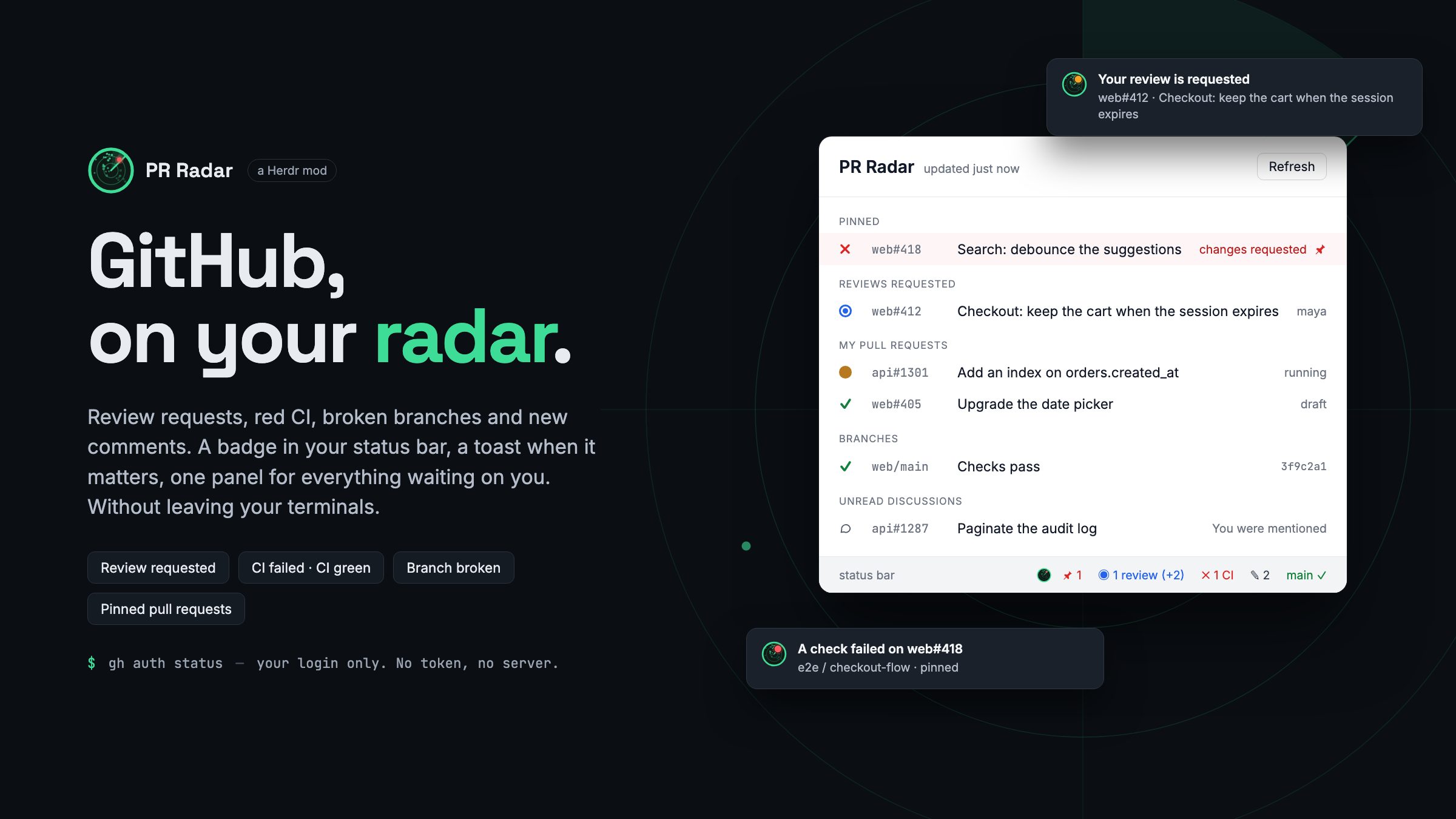
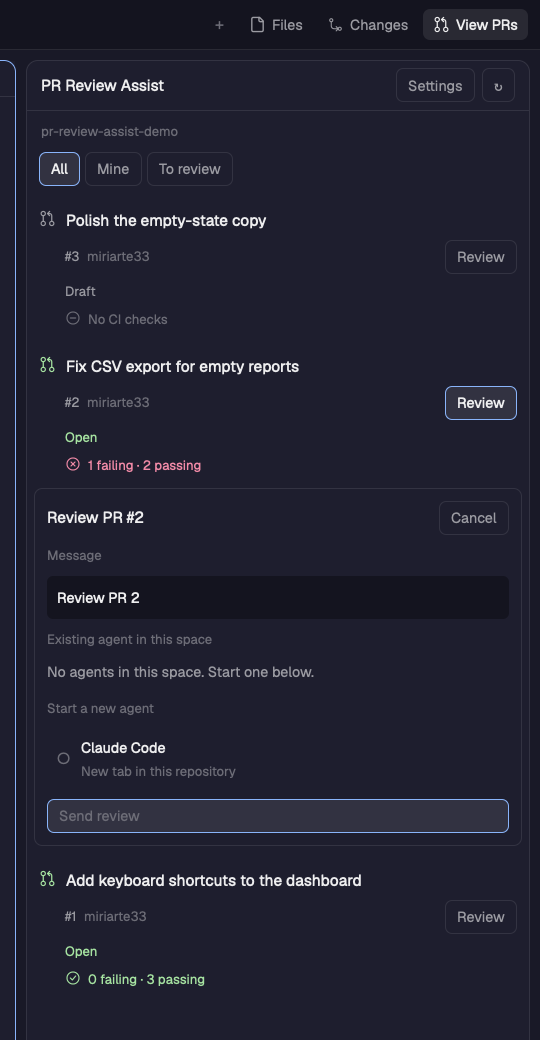
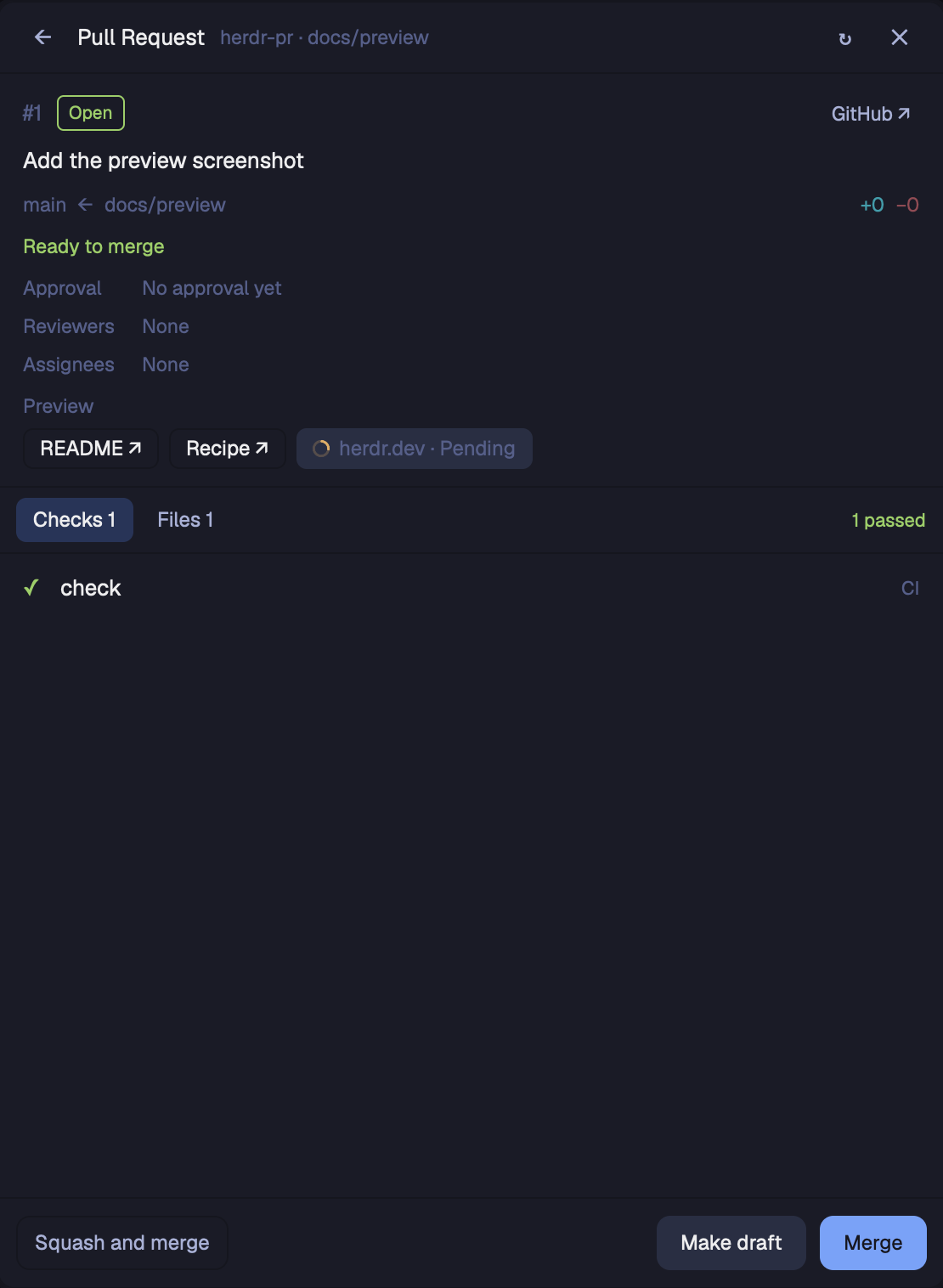
A panel showing the GitHub pull request for the branch checked out in the focused terminal: its CI checks, reviewers, review threads and comments, diff size, commit count and when it was published. A GitHub-style summary card gives the headline ("All checks have passed", "Some checks haven't completed yet", "Some checks were not successful") with three bars for Checks, Comments and Approvals. It follows you between spaces and repos, refetches every 10s while it's showing, and has a refresh…
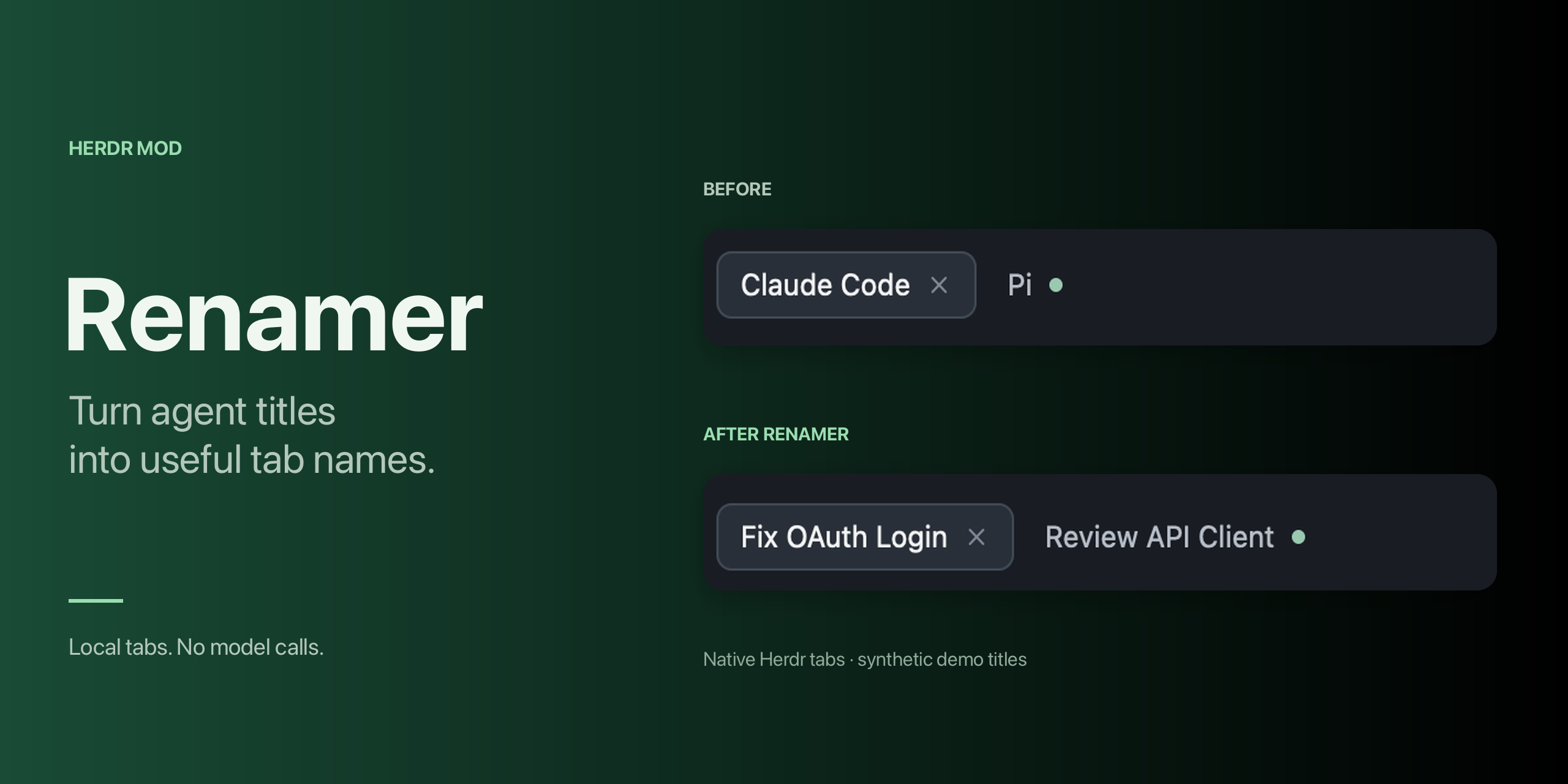
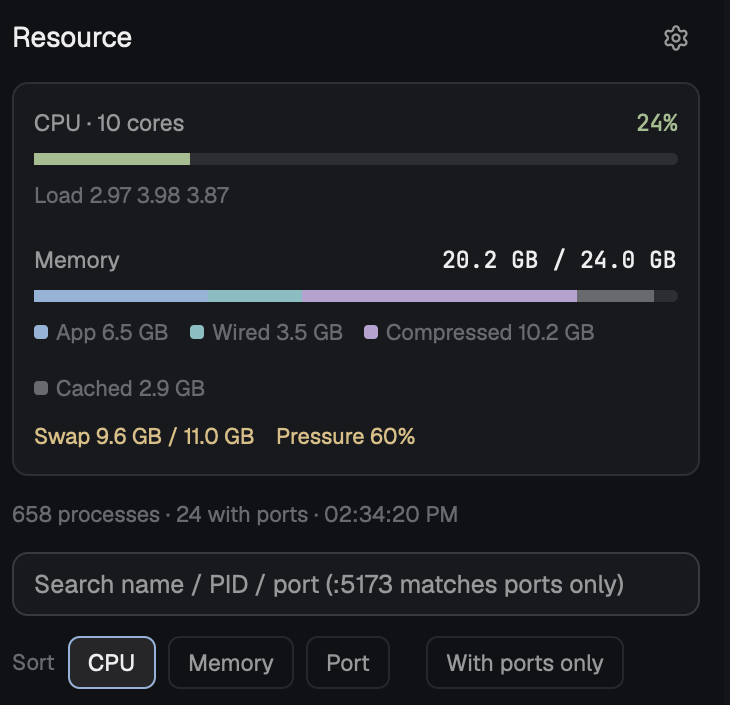
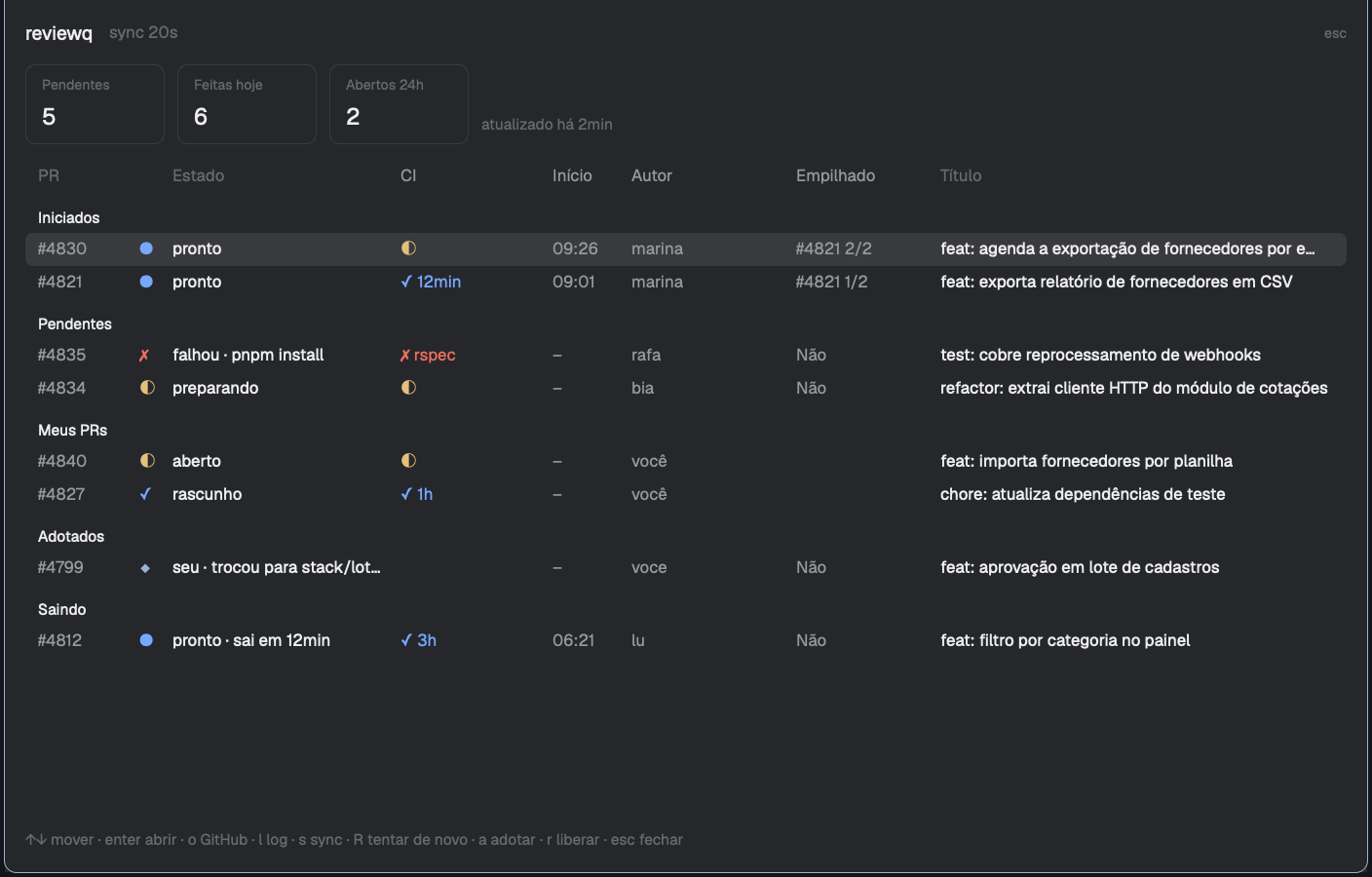
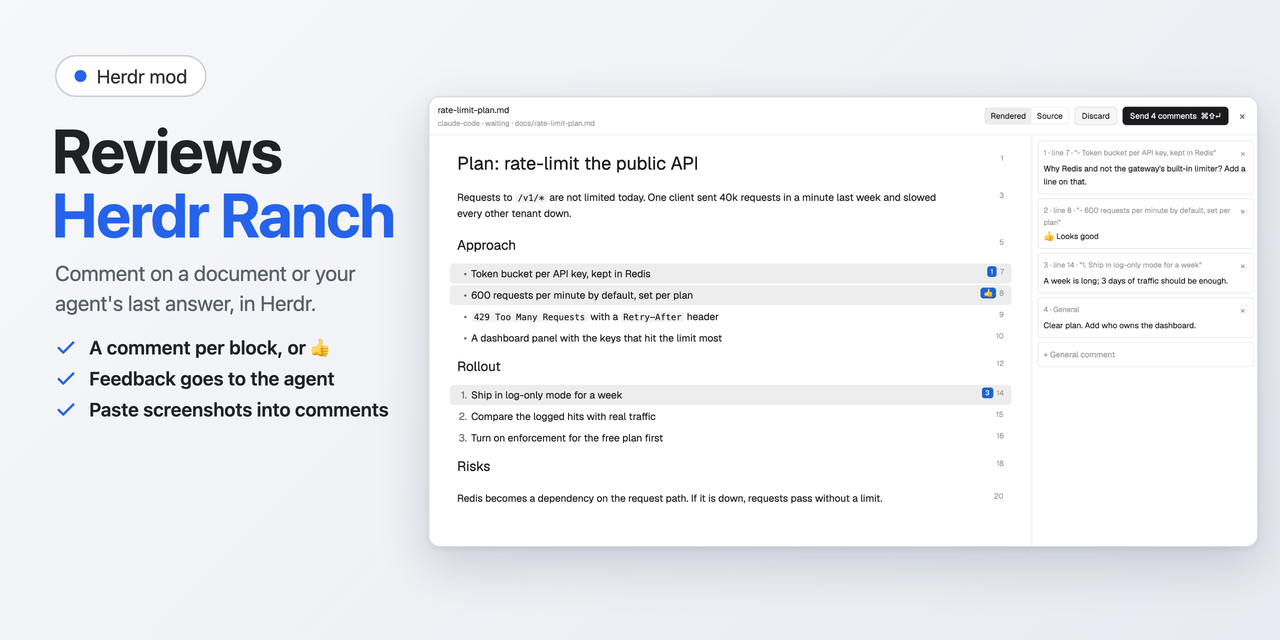
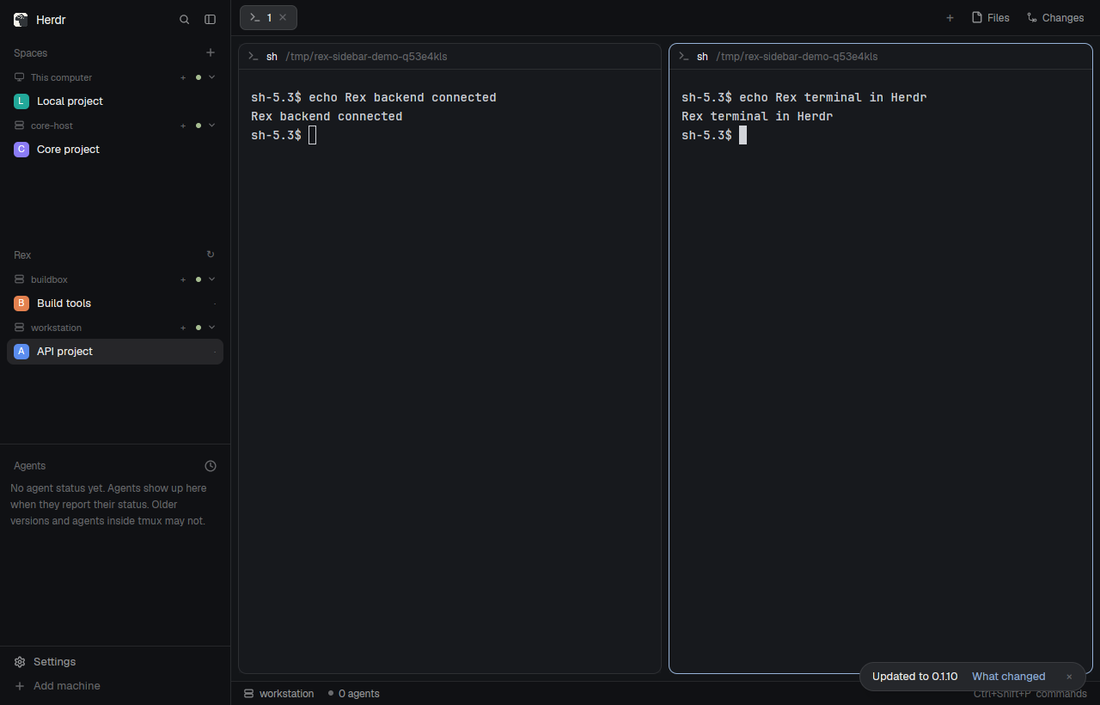
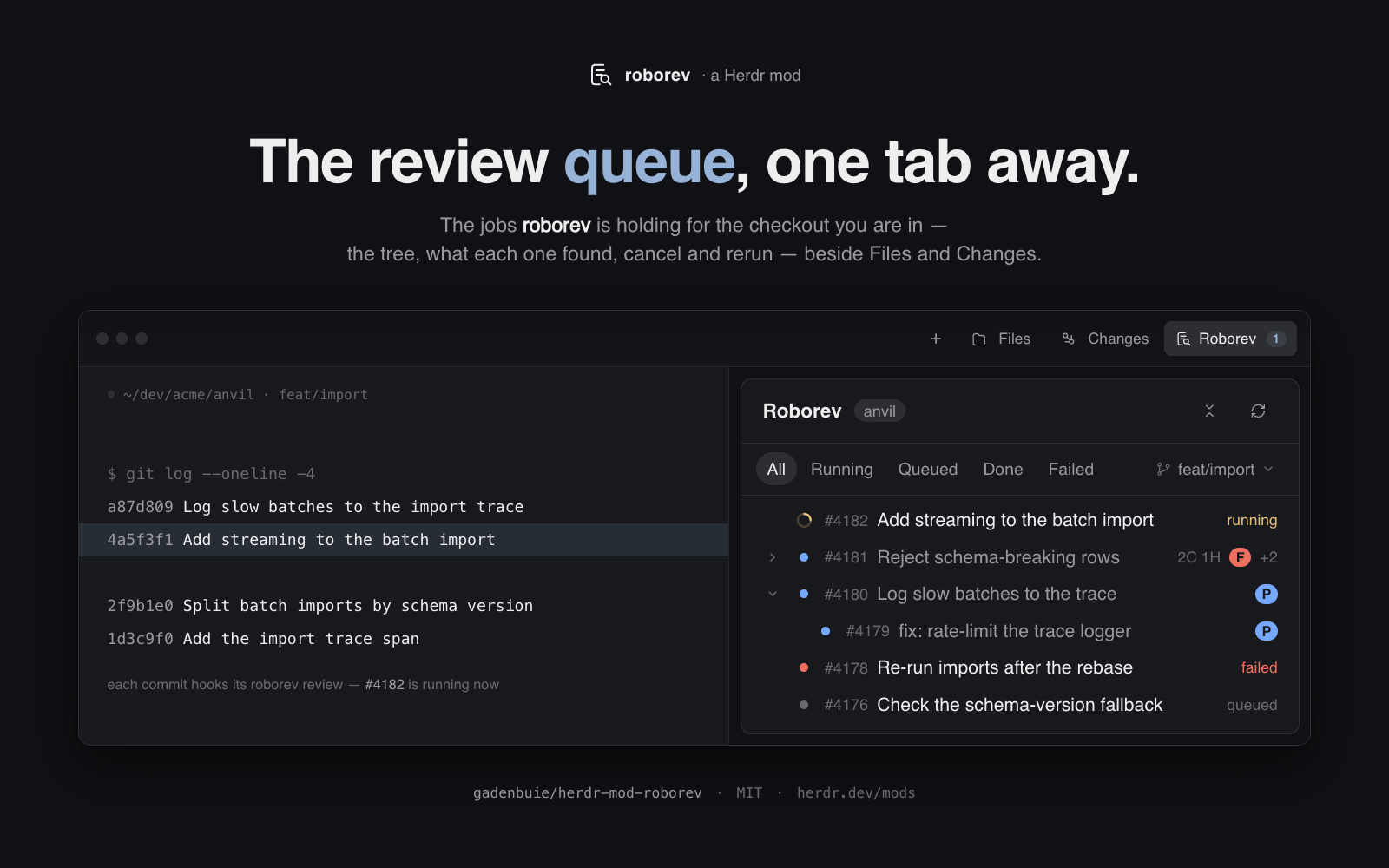




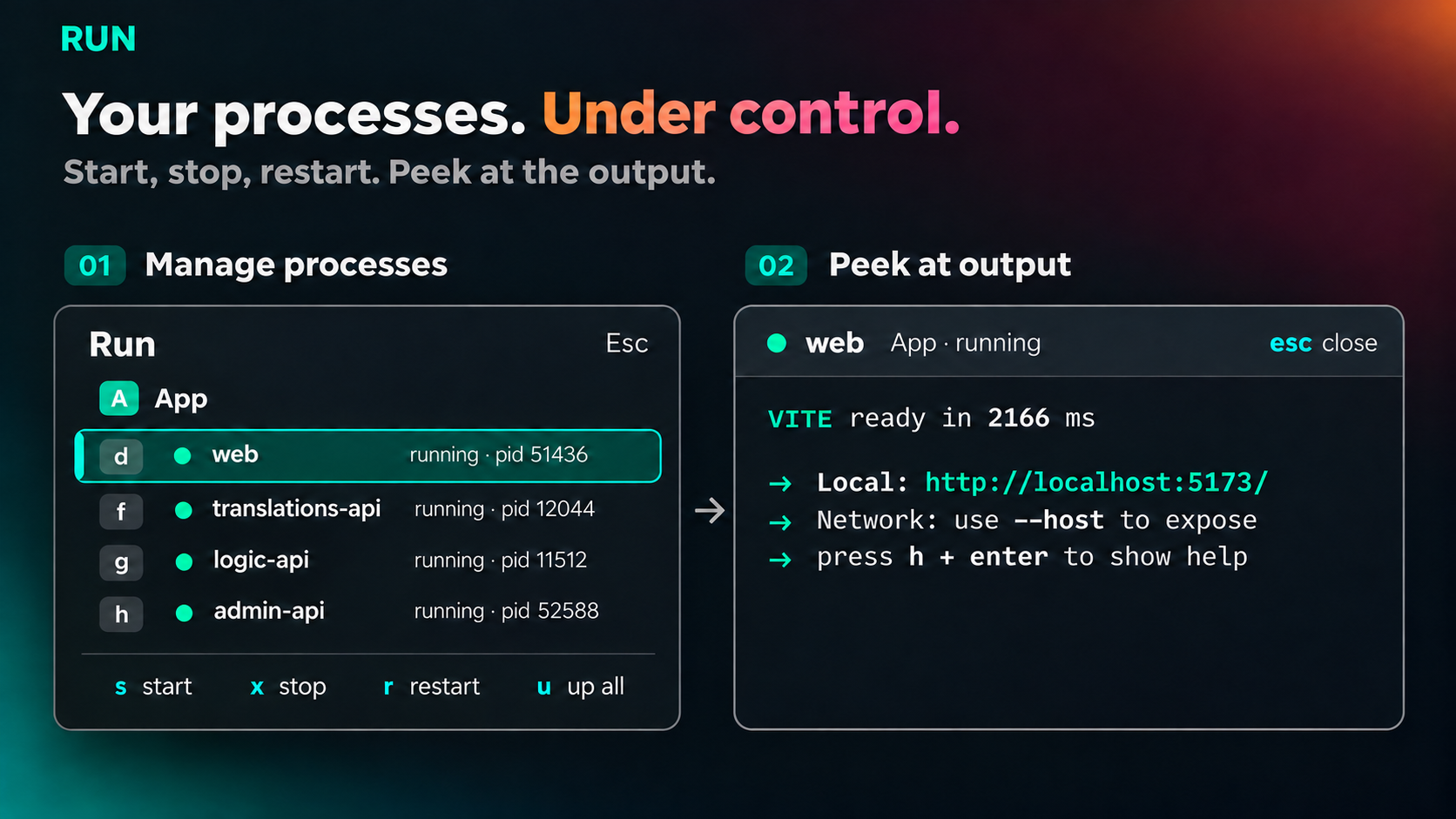
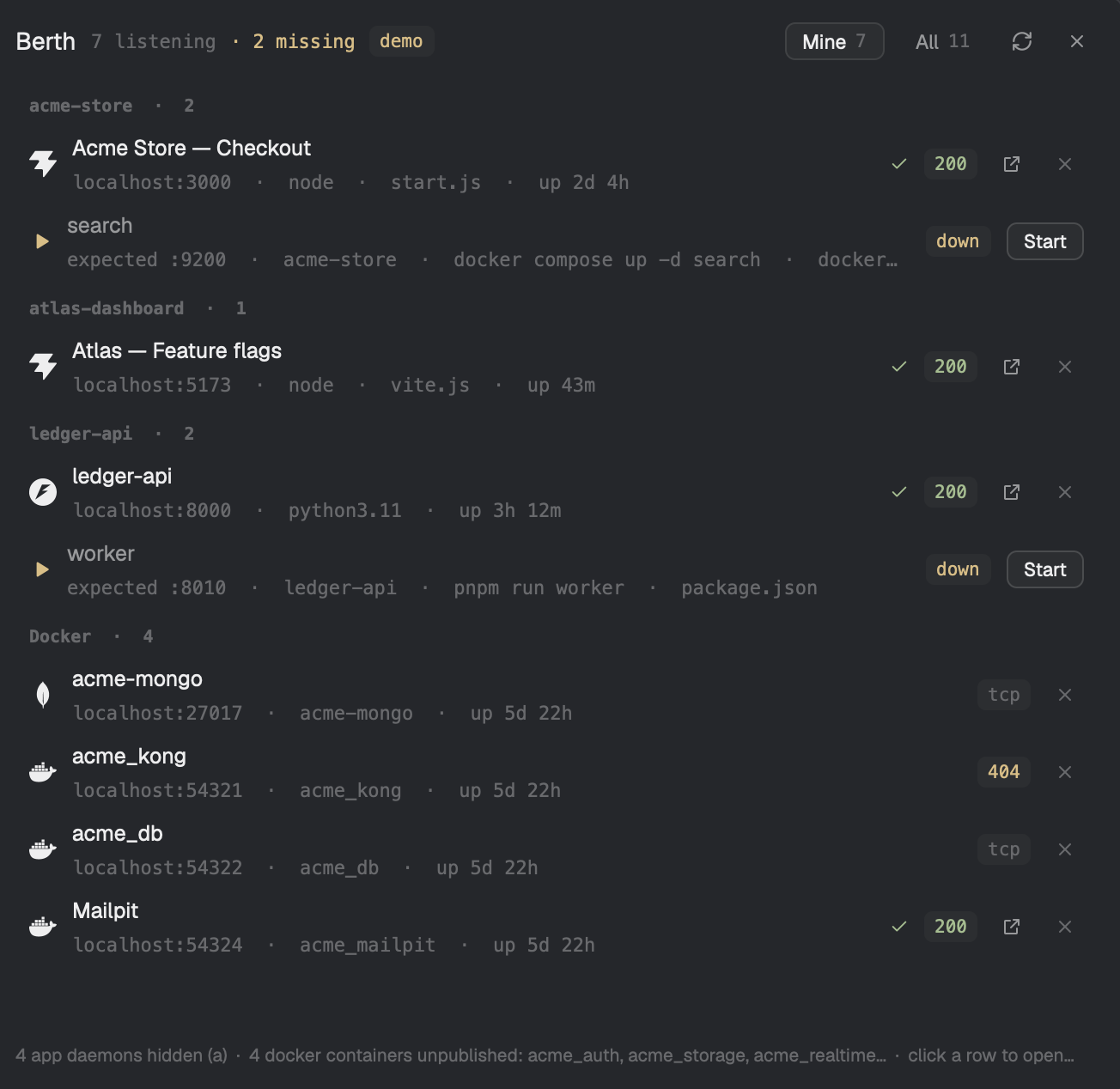
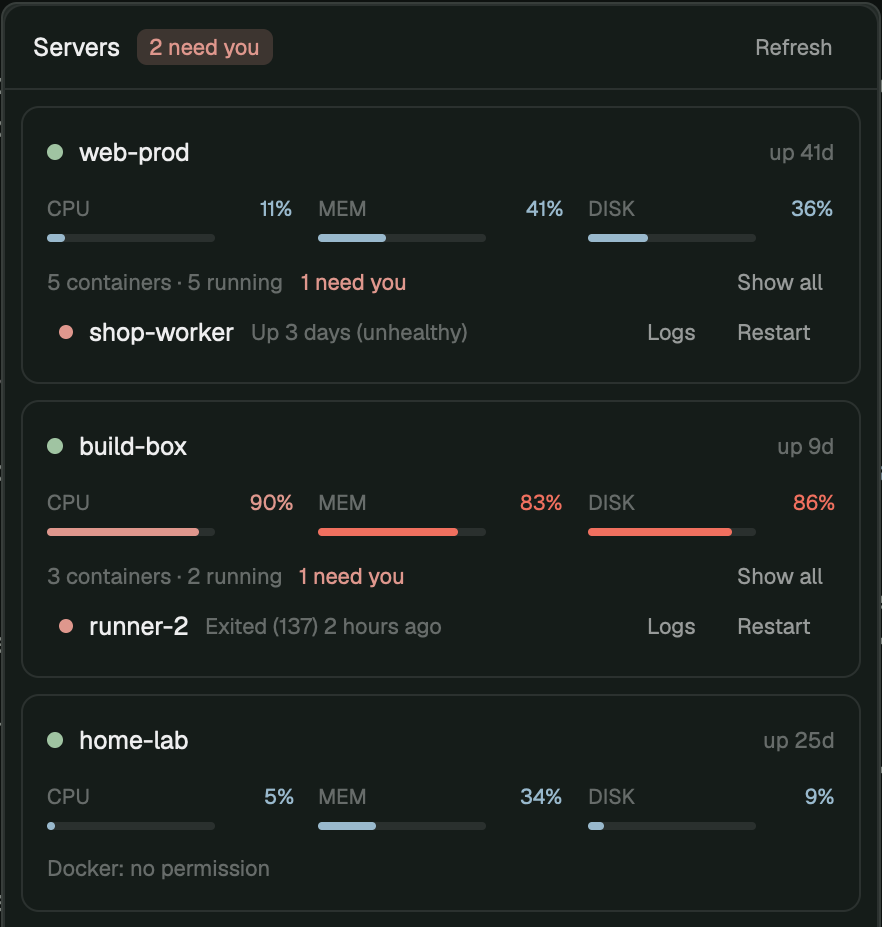
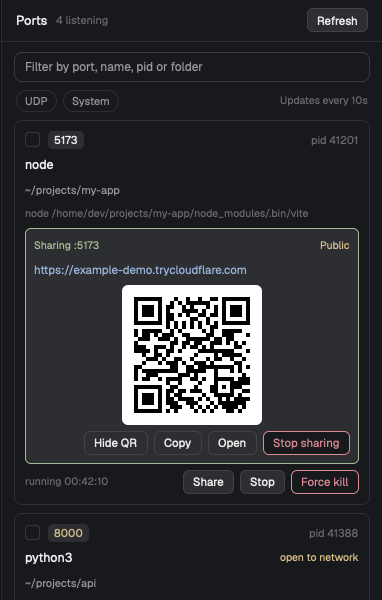
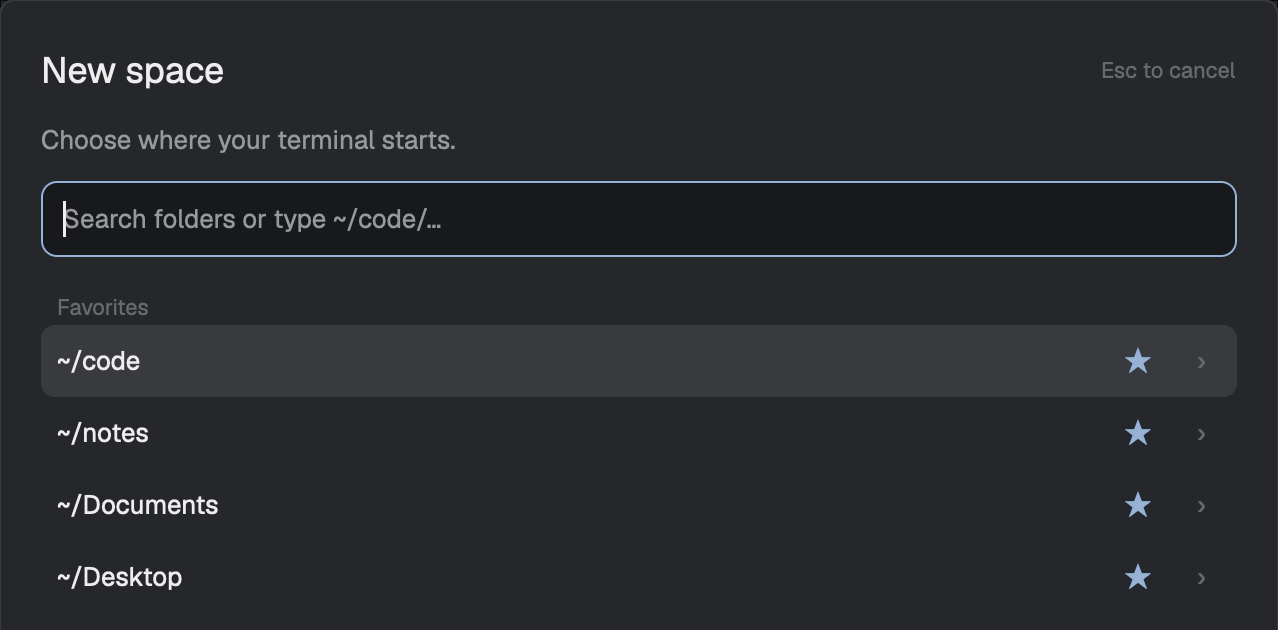
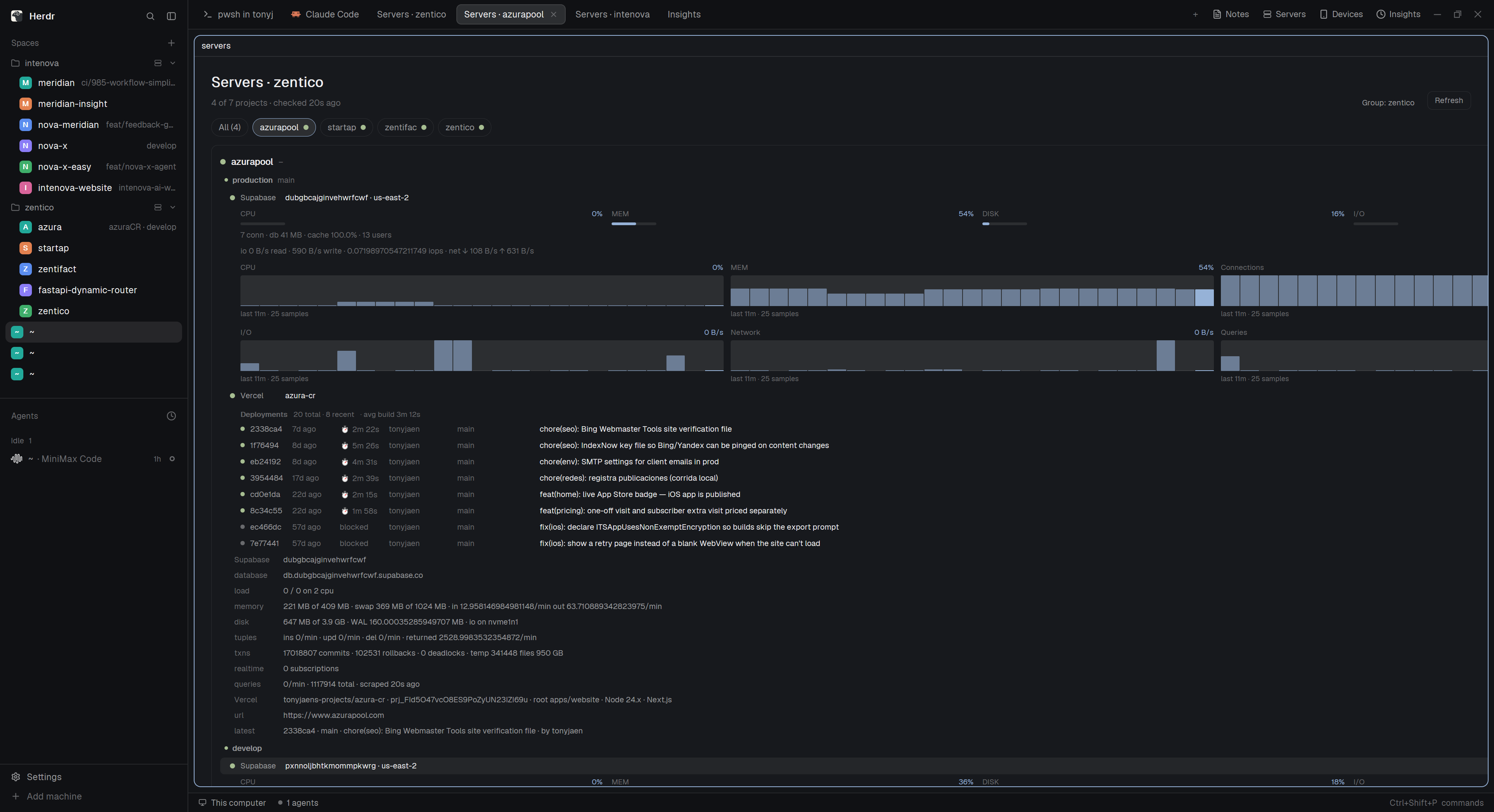
A panel of your local dev servers. Each card shows whether the server is running, the branch its folder is on, the localhost URL it printed, and the command it runs; start, stop, restart and its logs are one click or key away. Servers run as labeled herdr-core terminals, so they keep running when Herdr closes and are found again when it reopens. Adding one is a two-step picker: choose a folder under your projects root (~/code by default, changeable), then pick a detected start command…
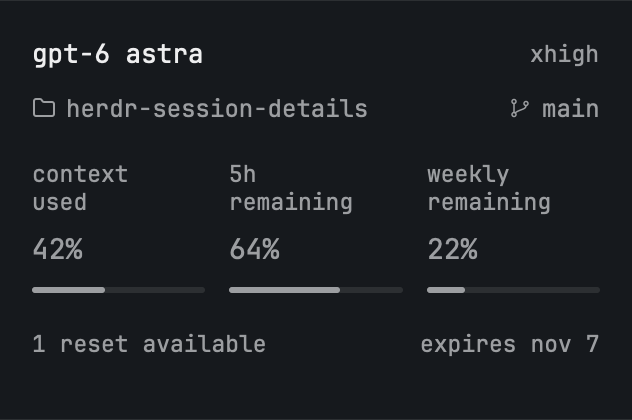

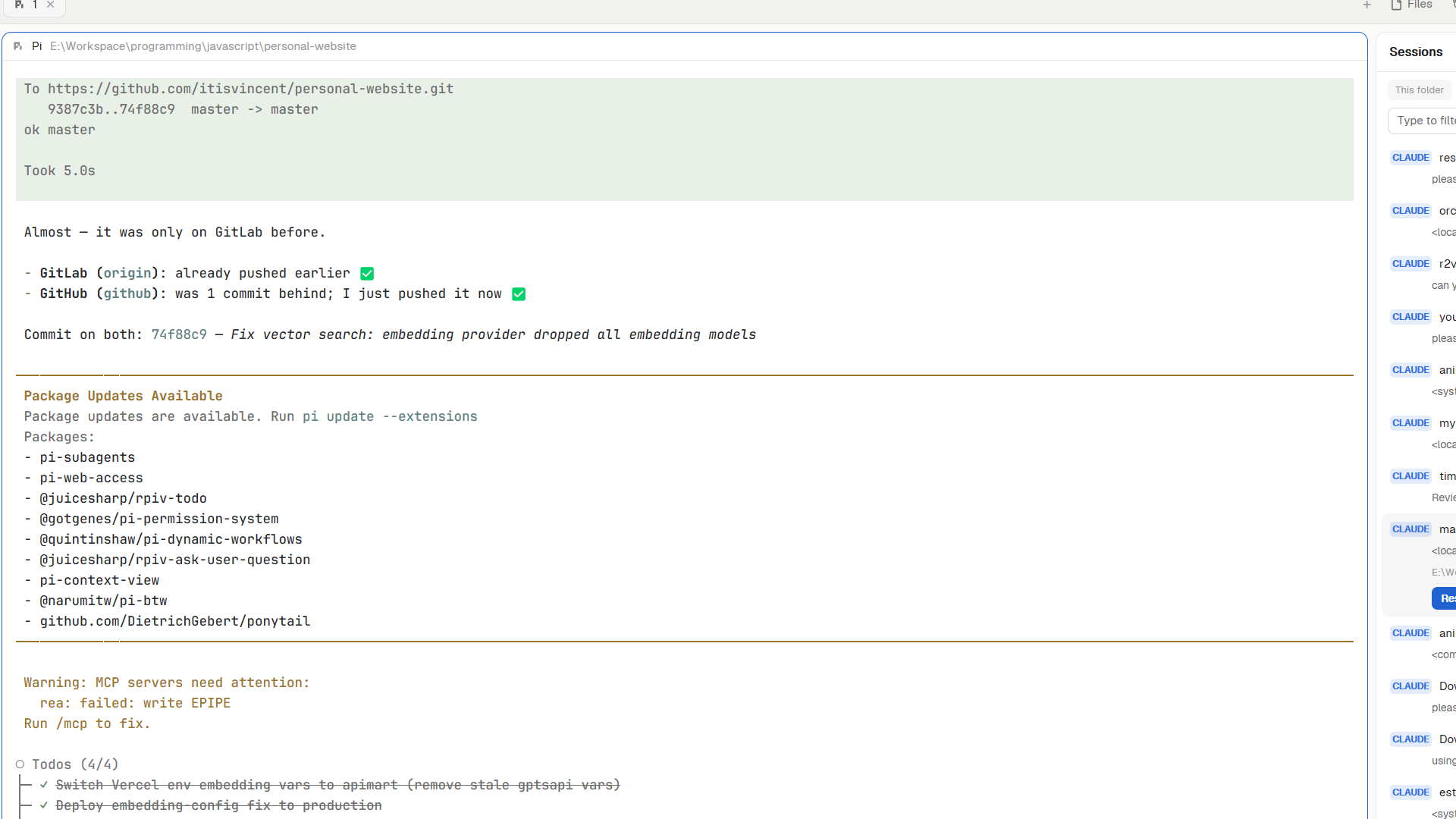

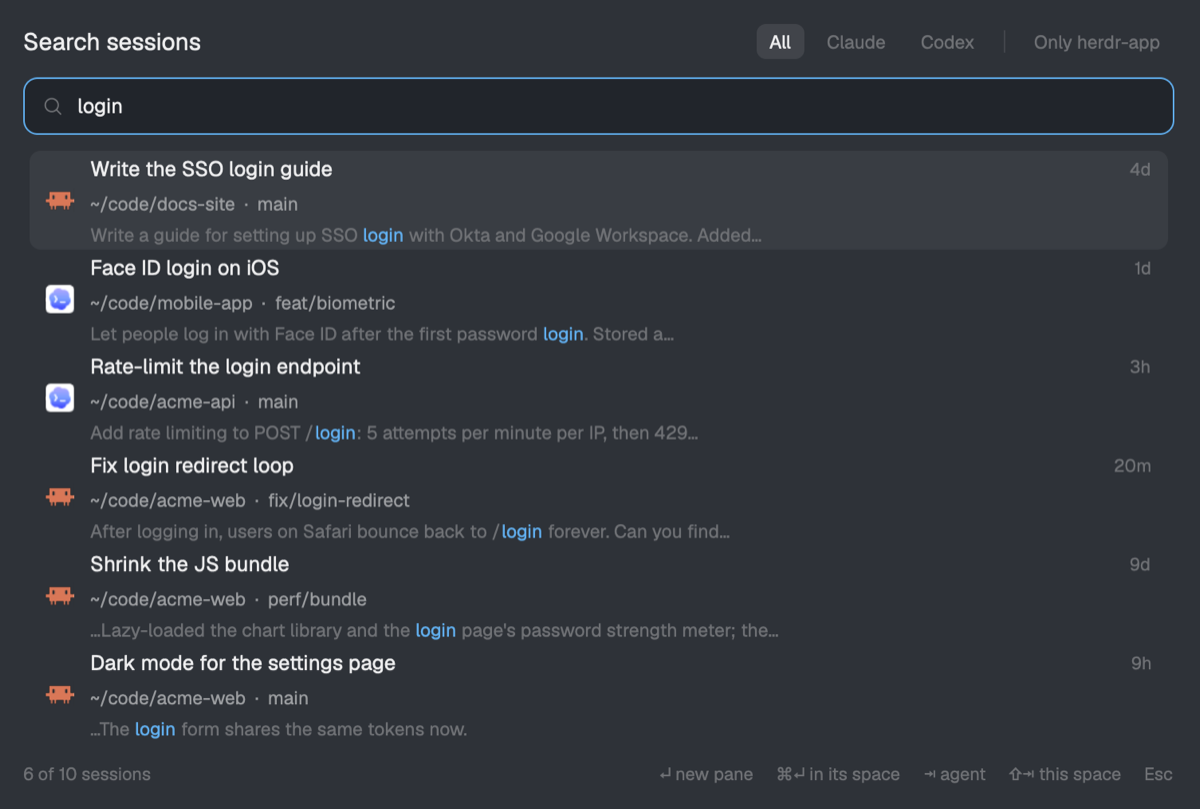

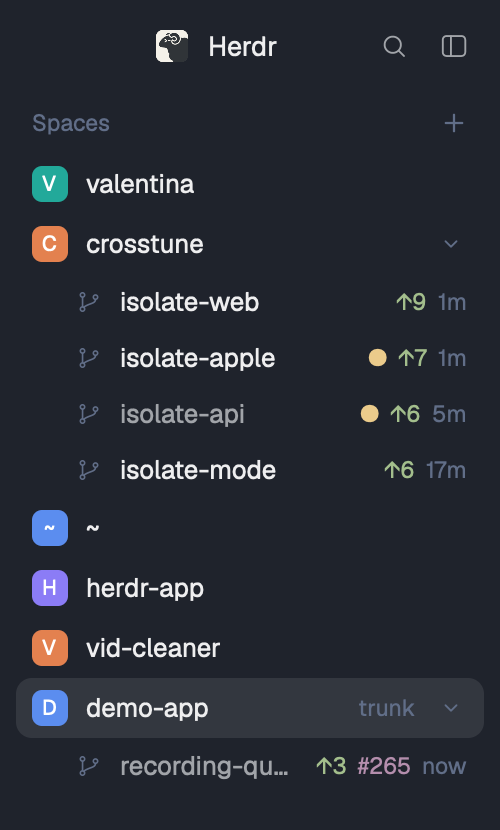
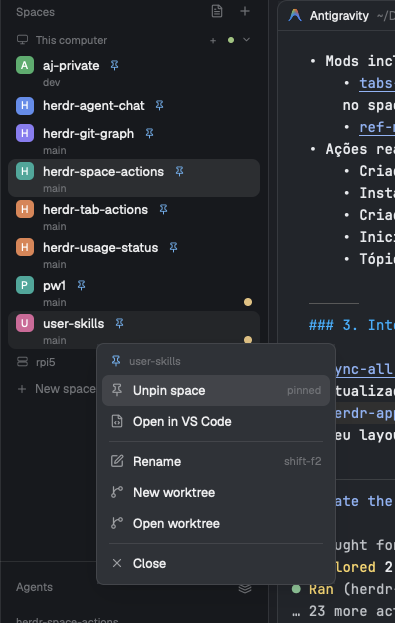
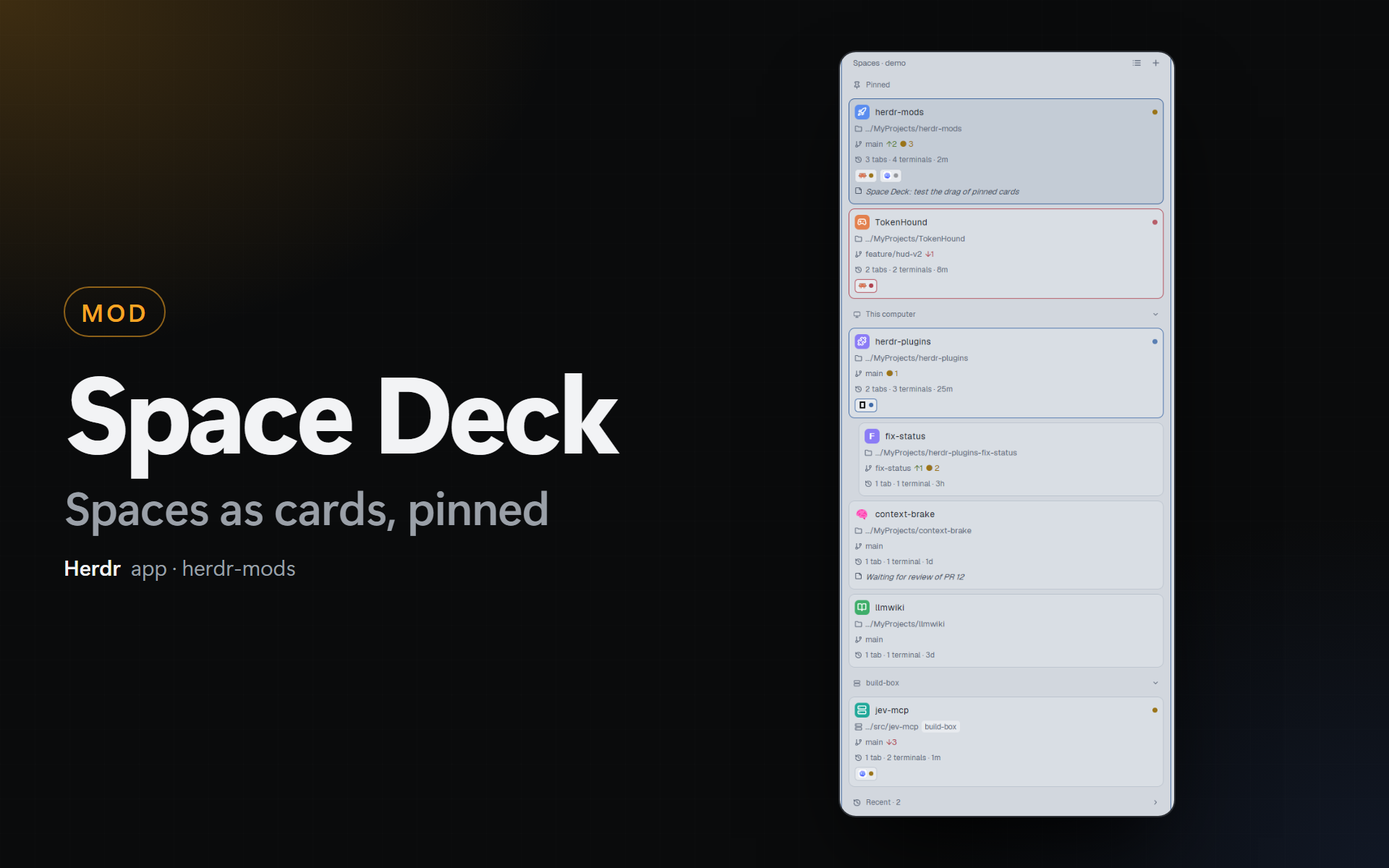
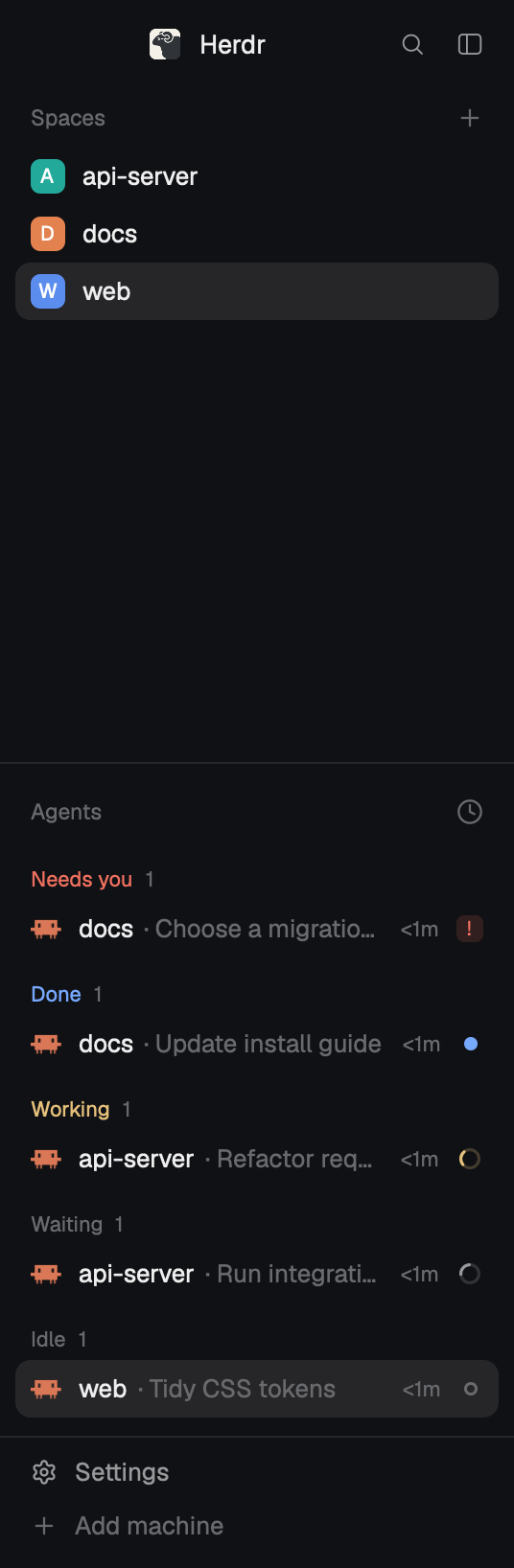
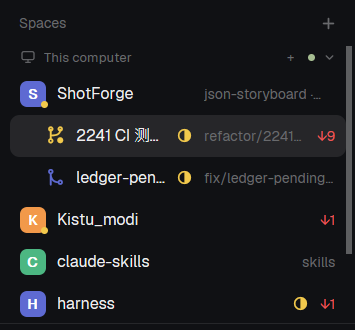
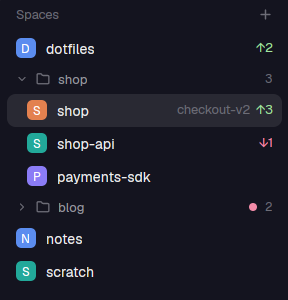
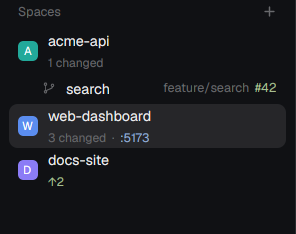
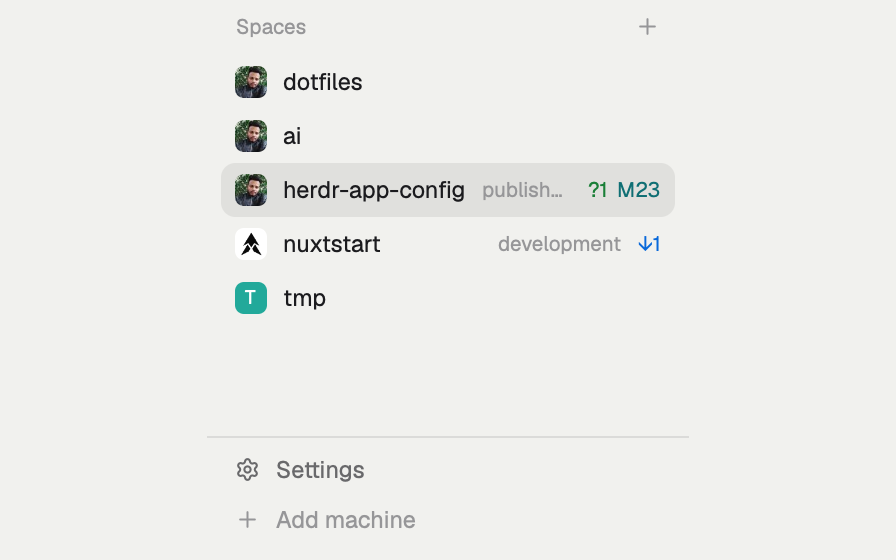
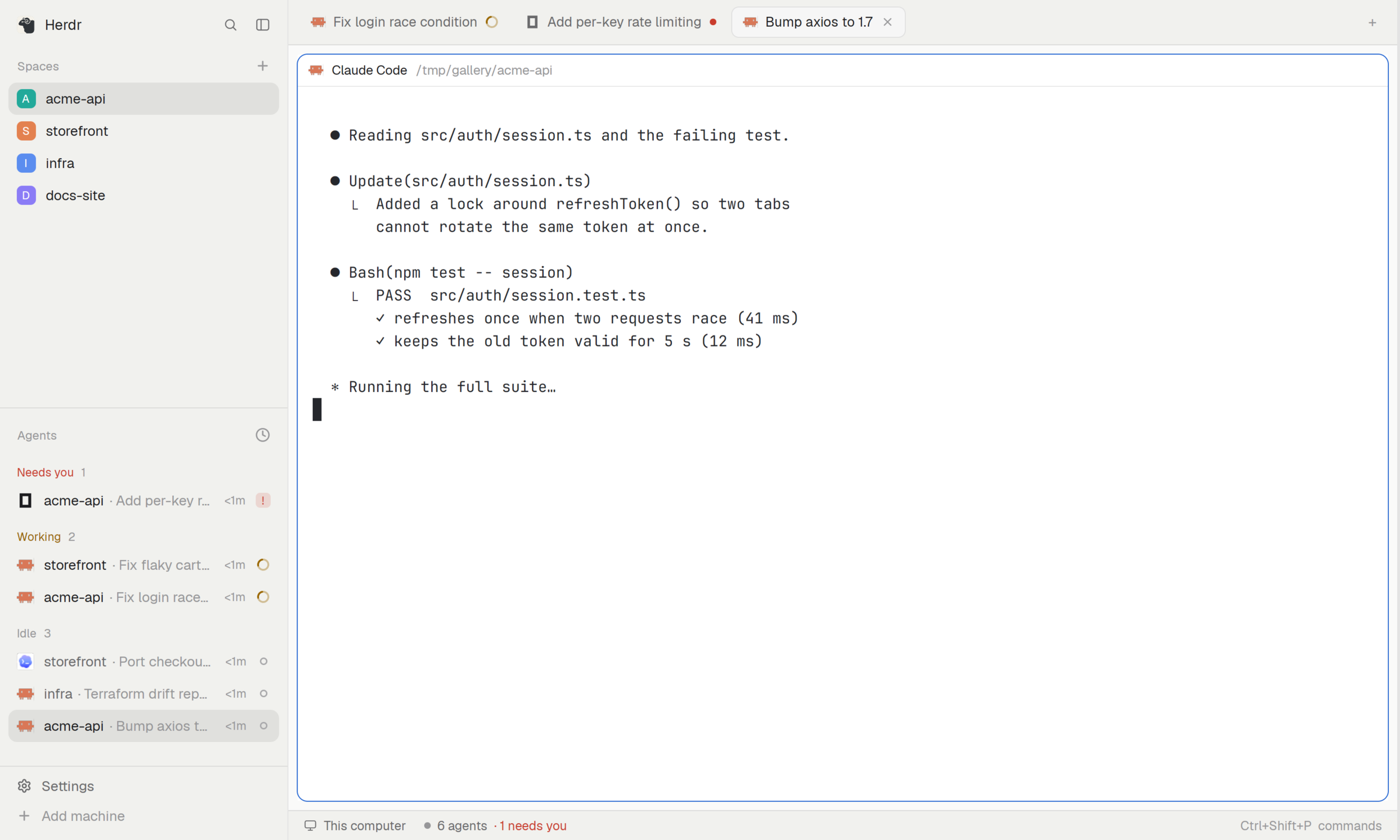
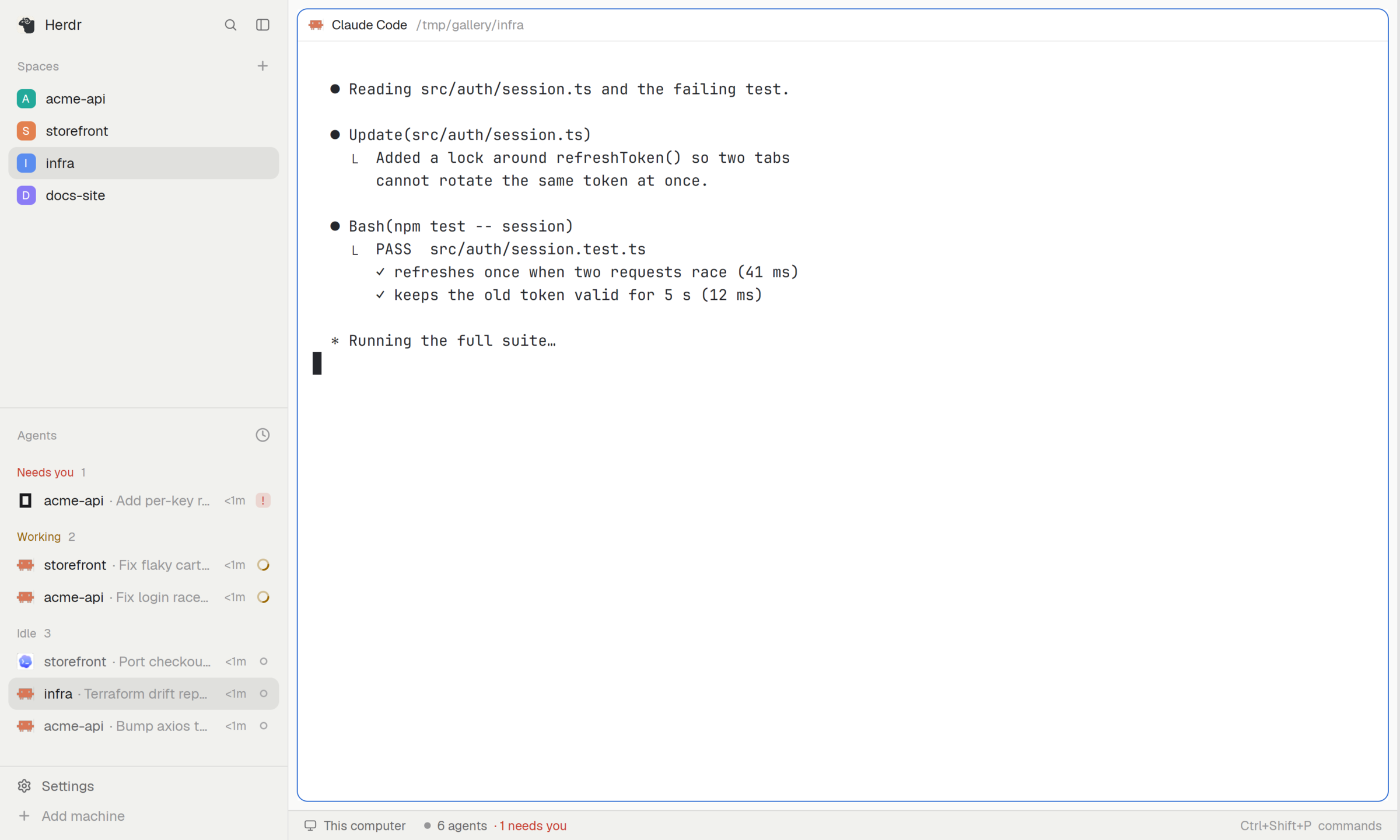
A spaces sidebar in place of Herdr's spaces: each row shows the space's agent state where the avatar was, its Linear issue as a chip when it's named after one, then its name and the git of its first terminal. A space has a color only when you give it one (right-click), drawn as a thin stripe. Next to the machine-switch mod it shows one session; without it, every machine's spaces under machine headers.


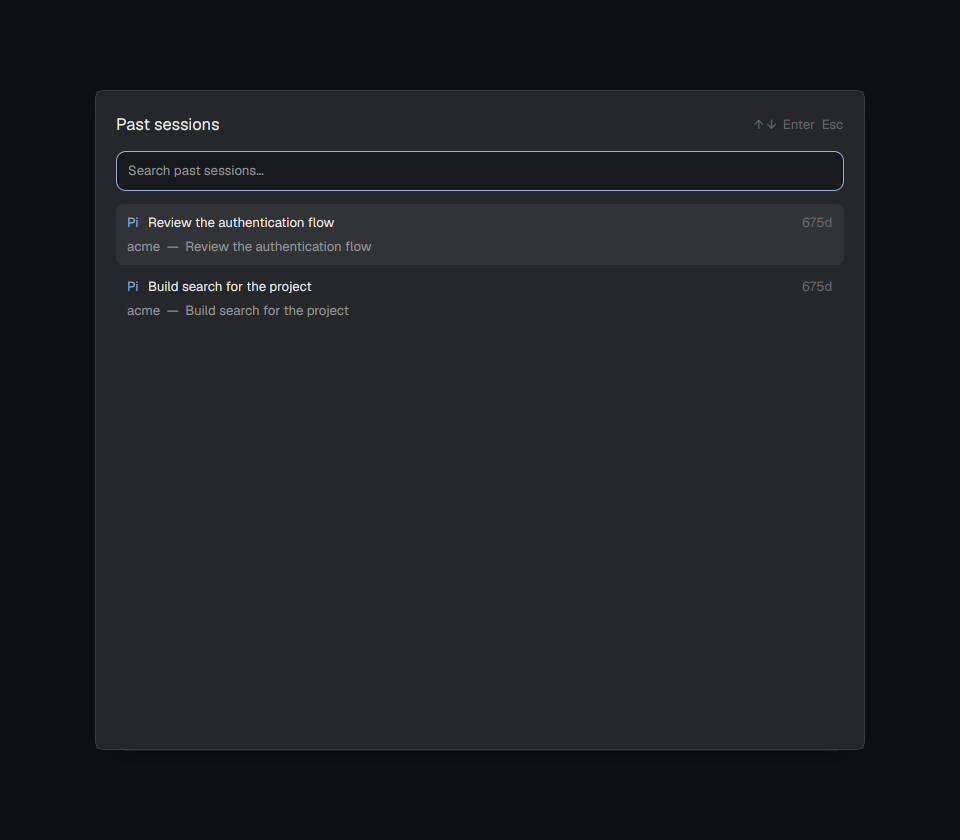



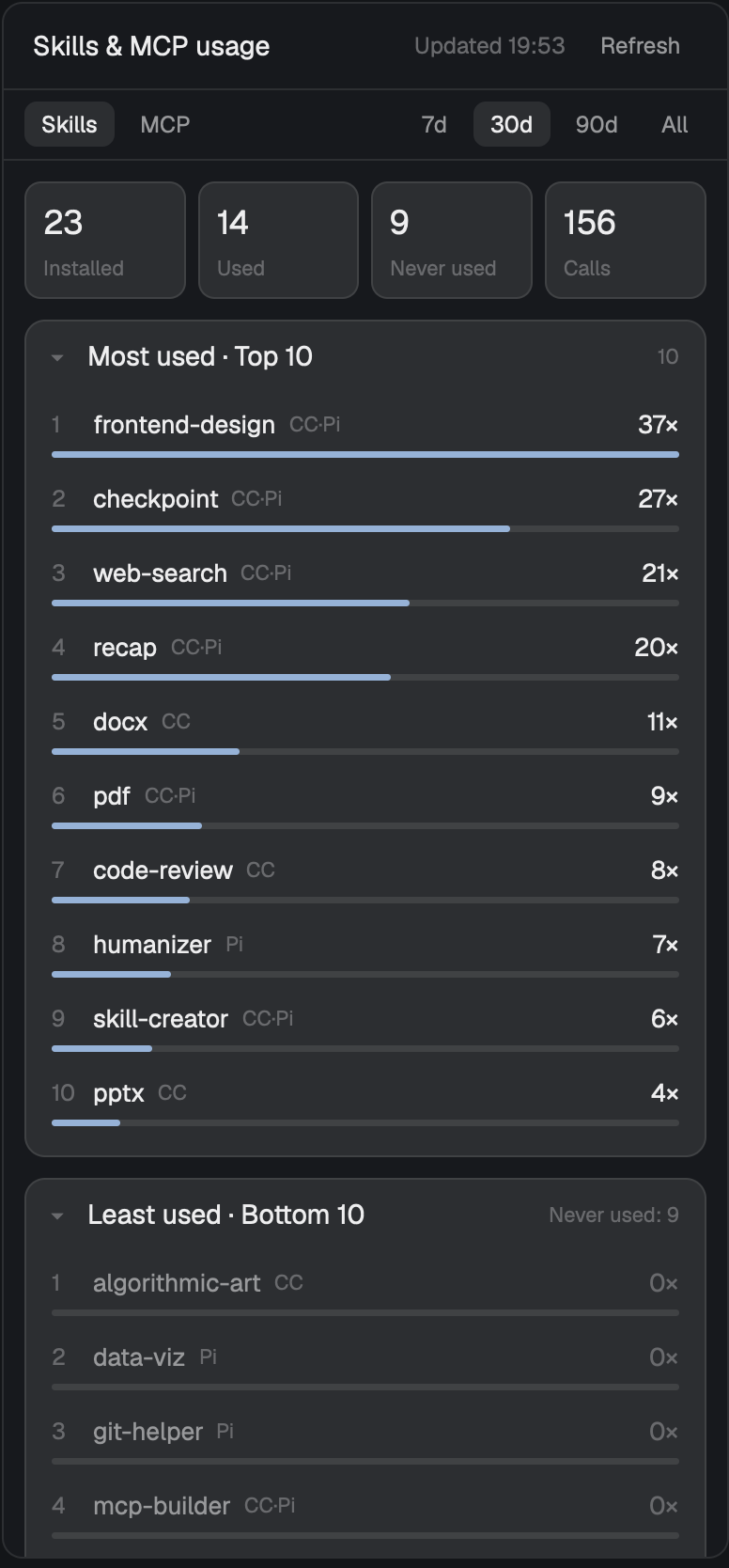
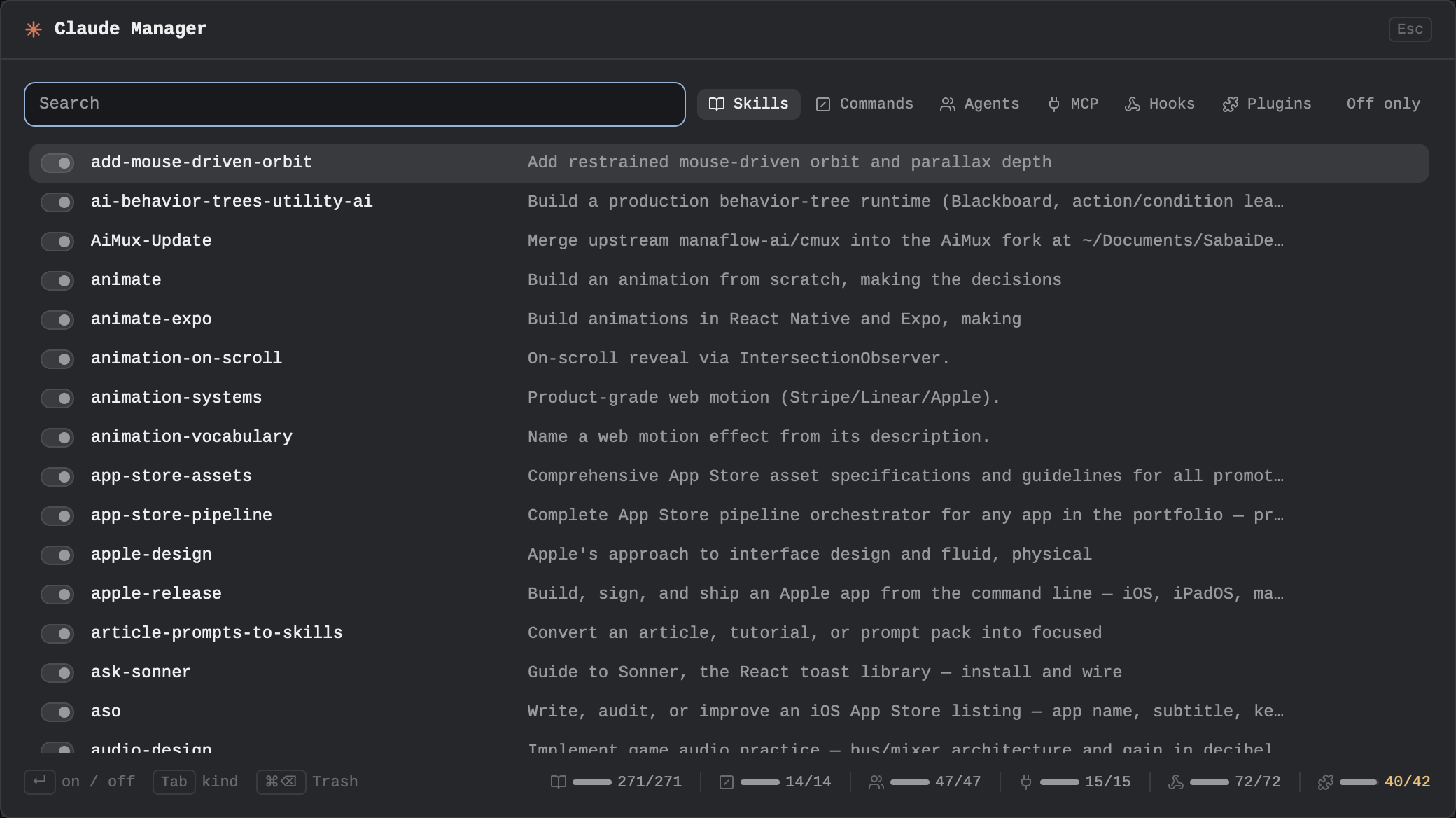
A panel of your Claude Code skills: the personal ones in ~/.claude/skills and the ones in the focused repo's .claude/skills, as cards with their slash name, a one-sentence description and argument hint. Run one and it goes as /name args to an agent already open in this space, or to a new agent tab in the repo; edit opens it in nvim; New scaffolds a SKILL.md. A bar on top says which repo and branch the skills will run against.






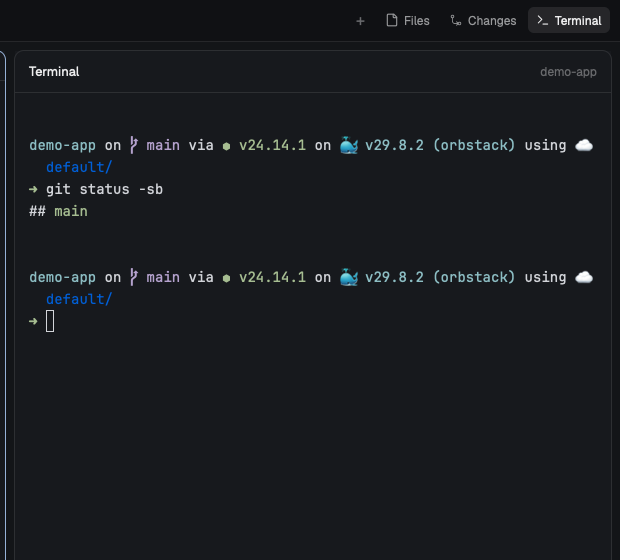

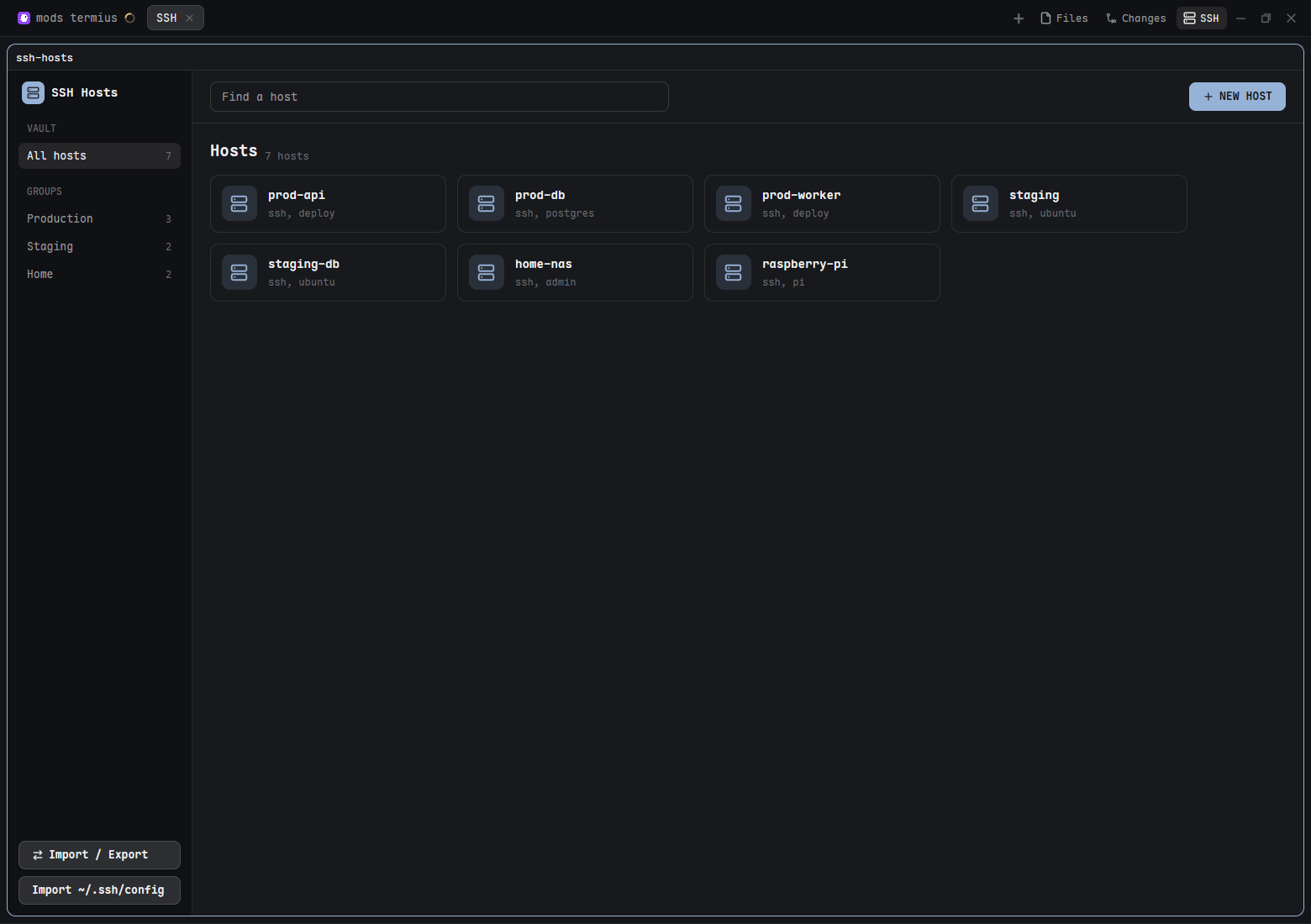
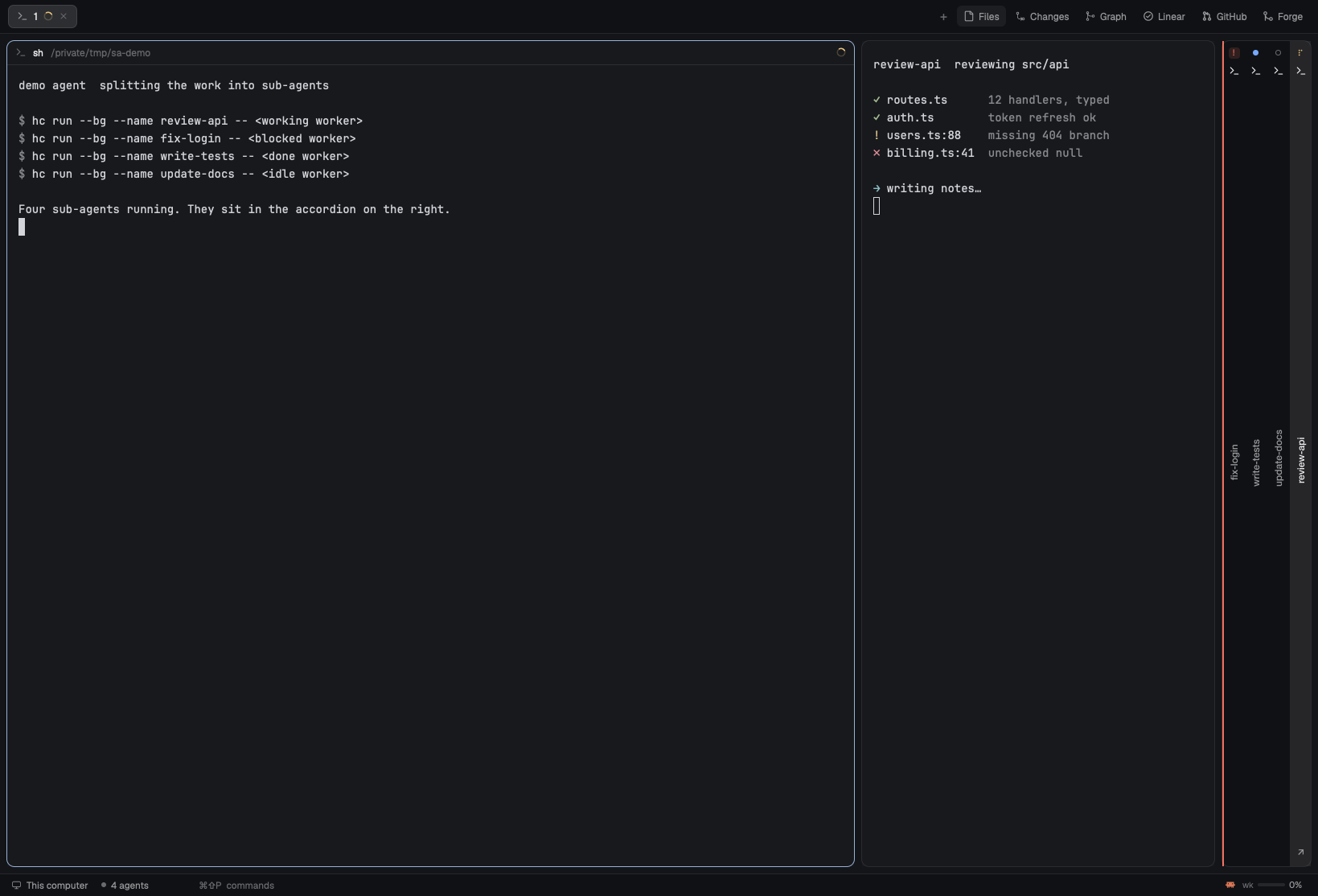

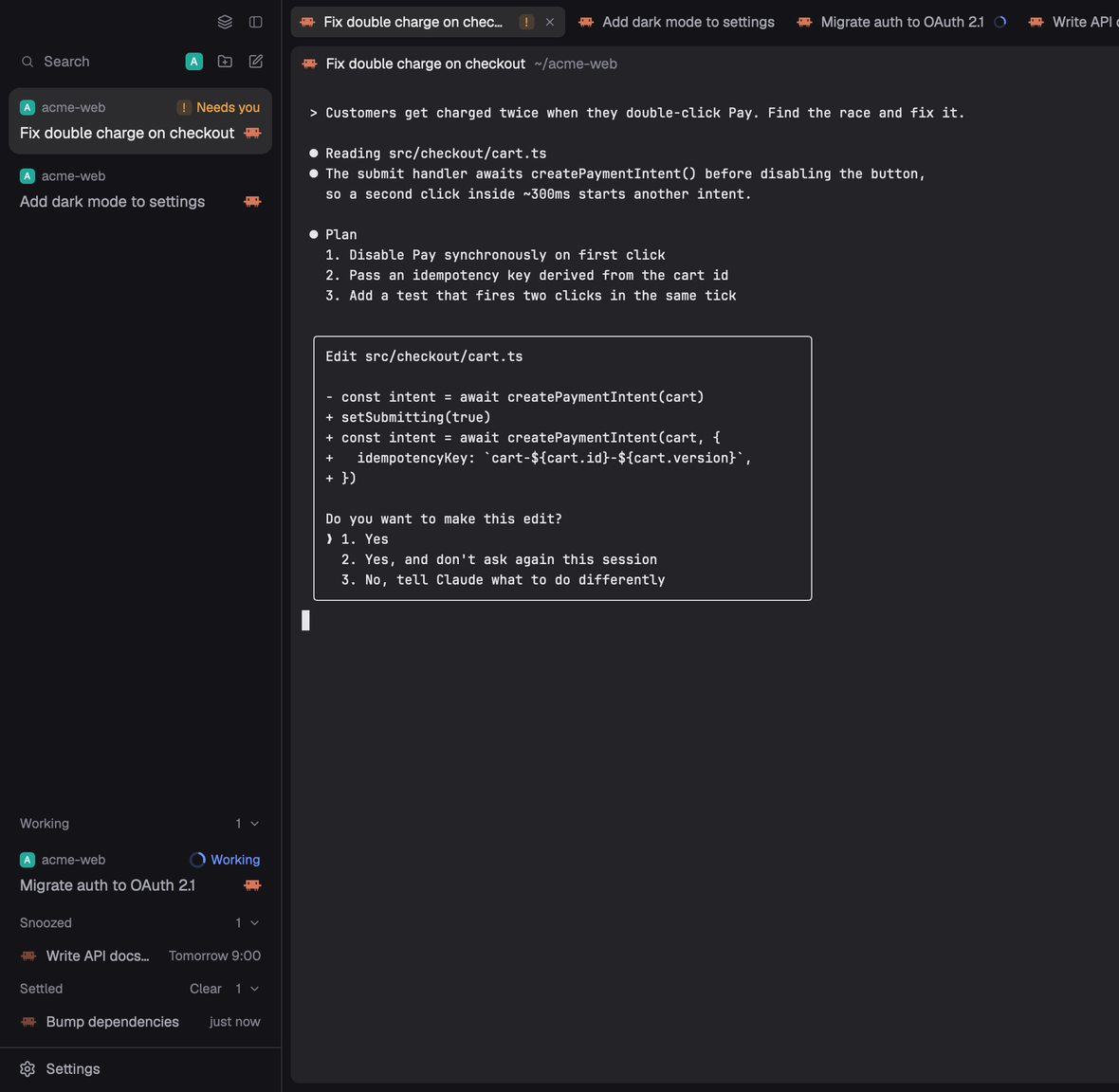
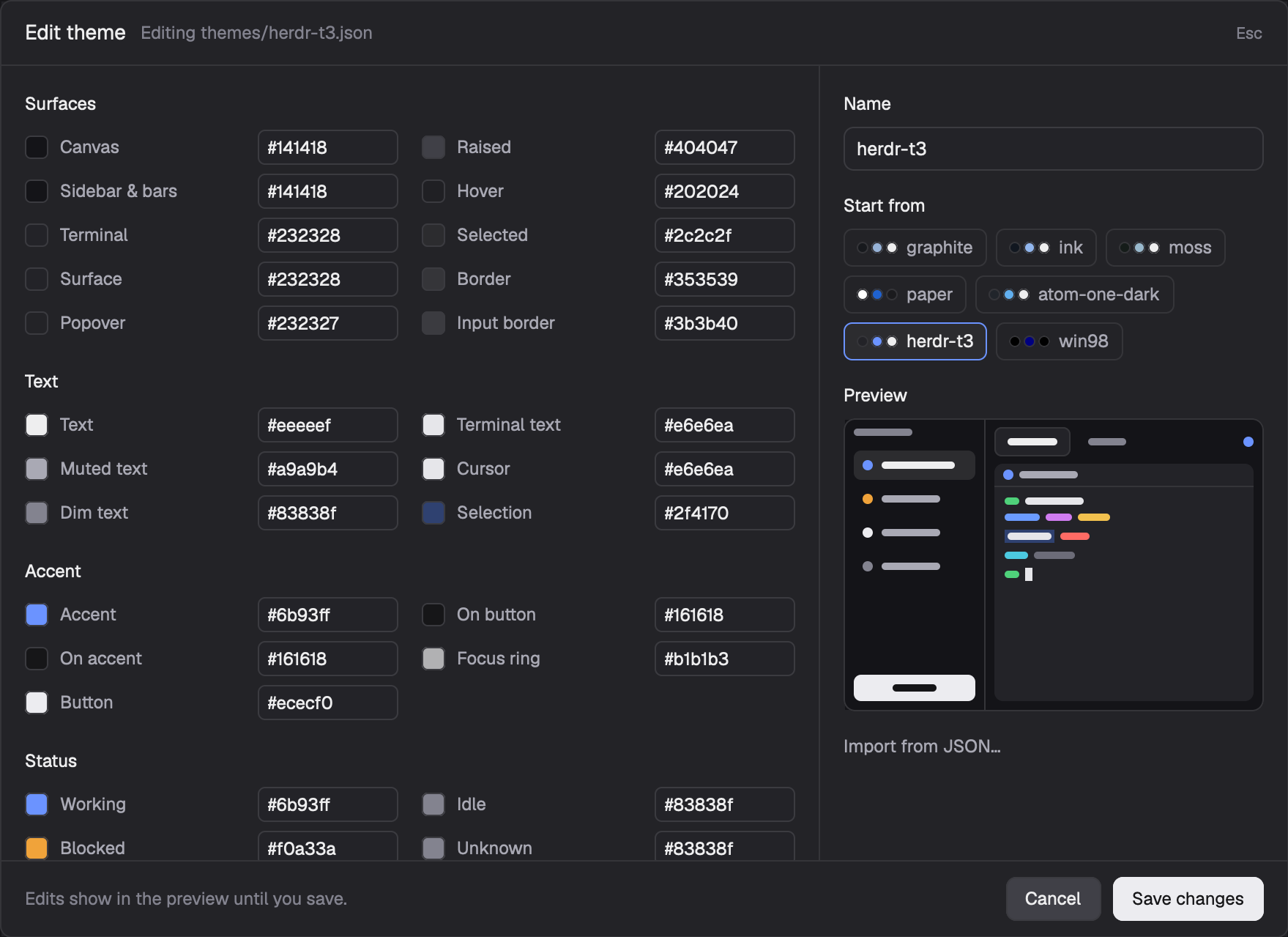
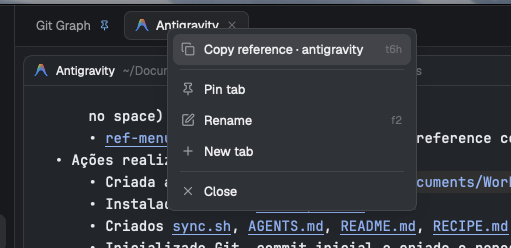

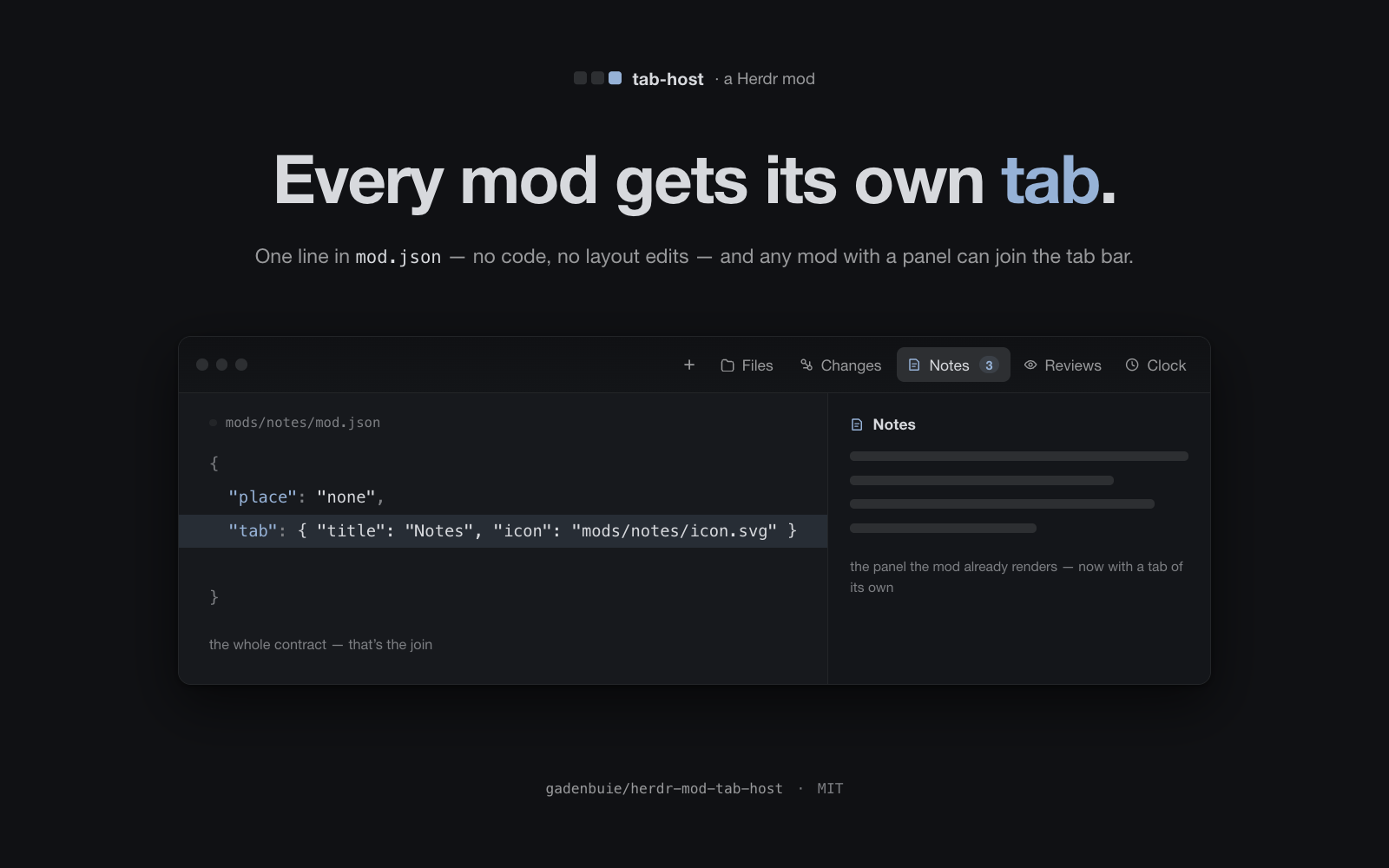
Herdr's tab bar, with better tab names and room for other mods' buttons: an unnamed tab shows its agent's own title, a tab named #123 takes that GitHub issue's or pull request's title, and a mod adds a button by declaring it in its own mod.json. It takes the place of Herdr's own tab bar in your layout; it isn't a new window.






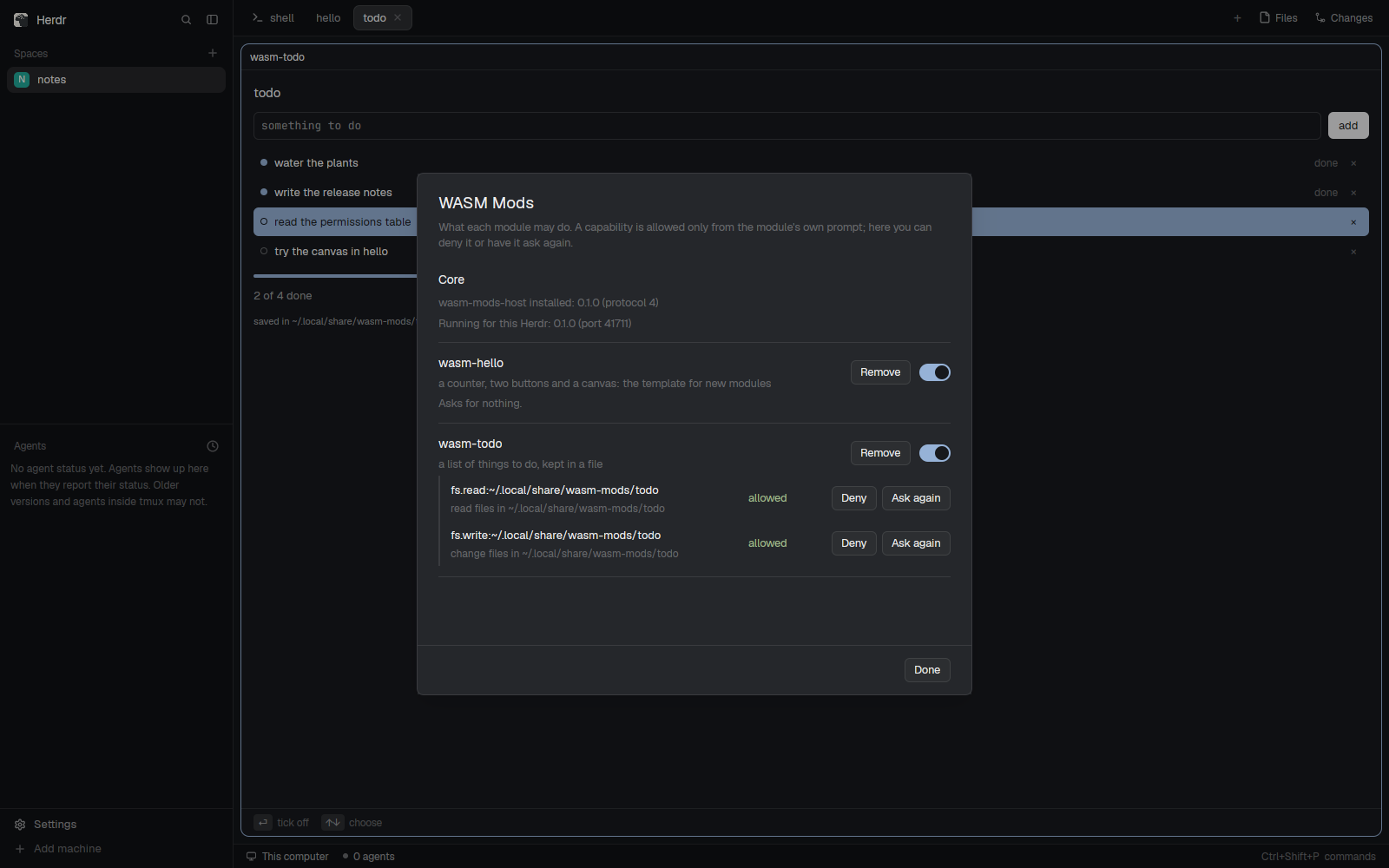
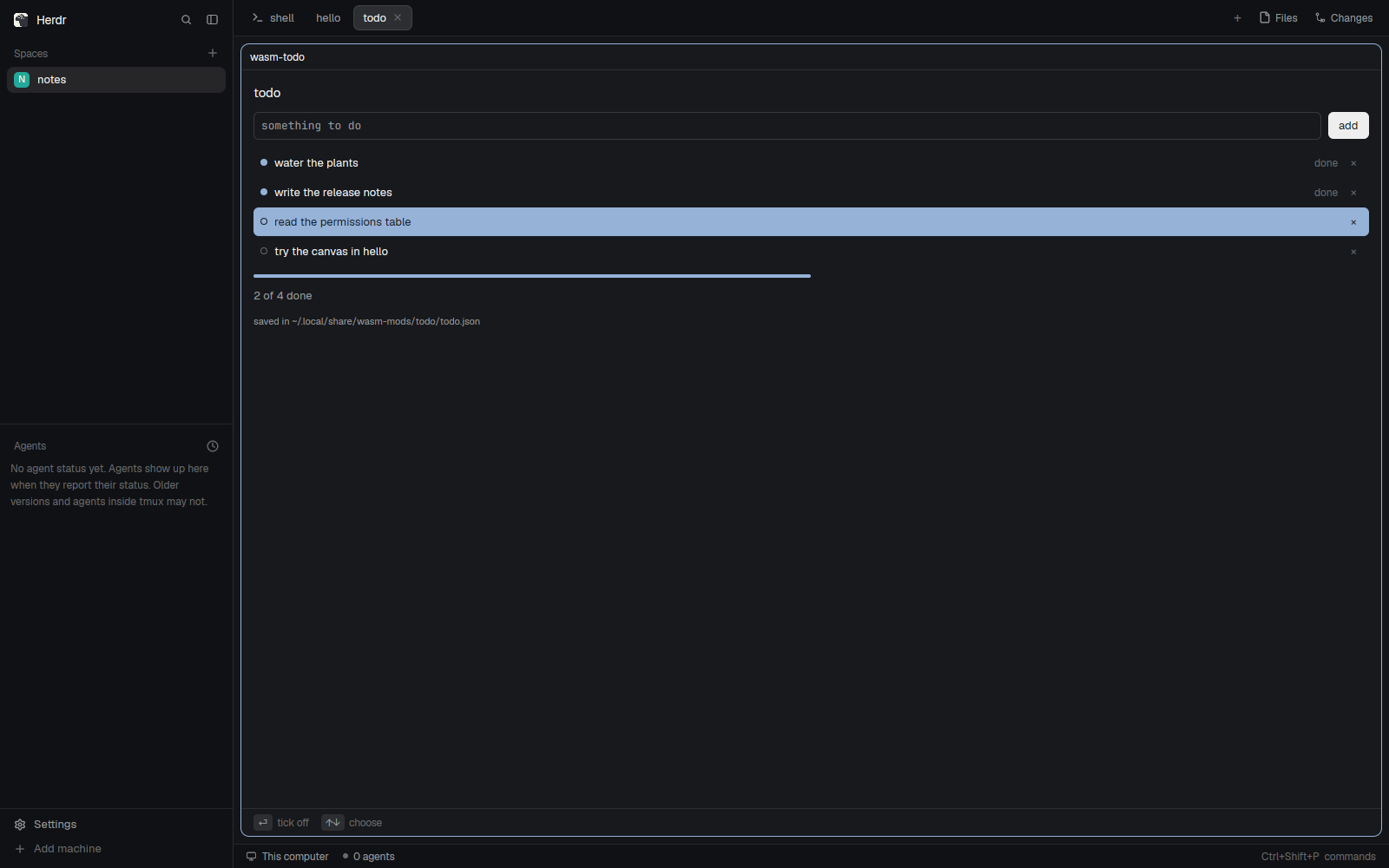
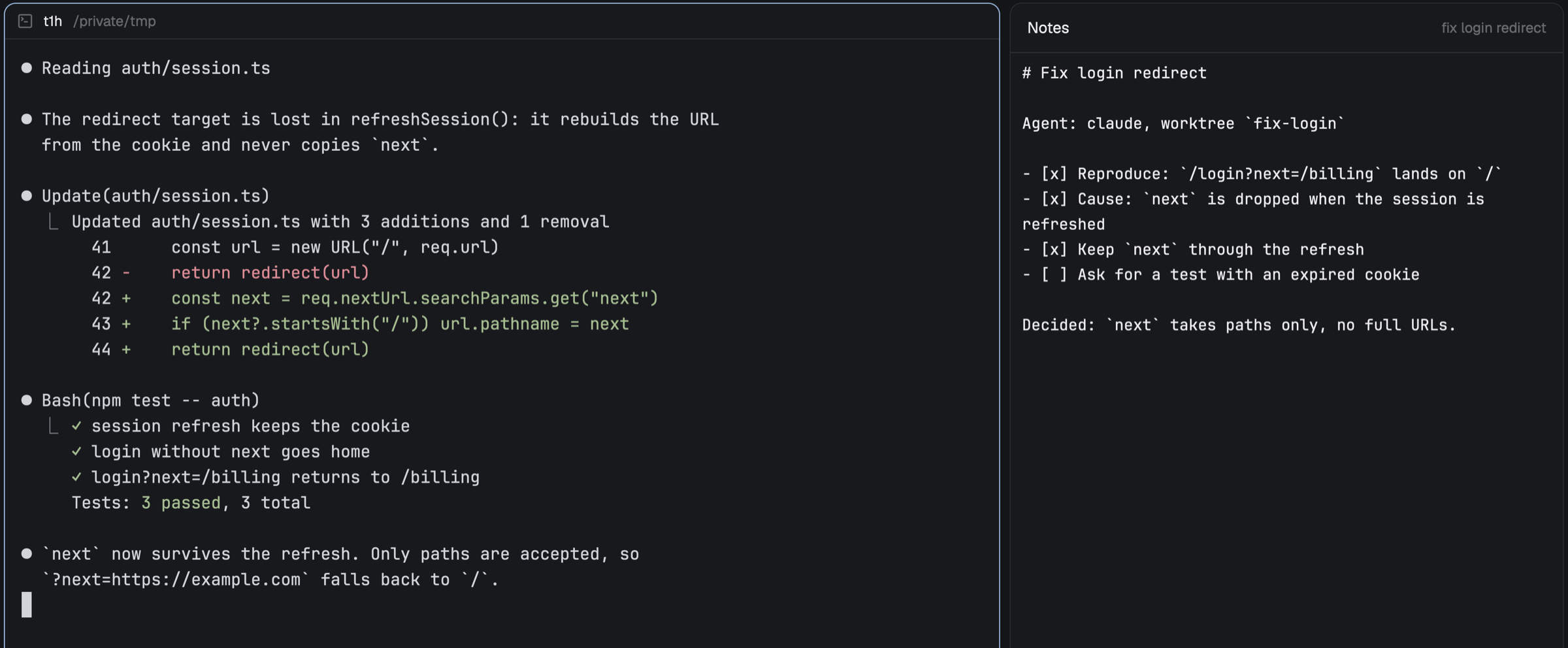
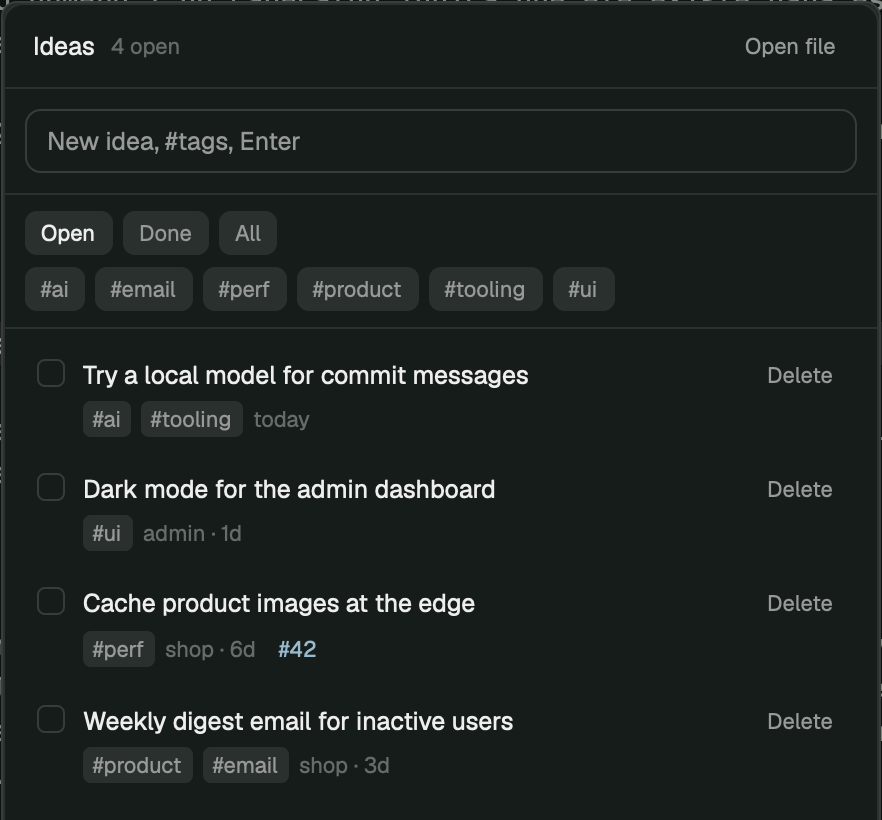
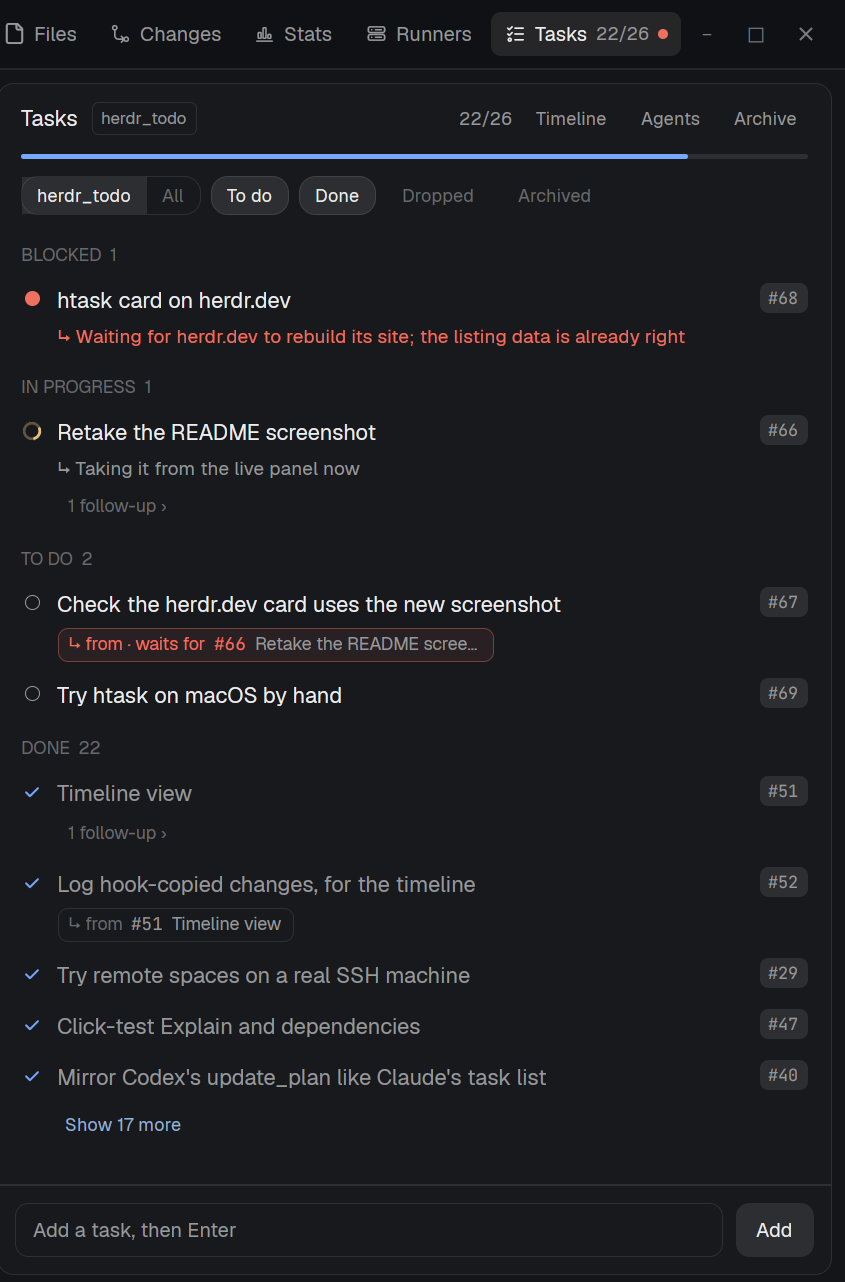
A keyboard-first todo panel for the right side of the window. Todos live as plain Markdown pages (# Title plus - [ ] item lines) in ~/.config/herdr-app/todos/. The panel lists the pages, newest first, each with its next open todo and a progress bar; open one to check, add, nest, fold, reorder and delete todos with vim-style keys. Every change is written to disk at once, notes that aren't todos are kept, and edits made elsewhere (nvim, a synced folder) show up live.